V5Artists
sort: FAVS▾
▾
>
$

NovelAI V5 Artist Tags List

artist --count 2,536[9/43]
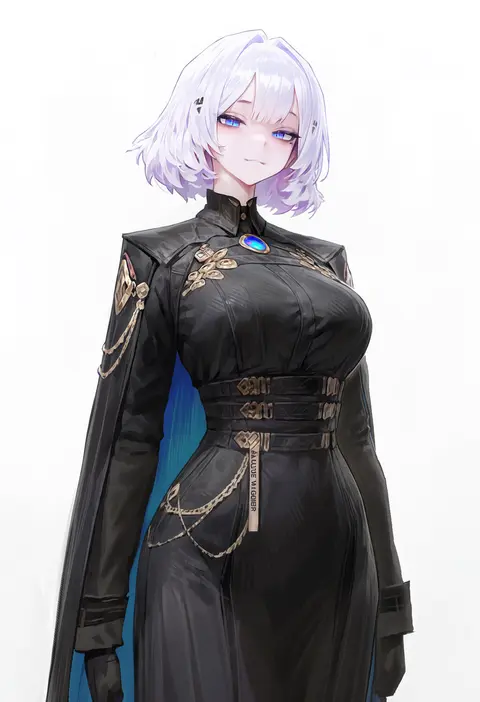
agoto
ARTIST0x01E0
3
sousouman
ARTIST0x01E1
3
amazuyu tatsuki
ARTIST0x01E2
3
ask (askzy)
ARTIST0x01E3
3
koyama hirokazu
ARTIST0x01E4
3
watanabe akio
ARTIST0x01E5
3
tajima ryuushi
ARTIST0x01E6
3
sakiyamama
ARTIST0x01E7
3
doremi (doremi4704)
ARTIST0x01E8
3
csyday
ARTIST0x01E9
3
fumitsuki (minaduki 6)
ARTIST0x01EA
3
zumi (zumidraws)
ARTIST0x01EB
3
wanke
ARTIST0x01EC
3
bikkusama
ARTIST0x01ED
3
soejima shigenori
ARTIST0x01EE
3
super masara
ARTIST0x01EF
3
alchemaniac
ARTIST0x01F0
3
yukisame
ARTIST0x01F1
3
cocomayo29 (tomato)
ARTIST0x01F2
3
pekeko (pepekekeko)
ARTIST0x01F3
3
natsuki teru
ARTIST0x01F4
3
ryuuzaki ichi
ARTIST0x01F5
3
efukei
ARTIST0x01F6
3
alex ahad
ARTIST0x01F7
3
tani takeshi
ARTIST0x01F8
3
meremero
ARTIST0x01F9
3
a-ka
ARTIST0x01FA
3
asteroid ill
ARTIST0x01FB
3
gearous
ARTIST0x01FC
3
bekkankou
ARTIST0x01FD
3
maccha (mochancc)
ARTIST0x01FE
3
maigoyaki
ARTIST0x01FF
3
fathom
ARTIST0x0200
3
semi (p-poco)
ARTIST0x0201
3
mashuu masaki
ARTIST0x0202
3
nishihara isao
ARTIST0x0203
3
yanagi (nurikoboshi)
ARTIST0x0204
3
aoi (yooo009)
ARTIST0x0205
3
yt (wai-tei)
ARTIST0x0206
3
tanjiu
ARTIST0x0207
3
tsukumo kazuita
ARTIST0x0208
3
haun
ARTIST0x0209
3
3774.
ARTIST0x020A
3
sakura oriko
ARTIST0x020B
3
momiji mao
ARTIST0x020C
3
yuuka nonoko
ARTIST0x020D
3
daizu (melon-lemon)
ARTIST0x020E
3
terada tera
ARTIST0x020F
3
grgrton
ARTIST0x0210
3
harano
ARTIST0x0211
3
mizumizuni
ARTIST0x0212
3
youmu-kun
ARTIST0x0213
3
moku (muooku)
ARTIST0x0214
3
nekodayo22
ARTIST0x0215
3
kaede (sayappa)
ARTIST0x0216
2
topu
ARTIST0x0217
2
garouma
ARTIST0x0218
2
pepper0
ARTIST0x0219
2
kuroi suna
ARTIST0x021A
2
neps-l
ARTIST0x021B
2

What these tags change

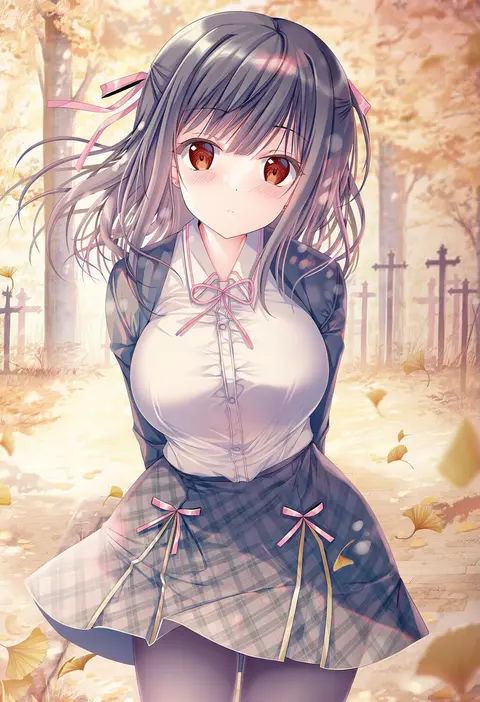
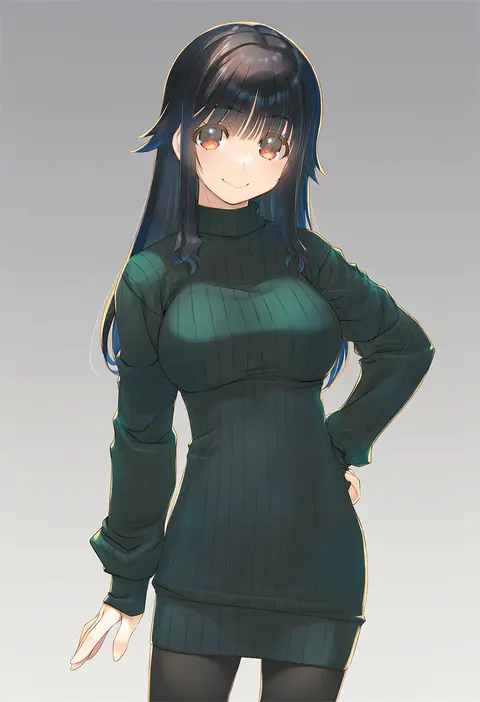
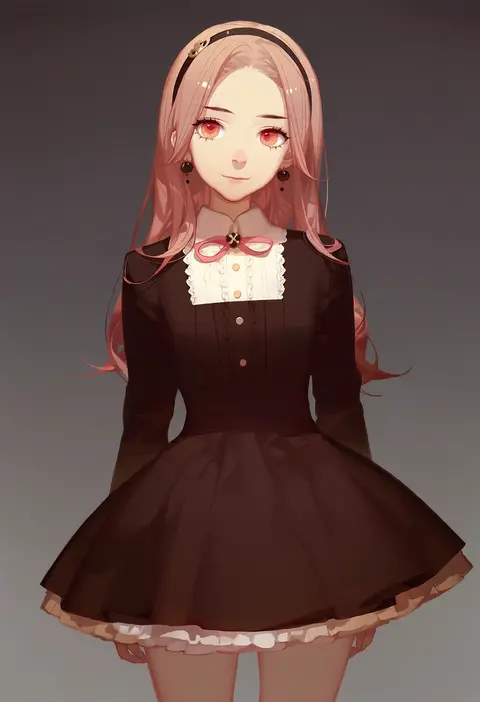
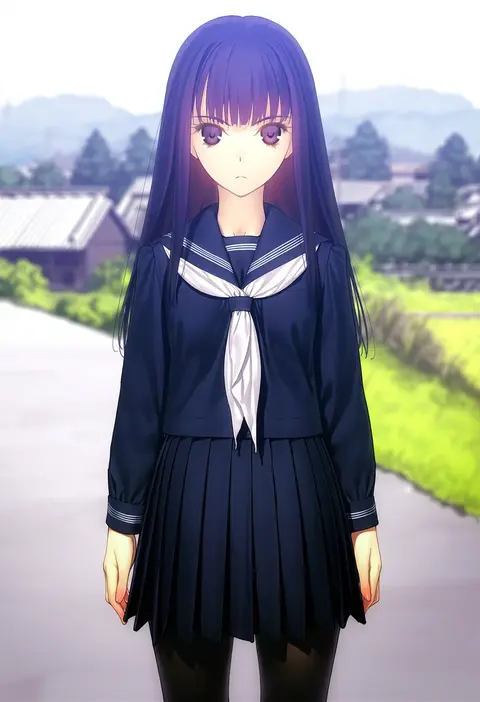
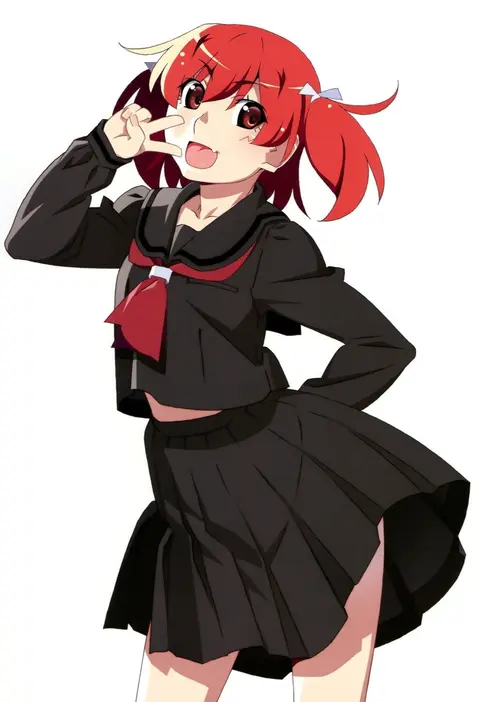
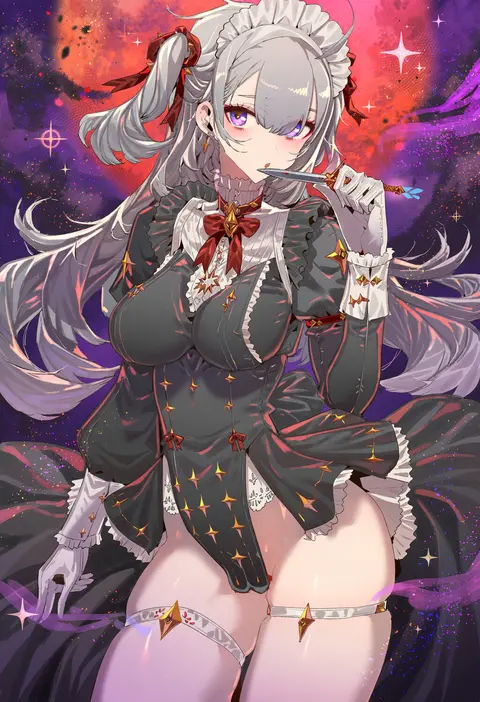
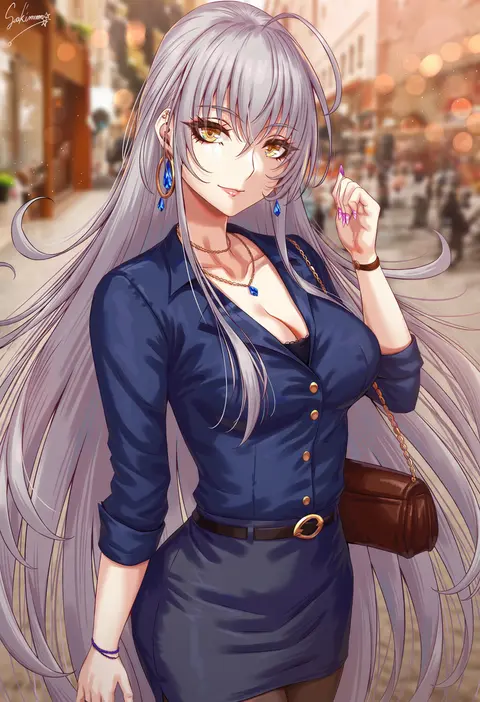
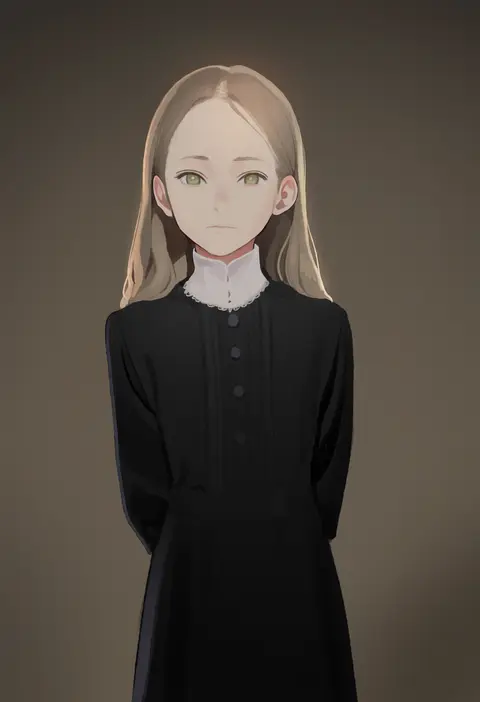
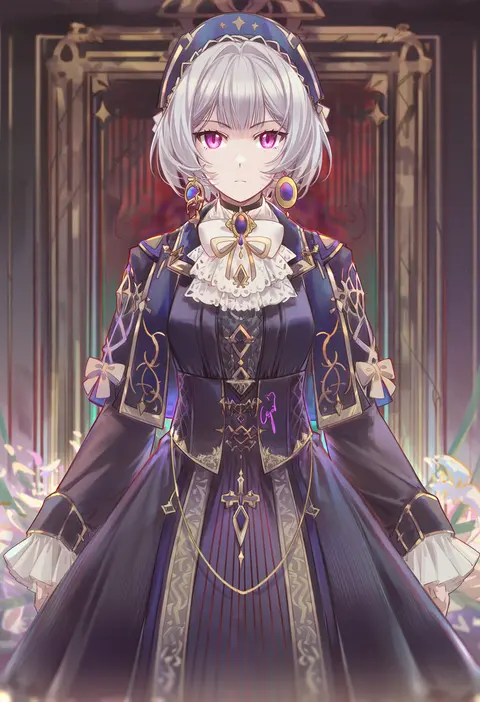
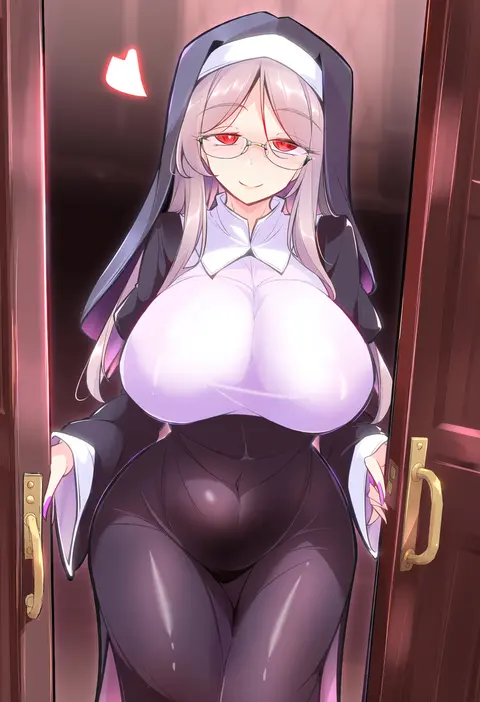
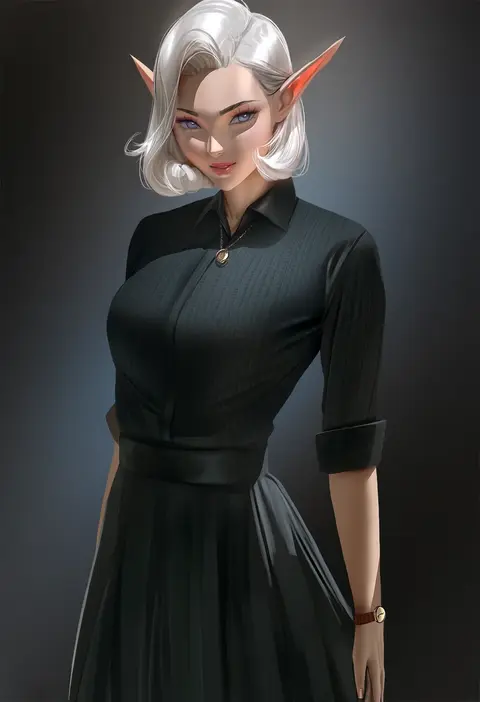
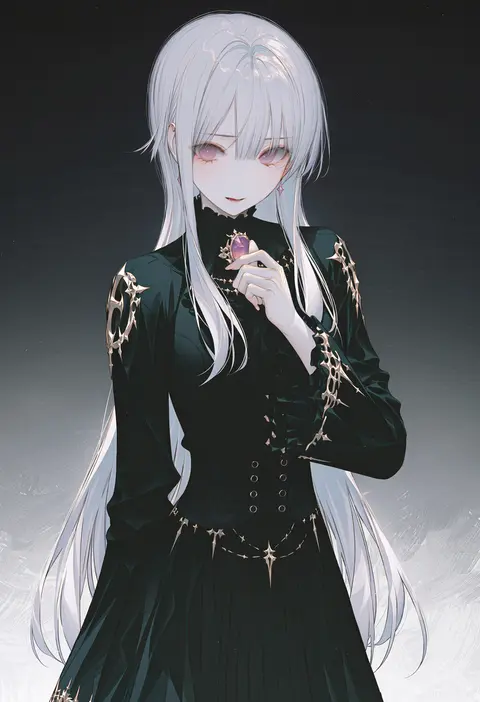
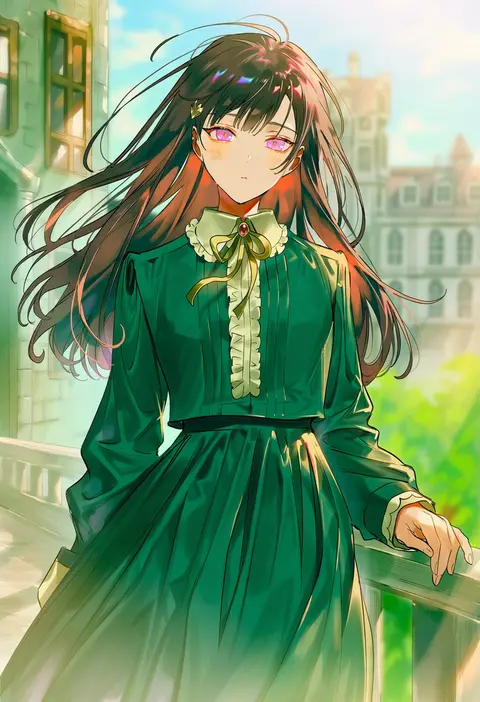
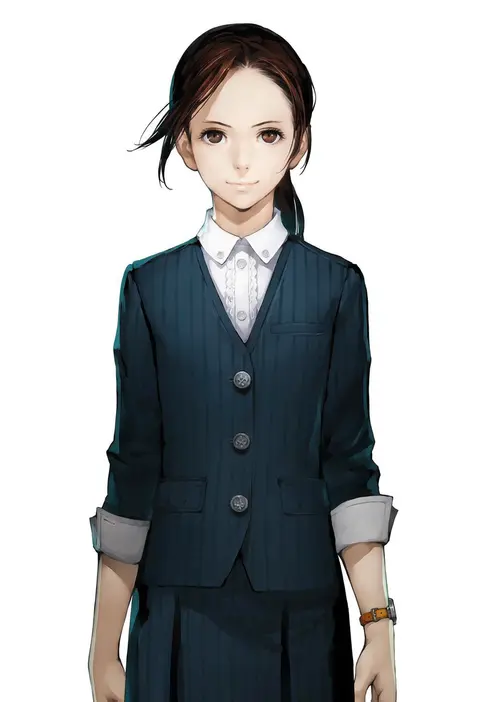
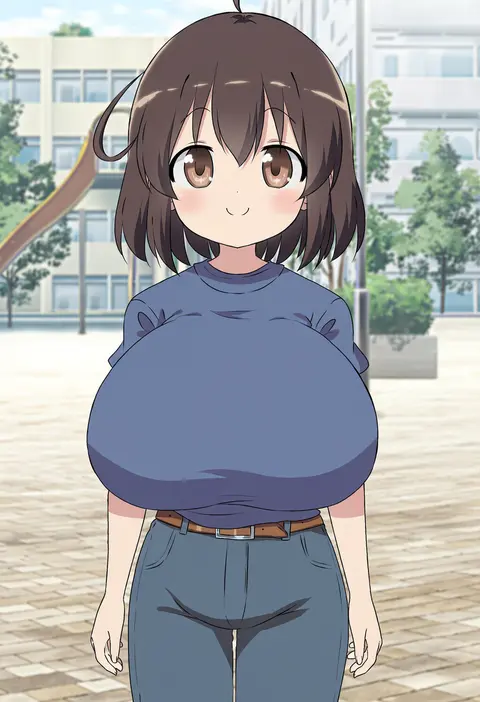
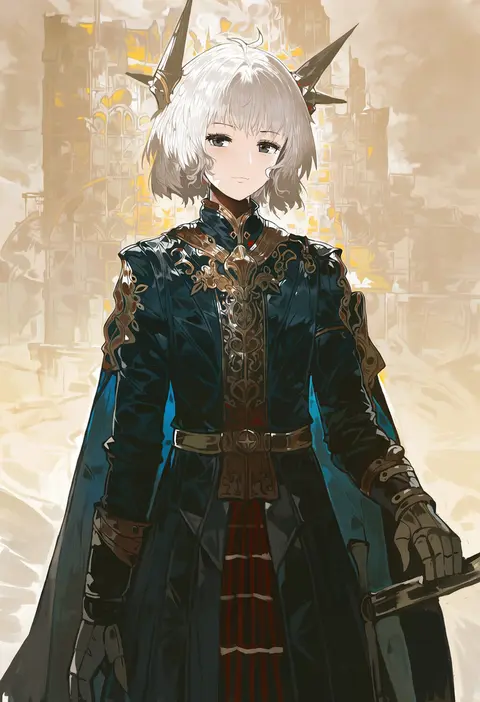
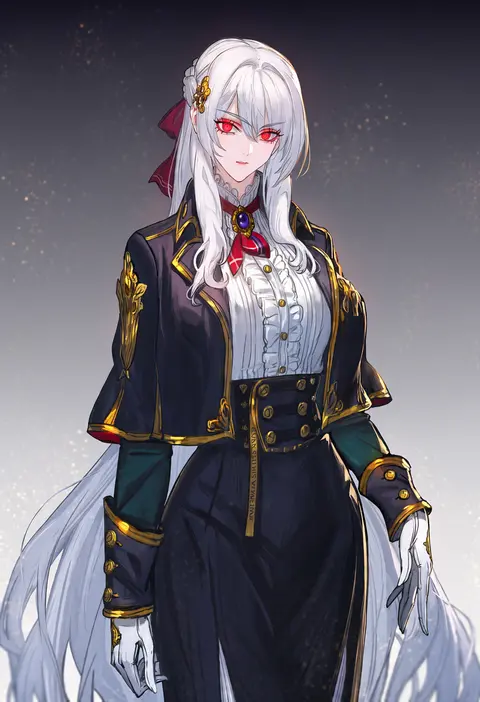
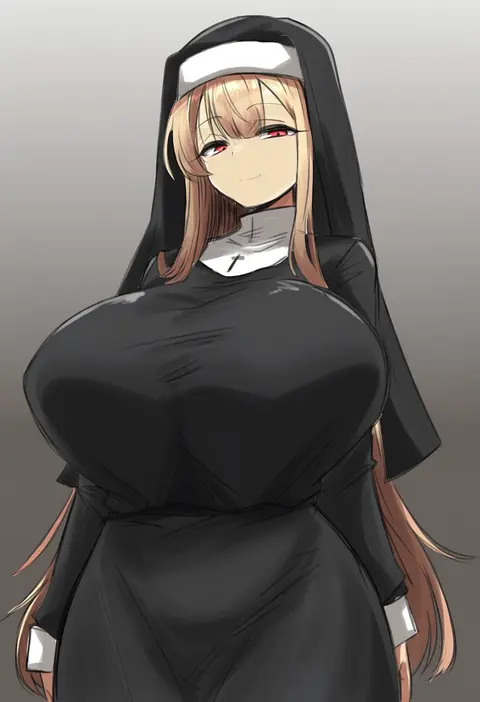
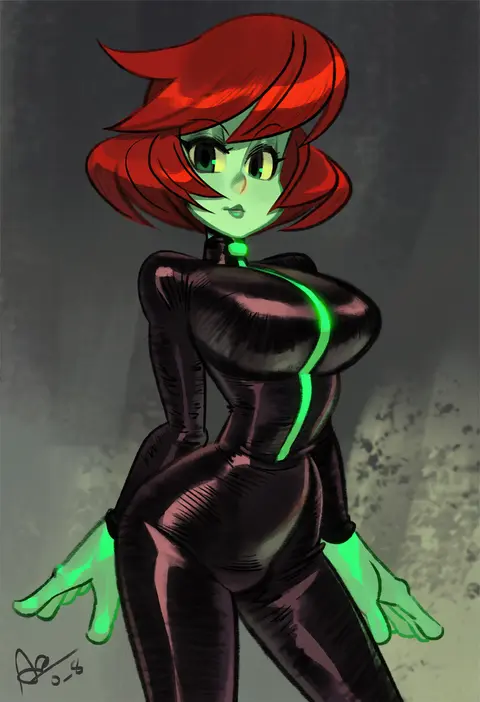
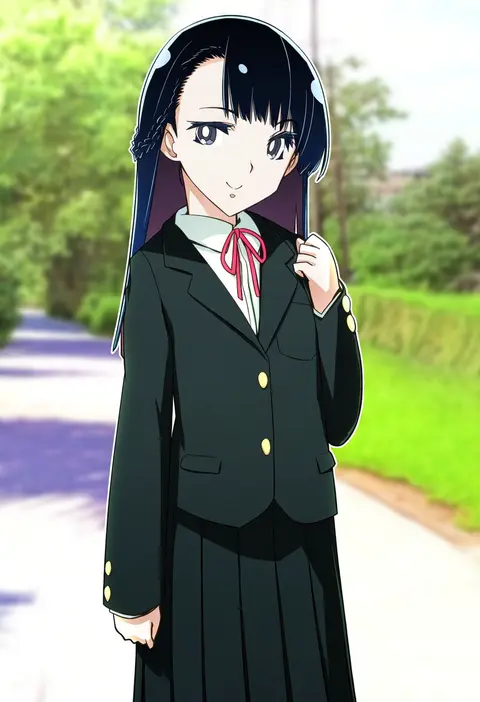
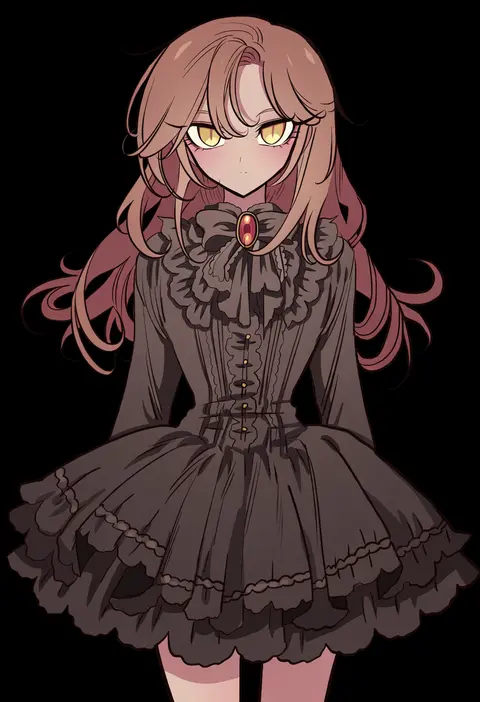
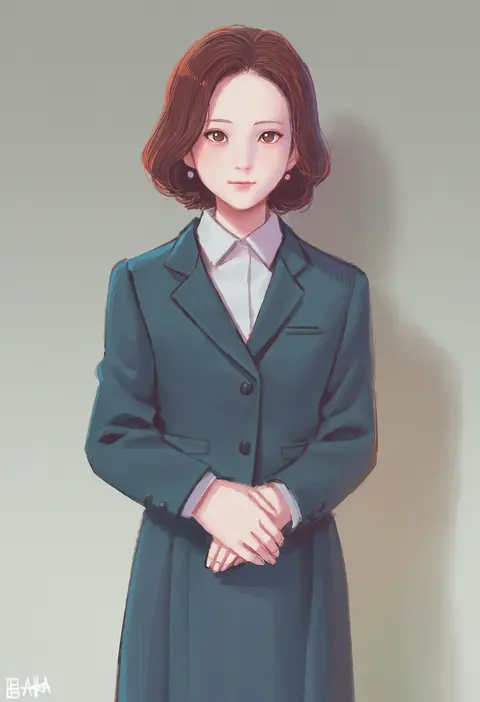
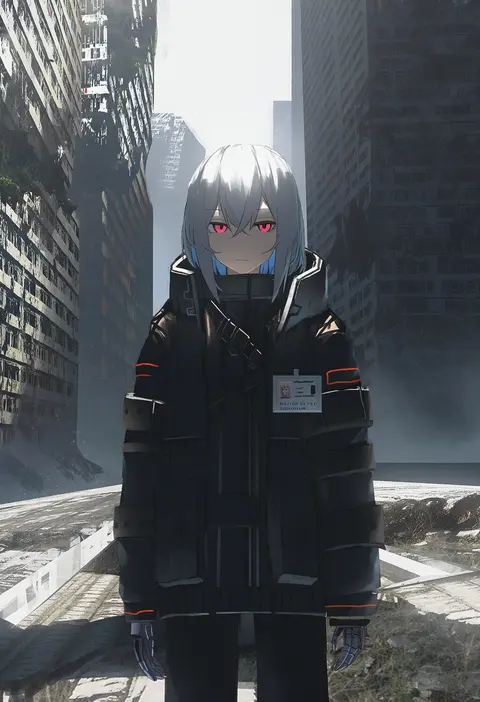
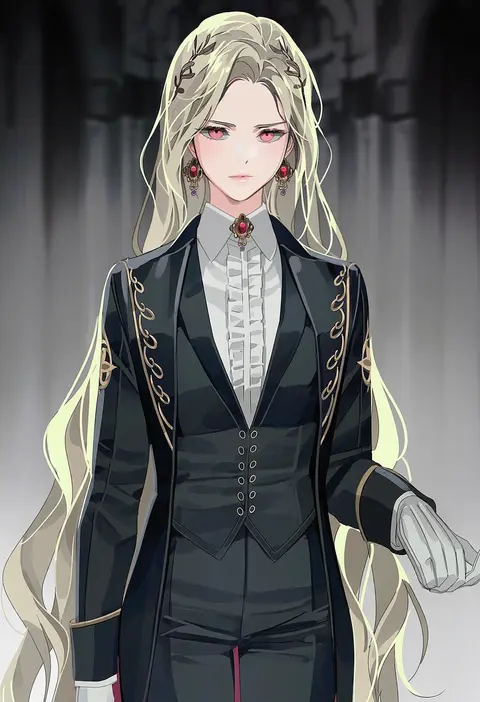
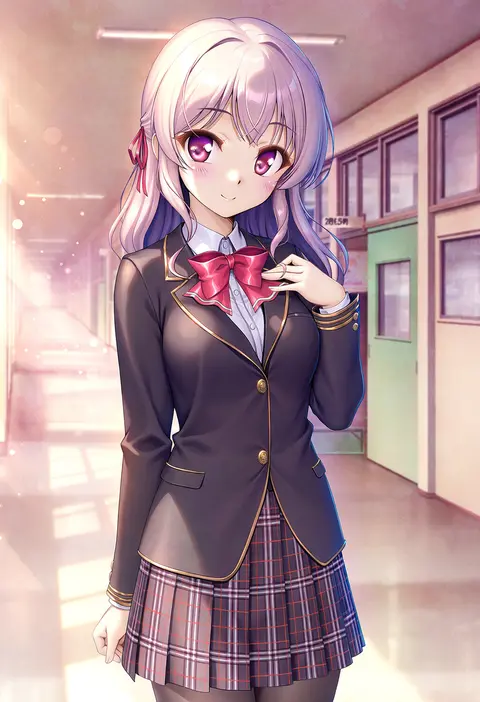
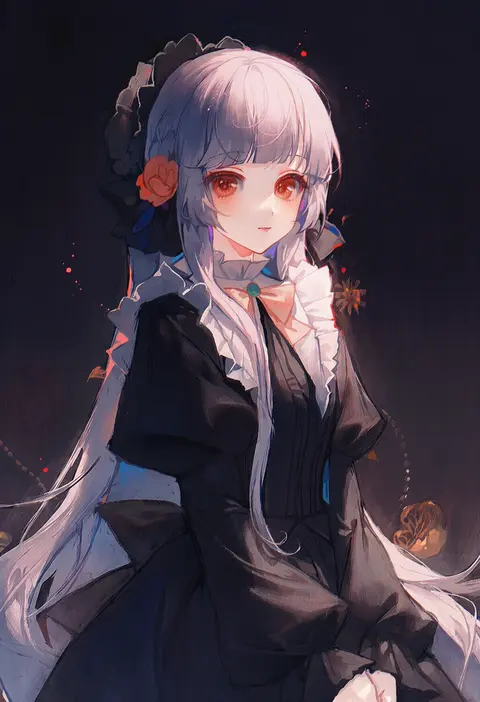
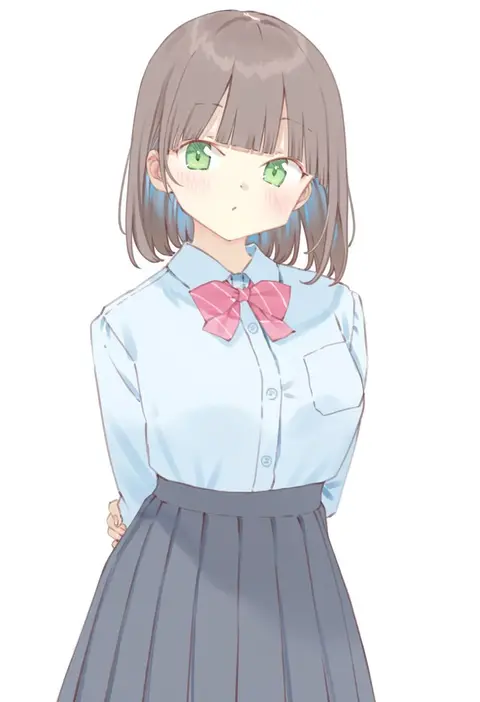
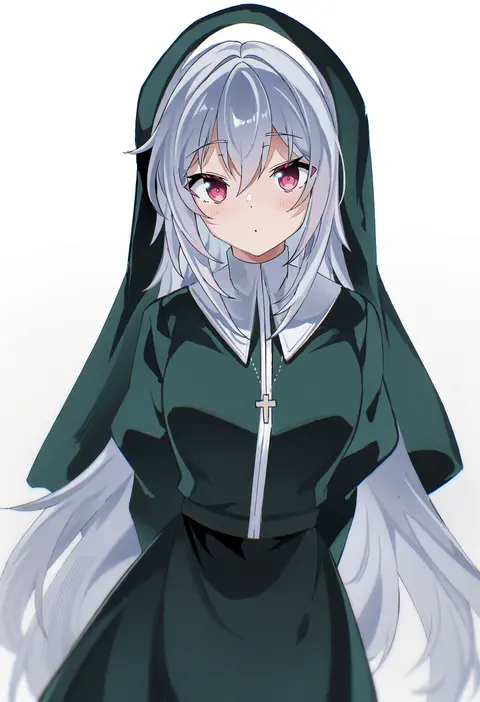
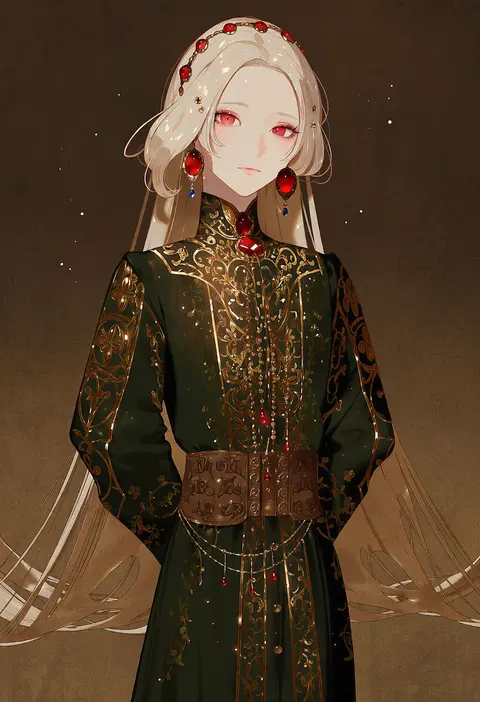
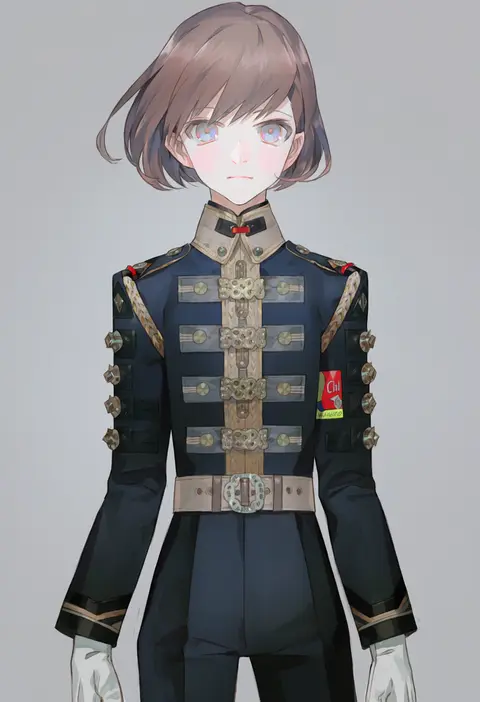
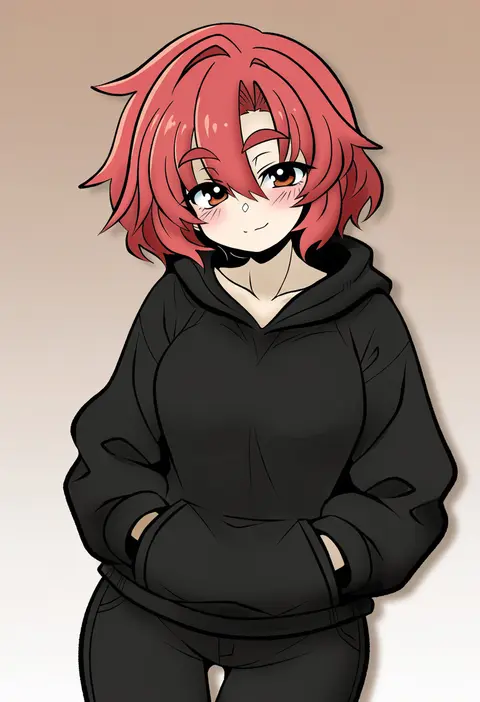
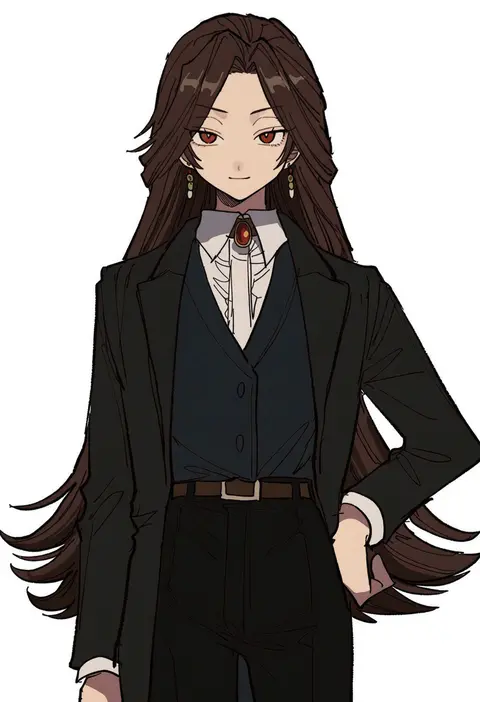
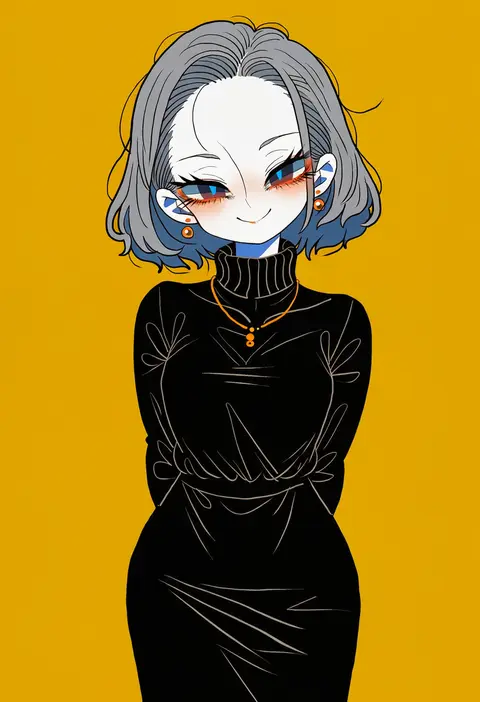
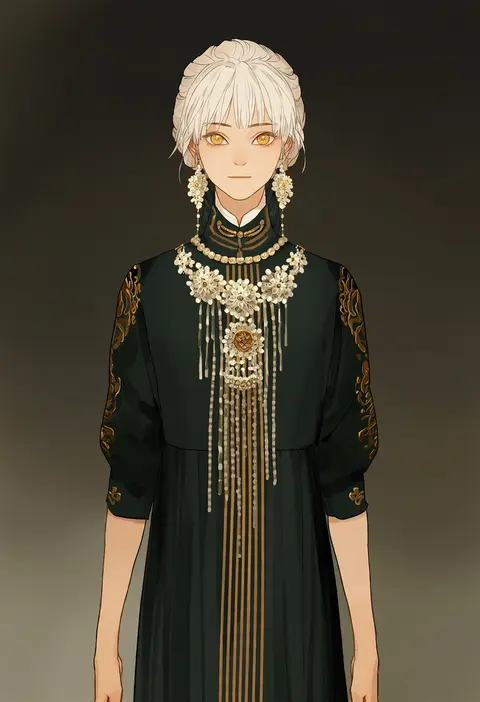
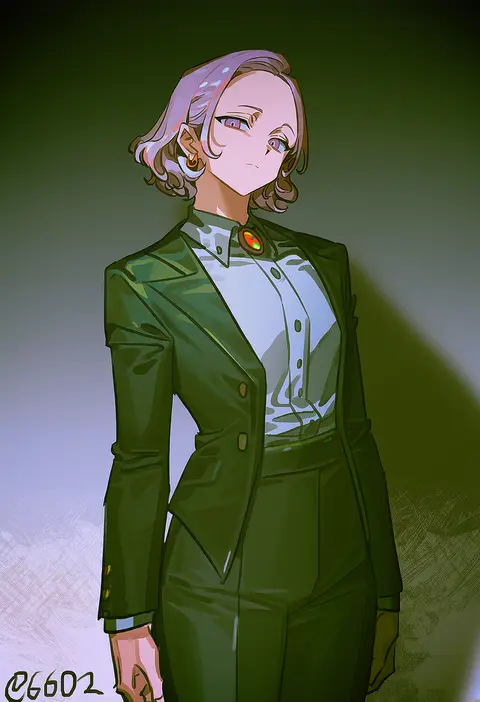
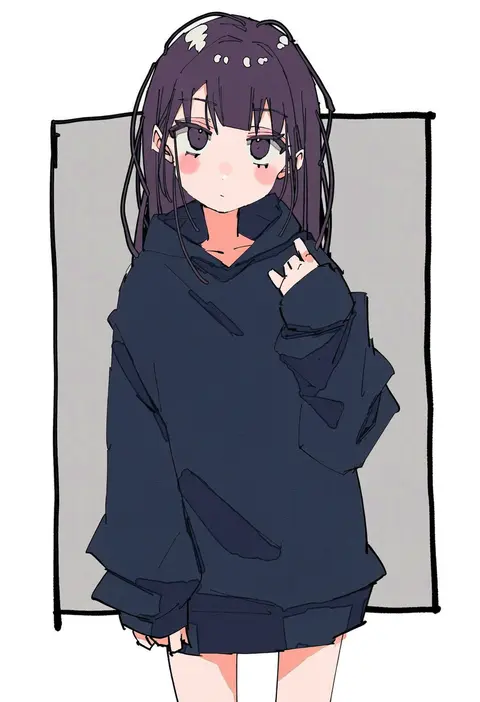
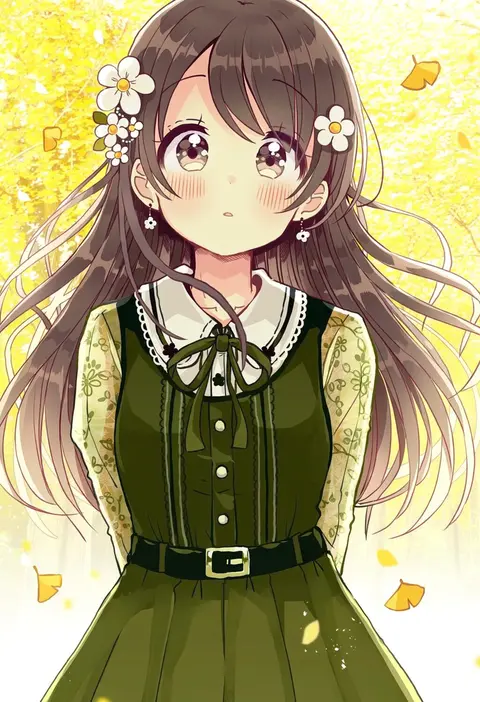
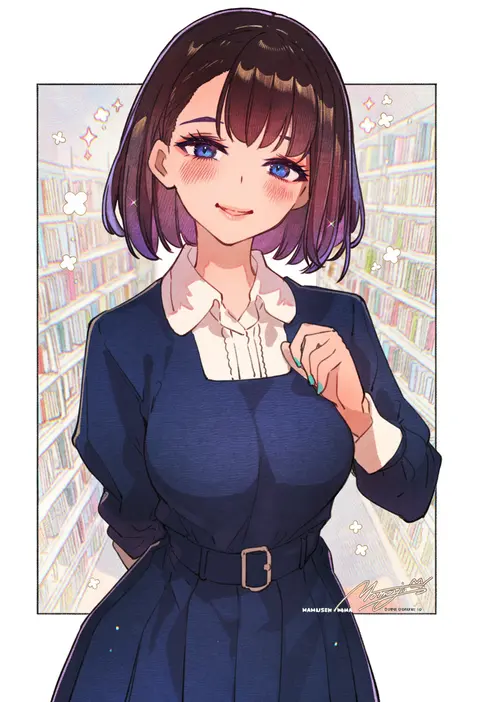
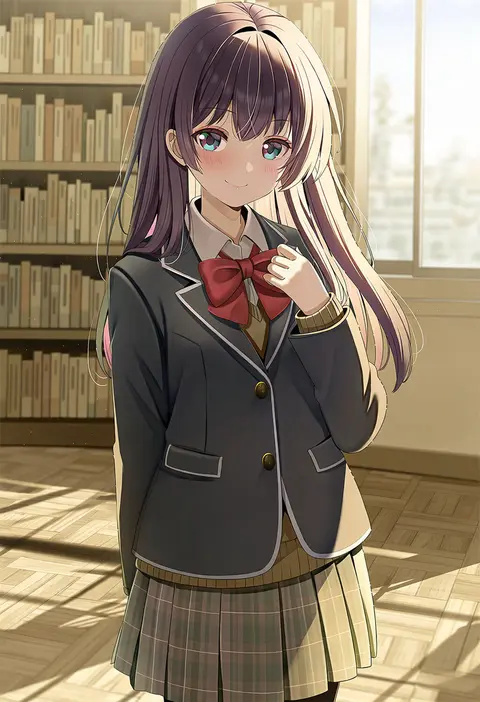
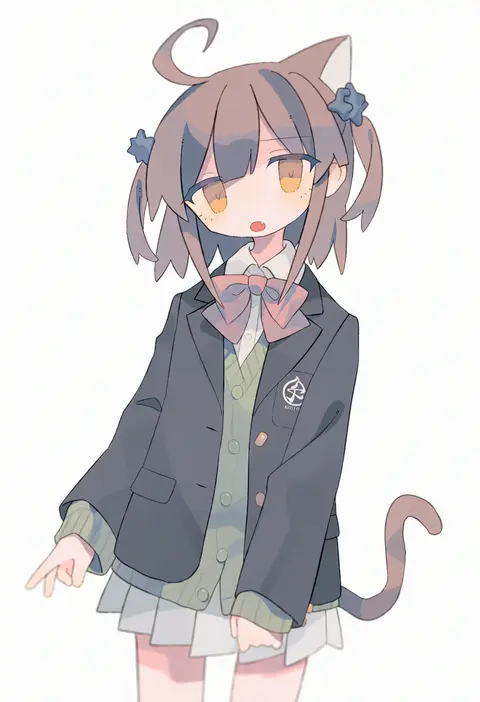
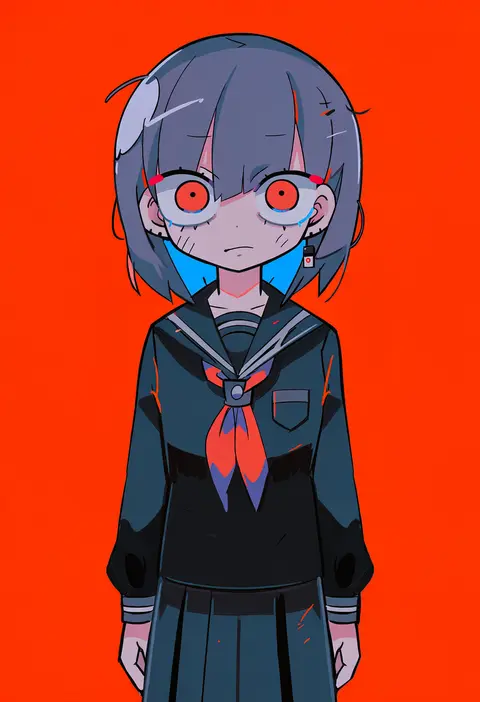
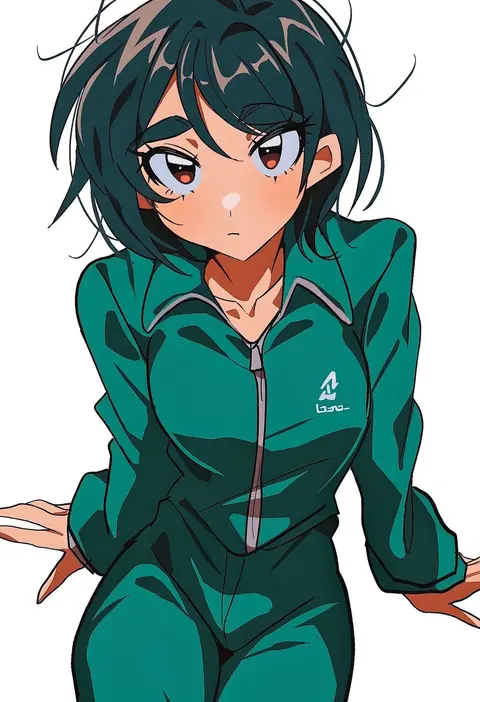
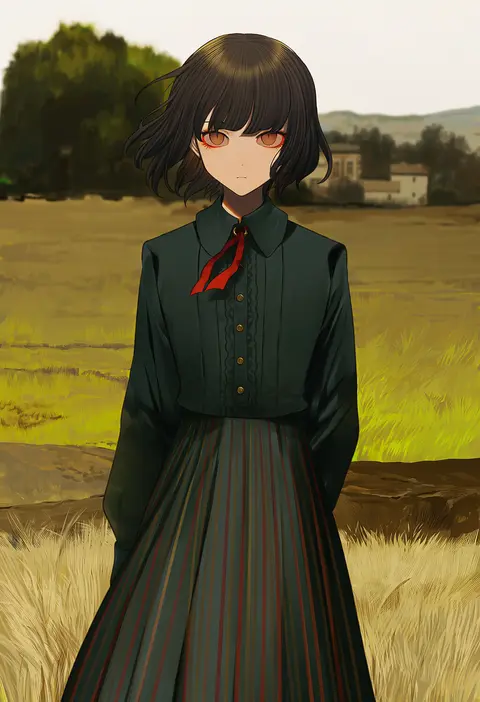
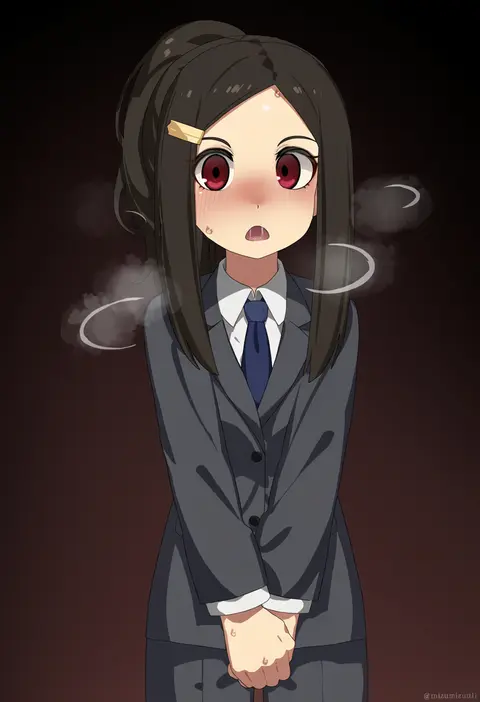
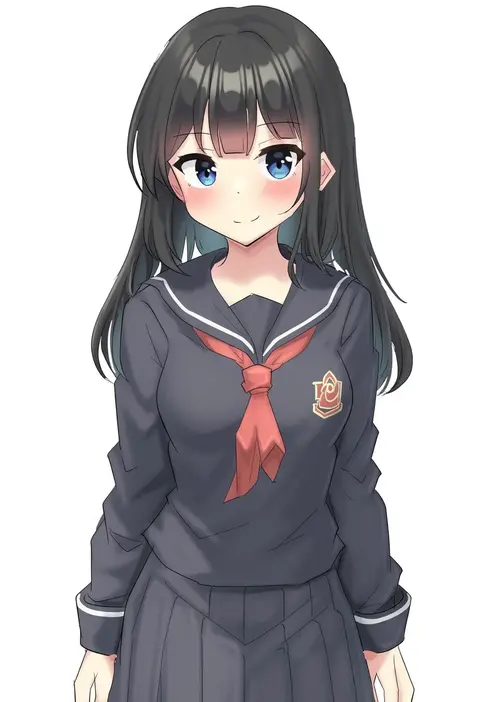
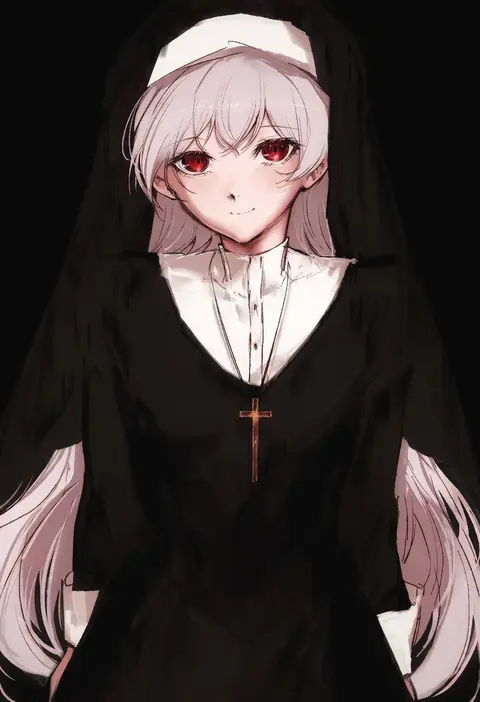
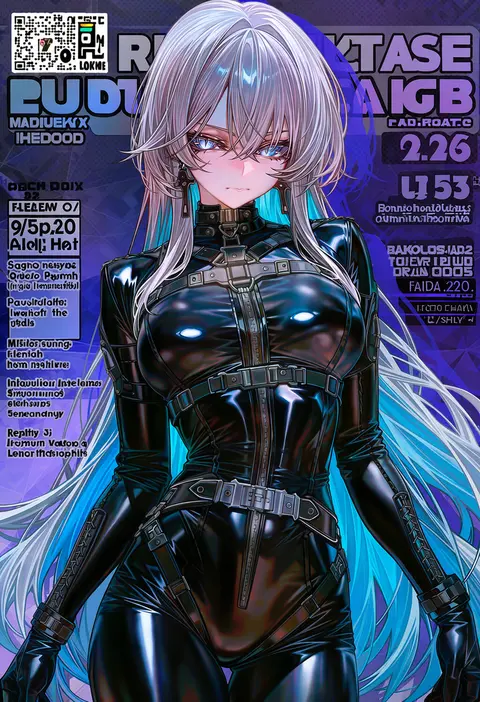
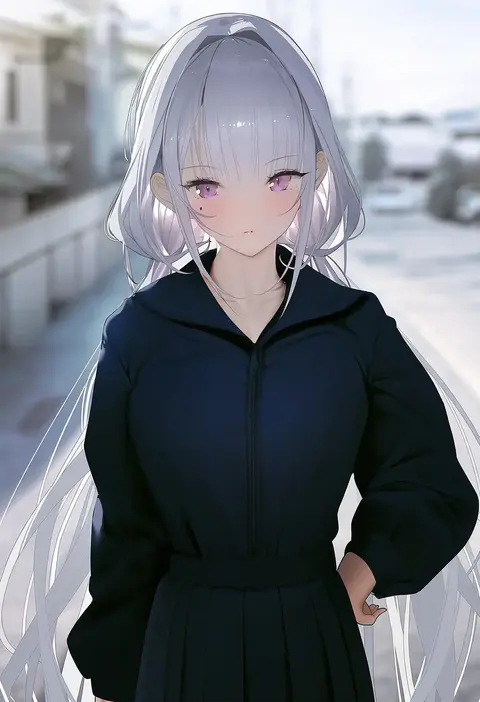
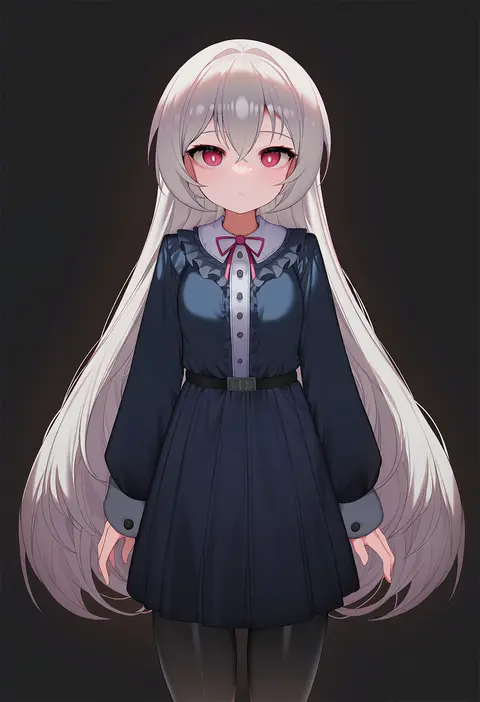
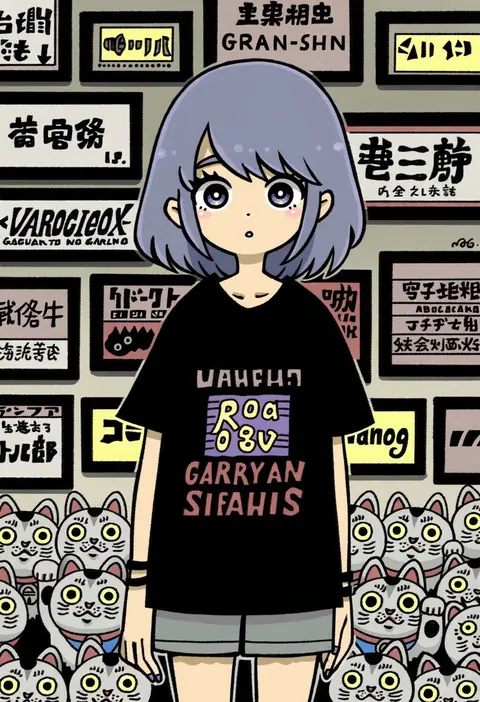
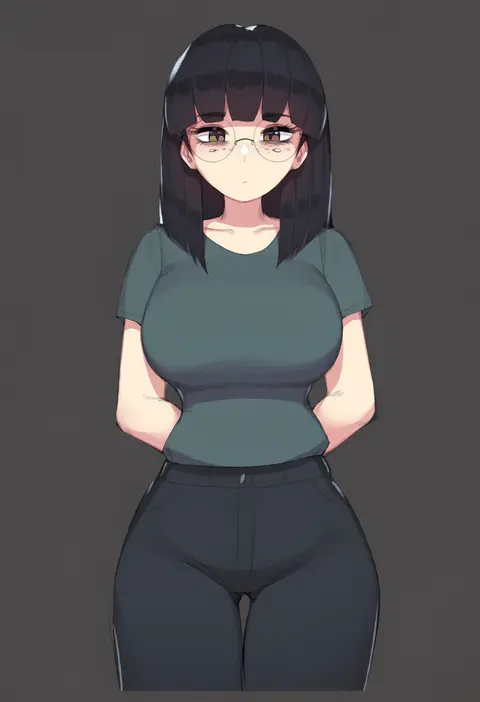
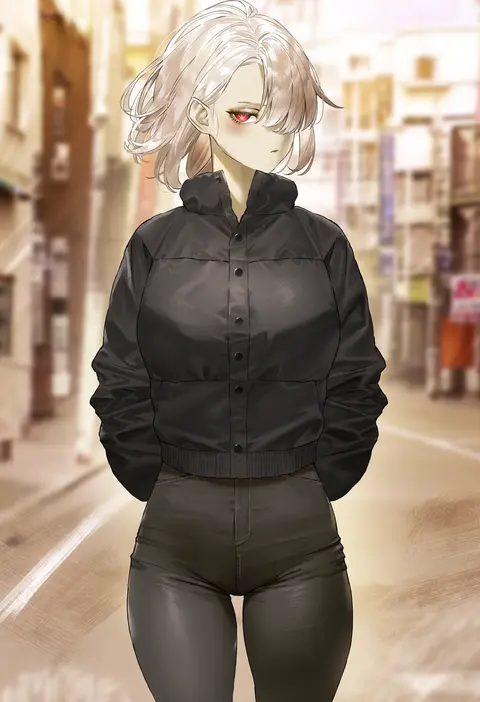
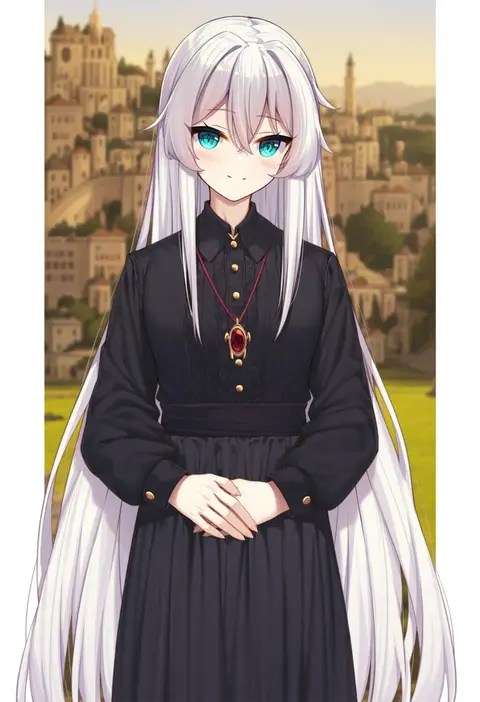
Artist tags tell NovelAI Diffusion to draw in a specific artist's style: line weight, paint texture, face shapes and palette all shift at once. Character and outfit tags decide what is drawn; artist tags decide how. 2,536 tags are listed for V5.
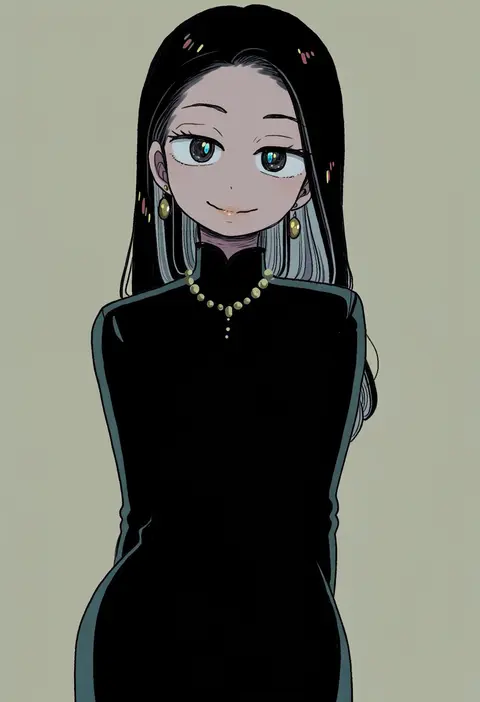
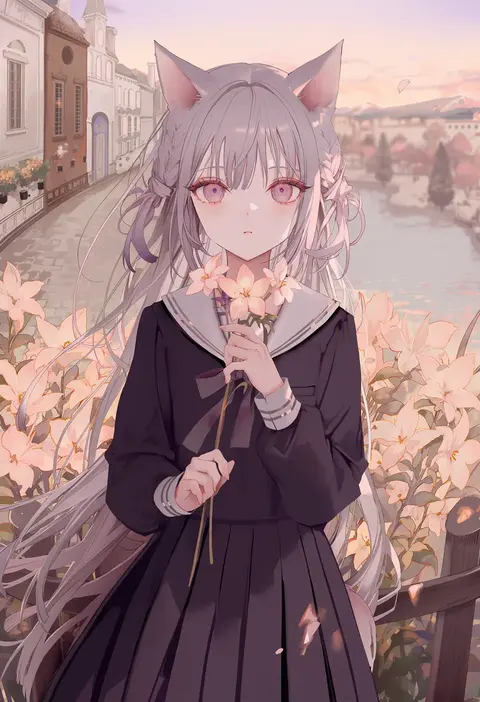
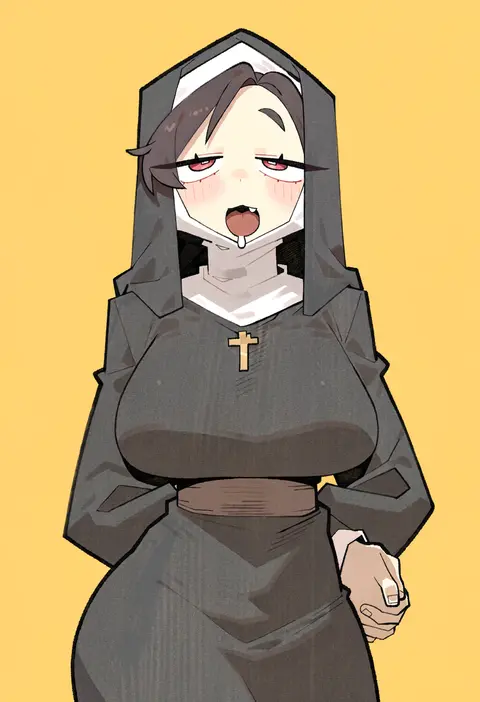
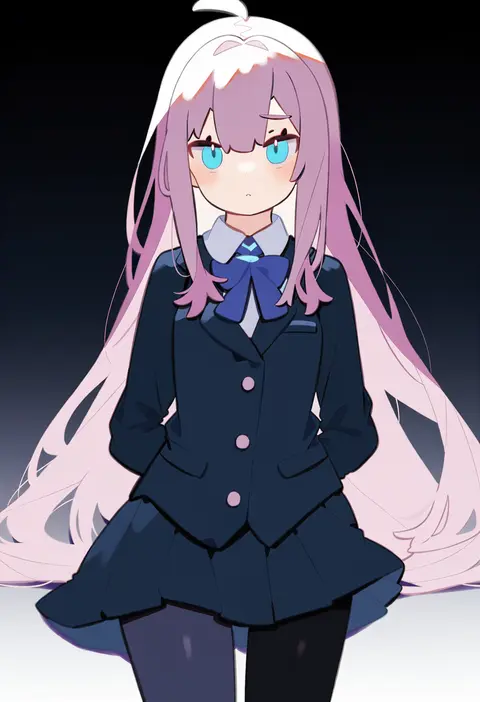
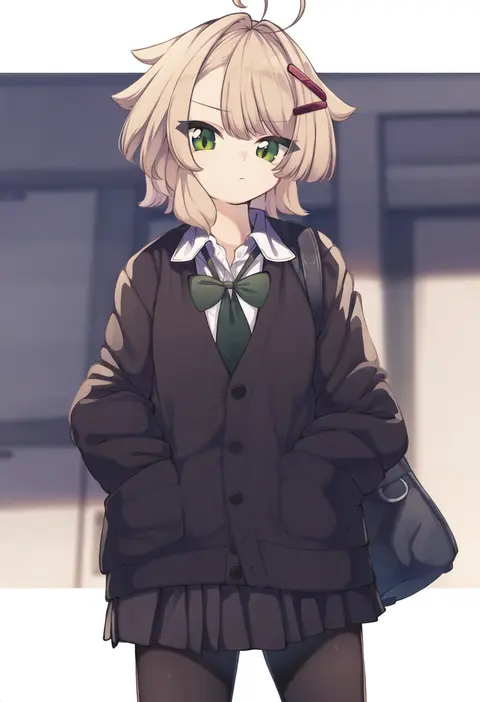
Every tag listed here is verified to react in NovelAI. All images use the same prompt, seed and settings with only the artist tag swapped, so the difference between two images is the style that tag brings in.

How to use them

Put the artist tag near the front of the prompt, e.g. "<artist>, 1girl, solo, best quality, masterpiece, cowboy shot". Two or three artist tags blend styles; lower the weight with "0.8::<artist>::" when the style overpowers the character.

SCORE sorts by Danbooru's top score, POSTS by post count, FAVS by hearts on this site. Open a card to see V5 and V4.5 side by side on the same seed.

V5 vs V4.5

V5 usually lands closer to the artist's real style, and tags that did nothing on V4.5 often react on V5. V4.5 still fits older and doujin-heavy artists better. Try V5 first, fall back to V4.5.

FAQ

Where does the artist tag go?
Near the front of the prompt. Use "0.8::tag::" to adjust its weight.

Can I stack artist tags?
Yes, styles blend. Past two or three the result stops looking like anyone.

Are these the artists' own works?
No. Every image is a NovelAI sample generated from the tag.