V4.5Artists
sort: FAVS▾
▾
>
$

Popular NovelAI artist tags — V4.5

artist --count 16,352[161/273]
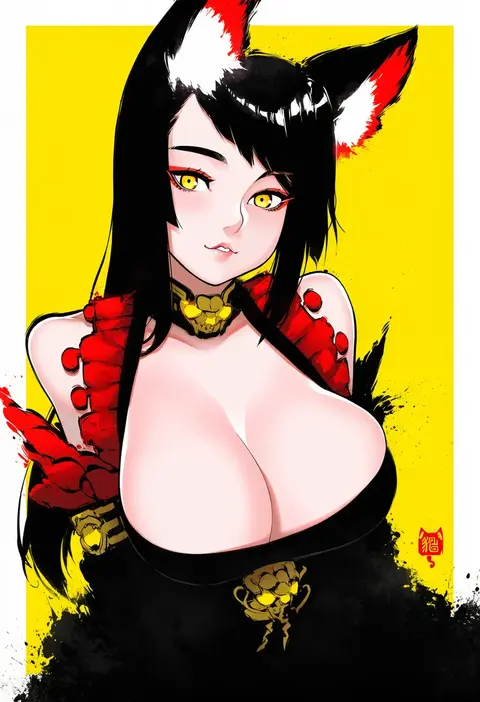
robot cat (robotcatart)
ARTIST0x2580
0
neukkom
ARTIST0x2581
0
lumineko
ARTIST0x2582
0
kevn
ARTIST0x2583
0
nikumaru
ARTIST0x2584
0
norada
ARTIST0x2585
0
01 0219
ARTIST0x2586
0
toranoe
ARTIST0x2587
0
yosshy
ARTIST0x2588
0
akai 999
ARTIST0x2589
0
hoshino reiji
ARTIST0x258A
0
marin liekuriva
ARTIST0x258B
0
mashitono desu
ARTIST0x258C
0
shiroi tansu
ARTIST0x258D
0
sorimachi-doufu
ARTIST0x258E
0
nekozuki yuki
ARTIST0x258F
0
t k g
ARTIST0x2590
0
u-non (annon'an)
ARTIST0x2591
0
yuura
ARTIST0x2592
0
kyuuri (miyako)
ARTIST0x2593
0
kuzuvine
ARTIST0x2594
0
hattori masaki
ARTIST0x2595
0
koma midori
ARTIST0x2596
0
p-nekor
ARTIST0x2597
0
mochigome (ununquadium)
ARTIST0x2598
0
yassy
ARTIST0x2599
0
hamaguri (hamaguri1234)
ARTIST0x259A
0
tsuchii (ramakifrau)
ARTIST0x259B
0
unel
ARTIST0x259C
0
xin (blueramen)
ARTIST0x259D
0
gigobyte350
ARTIST0x259E
0
shinkuukan (tetsuo3)
ARTIST0x259F
0
monosenbei
ARTIST0x25A0
0
e-co
ARTIST0x25A1
0
tahya
ARTIST0x25A2
0
yoshida iyo
ARTIST0x25A3
0
yurumawari
ARTIST0x25A4
0
dcwj
ARTIST0x25A5
0
beni kurage
ARTIST0x25A6
0
ibenz009
ARTIST0x25A7
0
toraneko 2
ARTIST0x25A8
0
ohara tometa
ARTIST0x25A9
0
skylader
ARTIST0x25AA
0
kuroshiro (ms-2420)
ARTIST0x25AB
0
kaliningradg
ARTIST0x25AC
0
tenzeru
ARTIST0x25AD
0
downvote (downvote me)
ARTIST0x25AE
0
asawa (dm owr)
ARTIST0x25AF
0
dr yamero
ARTIST0x25B0
0
oga raito
ARTIST0x25B1
0
pltnm ghost
ARTIST0x25B2
0
youkai ankake
ARTIST0x25B3
0
tabayan jigokuhen
ARTIST0x25B4
0
kurohara yuu
ARTIST0x25B5
0
tia (cocorosso)
ARTIST0x25B6
0
kabocha head
ARTIST0x25B7
0
nijimaarc
ARTIST0x25B8
0
xianyu liang
ARTIST0x25B9
0
bobomaster
ARTIST0x25BA
0
hoshizora no shita
ARTIST0x25BB
0

What these tags change

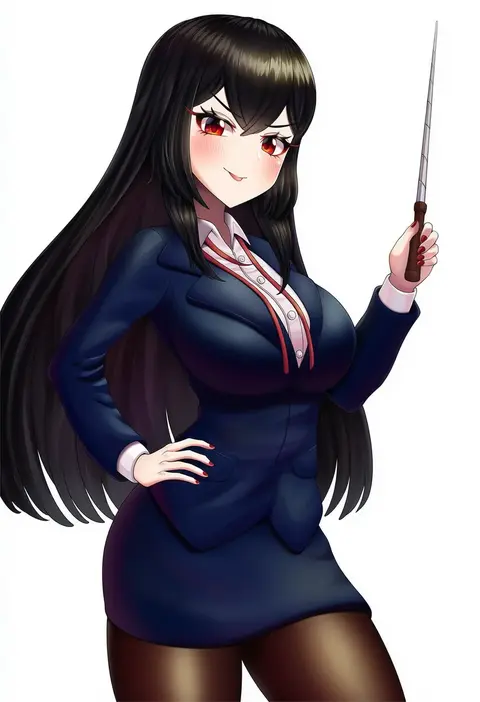
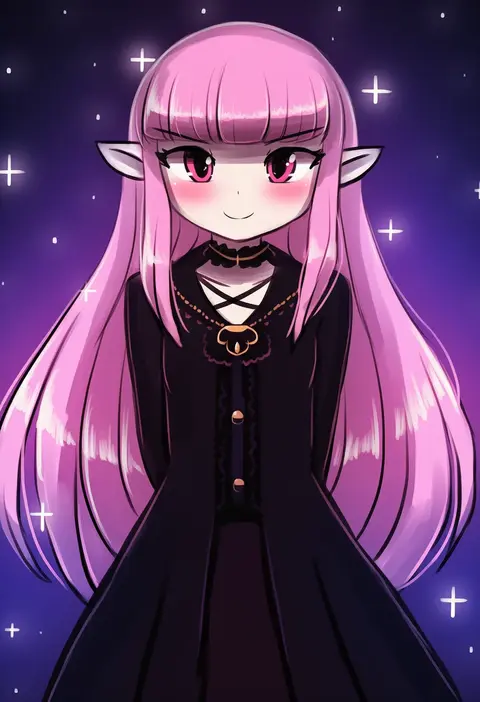
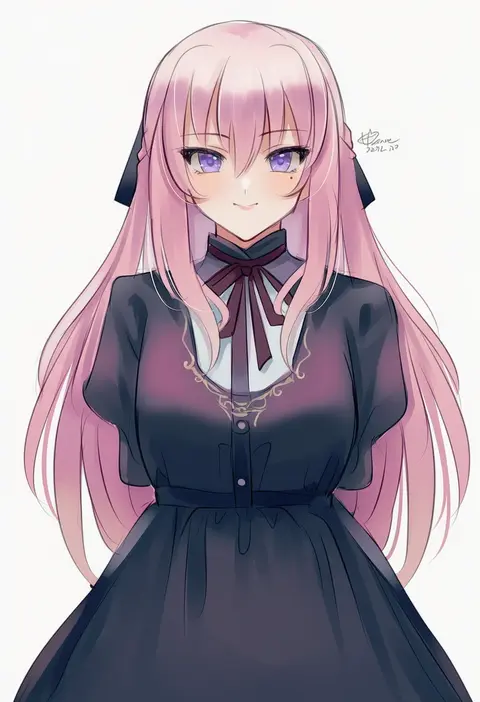
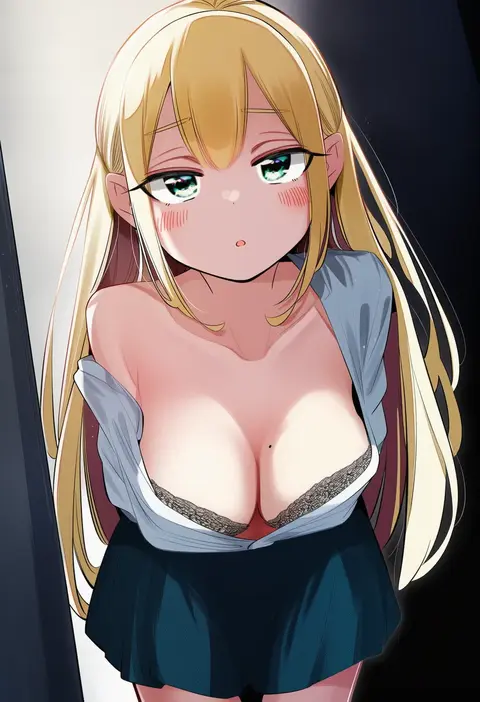
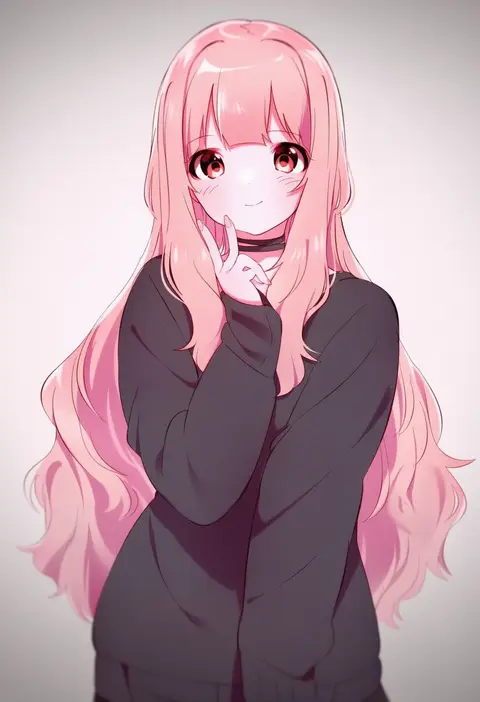
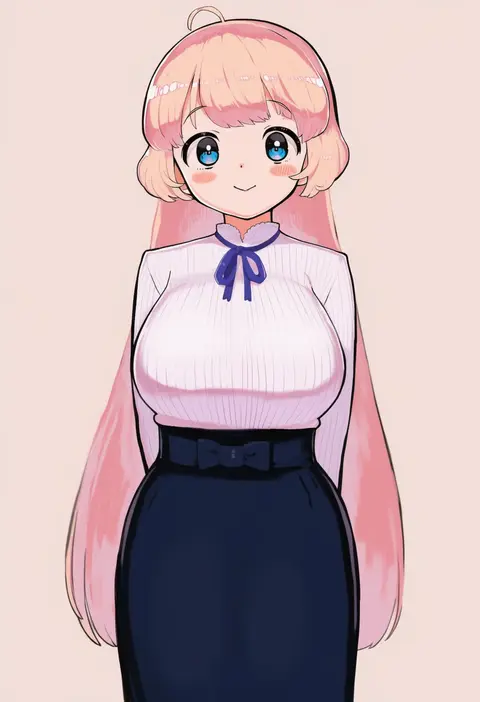
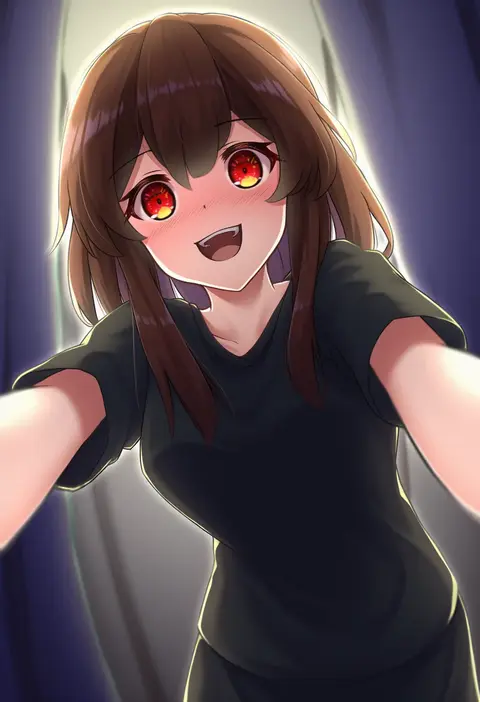
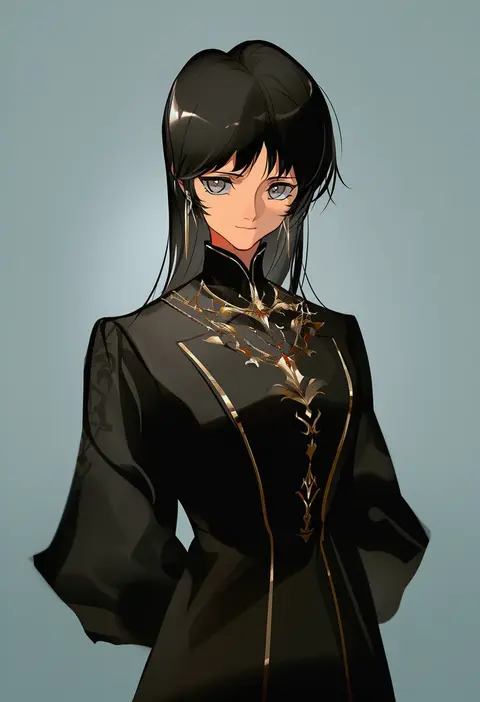
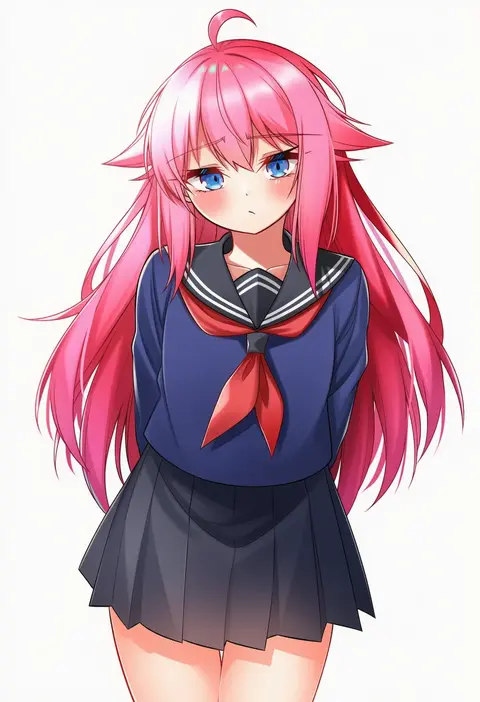
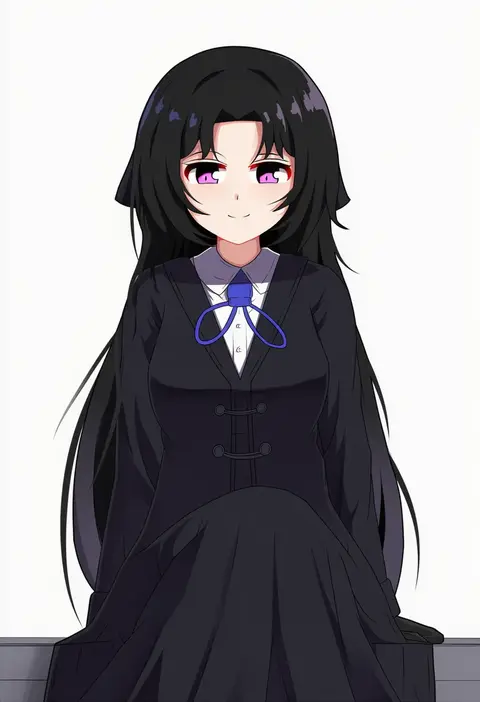
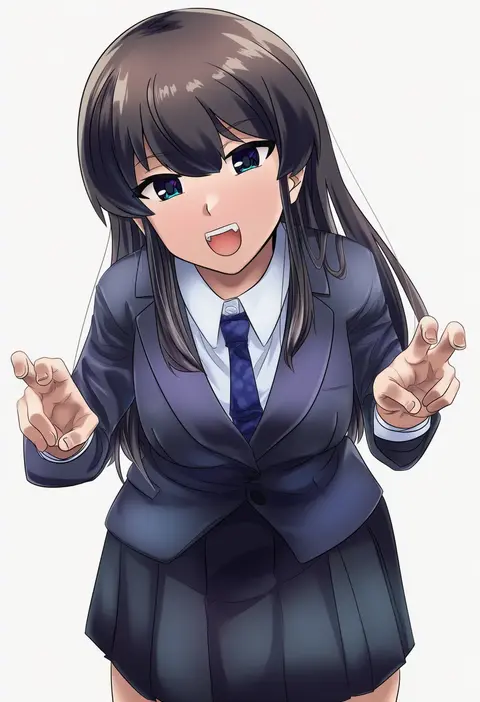
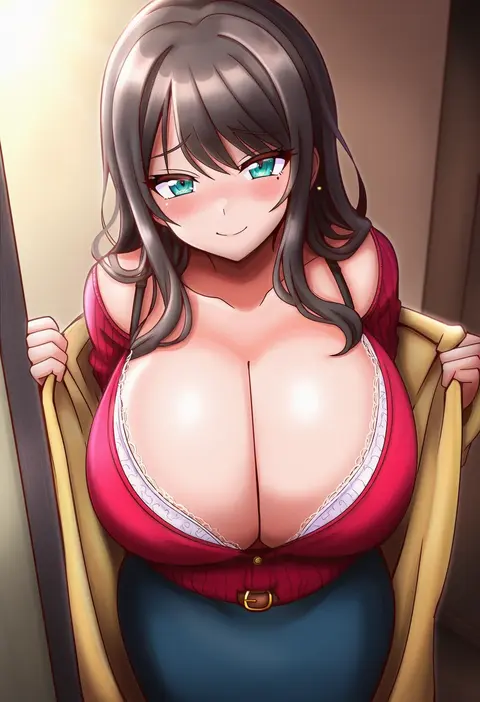
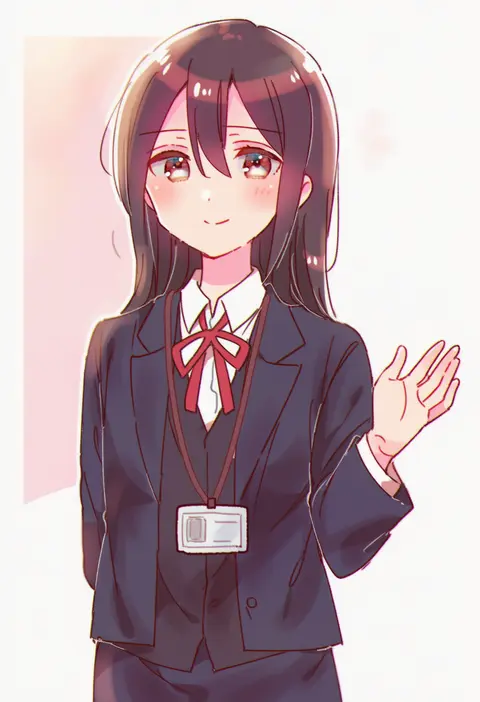
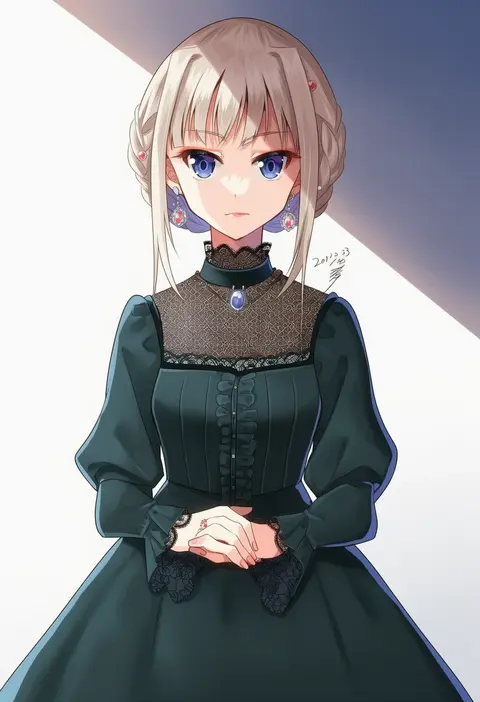
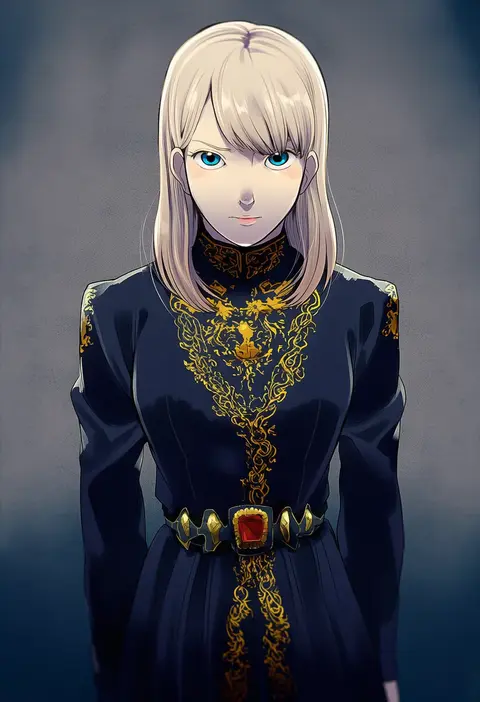
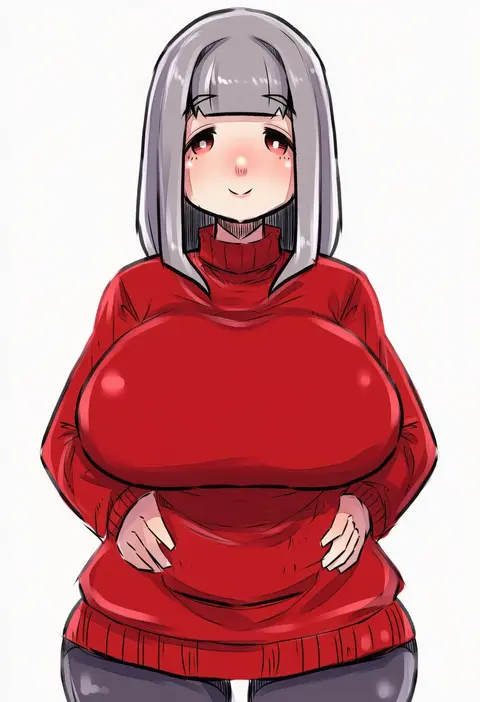
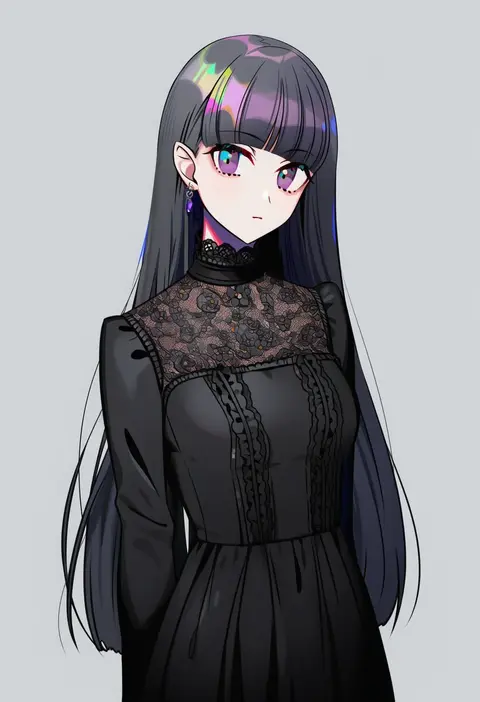
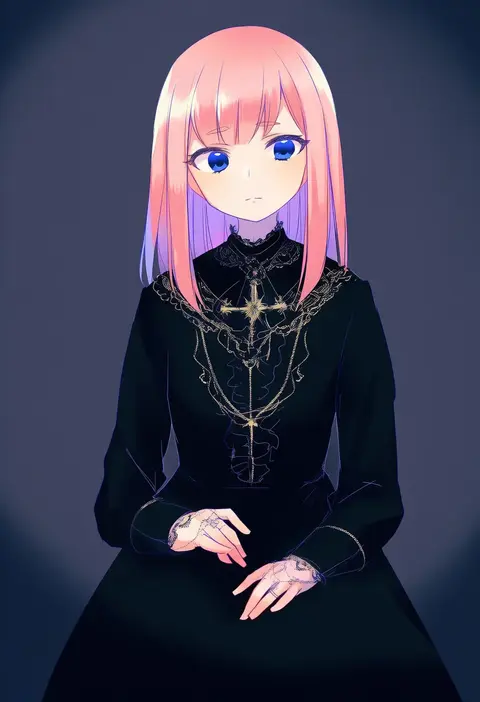
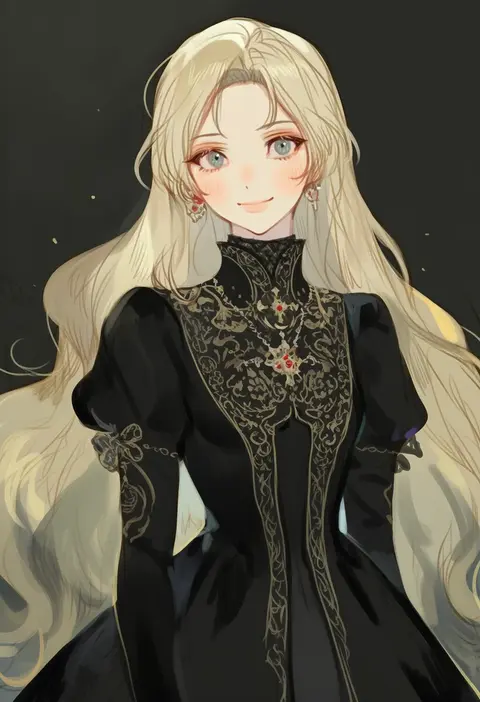
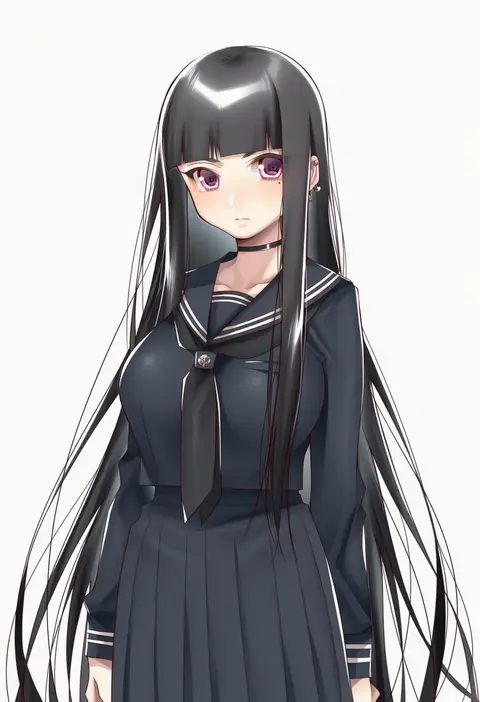
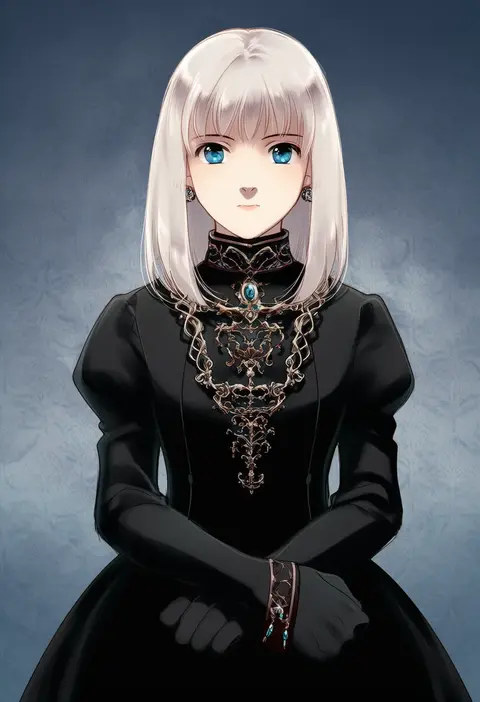
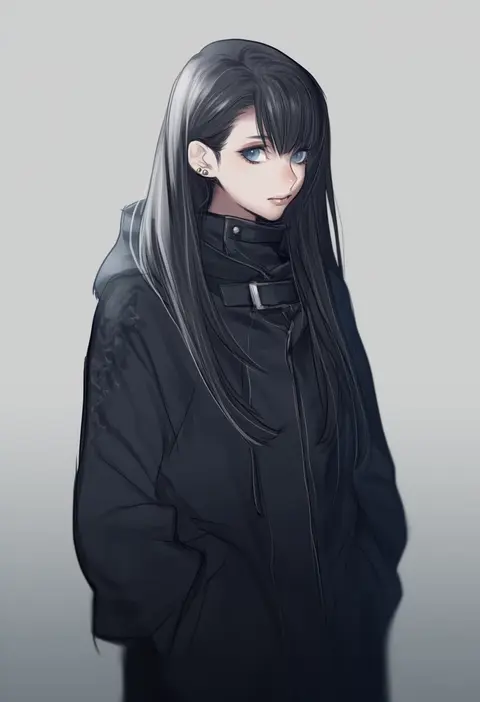
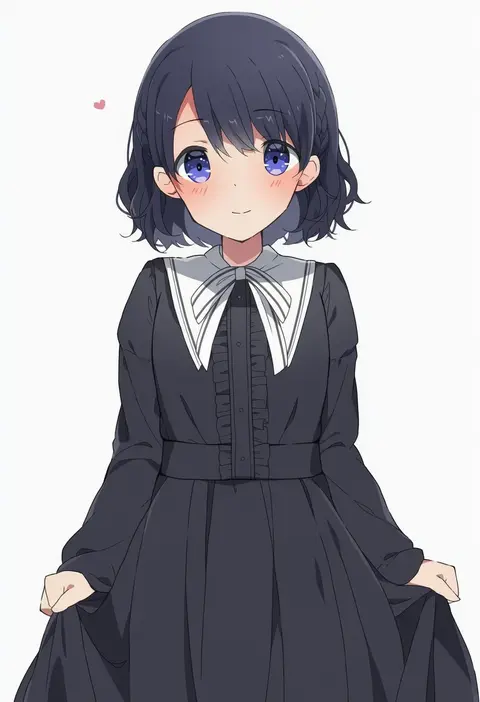
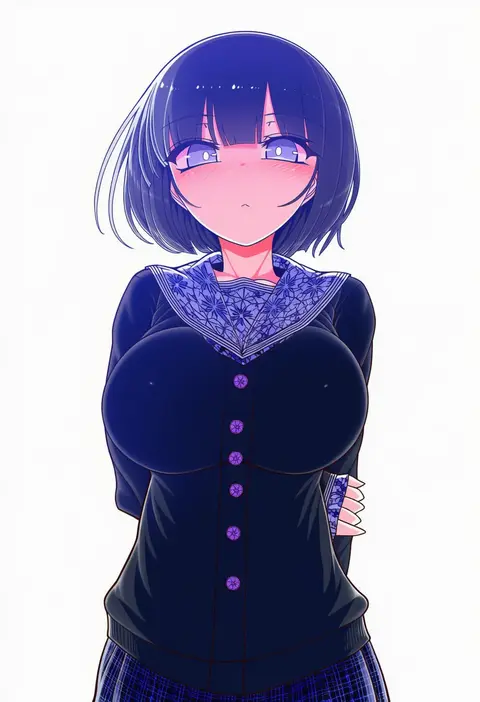
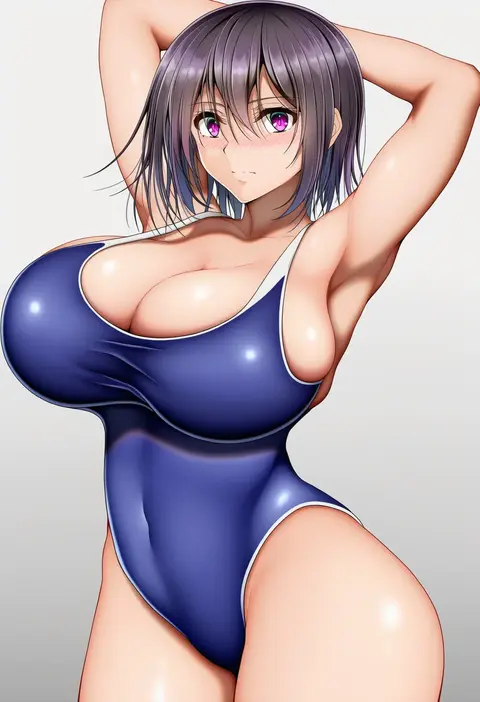
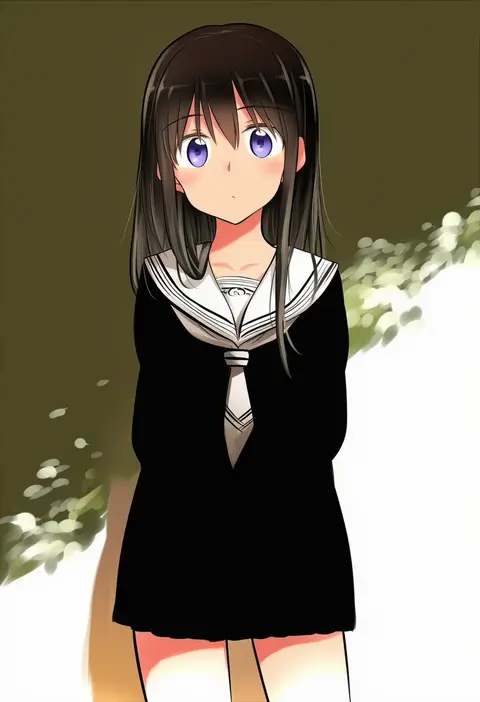
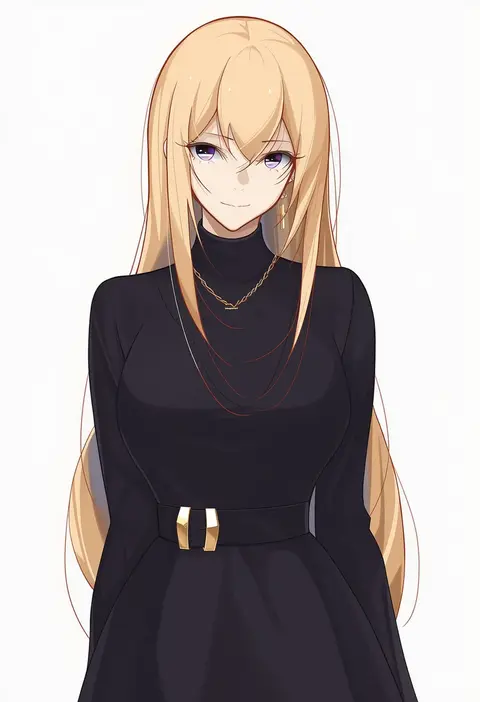
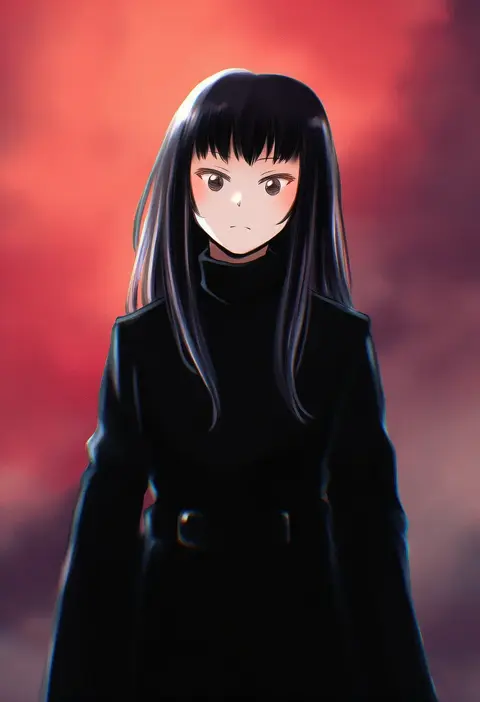
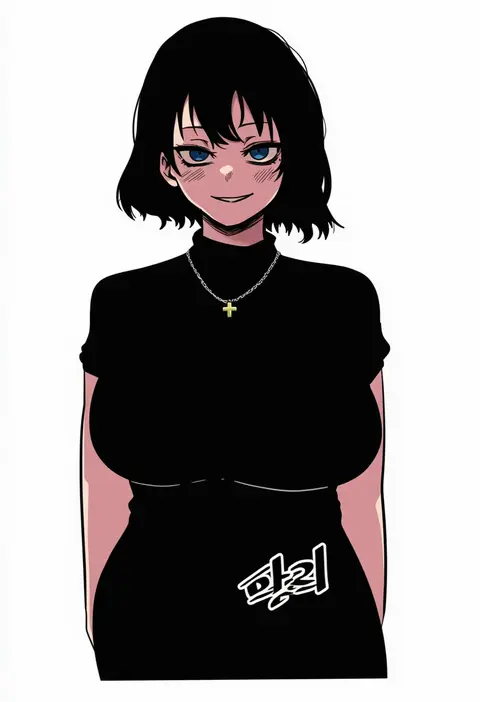
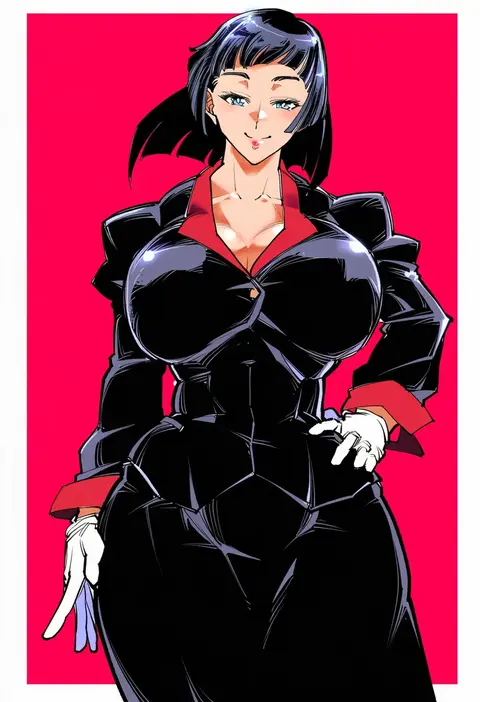
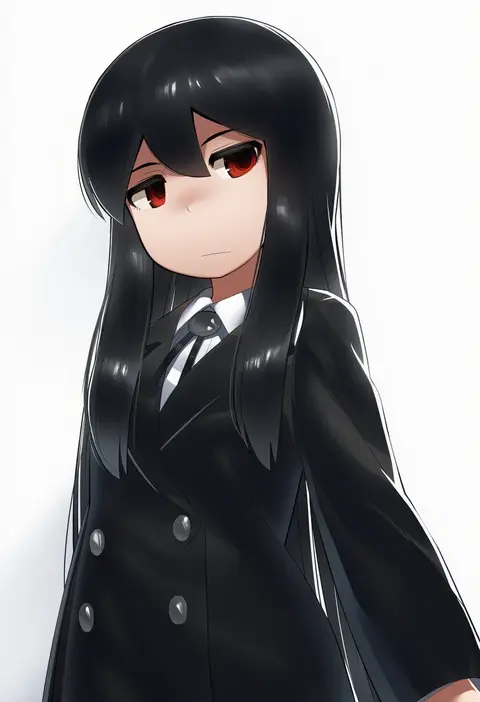
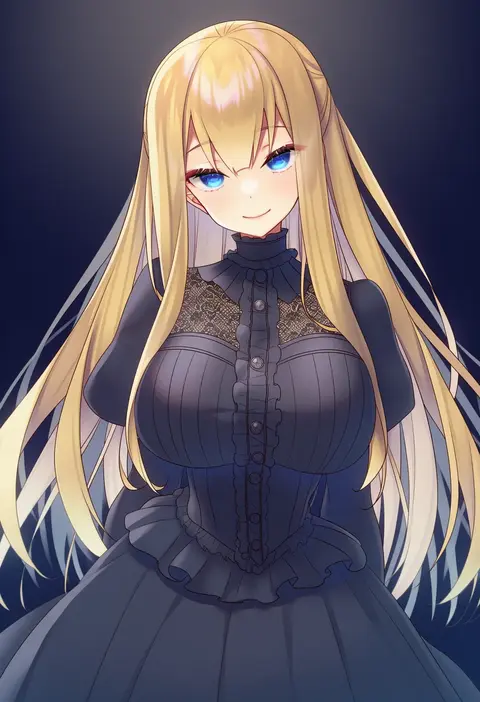
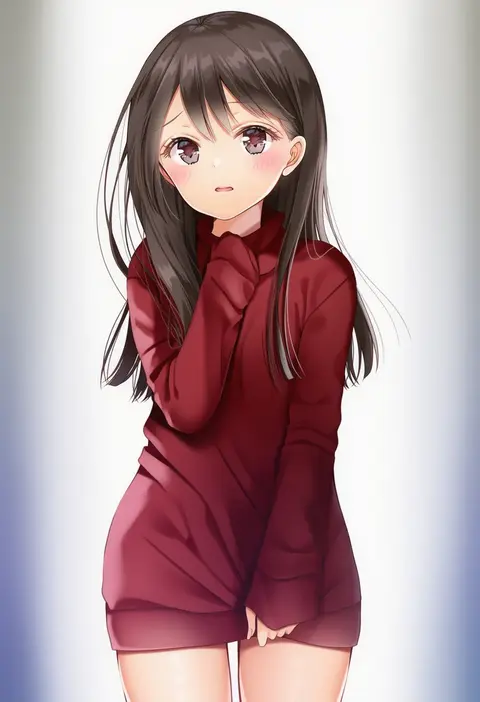
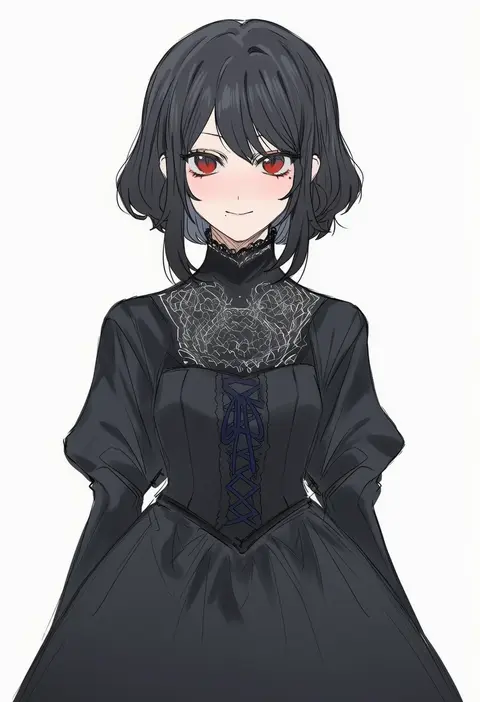
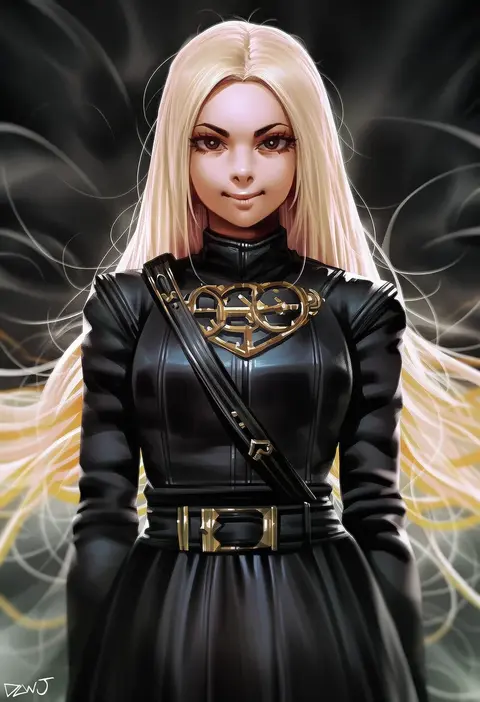
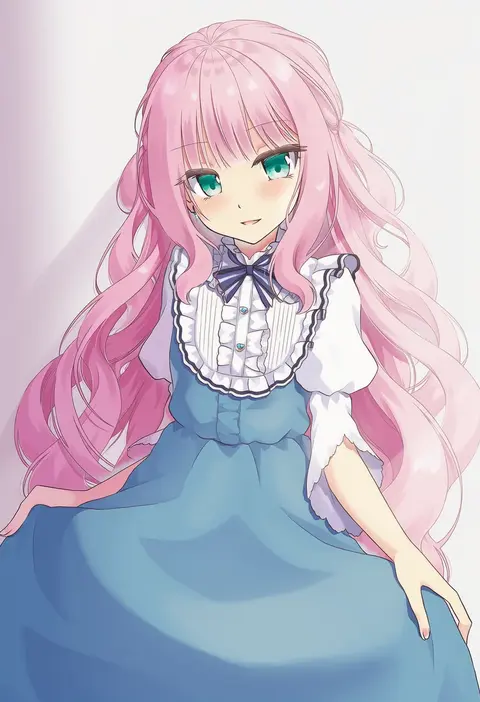
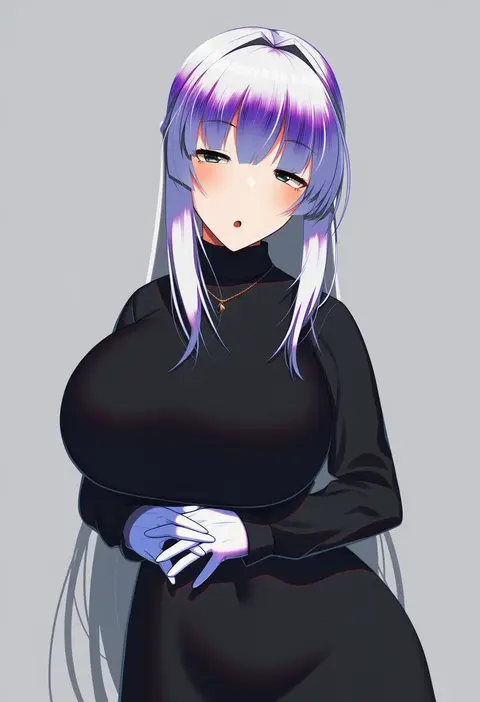
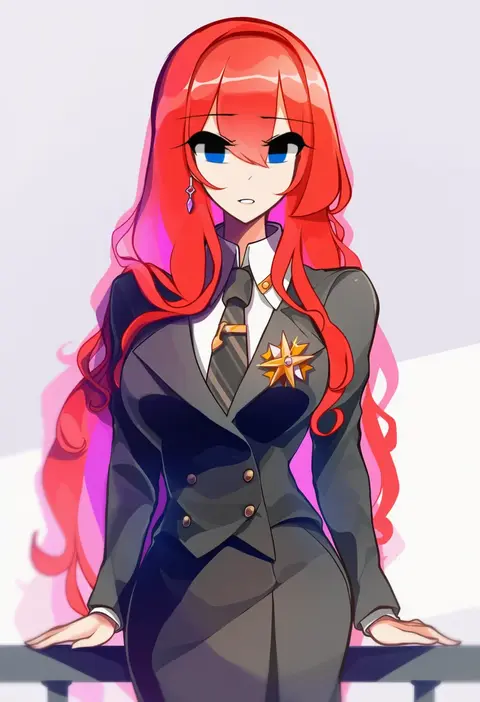
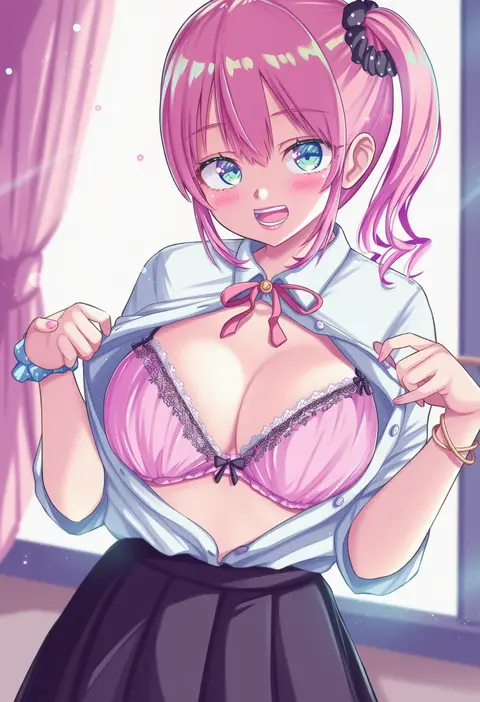
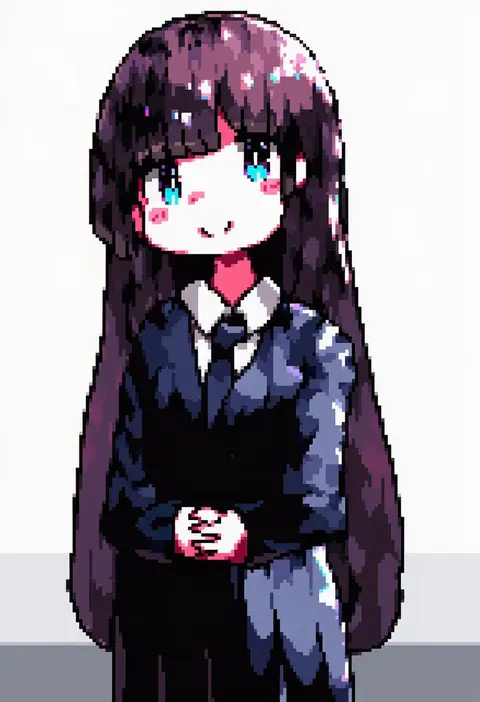
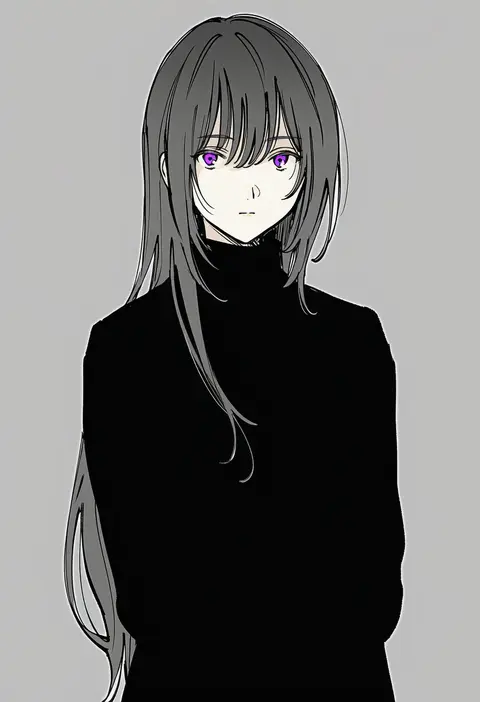
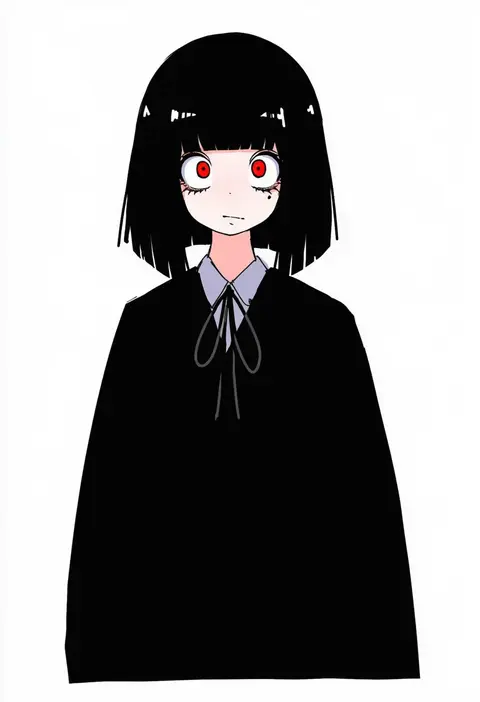
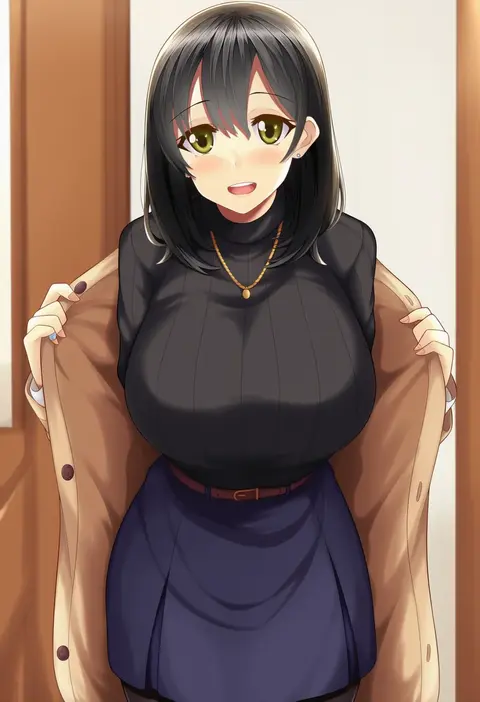
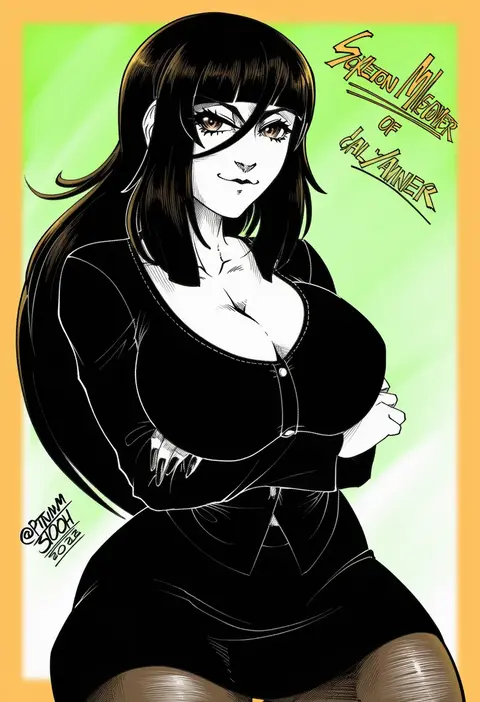
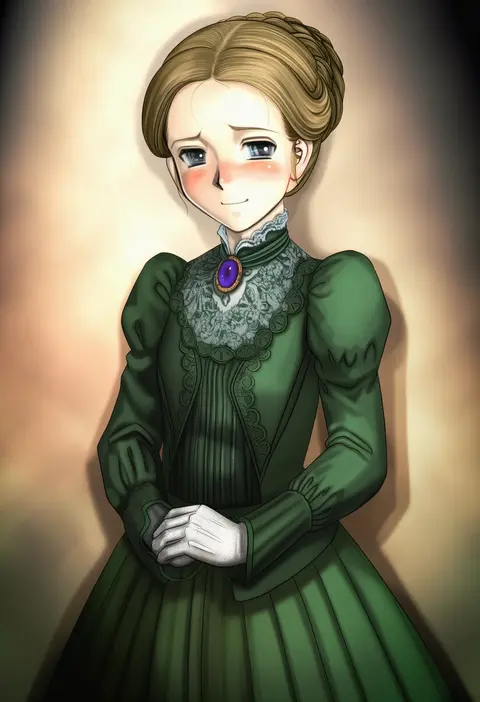
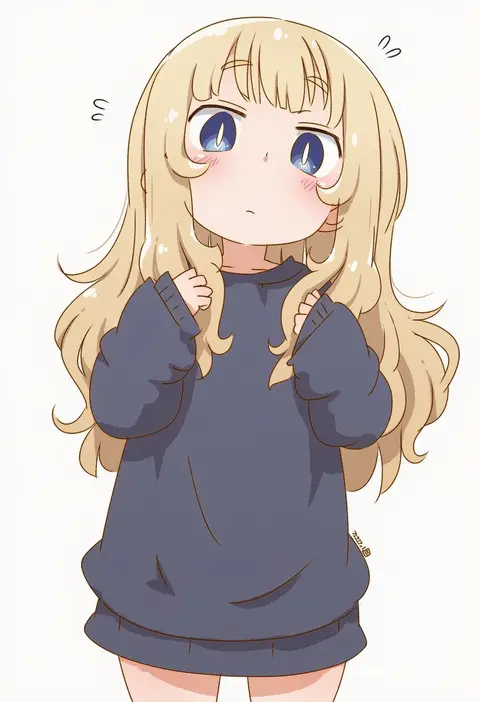
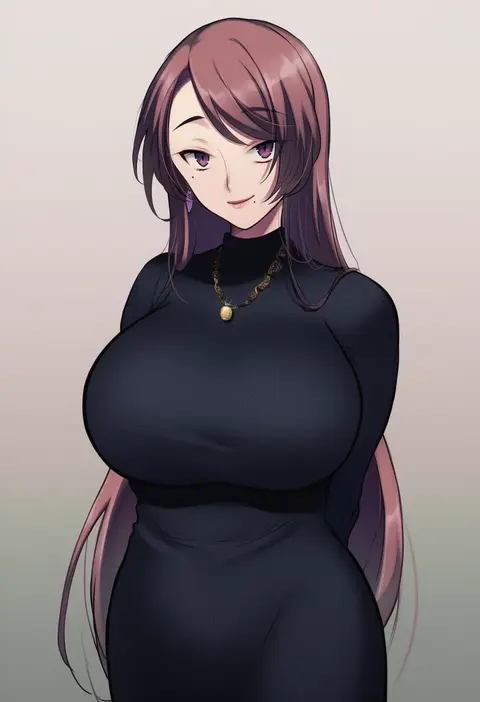
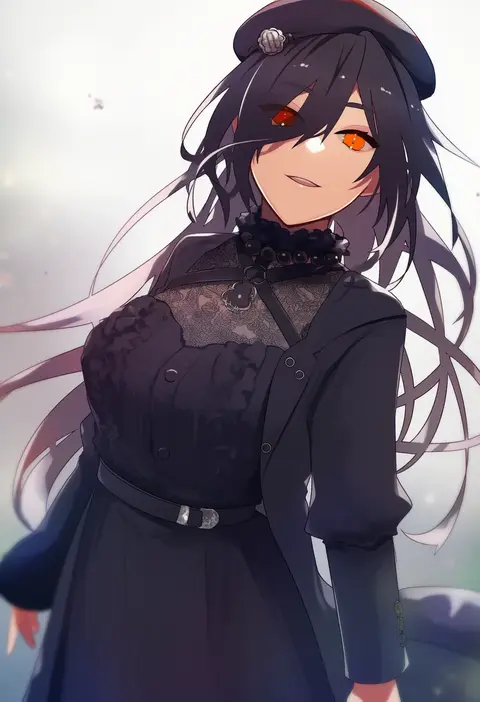
Artist tags tell NovelAI Diffusion to draw in a specific artist's style: line weight, paint texture, face shapes and palette all shift at once. Character and outfit tags decide what is drawn; artist tags decide how. 16,352 tags are listed for V4.5.
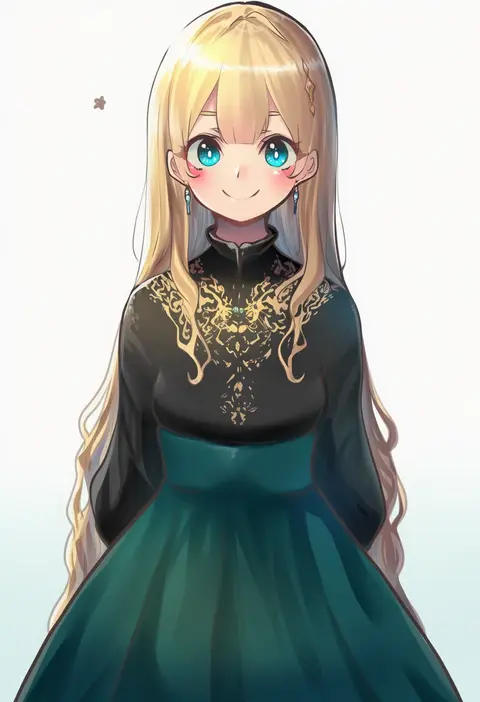
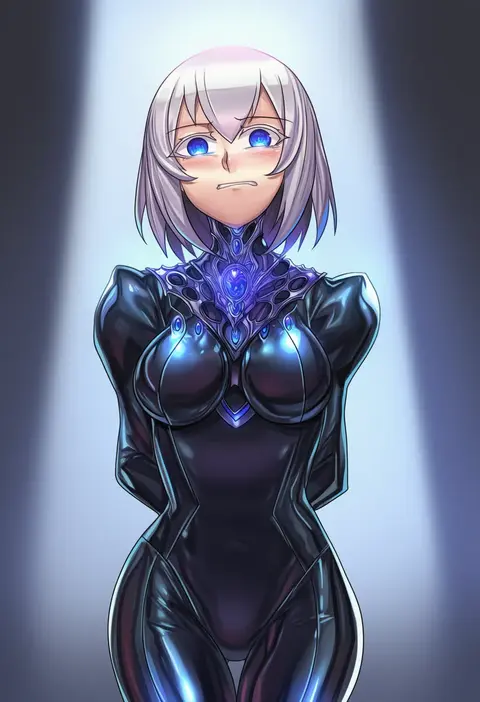
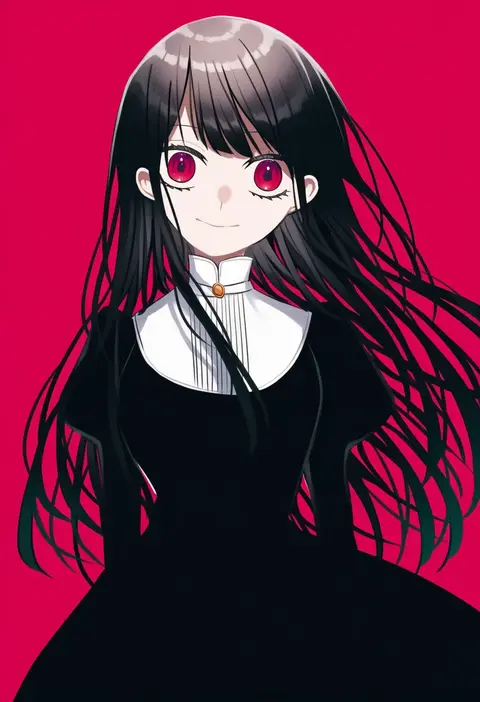
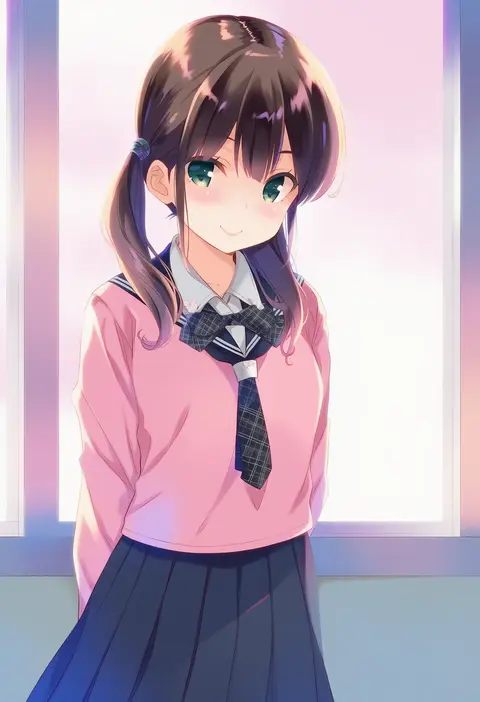
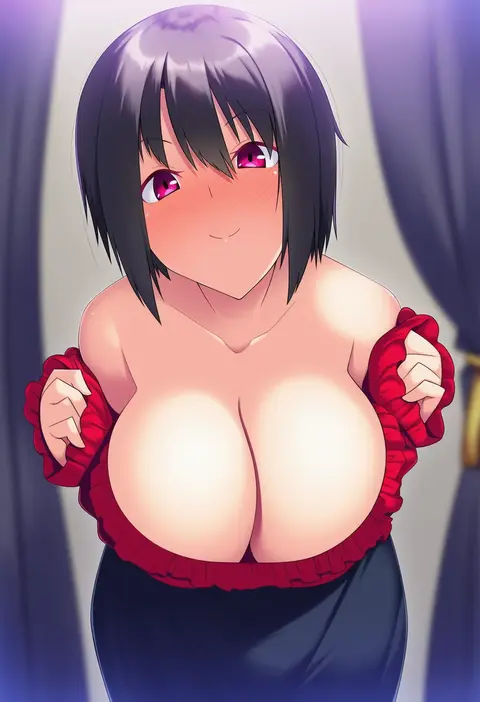
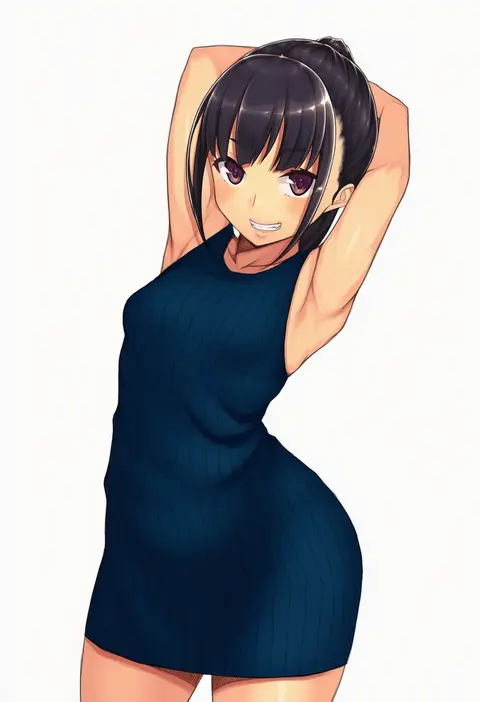
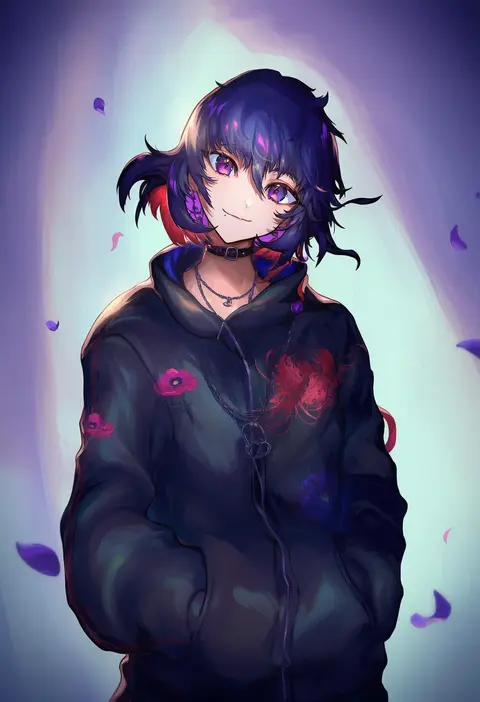
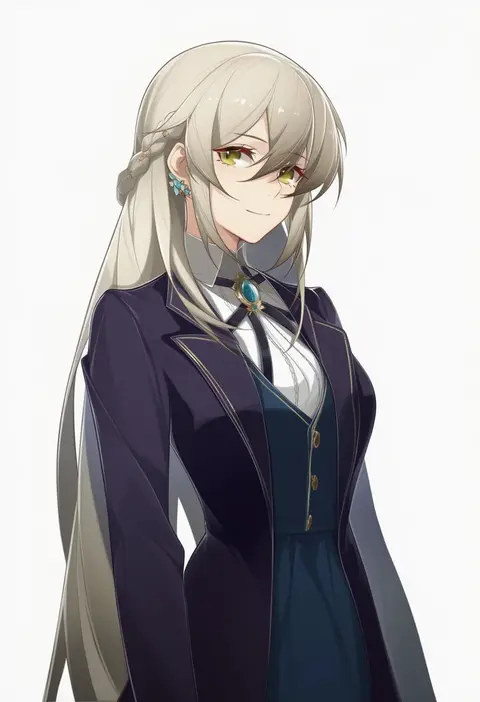
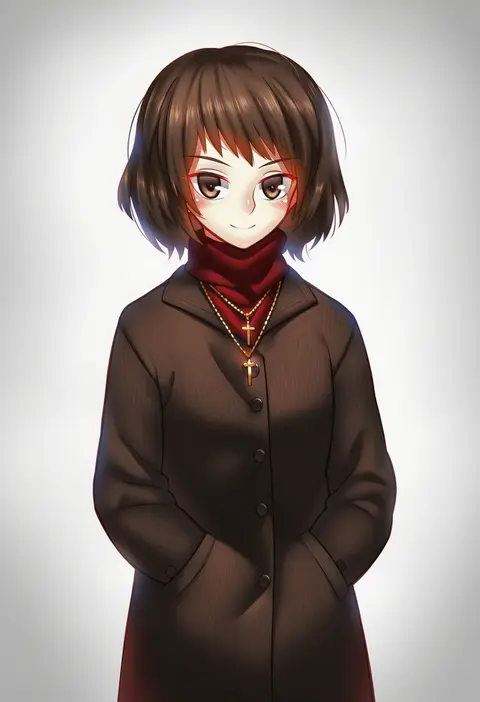
Every tag listed here is verified to react in NovelAI. All images use the same prompt, seed and settings with only the artist tag swapped, so the difference between two images is the style that tag brings in.

How to use them

Put the artist tag near the front of the prompt, e.g. "<artist>, 1girl, solo, best quality, masterpiece, cowboy shot". Two or three artist tags blend styles; lower the weight with "0.8::<artist>::" when the style overpowers the character.

SCORE sorts by Danbooru's top score, POSTS by post count, FAVS by hearts on this site. Open a card to see V5 and V4.5 side by side on the same seed.

V5 vs V4.5

V5 usually lands closer to the artist's real style, and tags that did nothing on V4.5 often react on V5. V4.5 still fits older and doujin-heavy artists better. Try V5 first, fall back to V4.5.

FAQ

Where does the artist tag go?
Near the front of the prompt. Use "0.8::tag::" to adjust its weight.

Can I stack artist tags?
Yes, styles blend. Past two or three the result stops looking like anyone.

Are these the artists' own works?
No. Every image is a NovelAI sample generated from the tag.