V4.5Artists
sort: FAVS▾
▾
>
$

Popular NovelAI artist tags — V4.5

artist --count 16,352[164/273]
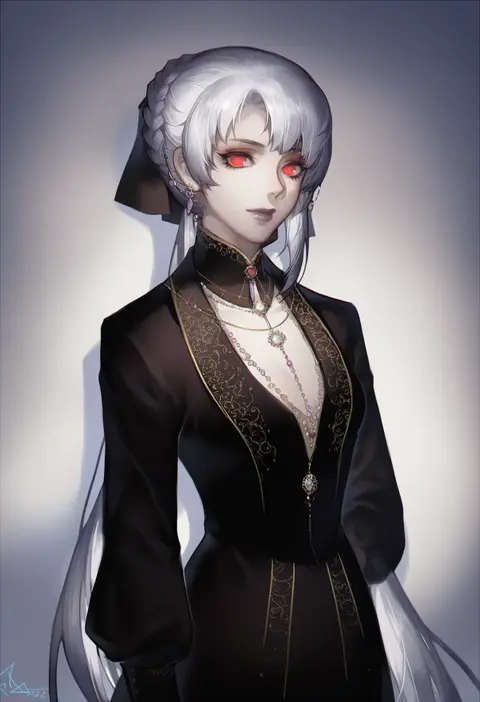
spade-m
ARTIST0x2634
0
cowengium
ARTIST0x2635
0
sjw kazuya
ARTIST0x2636
0
tatsuya (atelier road)
ARTIST0x2637
0
takakura aki
ARTIST0x2638
0
fuukadia (narcolepsy)
ARTIST0x2639
0
kanmiya shinobu
ARTIST0x263A
0
shiwasu horio
ARTIST0x263B
0
deego (omochi bazooka)
ARTIST0x263C
0
daimaou ruaeru
ARTIST0x263D
0
sasahara yuuki
ARTIST0x263E
0
muffin (sirumeria)
ARTIST0x263F
0
moe (hamhamham)
ARTIST0x2640
0
dearmybrothers
ARTIST0x2641
0
pokimari
ARTIST0x2642
0
yagami (mukage)
ARTIST0x2643
0
mizunoe kotaru
ARTIST0x2644
0
wagashi928
ARTIST0x2645
0
hakuishi aoi
ARTIST0x2646
0
moru (monaka)
ARTIST0x2647
0
wujurana
ARTIST0x2648
0
shitappa
ARTIST0x2649
0
rimo
ARTIST0x264A
0
sunsun69
ARTIST0x264B
0
luimiart
ARTIST0x264C
0
horideiyasumi
ARTIST0x264D
0
ereraero
ARTIST0x264E
0
hoshi umi
ARTIST0x264F
0
hooreng
ARTIST0x2650
0
urami0310
ARTIST0x2651
0
omiya (louise-louis-lucille)
ARTIST0x2652
0
fankupl
ARTIST0x2653
0
i-la
ARTIST0x2654
0
yanagi hirohiko
ARTIST0x2655
0
nezumidoshi
ARTIST0x2656
0
digdug006
ARTIST0x2657
0
ozu yugurou
ARTIST0x2658
0
gedou (shigure seishin)
ARTIST0x2659
0
mikuroron
ARTIST0x265A
0
wuju59
ARTIST0x265B
0
natsuba002
ARTIST0x265C
0
nogi (acclima)
ARTIST0x265D
0
sasagawa (haikaiki)
ARTIST0x265E
0
tsurupy
ARTIST0x265F
0
afnroll
ARTIST0x2660
0
sofa (enogunomu)
ARTIST0x2661
0
a kun
ARTIST0x2662
0
lets0020
ARTIST0x2663
0
frapowa
ARTIST0x2664
0
kimmy77
ARTIST0x2665
0
mitsumomo mamu
ARTIST0x2666
0
chuunioniika
ARTIST0x2667
0
chocomiru
ARTIST0x2668
0
takara akihito
ARTIST0x2669
0
arizuka (catacombe)
ARTIST0x266A
0
redjuice
ARTIST0x266B
0
tyako 089
ARTIST0x266C
0
comiching
ARTIST0x266D
0
rinndouk
ARTIST0x266E
0
bokoboko (pandagapanda1)
ARTIST0x266F
0

What these tags change

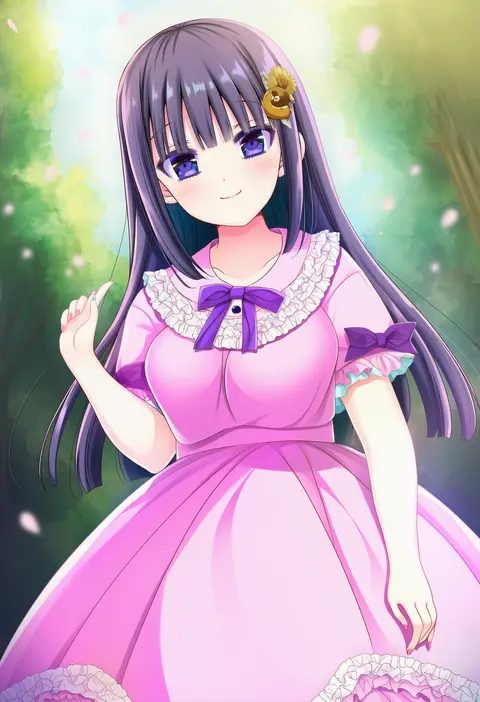
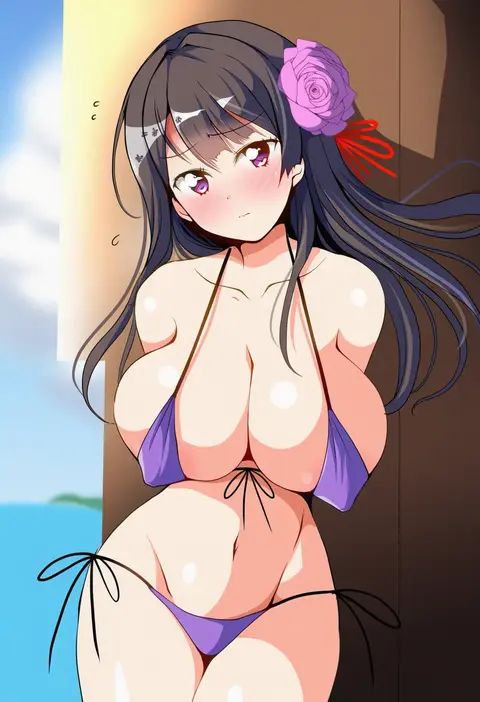
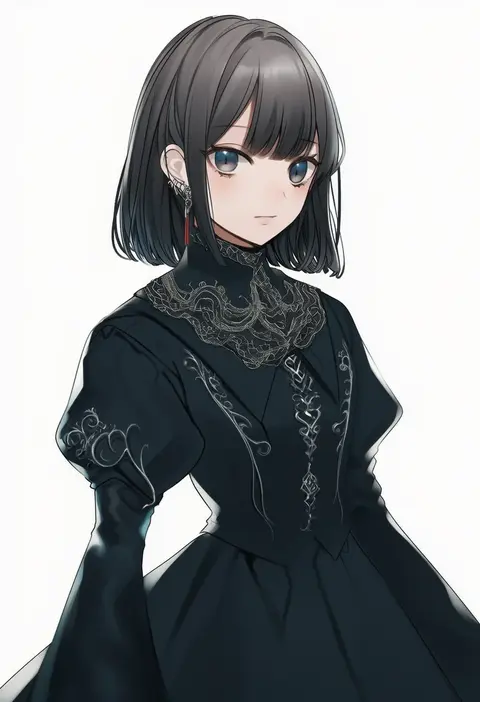
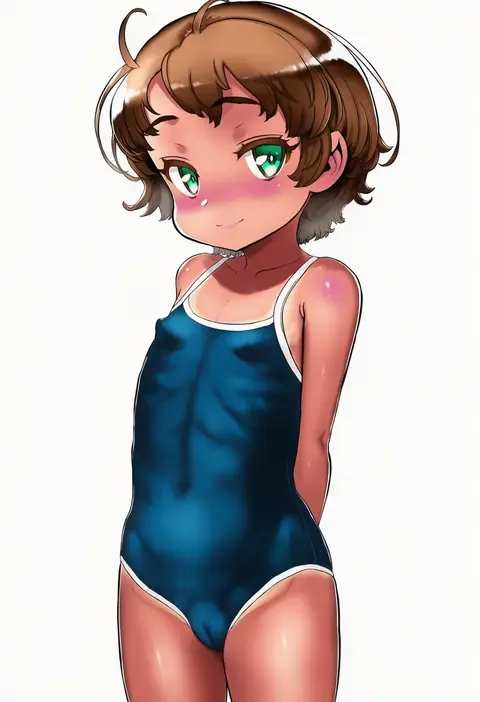
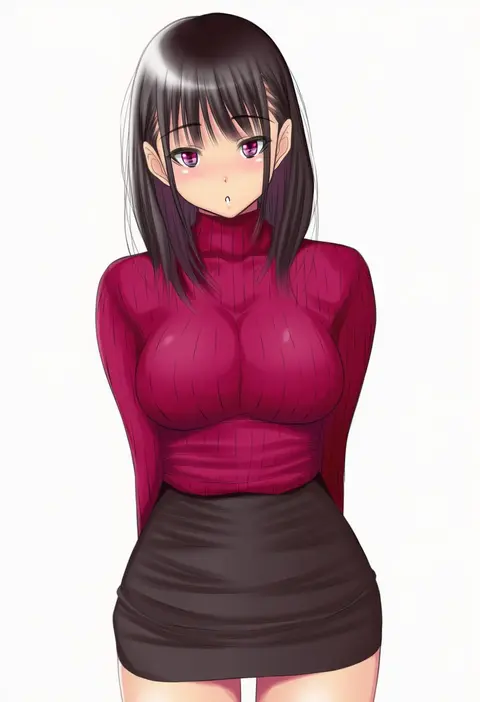
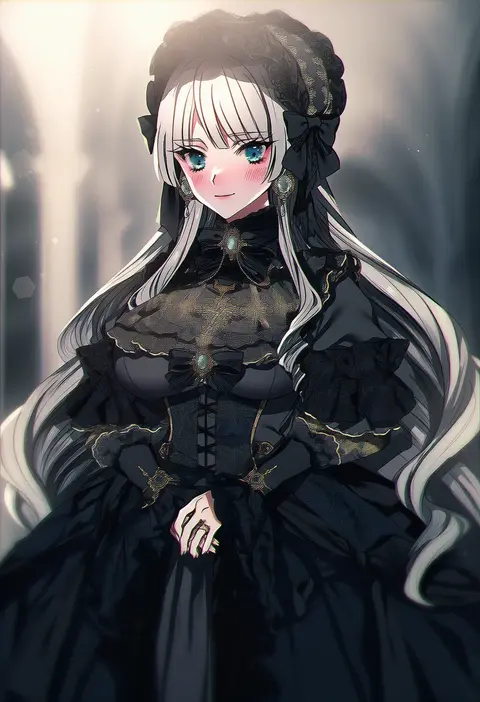
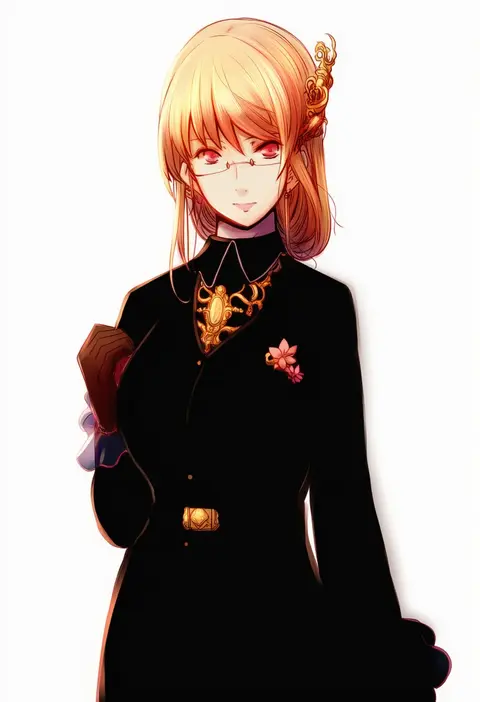
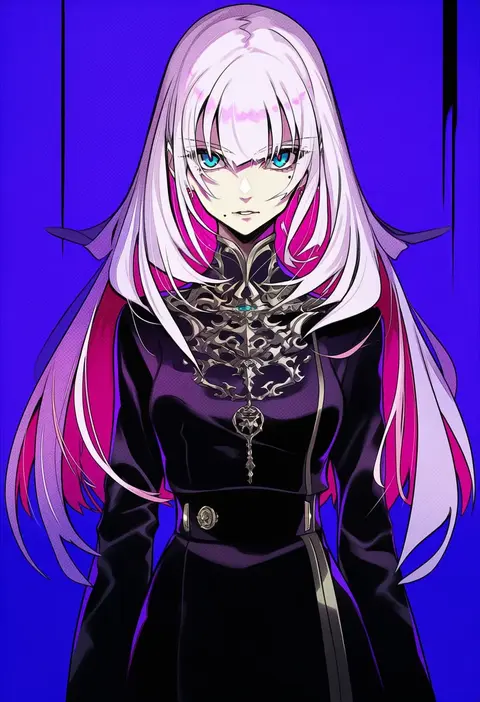
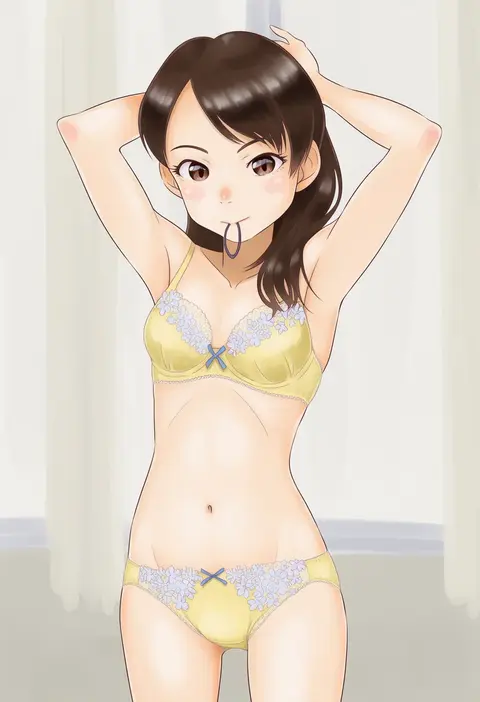
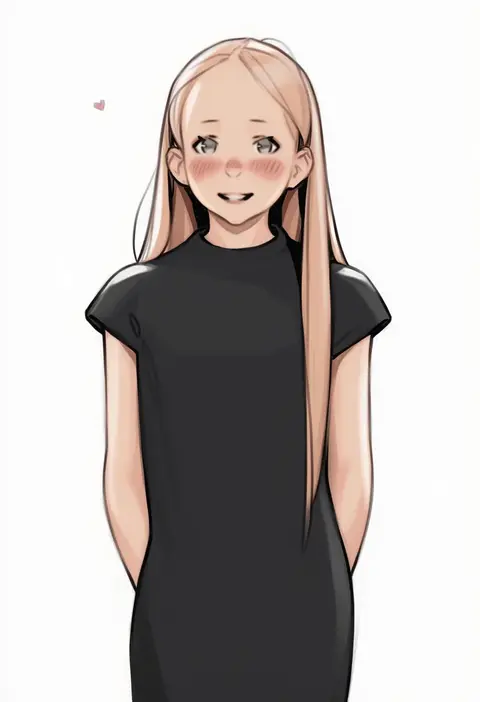
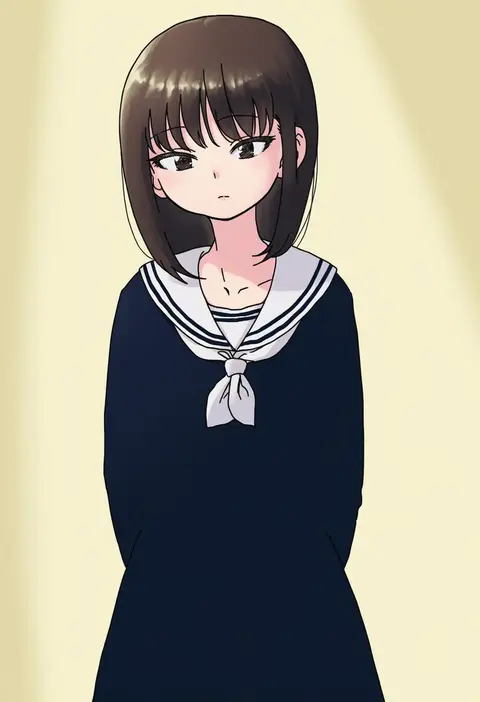
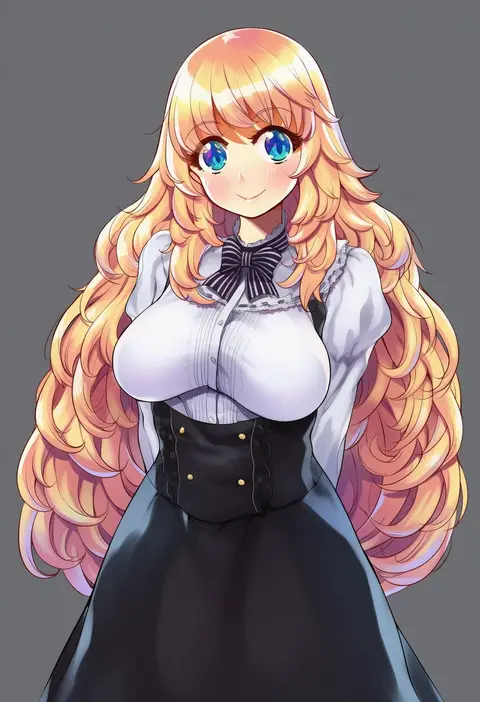
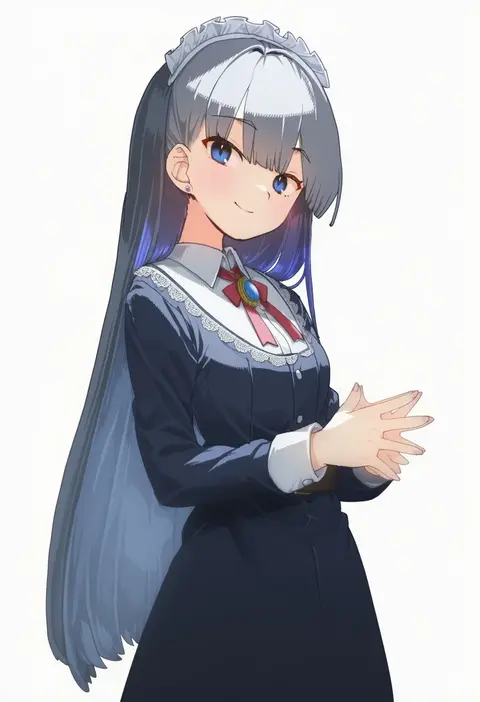
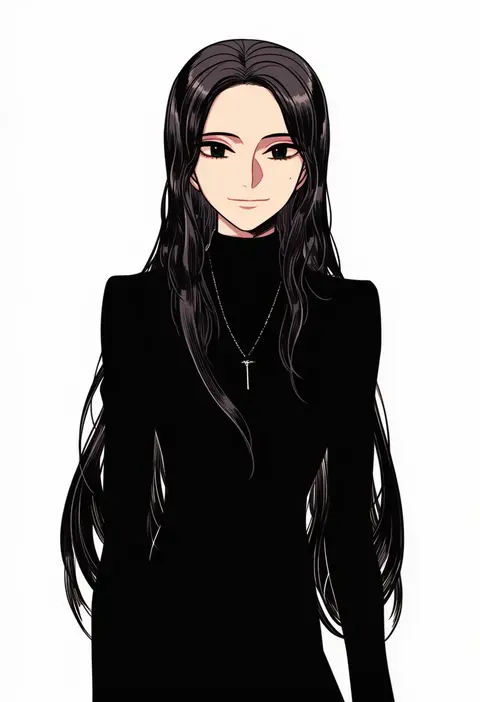
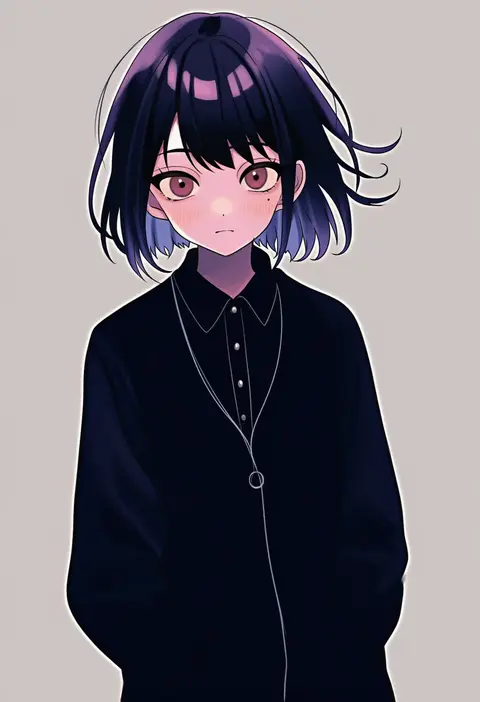
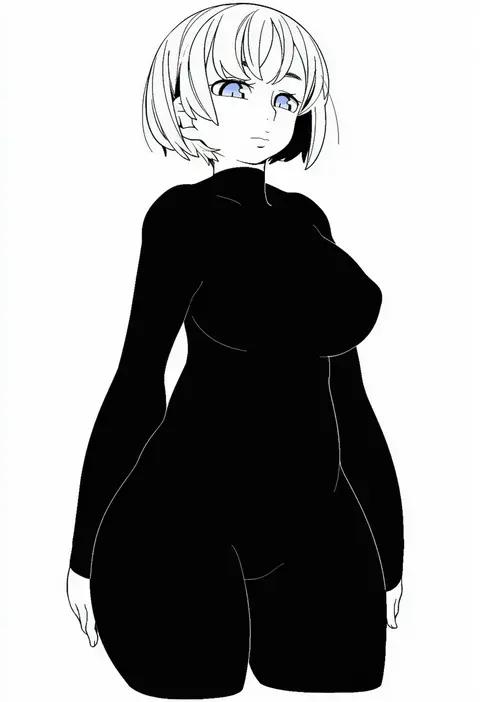
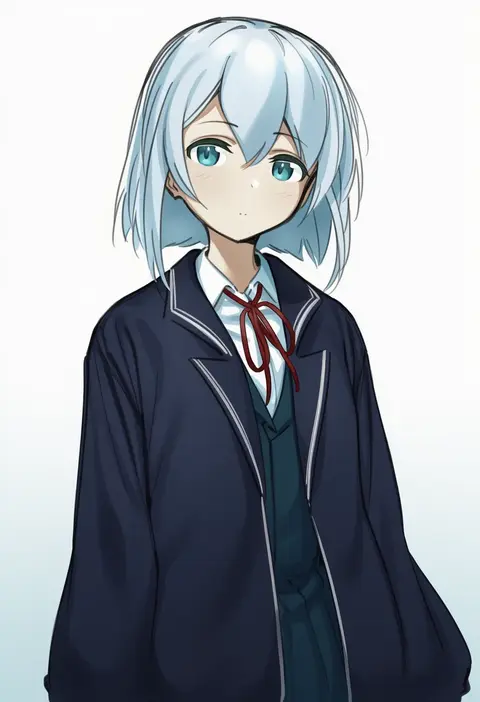
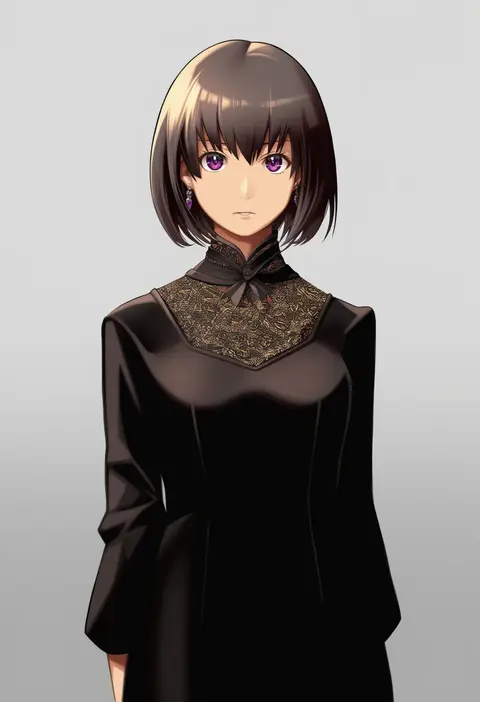
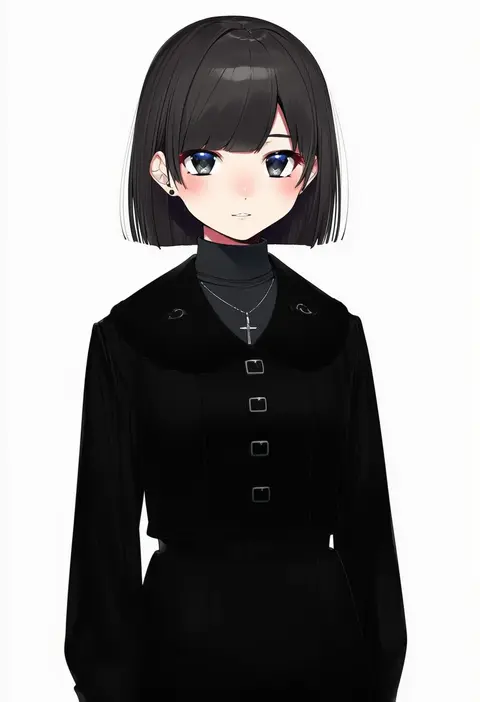
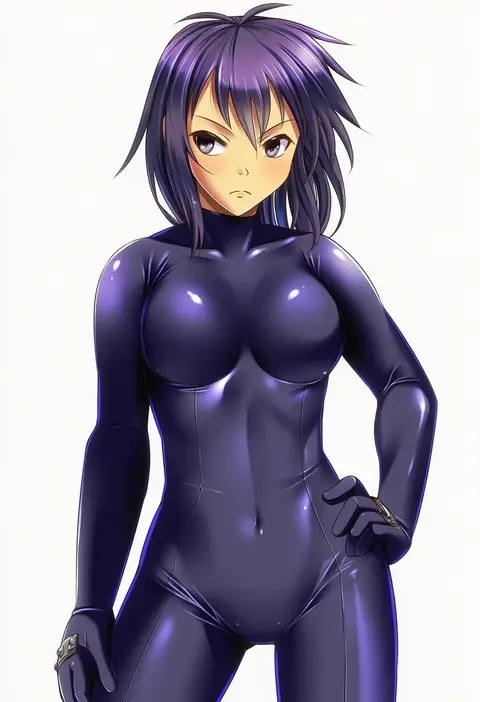
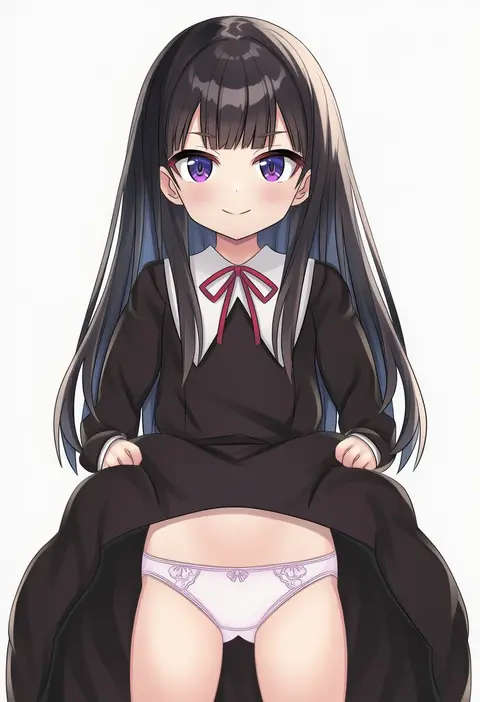
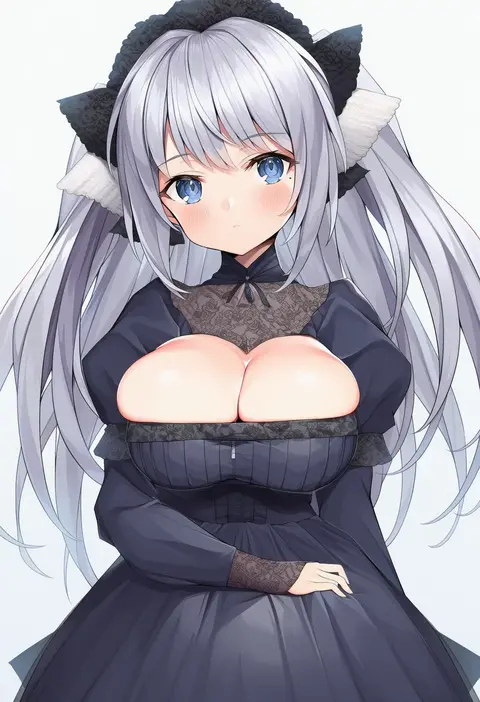
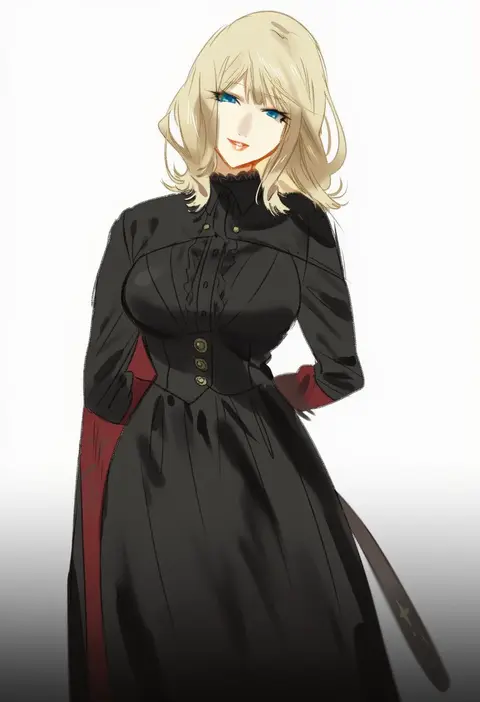
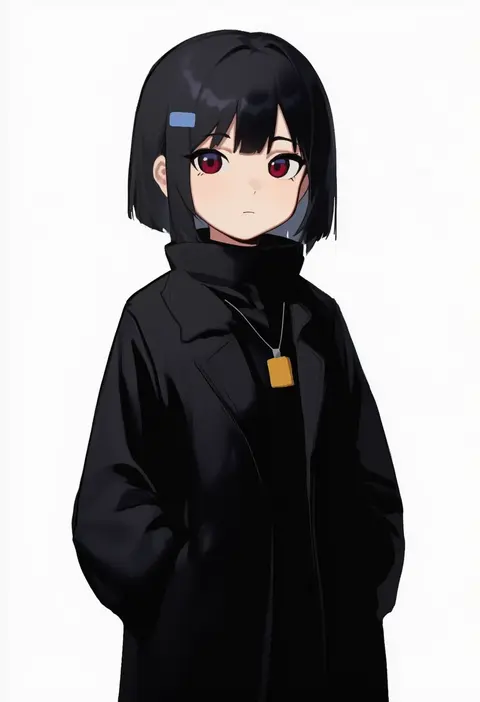
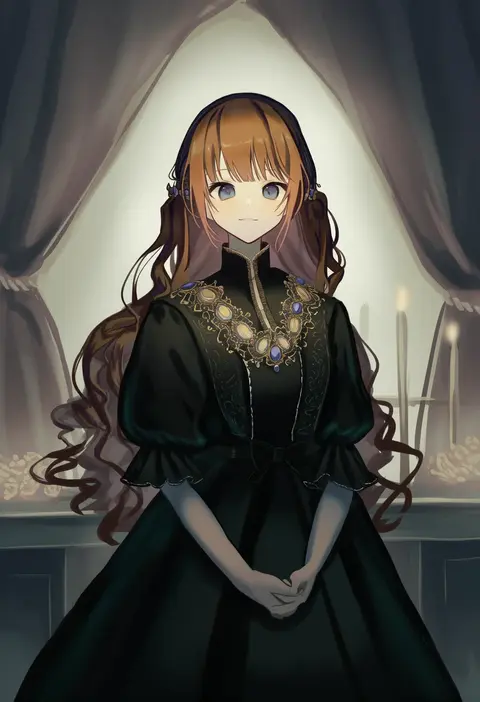
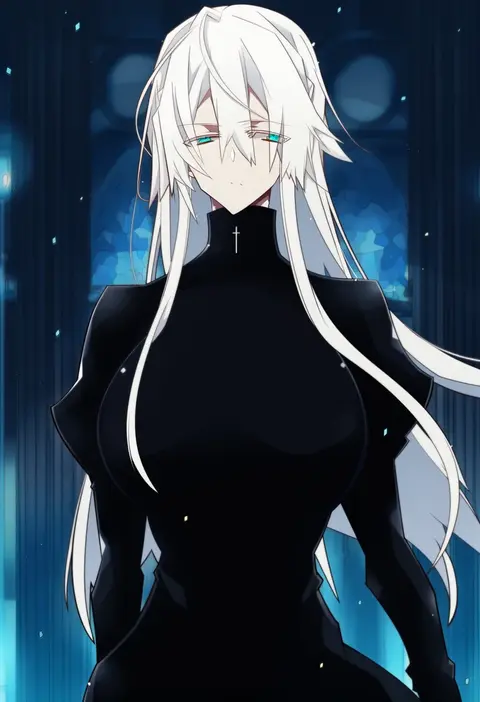
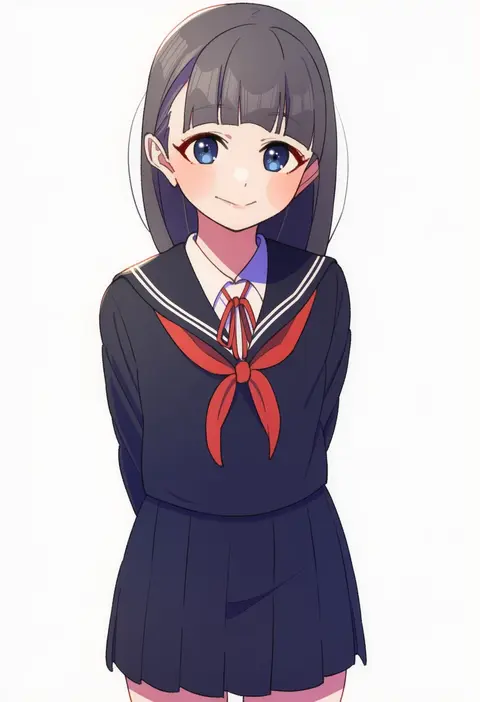
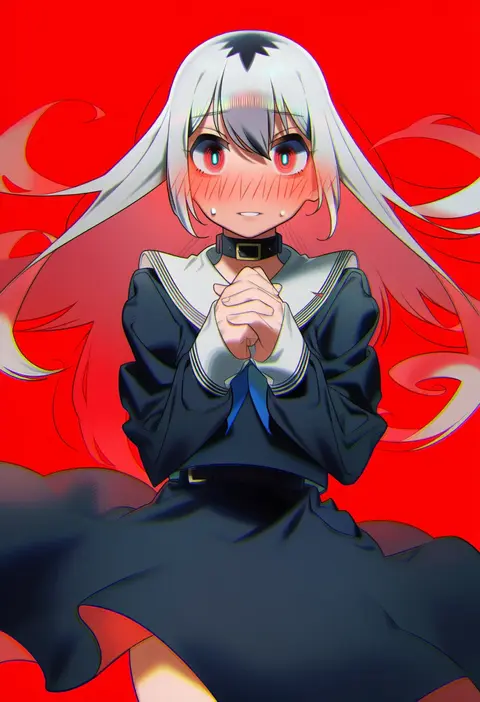
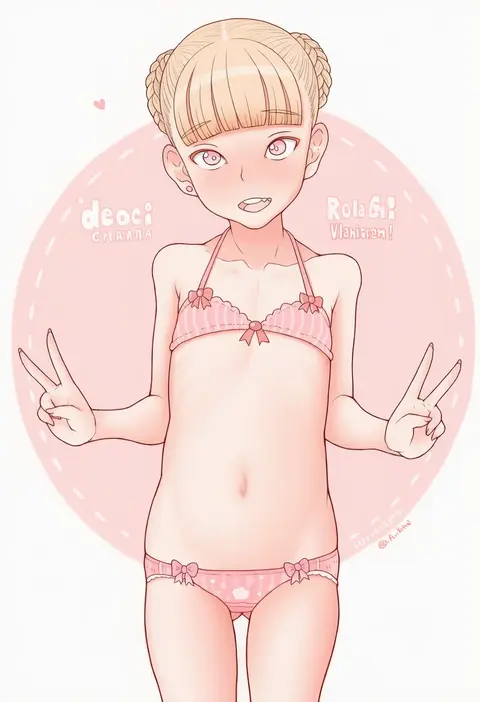
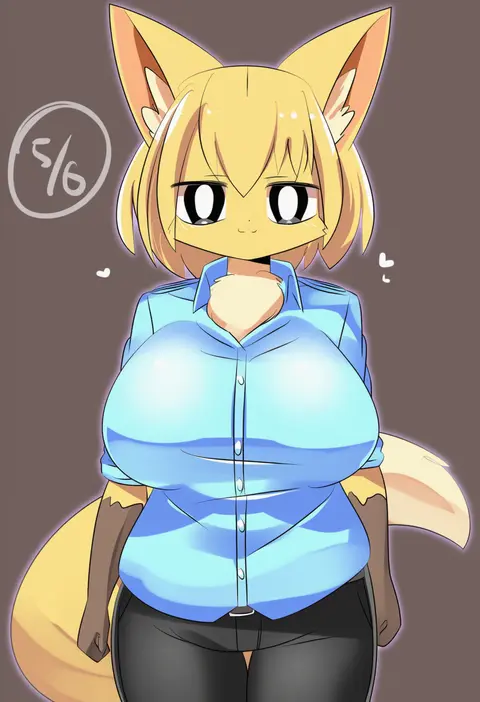
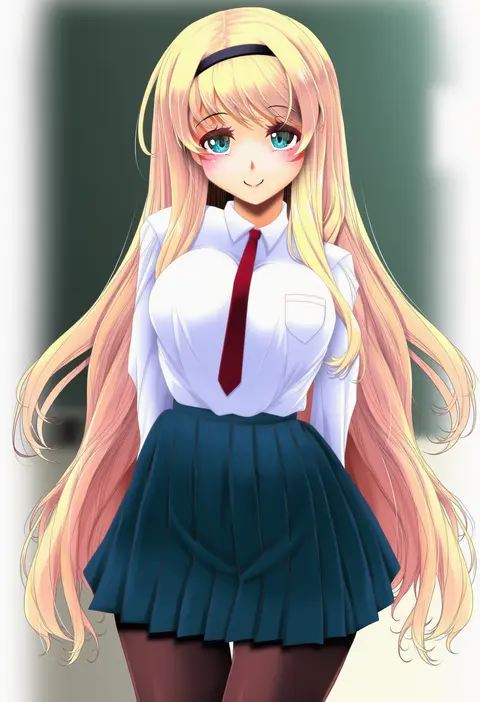
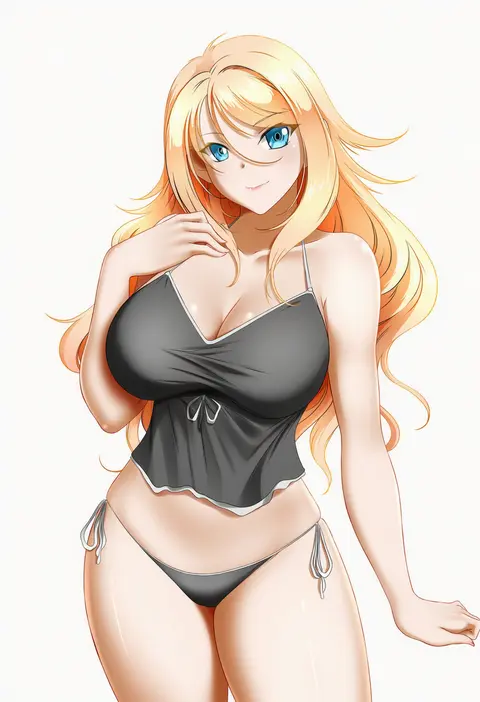
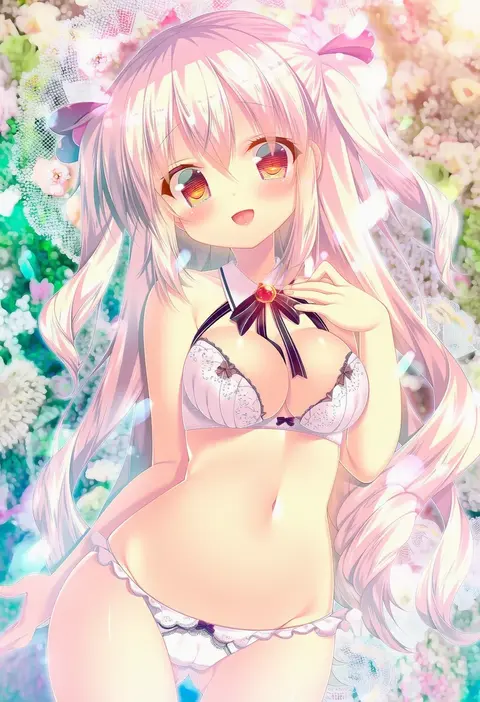
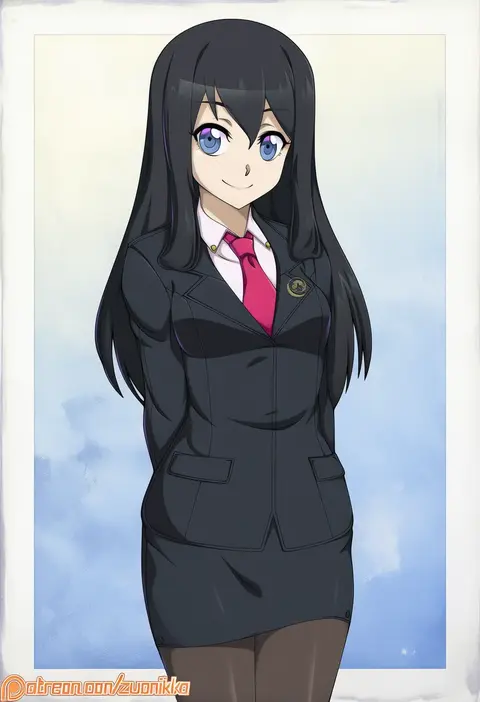
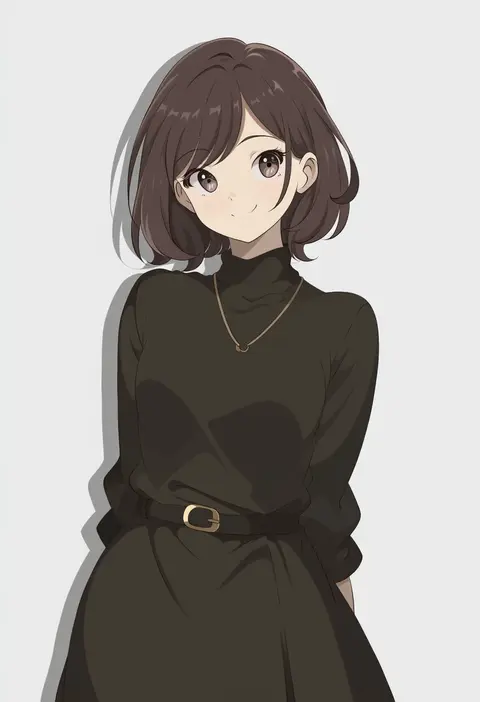
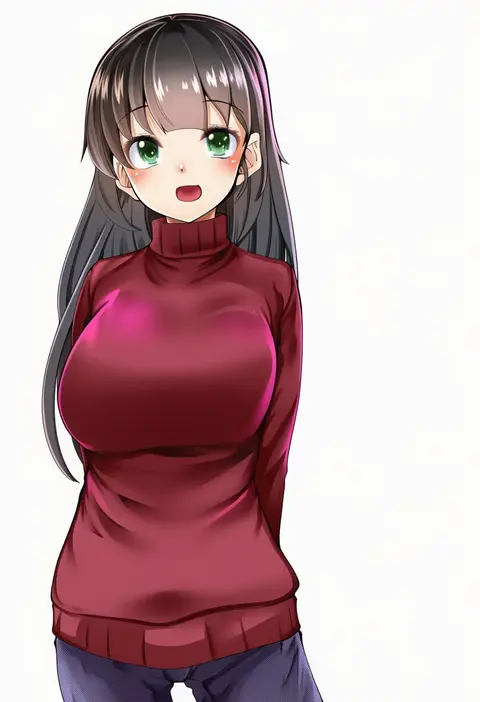
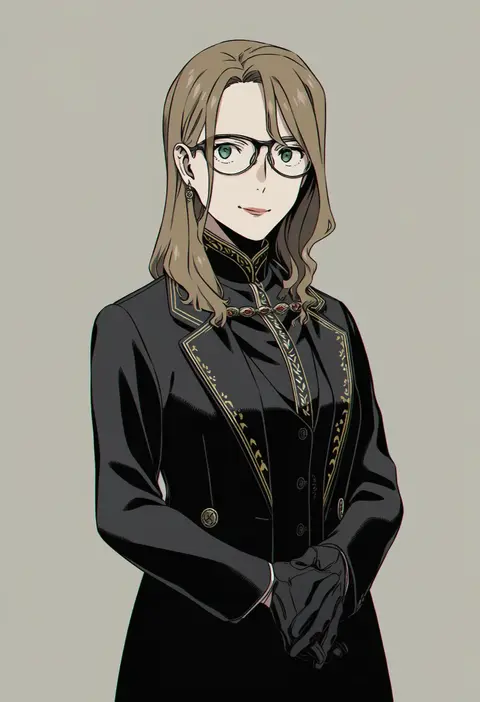
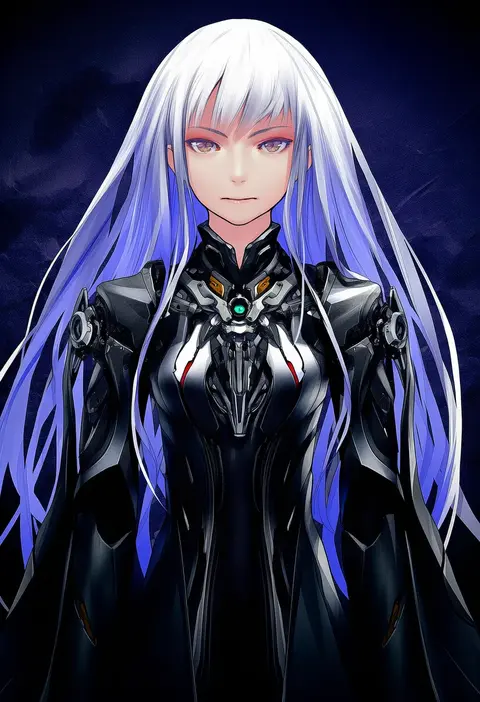
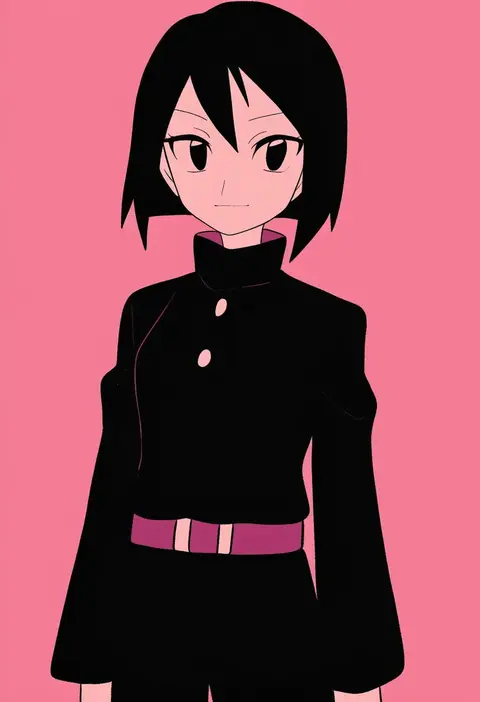
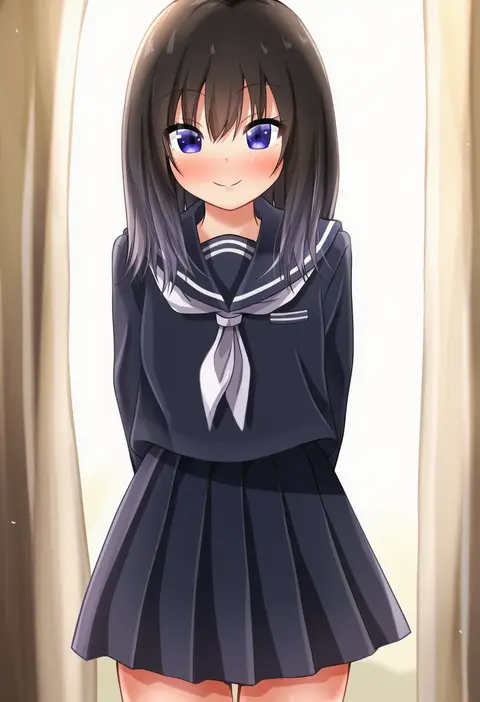
Artist tags tell NovelAI Diffusion to draw in a specific artist's style: line weight, paint texture, face shapes and palette all shift at once. Character and outfit tags decide what is drawn; artist tags decide how. 16,352 tags are listed for V4.5.
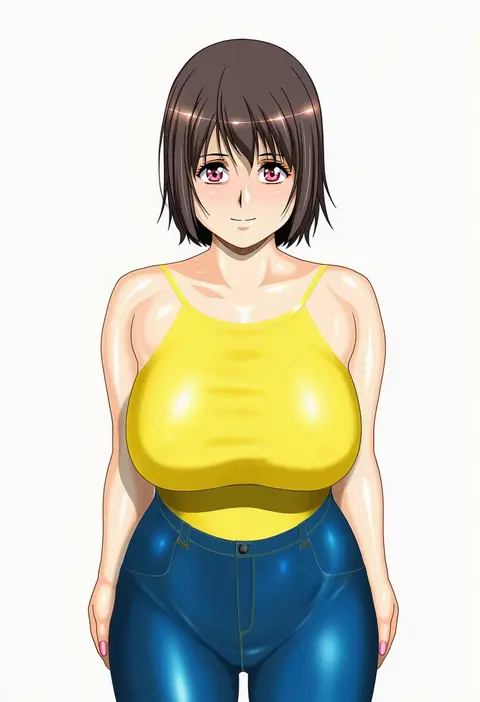
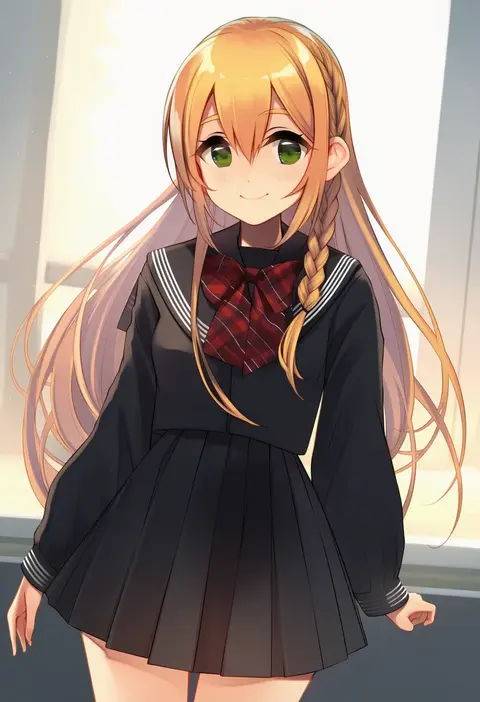
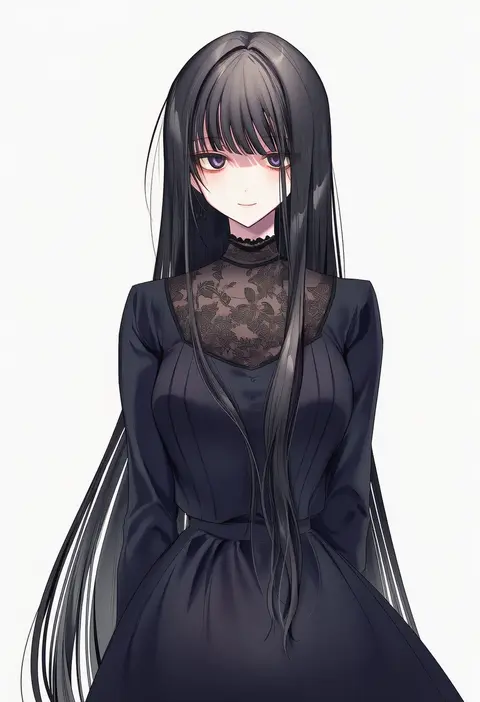
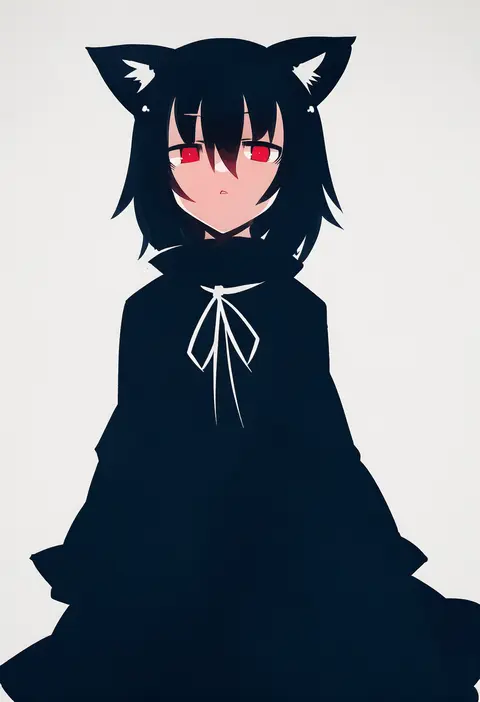
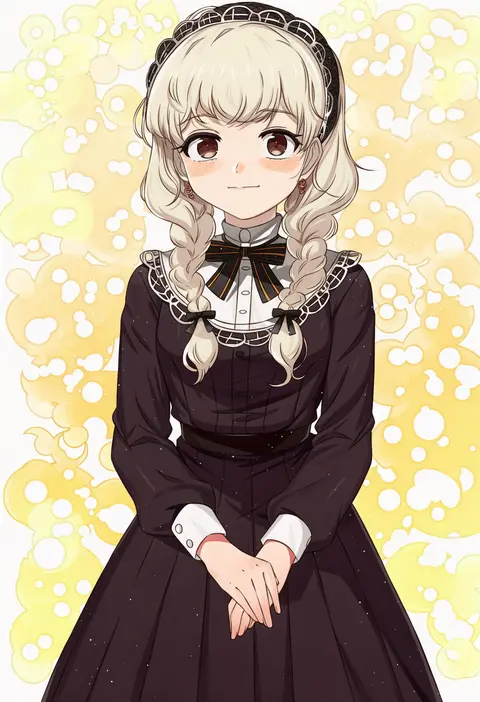
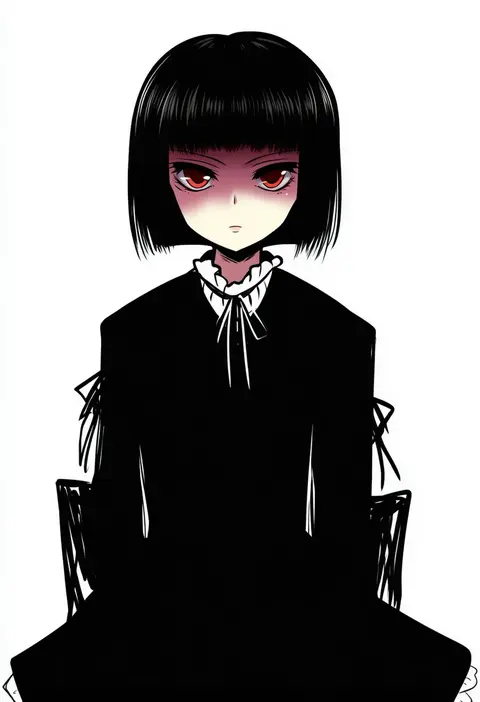
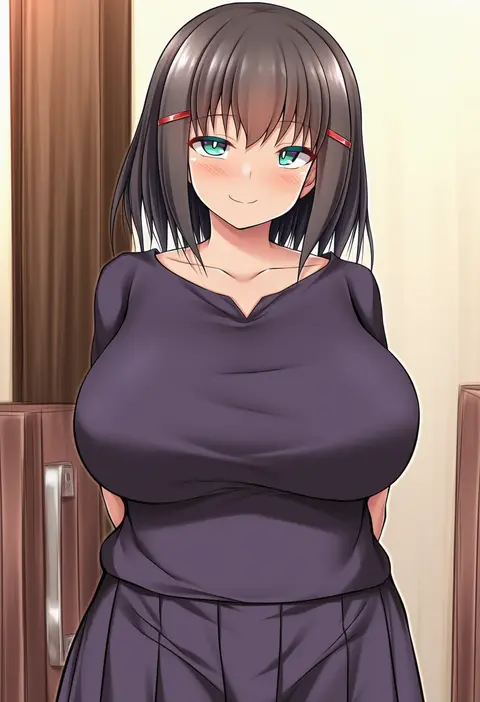
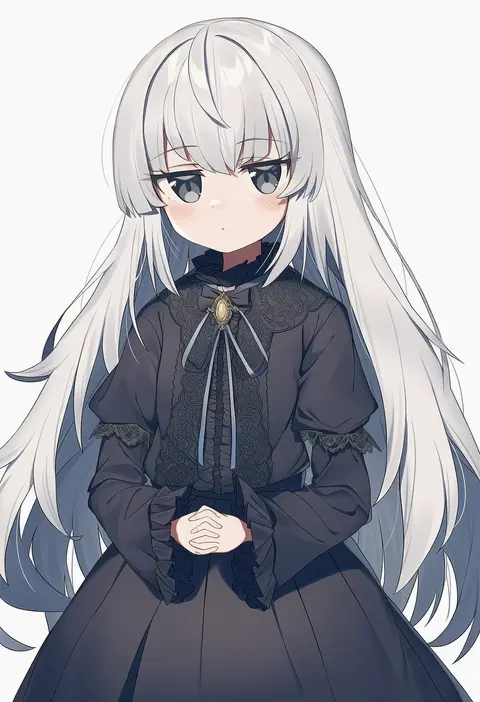
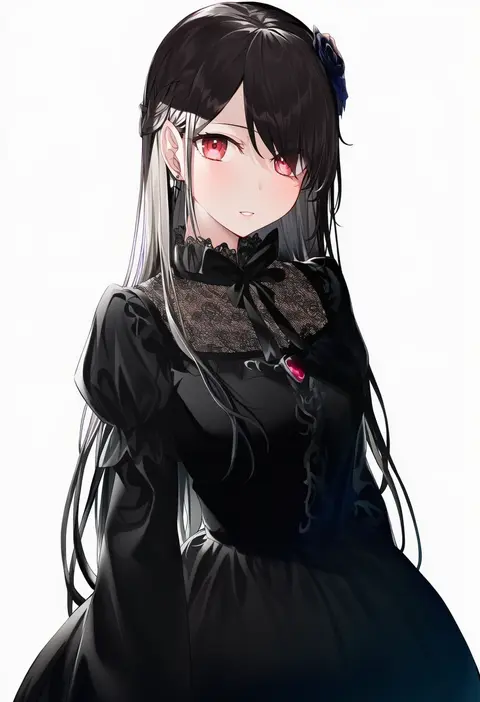
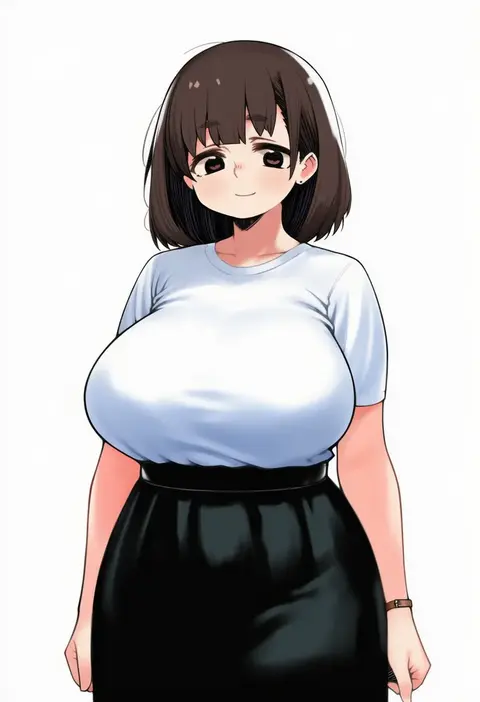
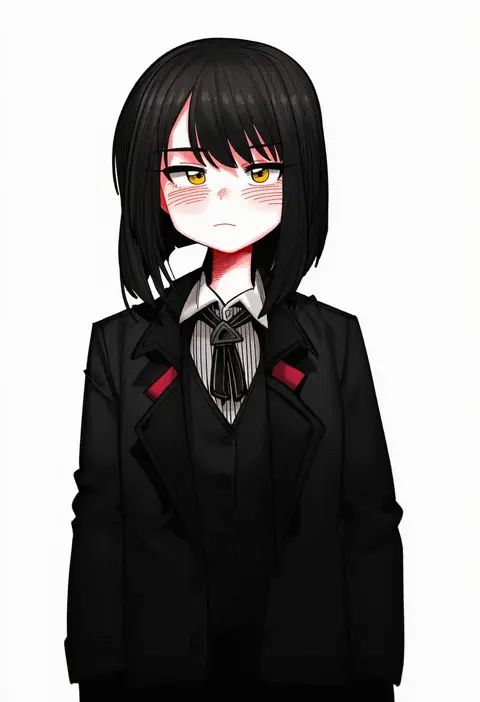
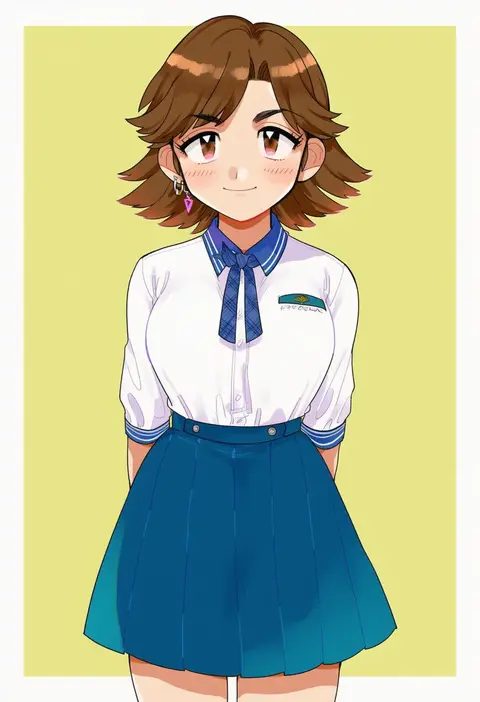
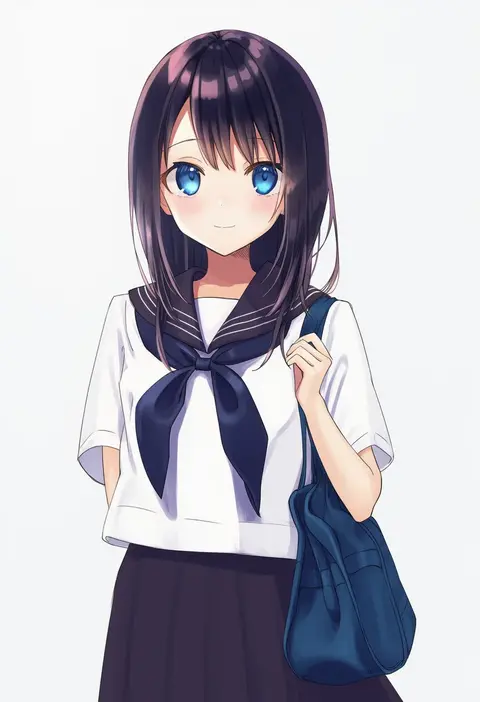
Every tag listed here is verified to react in NovelAI. All images use the same prompt, seed and settings with only the artist tag swapped, so the difference between two images is the style that tag brings in.

How to use them

Put the artist tag near the front of the prompt, e.g. "<artist>, 1girl, solo, best quality, masterpiece, cowboy shot". Two or three artist tags blend styles; lower the weight with "0.8::<artist>::" when the style overpowers the character.

SCORE sorts by Danbooru's top score, POSTS by post count, FAVS by hearts on this site. Open a card to see V5 and V4.5 side by side on the same seed.

V5 vs V4.5

V5 usually lands closer to the artist's real style, and tags that did nothing on V4.5 often react on V5. V4.5 still fits older and doujin-heavy artists better. Try V5 first, fall back to V4.5.

FAQ

Where does the artist tag go?
Near the front of the prompt. Use "0.8::tag::" to adjust its weight.

Can I stack artist tags?
Yes, styles blend. Past two or three the result stops looking like anyone.

Are these the artists' own works?
No. Every image is a NovelAI sample generated from the tag.