V4.5Artists
sort: FAVS▾
▾
>
$

Popular NovelAI artist tags — V4.5

artist --count 16,352[166/273]
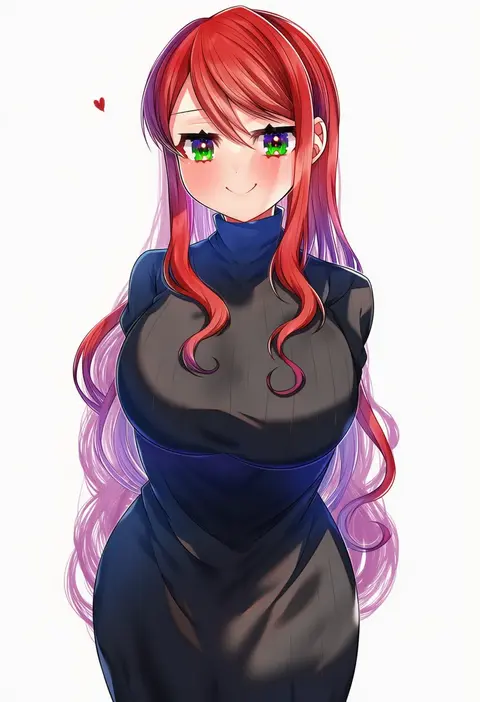
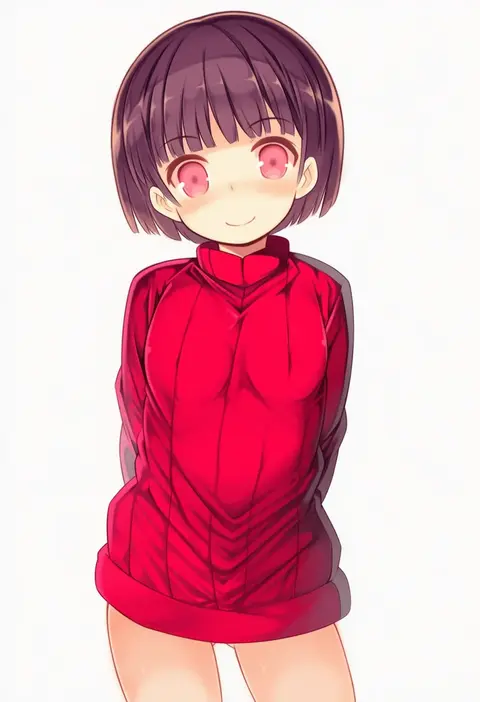
sazamiso rx
ARTIST0x26AC
0
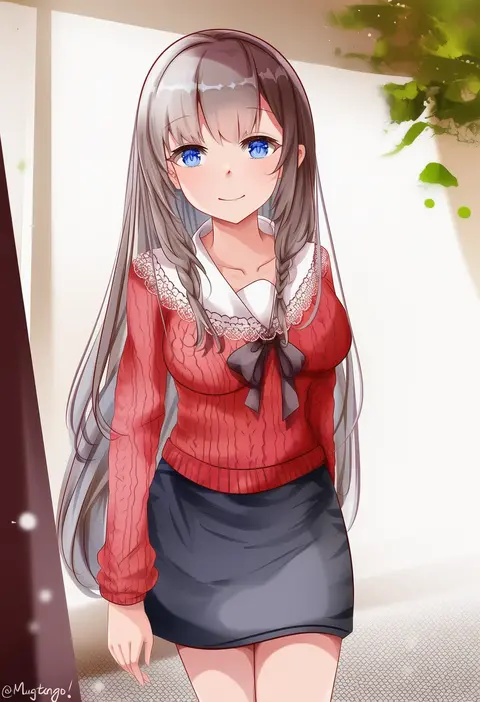
kawarajima kou
ARTIST0x26AD
0
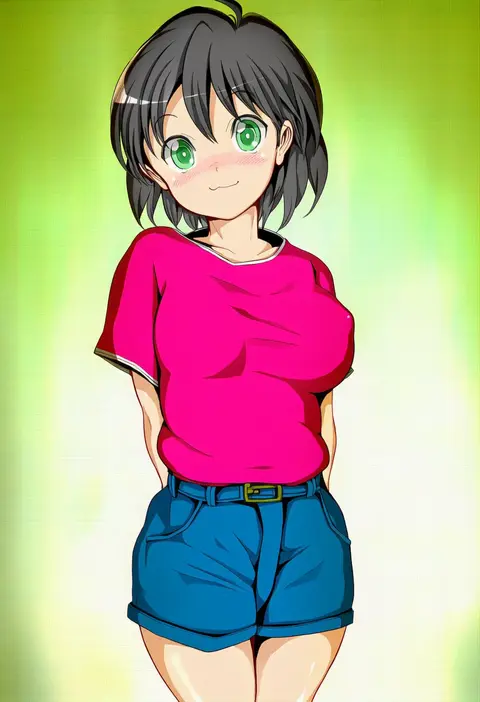
umibudou
ARTIST0x26AE
0
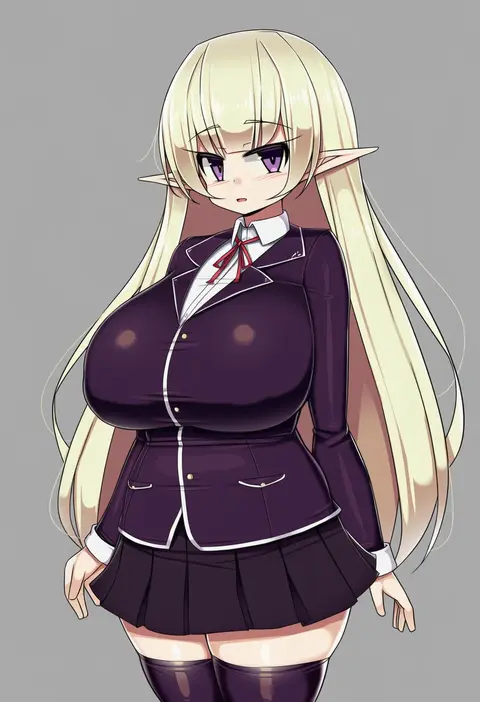
kikurage (plastic people)
ARTIST0x26AF
0
ress
ARTIST0x26B0
0
hamachamu
ARTIST0x26B1
0
halkawa501
ARTIST0x26B2
0
nakaichi (ridil)
ARTIST0x26B3
0
lingyi
ARTIST0x26B4
0
soukuu kizuna
ARTIST0x26B5
0
popman3580
ARTIST0x26B6
0
ivy (sena0119)
ARTIST0x26B7
0
fuente
ARTIST0x26B8
0
shimakaze (soundz of bell)
ARTIST0x26B9
0
agekichi (heart shape)
ARTIST0x26BA
0
kuga tsuniya
ARTIST0x26BB
0
yakota (usuk-yako)
ARTIST0x26BC
0
akirannu
ARTIST0x26BD
0
mutang
ARTIST0x26BE
0
reri
ARTIST0x26BF
0
sawati
ARTIST0x26C0
0
shikano sumiaki
ARTIST0x26C1
0
yuji (fantasia)
ARTIST0x26C2
0
atage
ARTIST0x26C3
0
maruchi
ARTIST0x26C4
0
weed (astarone)
ARTIST0x26C5
0
go-sai tamanegi
ARTIST0x26C6
0
so-taro
ARTIST0x26C7
0
hage tashuumi
ARTIST0x26C8
0
vane (vane0)
ARTIST0x26C9
0
maou (maoudaisukiya)
ARTIST0x26CA
0
osobachan
ARTIST0x26CB
0
isaacchief300
ARTIST0x26CC
0
holmemee
ARTIST0x26CD
0
soku (bluerule-graypray)
ARTIST0x26CE
0
kanyoko (yuzukano 17)
ARTIST0x26CF
0
washiwa
ARTIST0x26D0
0
rcs 4
ARTIST0x26D1
0
mukanata
ARTIST0x26D2
0
shinnasuka025
ARTIST0x26D3
0
sasasi
ARTIST0x26D4
0
umi endu
ARTIST0x26D5
0
komowata haruka
ARTIST0x26D6
0
mame
ARTIST0x26D7
0
kamesys
ARTIST0x26D8
0
kaishaku
ARTIST0x26D9
0
mahan (clock hearts)
ARTIST0x26DA
0
chichi guai
ARTIST0x26DB
0
kawaguchi (mojacome)
ARTIST0x26DC
0
meihemu
ARTIST0x26DD
0
fuyuichi monme
ARTIST0x26DE
0
gogatsu no renkyuu
ARTIST0x26DF
0
chunrijun (springer)
ARTIST0x26E0
0
tamomoko
ARTIST0x26E1
0
katahira masashi
ARTIST0x26E2
0
niwatazumi
ARTIST0x26E3
0
j7w
ARTIST0x26E4
0
tsukui kachou
ARTIST0x26E5
0
miri (ago550421)
ARTIST0x26E6
0
kurasuke
ARTIST0x26E7
0

What these tags change

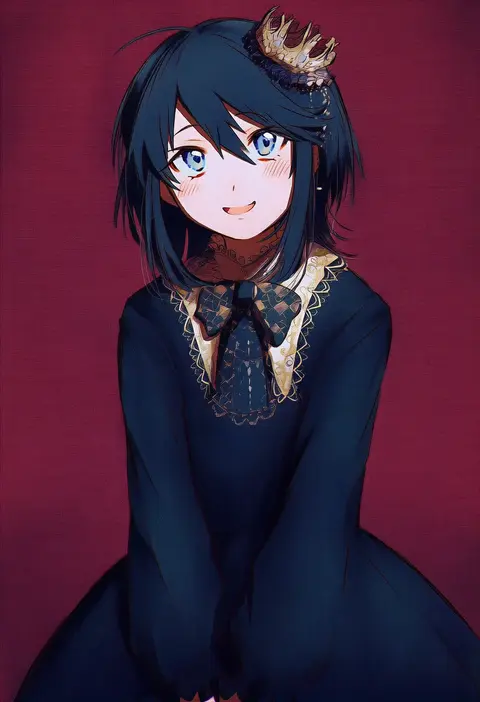
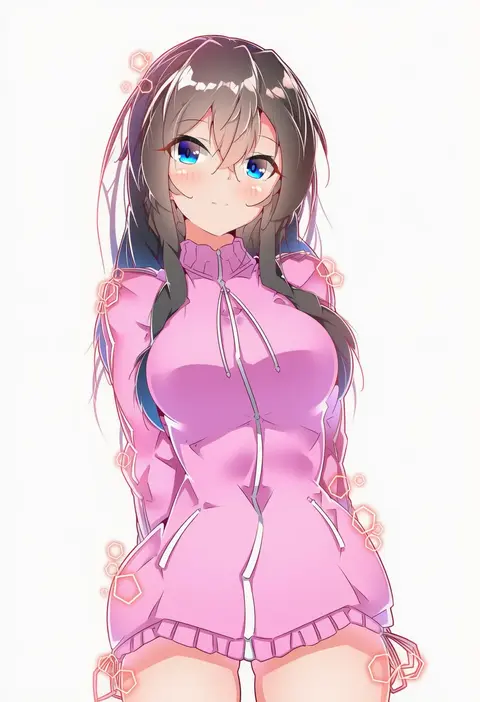
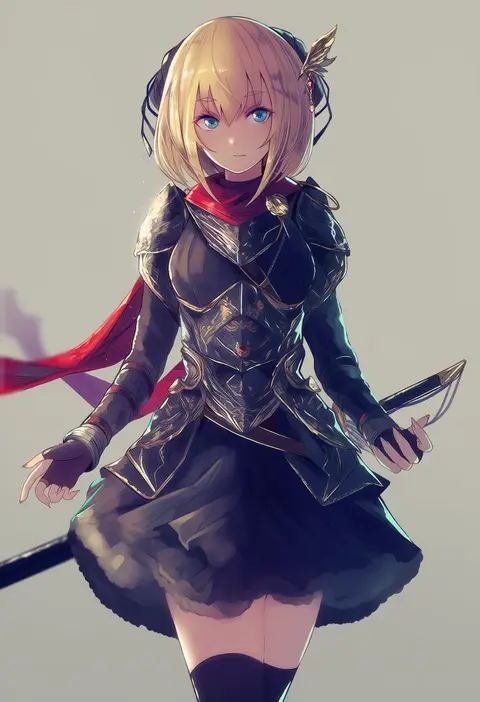
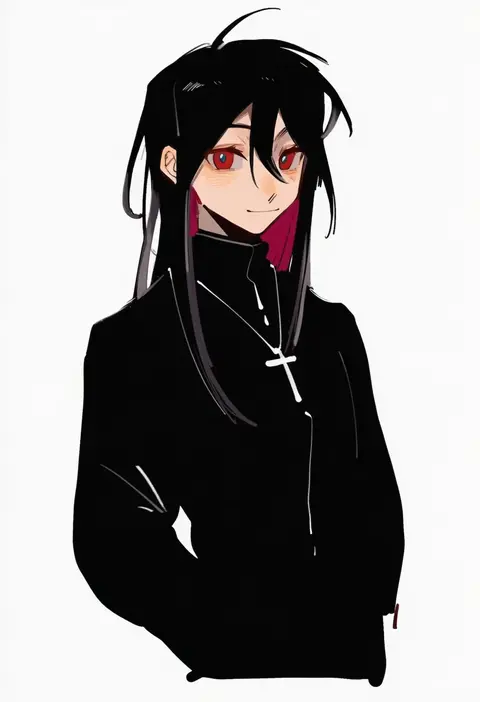
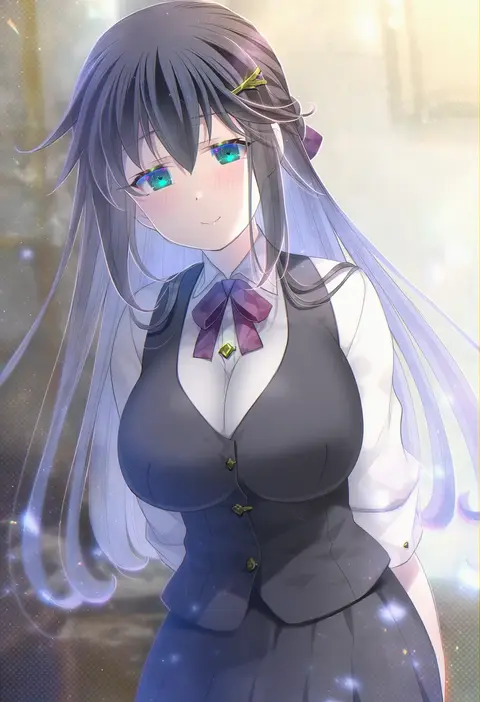
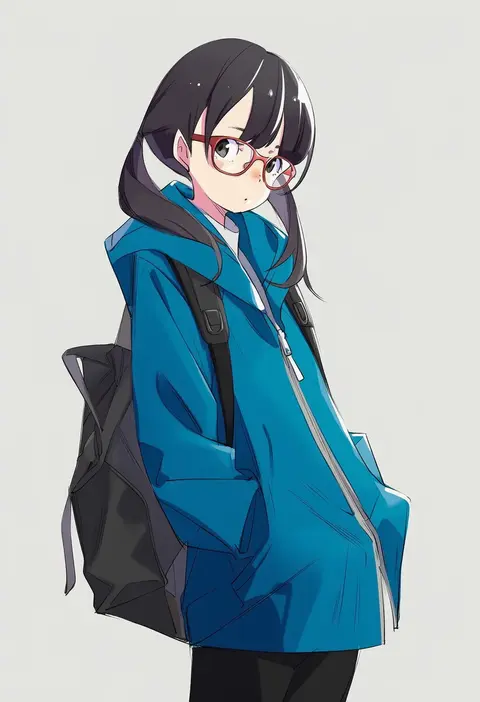
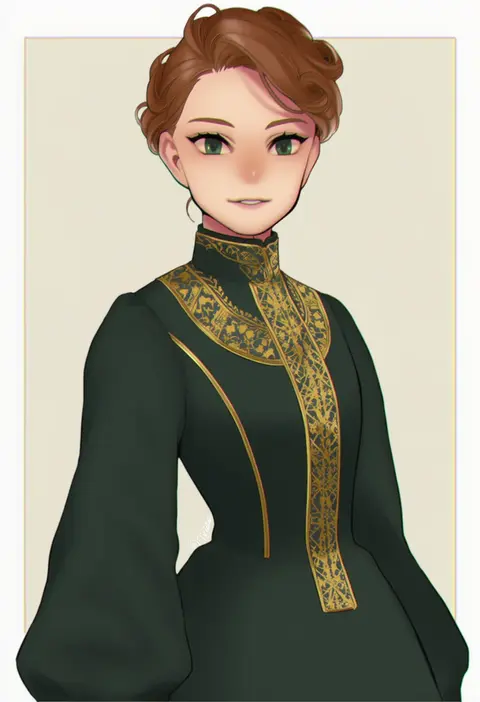
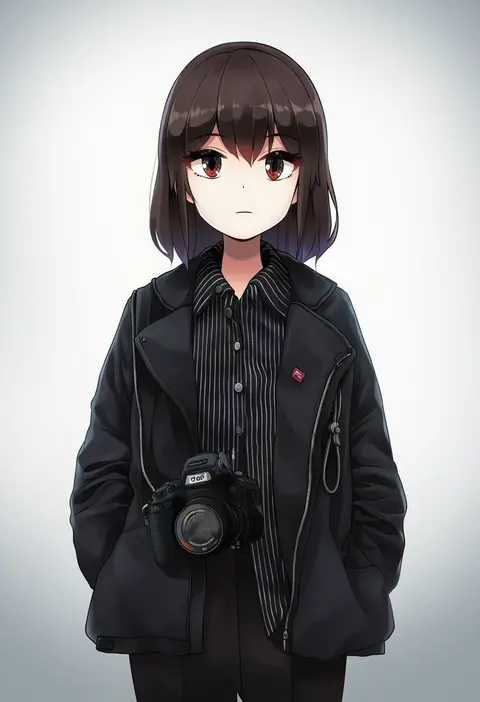
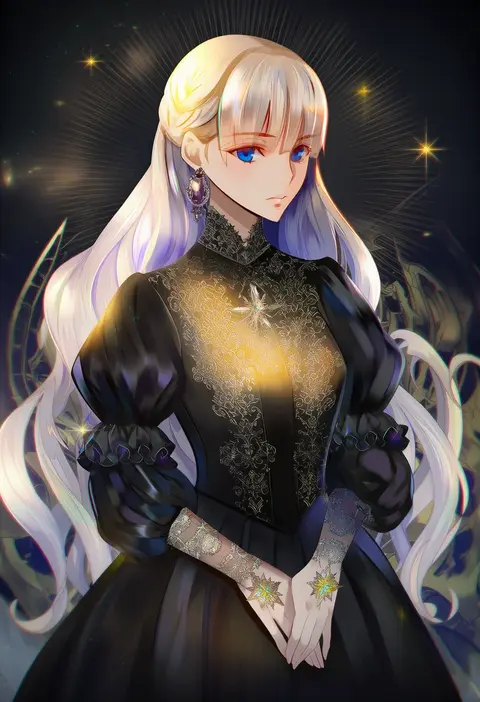
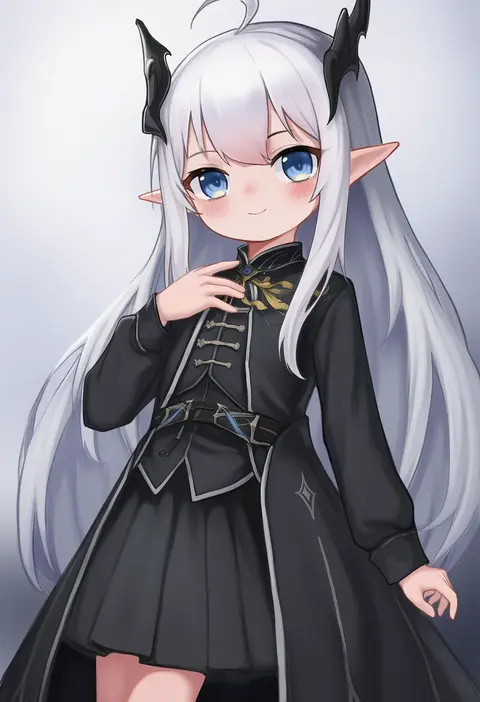
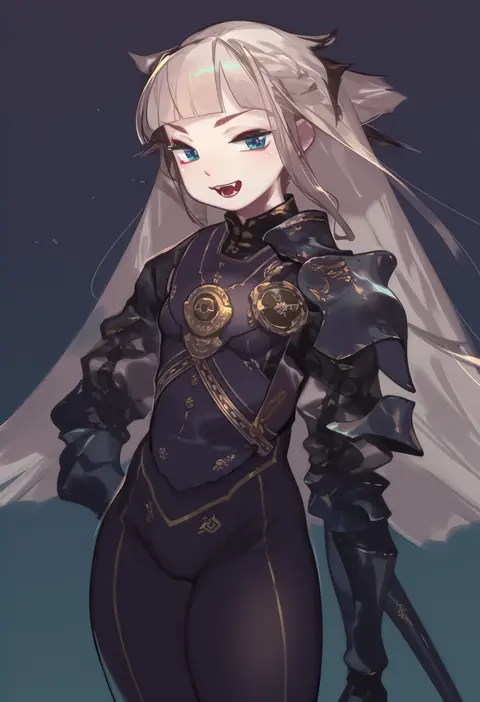
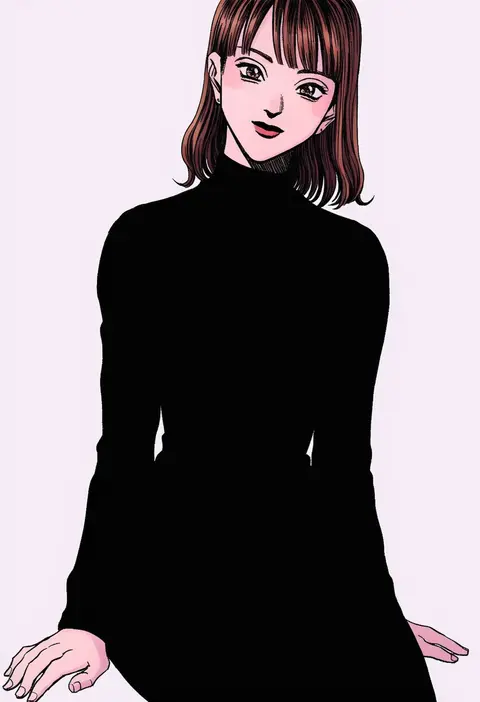
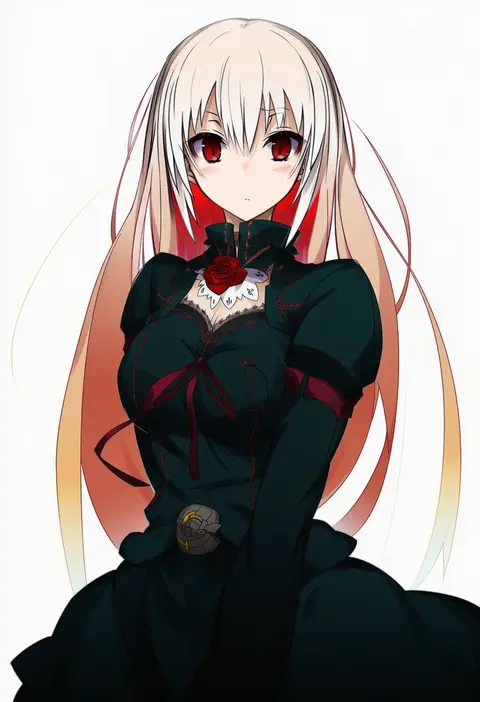
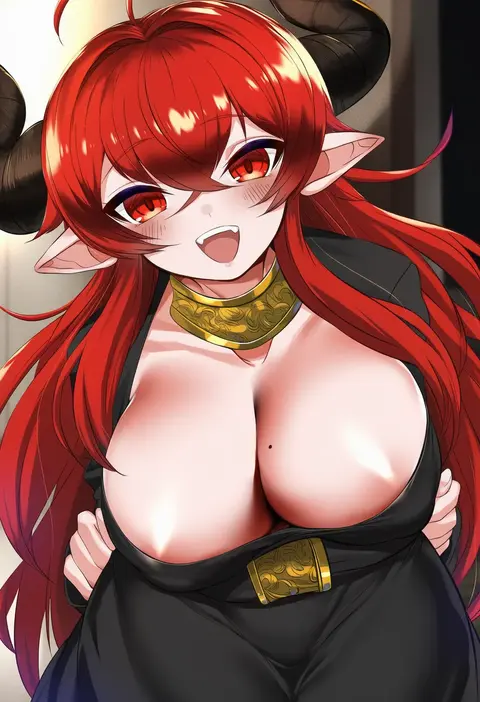
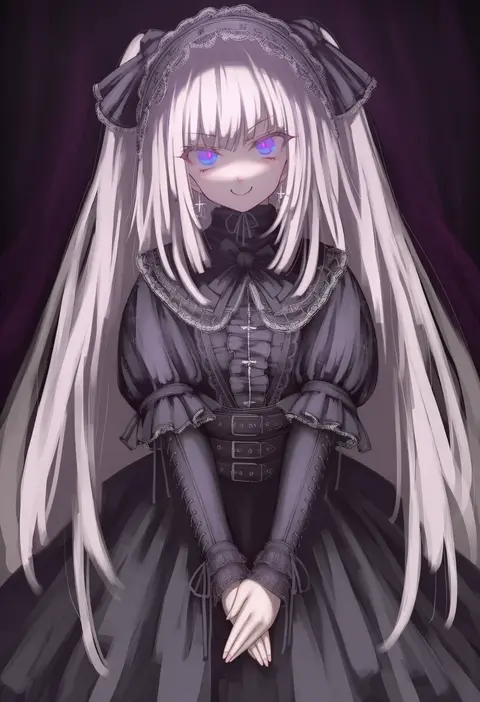
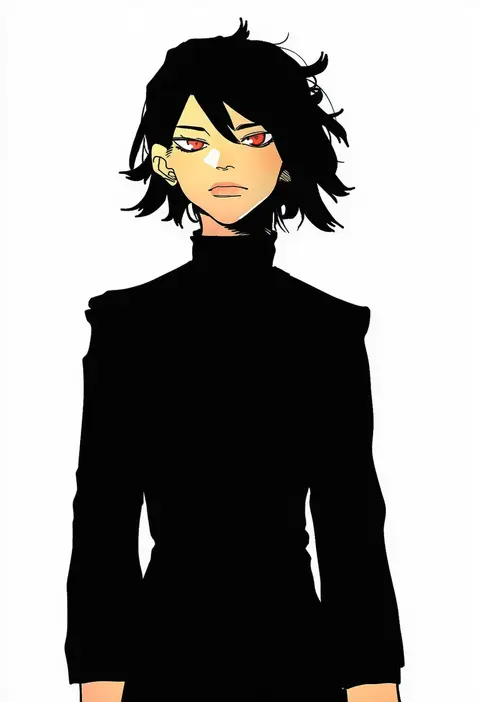
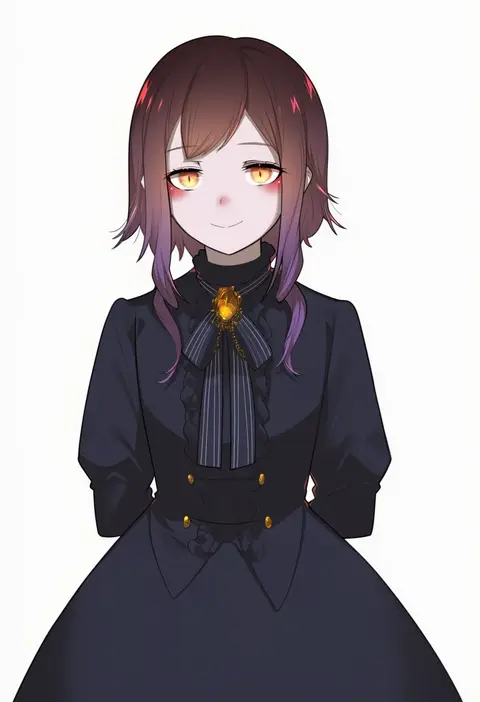
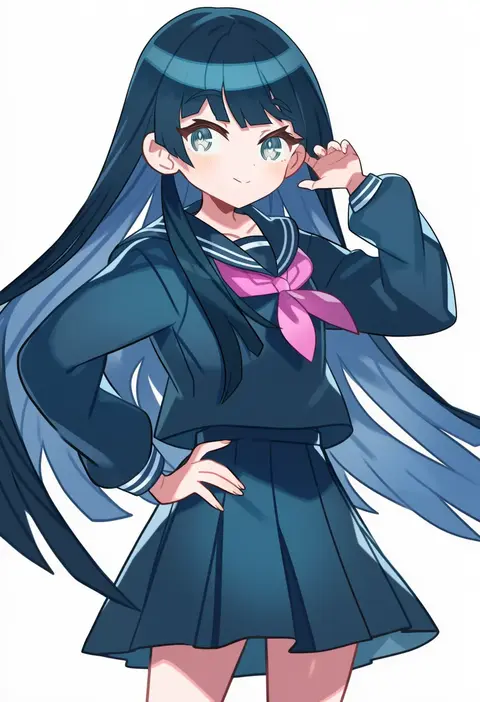
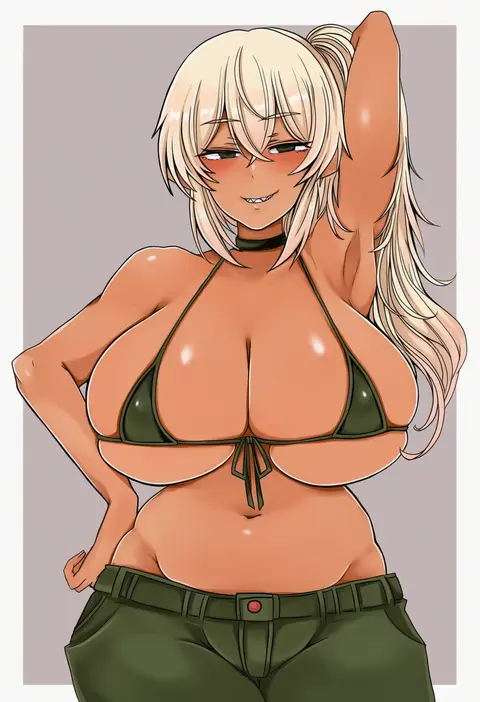
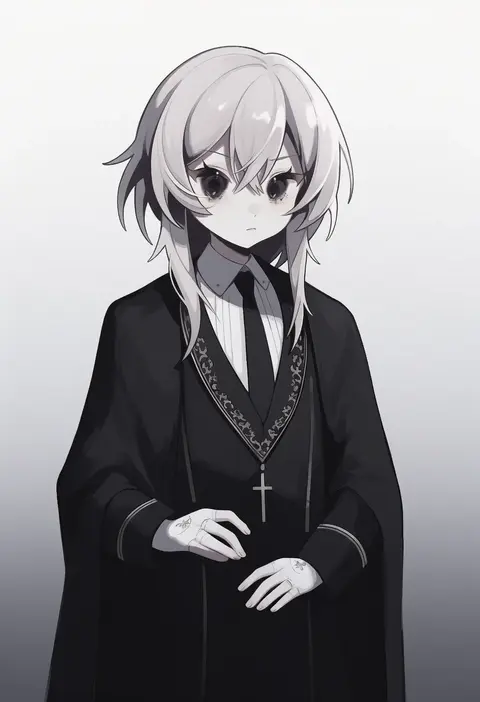
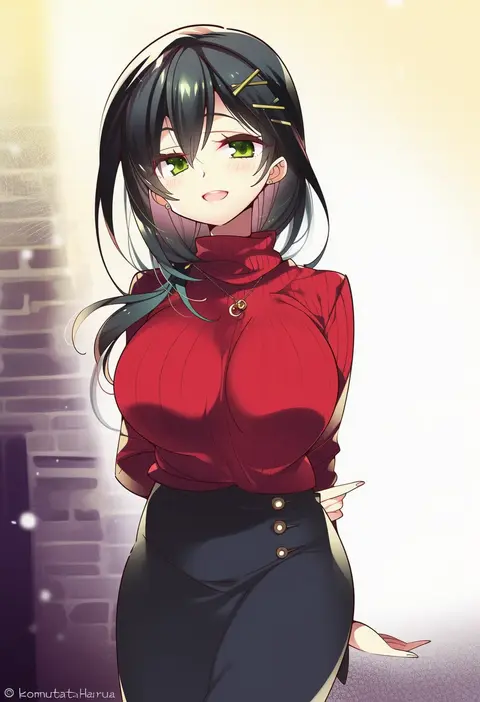
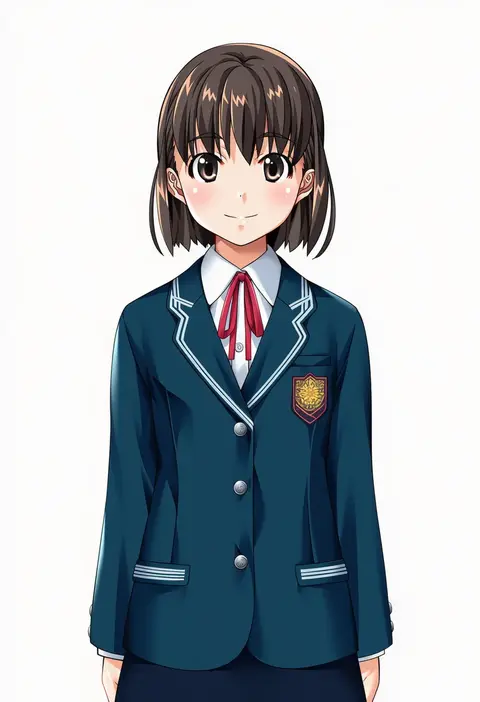
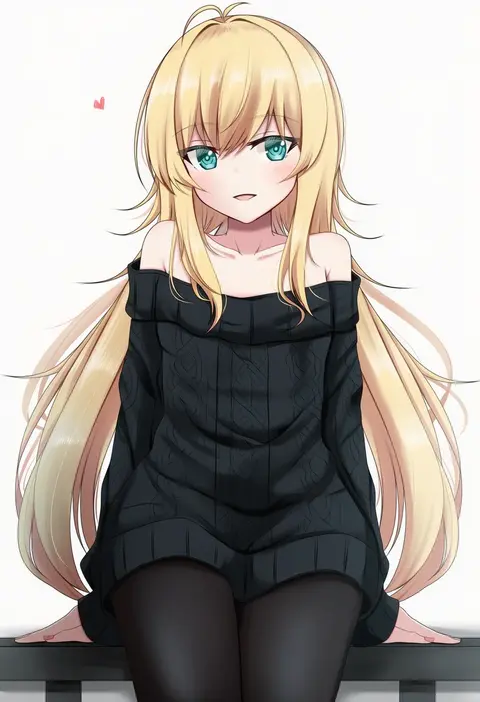
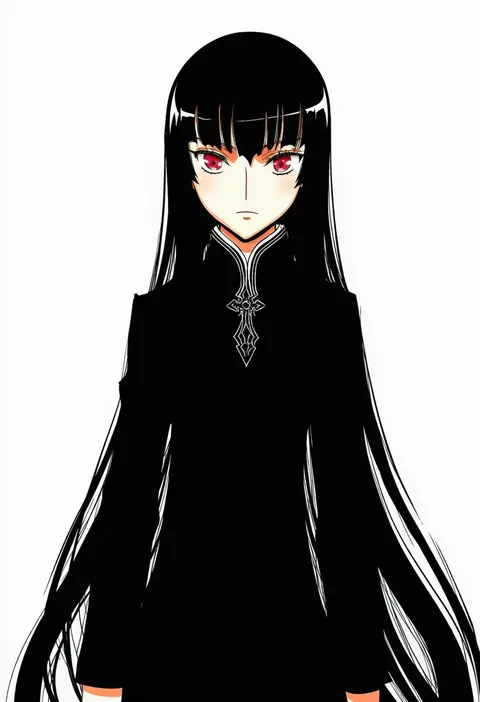
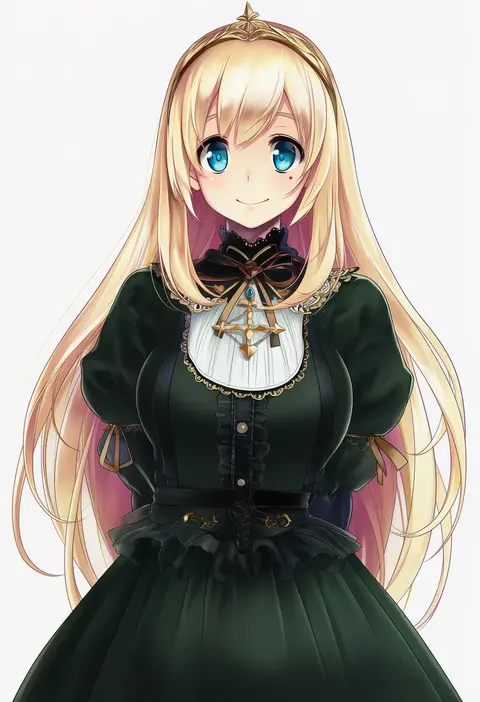
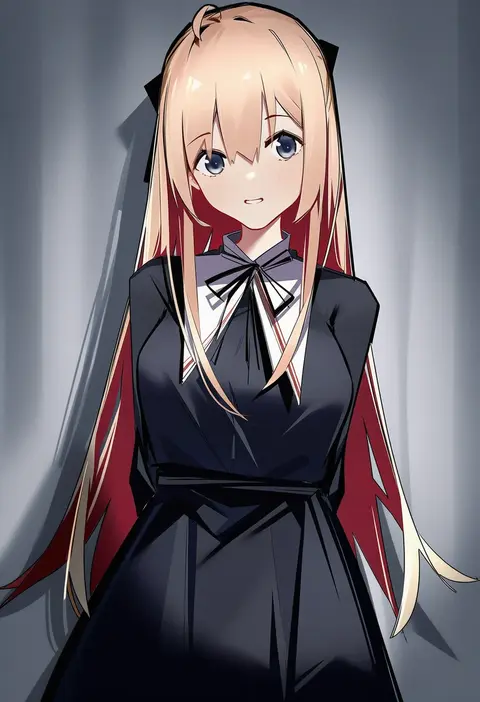
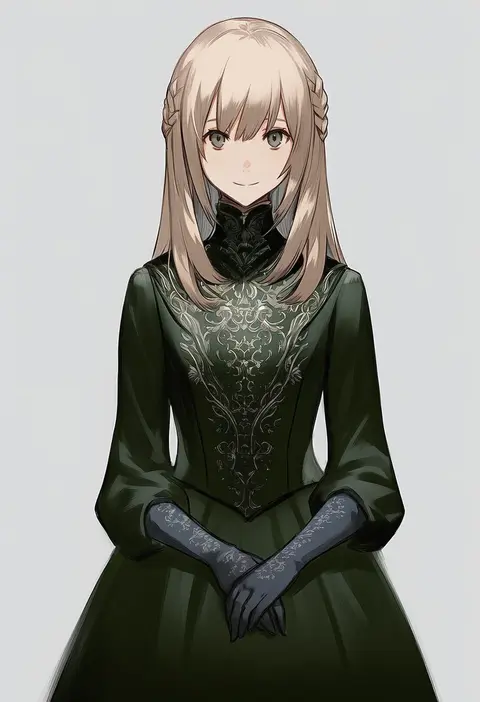
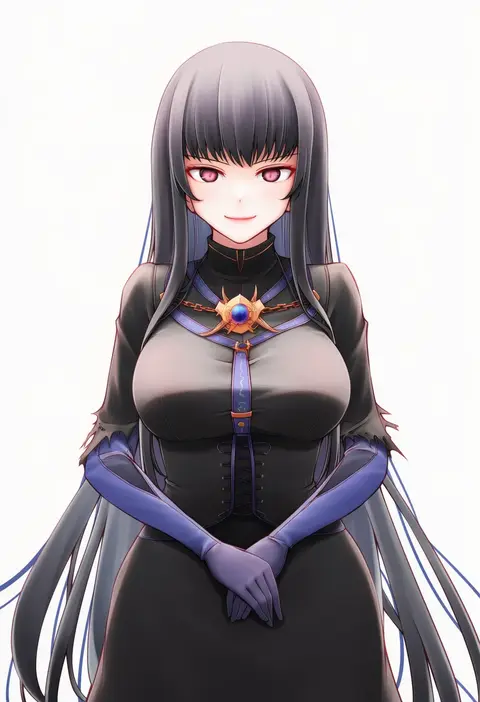
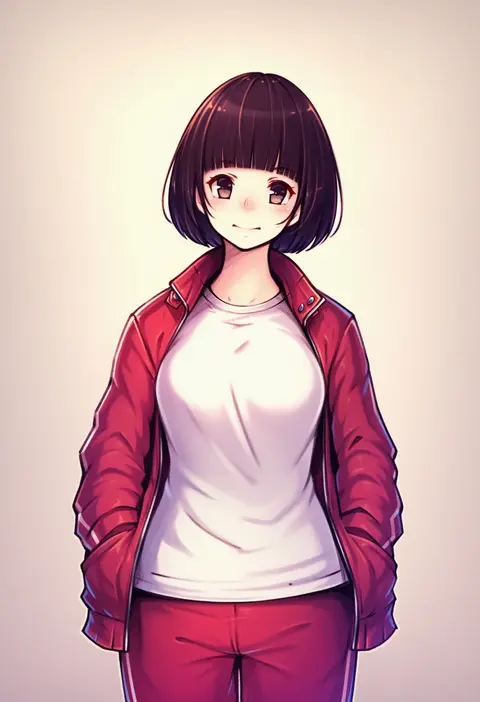
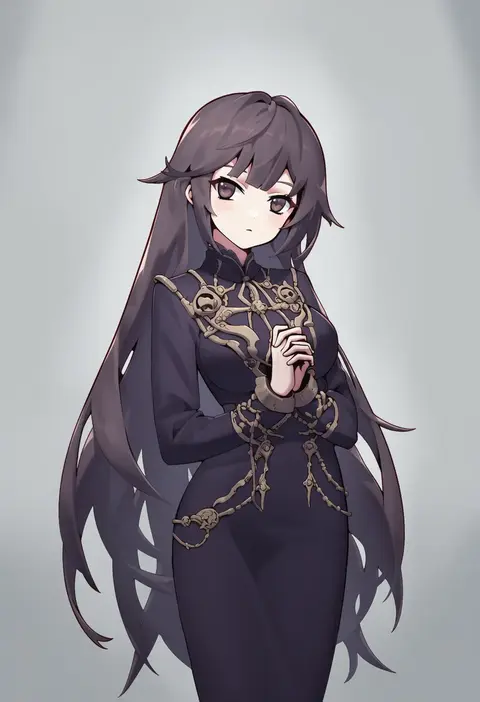
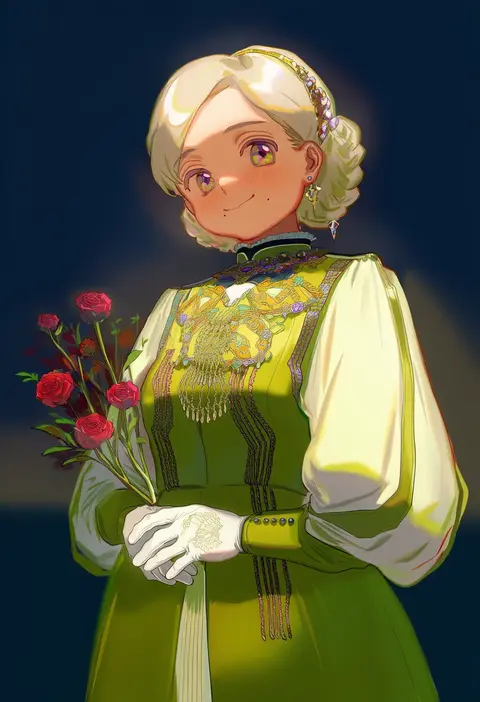
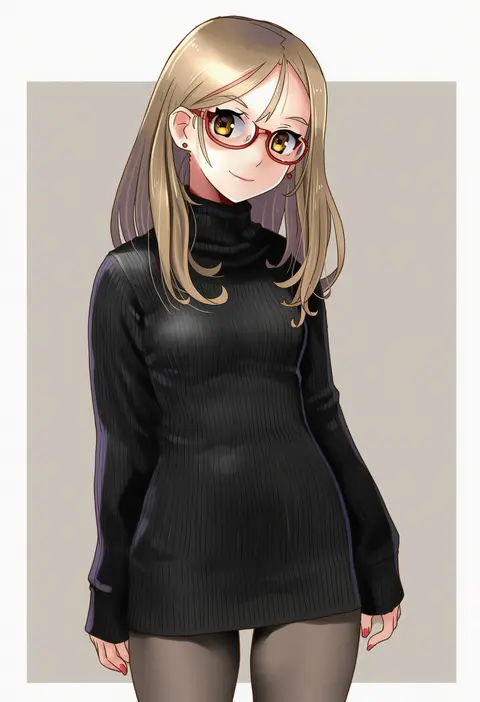
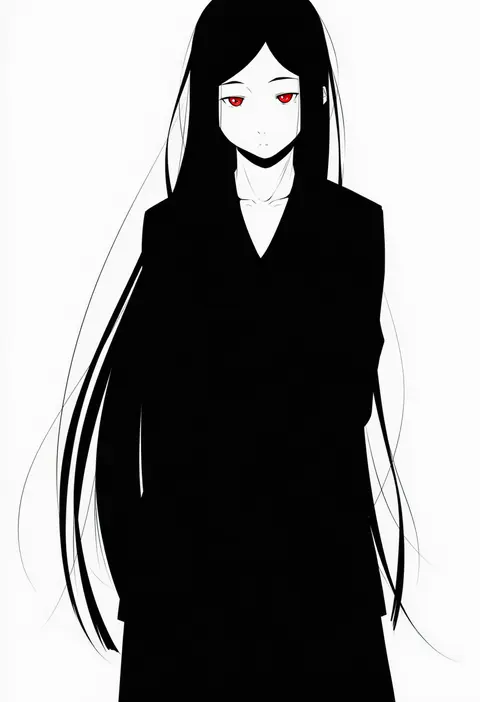
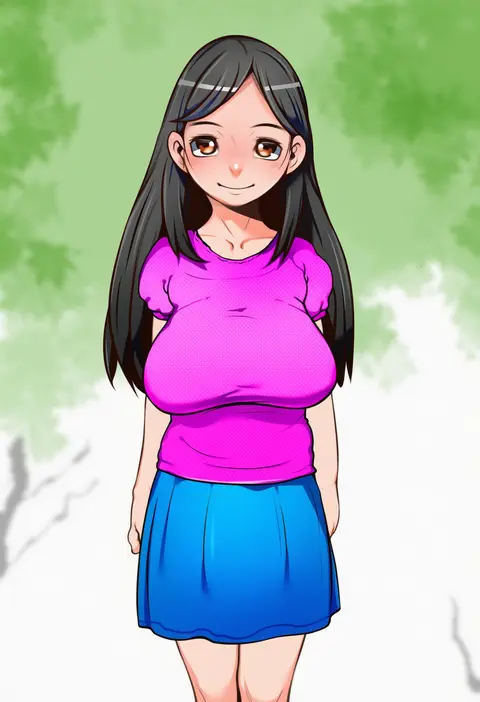
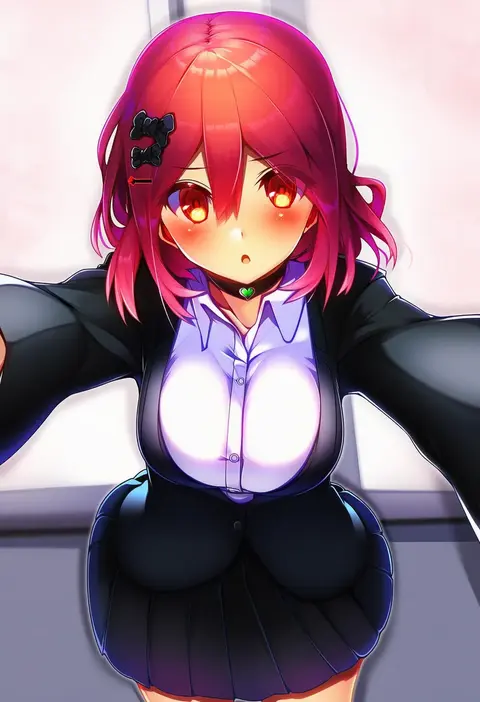
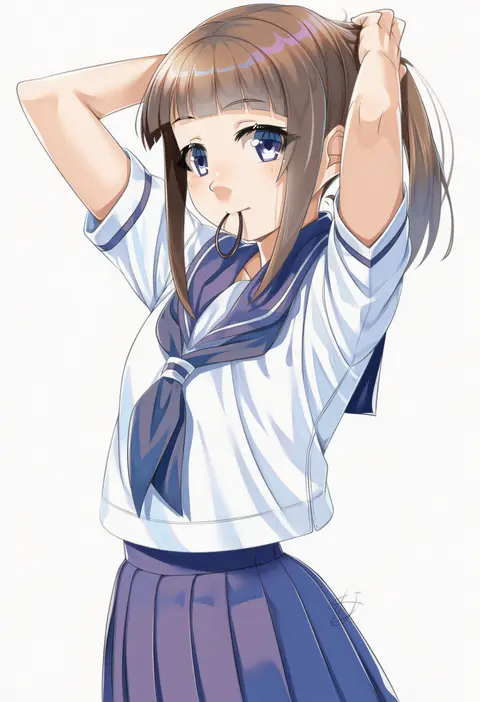
Artist tags tell NovelAI Diffusion to draw in a specific artist's style: line weight, paint texture, face shapes and palette all shift at once. Character and outfit tags decide what is drawn; artist tags decide how. 16,352 tags are listed for V4.5.
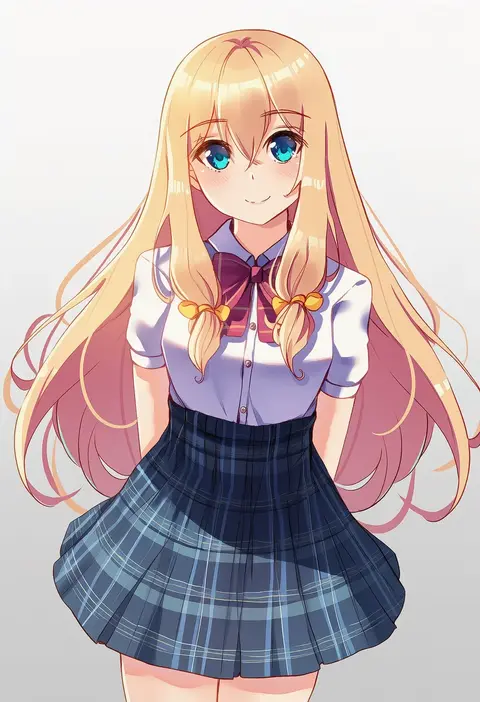
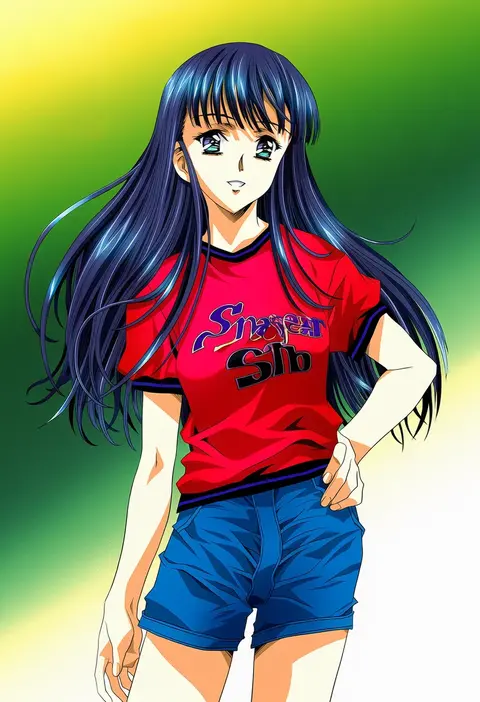
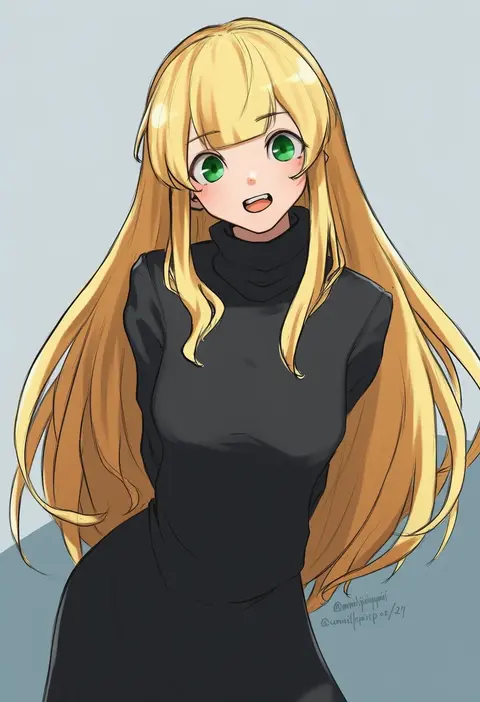
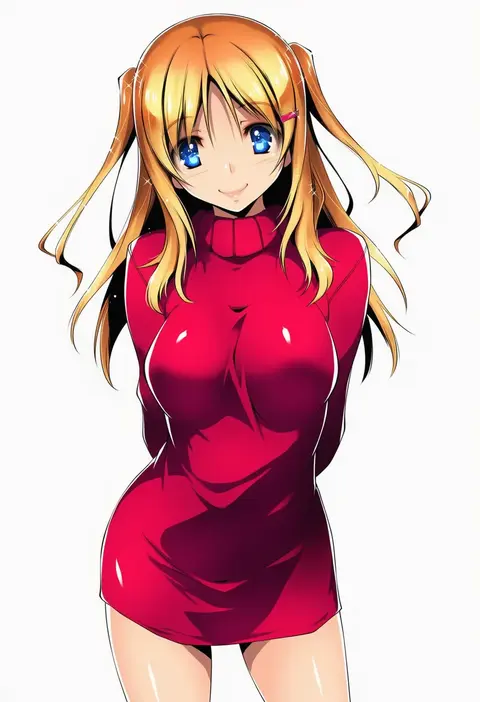
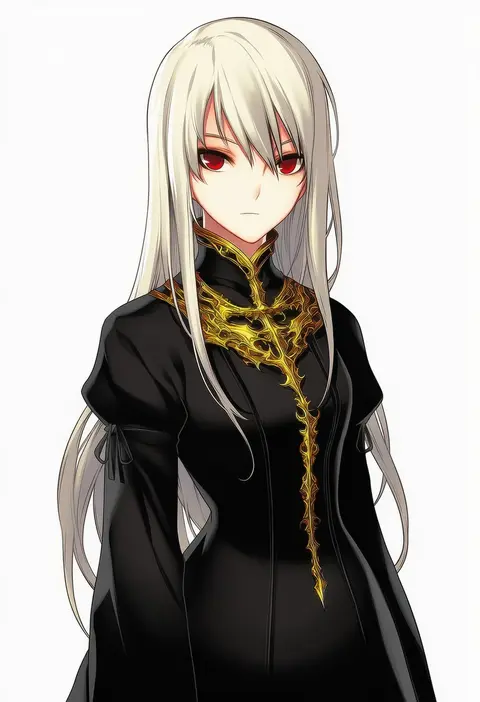
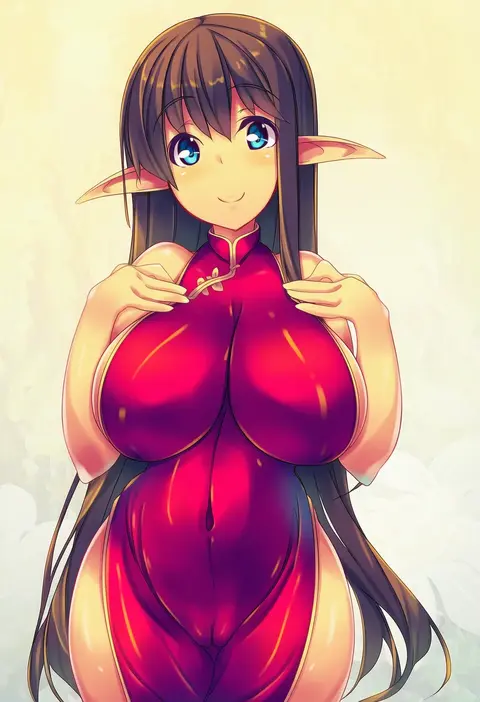
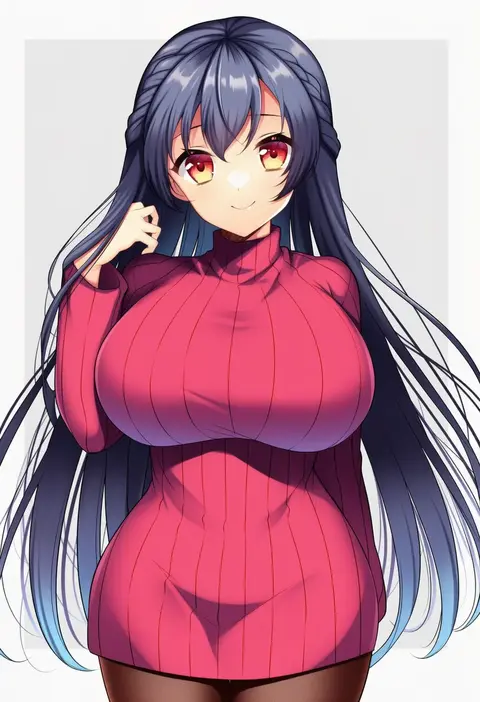
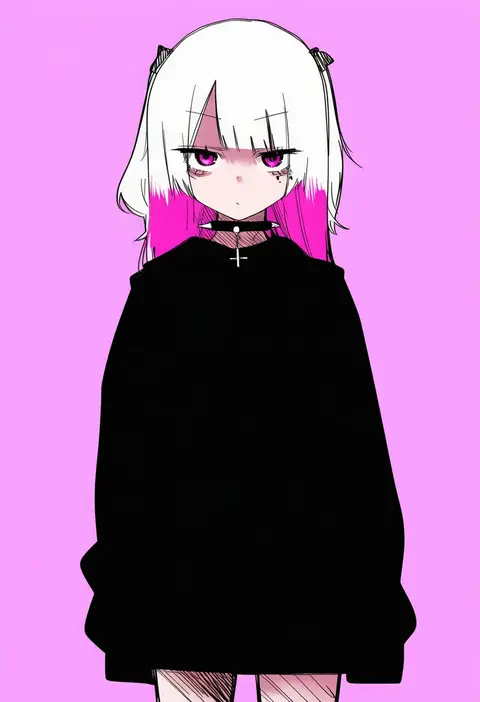
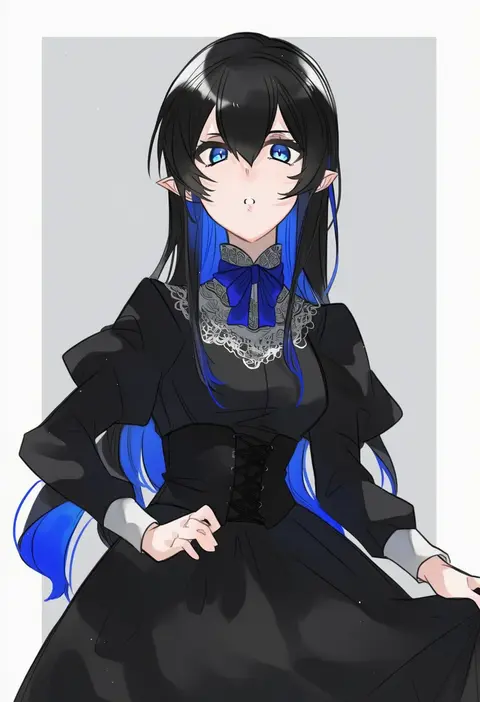
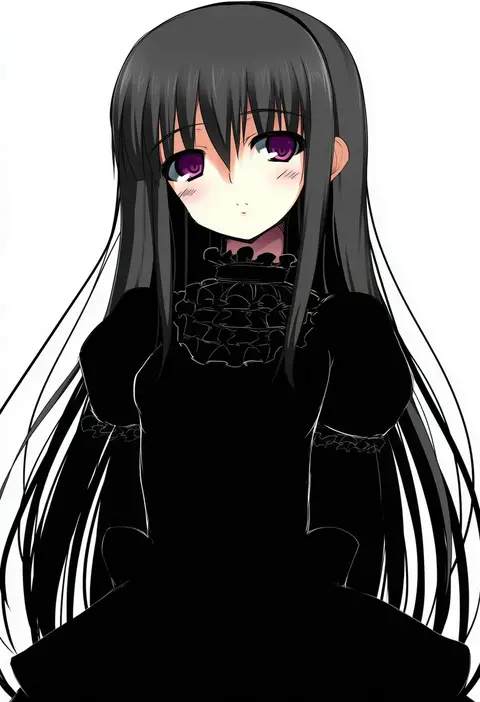
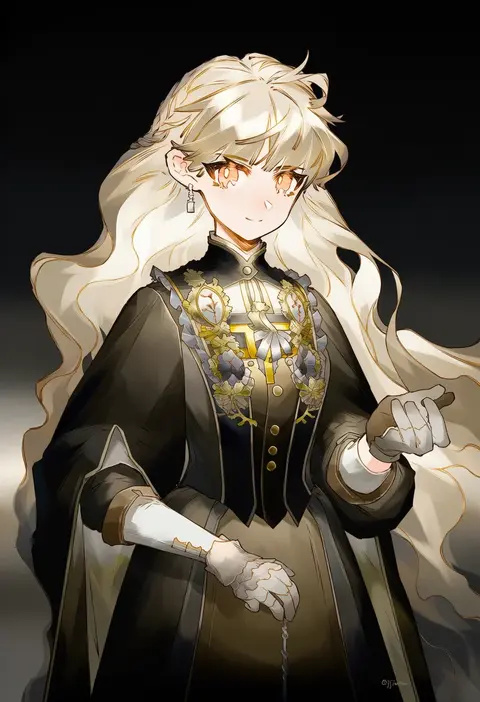
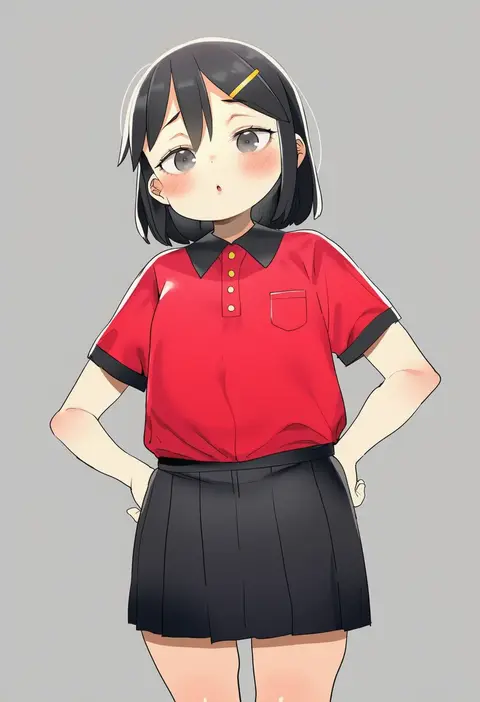
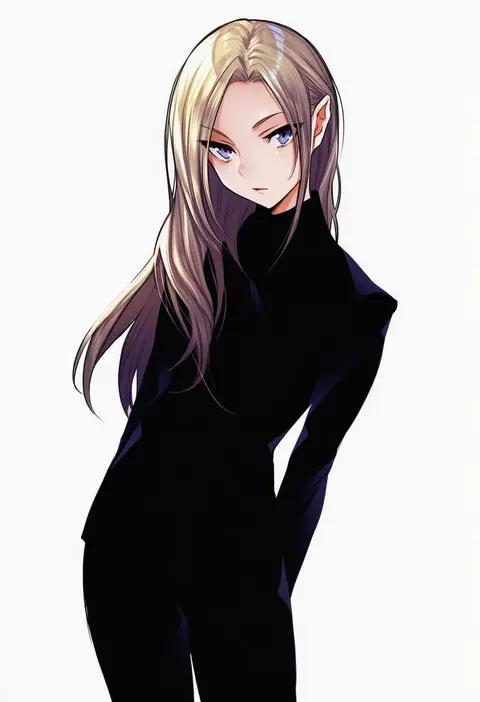
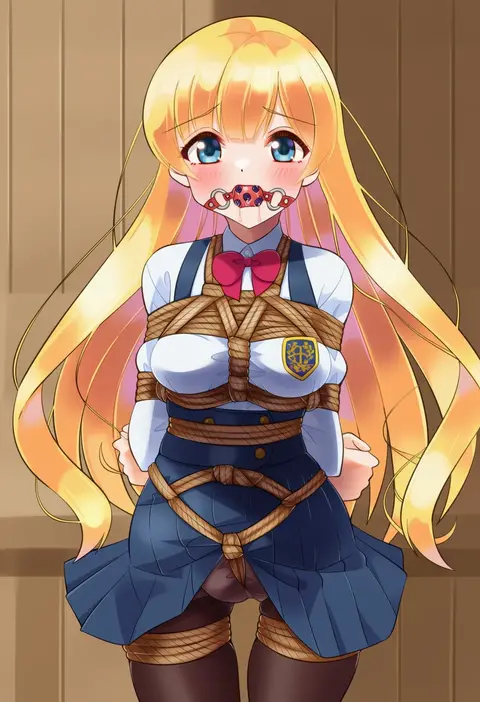
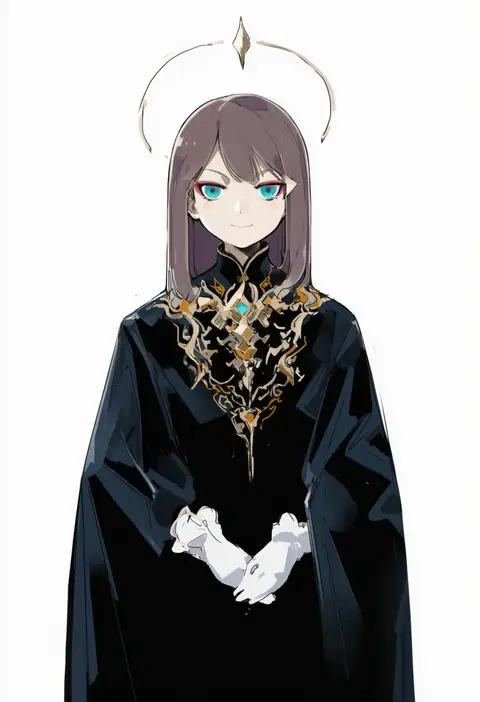
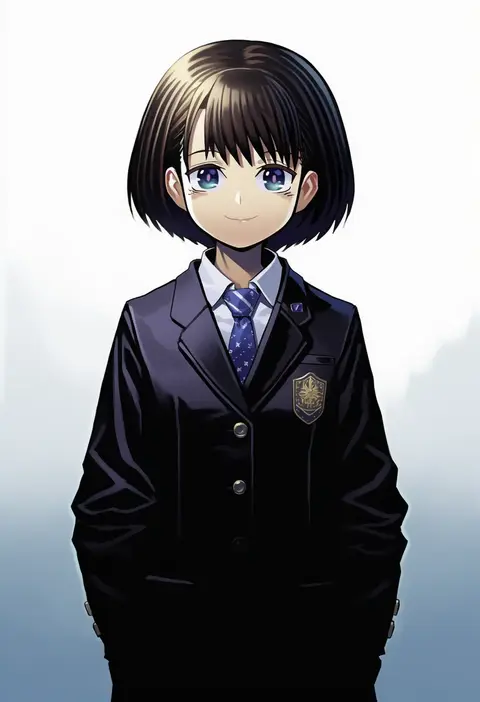
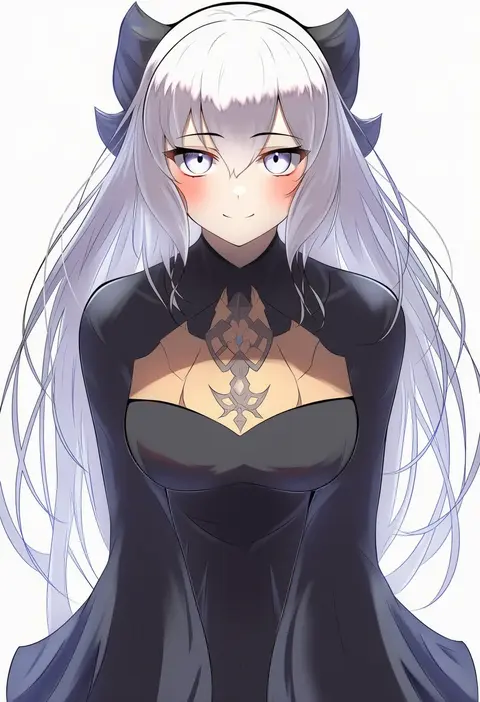
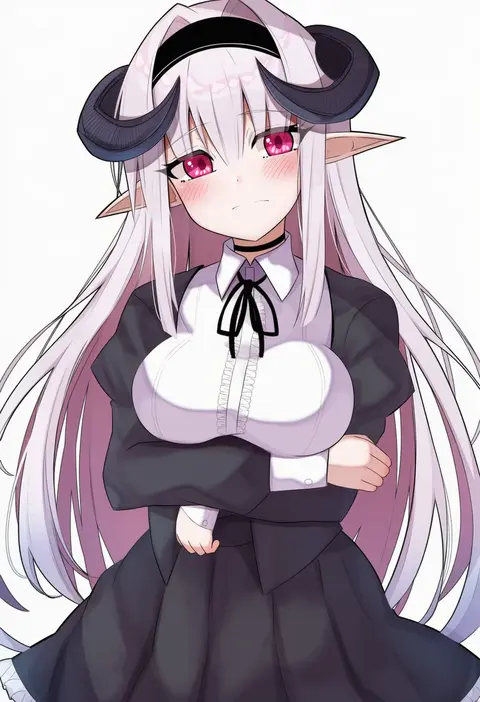
Every tag listed here is verified to react in NovelAI. All images use the same prompt, seed and settings with only the artist tag swapped, so the difference between two images is the style that tag brings in.

How to use them

Put the artist tag near the front of the prompt, e.g. "<artist>, 1girl, solo, best quality, masterpiece, cowboy shot". Two or three artist tags blend styles; lower the weight with "0.8::<artist>::" when the style overpowers the character.

SCORE sorts by Danbooru's top score, POSTS by post count, FAVS by hearts on this site. Open a card to see V5 and V4.5 side by side on the same seed.

V5 vs V4.5

V5 usually lands closer to the artist's real style, and tags that did nothing on V4.5 often react on V5. V4.5 still fits older and doujin-heavy artists better. Try V5 first, fall back to V4.5.

FAQ

Where does the artist tag go?
Near the front of the prompt. Use "0.8::tag::" to adjust its weight.

Can I stack artist tags?
Yes, styles blend. Past two or three the result stops looking like anyone.

Are these the artists' own works?
No. Every image is a NovelAI sample generated from the tag.