V4.5Artists
sort: FAVS▾
▾
>
$

Popular NovelAI artist tags — V4.5

artist --count 16,352[163/273]
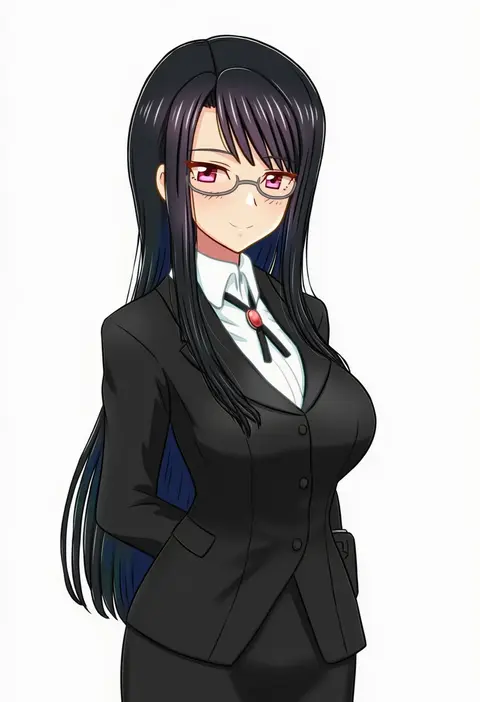
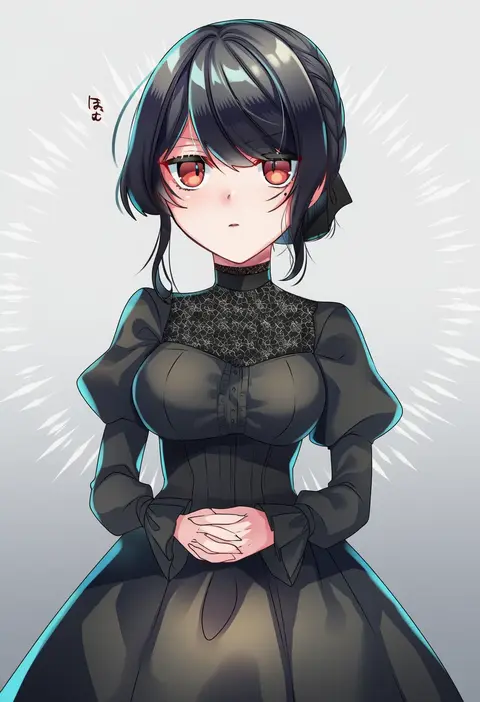
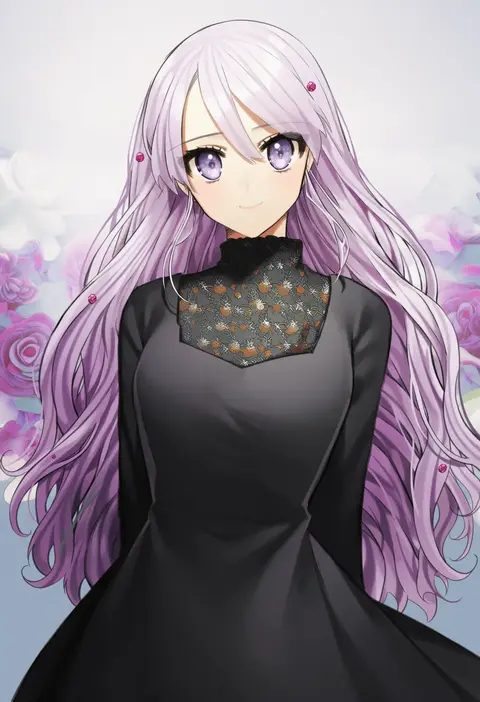
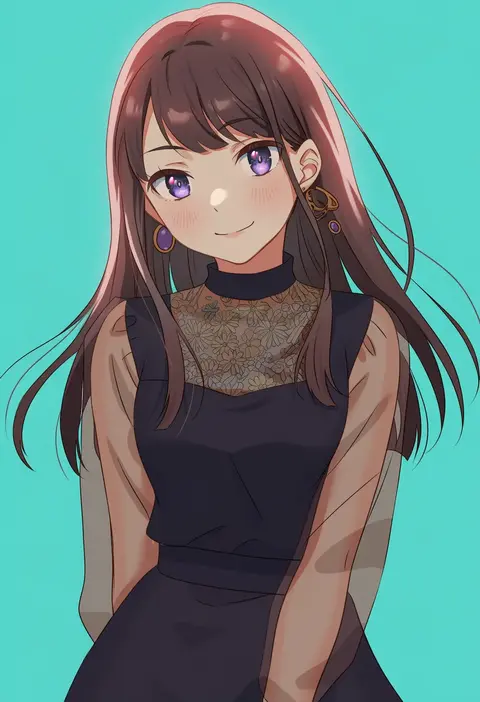
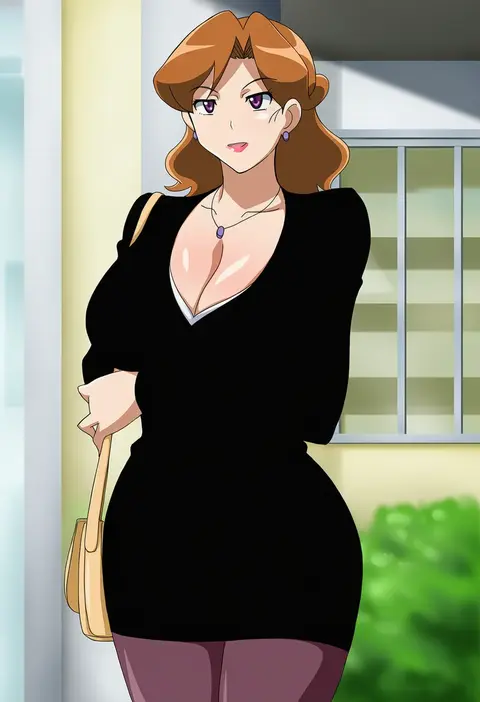
fujimori shiki
ARTIST0x25F8
0
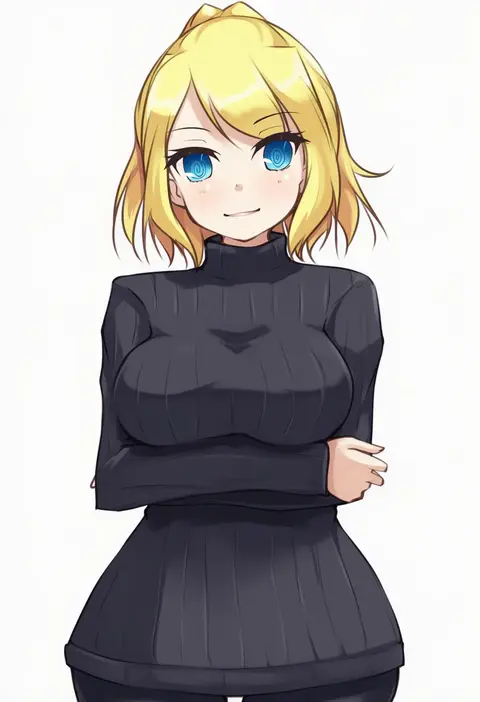
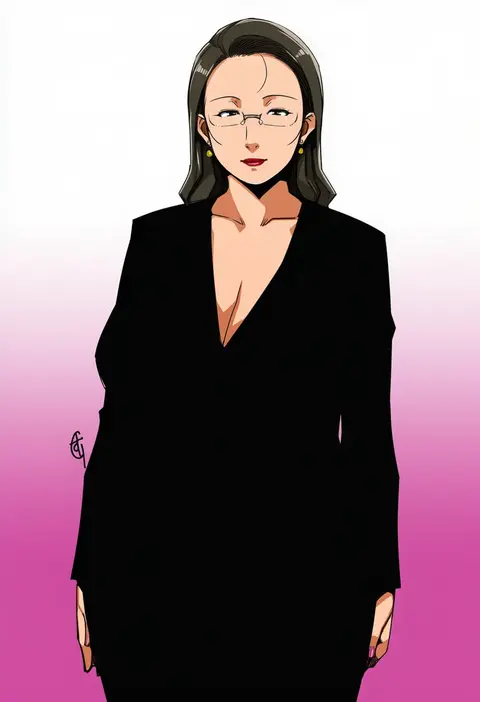
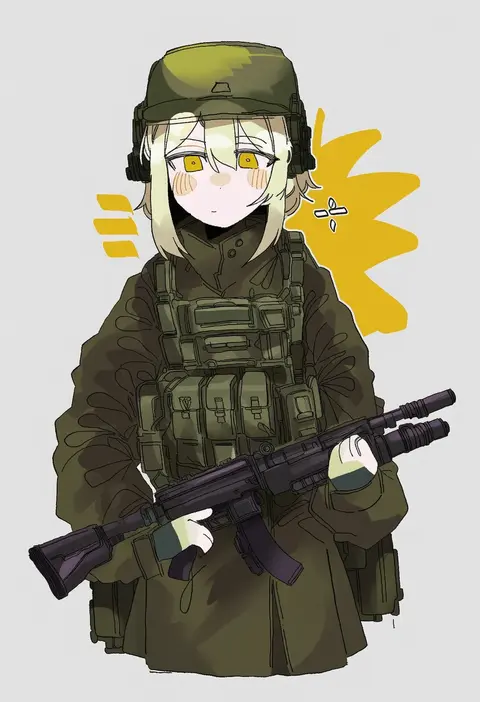
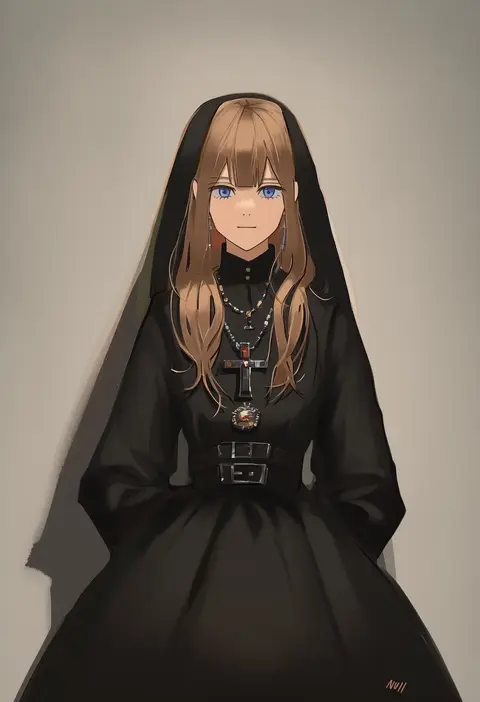
meicha
ARTIST0x25F9
0
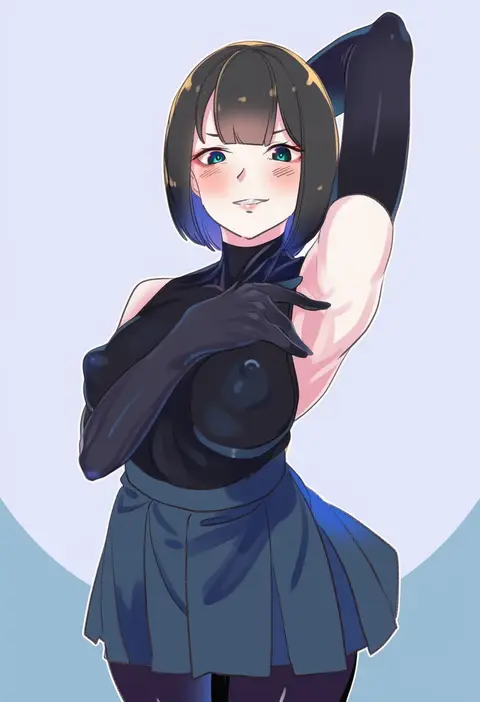
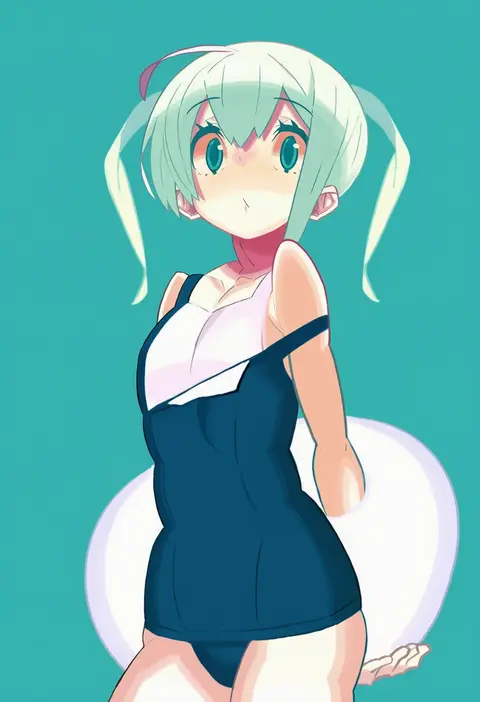
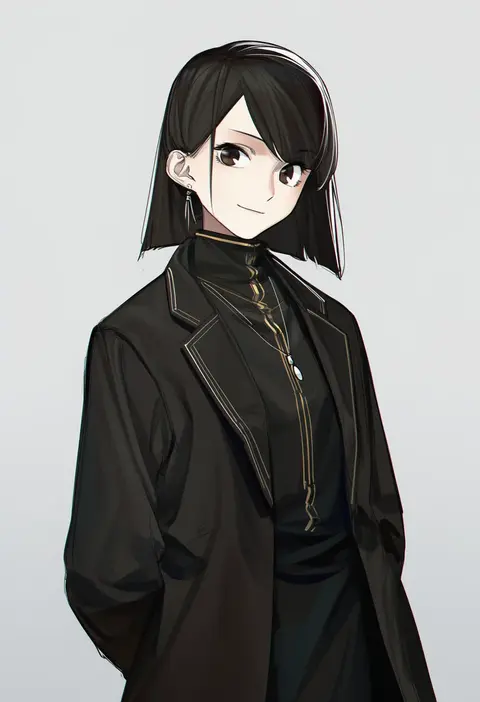
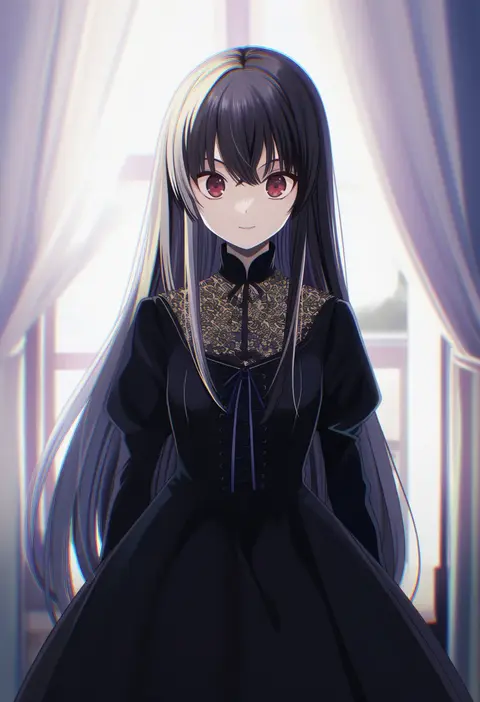
tmo-cat
ARTIST0x25FA
0
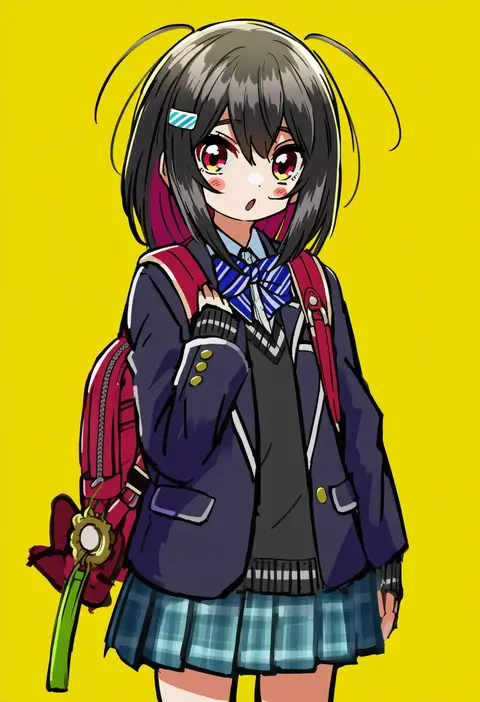
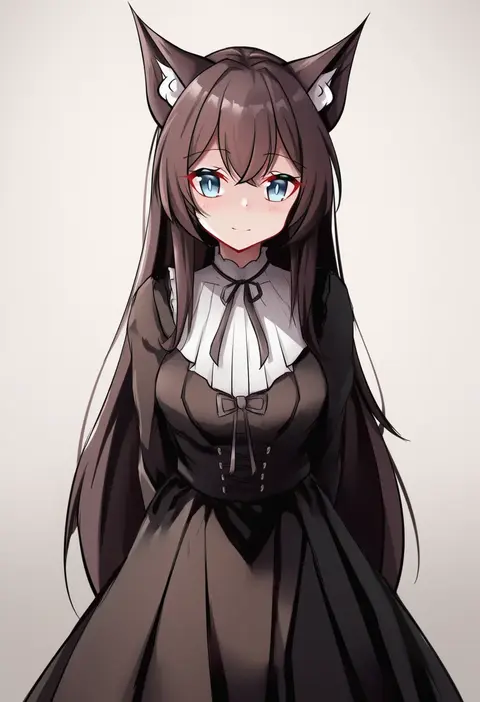
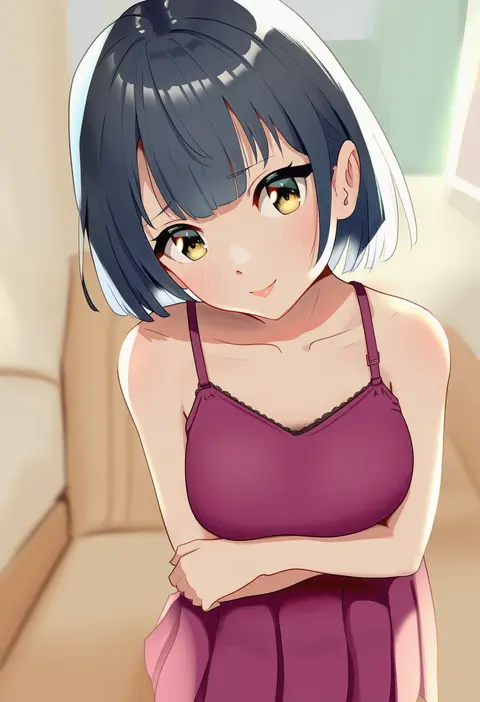
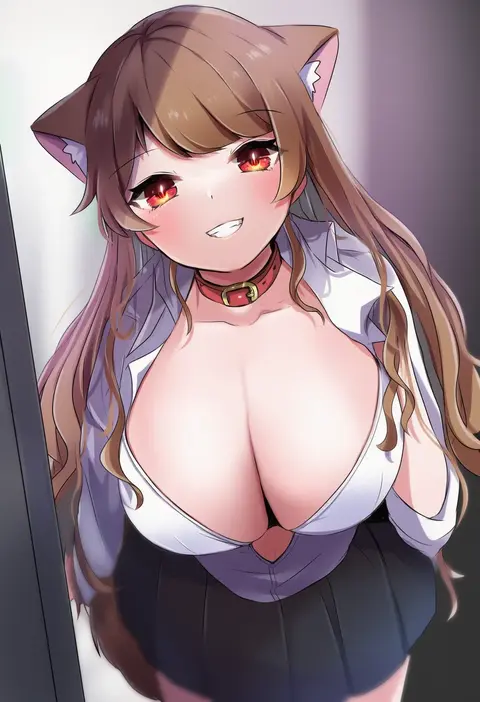
kusano houki
ARTIST0x25FB
0
nana (manaita koumuten)
ARTIST0x25FC
0
miyajima hitoshi
ARTIST0x25FD
0
yujin (kanouyuuto-0423)
ARTIST0x25FE
0
seki (hyokosho)
ARTIST0x25FF
0
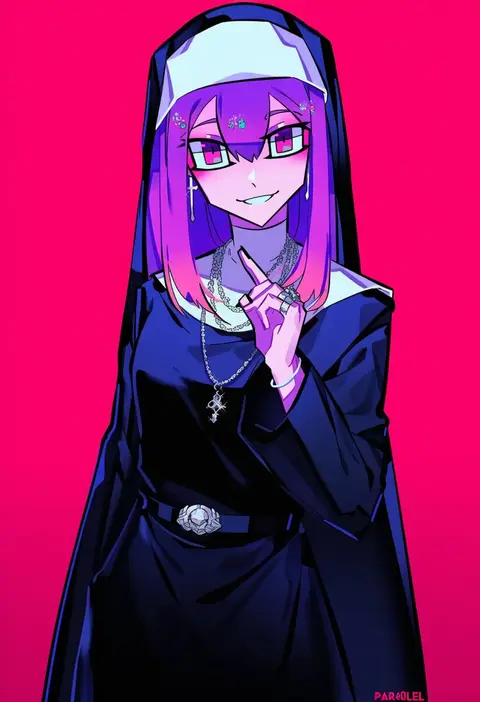
par0llel
ARTIST0x2600
0
kaigen 1025
ARTIST0x2601
0
mokufuu
ARTIST0x2602
0
kinona
ARTIST0x2603
0
shan
ARTIST0x2604
0
nabeshima tetsuhiro
ARTIST0x2605
0
yutazou
ARTIST0x2606
0
rohitsuka
ARTIST0x2607
0
amasawa natsuhisa
ARTIST0x2608
0
kotatu (akaki01aoki00)
ARTIST0x2609
0
ryunnu
ARTIST0x260A
0
kokuchuutei
ARTIST0x260B
0
kuro (be ok)
ARTIST0x260C
0
doushi tatsu to dekkai no
ARTIST0x260D
0
kingin
ARTIST0x260E
0
mofuaki
ARTIST0x260F
0
stu dts
ARTIST0x2610
0
yuya (night lily)
ARTIST0x2611
0
mizu asato
ARTIST0x2612
0
gambe
ARTIST0x2613
0
ganto
ARTIST0x2614
0
yuuki (irodo rhythm)
ARTIST0x2615
0
nagato-chan
ARTIST0x2616
0
in-hyuk lee
ARTIST0x2617
0
submashell
ARTIST0x2618
0
nanakaku
ARTIST0x2619
0
yusano
ARTIST0x261A
0
kzhu
ARTIST0x261B
0
yu 3
ARTIST0x261C
0
picoli1313
ARTIST0x261D
0
kara age
ARTIST0x261E
0
kari (kakko k)
ARTIST0x261F
0
mola mola
ARTIST0x2620
0
kohakope
ARTIST0x2621
0
ibara dance
ARTIST0x2622
0
kabiinyo (kab)
ARTIST0x2623
0
hakamii
ARTIST0x2624
0
hiwatari rin
ARTIST0x2625
0
kubong
ARTIST0x2626
0
sara (kurome1127)
ARTIST0x2627
0
emu (emum)
ARTIST0x2628
0
odmised
ARTIST0x2629
0
zhili xingzou
ARTIST0x262A
0
taachika
ARTIST0x262B
0
chandllucky
ARTIST0x262C
0
silvercandy gum
ARTIST0x262D
0
idashige (walkietalkie)
ARTIST0x262E
0
nishi yasuaki
ARTIST0x262F
0
makino tomoyasu
ARTIST0x2630
0
null (skev7724)
ARTIST0x2631
0
ikawa waki
ARTIST0x2632
0
herunia kokuoji
ARTIST0x2633
0

What these tags change

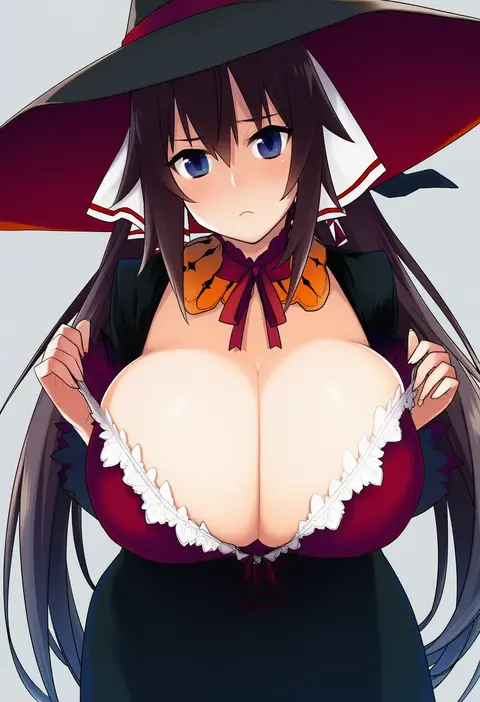
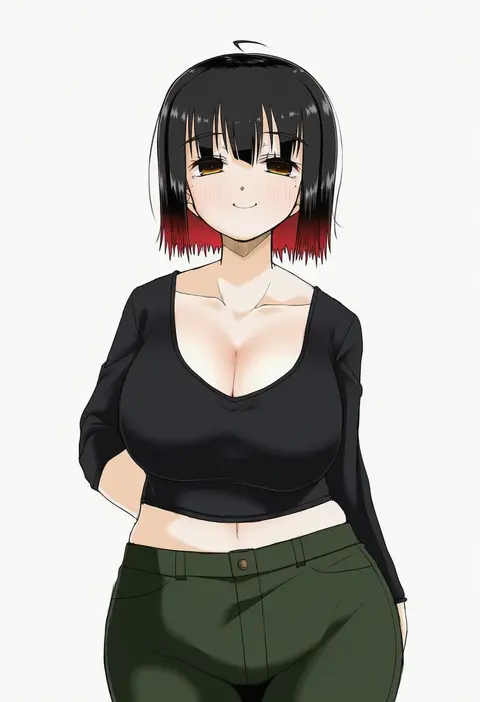
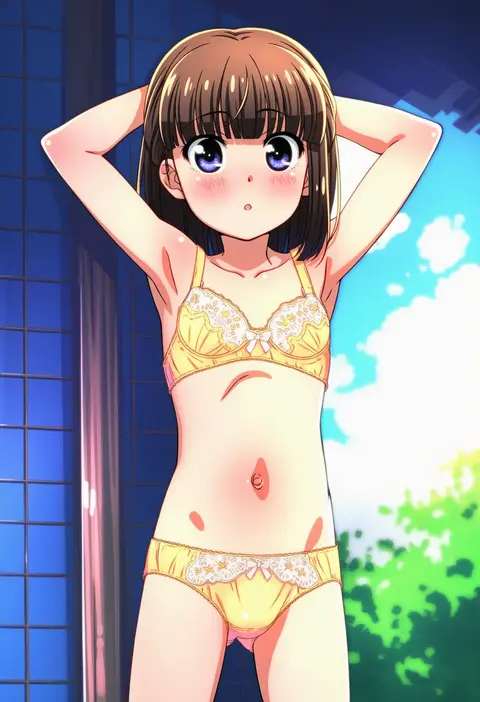
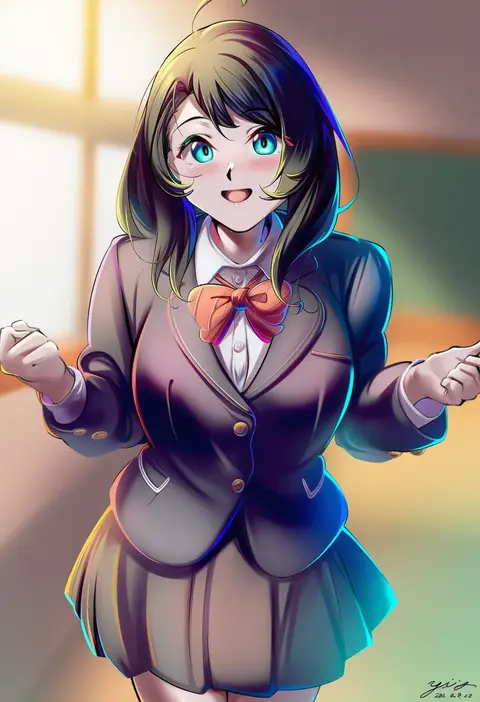
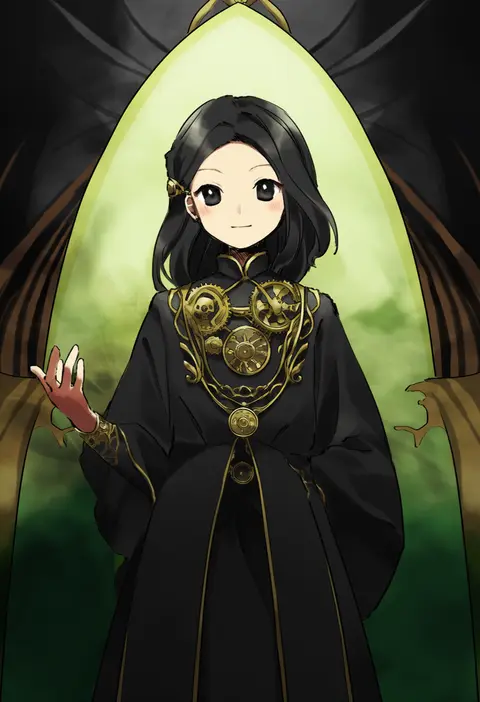
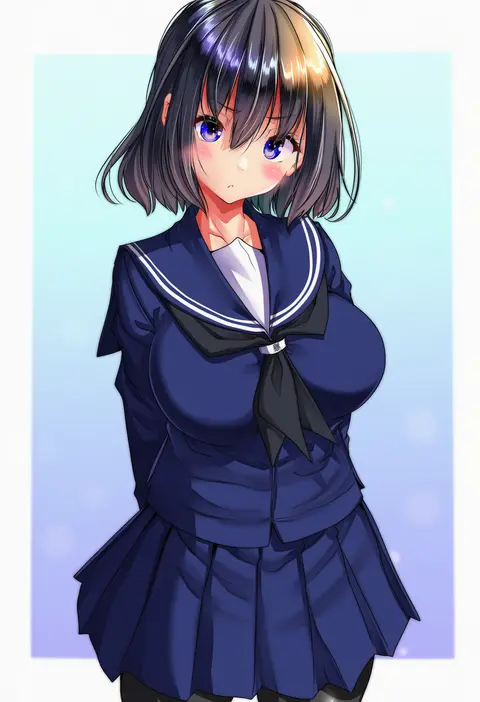
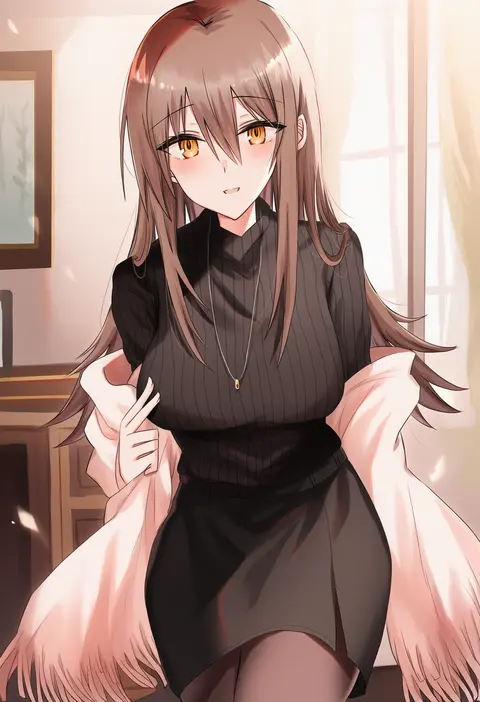
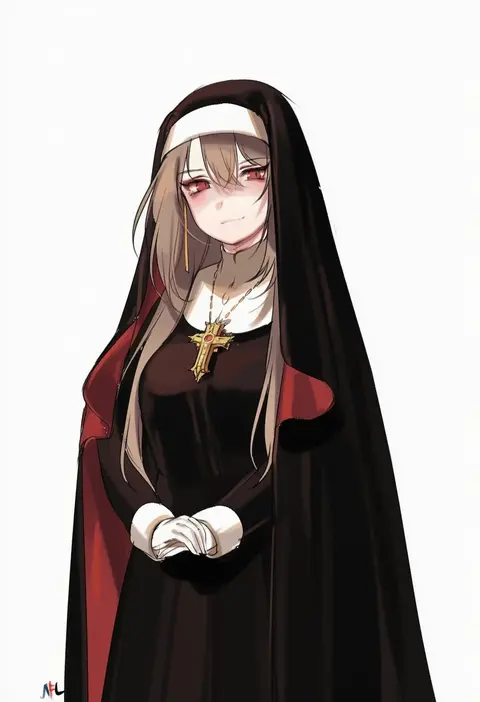
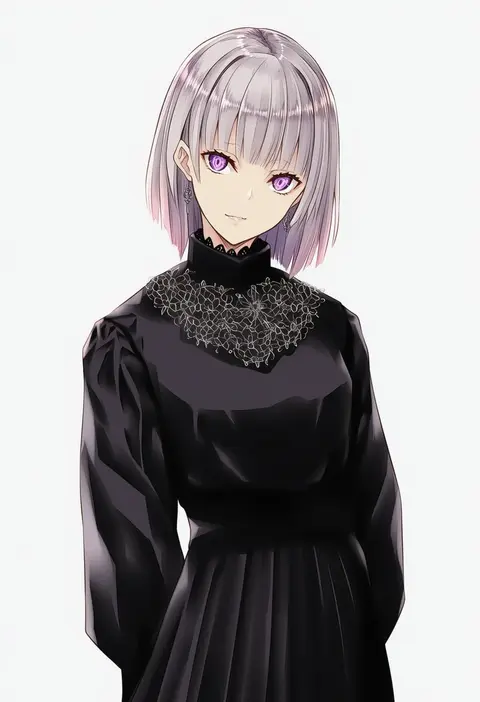
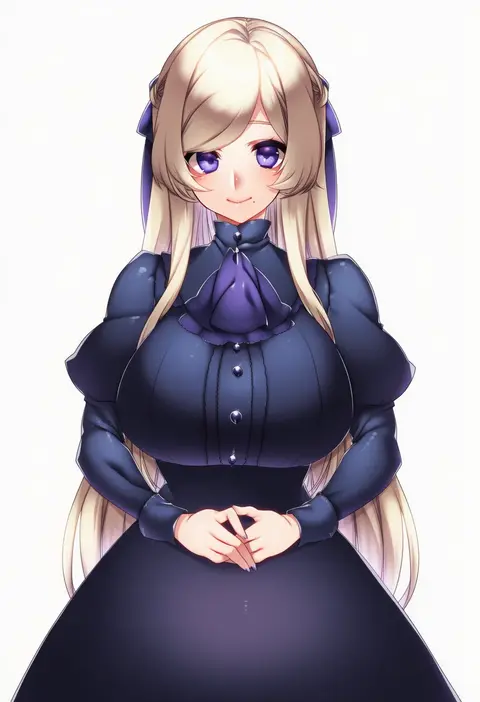
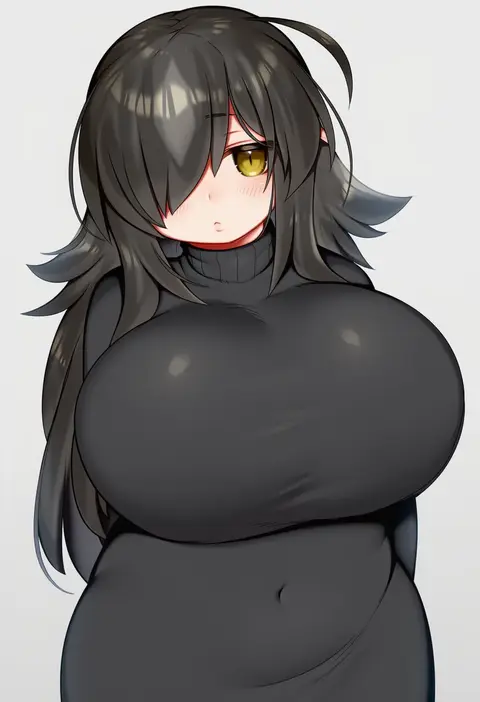
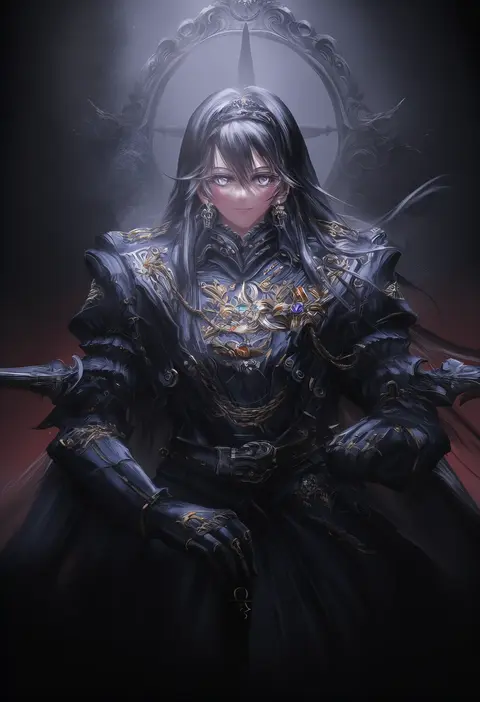
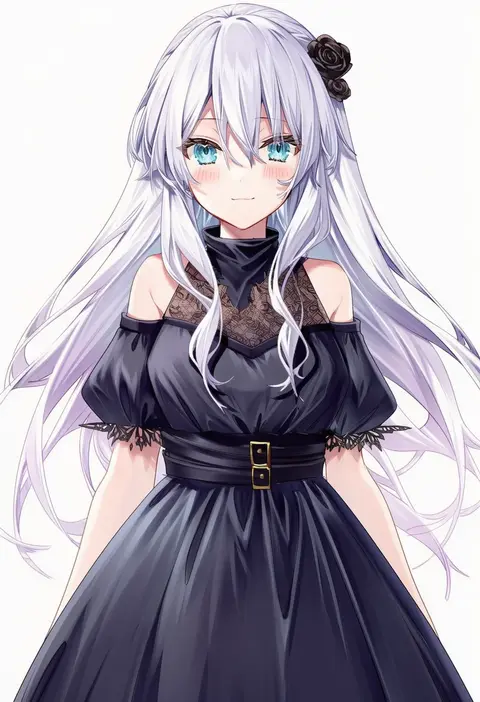
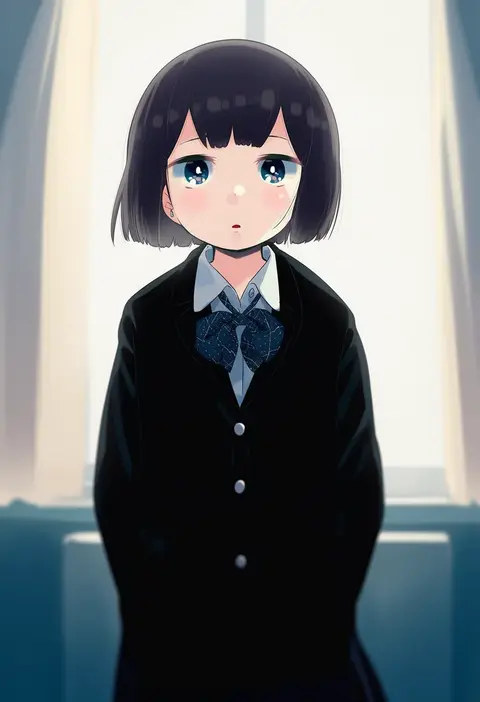
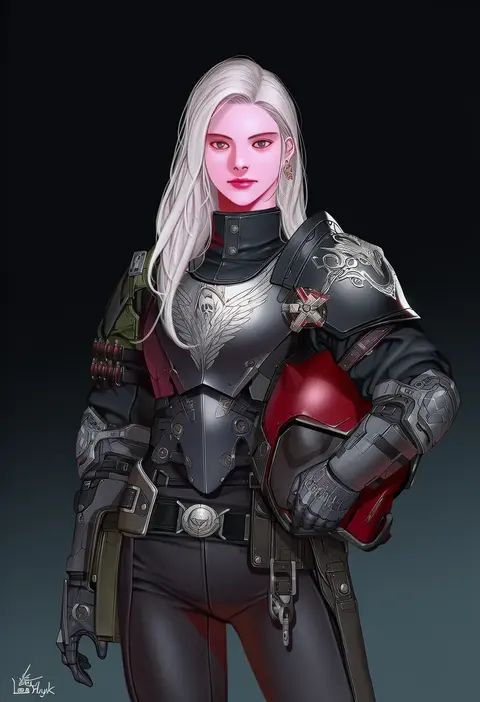
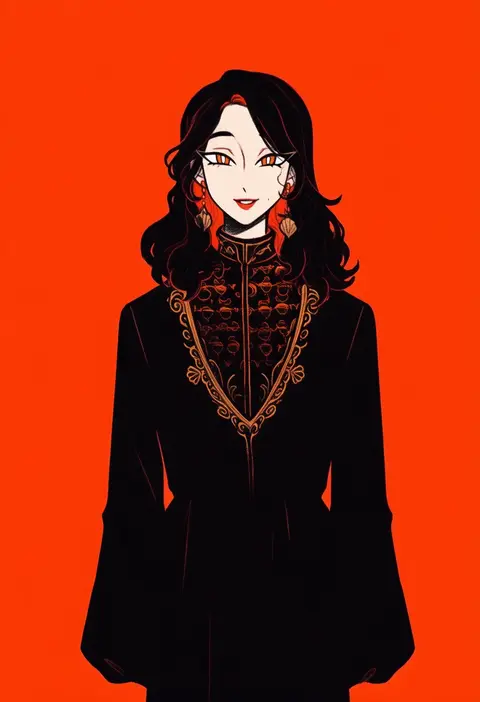
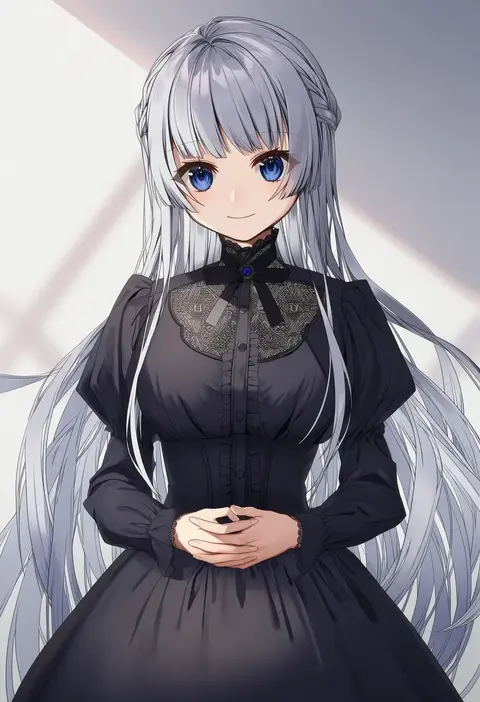
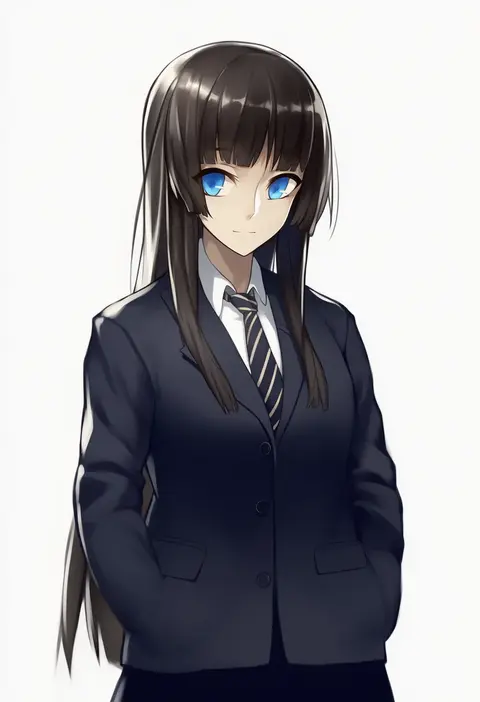
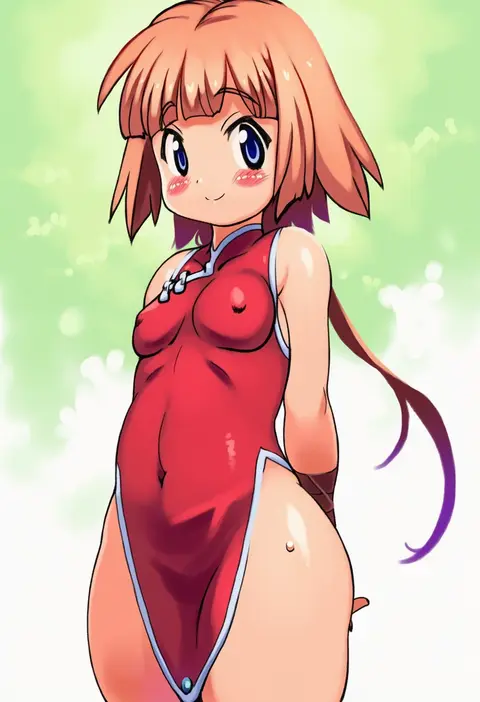
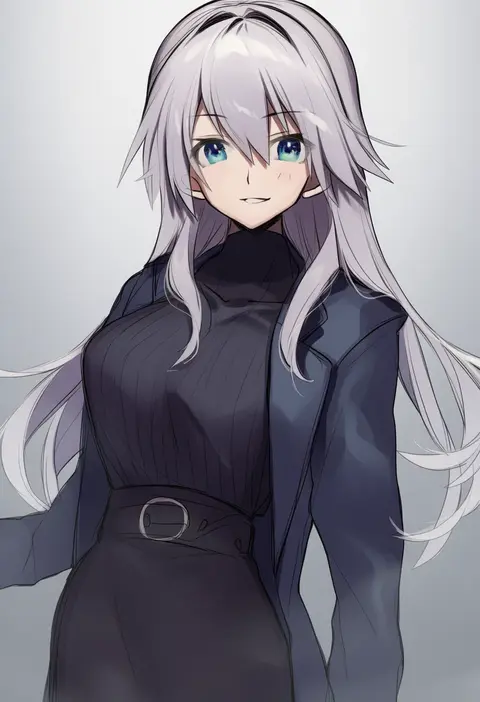
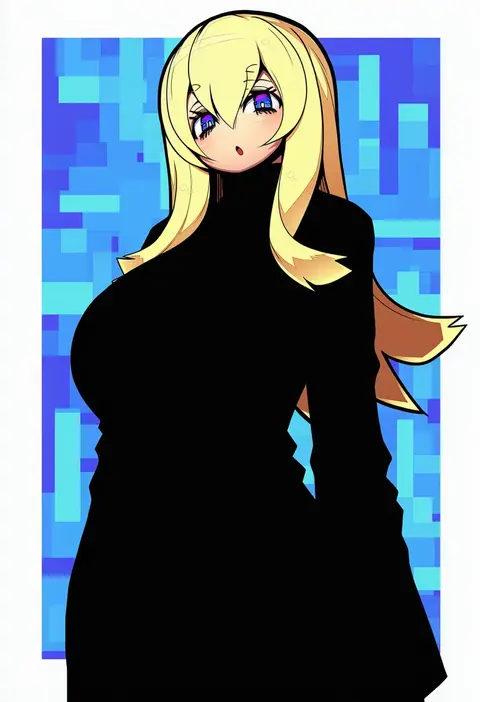
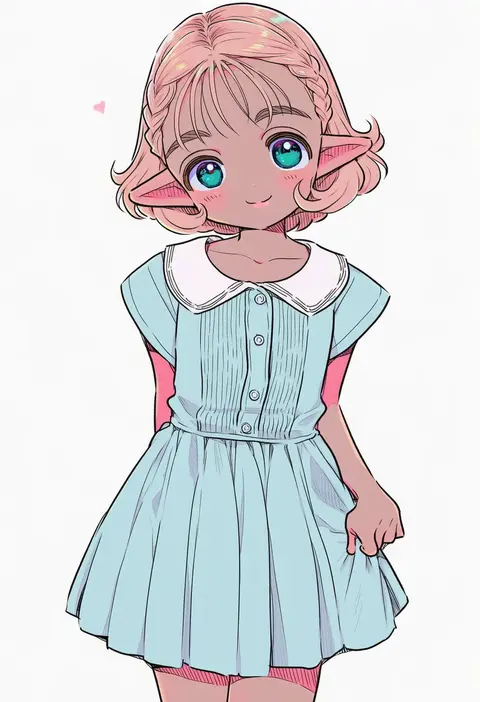
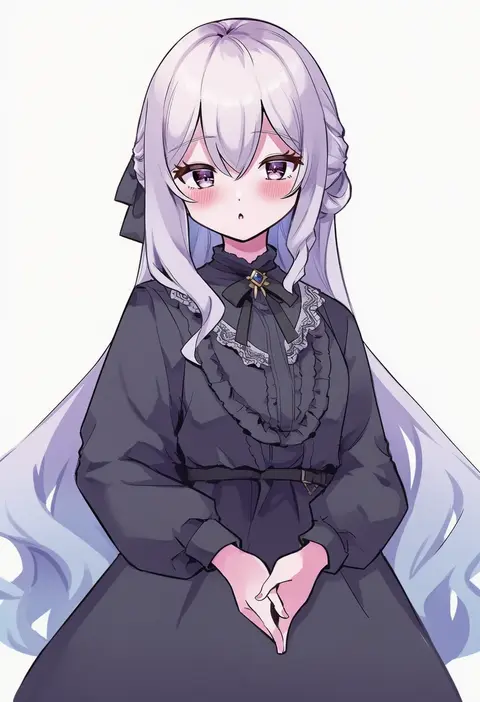
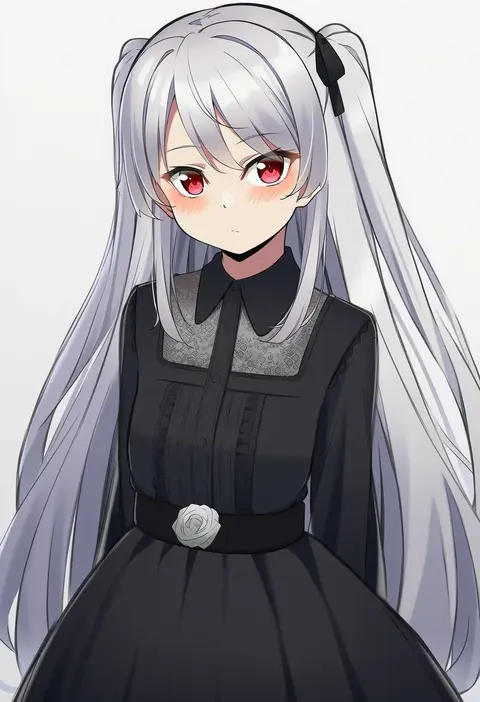
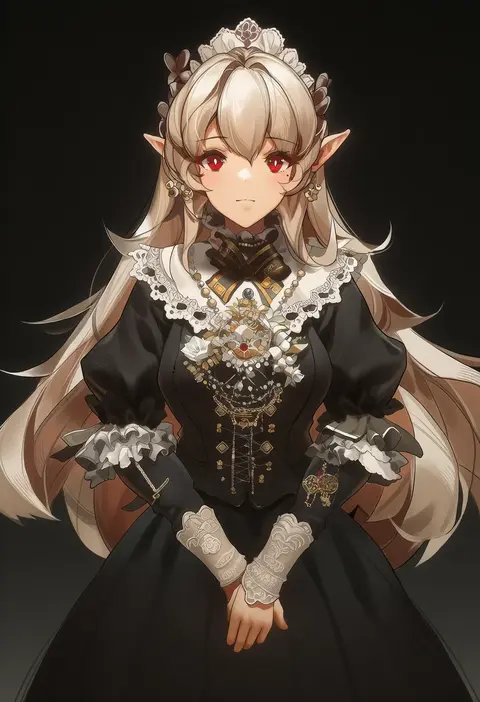
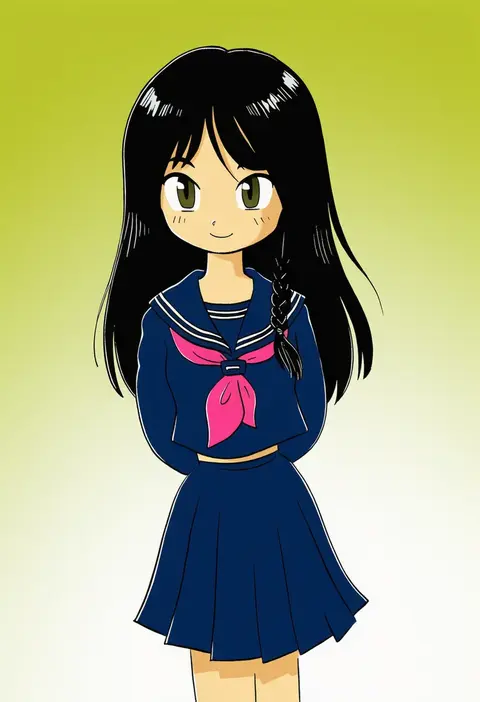
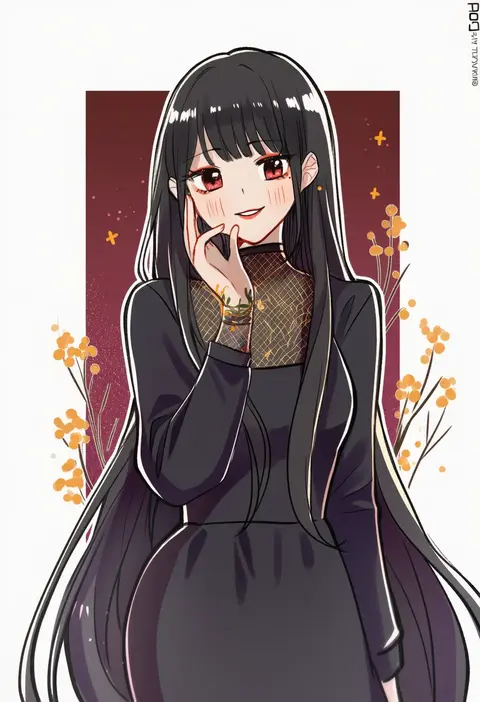
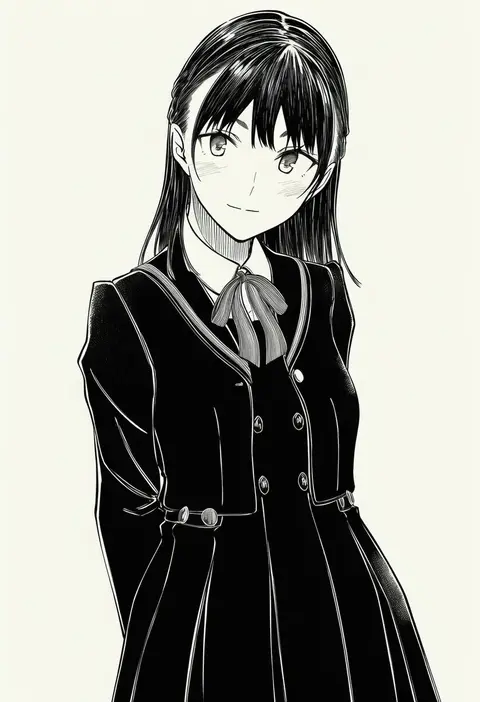
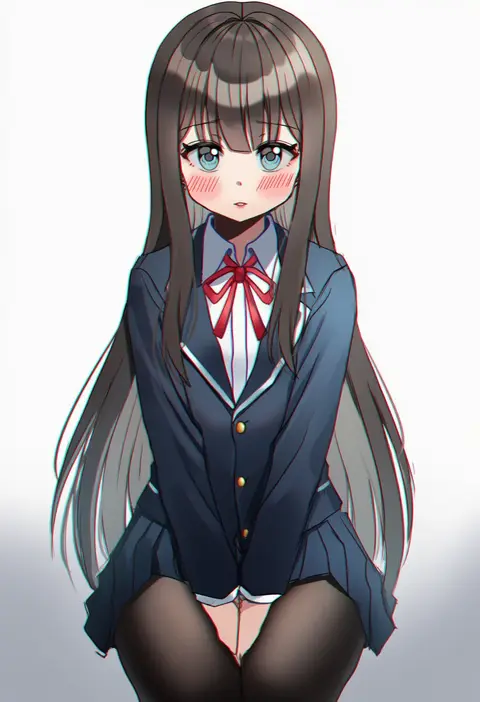
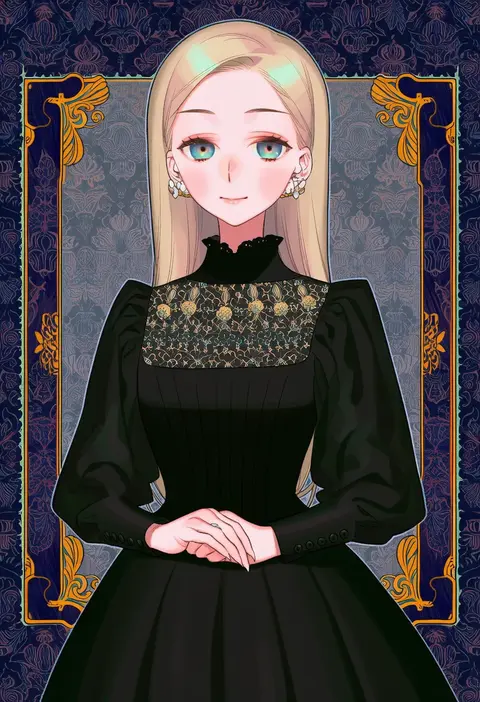
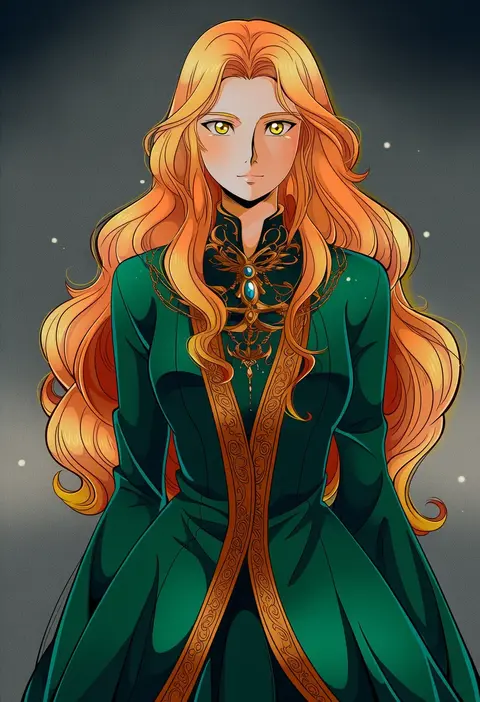
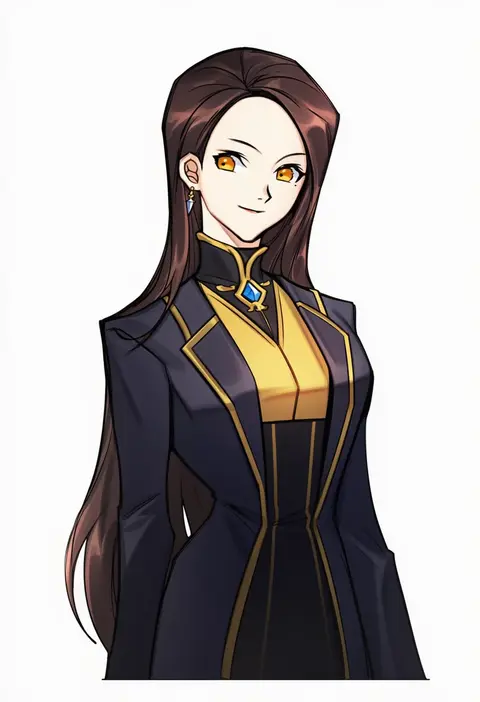
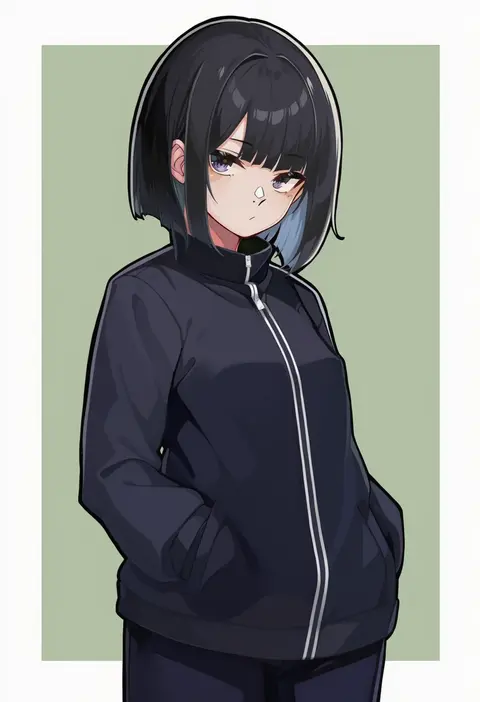
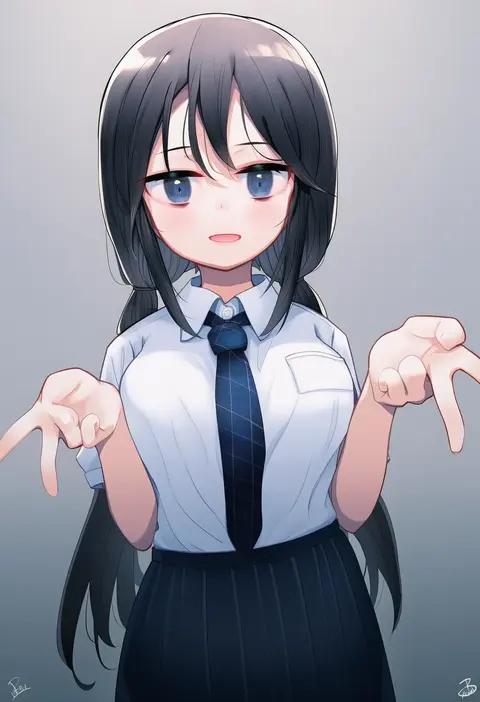
Artist tags tell NovelAI Diffusion to draw in a specific artist's style: line weight, paint texture, face shapes and palette all shift at once. Character and outfit tags decide what is drawn; artist tags decide how. 16,352 tags are listed for V4.5.
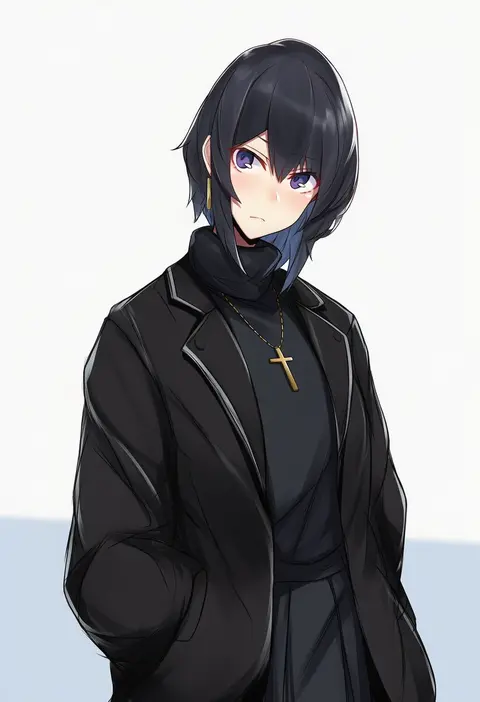
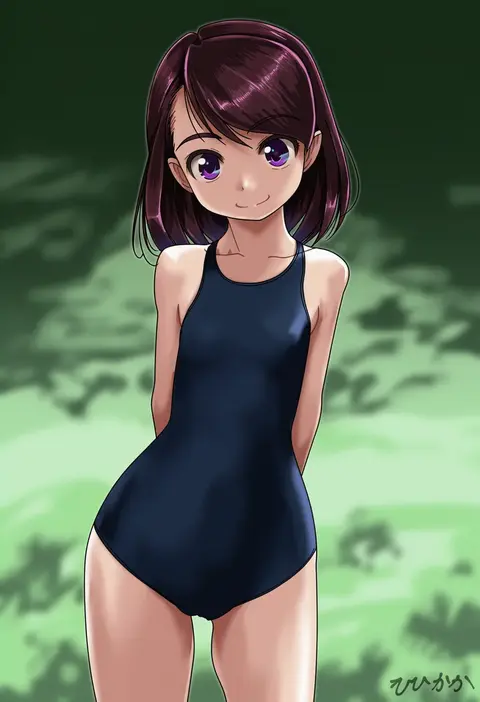
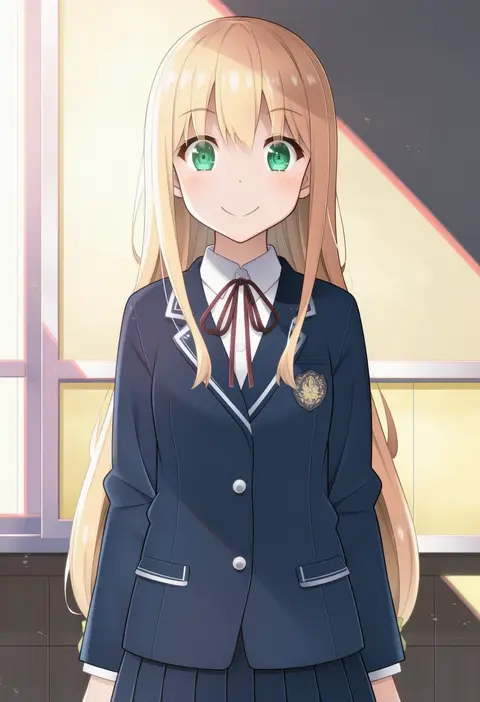
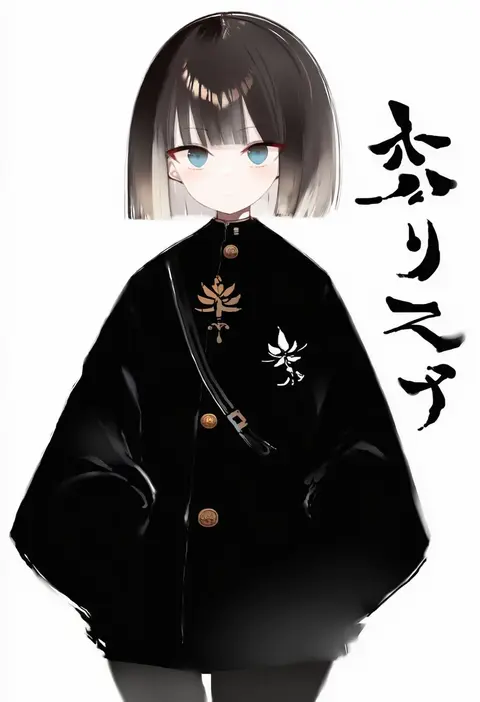
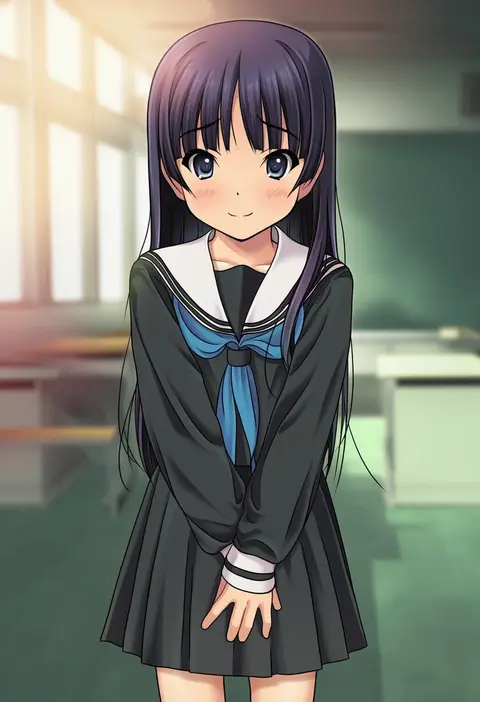
Every tag listed here is verified to react in NovelAI. All images use the same prompt, seed and settings with only the artist tag swapped, so the difference between two images is the style that tag brings in.

How to use them

Put the artist tag near the front of the prompt, e.g. "<artist>, 1girl, solo, best quality, masterpiece, cowboy shot". Two or three artist tags blend styles; lower the weight with "0.8::<artist>::" when the style overpowers the character.

SCORE sorts by Danbooru's top score, POSTS by post count, FAVS by hearts on this site. Open a card to see V5 and V4.5 side by side on the same seed.

V5 vs V4.5

V5 usually lands closer to the artist's real style, and tags that did nothing on V4.5 often react on V5. V4.5 still fits older and doujin-heavy artists better. Try V5 first, fall back to V4.5.

FAQ

Where does the artist tag go?
Near the front of the prompt. Use "0.8::tag::" to adjust its weight.

Can I stack artist tags?
Yes, styles blend. Past two or three the result stops looking like anyone.

Are these the artists' own works?
No. Every image is a NovelAI sample generated from the tag.