V4.5Artists
sort: FAVS▾
▾
>
$

Popular NovelAI artist tags — V4.5

artist --count 16,352[171/273]
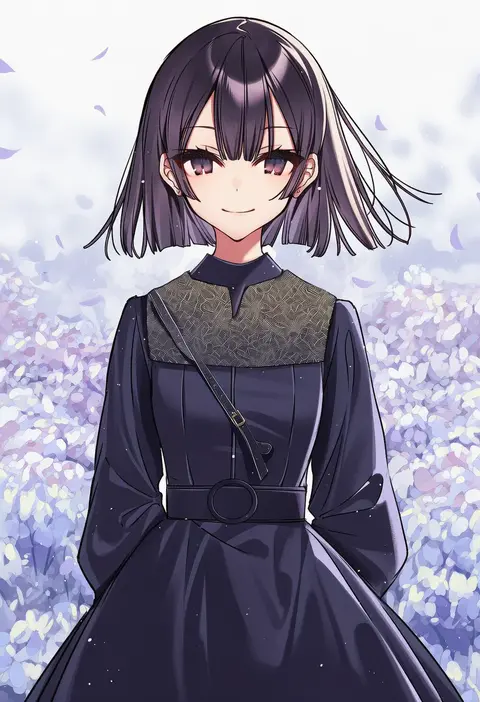
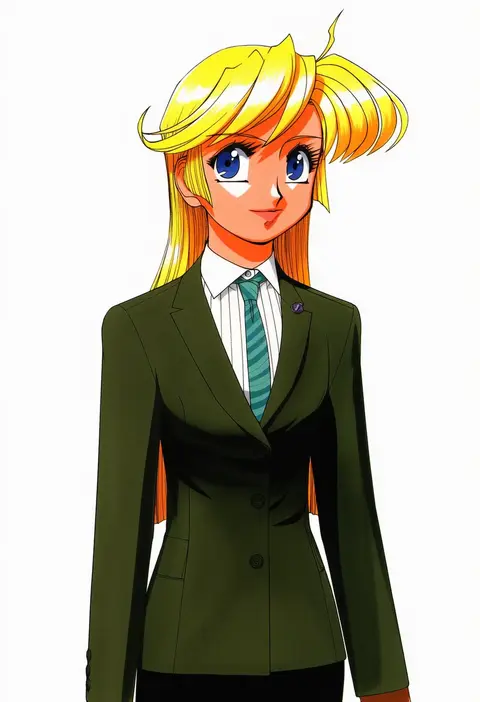
hanagata
ARTIST0x27D8
0
sonoda ken'ichi
ARTIST0x27D9
0
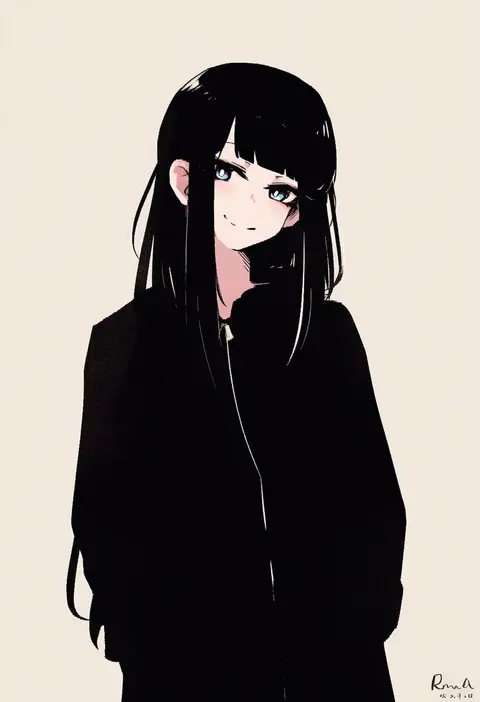
rnna
ARTIST0x27DA
0
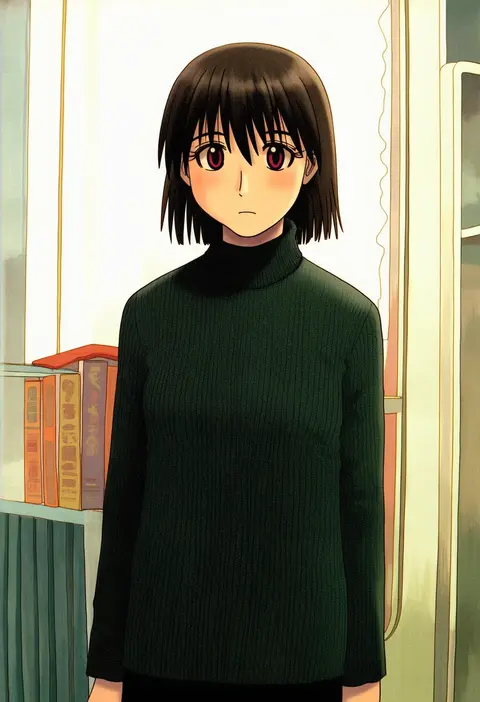
azuma kiyohiko
ARTIST0x27DB
0
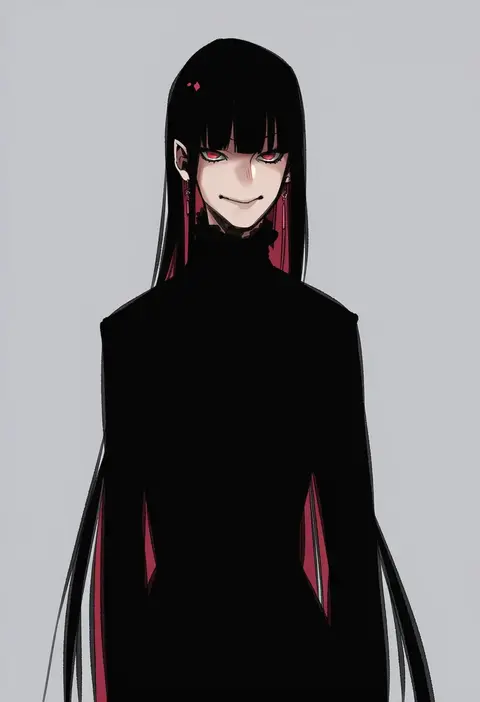
koryuu (gackter10)
ARTIST0x27DC
0
gyoju (only arme nim)
ARTIST0x27DD
0
cibo (killy)
ARTIST0x27DE
0
umiu geso
ARTIST0x27DF
0
shiduki eku
ARTIST0x27E0
0
ishida arata
ARTIST0x27E1
0
homaderi
ARTIST0x27E2
0
tsukiyono aroe
ARTIST0x27E3
0
shaojiang
ARTIST0x27E4
0
jonpei
ARTIST0x27E5
0
nishigori atsushi
ARTIST0x27E6
0
chiro
ARTIST0x27E7
0
mommorua
ARTIST0x27E8
0
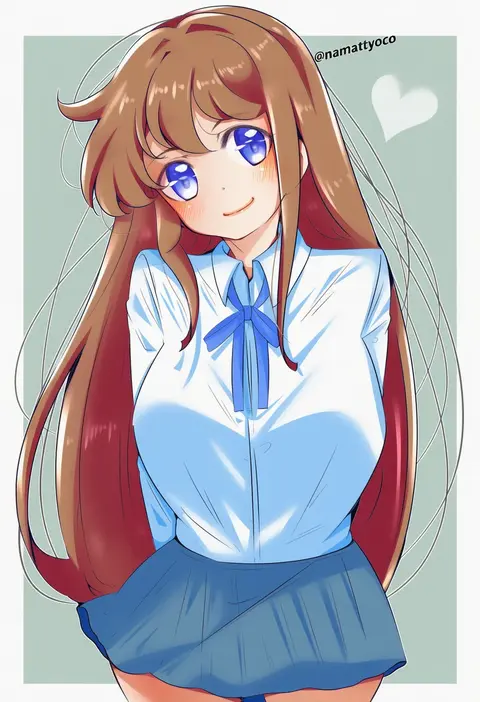
namatyoco
ARTIST0x27E9
0
reverinth
ARTIST0x27EA
0
mimasi osuwari
ARTIST0x27EB
0
shouhei
ARTIST0x27EC
0
niseneko (mofumofu ga ienai)
ARTIST0x27ED
0
ojo (dfreak)
ARTIST0x27EE
0
tonari (ichinichime azuma)
ARTIST0x27EF
0
chuhaibane
ARTIST0x27F0
0
shirasumato
ARTIST0x27F1
0
divergenceok
ARTIST0x27F2
0
chabaneko
ARTIST0x27F3
0
lili mdoki
ARTIST0x27F4
0
min (120716)
ARTIST0x27F5
0
psychopath idiot
ARTIST0x27F6
0
yukiiti
ARTIST0x27F7
0
kami tora
ARTIST0x27F8
0
futoumeido
ARTIST0x27F9
0
sawarineko
ARTIST0x27FA
0
unya
ARTIST0x27FB
0
katagiri hachigou
ARTIST0x27FC
0
toujou sakana
ARTIST0x27FD
0
yoshioka yoshiko
ARTIST0x27FE
0
zakusi
ARTIST0x27FF
0
miyasu risa
ARTIST0x2800
0
kaoling
ARTIST0x2801
0
ringozaka mariko
ARTIST0x2802
0
shisei (kyuushoku banchou)
ARTIST0x2803
0
kenuu (kenny)
ARTIST0x2804
0
kei kei
ARTIST0x2805
0
siera (sieracitrus)
ARTIST0x2806
0
serino itsuki
ARTIST0x2807
0
hoshizaki reita
ARTIST0x2808
0
ichika (ichika87)
ARTIST0x2809
0
akni
ARTIST0x280A
0
syagamu
ARTIST0x280B
0
takayama toshiaki
ARTIST0x280C
0
kaeranu kaeru
ARTIST0x280D
0
itsumo nokoru
ARTIST0x280E
0
iwawa
ARTIST0x280F
0
philomelalilium
ARTIST0x2810
0
ailu elf
ARTIST0x2811
0
mayafufu
ARTIST0x2812
0
akino shin
ARTIST0x2813
0

What these tags change

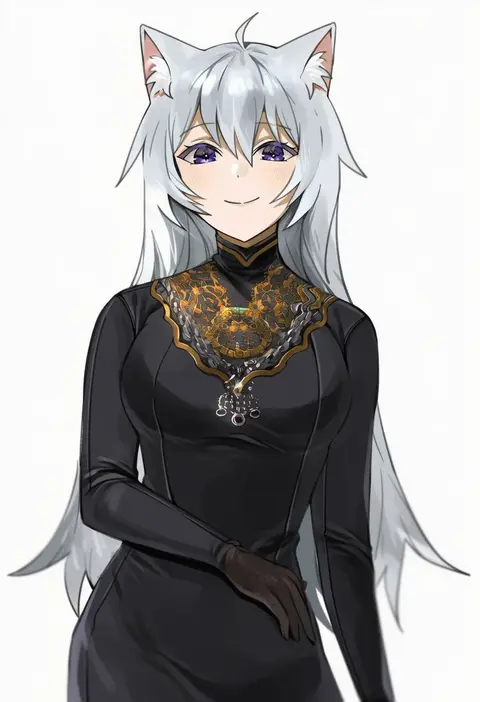
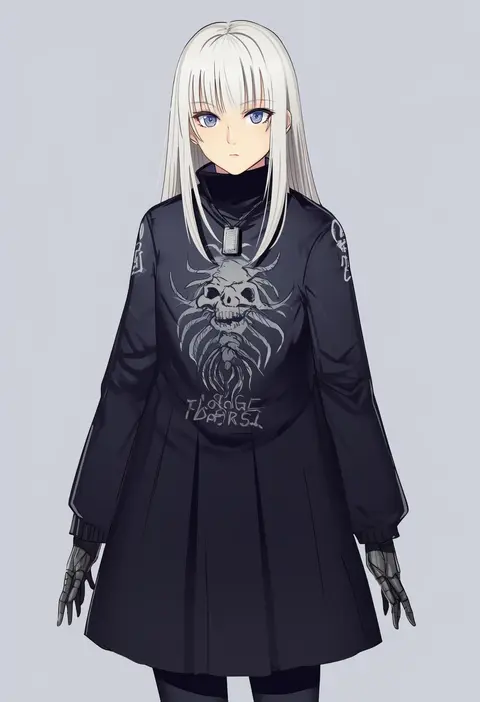
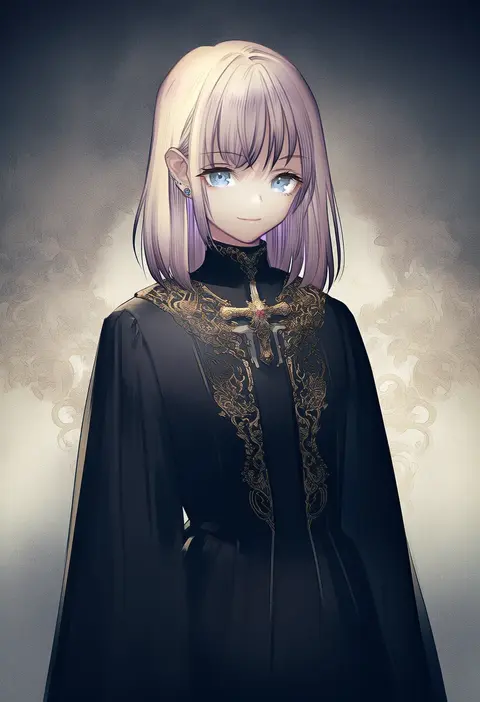
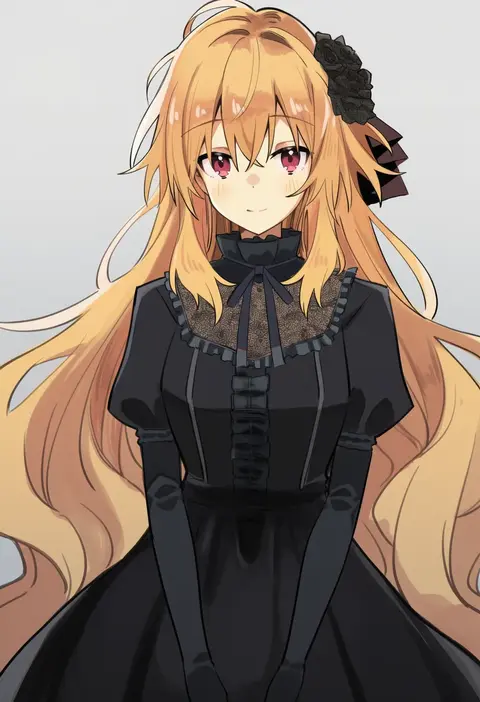
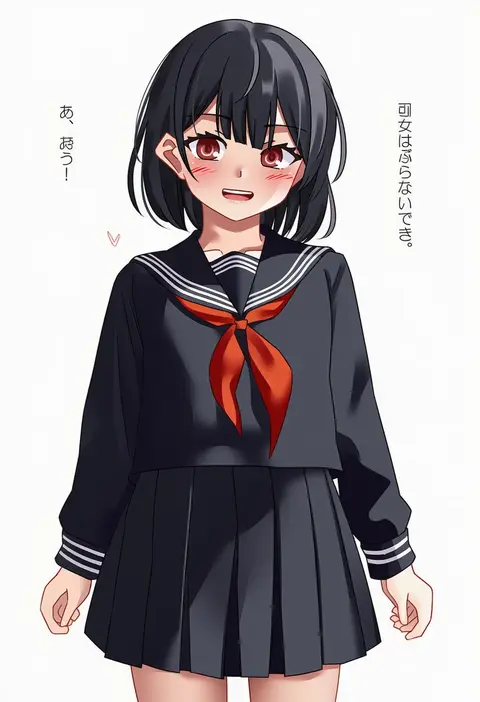
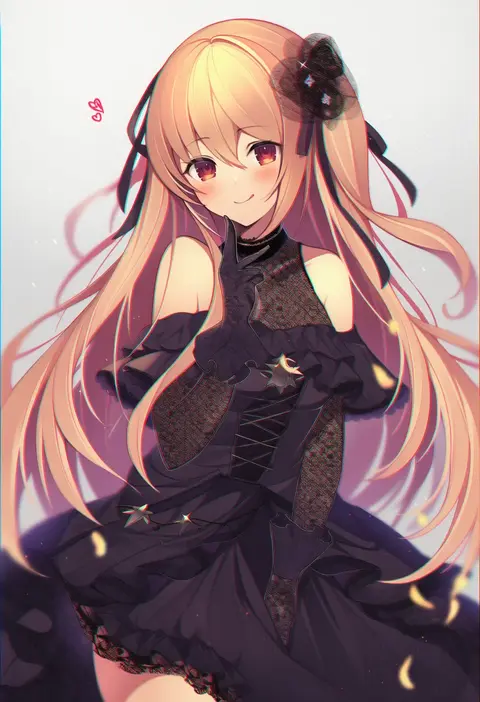
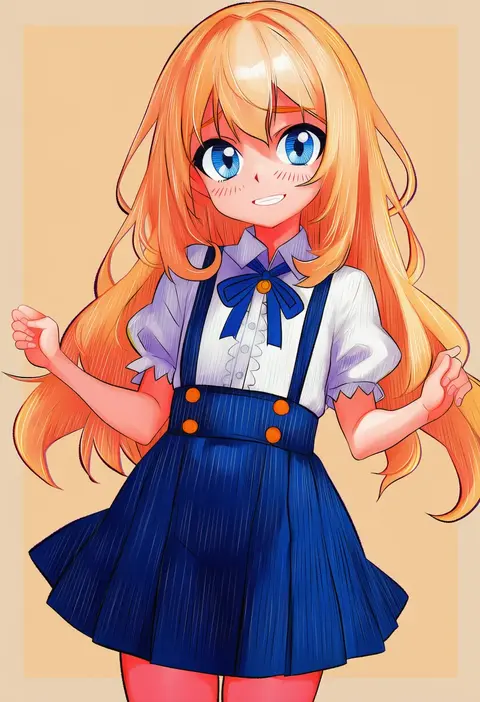
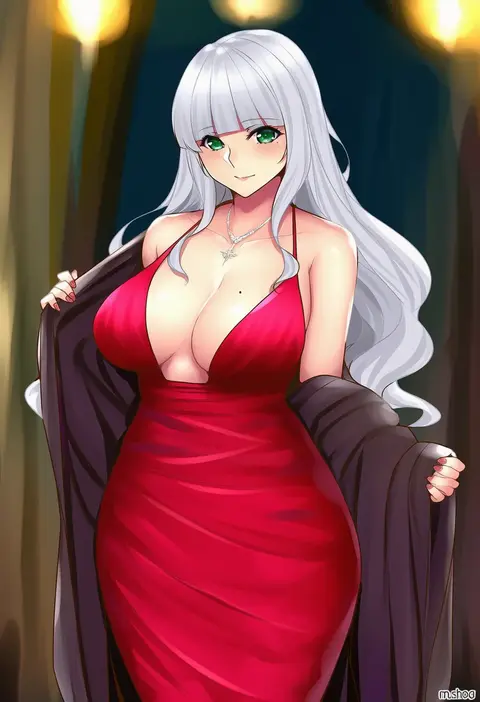
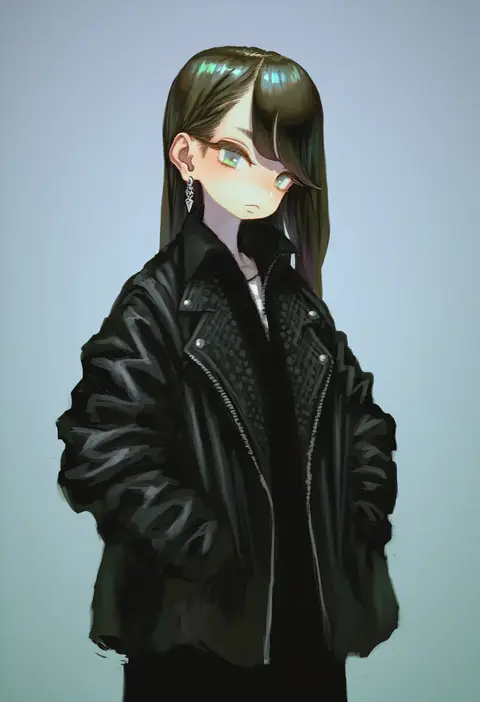
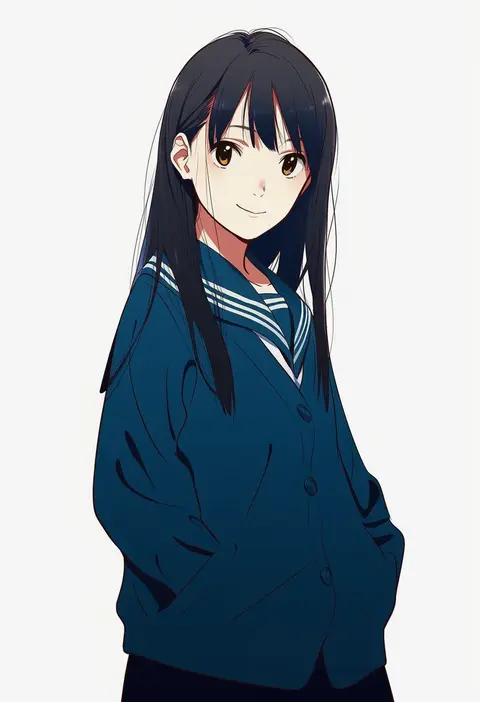
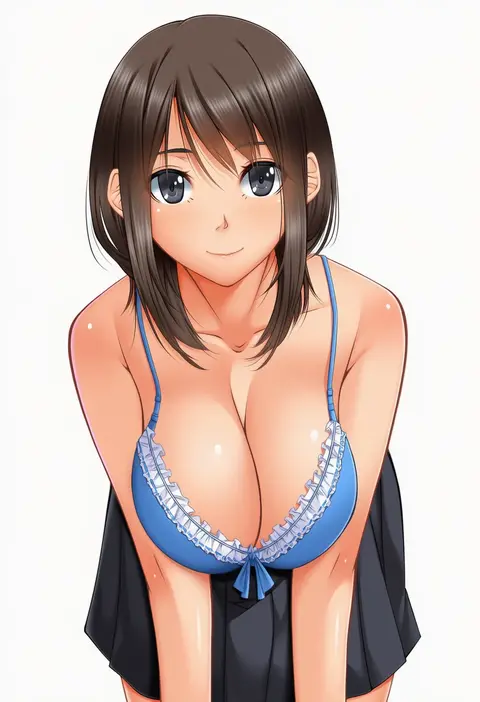
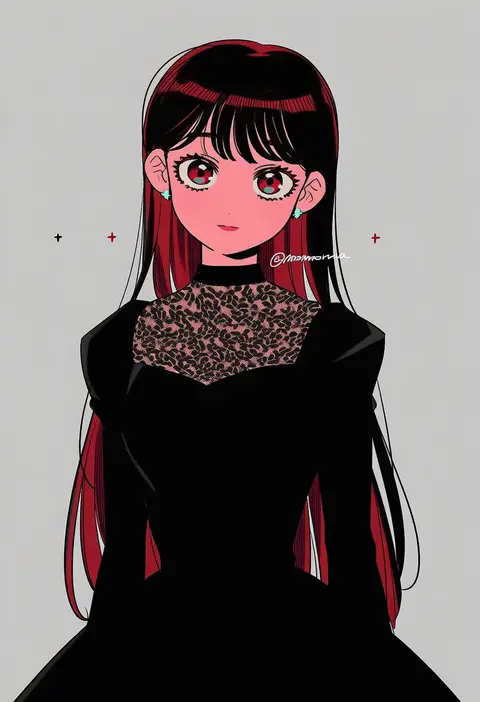
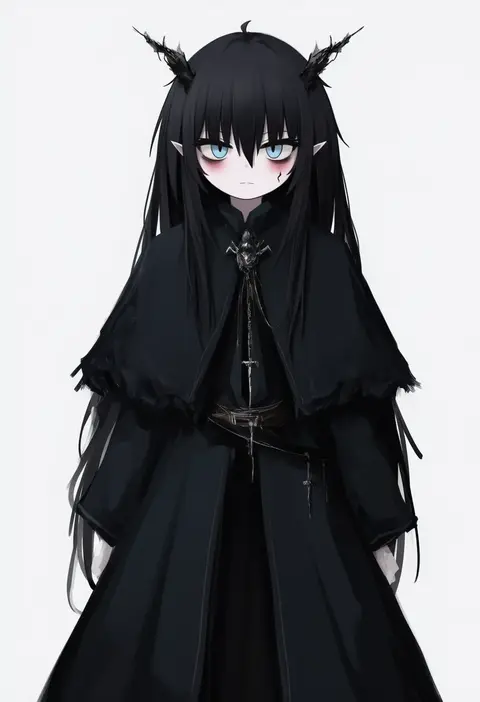
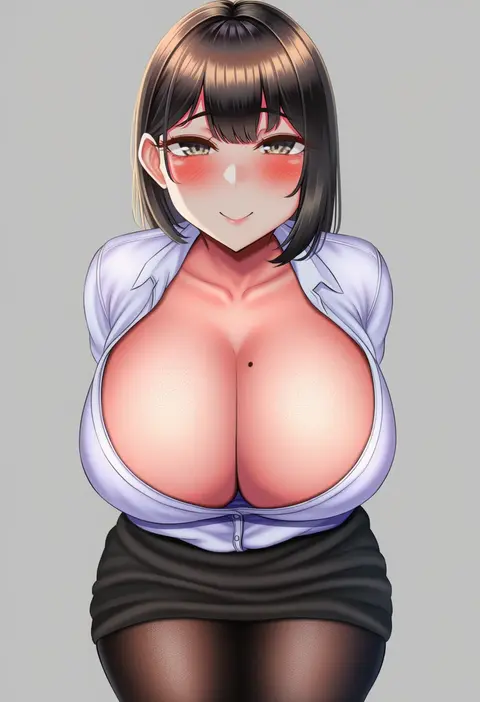
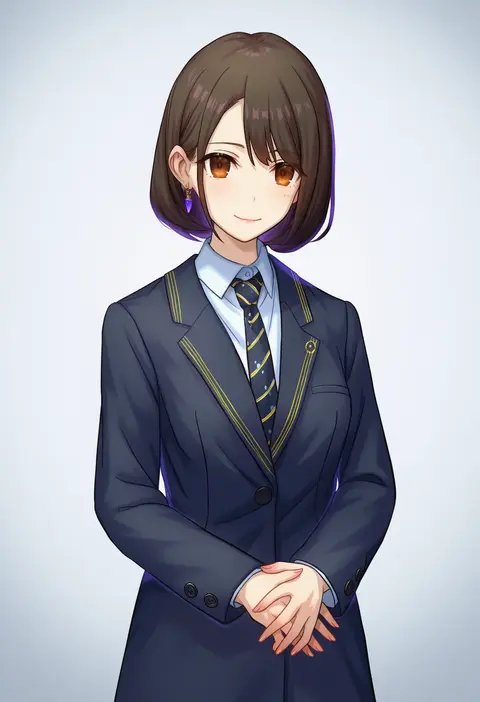
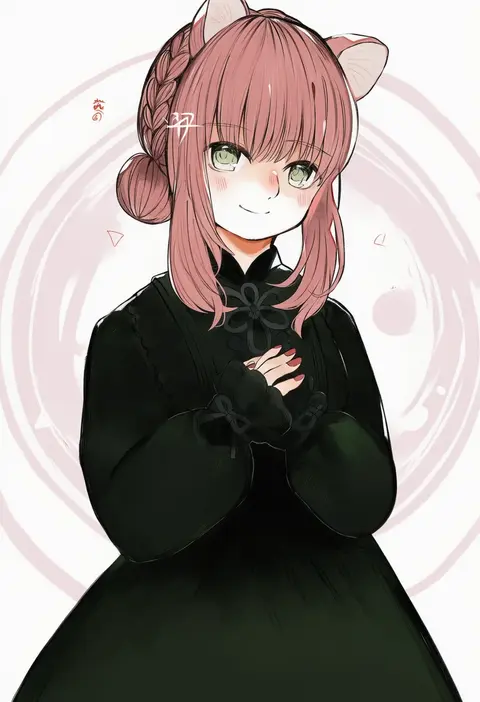
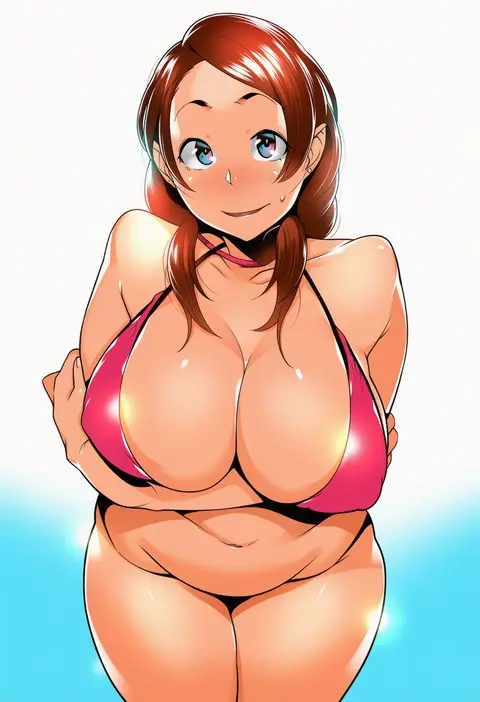
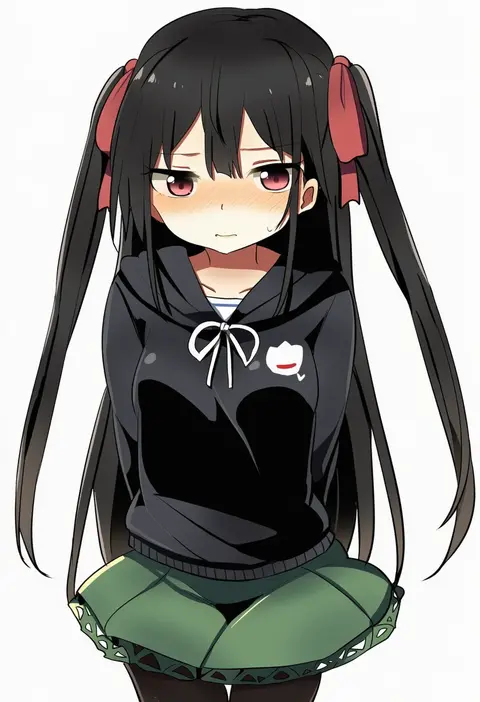
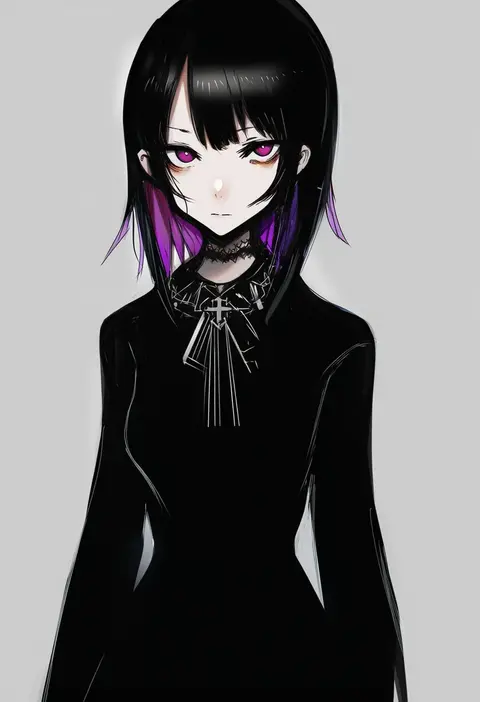
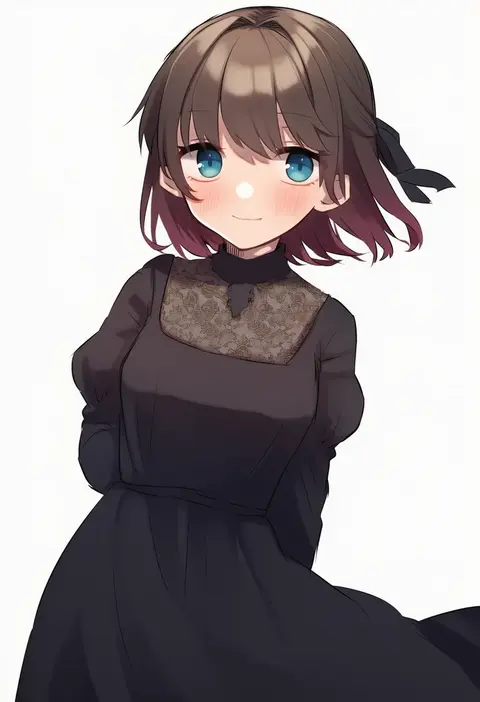
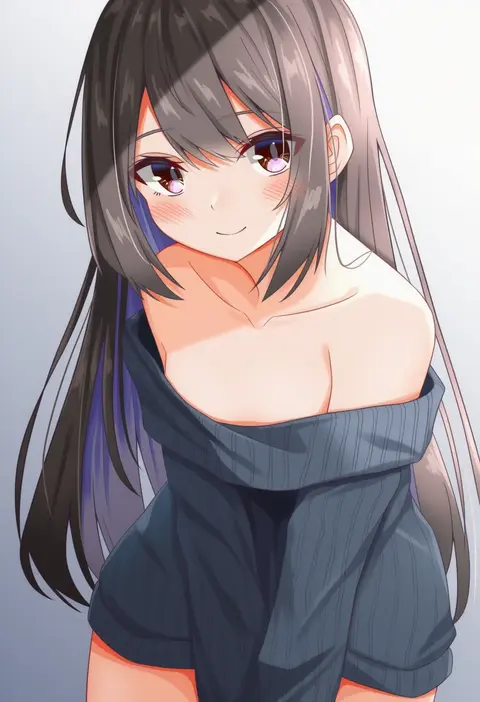
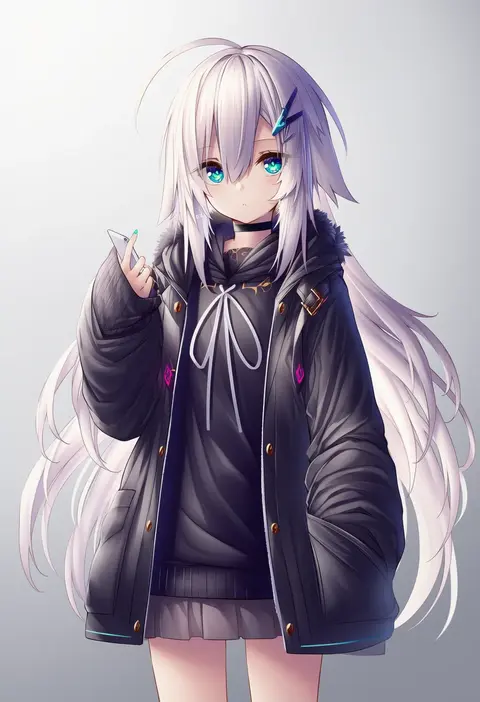
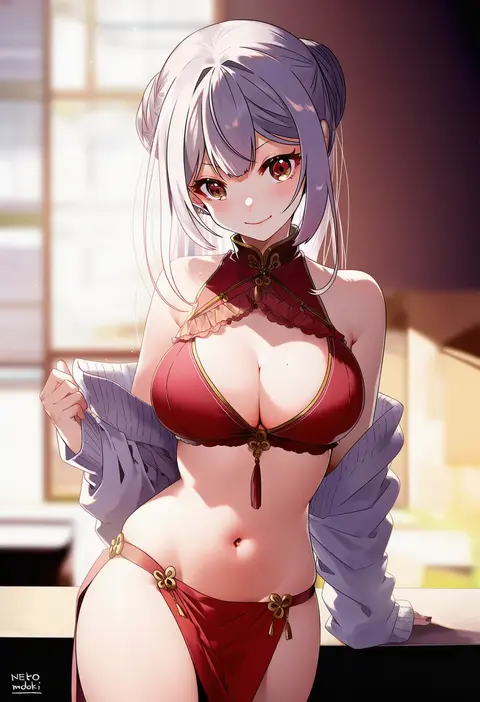
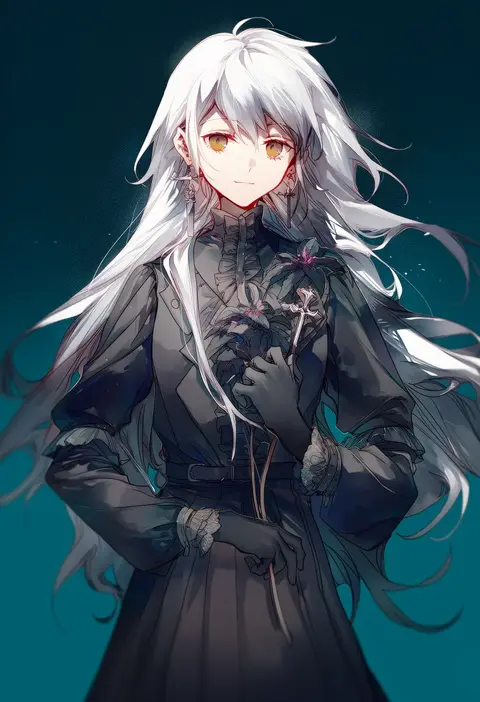
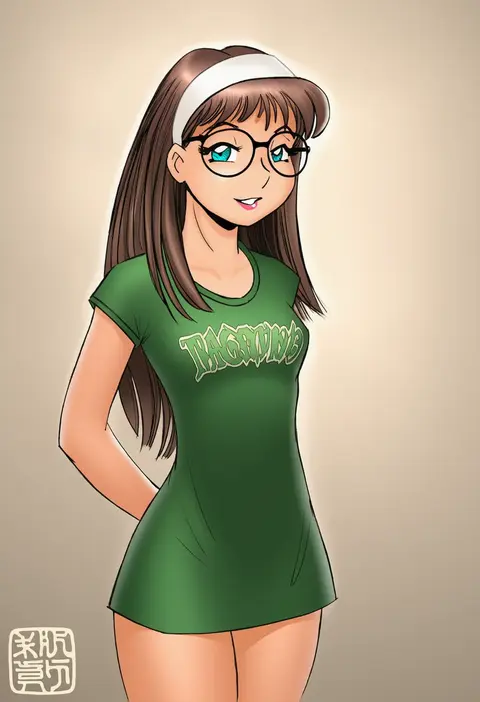
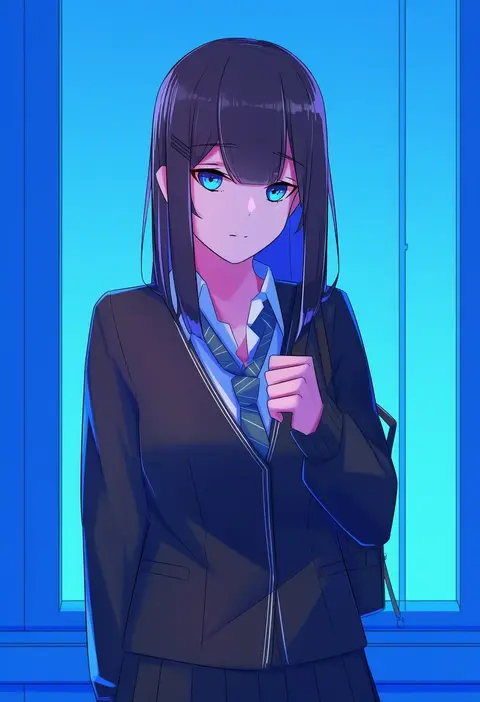
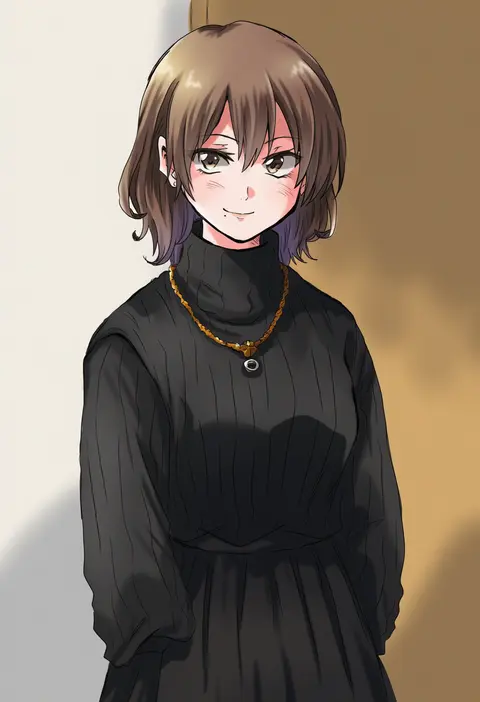
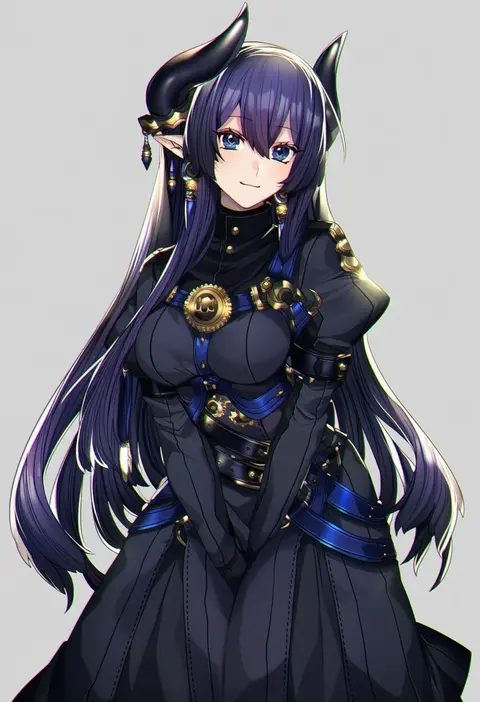
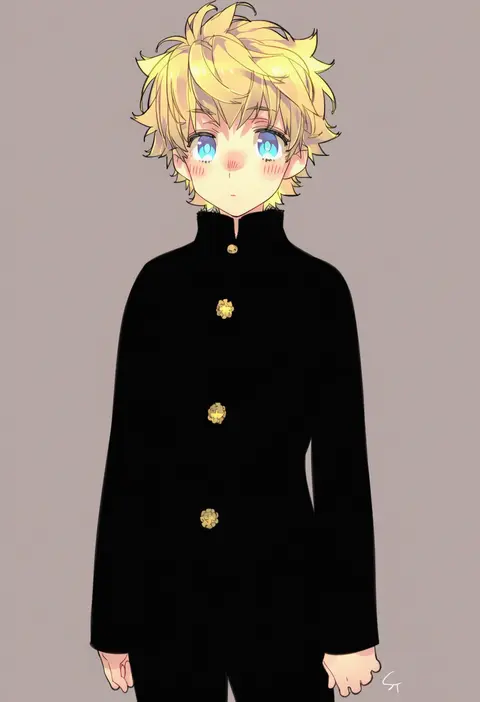
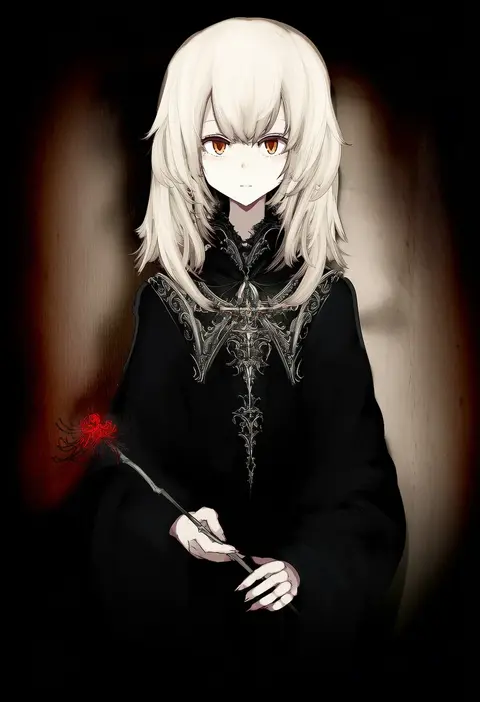
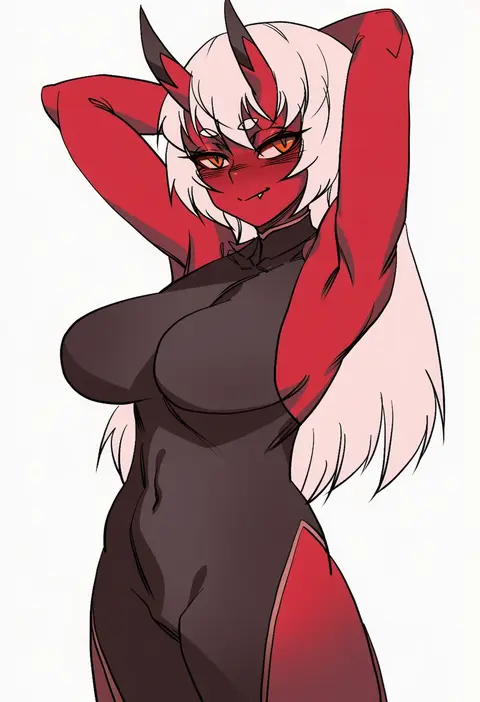
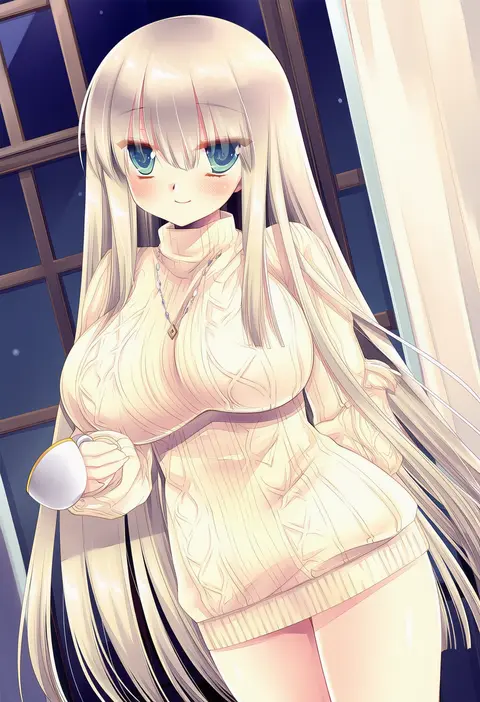
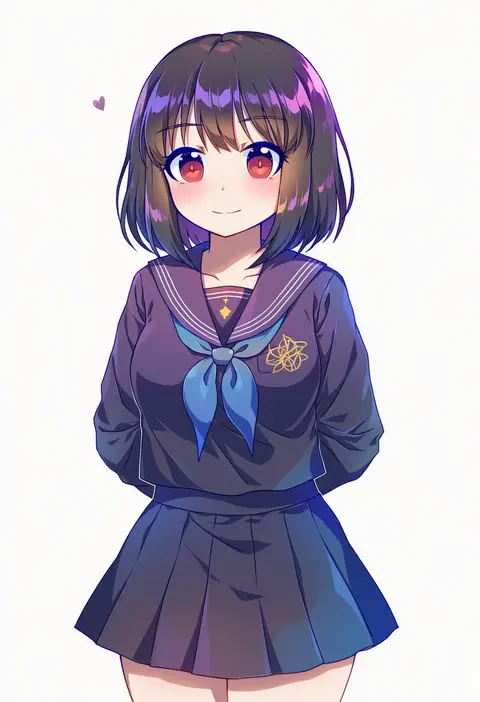
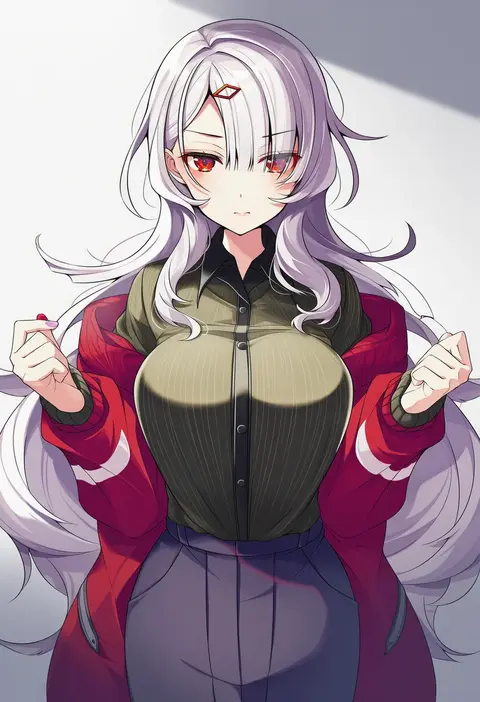
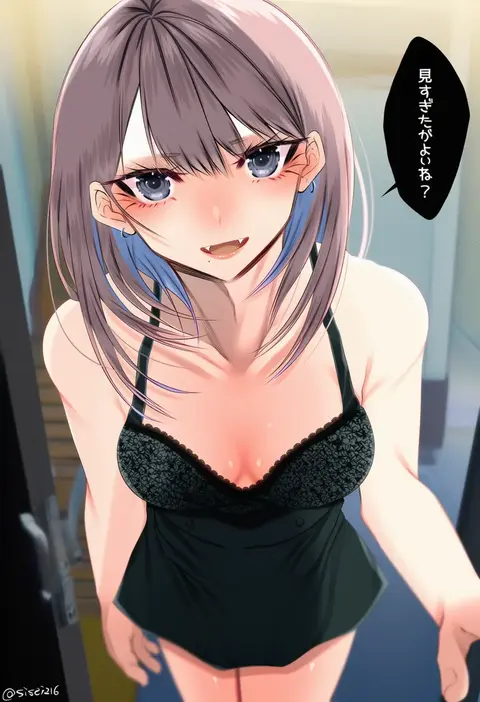
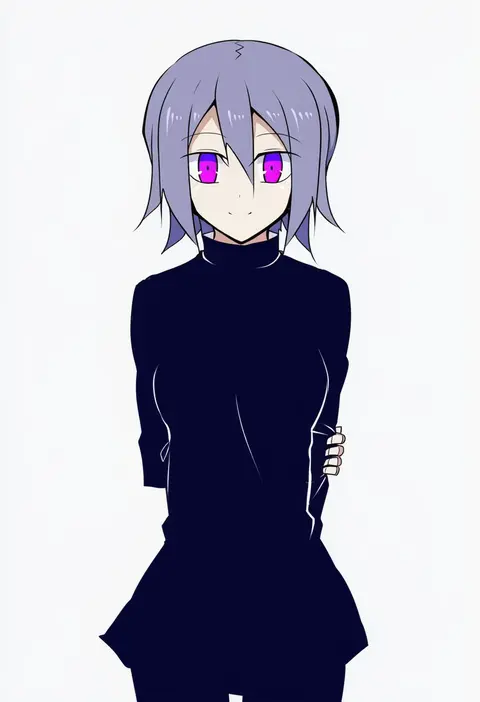
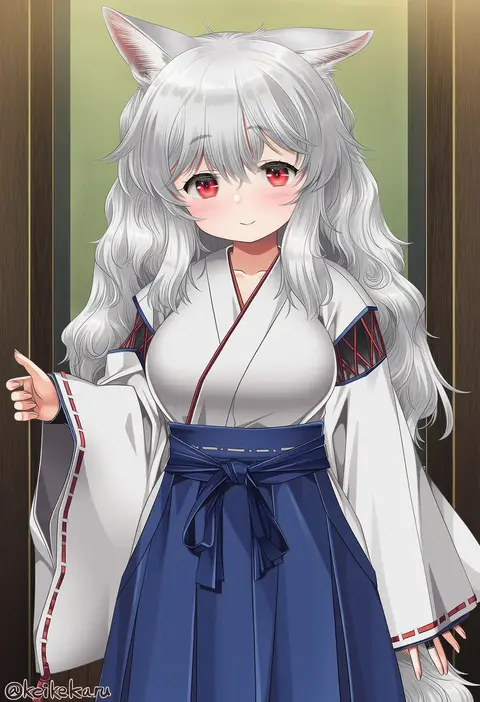
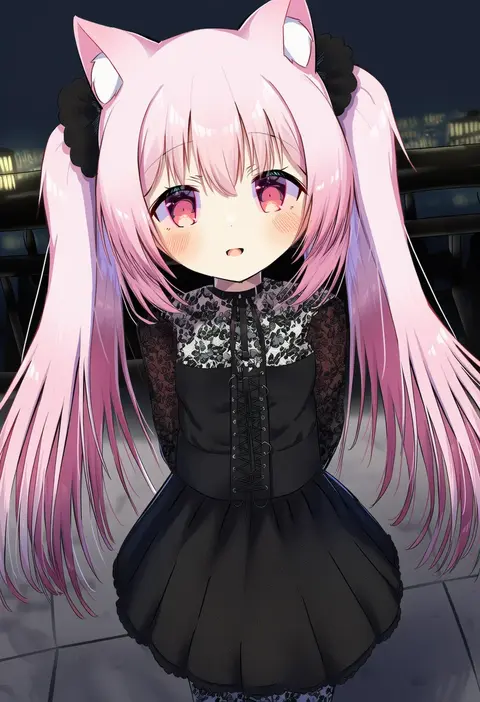
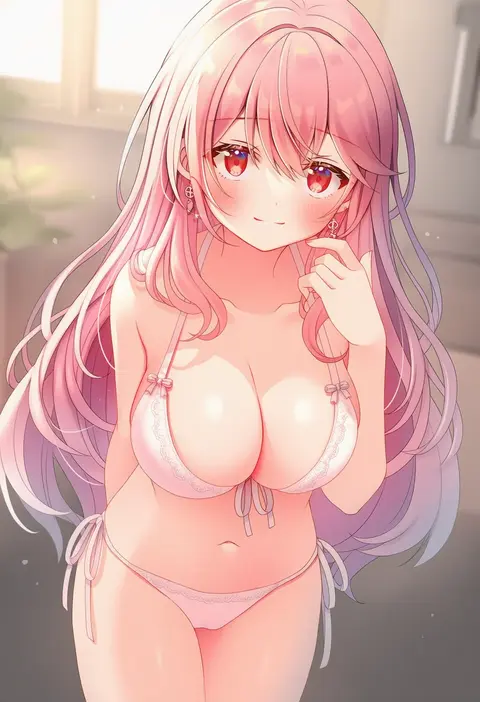
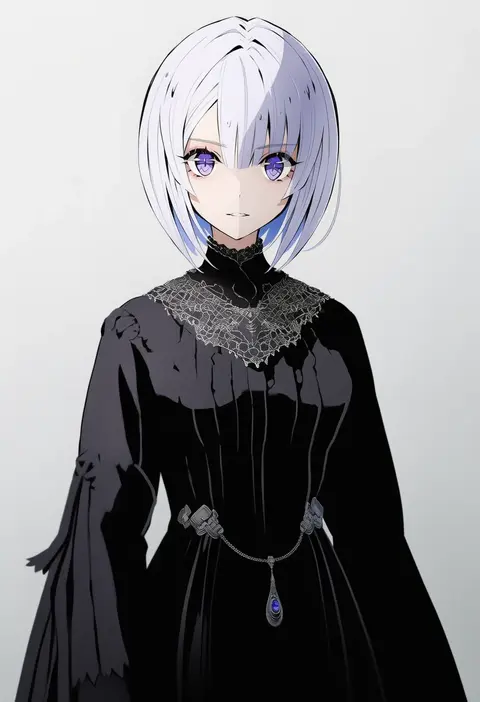
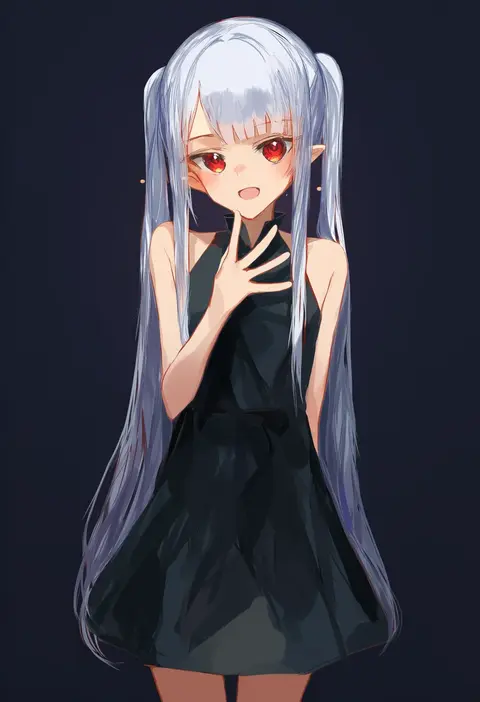
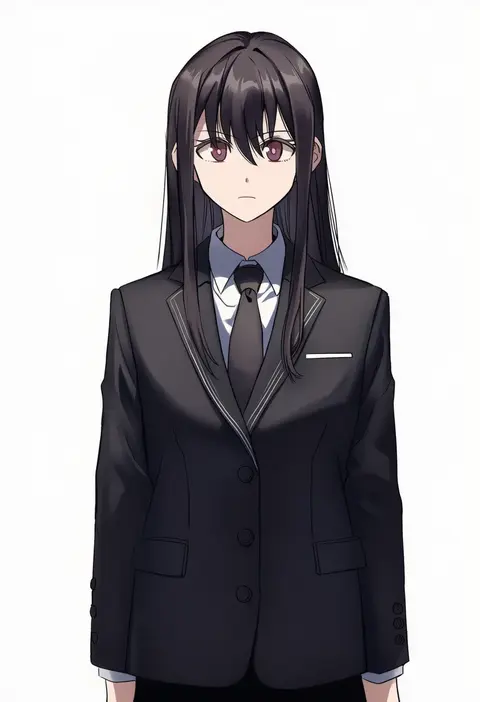
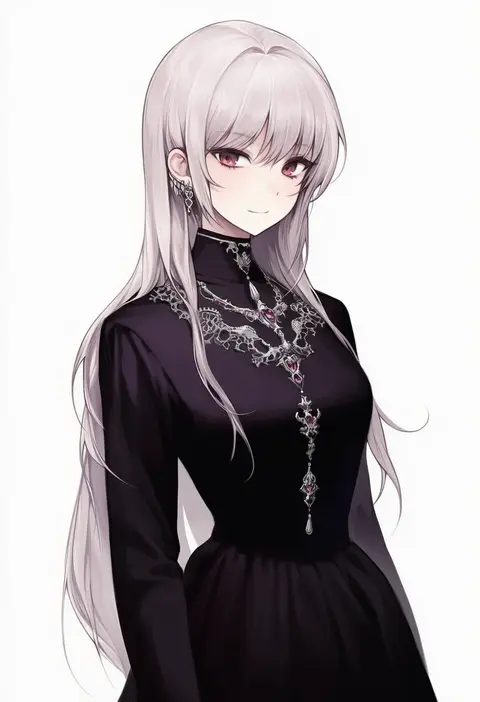
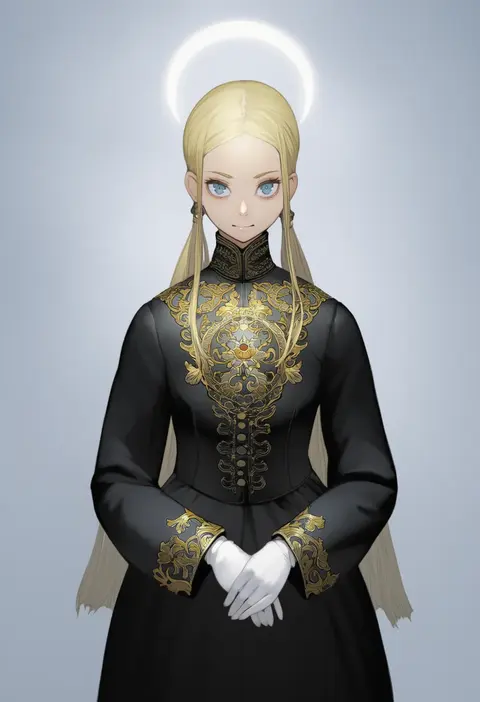
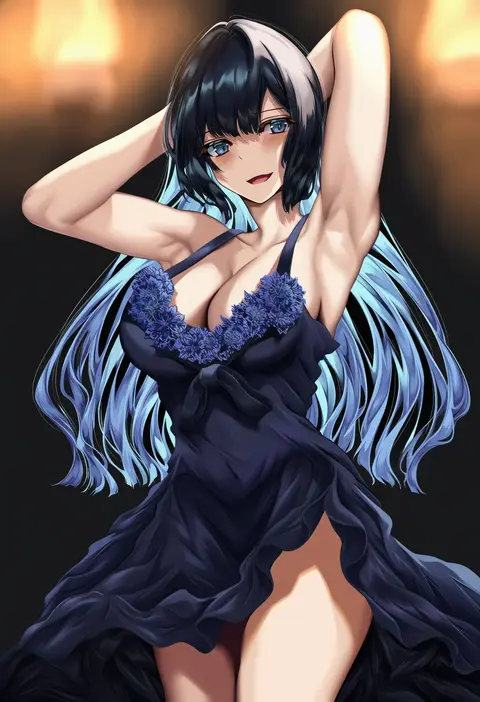
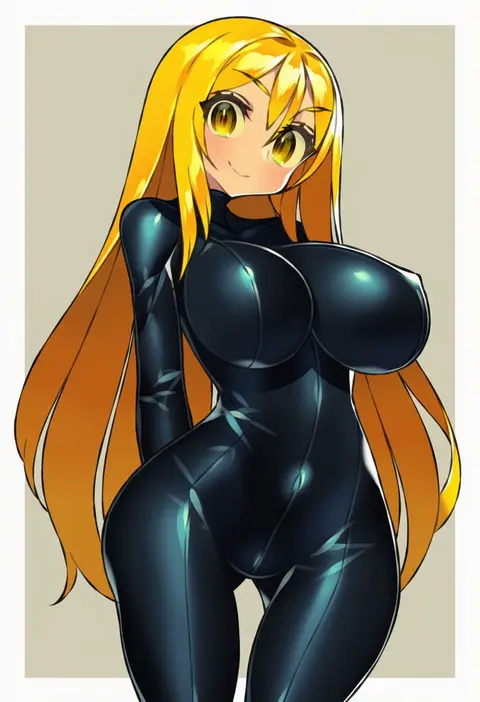
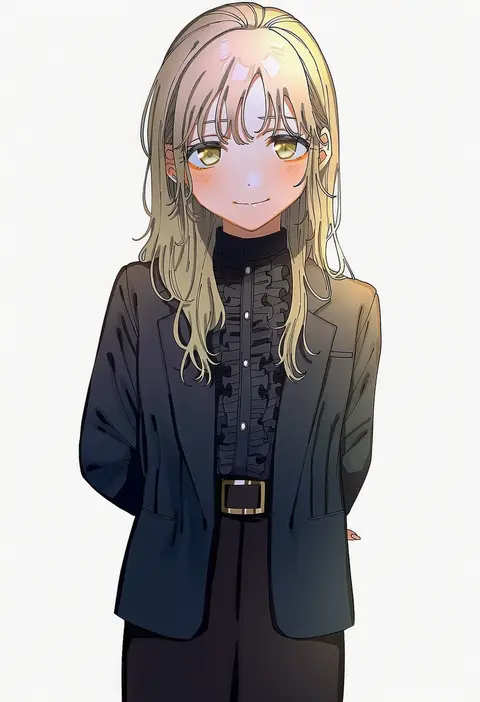
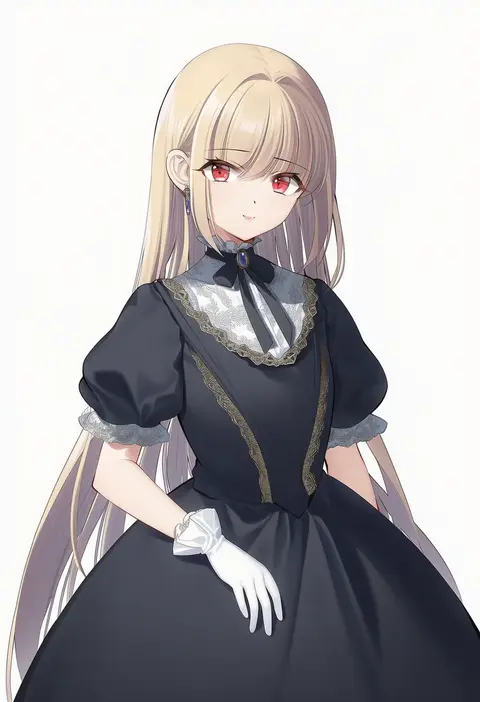
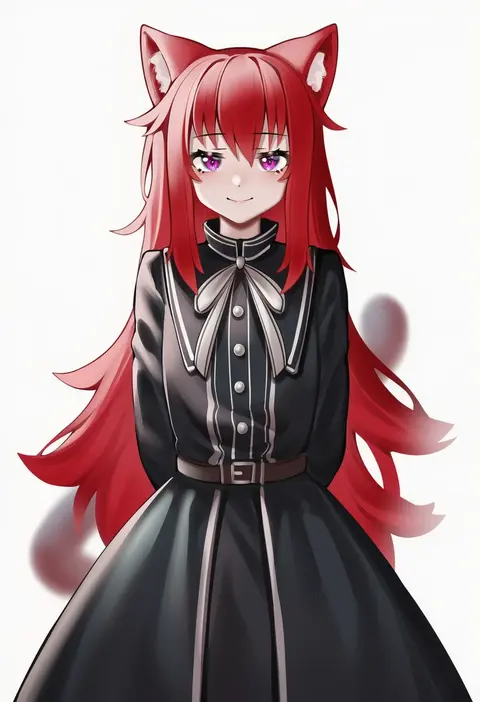
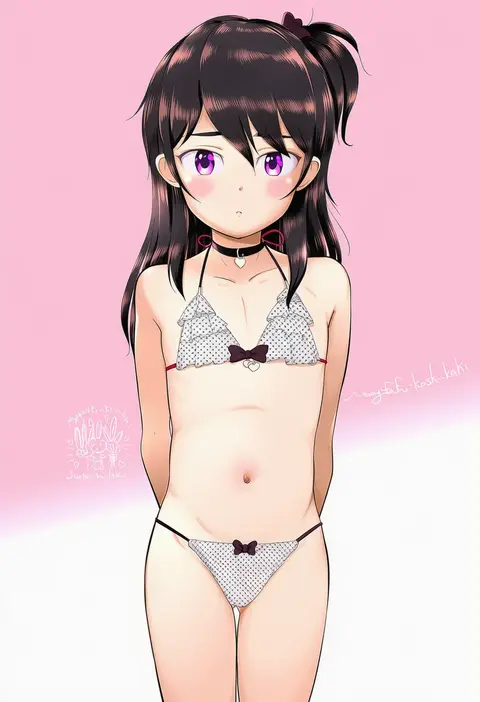
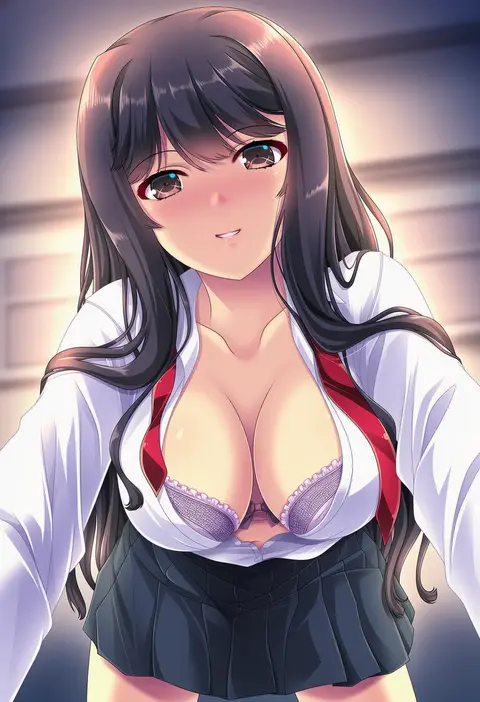
Artist tags tell NovelAI Diffusion to draw in a specific artist's style: line weight, paint texture, face shapes and palette all shift at once. Character and outfit tags decide what is drawn; artist tags decide how. 16,352 tags are listed for V4.5.
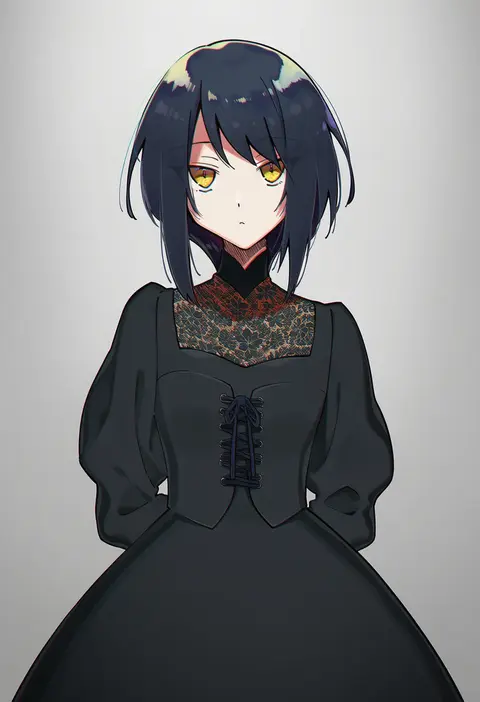
Every tag listed here is verified to react in NovelAI. All images use the same prompt, seed and settings with only the artist tag swapped, so the difference between two images is the style that tag brings in.

How to use them

Put the artist tag near the front of the prompt, e.g. "<artist>, 1girl, solo, best quality, masterpiece, cowboy shot". Two or three artist tags blend styles; lower the weight with "0.8::<artist>::" when the style overpowers the character.

SCORE sorts by Danbooru's top score, POSTS by post count, FAVS by hearts on this site. Open a card to see V5 and V4.5 side by side on the same seed.

V5 vs V4.5

V5 usually lands closer to the artist's real style, and tags that did nothing on V4.5 often react on V5. V4.5 still fits older and doujin-heavy artists better. Try V5 first, fall back to V4.5.

FAQ

Where does the artist tag go?
Near the front of the prompt. Use "0.8::tag::" to adjust its weight.

Can I stack artist tags?
Yes, styles blend. Past two or three the result stops looking like anyone.

Are these the artists' own works?
No. Every image is a NovelAI sample generated from the tag.