V4.5Artists
sort: FAVS▾
▾
>
$

Popular NovelAI artist tags — V4.5

artist --count 16,352[173/273]
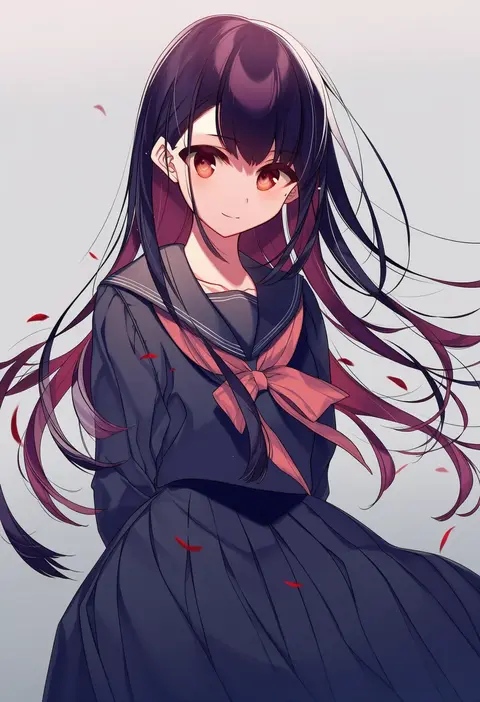
kureaki (exit)
ARTIST0x2850
0
shirihime
ARTIST0x2851
0
fongban illust
ARTIST0x2852
0
ishii akira
ARTIST0x2853
0
lumarianne20
ARTIST0x2854
0
ototobe
ARTIST0x2855
0
yagoro kusuriya
ARTIST0x2856
0
tuda6
ARTIST0x2857
0
koeda (k83 4)
ARTIST0x2858
0
nanjou asuka
ARTIST0x2859
0
blueblossom
ARTIST0x285A
0
kingjoshua
ARTIST0x285B
0
yamane akira
ARTIST0x285C
0
natsu narumi
ARTIST0x285D
0
yakousei a
ARTIST0x285E
0
suehiroch0
ARTIST0x285F
0
mo (pixiv9929995)
ARTIST0x2860
0
hiyoshi hana
ARTIST0x2861
0
mellozzo
ARTIST0x2862
0
torano
ARTIST0x2863
0
utomo
ARTIST0x2864
0
nakamura sandayo
ARTIST0x2865
0
4040 (abonriya)
ARTIST0x2866
0
xes (xes 5377)
ARTIST0x2867
0
hatori piyoko
ARTIST0x2868
0
thomas (aoakumasan)
ARTIST0x2869
0
tanabe
ARTIST0x286A
0
keita (o4510 9chi9)
ARTIST0x286B
0
ougi (ihayasaka)
ARTIST0x286C
0
tendoshi
ARTIST0x286D
0
kuuru (kuuru-n)
ARTIST0x286E
0
xiaojiaju
ARTIST0x286F
0
onikobe rin
ARTIST0x2870
0
yokochou
ARTIST0x2871
0
meimaru inuchiyo
ARTIST0x2872
0
kurona
ARTIST0x2873
0
batta (ijigen debris)
ARTIST0x2874
0
tsubobot
ARTIST0x2875
0
shin'ya (nanp)
ARTIST0x2876
0
hebitsukai-san
ARTIST0x2877
0
asa (coco)
ARTIST0x2878
0
usatsuka eiji
ARTIST0x2879
0
hibioes
ARTIST0x287A
0
saemon (tonpura)
ARTIST0x287B
0
nyaa (nnekoron)
ARTIST0x287C
0
kei (bekei)
ARTIST0x287D
0
nanashi noiji
ARTIST0x287E
0
mokokiyo (asaddr)
ARTIST0x287F
0
ikuhana niiro
ARTIST0x2880
0
uzuki mei
ARTIST0x2881
0
koizumo
ARTIST0x2882
0
meyamu
ARTIST0x2883
0
nekolina
ARTIST0x2884
0
ina (inadahime)
ARTIST0x2885
0
rie (reverie)
ARTIST0x2886
0
trevo (trevoshere)
ARTIST0x2887
0
okera
ARTIST0x2888
0
hashiko nowoto
ARTIST0x2889
0
oomori (kswmr)
ARTIST0x288A
0
ame sagari
ARTIST0x288B
0

What these tags change

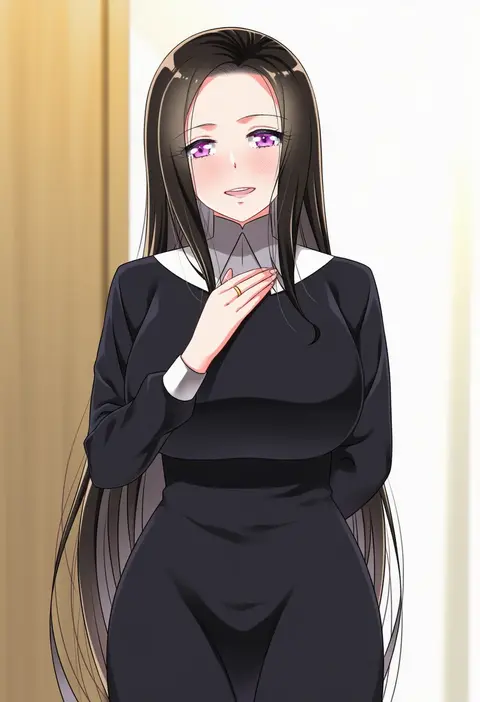
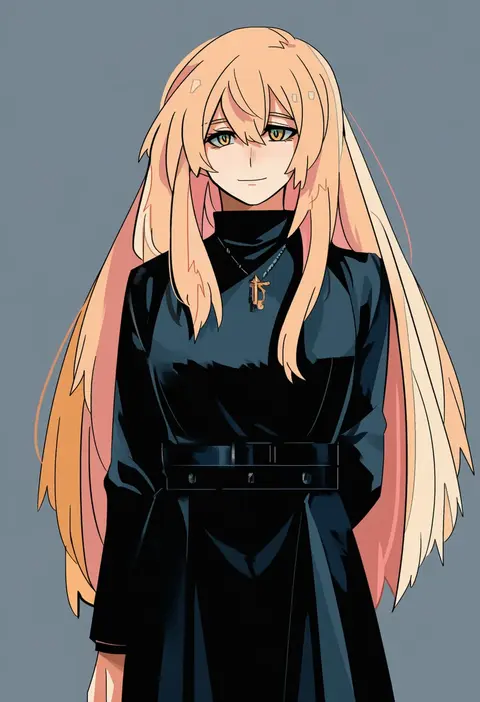
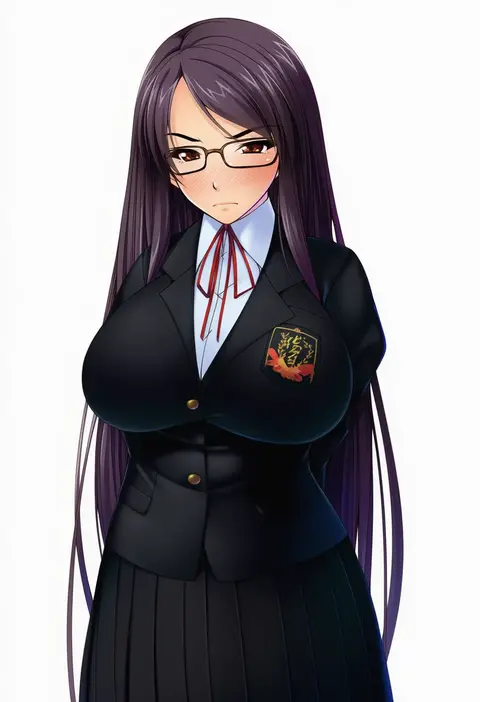
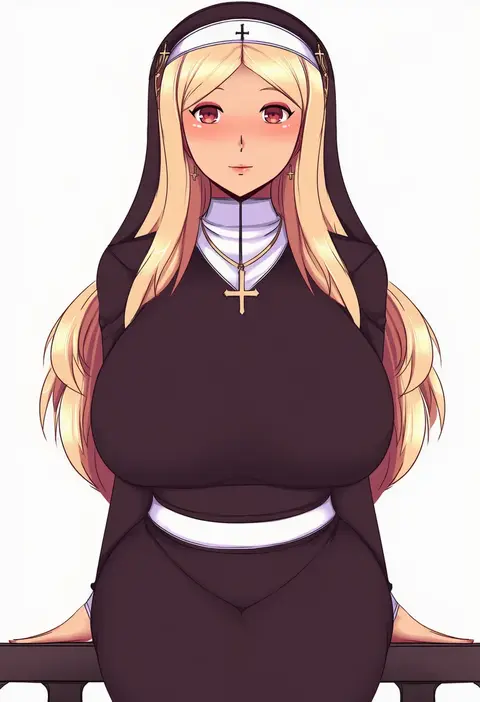
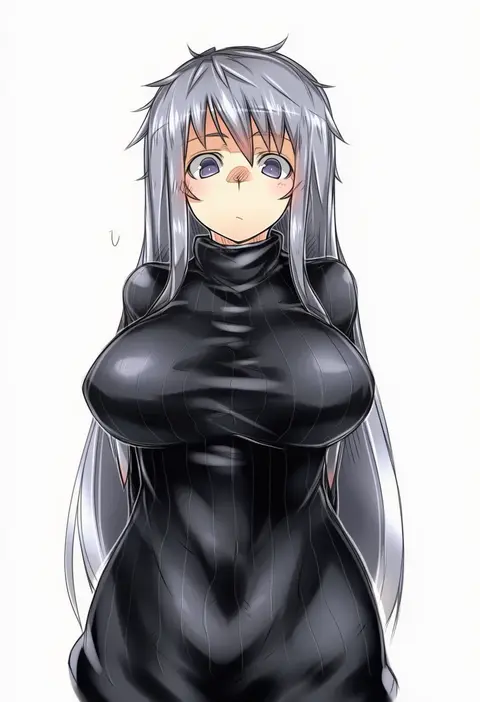
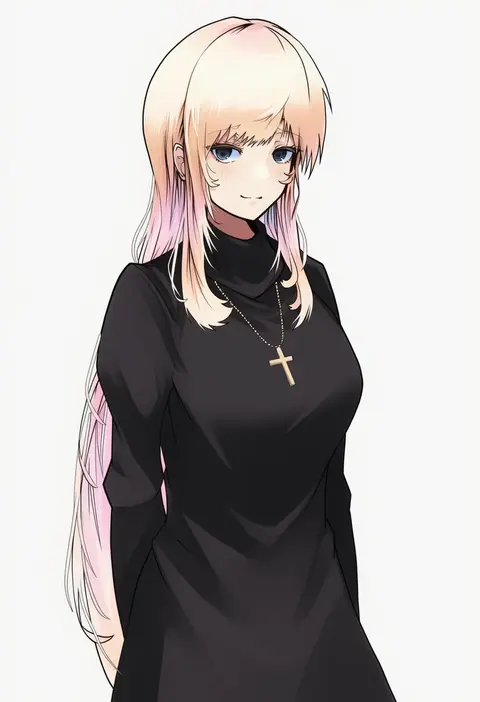
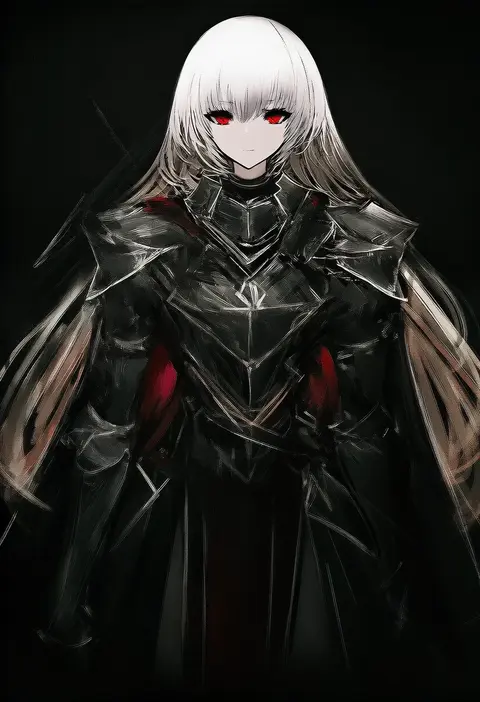
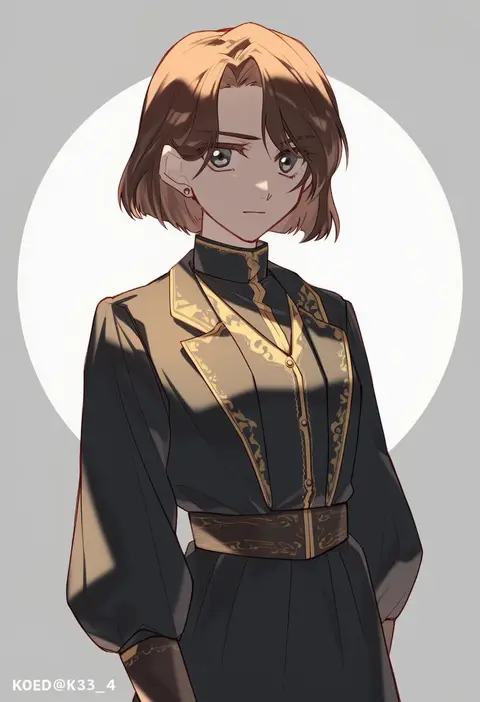
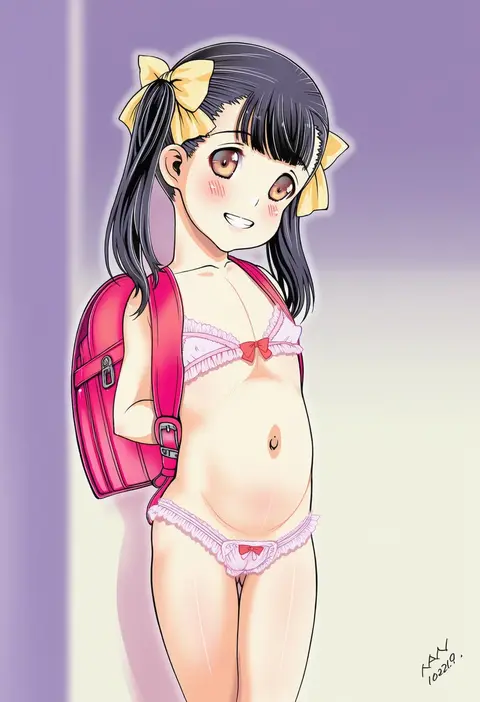
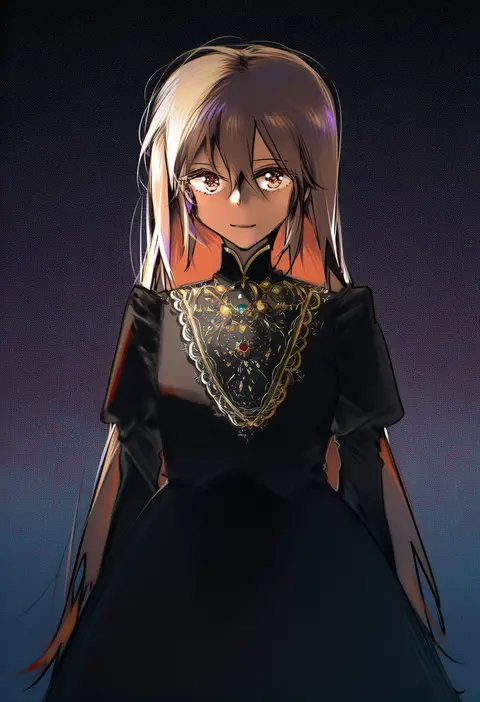
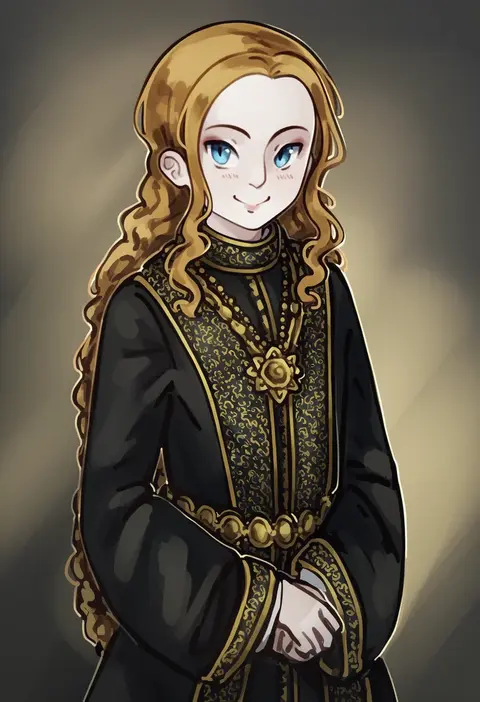
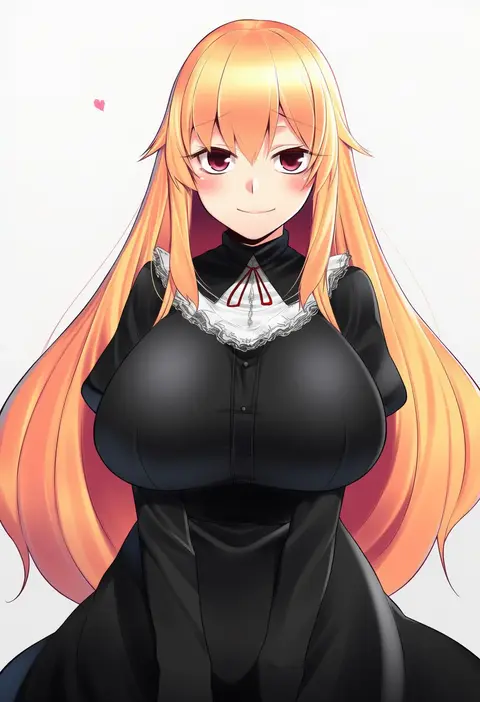
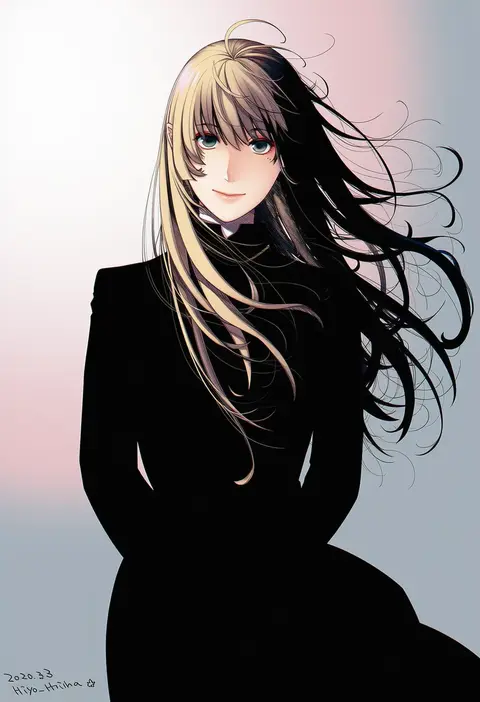
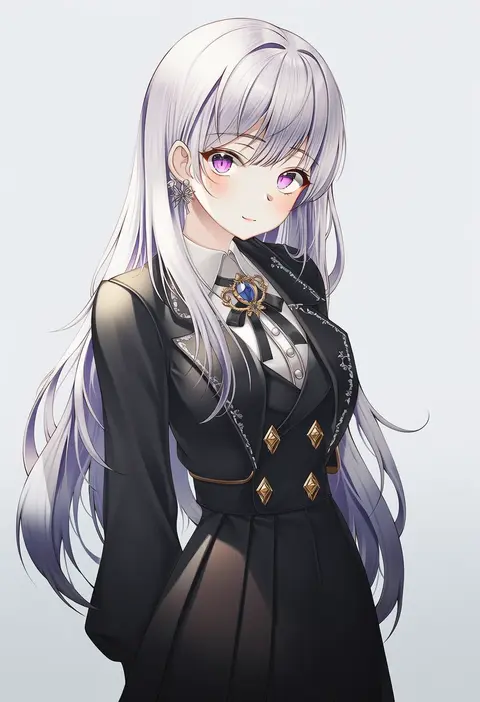
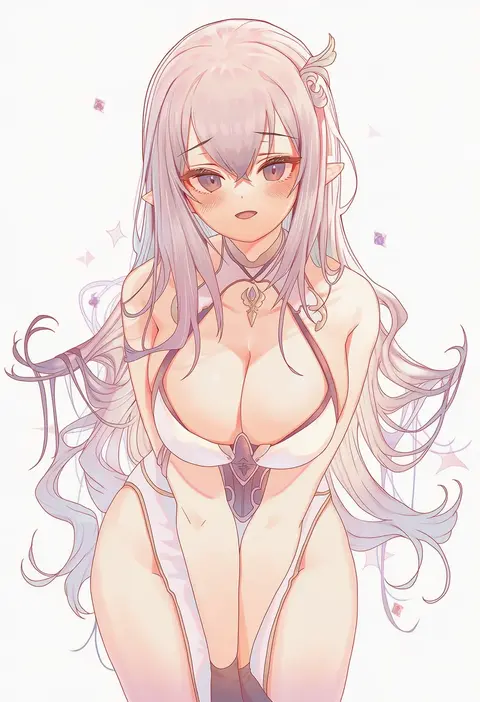
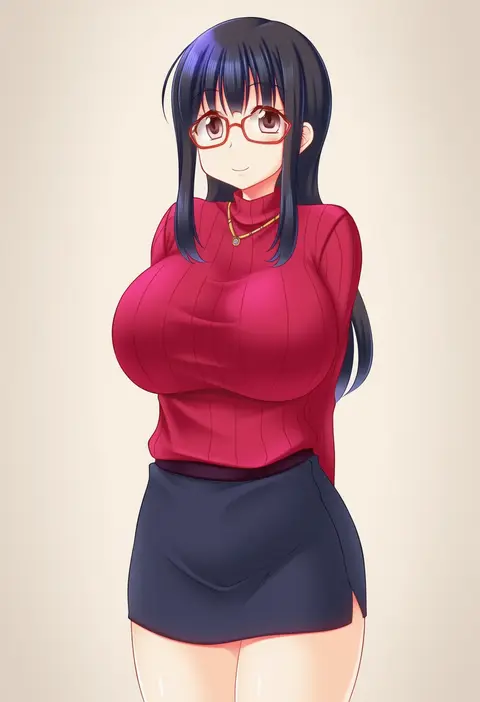
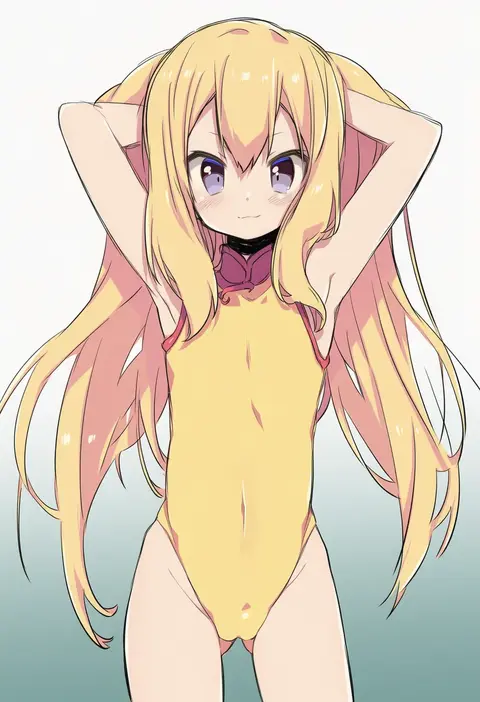
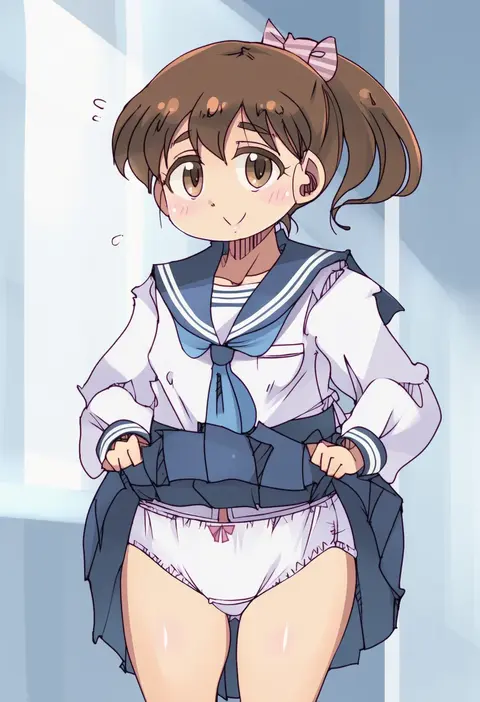
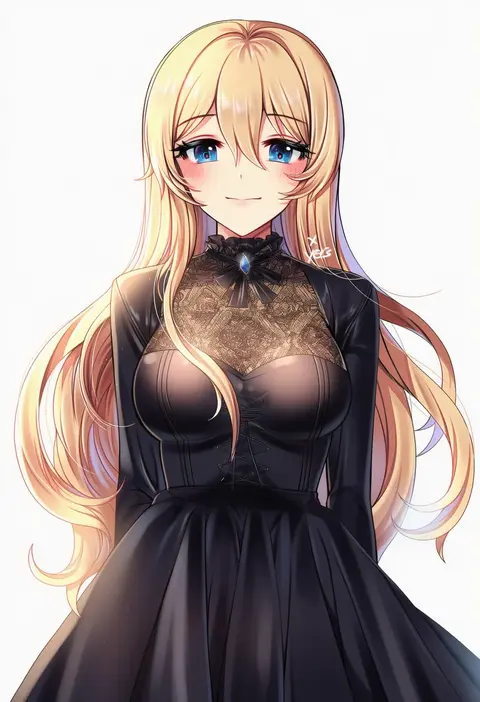
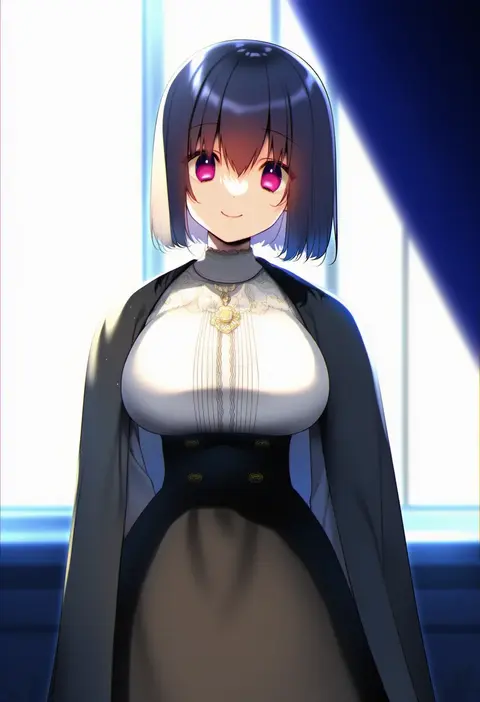
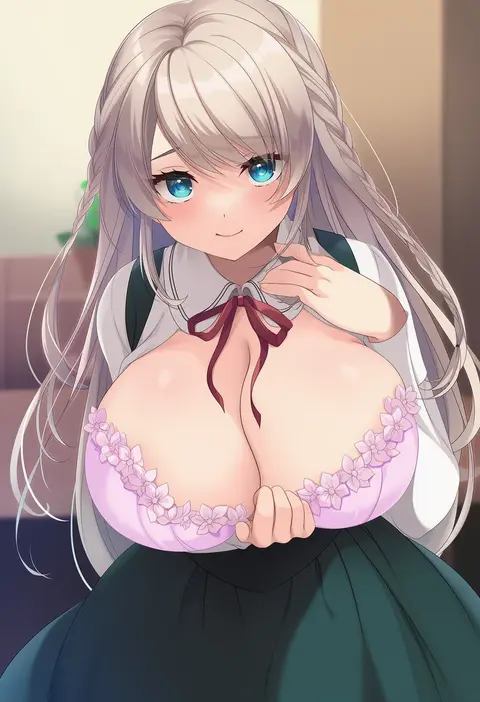
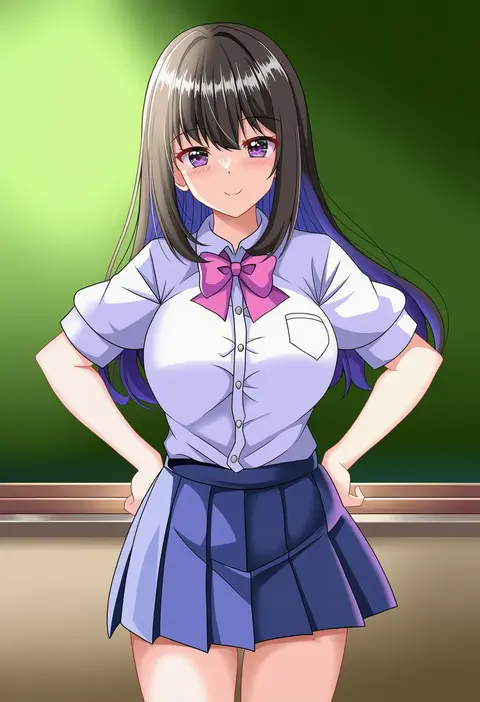
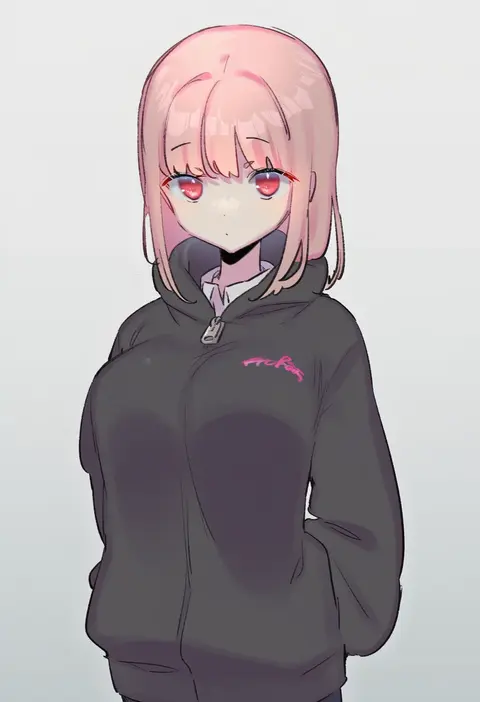
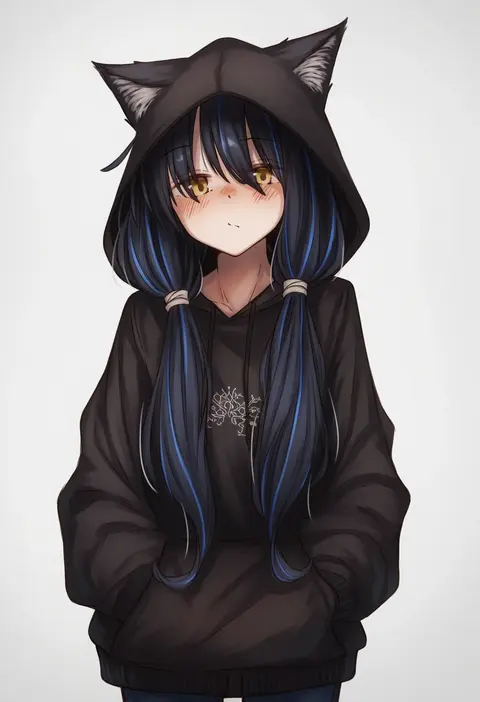
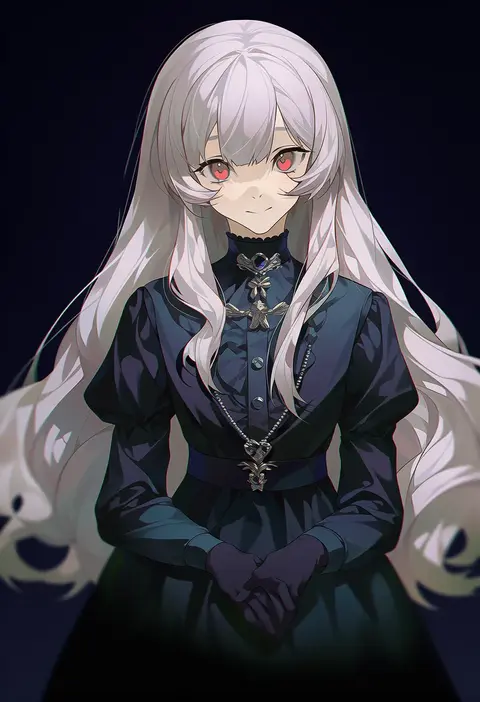
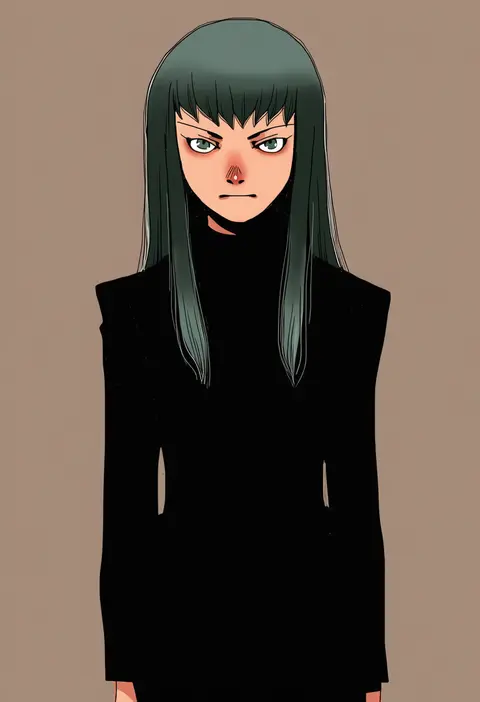
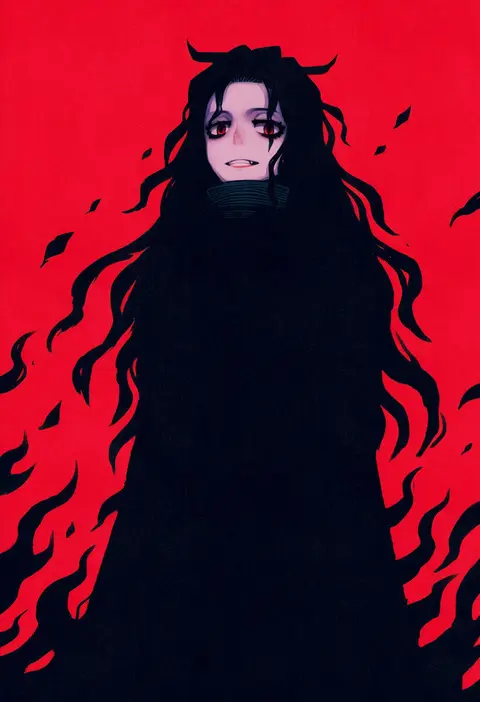
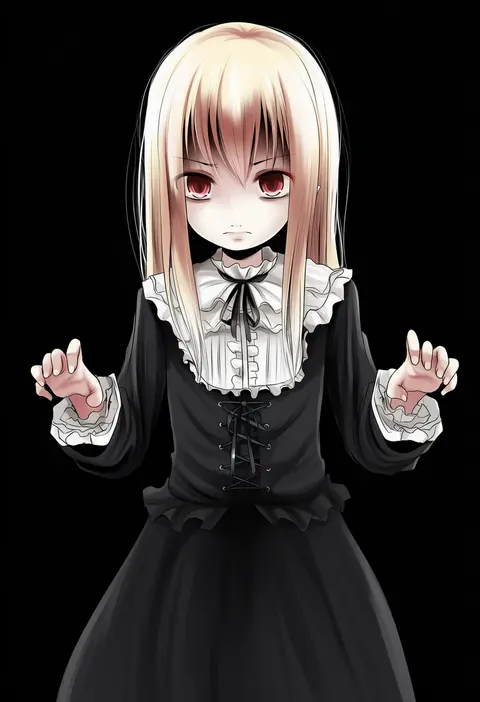
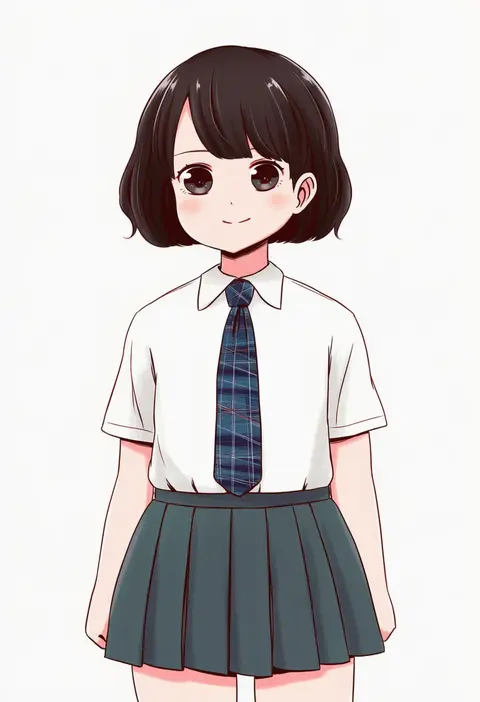
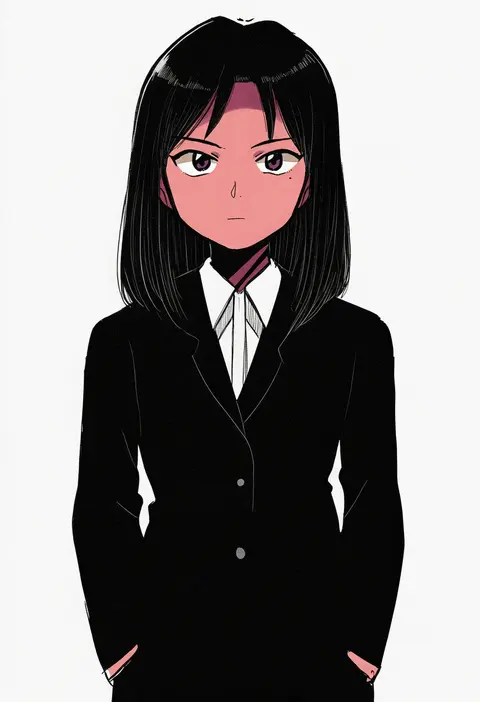
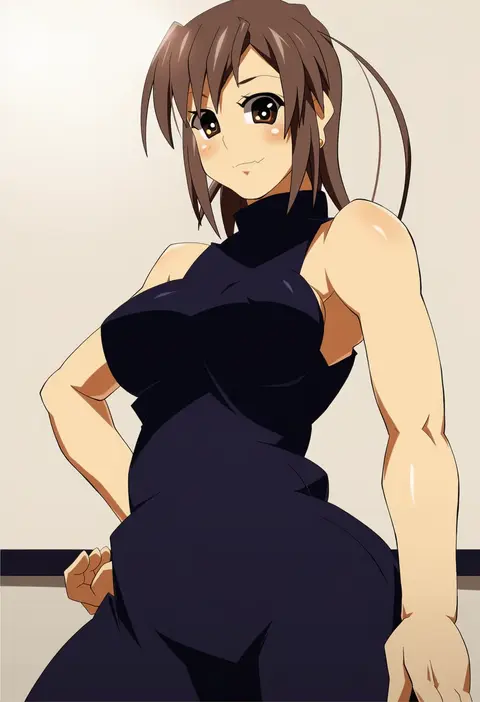
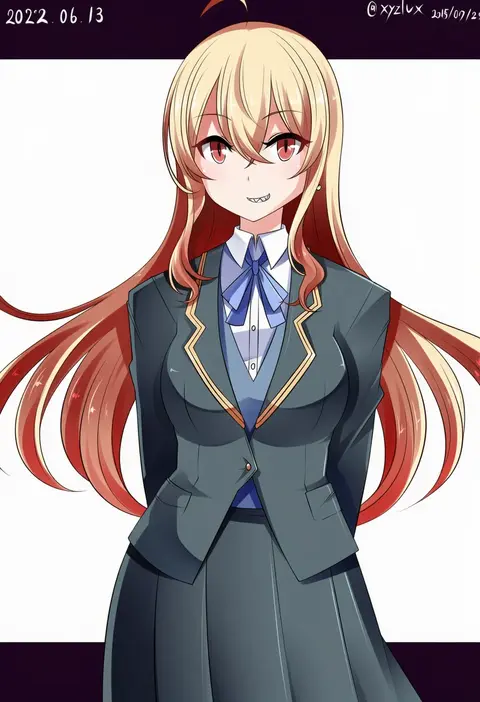
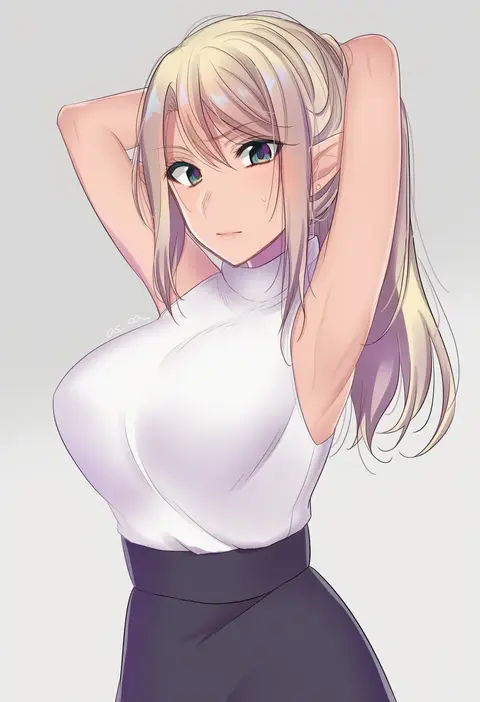
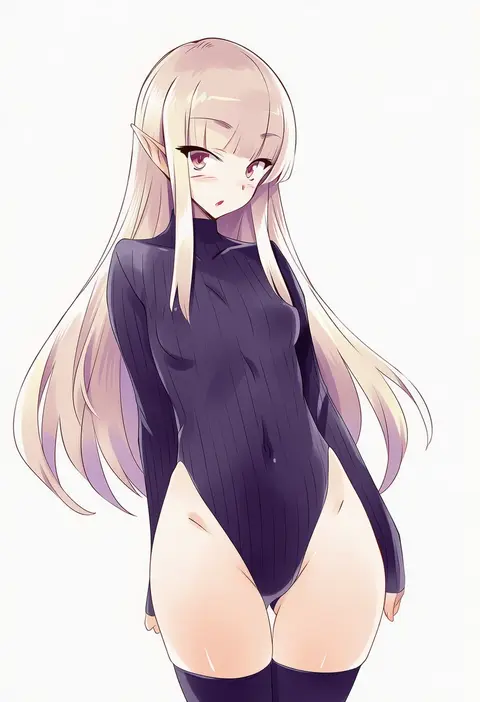
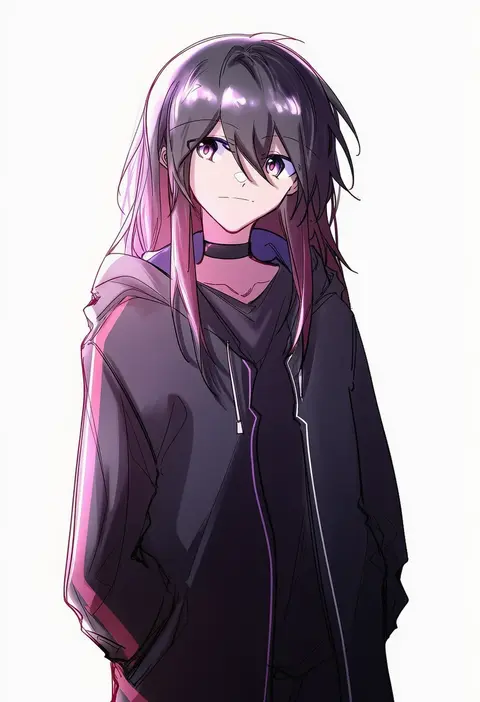
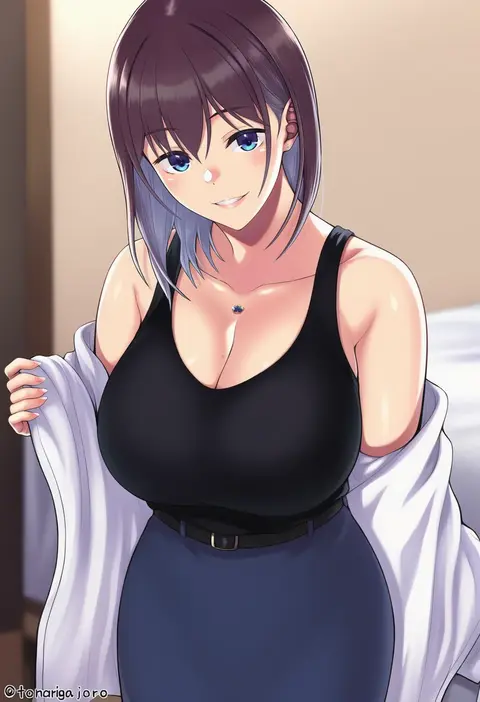
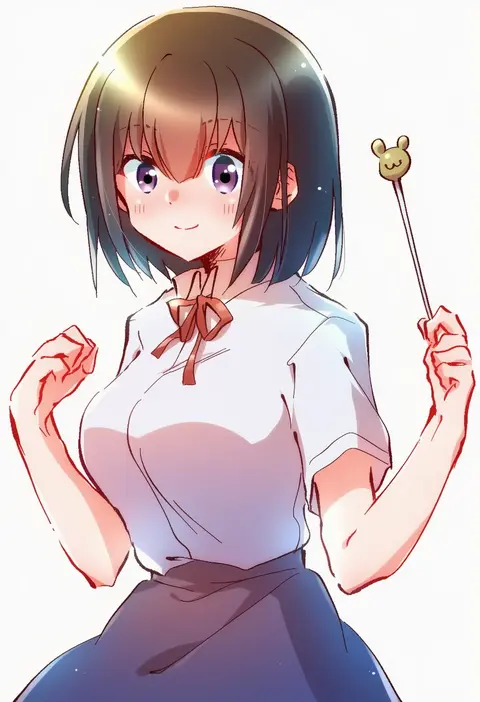
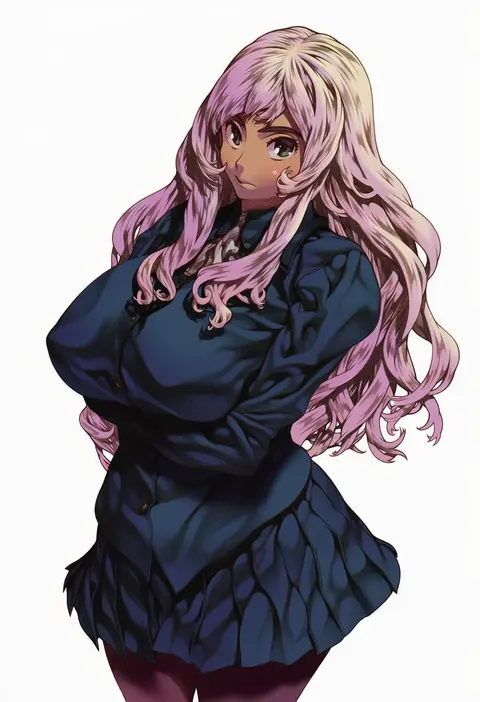
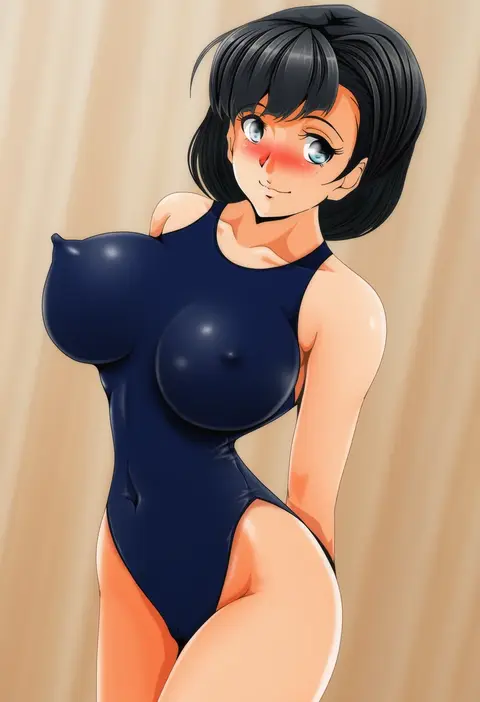
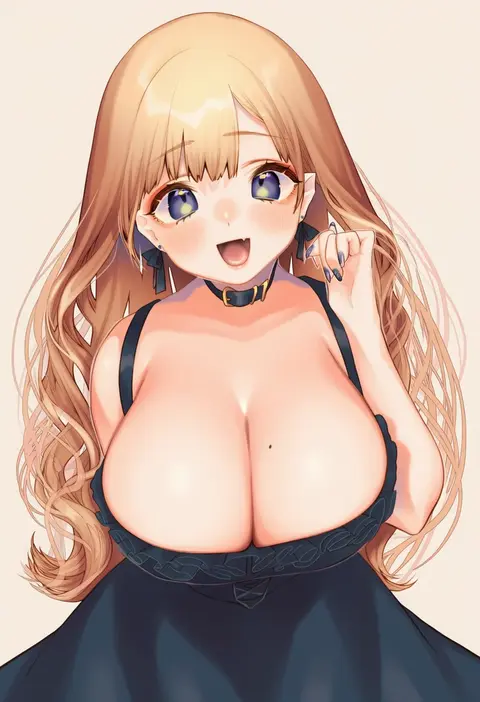
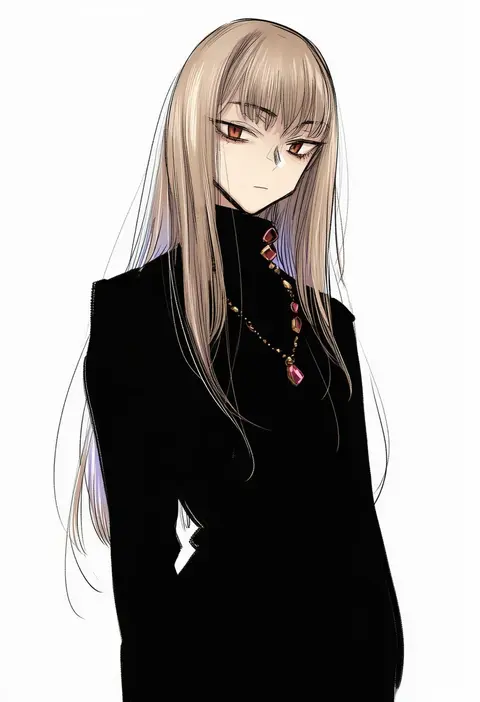
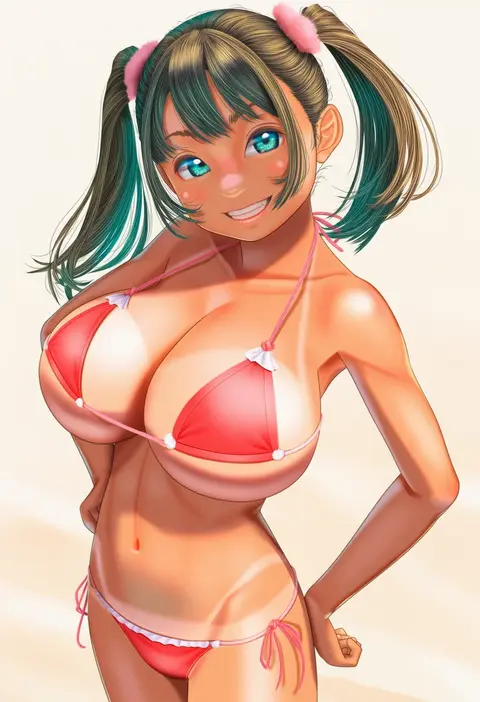
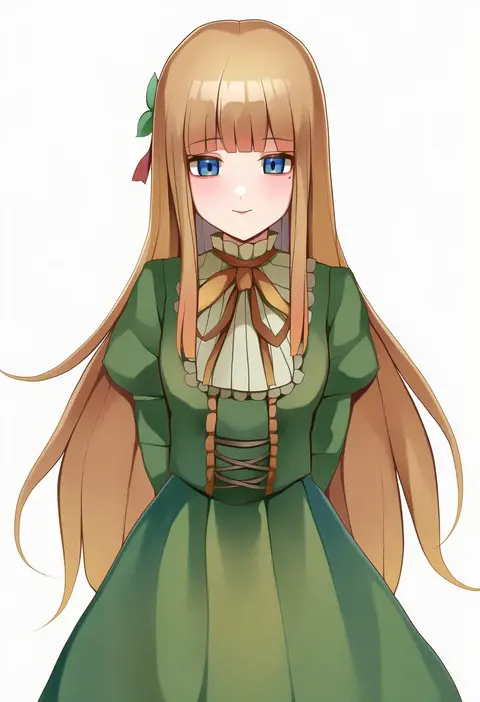
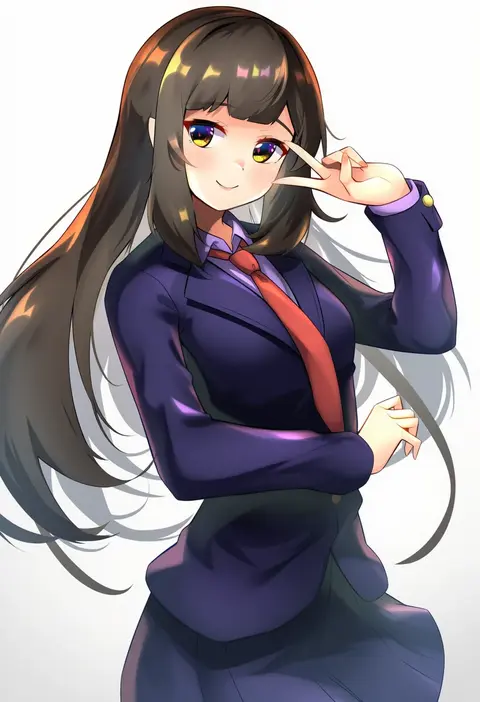
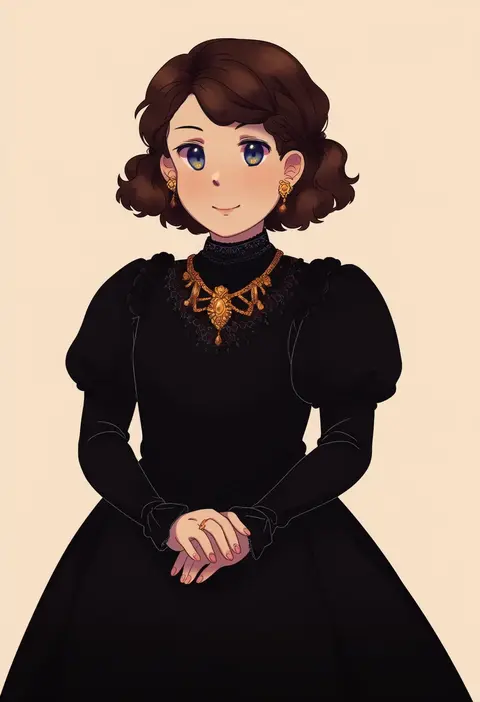
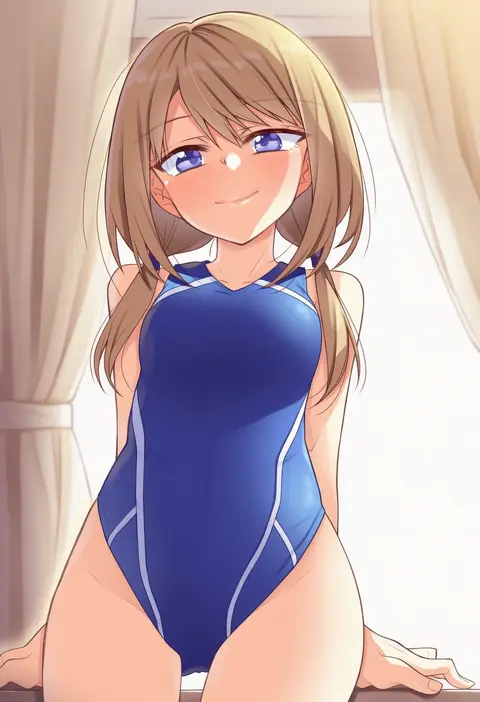
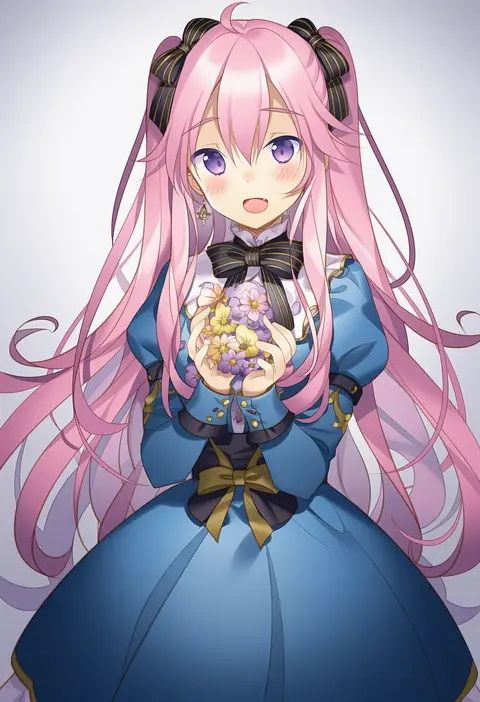
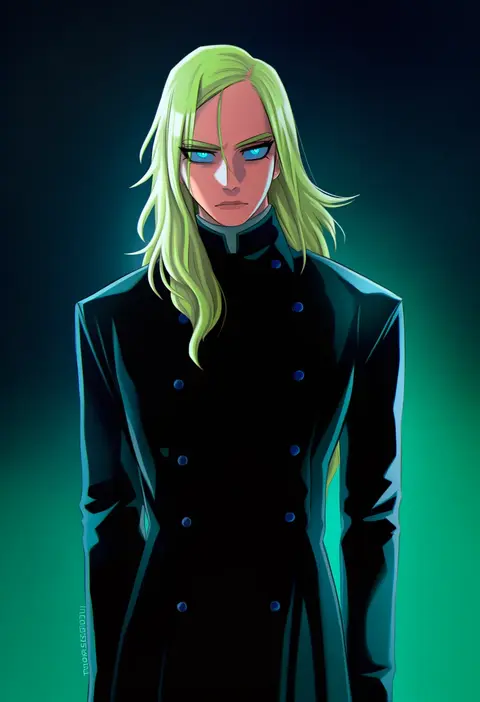
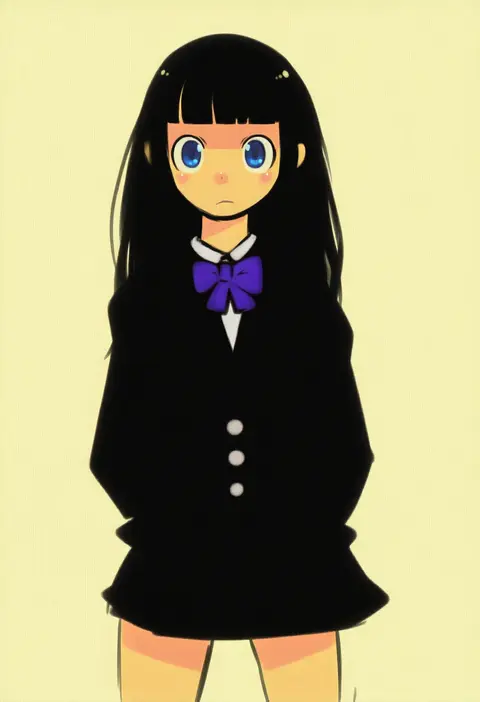
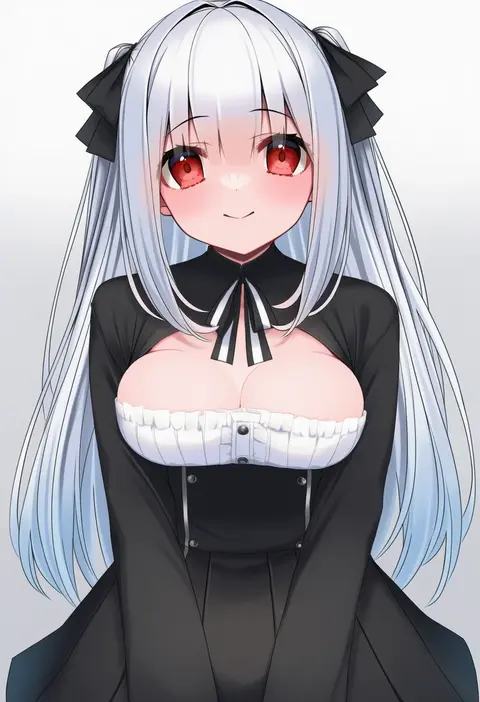
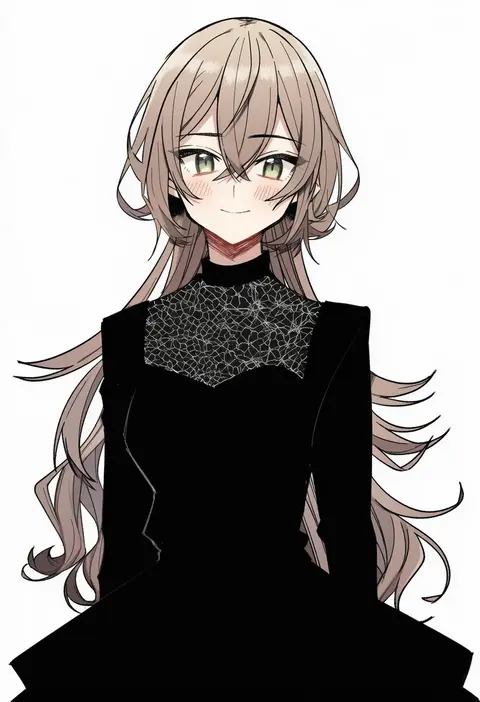
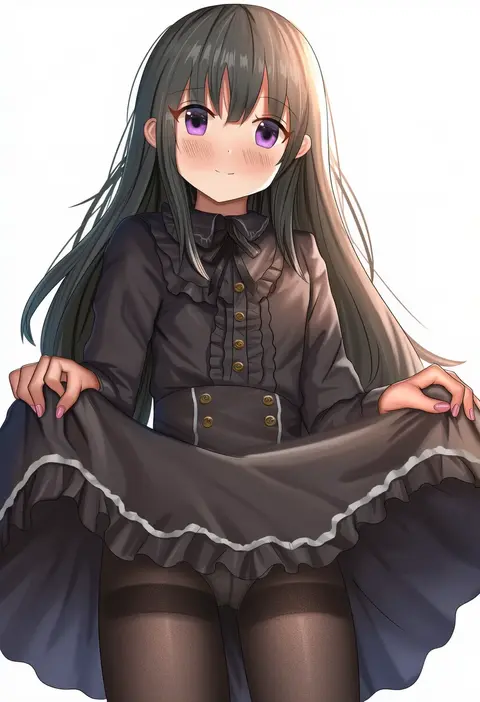
Artist tags tell NovelAI Diffusion to draw in a specific artist's style: line weight, paint texture, face shapes and palette all shift at once. Character and outfit tags decide what is drawn; artist tags decide how. 16,352 tags are listed for V4.5.
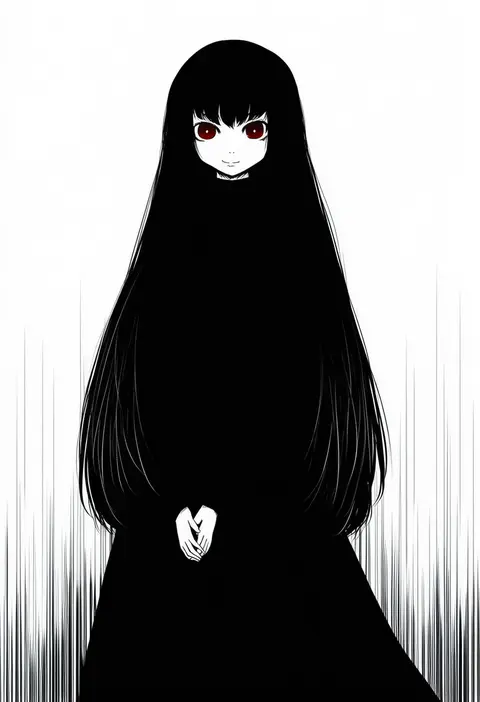
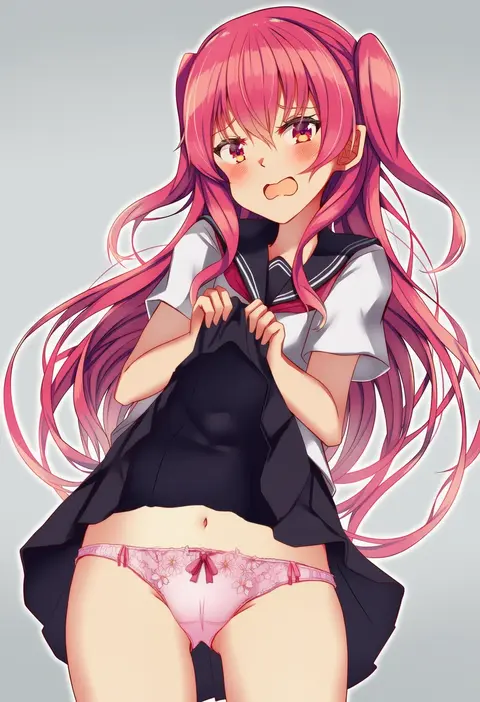
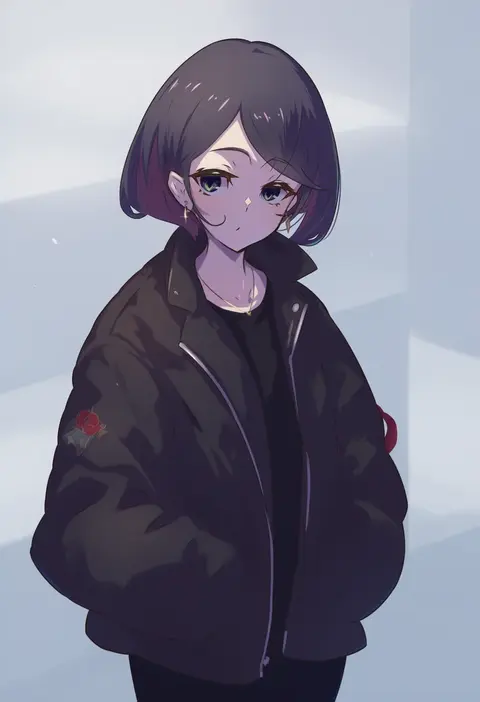
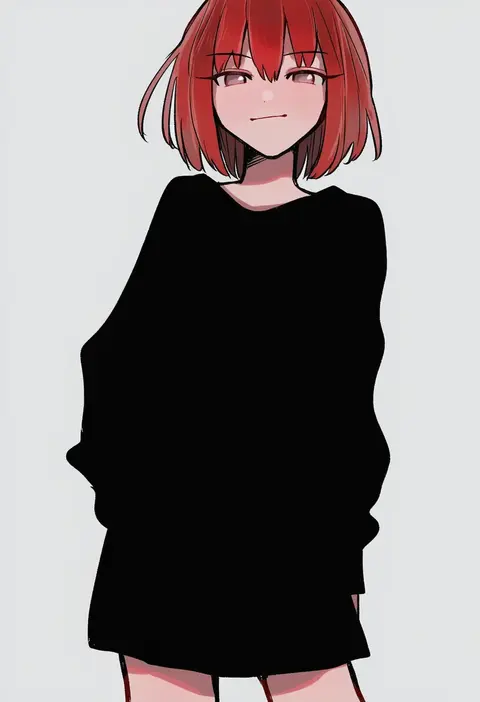
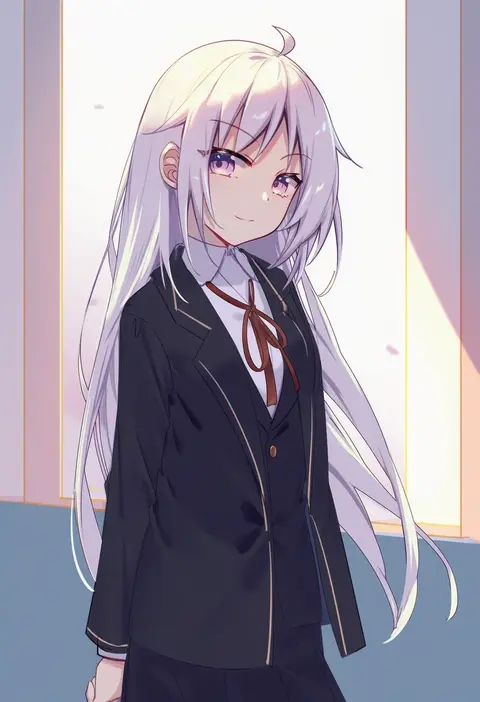
Every tag listed here is verified to react in NovelAI. All images use the same prompt, seed and settings with only the artist tag swapped, so the difference between two images is the style that tag brings in.

How to use them

Put the artist tag near the front of the prompt, e.g. "<artist>, 1girl, solo, best quality, masterpiece, cowboy shot". Two or three artist tags blend styles; lower the weight with "0.8::<artist>::" when the style overpowers the character.

SCORE sorts by Danbooru's top score, POSTS by post count, FAVS by hearts on this site. Open a card to see V5 and V4.5 side by side on the same seed.

V5 vs V4.5

V5 usually lands closer to the artist's real style, and tags that did nothing on V4.5 often react on V5. V4.5 still fits older and doujin-heavy artists better. Try V5 first, fall back to V4.5.

FAQ

Where does the artist tag go?
Near the front of the prompt. Use "0.8::tag::" to adjust its weight.

Can I stack artist tags?
Yes, styles blend. Past two or three the result stops looking like anyone.

Are these the artists' own works?
No. Every image is a NovelAI sample generated from the tag.