V4.5Artists
sort: FAVS▾
▾
>
$

Popular NovelAI artist tags — V4.5

artist --count 16,352[172/273]
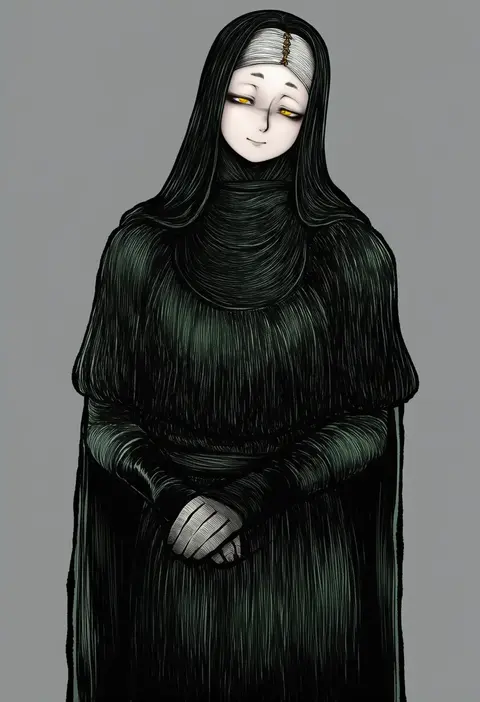
miazuma sarin
ARTIST0x2814
0
okazaki takeshi
ARTIST0x2815
0
nobile1031
ARTIST0x2816
0
kittona
ARTIST0x2817
0
sakanomachico
ARTIST0x2818
0
yahiro (epicopeiidae)
ARTIST0x2819
0
kamoto tatsuya
ARTIST0x281A
0
kazuko (towa)
ARTIST0x281B
0
rice (okome no naru ki)
ARTIST0x281C
0
sakai hamachi
ARTIST0x281D
0
kid (kidocchi)
ARTIST0x281E
0
ayakase riberi
ARTIST0x281F
0
kurattes
ARTIST0x2820
0
hanyae
ARTIST0x2821
0
toukan
ARTIST0x2822
0
jiseki rena
ARTIST0x2823
0
kakaricho dairi
ARTIST0x2824
0
supernew
ARTIST0x2825
0
5tatsu
ARTIST0x2826
0
ootato
ARTIST0x2827
0
cheese kang
ARTIST0x2828
0
yatsune rika
ARTIST0x2829
0
kentairui
ARTIST0x282A
0
noir (ibaraki)
ARTIST0x282B
0
colis (regunm772)
ARTIST0x282C
0
naaga sonomono
ARTIST0x282D
0
eruichi (redphantom)
ARTIST0x282E
0
lilithbloody
ARTIST0x282F
0
sutahiro (donta)
ARTIST0x2830
0
suwaneko
ARTIST0x2831
0
imaichi
ARTIST0x2832
0
swav
ARTIST0x2833
0
aono shimo
ARTIST0x2834
0
kodamari
ARTIST0x2835
0
folks (nabokof)
ARTIST0x2836
0
daito
ARTIST0x2837
0
mitake eil
ARTIST0x2838
0
shinonome asu
ARTIST0x2839
0
kureha mitsushige
ARTIST0x283A
0
ui frara
ARTIST0x283B
0
nightmare77zx
ARTIST0x283C
0
exaxuxer
ARTIST0x283D
0
akamoku
ARTIST0x283E
0
hen-tie
ARTIST0x283F
0
ishida umi
ARTIST0x2840
0
hone (honehone083)
ARTIST0x2841
0
zetsuyo chimayo
ARTIST0x2842
0
budgiepon
ARTIST0x2843
0
zaso
ARTIST0x2844
0
jack (slaintheva)
ARTIST0x2845
0
osamu (jagabata)
ARTIST0x2846
0
komachi pochi
ARTIST0x2847
0
halulu
ARTIST0x2848
0
yowayowap
ARTIST0x2849
0
kintaro
ARTIST0x284A
0
emlan
ARTIST0x284B
0
mamel 27
ARTIST0x284C
0
sirills
ARTIST0x284D
0
iwashi (iwashi008)
ARTIST0x284E
0
wedge (tyrl stride)
ARTIST0x284F
0

What these tags change

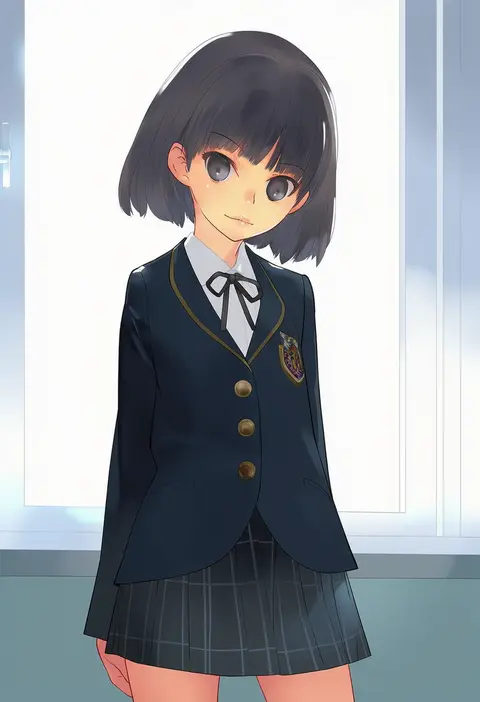
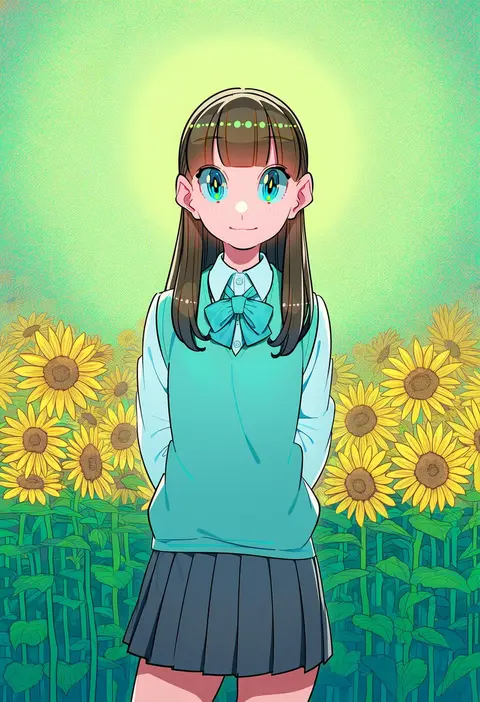
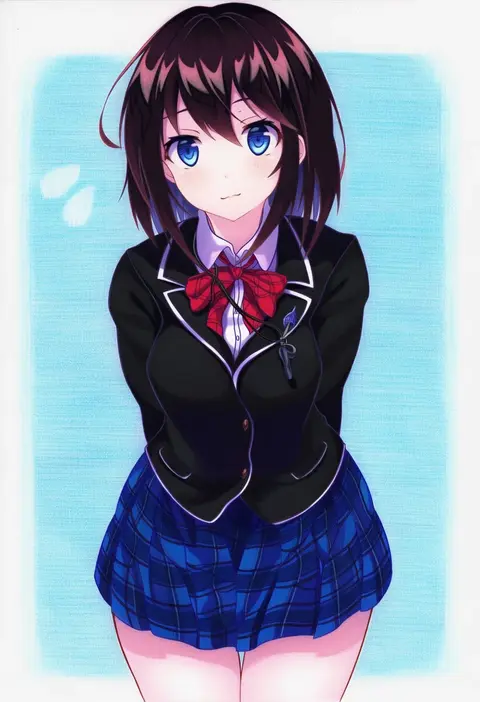
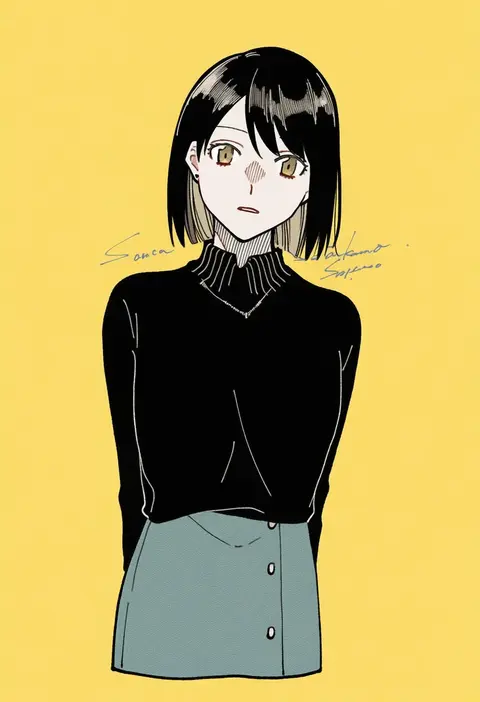
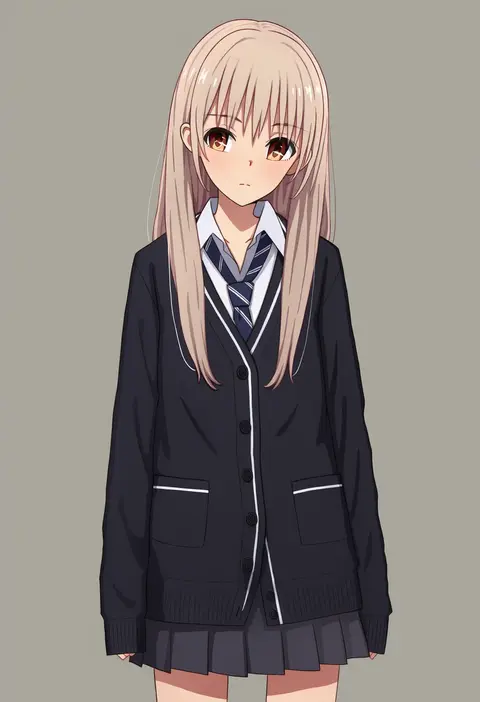
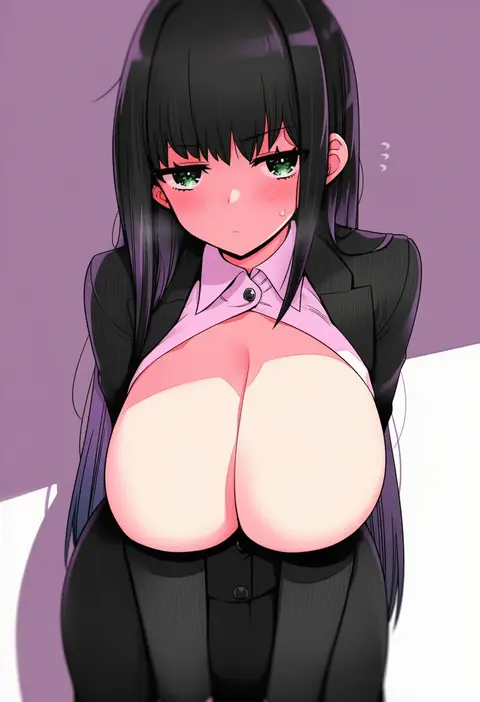
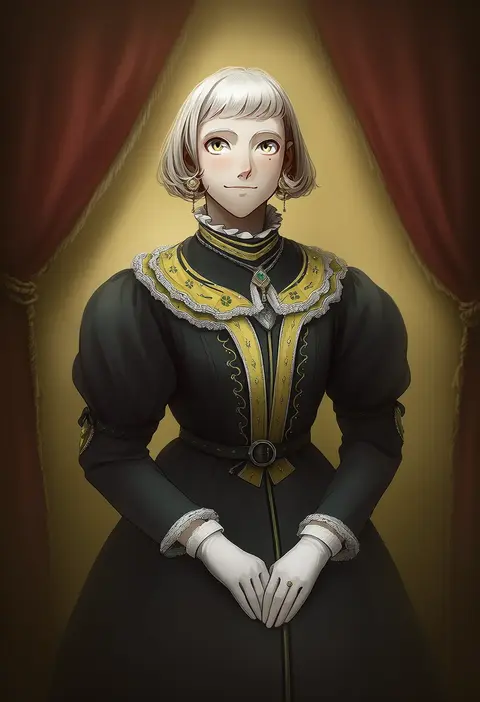
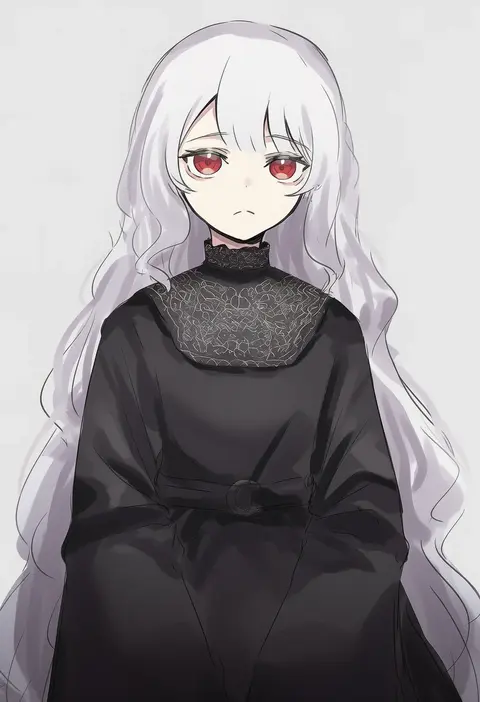
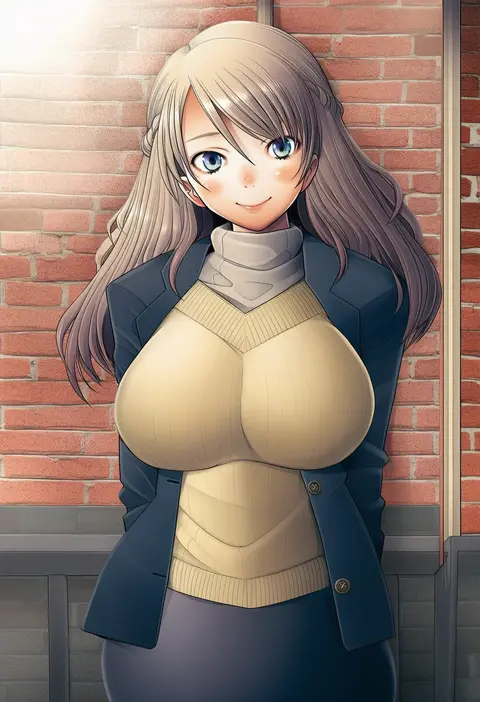
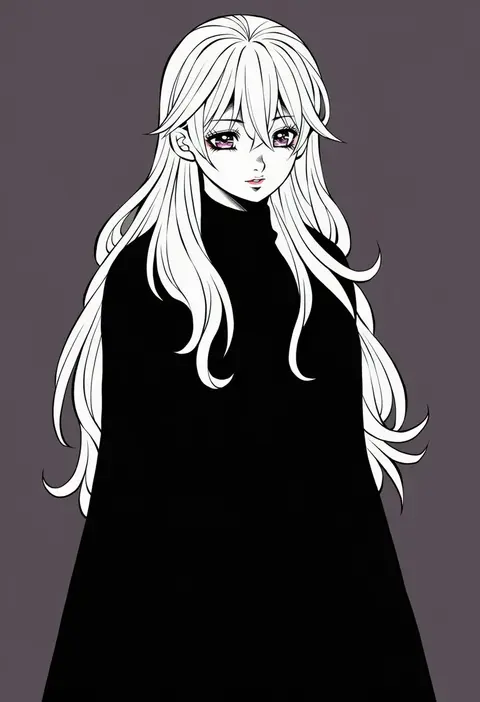
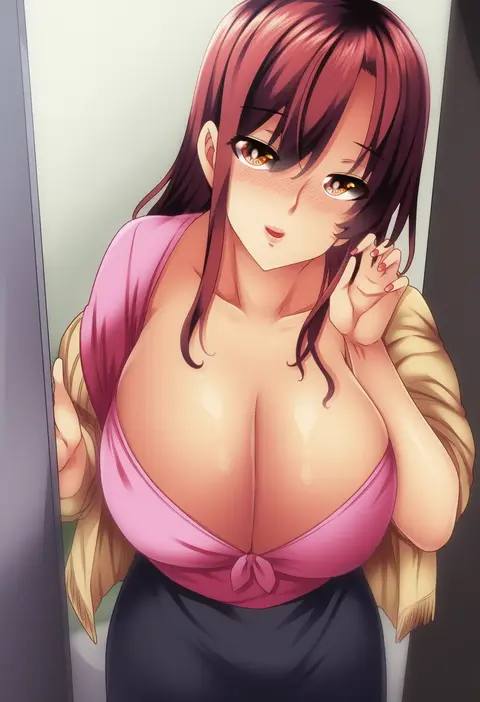
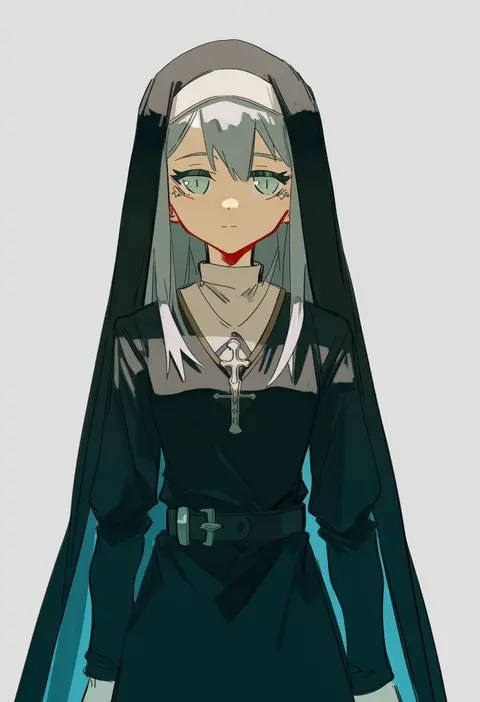
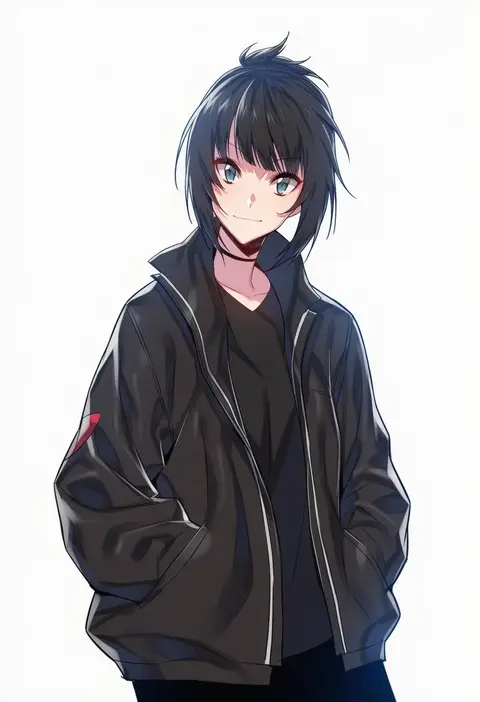
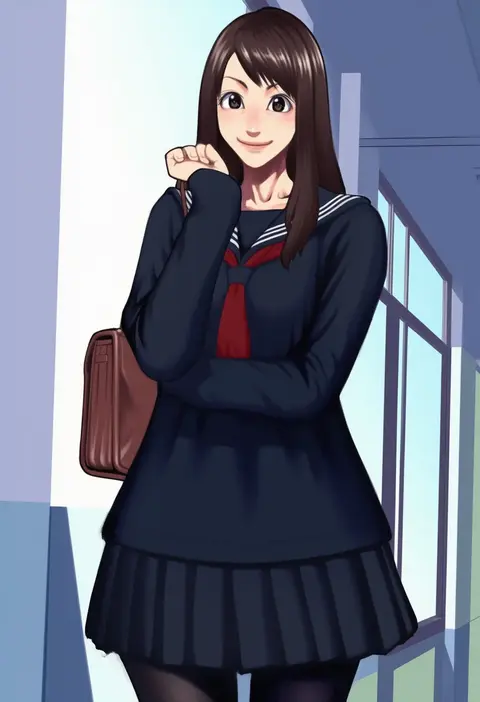
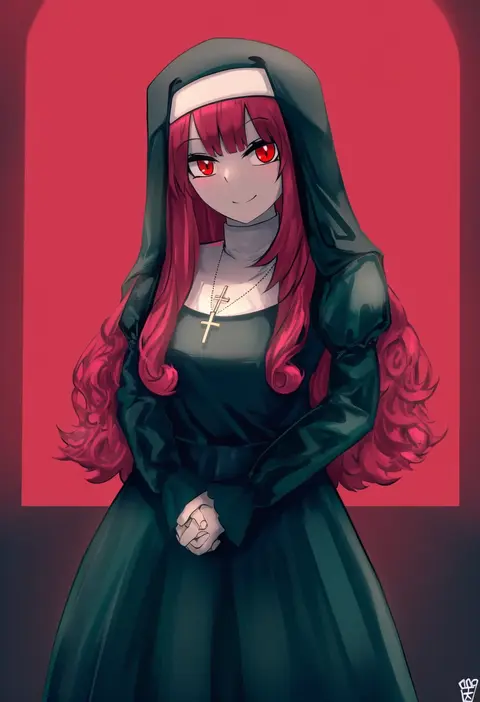
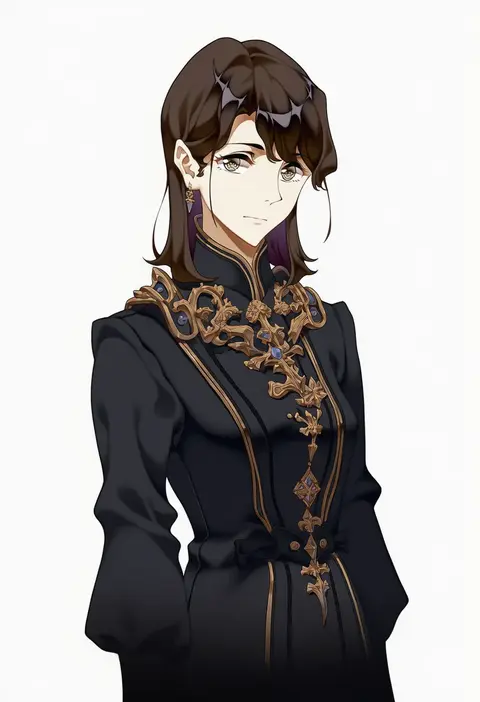
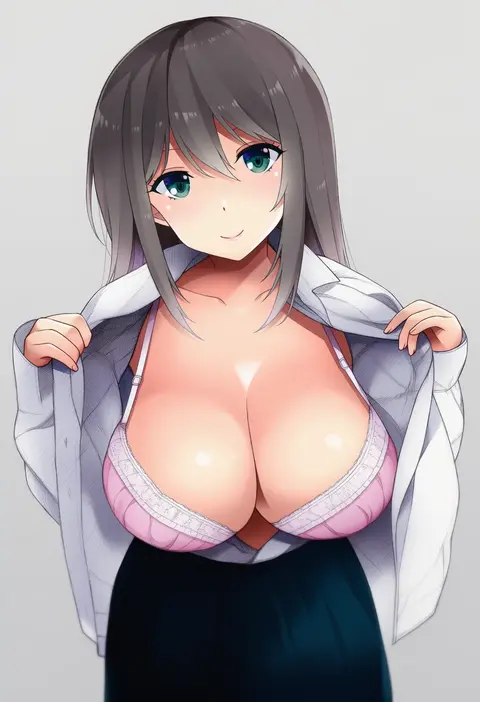
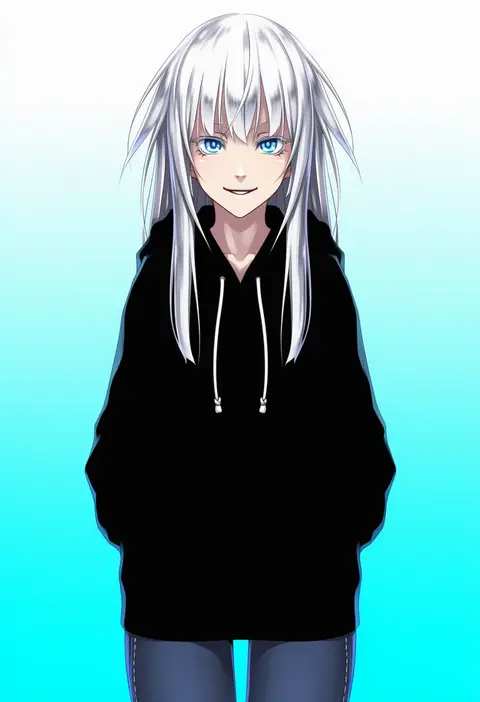
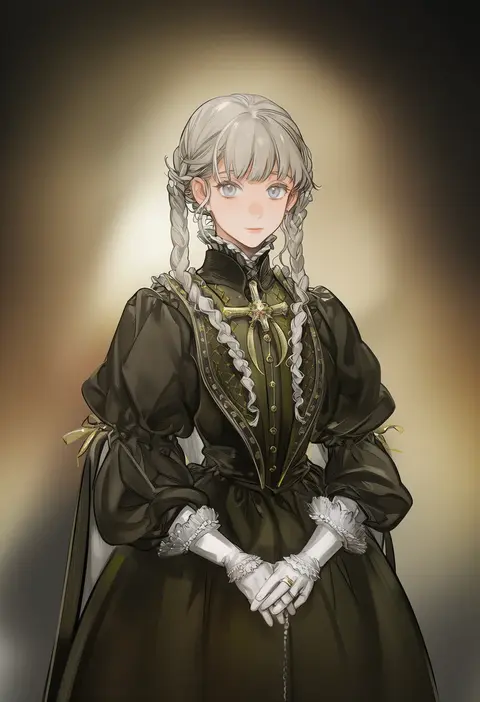
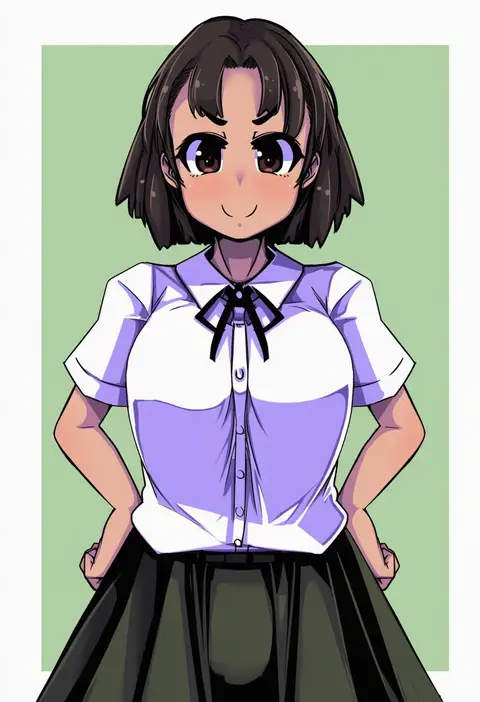
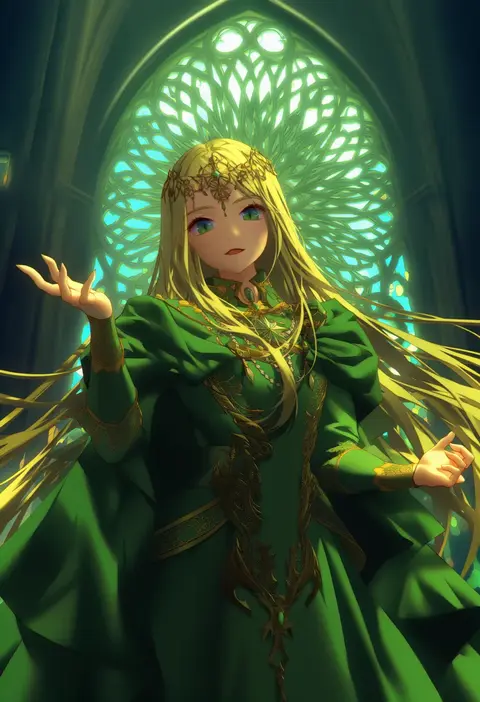
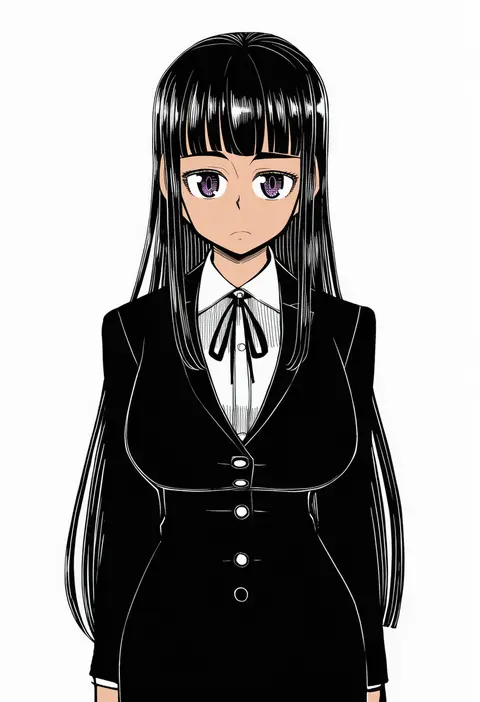
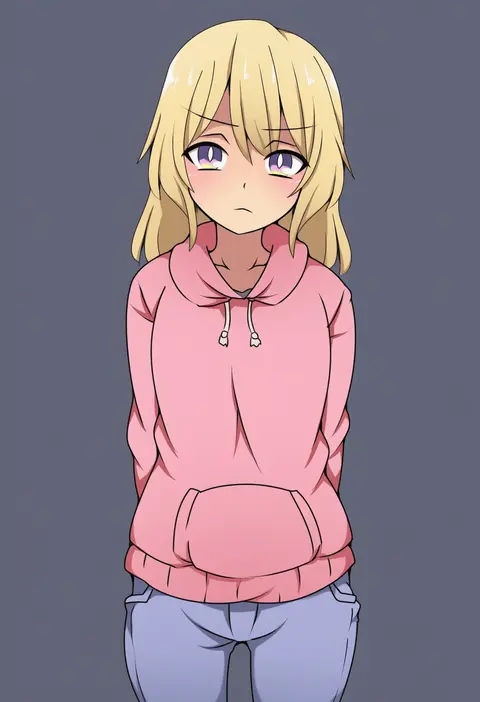
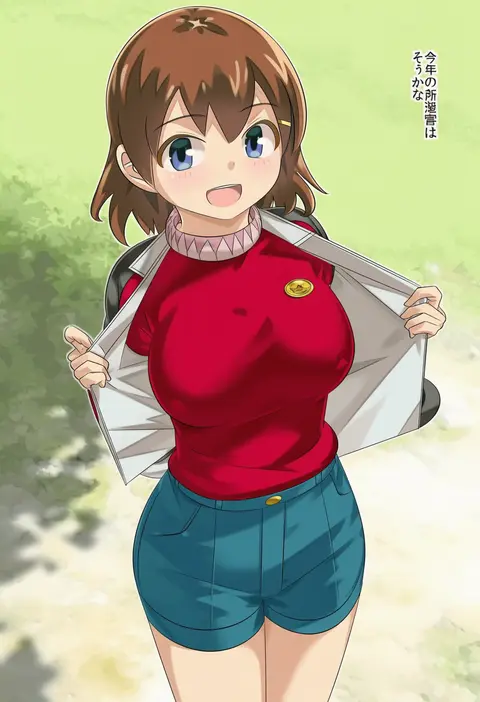
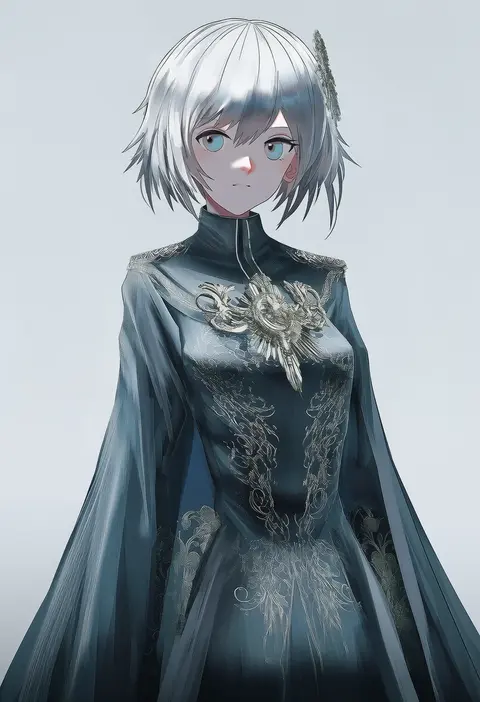
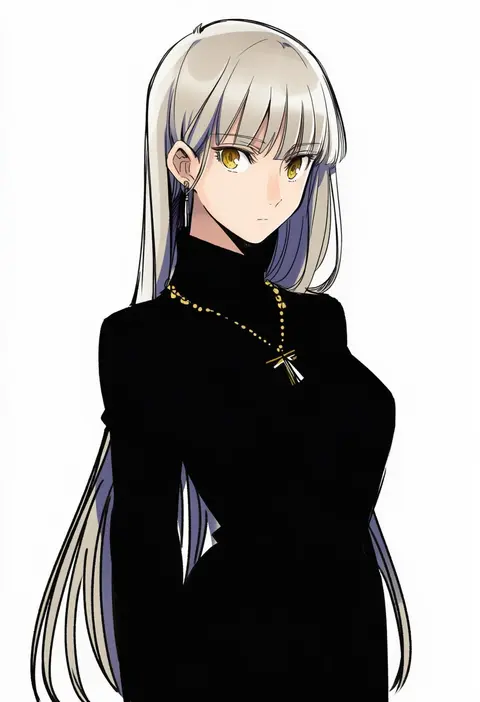
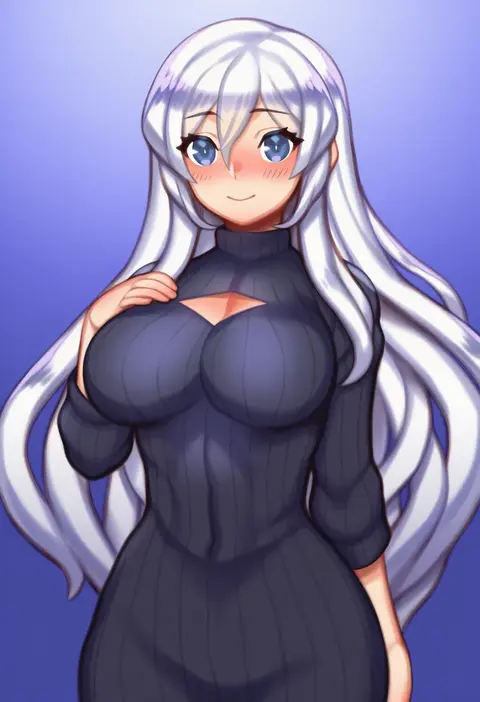
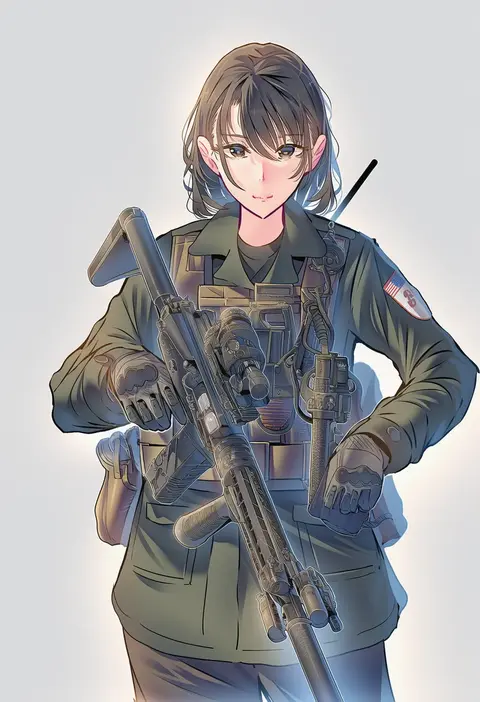
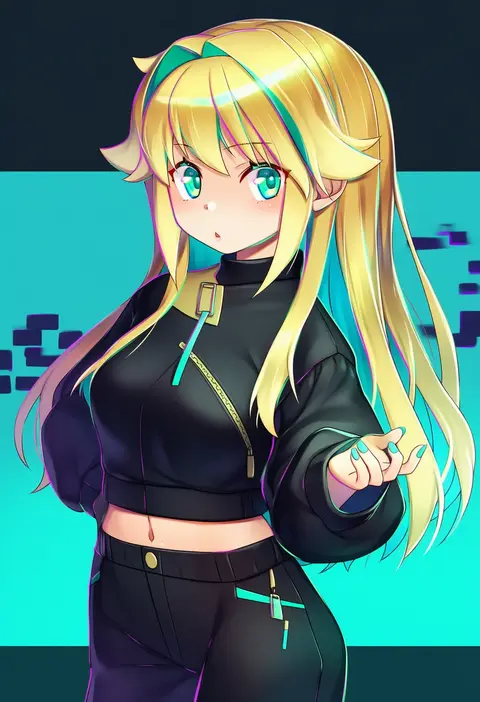
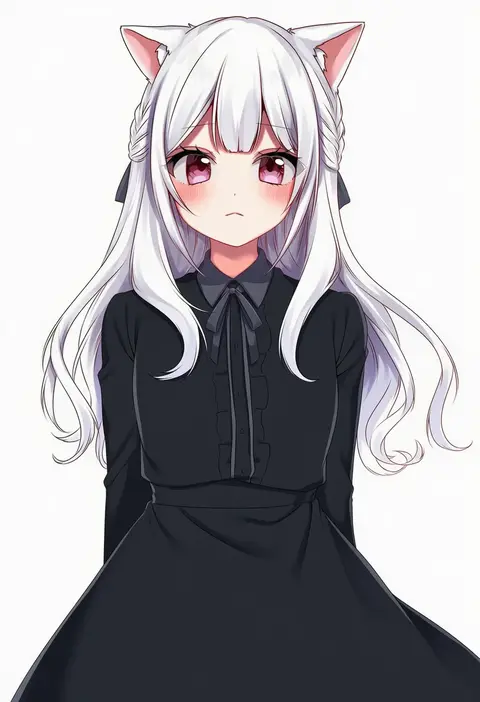
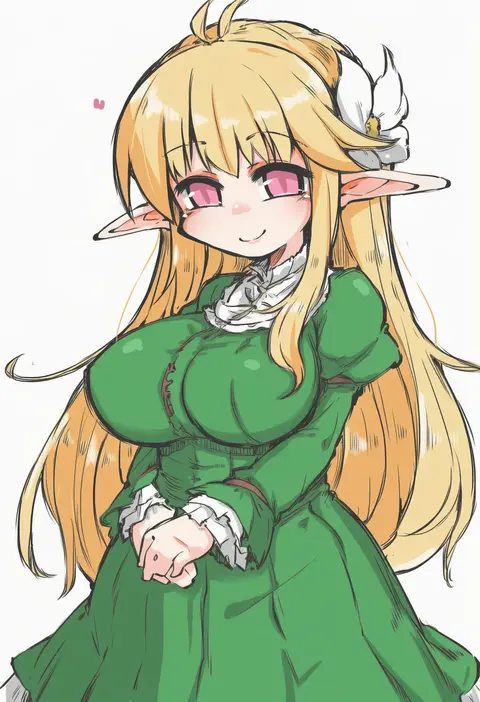
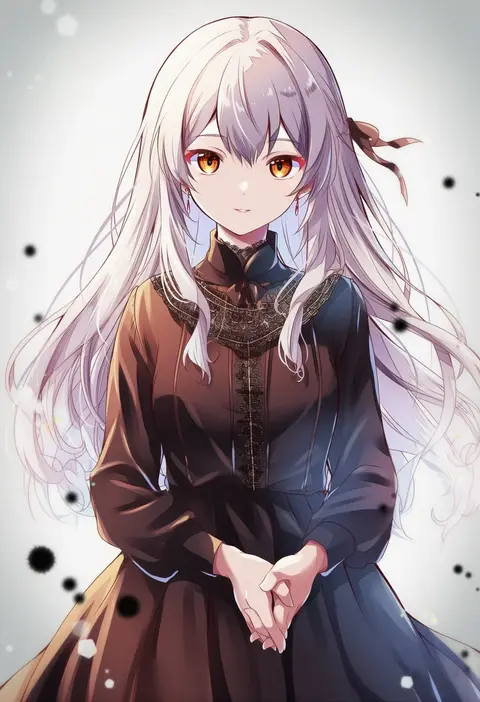
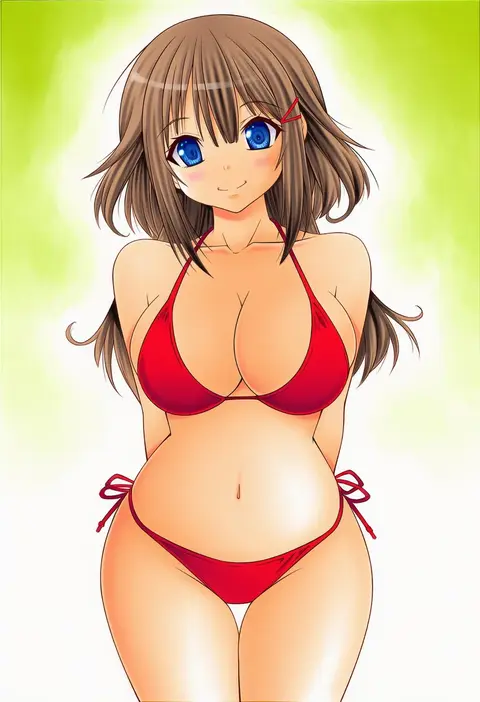
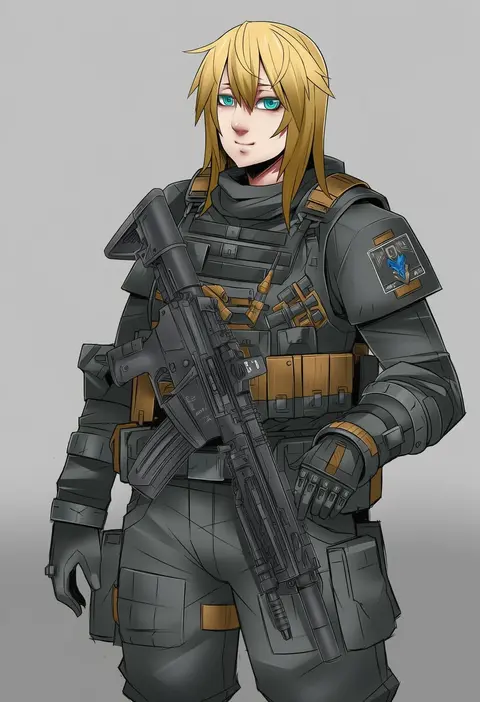
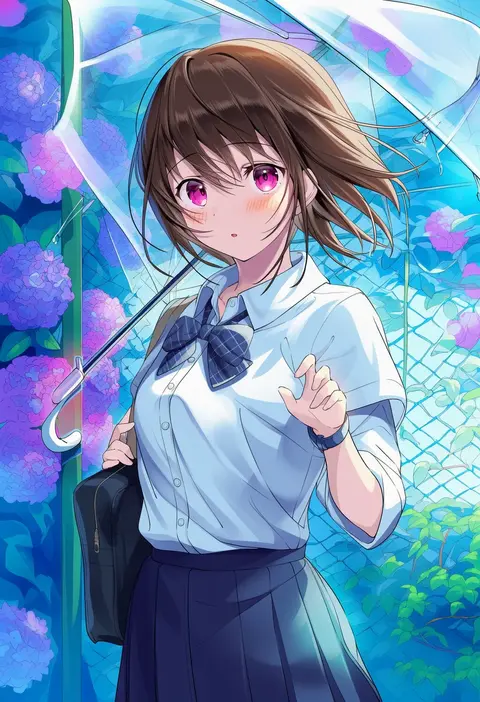
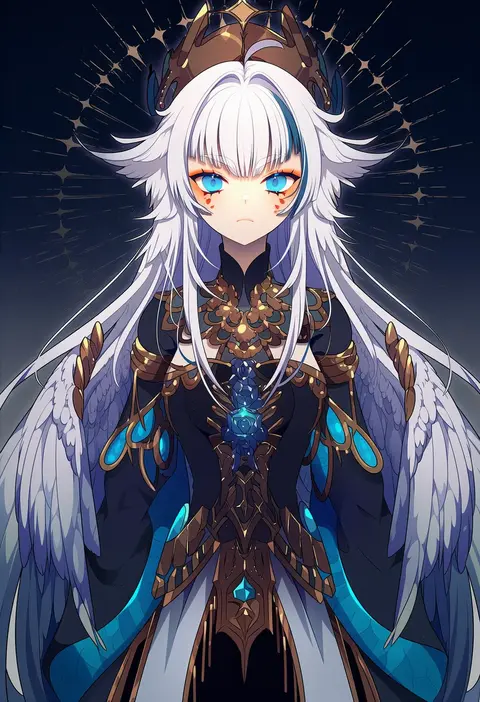
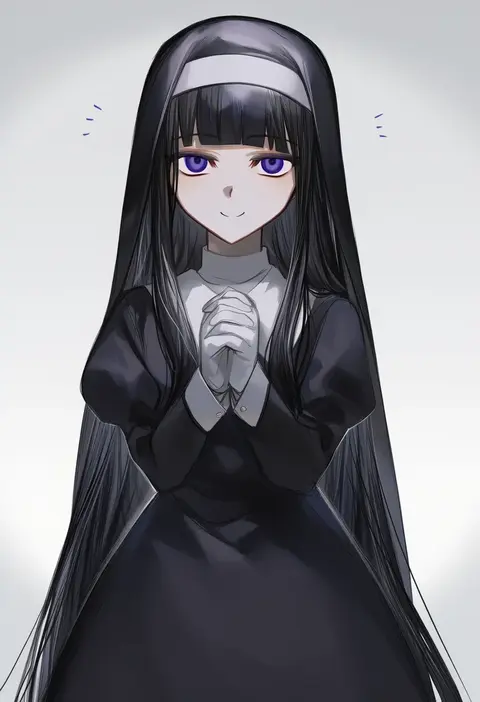
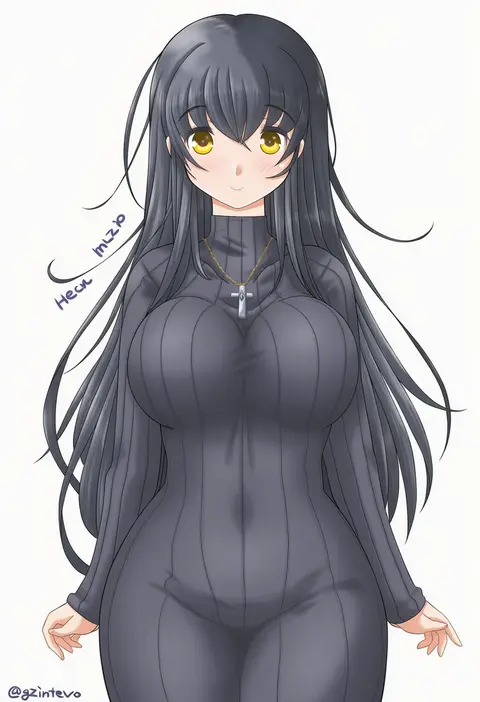
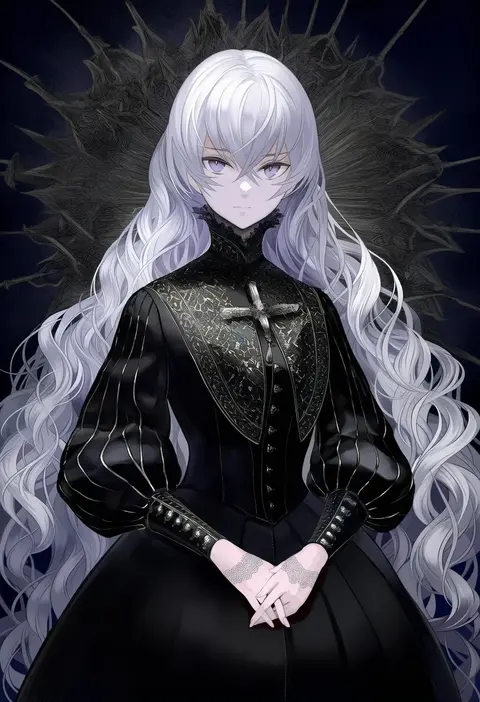
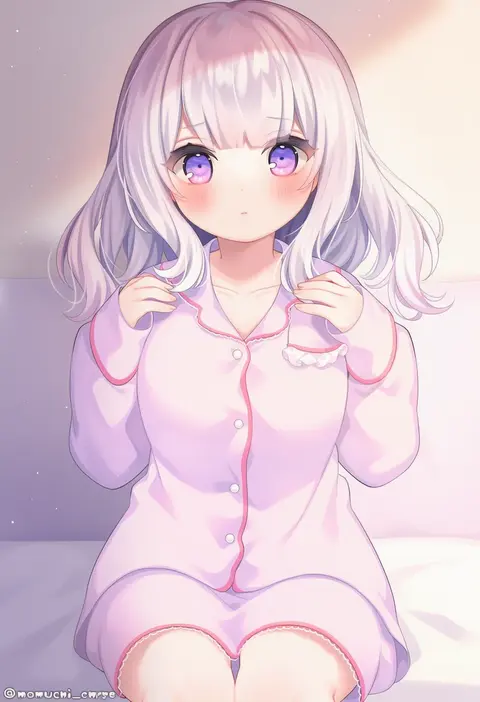
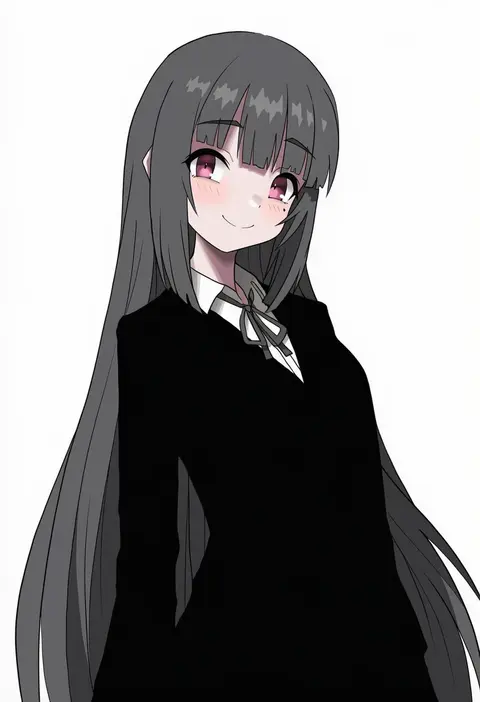
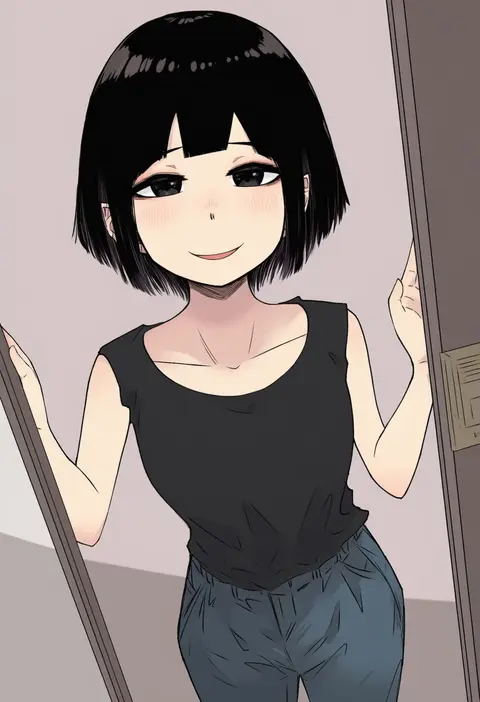
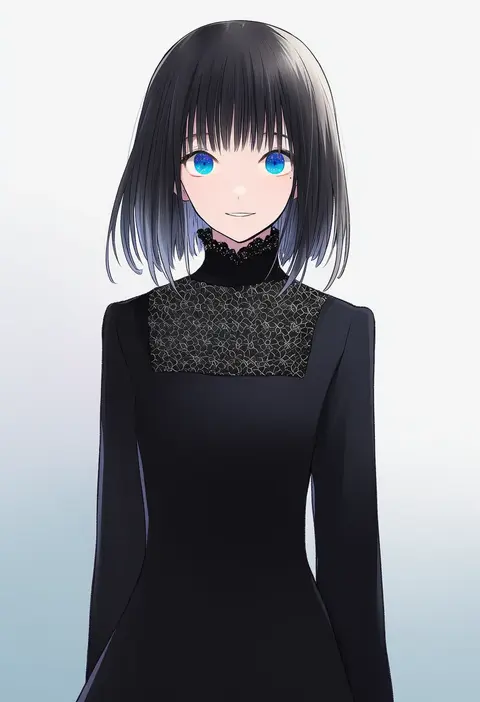
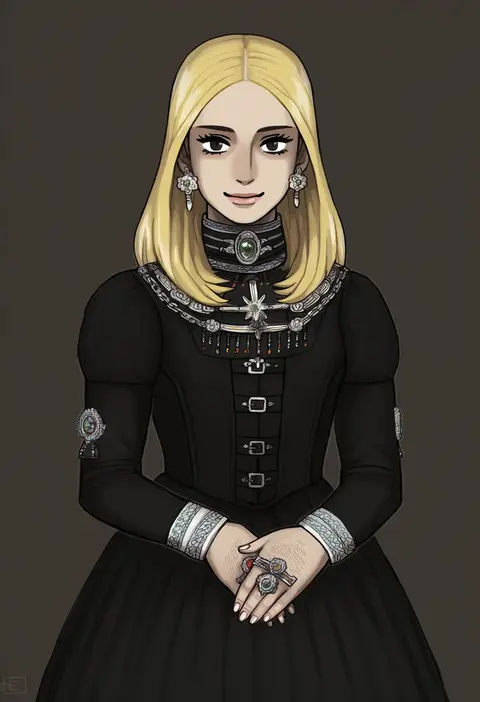
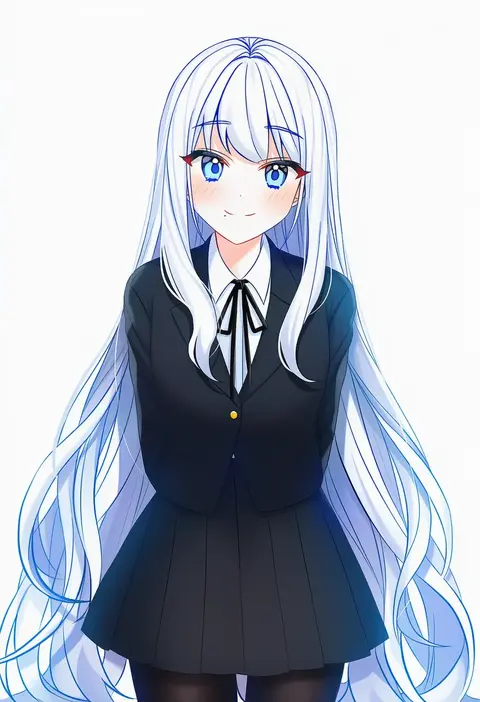
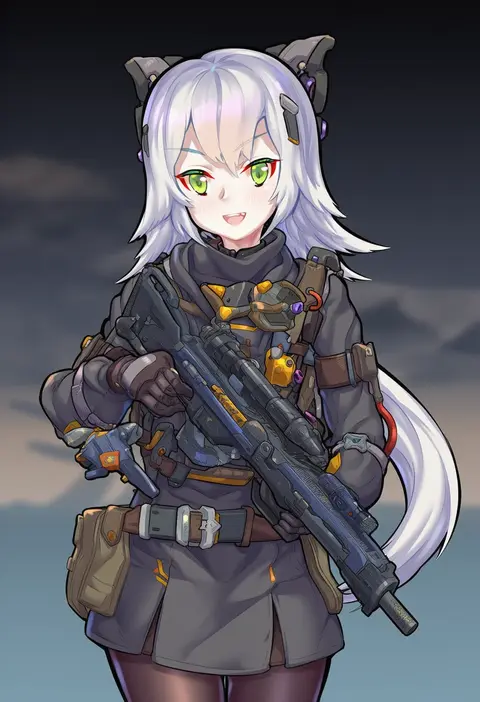
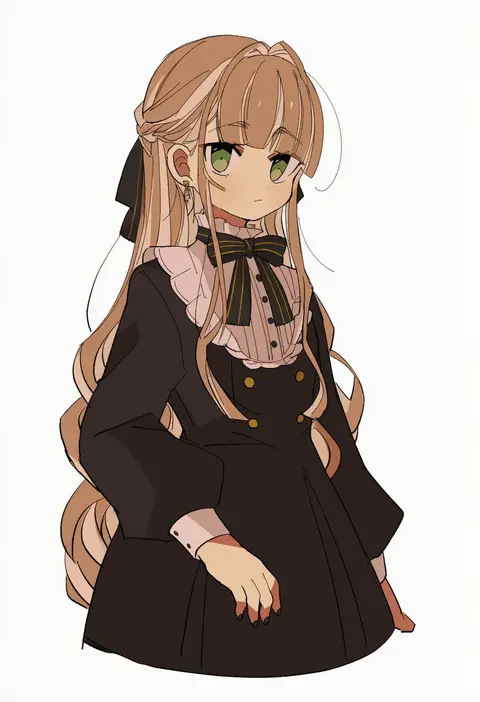
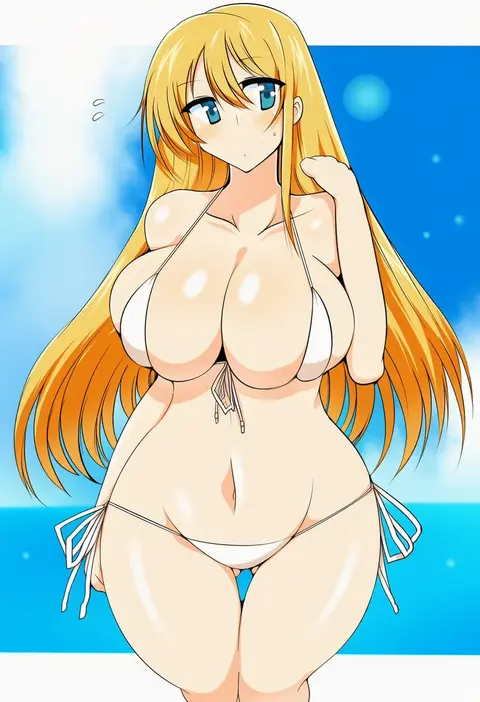
Artist tags tell NovelAI Diffusion to draw in a specific artist's style: line weight, paint texture, face shapes and palette all shift at once. Character and outfit tags decide what is drawn; artist tags decide how. 16,352 tags are listed for V4.5.
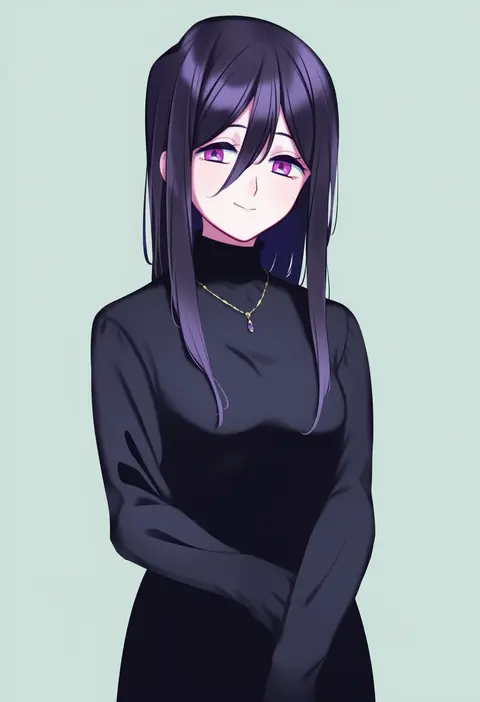
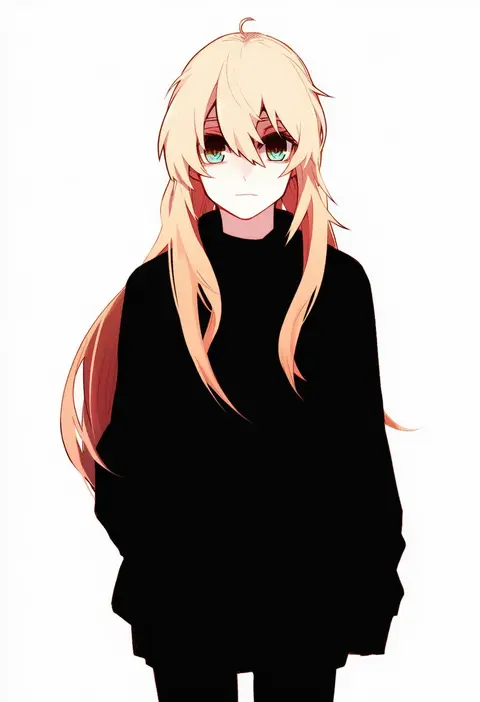
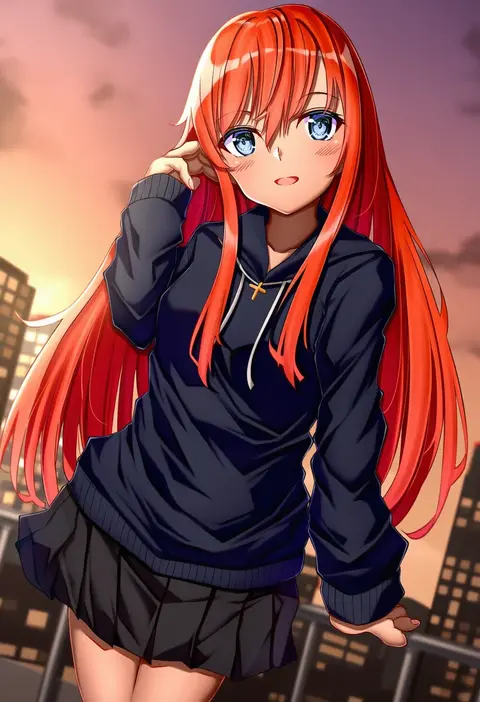
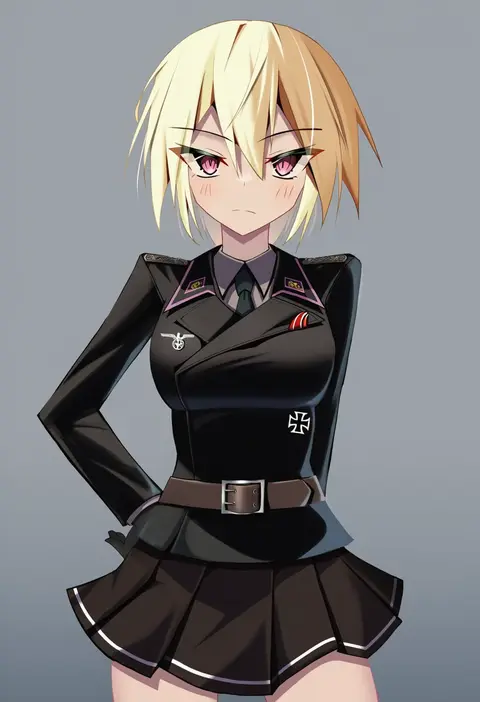
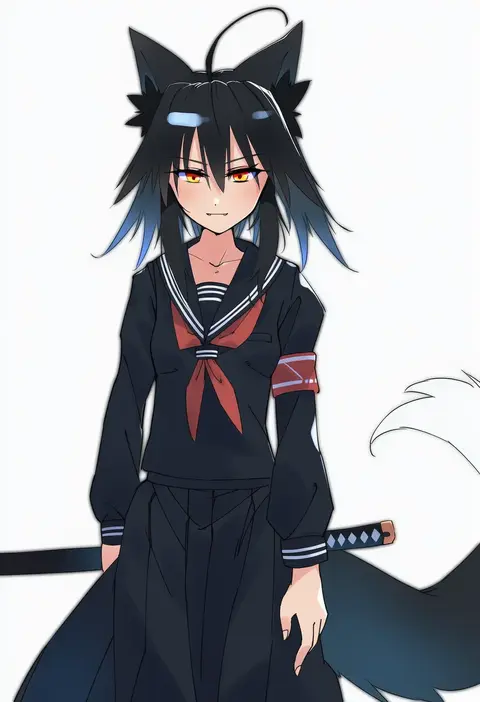
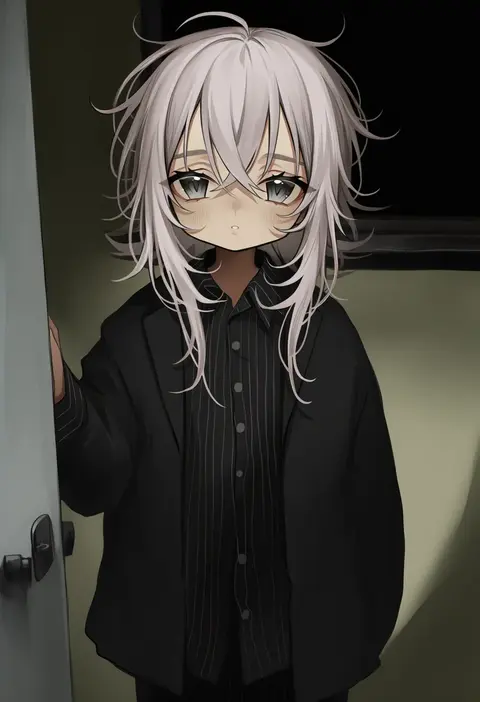
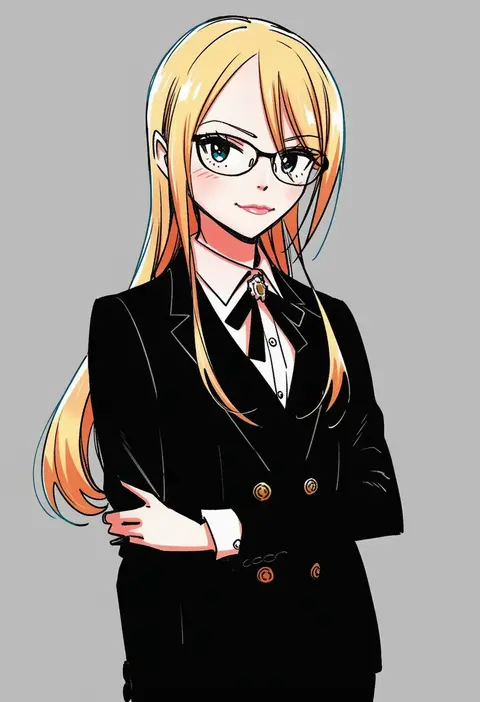
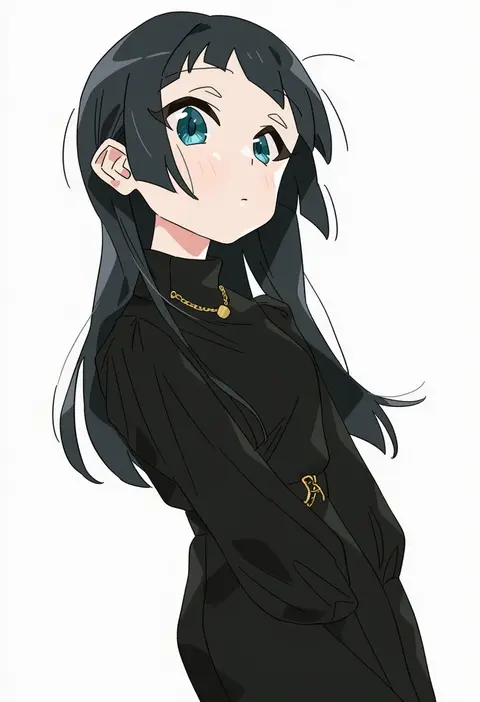
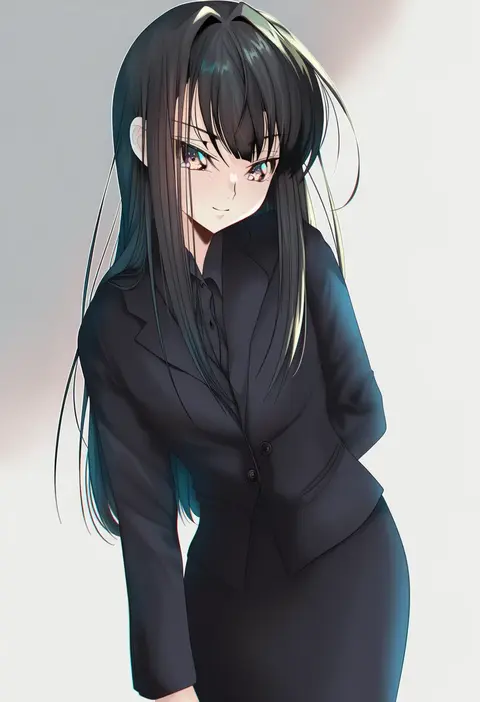
Every tag listed here is verified to react in NovelAI. All images use the same prompt, seed and settings with only the artist tag swapped, so the difference between two images is the style that tag brings in.

How to use them

Put the artist tag near the front of the prompt, e.g. "<artist>, 1girl, solo, best quality, masterpiece, cowboy shot". Two or three artist tags blend styles; lower the weight with "0.8::<artist>::" when the style overpowers the character.

SCORE sorts by Danbooru's top score, POSTS by post count, FAVS by hearts on this site. Open a card to see V5 and V4.5 side by side on the same seed.

V5 vs V4.5

V5 usually lands closer to the artist's real style, and tags that did nothing on V4.5 often react on V5. V4.5 still fits older and doujin-heavy artists better. Try V5 first, fall back to V4.5.

FAQ

Where does the artist tag go?
Near the front of the prompt. Use "0.8::tag::" to adjust its weight.

Can I stack artist tags?
Yes, styles blend. Past two or three the result stops looking like anyone.

Are these the artists' own works?
No. Every image is a NovelAI sample generated from the tag.