V4.5Artists
sort: FAVS▾
▾
>
$

NovelAI Artist Tags List — V4.5

artist --count 16,352[146/273]
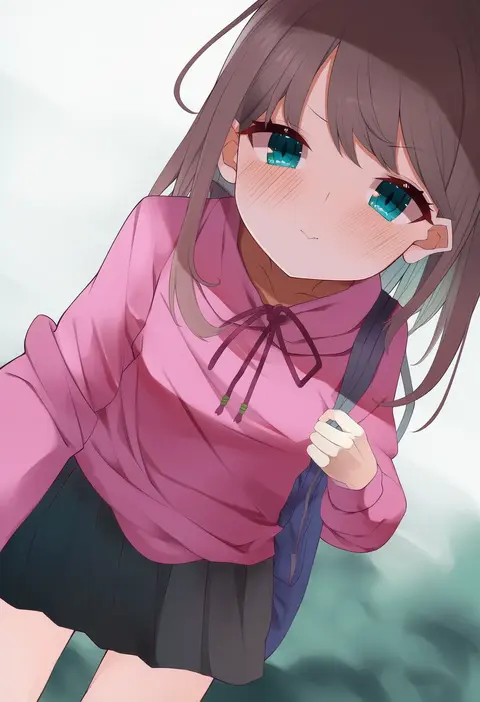
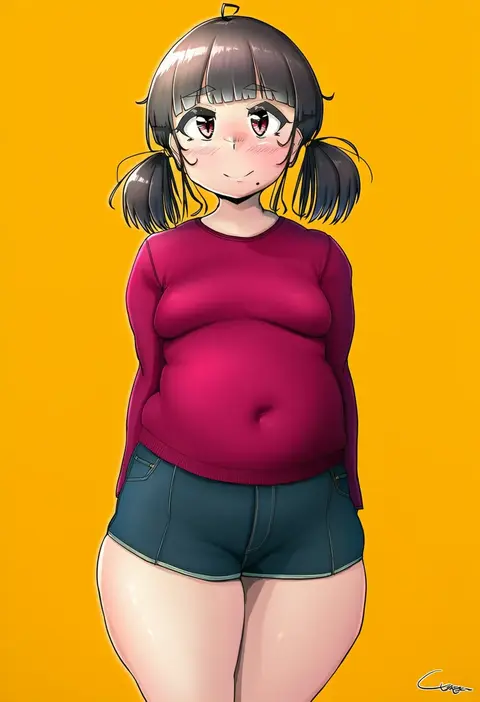
coojisan
ARTIST0x21FC
0
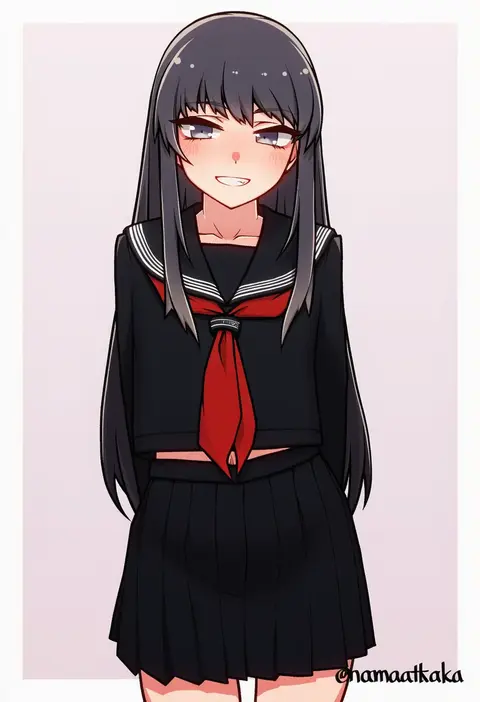
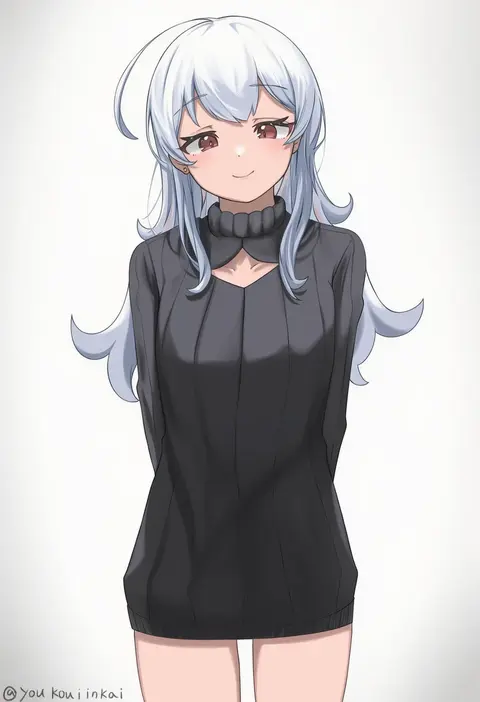
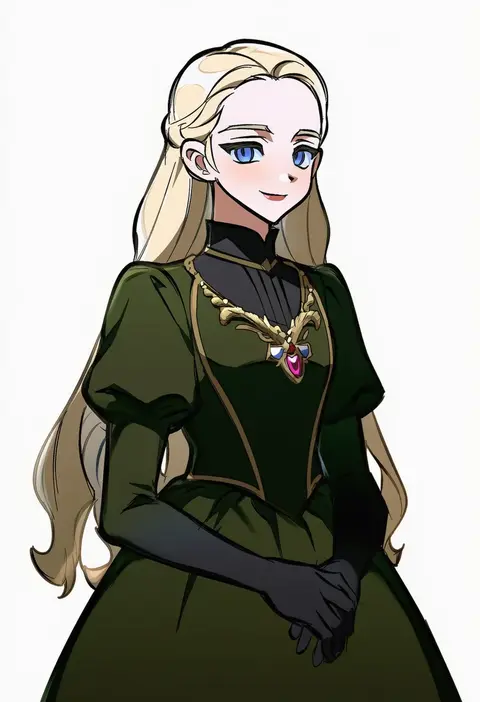
namaata
ARTIST0x21FD
0
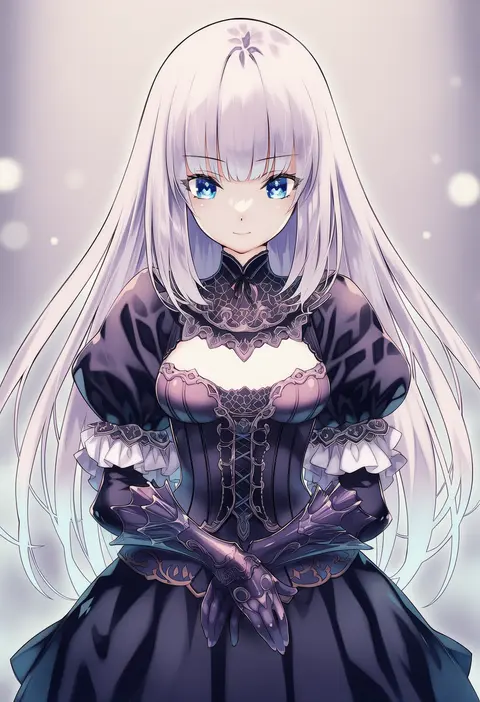
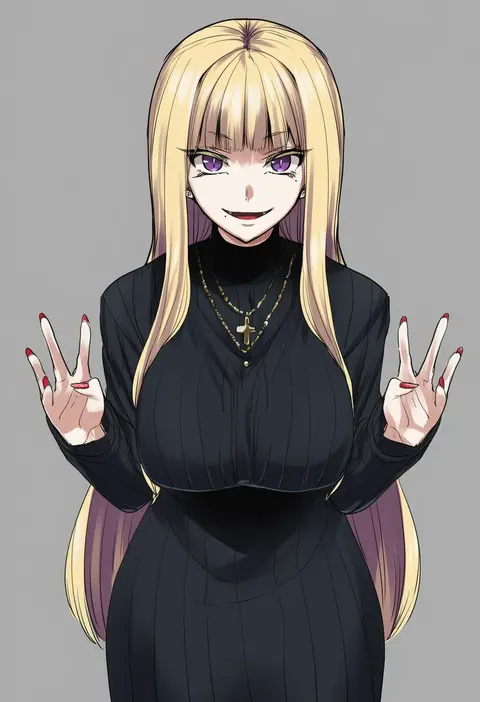
yoshino momiji
ARTIST0x21FE
0
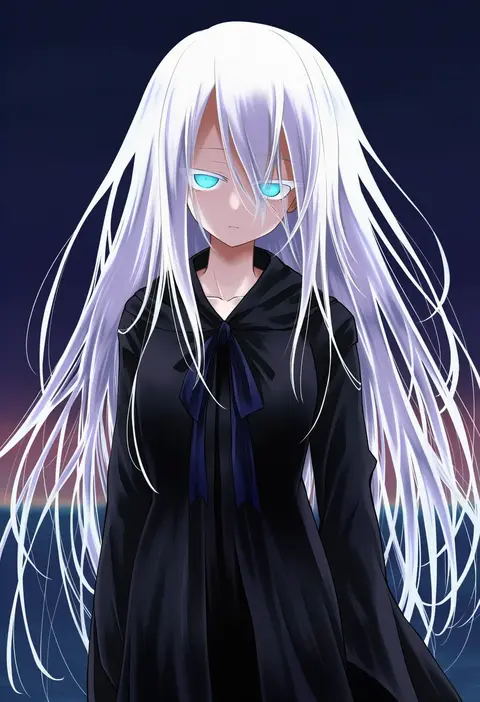
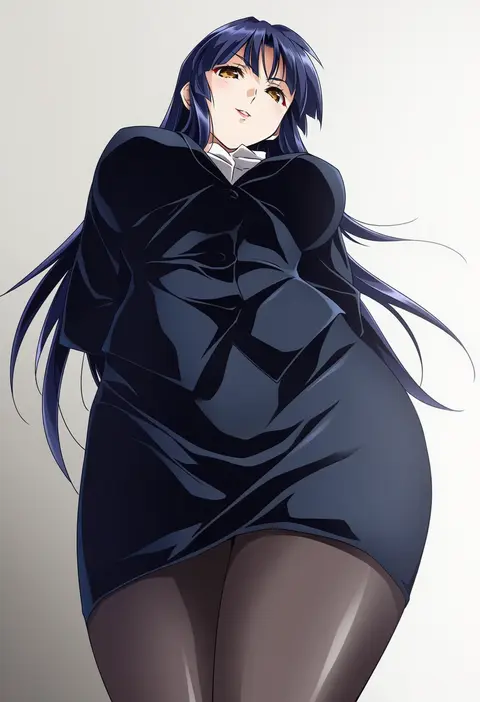
kanpyou (hghgkenfany)
ARTIST0x21FF
0
shangzi
ARTIST0x2200
0
kagura yuuto
ARTIST0x2201
0
miso-ha (ukyuu)
ARTIST0x2202
0
shimoguchi tomohiro
ARTIST0x2203
0
seapall
ARTIST0x2204
0
eureka 814
ARTIST0x2205
0
youyoukai
ARTIST0x2206
0
hirano katsuyuki
ARTIST0x2207
0
ugatsu matsuki
ARTIST0x2208
0
remsrar
ARTIST0x2209
0
myusha
ARTIST0x220A
0
kyouno
ARTIST0x220B
0
yadapot
ARTIST0x220C
0
aoi kujira
ARTIST0x220D
0
chocojax
ARTIST0x220E
0
axsen
ARTIST0x220F
0
yunimaru
ARTIST0x2210
0
mullmull02
ARTIST0x2211
0
tomioka jirou
ARTIST0x2212
0
kouji (kari)
ARTIST0x2213
0
a-xii
ARTIST0x2214
0
kin mokusei
ARTIST0x2215
0
shungikuten
ARTIST0x2216
0
owafu
ARTIST0x2217
0
yamakaze ran
ARTIST0x2218
0
karahai (31448823)
ARTIST0x2219
0
repi
ARTIST0x221A
0
you06
ARTIST0x221B
0
mochizuki nozomu
ARTIST0x221C
0
bleedman
ARTIST0x221D
0
hiiragi (karashriker)
ARTIST0x221E
0
hiromaster sinta jh
ARTIST0x221F
0
saiki yuzuri
ARTIST0x2220
0
cirima
ARTIST0x2221
0
nuka (nukamochi)
ARTIST0x2222
0
aoi tori
ARTIST0x2223
0
buru-dai
ARTIST0x2224
0
pasharuu
ARTIST0x2225
0
yaya chan
ARTIST0x2226
0
ckst
ARTIST0x2227
0
kagura kurosaki
ARTIST0x2228
0
yeurei
ARTIST0x2229
0
runaru
ARTIST0x222A
0
mattaku mousuke
ARTIST0x222B
0
mikeou
ARTIST0x222C
0
mizuga
ARTIST0x222D
0
kame (3t)
ARTIST0x222E
0
fujishima-sei ichi-gou
ARTIST0x222F
0
maiku
ARTIST0x2230
0
kabocha (monkey4)
ARTIST0x2231
0
hirowa nagi
ARTIST0x2232
0
shigekikkusu
ARTIST0x2233
0
wuliu heihuo
ARTIST0x2234
0
ifuji shinsen
ARTIST0x2235
0
tsunashima shirou
ARTIST0x2236
0
fujii jun
ARTIST0x2237
0

What these tags change

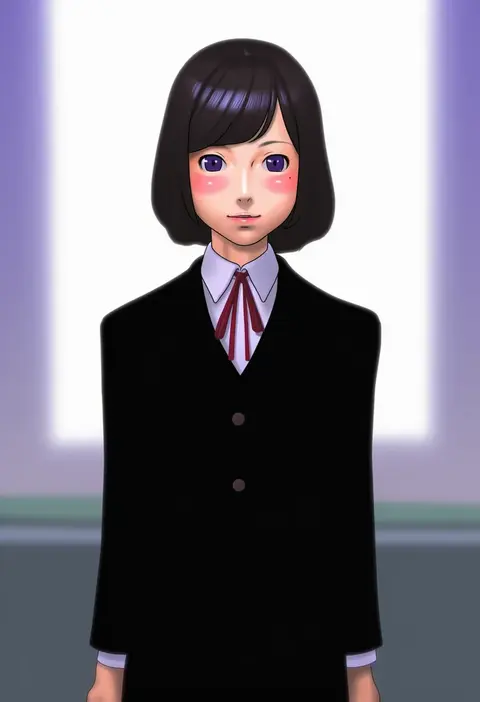
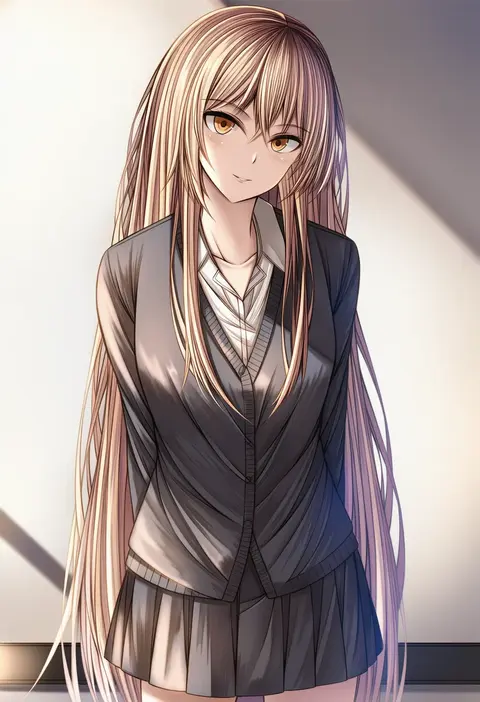
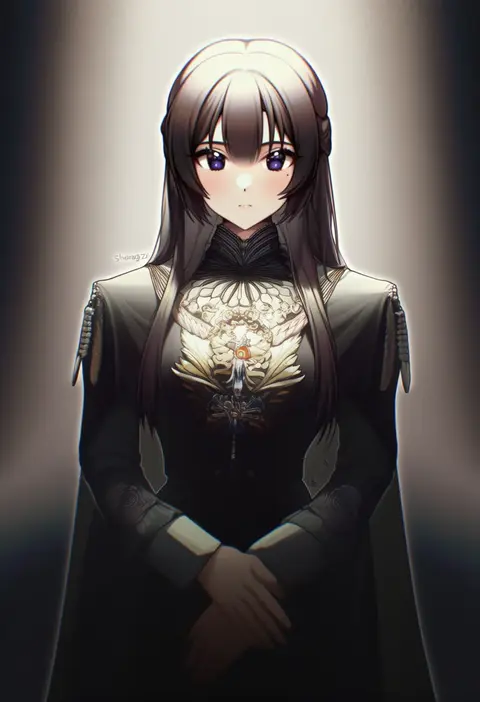
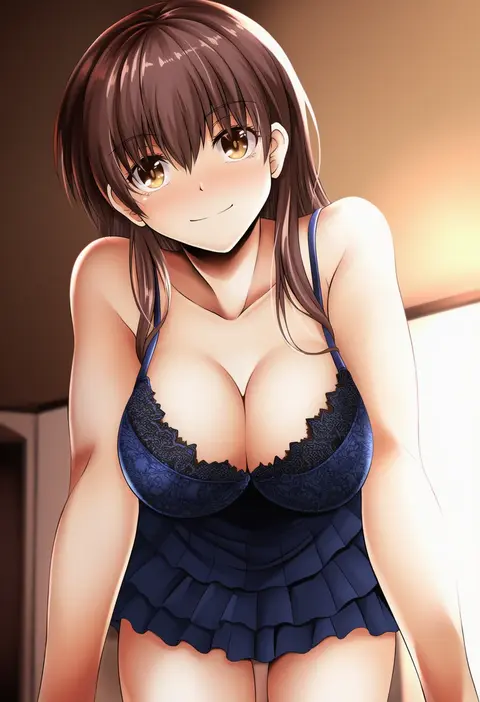
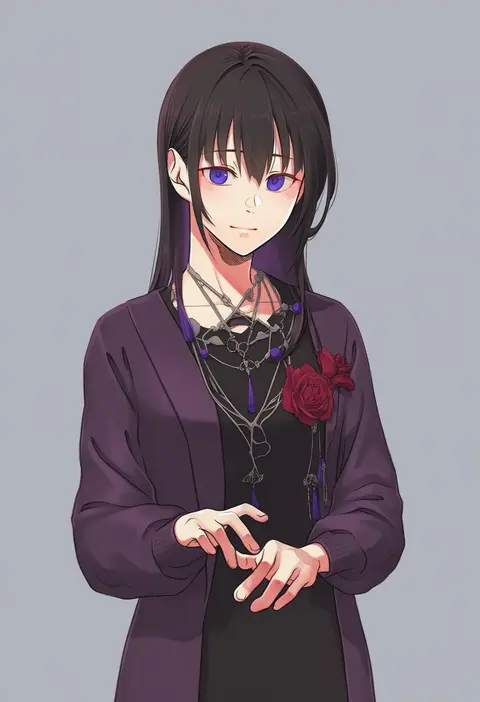
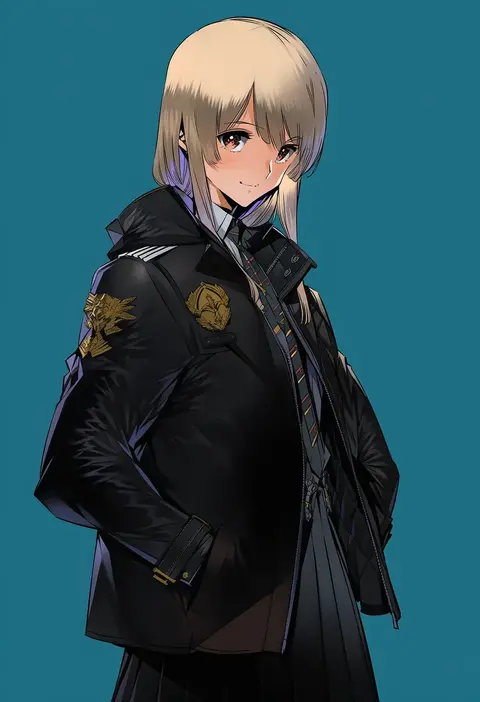
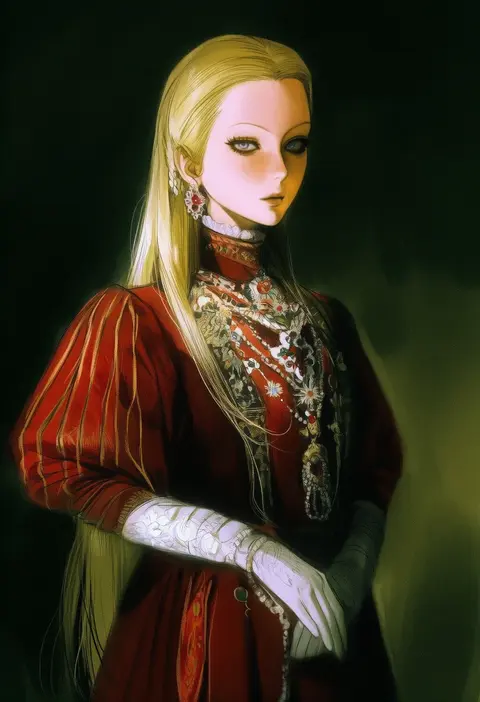
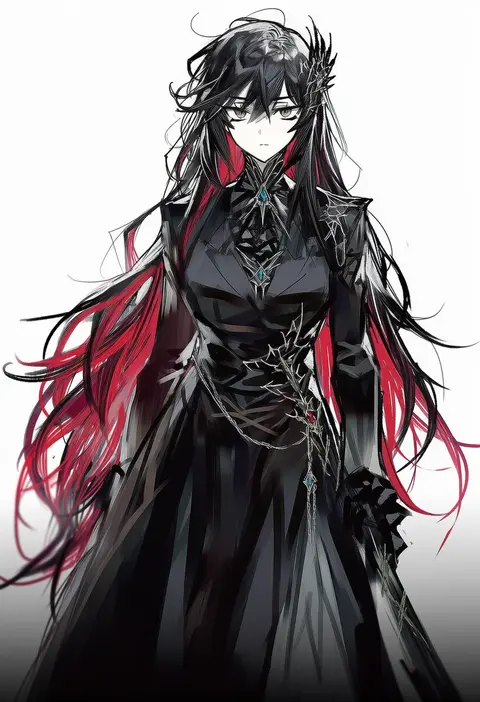
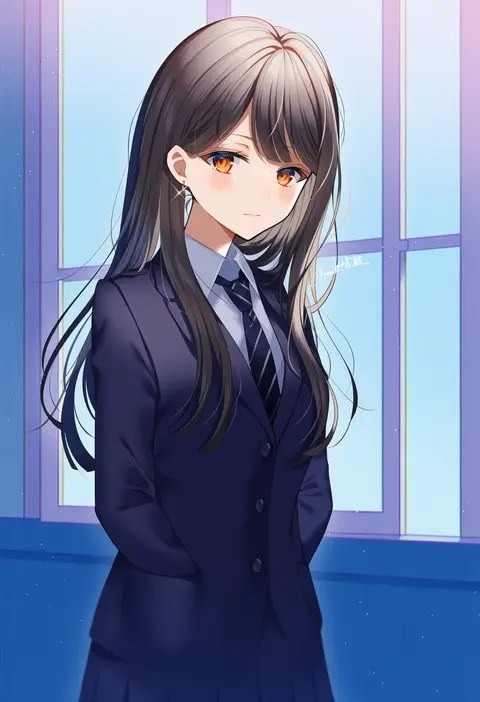
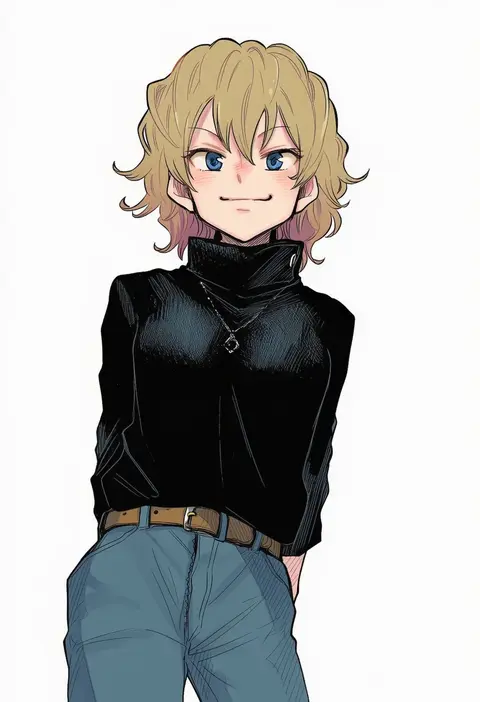
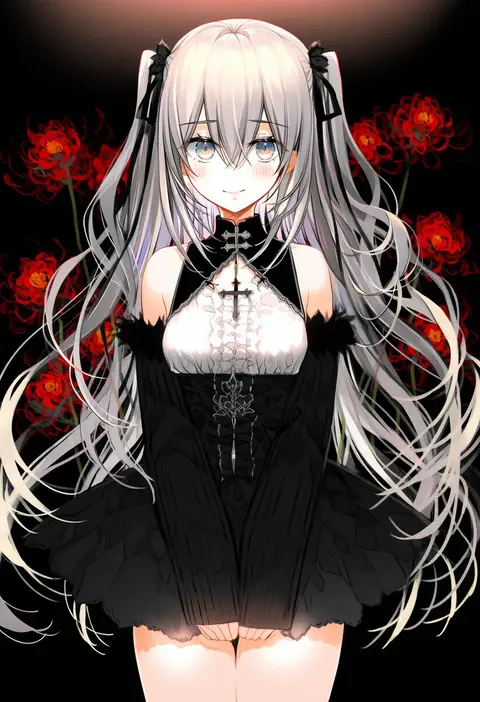
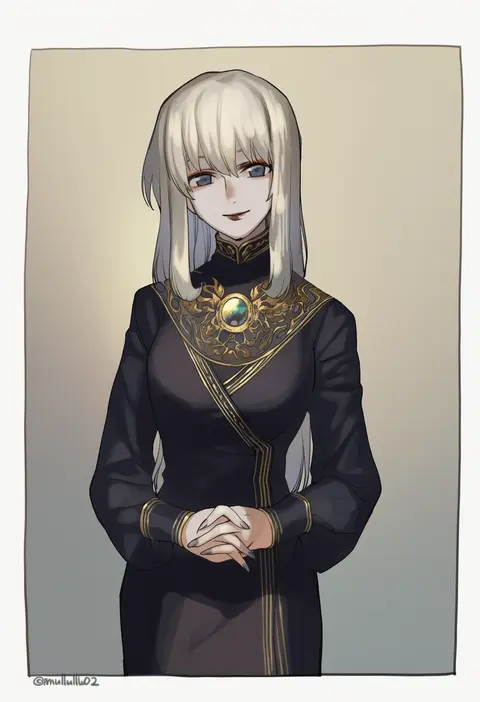
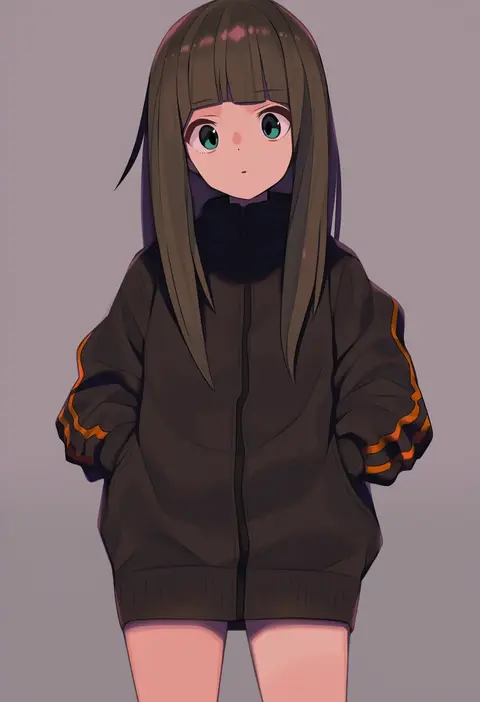
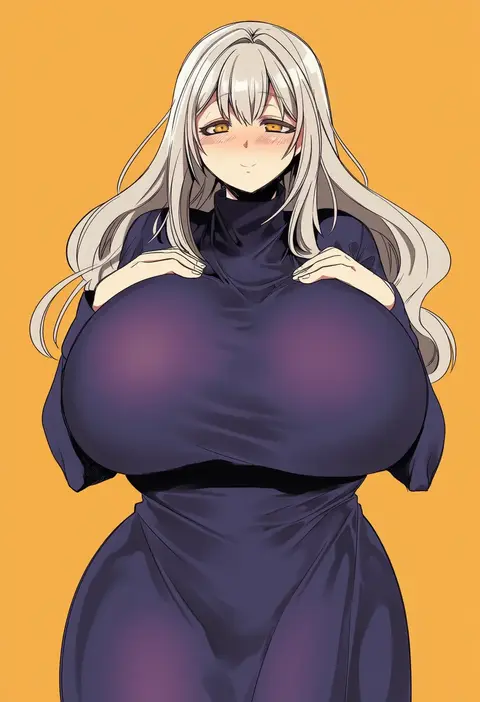
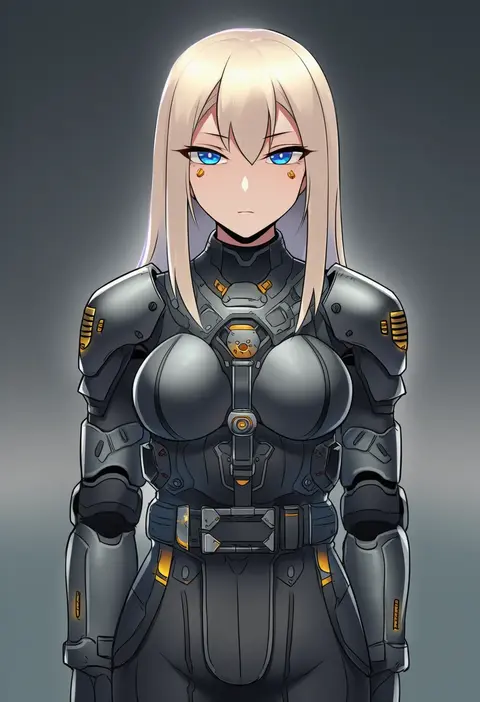
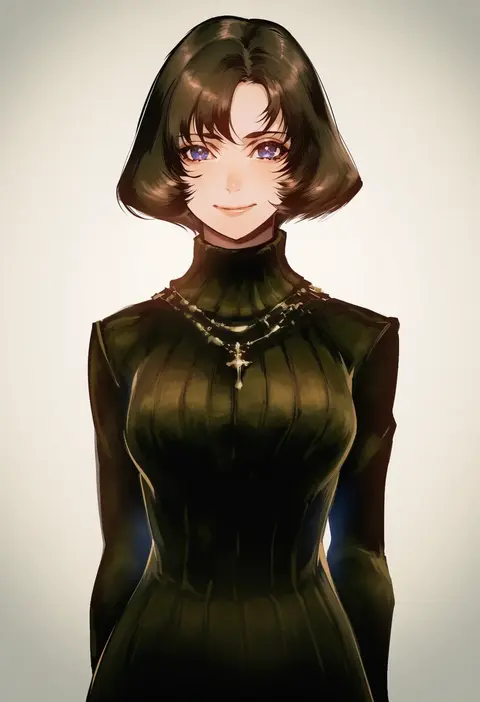
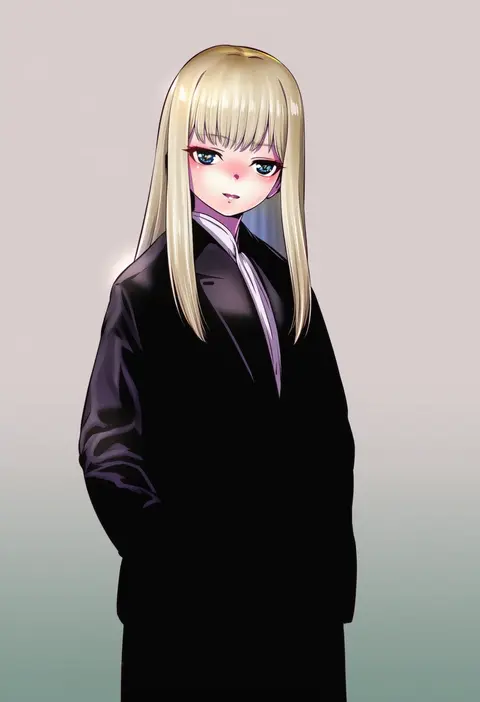
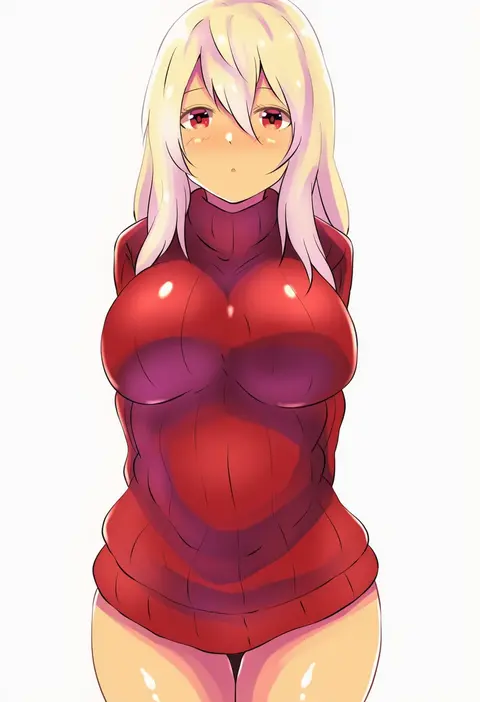
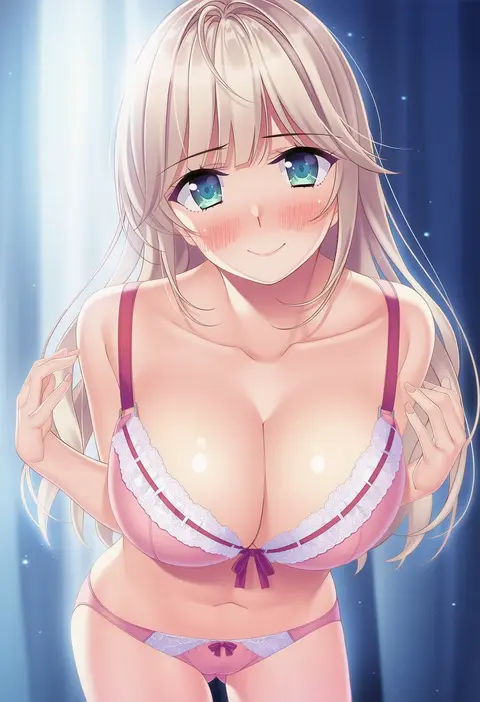
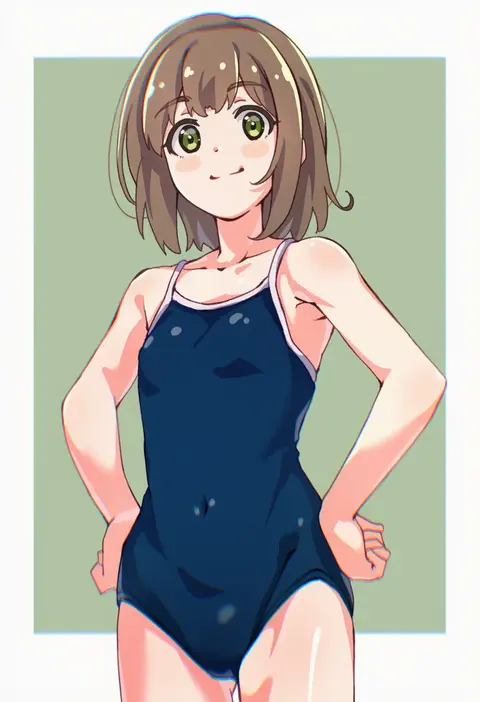
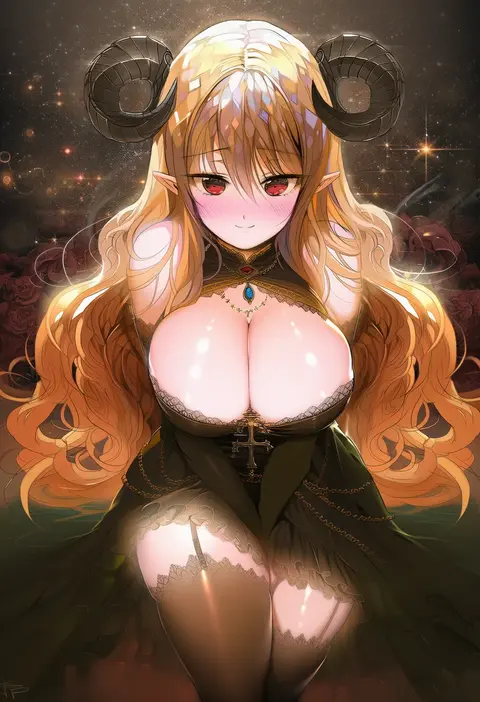
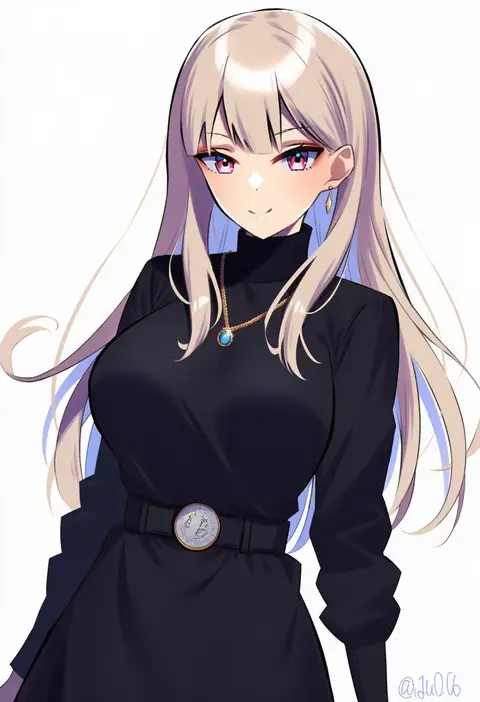
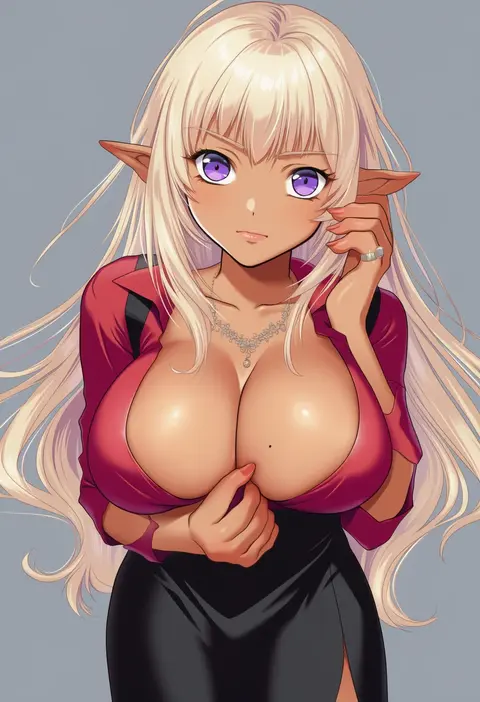
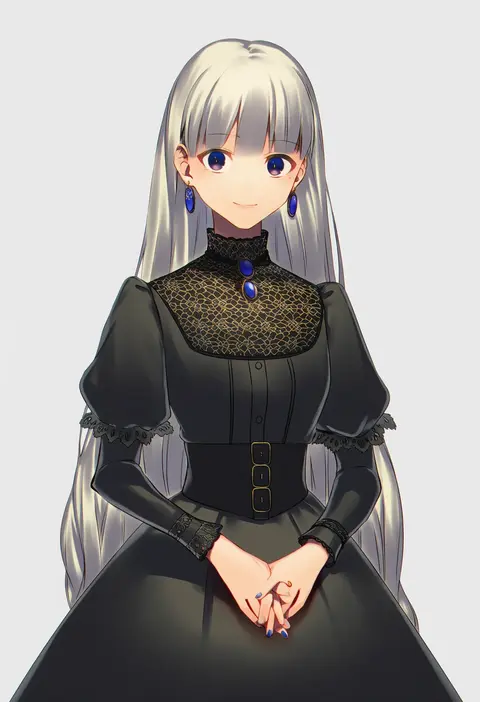
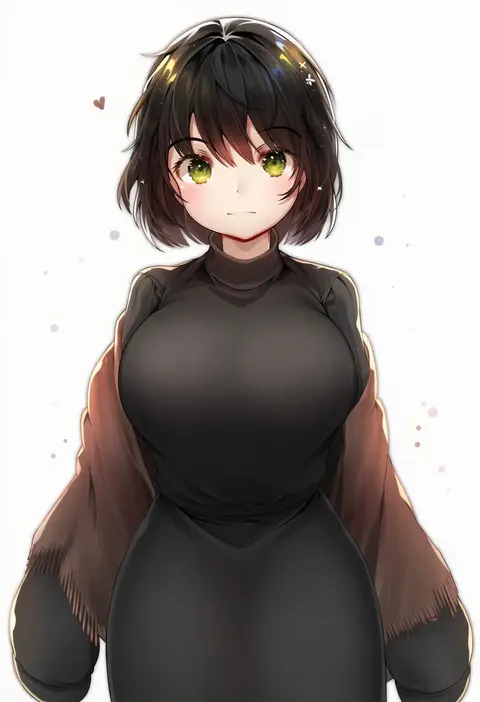
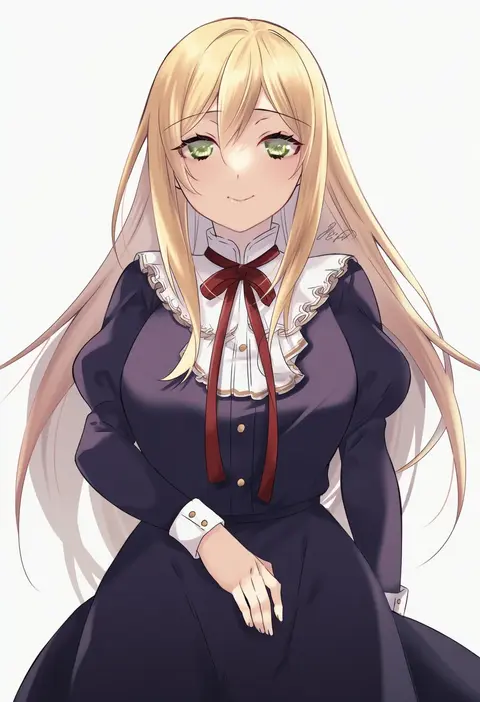
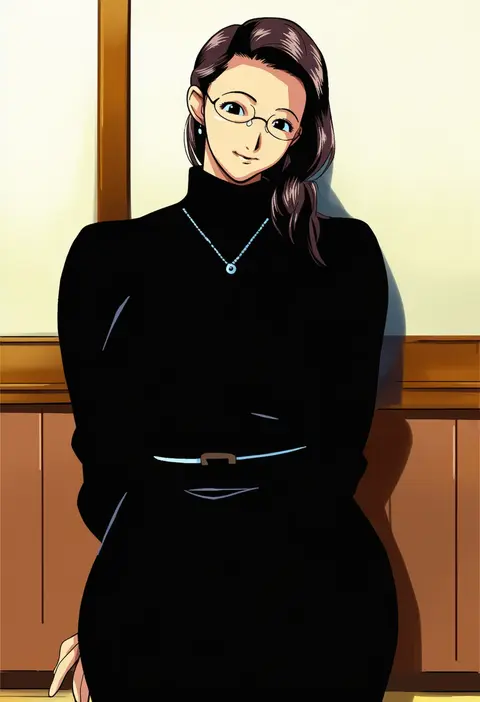
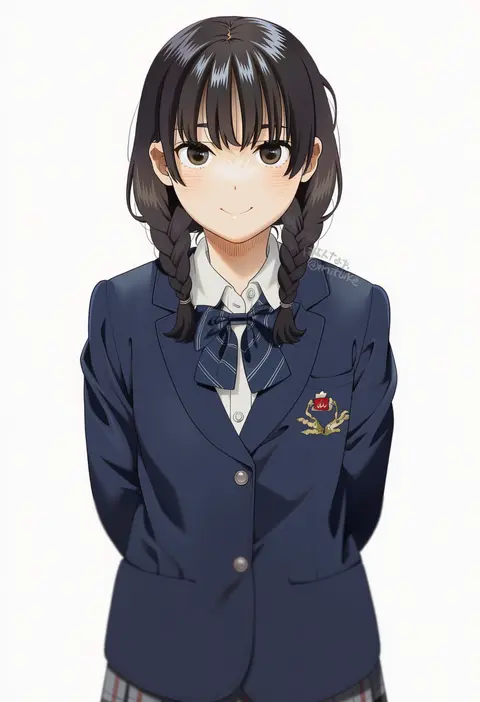
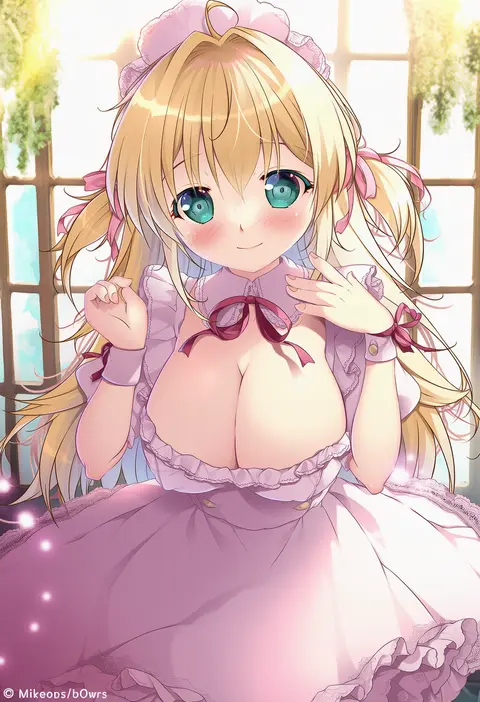
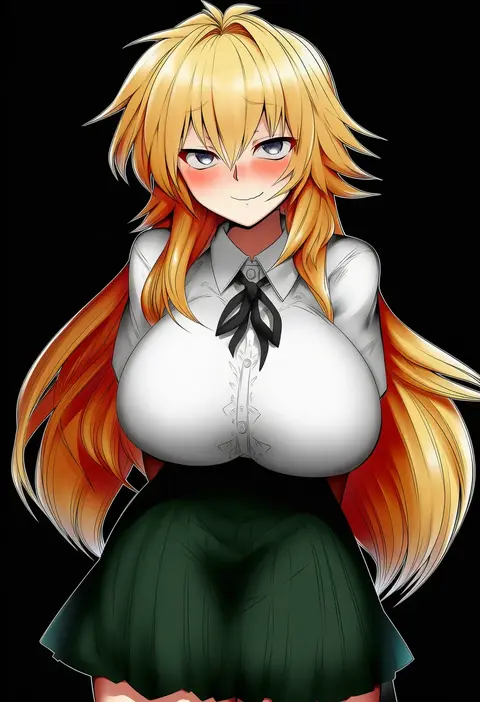
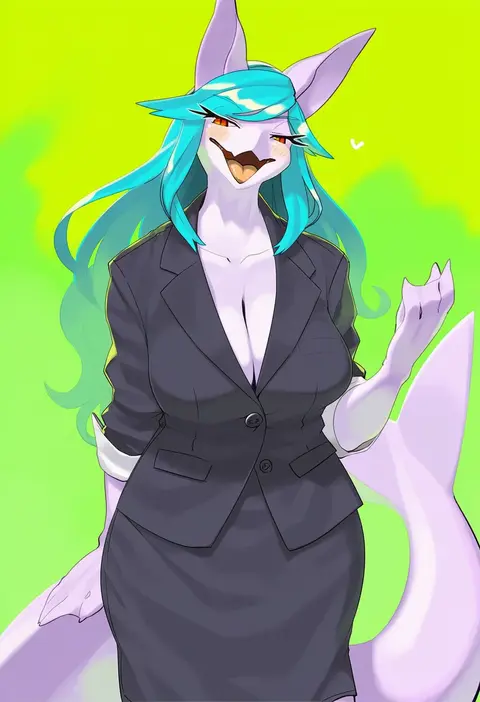
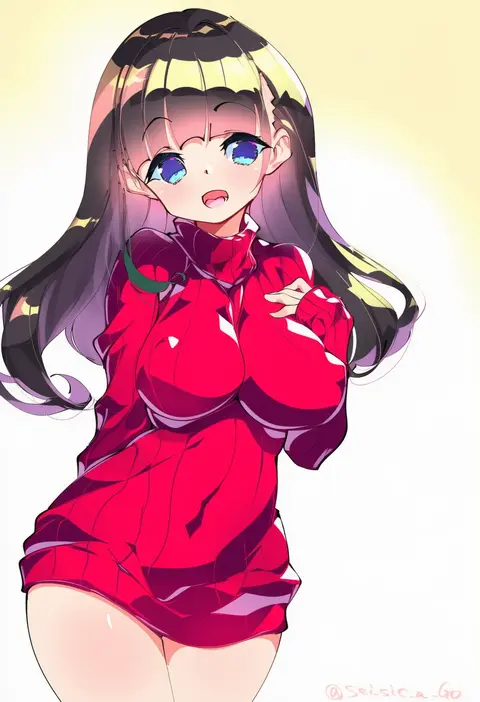
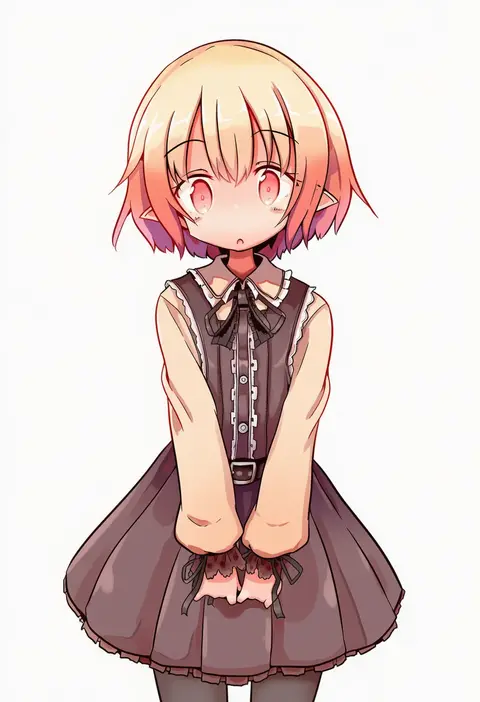
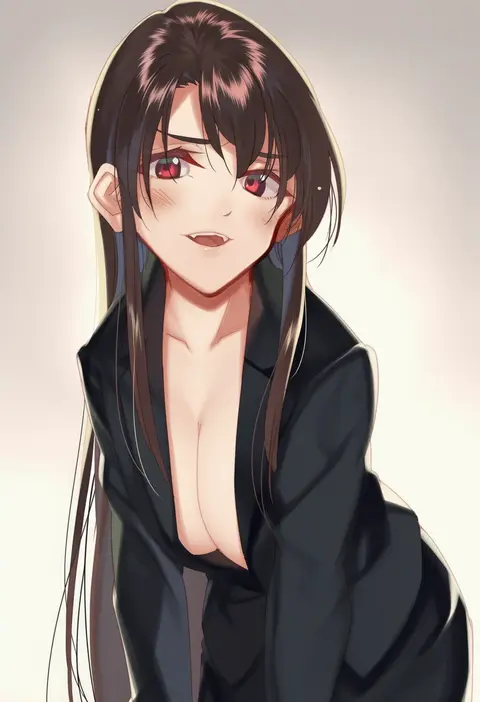
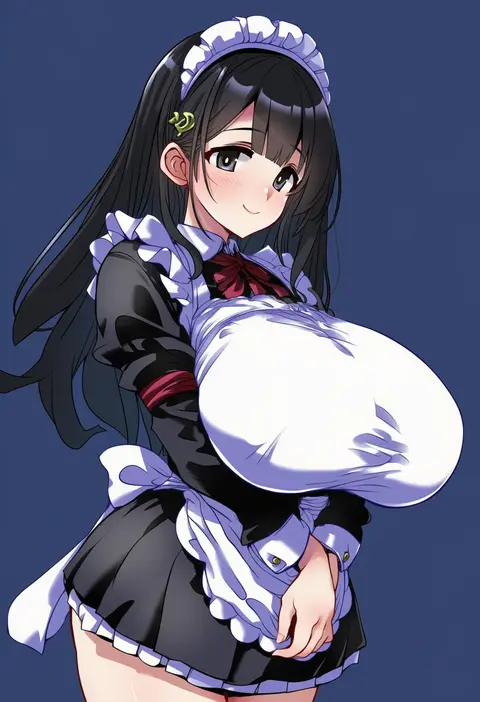
Artist tags tell NovelAI Diffusion to draw in a specific artist's style: line weight, paint texture, face shapes and palette all shift at once. Character and outfit tags decide what is drawn; artist tags decide how. 16,352 tags are listed for V4.5.
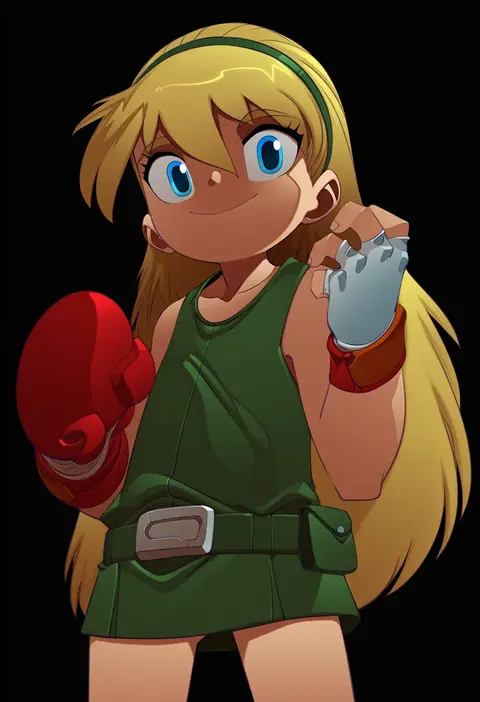
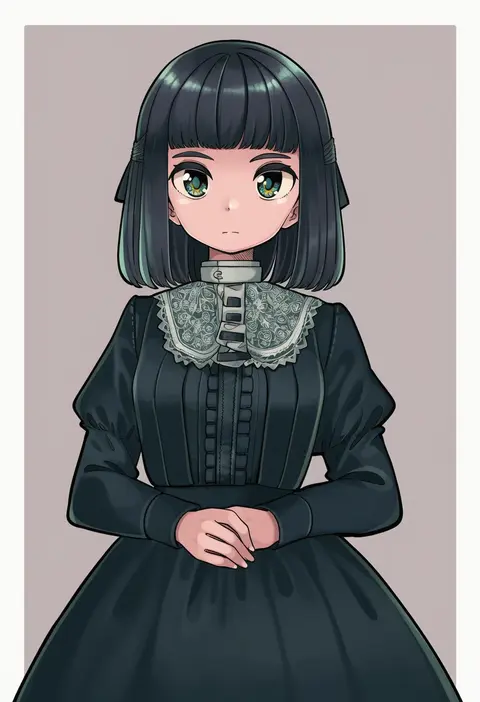
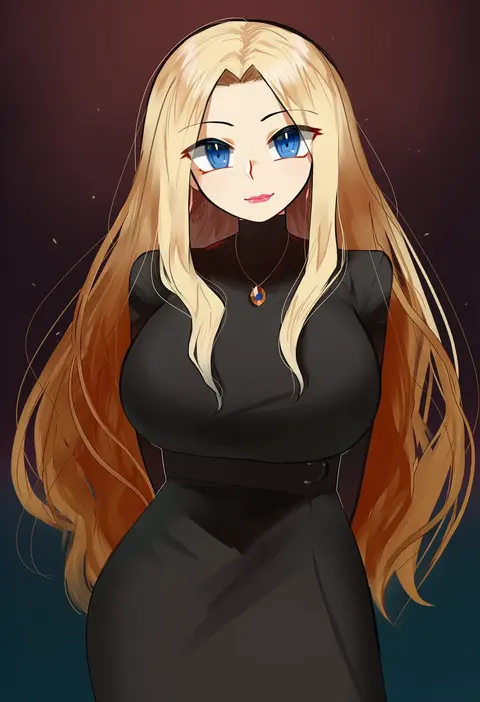
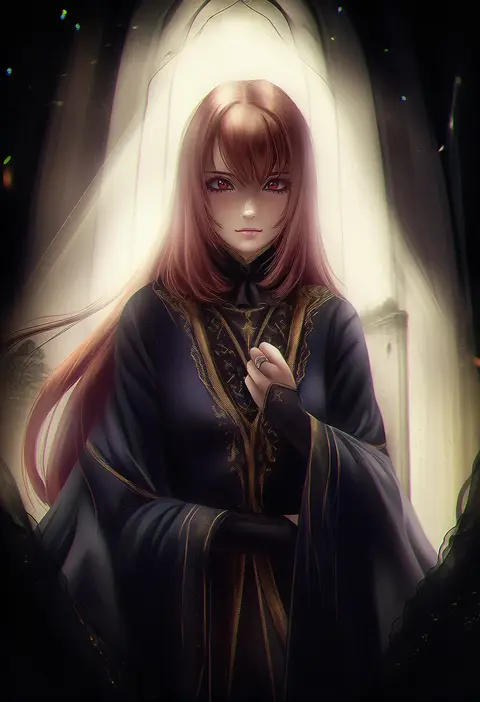
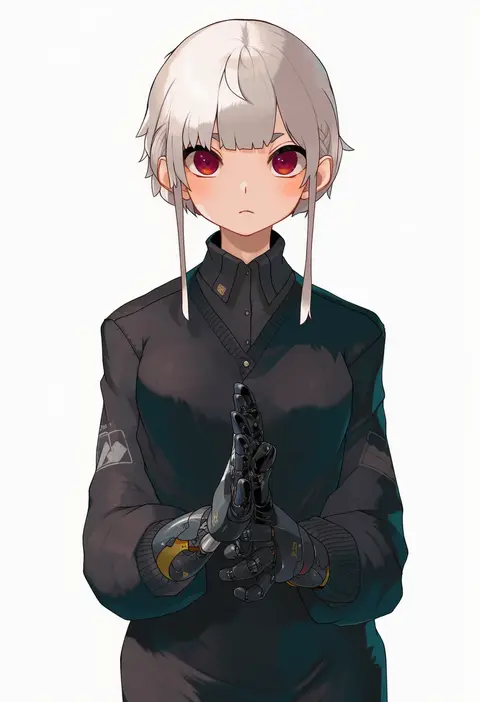
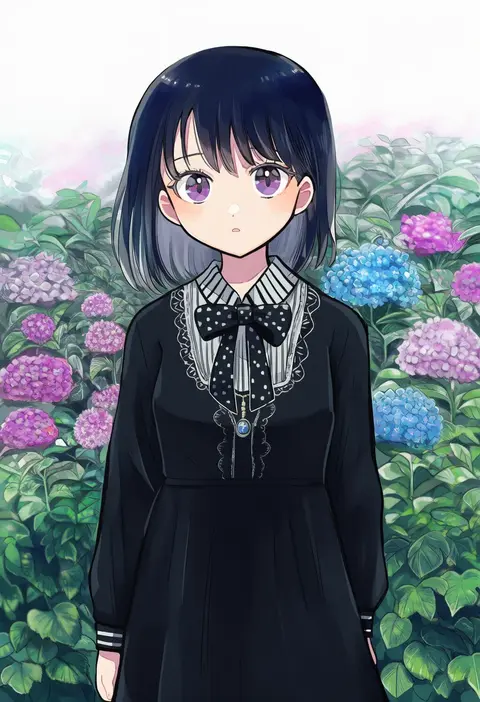
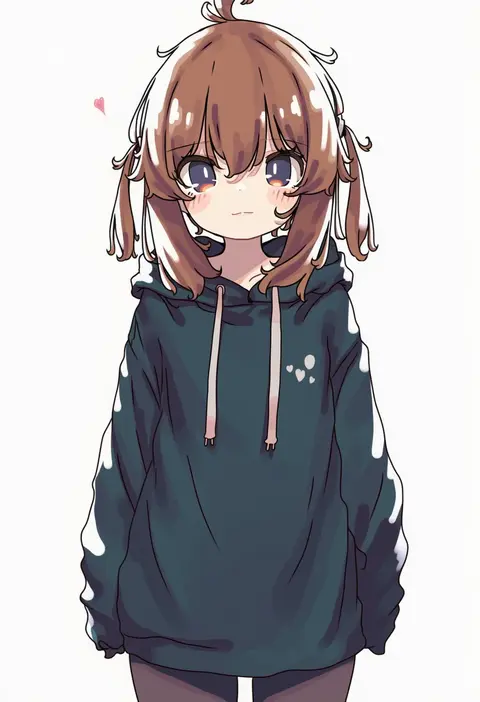
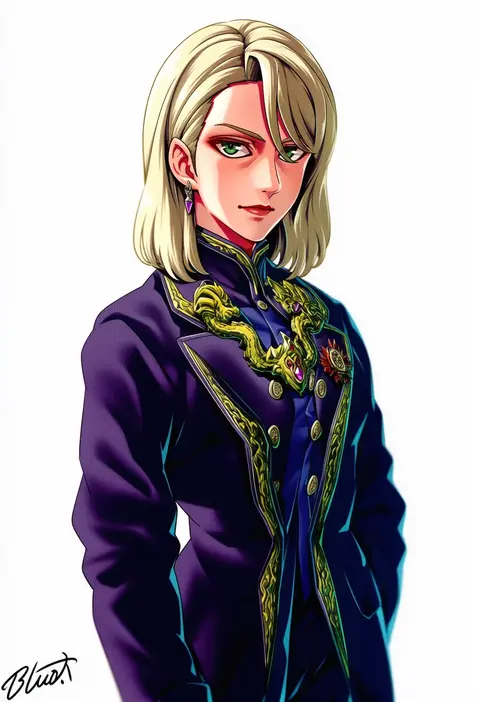
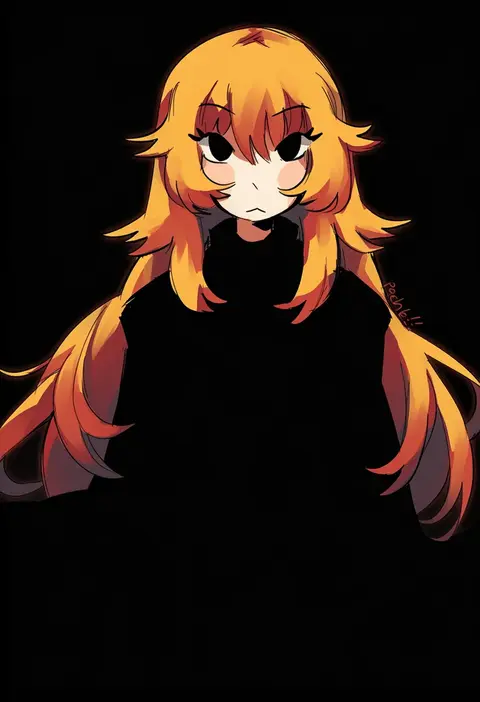
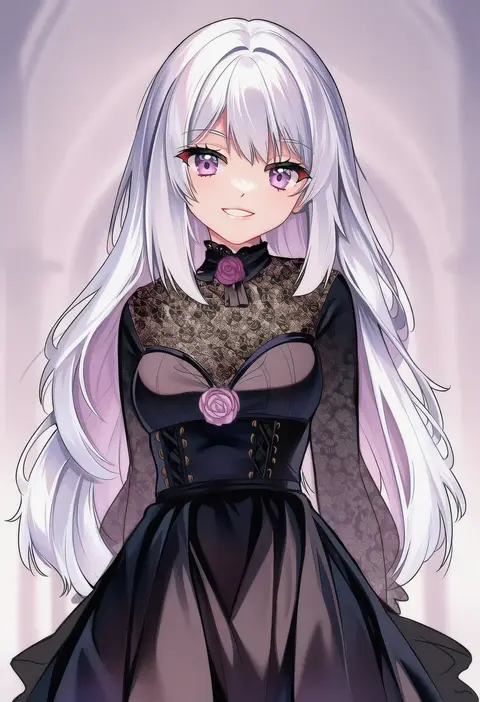
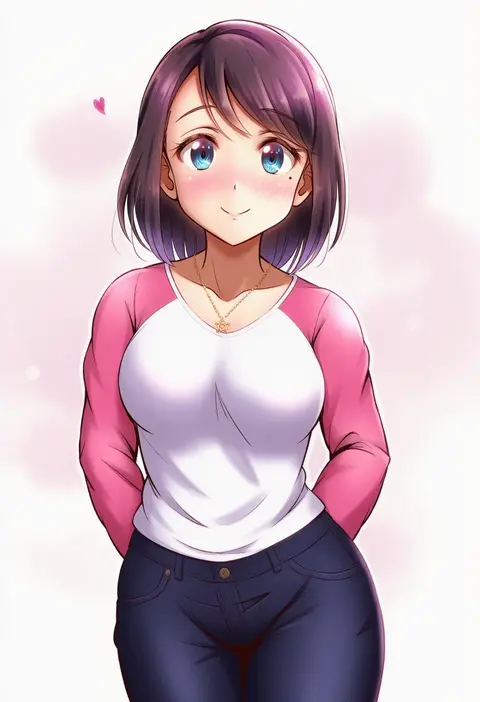
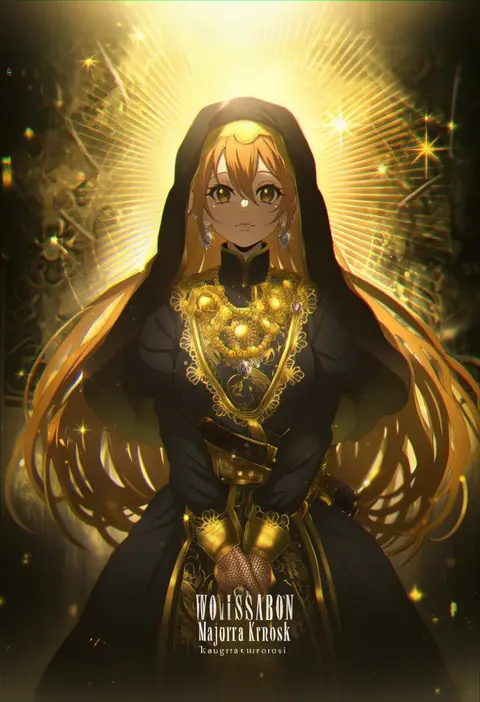
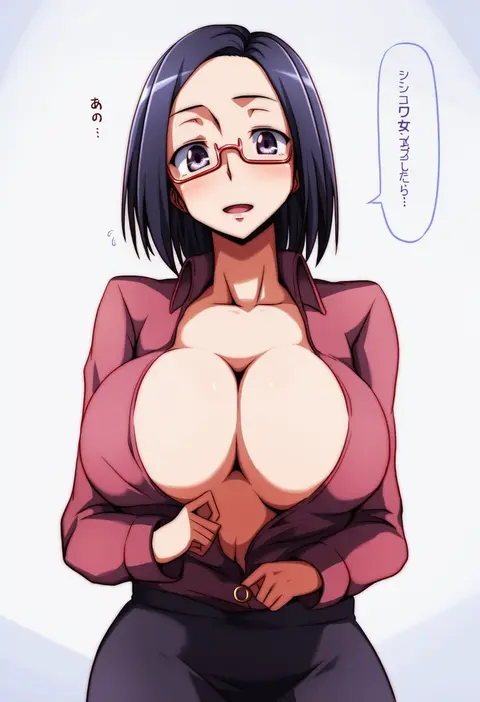
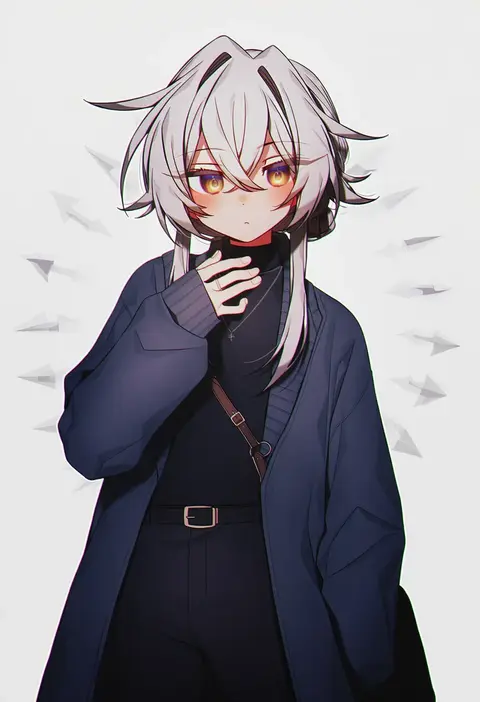
Every tag listed here is verified to react in NovelAI. All images use the same prompt, seed and settings with only the artist tag swapped, so the difference between two images is the style that tag brings in.

How to use them

Put the artist tag near the front of the prompt, e.g. "<artist>, 1girl, solo, best quality, masterpiece, cowboy shot". Two or three artist tags blend styles; lower the weight with "0.8::<artist>::" when the style overpowers the character.

SCORE sorts by Danbooru's top score, POSTS by post count, FAVS by hearts on this site. Open a card to see V5 and V4.5 side by side on the same seed.

V5 vs V4.5

V5 usually lands closer to the artist's real style, and tags that did nothing on V4.5 often react on V5. V4.5 still fits older and doujin-heavy artists better. Try V5 first, fall back to V4.5.

FAQ

Where does the artist tag go?
Near the front of the prompt. Use "0.8::tag::" to adjust its weight.

Can I stack artist tags?
Yes, styles blend. Past two or three the result stops looking like anyone.

Are these the artists' own works?
No. Every image is a NovelAI sample generated from the tag.