V4.5Artists
sort: FAVS▾
▾
>
$

NovelAI Artist Tags List — V4.5

artist --count 16,352[144/273]
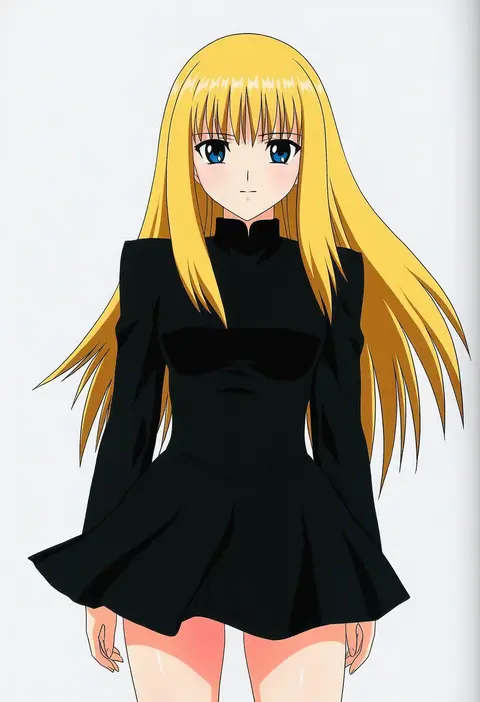
yamauchi noriyasu
ARTIST0x2184
0
tsukushi akihito
ARTIST0x2185
0
ogata tei
ARTIST0x2186
0
hagane soushi
ARTIST0x2187
0
yuu (kfc)
ARTIST0x2188
0
eddybird55555
ARTIST0x2189
0
fuuna
ARTIST0x218A
0
carte
ARTIST0x218B
0
chinikuniku
ARTIST0x218C
0
hisin
ARTIST0x218D
0
tare (tonikaku magaru)
ARTIST0x218E
0
meiji (meiji770)
ARTIST0x218F
0
sola7764
ARTIST0x2190
0
azuran0
ARTIST0x2191
0
goban
ARTIST0x2192
0
atenaba
ARTIST0x2193
0
kumarang
ARTIST0x2194
0
momoi komomo
ARTIST0x2195
0
midoriiro no shinzou
ARTIST0x2196
0
hinemosu notari
ARTIST0x2197
0
ruda (ruda e)
ARTIST0x2198
0
pepsi2330
ARTIST0x2199
0
azomo
ARTIST0x219A
0
kokekokko coma
ARTIST0x219B
0
pekoni (peconi)
ARTIST0x219C
0
nuppunuppu
ARTIST0x219D
0
summer tail720
ARTIST0x219E
0
latenight
ARTIST0x219F
0
yagami hiroki
ARTIST0x21A0
0
kiana mai
ARTIST0x21A1
0
nagashii kouhei
ARTIST0x21A2
0
jiro (ninetysix)
ARTIST0x21A3
0
shiozaki yuji
ARTIST0x21A4
0
tokoni fusu
ARTIST0x21A5
0
nanju bami
ARTIST0x21A6
0
syurimp
ARTIST0x21A7
0
morugen
ARTIST0x21A8
0
renka (renkas)
ARTIST0x21A9
0
kurowashi
ARTIST0x21AA
0
setz
ARTIST0x21AB
0
oimanji
ARTIST0x21AC
0
henshako
ARTIST0x21AD
0
yuano
ARTIST0x21AE
0
baku-p
ARTIST0x21AF
0
hosizora mikoto
ARTIST0x21B0
0
chiharu (9654784)
ARTIST0x21B1
0
yakitomato
ARTIST0x21B2
0
ikeda kazumi
ARTIST0x21B3
0
mokke (mokke99)
ARTIST0x21B4
0
mousou (mousou temporary)
ARTIST0x21B5
0
tapioka (oekakitapioka)
ARTIST0x21B6
0
nyanmaru
ARTIST0x21B7
0
tirasi (so)
ARTIST0x21B8
0
i-pan
ARTIST0x21B9
0
hozumi kaoru
ARTIST0x21BA
0
baanin
ARTIST0x21BB
0
aikura (twilight dusk)
ARTIST0x21BC
0
ginta
ARTIST0x21BD
0
kasukabe akira
ARTIST0x21BE
0
yocchi (tenyunkel)
ARTIST0x21BF
0

What these tags change

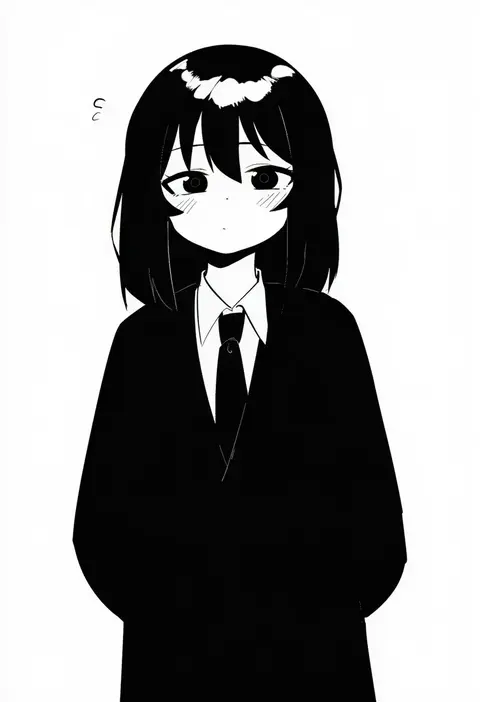
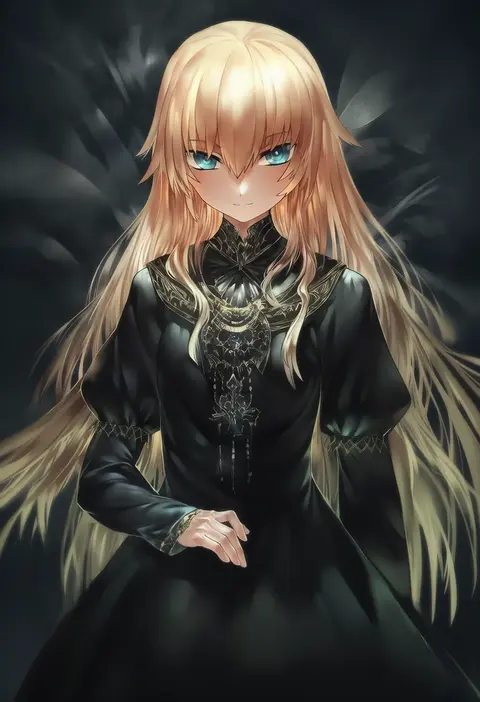
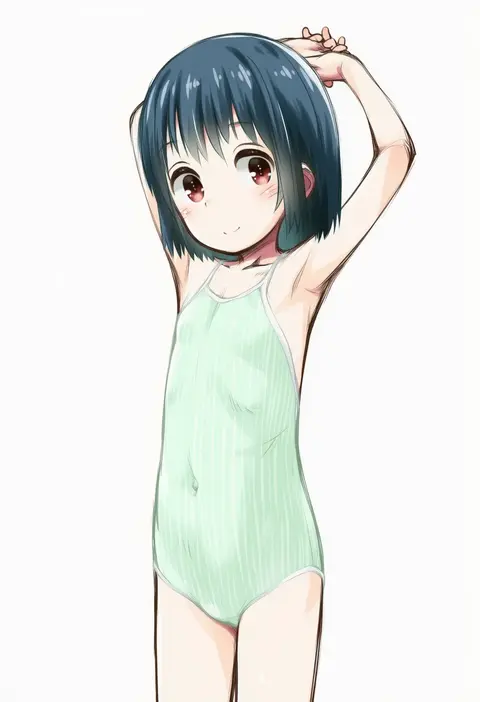
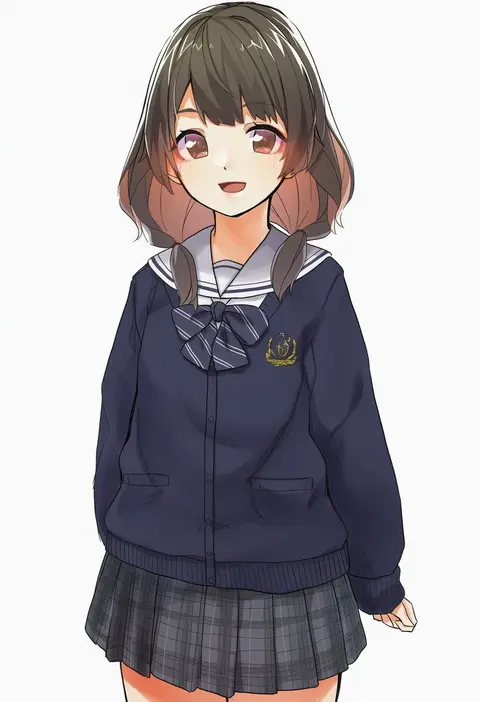
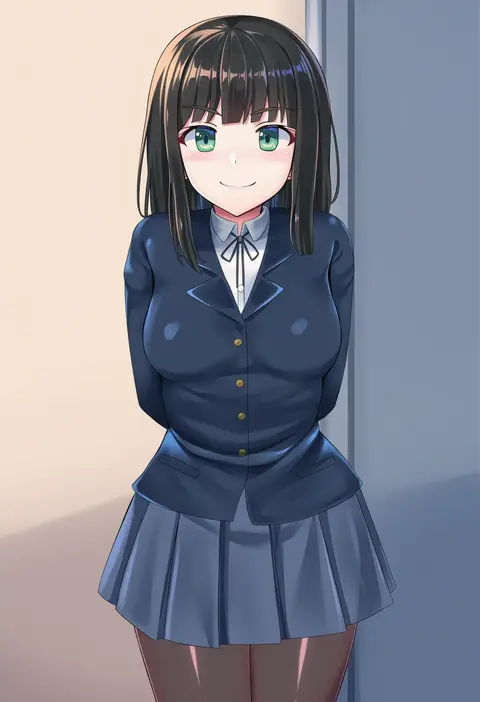
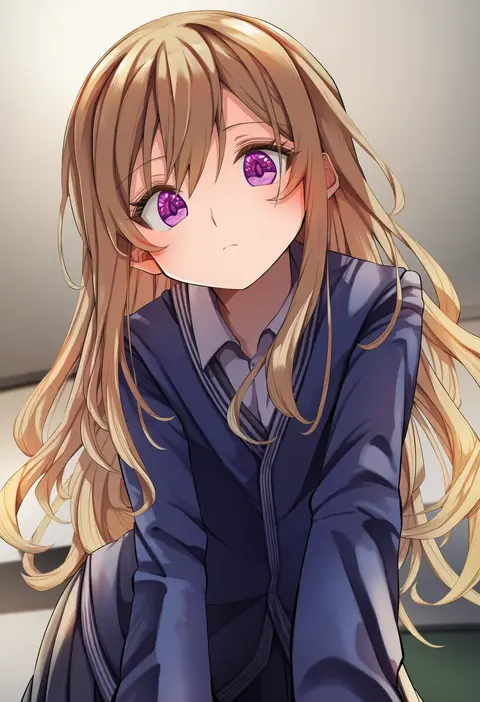
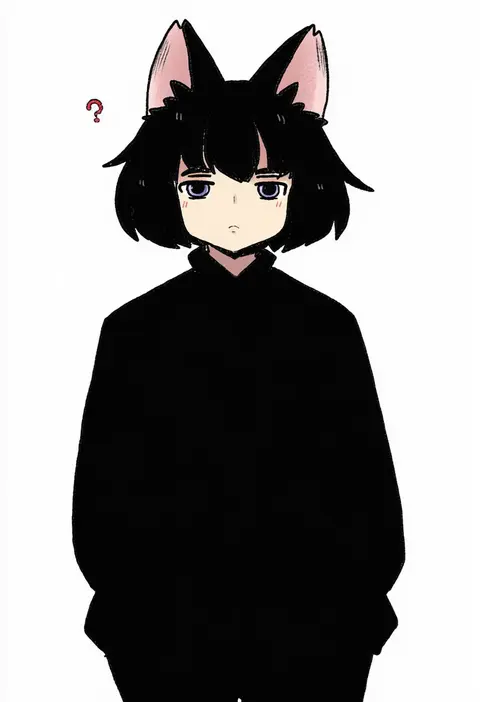
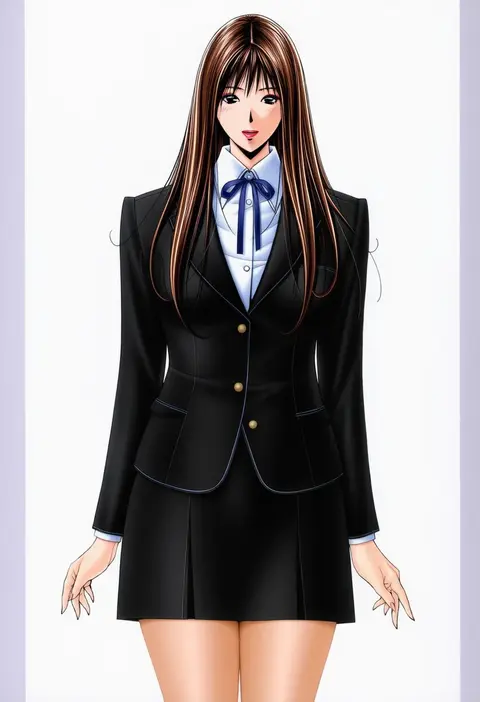
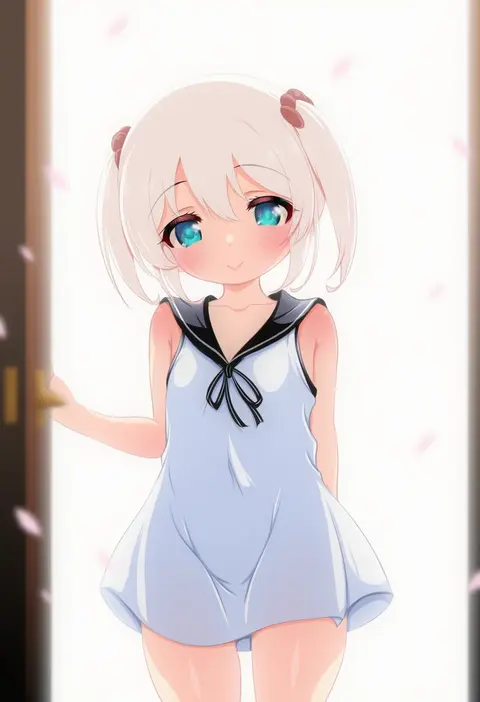
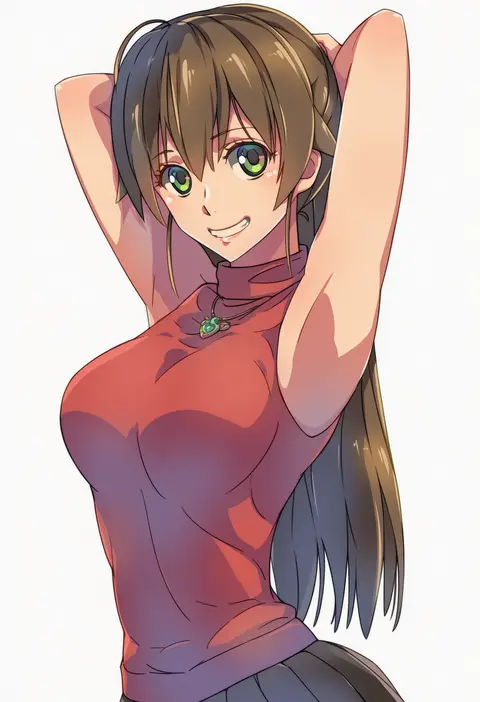
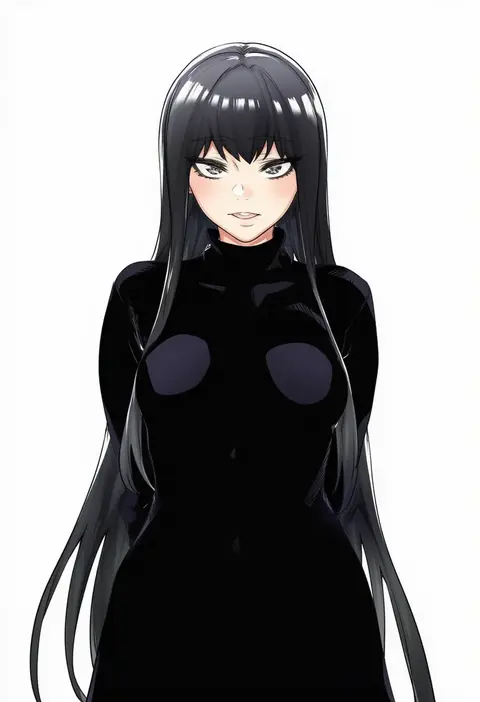
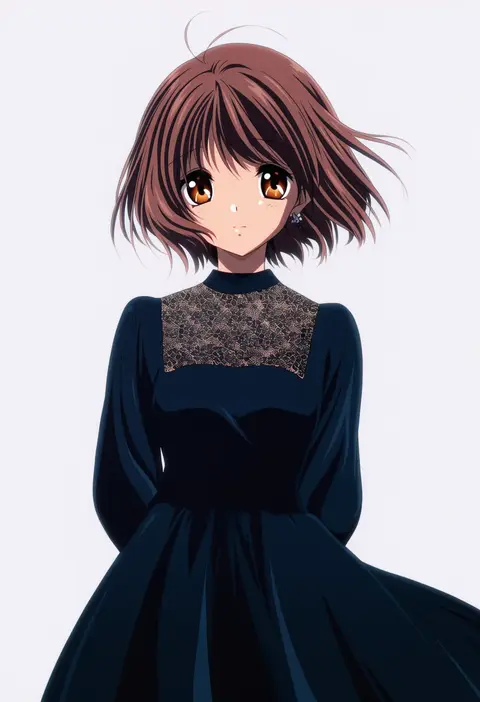
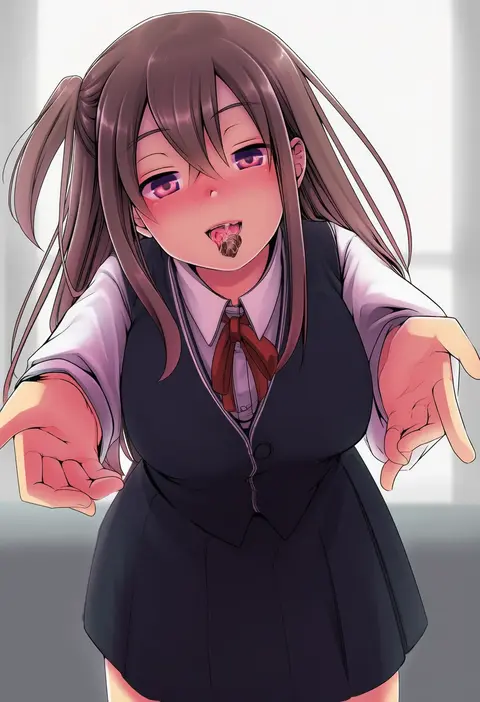
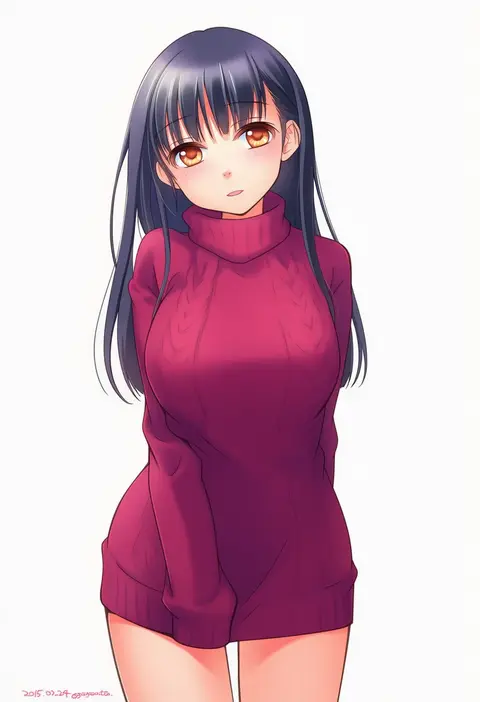
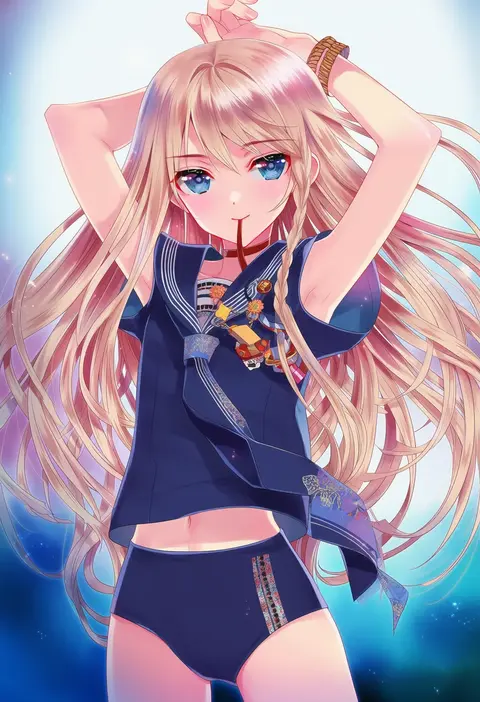
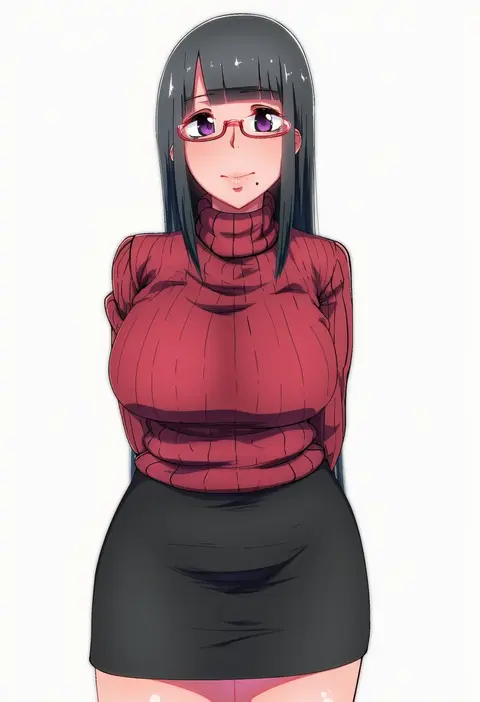
Artist tags tell NovelAI Diffusion to draw in a specific artist's style: line weight, paint texture, face shapes and palette all shift at once. Character and outfit tags decide what is drawn; artist tags decide how. 16,352 tags are listed for V4.5.
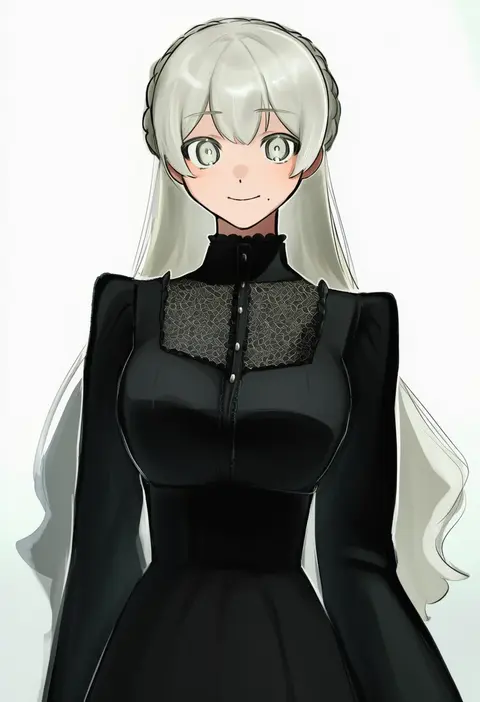
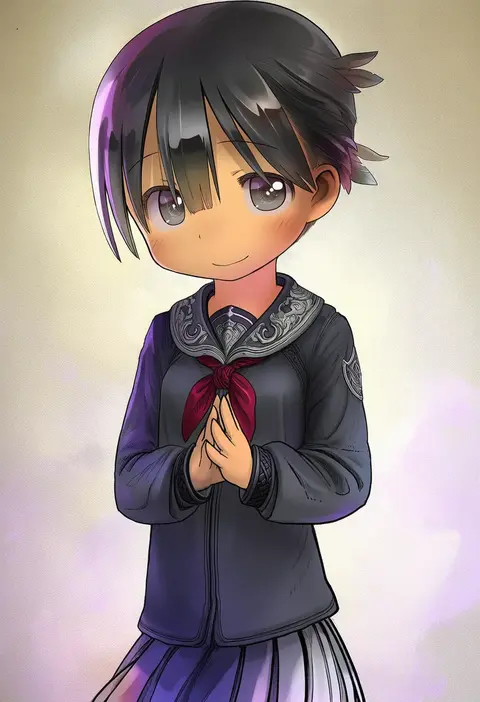
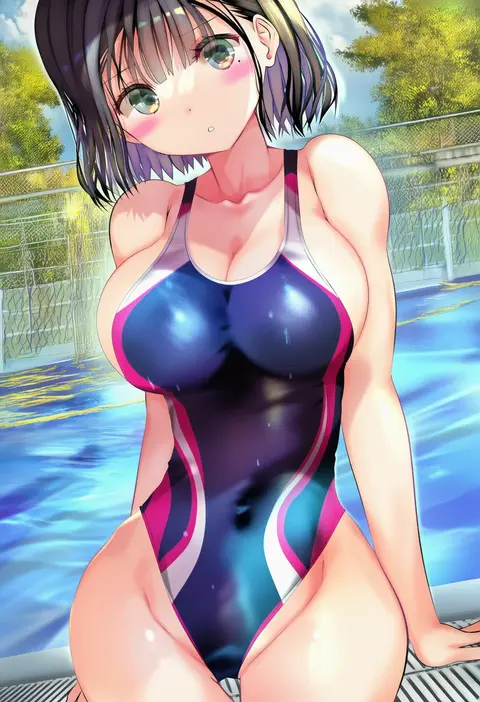
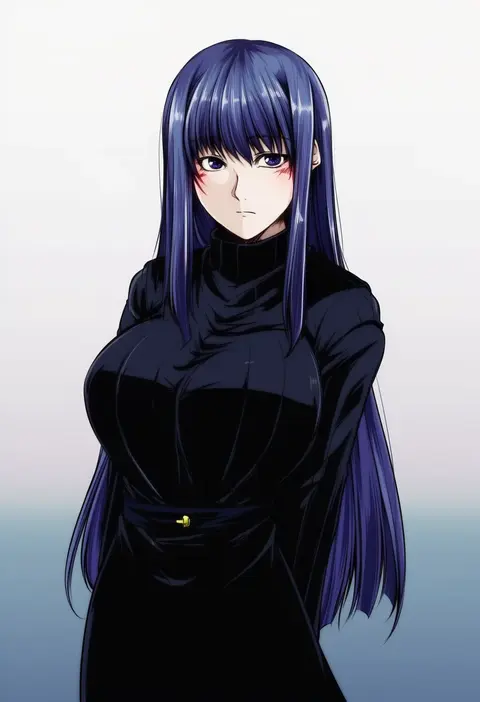
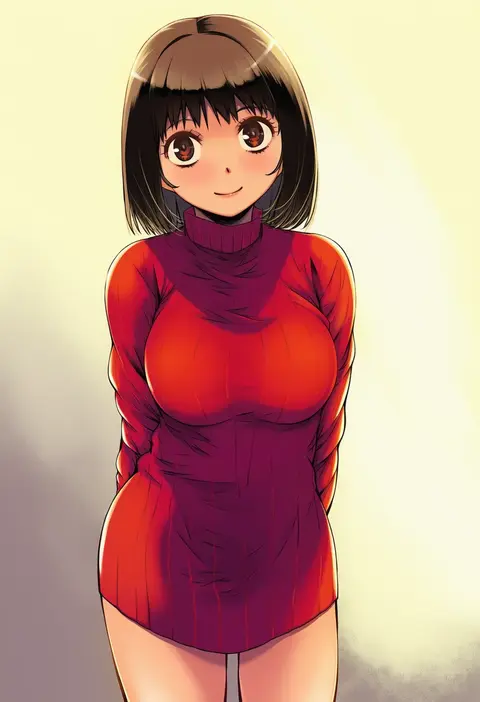
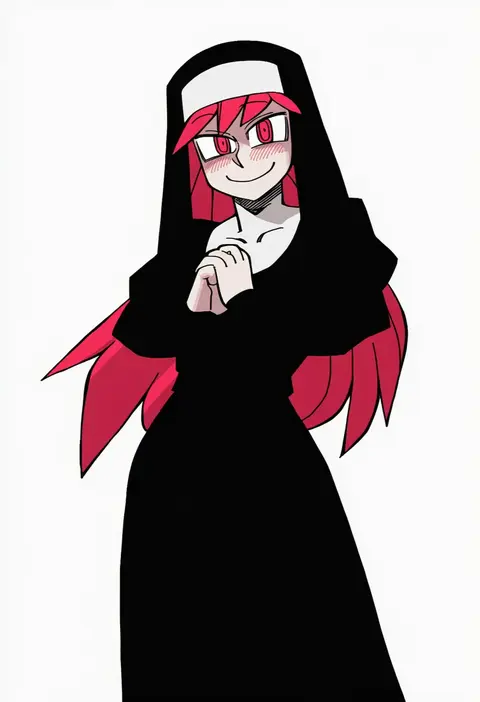
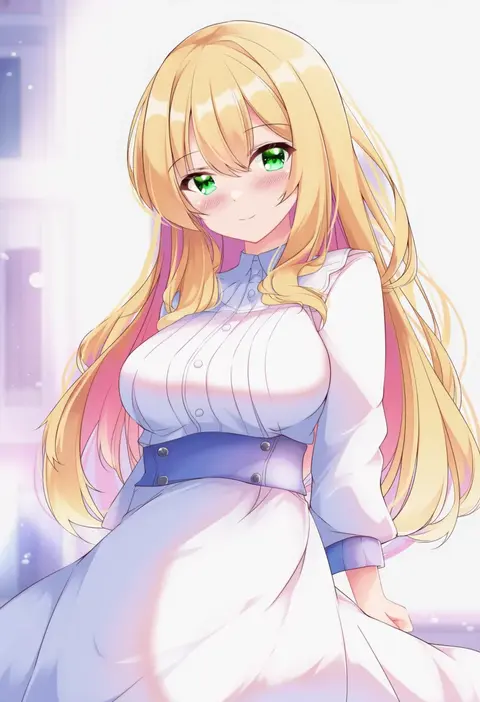
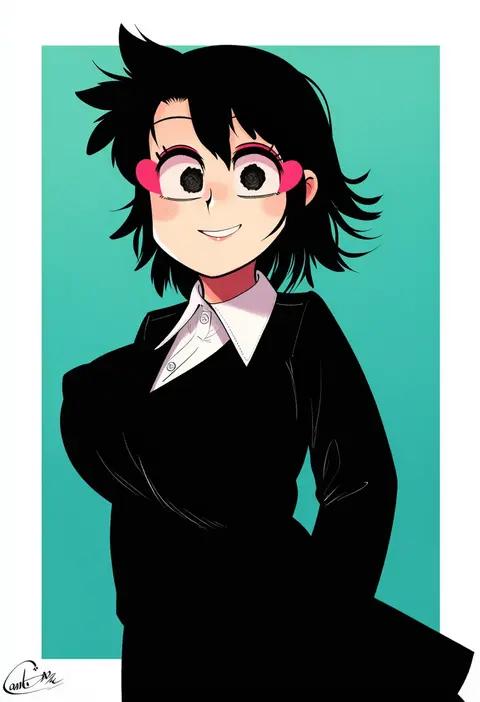
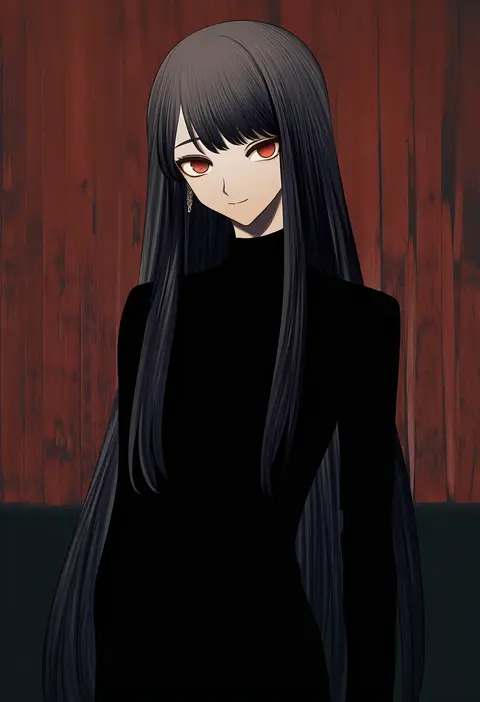
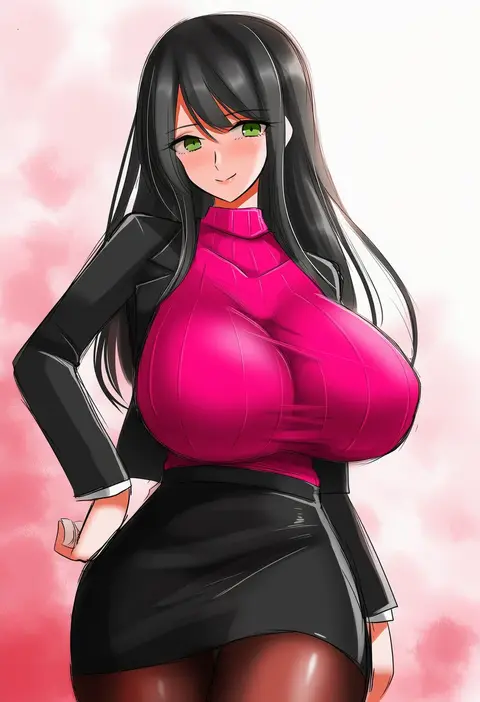
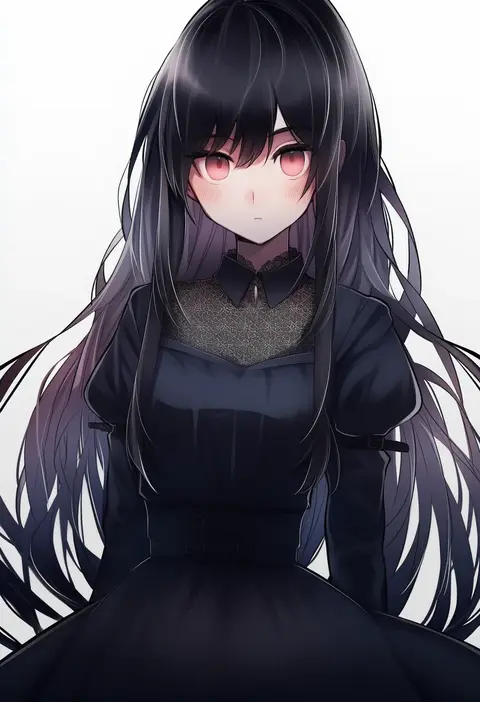
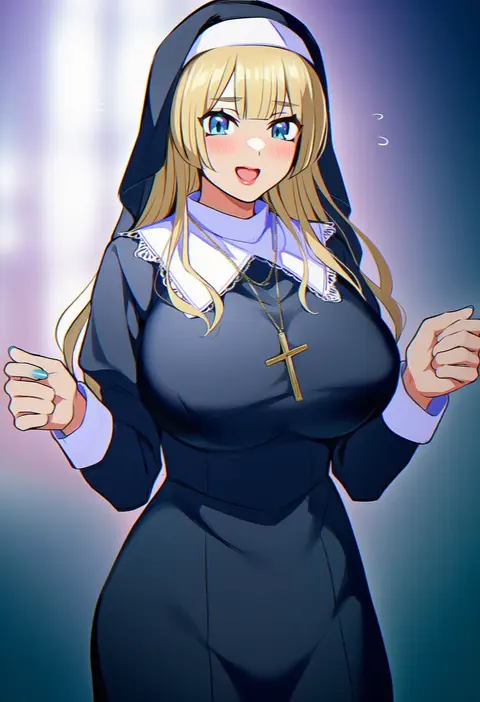
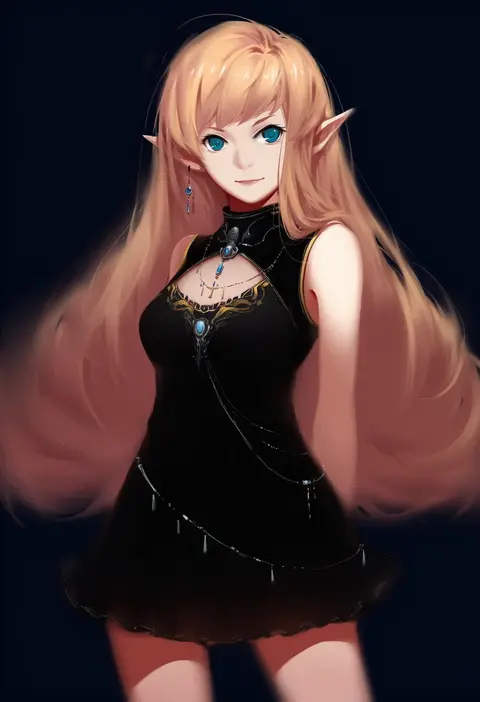
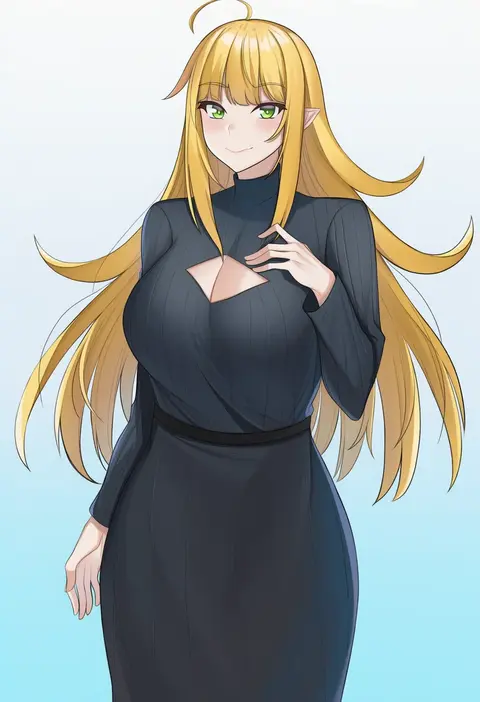
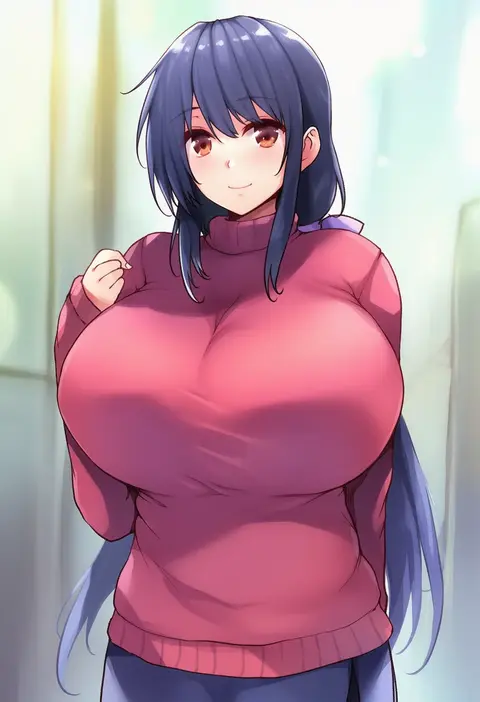
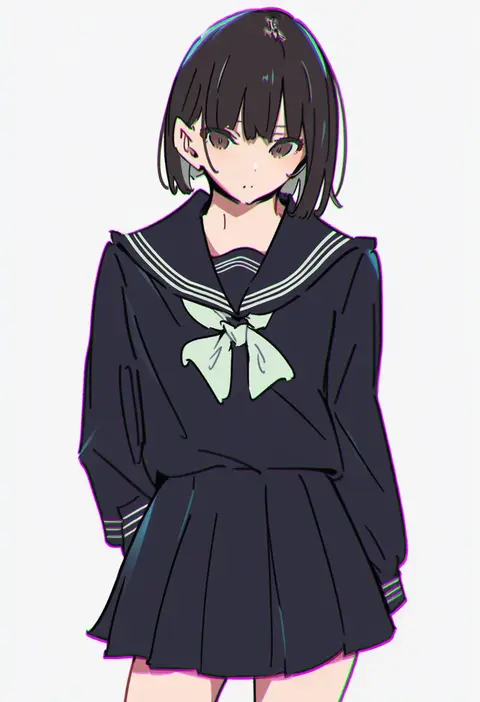
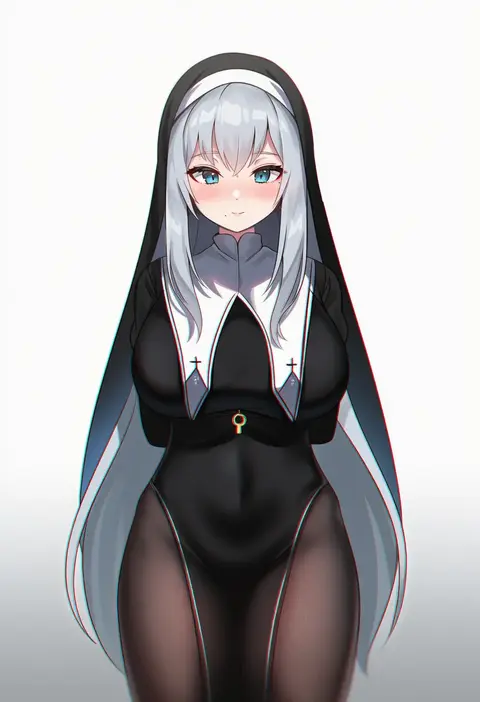
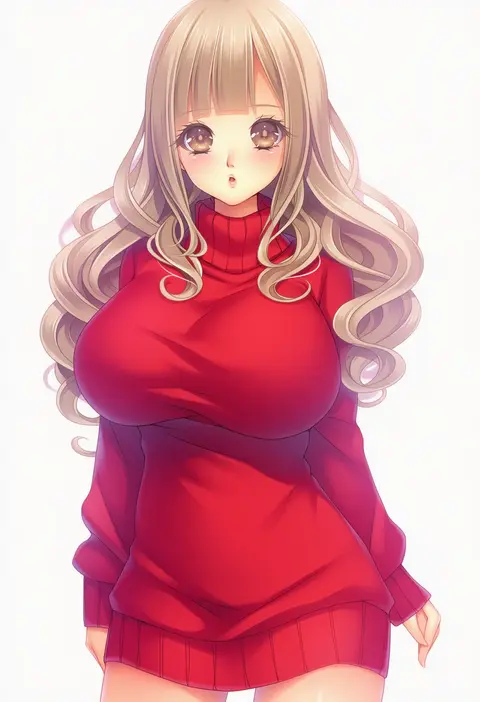
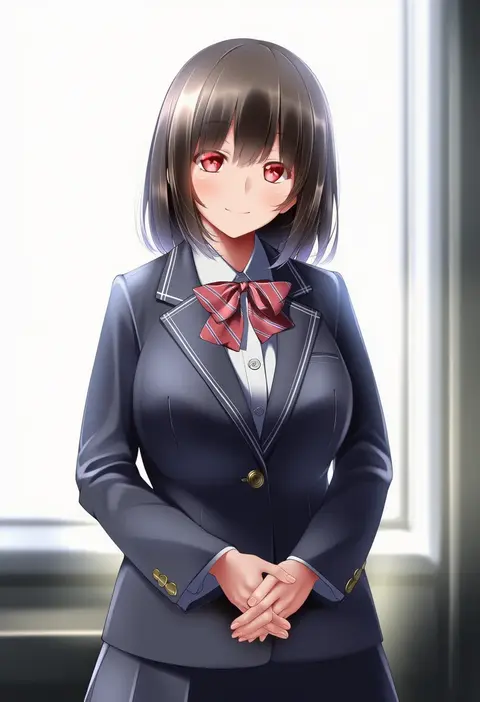
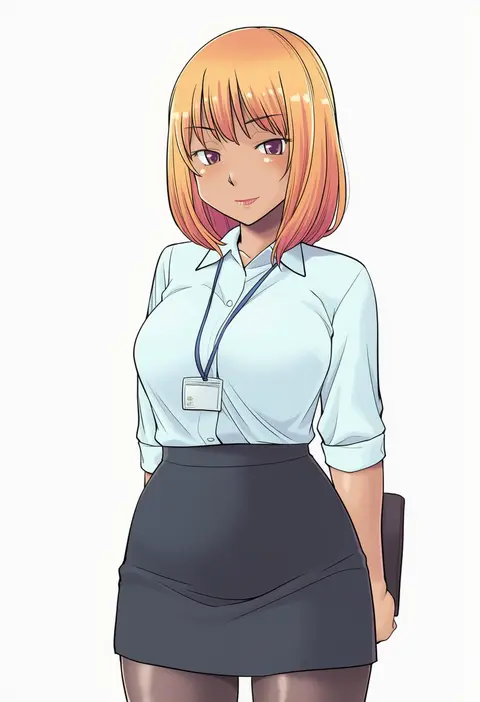
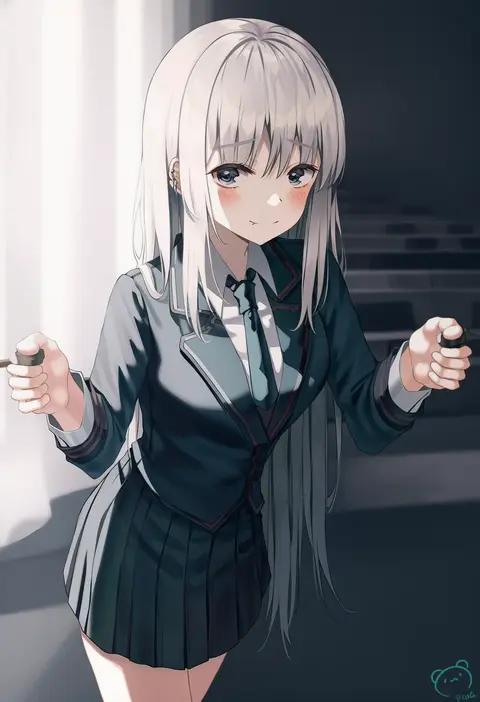
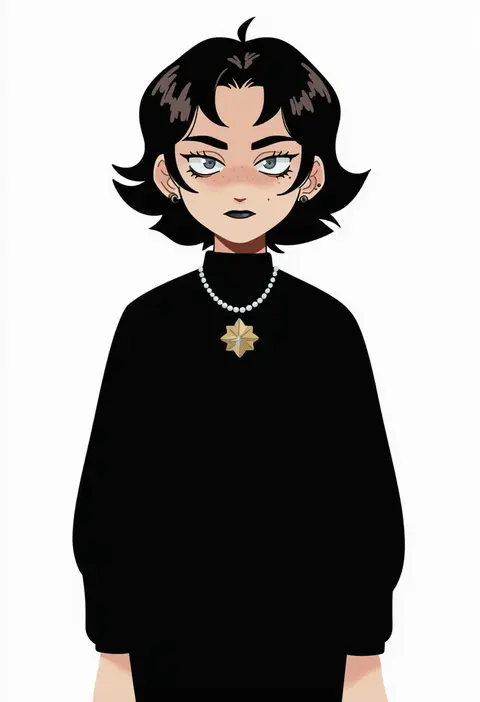
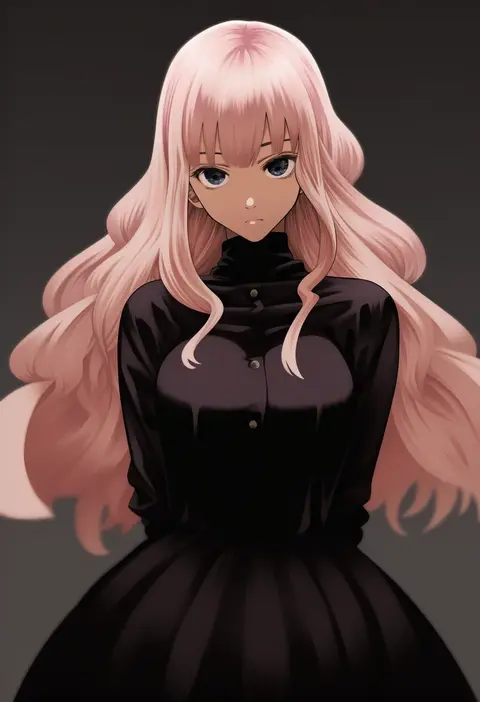
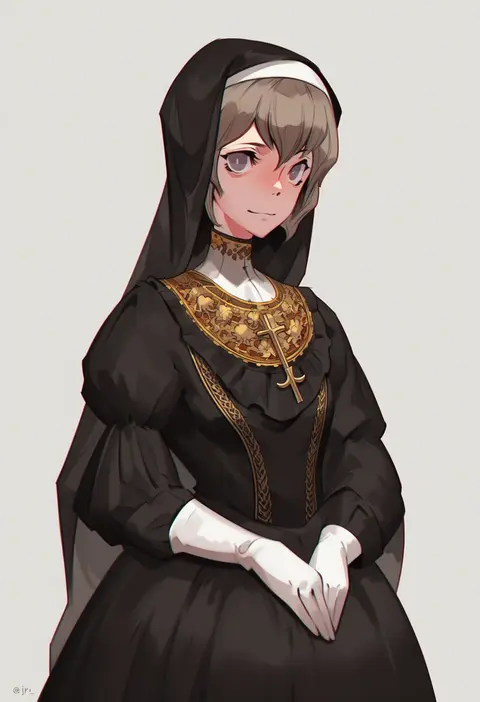
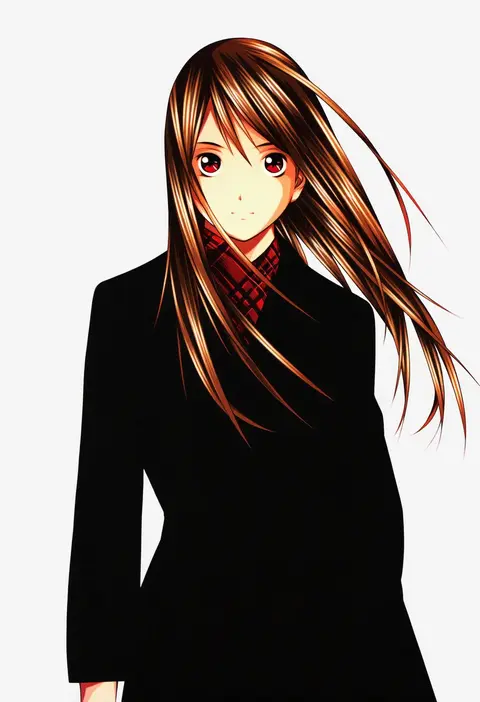
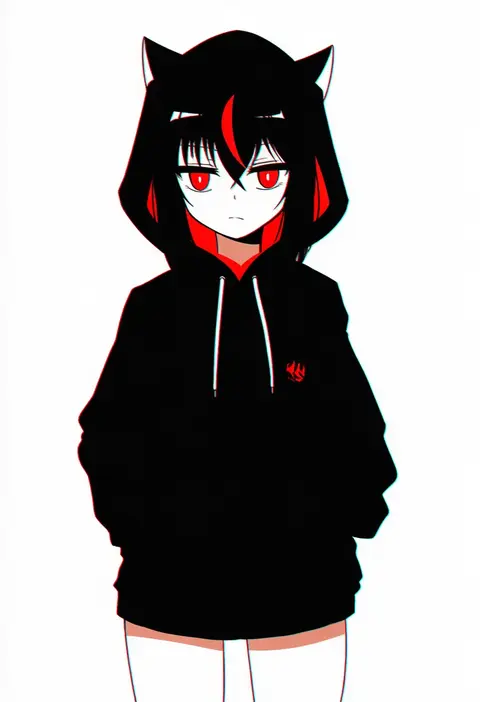
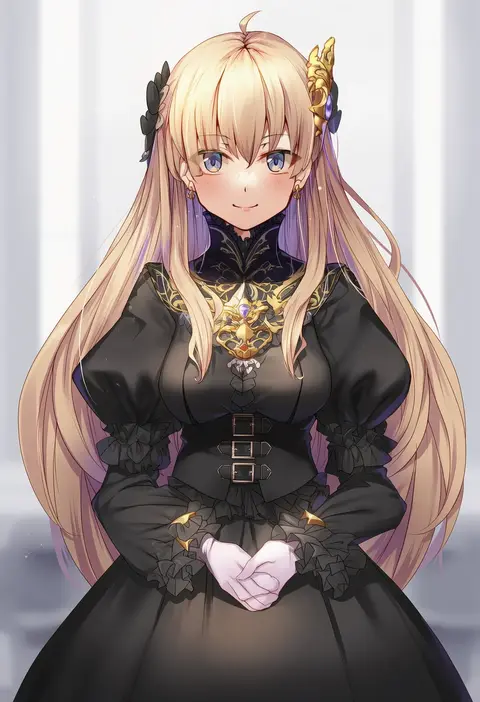
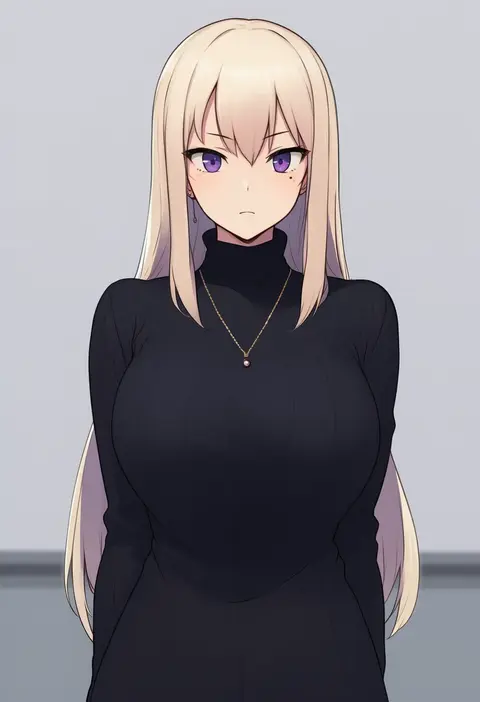
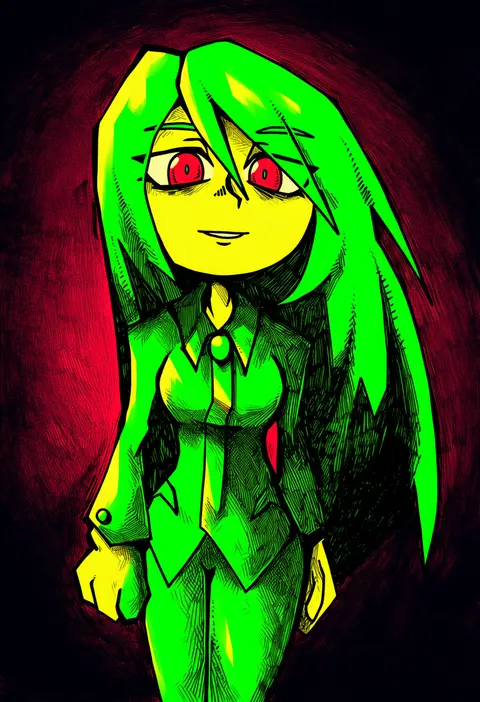
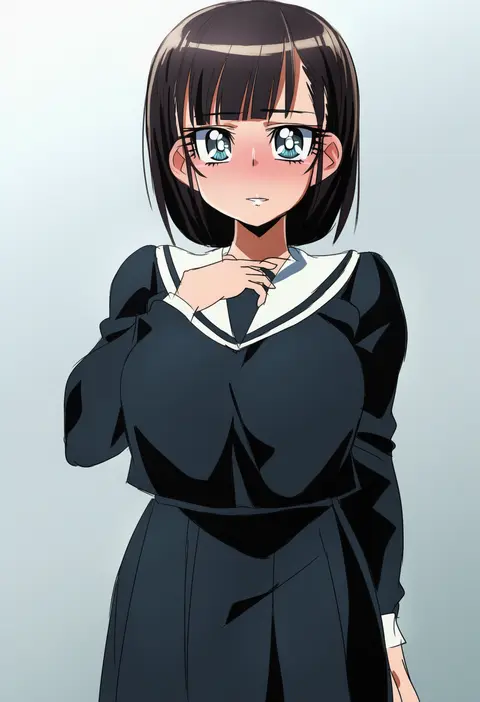
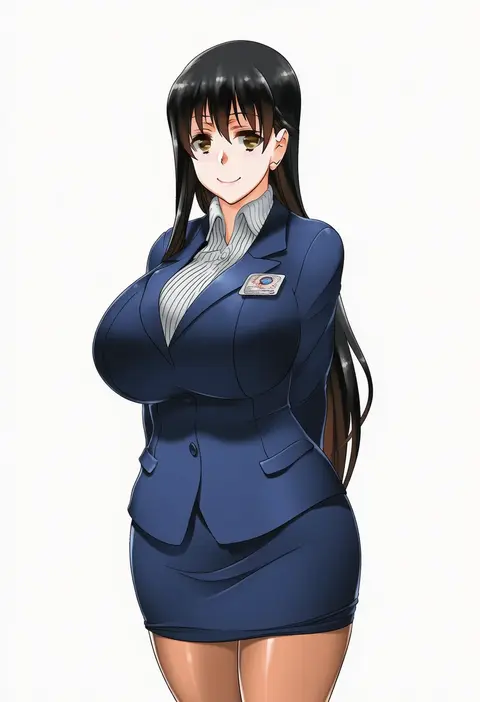
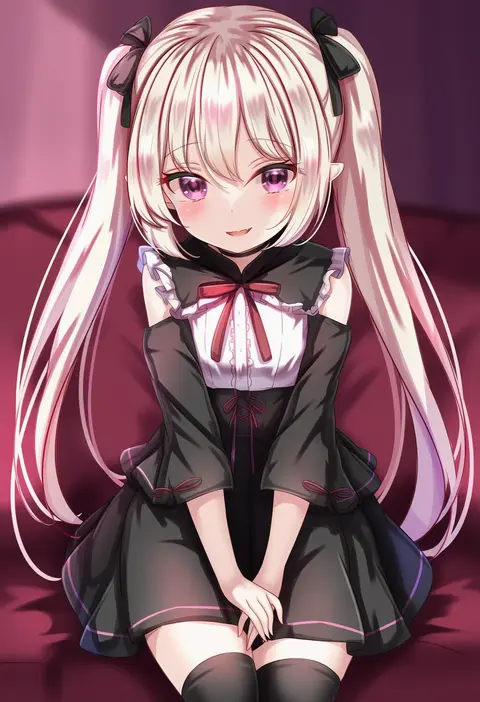
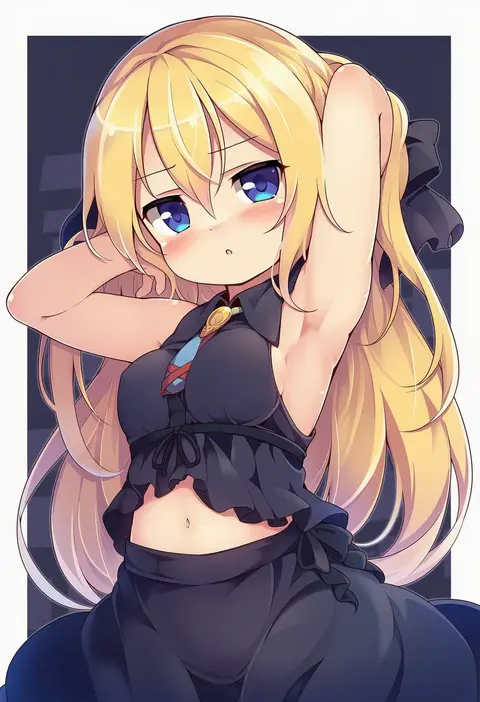
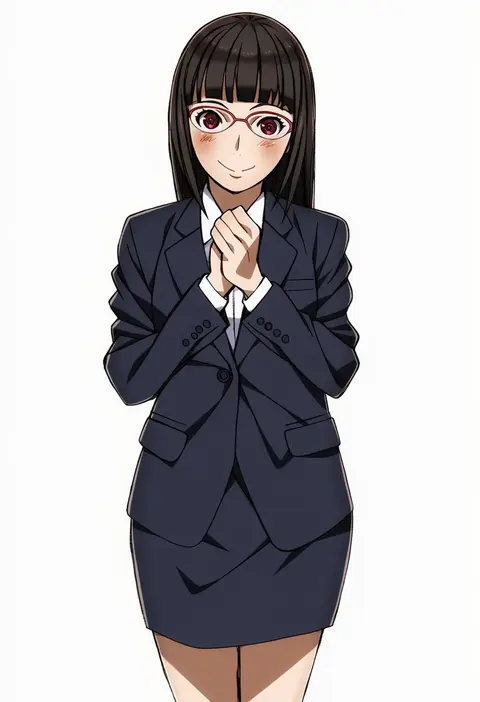
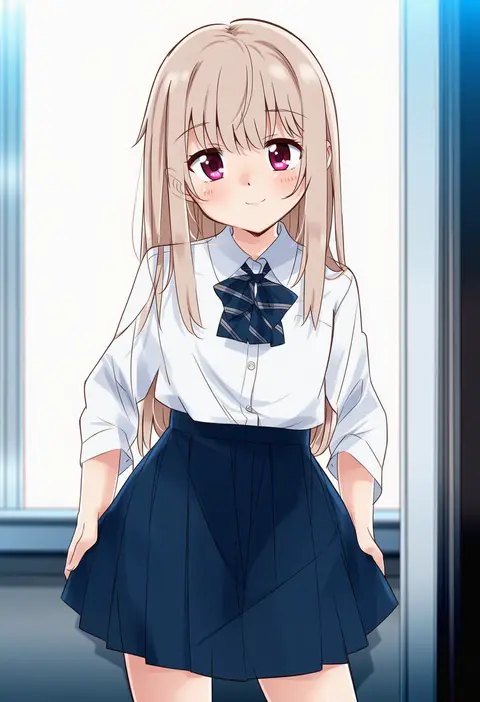
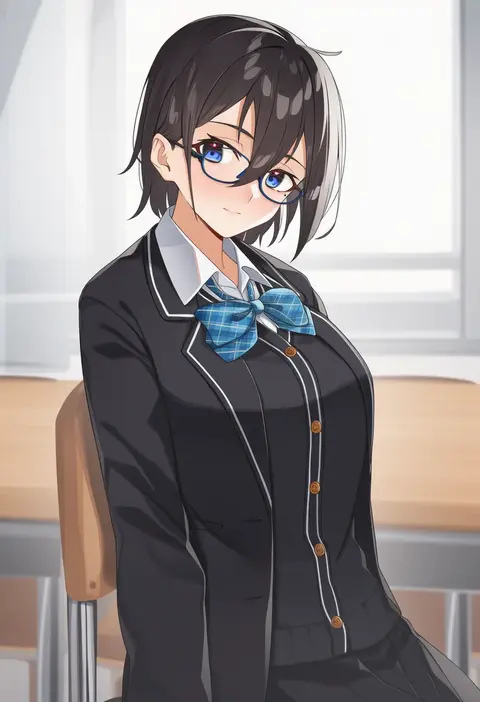
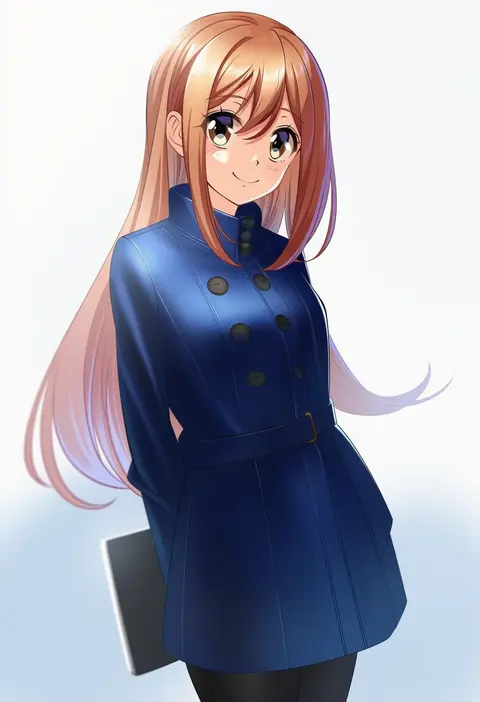
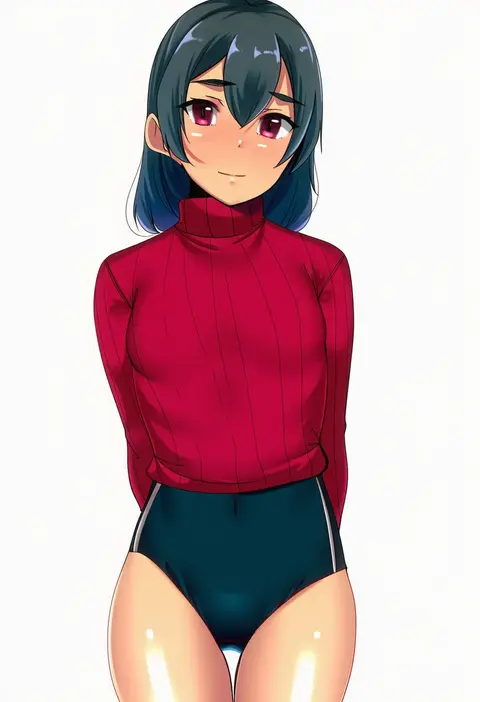
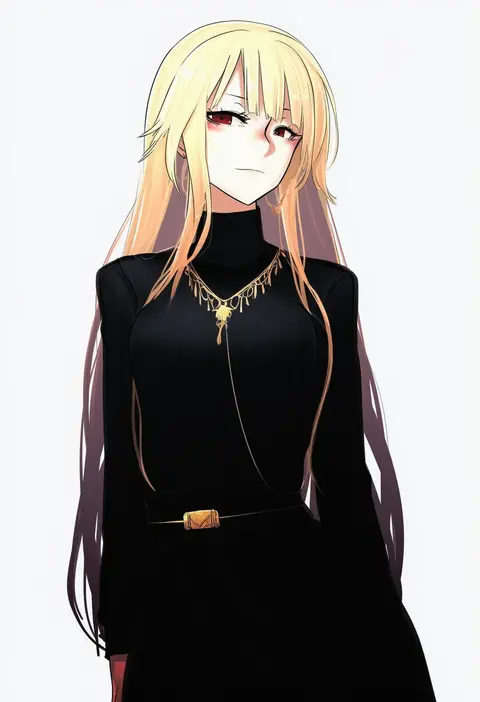
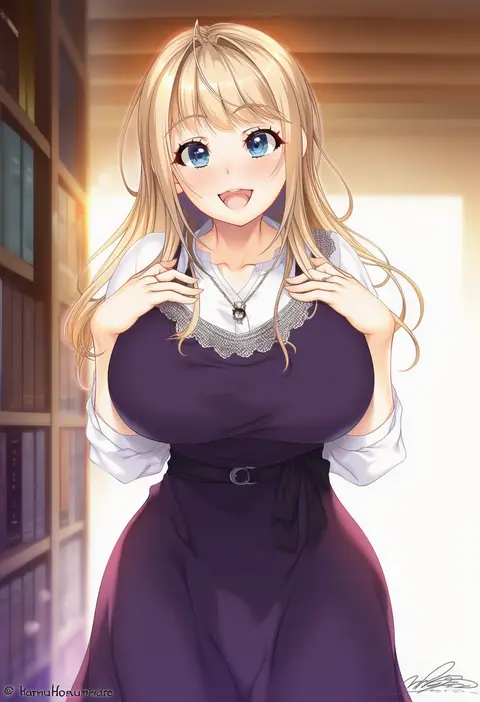
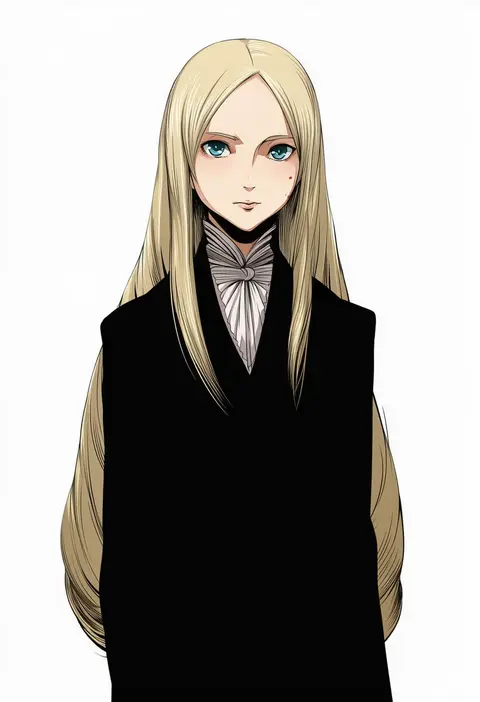
Every tag listed here is verified to react in NovelAI. All images use the same prompt, seed and settings with only the artist tag swapped, so the difference between two images is the style that tag brings in.

How to use them

Put the artist tag near the front of the prompt, e.g. "<artist>, 1girl, solo, best quality, masterpiece, cowboy shot". Two or three artist tags blend styles; lower the weight with "0.8::<artist>::" when the style overpowers the character.

SCORE sorts by Danbooru's top score, POSTS by post count, FAVS by hearts on this site. Open a card to see V5 and V4.5 side by side on the same seed.

V5 vs V4.5

V5 usually lands closer to the artist's real style, and tags that did nothing on V4.5 often react on V5. V4.5 still fits older and doujin-heavy artists better. Try V5 first, fall back to V4.5.

FAQ

Where does the artist tag go?
Near the front of the prompt. Use "0.8::tag::" to adjust its weight.

Can I stack artist tags?
Yes, styles blend. Past two or three the result stops looking like anyone.

Are these the artists' own works?
No. Every image is a NovelAI sample generated from the tag.