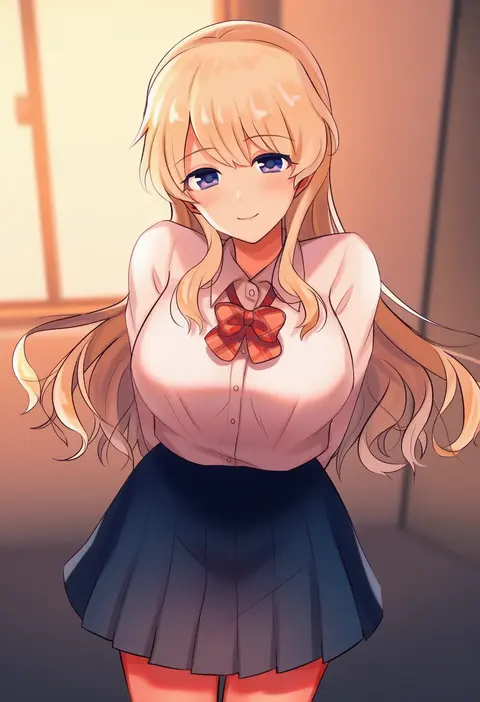
V4.5Artists
sort: FAVS▾
▾
>
$

NovelAI Artist Tags List — V4.5

artist --count 16,352[147/273]
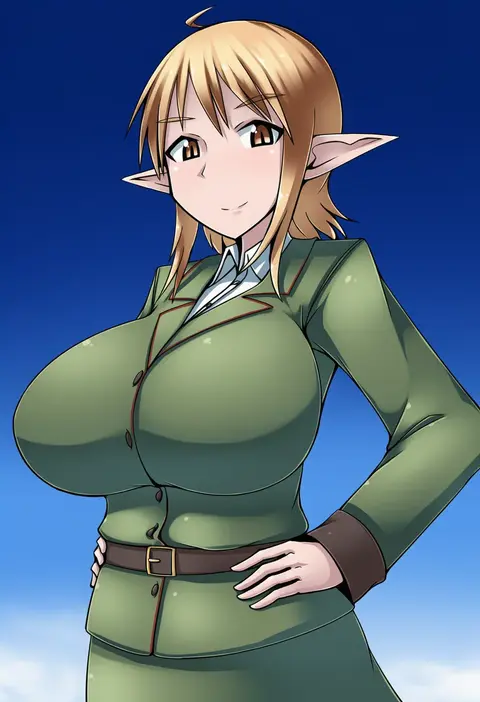
terada ochiko
ARTIST0x2238
0
tsunemoku
ARTIST0x2239
0
amakawa sakko
ARTIST0x223A
0
mitama mudimudi
ARTIST0x223B
0
kaqo
ARTIST0x223C
0
vania600
ARTIST0x223D
0
neneru
ARTIST0x223E
0
yamada naoko (hideko1227)
ARTIST0x223F
0
fujiya takao
ARTIST0x2240
0
takei ooki
ARTIST0x2241
0
io naomichi
ARTIST0x2242
0
poncho s
ARTIST0x2243
0
hizuki miya
ARTIST0x2244
0
kida kuro mu
ARTIST0x2245
0
fuyuki (neigedhiver)
ARTIST0x2246
0
kaleka
ARTIST0x2247
0
maeda r44
ARTIST0x2248
0
deliciousbrain
ARTIST0x2249
0
happyongdal
ARTIST0x224A
0
justin leyva (steamy tomato)
ARTIST0x224B
0
sunege (hp0715)
ARTIST0x224C
0
beru
ARTIST0x224D
0
filkia
ARTIST0x224E
0
parkgee
ARTIST0x224F
0
urasanmyaku
ARTIST0x2250
0
kiliko-san
ARTIST0x2251
0
maneki-neko (fujifuji)
ARTIST0x2252
0
red-p
ARTIST0x2253
0
ringopan
ARTIST0x2254
0
haruhitooo
ARTIST0x2255
0
jyaco
ARTIST0x2256
0
liyart
ARTIST0x2257
0
nishuu miri
ARTIST0x2258
0
shoichi (ekakijin)
ARTIST0x2259
0
sagas293
ARTIST0x225A
0
touko (toko12 tooko)
ARTIST0x225B
0
hafuku
ARTIST0x225C
0
mayuri kaichou
ARTIST0x225D
0
arinu
ARTIST0x225E
0
ajitarou (setsu)
ARTIST0x225F
0
tetsu (kimuchi)
ARTIST0x2260
0
sukoyaka (100hituzi)
ARTIST0x2261
0
yuuma (skirthike)
ARTIST0x2262
0
gishiki (gshk)
ARTIST0x2263
0
idkuroi
ARTIST0x2264
0
hamaken. (novelize)
ARTIST0x2265
0
tenjou ryuka
ARTIST0x2266
0
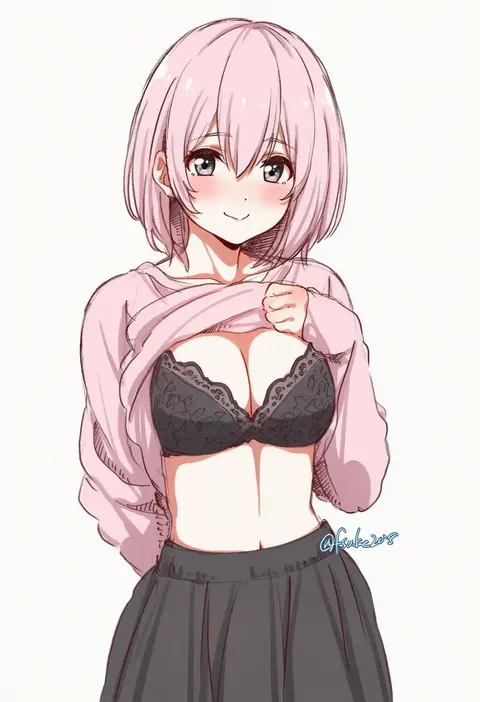
fuusuke (fusuke208)
ARTIST0x2267
0
aki poi
ARTIST0x2268
0
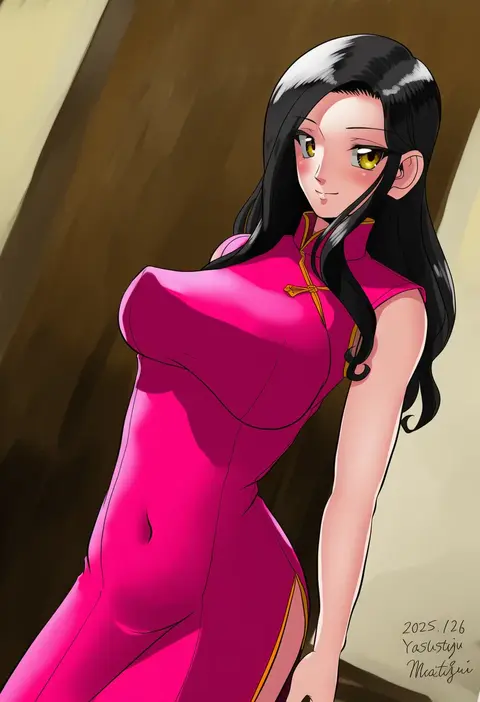
matsui yasutsugu
ARTIST0x2269
0
fish.boy
ARTIST0x226A
0
polilla
ARTIST0x226B
0
miy@
ARTIST0x226C
0
satsuki imonet
ARTIST0x226D
0
asada sadao
ARTIST0x226E
0
pori (kmt pori)
ARTIST0x226F
0
takomeshi
ARTIST0x2270
0
makura (y makura)
ARTIST0x2271
0
mao xiaozha (rumiechen)
ARTIST0x2272
0
senbei (senbe i)
ARTIST0x2273
0

What these tags change

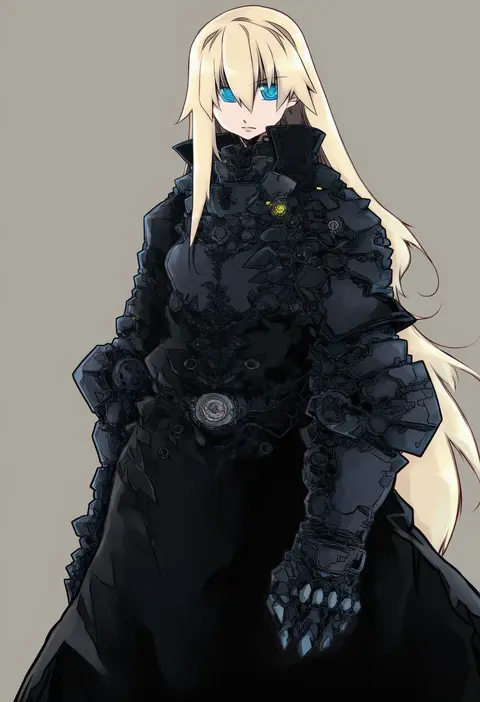
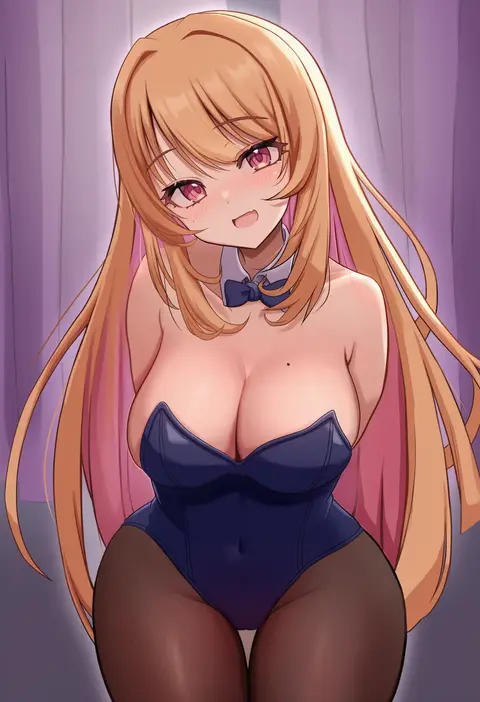
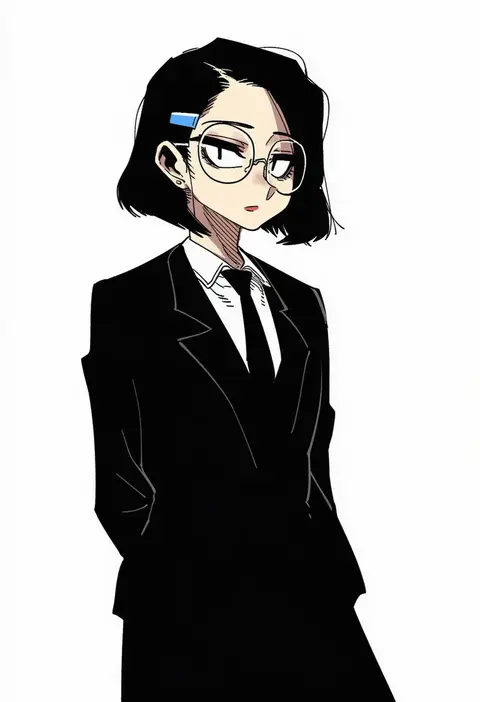
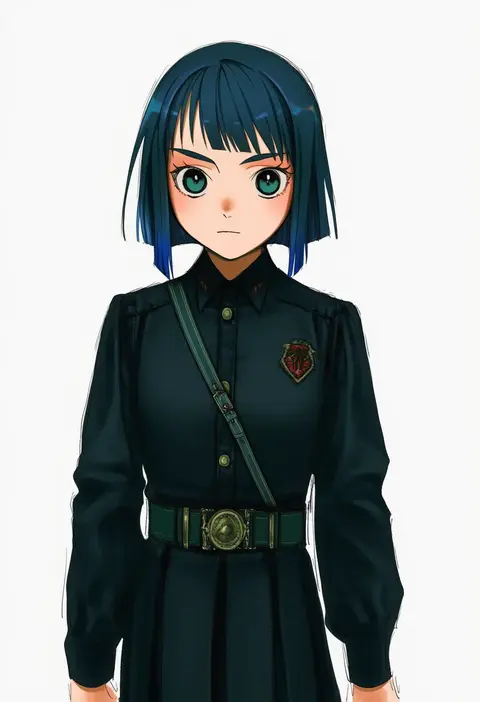
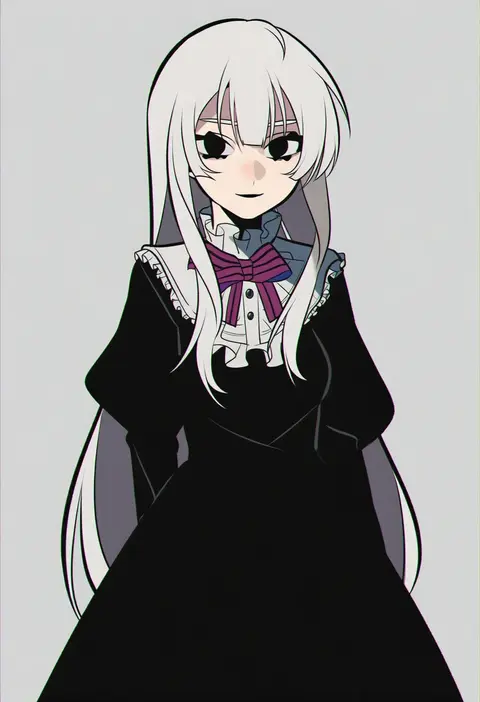
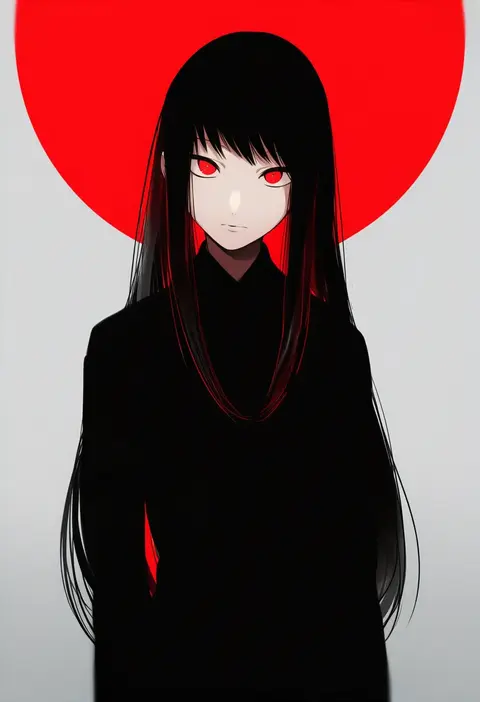
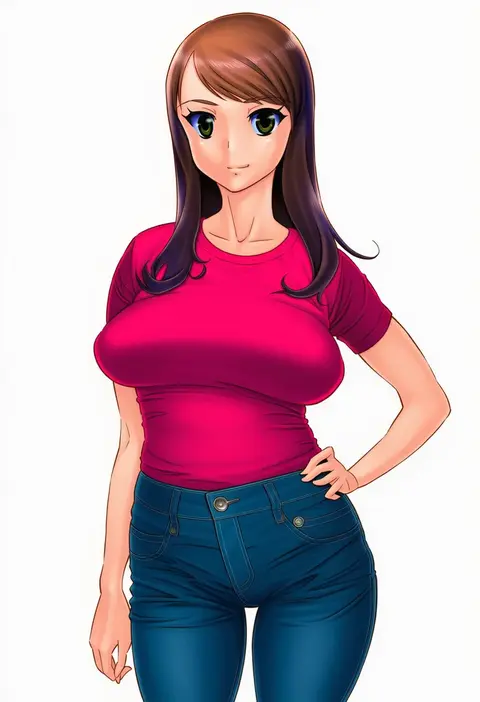
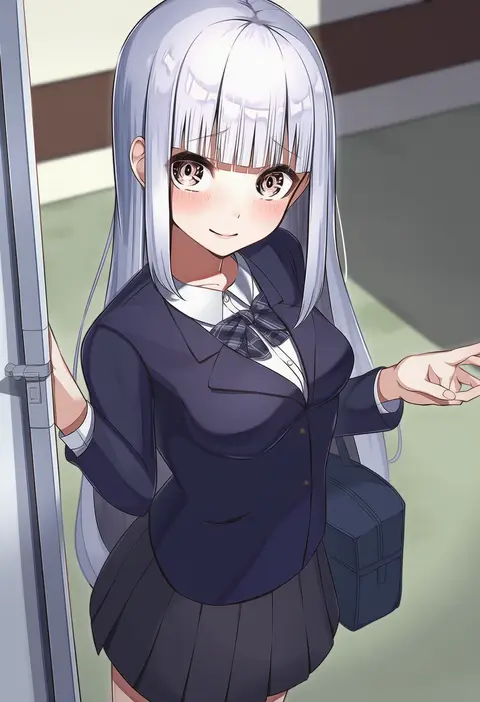
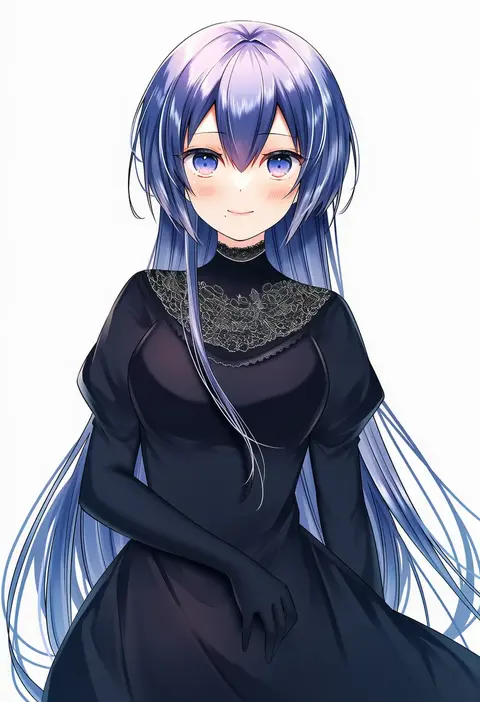
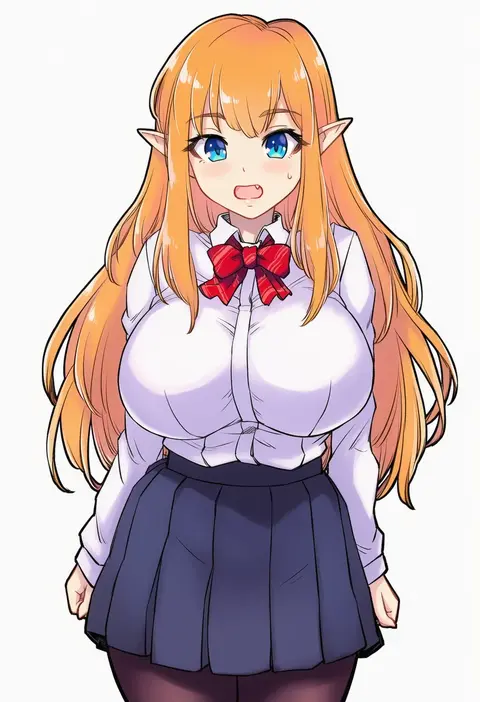
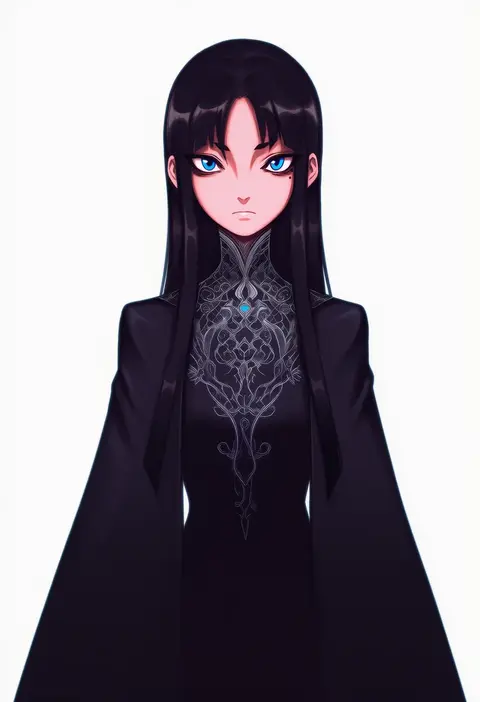
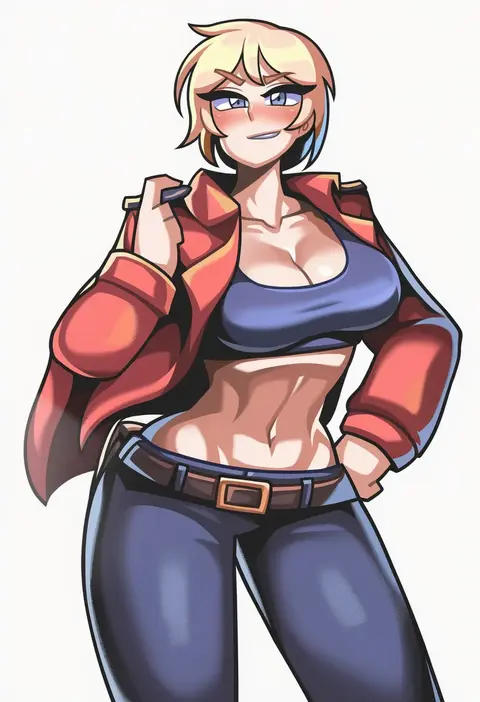
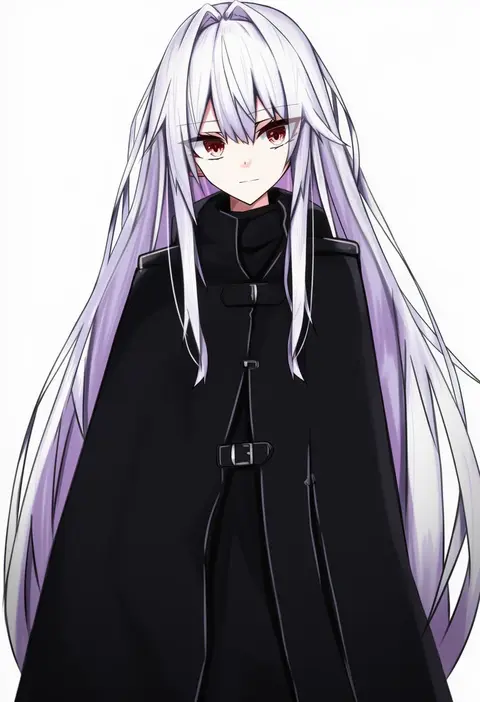
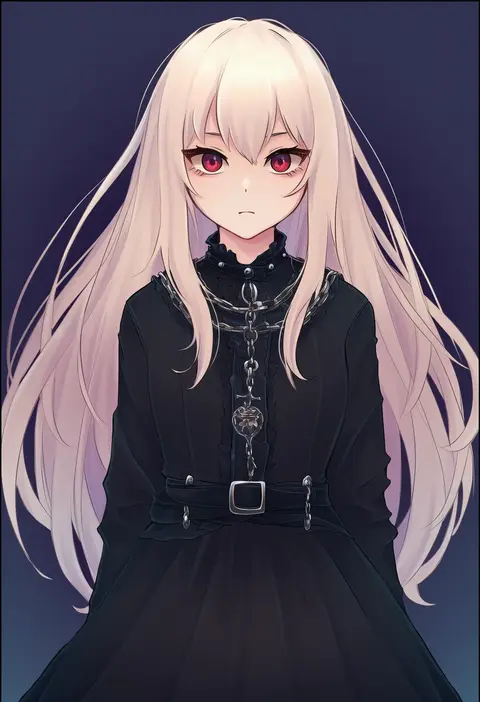
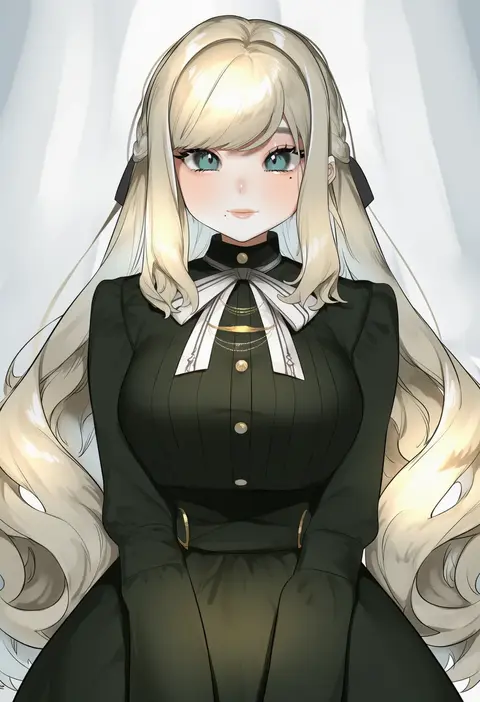
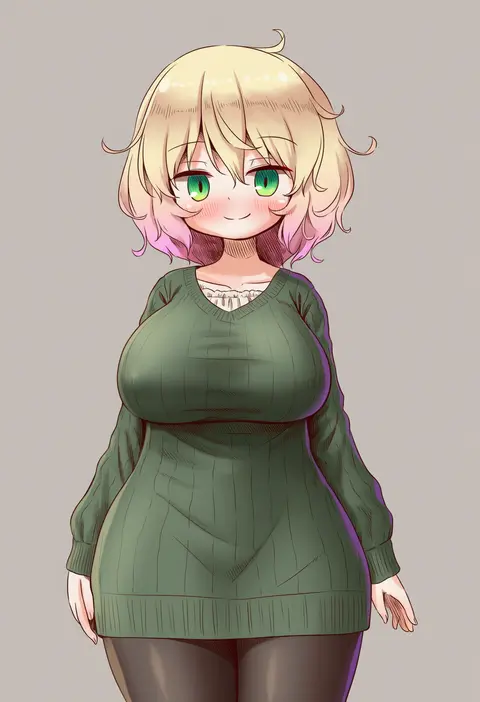
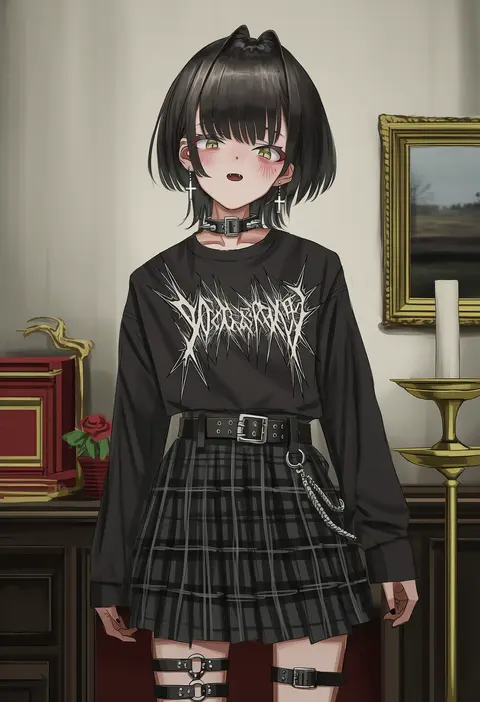
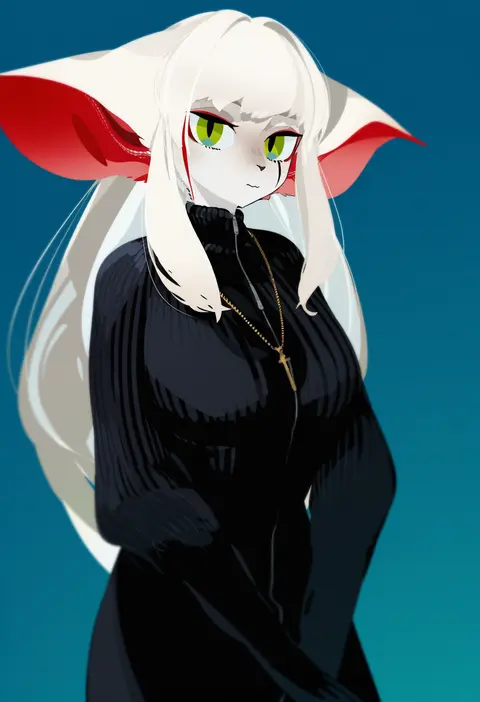
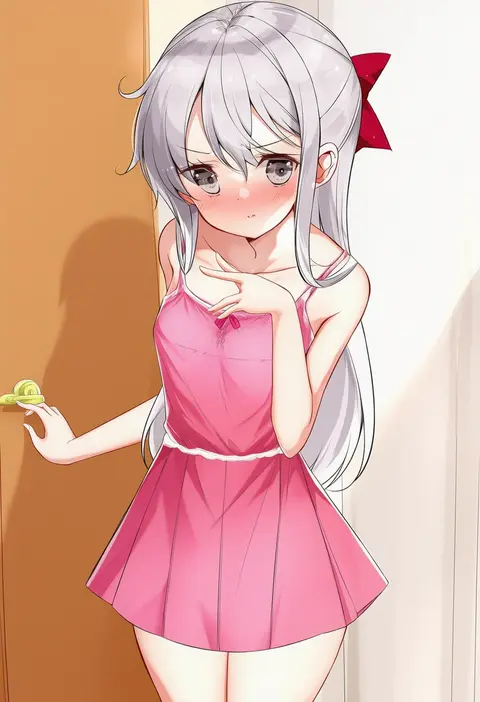
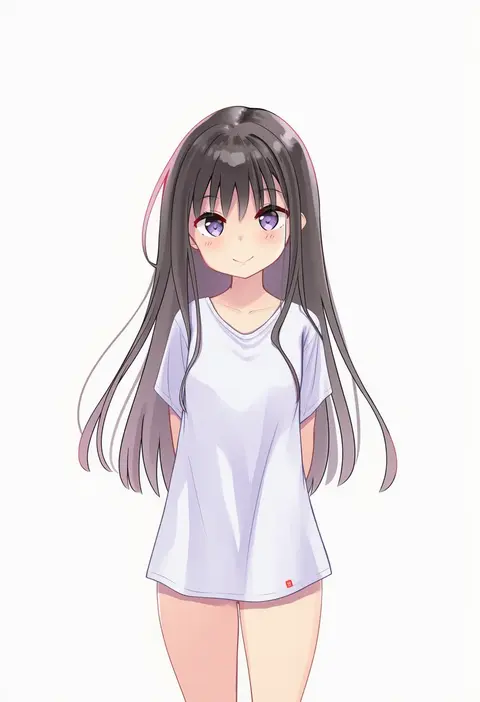
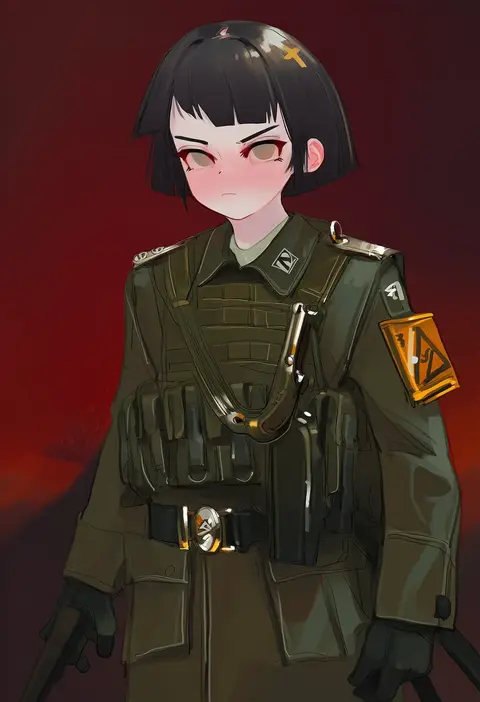
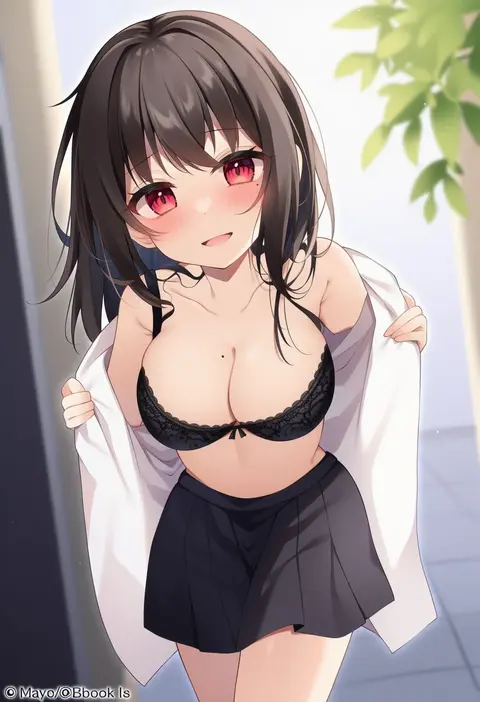
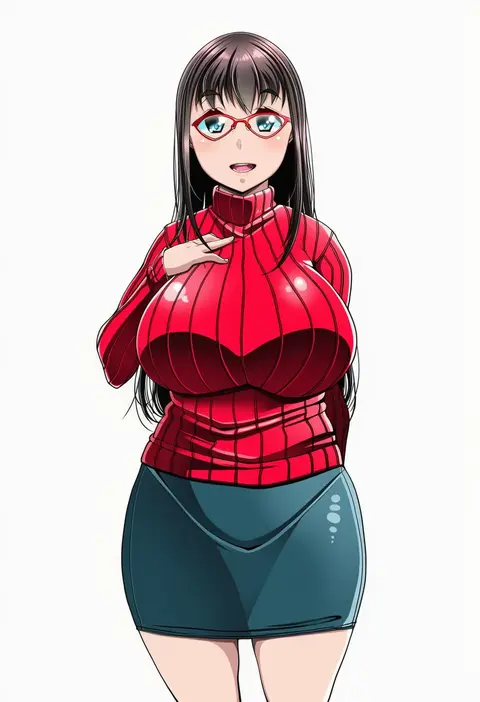
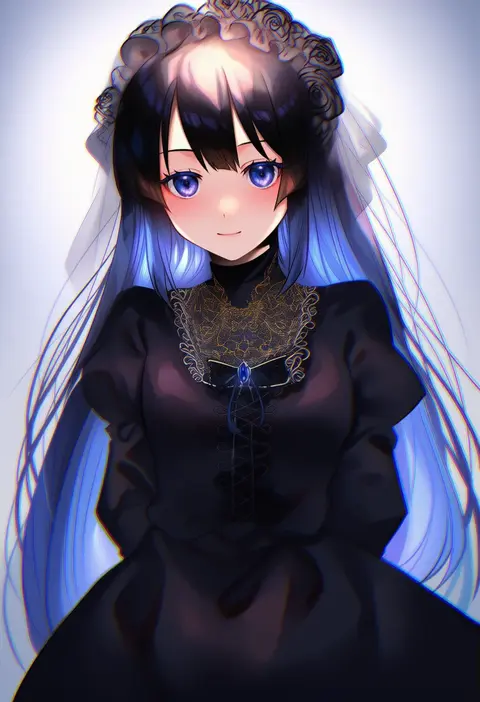
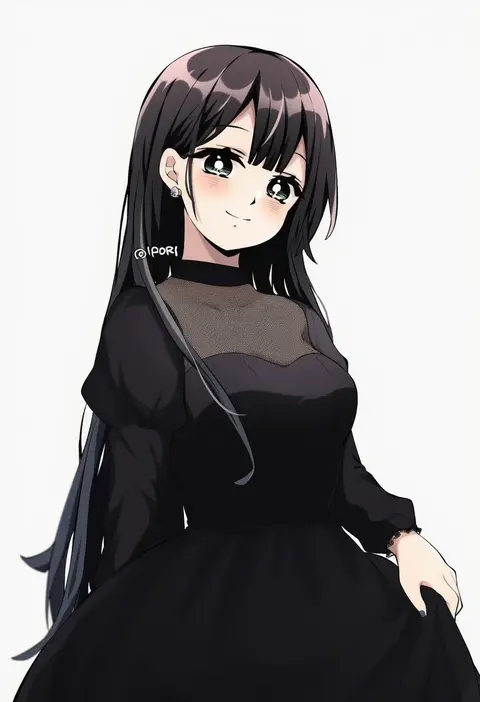
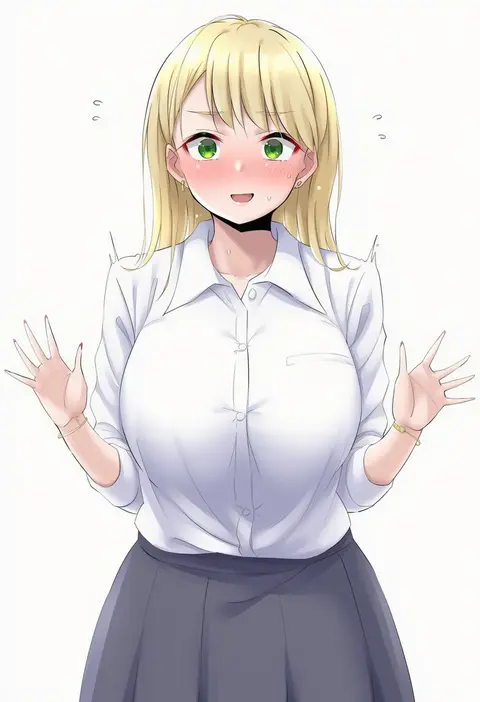
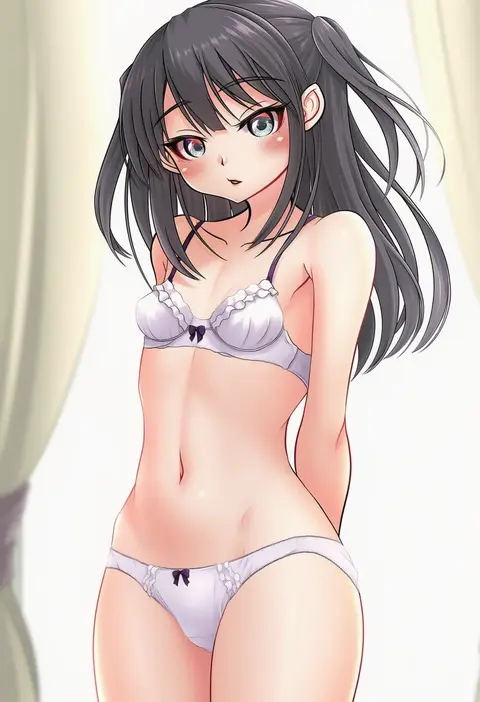
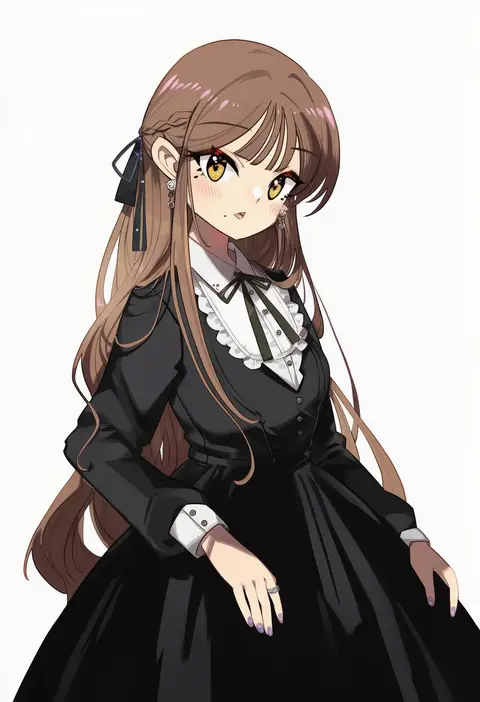
Artist tags tell NovelAI Diffusion to draw in a specific artist's style: line weight, paint texture, face shapes and palette all shift at once. Character and outfit tags decide what is drawn; artist tags decide how. 16,352 tags are listed for V4.5.
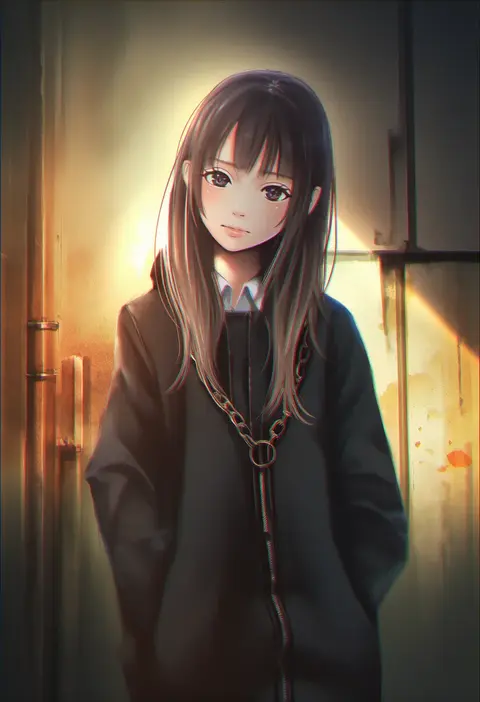
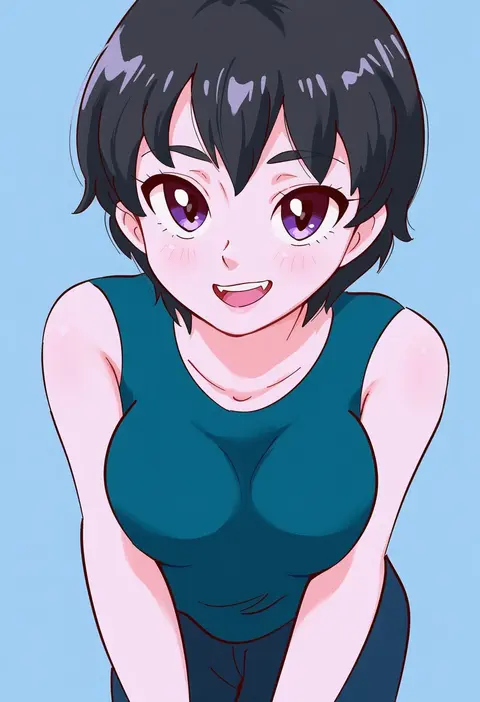
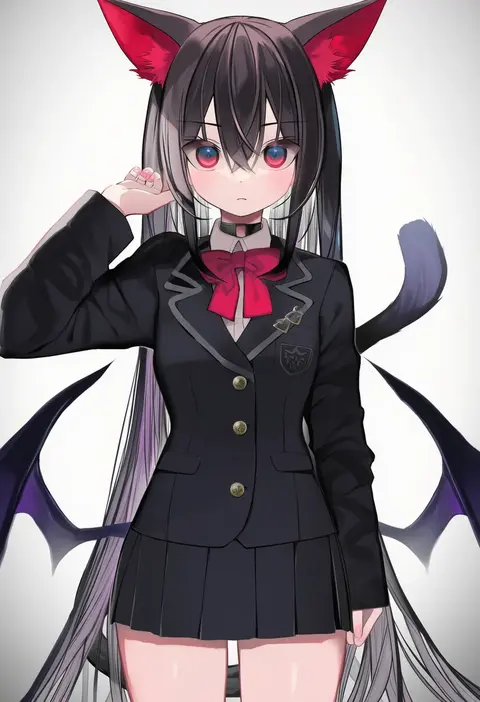
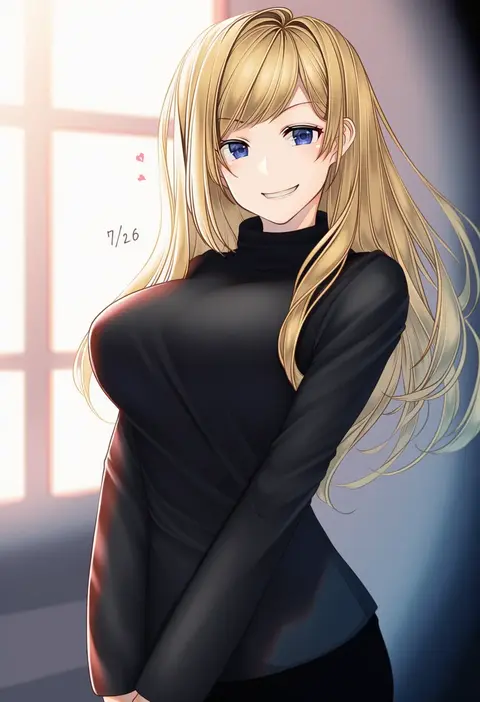
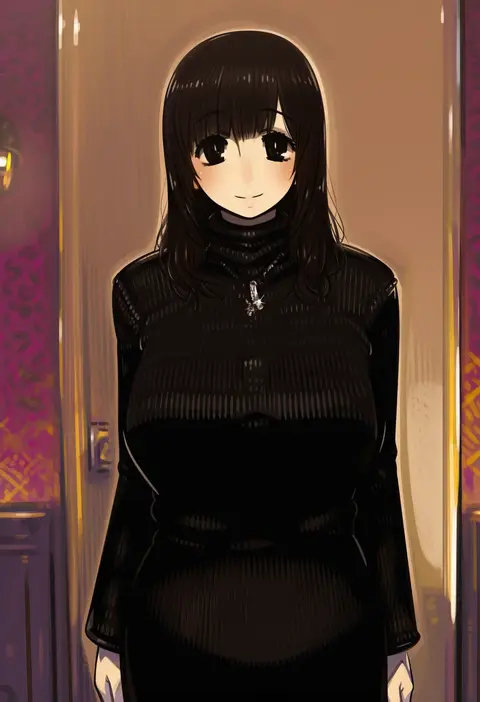
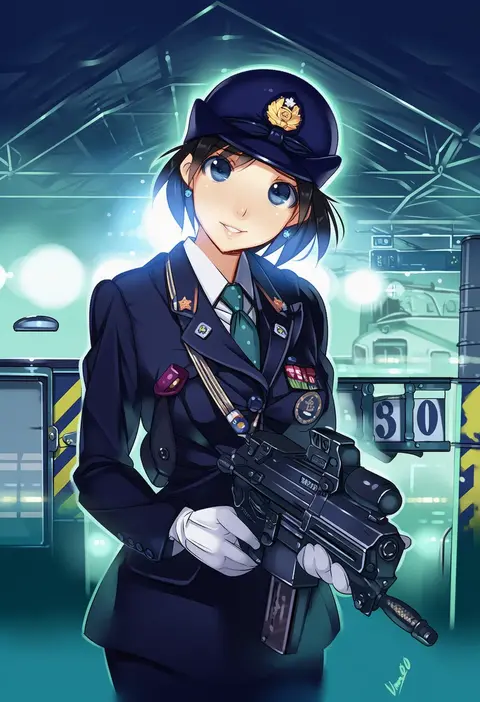
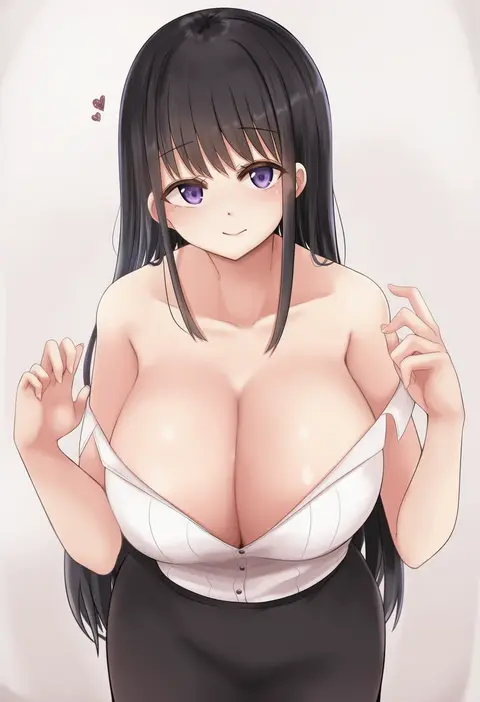
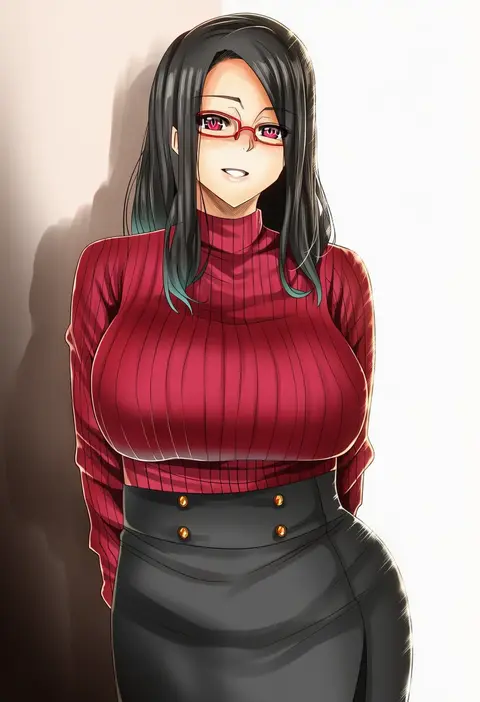
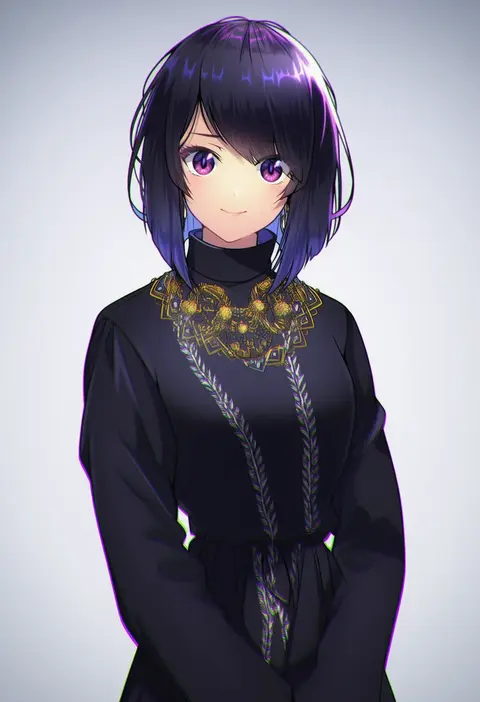
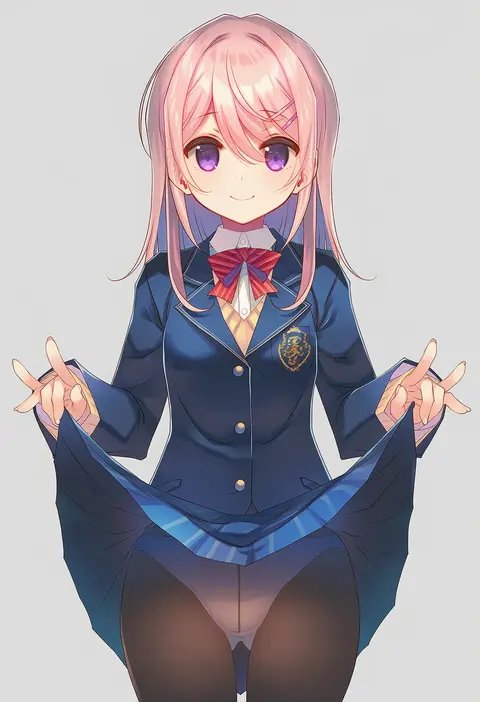
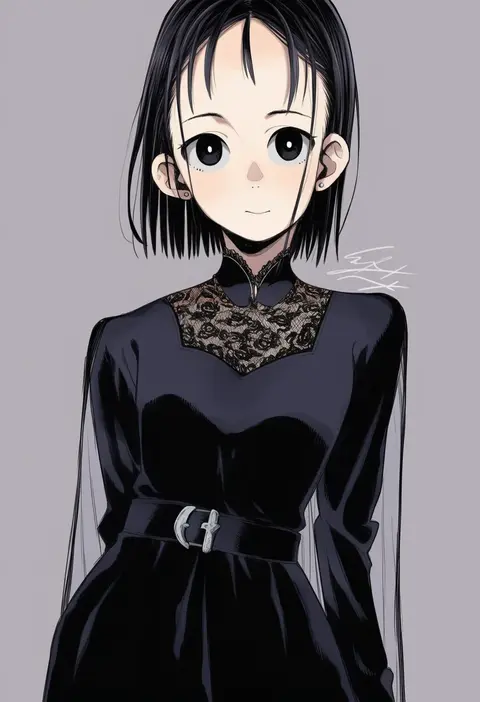
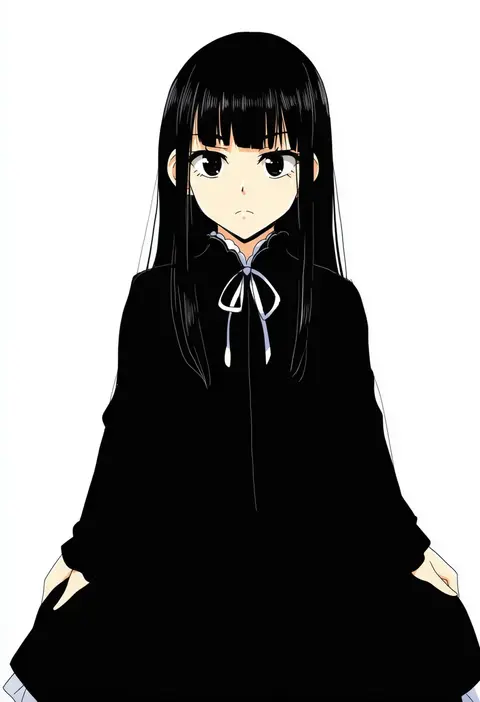
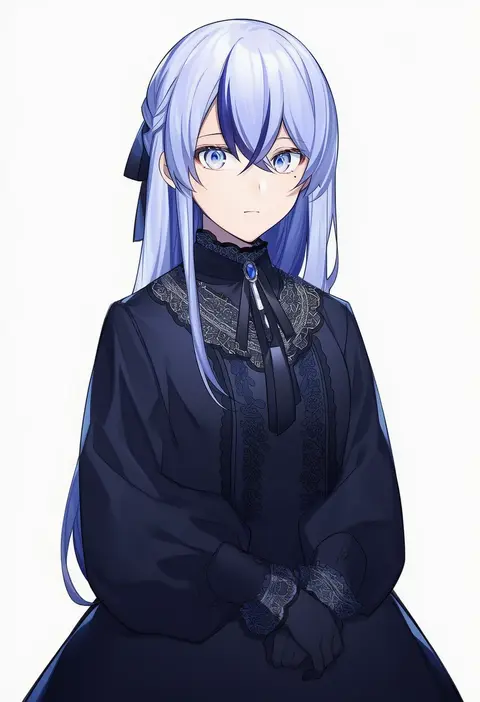
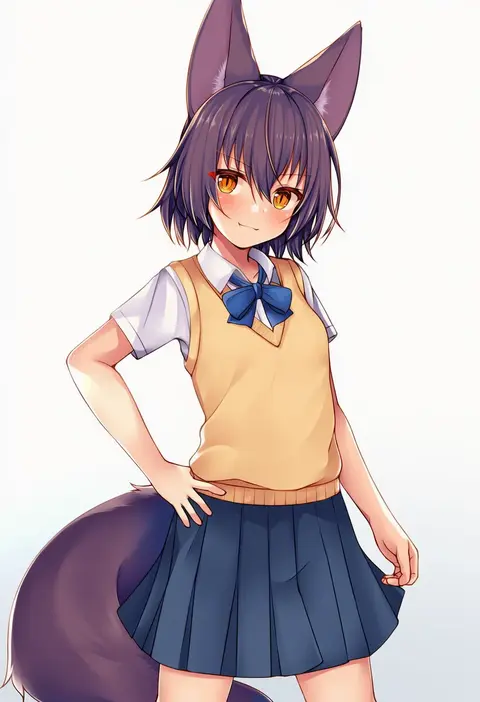
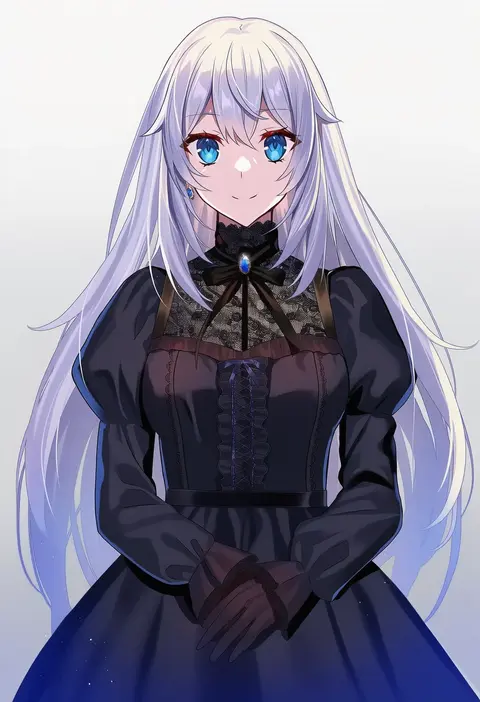
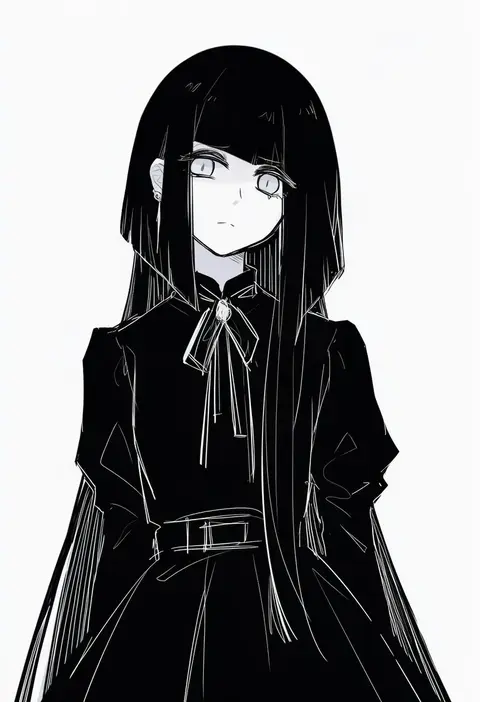
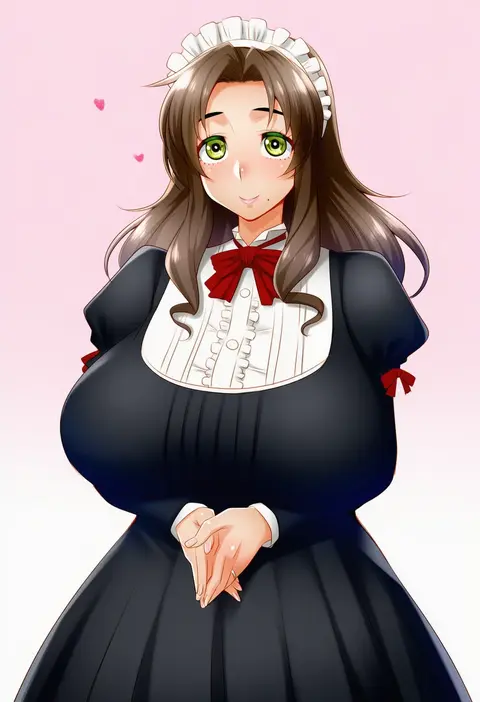
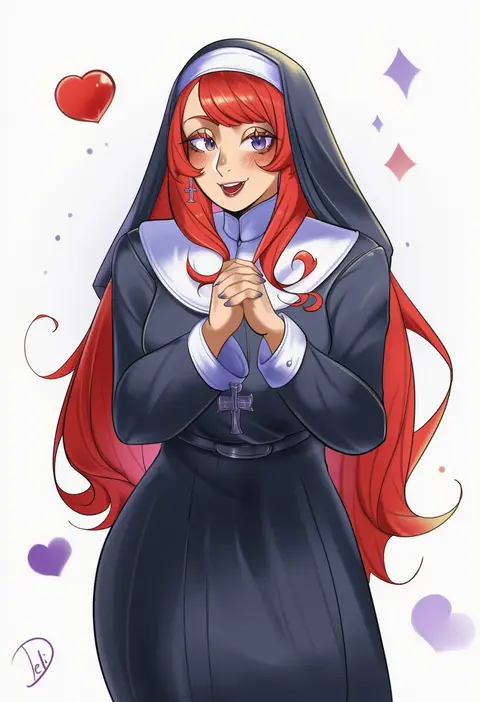
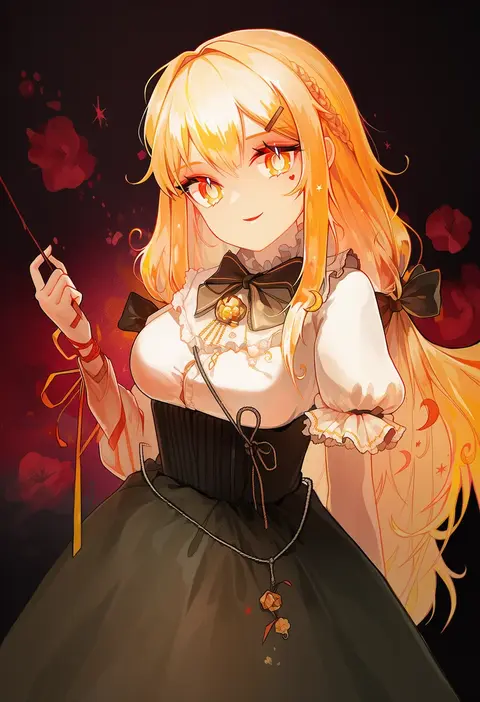
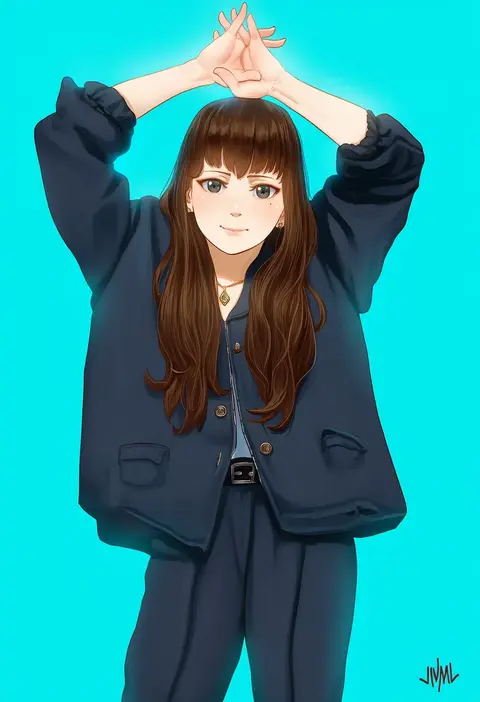
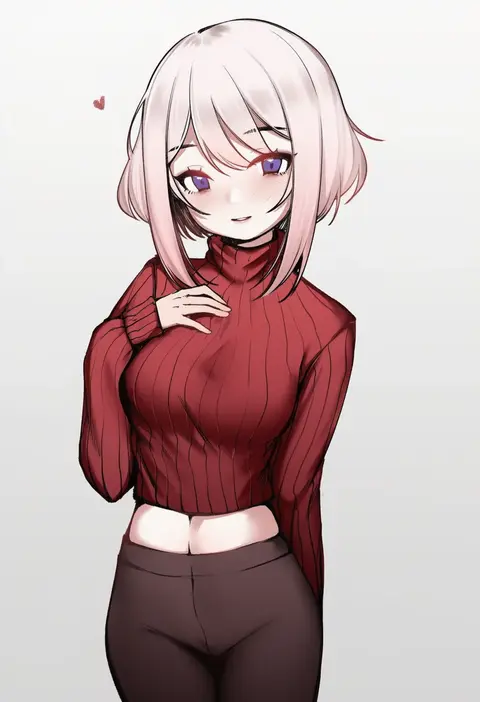
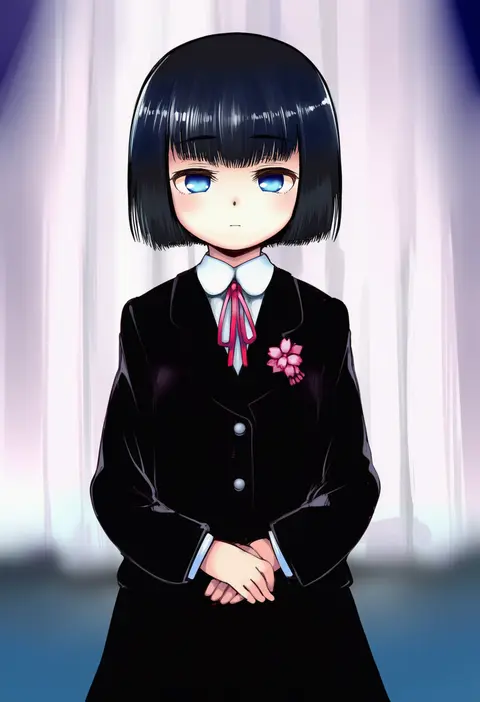
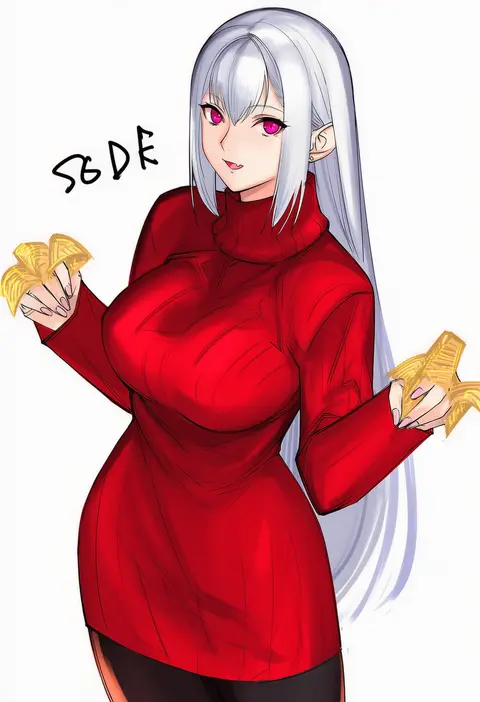
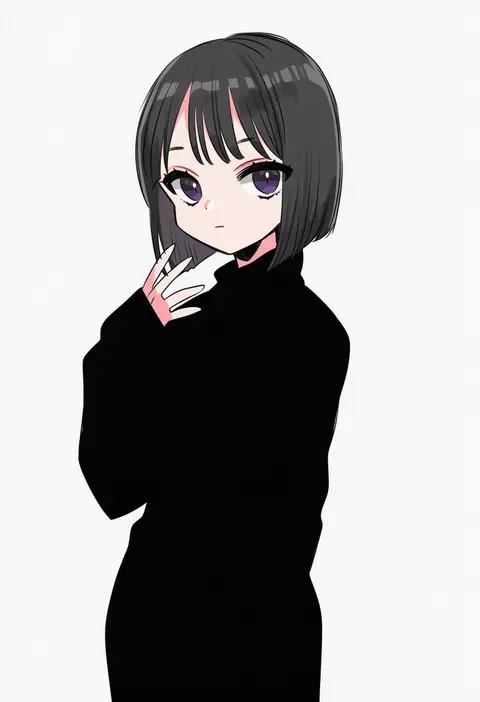
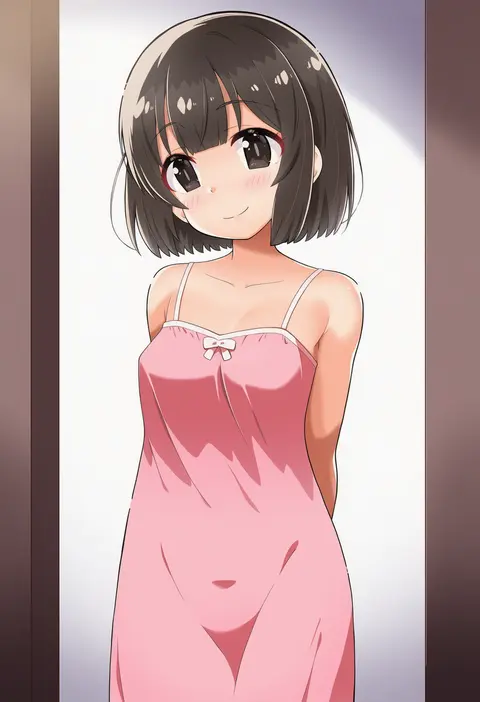
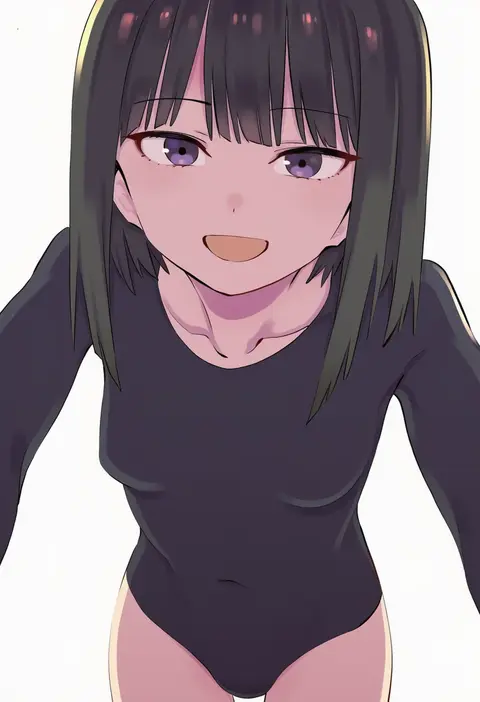
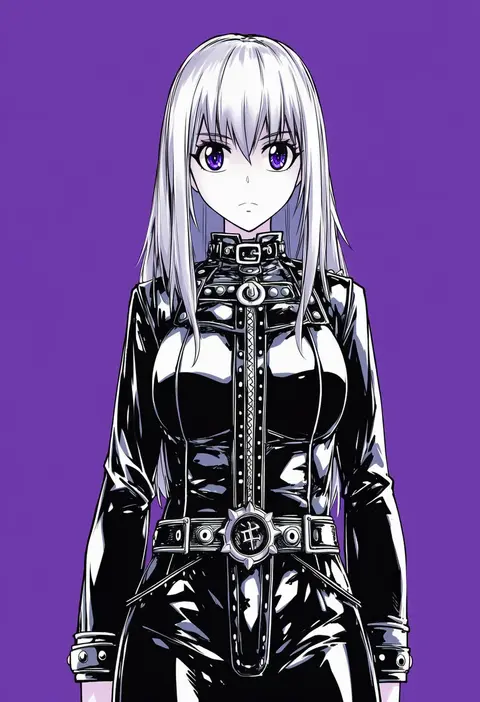
Every tag listed here is verified to react in NovelAI. All images use the same prompt, seed and settings with only the artist tag swapped, so the difference between two images is the style that tag brings in.

How to use them

Put the artist tag near the front of the prompt, e.g. "<artist>, 1girl, solo, best quality, masterpiece, cowboy shot". Two or three artist tags blend styles; lower the weight with "0.8::<artist>::" when the style overpowers the character.

SCORE sorts by Danbooru's top score, POSTS by post count, FAVS by hearts on this site. Open a card to see V5 and V4.5 side by side on the same seed.

V5 vs V4.5

V5 usually lands closer to the artist's real style, and tags that did nothing on V4.5 often react on V5. V4.5 still fits older and doujin-heavy artists better. Try V5 first, fall back to V4.5.

FAQ

Where does the artist tag go?
Near the front of the prompt. Use "0.8::tag::" to adjust its weight.

Can I stack artist tags?
Yes, styles blend. Past two or three the result stops looking like anyone.

Are these the artists' own works?
No. Every image is a NovelAI sample generated from the tag.