V4.5Artists
sort: FAVS▾
▾
>
$

NovelAI Artist Tags List — V4.5

artist --count 16,352[150/273]
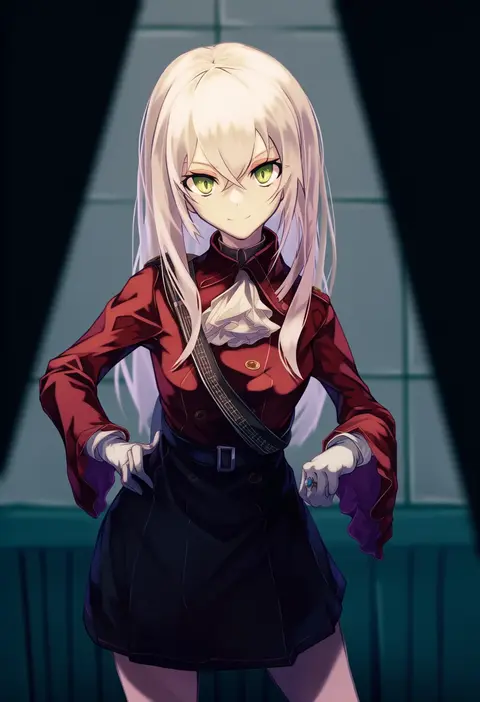
online neet
ARTIST0x22EC
0
xi luo an ya
ARTIST0x22ED
0
sainome (imveryfinethx)
ARTIST0x22EE
0
homare (g hmr88)
ARTIST0x22EF
0
pachio (patioglass)
ARTIST0x22F0
0
miwa shirow
ARTIST0x22F1
0
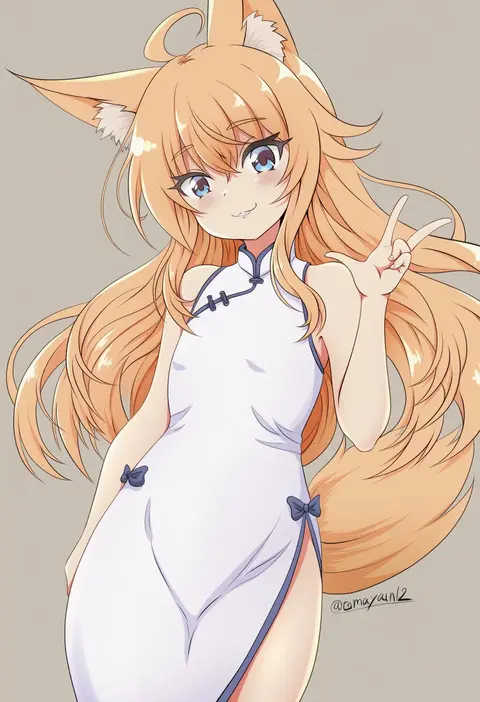
tamayan
ARTIST0x22F2
0
katou shinobu
ARTIST0x22F3
0
ray-k
ARTIST0x22F4
0
tomoshibi hidekazu
ARTIST0x22F5
0
cosaten
ARTIST0x22F6
0
marimo (yousei ranbu)
ARTIST0x22F7
0
nyanya
ARTIST0x22F8
0
bonnie (rsg)
ARTIST0x22F9
0
tai (nazutai)
ARTIST0x22FA
0
purunyara
ARTIST0x22FB
0
chibikki
ARTIST0x22FC
0
ryuuta (msxtr)
ARTIST0x22FD
0
decoponmagi
ARTIST0x22FE
0
omucchan (omutyuan)
ARTIST0x22FF
0
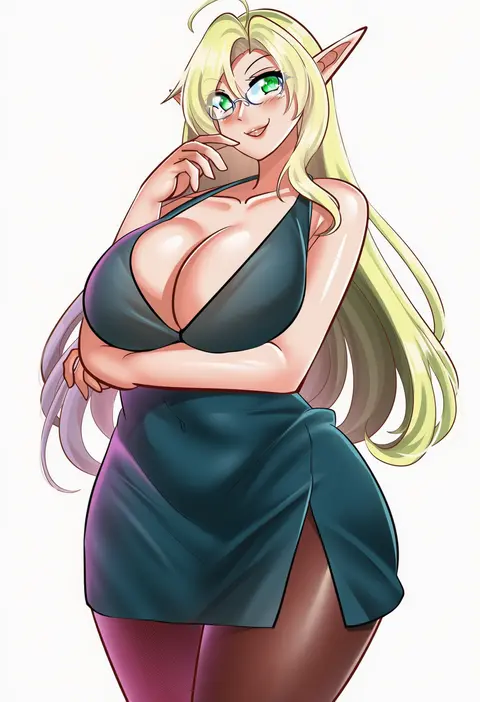
elf k
ARTIST0x2300
0
tamayume
ARTIST0x2301
0
hai (h81908190)
ARTIST0x2302
0
rimu (kingyo origin)
ARTIST0x2303
0
suicabar72
ARTIST0x2304
0
datemegane
ARTIST0x2305
0
hatyuuruinohito
ARTIST0x2306
0
anima miko
ARTIST0x2307
0
q-gaku
ARTIST0x2308
0
haluka (aixioo)
ARTIST0x2309
0
kohshibasaki
ARTIST0x230A
0
fuyuno kamome
ARTIST0x230B
0
yuzuzukushi
ARTIST0x230C
0
heriyama
ARTIST0x230D
0
mikuni mizuki
ARTIST0x230E
0
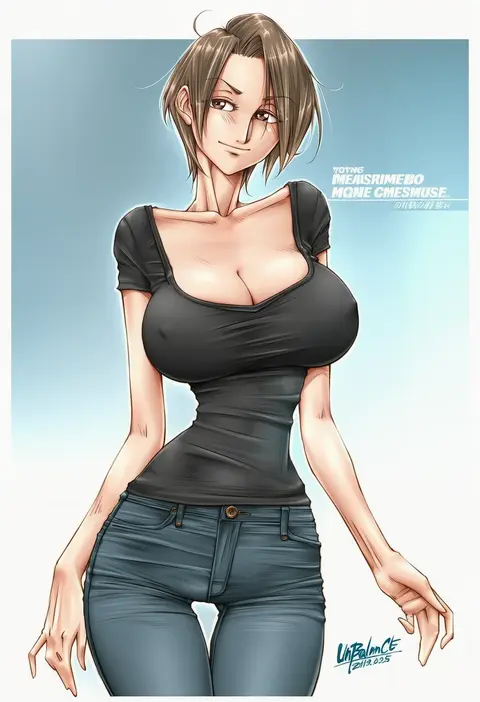
unbalance
ARTIST0x230F
0
marui
ARTIST0x2310
0
miyazawa tsutomu
ARTIST0x2311
0
alter (kxk7357)
ARTIST0x2312
0
nga (ray ray)
ARTIST0x2313
0
red-eyes macadamiachoco
ARTIST0x2314
0
yaegashi (muzzuleflash)
ARTIST0x2315
0
yahan (mctr5253)
ARTIST0x2316
0
andou tomoya
ARTIST0x2317
0
kurokawa karasu
ARTIST0x2318
0
haburashi
ARTIST0x2319
0
ameto yuki
ARTIST0x231A
0
yuzuki gao
ARTIST0x231B
0
maou alba
ARTIST0x231C
0
yourfreakyneighbourh
ARTIST0x231D
0
mayogii
ARTIST0x231E
0
jirou (chekoro)
ARTIST0x231F
0
sasahara wakaba
ARTIST0x2320
0
mado (mukade tou)
ARTIST0x2321
0
nase
ARTIST0x2322
0
shiki (shikki46)
ARTIST0x2323
0
nerukichikatafukuma
ARTIST0x2324
0
takano natsuki
ARTIST0x2325
0
chihiro (khorosho)
ARTIST0x2326
0
beleven
ARTIST0x2327
0

What these tags change

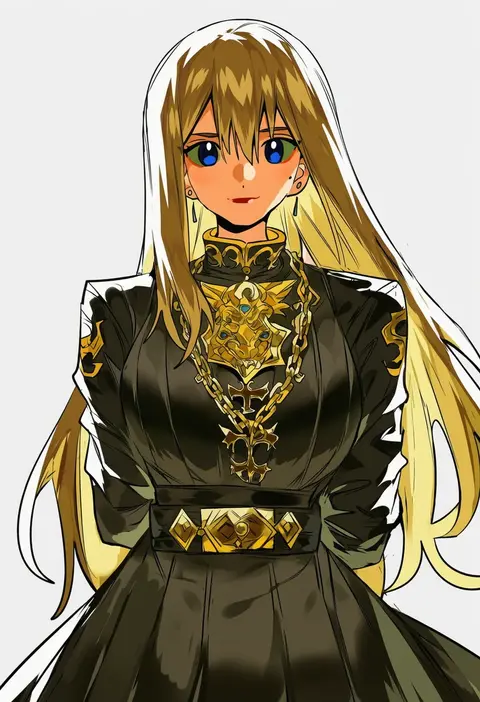
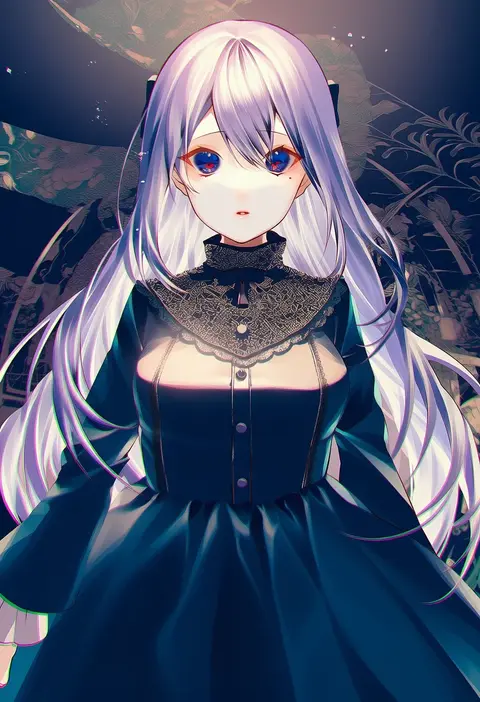
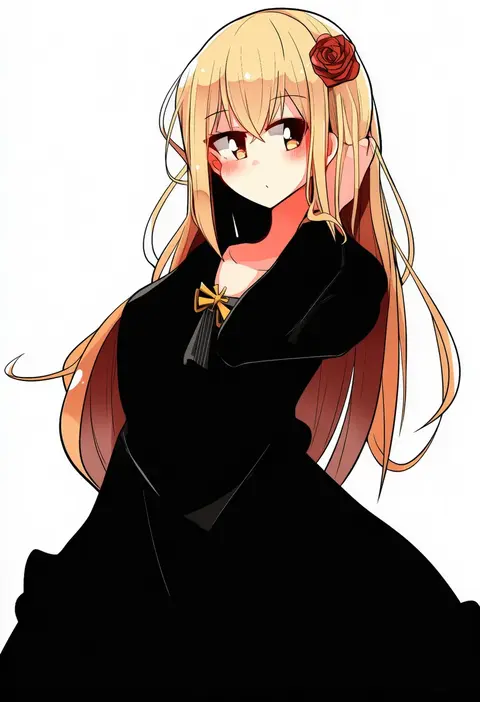
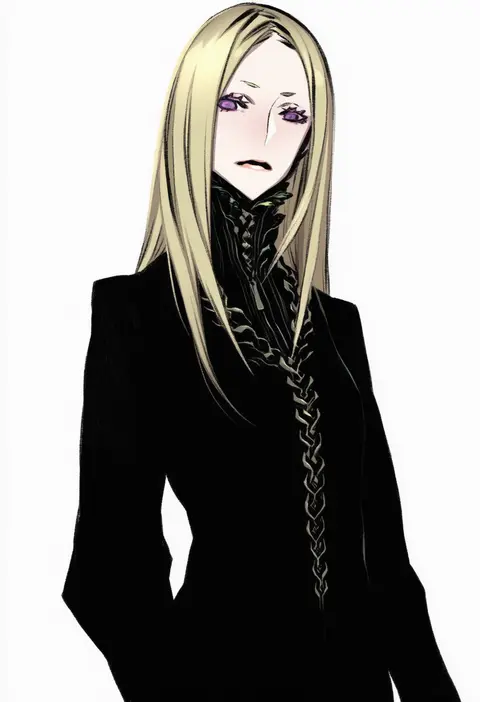
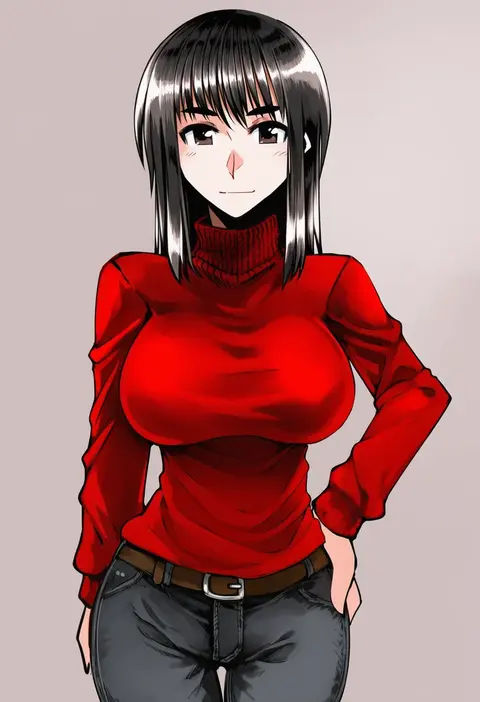
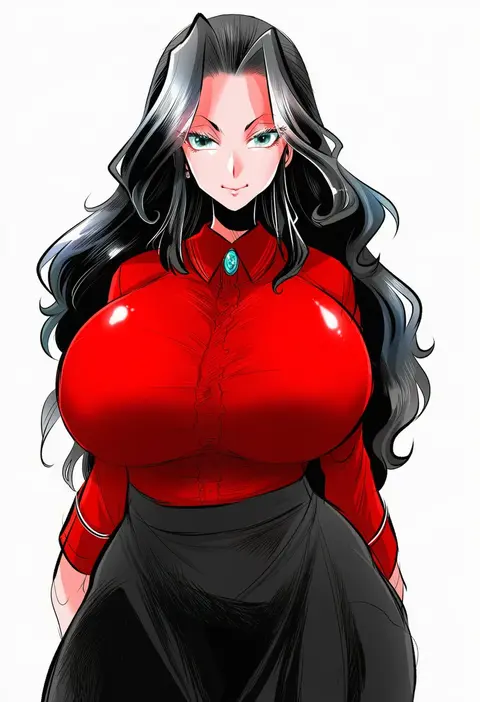
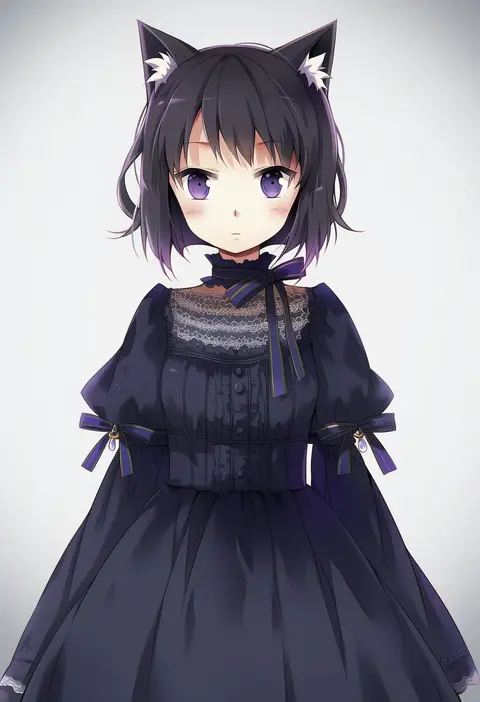
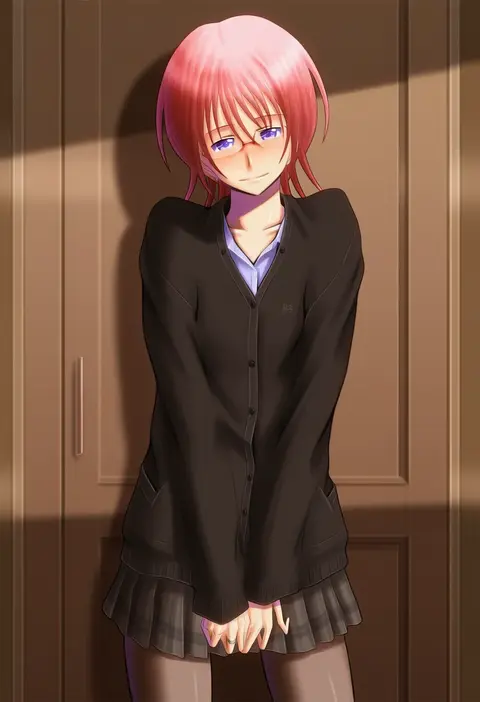
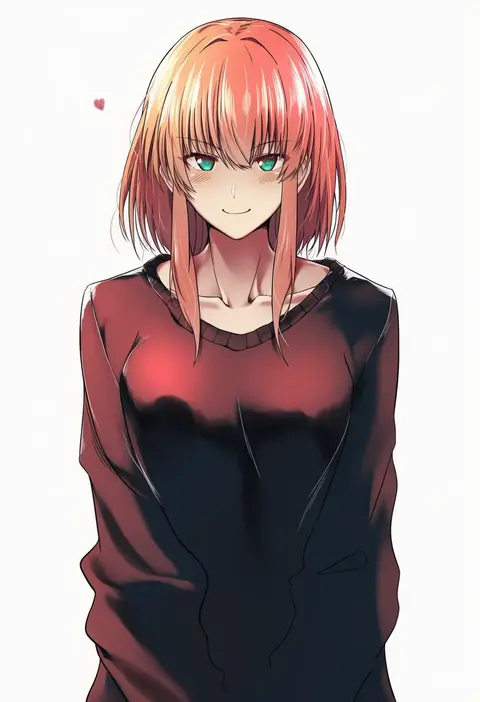
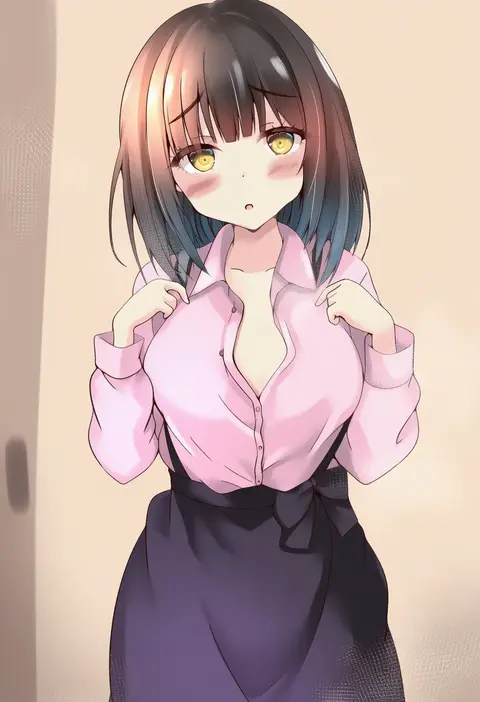
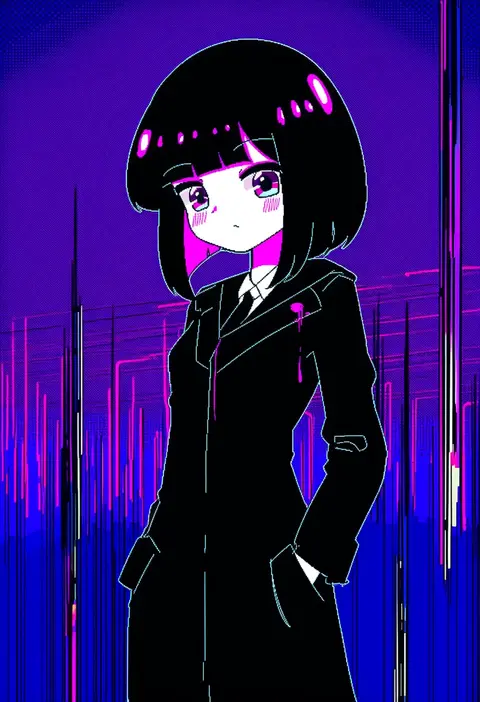
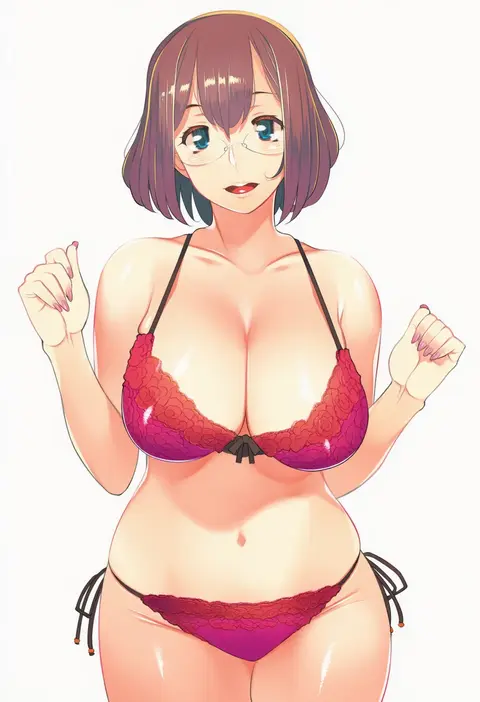
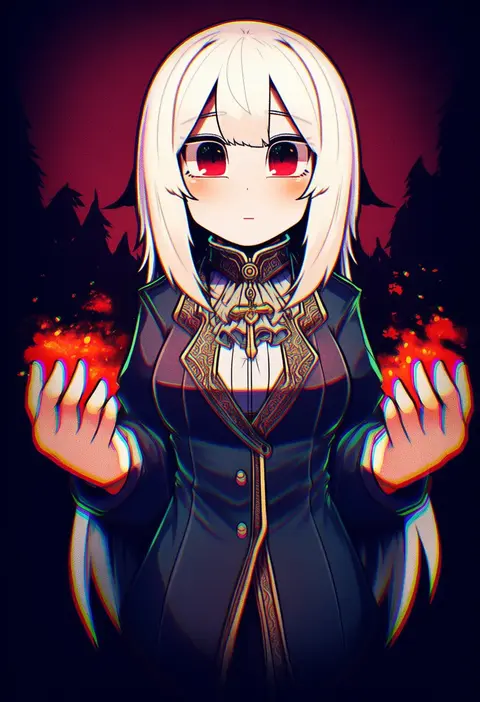
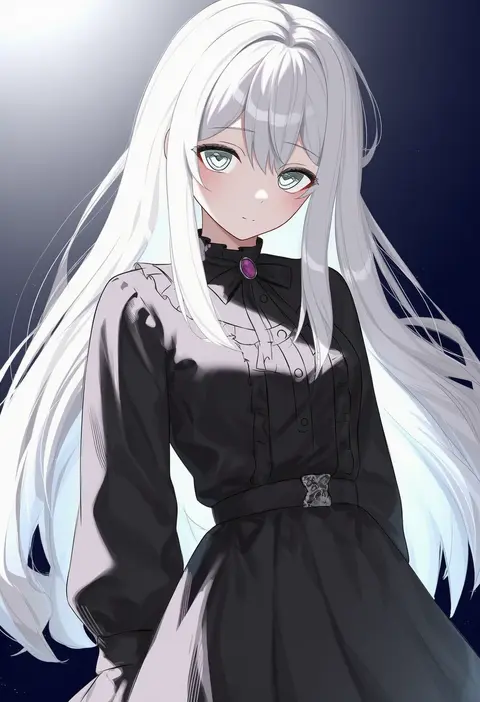
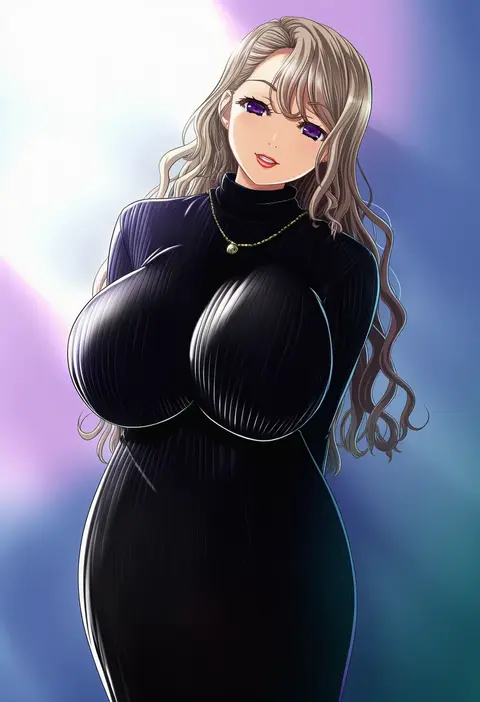
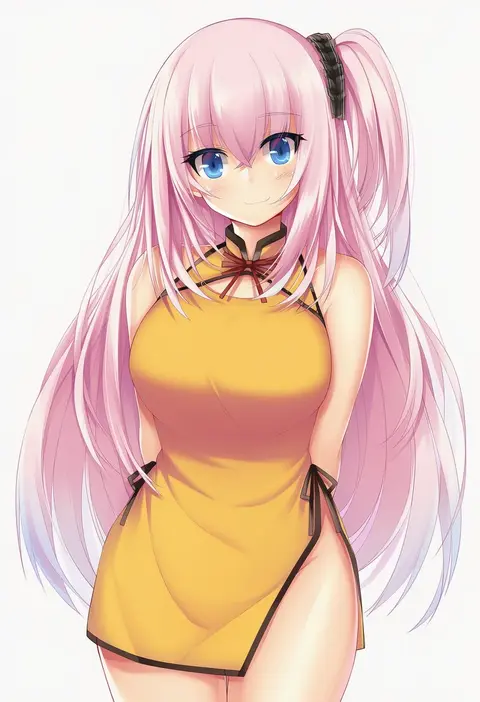
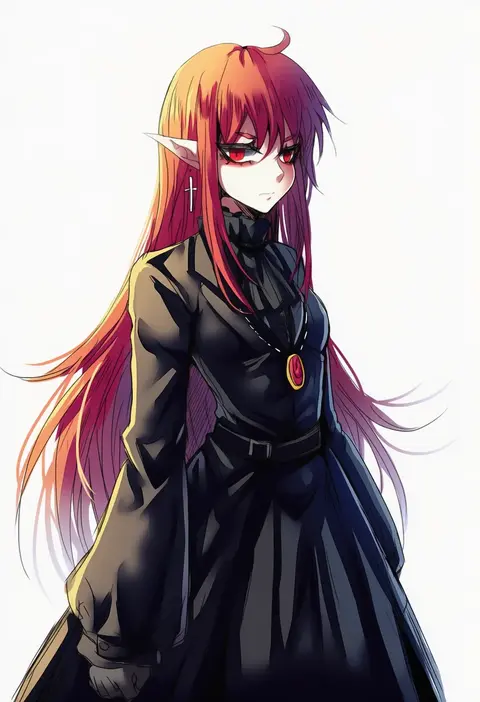
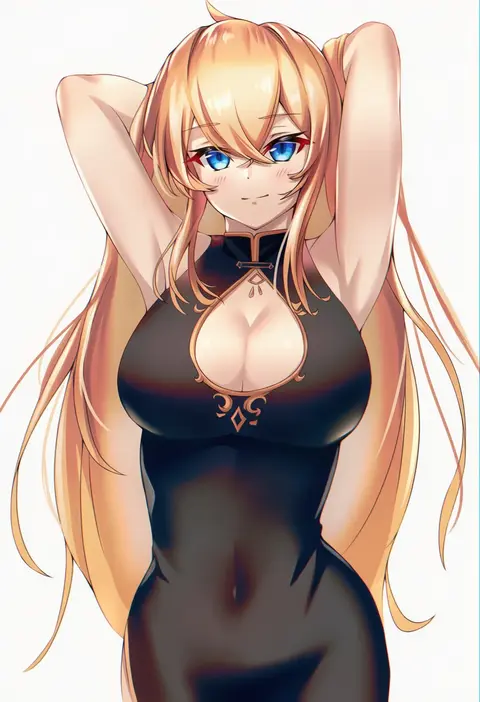
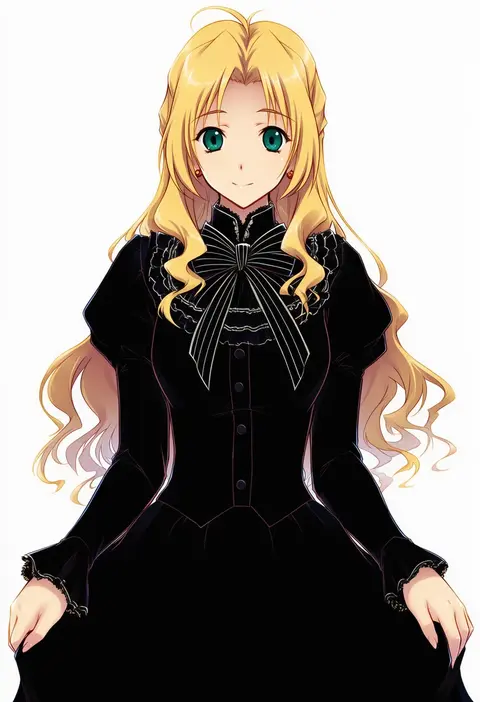
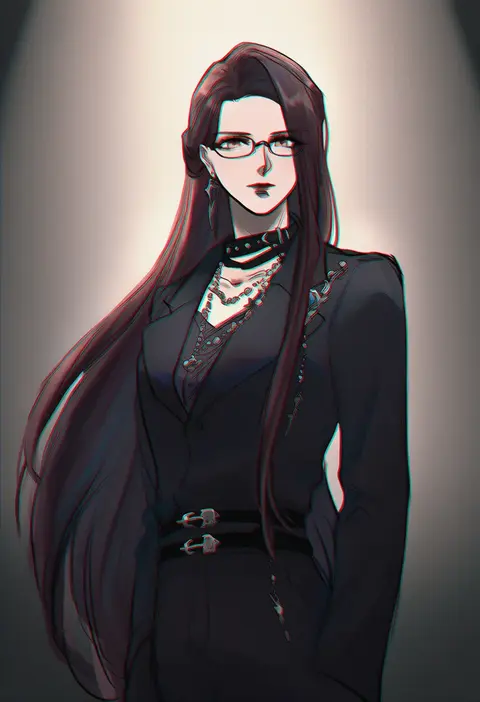
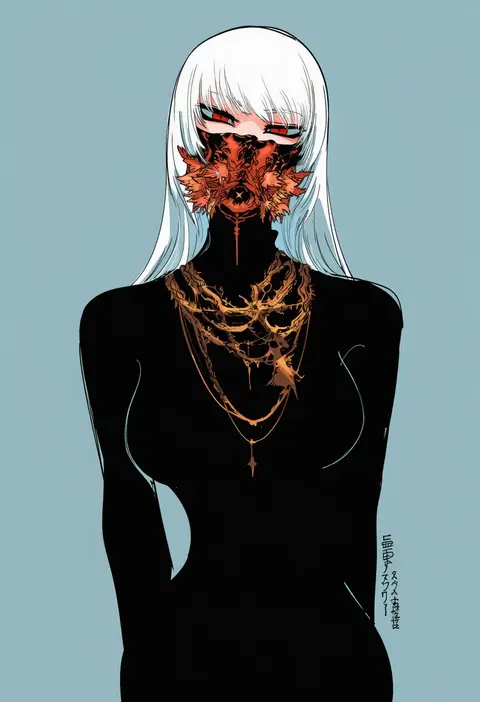
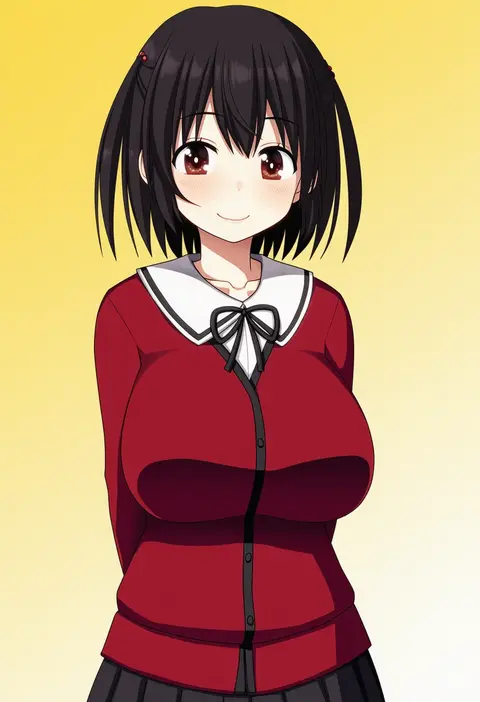
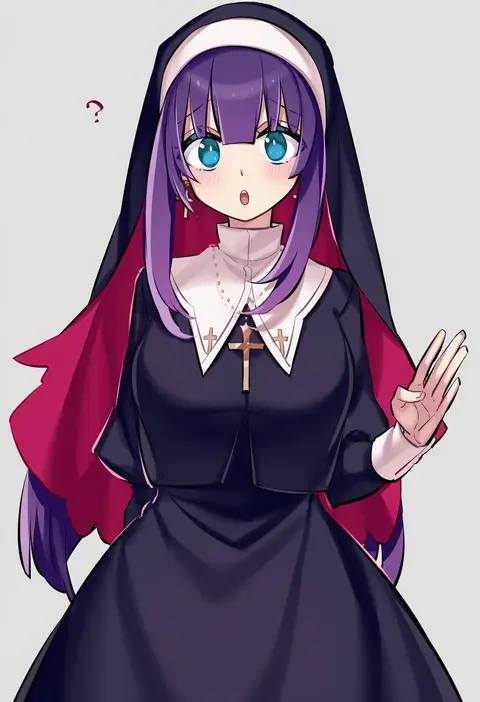
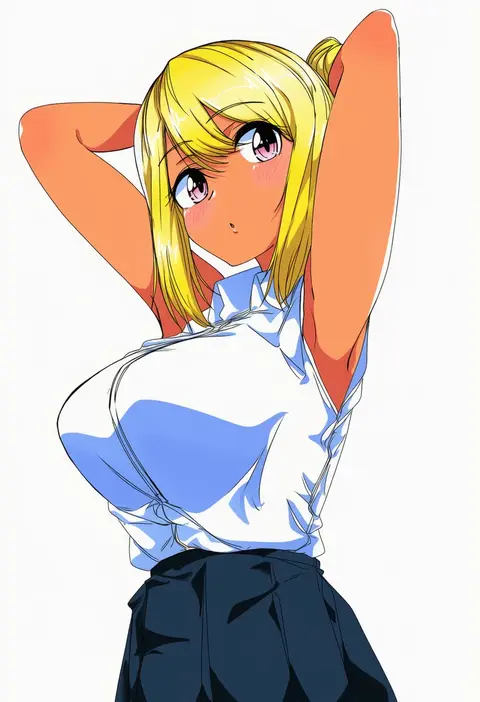
Artist tags tell NovelAI Diffusion to draw in a specific artist's style: line weight, paint texture, face shapes and palette all shift at once. Character and outfit tags decide what is drawn; artist tags decide how. 16,352 tags are listed for V4.5.
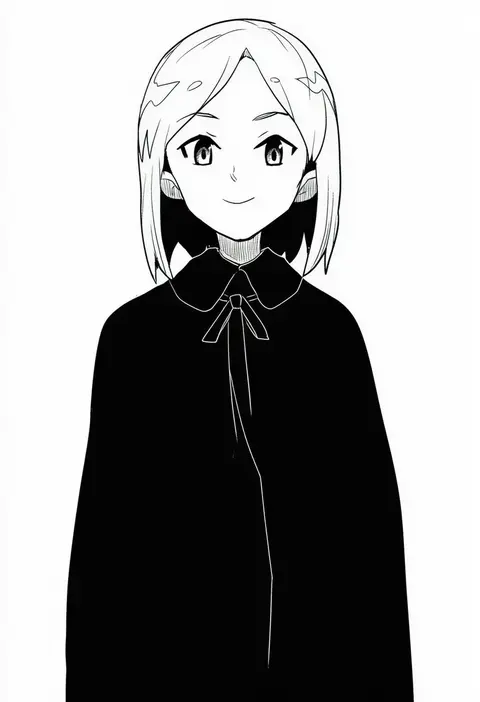
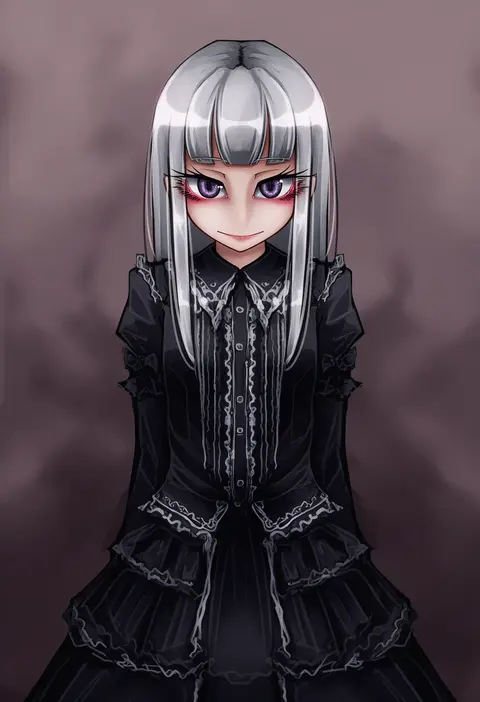
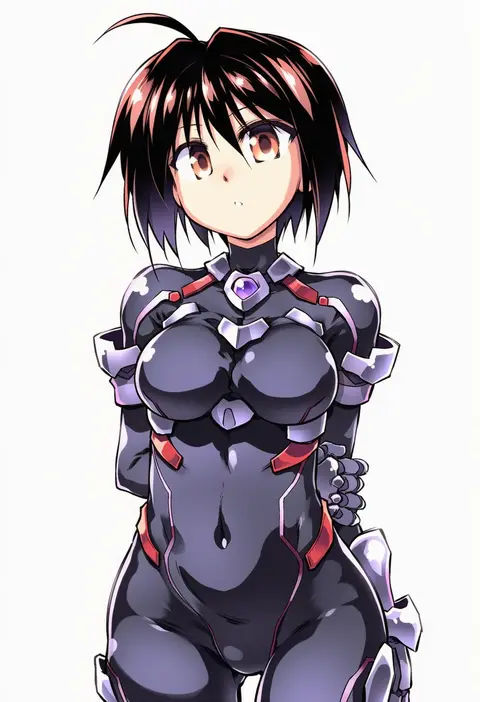
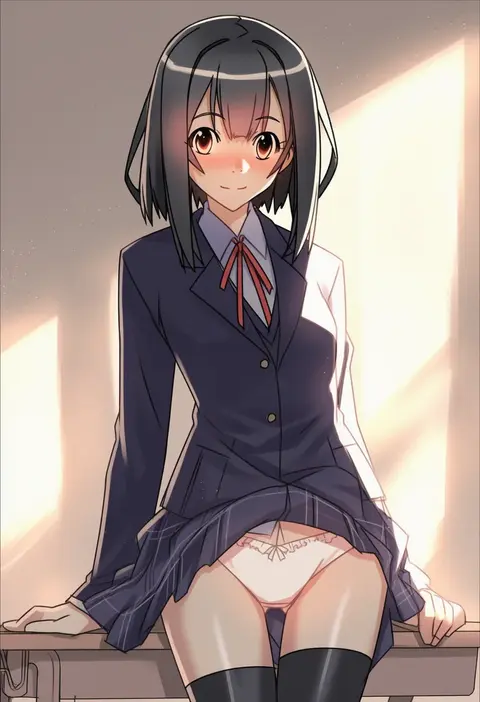
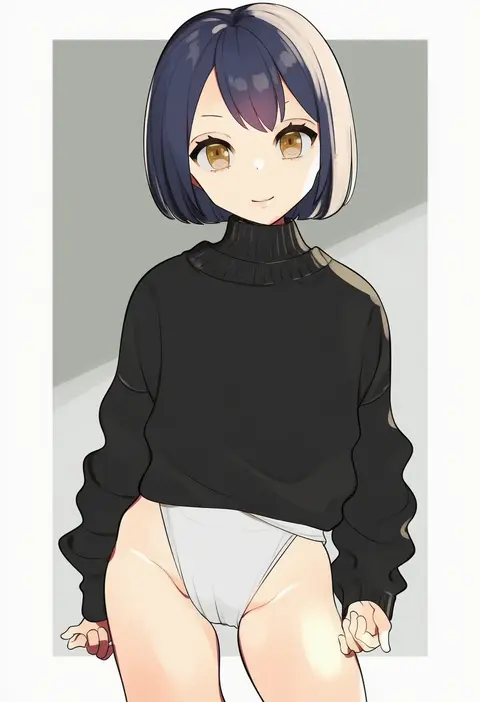
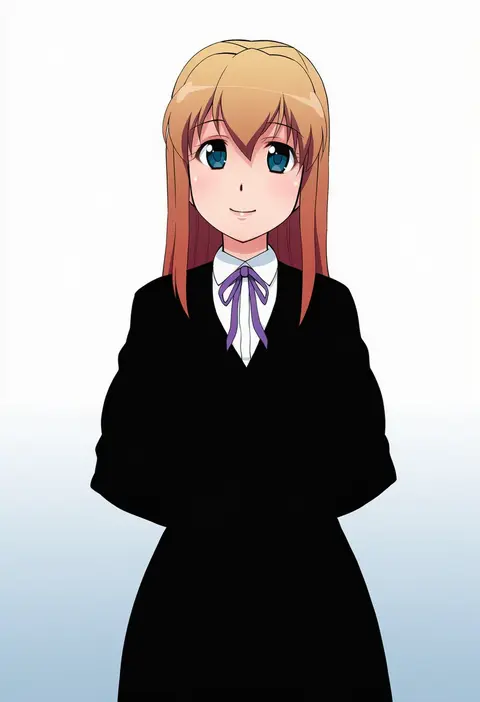
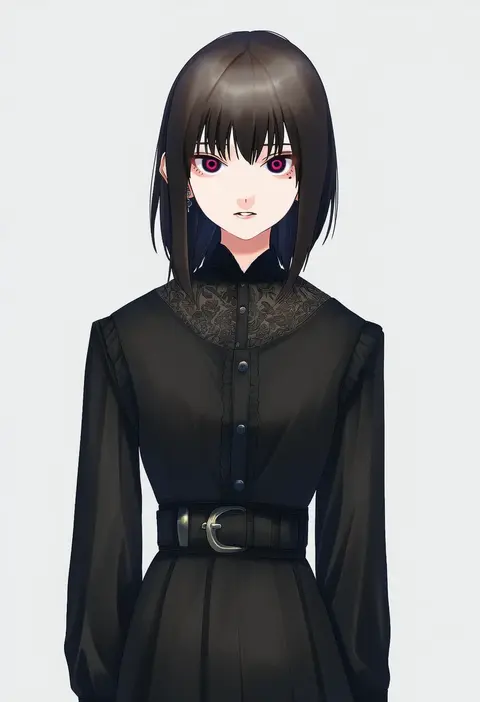
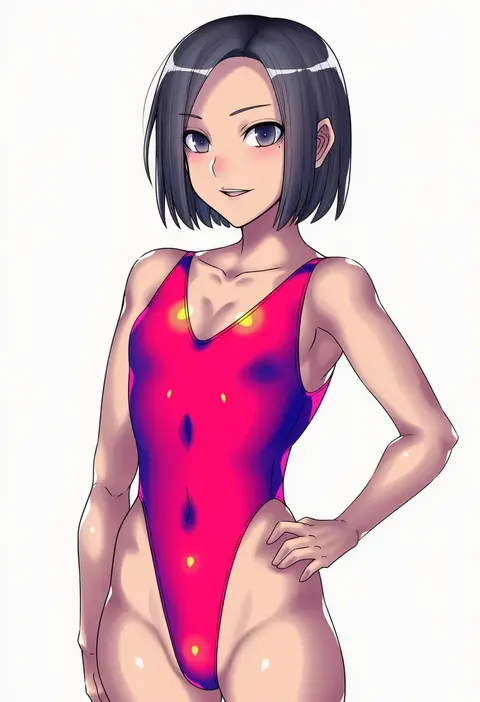
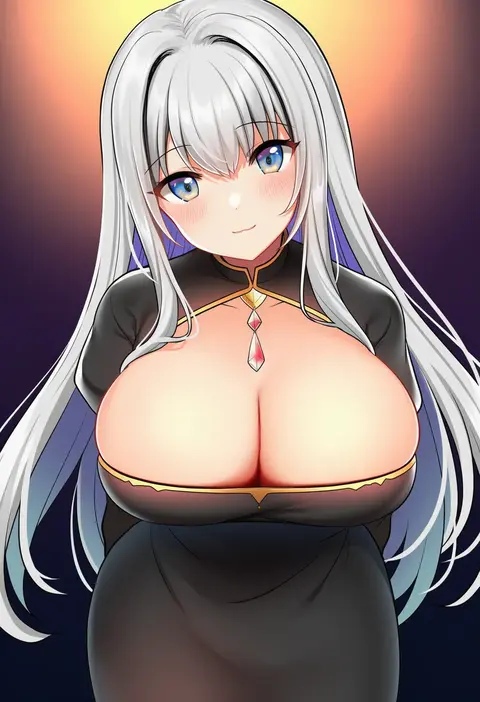
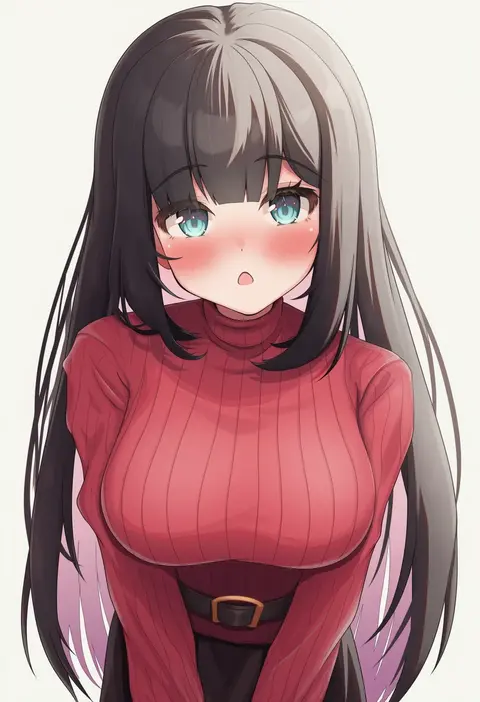
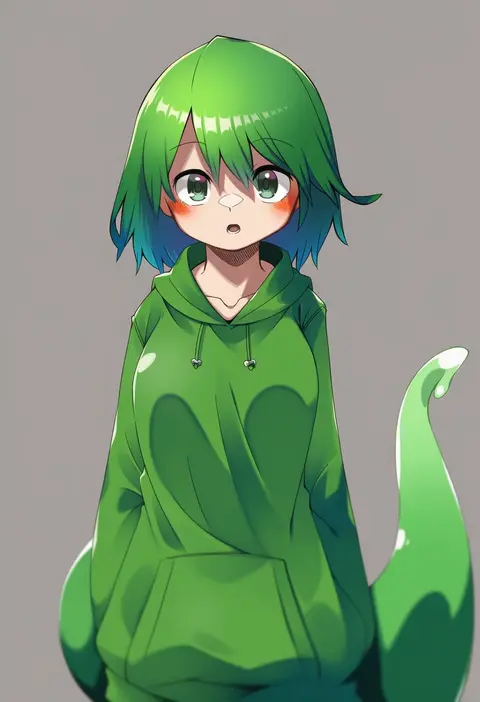
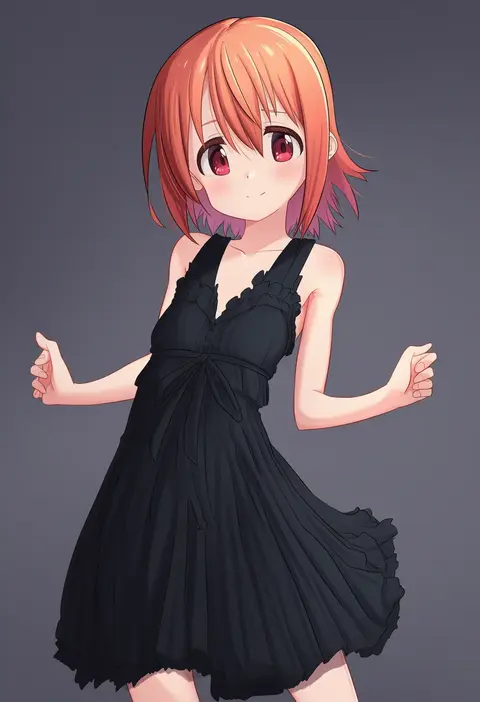
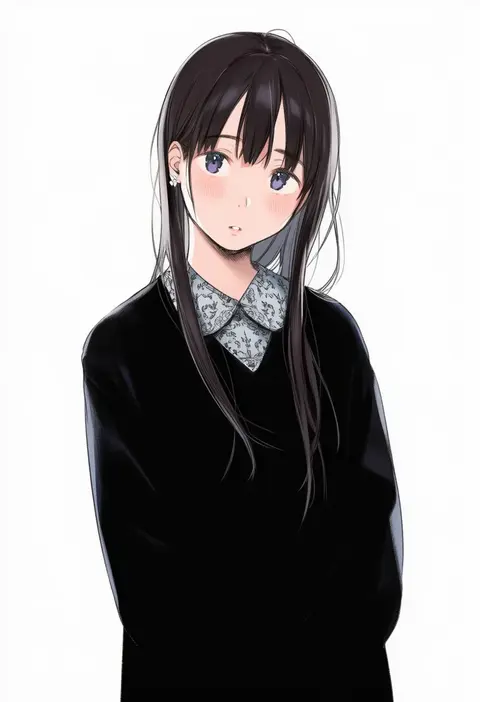
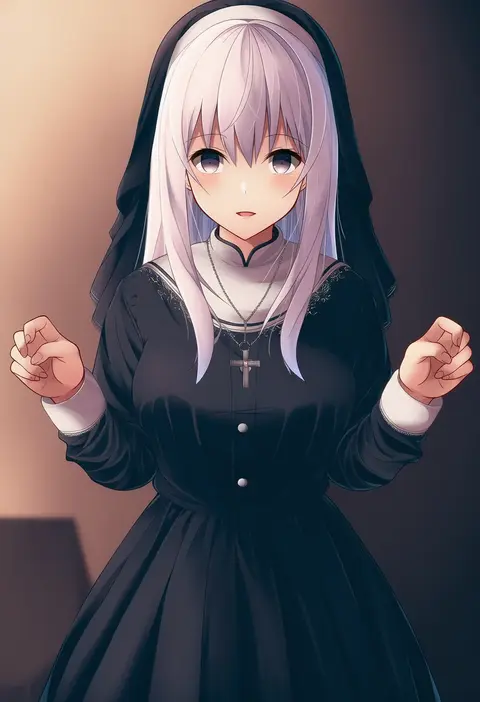
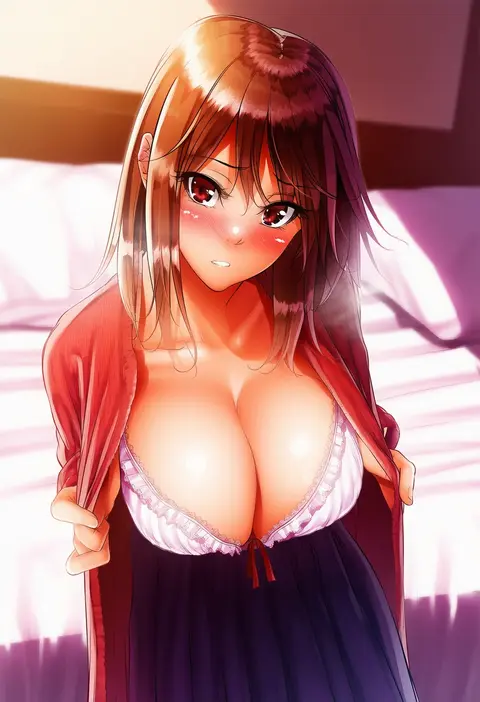
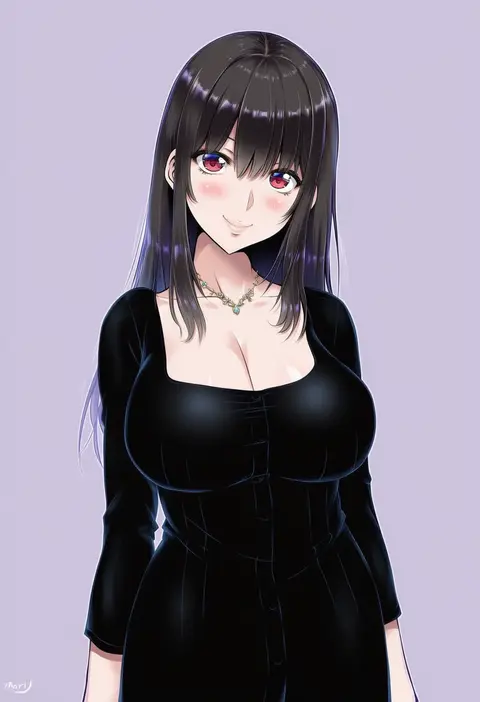
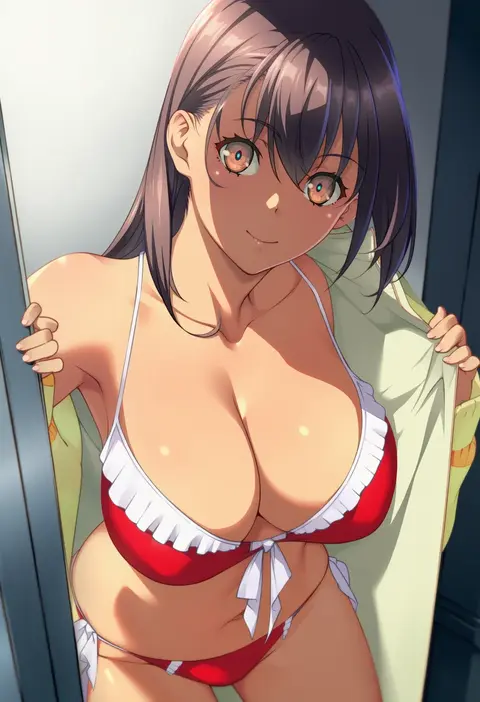
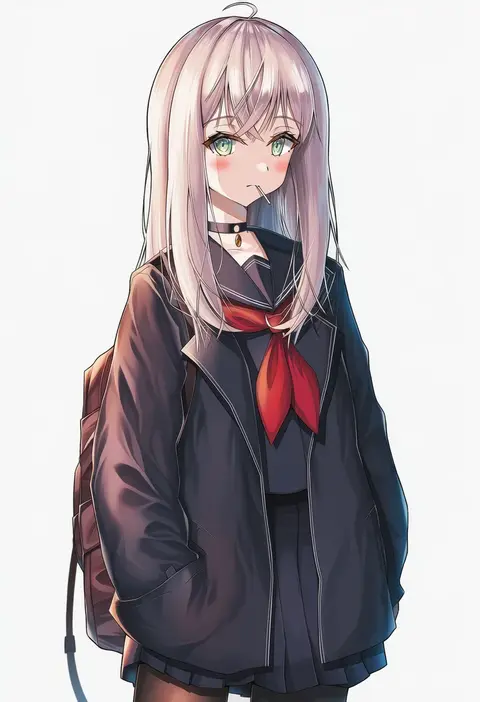
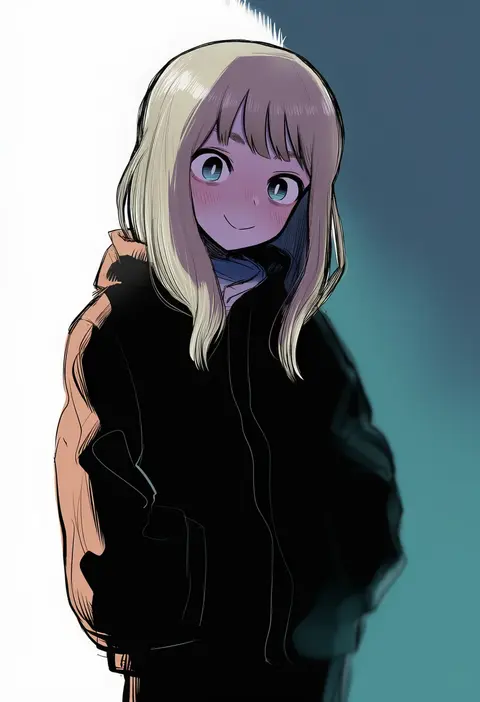
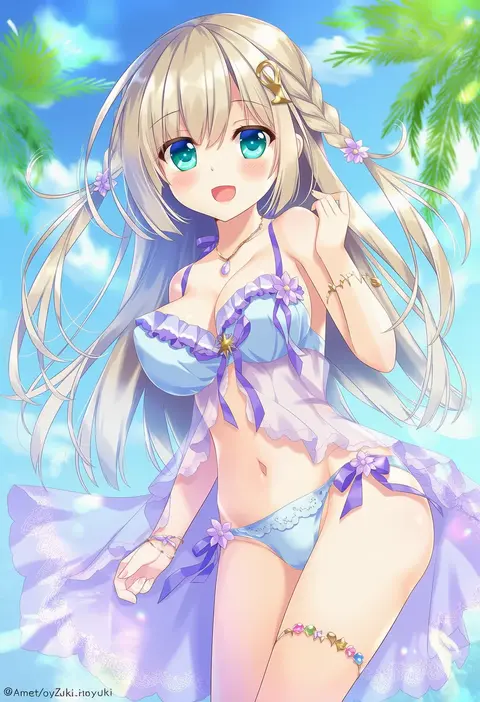
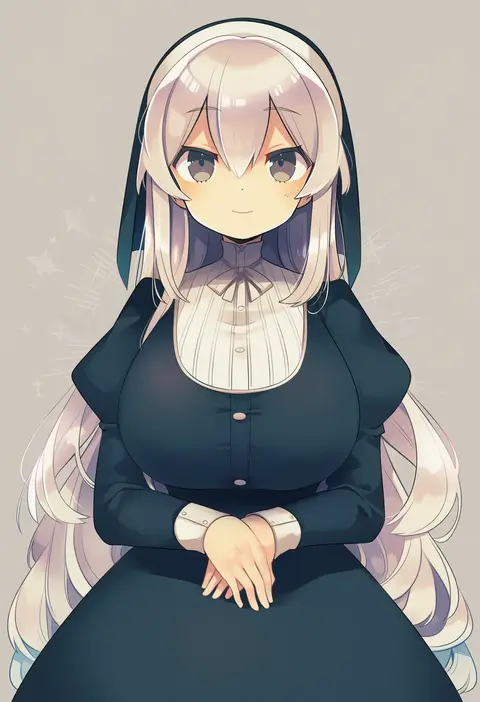
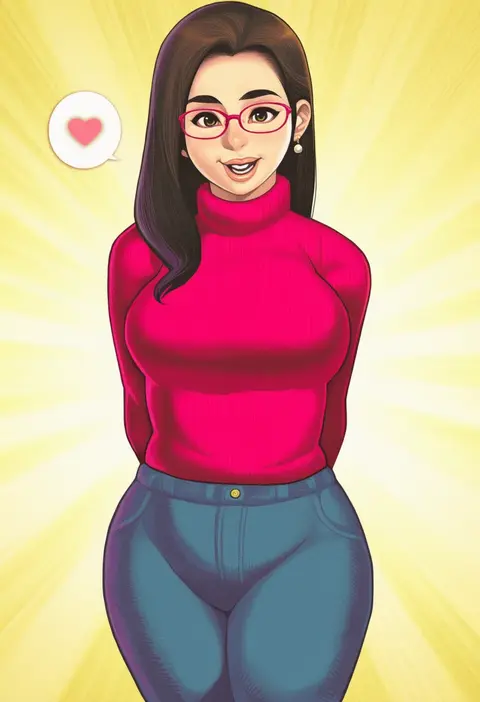
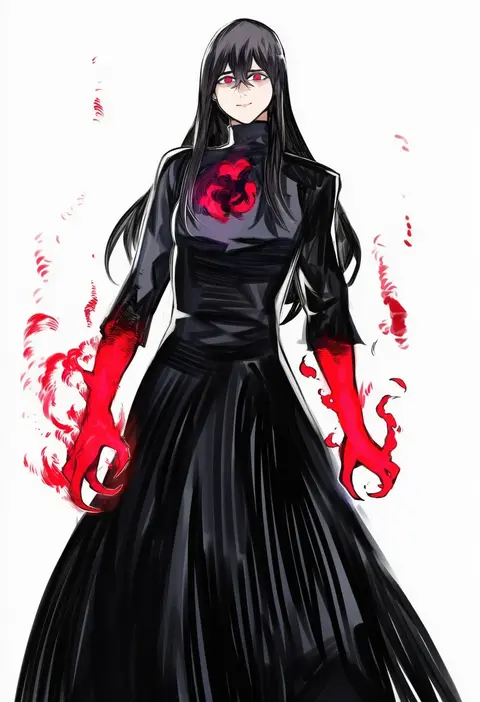
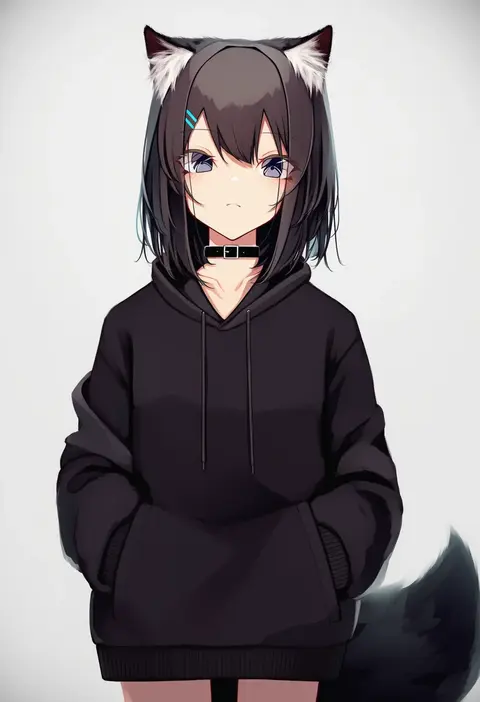
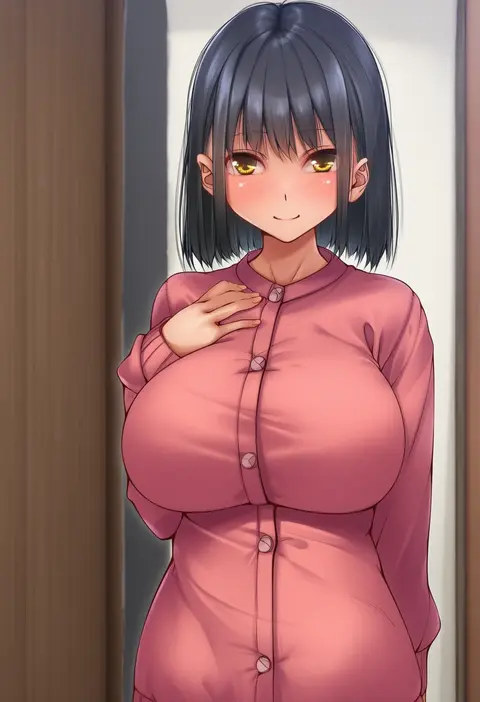
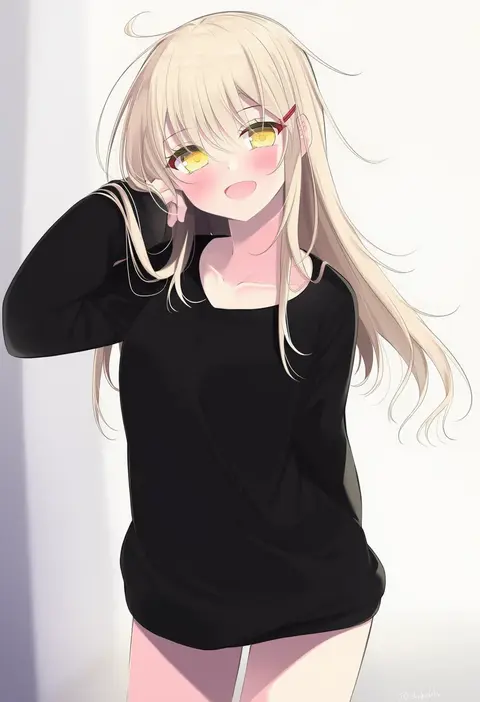
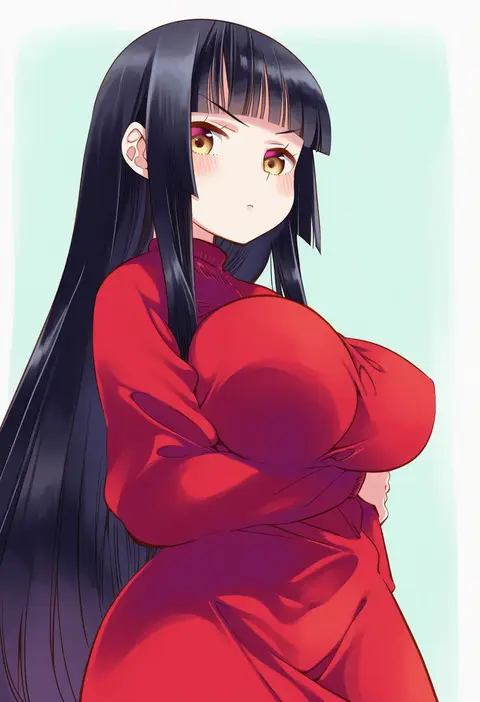
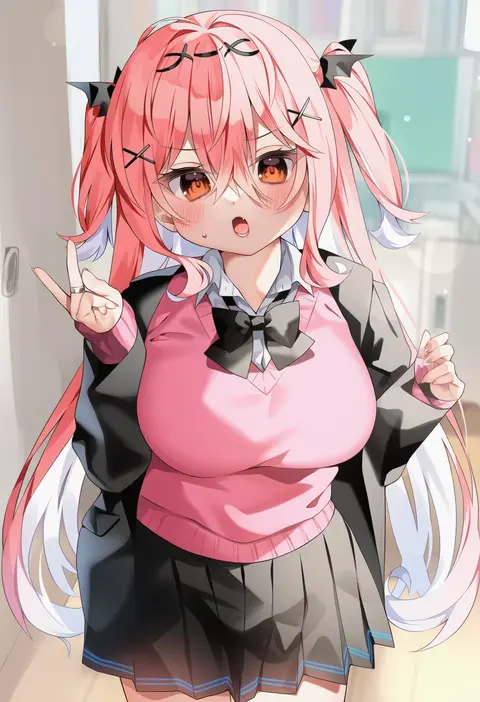
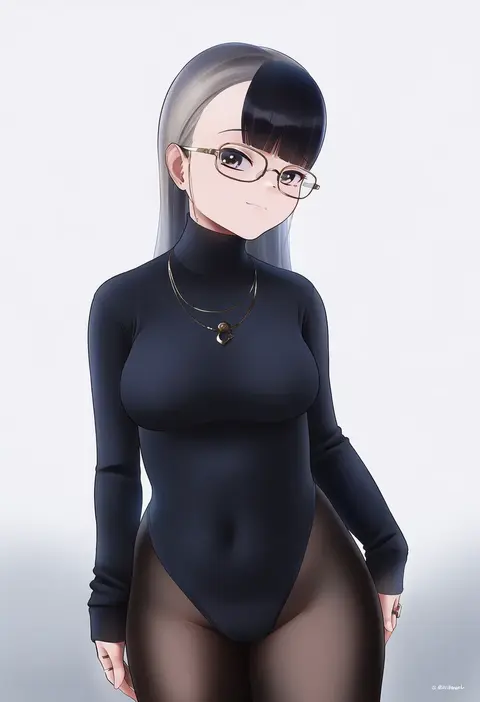
Every tag listed here is verified to react in NovelAI. All images use the same prompt, seed and settings with only the artist tag swapped, so the difference between two images is the style that tag brings in.

How to use them

Put the artist tag near the front of the prompt, e.g. "<artist>, 1girl, solo, best quality, masterpiece, cowboy shot". Two or three artist tags blend styles; lower the weight with "0.8::<artist>::" when the style overpowers the character.

SCORE sorts by Danbooru's top score, POSTS by post count, FAVS by hearts on this site. Open a card to see V5 and V4.5 side by side on the same seed.

V5 vs V4.5

V5 usually lands closer to the artist's real style, and tags that did nothing on V4.5 often react on V5. V4.5 still fits older and doujin-heavy artists better. Try V5 first, fall back to V4.5.

FAQ

Where does the artist tag go?
Near the front of the prompt. Use "0.8::tag::" to adjust its weight.

Can I stack artist tags?
Yes, styles blend. Past two or three the result stops looking like anyone.

Are these the artists' own works?
No. Every image is a NovelAI sample generated from the tag.