V4.5Artists
sort: FAVS▾
▾
>
$

NovelAI Artist Tags List — V4.5

artist --count 16,352[151/273]
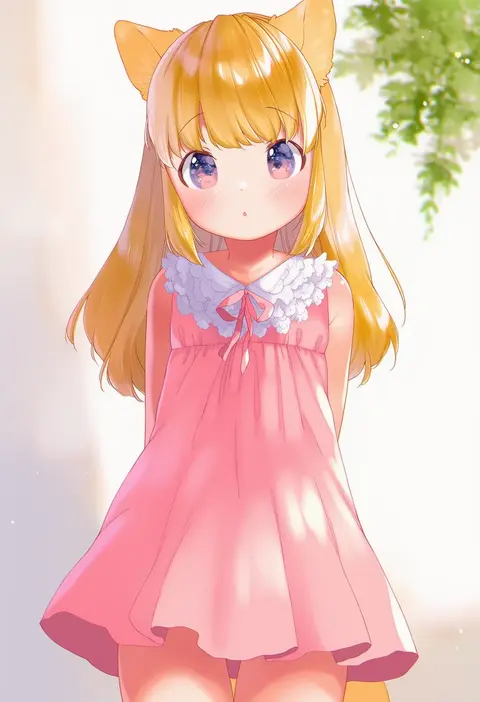
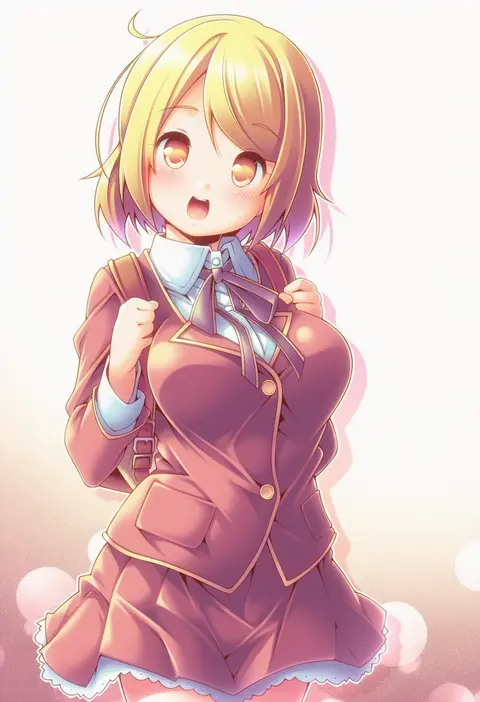
mutou mato
ARTIST0x2328
0
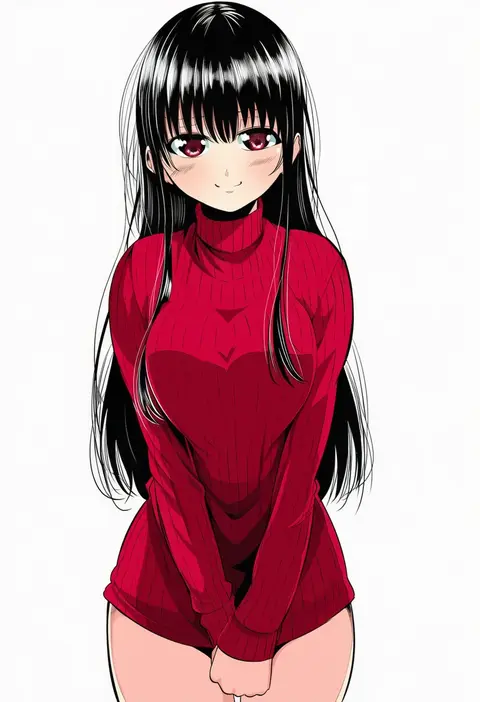
kibushi
ARTIST0x2329
0
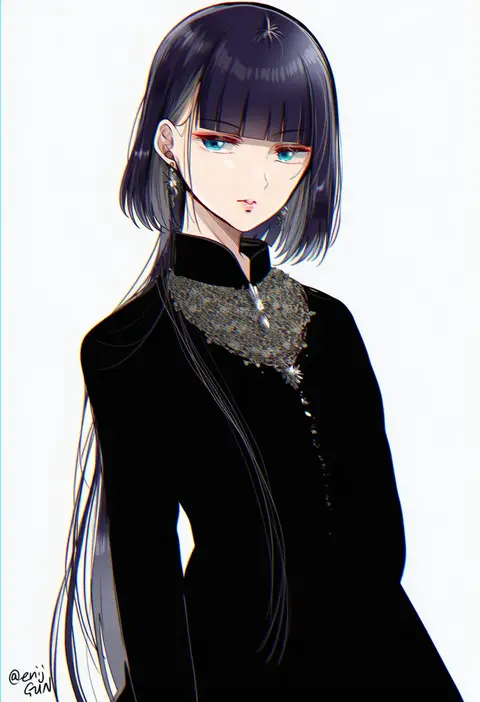
gen (enji)
ARTIST0x232A
0
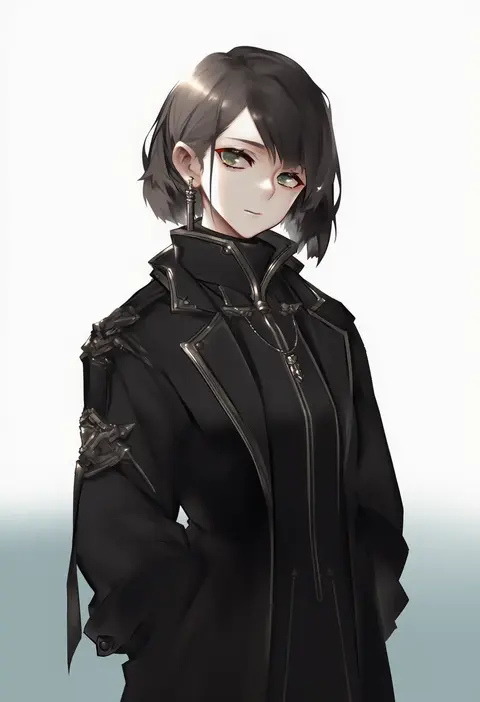
mkiiiiii
ARTIST0x232B
0
attsun (atsushi jb)
ARTIST0x232C
0
utakata (kochou no yume)
ARTIST0x232D
0
rampart1028
ARTIST0x232E
0
anna (drw01)
ARTIST0x232F
0
daiishori
ARTIST0x2330
0
hatafuta
ARTIST0x2331
0
enjoy mix
ARTIST0x2332
0
aka ume
ARTIST0x2333
0
fugetsu taku
ARTIST0x2334
0
cynical (llcbluckg c004)
ARTIST0x2335
0
narumiya (empty cafe)
ARTIST0x2336
0
yakan (kusogaki teikoku)
ARTIST0x2337
0
rikoma
ARTIST0x2338
0
tiler (tiler00)
ARTIST0x2339
0
saruno (eyesonly712)
ARTIST0x233A
0
carimarica
ARTIST0x233B
0
ryoma (rym 369)
ARTIST0x233C
0
b suke
ARTIST0x233D
0
kurokawa (silve)
ARTIST0x233E
0
aosora (mizore)
ARTIST0x233F
0
minami (apricot tea)
ARTIST0x2340
0
mayutsuba mono
ARTIST0x2341
0
naltal
ARTIST0x2342
0
pgm300
ARTIST0x2343
0
takamiya ren
ARTIST0x2344
0
rahato
ARTIST0x2345
0
mashiro io
ARTIST0x2346
0
peargor
ARTIST0x2347
0
heikokuru1224
ARTIST0x2348
0
pikuson
ARTIST0x2349
0
pekoneko
ARTIST0x234A
0
kitsune-tsuki (getter)
ARTIST0x234B
0
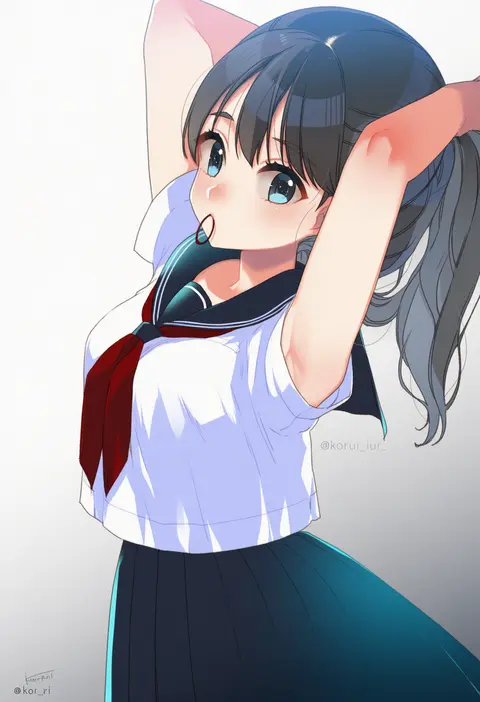
koruri
ARTIST0x234C
0
re ghotion
ARTIST0x234D
0
ichiba youichi
ARTIST0x234E
0
nagare
ARTIST0x234F
0
nameo (judgemasterkou)
ARTIST0x2350
0
ganesagi
ARTIST0x2351
0
ray.s
ARTIST0x2352
0
marimo danshaku
ARTIST0x2353
0
sawaya (mizukazu)
ARTIST0x2354
0
kuwashima rein
ARTIST0x2355
0
oukawa yuu
ARTIST0x2356
0
aikir (jml5160)
ARTIST0x2357
0
shiodome oji
ARTIST0x2358
0
meto31
ARTIST0x2359
0
garimpeiro
ARTIST0x235A
0
sakuremi
ARTIST0x235B
0
nana kagura
ARTIST0x235C
0
mogumo
ARTIST0x235D
0
asagi yuna
ARTIST0x235E
0
tamiya akito
ARTIST0x235F
0
nauribon
ARTIST0x2360
0
meen (ouaughikepdvrsf)
ARTIST0x2361
0
esther shen
ARTIST0x2362
0
i.f.s.f
ARTIST0x2363
0

What these tags change

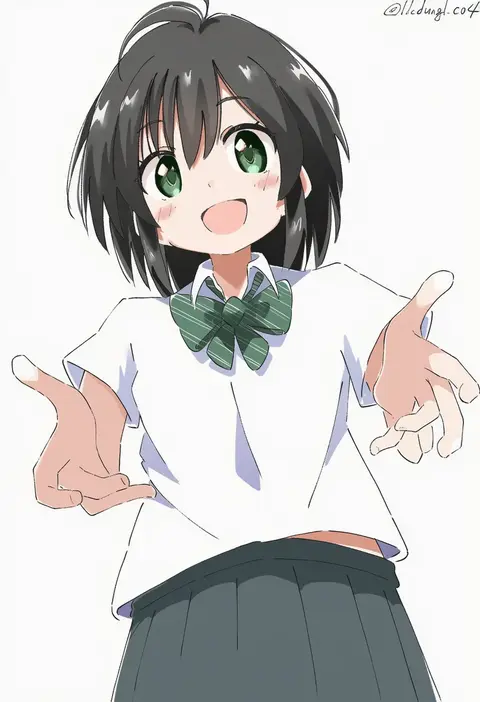
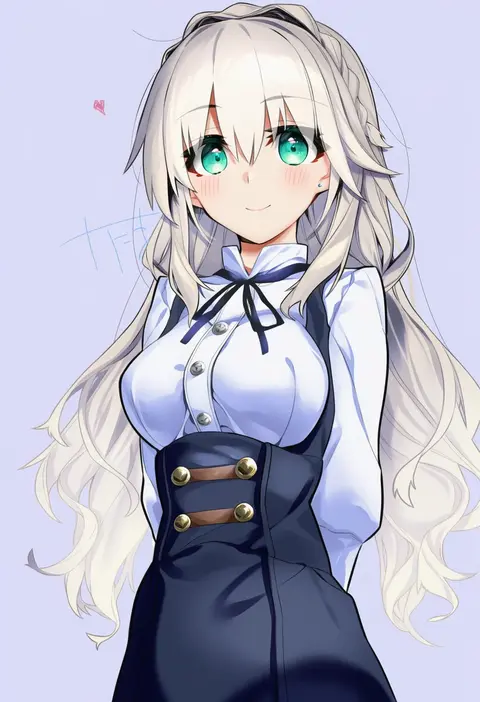
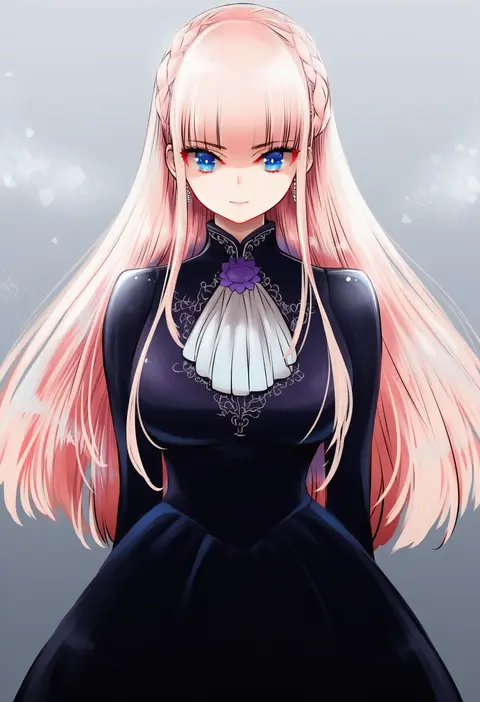
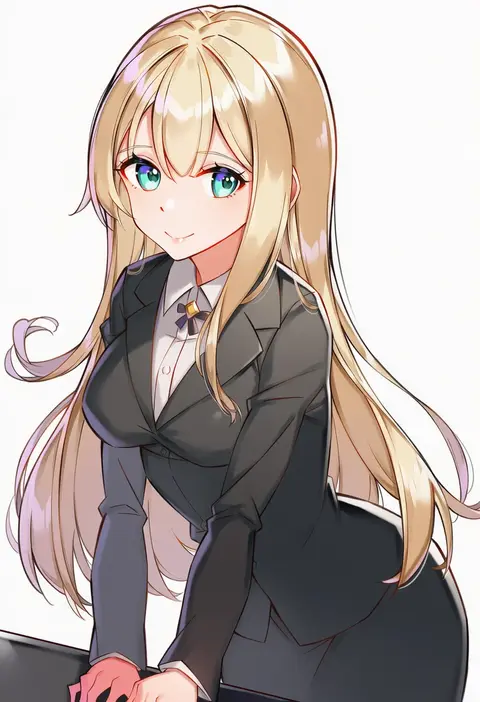
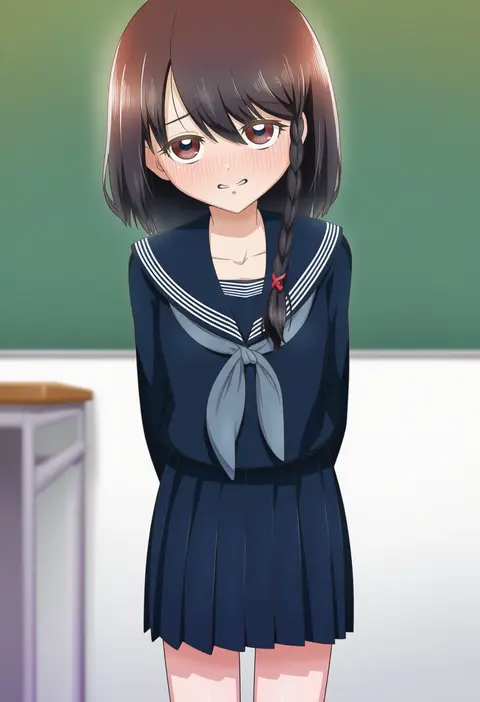
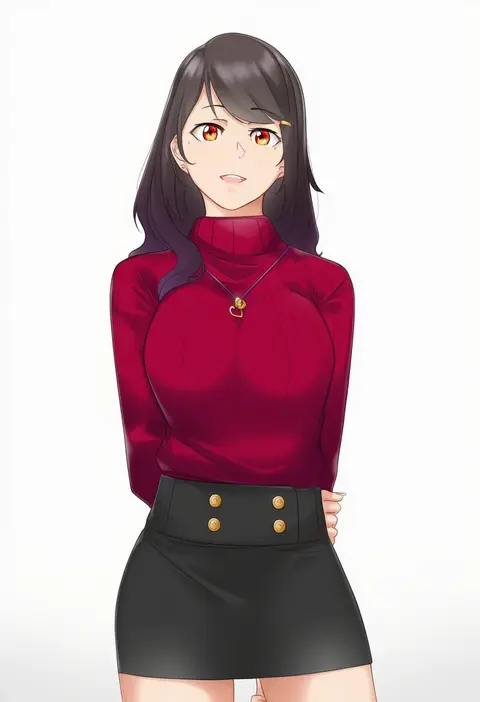
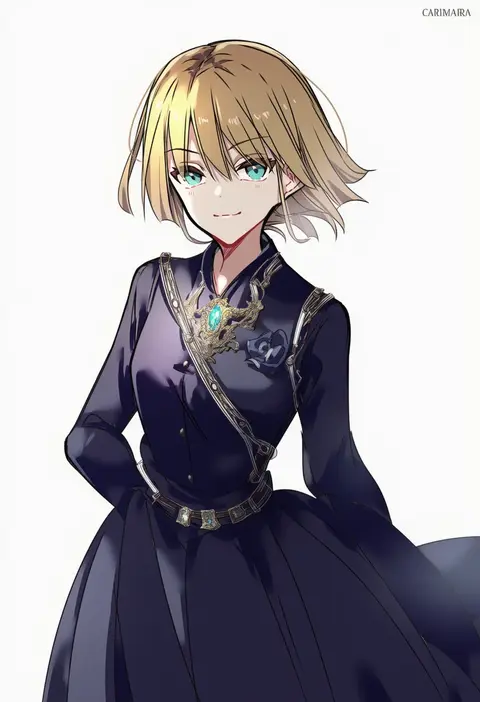
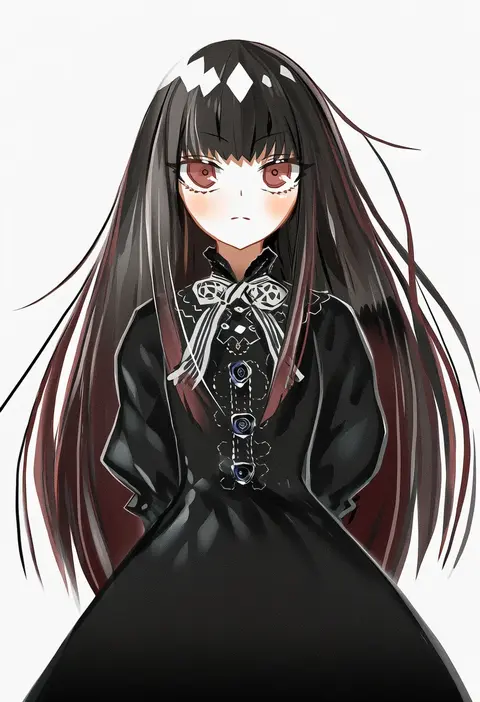
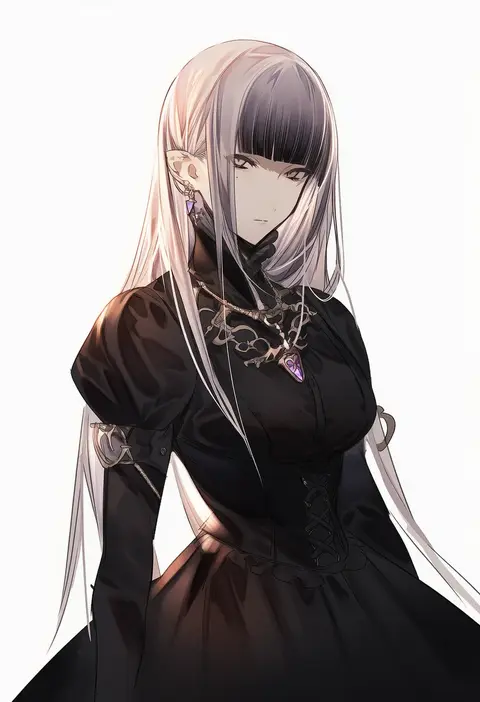
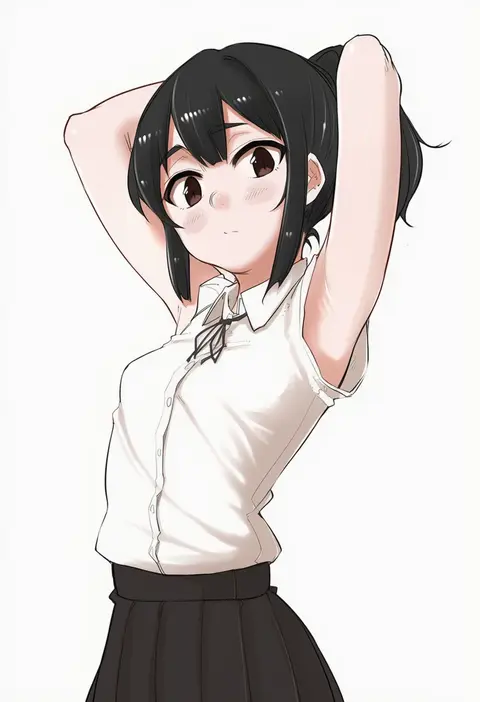
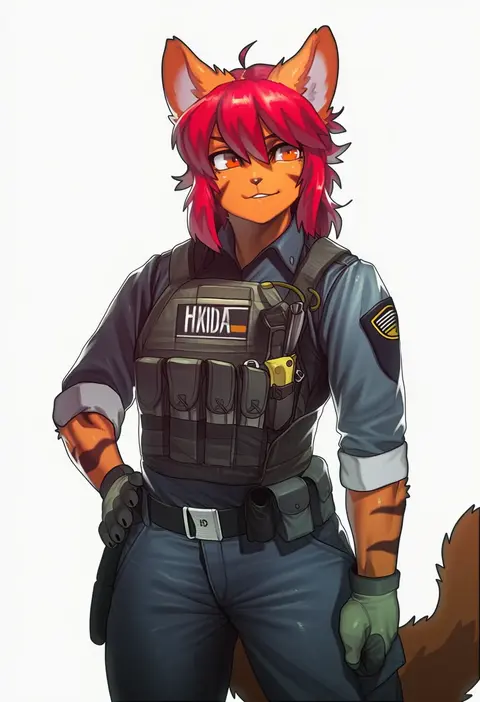
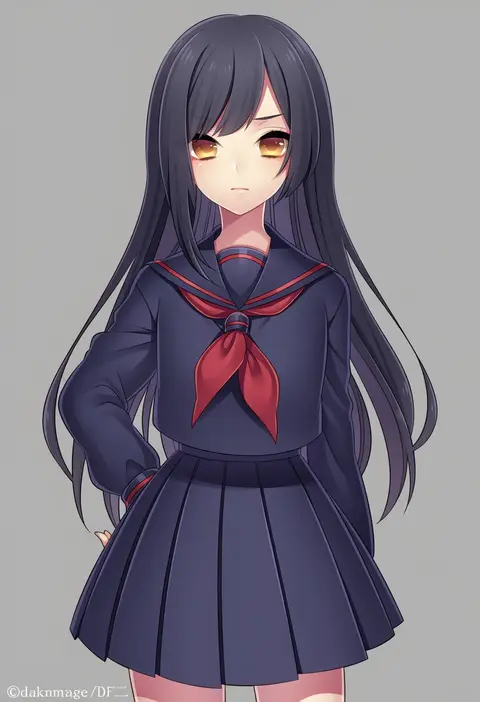
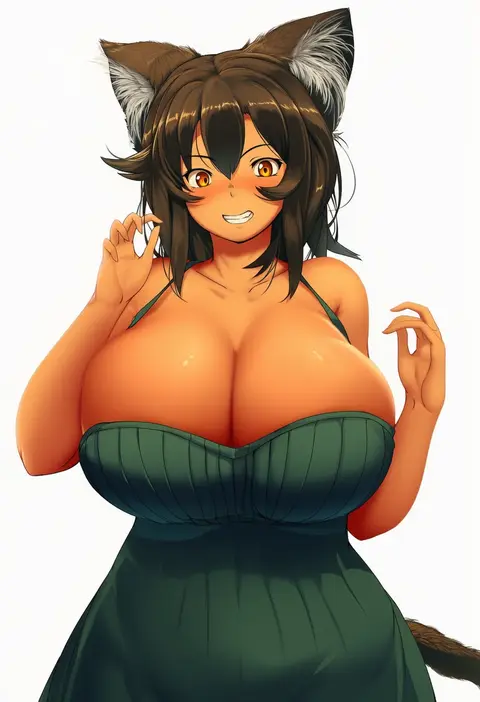
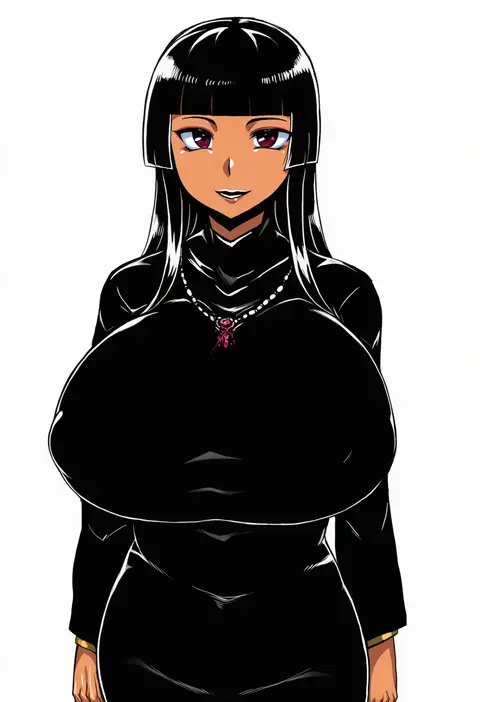
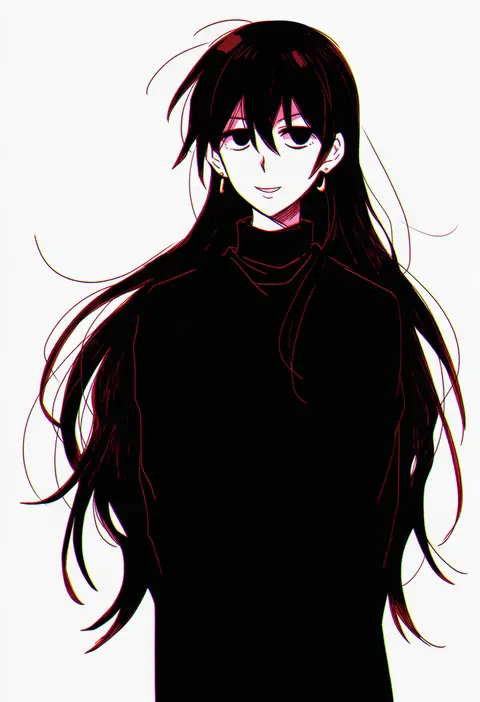
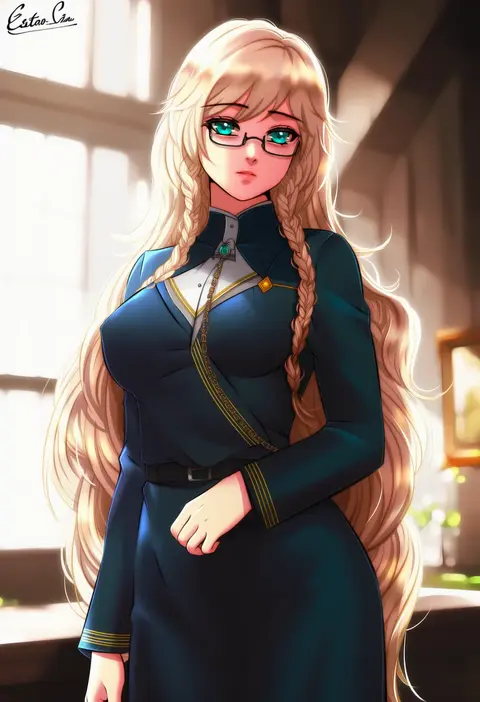
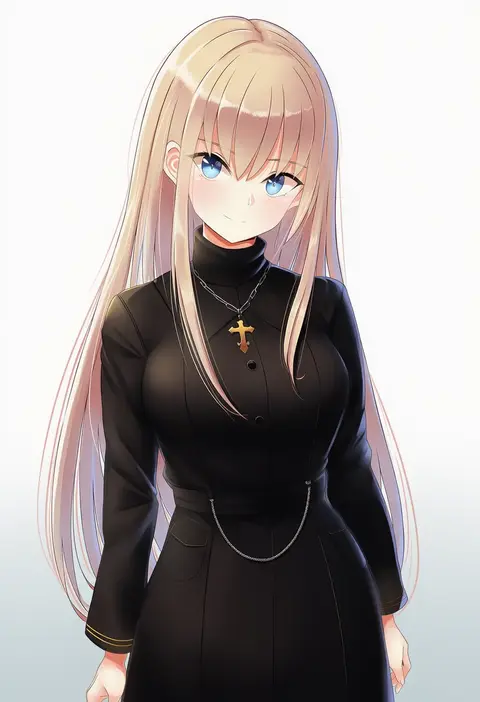
Artist tags tell NovelAI Diffusion to draw in a specific artist's style: line weight, paint texture, face shapes and palette all shift at once. Character and outfit tags decide what is drawn; artist tags decide how. 16,352 tags are listed for V4.5.
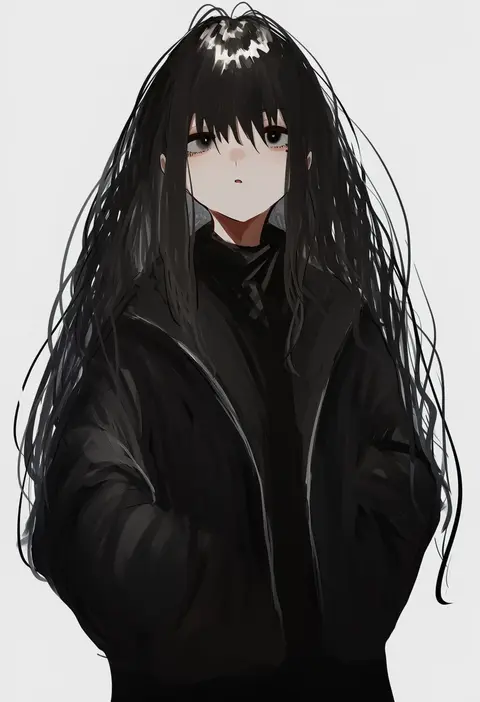
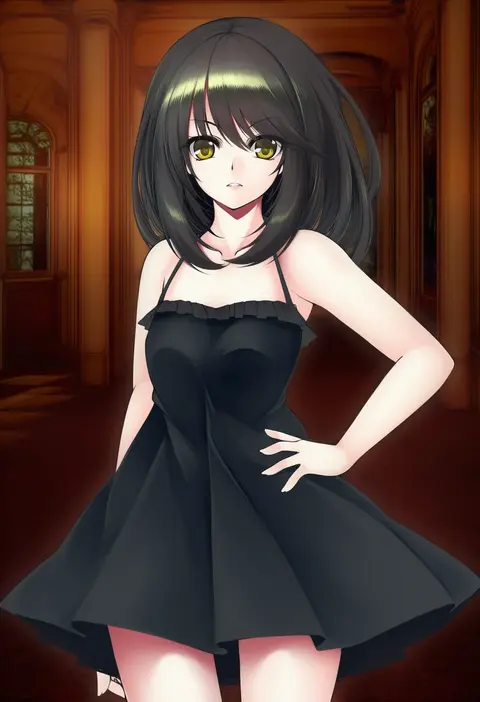
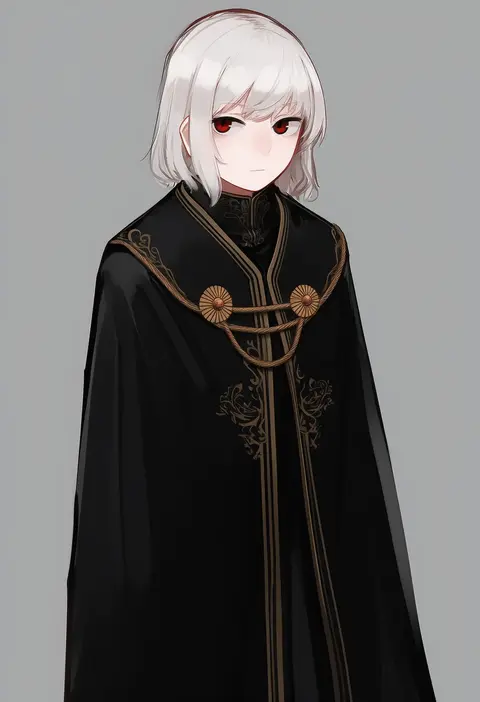
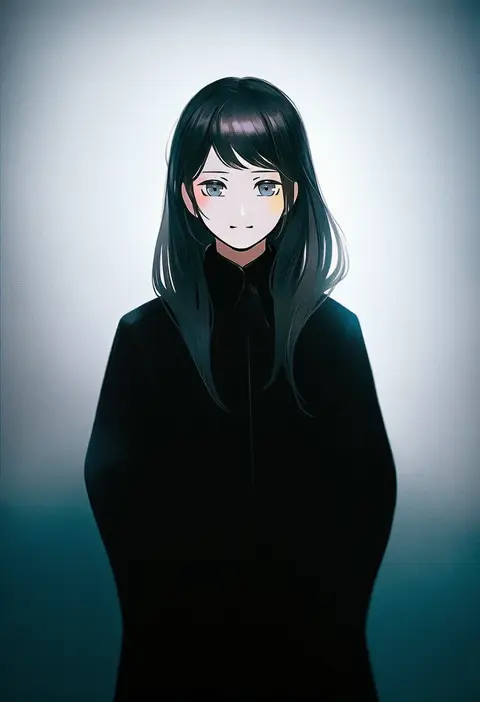
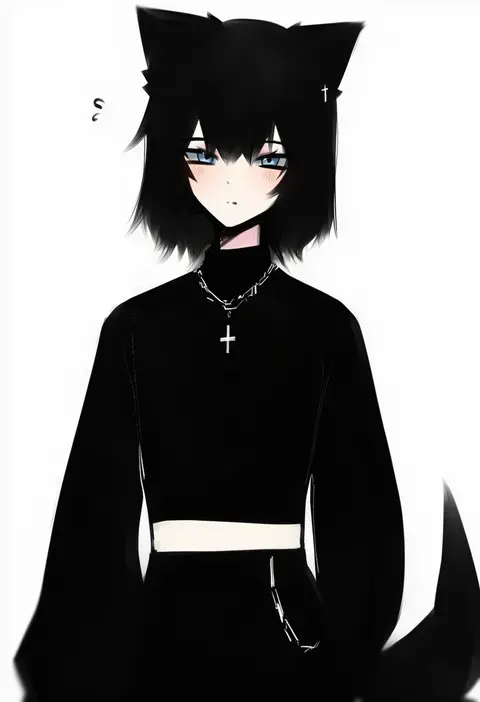
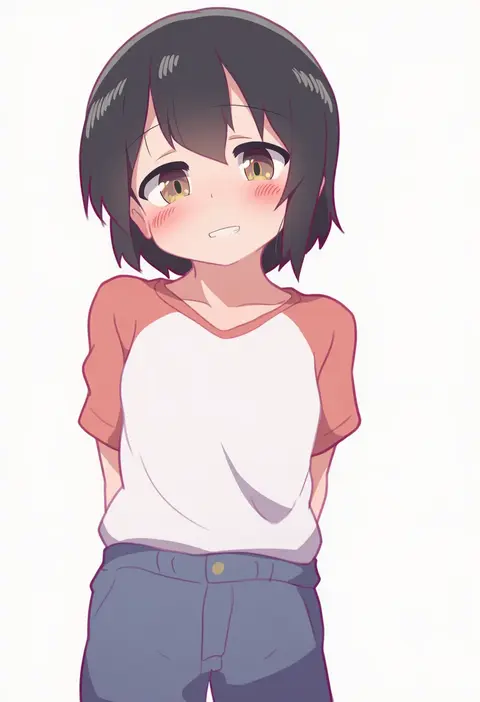
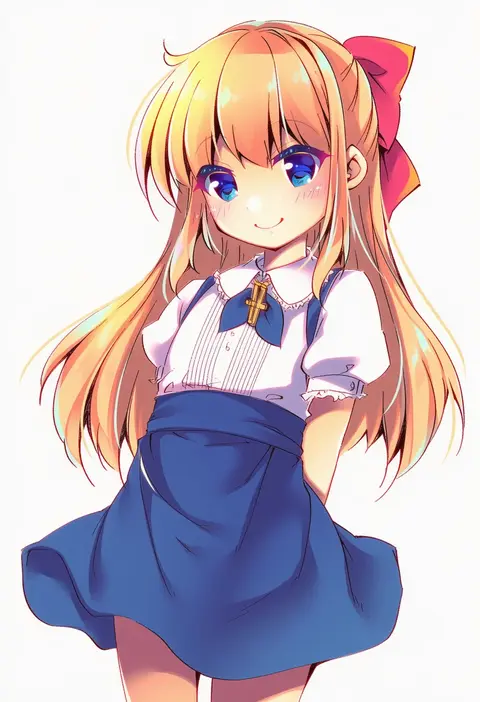
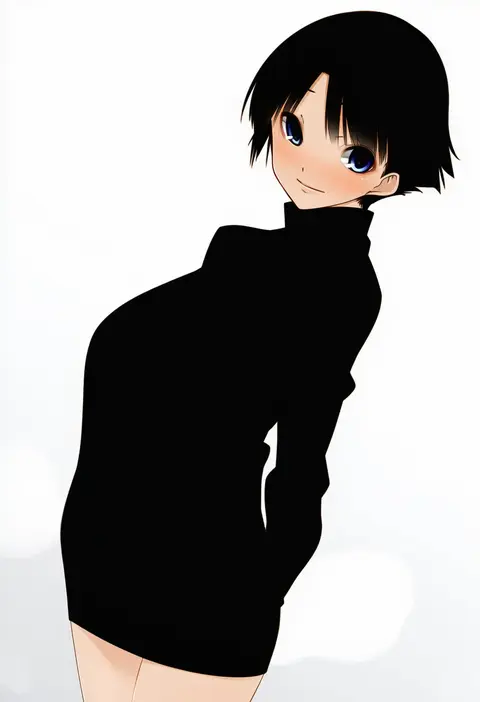
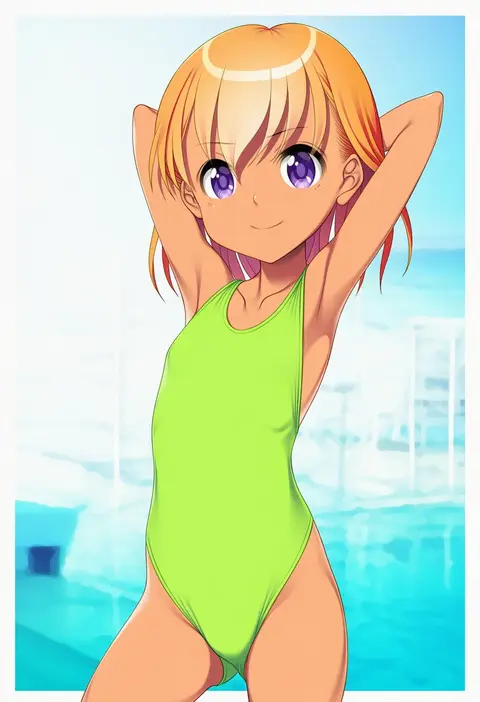
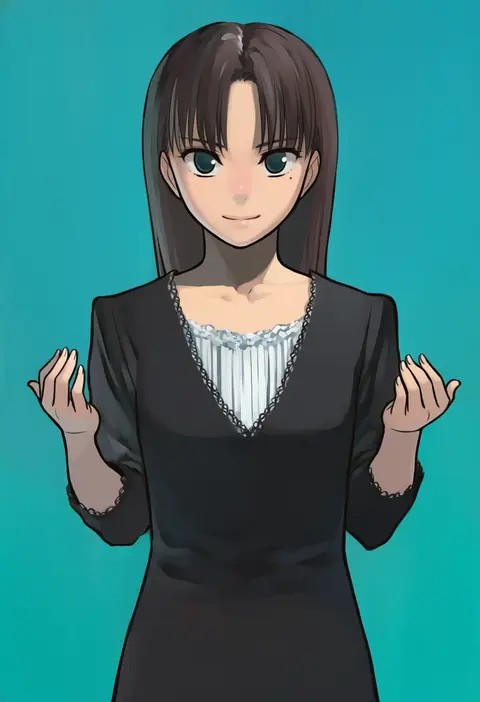
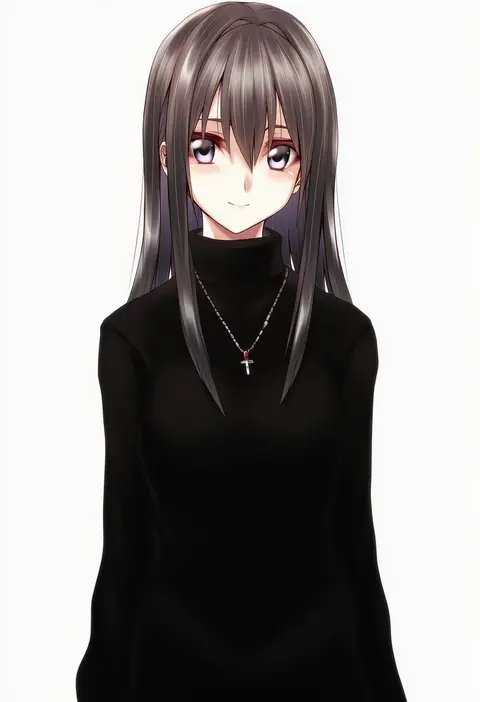
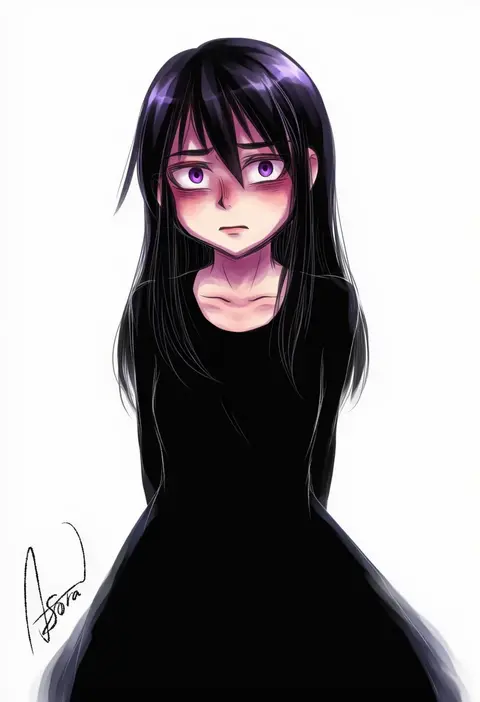
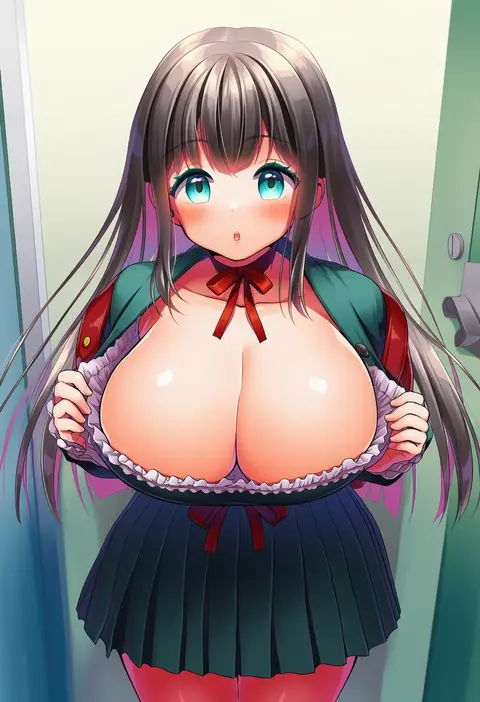
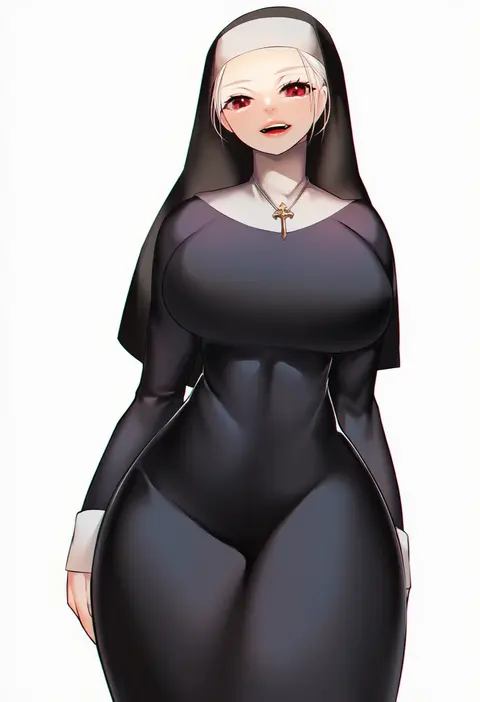
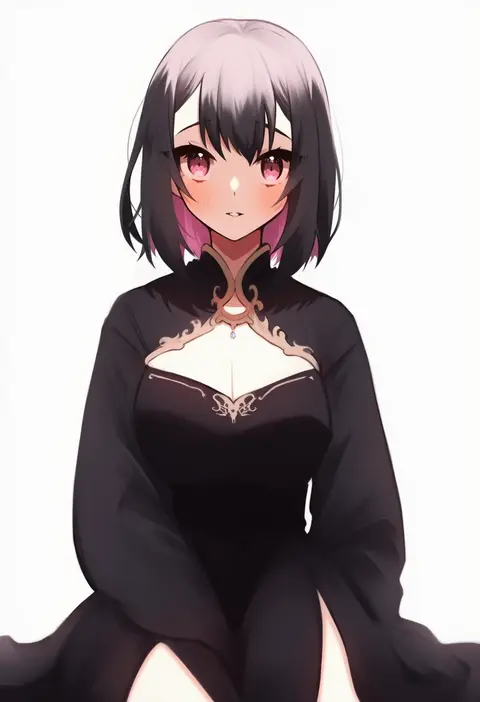
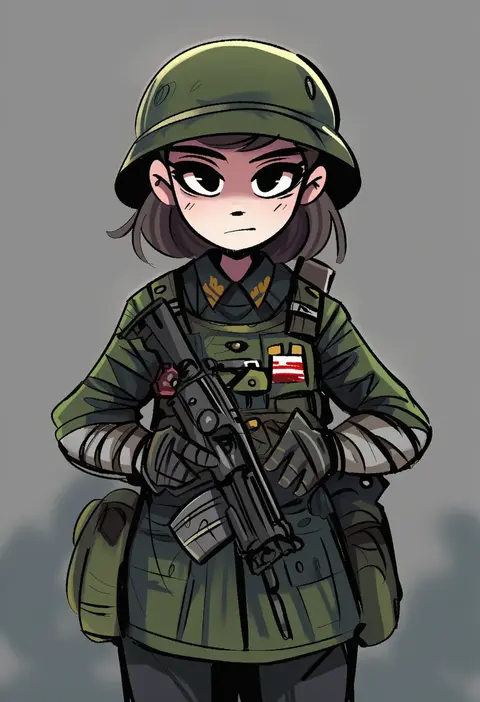
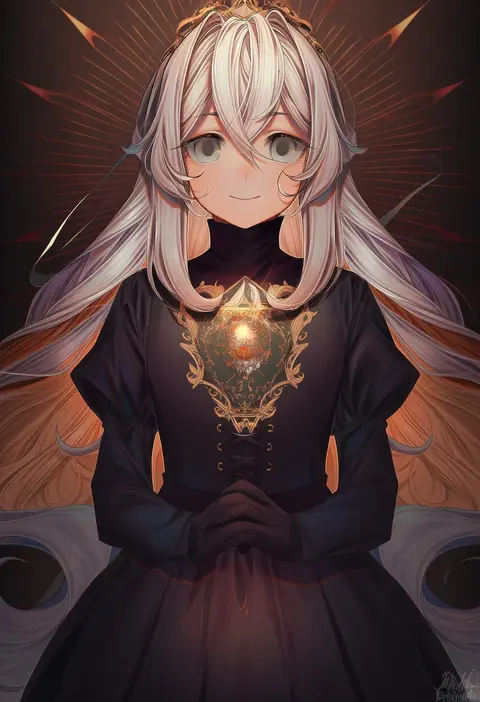
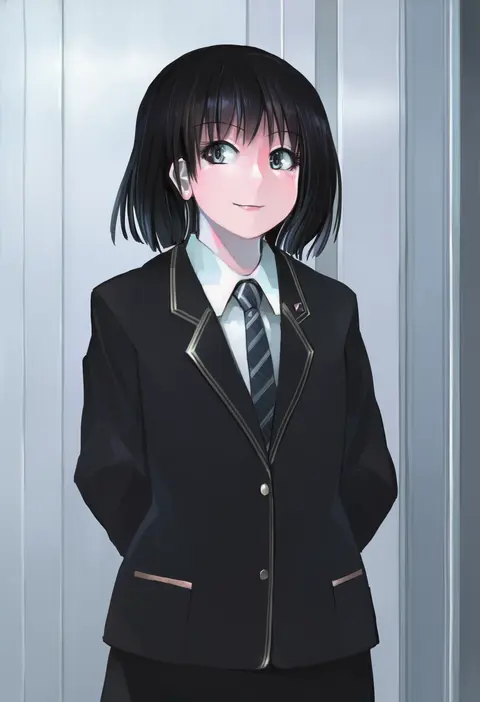
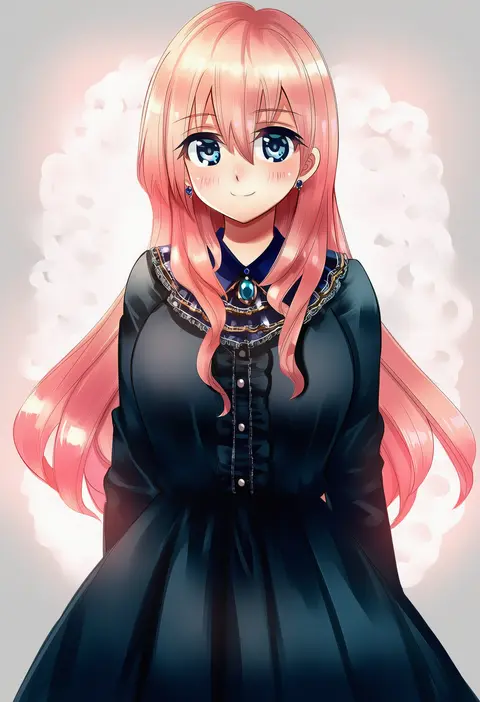
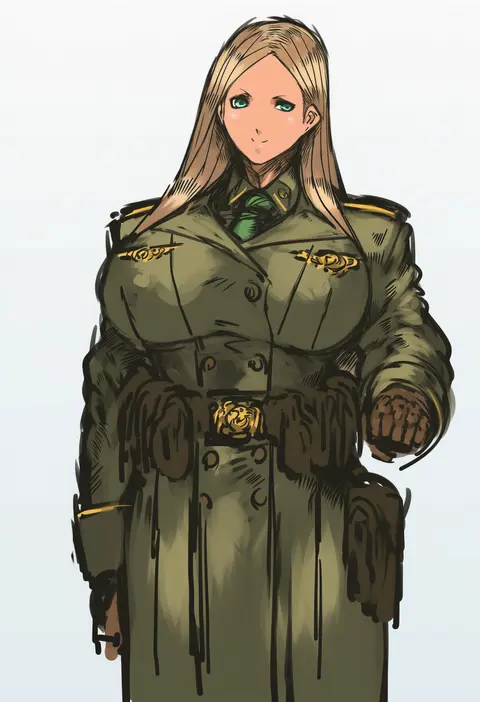
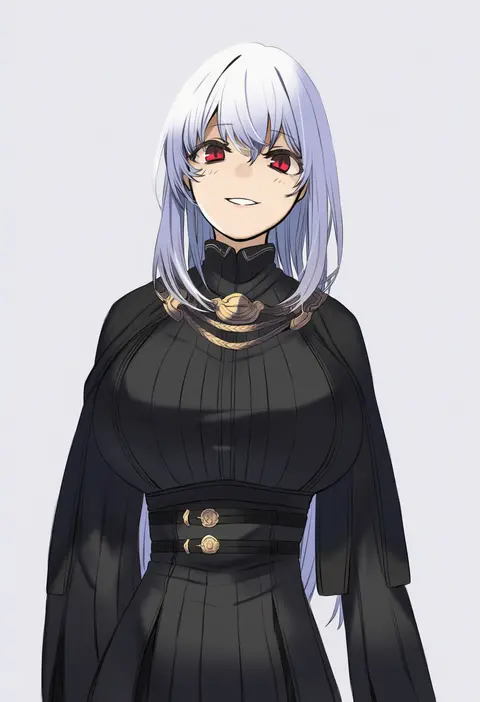
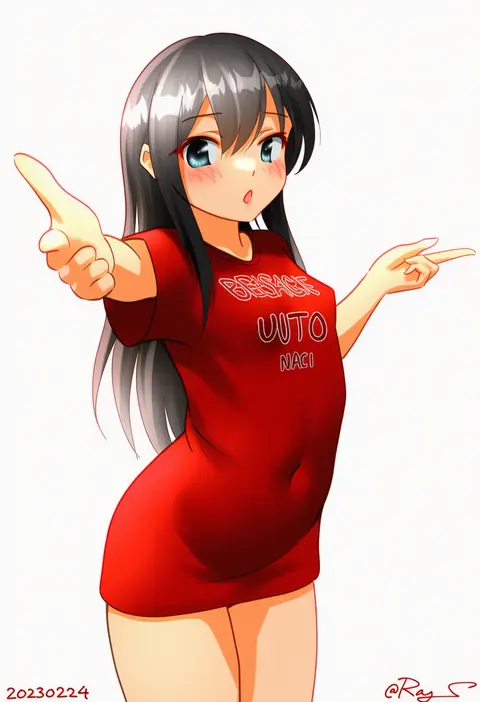
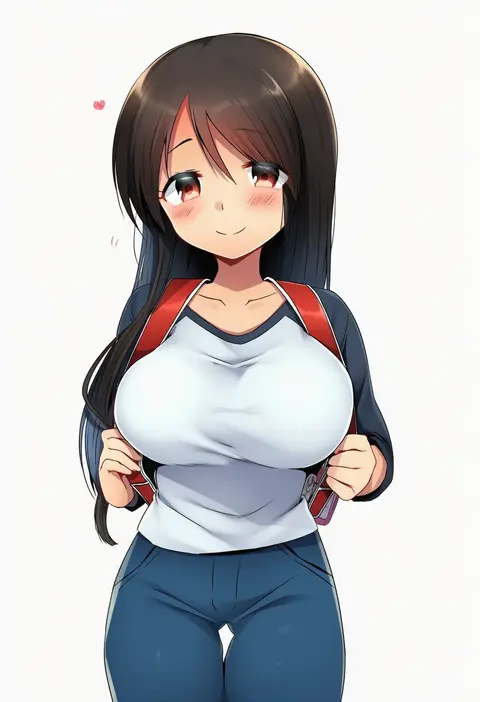
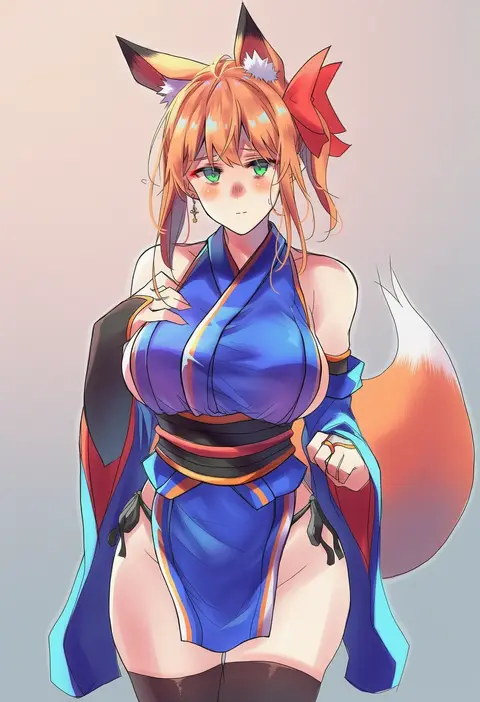
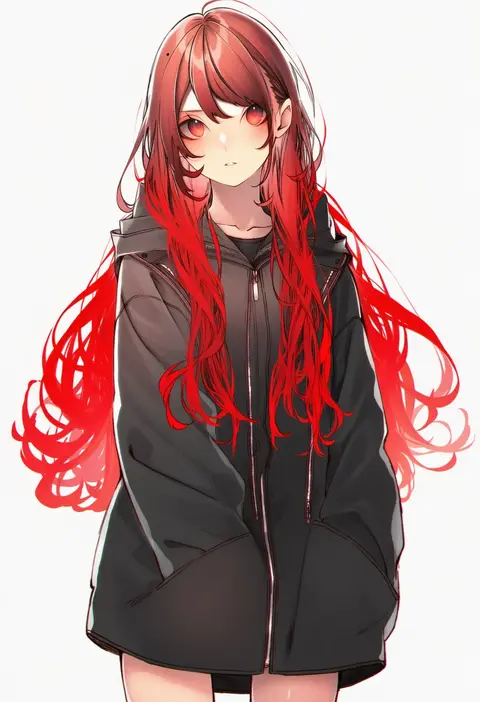
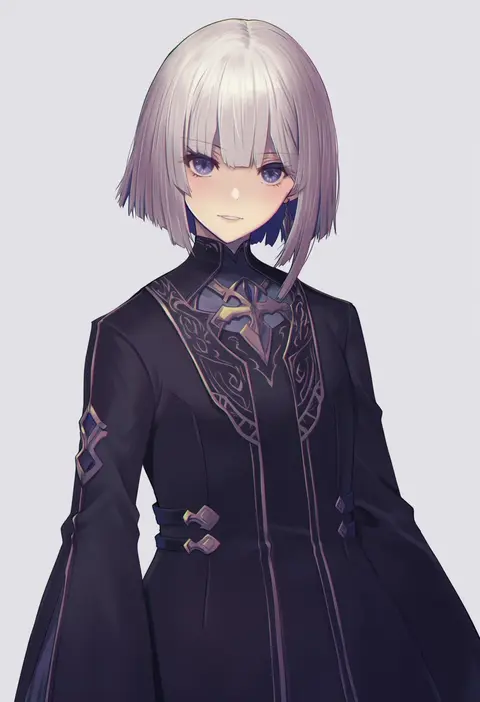
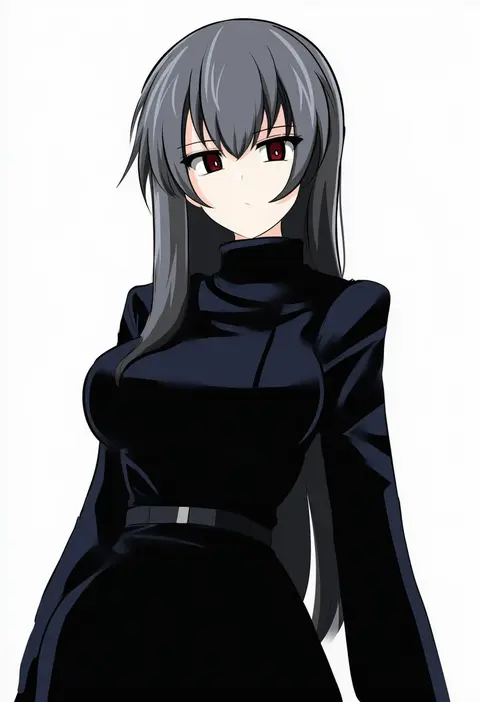
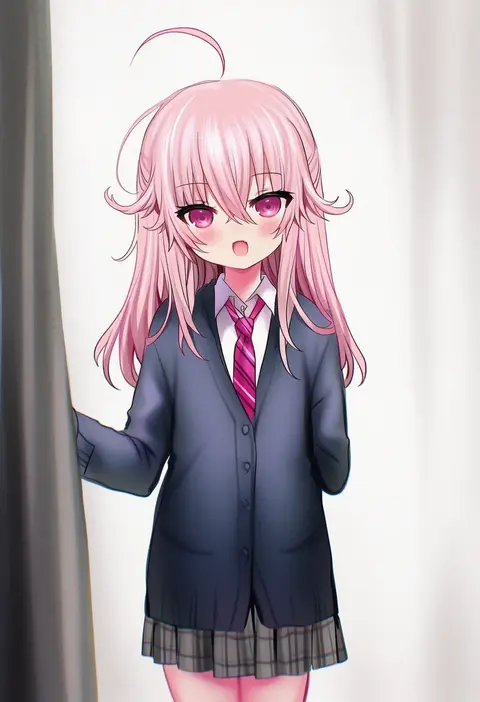
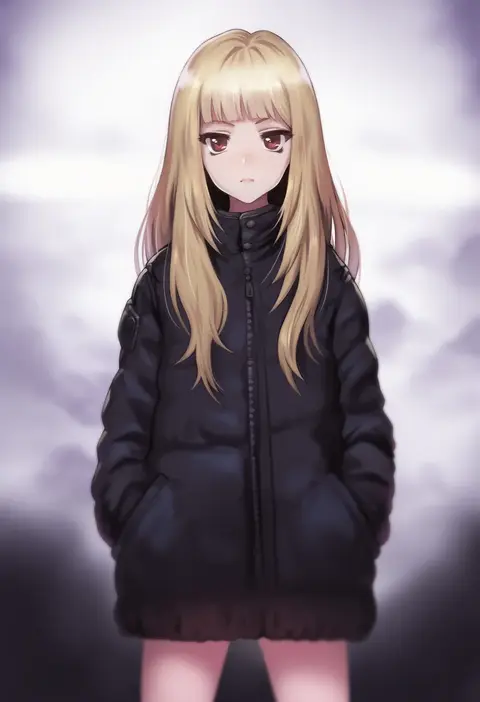
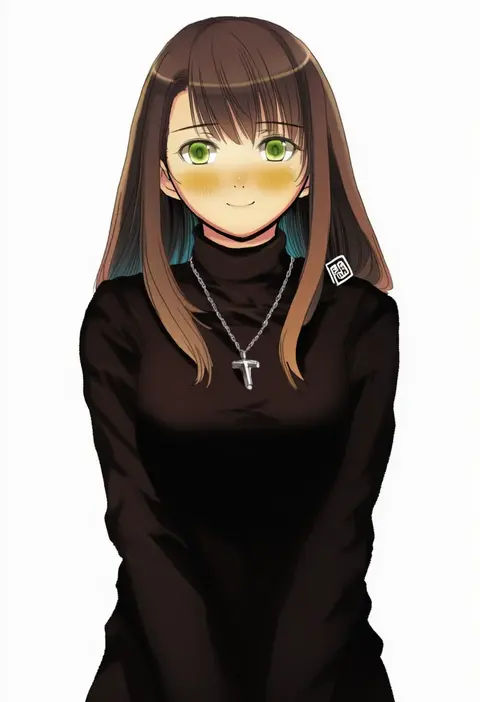
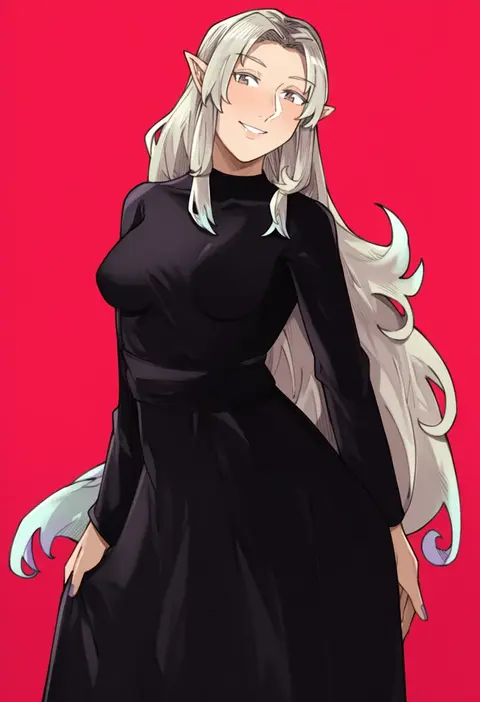
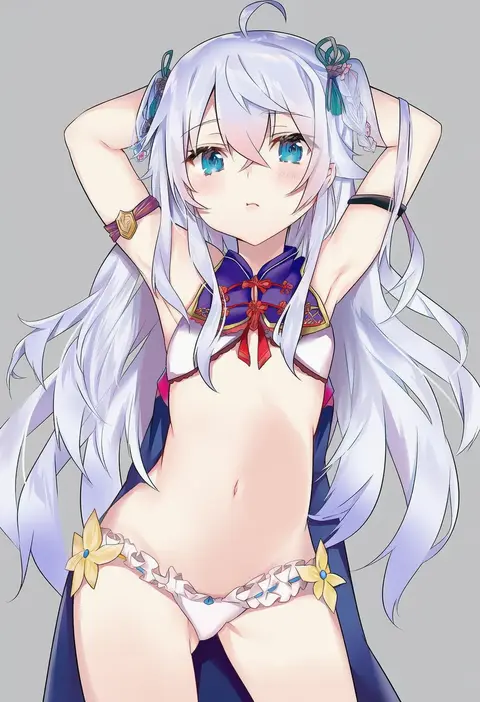
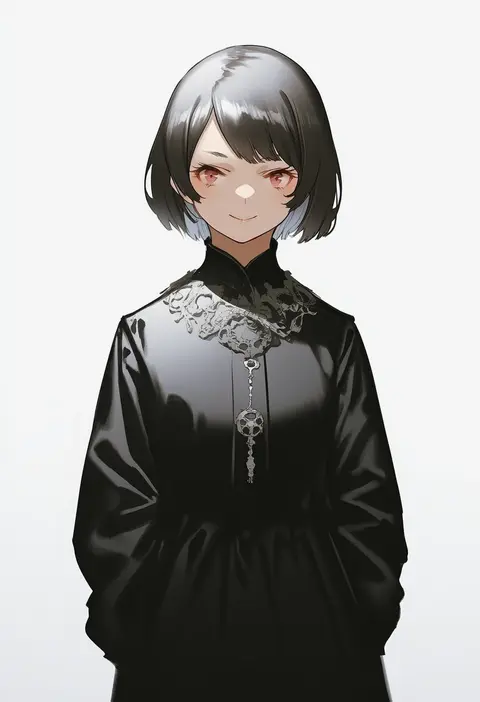
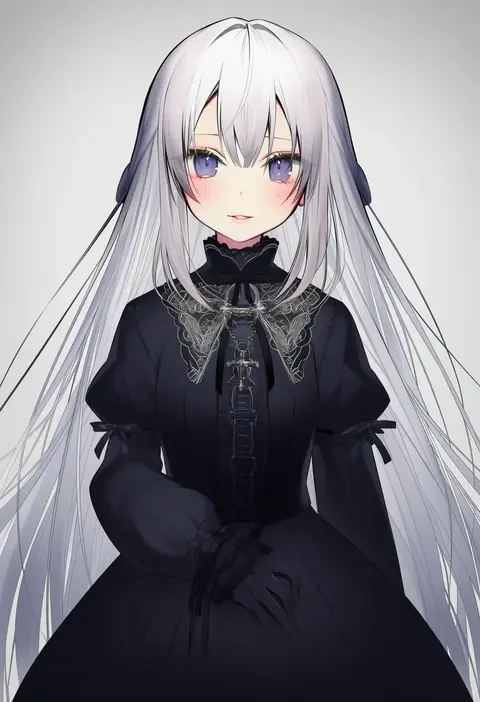
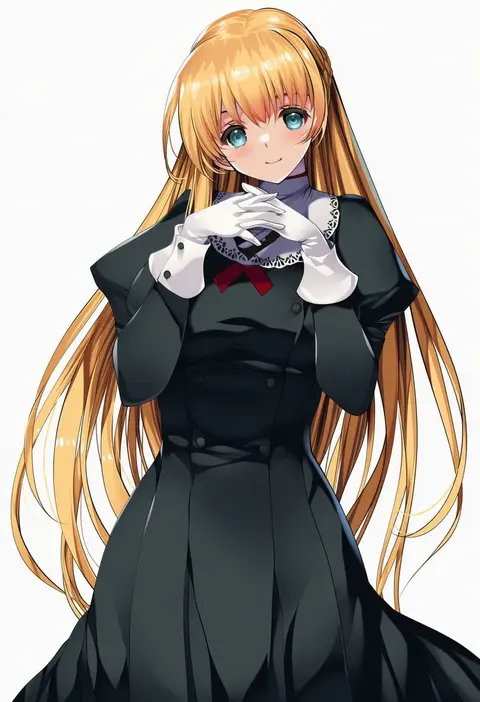
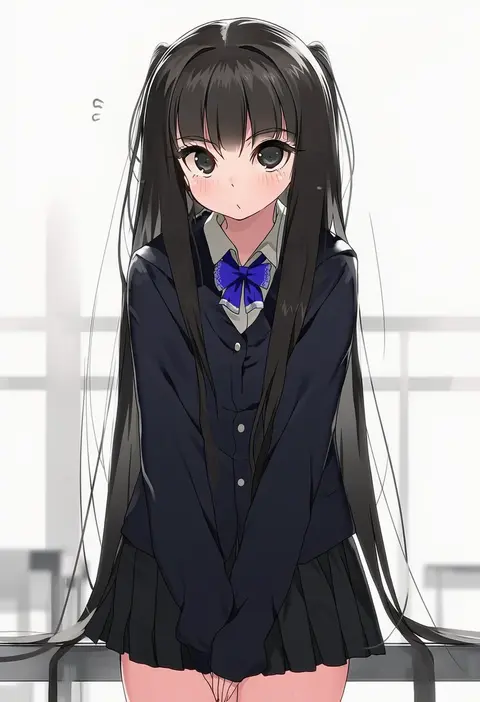
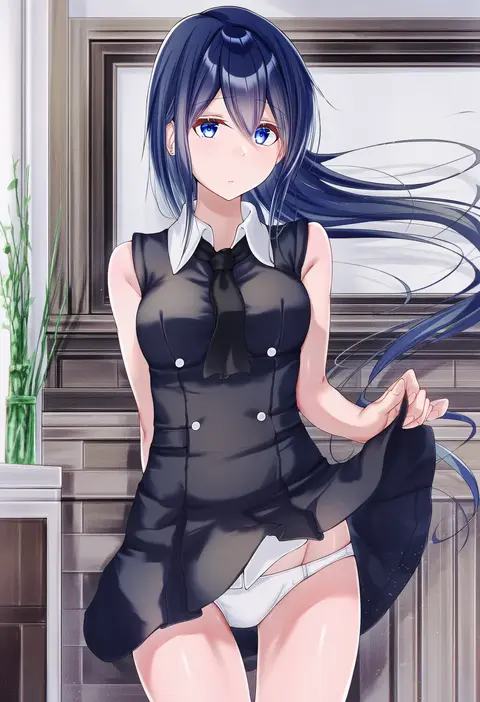
Every tag listed here is verified to react in NovelAI. All images use the same prompt, seed and settings with only the artist tag swapped, so the difference between two images is the style that tag brings in.

How to use them

Put the artist tag near the front of the prompt, e.g. "<artist>, 1girl, solo, best quality, masterpiece, cowboy shot". Two or three artist tags blend styles; lower the weight with "0.8::<artist>::" when the style overpowers the character.

SCORE sorts by Danbooru's top score, POSTS by post count, FAVS by hearts on this site. Open a card to see V5 and V4.5 side by side on the same seed.

V5 vs V4.5

V5 usually lands closer to the artist's real style, and tags that did nothing on V4.5 often react on V5. V4.5 still fits older and doujin-heavy artists better. Try V5 first, fall back to V4.5.

FAQ

Where does the artist tag go?
Near the front of the prompt. Use "0.8::tag::" to adjust its weight.

Can I stack artist tags?
Yes, styles blend. Past two or three the result stops looking like anyone.

Are these the artists' own works?
No. Every image is a NovelAI sample generated from the tag.