V4.5Artists
sort: FAVS▾
▾
>
$

NovelAI Artist Tags List — V4.5

artist --count 16,352[154/273]
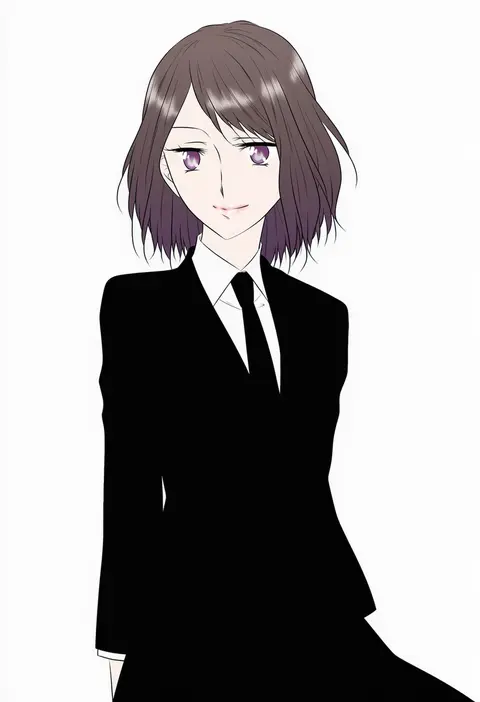
udon (shiratama)
ARTIST0x23DC
0
xenon (for achieve)
ARTIST0x23DD
0
tebi (tbd11)
ARTIST0x23DE
0
sirokuma shake
ARTIST0x23DF
0
lee (colt)
ARTIST0x23E0
0
megadeko
ARTIST0x23E1
0
nokoppa
ARTIST0x23E2
0
usagihime
ARTIST0x23E3
0
ibaraki natou
ARTIST0x23E4
0
chaki (teasets)
ARTIST0x23E5
0
kuroba rapid
ARTIST0x23E6
0
masaru.jp
ARTIST0x23E7
0
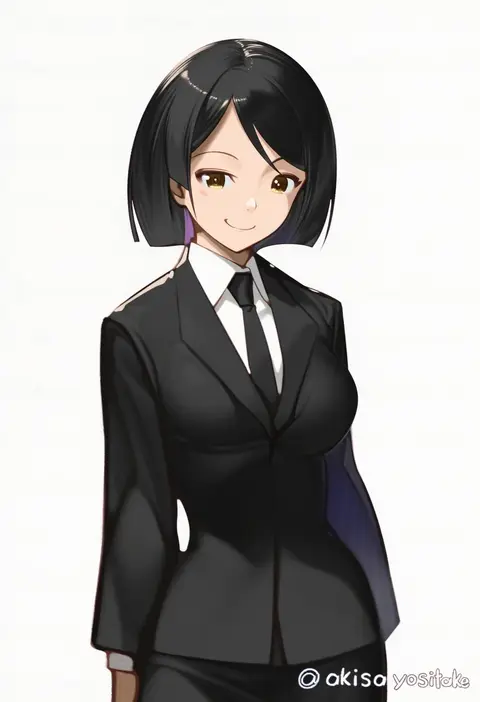
akisa yositake
ARTIST0x23E8
0
dadijiji
ARTIST0x23E9
0
binato lulu
ARTIST0x23EA
0
yuiofire
ARTIST0x23EB
0
zizi (zz22)
ARTIST0x23EC
0
ayuman
ARTIST0x23ED
0
zhongye yu
ARTIST0x23EE
0
nijihayashi
ARTIST0x23EF
0
komatsuzaki rui
ARTIST0x23F0
0
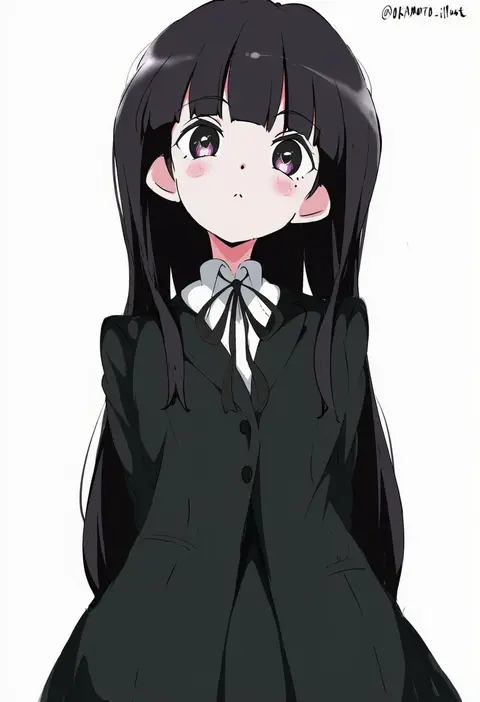
white gorilla (okamoto)
ARTIST0x23F1
0
yunweishukuang
ARTIST0x23F2
0
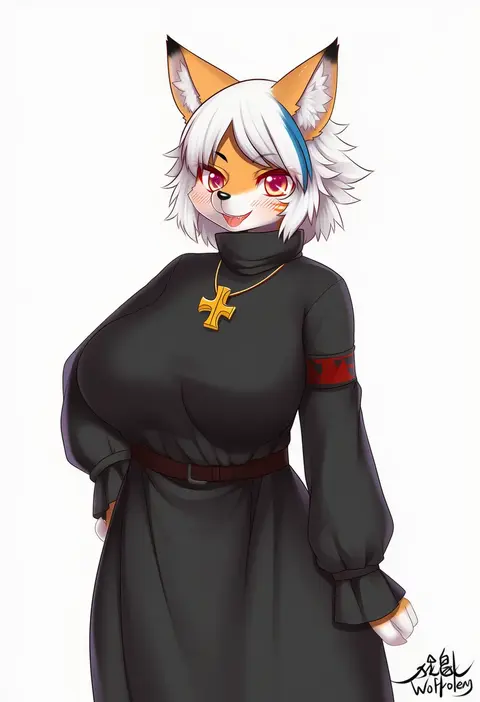
wolflong
ARTIST0x23F3
0
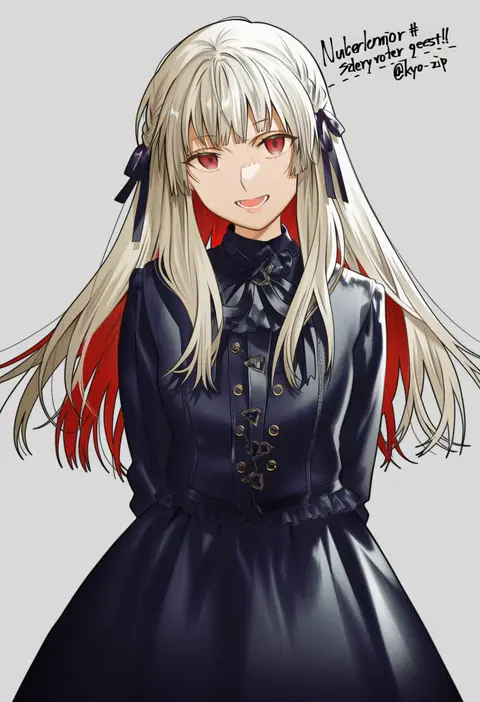
kyo zip
ARTIST0x23F4
0
norasame (dagako)
ARTIST0x23F5
0
ushi (newrein)
ARTIST0x23F6
0
chris re5
ARTIST0x23F7
0
pico (picollector79)
ARTIST0x23F8
0
jumbowhopper
ARTIST0x23F9
0
kanae (inorin05kanae)
ARTIST0x23FA
0
sc naru
ARTIST0x23FB
0
natsu (sinker8c)
ARTIST0x23FC
0
meiji (meizi493)
ARTIST0x23FD
0
yutsuki warabi
ARTIST0x23FE
0
kevin.g.tuck
ARTIST0x23FF
0
tabao
ARTIST0x2400
0
hicha nomu
ARTIST0x2401
0
odawara hakone
ARTIST0x2402
0
eroe
ARTIST0x2403
0
porurin
ARTIST0x2404
0
mutsuki (moonknives)
ARTIST0x2405
0
yonedatomo mizu
ARTIST0x2406
0
kishiyo
ARTIST0x2407
0
mikagami sou
ARTIST0x2408
0
meiji ken
ARTIST0x2409
0
km yama
ARTIST0x240A
0
lilish
ARTIST0x240B
0
hayama eishi
ARTIST0x240C
0
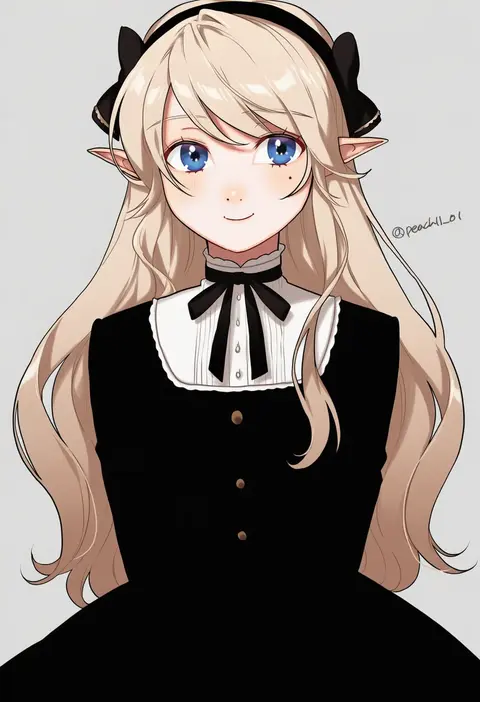
shamu (peach11 01)
ARTIST0x240D
0
kizaki yuuri
ARTIST0x240E
0
bibi02
ARTIST0x240F
0
chorefuji
ARTIST0x2410
0
kurose kousuke
ARTIST0x2411
0
chiba toshirou
ARTIST0x2412
0
dakusuta
ARTIST0x2413
0
drew (drew213g)
ARTIST0x2414
0
tottoto tomekichi
ARTIST0x2415
0
tama (tama-s)
ARTIST0x2416
0
kangetsu (fhalei)
ARTIST0x2417
0

What these tags change

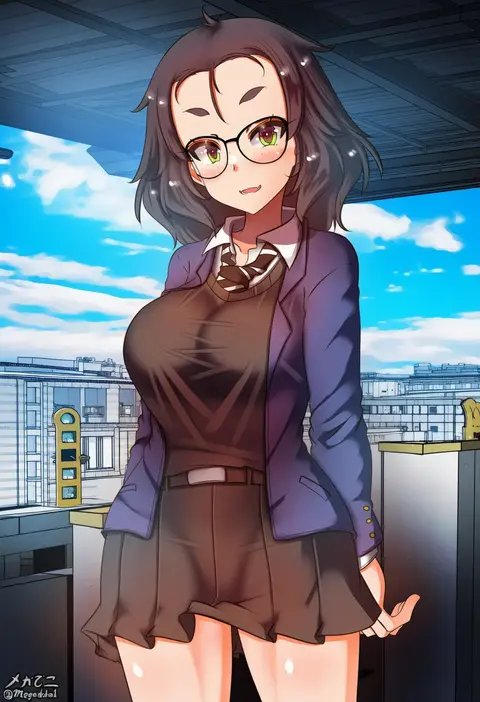
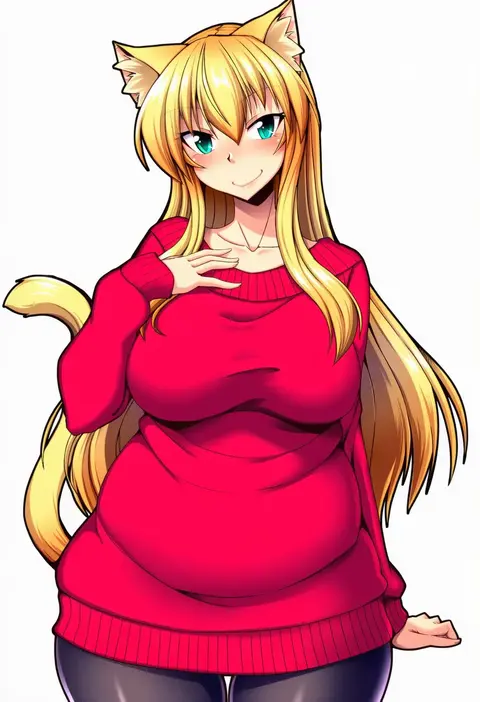
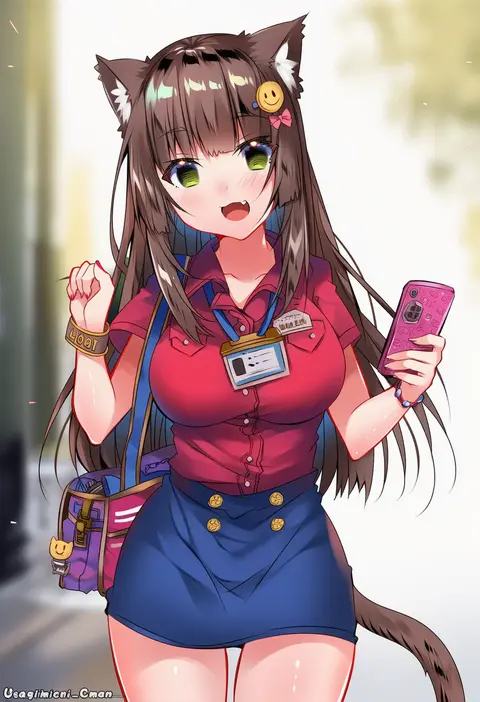
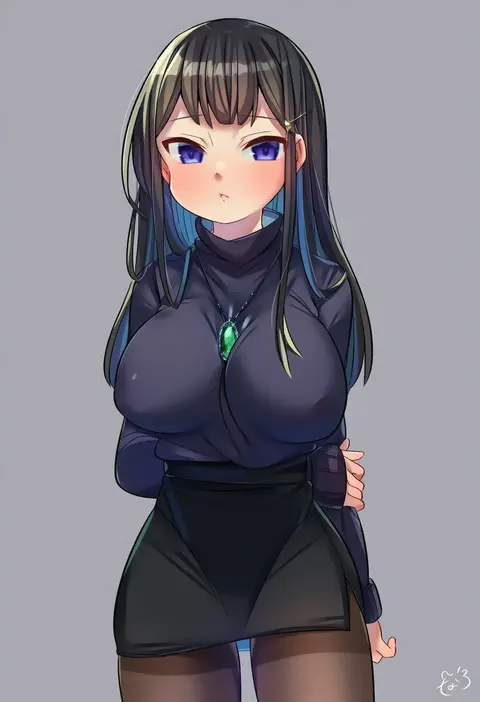
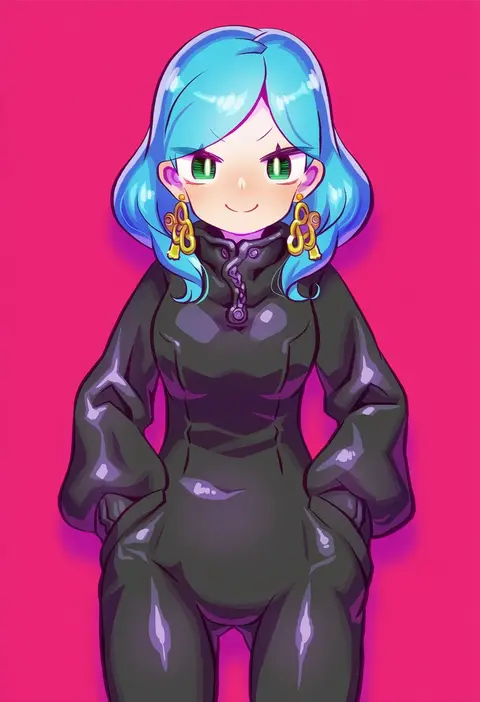
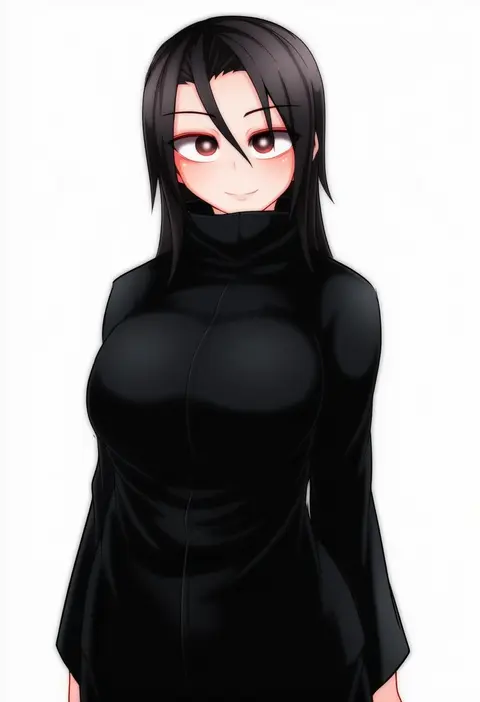
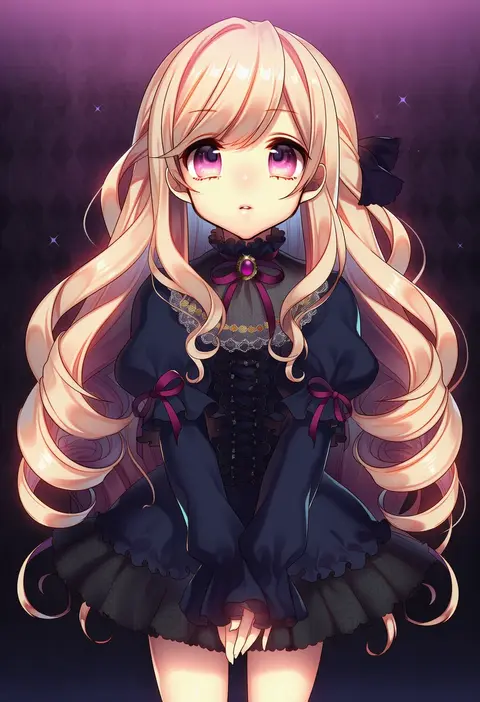
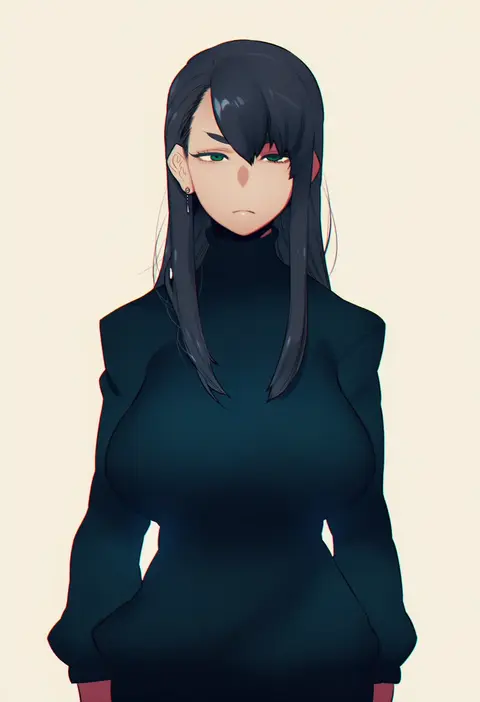
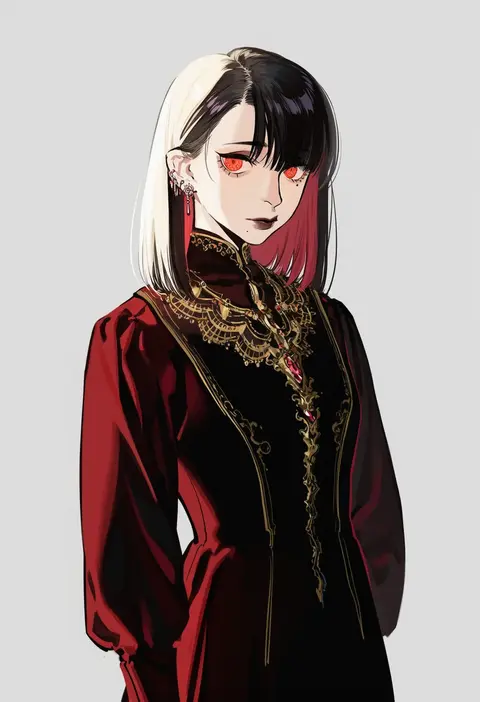
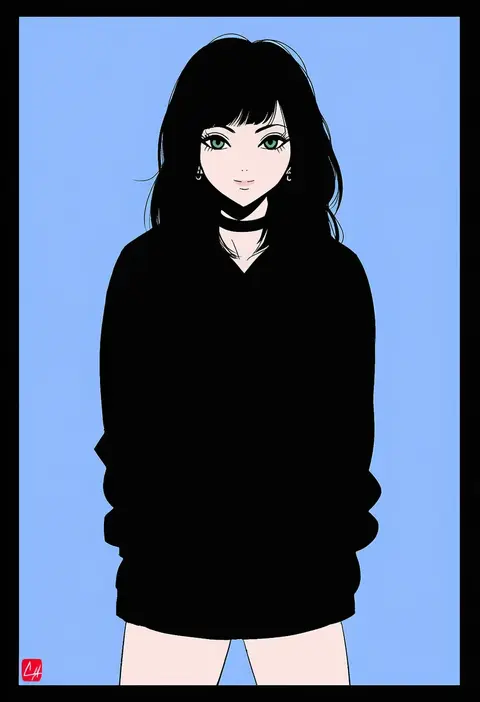
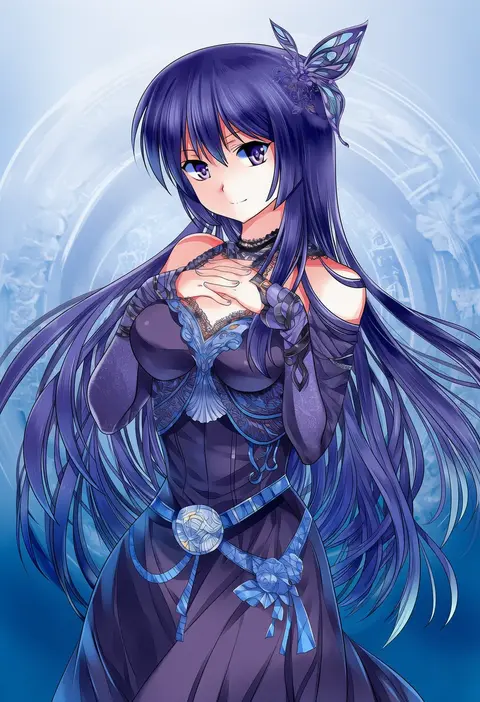
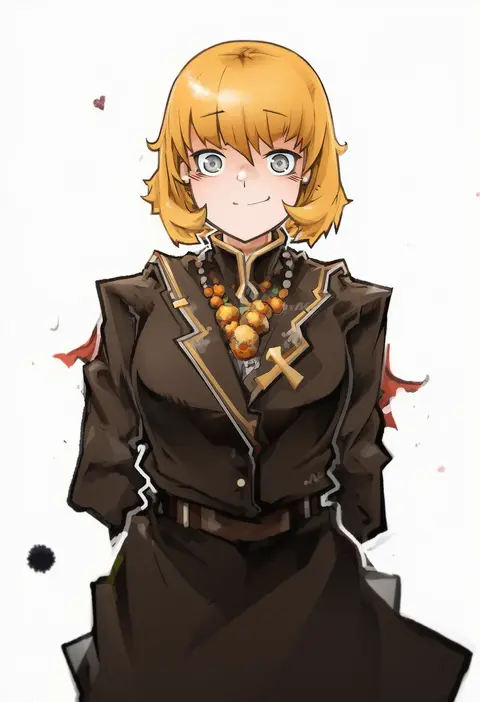
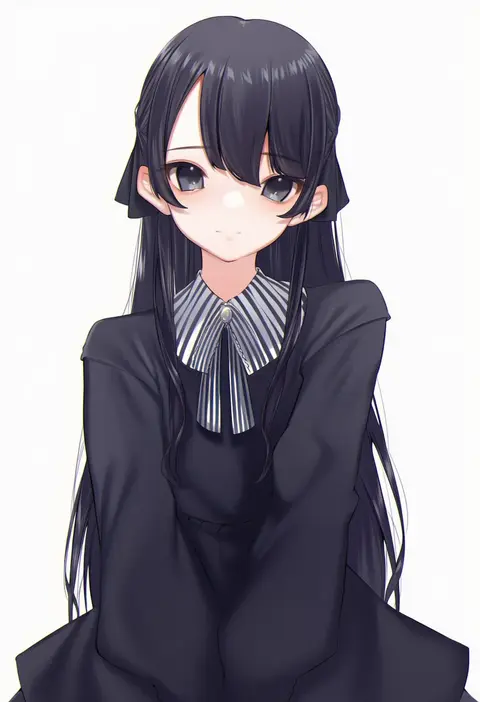
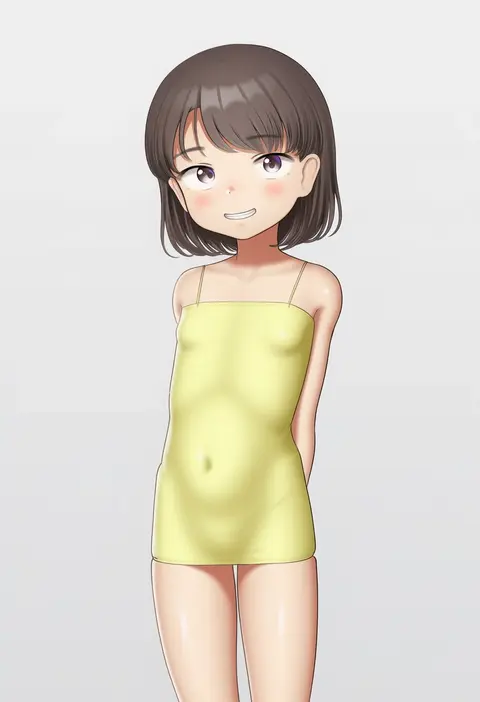
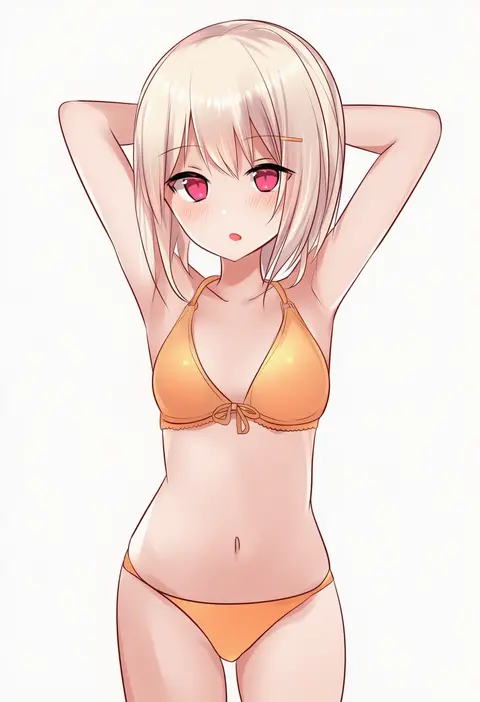
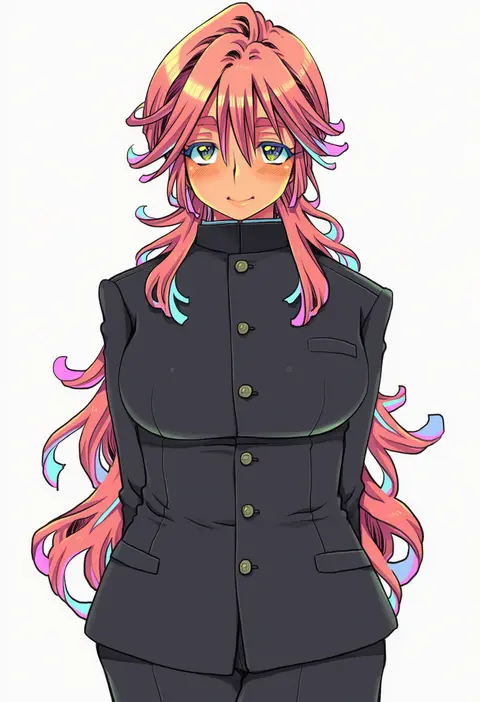
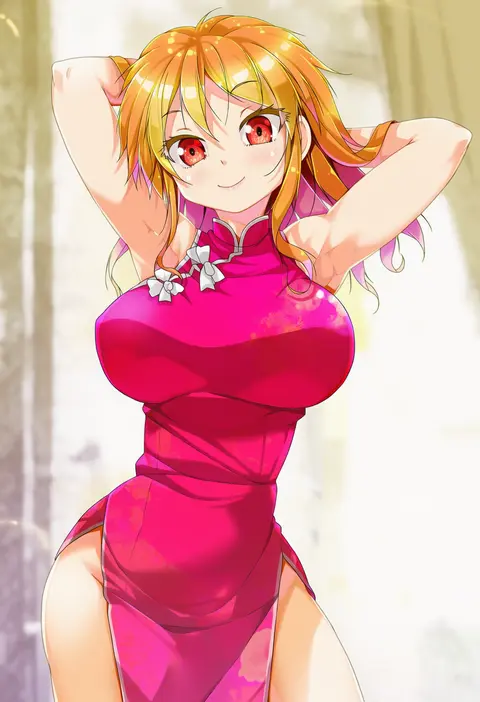
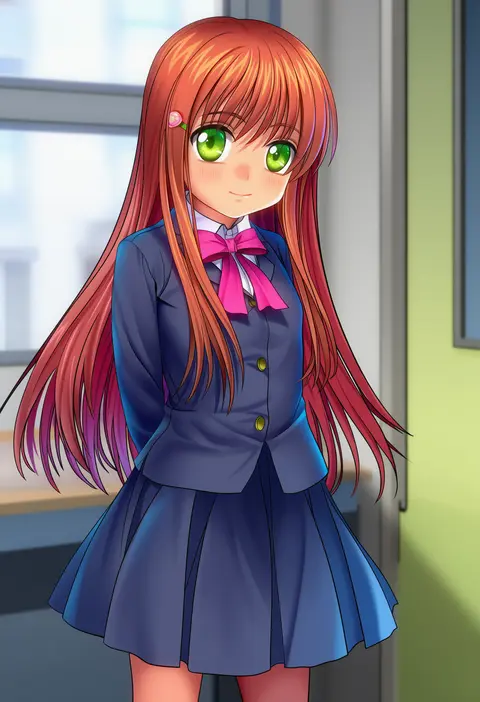
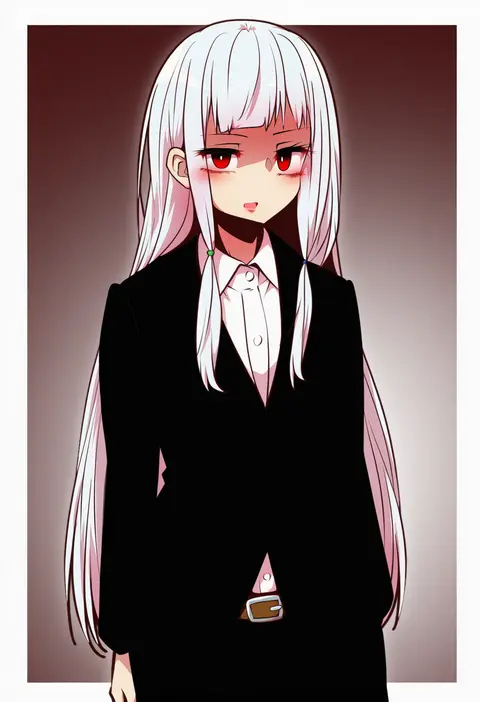
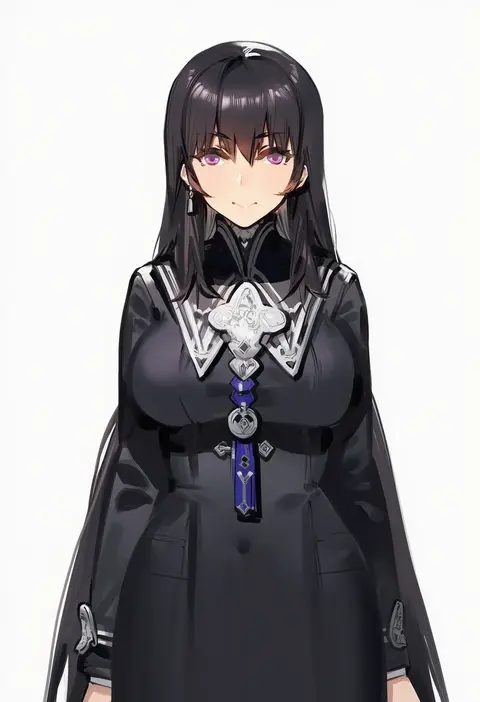
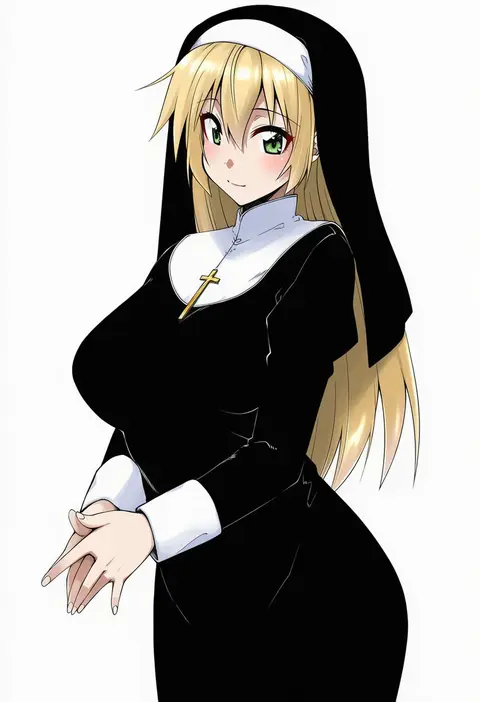
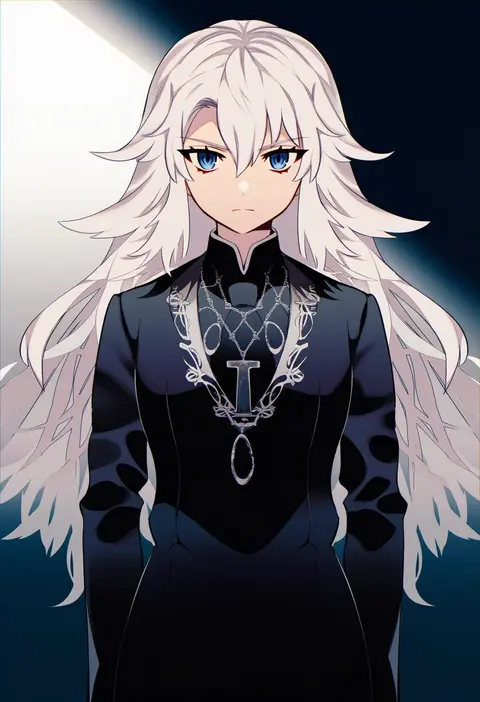
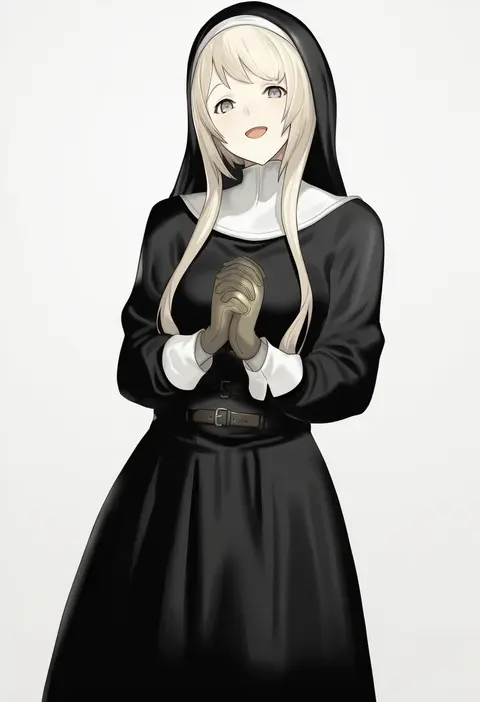
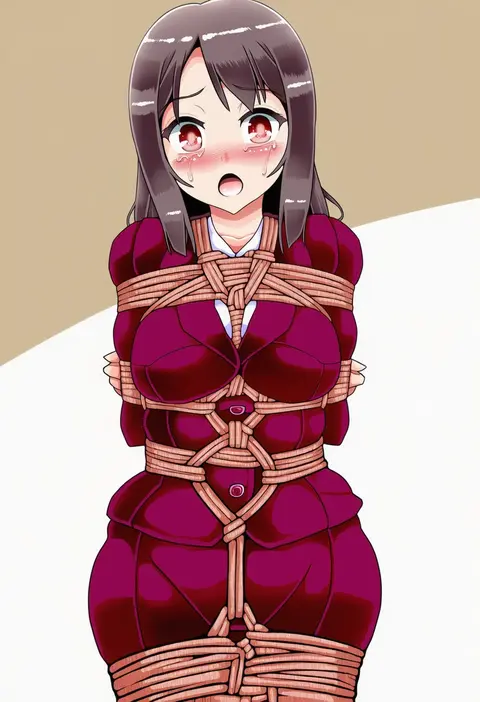
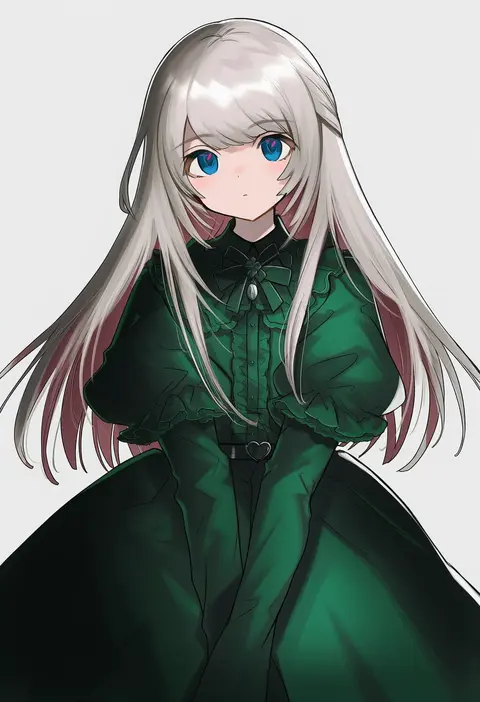
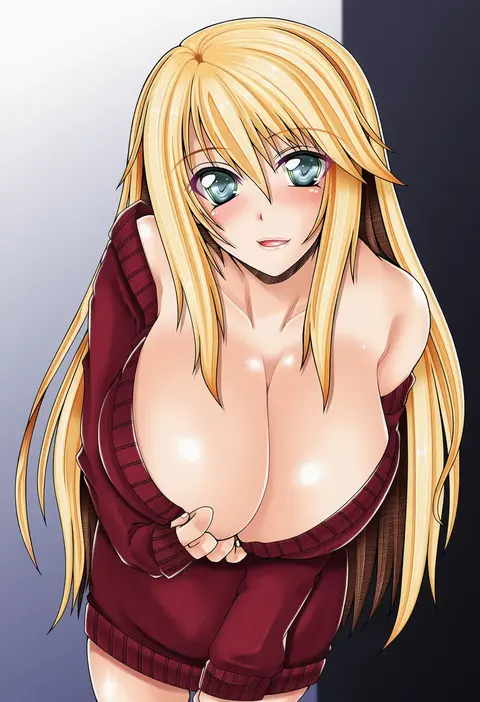
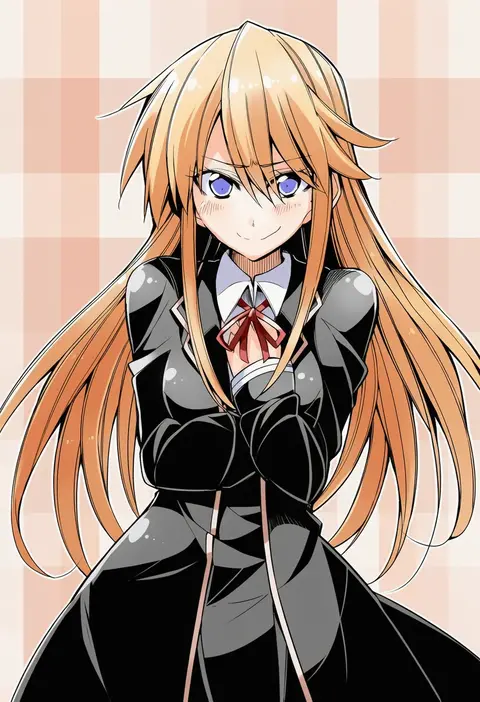
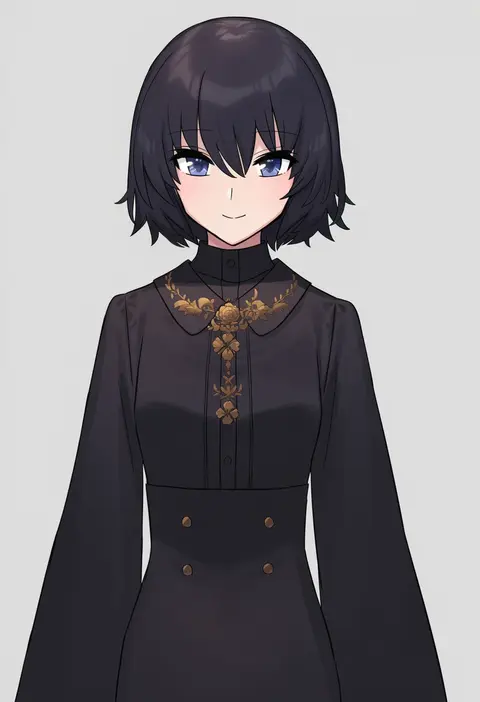
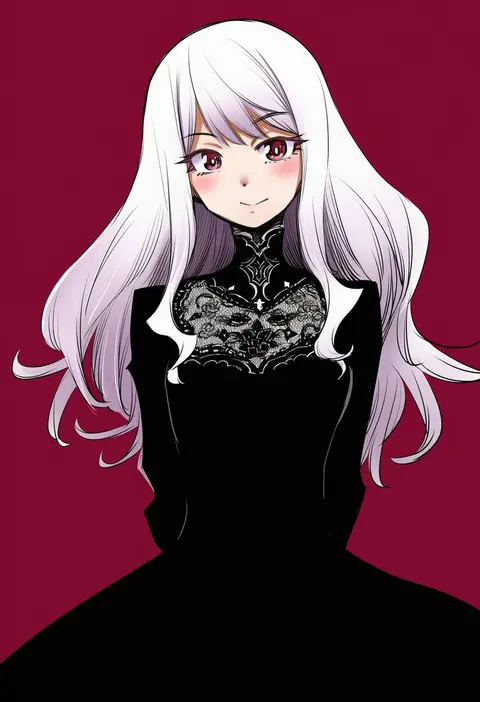
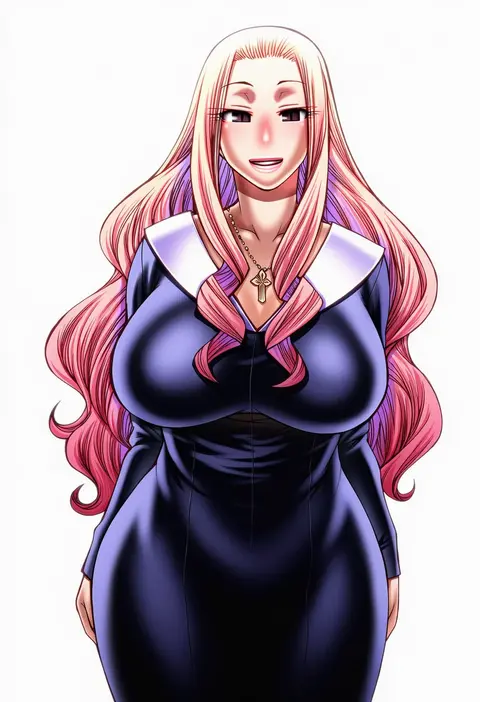
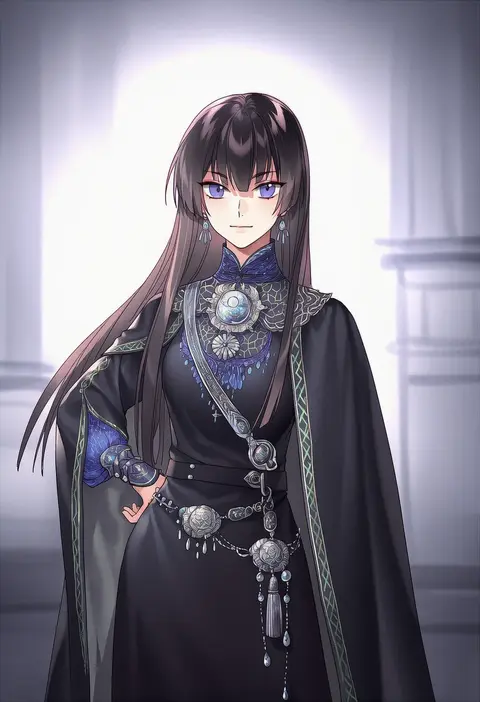
Artist tags tell NovelAI Diffusion to draw in a specific artist's style: line weight, paint texture, face shapes and palette all shift at once. Character and outfit tags decide what is drawn; artist tags decide how. 16,352 tags are listed for V4.5.
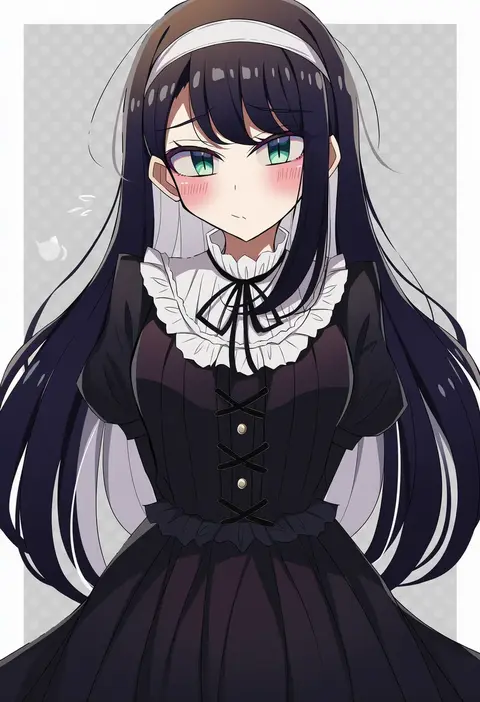
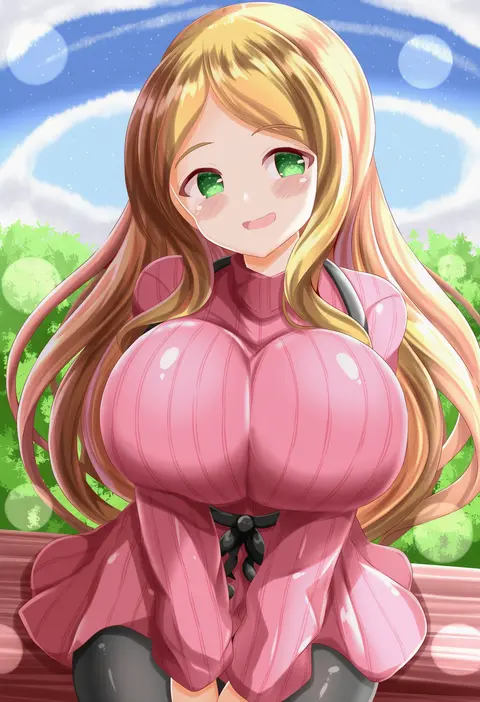
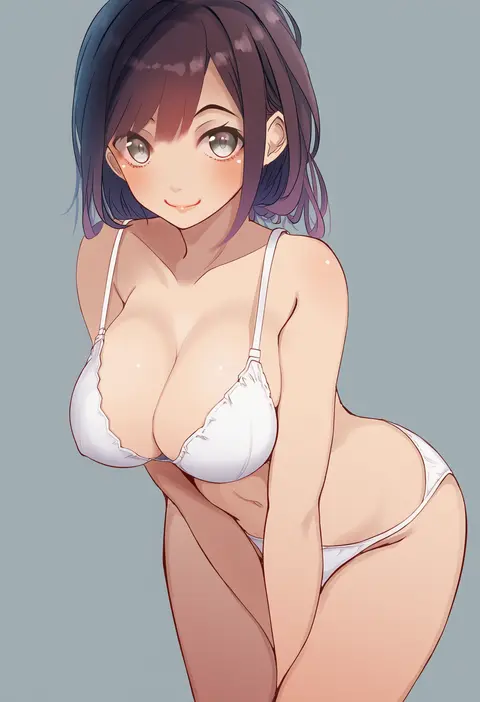
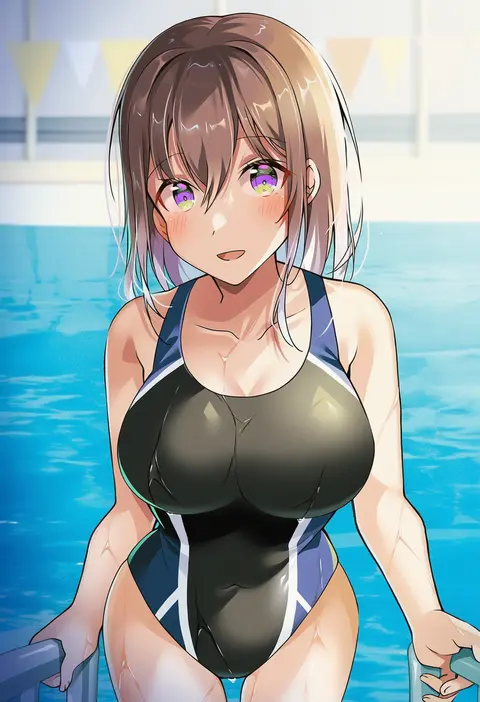
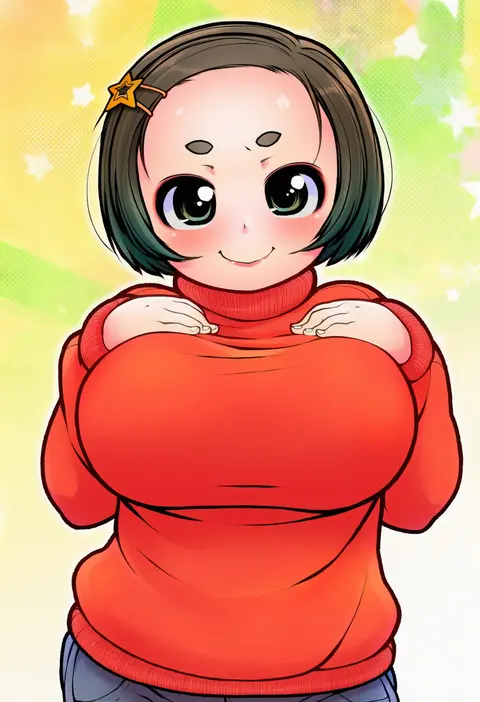
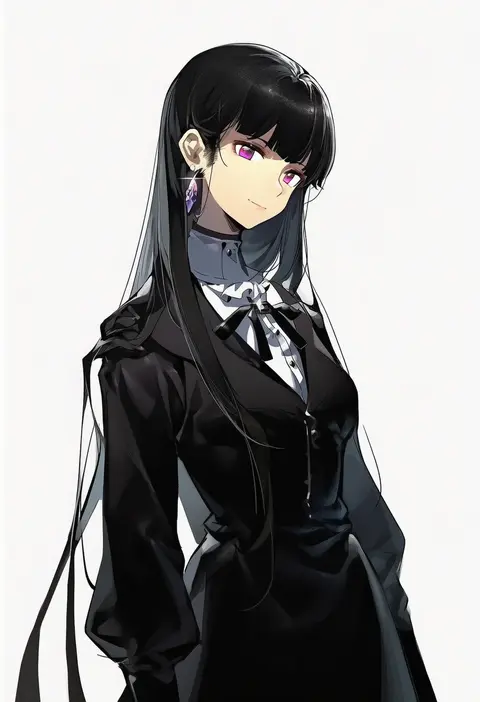
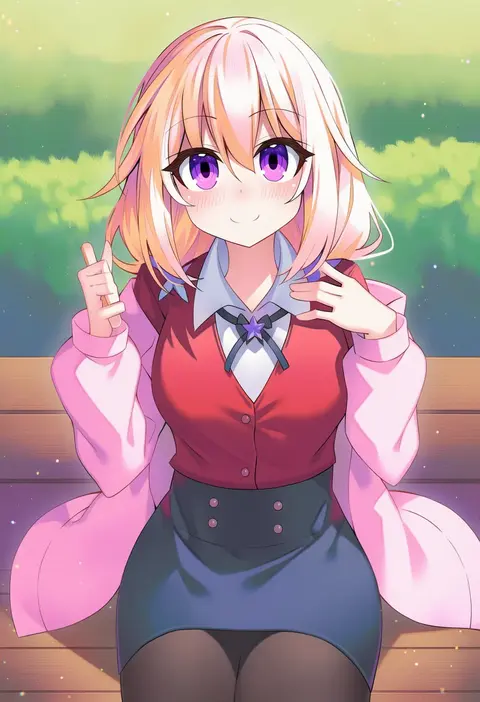
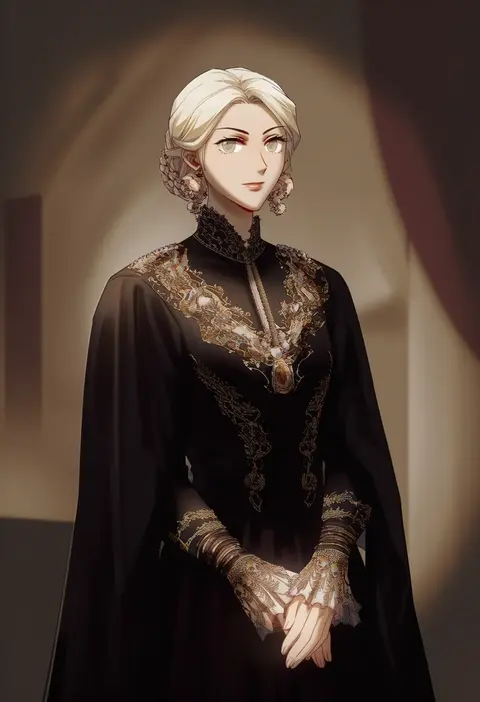
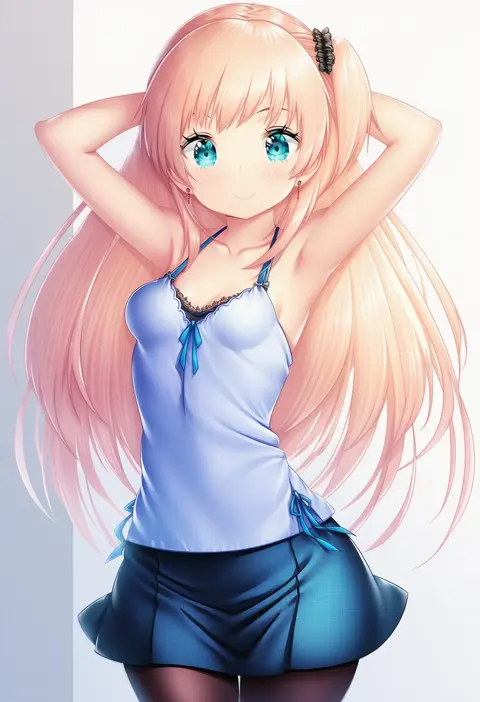
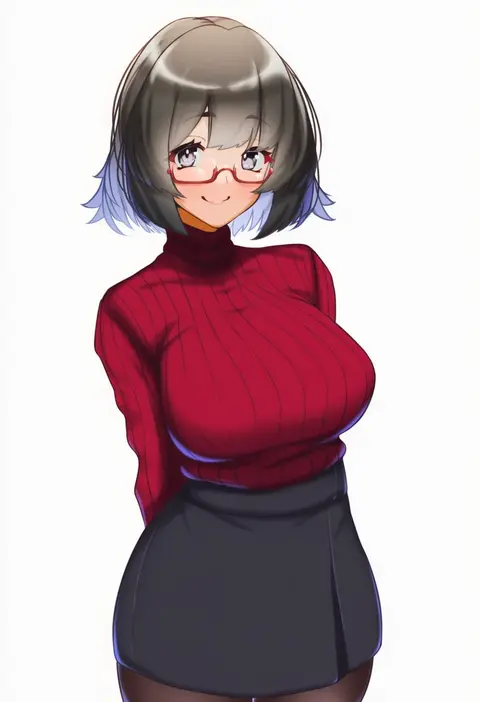
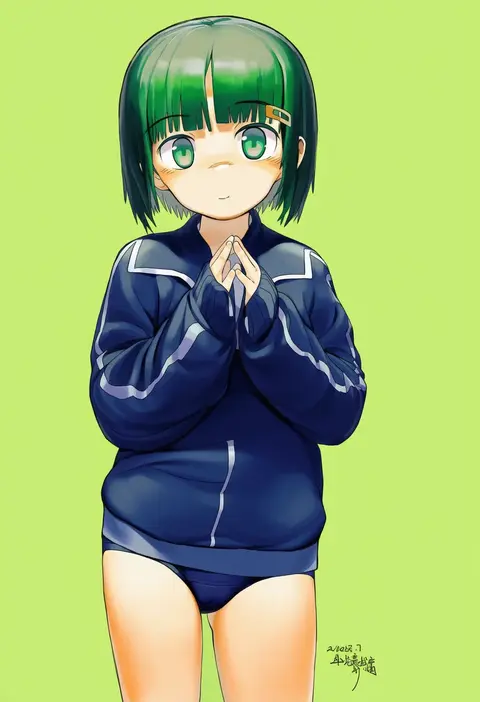
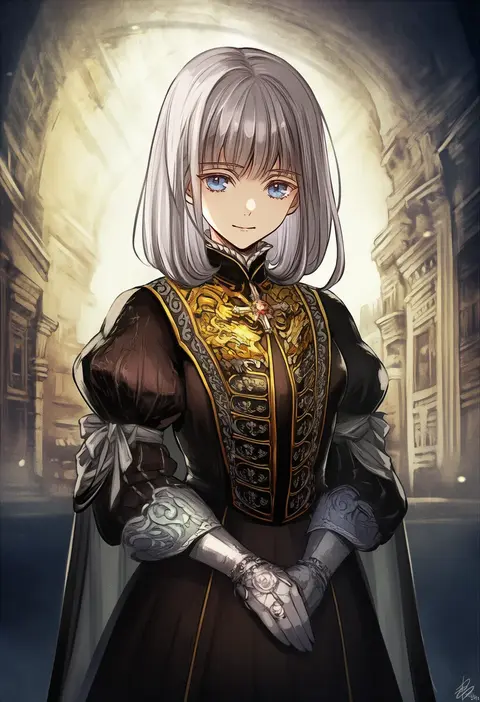
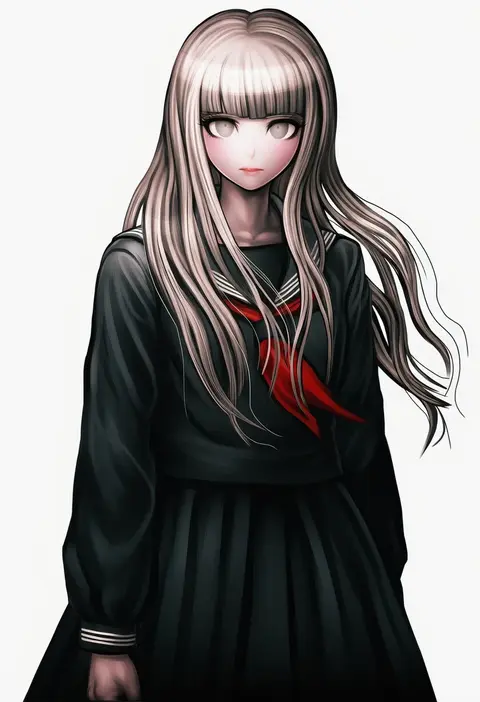
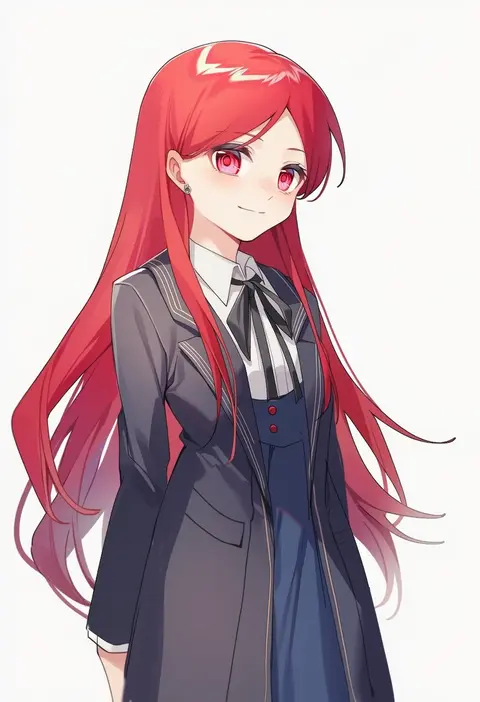
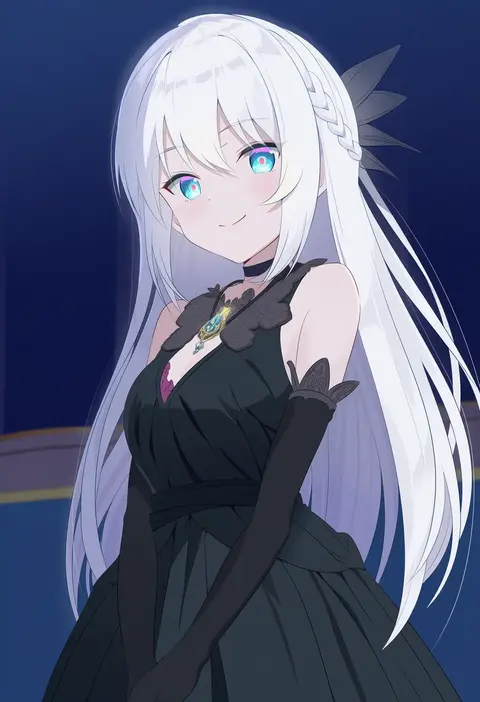
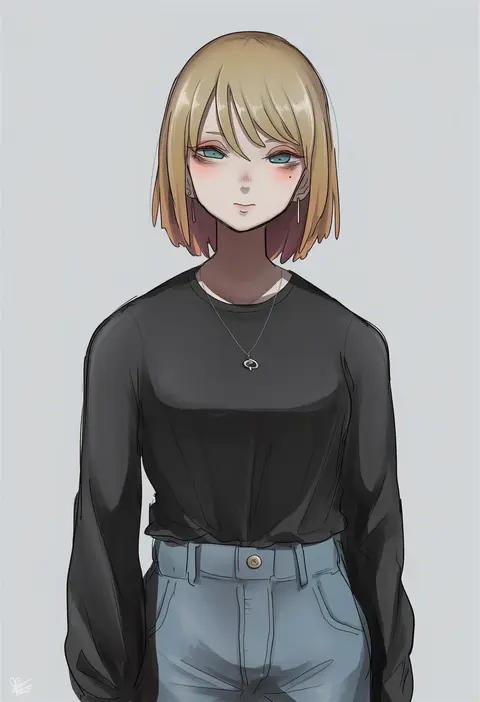
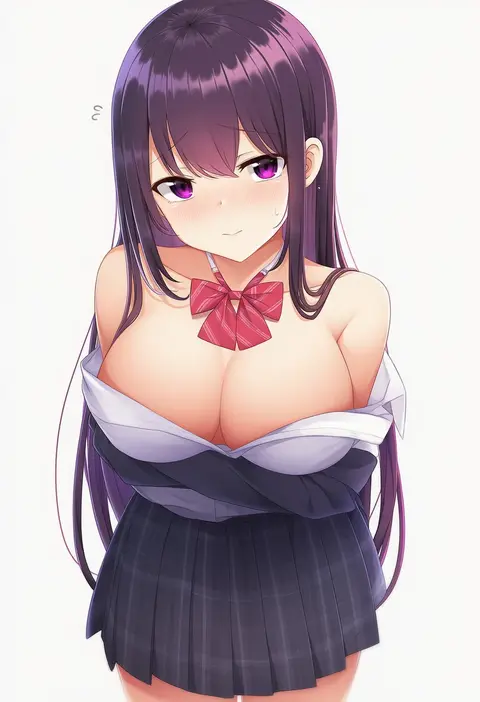
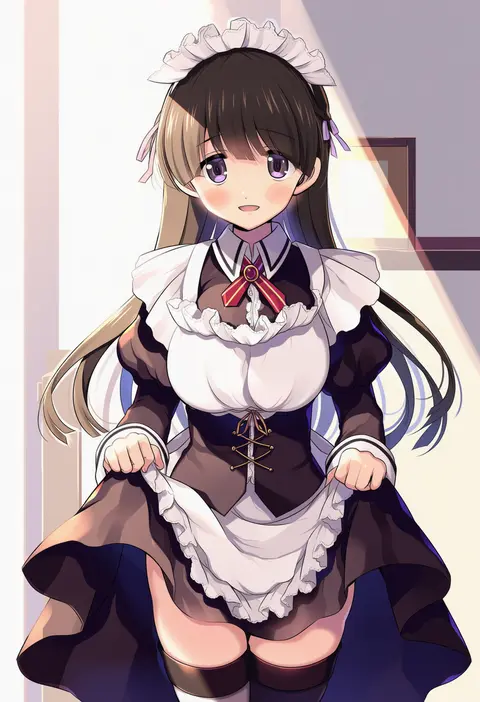
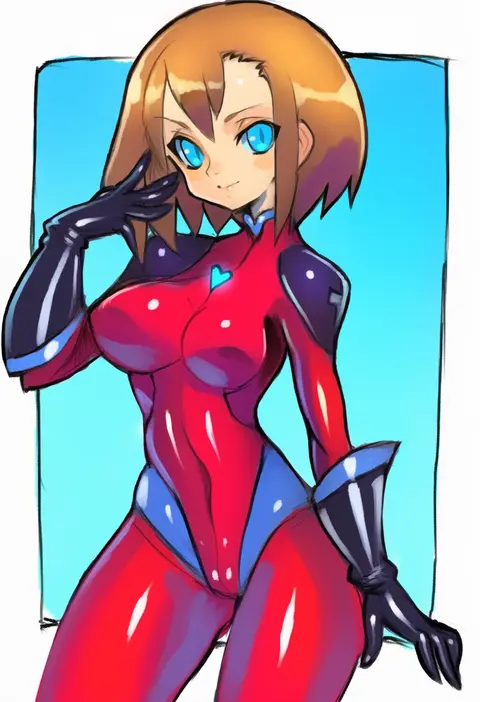
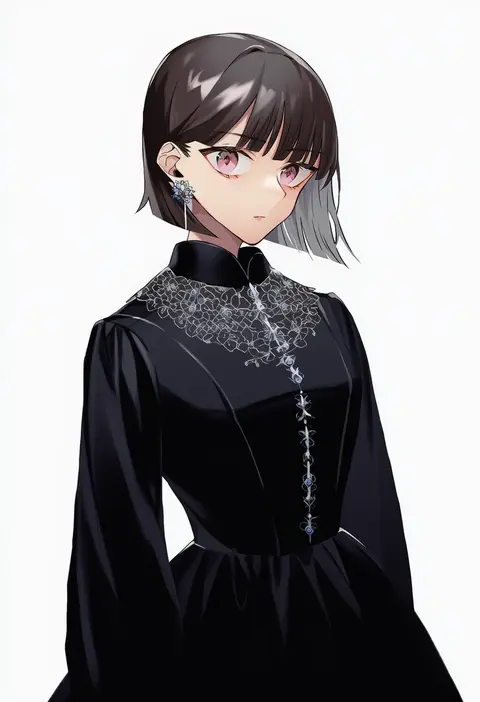
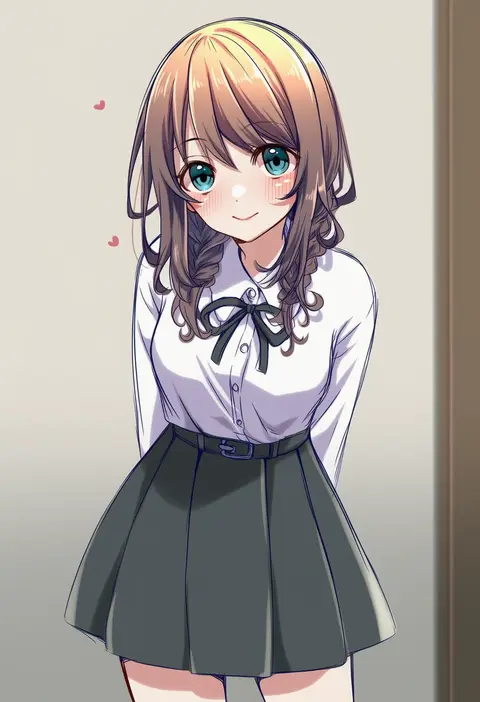
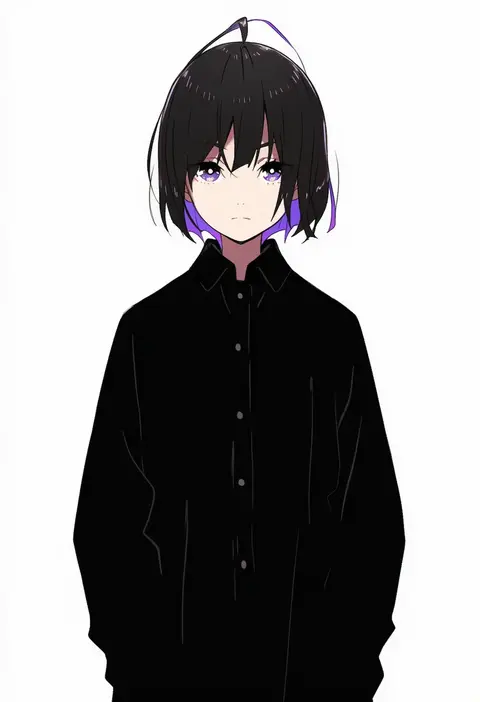
Every tag listed here is verified to react in NovelAI. All images use the same prompt, seed and settings with only the artist tag swapped, so the difference between two images is the style that tag brings in.

How to use them

Put the artist tag near the front of the prompt, e.g. "<artist>, 1girl, solo, best quality, masterpiece, cowboy shot". Two or three artist tags blend styles; lower the weight with "0.8::<artist>::" when the style overpowers the character.

SCORE sorts by Danbooru's top score, POSTS by post count, FAVS by hearts on this site. Open a card to see V5 and V4.5 side by side on the same seed.

V5 vs V4.5

V5 usually lands closer to the artist's real style, and tags that did nothing on V4.5 often react on V5. V4.5 still fits older and doujin-heavy artists better. Try V5 first, fall back to V4.5.

FAQ

Where does the artist tag go?
Near the front of the prompt. Use "0.8::tag::" to adjust its weight.

Can I stack artist tags?
Yes, styles blend. Past two or three the result stops looking like anyone.

Are these the artists' own works?
No. Every image is a NovelAI sample generated from the tag.