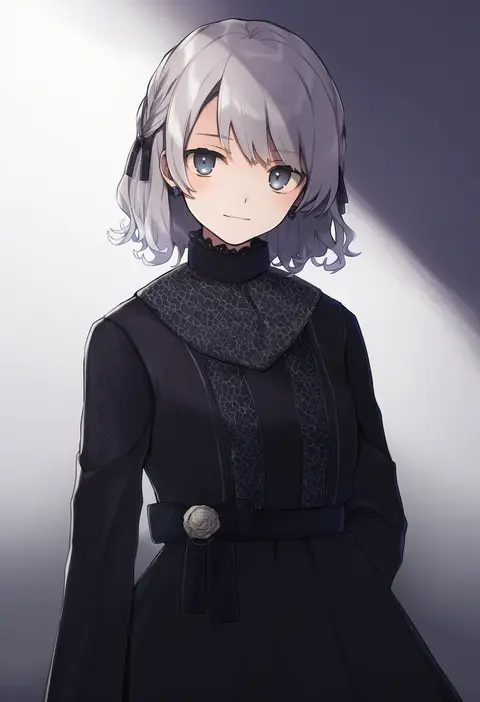
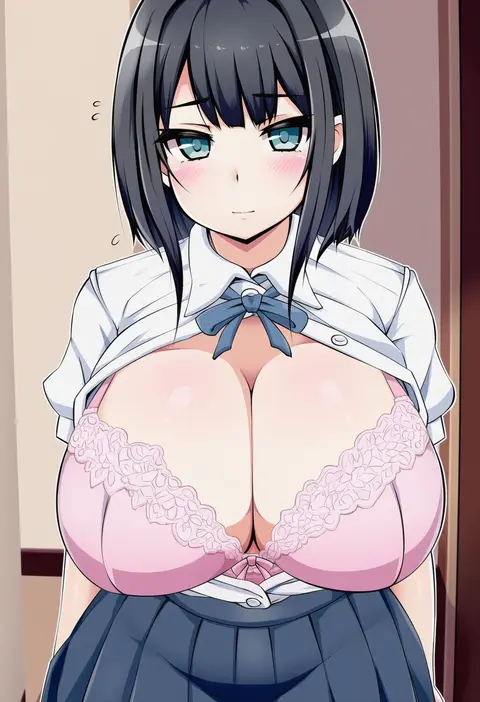
V4.5Artists
sort: FAVS▾
▾
>
$

NovelAI Artist Tags List — V4.5

artist --count 16,352[152/273]
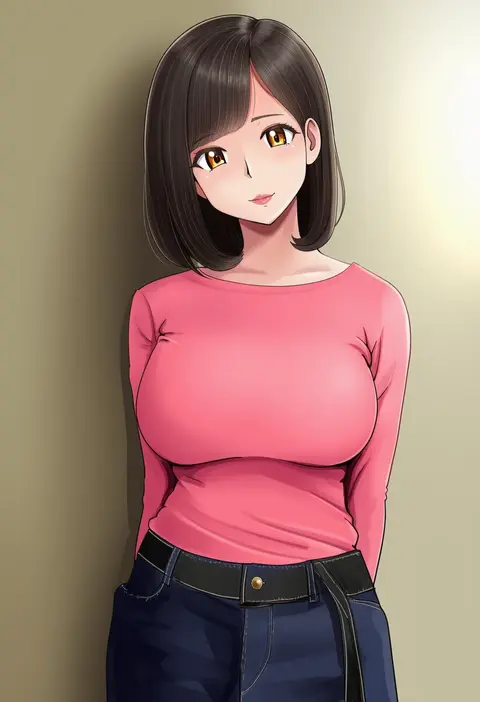
bakusai
ARTIST0x2364
0
ommmyoh
ARTIST0x2365
0
shironeko sanbou
ARTIST0x2366
0
yasehattagi
ARTIST0x2367
0
tsurugi hikaru
ARTIST0x2368
0
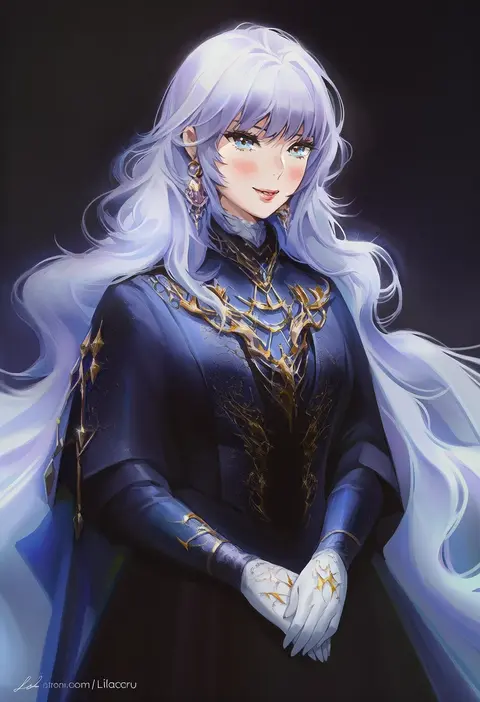
lilaccu
ARTIST0x2369
0
kemomin nosuke
ARTIST0x236A
0
koza game
ARTIST0x236B
0
orikuchi hirata
ARTIST0x236C
0
ibushi (oath)
ARTIST0x236D
0
theta (ponkotsu works)
ARTIST0x236E
0
toron (mino106)
ARTIST0x236F
0
kermittend
ARTIST0x2370
0
ryochan96154
ARTIST0x2371
0
satou yasu
ARTIST0x2372
0
poko chin
ARTIST0x2373
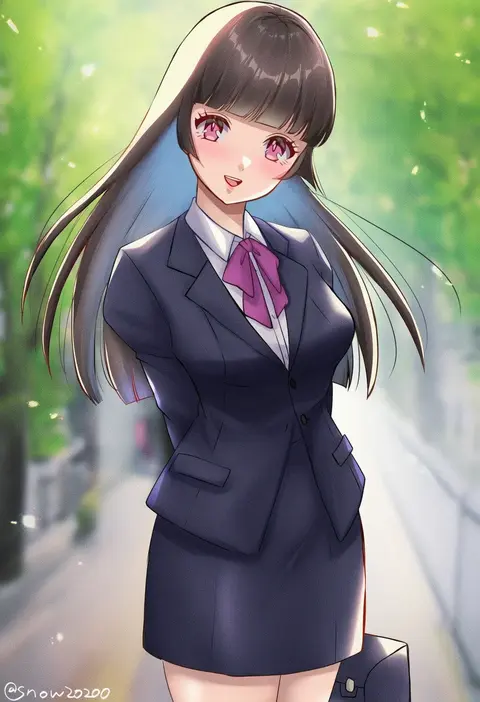
0
snow20200
ARTIST0x2374
0
haruno shuu
ARTIST0x2375
0
mabing
ARTIST0x2376
0
suna (s73d)
ARTIST0x2377
0
raine (acke2445)
ARTIST0x2378
0
hazuki natsu
ARTIST0x2379
0
melaton
ARTIST0x237A
0
calcio
ARTIST0x237B
0
kiguchiko
ARTIST0x237C
0
misnon the great
ARTIST0x237D
0
kirisawa saki
ARTIST0x237E
0
yokai (yokai0401)
ARTIST0x237F
0
xanax025
ARTIST0x2380
0
tosyeo
ARTIST0x2381
0
poppy (poppykakaka)
ARTIST0x2382
0
chiune (yachi)
ARTIST0x2383
0
kidachi
ARTIST0x2384
0
ouse (otussger)
ARTIST0x2385
0
wakagi repa
ARTIST0x2386
0
machuuu68
ARTIST0x2387
0
futatsuki eru
ARTIST0x2388
0
kinako (mzknk0)
ARTIST0x2389
0
isa
ARTIST0x238A
0
runamonet
ARTIST0x238B
0
matsumoto noriyuki
ARTIST0x238C
0
minagiku
ARTIST0x238D
0
citron80citron
ARTIST0x238E
0
ayano (ayn398)
ARTIST0x238F
0
sumi (gfgf 045)
ARTIST0x2390
0
blue sealad
ARTIST0x2391
0
nori (akusei shinseibutsu)
ARTIST0x2392
0
kawanuma uotsuri
ARTIST0x2393
0
aihara-rina
ARTIST0x2394
0
satsuki kei
ARTIST0x2395
0
elphe
ARTIST0x2396
0
sasamashin
ARTIST0x2397
0
aneco (westsea1227)
ARTIST0x2398
0
abiko yuuji
ARTIST0x2399
0
hanazawa ma
ARTIST0x239A
0
nekoreito
ARTIST0x239B
0
edz drawz
ARTIST0x239C
0
luzi
ARTIST0x239D
0
enomoto hina
ARTIST0x239E
0
ini (mocomocccos)
ARTIST0x239F
0

What these tags change

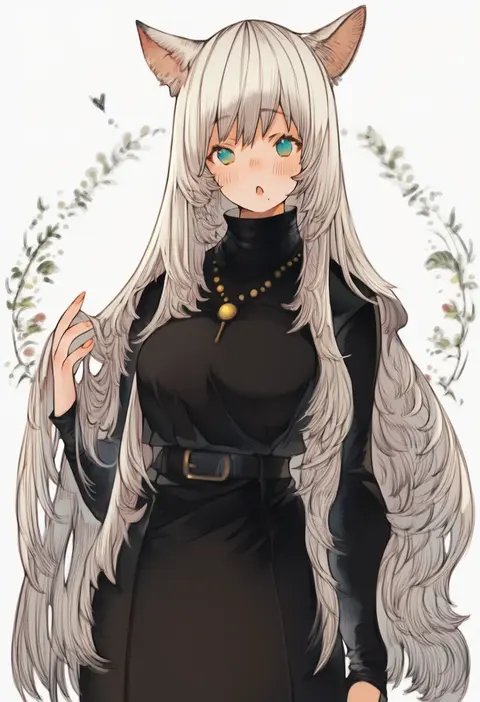
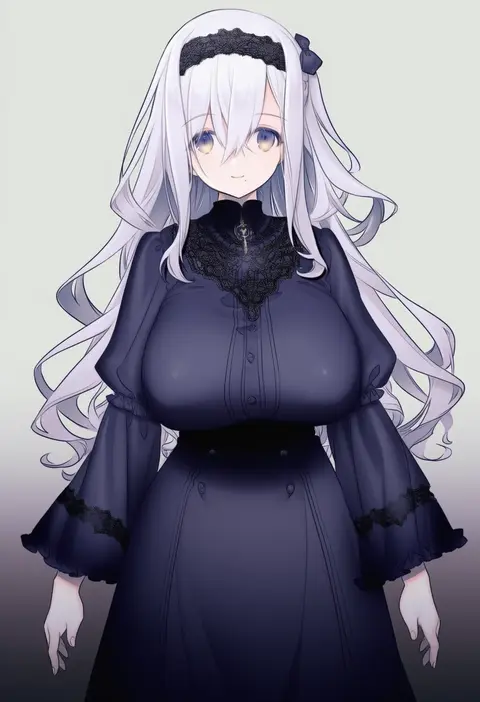
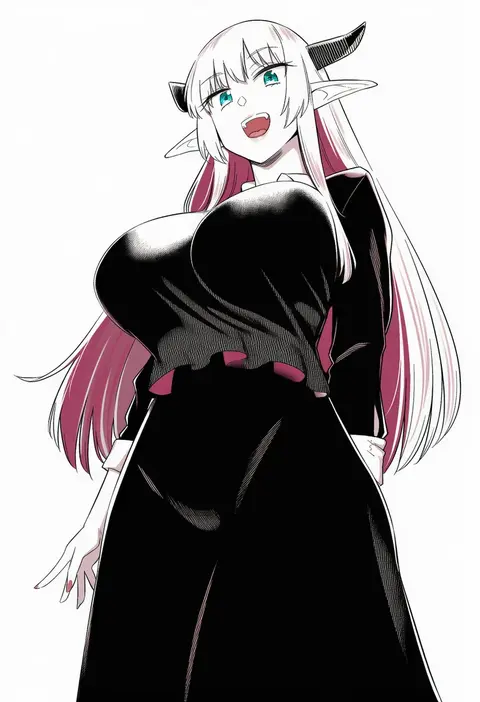
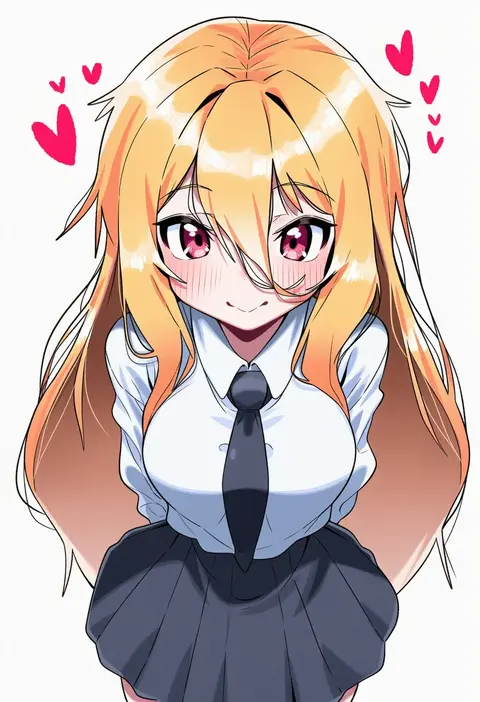
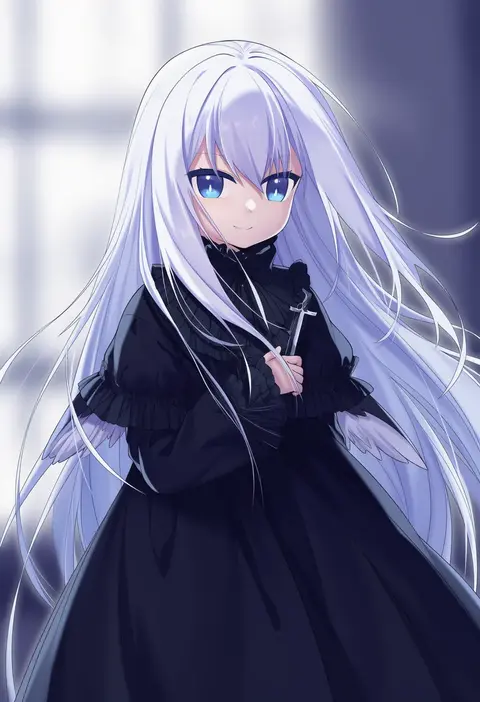
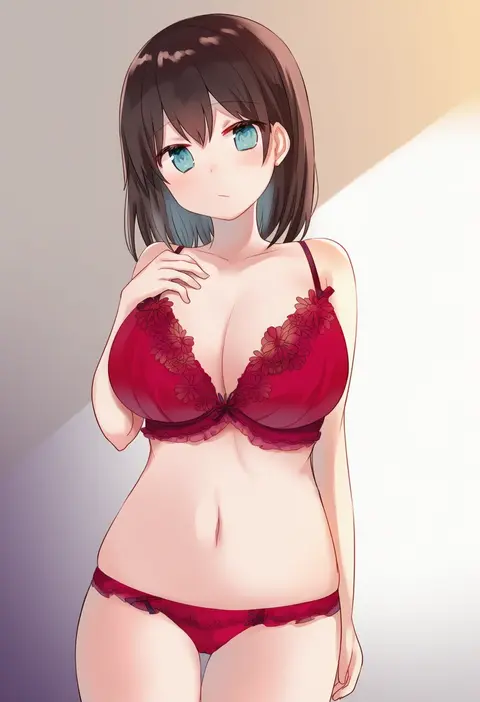
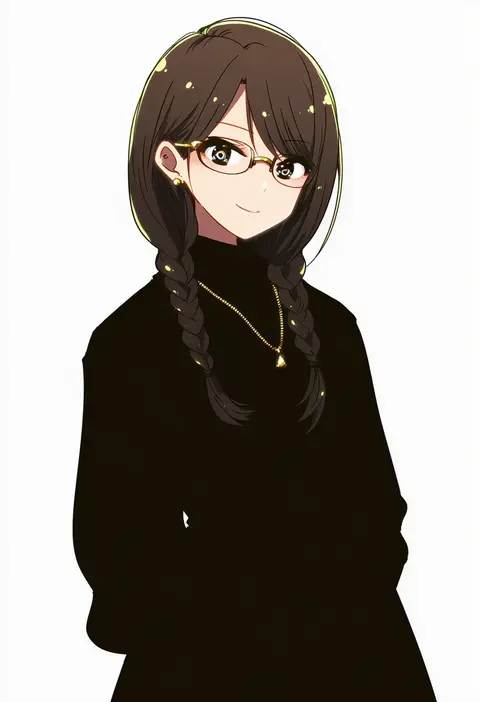
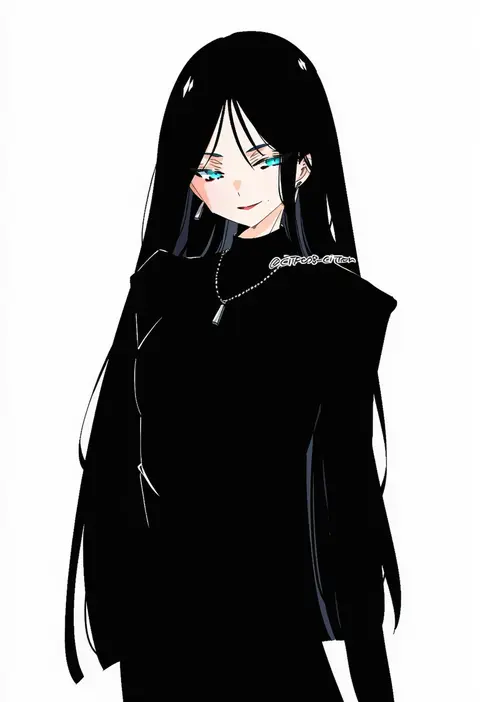
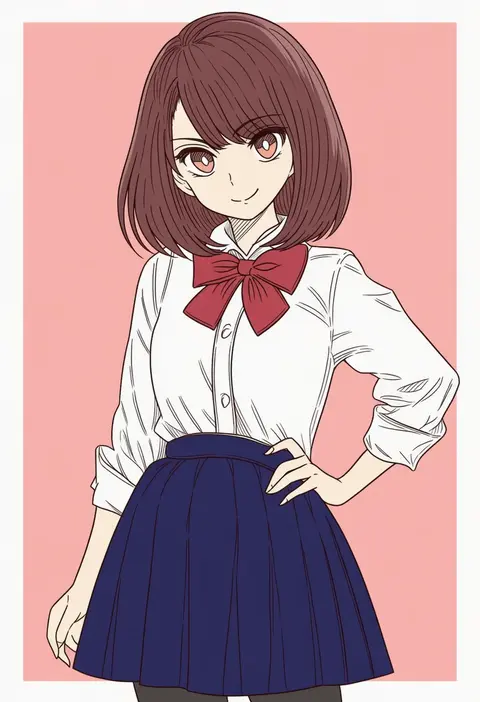
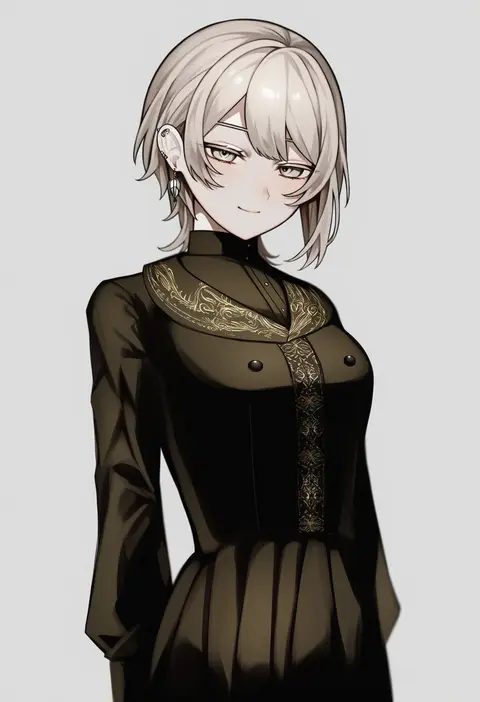
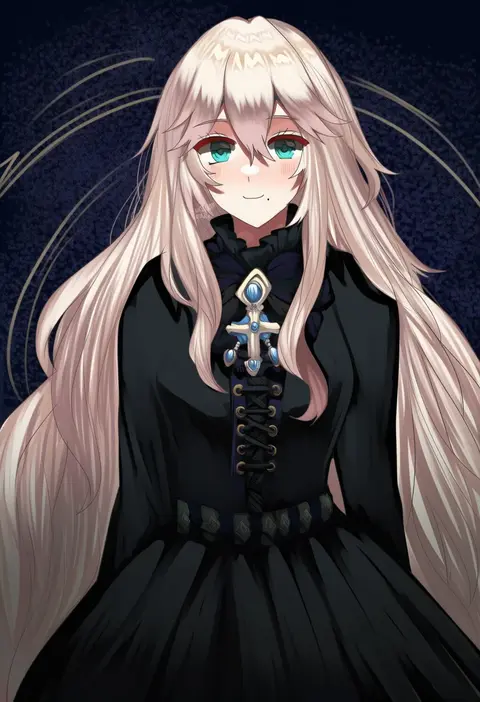
Artist tags tell NovelAI Diffusion to draw in a specific artist's style: line weight, paint texture, face shapes and palette all shift at once. Character and outfit tags decide what is drawn; artist tags decide how. 16,352 tags are listed for V4.5.
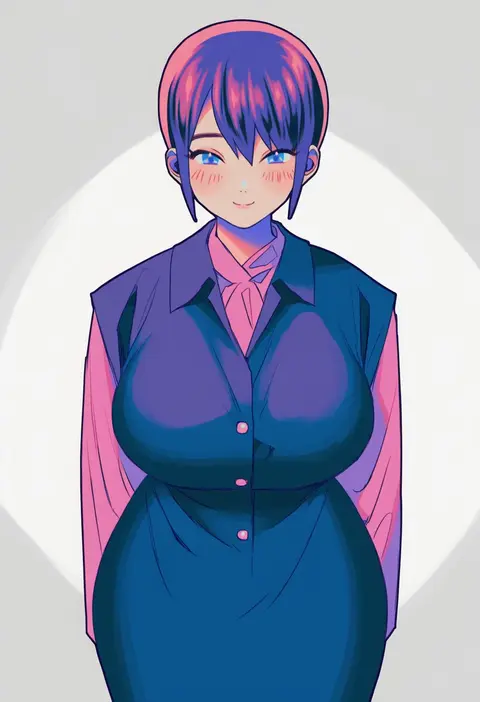
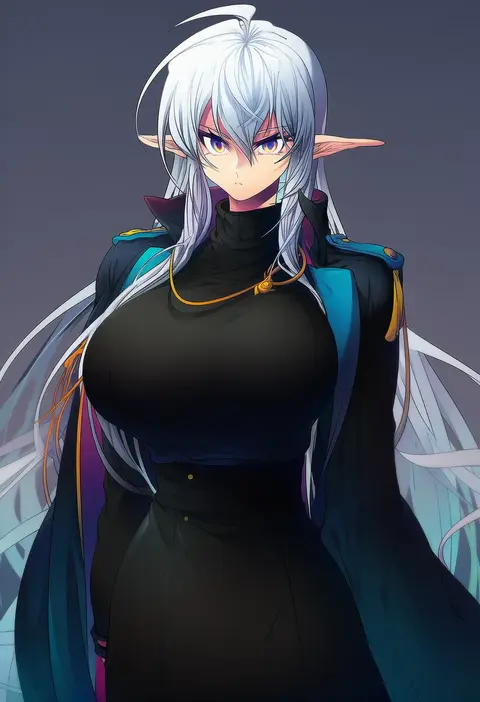
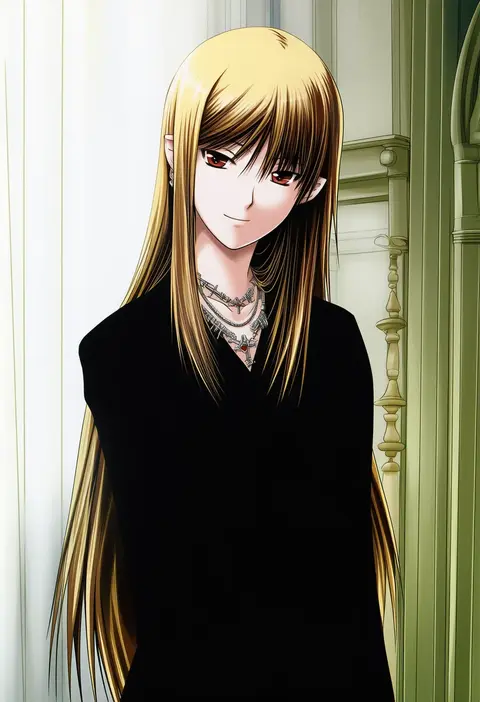
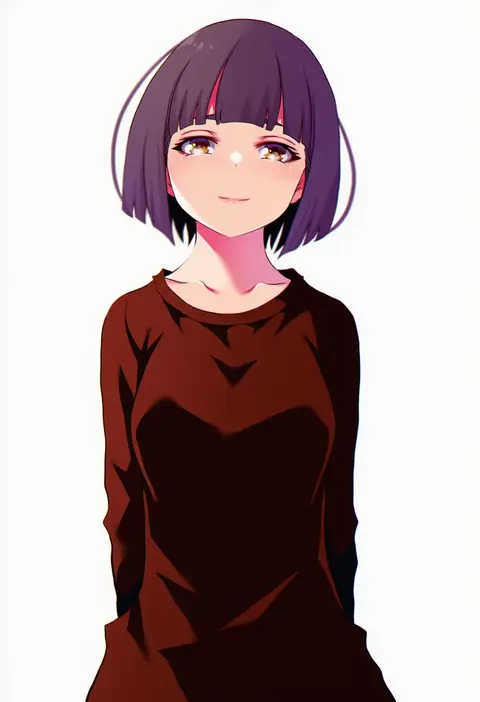
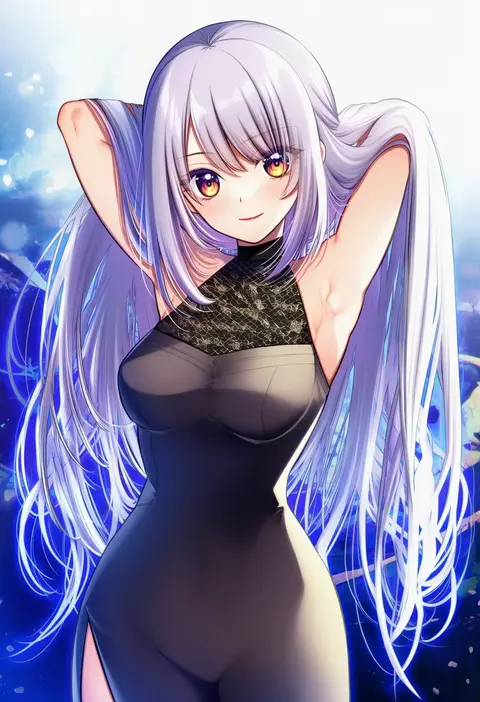
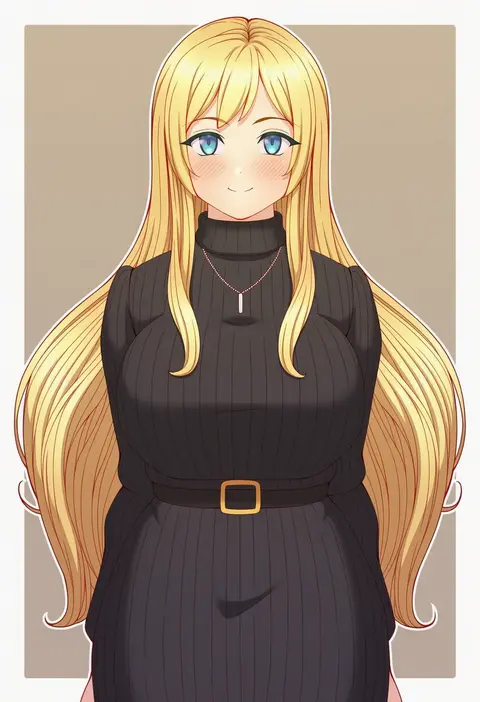
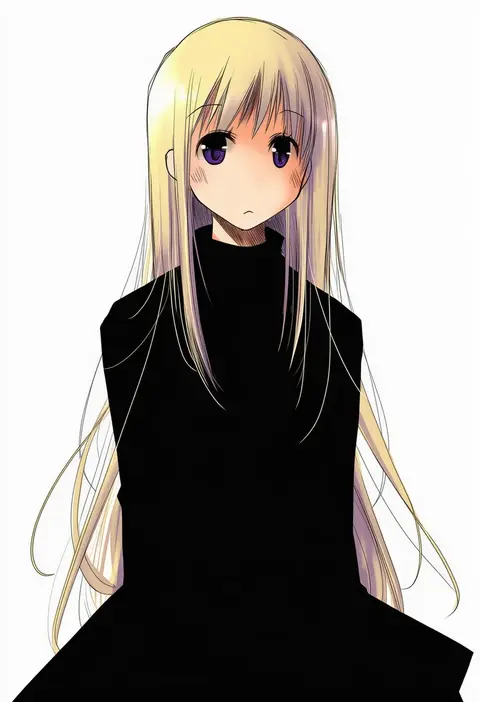
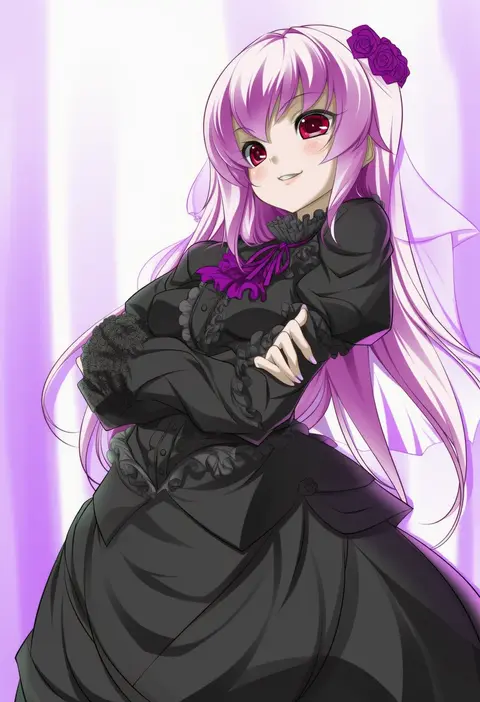
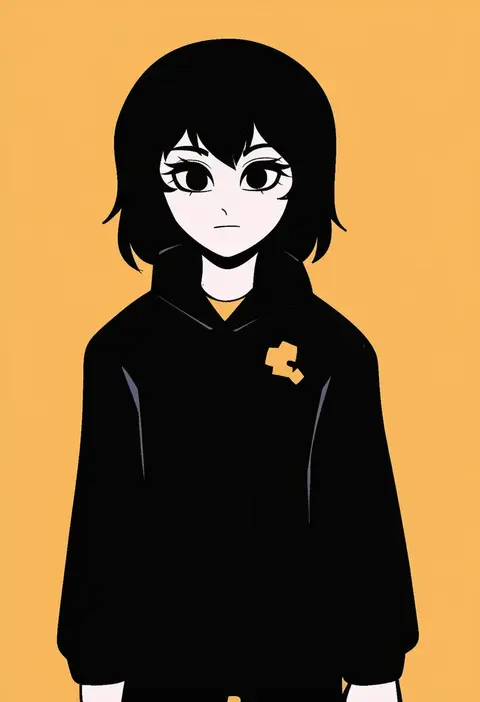
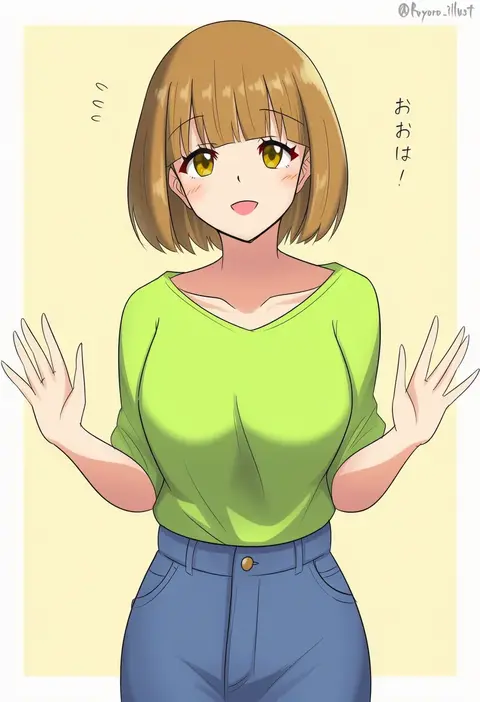
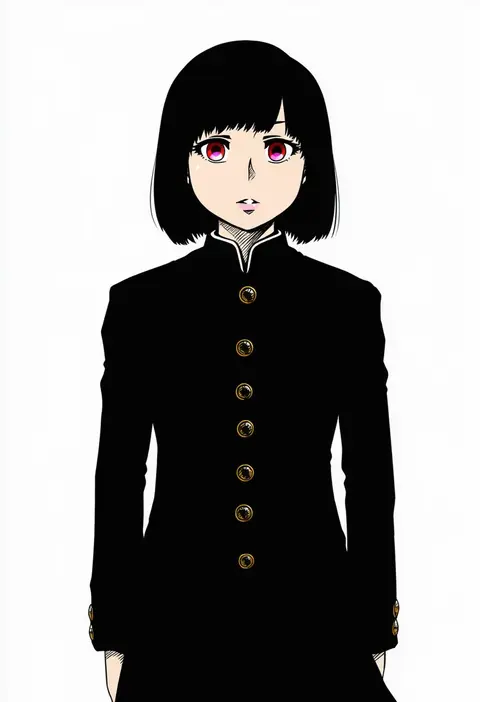
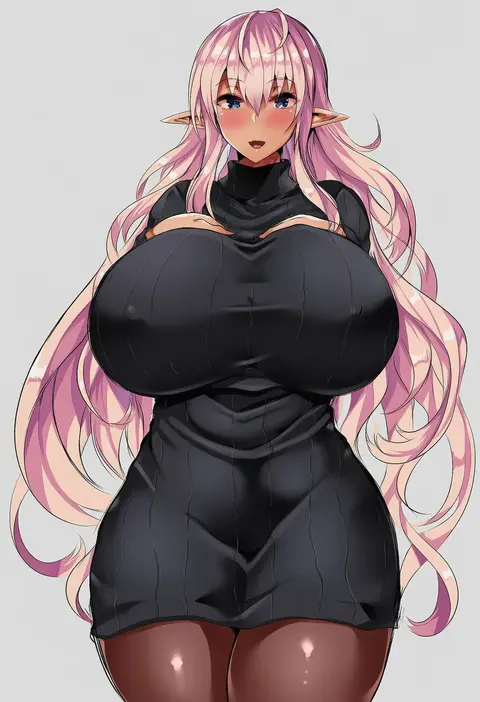
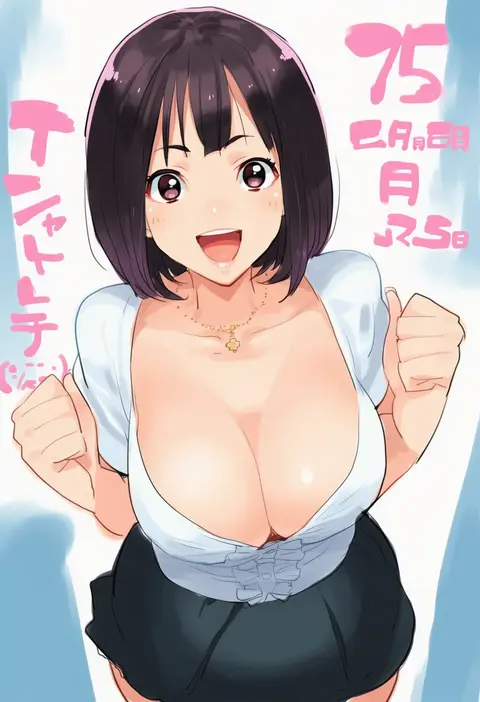
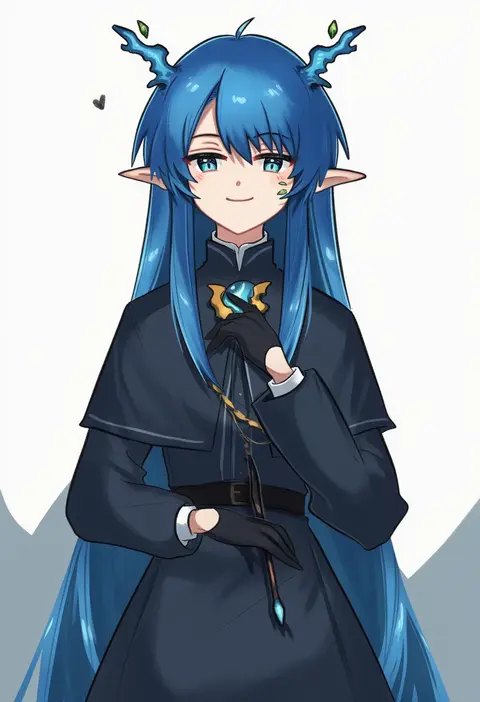
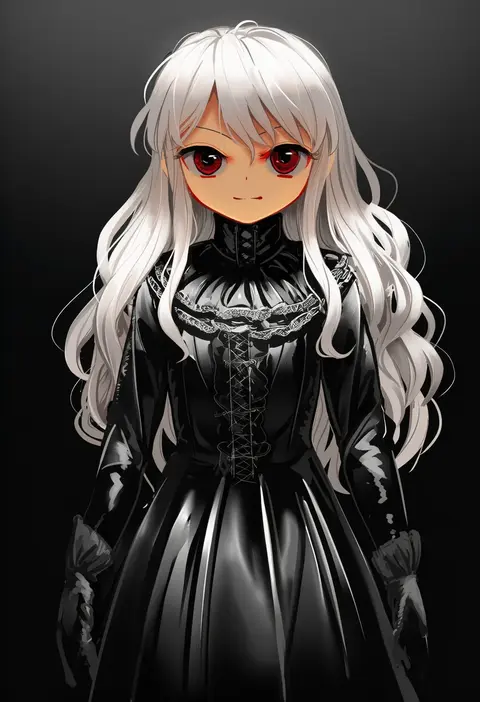
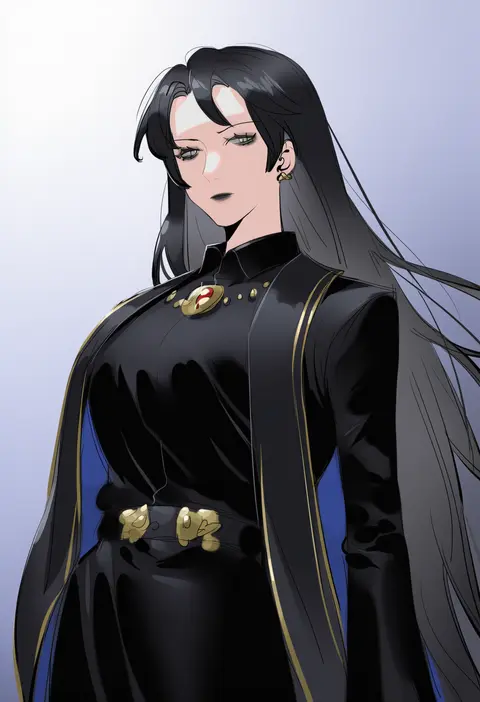
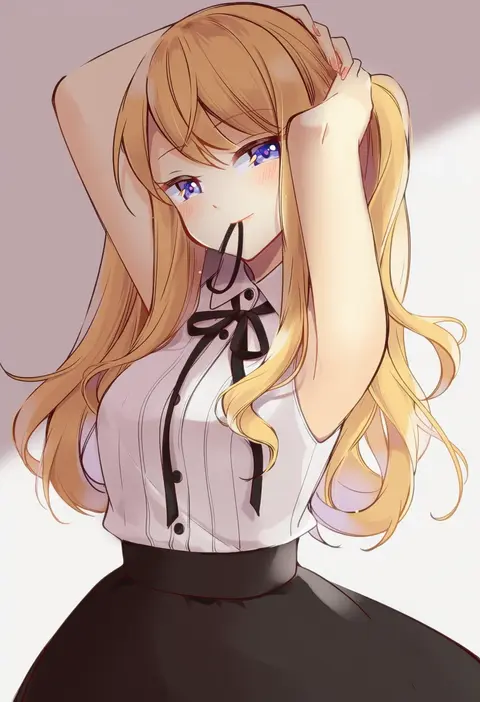
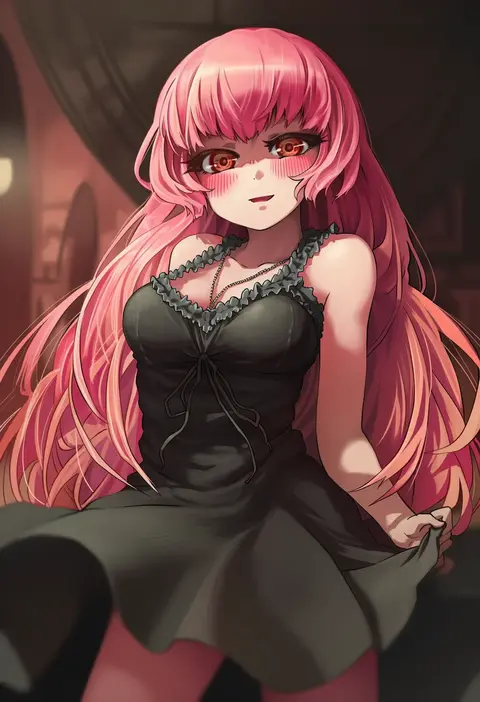
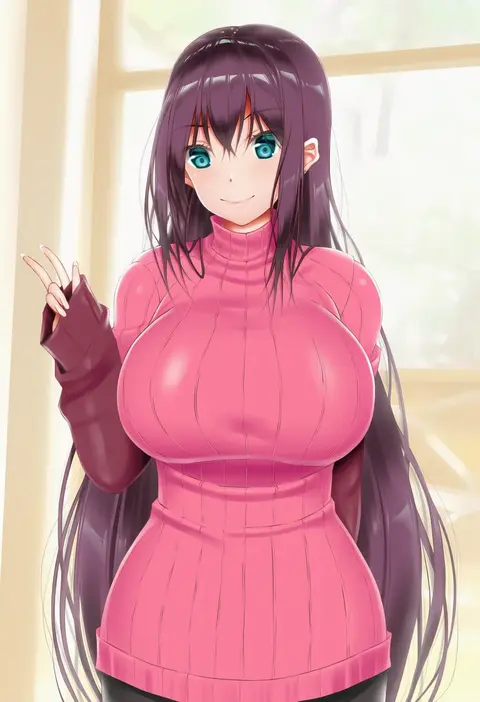
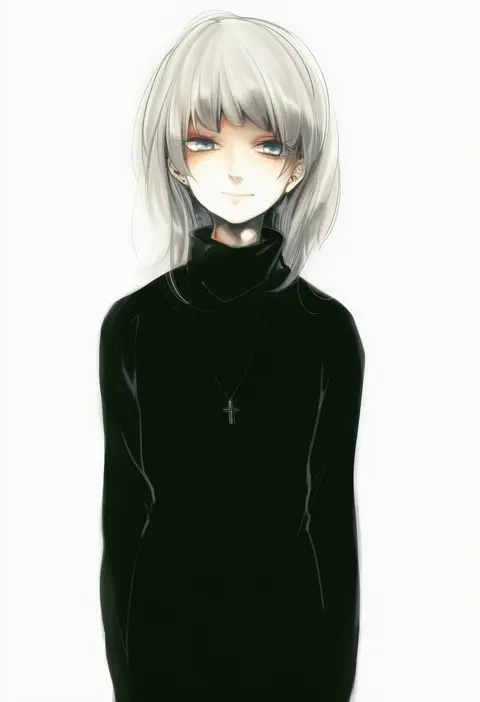
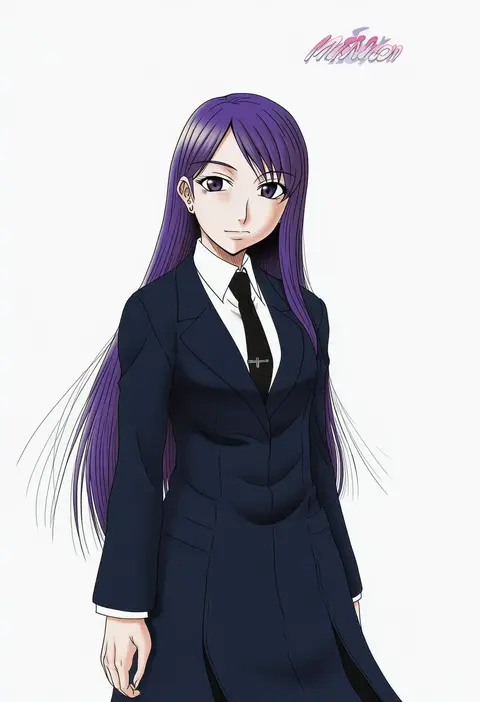
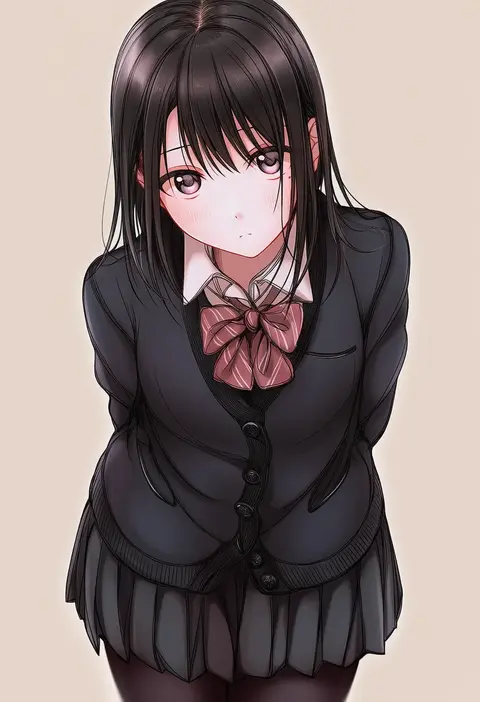
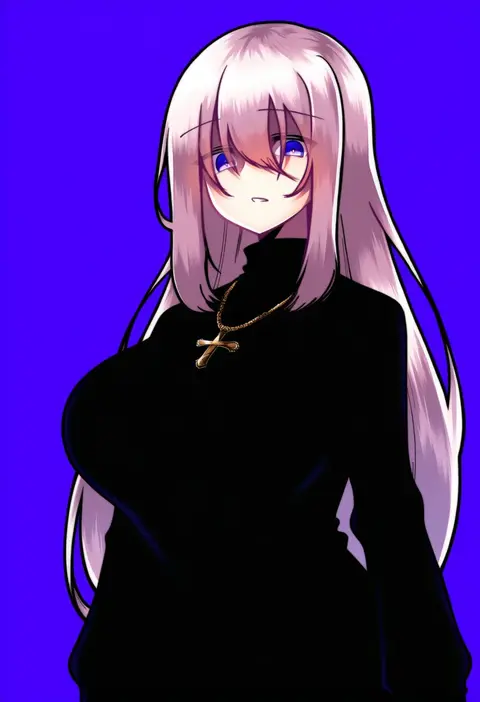
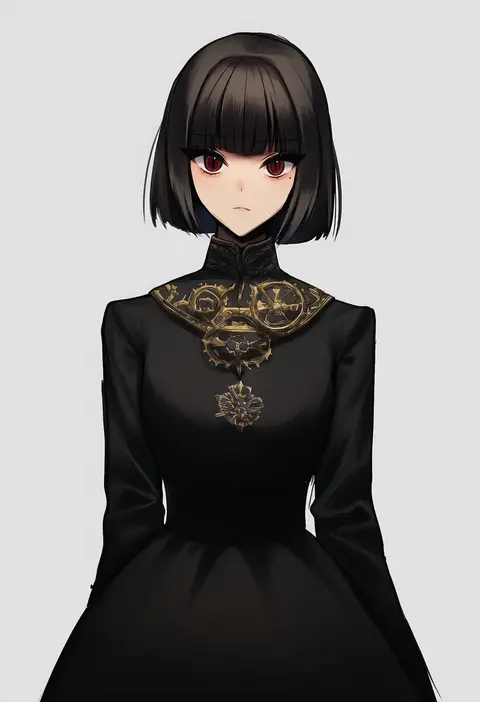
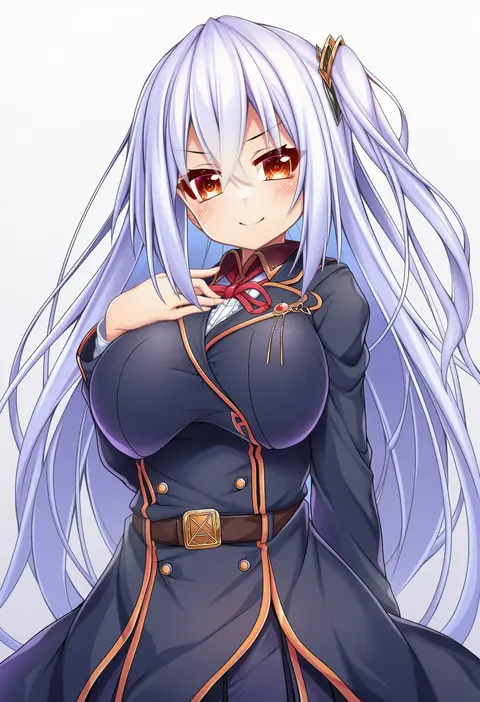
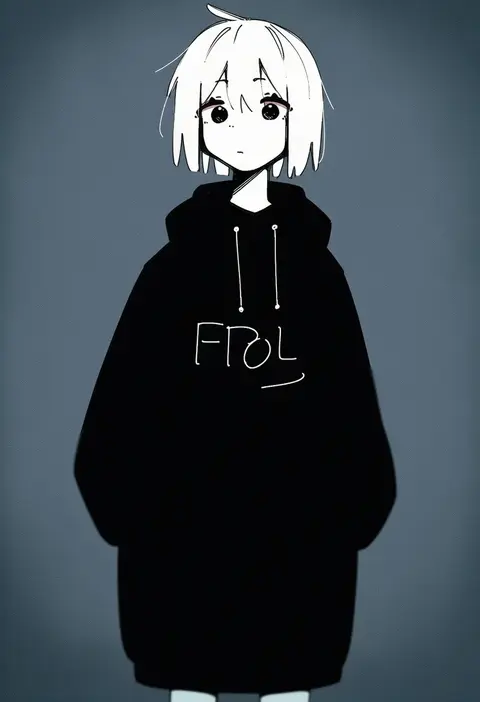
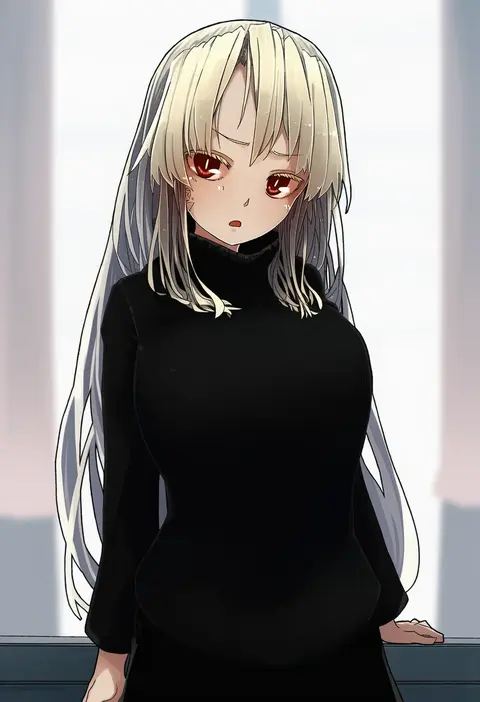
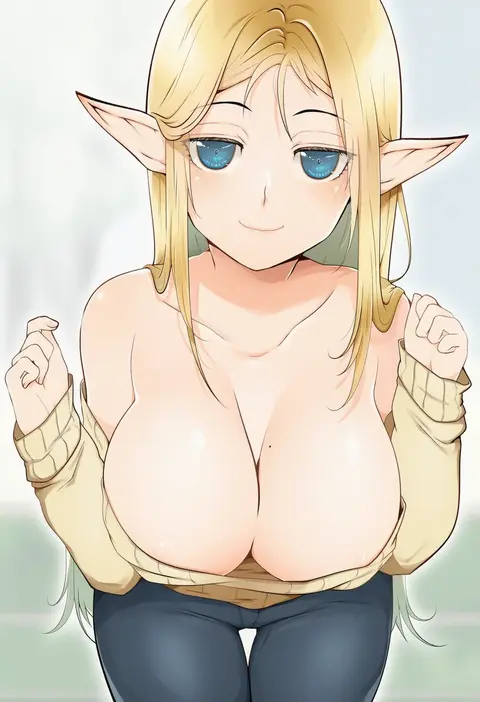
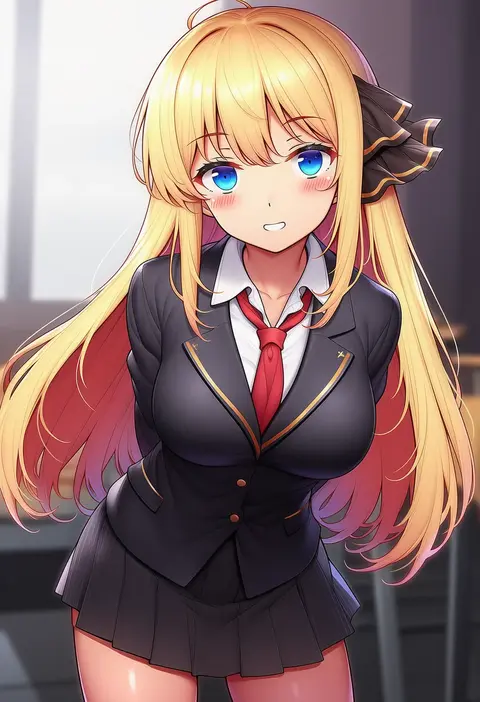
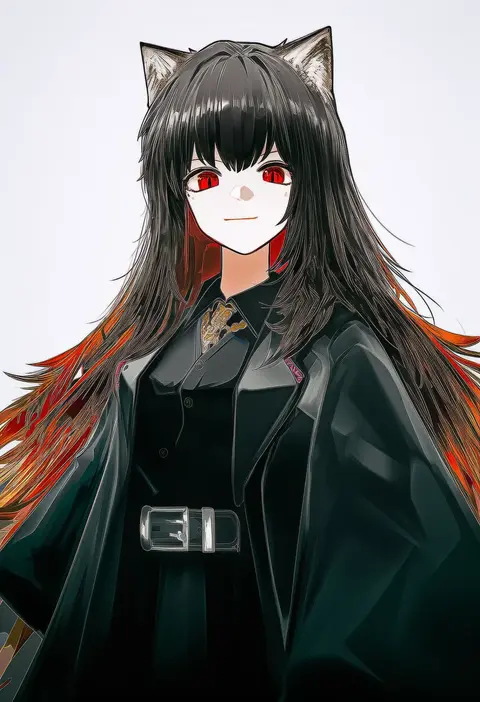
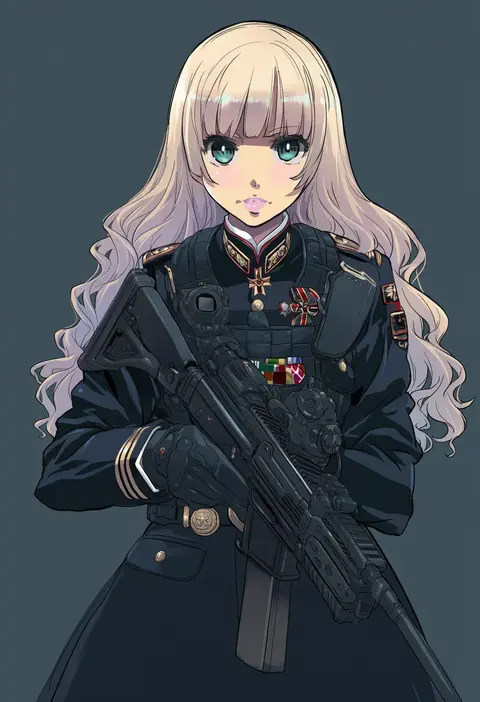
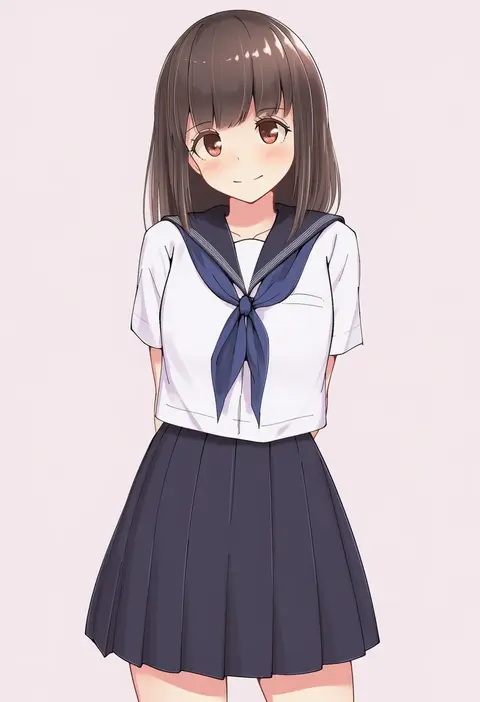
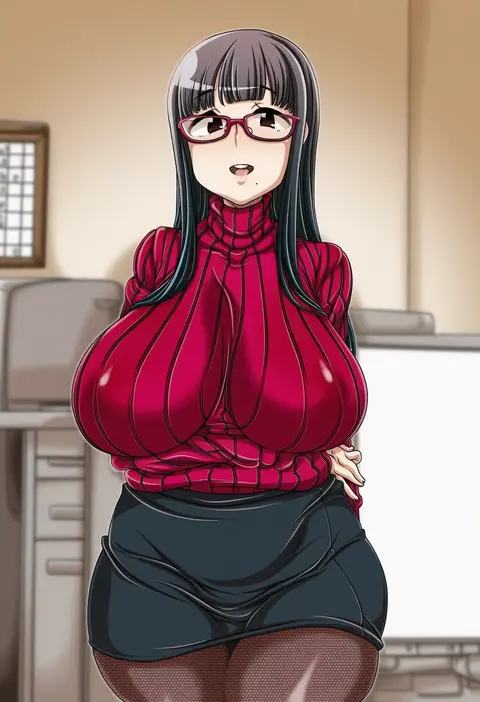
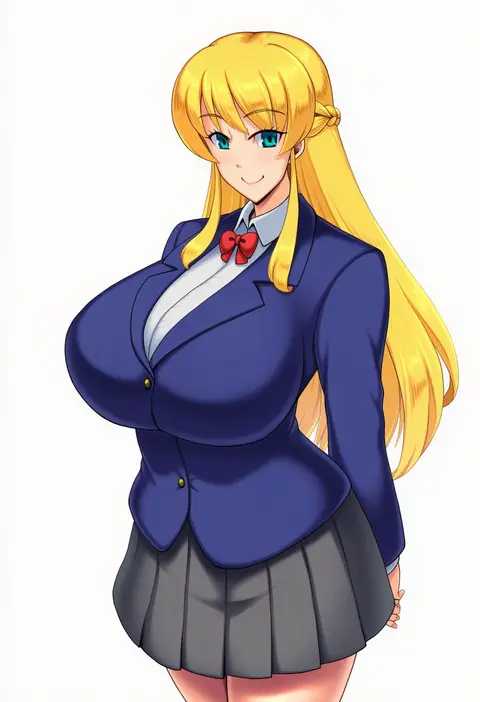
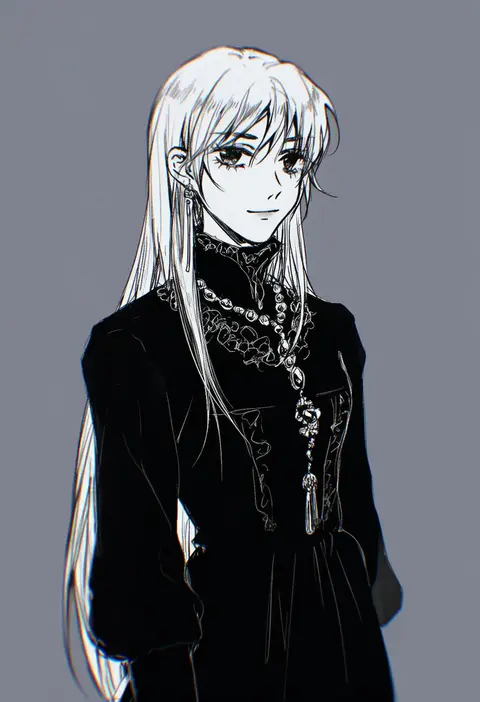
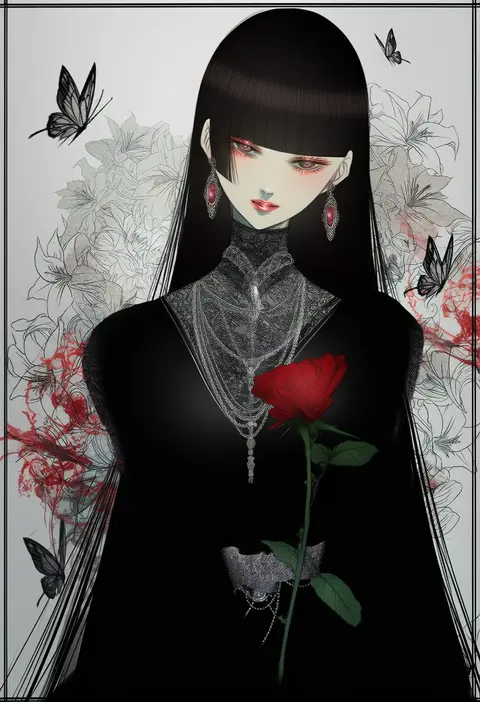
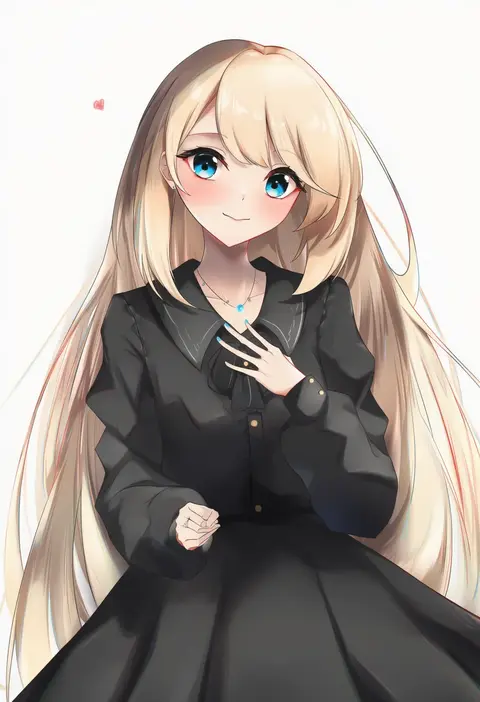
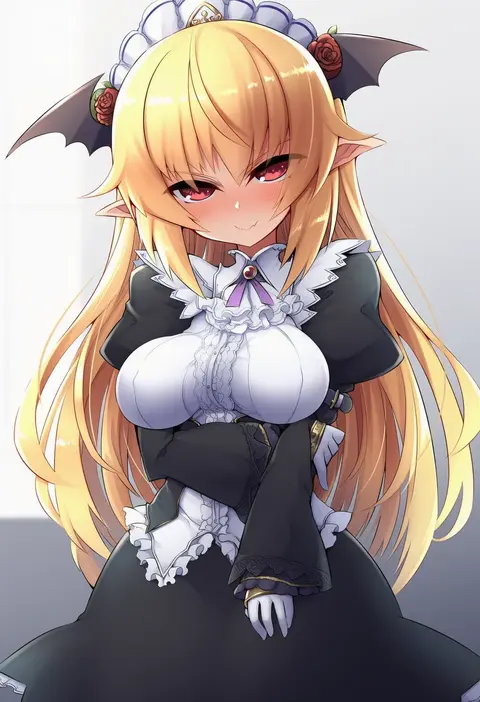
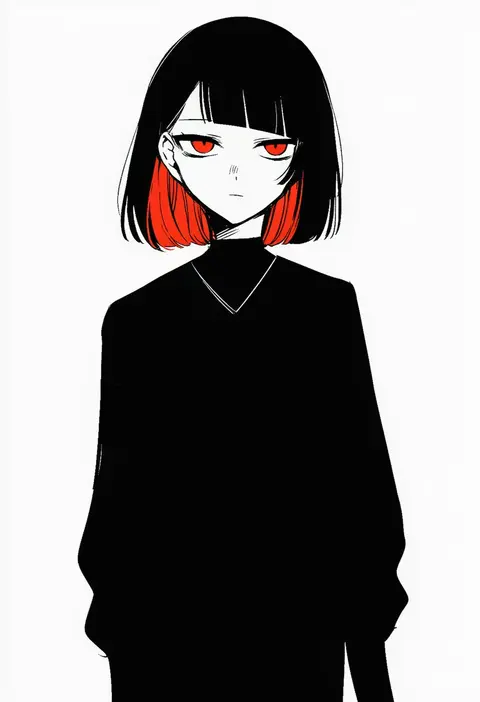
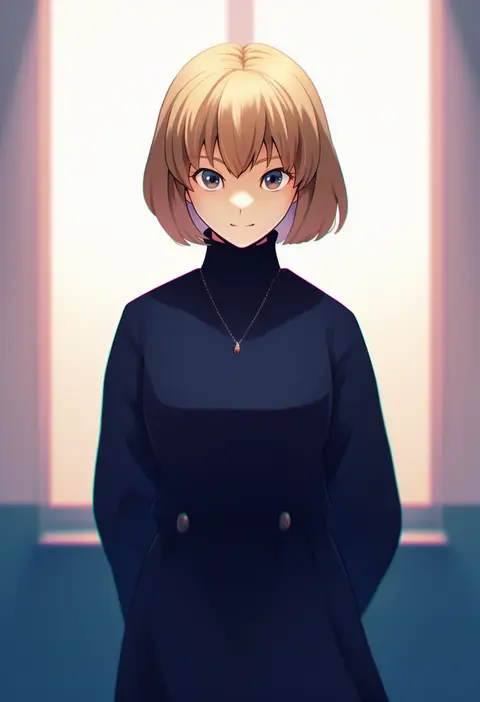
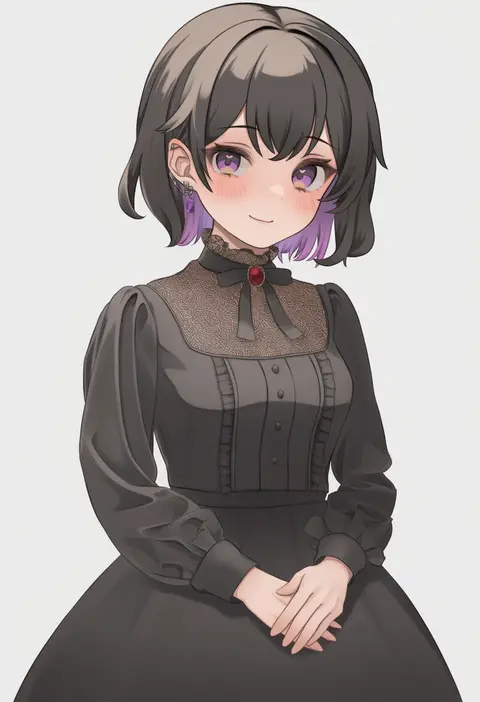
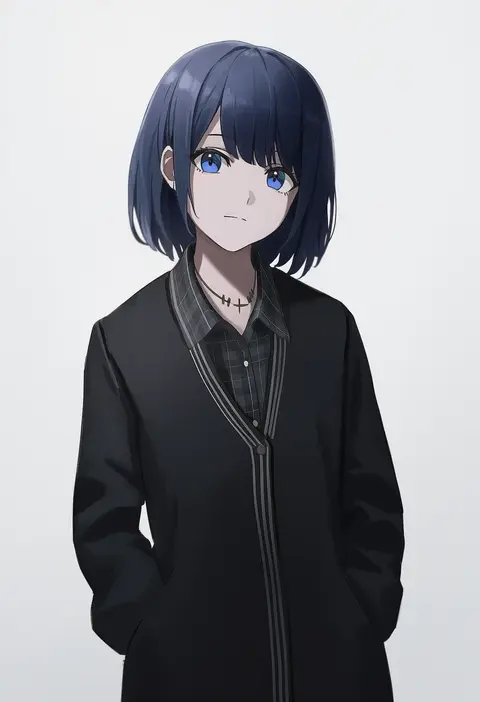
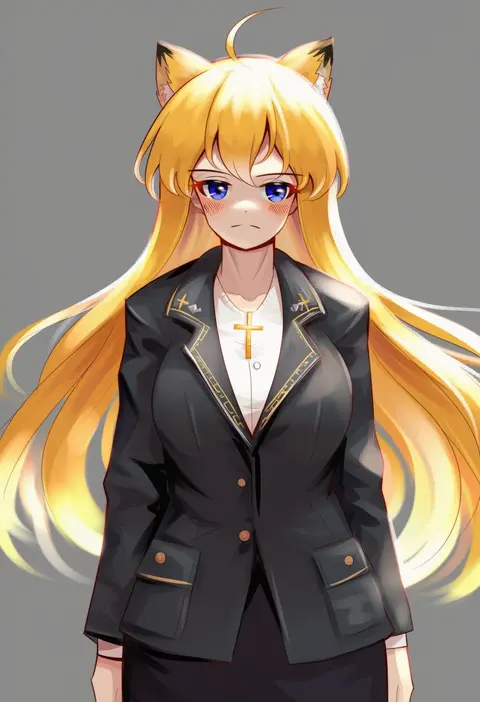
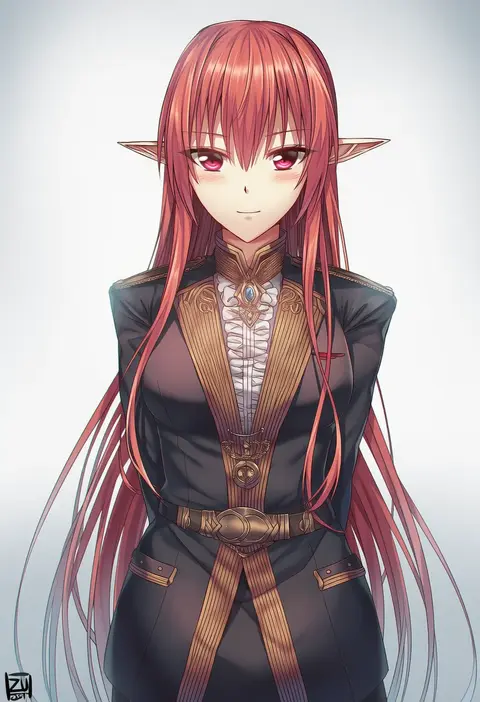
Every tag listed here is verified to react in NovelAI. All images use the same prompt, seed and settings with only the artist tag swapped, so the difference between two images is the style that tag brings in.

How to use them

Put the artist tag near the front of the prompt, e.g. "<artist>, 1girl, solo, best quality, masterpiece, cowboy shot". Two or three artist tags blend styles; lower the weight with "0.8::<artist>::" when the style overpowers the character.

SCORE sorts by Danbooru's top score, POSTS by post count, FAVS by hearts on this site. Open a card to see V5 and V4.5 side by side on the same seed.

V5 vs V4.5

V5 usually lands closer to the artist's real style, and tags that did nothing on V4.5 often react on V5. V4.5 still fits older and doujin-heavy artists better. Try V5 first, fall back to V4.5.

FAQ

Where does the artist tag go?
Near the front of the prompt. Use "0.8::tag::" to adjust its weight.

Can I stack artist tags?
Yes, styles blend. Past two or three the result stops looking like anyone.

Are these the artists' own works?
No. Every image is a NovelAI sample generated from the tag.