V4.5Artists
sort: FAVS▾
▾
>
$

NovelAI Artist Tags List — V4.5

artist --count 16,352[142/273]
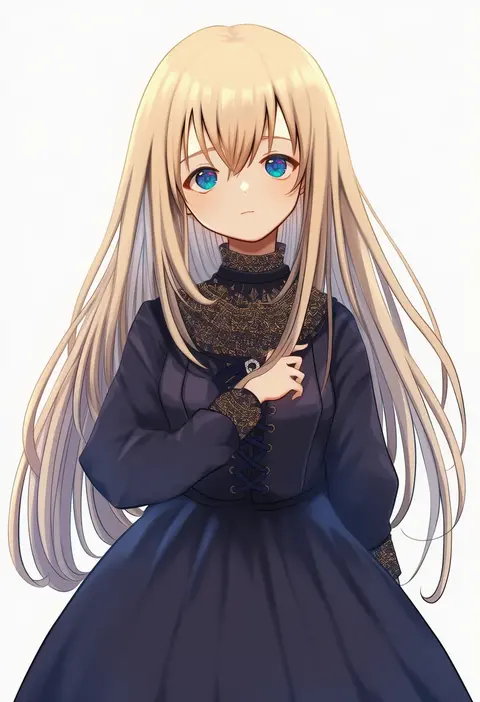
marekamico
ARTIST0x210C
0
hime gyo
ARTIST0x210D
0
sungwon
ARTIST0x210E
0
.com (bot com1)
ARTIST0x210F
0
piston ring
ARTIST0x2110
0
numbers (pigpenandpaper)
ARTIST0x2111
0
ohigetan
ARTIST0x2112
0
ankoro mochi
ARTIST0x2113
0
massan
ARTIST0x2114
0
kamiiart
ARTIST0x2115
0
futa (nabezoko)
ARTIST0x2116
0
aoshima
ARTIST0x2117
0
shinama
ARTIST0x2118
0
nakatani nio
ARTIST0x2119
0
pataneet
ARTIST0x211A
0
imoko (imonatsuki)
ARTIST0x211B
0
jill 07km
ARTIST0x211C
0
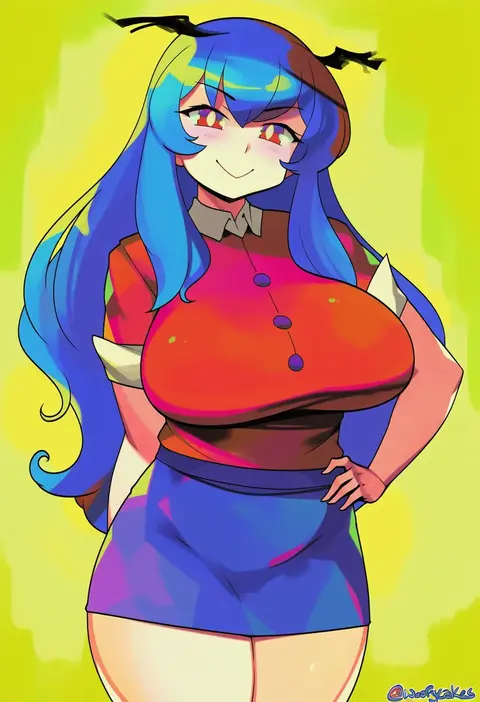
woofycakes
ARTIST0x211D
0
ikeshita moyuko
ARTIST0x211E
0
ayase hazuki
ARTIST0x211F
0
harumina mau
ARTIST0x2120
0
sora to umi
ARTIST0x2121
0
unapoppo
ARTIST0x2122
0
amatsuji
ARTIST0x2123
0
lutherniel
ARTIST0x2124
0
carina (xiaowoo)
ARTIST0x2125
0
zundarepon
ARTIST0x2126
0
mine (peak)
ARTIST0x2127
0
nanotsuki
ARTIST0x2128
0
kuro oolong
ARTIST0x2129
0
lolimate
ARTIST0x212A
0
gamryous
ARTIST0x212B
0
okanoyuno
ARTIST0x212C
0
tokira nozumi
ARTIST0x212D
0
tara (szzj7733)
ARTIST0x212E
0
katori (mocchidou)
ARTIST0x212F
0
keikesu
ARTIST0x2130
0
tsun'ichi (tsun1)
ARTIST0x2131
0
pungson mori
ARTIST0x2132
0
kanikama25
ARTIST0x2133
0
urode
ARTIST0x2134
0
fummy
ARTIST0x2135
0
inamimi (sheep1733)
ARTIST0x2136
0
menna (0012)
ARTIST0x2137
0
murasakio
ARTIST0x2138
0
mhunter 45
ARTIST0x2139
0
donson
ARTIST0x213A
0
skullchimes
ARTIST0x213B
0
shino duka
ARTIST0x213C
0
nanika (nnkgh)
ARTIST0x213D
0
ochiai miyabi
ARTIST0x213E
0
shion (mirudakemann)
ARTIST0x213F
0
riftgarret
ARTIST0x2140
0
hamaru (s5625t)
ARTIST0x2141
0
chiyonekoko
ARTIST0x2142
0
origami gyokuo
ARTIST0x2143
0
kakeami
ARTIST0x2144
0
ikasamahideo
ARTIST0x2145
0
laika (sputnik2nd)
ARTIST0x2146
0
svveetberry
ARTIST0x2147
0

What these tags change

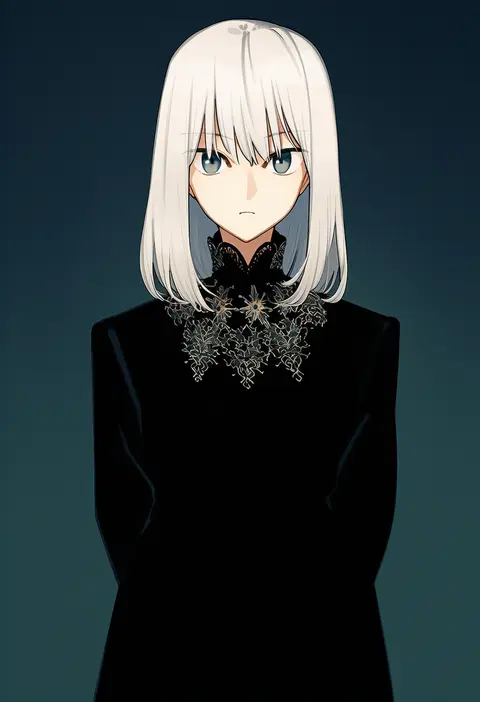
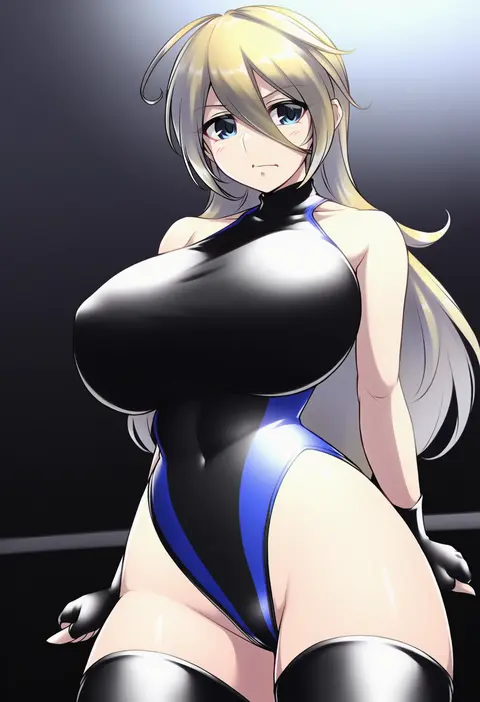
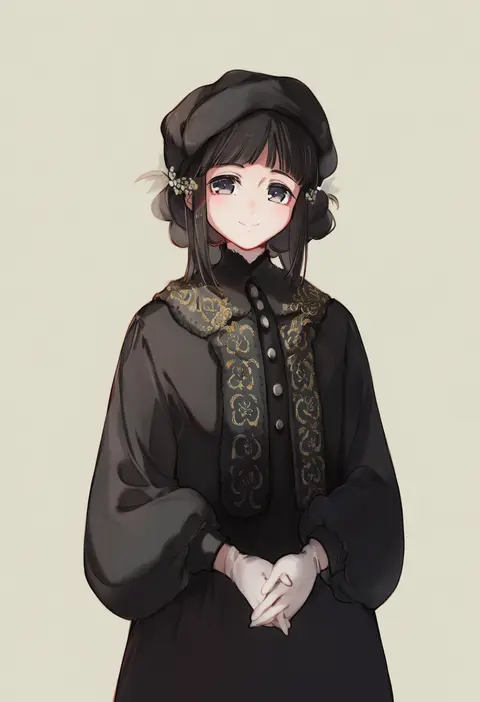
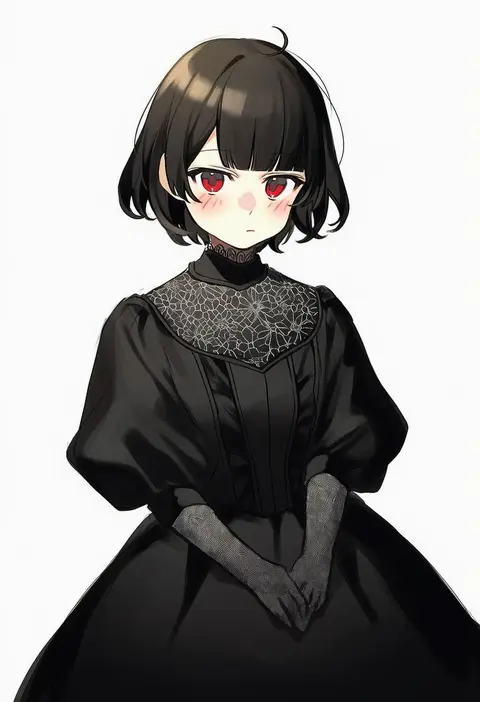
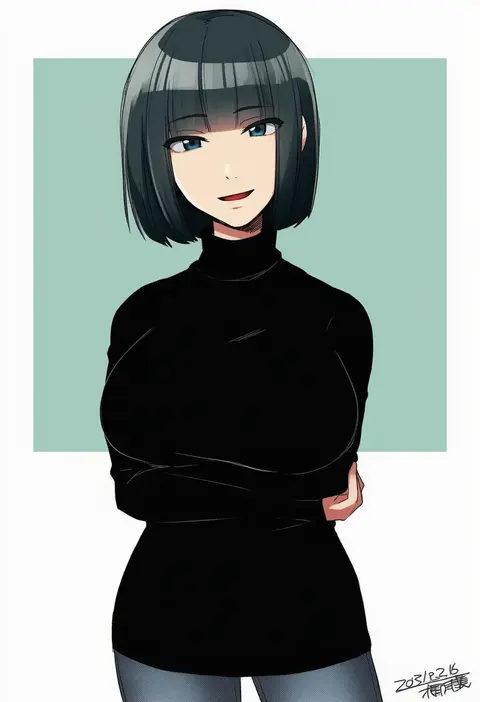
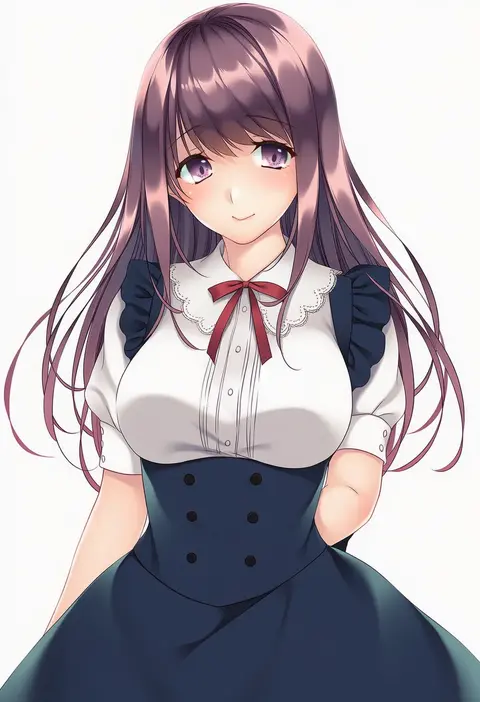
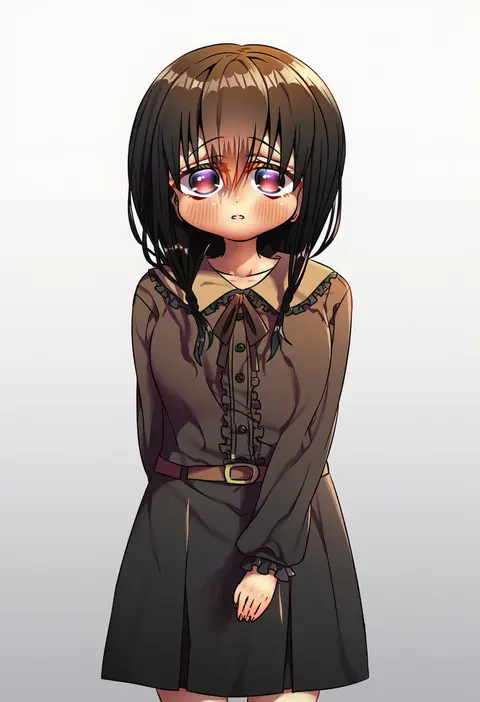
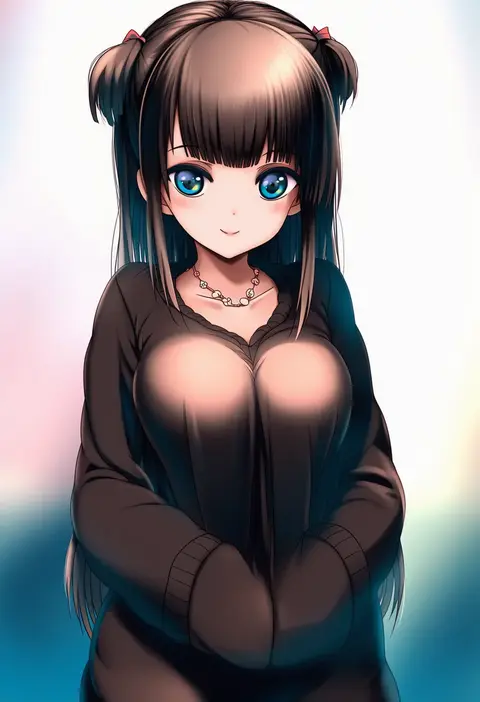
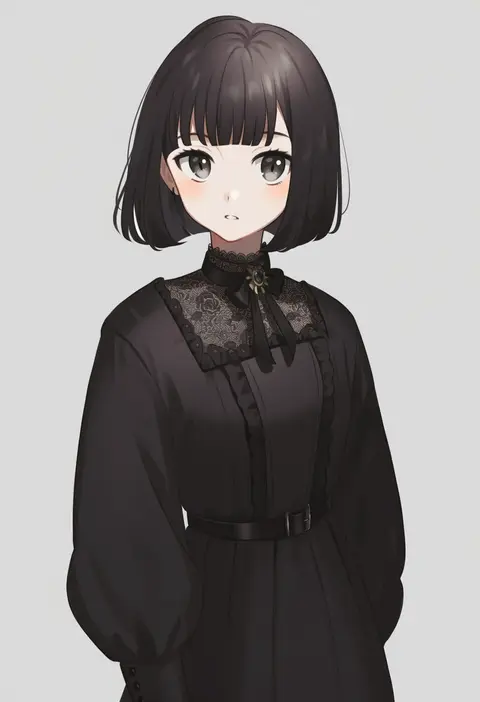
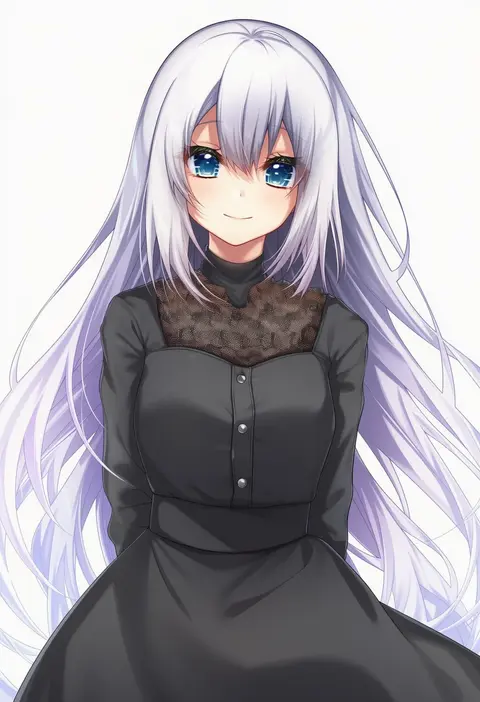
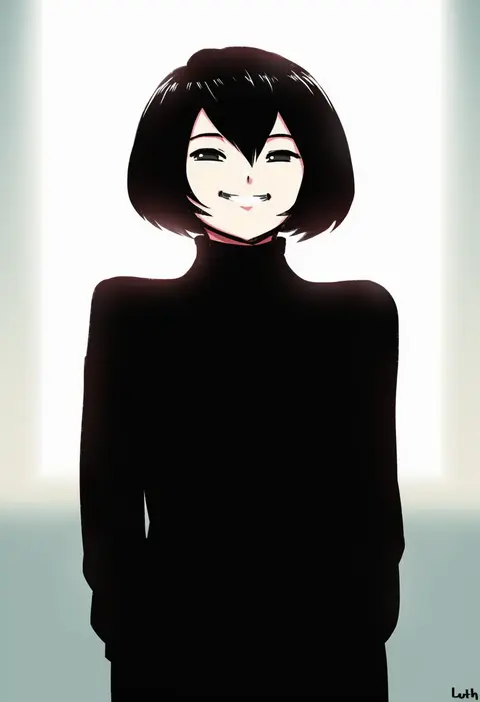
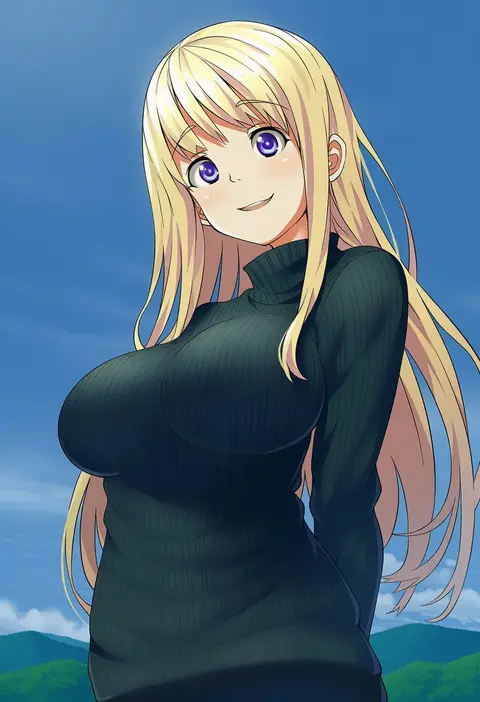
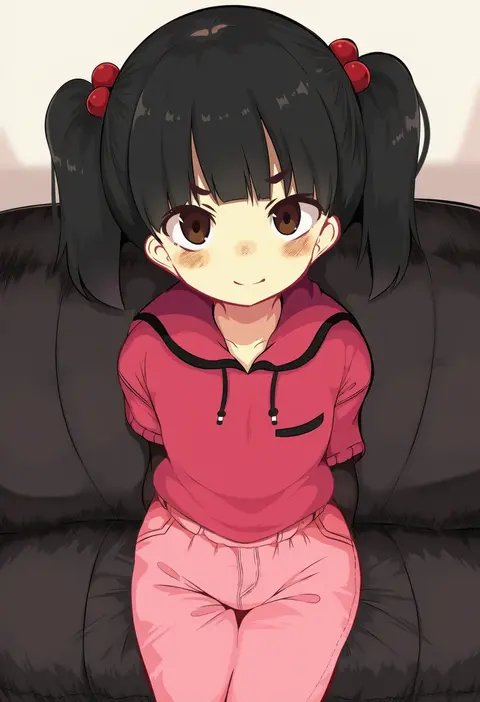
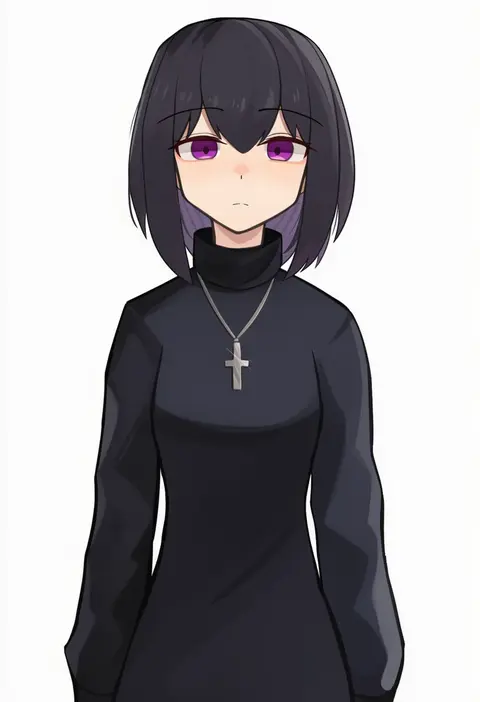
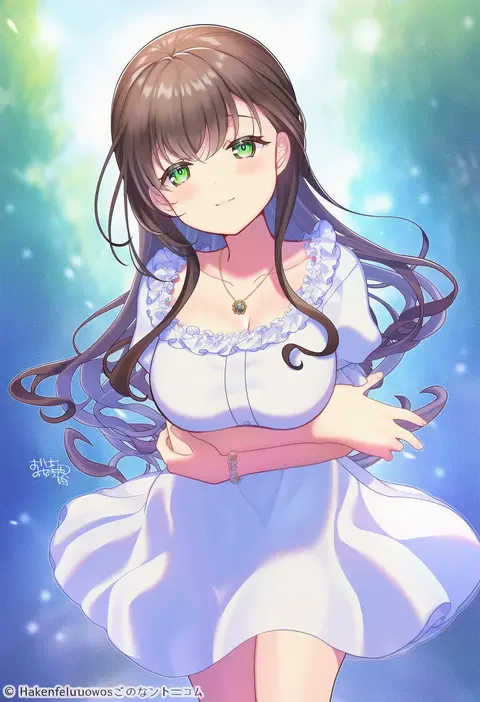
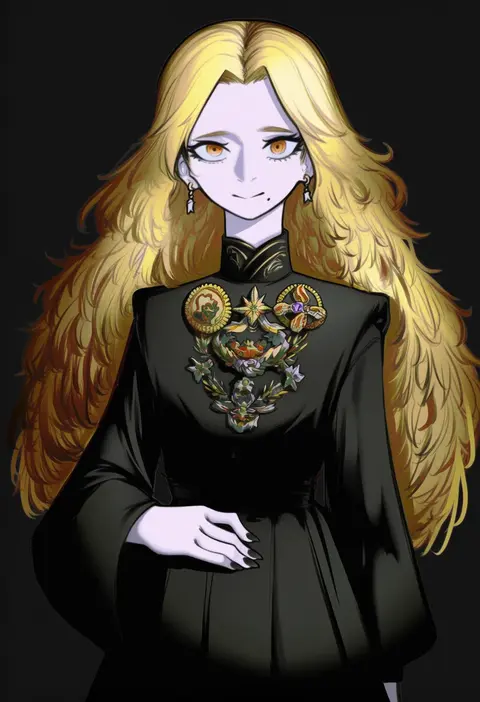
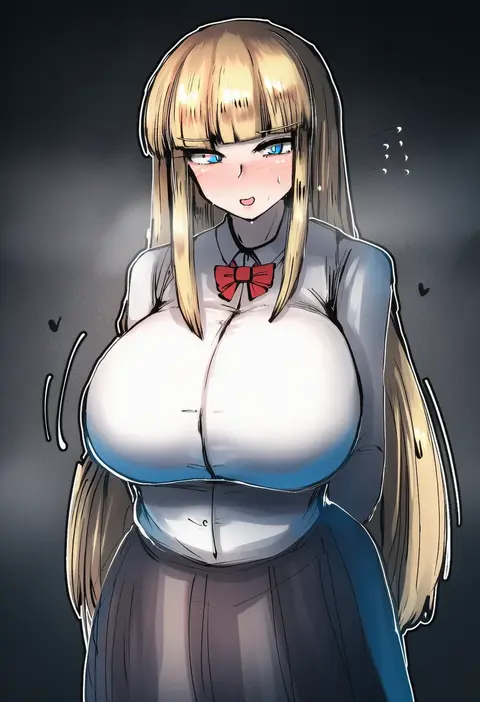
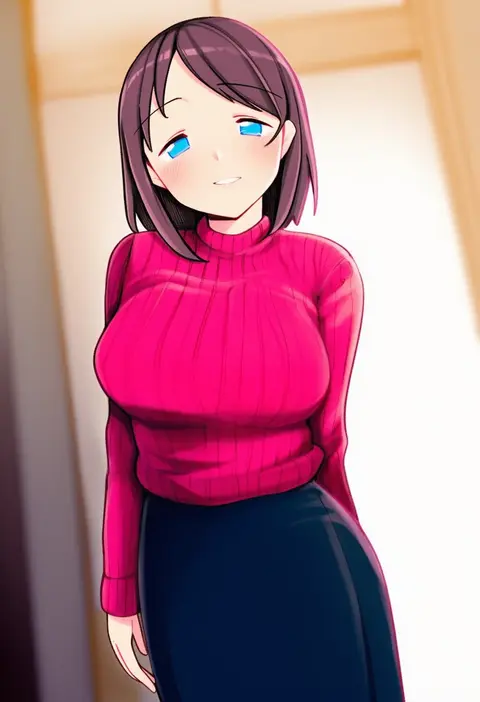
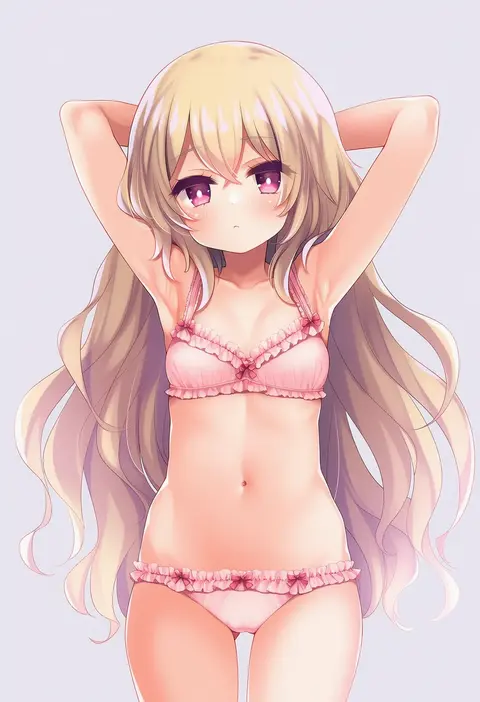
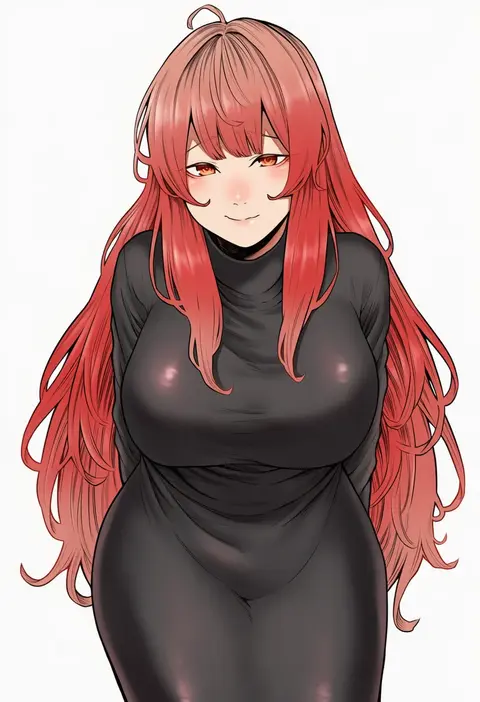
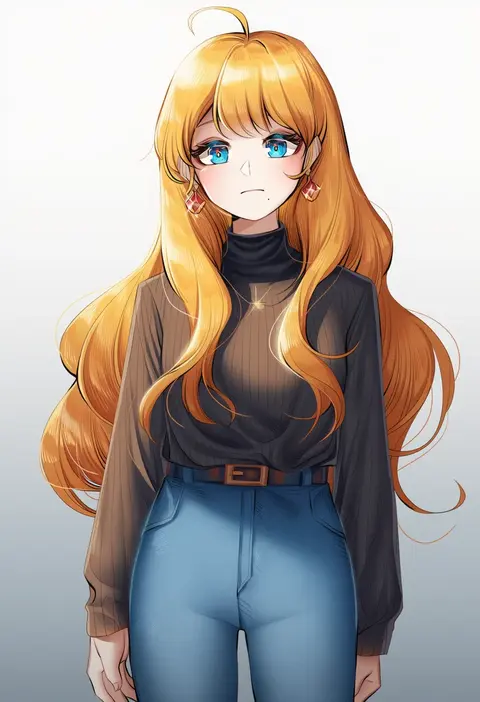
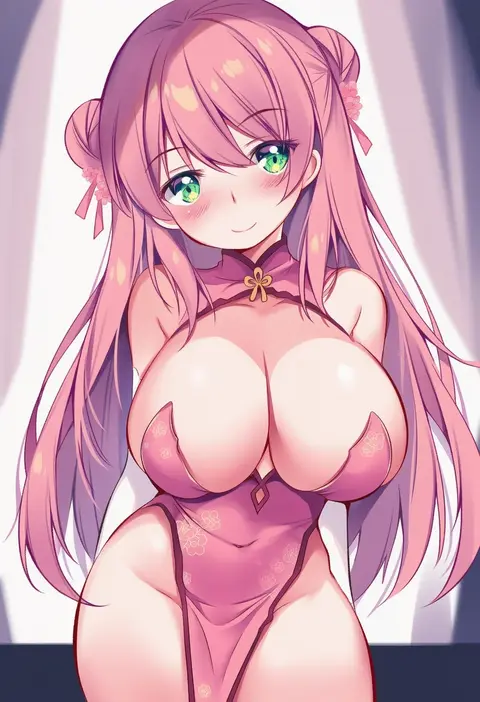
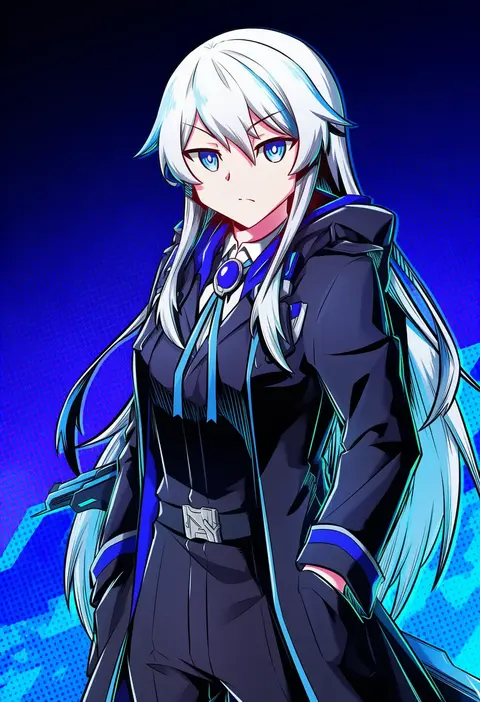
Artist tags tell NovelAI Diffusion to draw in a specific artist's style: line weight, paint texture, face shapes and palette all shift at once. Character and outfit tags decide what is drawn; artist tags decide how. 16,352 tags are listed for V4.5.
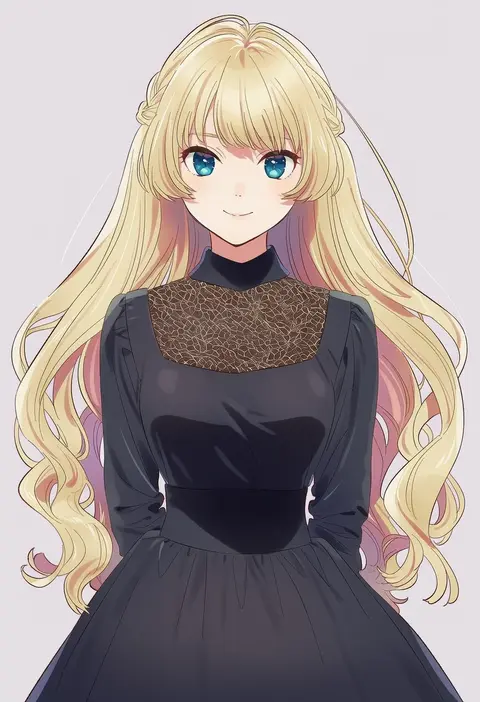
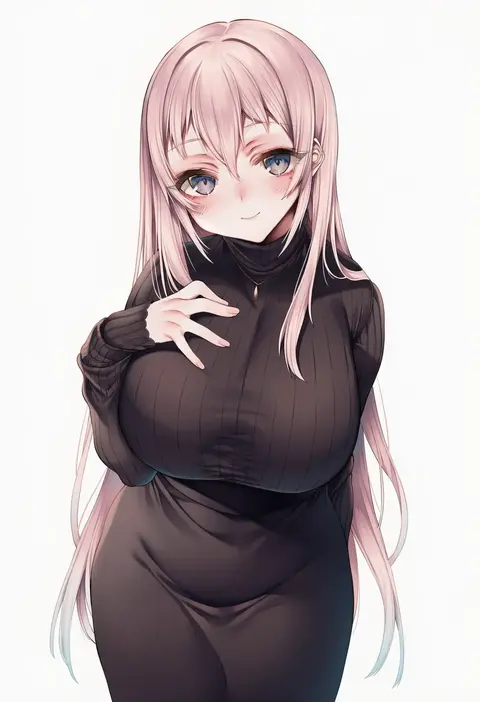
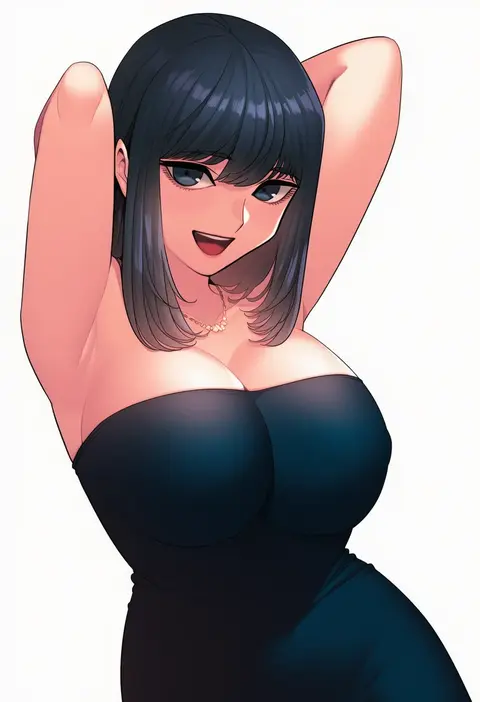
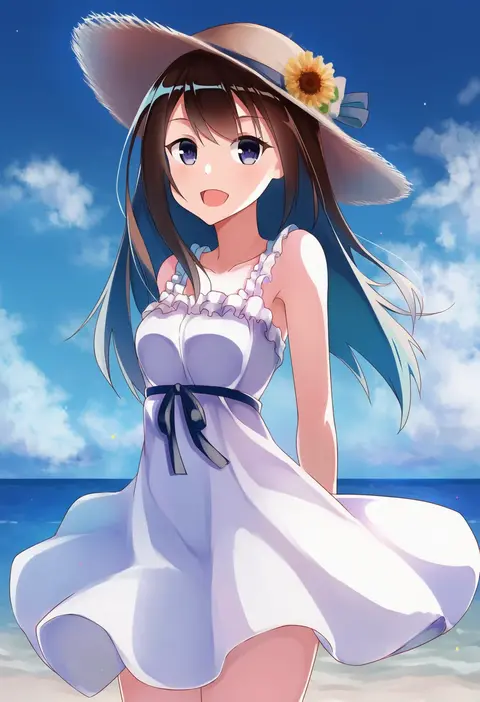
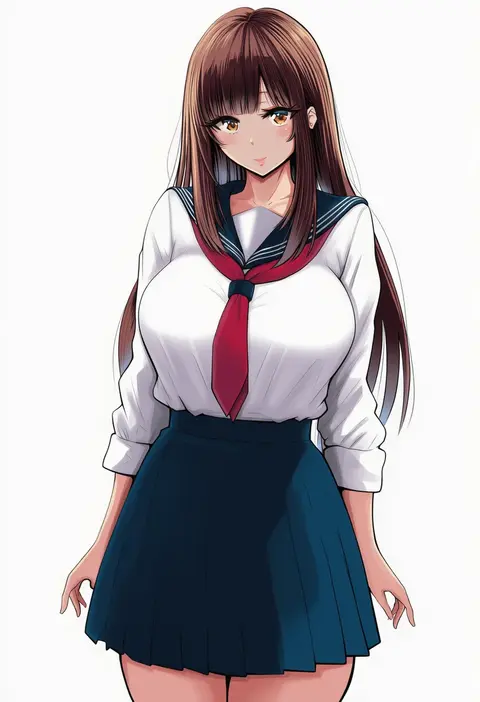
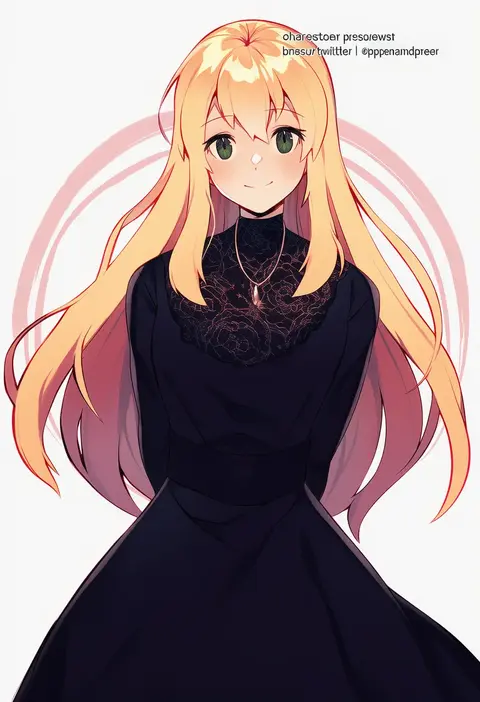
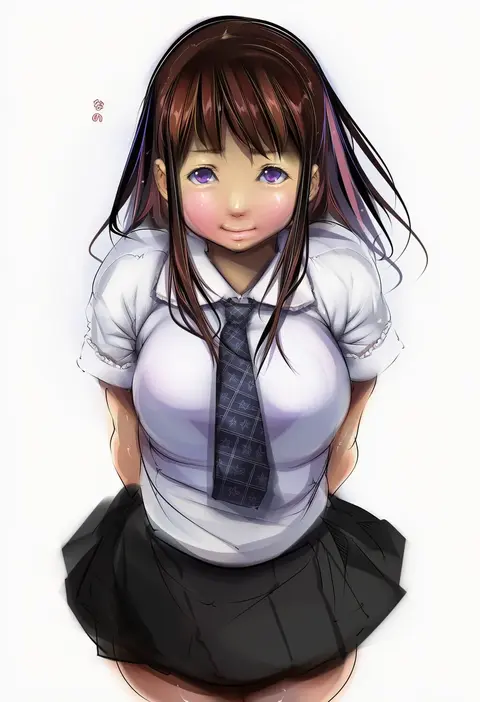
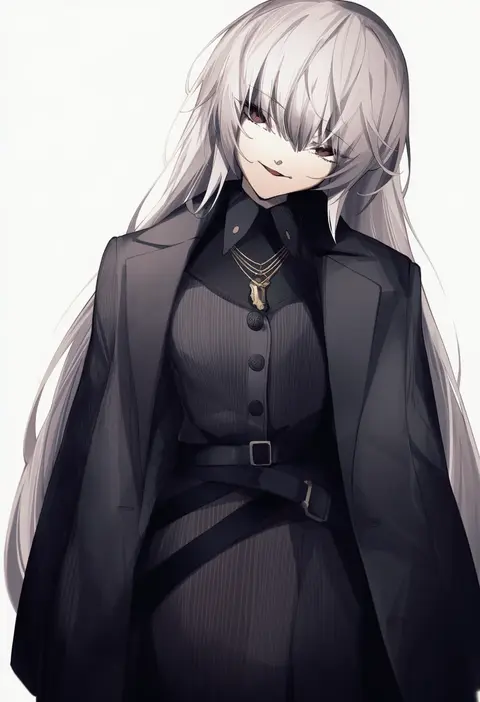
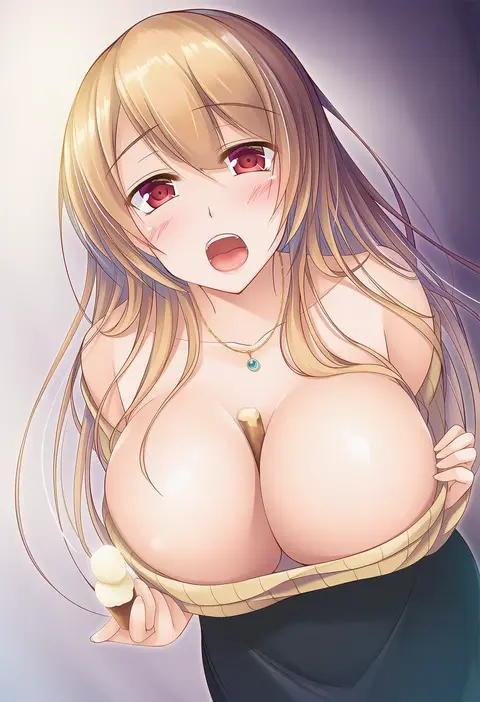
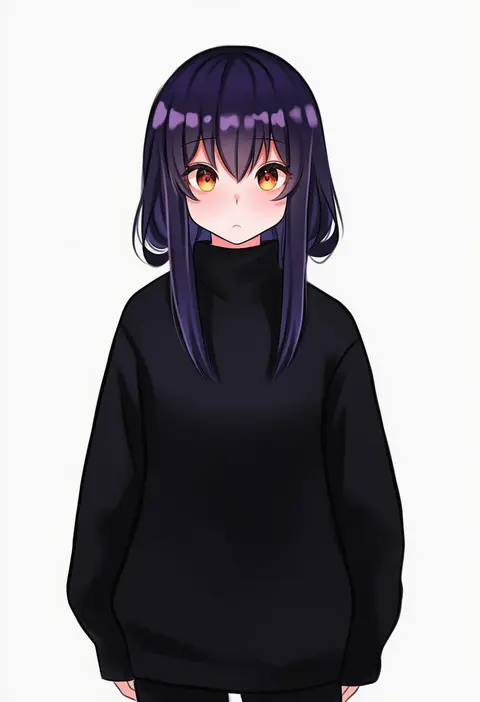
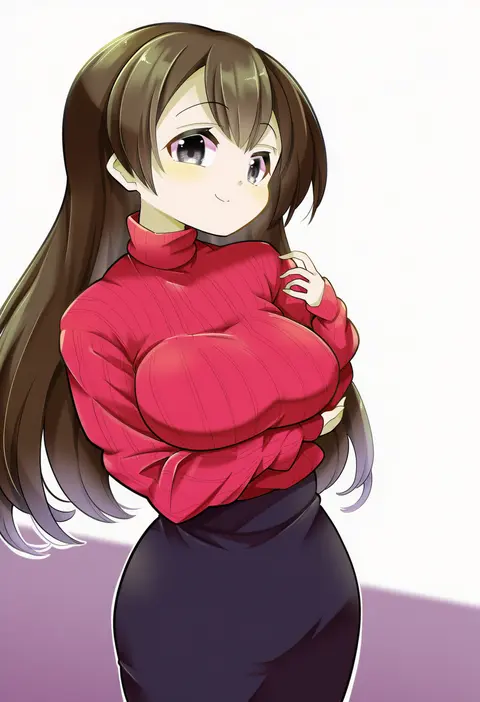
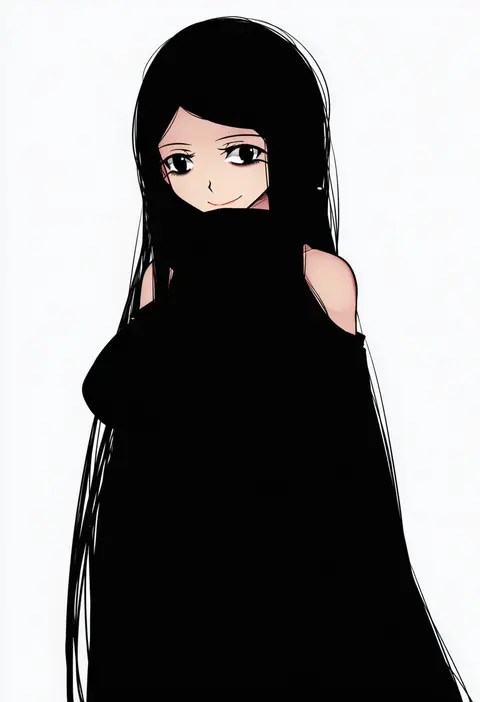
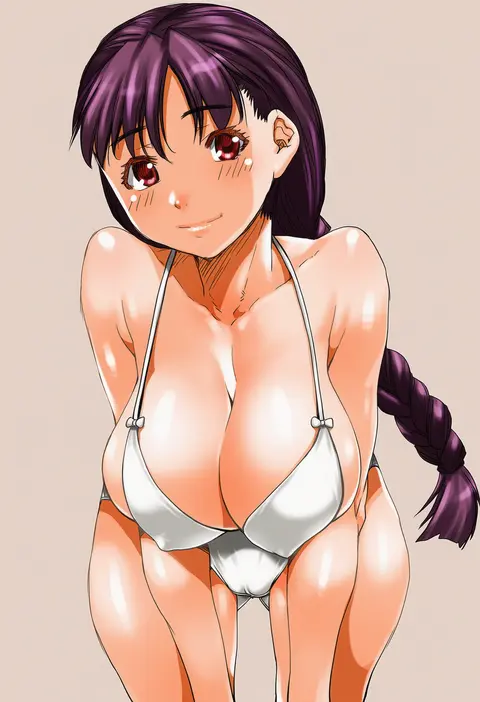
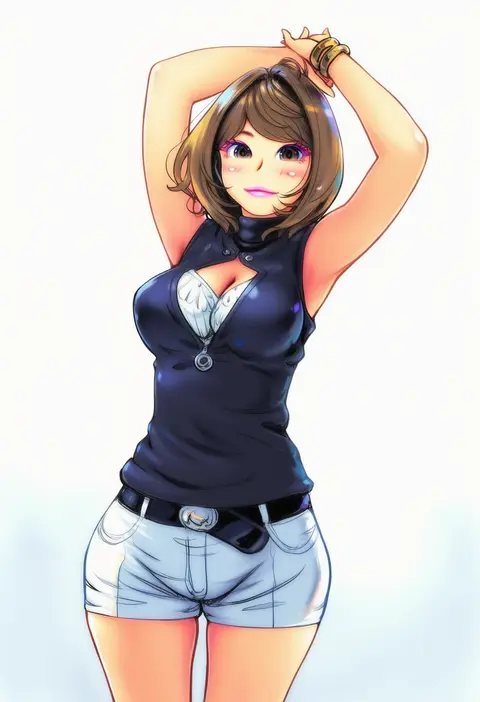
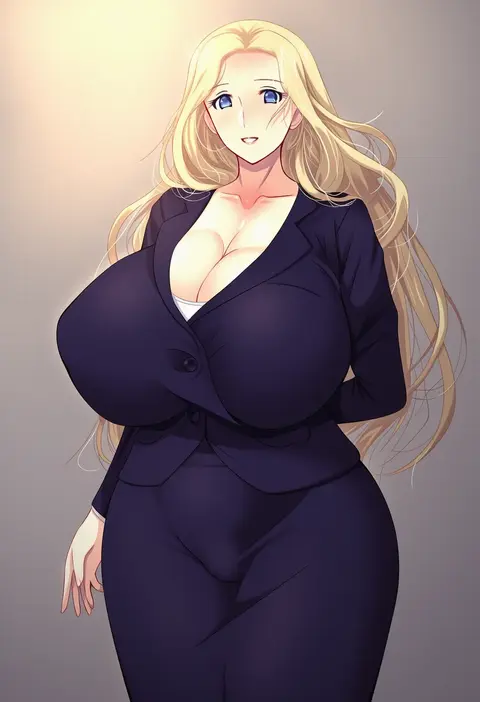
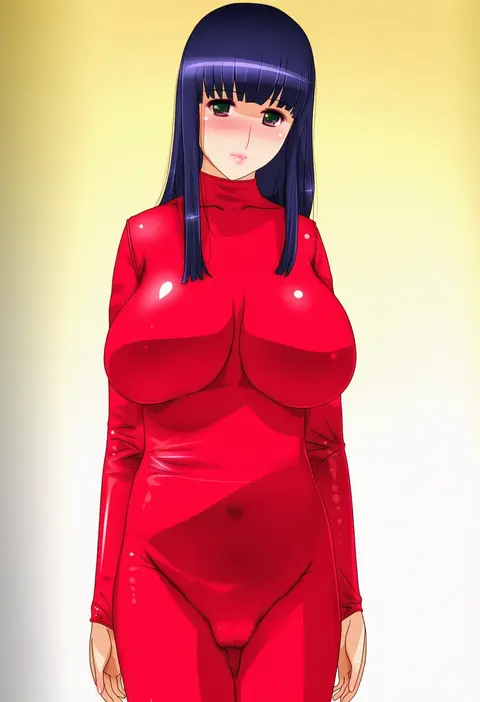
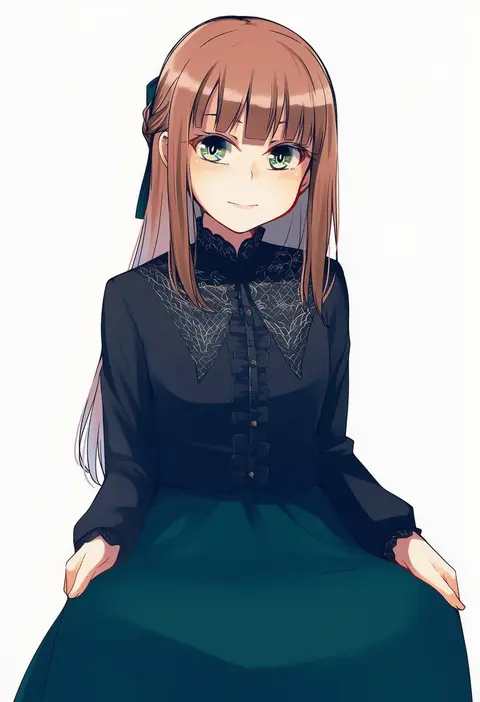
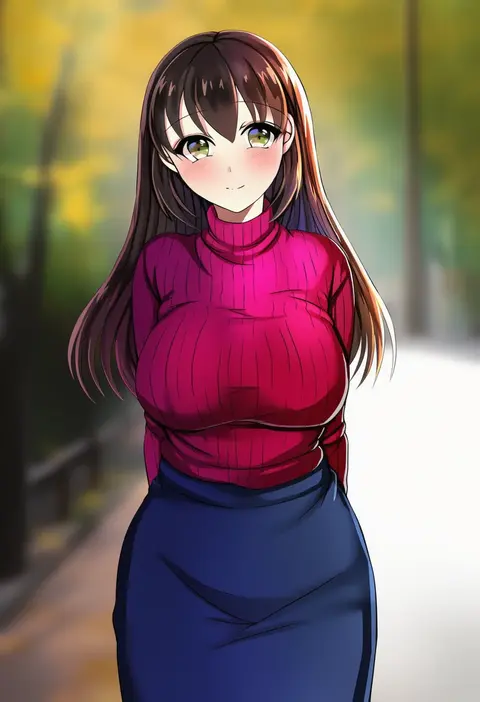
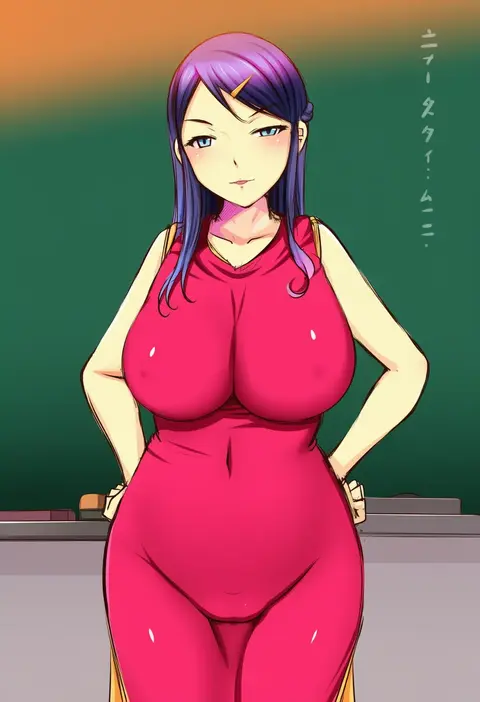
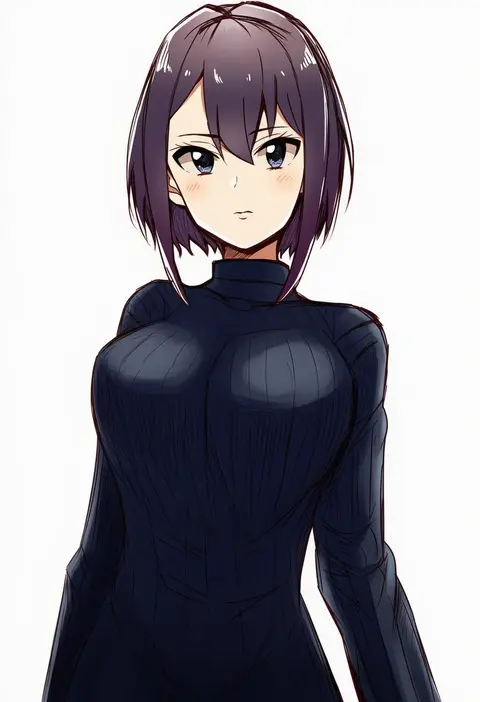
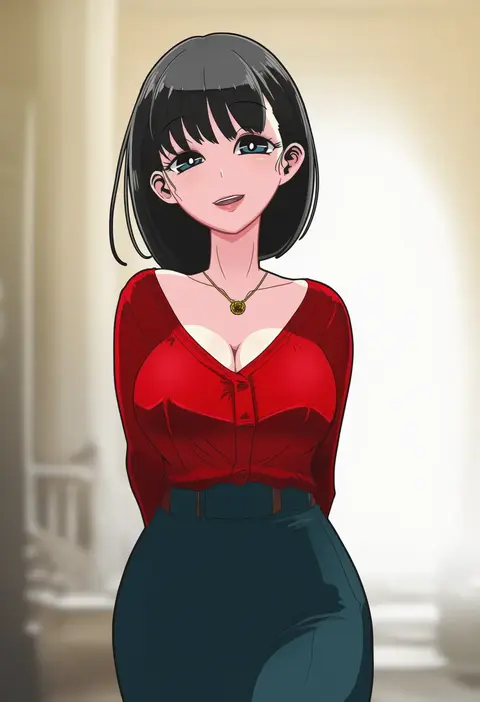
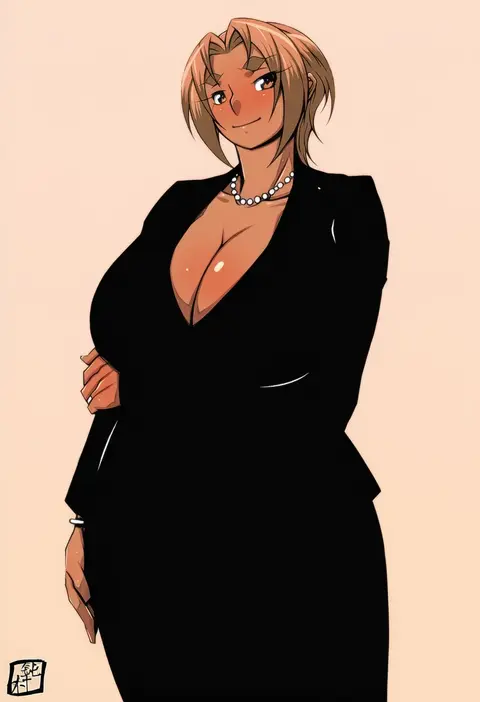
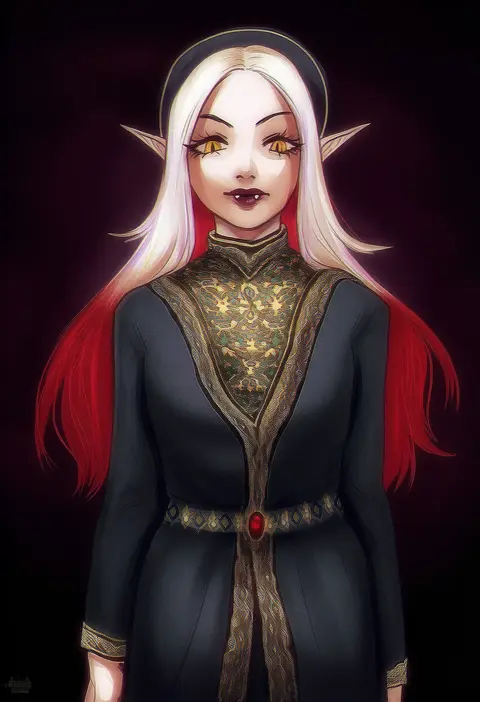
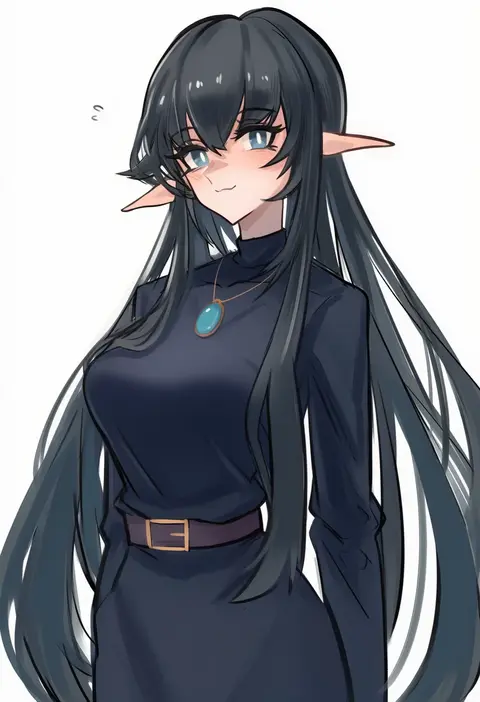
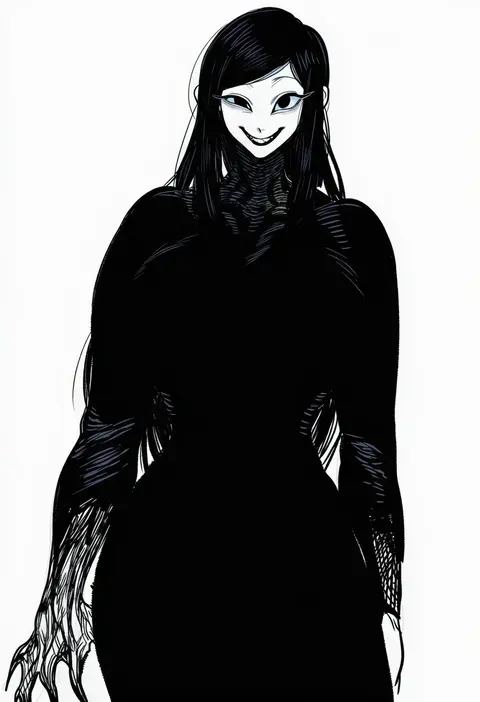
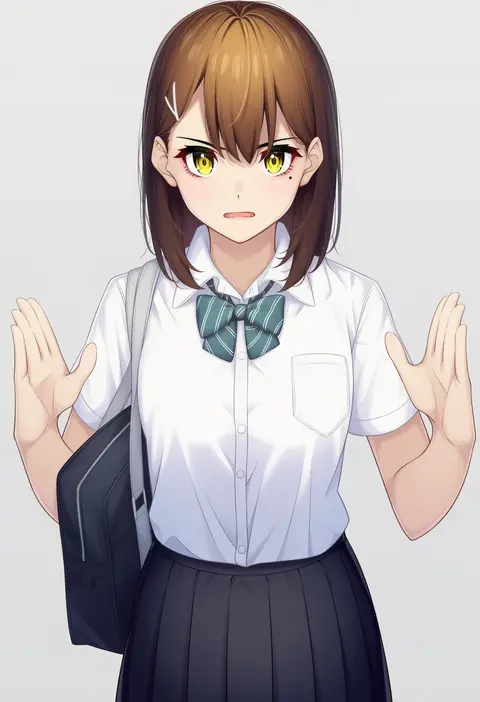
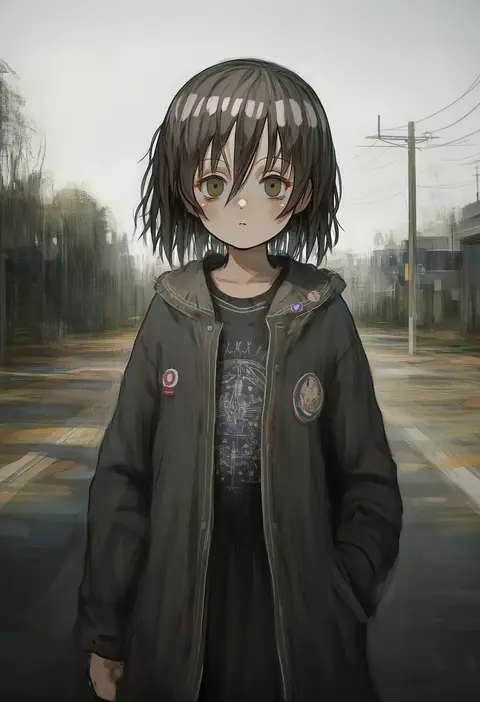
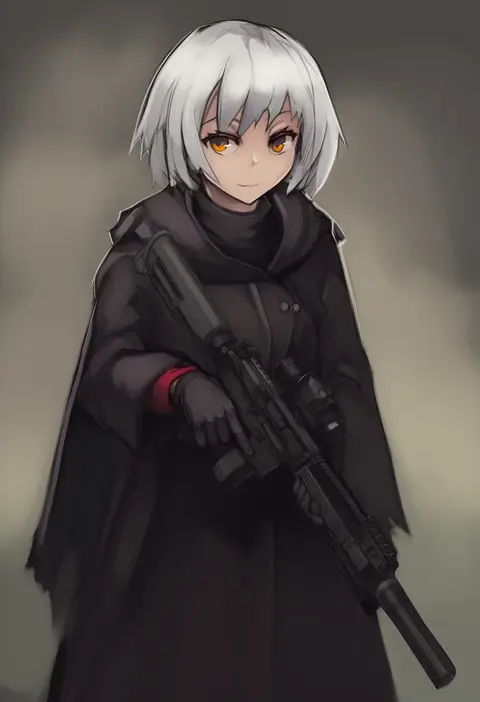
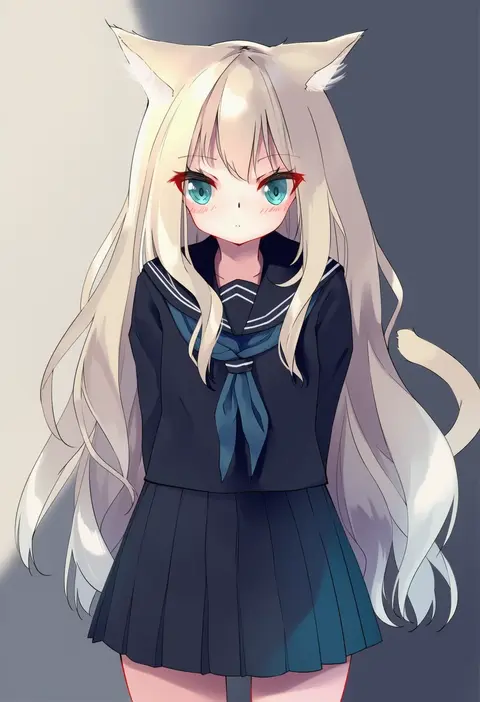
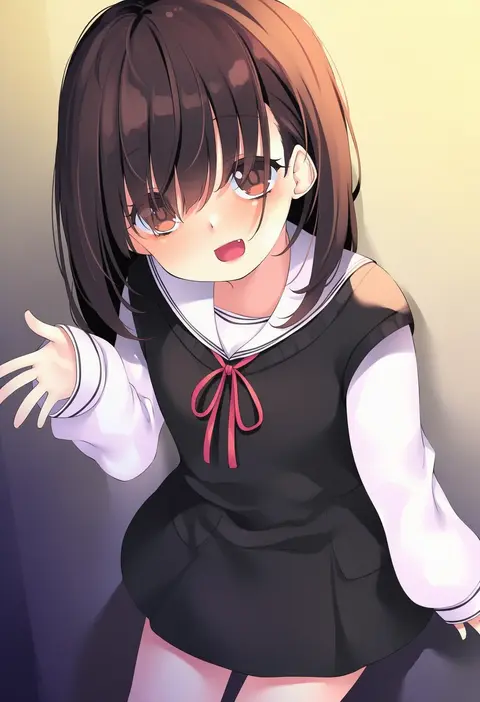
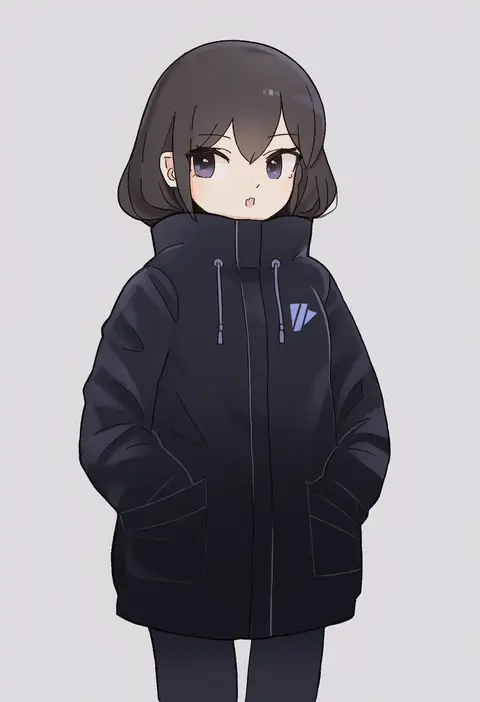
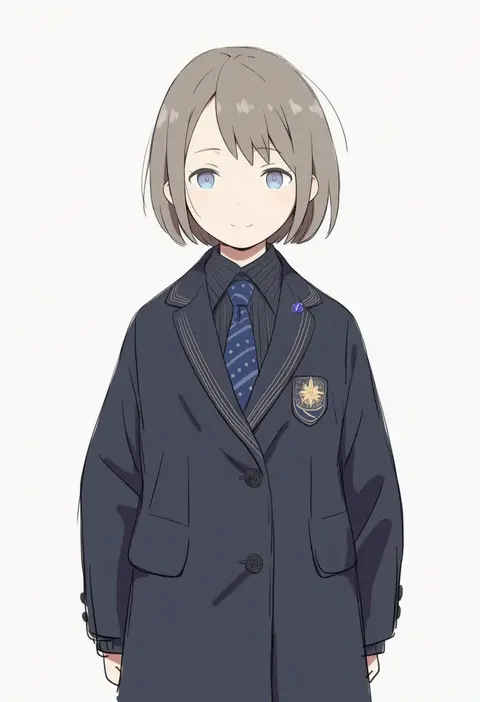
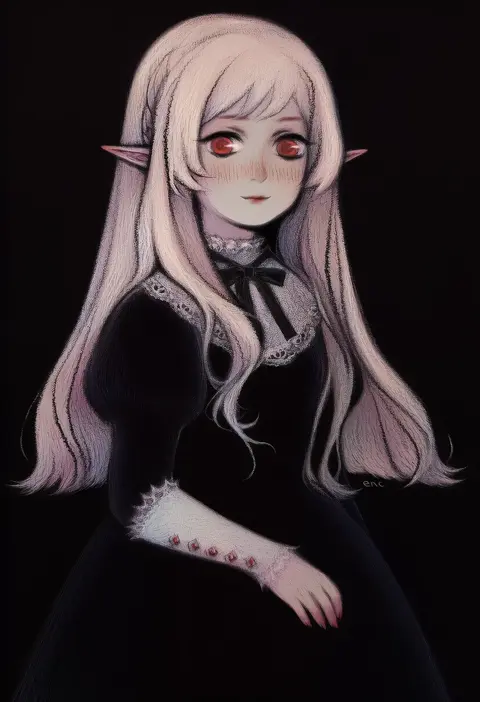
Every tag listed here is verified to react in NovelAI. All images use the same prompt, seed and settings with only the artist tag swapped, so the difference between two images is the style that tag brings in.

How to use them

Put the artist tag near the front of the prompt, e.g. "<artist>, 1girl, solo, best quality, masterpiece, cowboy shot". Two or three artist tags blend styles; lower the weight with "0.8::<artist>::" when the style overpowers the character.

SCORE sorts by Danbooru's top score, POSTS by post count, FAVS by hearts on this site. Open a card to see V5 and V4.5 side by side on the same seed.

V5 vs V4.5

V5 usually lands closer to the artist's real style, and tags that did nothing on V4.5 often react on V5. V4.5 still fits older and doujin-heavy artists better. Try V5 first, fall back to V4.5.

FAQ

Where does the artist tag go?
Near the front of the prompt. Use "0.8::tag::" to adjust its weight.

Can I stack artist tags?
Yes, styles blend. Past two or three the result stops looking like anyone.

Are these the artists' own works?
No. Every image is a NovelAI sample generated from the tag.