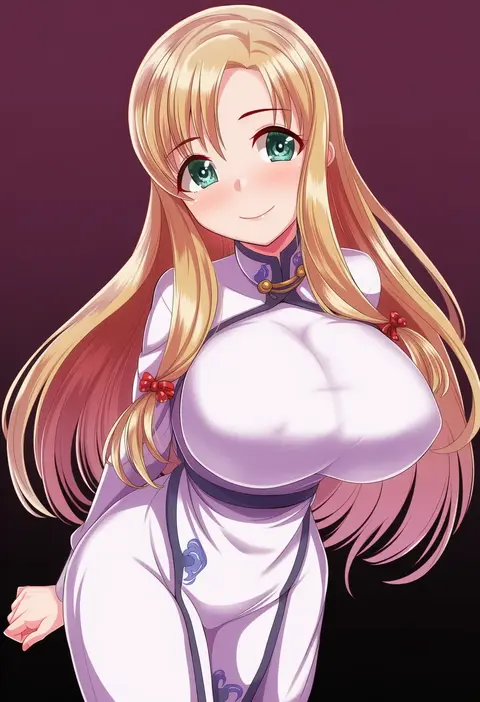
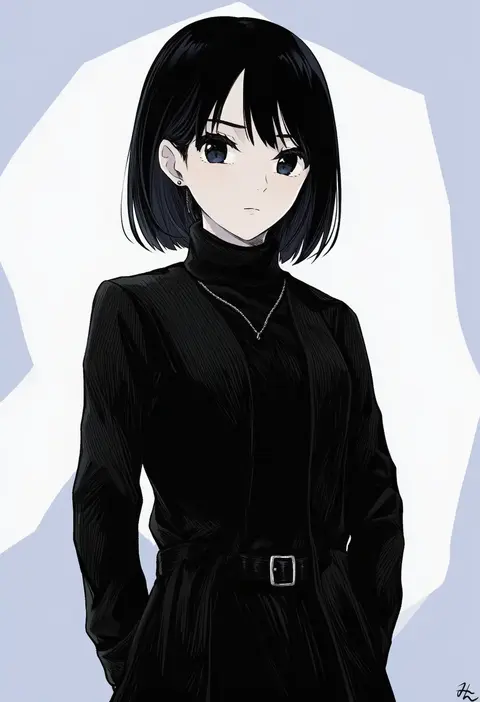
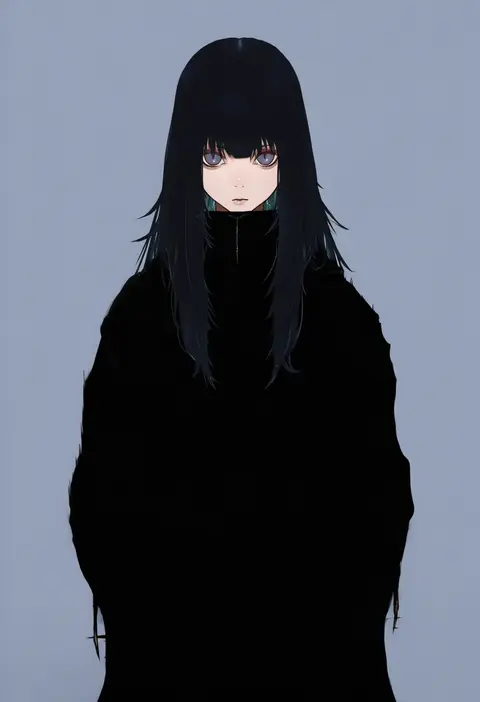
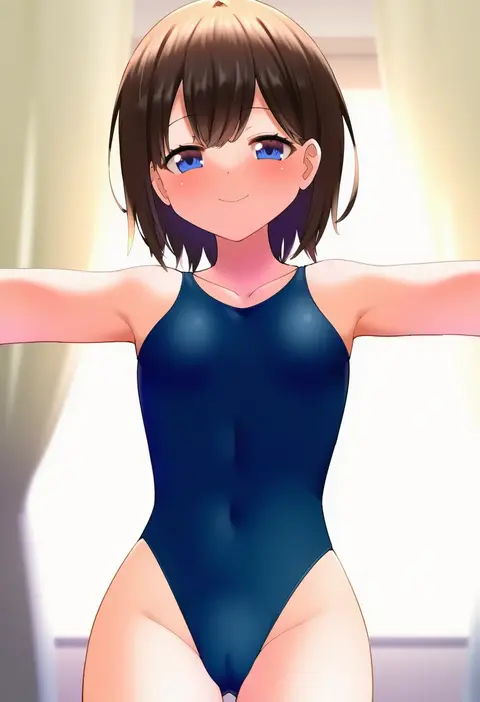
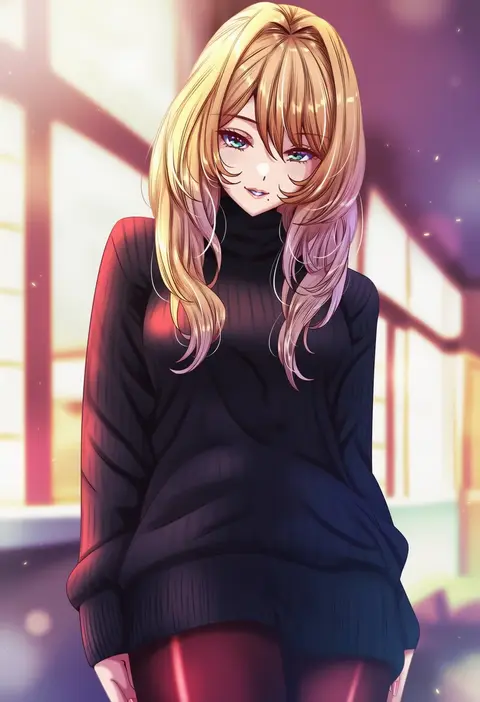
V4.5Artists
sort: FAVS▾
▾
>
$

NovelAI Artist Tags List — V4.5

artist --count 16,352[139/273]
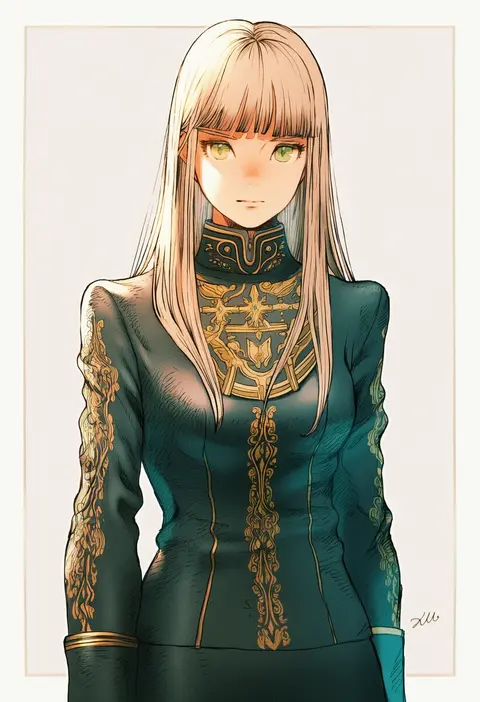
kuroimori
ARTIST0x2058
0
kagehito
ARTIST0x2059
0
uonuma yuu
ARTIST0x205A
0
uni (nico02)
ARTIST0x205B
0
tousaki umiko
ARTIST0x205C
0
ddt (darktrident)
ARTIST0x205D
0
nafta
ARTIST0x205E
0
sirurabbit
ARTIST0x205F
0
seboneko
ARTIST0x2060
0
srro yo
ARTIST0x2061
0
garyou
ARTIST0x2062
0
mutugorou u
ARTIST0x2063
0
nemo ringo
ARTIST0x2064
0
nandz
ARTIST0x2065
0
minato hitori
ARTIST0x2066
0
nakabayashi zun
ARTIST0x2067
0
hoshino ouka
ARTIST0x2068
0
ushiki yoshitaka
ARTIST0x2069
0
aramori susumu
ARTIST0x206A
0
kurebayashi noe
ARTIST0x206B
0
katatsuka kouji
ARTIST0x206C
0
nanin
ARTIST0x206D
0
sanbasou
ARTIST0x206E
0
dan (orange train)
ARTIST0x206F
0
min (myna8247)
ARTIST0x2070
0
neko no kedama
ARTIST0x2071
0
faubynet
ARTIST0x2072
0
rezi
ARTIST0x2073
0
touyarokii
ARTIST0x2074
0
gochisousama (tanin050)
ARTIST0x2075
0
hanabana tsubomi
ARTIST0x2076
0
kagome (traumatize)
ARTIST0x2077
0
rucaco
ARTIST0x2078
0
jokebag
ARTIST0x2079
0
pyonsuke (pyon2 mfg)
ARTIST0x207A
0
akagi (sk0127aho)
ARTIST0x207B
0
rumo
ARTIST0x207C
0
kayanogura
ARTIST0x207D
0
doiparuni
ARTIST0x207E
0
haruki reimari
ARTIST0x207F
0
kusano shinta
ARTIST0x2080
0
kamaniki
ARTIST0x2081
0
gegegekman
ARTIST0x2082
0
tataki tuna
ARTIST0x2083
0
cradle (circle)
ARTIST0x2084
0
jing hu
ARTIST0x2085
0
gyosone
ARTIST0x2086
0
nyamaso
ARTIST0x2087
0
yukichin
ARTIST0x2088
0
kuroi enpitsu
ARTIST0x2089
0
zhuxiao517
ARTIST0x208A
0
togusa masamu
ARTIST0x208B
0
xini m
ARTIST0x208C
0
rewuyuu
ARTIST0x208D
0
awa
ARTIST0x208E
0
jeno
ARTIST0x208F
0
tsukemon
ARTIST0x2090
0
errant
ARTIST0x2091
0
asyura kumo
ARTIST0x2092
0
koya (koya x 00)
ARTIST0x2093
0

What these tags change

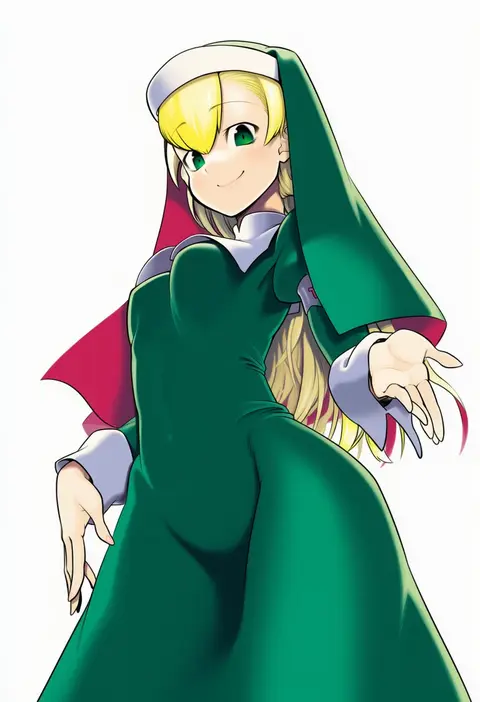
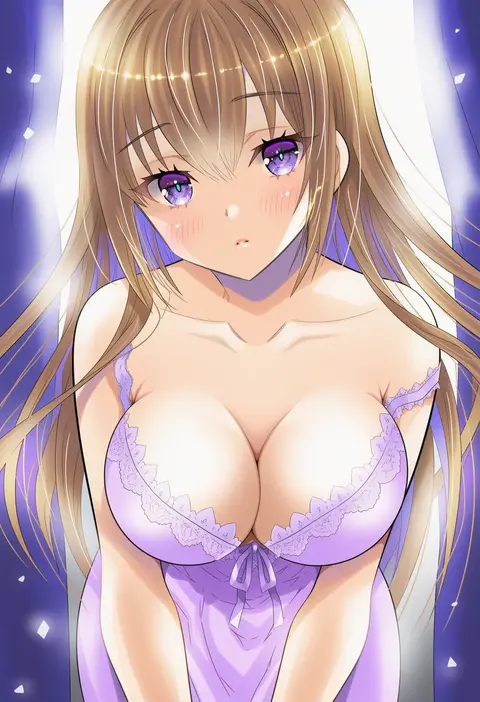
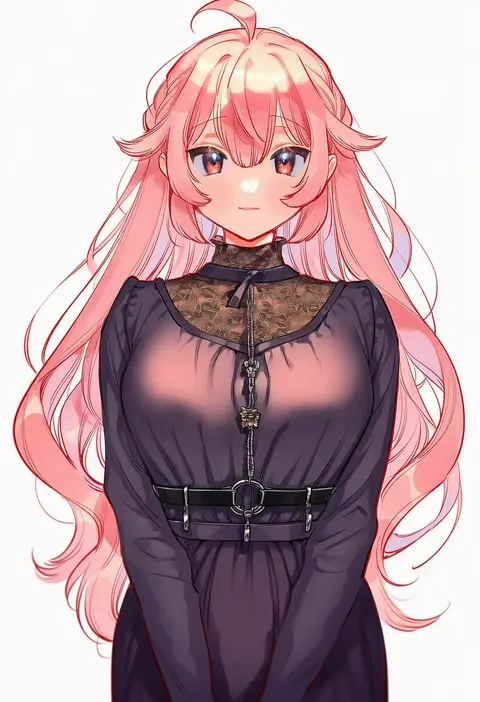
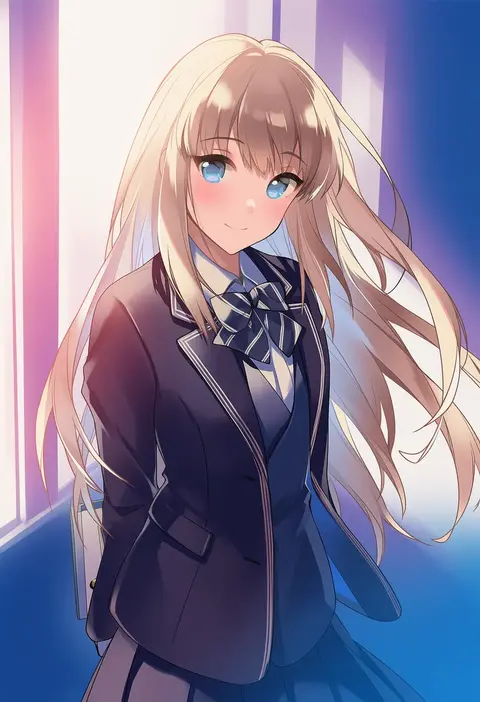
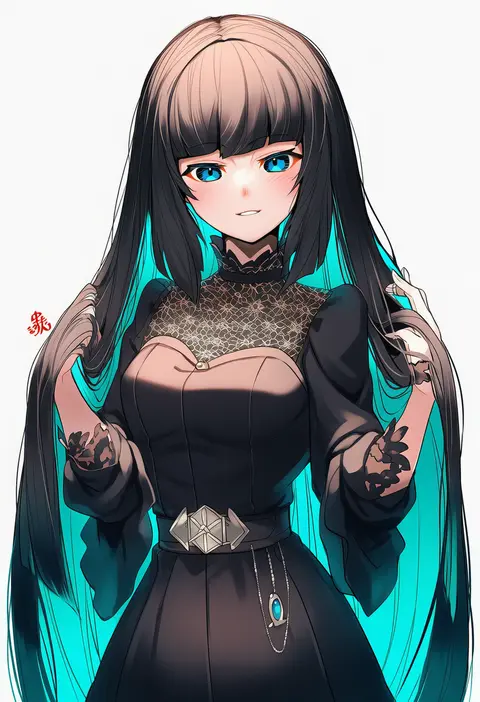
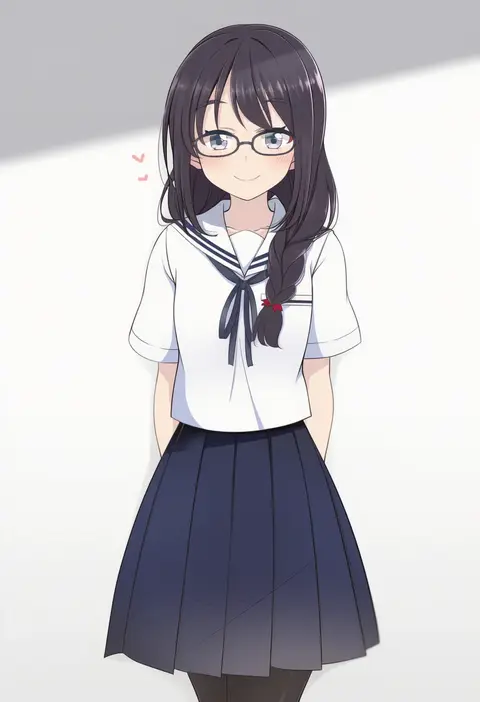
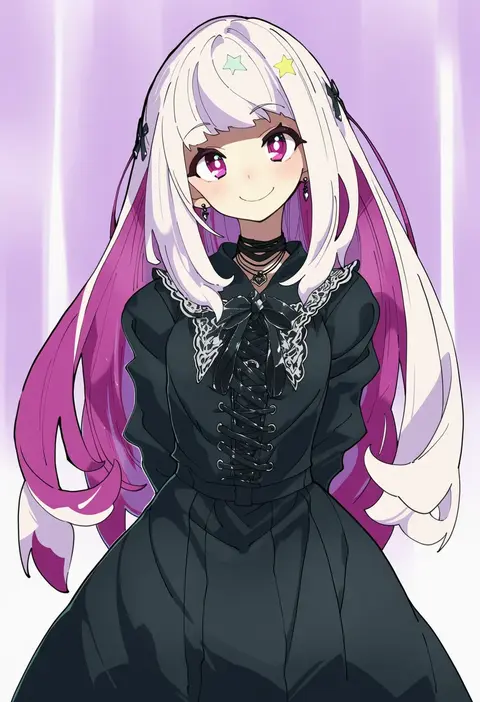
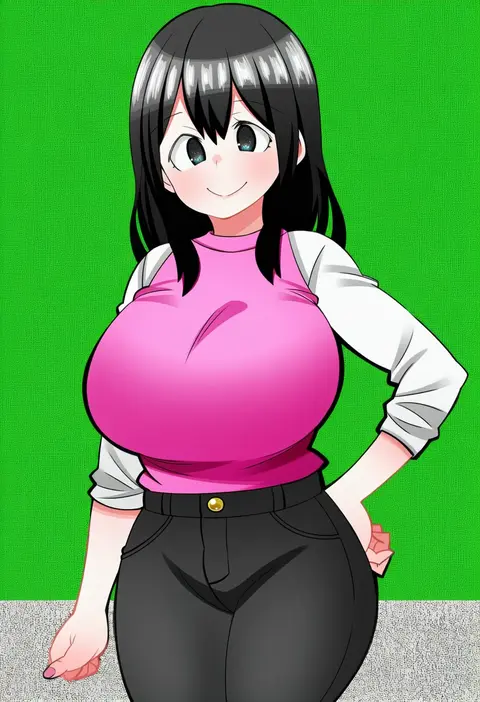
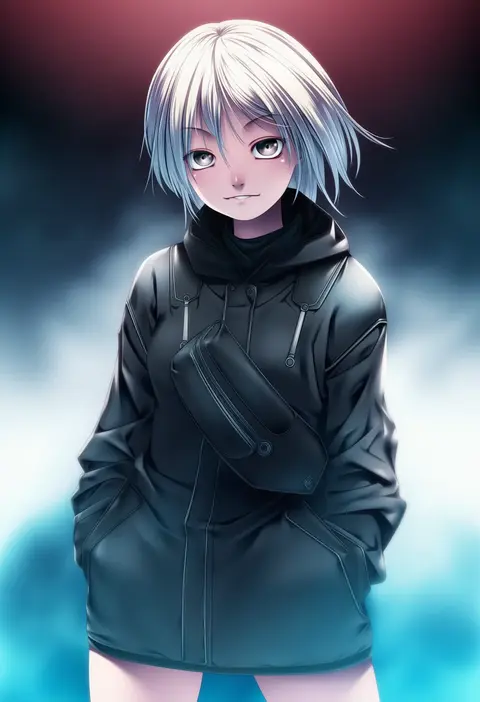
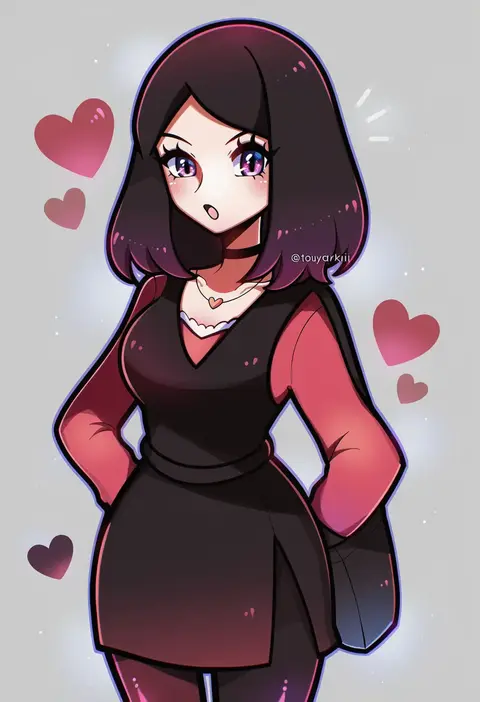
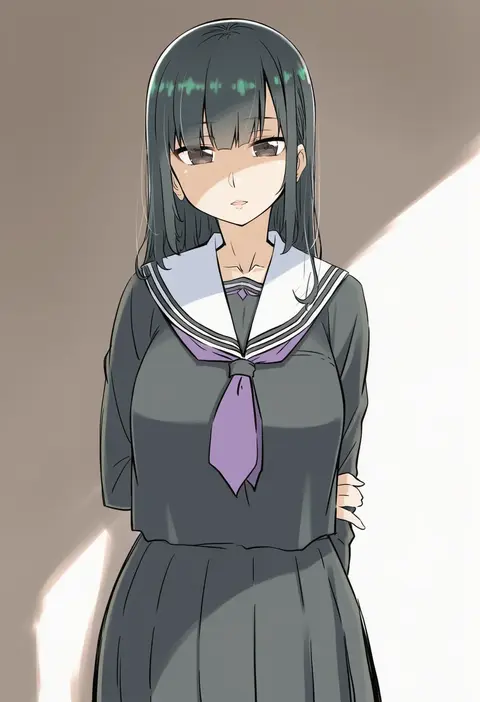
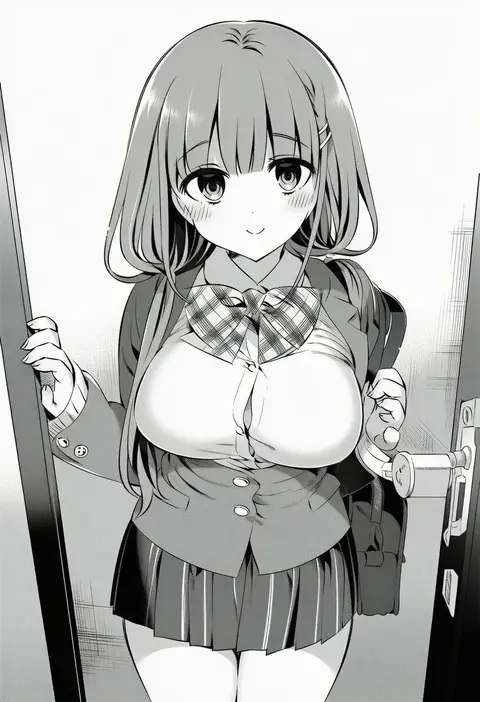
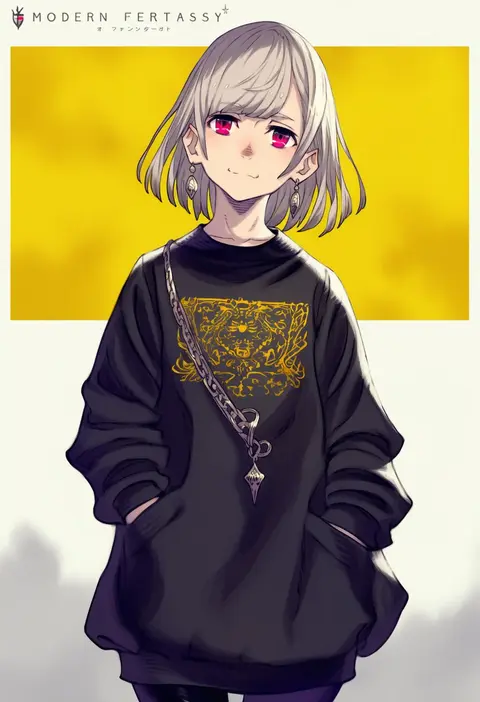
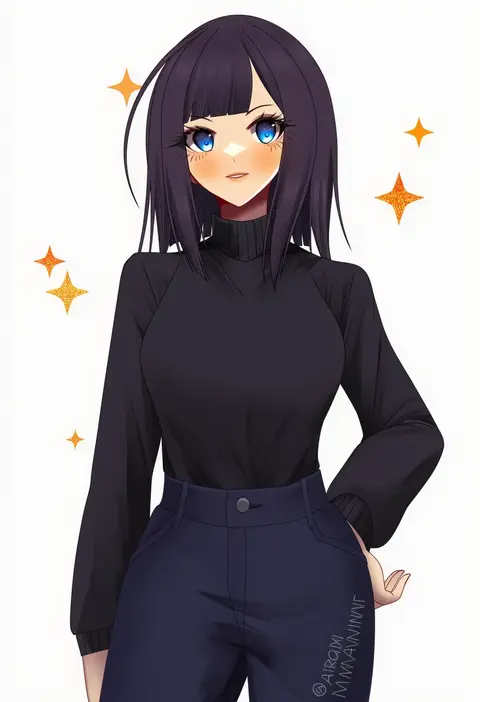
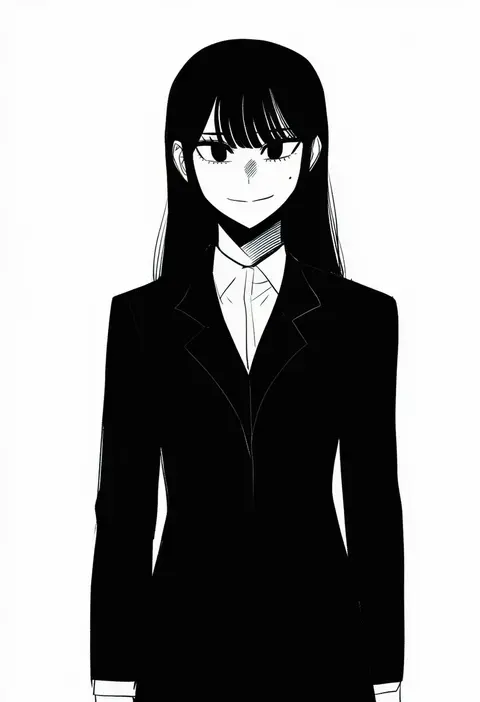
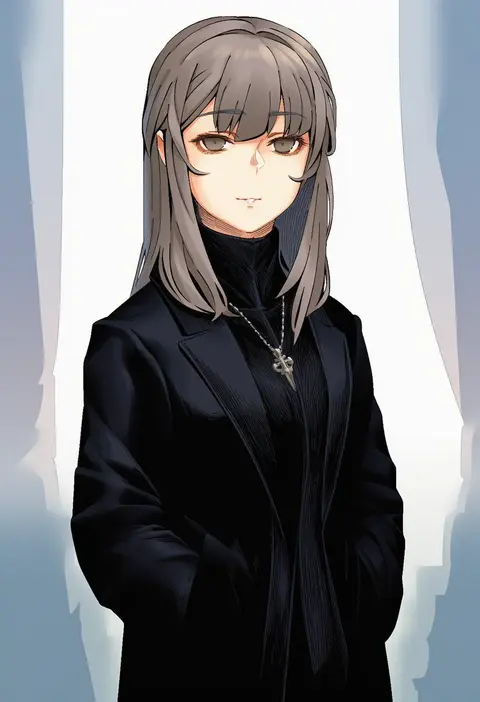
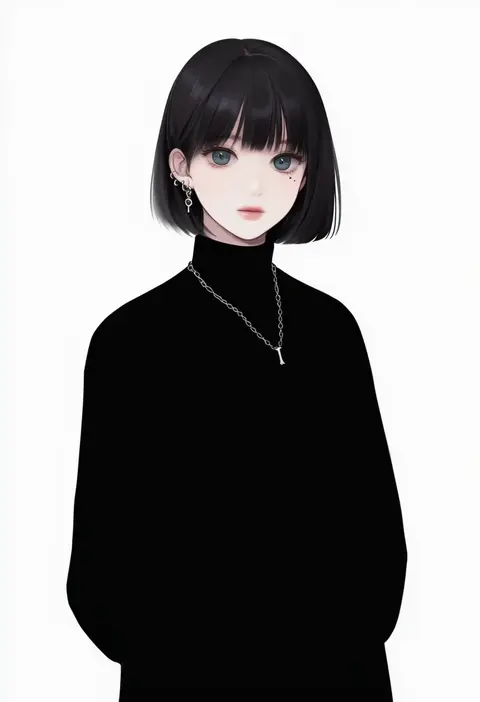
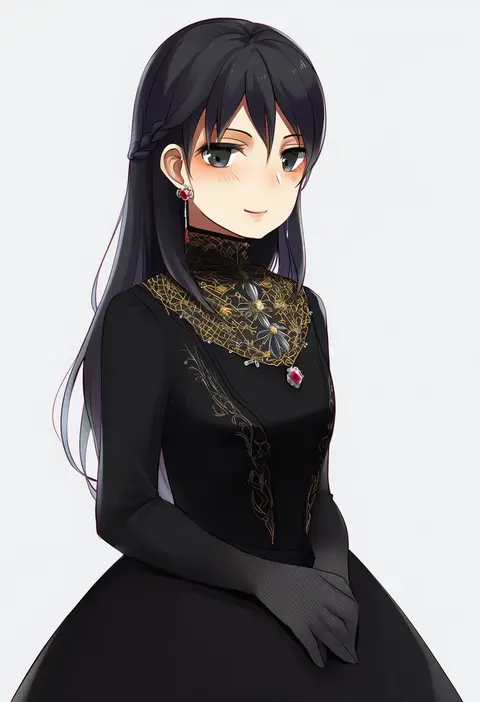
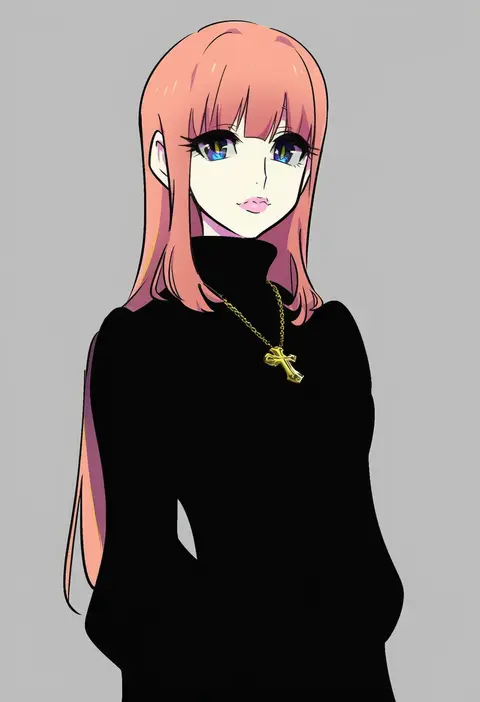
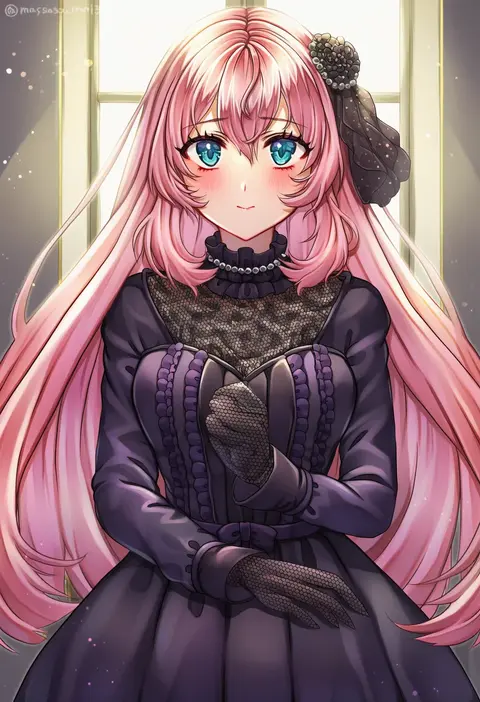
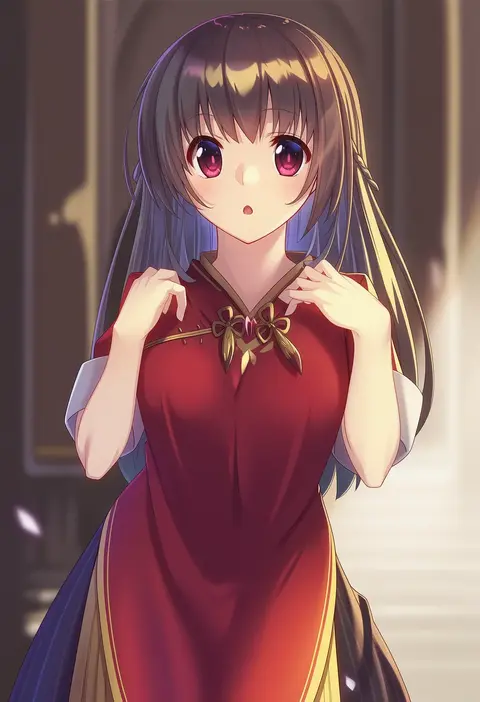
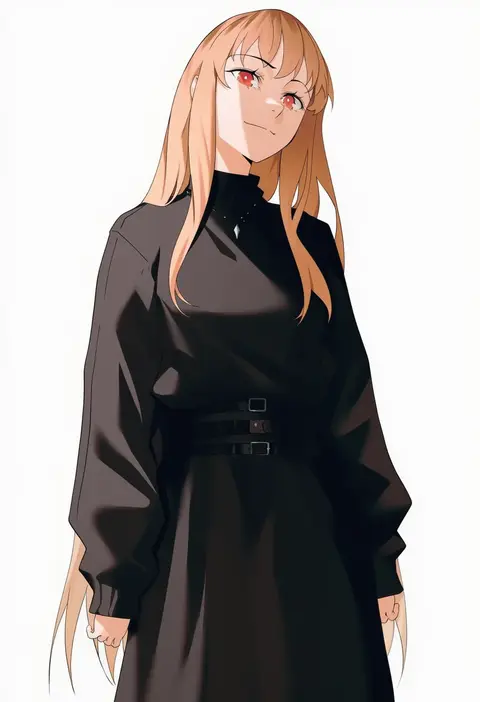
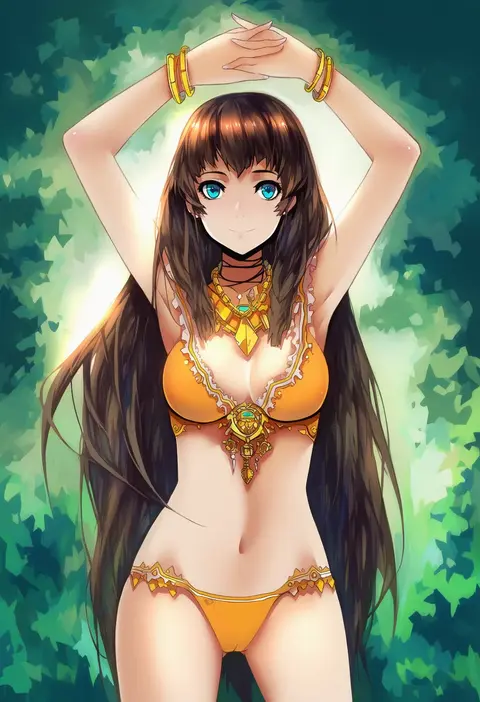
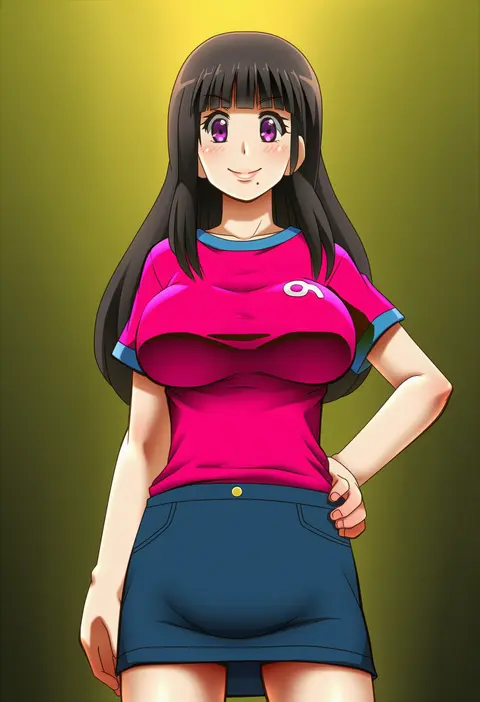
Artist tags tell NovelAI Diffusion to draw in a specific artist's style: line weight, paint texture, face shapes and palette all shift at once. Character and outfit tags decide what is drawn; artist tags decide how. 16,352 tags are listed for V4.5.
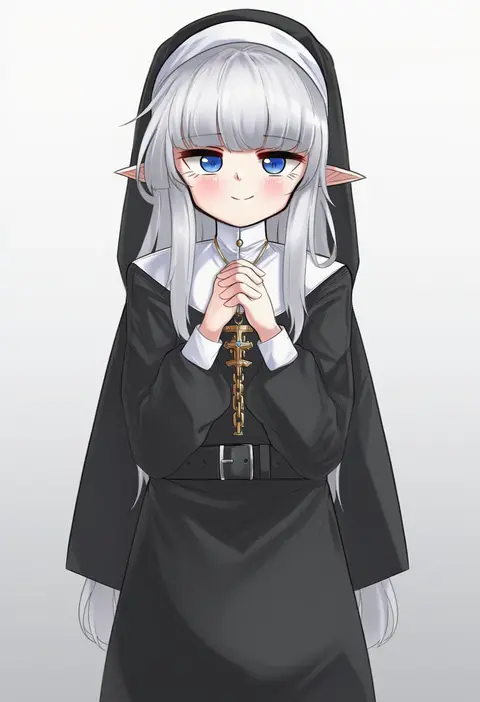
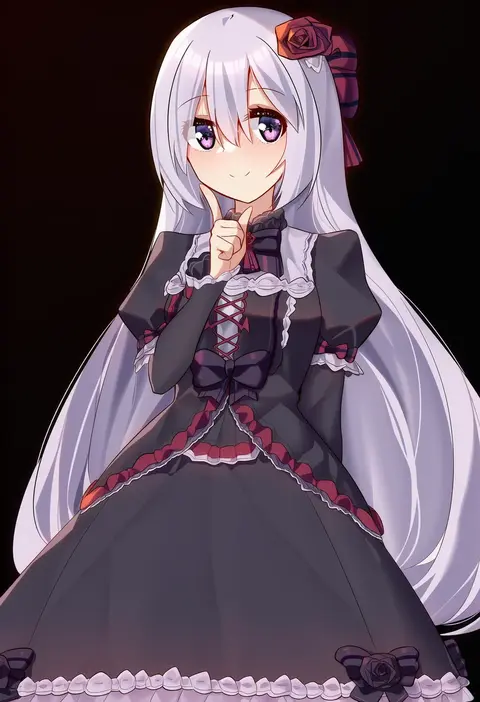
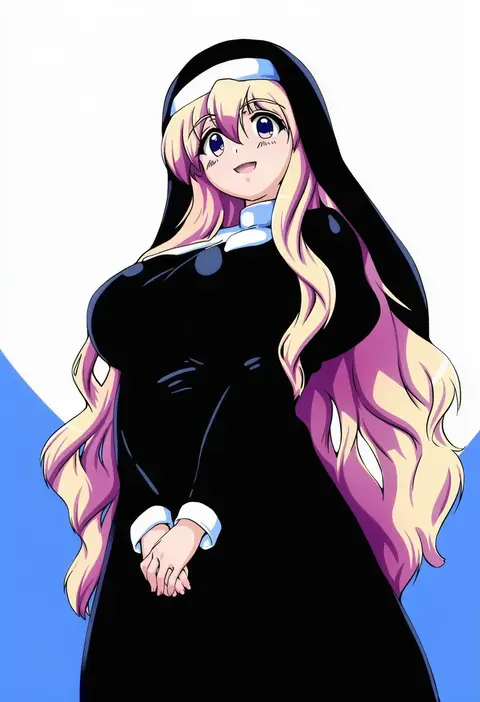
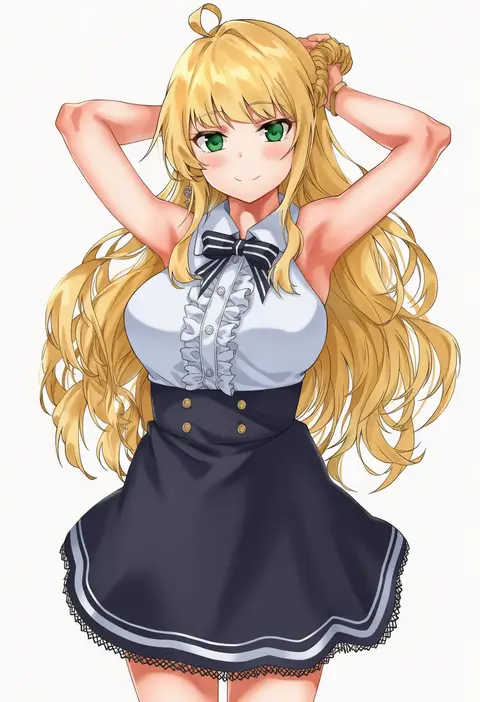
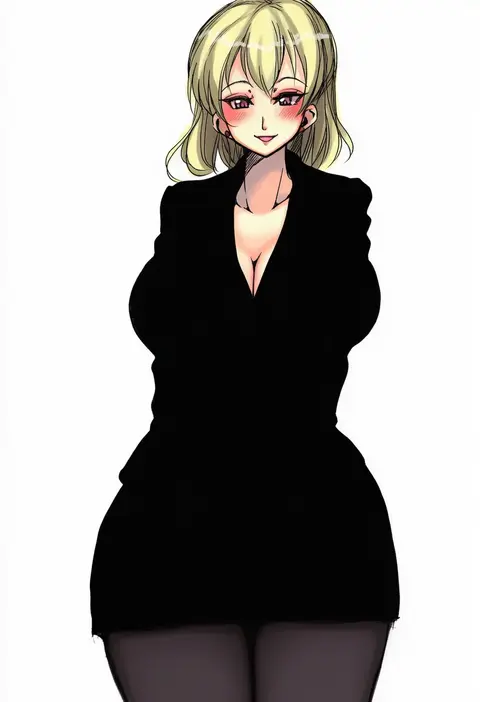
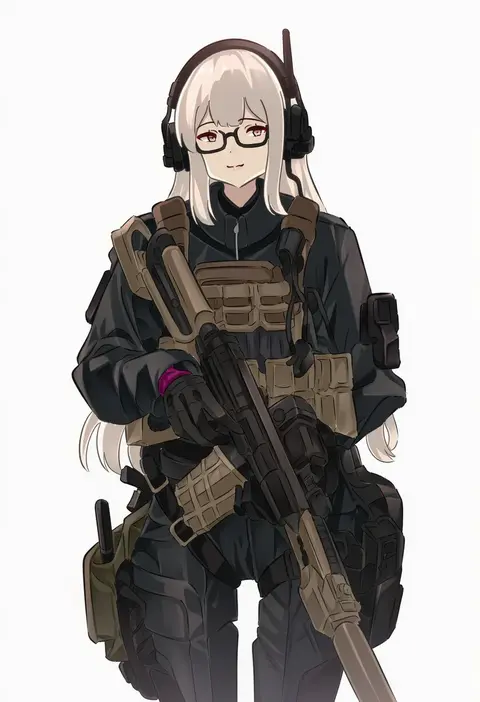
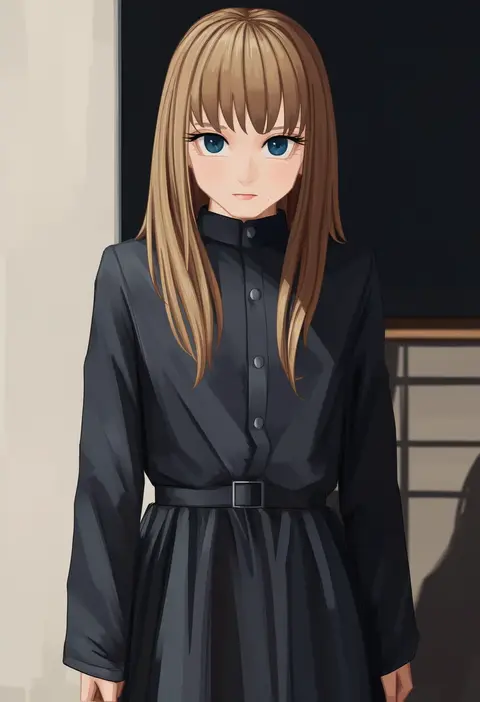
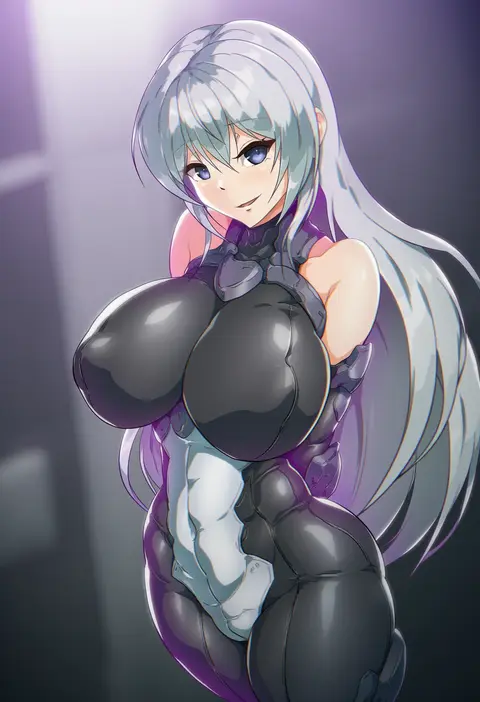
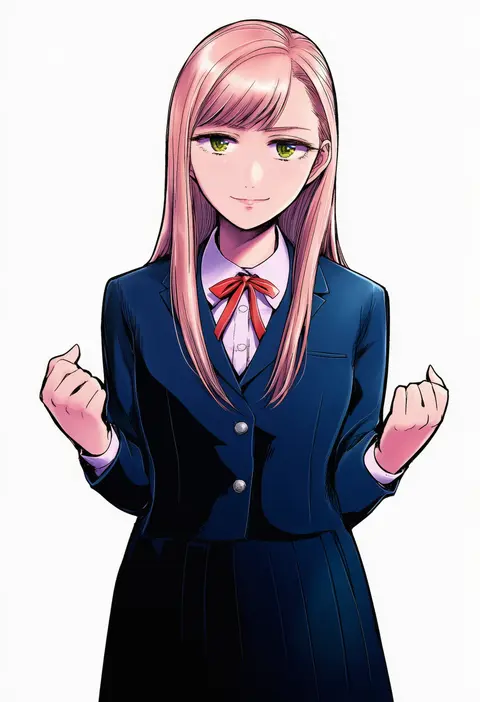
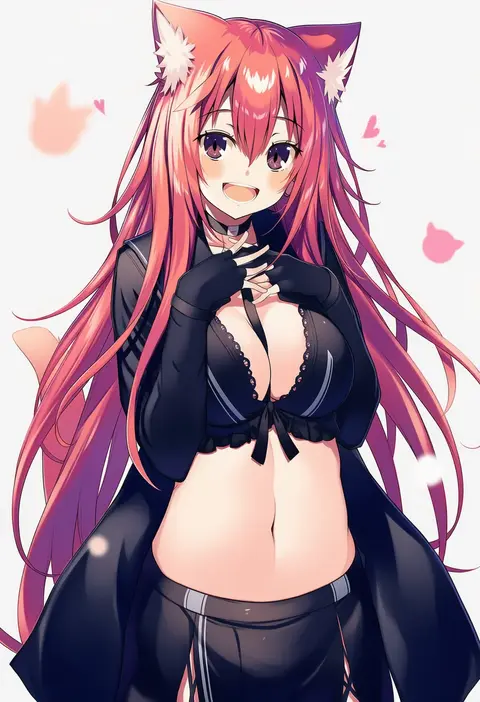
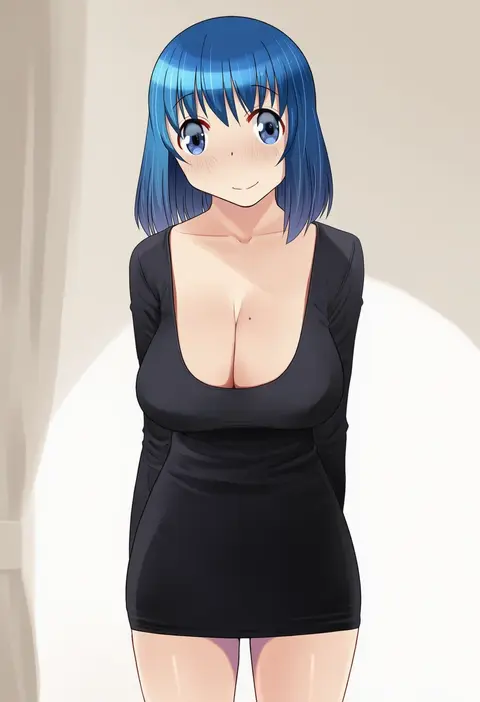
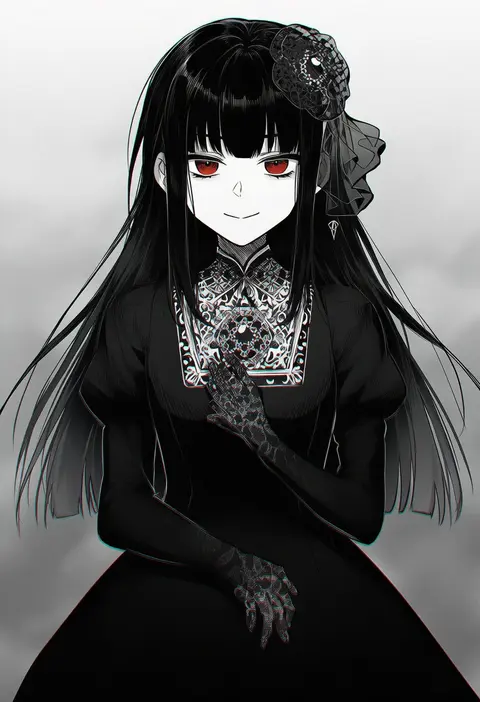
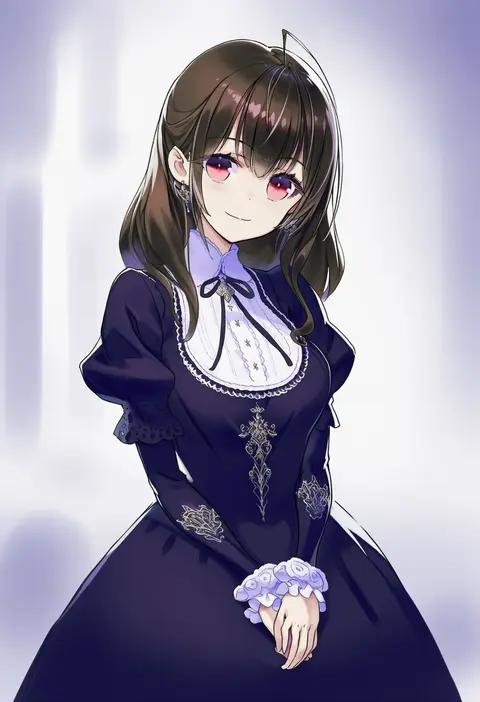
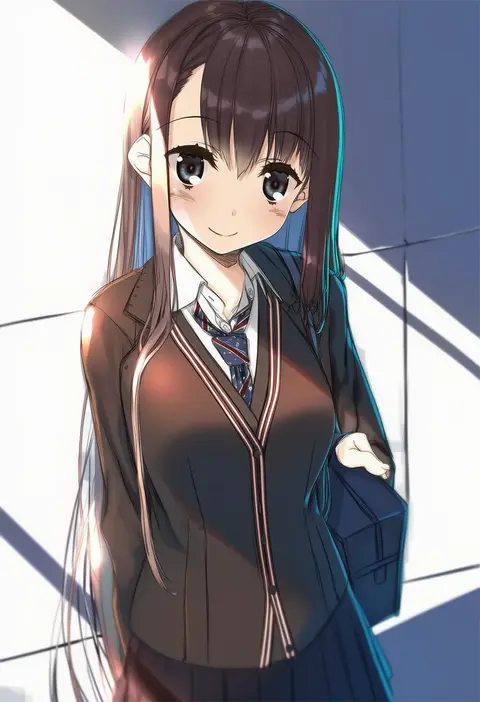
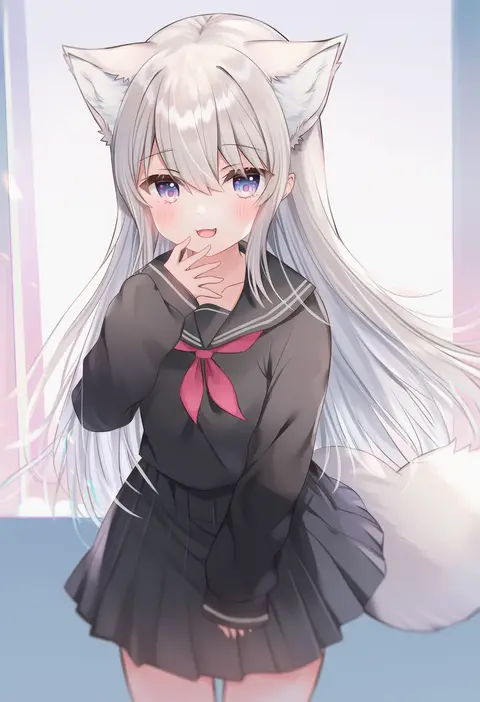
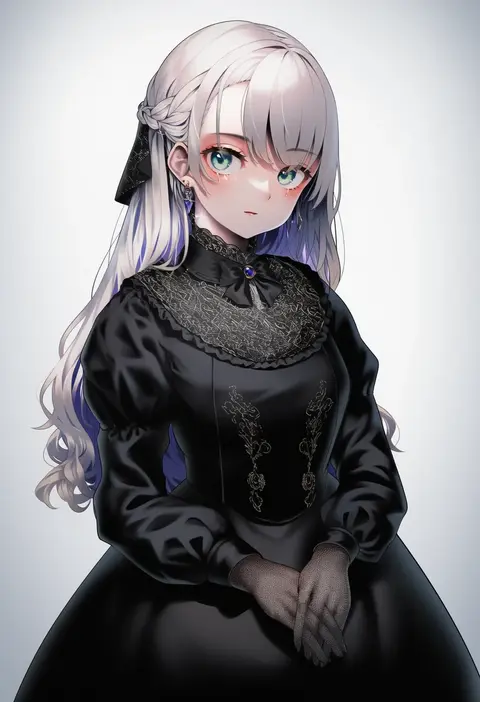
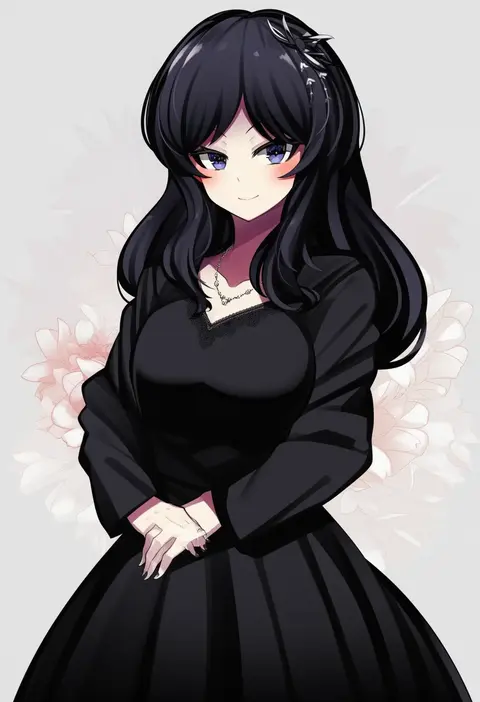
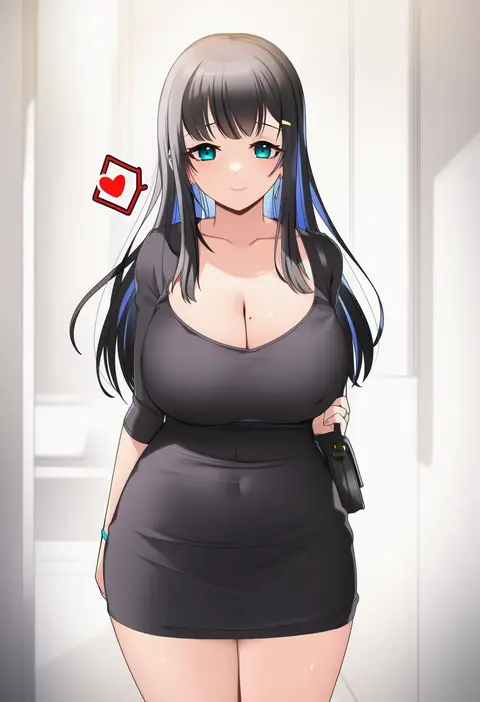
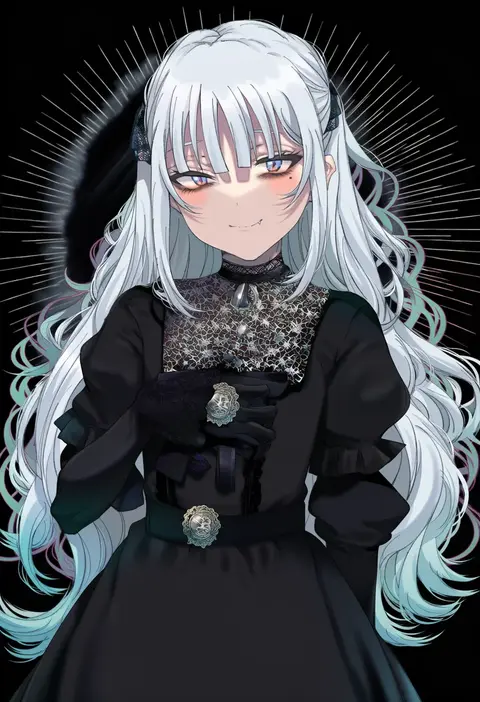
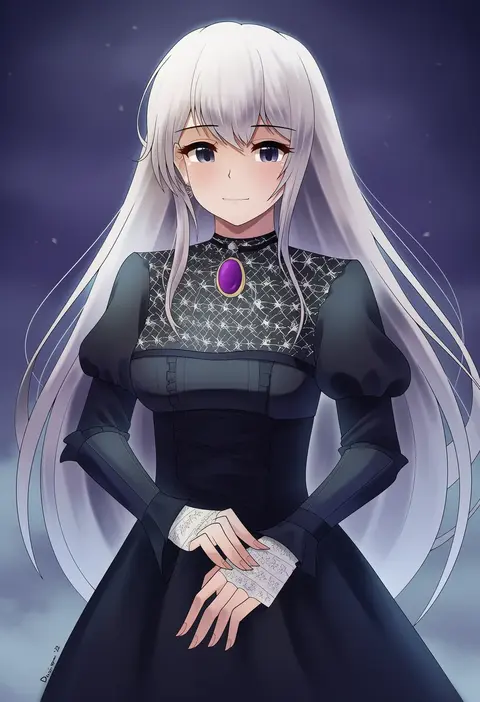
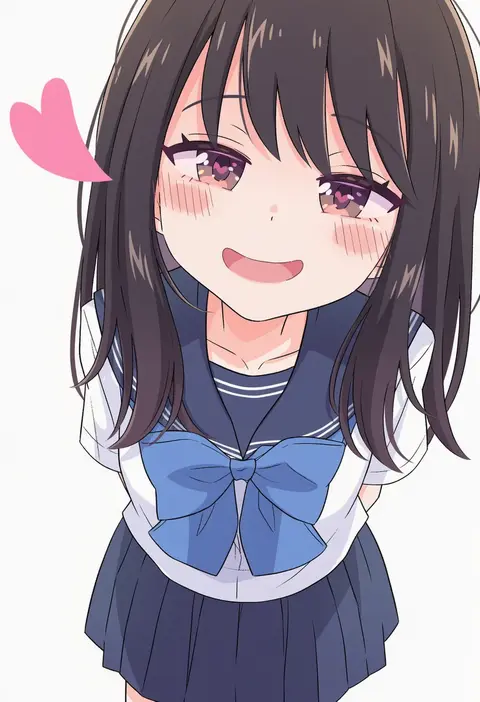
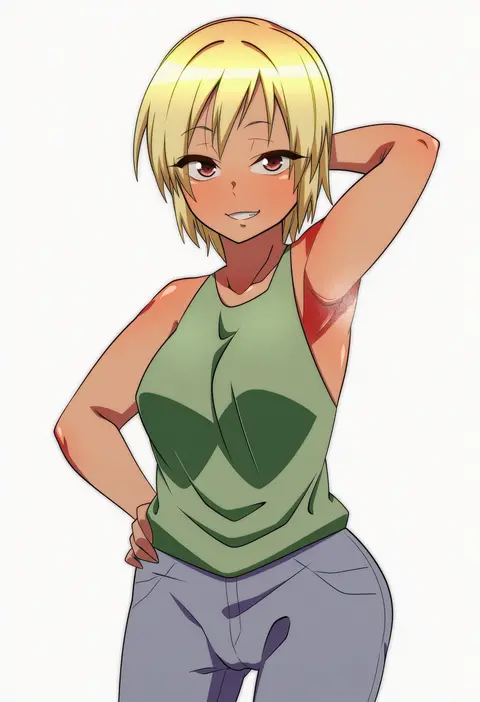
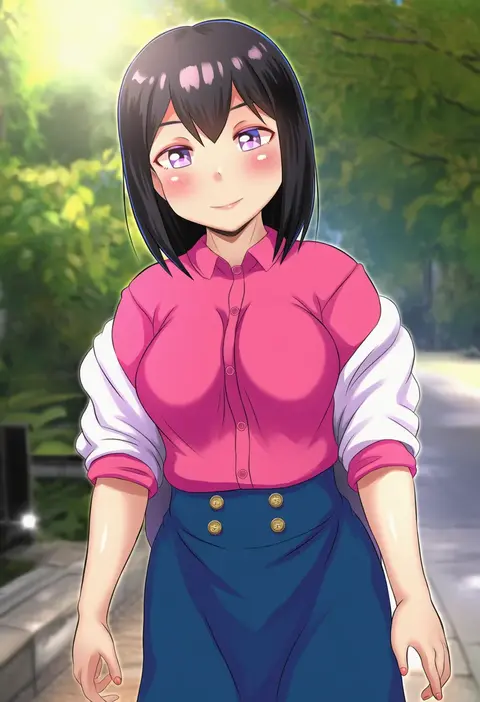
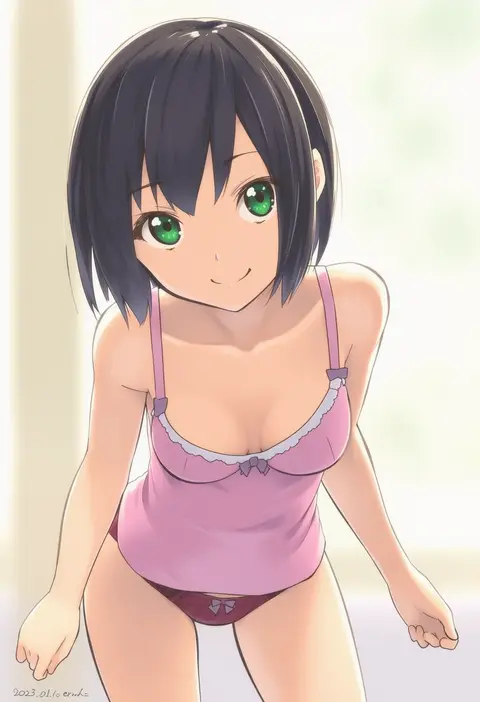
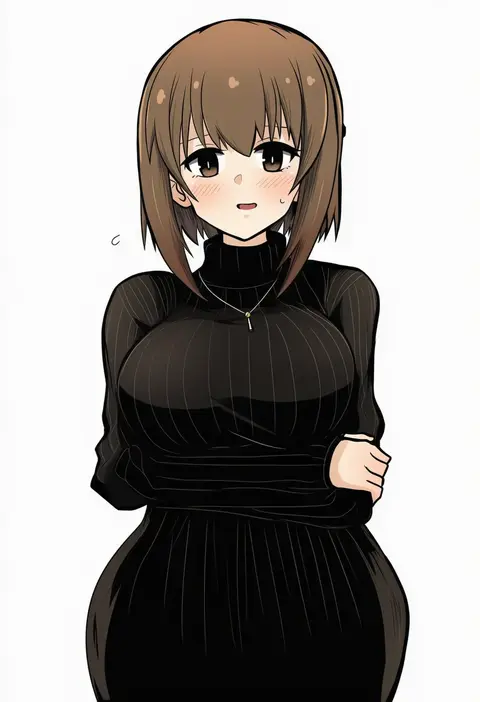
Every tag listed here is verified to react in NovelAI. All images use the same prompt, seed and settings with only the artist tag swapped, so the difference between two images is the style that tag brings in.

How to use them

Put the artist tag near the front of the prompt, e.g. "<artist>, 1girl, solo, best quality, masterpiece, cowboy shot". Two or three artist tags blend styles; lower the weight with "0.8::<artist>::" when the style overpowers the character.

SCORE sorts by Danbooru's top score, POSTS by post count, FAVS by hearts on this site. Open a card to see V5 and V4.5 side by side on the same seed.

V5 vs V4.5

V5 usually lands closer to the artist's real style, and tags that did nothing on V4.5 often react on V5. V4.5 still fits older and doujin-heavy artists better. Try V5 first, fall back to V4.5.

FAQ

Where does the artist tag go?
Near the front of the prompt. Use "0.8::tag::" to adjust its weight.

Can I stack artist tags?
Yes, styles blend. Past two or three the result stops looking like anyone.

Are these the artists' own works?
No. Every image is a NovelAI sample generated from the tag.