V4.5Artists
sort: FAVS▾
▾
>
$

NovelAI Artist Tags List — V4.5

artist --count 16,352[136/273]
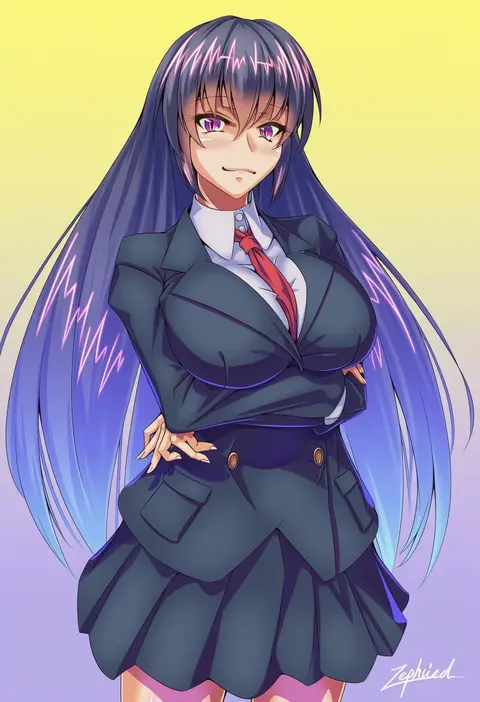
zephid
ARTIST0x1FA4
0
karbo
ARTIST0x1FA5
0
yuzu-aki
ARTIST0x1FA6
0
shunsei (muratou)
ARTIST0x1FA7
0
anco (platanity)
ARTIST0x1FA8
0
kurowana
ARTIST0x1FA9
0
haruhina purple
ARTIST0x1FAA
0
mochii
ARTIST0x1FAB
0
morokoshi (tekku)
ARTIST0x1FAC
0
r1
ARTIST0x1FAD
0
chunyan
ARTIST0x1FAE
0
sankyaku tako
ARTIST0x1FAF
0
jiyuuyuu
ARTIST0x1FB0
0
kadoi aya
ARTIST0x1FB1
0
elina kuroe no daarin
ARTIST0x1FB2
0
saiwo (saiwoproject)
ARTIST0x1FB3
0
putimaxi
ARTIST0x1FB4
0
giga omega
ARTIST0x1FB5
0
retsuto
ARTIST0x1FB6
0
minazuki mizu
ARTIST0x1FB7
0
toru k
ARTIST0x1FB8
0
xiangtu
ARTIST0x1FB9
0
nut megu
ARTIST0x1FBA
0
xyronii
ARTIST0x1FBB
0
mittsu
ARTIST0x1FBC
0
kouguchi moto
ARTIST0x1FBD
0
hoe-l
ARTIST0x1FBE
0
shiori (moechin)
ARTIST0x1FBF
0
takoyaki (takoyaki-batake)
ARTIST0x1FC0
0
lewdrawings
ARTIST0x1FC1
0
octosoup
ARTIST0x1FC2
0
rucchiifu
ARTIST0x1FC3
0
aslindsamure
ARTIST0x1FC4
0
green322
ARTIST0x1FC5
0
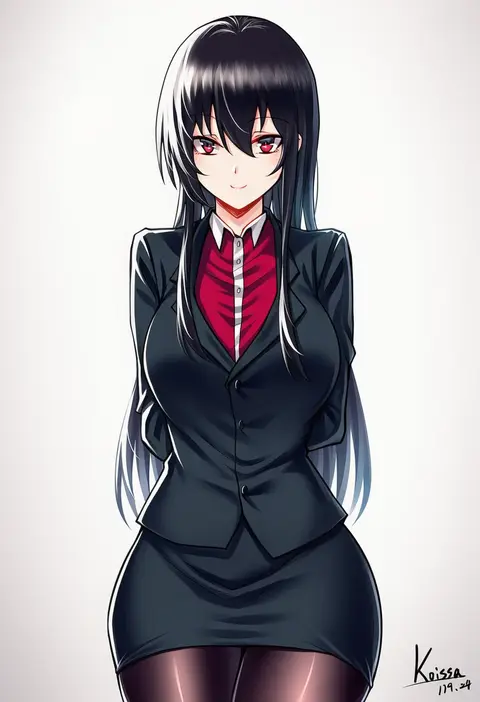
koissa
ARTIST0x1FC6
0
teoi (good chaos)
ARTIST0x1FC7
0
kezune (i- -i)
ARTIST0x1FC8
0
hinoshita akame
ARTIST0x1FC9
0
tama (soon32281)
ARTIST0x1FCA
0
omuretsu
ARTIST0x1FCB
0
shukusuri
ARTIST0x1FCC
0
kirusu
ARTIST0x1FCD
0
kirisaki seeker
ARTIST0x1FCE
0
ostwindprojekt
ARTIST0x1FCF
0
mizumori keiichi
ARTIST0x1FD0
0
karlwolf
ARTIST0x1FD1
0
kuroki (ma-na-tu)
ARTIST0x1FD2
0
kazuneko (wktk1024)
ARTIST0x1FD3
0
smjim1986
ARTIST0x1FD4
0
haruwaka 064
ARTIST0x1FD5
0
kionaoki
ARTIST0x1FD6
0
alto-00
ARTIST0x1FD7
0
lunch (lunchicken)
ARTIST0x1FD8
0
minarai tenna
ARTIST0x1FD9
0
bada (jksh5056)
ARTIST0x1FDA
0
batazungharn
ARTIST0x1FDB
0
unimon e
ARTIST0x1FDC
0
yu hydra
ARTIST0x1FDD
0
kamehito
ARTIST0x1FDE
0
merry program
ARTIST0x1FDF
0

What these tags change

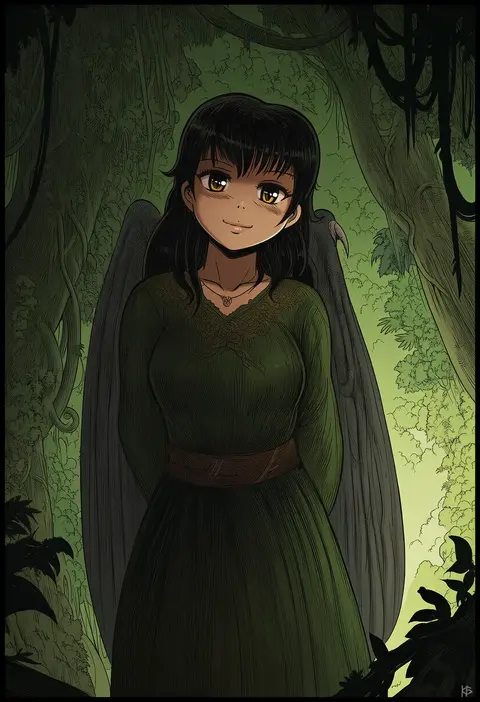
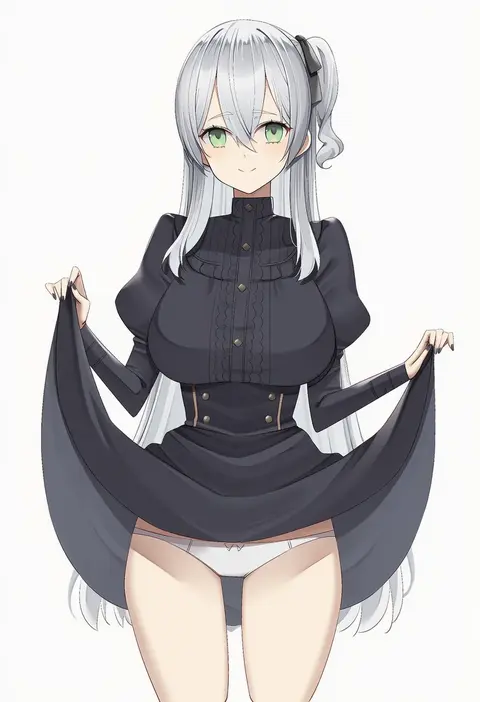
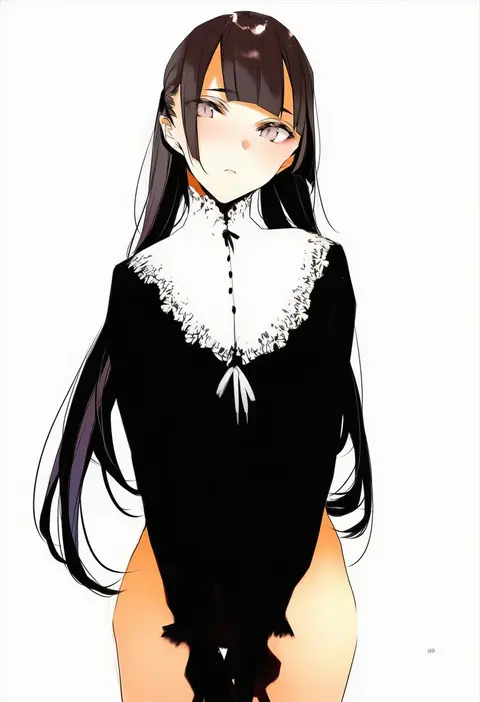
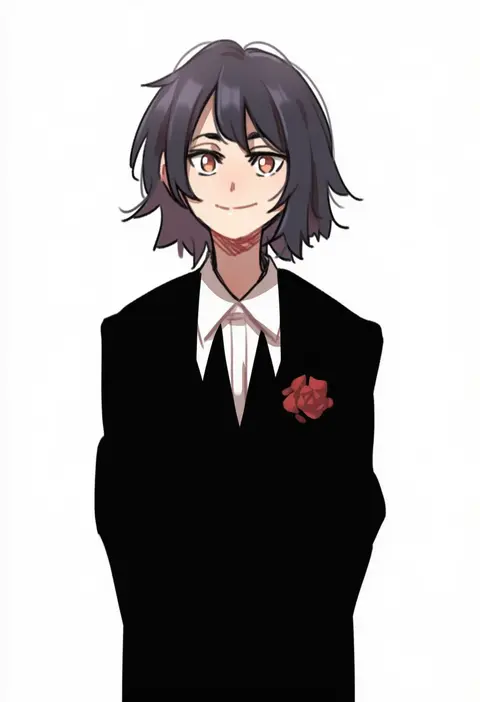
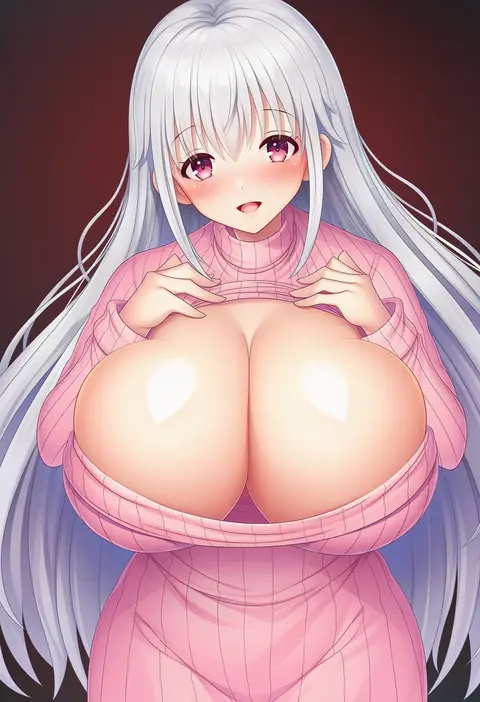
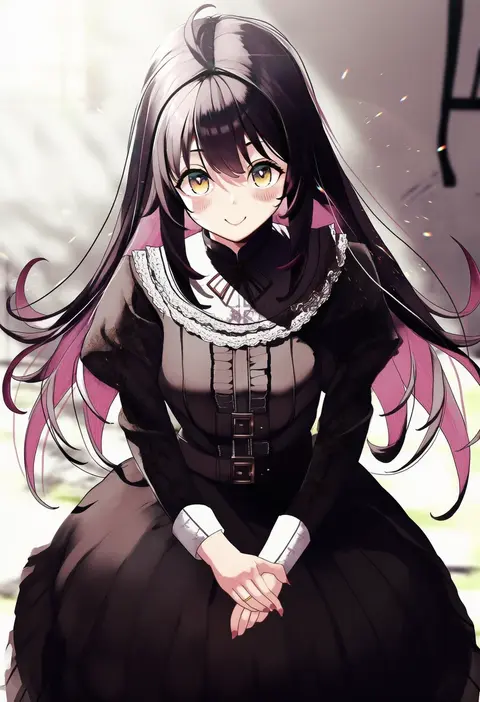
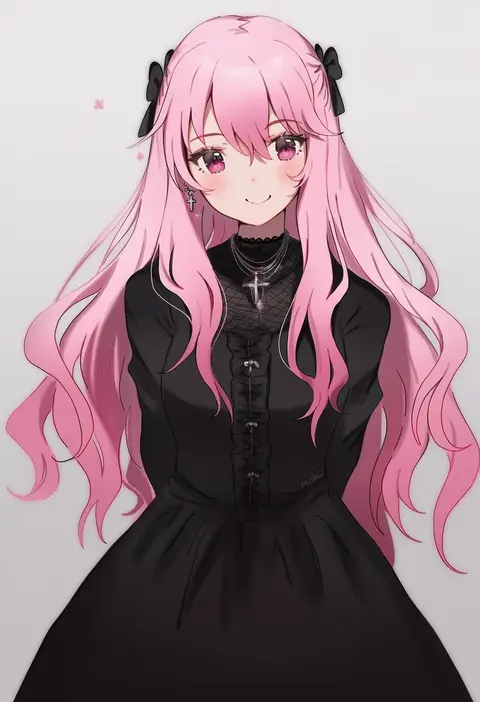
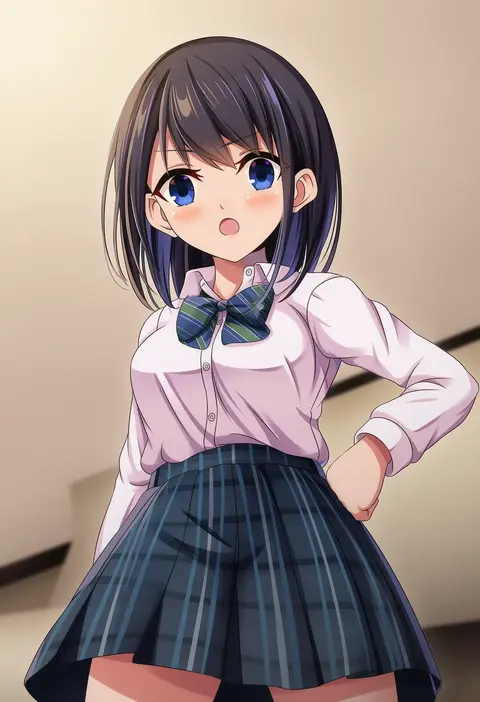
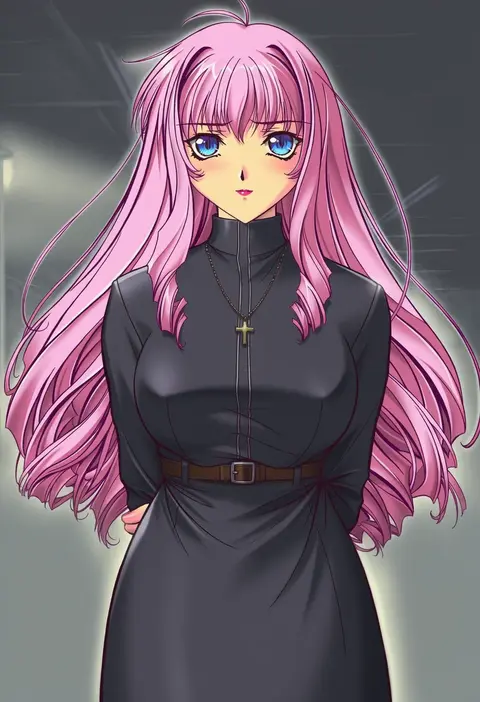
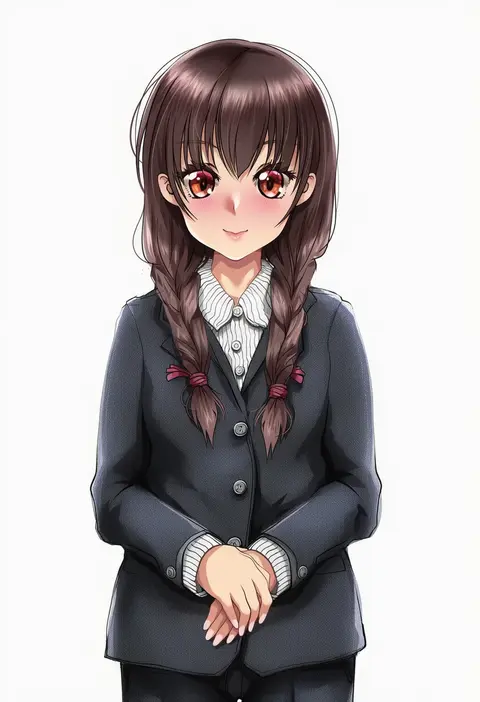
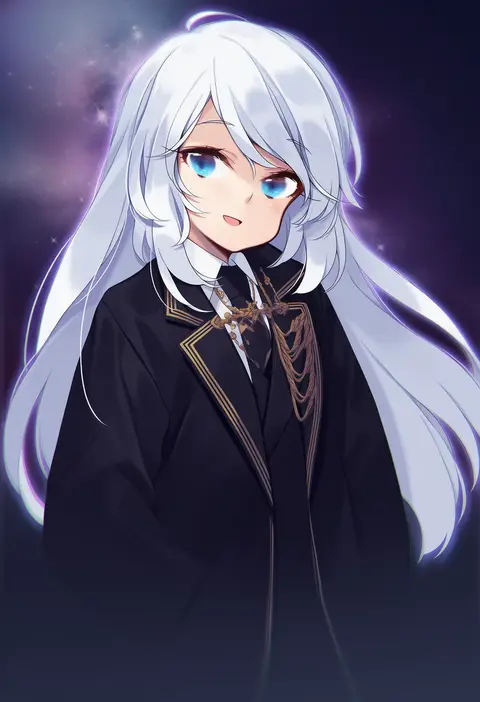
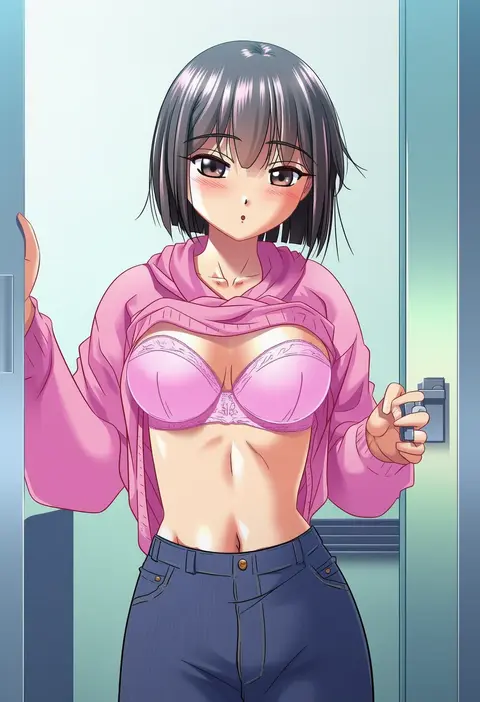
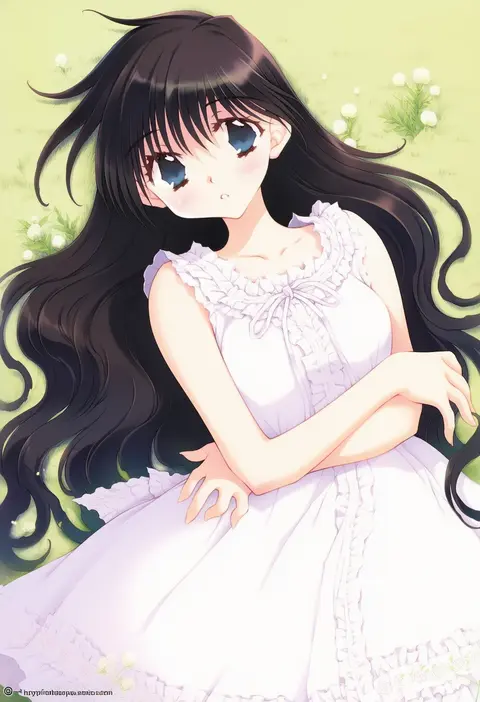
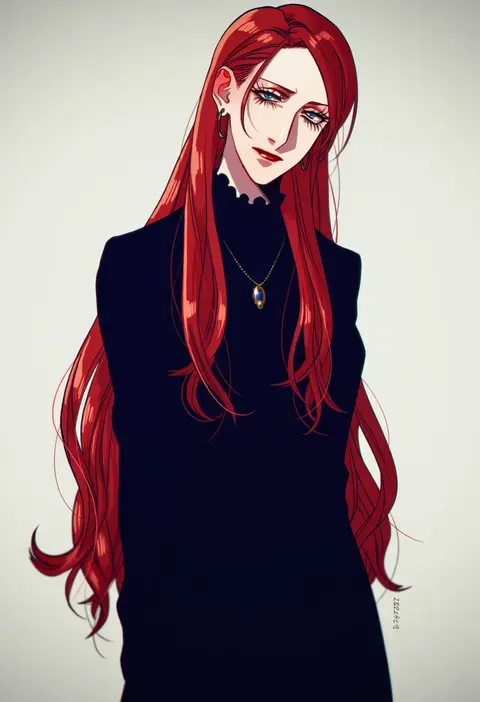
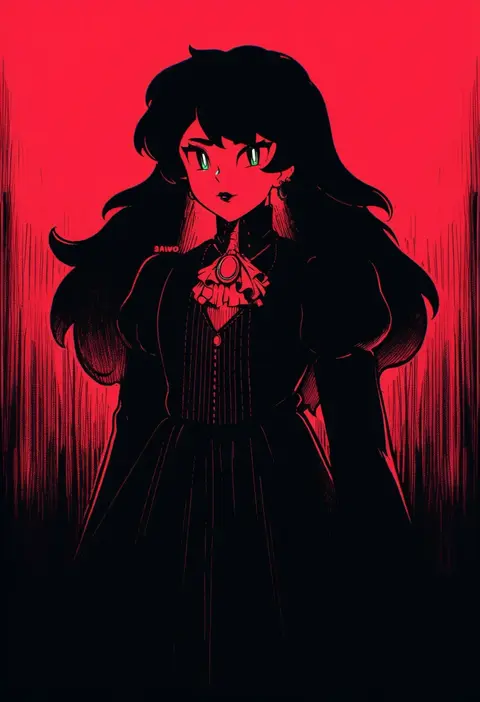
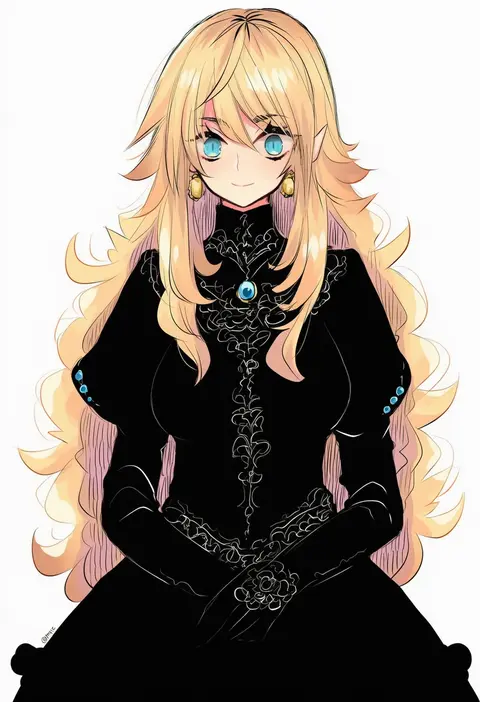
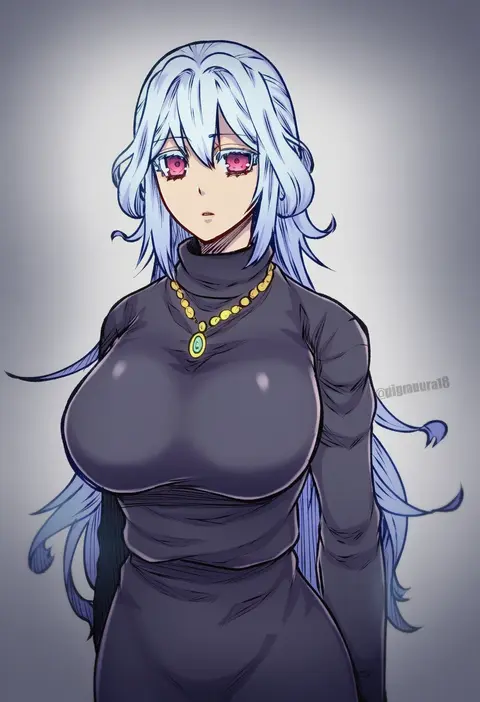
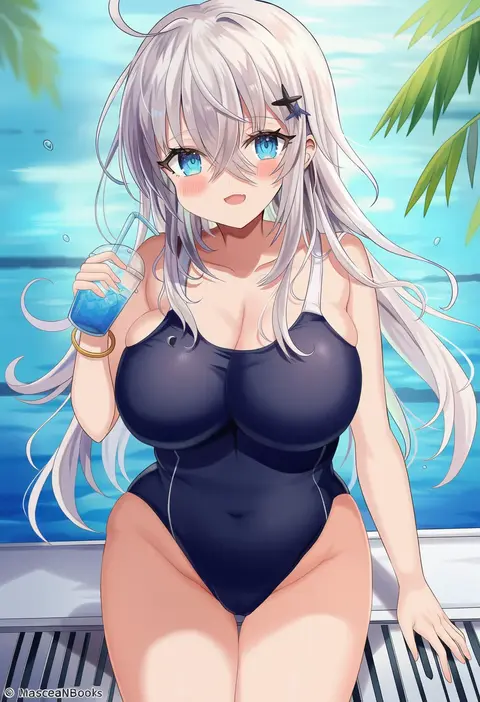
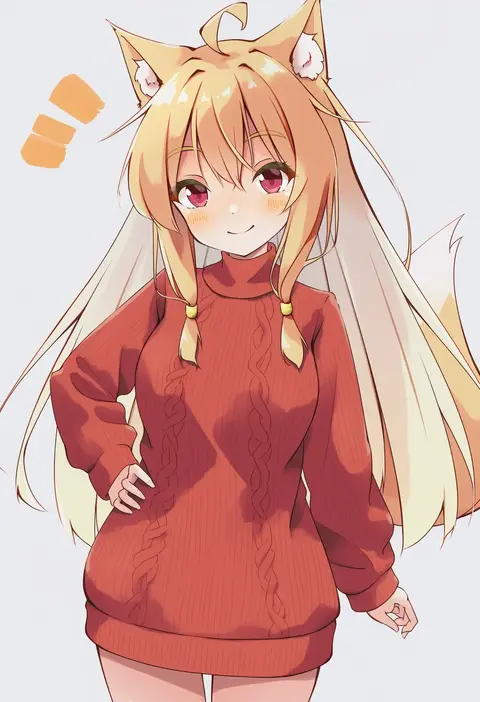
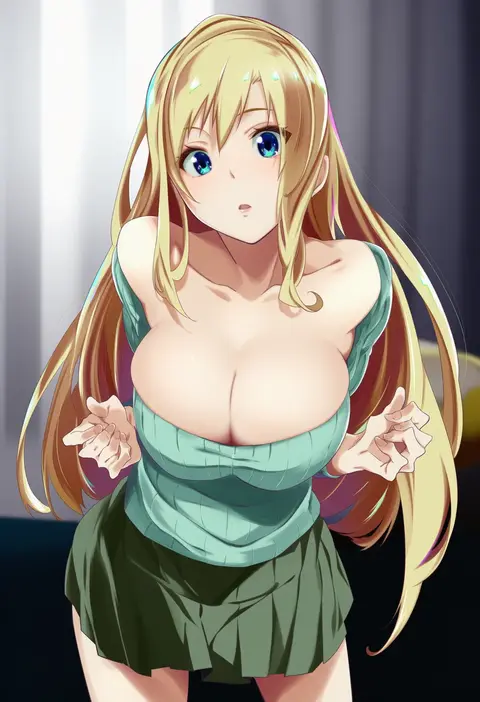
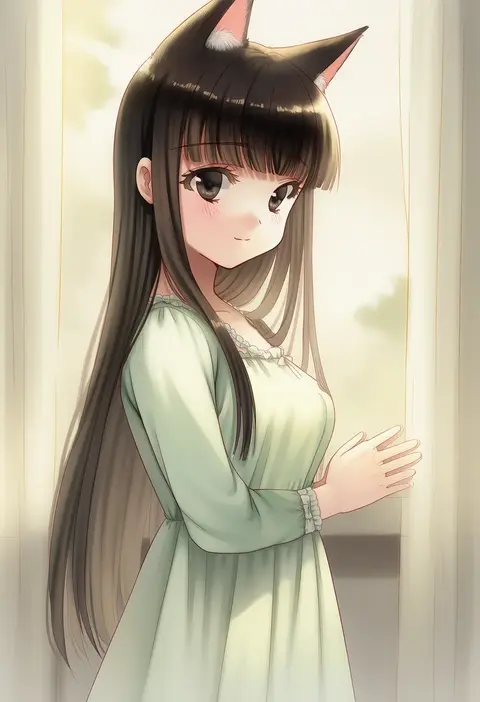
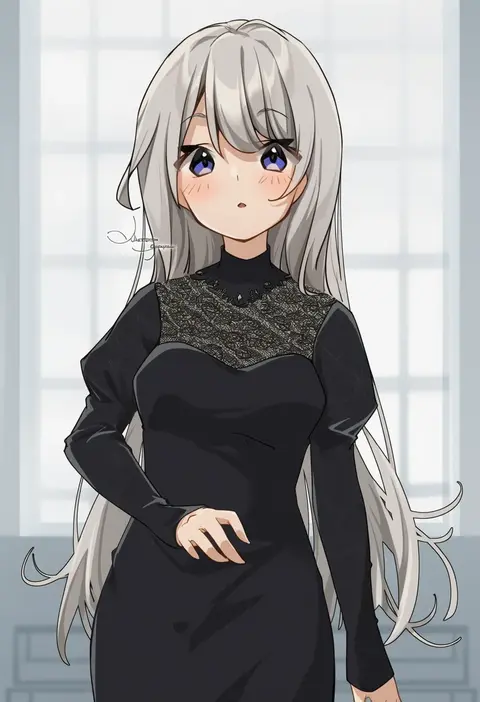
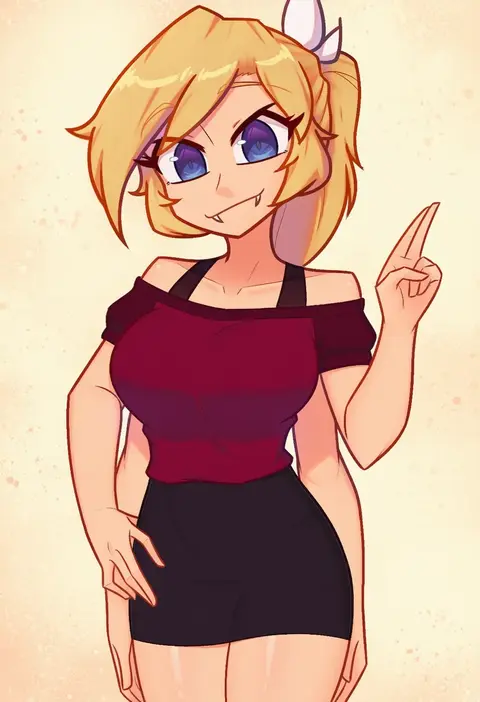
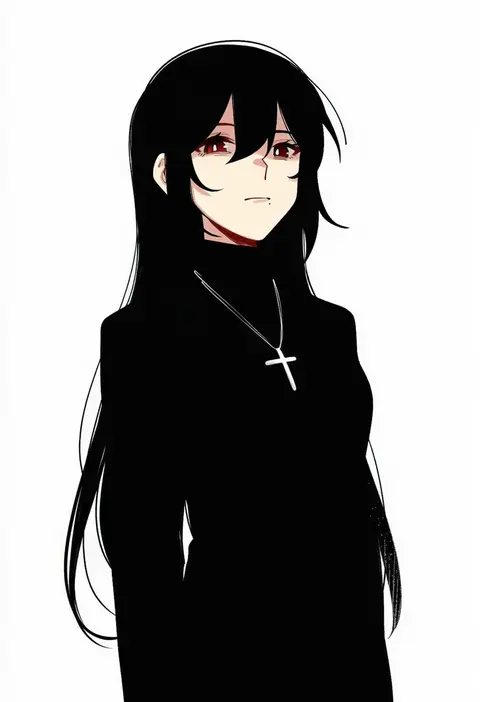
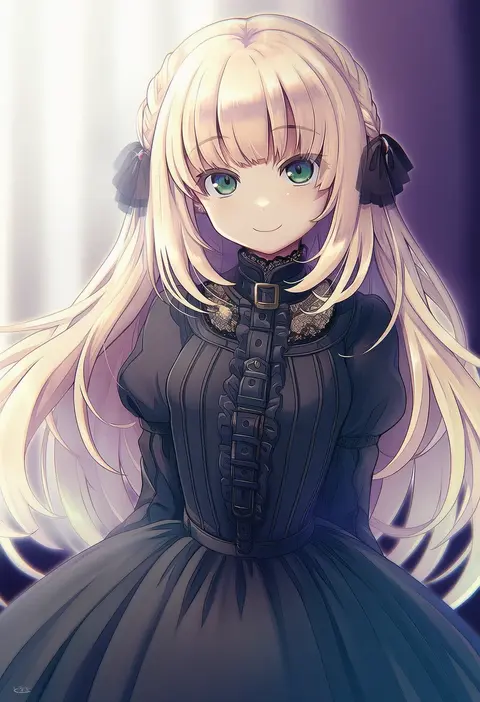
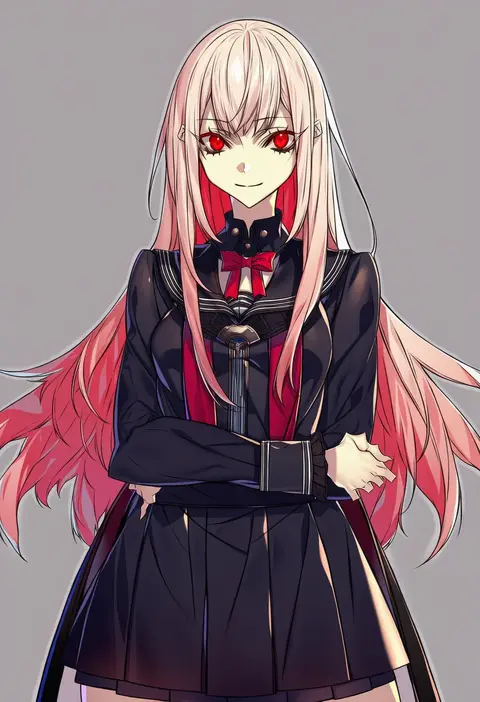
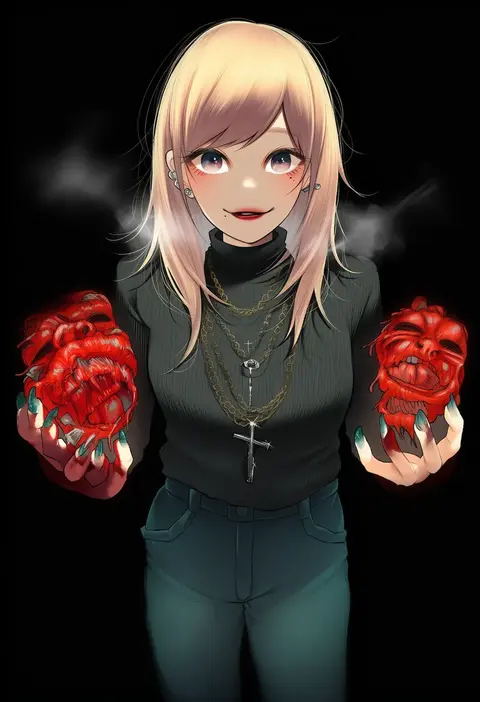
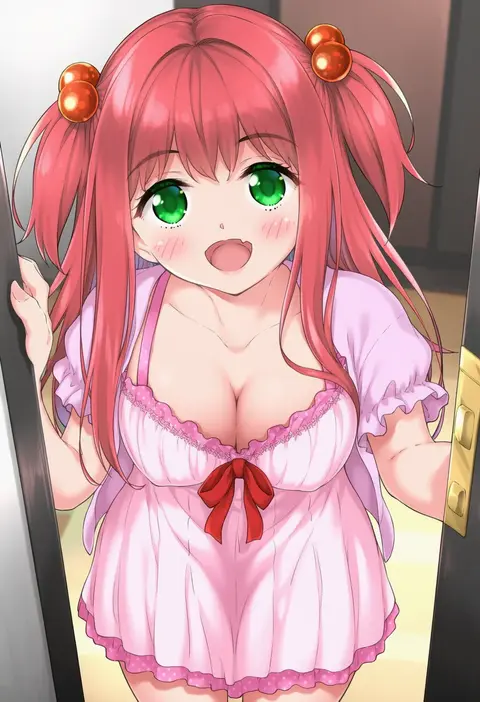
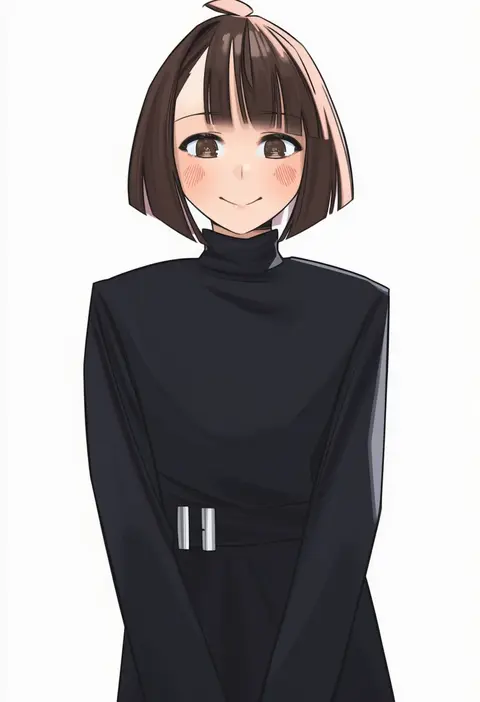
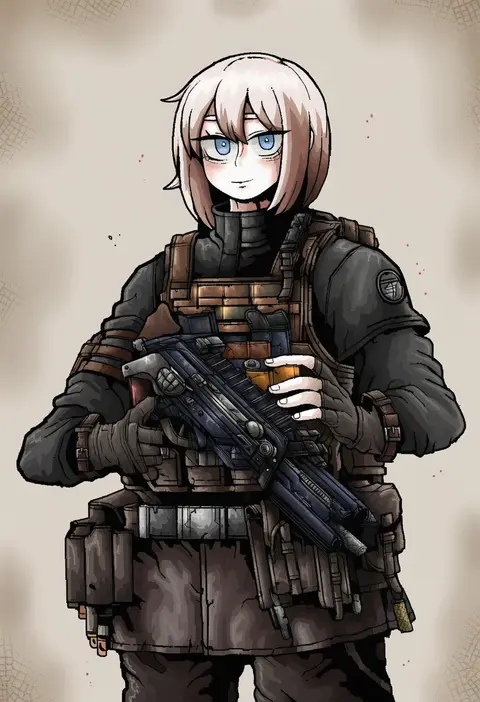
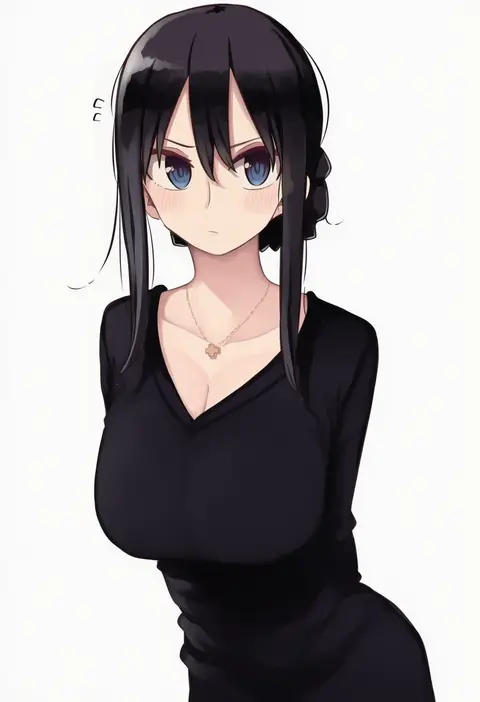
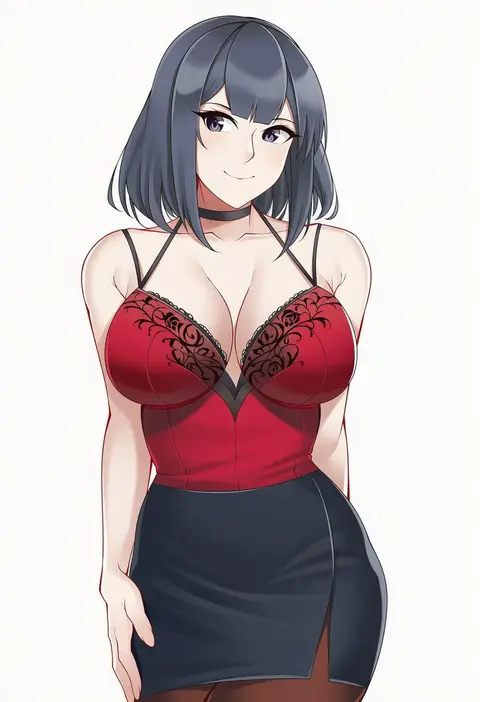
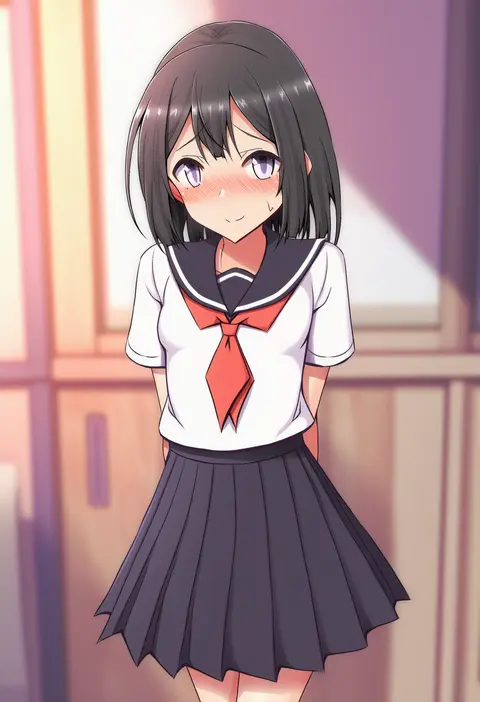
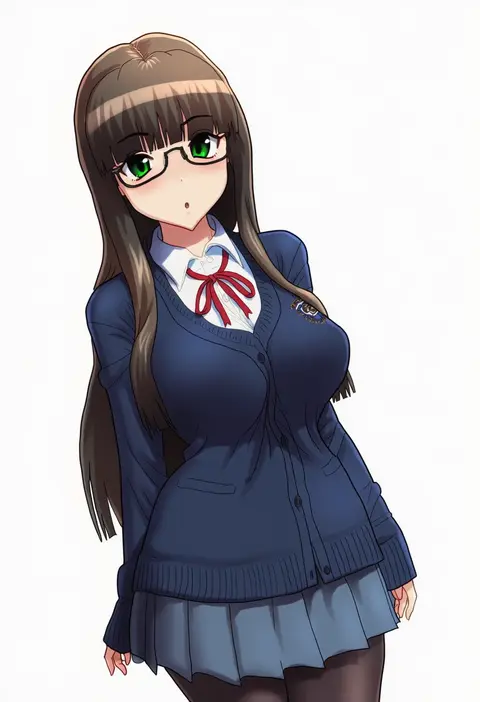
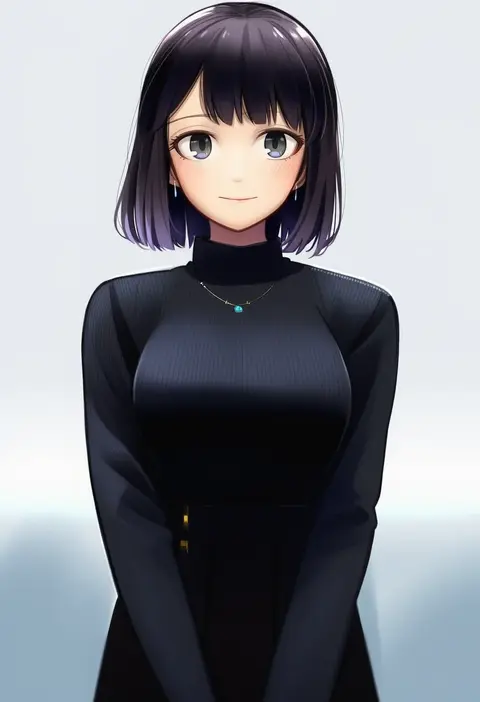
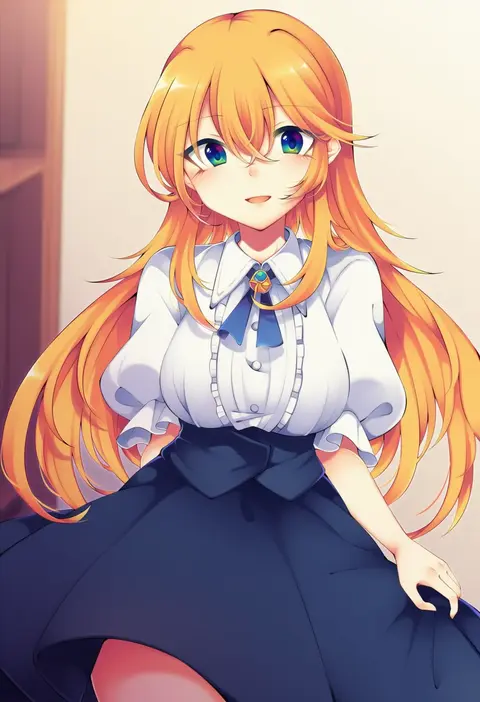
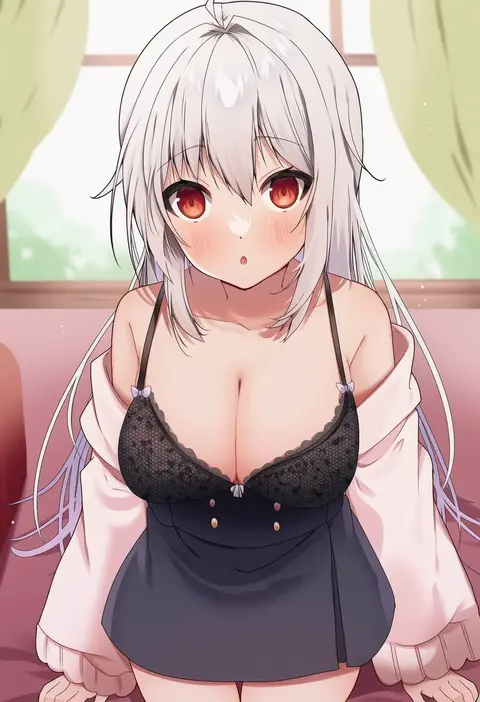
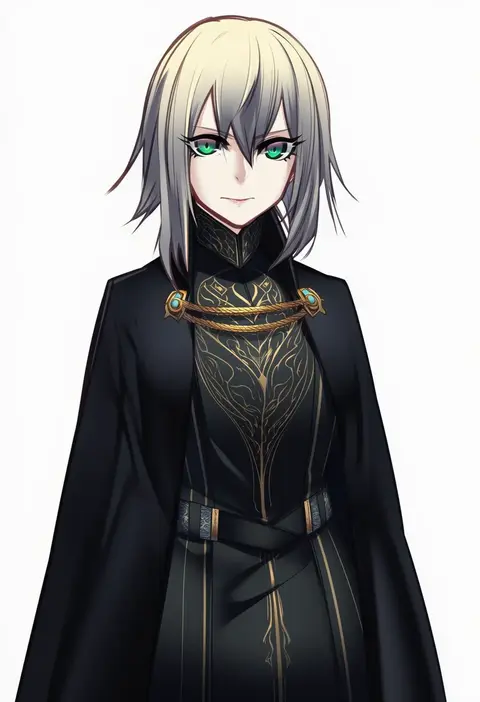
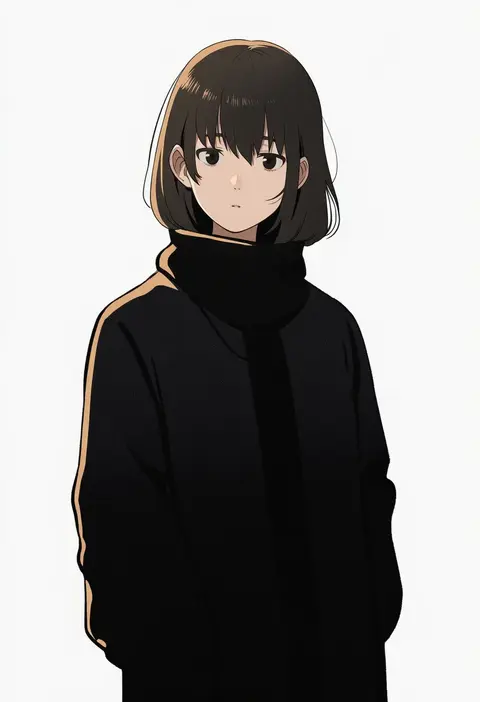
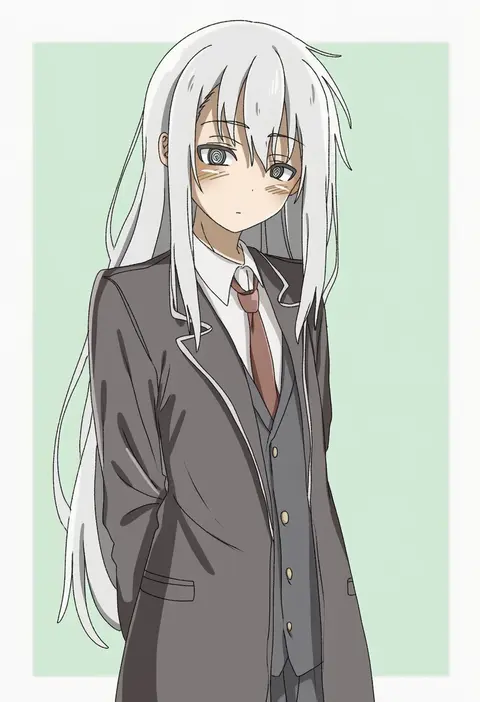
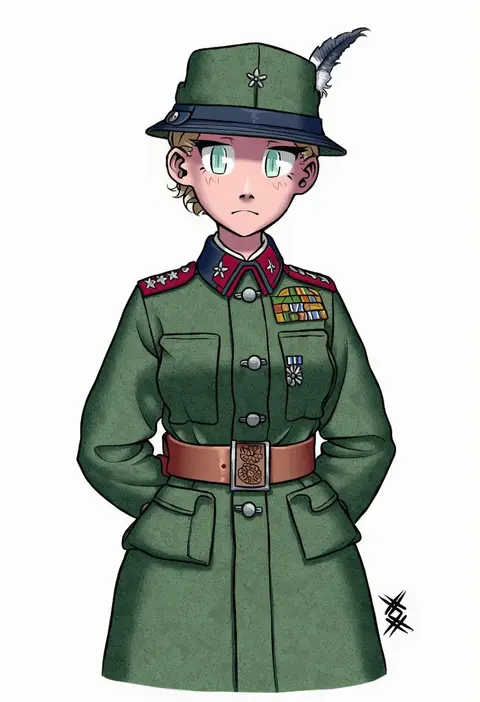
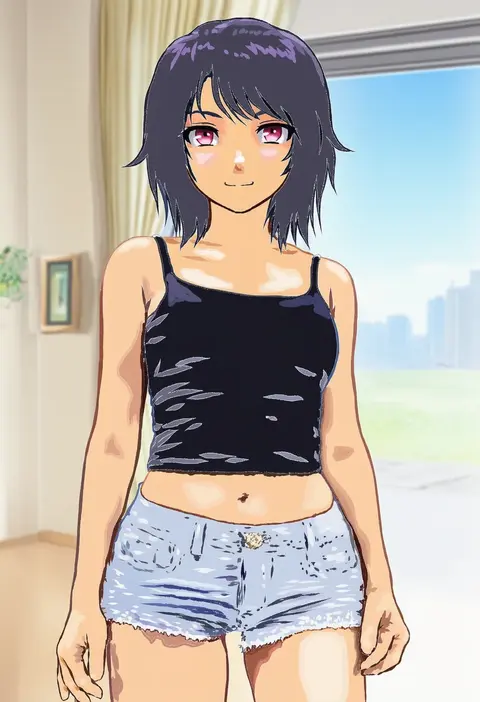
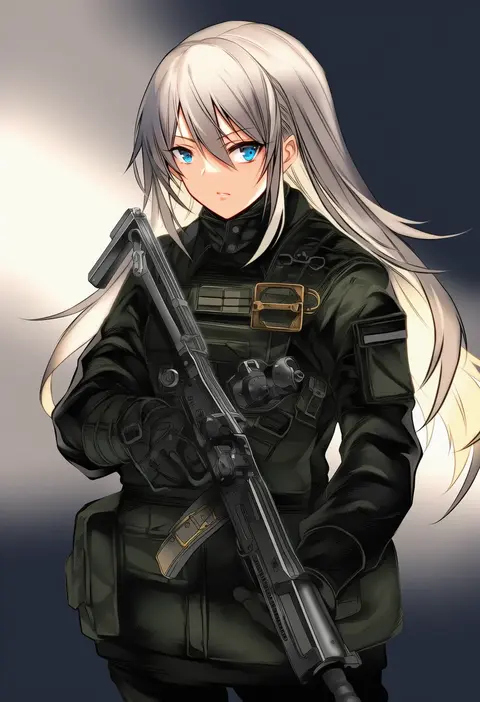
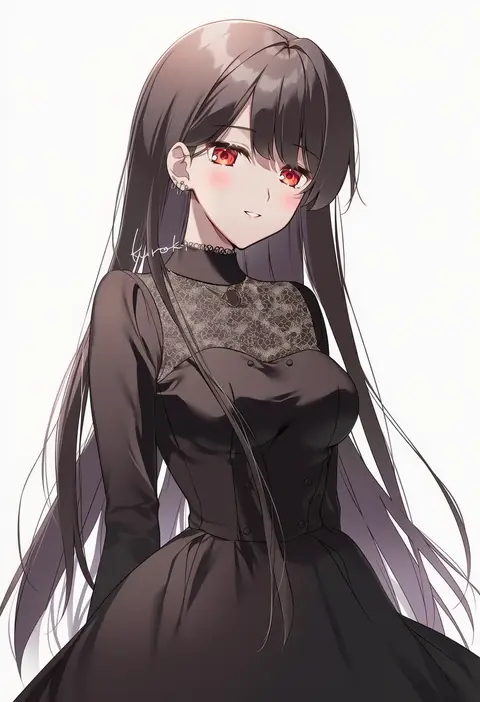
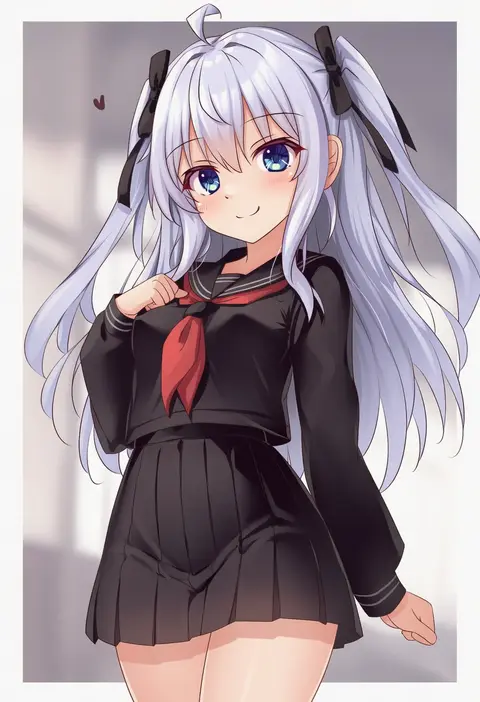
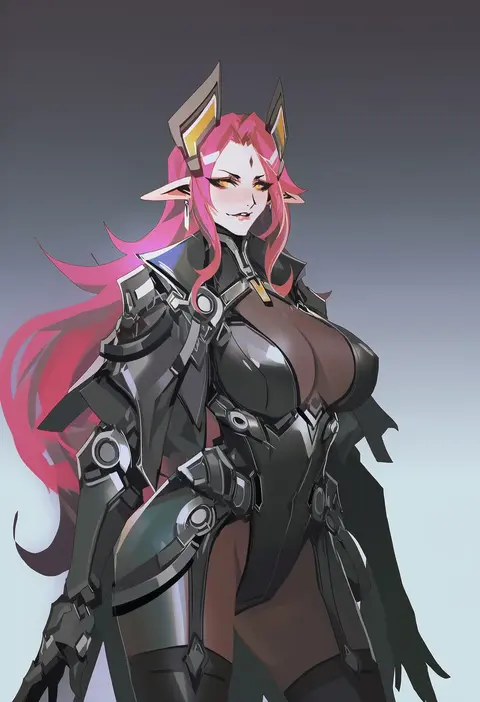
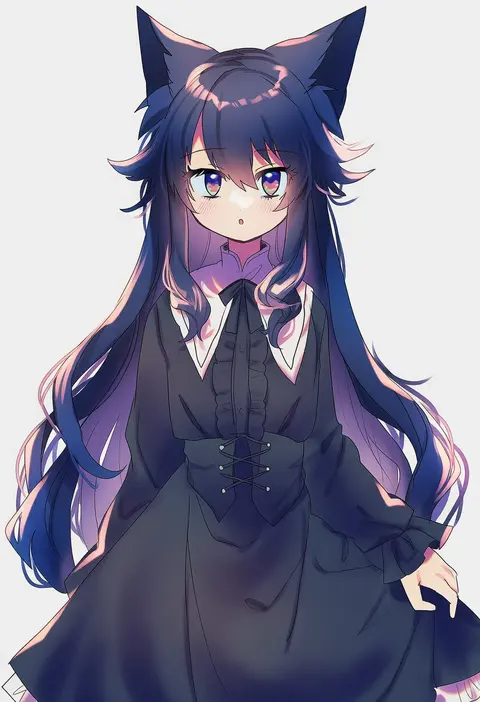
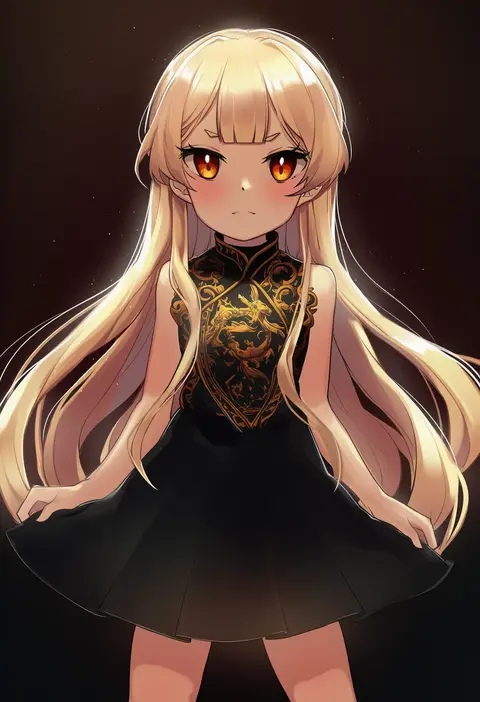
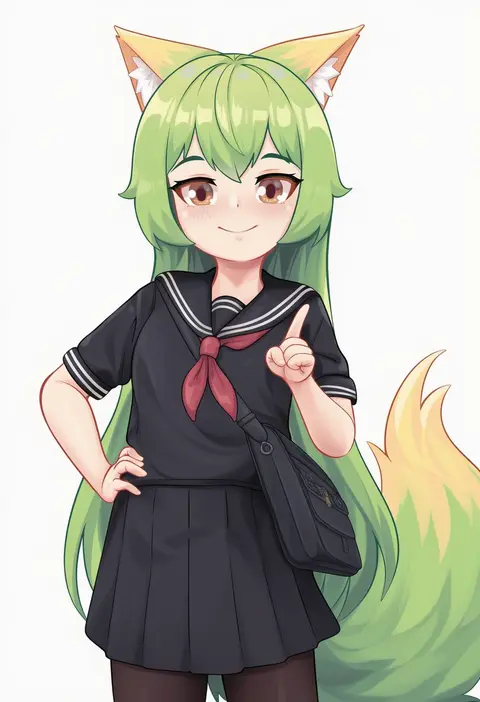
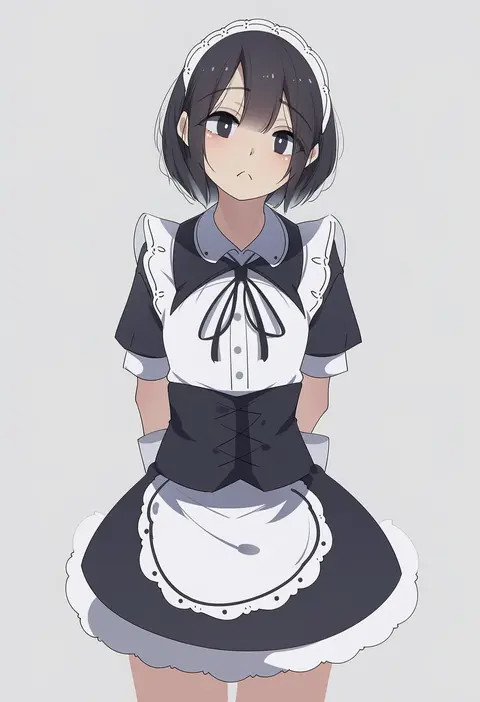
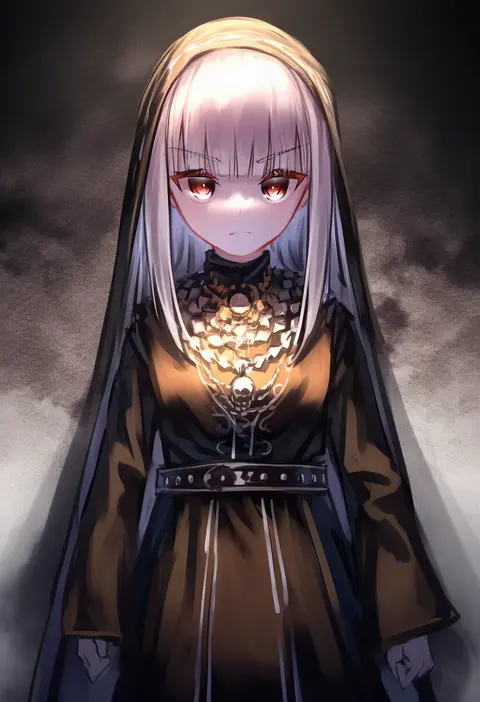
Artist tags tell NovelAI Diffusion to draw in a specific artist's style: line weight, paint texture, face shapes and palette all shift at once. Character and outfit tags decide what is drawn; artist tags decide how. 16,352 tags are listed for V4.5.
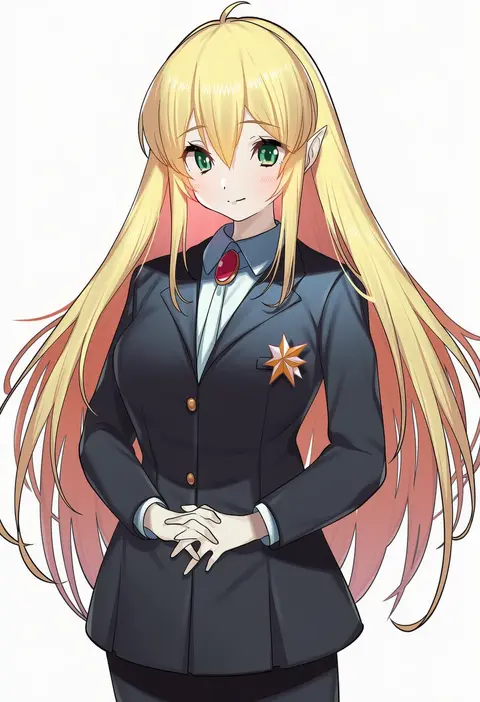
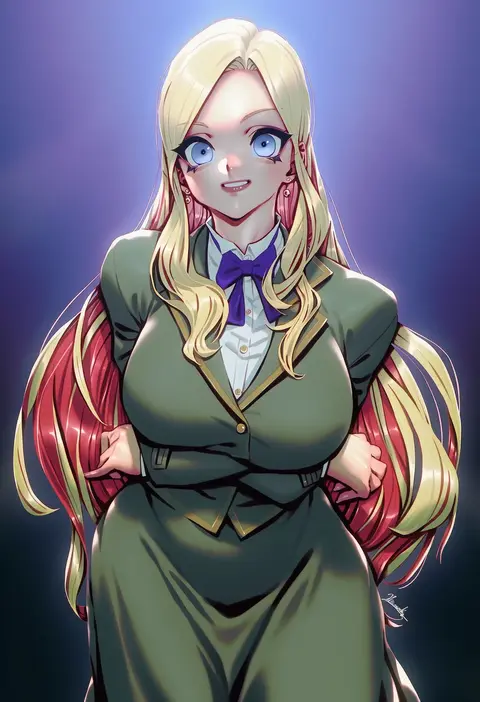
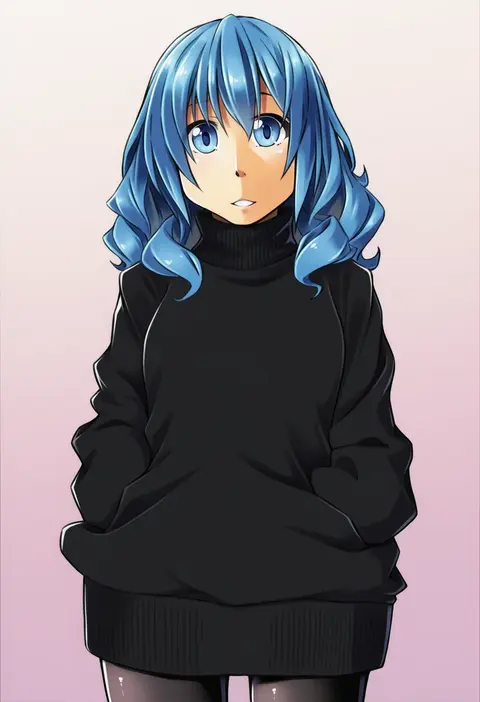
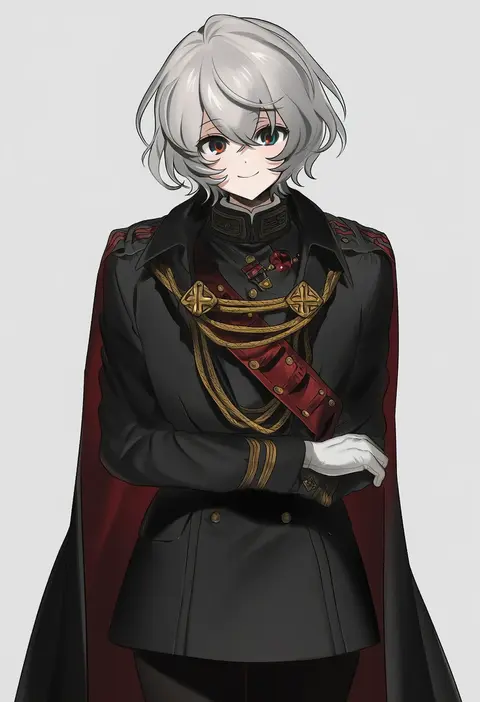
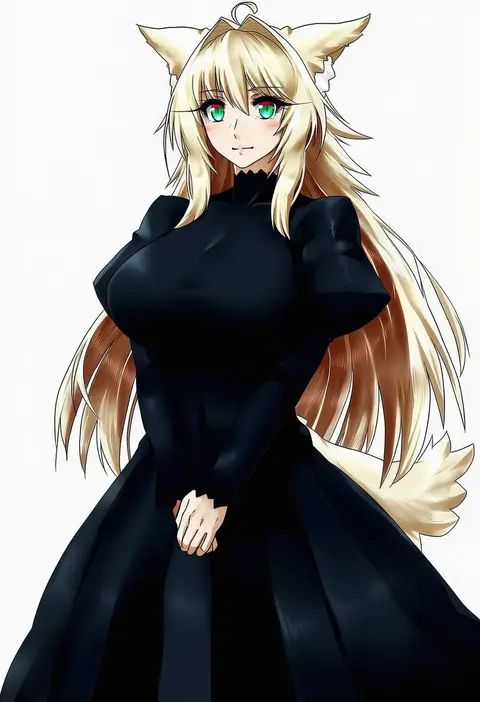
Every tag listed here is verified to react in NovelAI. All images use the same prompt, seed and settings with only the artist tag swapped, so the difference between two images is the style that tag brings in.

How to use them

Put the artist tag near the front of the prompt, e.g. "<artist>, 1girl, solo, best quality, masterpiece, cowboy shot". Two or three artist tags blend styles; lower the weight with "0.8::<artist>::" when the style overpowers the character.

SCORE sorts by Danbooru's top score, POSTS by post count, FAVS by hearts on this site. Open a card to see V5 and V4.5 side by side on the same seed.

V5 vs V4.5

V5 usually lands closer to the artist's real style, and tags that did nothing on V4.5 often react on V5. V4.5 still fits older and doujin-heavy artists better. Try V5 first, fall back to V4.5.

FAQ

Where does the artist tag go?
Near the front of the prompt. Use "0.8::tag::" to adjust its weight.

Can I stack artist tags?
Yes, styles blend. Past two or three the result stops looking like anyone.

Are these the artists' own works?
No. Every image is a NovelAI sample generated from the tag.