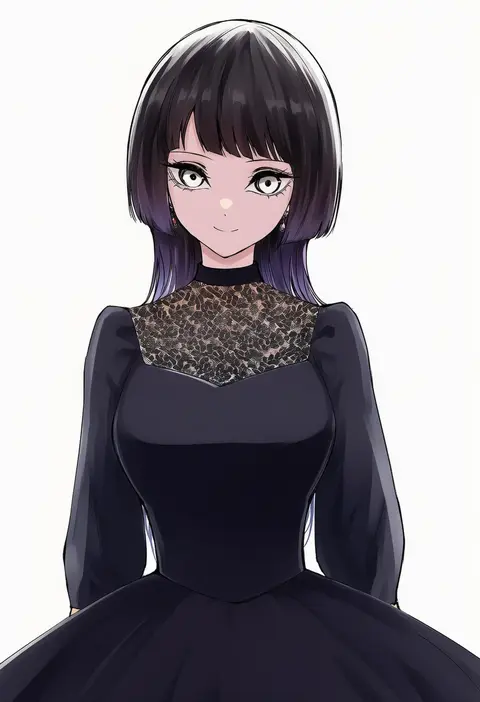
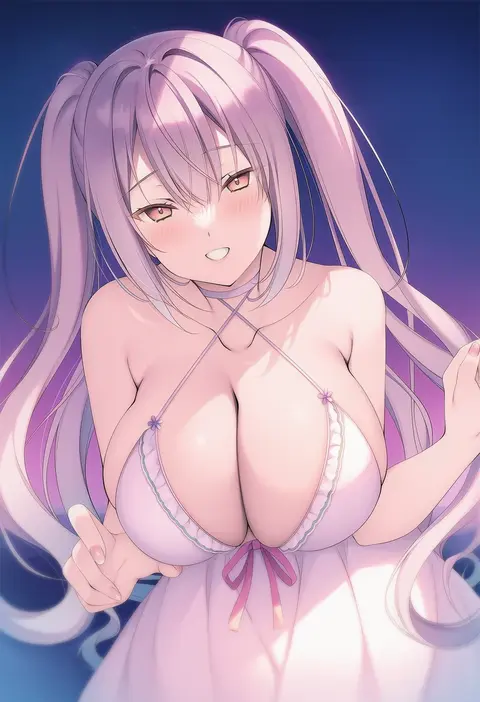
V4.5Artists
sort: FAVS▾
▾
>
$

NovelAI Artist Tags List — V4.5

artist --count 16,352[134/273]
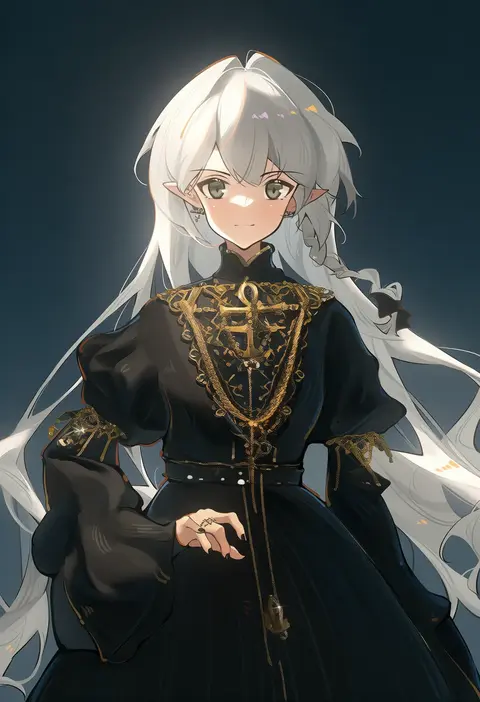
toto (caaaaarrot)
ARTIST0x1F2C
0
mont blanc (heartcatch ayaya)
ARTIST0x1F2D
0
natsunagi takaki
ARTIST0x1F2E
0
harusame (unmei no ikasumi)
ARTIST0x1F2F
0
culter
ARTIST0x1F30
0
ichihaya
ARTIST0x1F31
0
pako (pakosun)
ARTIST0x1F32
0
azuma yuki
ARTIST0x1F33
0
e10
ARTIST0x1F34
0
pandea work
ARTIST0x1F35
0
gin (shioyude)
ARTIST0x1F36
0
man (man-room)
ARTIST0x1F37
0
bwell
ARTIST0x1F38
0
ladic
ARTIST0x1F39
0
march-bunny
ARTIST0x1F3A
0
sanjiro (tenshin anman)
ARTIST0x1F3B
0
ryara
ARTIST0x1F3C
0
shisantian
ARTIST0x1F3D
0
momozu komamochi
ARTIST0x1F3E
0
sowon
ARTIST0x1F3F
0
dekosuke
ARTIST0x1F40
0
nishiya futoshi
ARTIST0x1F41
0
rangen
ARTIST0x1F42
0
shirogane (cufsser)
ARTIST0x1F43
0
miz (mi)
ARTIST0x1F44
0
umedama nabu
ARTIST0x1F45
0
yokoyoko (nazonazo)
ARTIST0x1F46
0
shuuji (shumi)
ARTIST0x1F47
0
kajuu
ARTIST0x1F48
0
pudelmudel
ARTIST0x1F49
0
ye fan
ARTIST0x1F4A
0
hrna
ARTIST0x1F4B
0
raichi (ddq0246)
ARTIST0x1F4C
0
koomoi
ARTIST0x1F4D
0
aymusk
ARTIST0x1F4E
0
fresa pie
ARTIST0x1F4F
0
nanao naru
ARTIST0x1F50
0
chamaji
ARTIST0x1F51
0
abazu-red
ARTIST0x1F52
0
okitsugu
ARTIST0x1F53
0
zawameki
ARTIST0x1F54
0
onineko-chan
ARTIST0x1F55
0
asterisk kome
ARTIST0x1F56
0
shima-shuu
ARTIST0x1F57
0
miya9
ARTIST0x1F58
0
yuta agc
ARTIST0x1F59
0
ichihisa
ARTIST0x1F5A
0
kabocya na
ARTIST0x1F5B
0
johnny funamushi
ARTIST0x1F5C
0
junwool
ARTIST0x1F5D
0
sengoku aky
ARTIST0x1F5E
0
spacecolonie
ARTIST0x1F5F
0
lieqi hun
ARTIST0x1F60
0
lewdkuma
ARTIST0x1F61
0
miyuki rei
ARTIST0x1F62
0
teoshiguruma
ARTIST0x1F63
0
oro (zetsubou girl)
ARTIST0x1F64
0
suke (share koube)
ARTIST0x1F65
0
yuu201023
ARTIST0x1F66
0
aotsu karin
ARTIST0x1F67
0

What these tags change

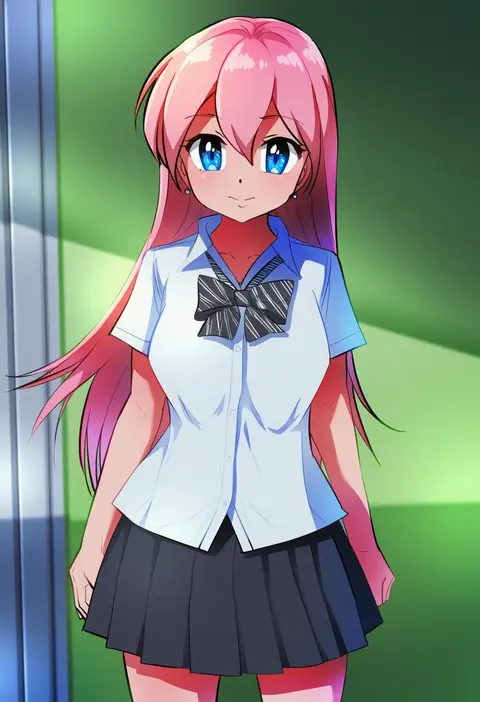
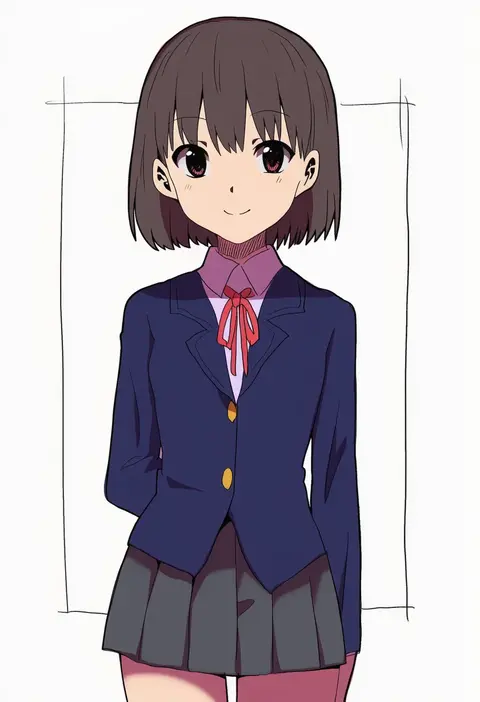
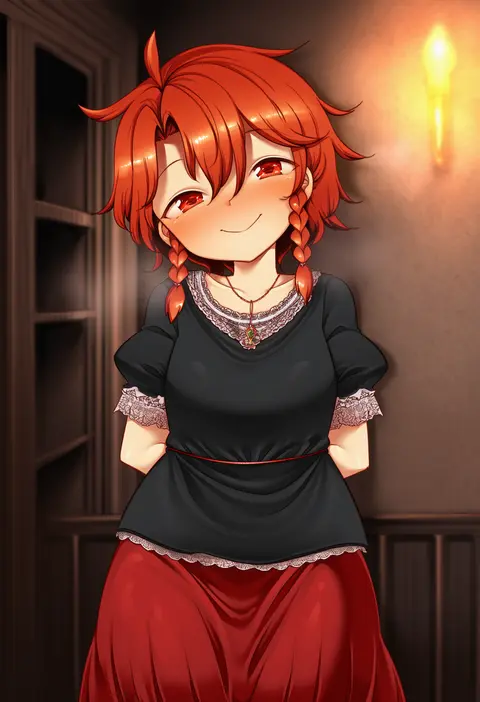
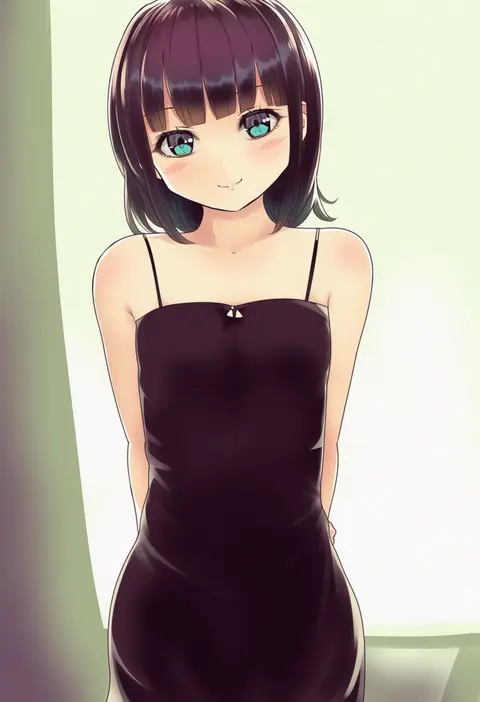
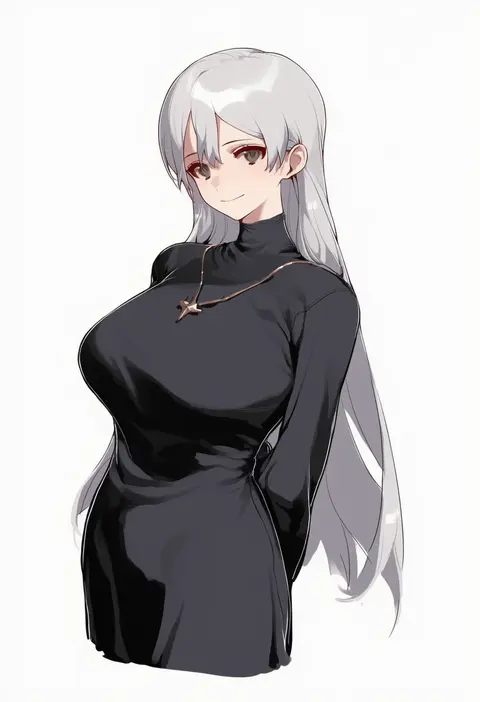
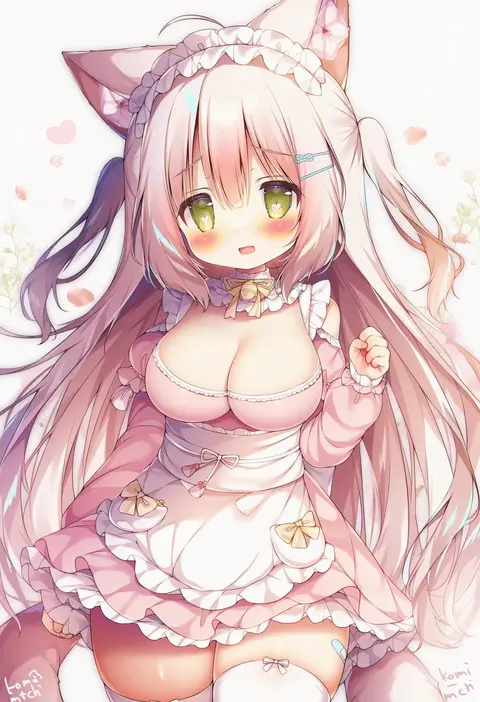
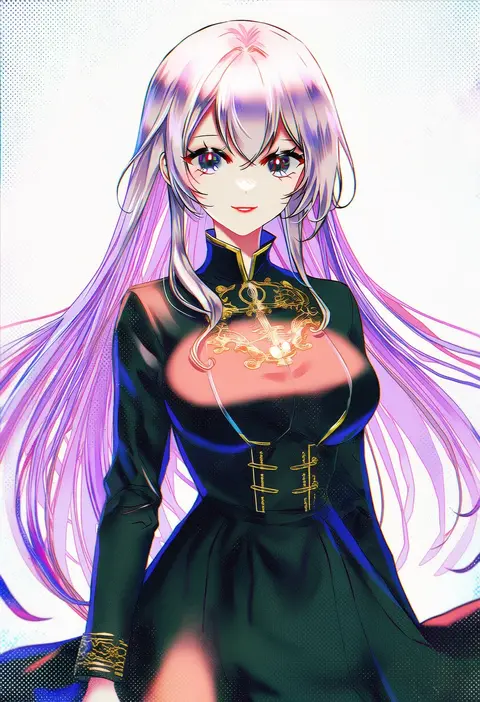
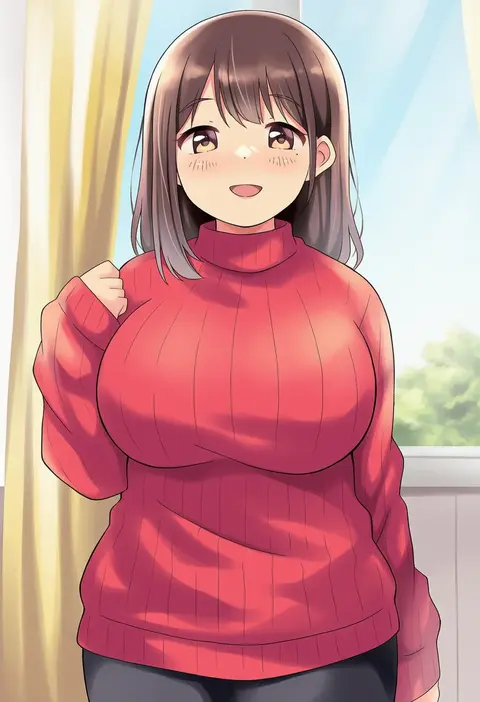
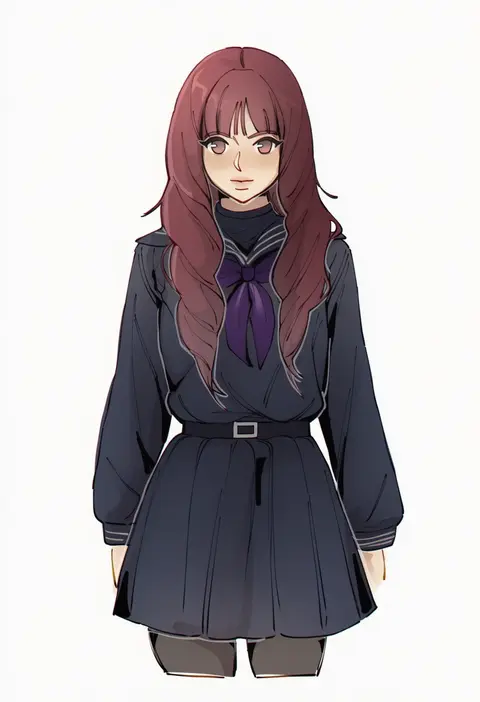
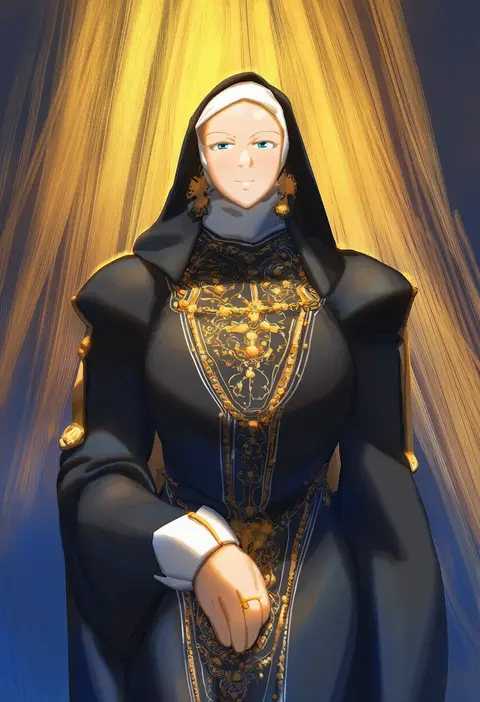
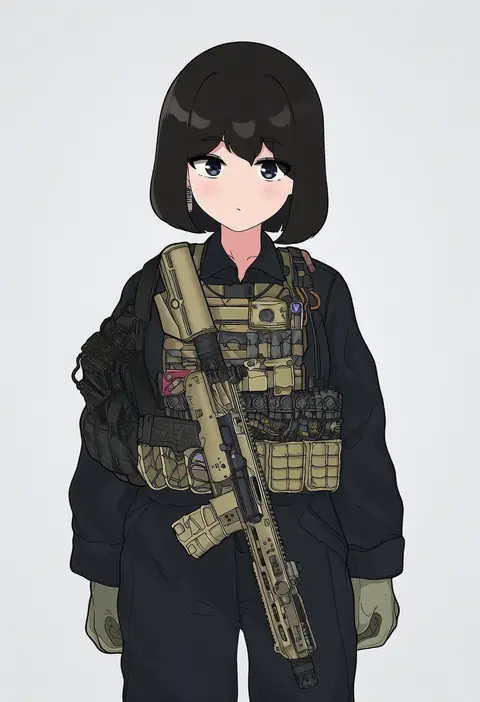
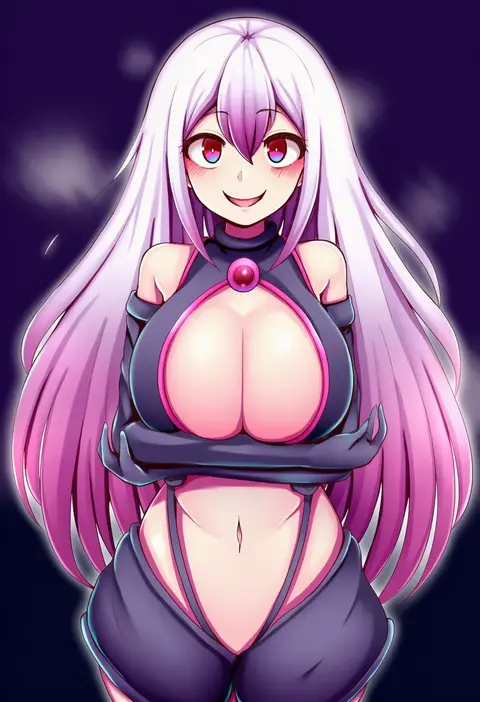
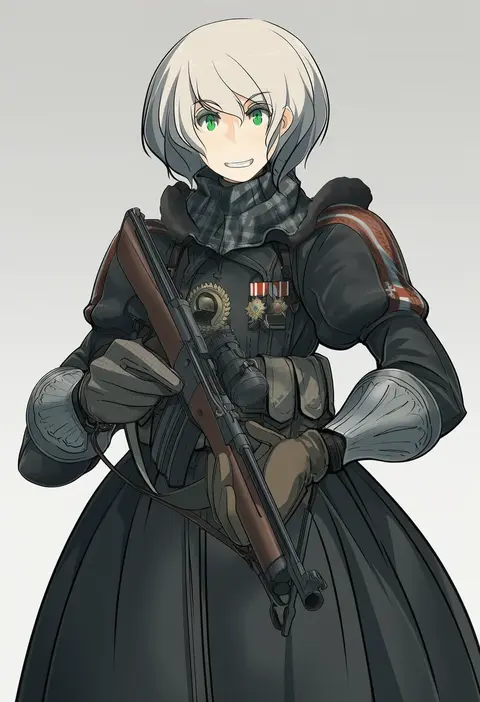
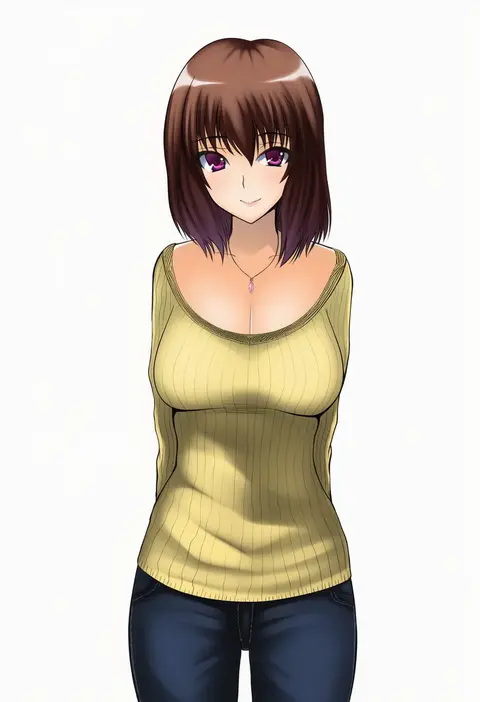
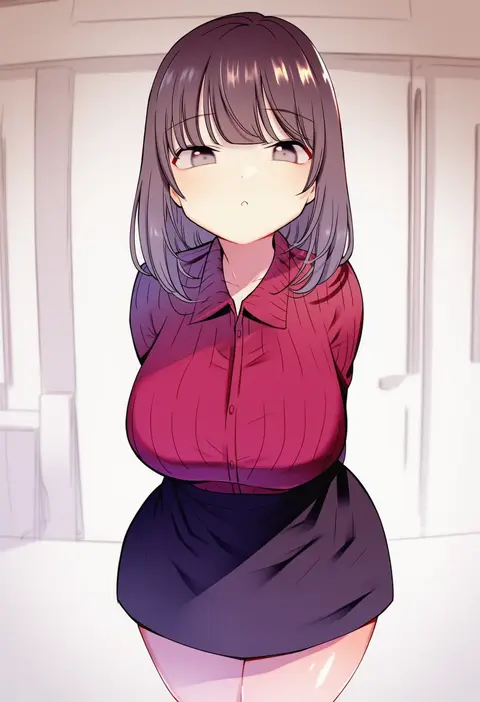
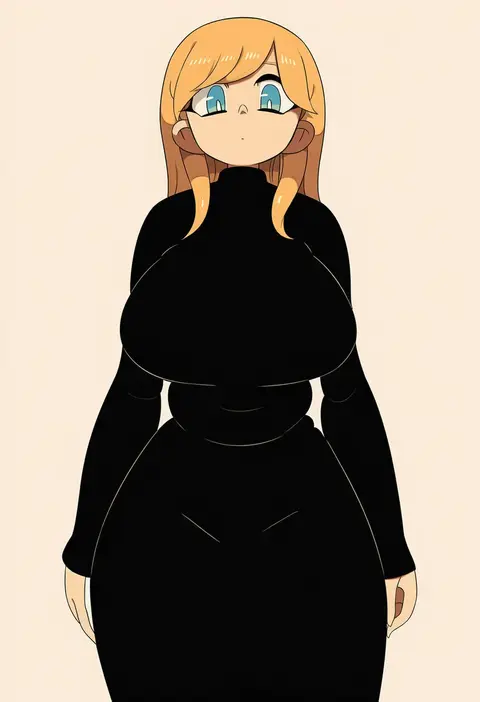
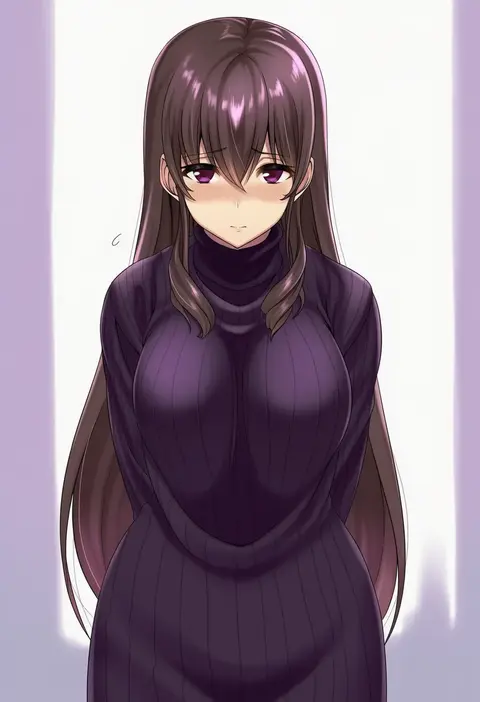
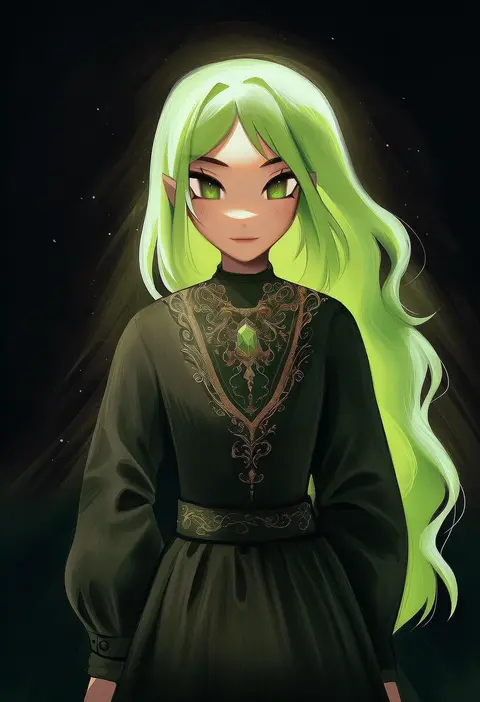
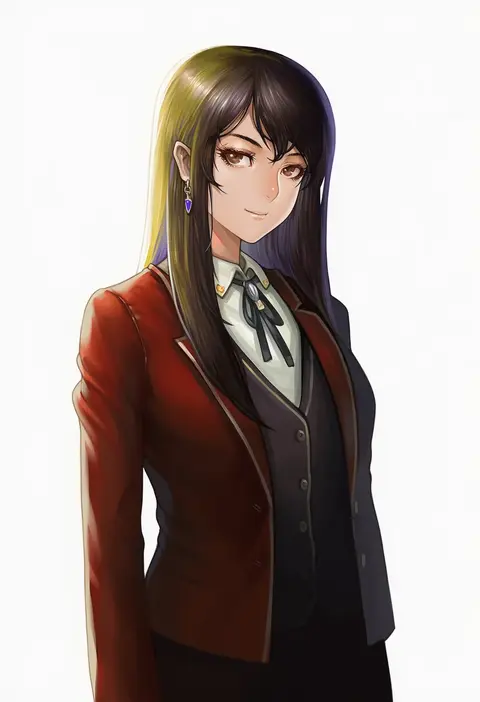
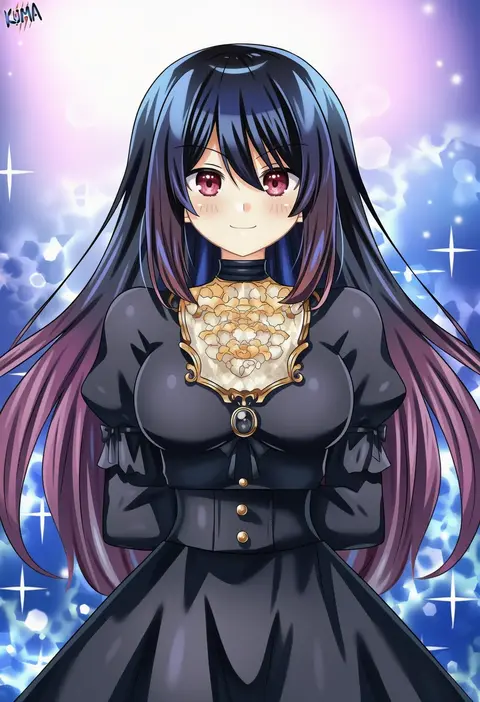
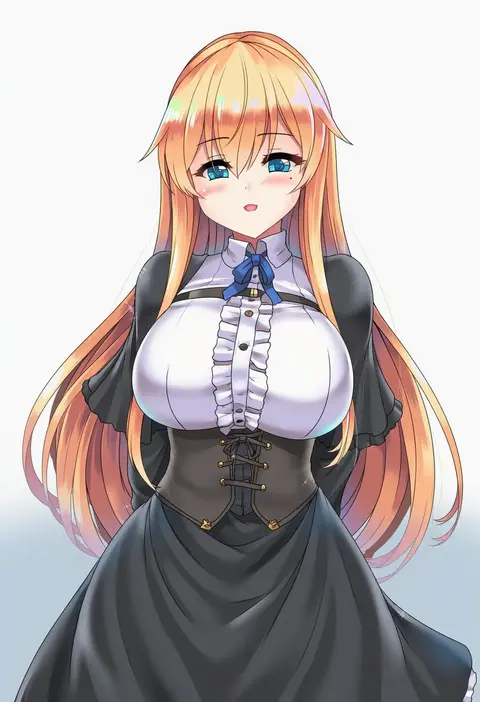
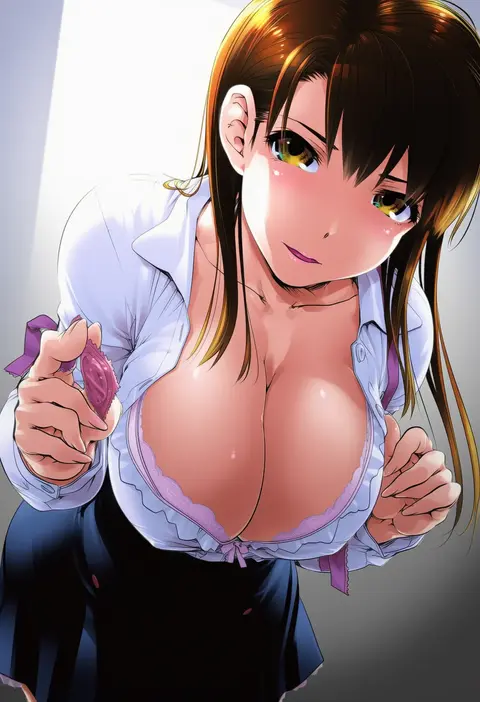
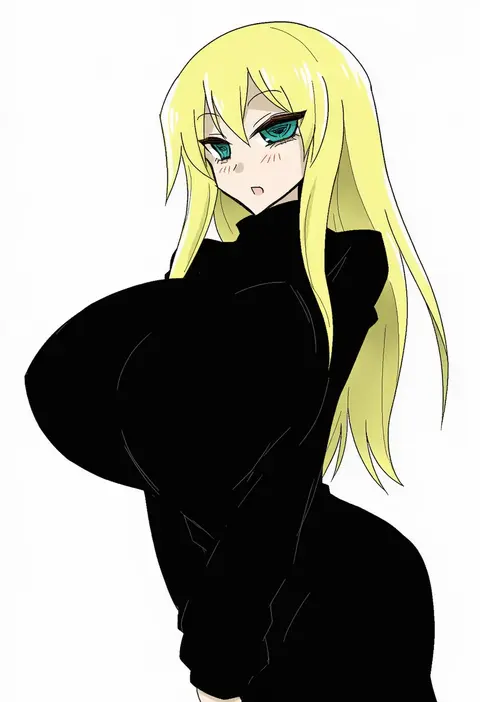
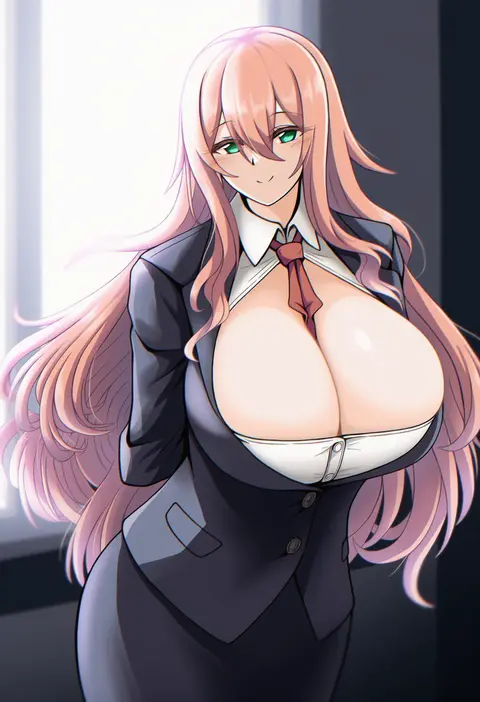
Artist tags tell NovelAI Diffusion to draw in a specific artist's style: line weight, paint texture, face shapes and palette all shift at once. Character and outfit tags decide what is drawn; artist tags decide how. 16,352 tags are listed for V4.5.
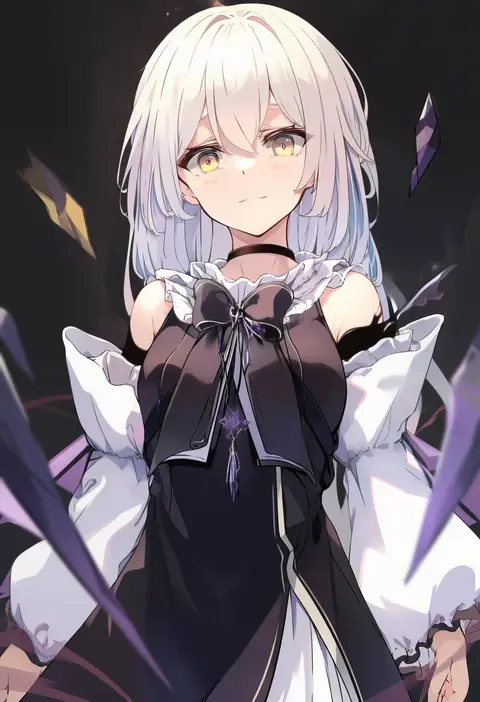
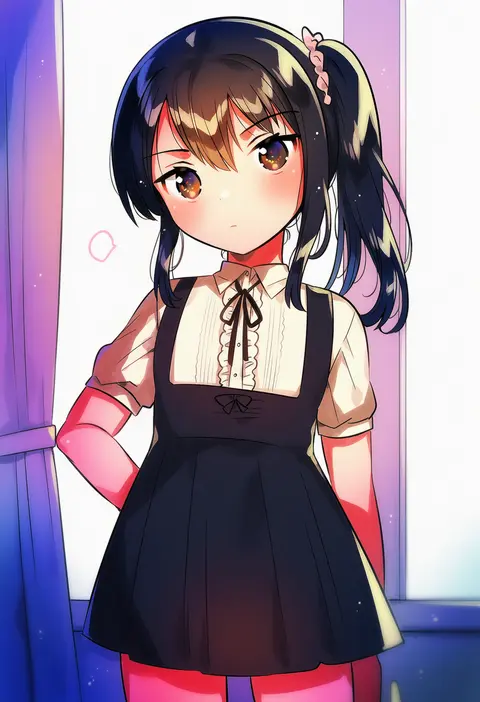
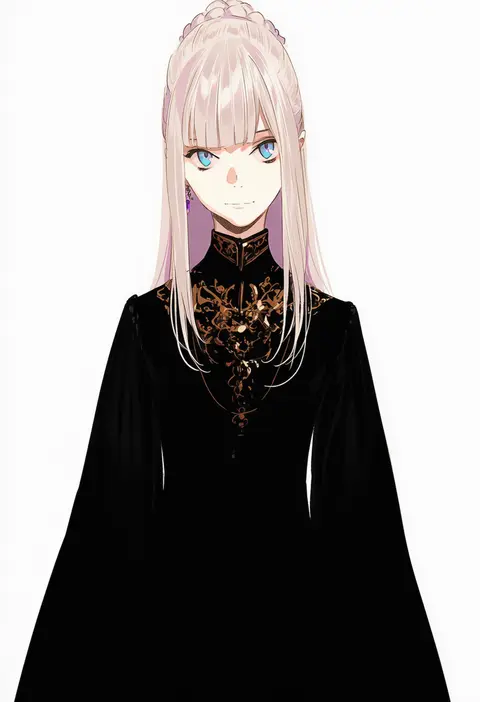
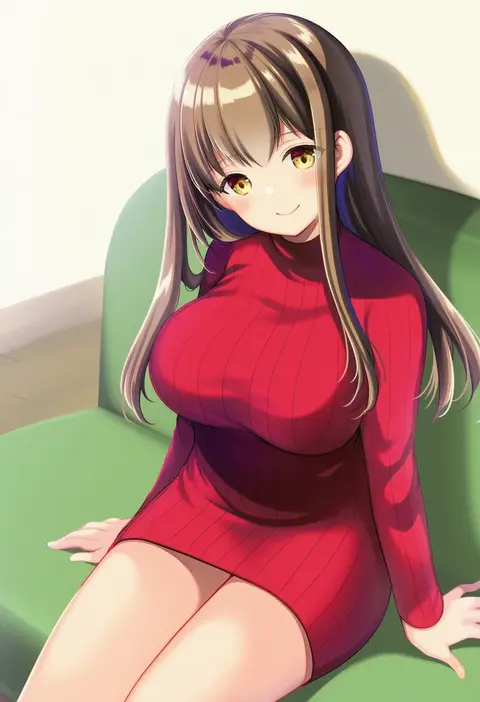
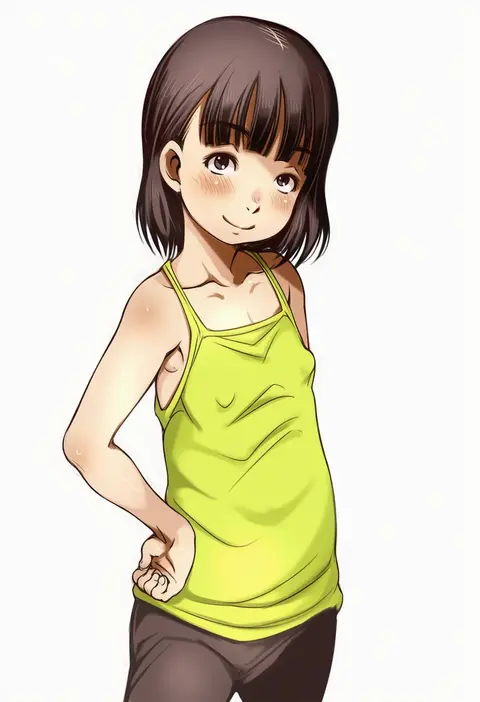
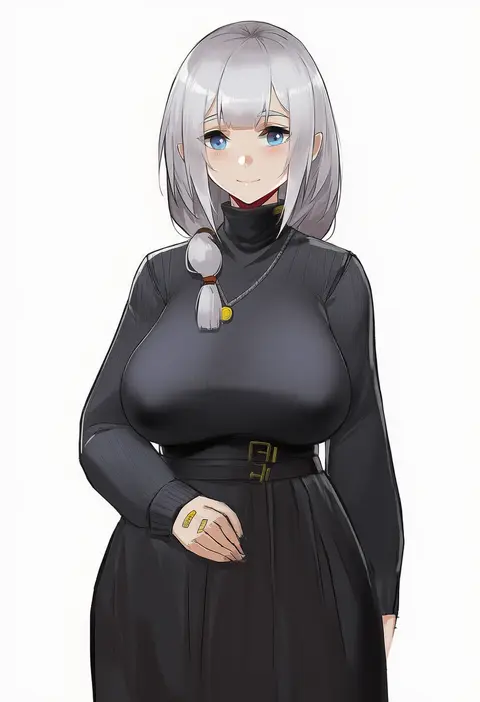
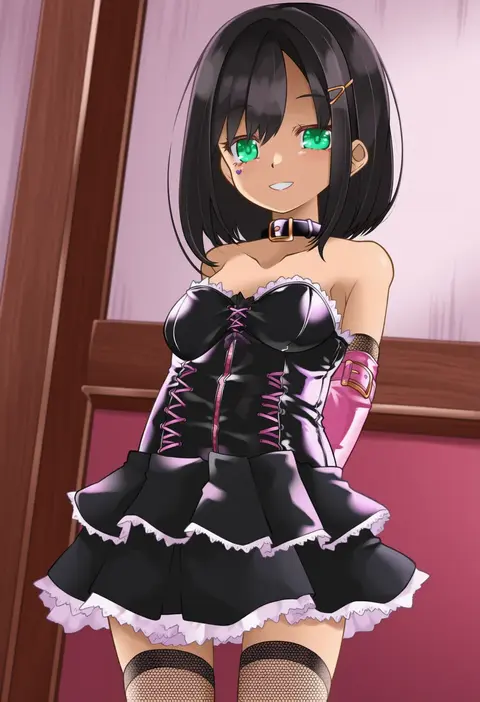
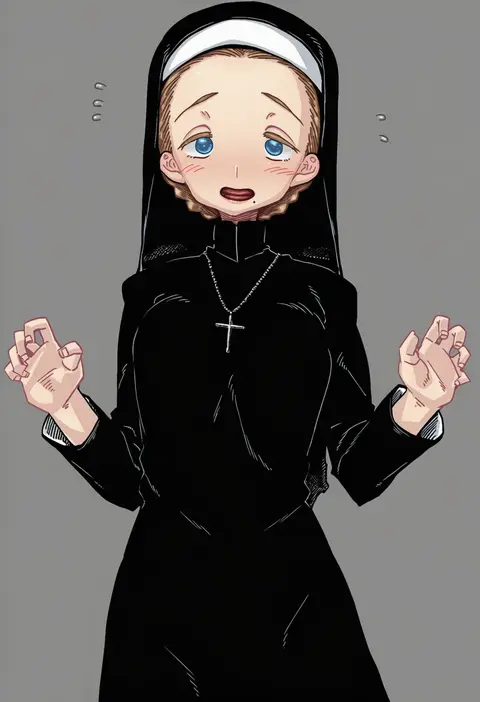
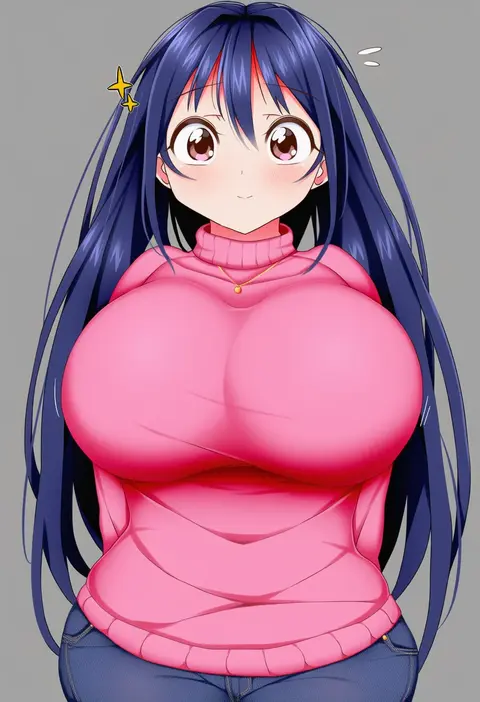
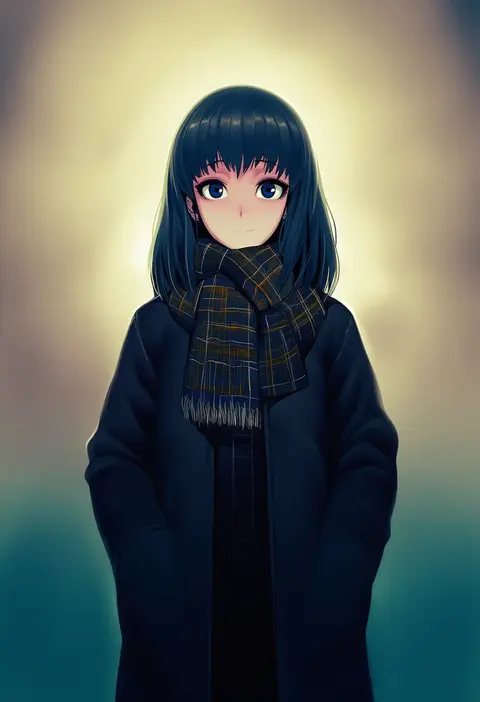
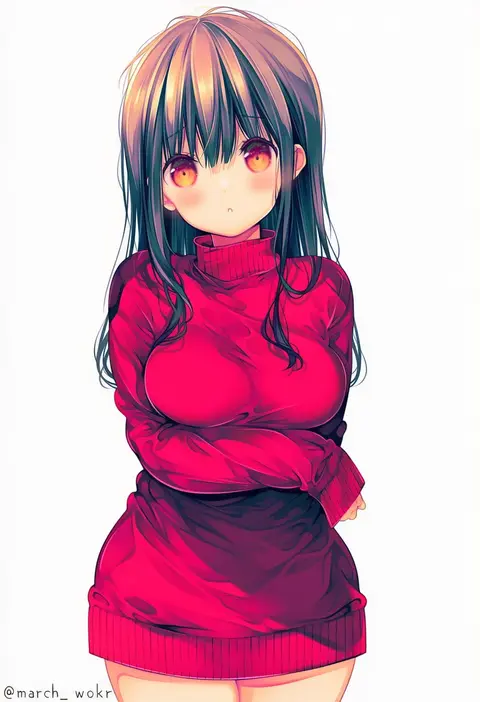
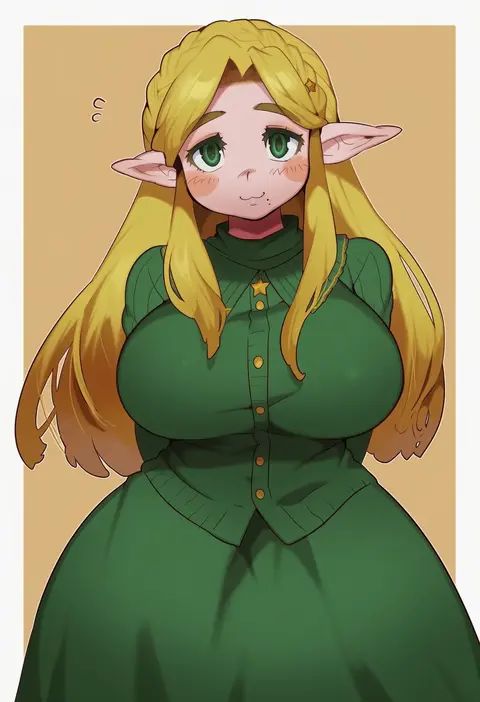
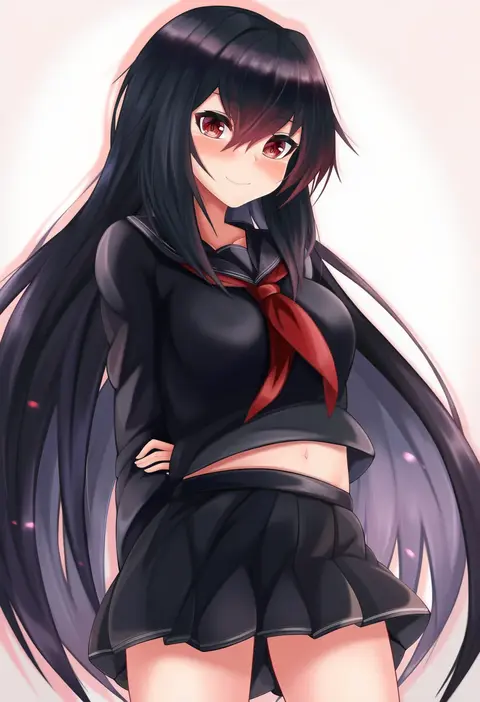
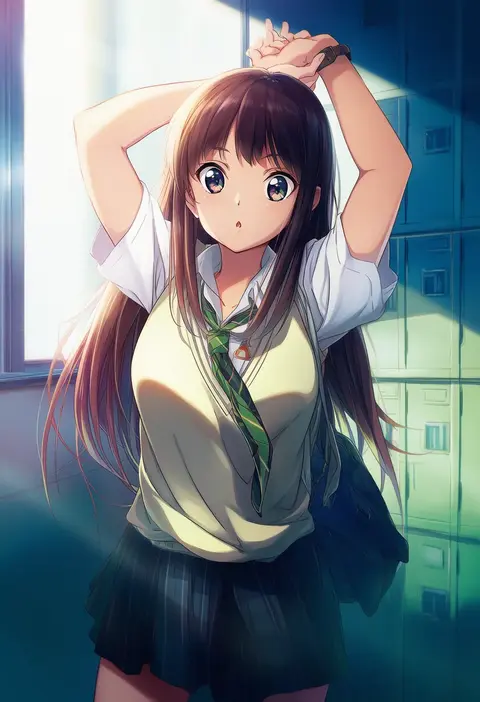
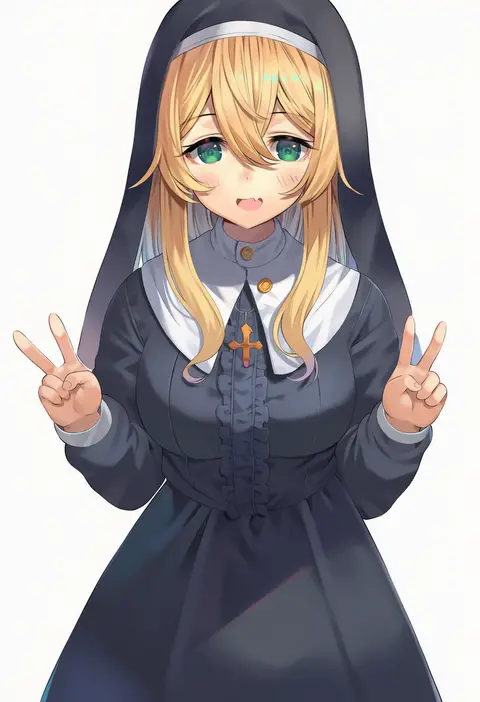
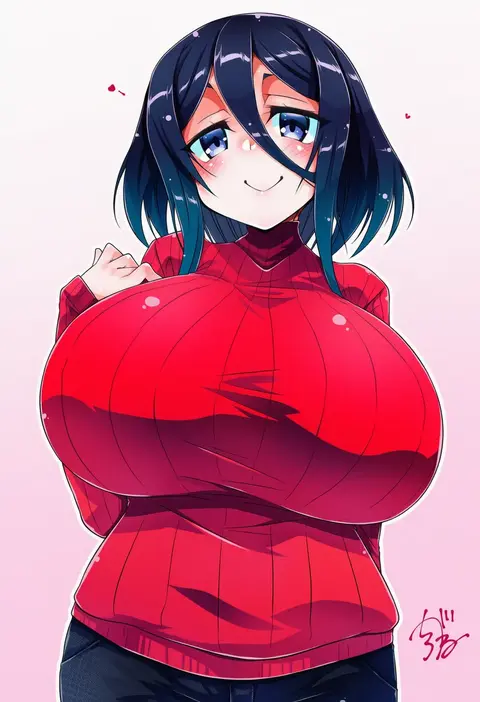
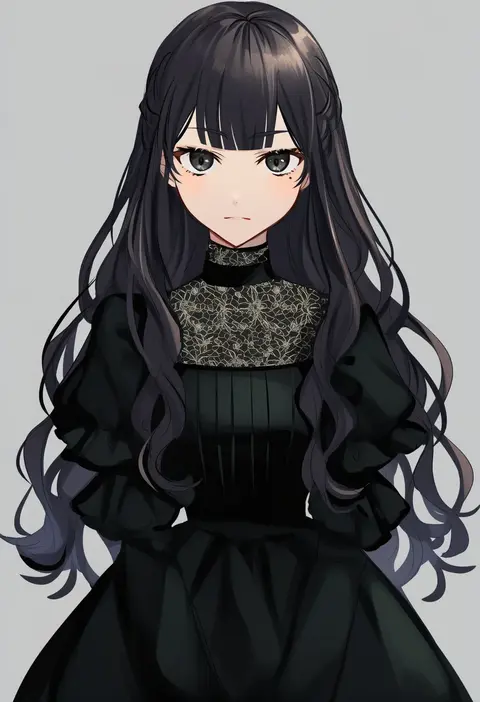
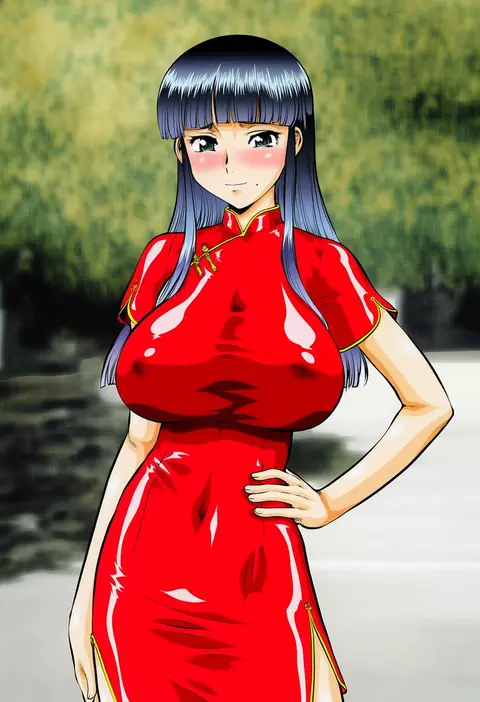
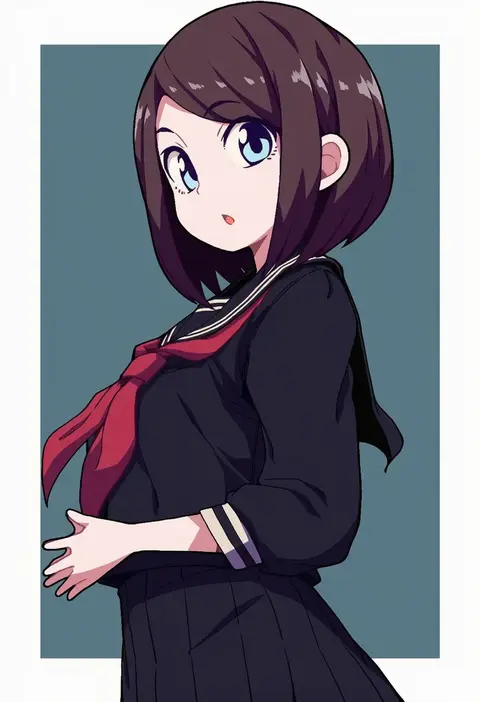
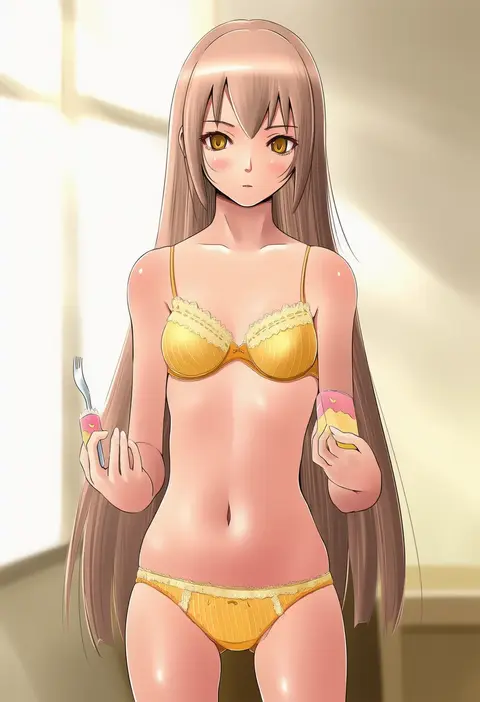
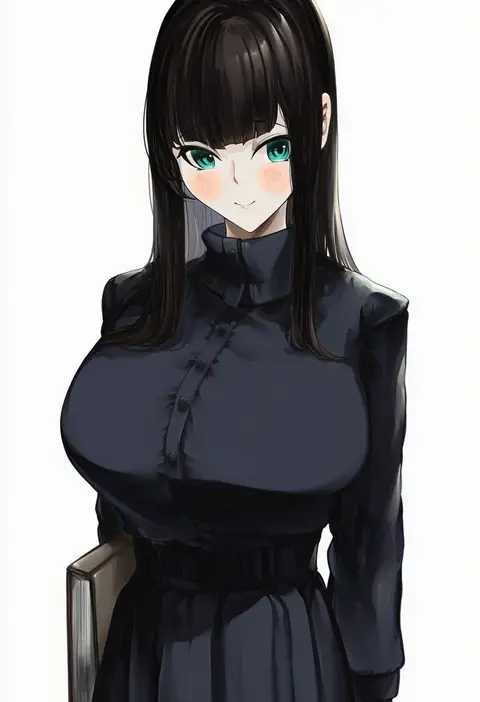
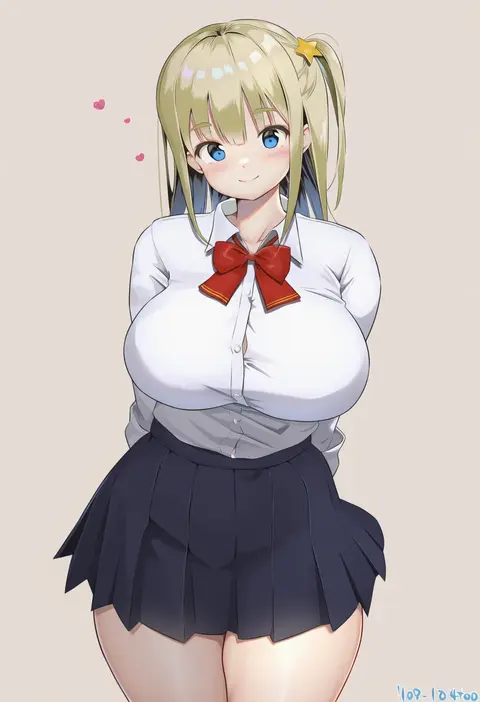
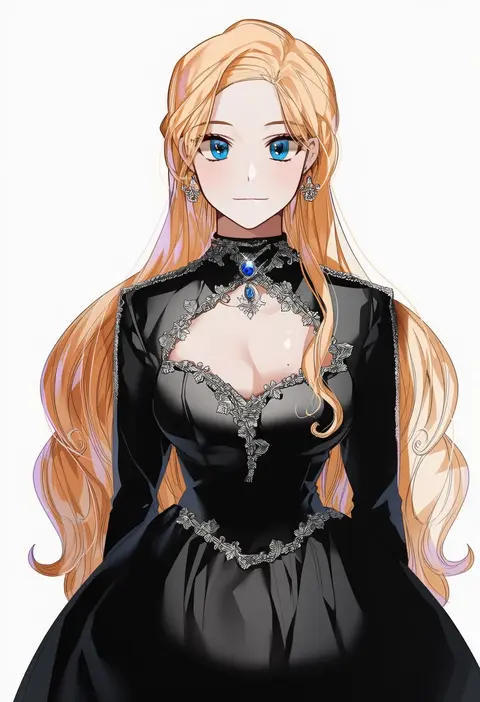
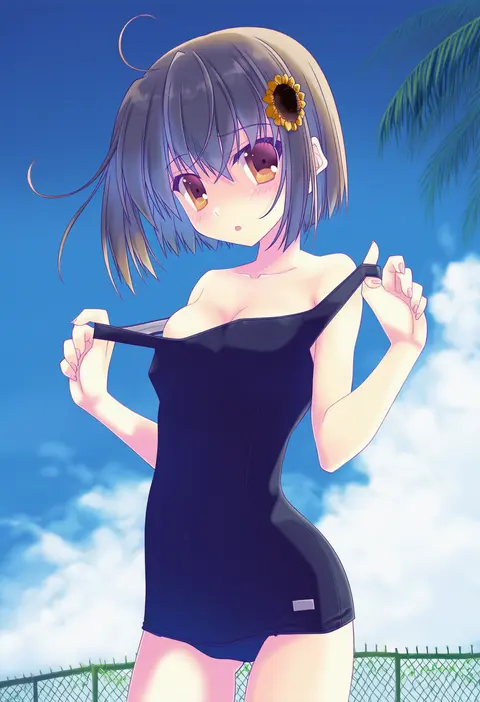
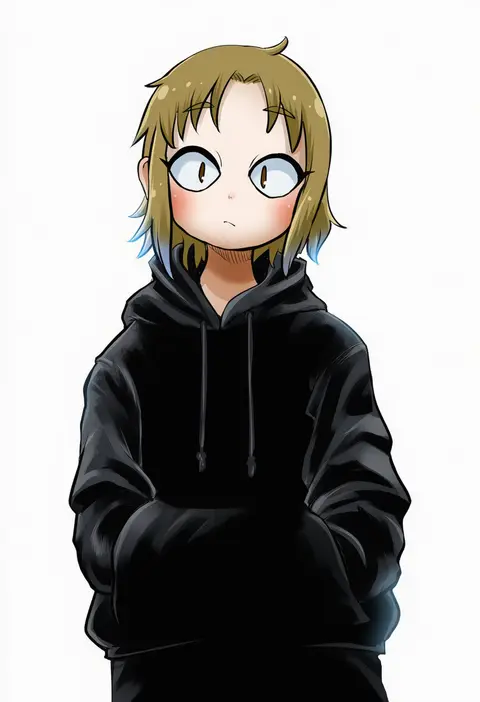
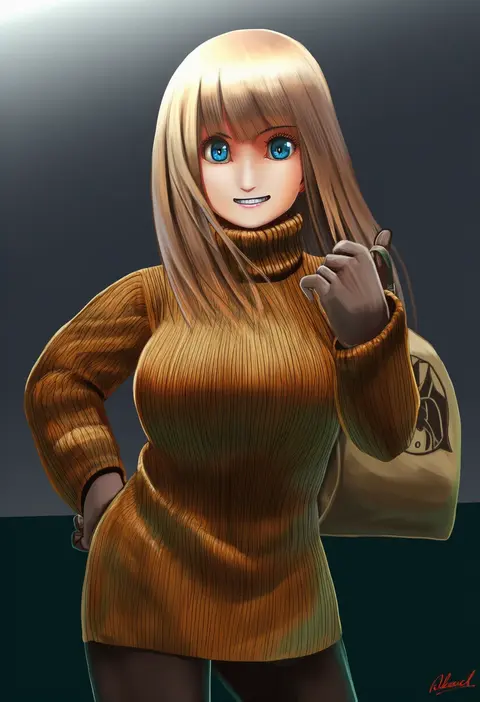
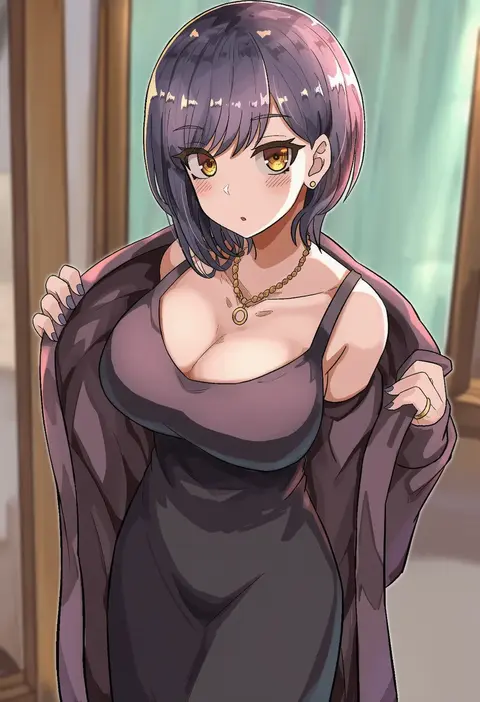
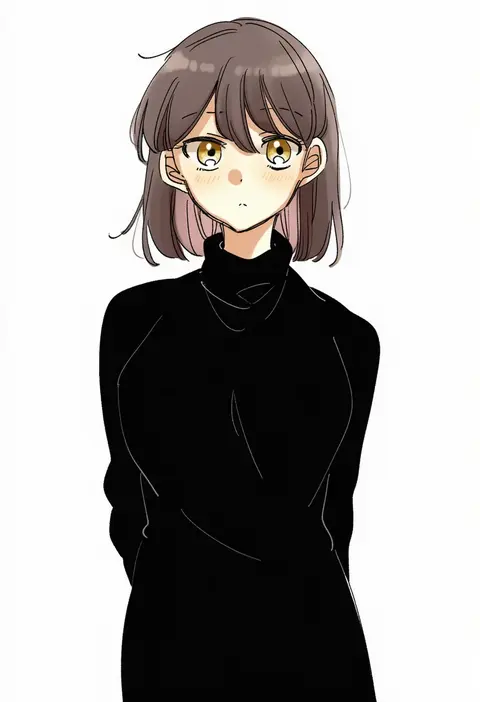
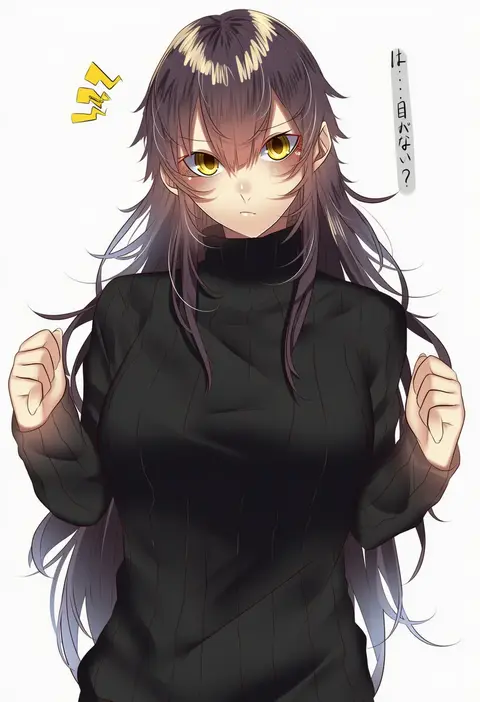
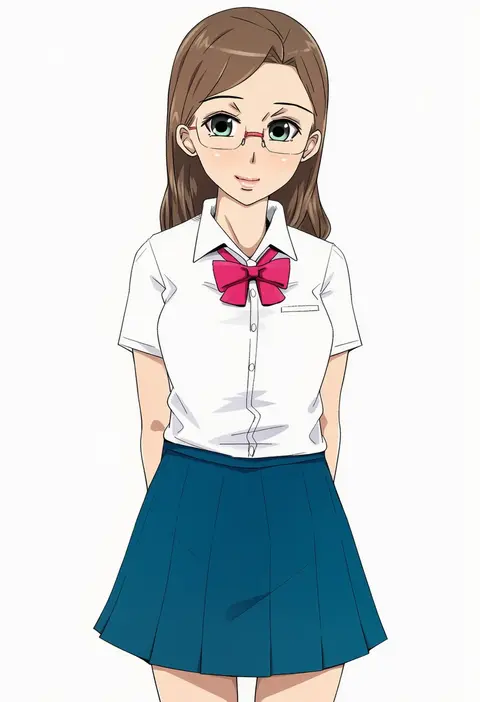
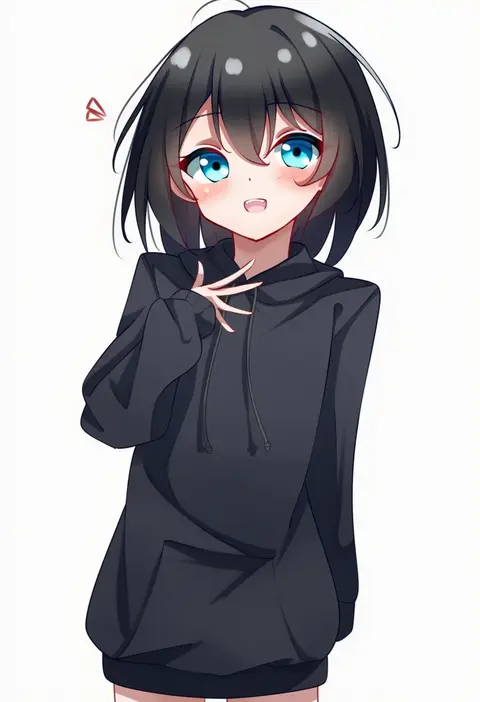
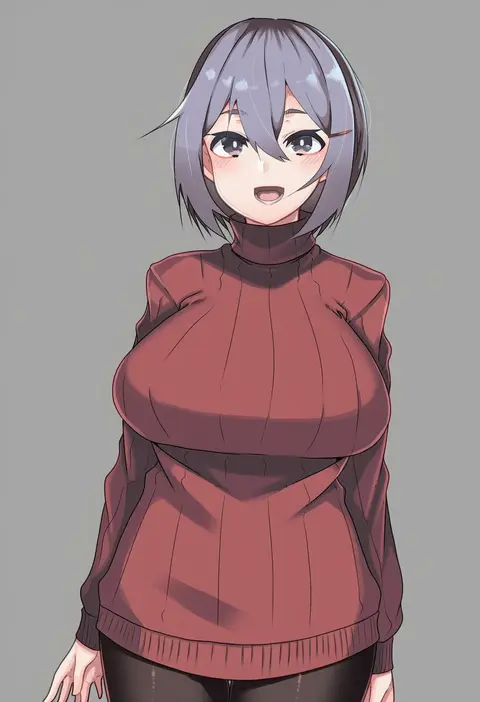
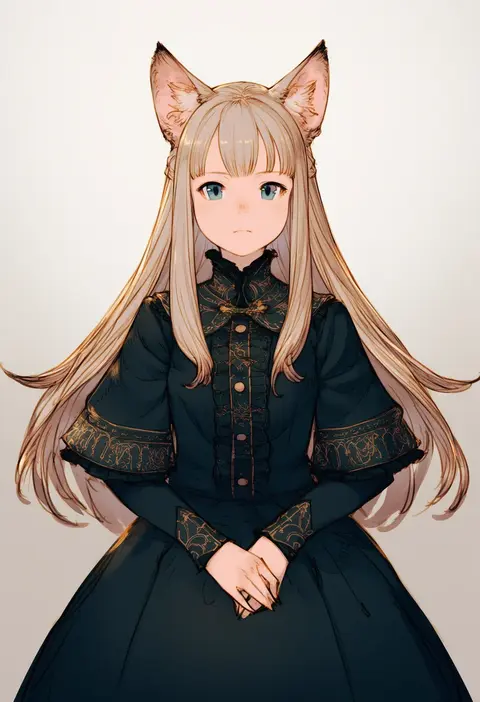
Every tag listed here is verified to react in NovelAI. All images use the same prompt, seed and settings with only the artist tag swapped, so the difference between two images is the style that tag brings in.

How to use them

Put the artist tag near the front of the prompt, e.g. "<artist>, 1girl, solo, best quality, masterpiece, cowboy shot". Two or three artist tags blend styles; lower the weight with "0.8::<artist>::" when the style overpowers the character.

SCORE sorts by Danbooru's top score, POSTS by post count, FAVS by hearts on this site. Open a card to see V5 and V4.5 side by side on the same seed.

V5 vs V4.5

V5 usually lands closer to the artist's real style, and tags that did nothing on V4.5 often react on V5. V4.5 still fits older and doujin-heavy artists better. Try V5 first, fall back to V4.5.

FAQ

Where does the artist tag go?
Near the front of the prompt. Use "0.8::tag::" to adjust its weight.

Can I stack artist tags?
Yes, styles blend. Past two or three the result stops looking like anyone.

Are these the artists' own works?
No. Every image is a NovelAI sample generated from the tag.