V4.5Artists
sort: FAVS▾
▾
>
$

NovelAI Artist Tags List — V4.5

artist --count 16,352[137/273]
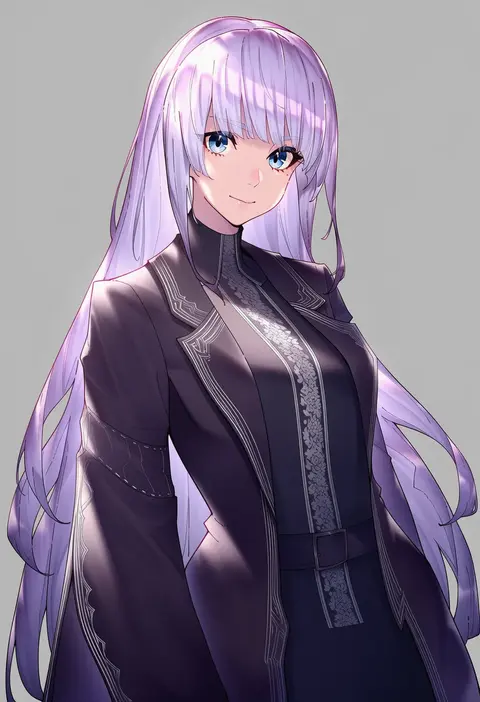
essual (layer world)
ARTIST0x1FE0
0
hani haya
ARTIST0x1FE1
0
hoshino koucha
ARTIST0x1FE2
0
ryou (ponpgo)
ARTIST0x1FE3
0
satosi
ARTIST0x1FE4
0
franlol
ARTIST0x1FE5
0
hyatsu
ARTIST0x1FE6
0
mimamui
ARTIST0x1FE7
0
ruo19
ARTIST0x1FE8
0
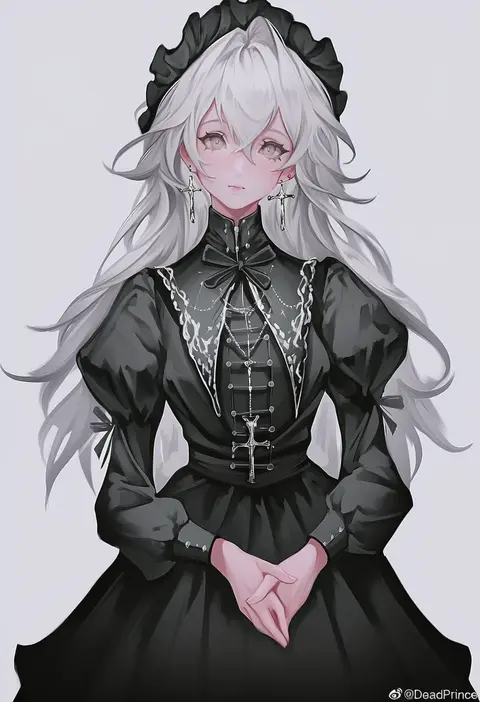
deadprince
ARTIST0x1FE9
0
suzuhira hiro
ARTIST0x1FEA
0
nishi koutarou
ARTIST0x1FEB
0
sakuraba yuuki
ARTIST0x1FEC
0
kamishima kanon
ARTIST0x1FED
0
minarai
ARTIST0x1FEE
0
mochiyuki
ARTIST0x1FEF
0
ai-wa
ARTIST0x1FF0
0
nakaaki masashi
ARTIST0x1FF1
0
arikawa satoru
ARTIST0x1FF2
0
nebusoku
ARTIST0x1FF3
0
mamiyama
ARTIST0x1FF4
0
curss
ARTIST0x1FF5
0
sozan
ARTIST0x1FF6
0
run p (aveton)
ARTIST0x1FF7
0
naka (cheeseyeast)
ARTIST0x1FF8
0
hida tatsuo
ARTIST0x1FF9
0
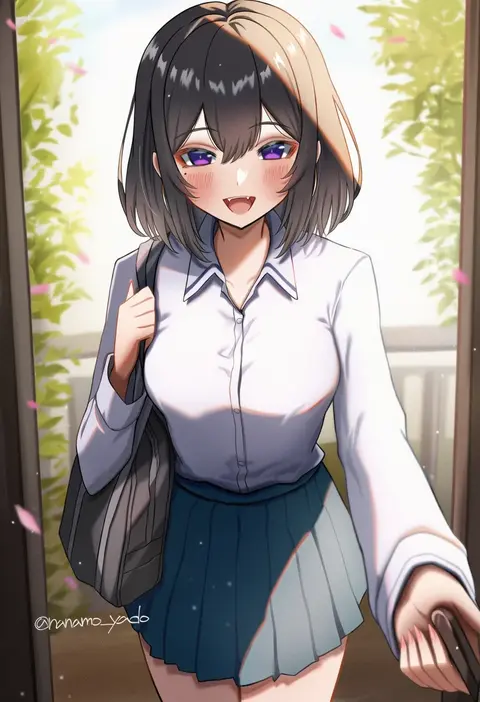
nanamo yado
ARTIST0x1FFA
0
kanbayashi makoto
ARTIST0x1FFB
0
sawarakajin
ARTIST0x1FFC
0
jiyu2
ARTIST0x1FFD
0
mirino
ARTIST0x1FFE
0
aroa (aroamoyasi)
ARTIST0x1FFF
0
minami juujisei
ARTIST0x2000
0
shirousagi uyu
ARTIST0x2001
0
panbai
ARTIST0x2002
0
mentaiko mamire
ARTIST0x2003
0
sukima (crie)
ARTIST0x2004
0
yuzuriha (atelier liang)
ARTIST0x2005
0
basedbinkie
ARTIST0x2006
0
dywx poison
ARTIST0x2007
0
shiina aoi
ARTIST0x2008
0
shironekoban
ARTIST0x2009
0
oni gini
ARTIST0x200A
0
nekomimi kanon
ARTIST0x200B
0
io (io oekaki)
ARTIST0x200C
0
koyuuuuuuuuuuu
ARTIST0x200D
0
hase yu
ARTIST0x200E
0
hatano kiyoshi
ARTIST0x200F
0
nekomamire
ARTIST0x2010
0
sukemyon
ARTIST0x2011
0
shinmon akika
ARTIST0x2012
0
murakami yuichi
ARTIST0x2013
0
tansuke
ARTIST0x2014
0
kuguri oimo
ARTIST0x2015
0
fukuro (maruaru00)
ARTIST0x2016
0
rotix
ARTIST0x2017
0
chiri (atlanta)
ARTIST0x2018
0
gomzi
ARTIST0x2019
0
chikuwa savy
ARTIST0x201A
0
hou (ppo)
ARTIST0x201B
0

What these tags change

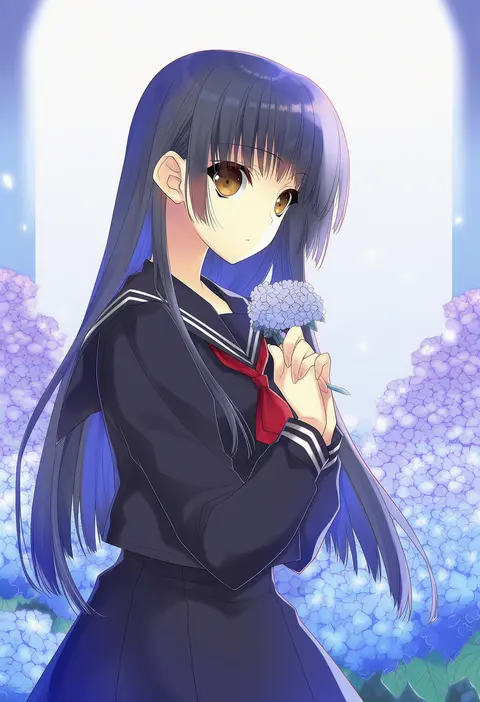
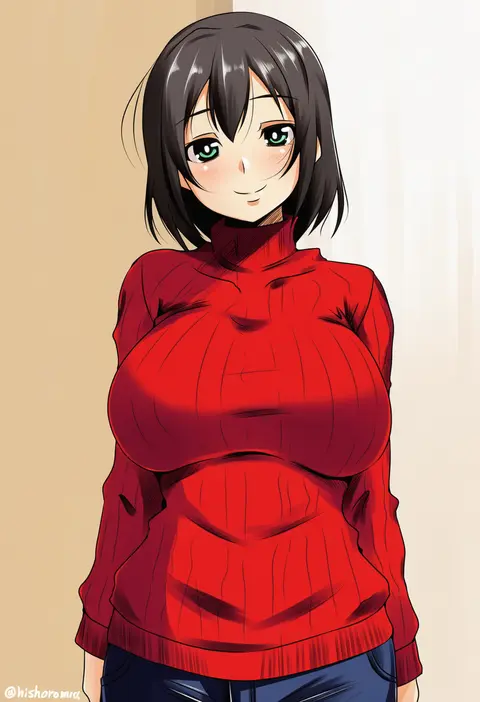
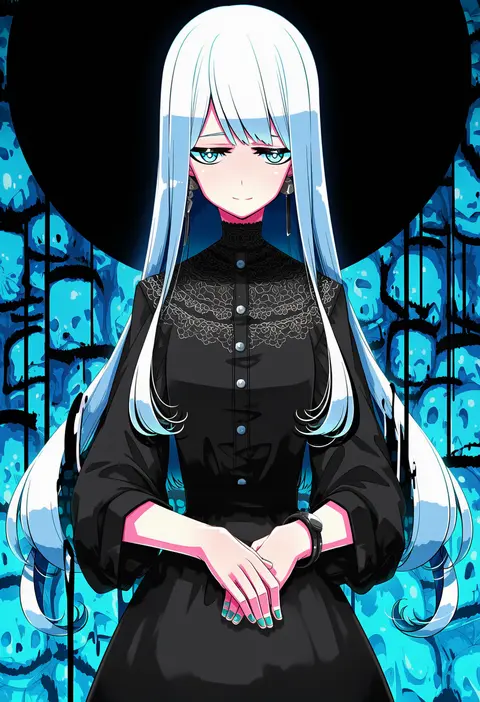
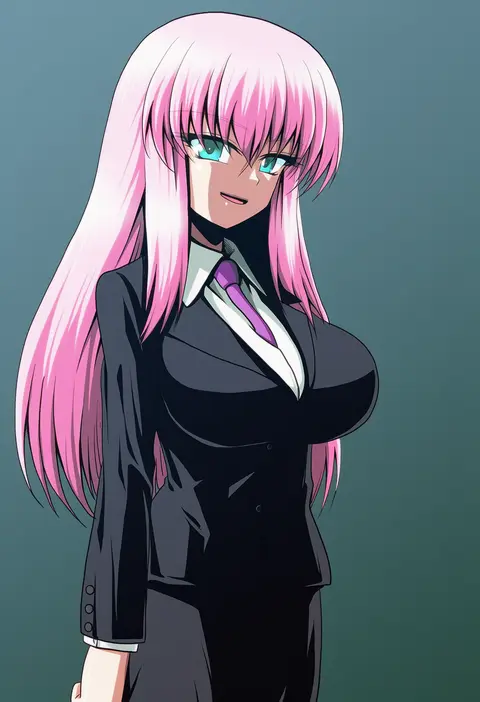
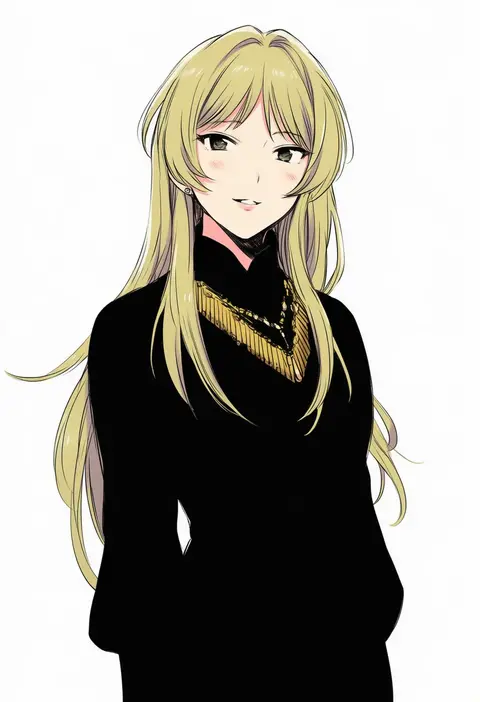
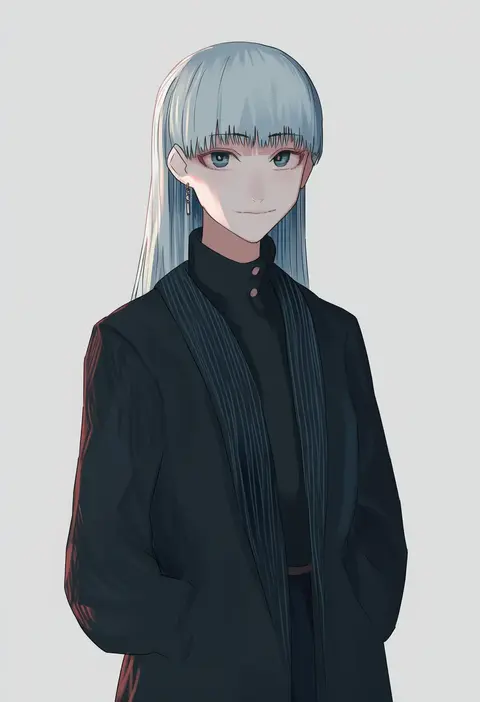
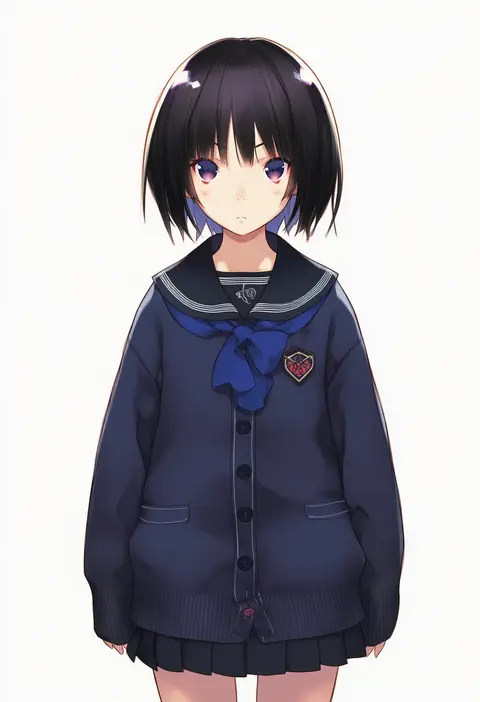
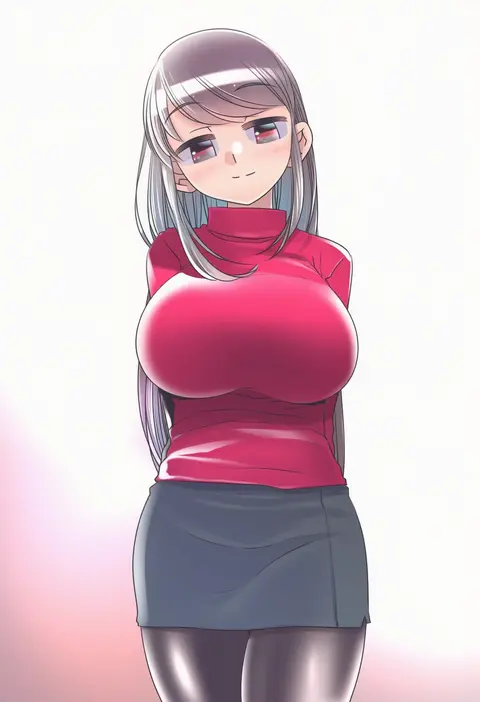
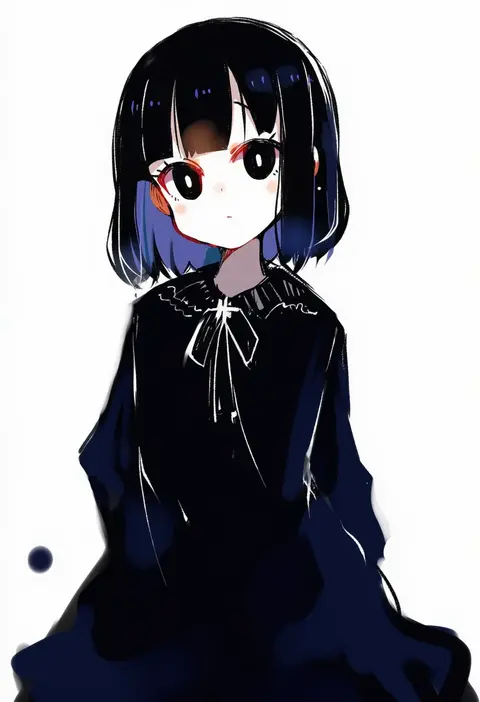
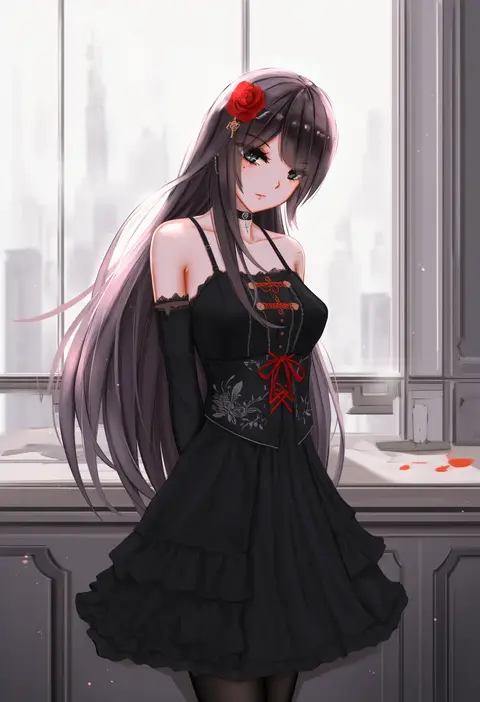
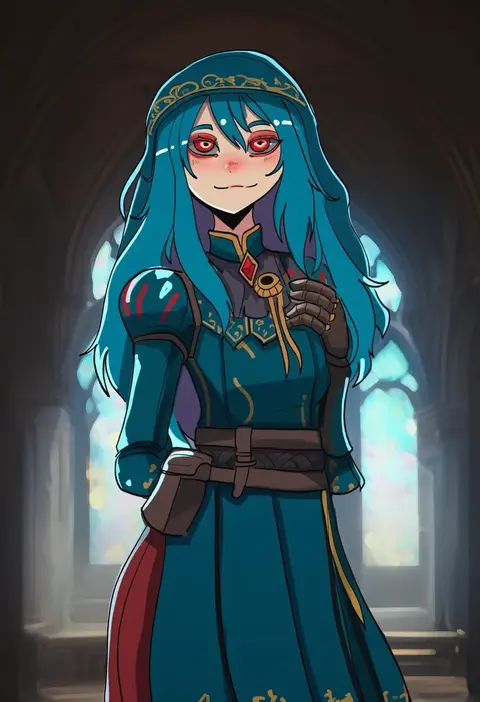
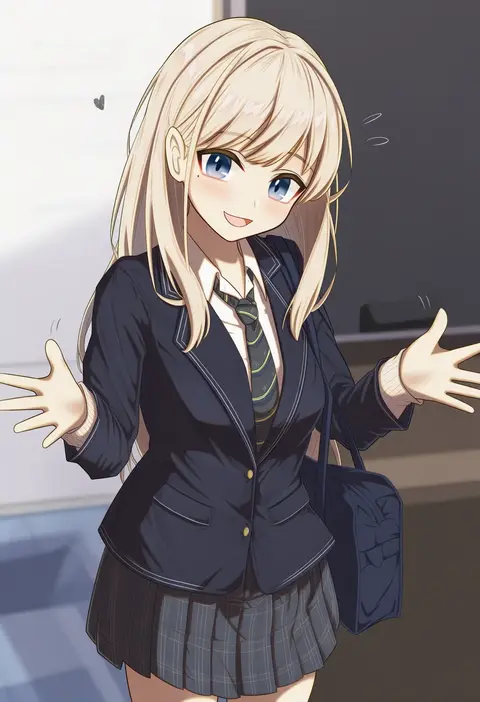
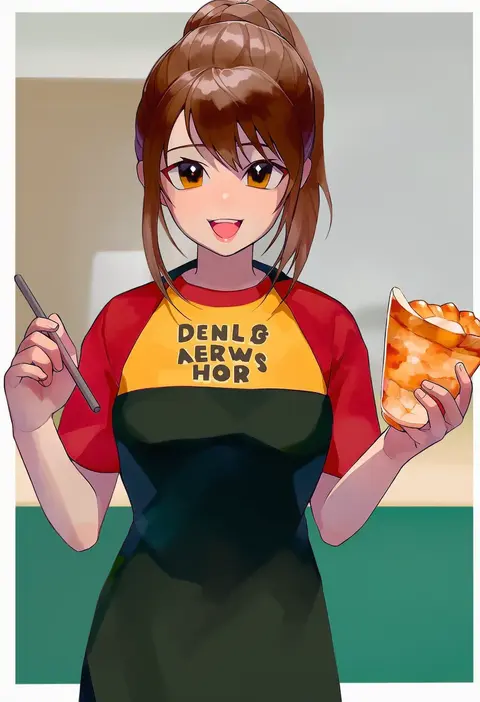
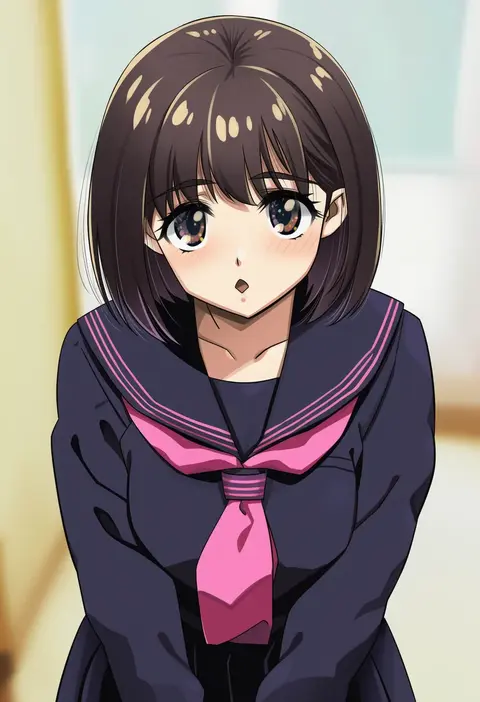
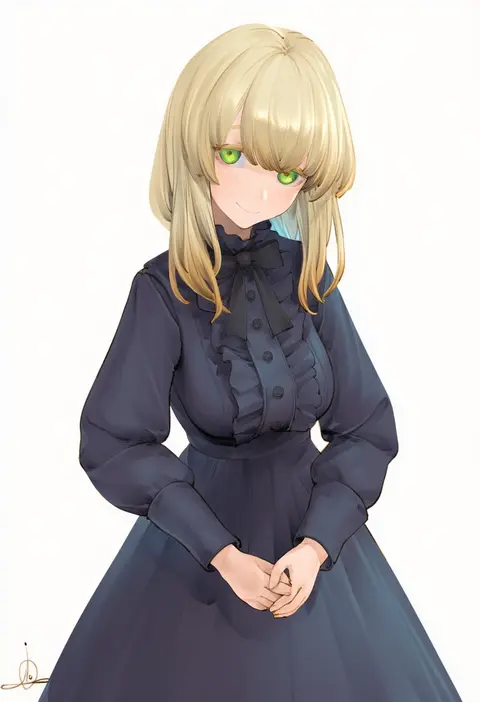
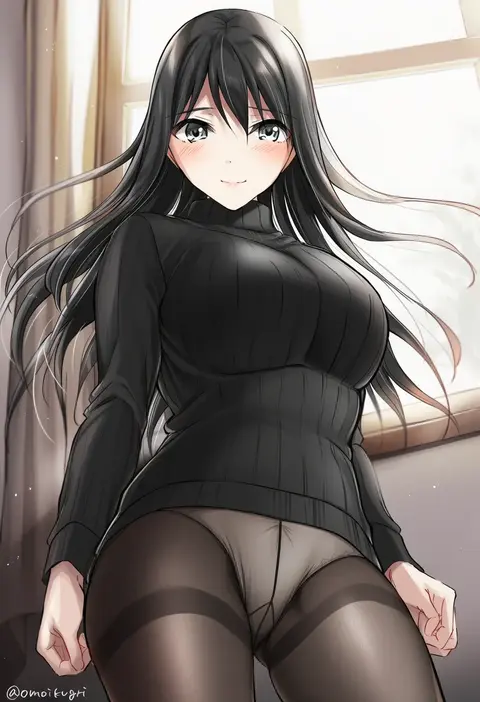
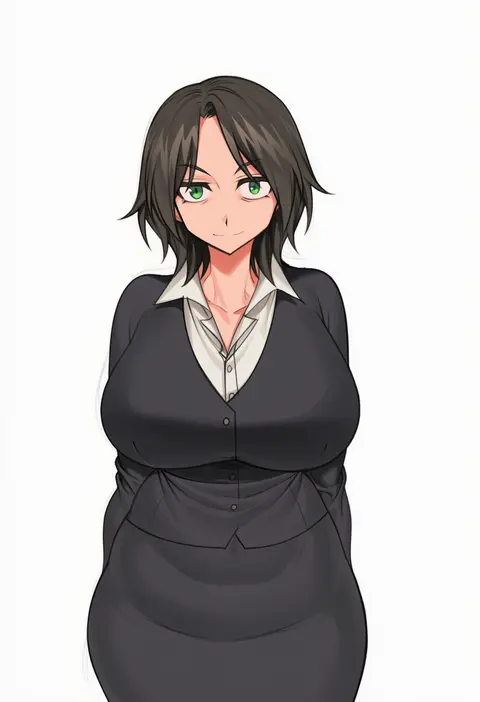
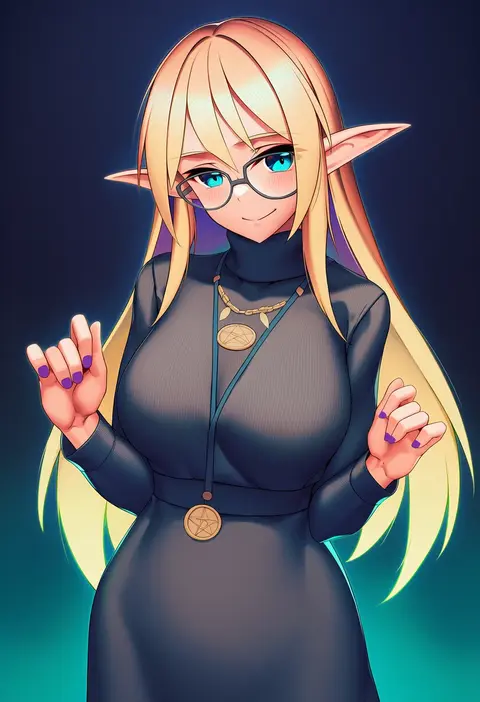
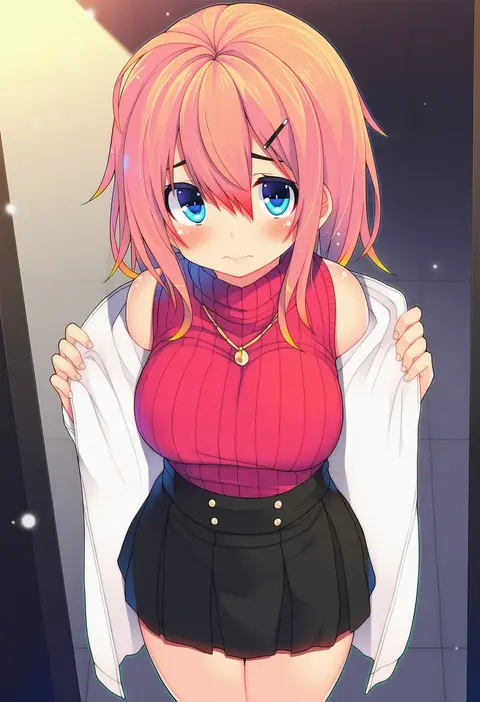
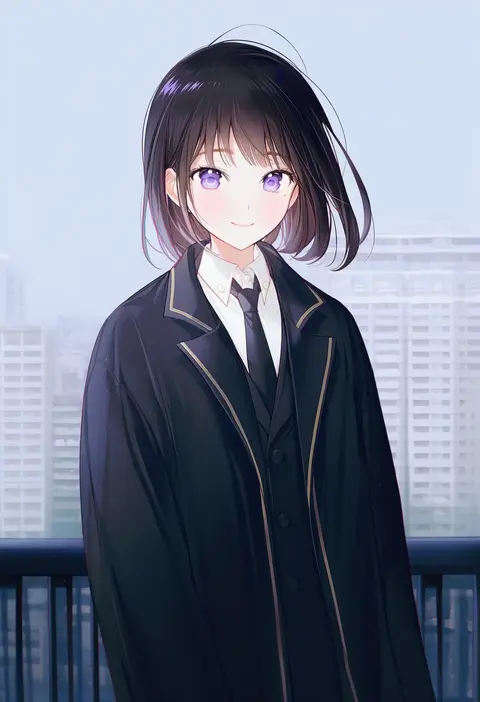
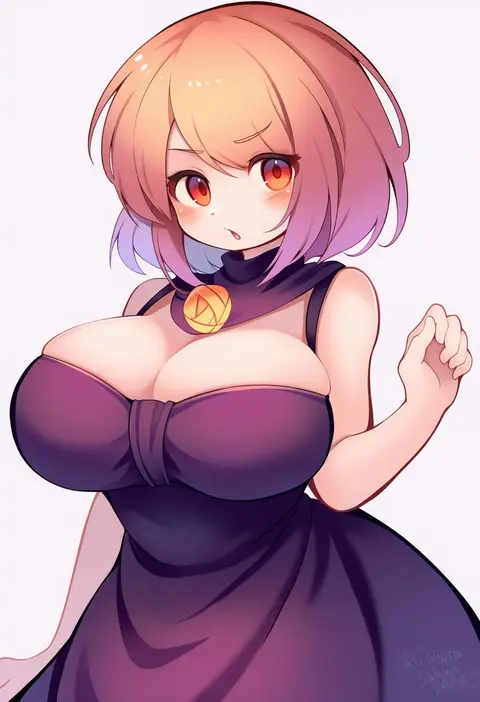
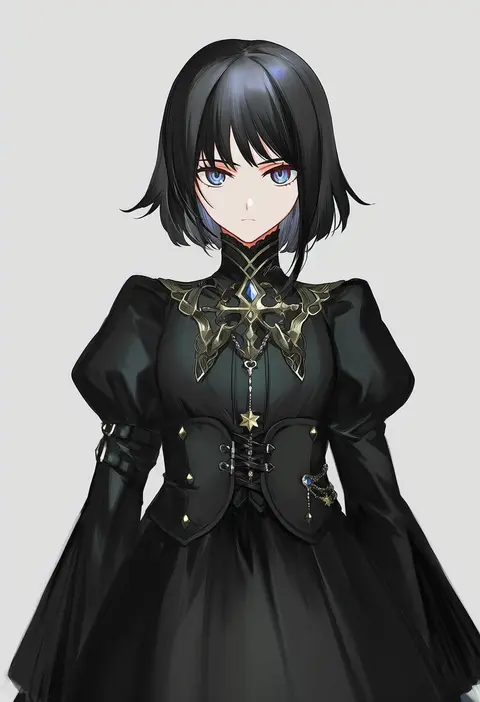
Artist tags tell NovelAI Diffusion to draw in a specific artist's style: line weight, paint texture, face shapes and palette all shift at once. Character and outfit tags decide what is drawn; artist tags decide how. 16,352 tags are listed for V4.5.
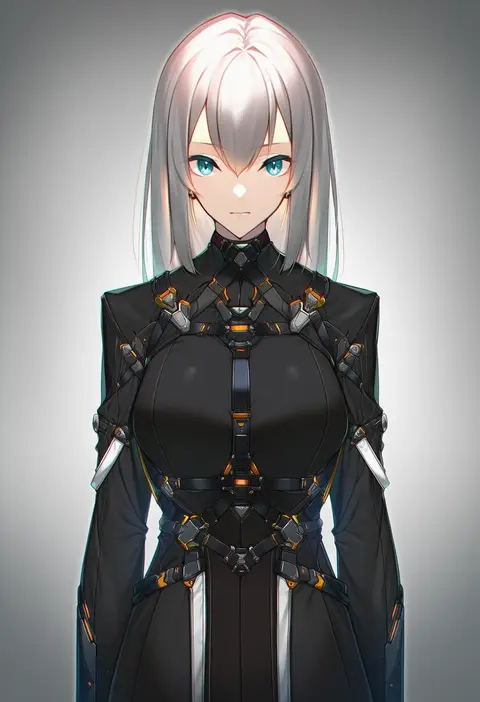
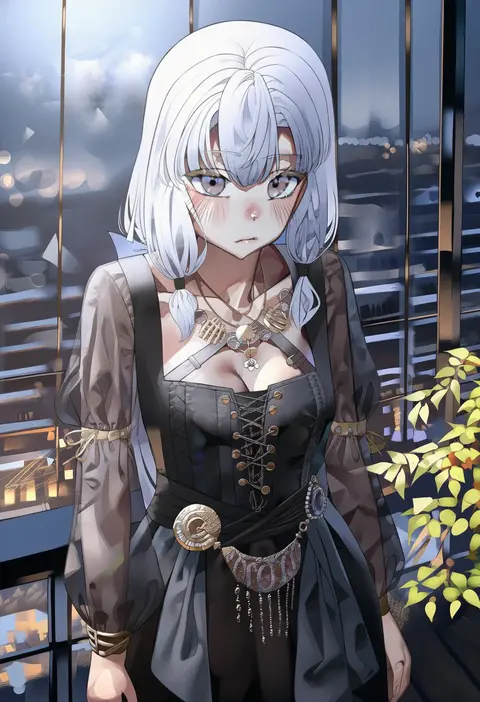
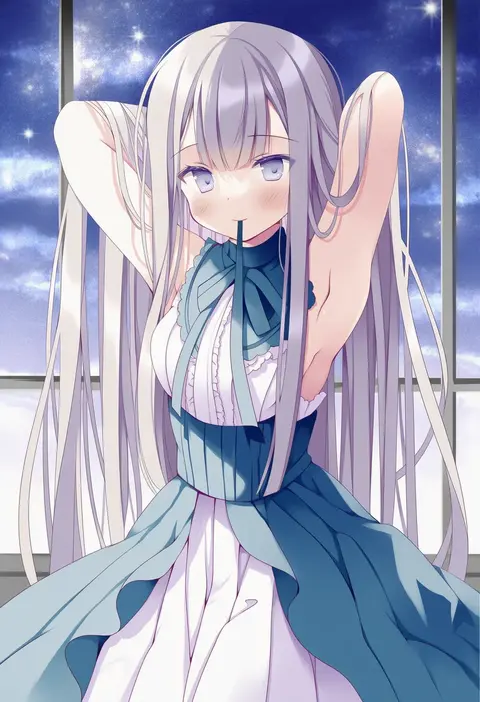
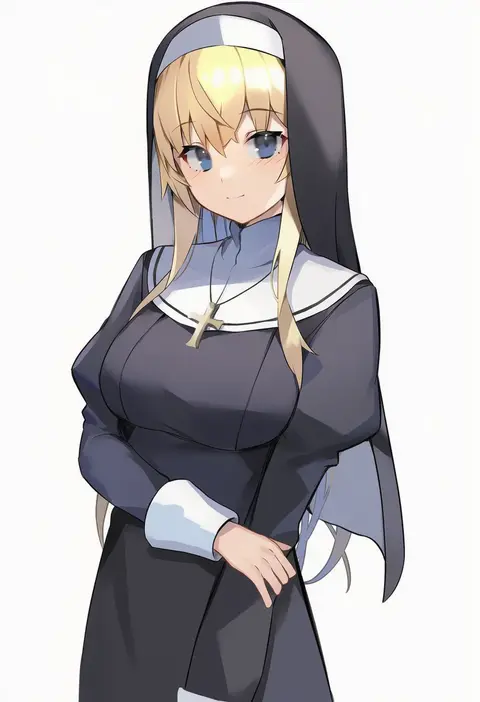
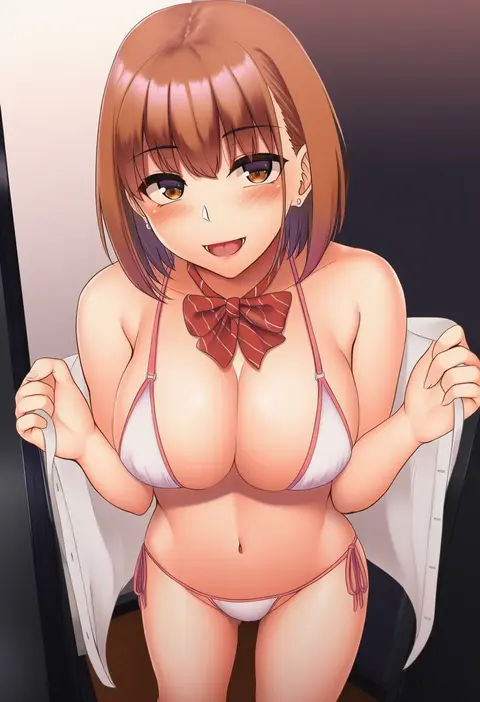
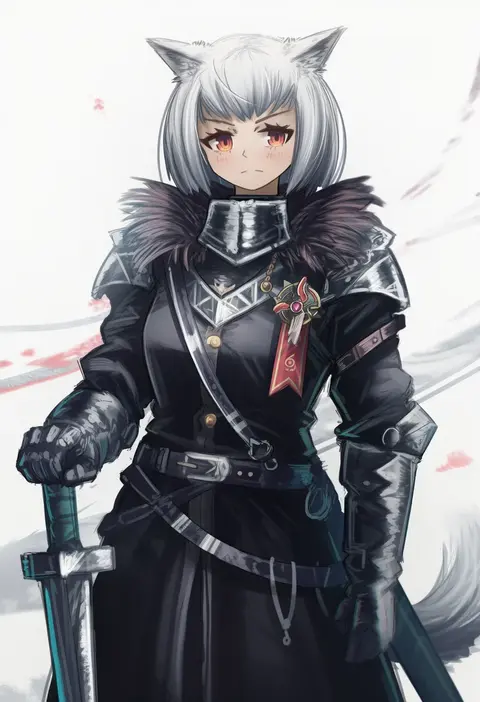
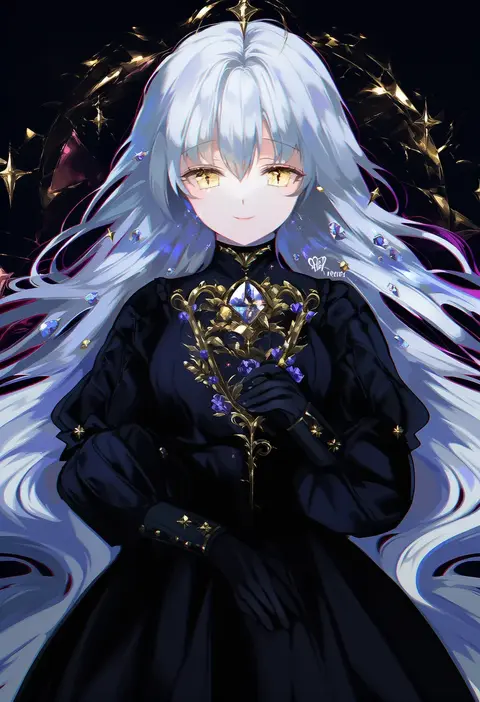
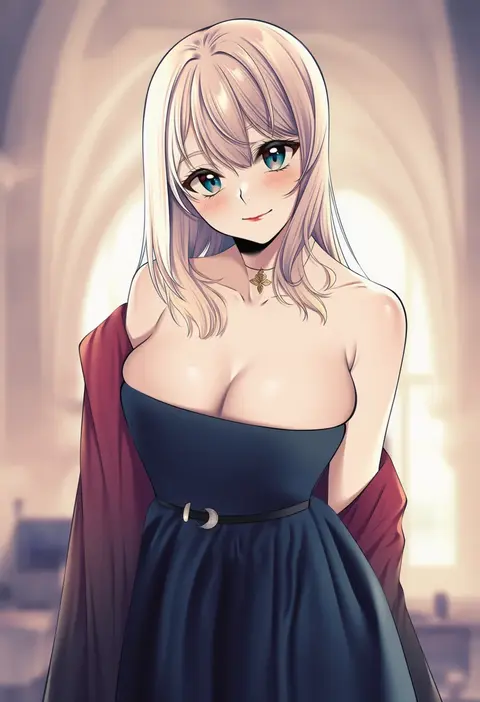
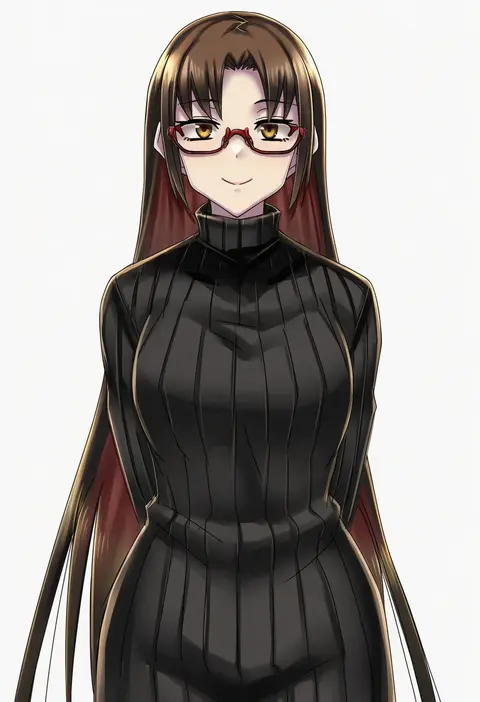
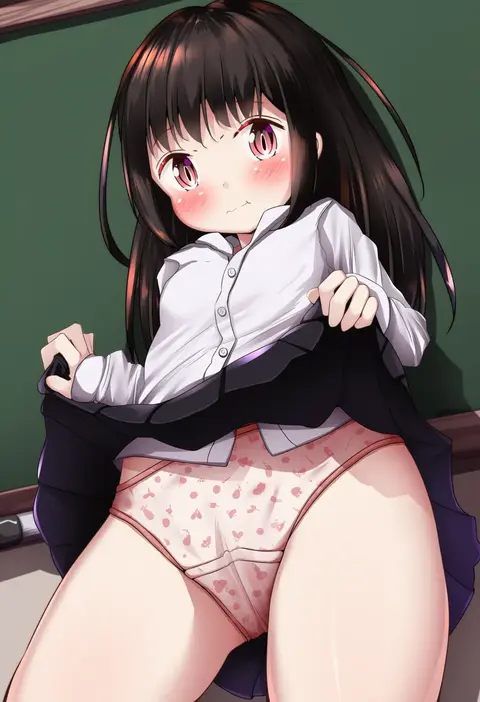
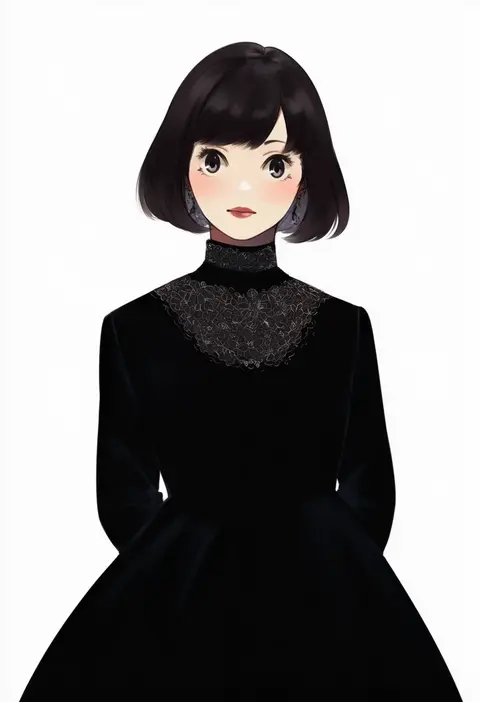
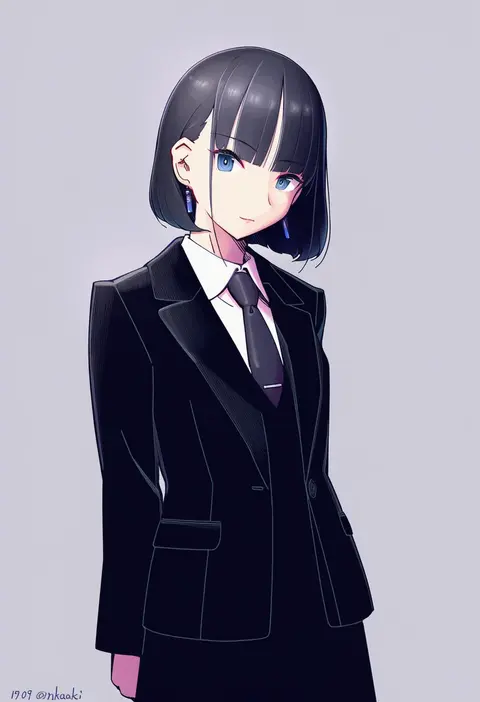
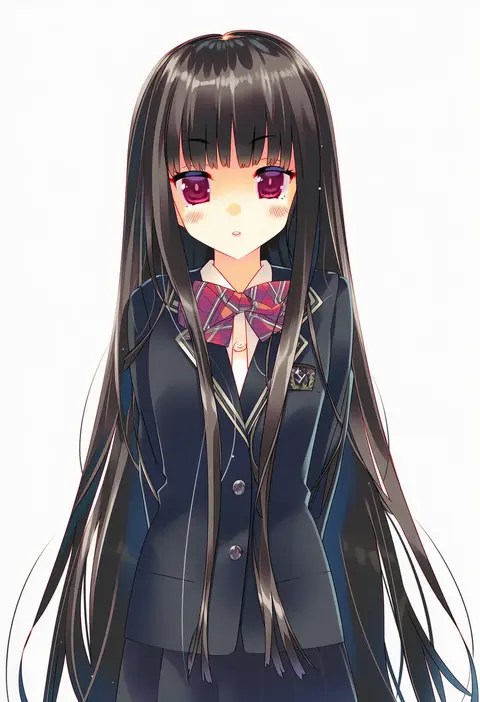
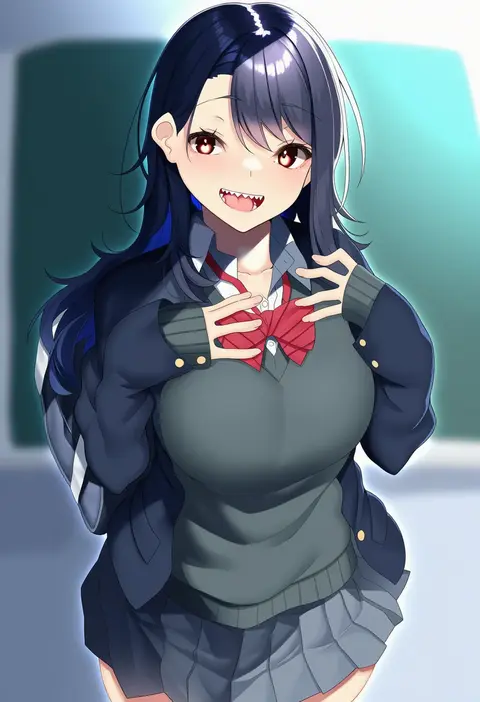
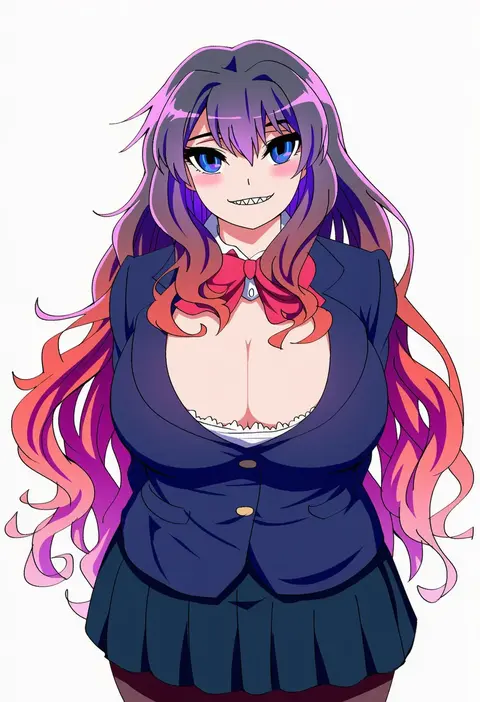
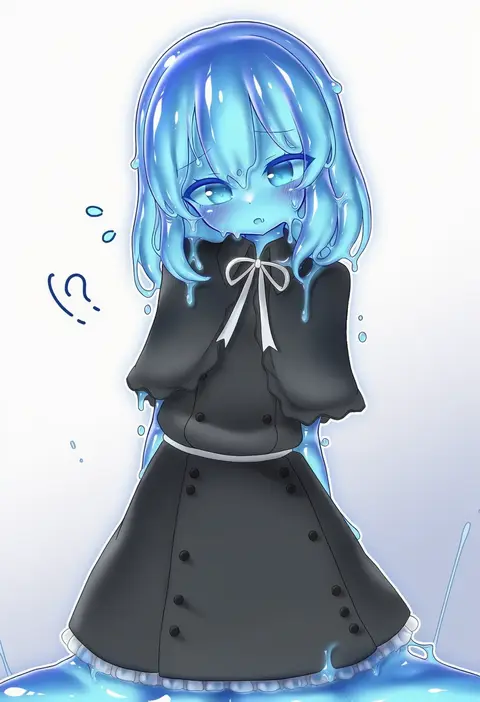
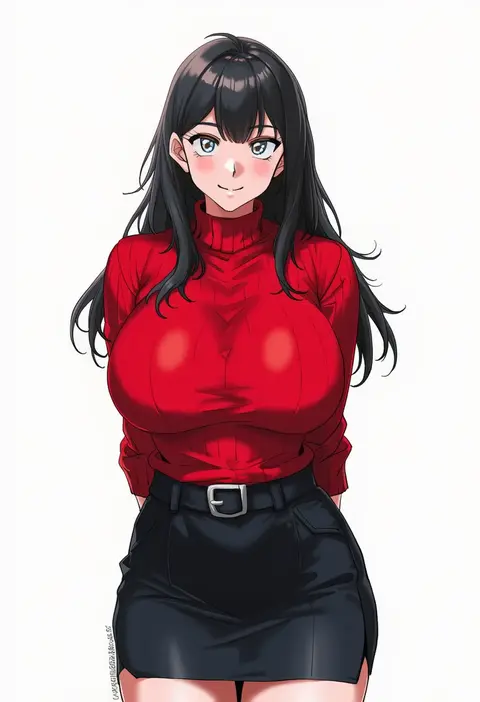
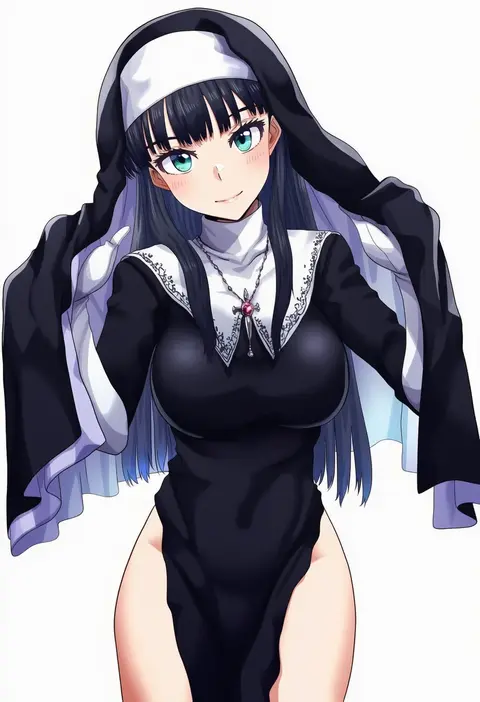
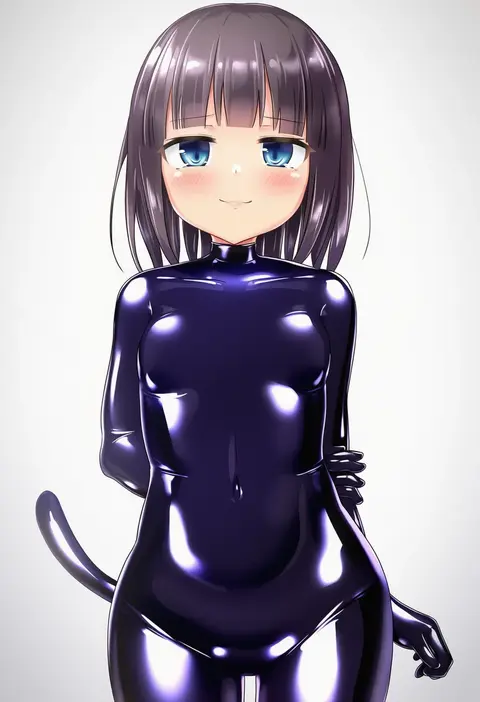
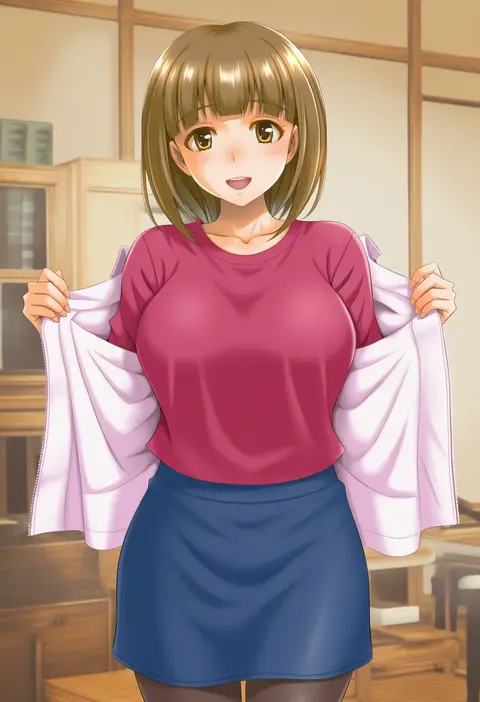
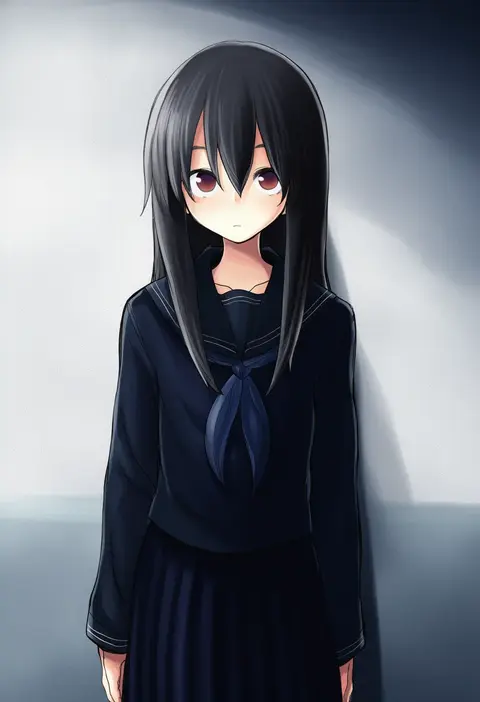
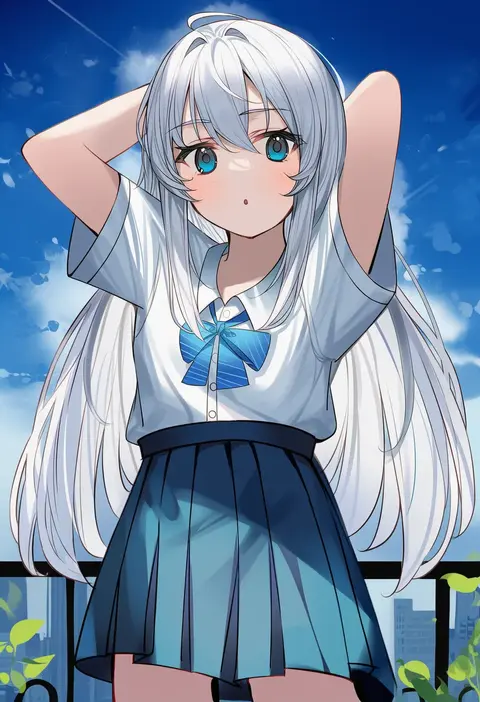
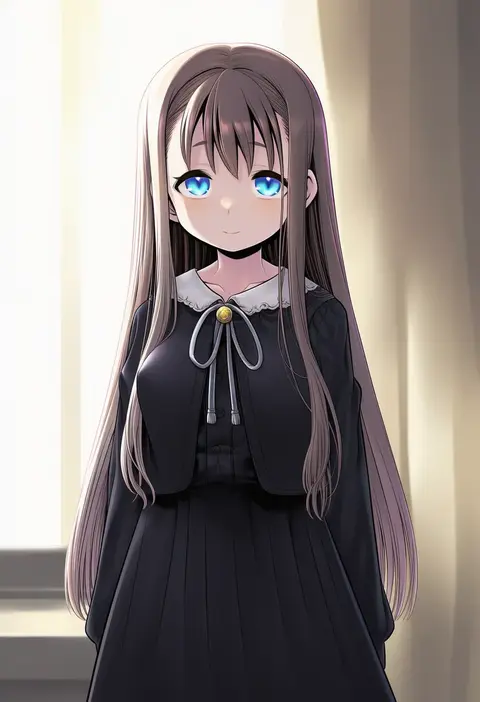
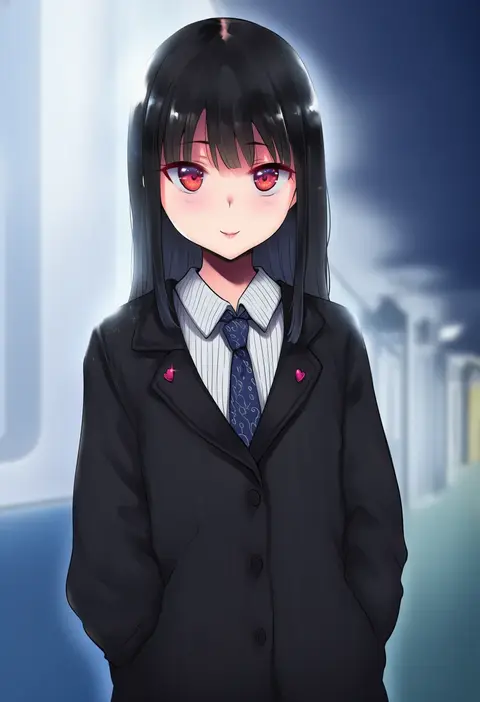
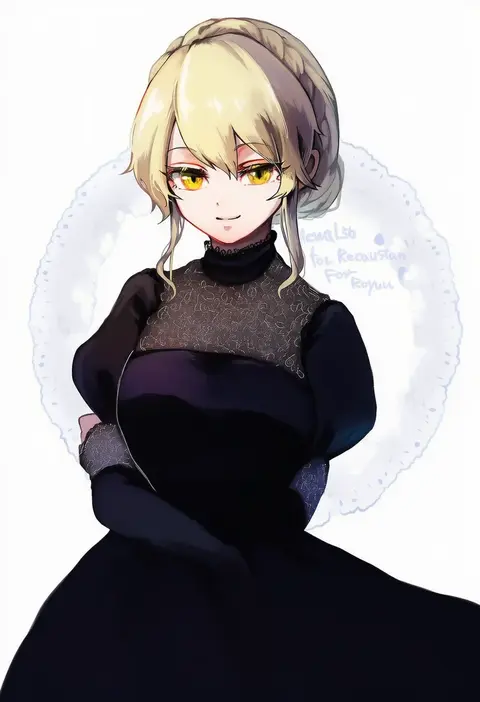
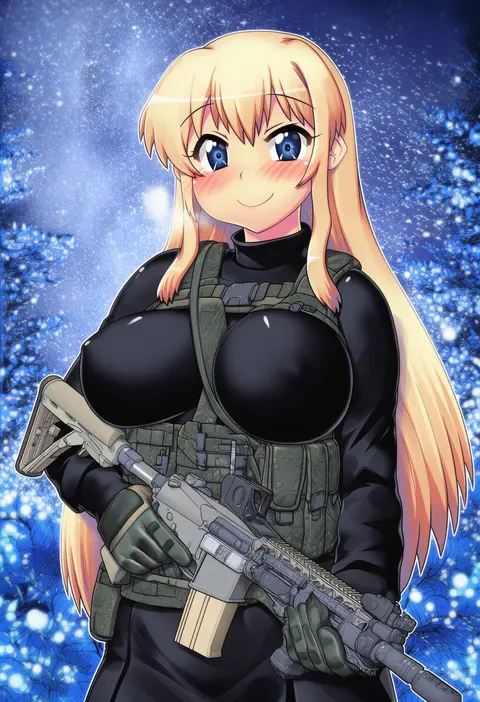
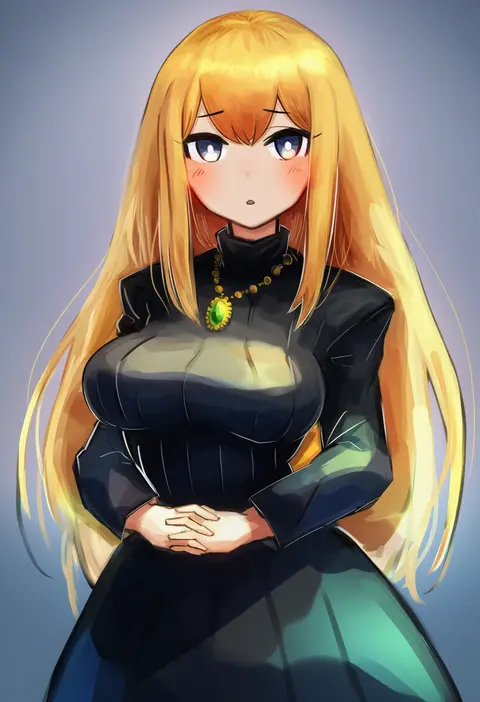
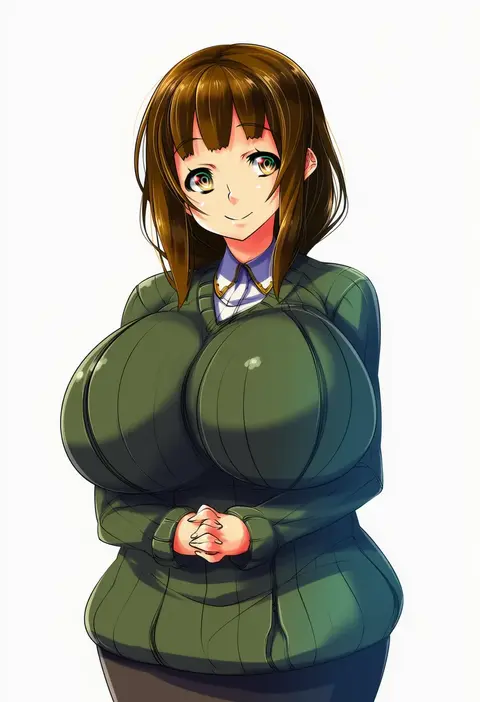
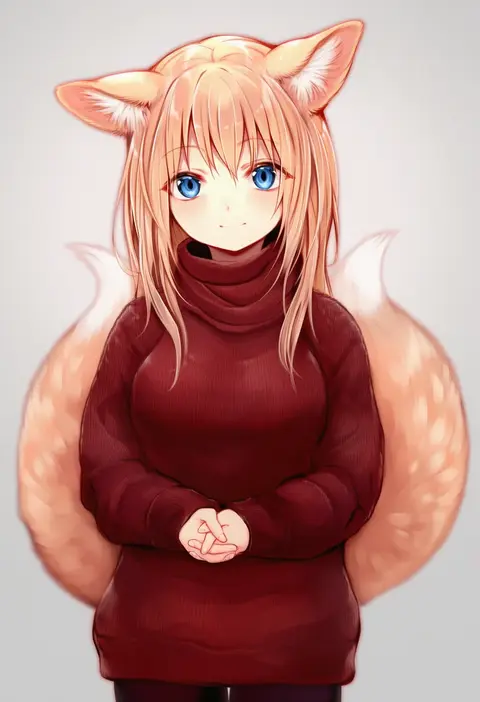
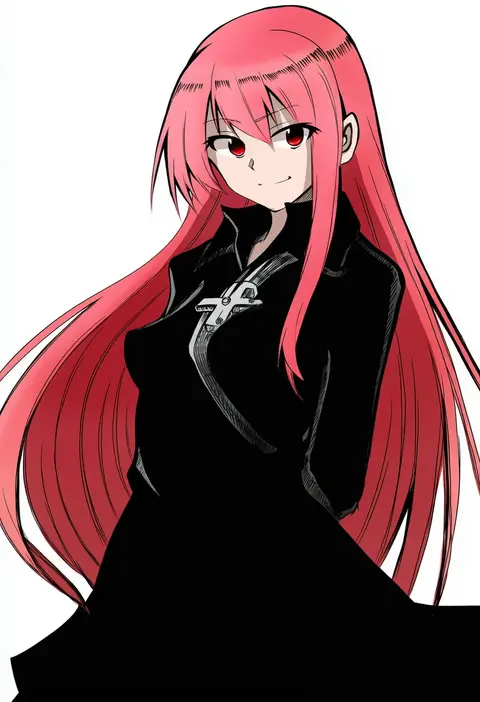
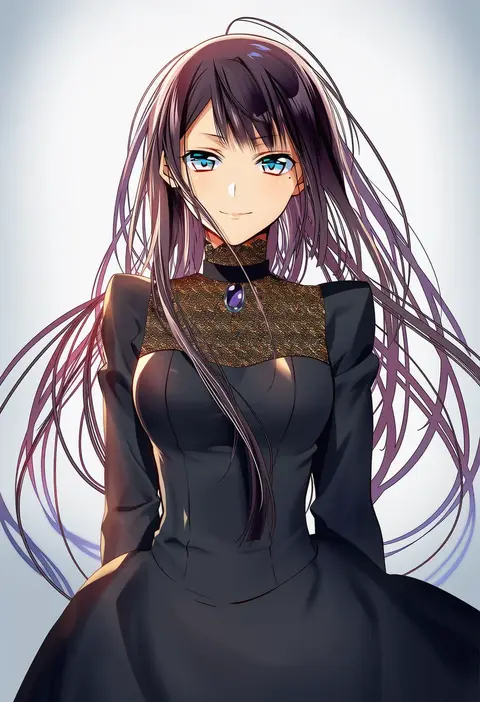
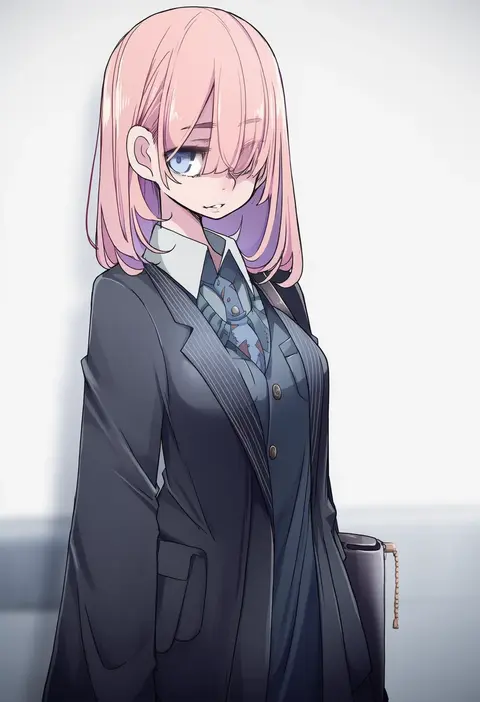
Every tag listed here is verified to react in NovelAI. All images use the same prompt, seed and settings with only the artist tag swapped, so the difference between two images is the style that tag brings in.

How to use them

Put the artist tag near the front of the prompt, e.g. "<artist>, 1girl, solo, best quality, masterpiece, cowboy shot". Two or three artist tags blend styles; lower the weight with "0.8::<artist>::" when the style overpowers the character.

SCORE sorts by Danbooru's top score, POSTS by post count, FAVS by hearts on this site. Open a card to see V5 and V4.5 side by side on the same seed.

V5 vs V4.5

V5 usually lands closer to the artist's real style, and tags that did nothing on V4.5 often react on V5. V4.5 still fits older and doujin-heavy artists better. Try V5 first, fall back to V4.5.

FAQ

Where does the artist tag go?
Near the front of the prompt. Use "0.8::tag::" to adjust its weight.

Can I stack artist tags?
Yes, styles blend. Past two or three the result stops looking like anyone.

Are these the artists' own works?
No. Every image is a NovelAI sample generated from the tag.