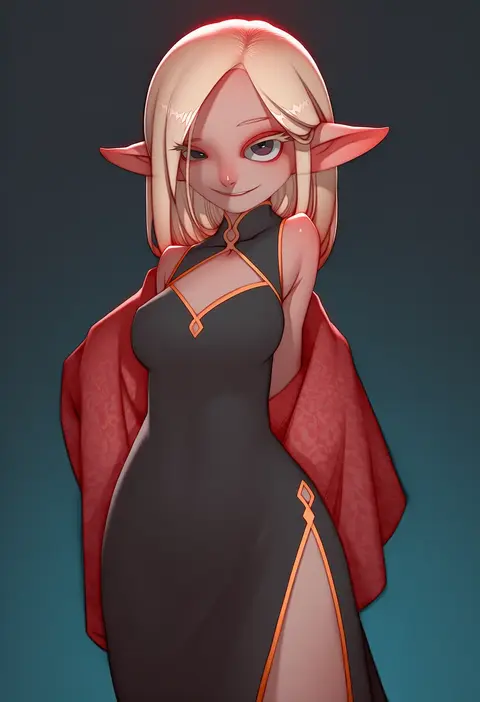
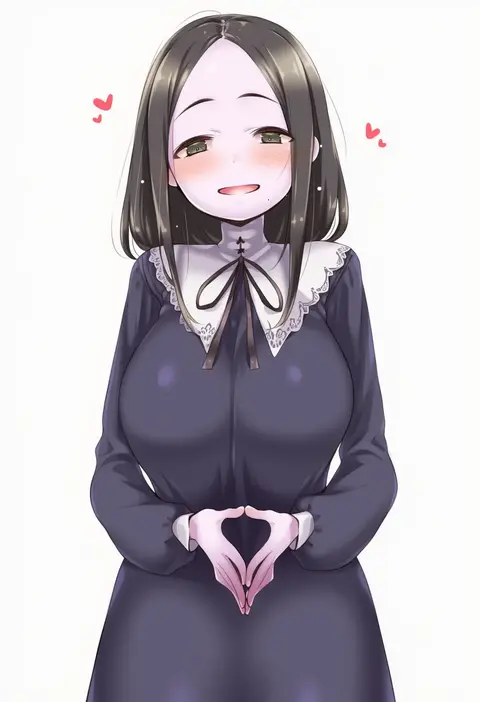
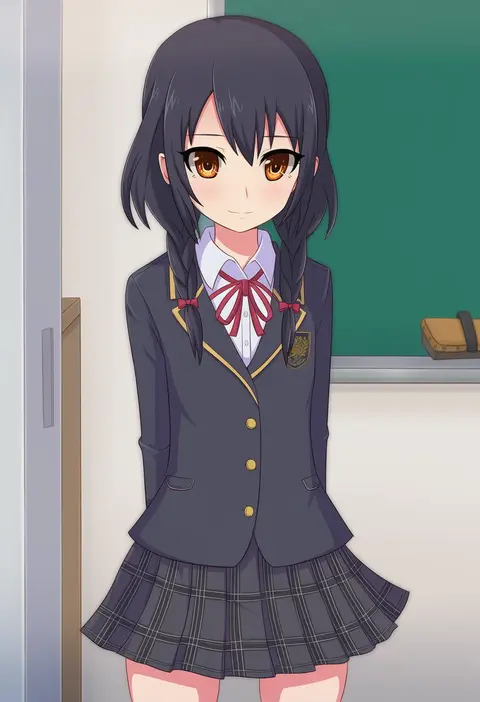
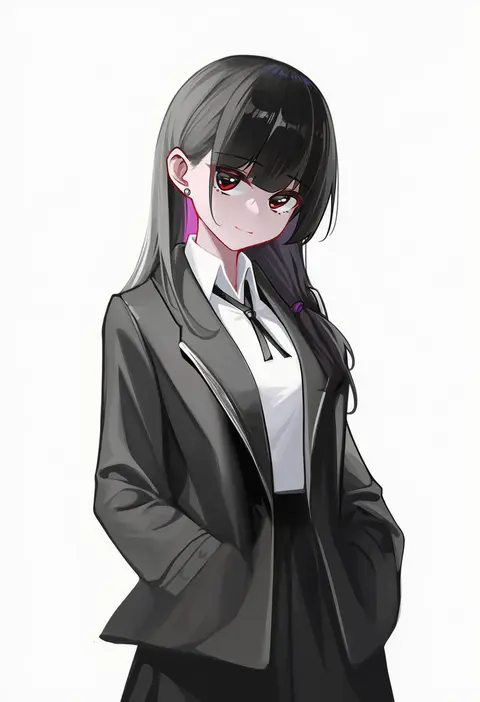
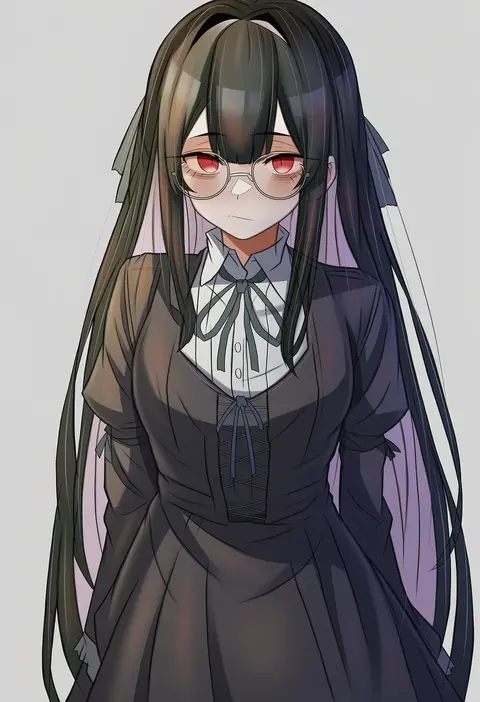
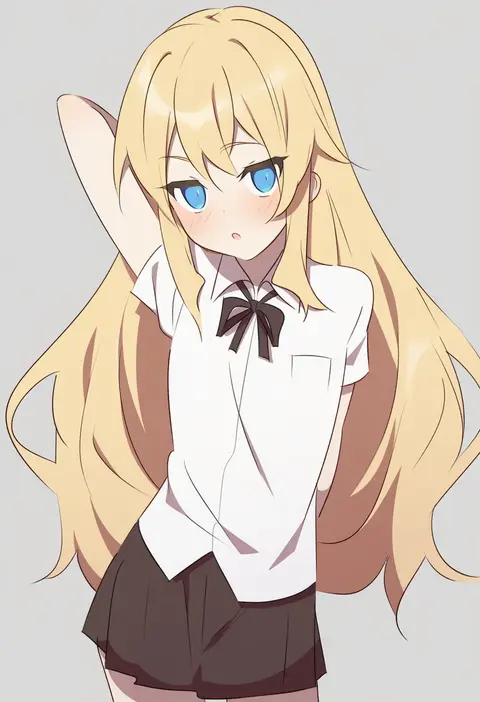
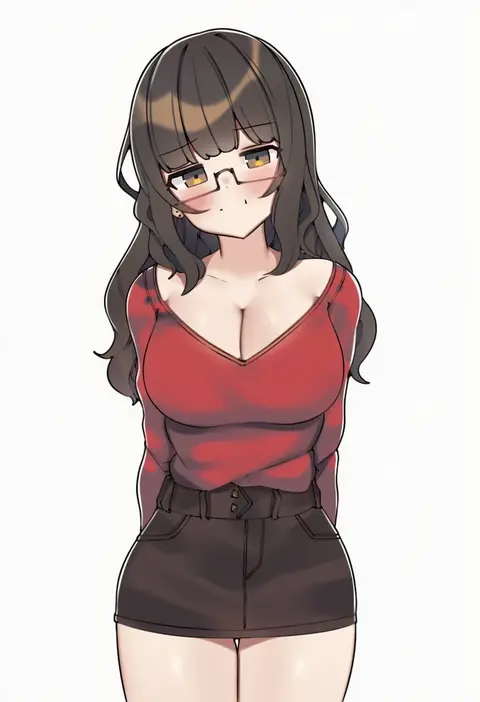
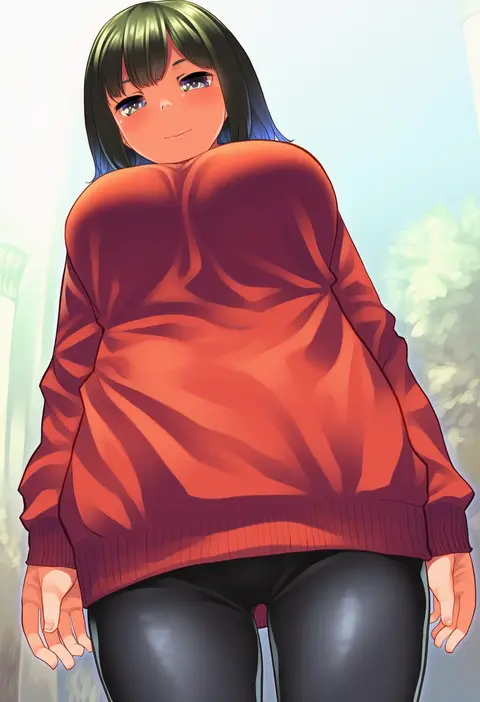
V4.5Artists
sort: FAVS▾
▾
>
$

NovelAI Artist Tags List — V4.5

artist --count 16,352[135/273]
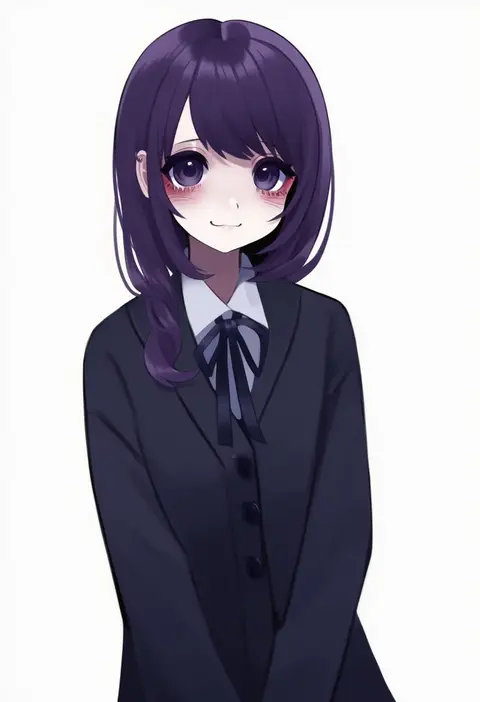
jishou 210
ARTIST0x1F68
0
illusionk
ARTIST0x1F69
0
ramochi (auti)
ARTIST0x1F6A
0
tomatika
ARTIST0x1F6B
0
lemon t
ARTIST0x1F6C
0
jotti
ARTIST0x1F6D
0
sasuga kei
ARTIST0x1F6E
0
z.nov
ARTIST0x1F6F
0
yachi (fujiyasu0616)
ARTIST0x1F70
0
eromame
ARTIST0x1F71
0
criis-chan
ARTIST0x1F72
0
minamura haruki
ARTIST0x1F73
0
minust
ARTIST0x1F74
0
otosama
ARTIST0x1F75
0
jiji (aardvark)
ARTIST0x1F76
0
zunkome
ARTIST0x1F77
0
ponzu rui
ARTIST0x1F78
0
mono (moiky)
ARTIST0x1F79
0
nozomi tsubame
ARTIST0x1F7A
0
kasuya baian
ARTIST0x1F7B
0
musen-shiki sanhankikan
ARTIST0x1F7C
0
gochou (kedama)
ARTIST0x1F7D
0
mimura kaoru
ARTIST0x1F7E
0
yue (shemika98425261)
ARTIST0x1F7F
0
ineka ka
ARTIST0x1F80
0
edogawa nao
ARTIST0x1F81
0
senta (ysk 0218)
ARTIST0x1F82
0
takanashi-a
ARTIST0x1F83
0
zhanzhangzlw
ARTIST0x1F84
0
koutarou (girl power)
ARTIST0x1F85
0
soyo1558686
ARTIST0x1F86
0
mallizmora
ARTIST0x1F87
0
snapagi
ARTIST0x1F88
0
kaneko hiraku
ARTIST0x1F89
0
fukase ayaka
ARTIST0x1F8A
0
dougan calpis con
ARTIST0x1F8B
0
saebashi
ARTIST0x1F8C
0
kimura shigetaka
ARTIST0x1F8D
0
shinburu
ARTIST0x1F8E
0
dacchi
ARTIST0x1F8F
0
riyo (aokiwazumi)
ARTIST0x1F90
0
blanchat
ARTIST0x1F91
0
yoshiwo (kanikama)
ARTIST0x1F92
0
zhaoyebai
ARTIST0x1F93
0
esoragoto
ARTIST0x1F94
0
haniwa (kiminozorazio)
ARTIST0x1F95
0
komi (komiking)
ARTIST0x1F96
0
ippo
ARTIST0x1F97
0
mudou eichi
ARTIST0x1F98
0
mikan (chipstar182)
ARTIST0x1F99
0
tokyo (great akuta)
ARTIST0x1F9A
0
inuyama nanami
ARTIST0x1F9B
0
tomatto (@ma!)
ARTIST0x1F9C
0
sorimura youji
ARTIST0x1F9D
0
byte (allbyte)
ARTIST0x1F9E
0
leogust
ARTIST0x1F9F
0
supershiruco
ARTIST0x1FA0
0
aa211108
ARTIST0x1FA1
0
aaru (tenrake chaya)
ARTIST0x1FA2
0
mo23
ARTIST0x1FA3
0

What these tags change

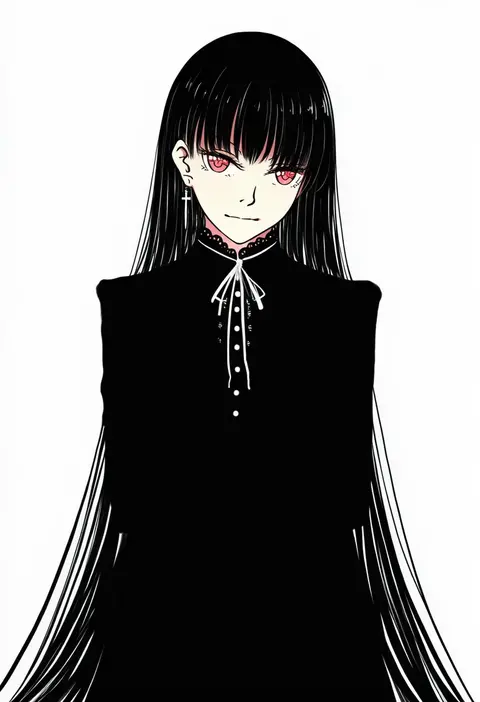
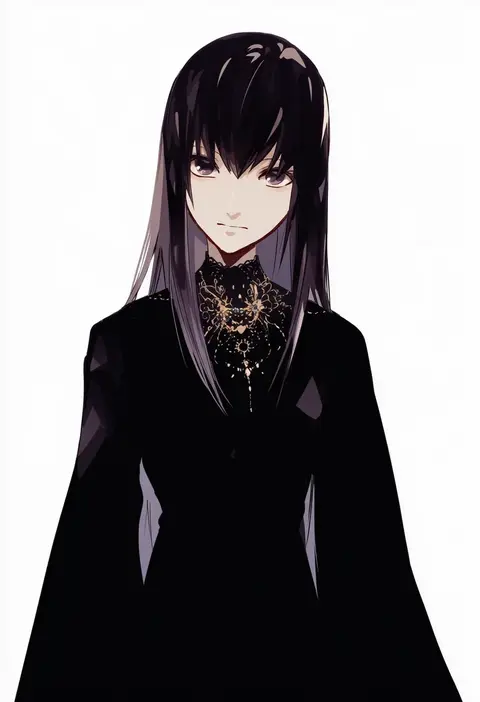
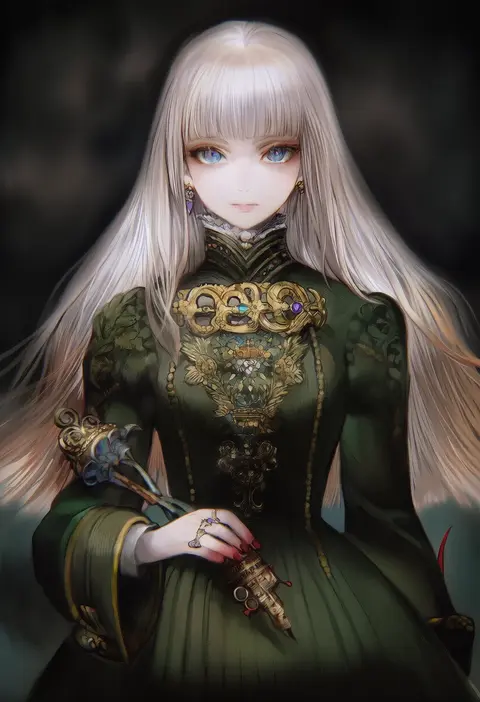
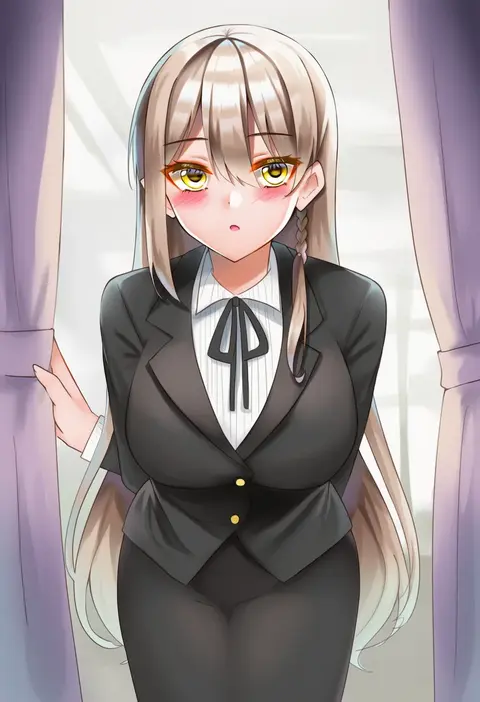
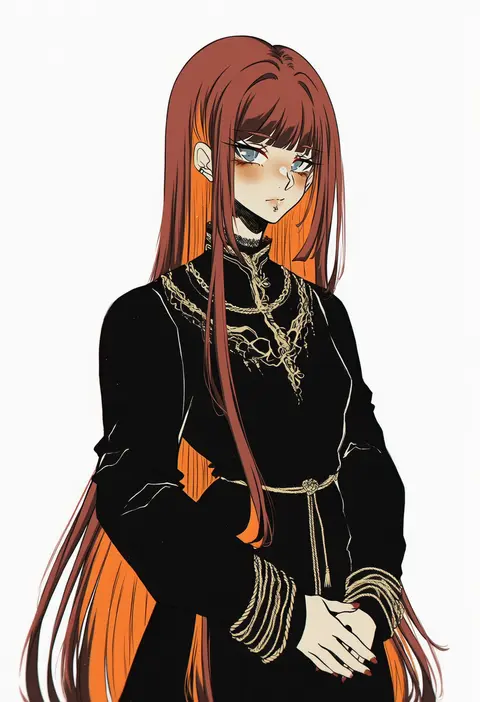
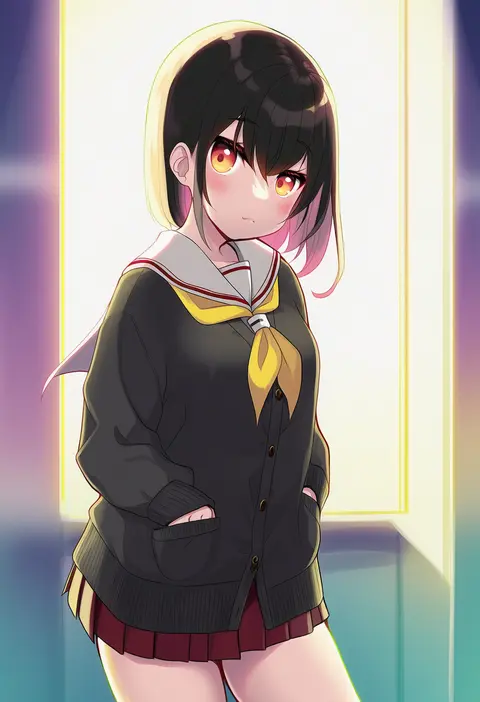
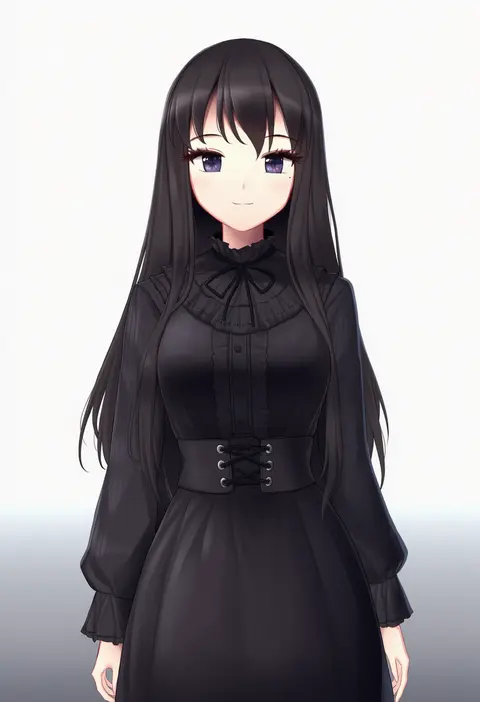
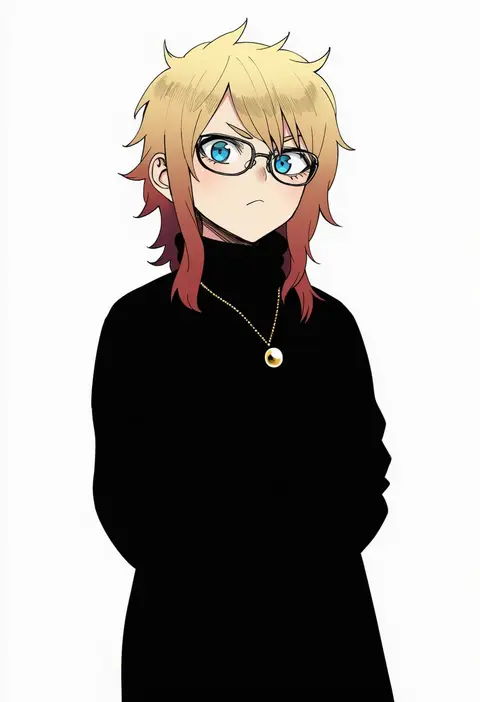
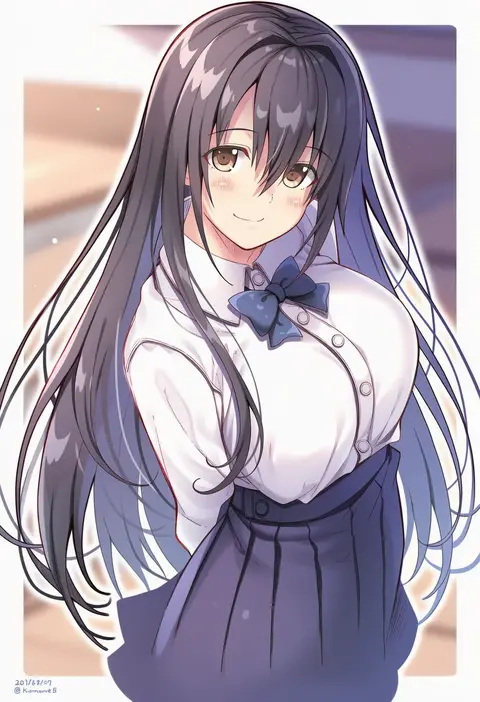
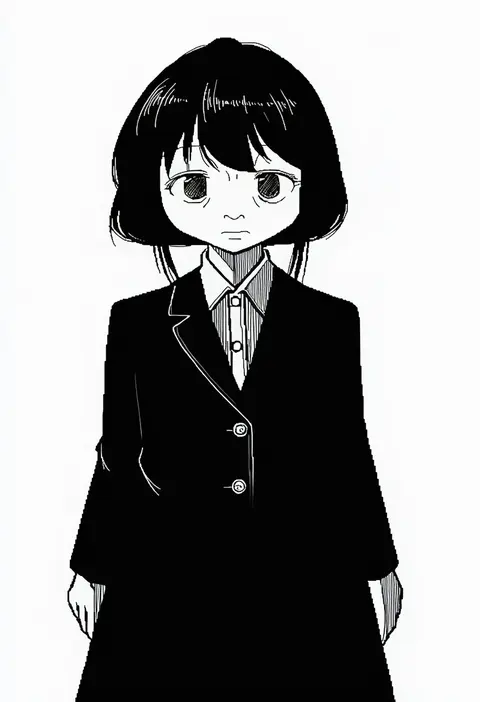
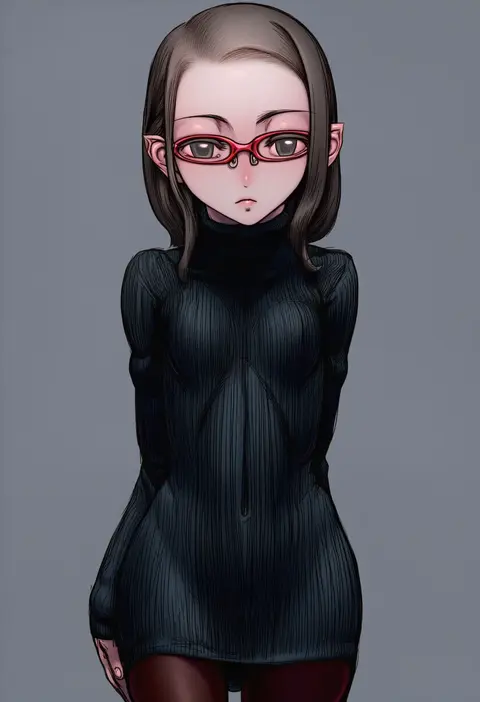
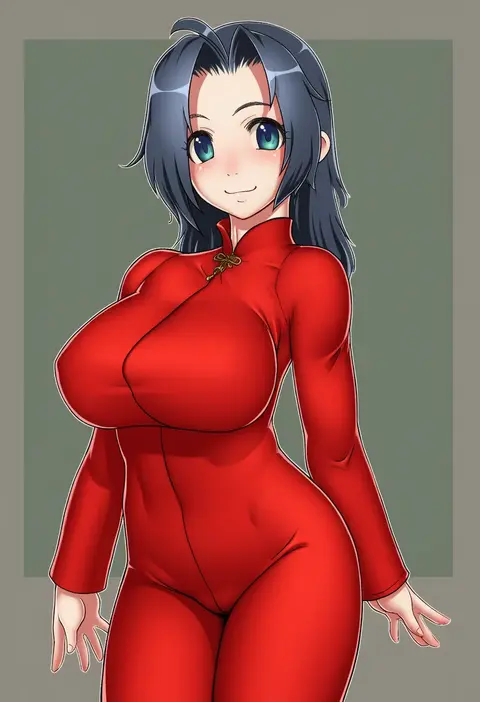
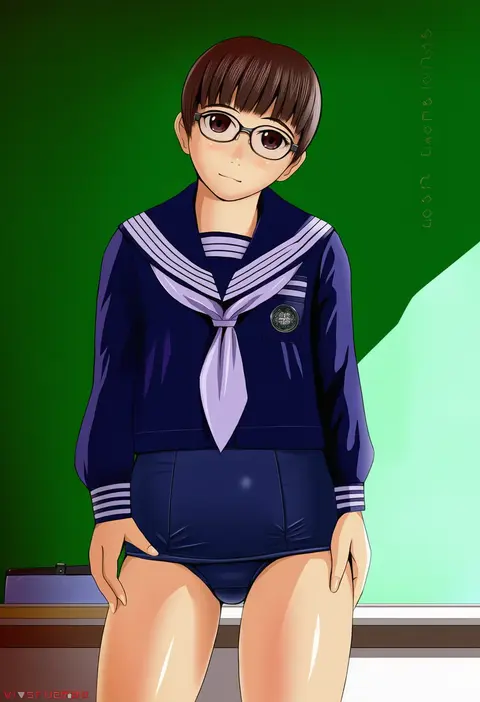
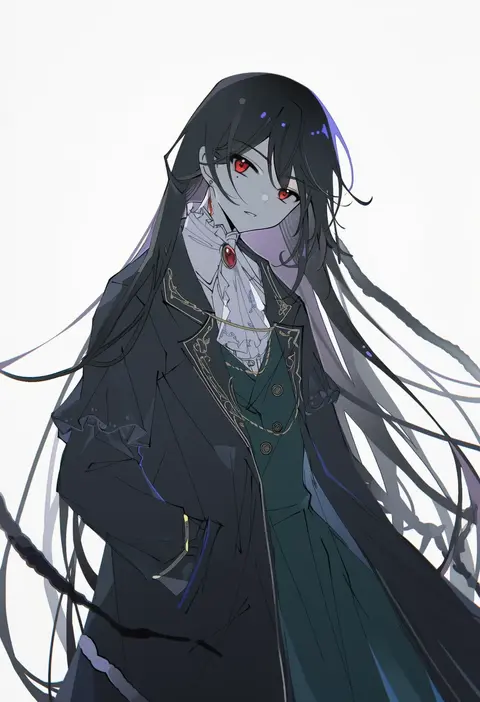
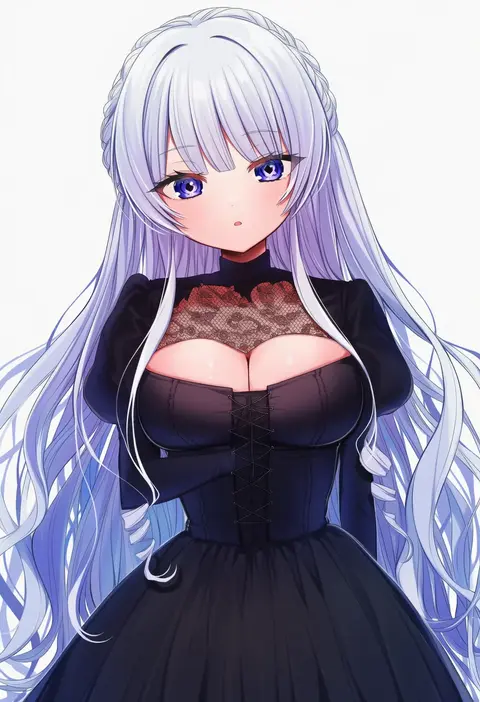
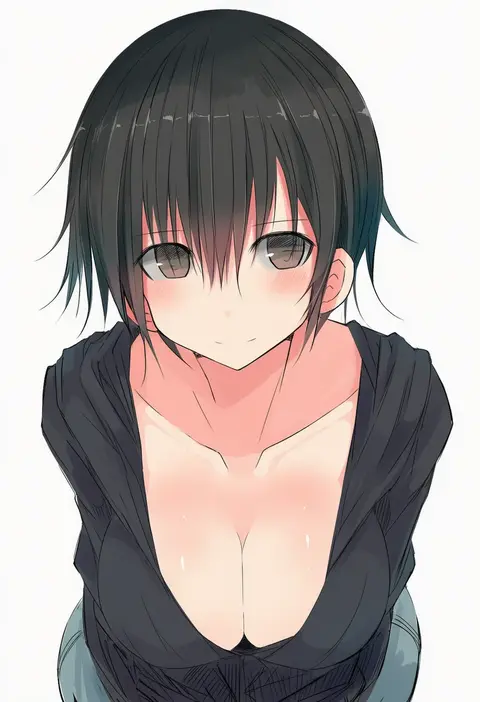
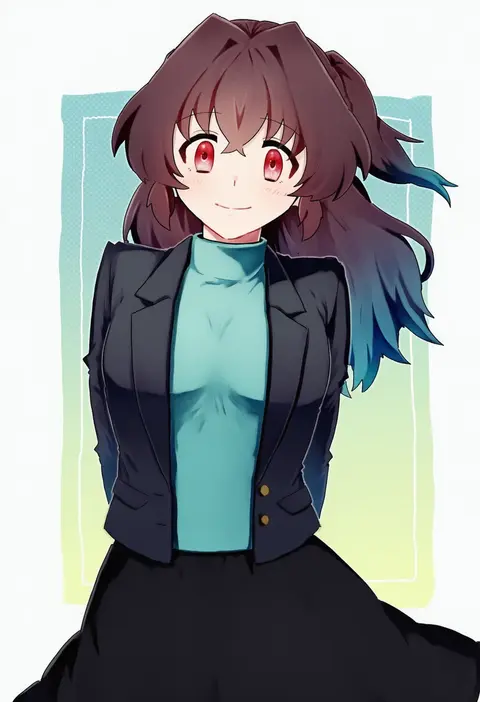
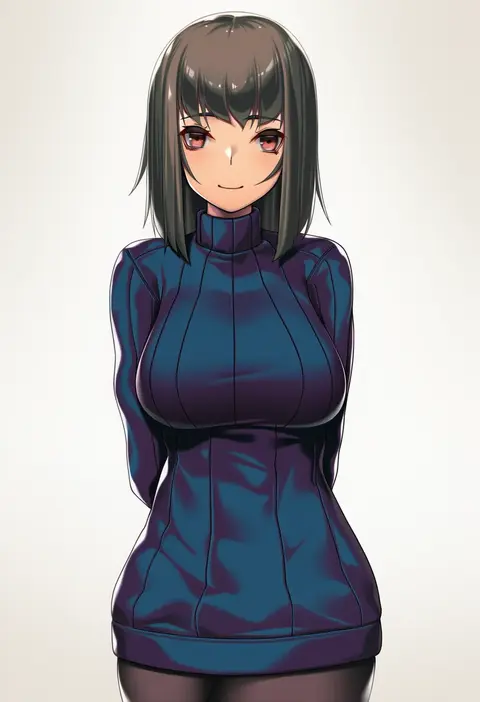
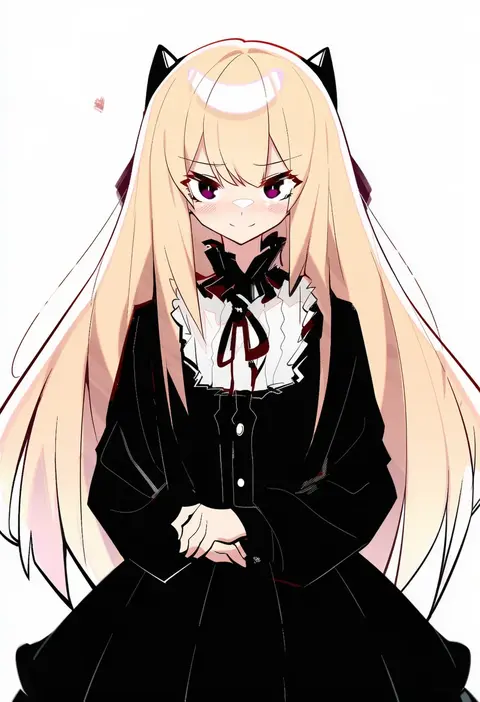
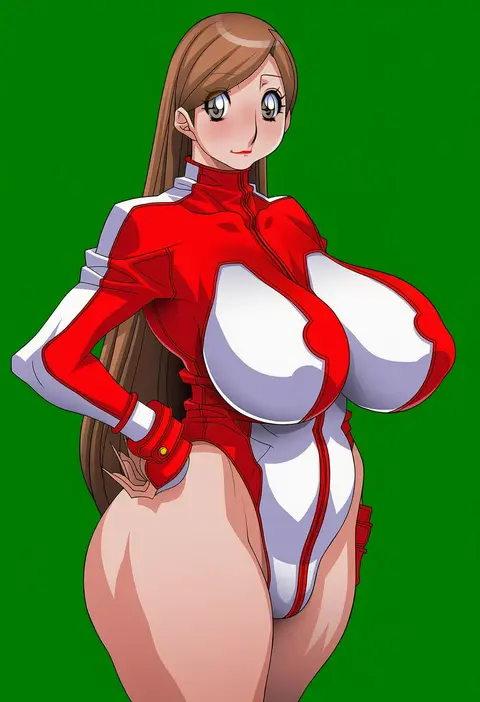
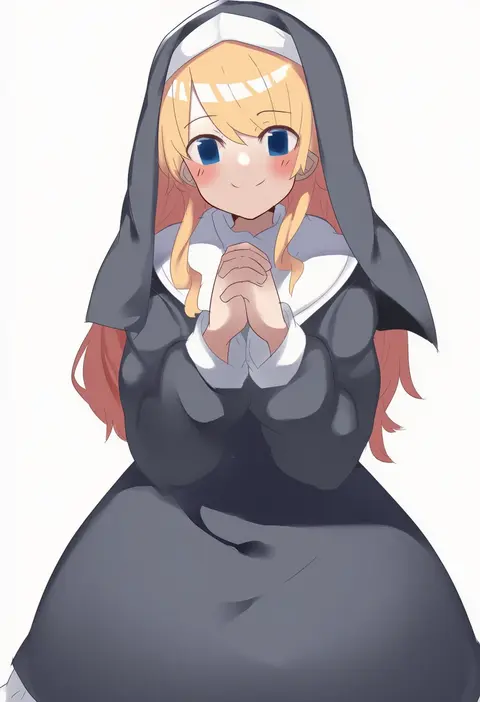
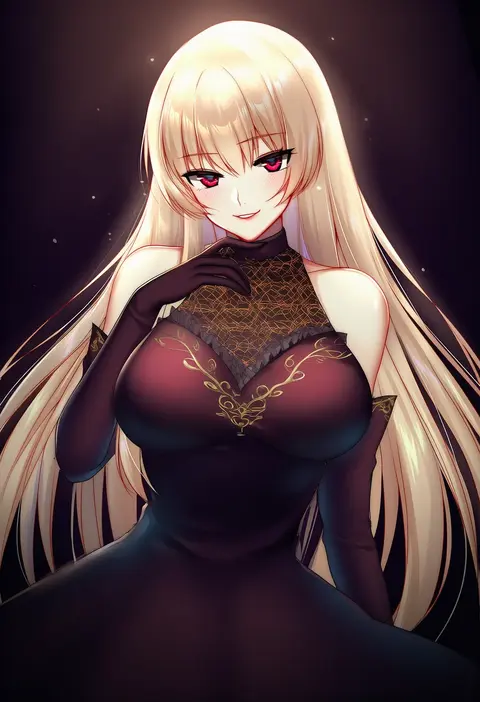
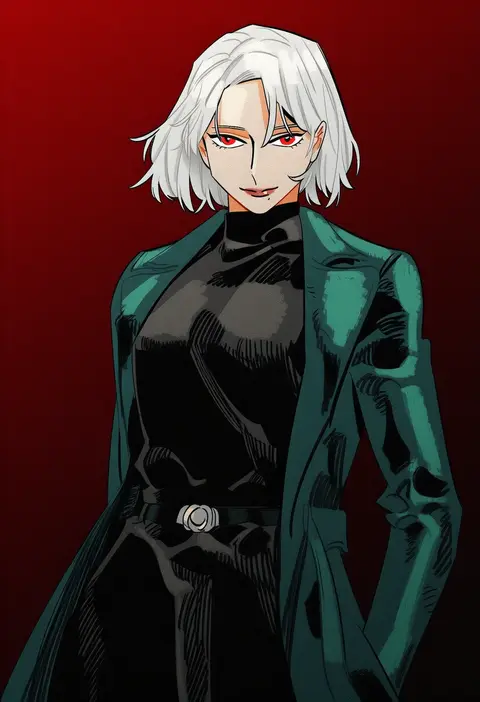
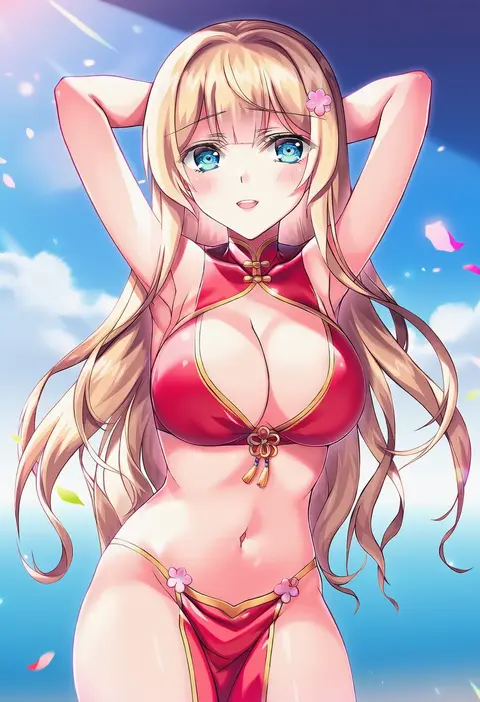
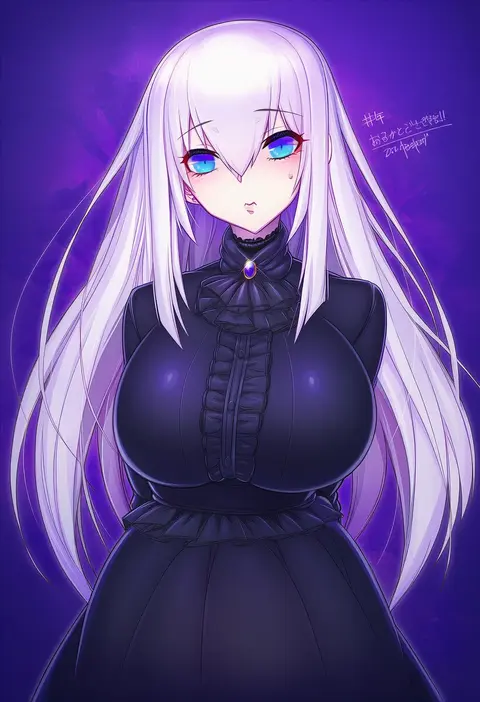
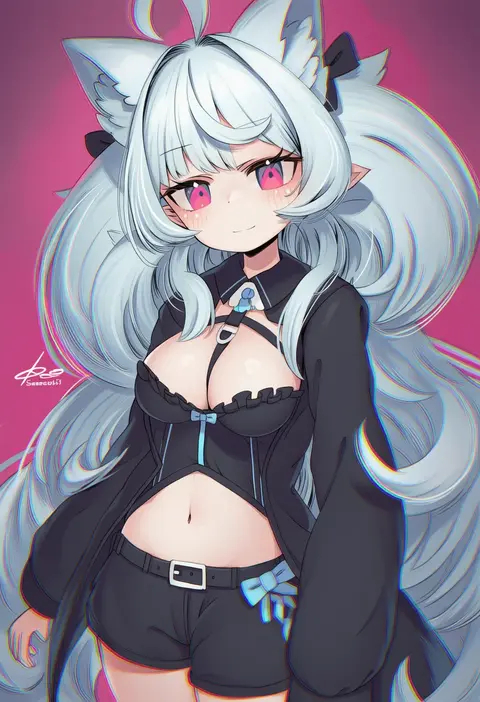
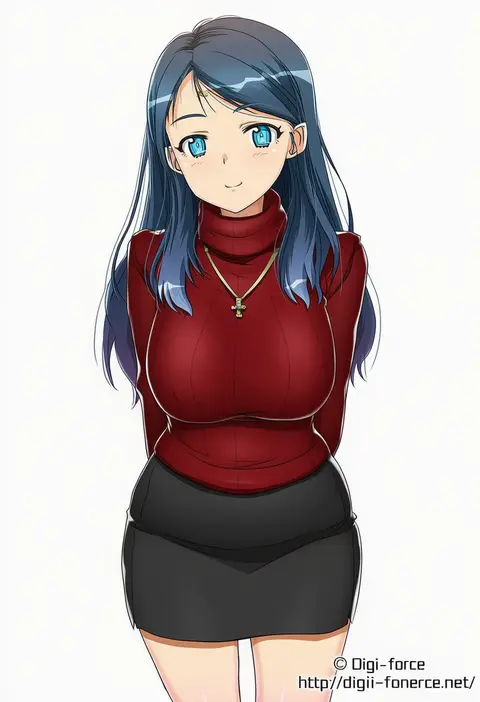
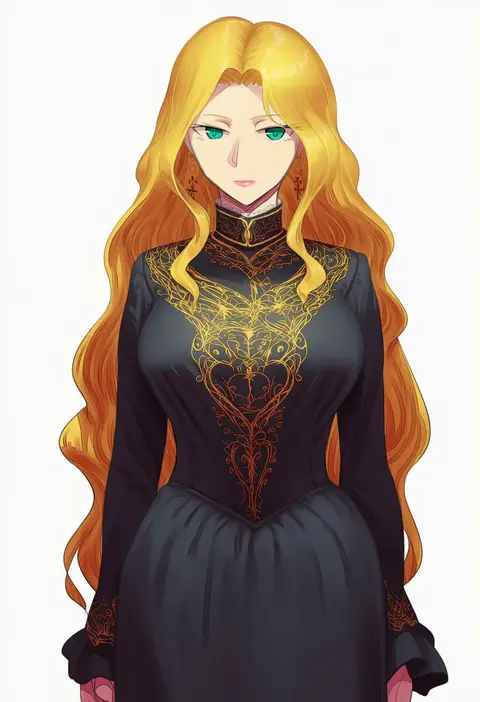
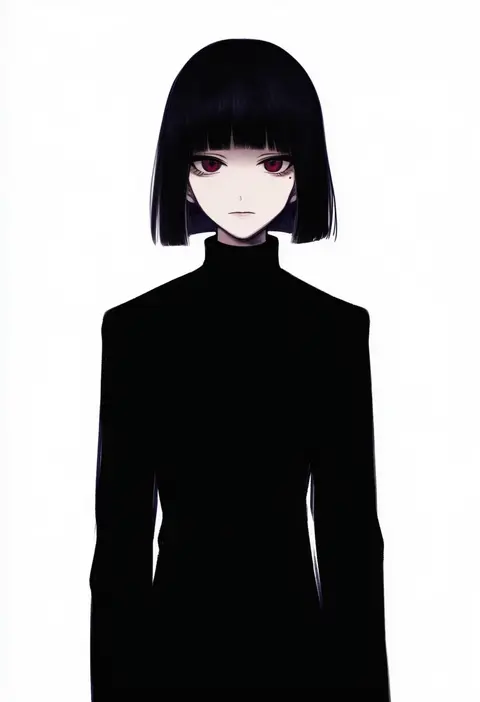
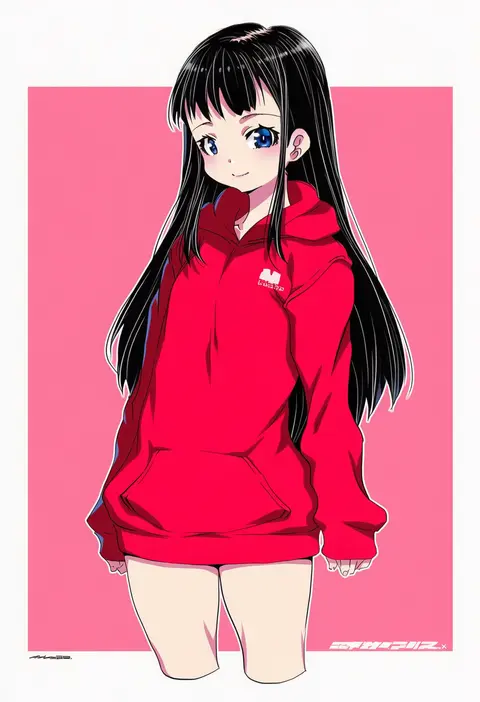
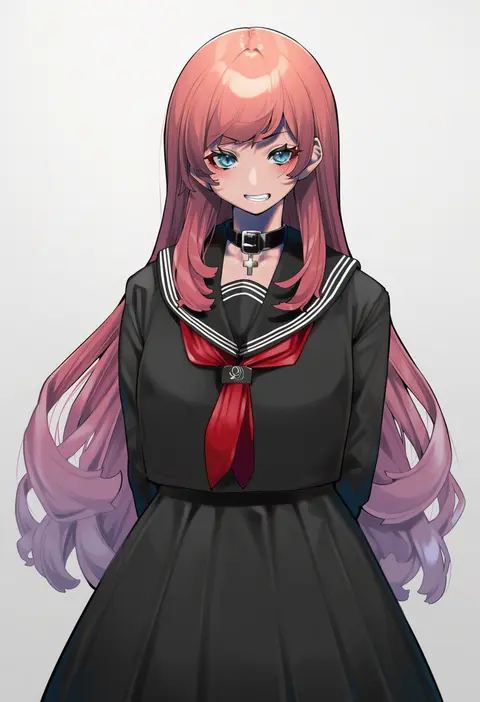
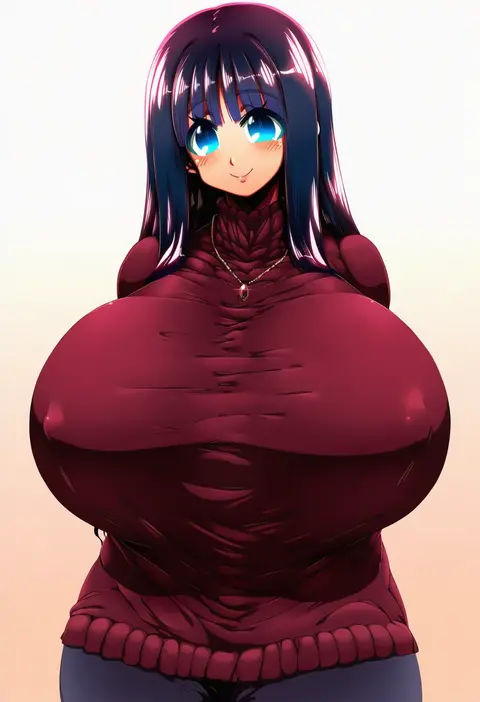
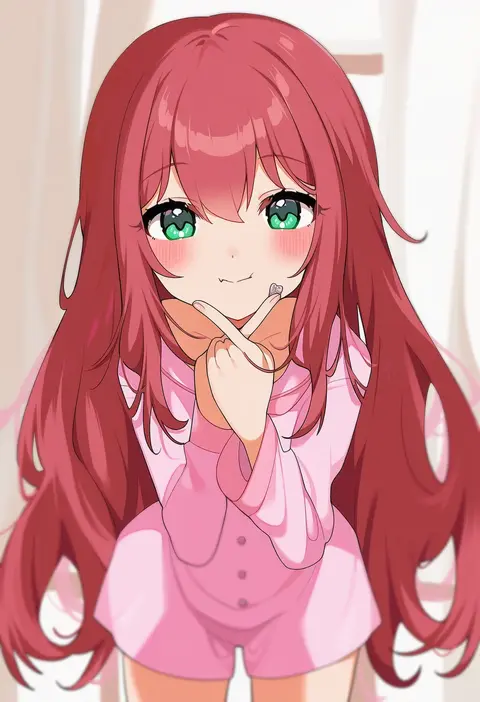
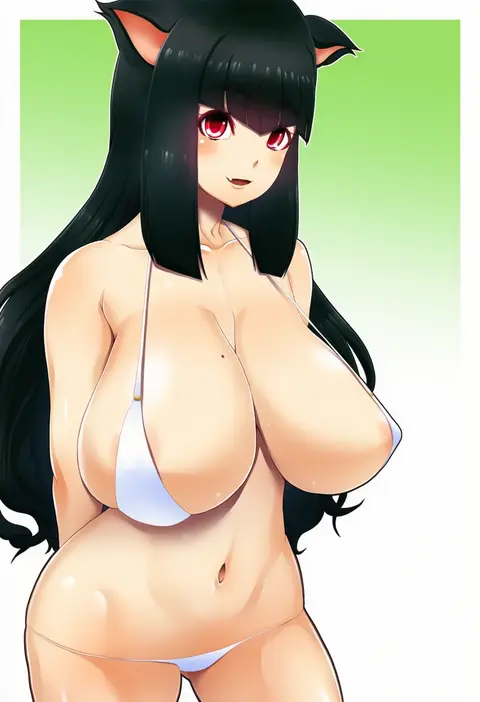
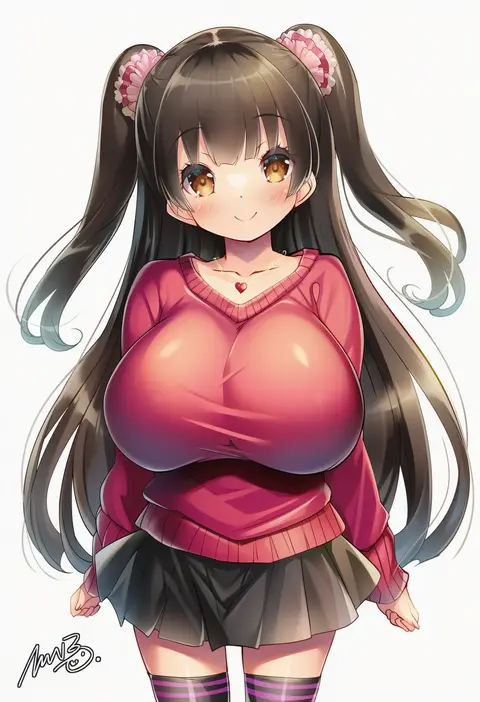
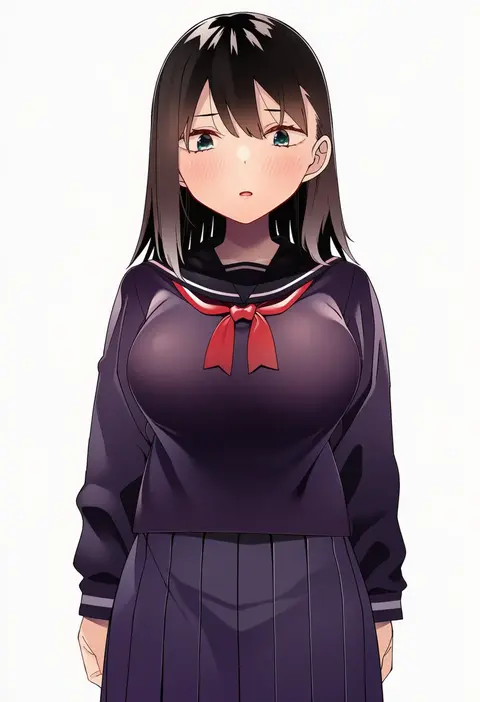
Artist tags tell NovelAI Diffusion to draw in a specific artist's style: line weight, paint texture, face shapes and palette all shift at once. Character and outfit tags decide what is drawn; artist tags decide how. 16,352 tags are listed for V4.5.
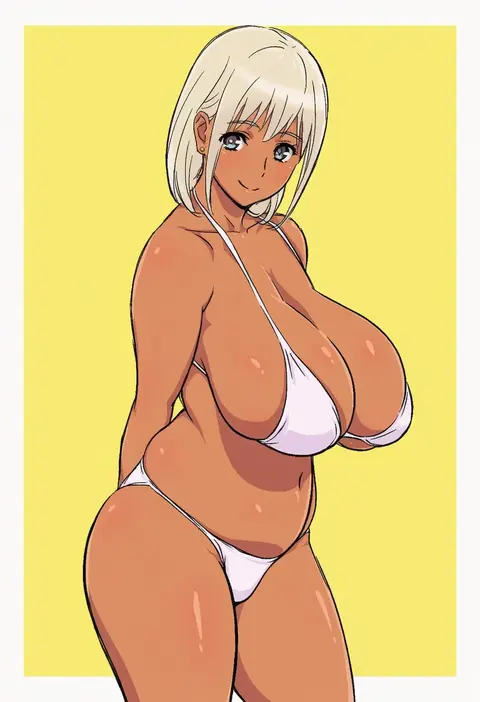
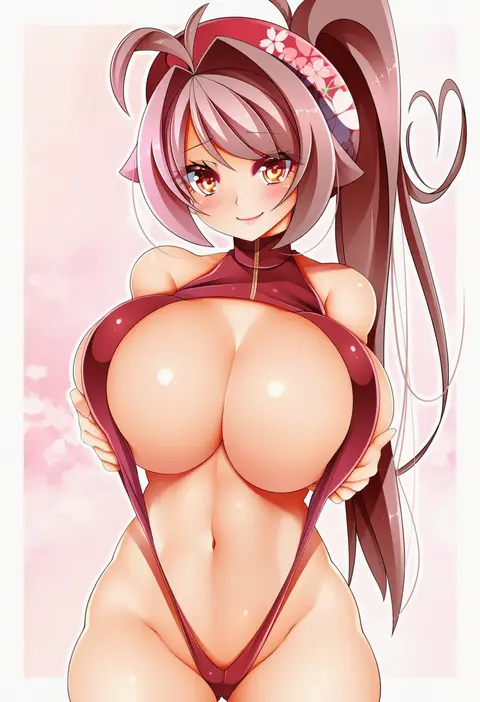
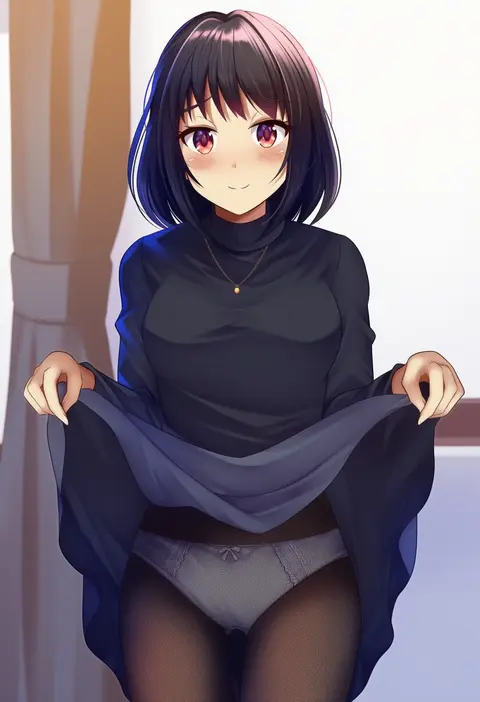
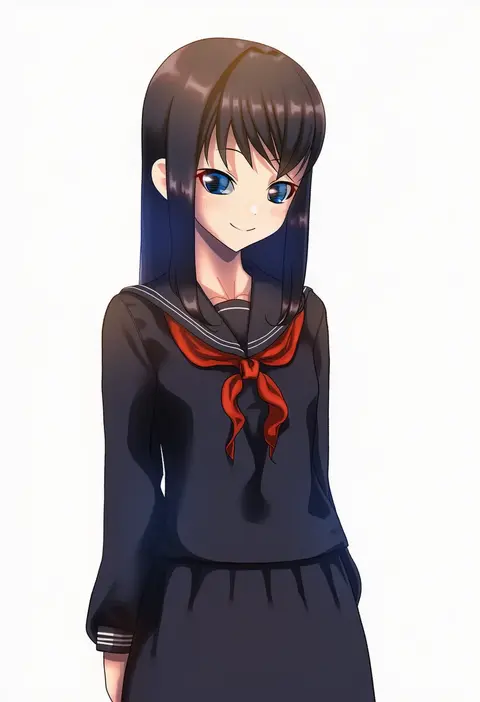
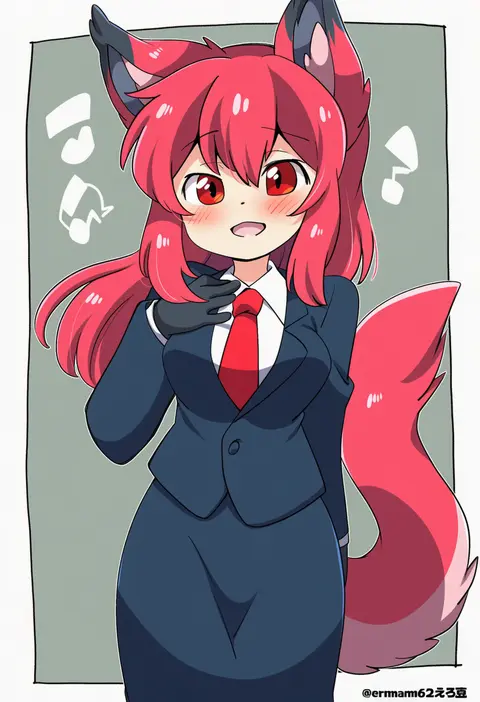
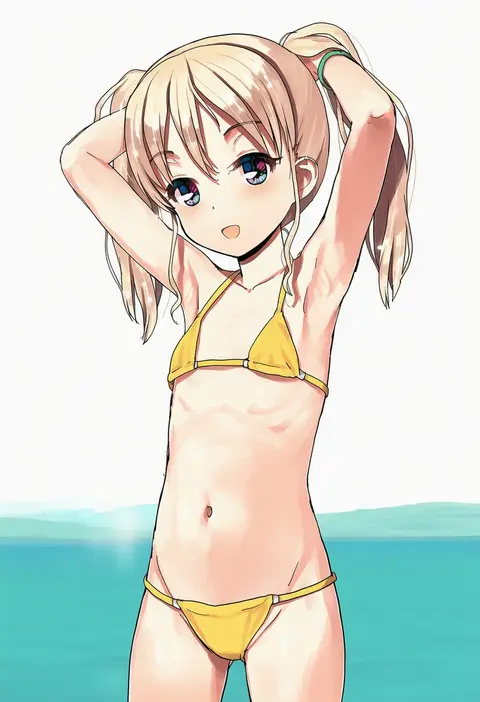
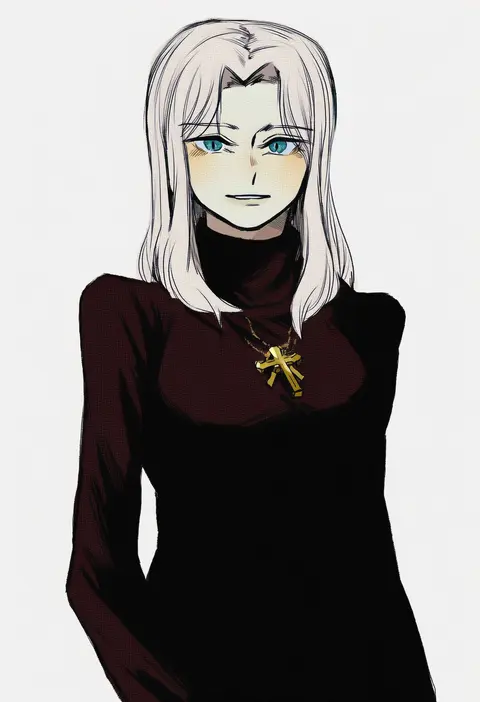
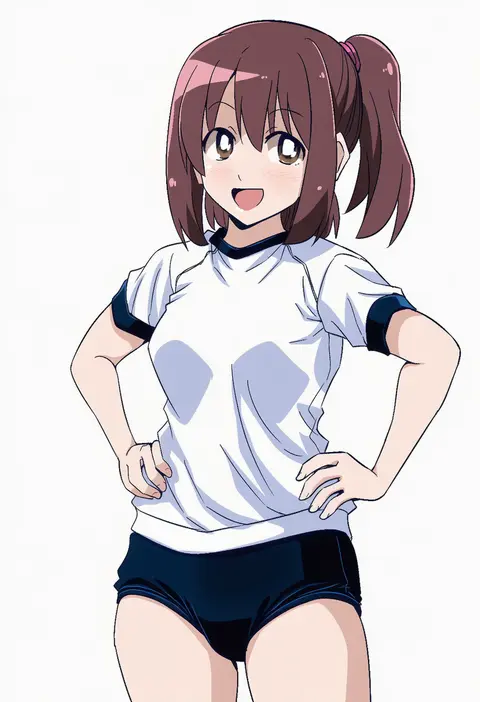
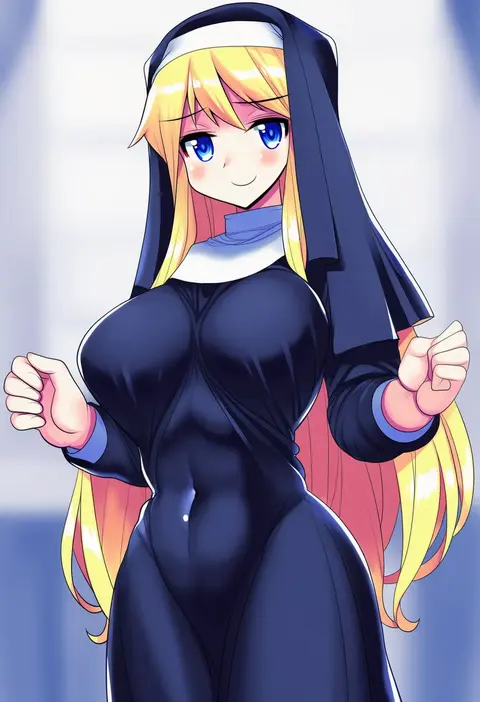
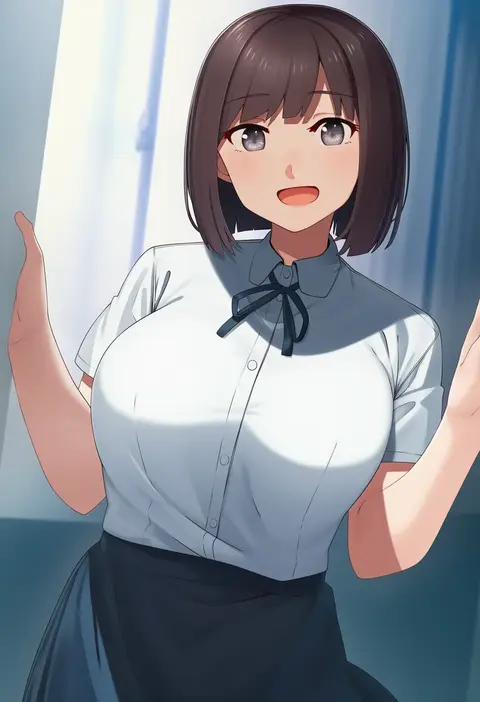
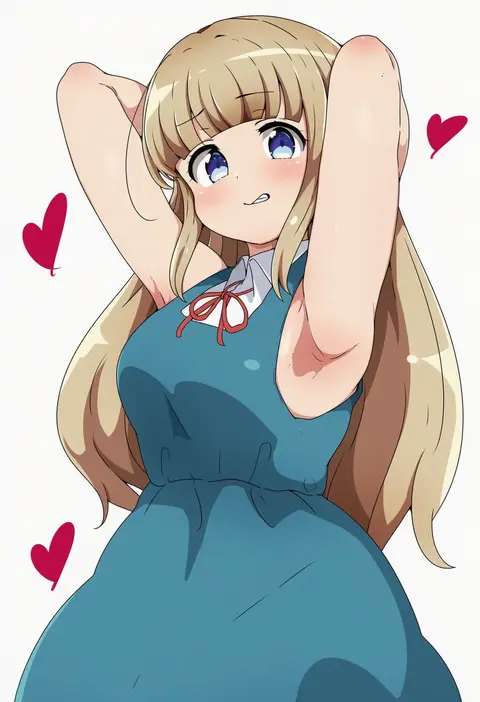
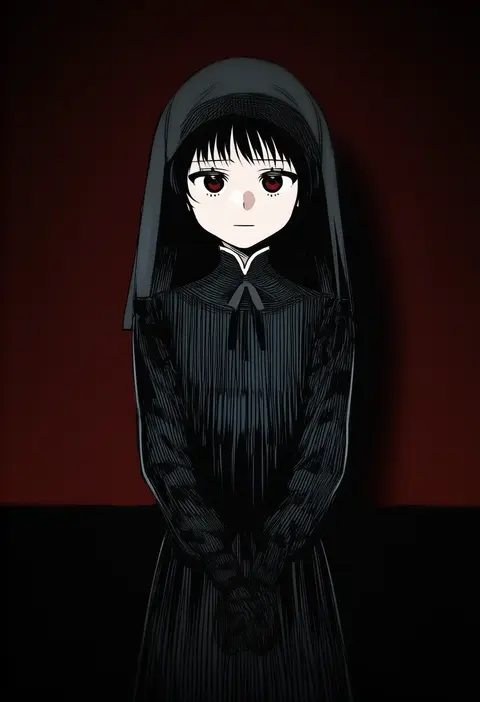
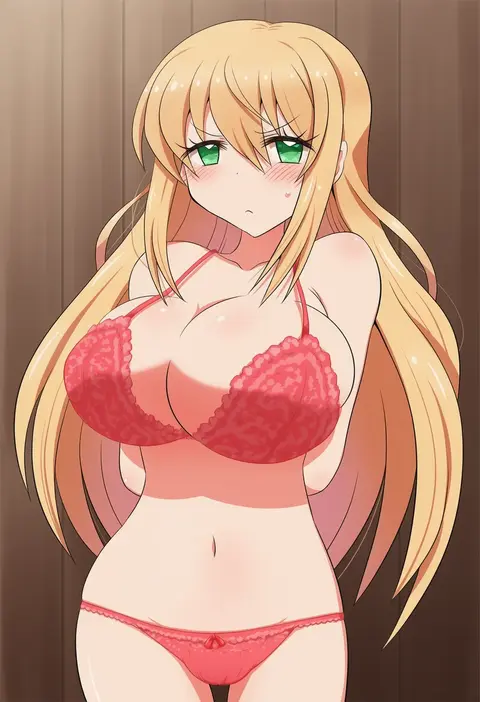
Every tag listed here is verified to react in NovelAI. All images use the same prompt, seed and settings with only the artist tag swapped, so the difference between two images is the style that tag brings in.

How to use them

Put the artist tag near the front of the prompt, e.g. "<artist>, 1girl, solo, best quality, masterpiece, cowboy shot". Two or three artist tags blend styles; lower the weight with "0.8::<artist>::" when the style overpowers the character.

SCORE sorts by Danbooru's top score, POSTS by post count, FAVS by hearts on this site. Open a card to see V5 and V4.5 side by side on the same seed.

V5 vs V4.5

V5 usually lands closer to the artist's real style, and tags that did nothing on V4.5 often react on V5. V4.5 still fits older and doujin-heavy artists better. Try V5 first, fall back to V4.5.

FAQ

Where does the artist tag go?
Near the front of the prompt. Use "0.8::tag::" to adjust its weight.

Can I stack artist tags?
Yes, styles blend. Past two or three the result stops looking like anyone.

Are these the artists' own works?
No. Every image is a NovelAI sample generated from the tag.