V4.5Artists
sort: FAVS▾
▾
>
$

NovelAI Artist Tags List — V4.5

artist --count 16,352[141/273]
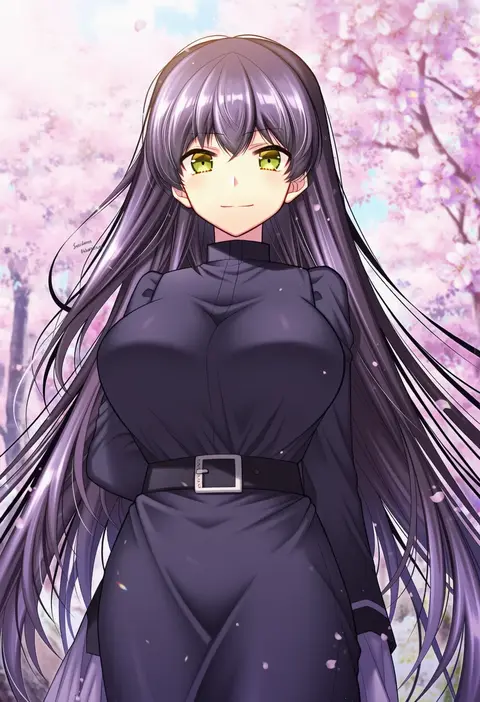
sakura tsubame
ARTIST0x20D0
0
yilx
ARTIST0x20D1
0
motoi hiroumi
ARTIST0x20D2
0
gold can
ARTIST0x20D3
0
militia minpei
ARTIST0x20D4
0
suke (momijigari)
ARTIST0x20D5
0
pondel
ARTIST0x20D6
0
poshi (ginmokusei)
ARTIST0x20D7
0
sabet (young ouo)
ARTIST0x20D8
0
tanakara
ARTIST0x20D9
0
lelie (lelie link)
ARTIST0x20DA
0
ero waifu
ARTIST0x20DB
0
kagerou (shadowmage)
ARTIST0x20DC
0
inuyayo
ARTIST0x20DD
0
kaerunoashi
ARTIST0x20DE
0
ginka (gink a)
ARTIST0x20DF
0
zy (zyyyyyyy9)
ARTIST0x20E0
0
okiq
ARTIST0x20E1
0
hayate fish
ARTIST0x20E2
0
myu-po
ARTIST0x20E3
0
urayamashiro (artist)
ARTIST0x20E4
0
guaisanmu
ARTIST0x20E5
0
mishuo (misuo69421)
ARTIST0x20E6
0
ozeu0916
ARTIST0x20E7
0
emne
ARTIST0x20E8
0
yitiao er-hua
ARTIST0x20E9
0
hibiki (zerocodo)
ARTIST0x20EA
0
totokichi
ARTIST0x20EB
0
hyuuga azuri
ARTIST0x20EC
0
hane yuki
ARTIST0x20ED
0
baram
ARTIST0x20EE
0
ooji
ARTIST0x20EF
0
sabaku chitai
ARTIST0x20F0
0
sasaki akira (ugc)
ARTIST0x20F1
0
thor (deep rising)
ARTIST0x20F2
0
matataku
ARTIST0x20F3
0
rinyamame
ARTIST0x20F4
0
kaifei (kaifei 29)
ARTIST0x20F5
0
itamochi
ARTIST0x20F6
0
emmmerald
ARTIST0x20F7
0
max melon
ARTIST0x20F8
0
azuumori
ARTIST0x20F9
0
dodome-iro mayonnaise
ARTIST0x20FA
0
blaze (blazeillust)
ARTIST0x20FB
0
shimano natsume
ARTIST0x20FC
0
hariyaa
ARTIST0x20FD
0
katsuoboshi
ARTIST0x20FE
0
ichijo rei
ARTIST0x20FF
0
pocche-ex
ARTIST0x2100
0
baru (val-val)
ARTIST0x2101
0
shimatori (sanyyyy)
ARTIST0x2102
0
parka (summersketch)
ARTIST0x2103
0
wingheart
ARTIST0x2104
0
kuroya shinobu
ARTIST0x2105
0
moon ldl
ARTIST0x2106
0
koyansuee
ARTIST0x2107
0
karuta (karuta01)
ARTIST0x2108
0
anchors (mono eye os)
ARTIST0x2109
0
harui (hr x9 )
ARTIST0x210A
0
kodama (mmt uf)
ARTIST0x210B
0

What these tags change

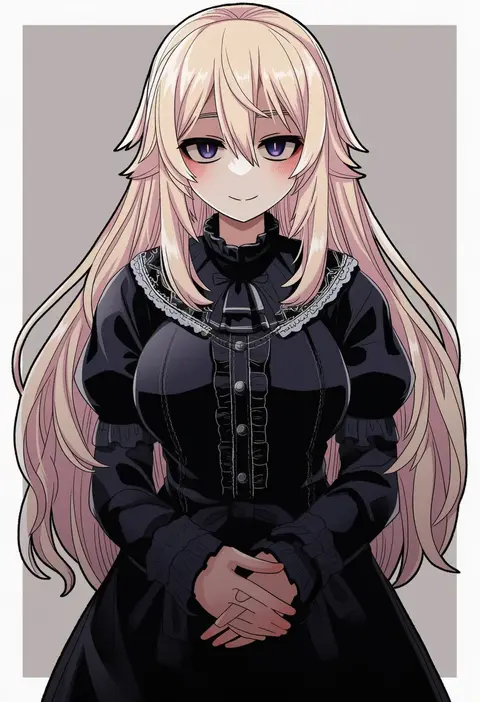
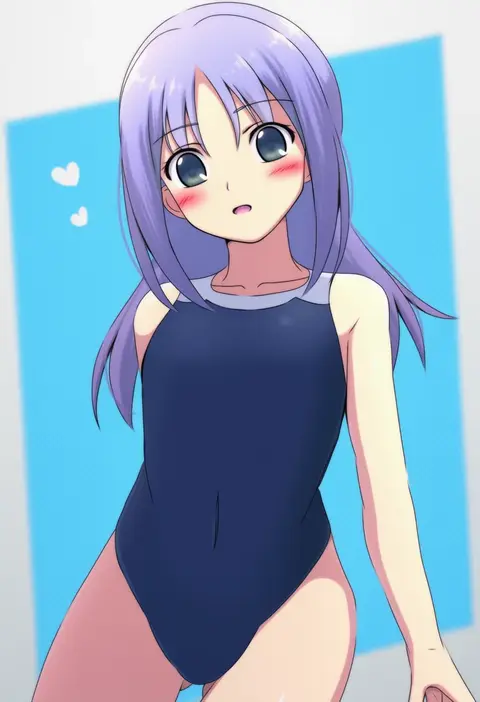
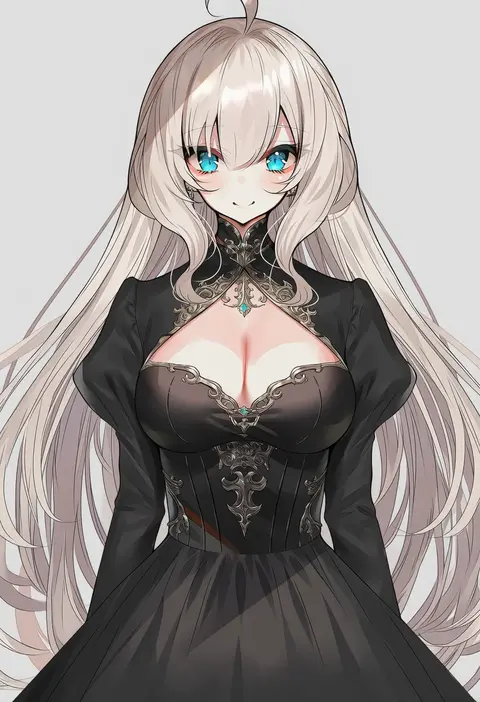
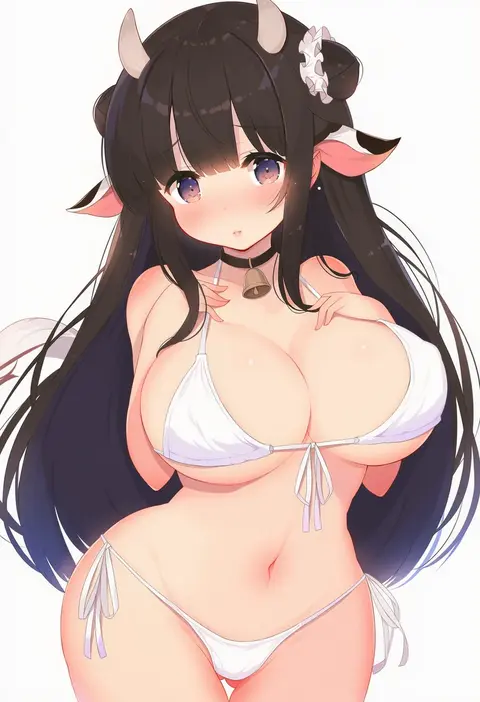
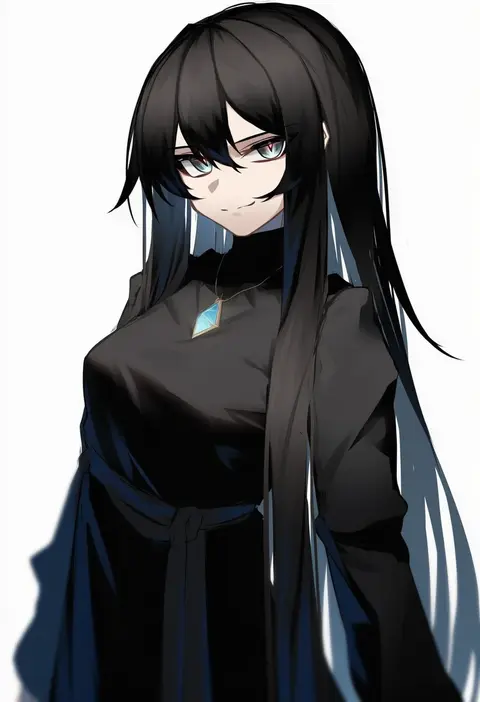
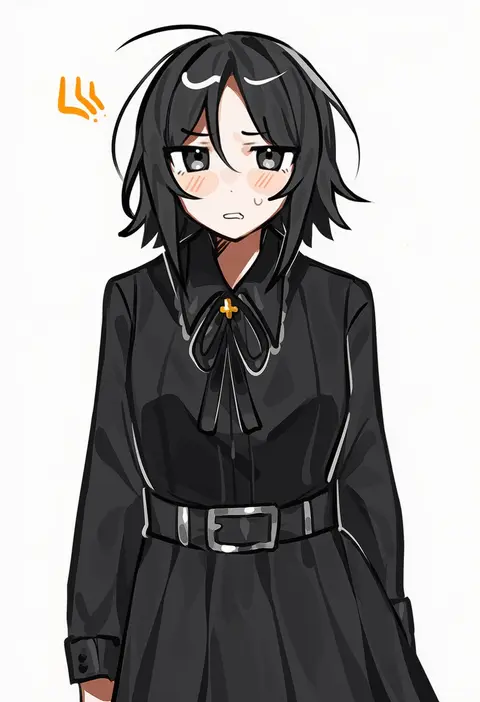
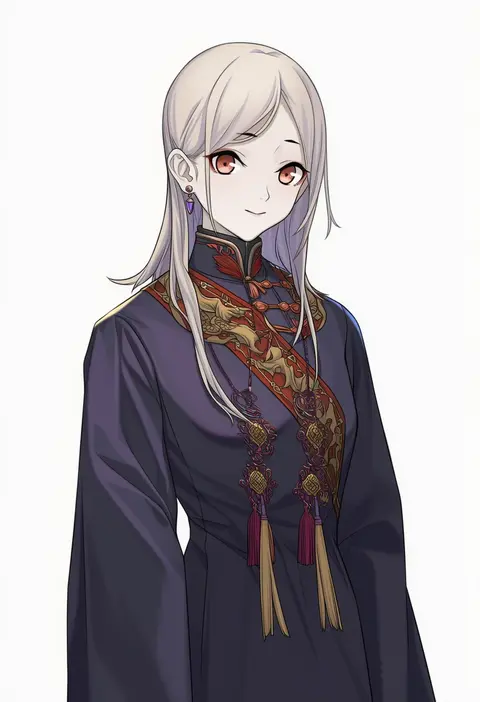
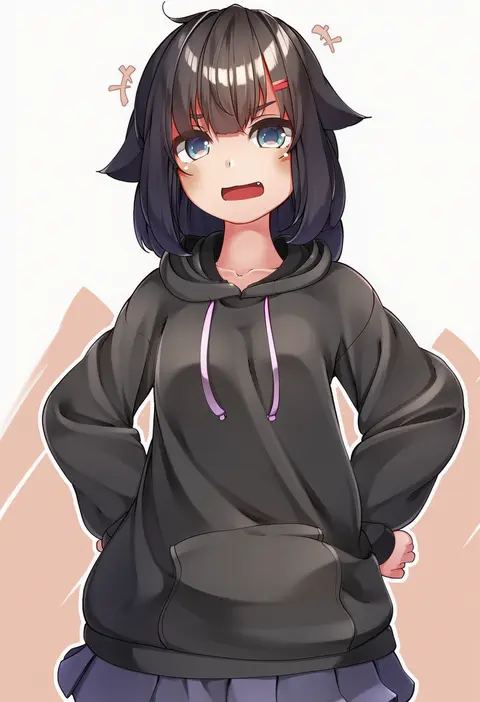
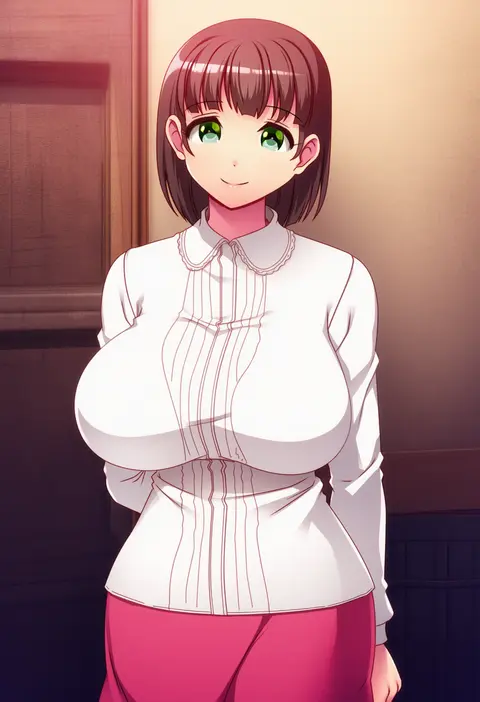
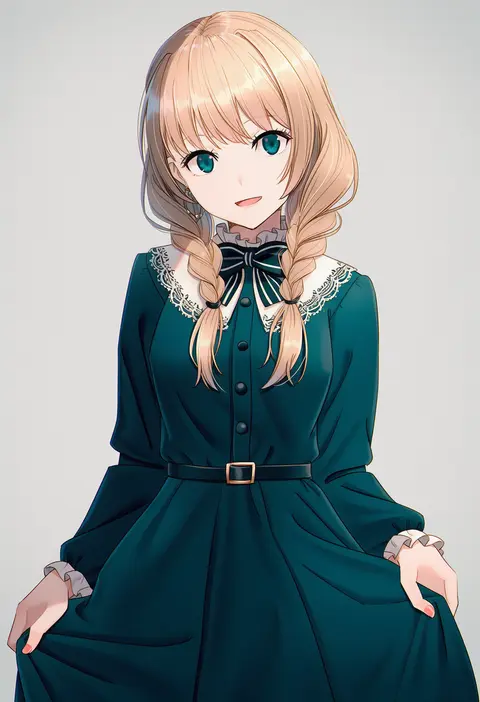
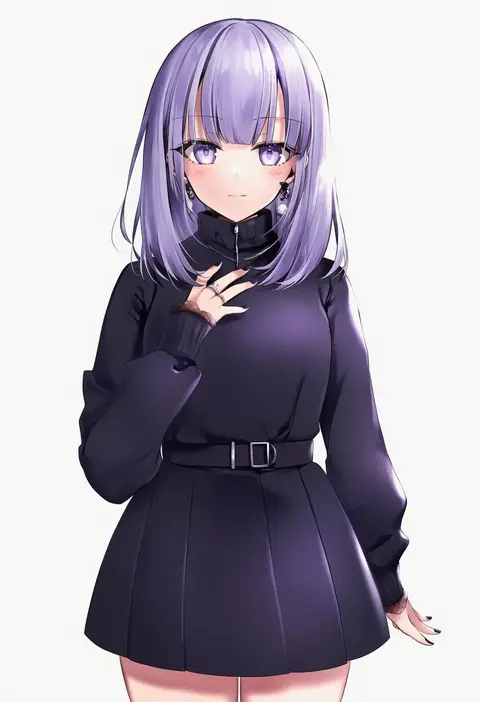
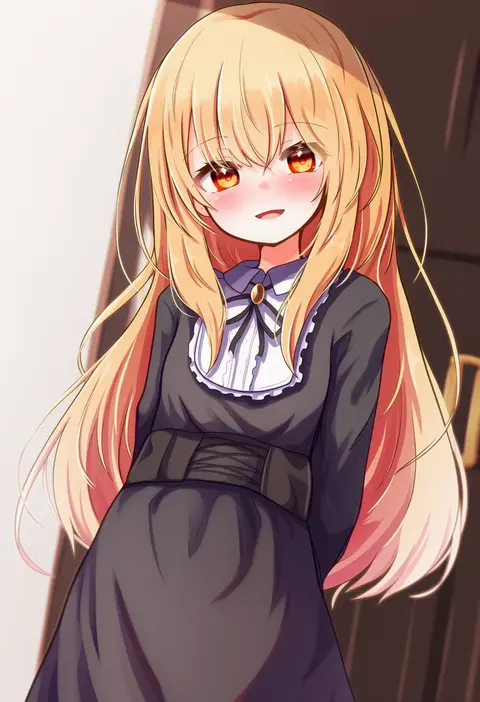
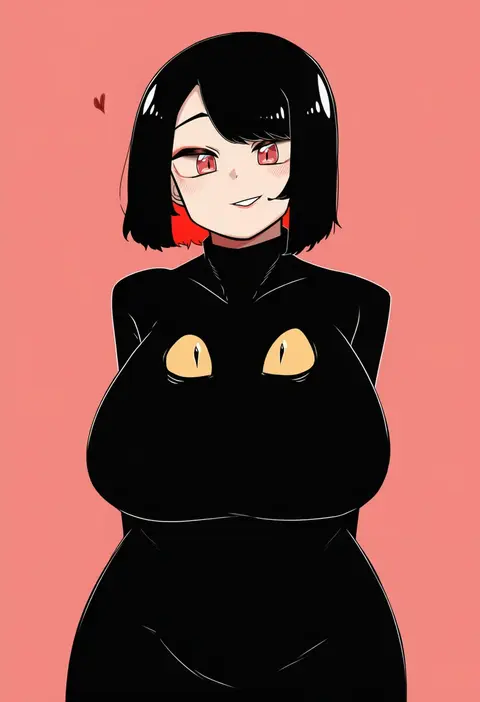
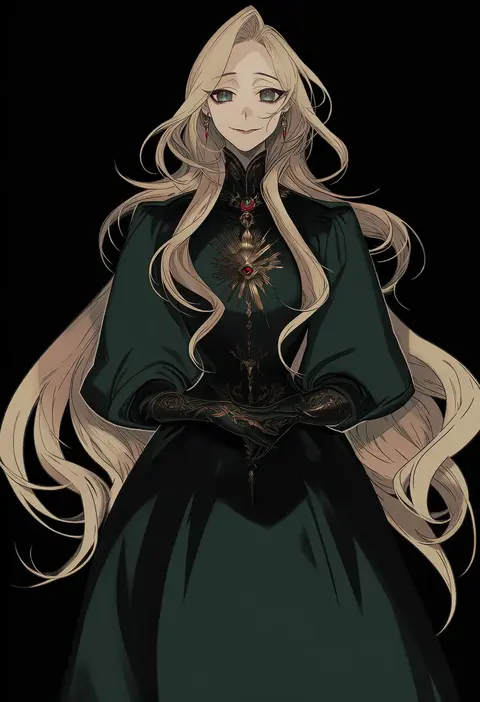
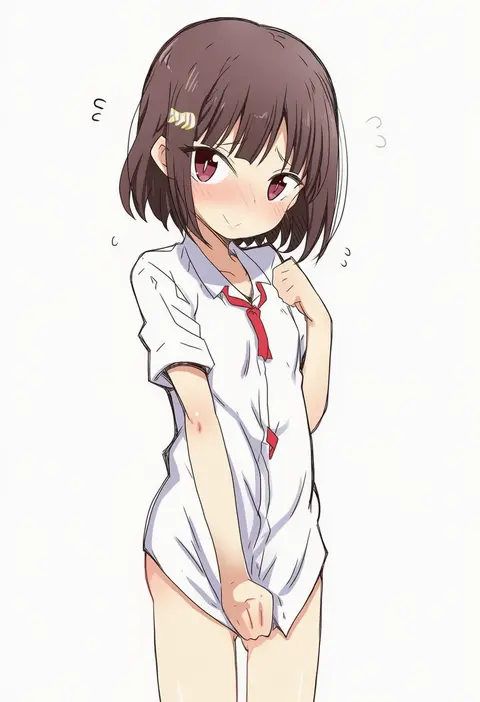
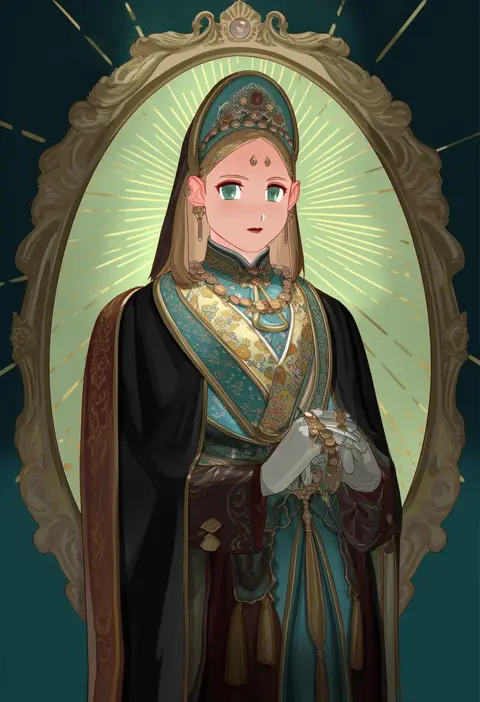
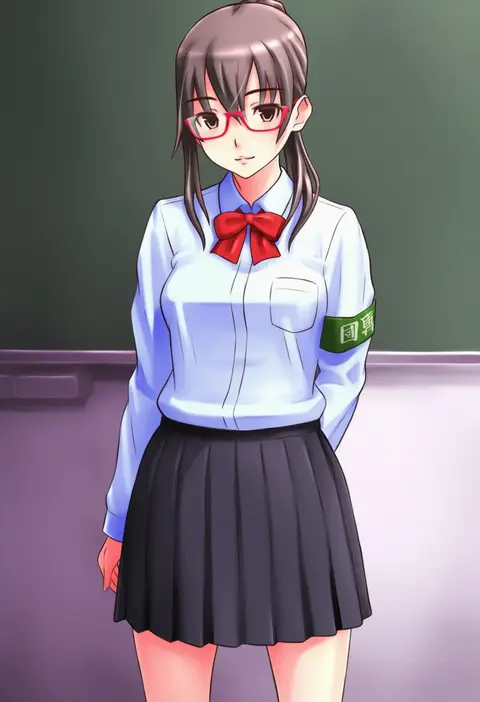
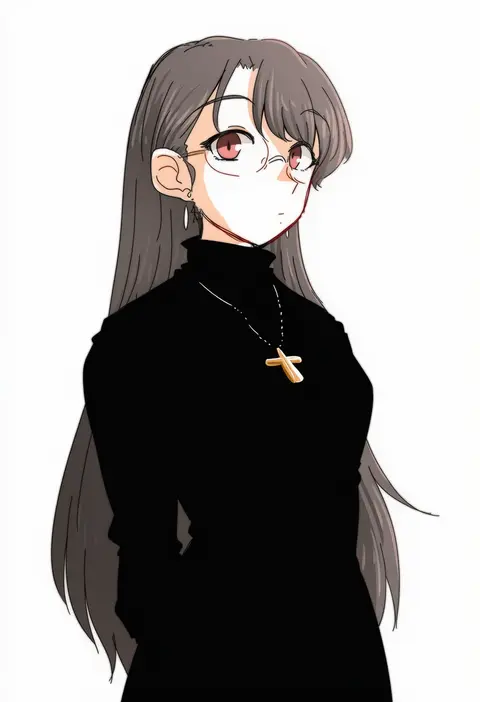
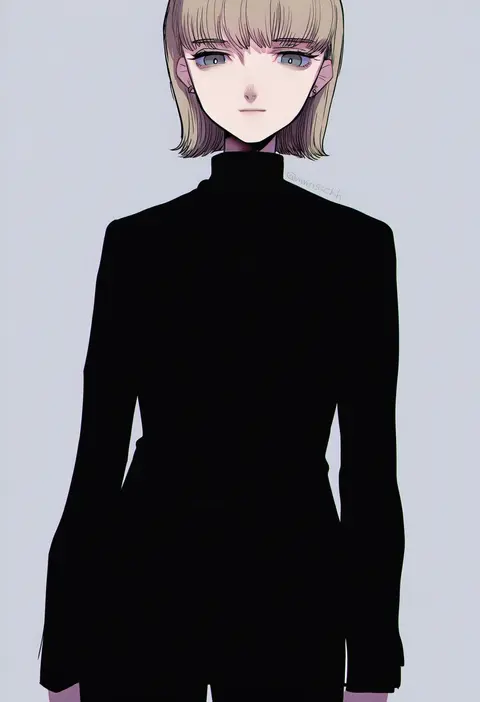
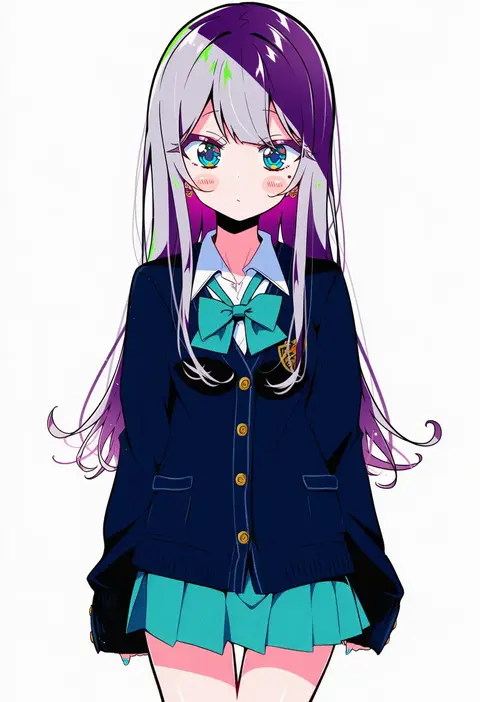
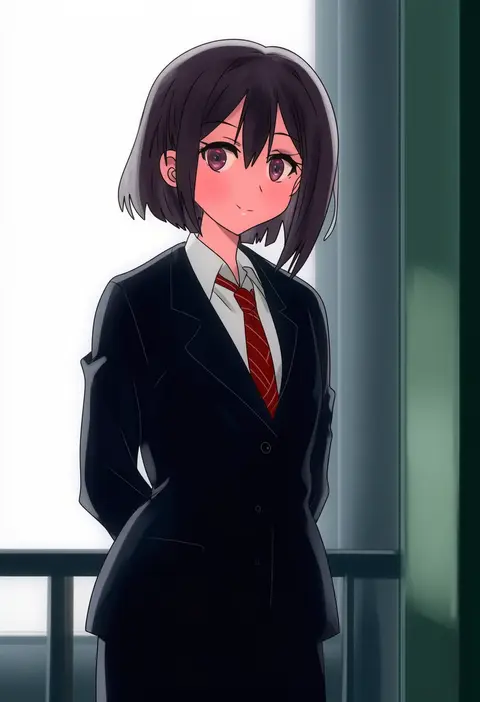
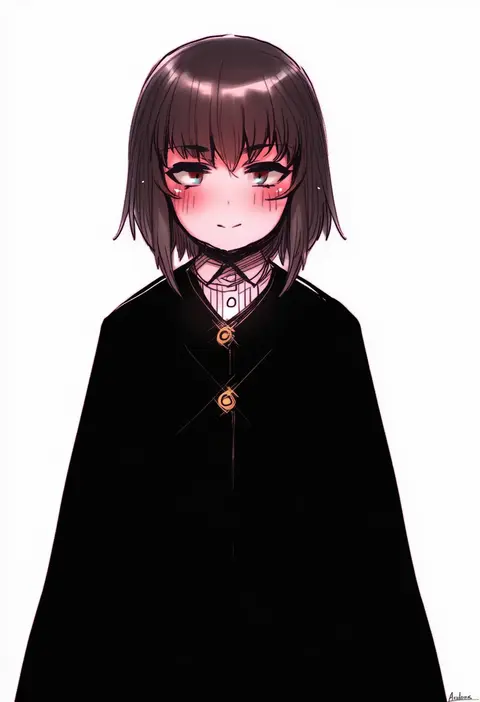
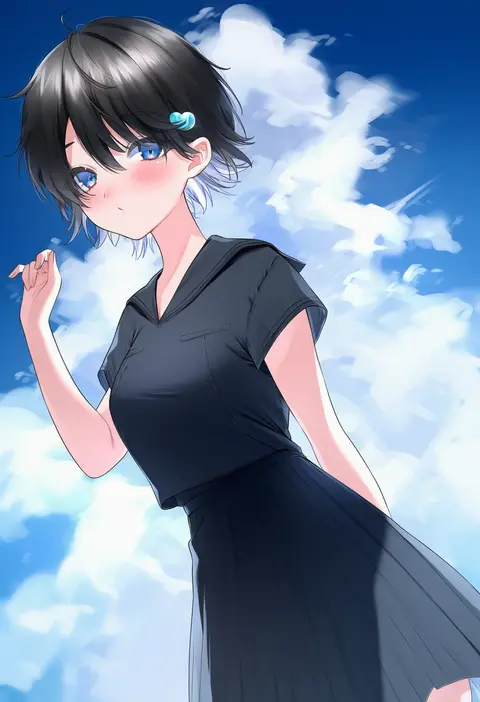
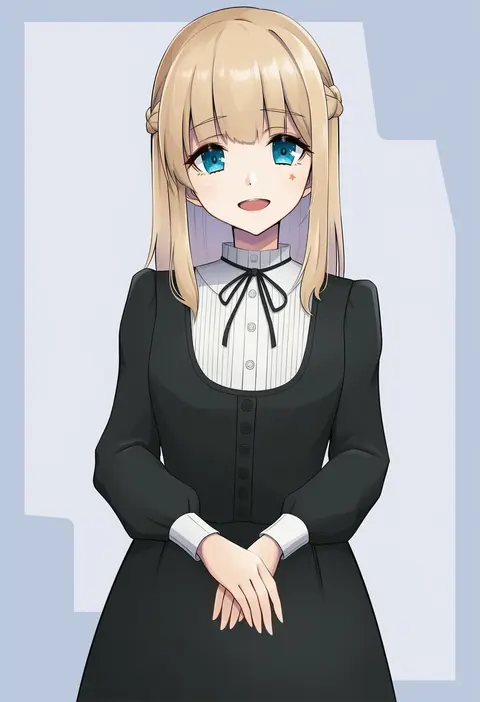
Artist tags tell NovelAI Diffusion to draw in a specific artist's style: line weight, paint texture, face shapes and palette all shift at once. Character and outfit tags decide what is drawn; artist tags decide how. 16,352 tags are listed for V4.5.
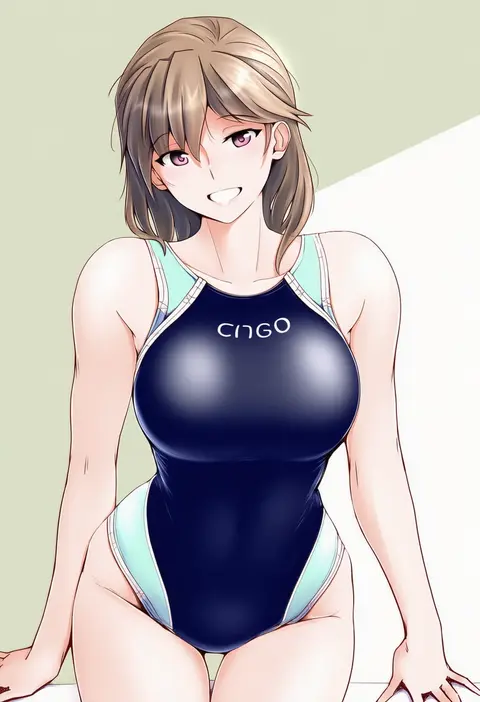
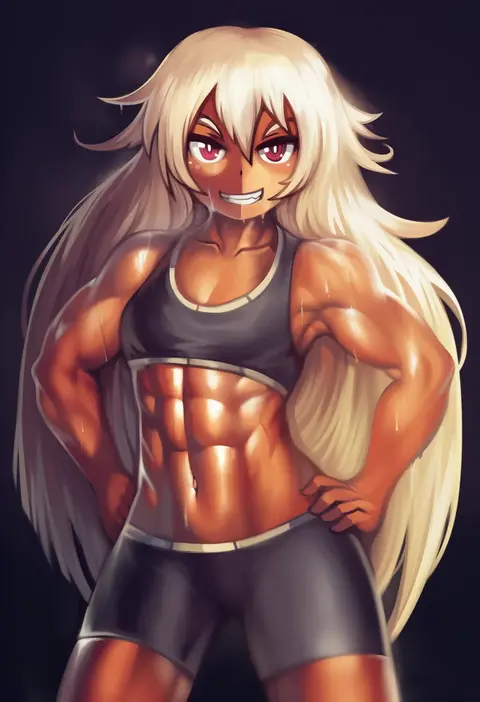
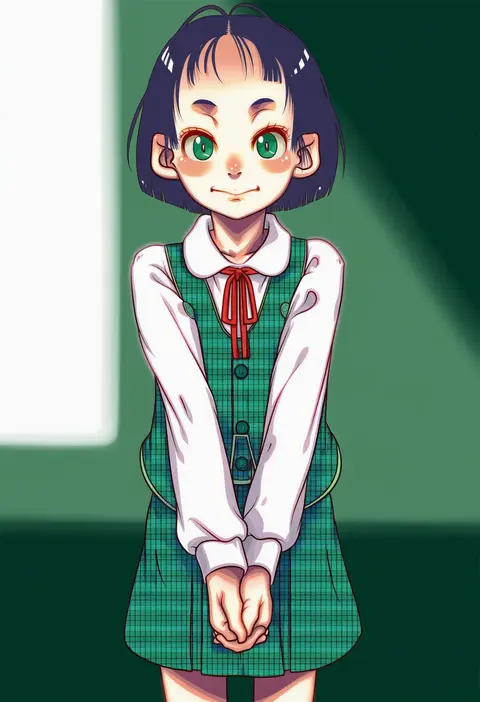
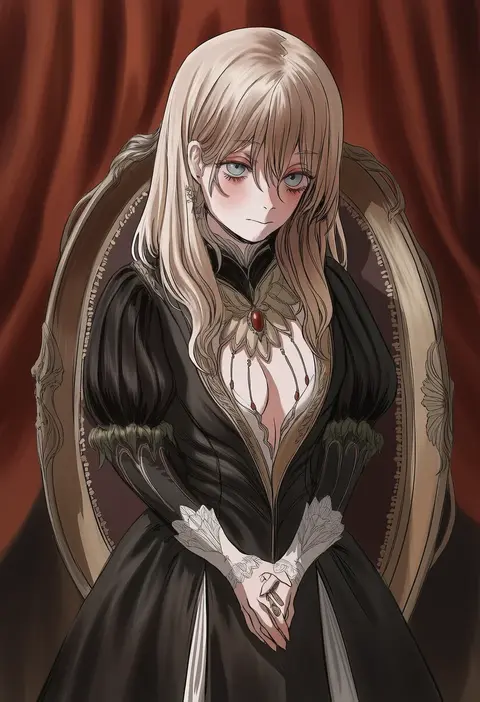
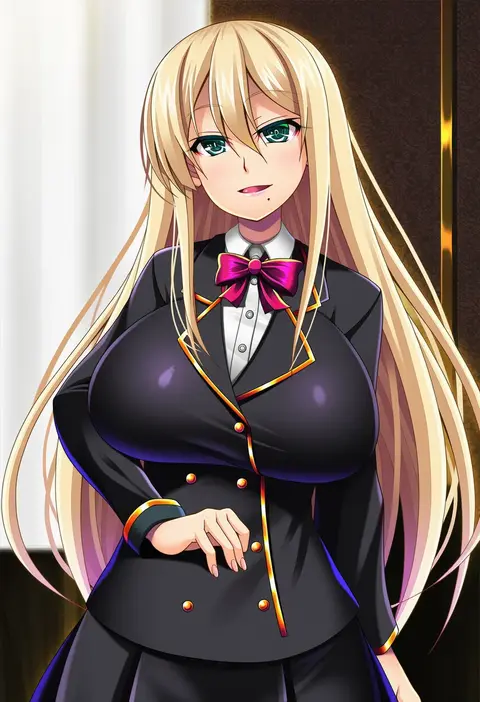
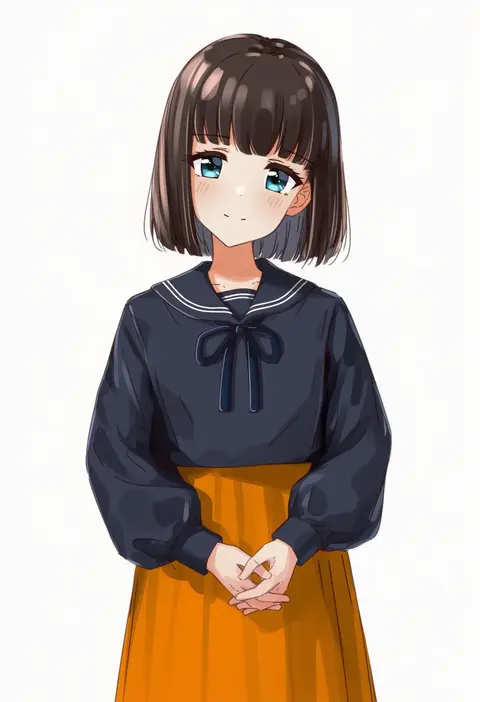
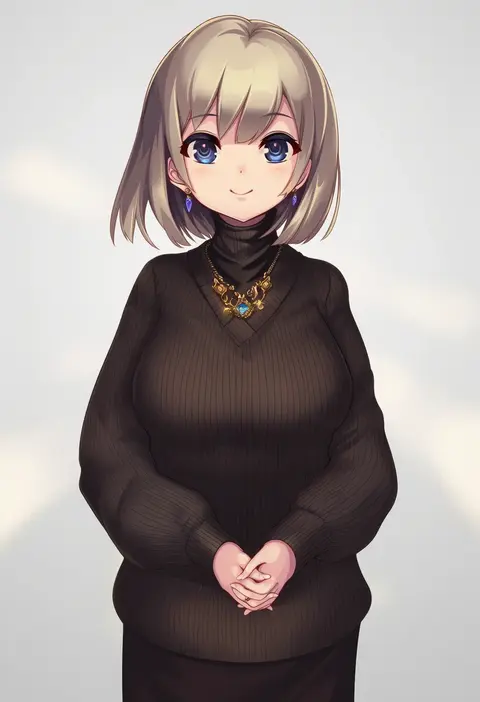
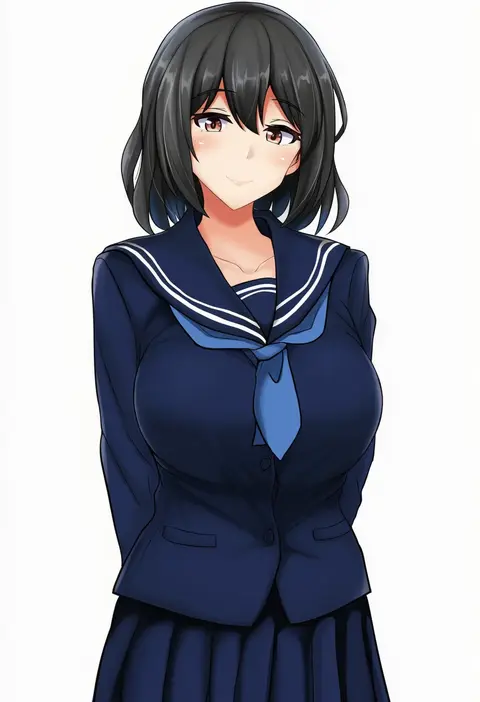
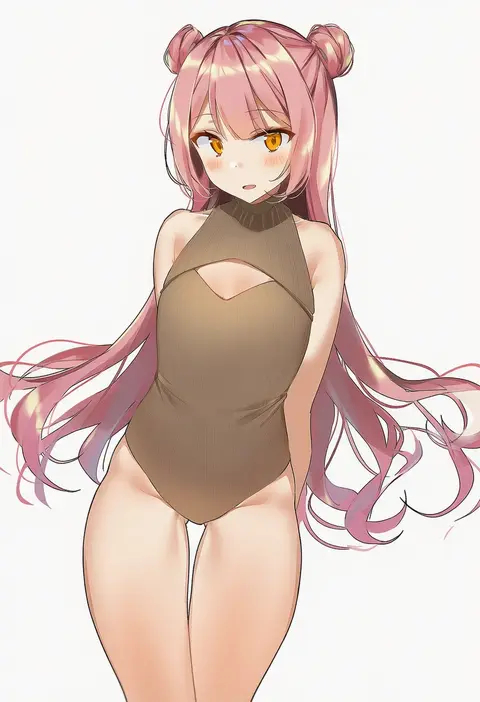
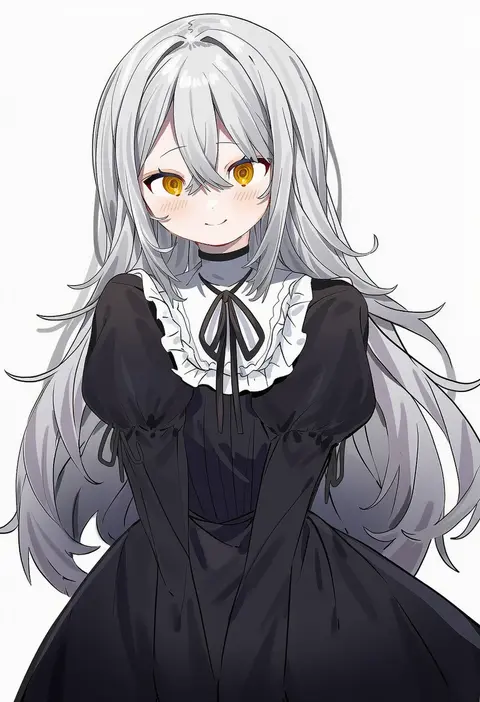
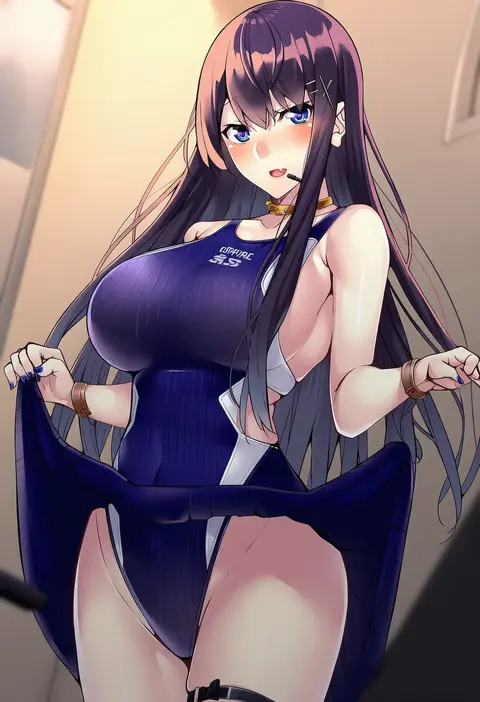
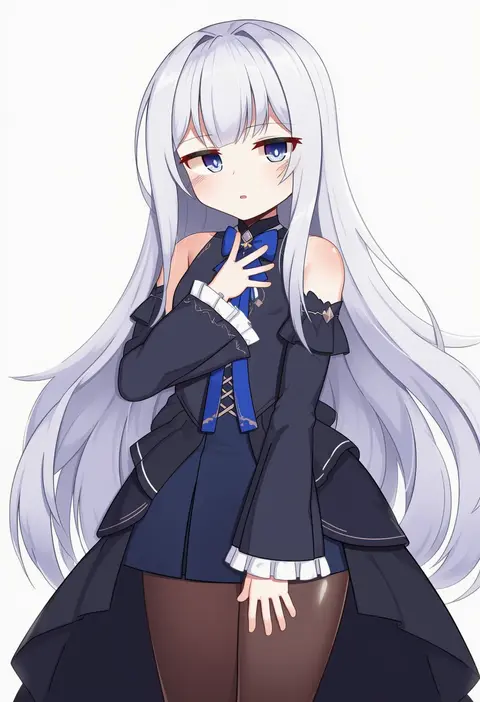
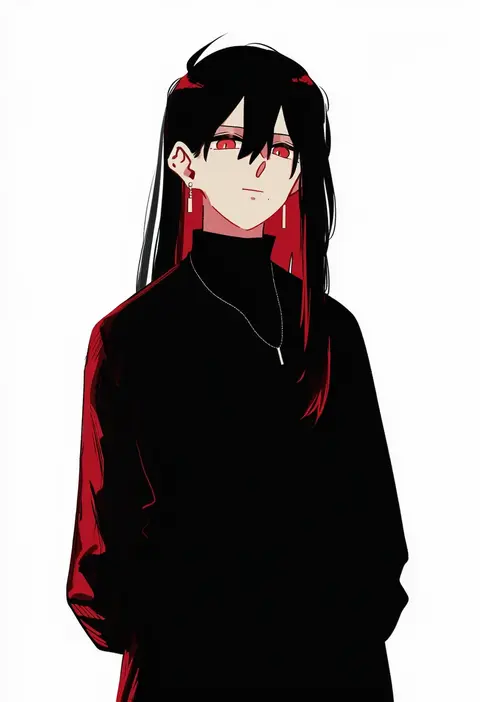
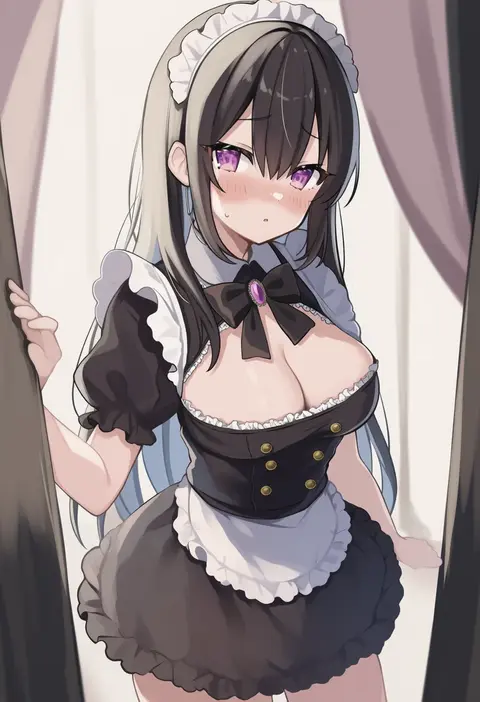
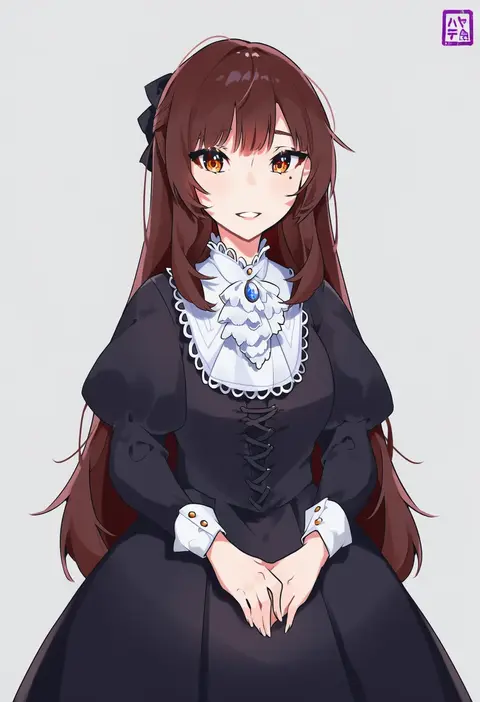
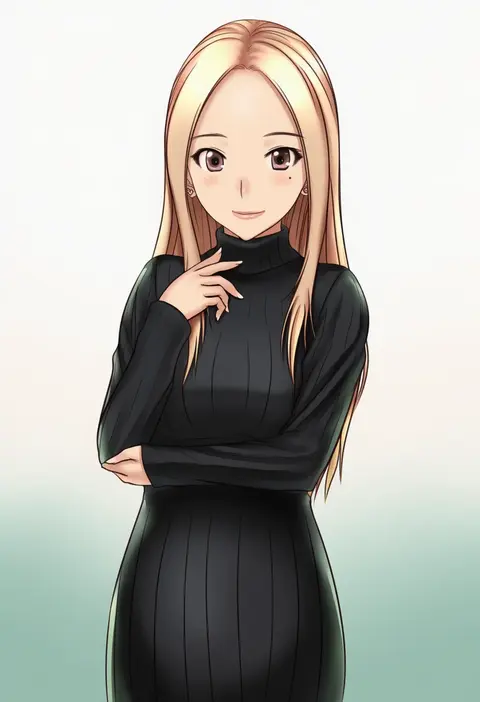
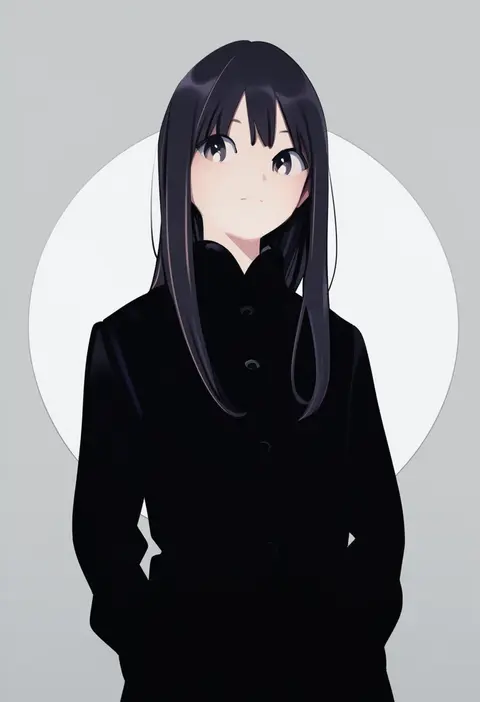
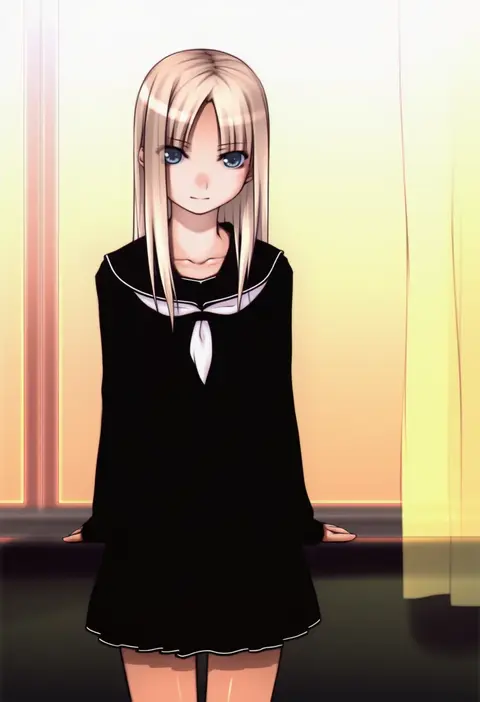
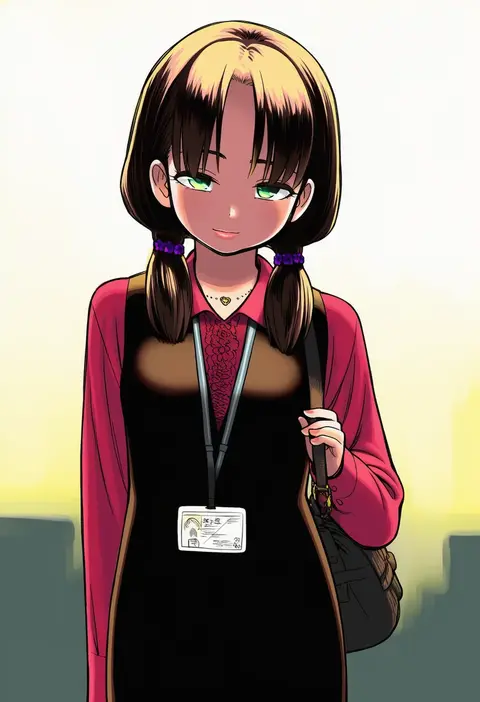
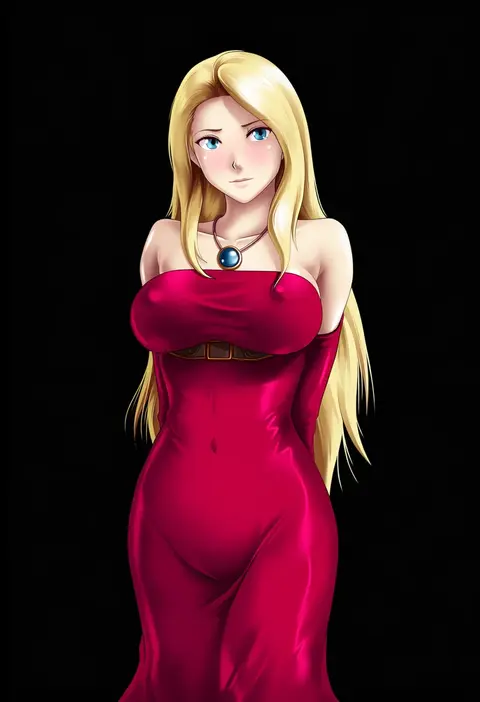
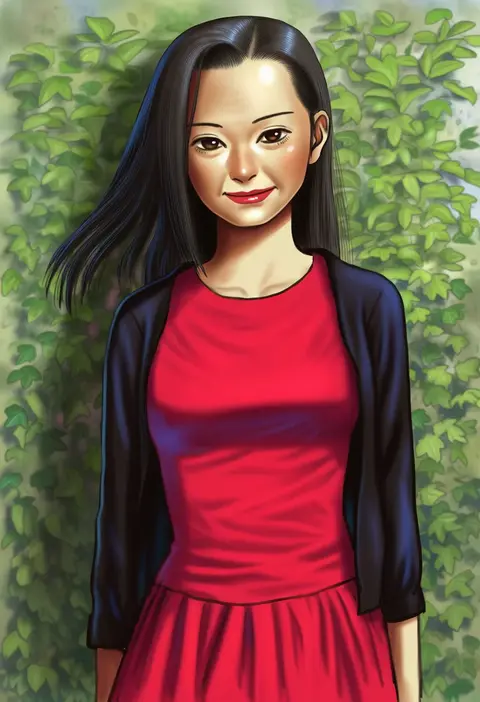
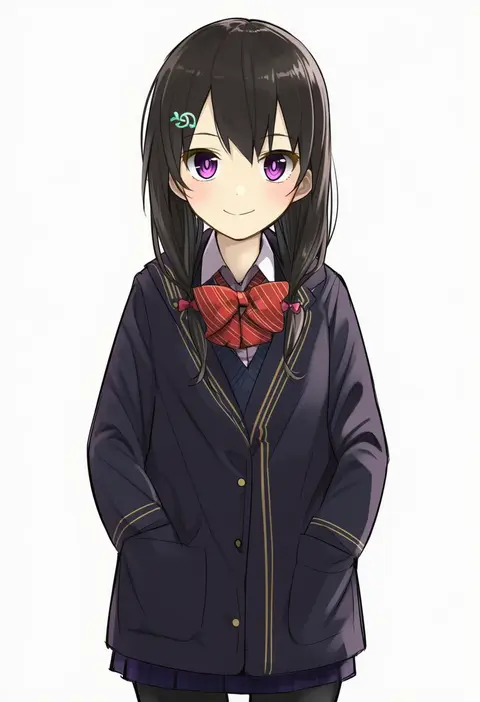
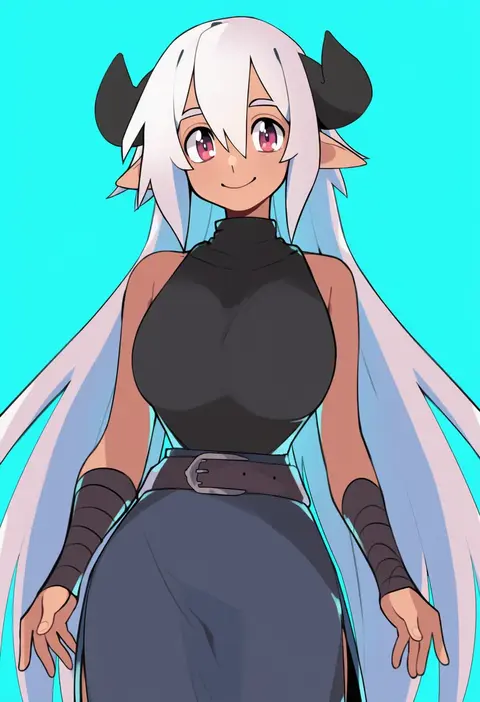
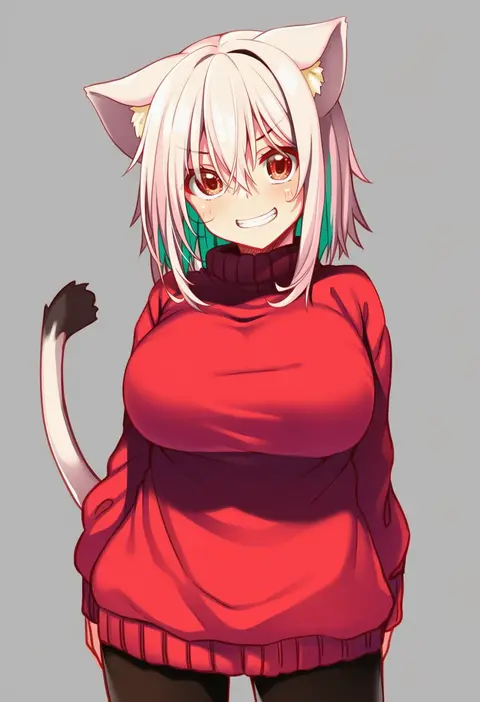
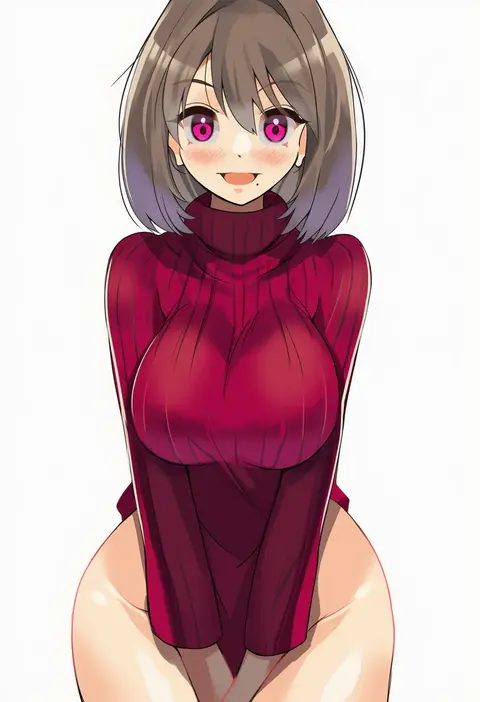
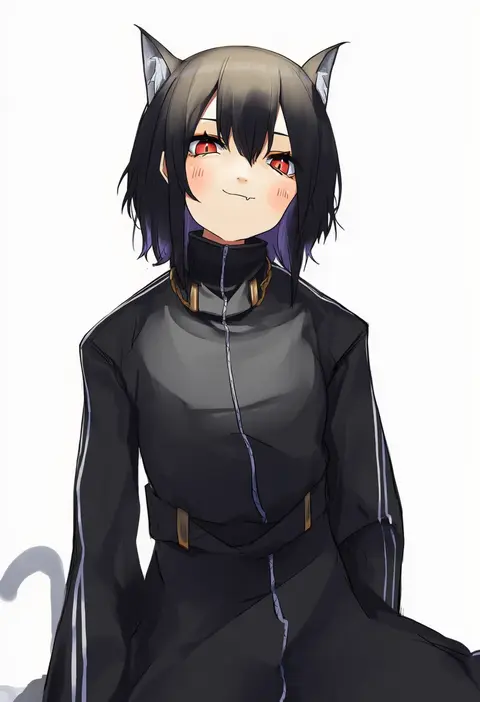
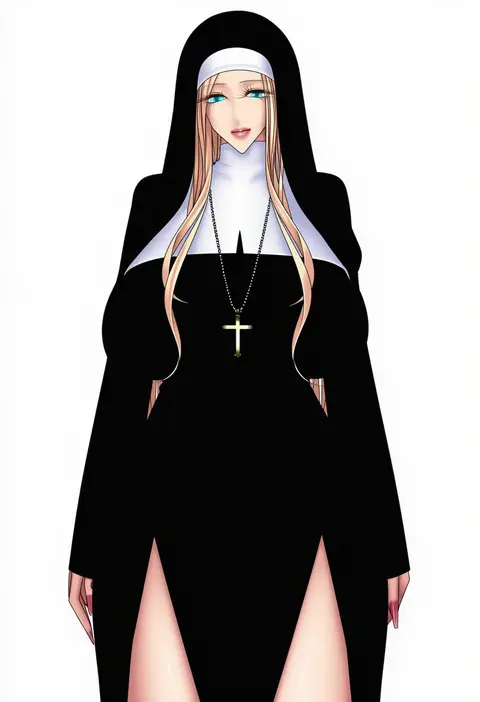
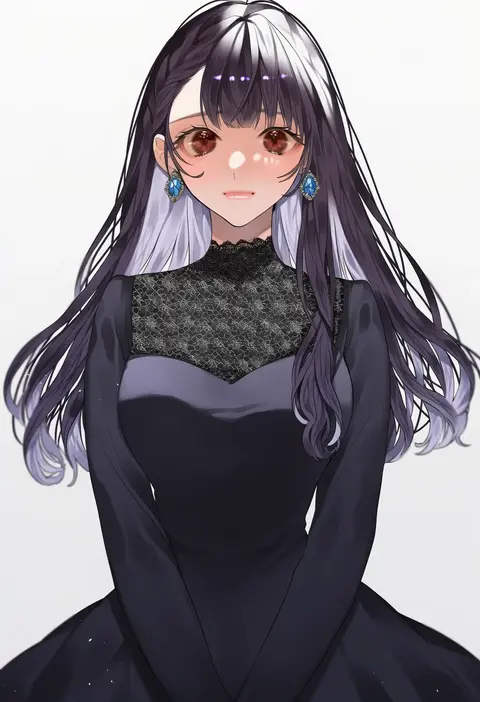
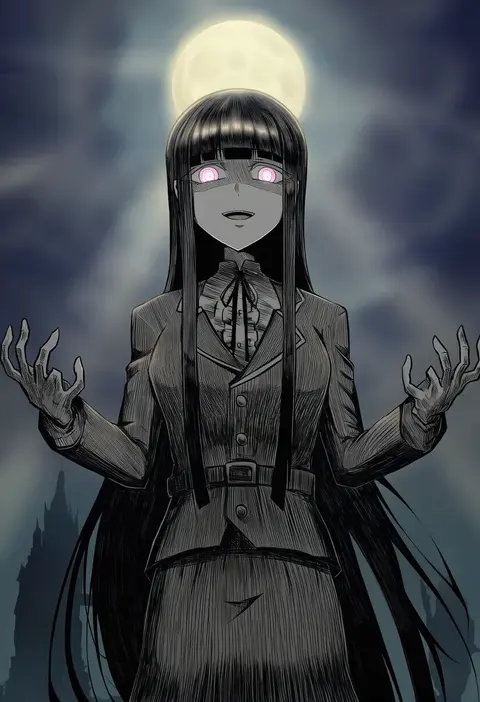
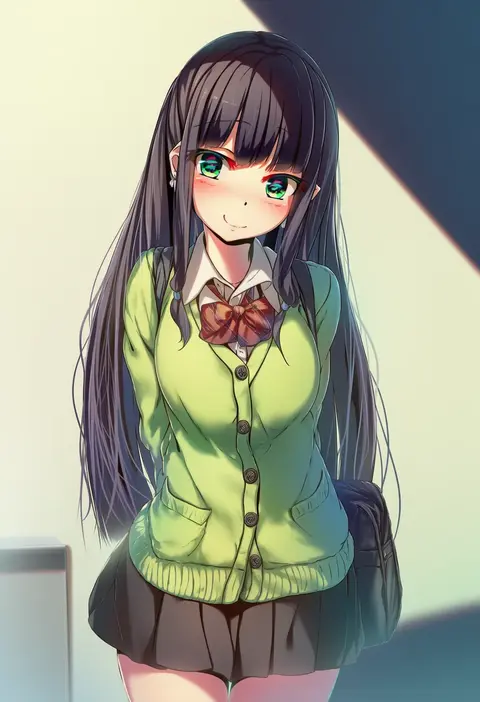
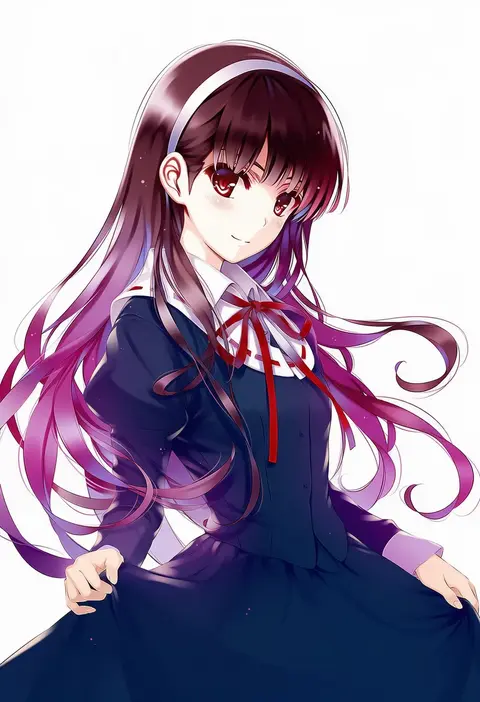
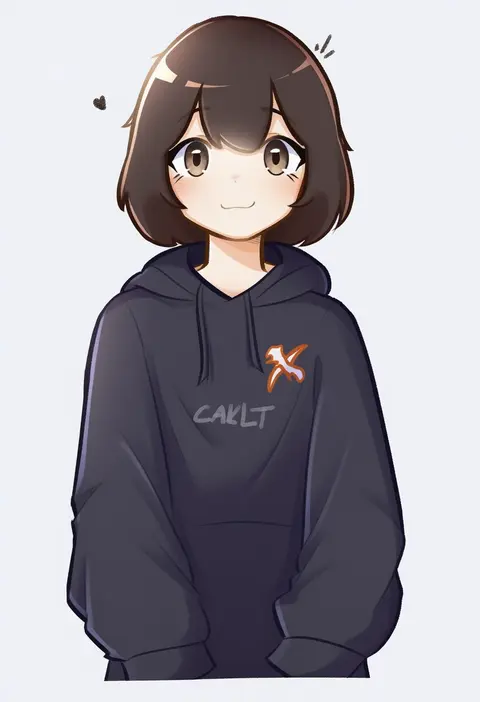
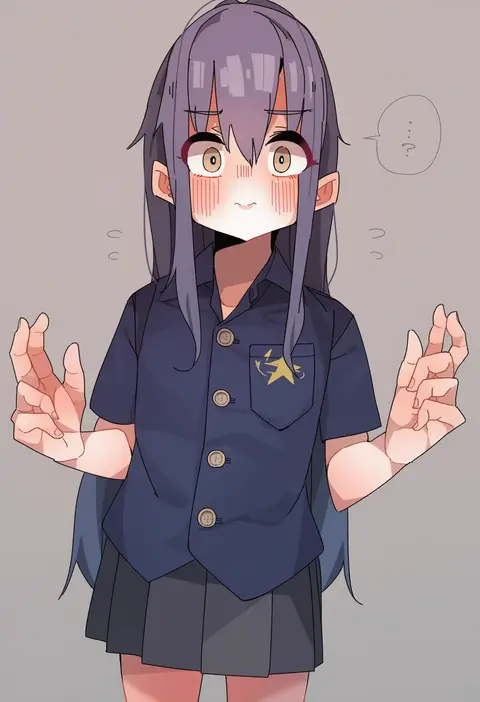
Every tag listed here is verified to react in NovelAI. All images use the same prompt, seed and settings with only the artist tag swapped, so the difference between two images is the style that tag brings in.

How to use them

Put the artist tag near the front of the prompt, e.g. "<artist>, 1girl, solo, best quality, masterpiece, cowboy shot". Two or three artist tags blend styles; lower the weight with "0.8::<artist>::" when the style overpowers the character.

SCORE sorts by Danbooru's top score, POSTS by post count, FAVS by hearts on this site. Open a card to see V5 and V4.5 side by side on the same seed.

V5 vs V4.5

V5 usually lands closer to the artist's real style, and tags that did nothing on V4.5 often react on V5. V4.5 still fits older and doujin-heavy artists better. Try V5 first, fall back to V4.5.

FAQ

Where does the artist tag go?
Near the front of the prompt. Use "0.8::tag::" to adjust its weight.

Can I stack artist tags?
Yes, styles blend. Past two or three the result stops looking like anyone.

Are these the artists' own works?
No. Every image is a NovelAI sample generated from the tag.