V4.5Artists
sort: FAVS▾
▾
>
$

NovelAI Artist Tags List — V4.5

artist --count 16,352[165/273]
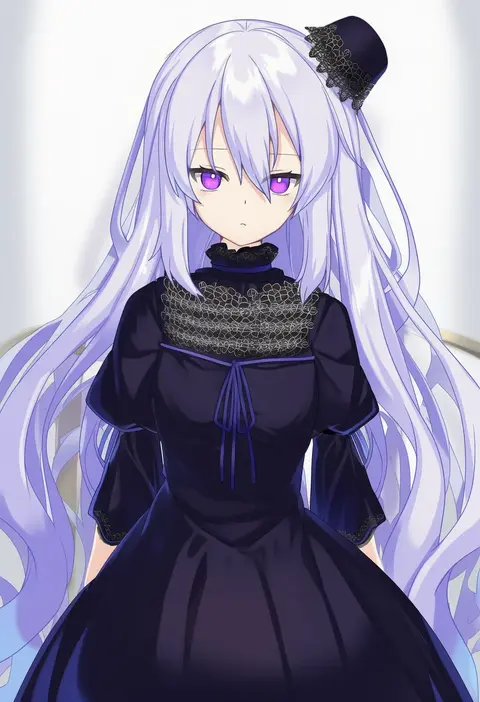
nyori
ARTIST0x2670
0
nora wanko
ARTIST0x2671
0
kolshica
ARTIST0x2672
0
ke-su
ARTIST0x2673
0
ouhashi
ARTIST0x2674
0
rin2008
ARTIST0x2675
0
misawa hiroshi
ARTIST0x2676
0
usagi koushaku
ARTIST0x2677
0
mijinko (rioriorio)
ARTIST0x2678
0
dango (uni 520)
ARTIST0x2679
0
shirokujira
ARTIST0x267A
0
samoore
ARTIST0x267B
0
you shimizu
ARTIST0x267C
0
suzumeko
ARTIST0x267D
0
okunin
ARTIST0x267E
0
igarashi (nogiheta)
ARTIST0x267F
0
rsef
ARTIST0x2680
0
ekoru
ARTIST0x2681
0
aozora nan
ARTIST0x2682
0
moritan
ARTIST0x2683
0
nahu
ARTIST0x2684
0
152 in can
ARTIST0x2685
0
ponta (velmar)
ARTIST0x2686
0
morina nao
ARTIST0x2687
0
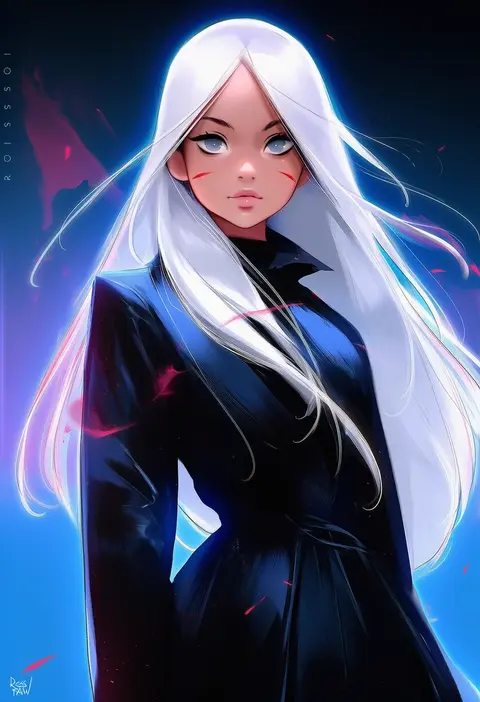
ross tran
ARTIST0x2688
0
lifeline (a384079959)
ARTIST0x2689
0
krenz
ARTIST0x268A
0
yoyomura
ARTIST0x268B
0
sakurasaka
ARTIST0x268C
0
sakumichi
ARTIST0x268D
0
yasutange
ARTIST0x268E
0
howhow notei
ARTIST0x268F
0
sasaki (glass1138)
ARTIST0x2690
0
yunouou10
ARTIST0x2691
0
uruo
ARTIST0x2692
0
maro (lij512)
ARTIST0x2693
0
lin+
ARTIST0x2694
0
lithographica
ARTIST0x2695
0
yunmi 0527
ARTIST0x2696
0
kotobuki utage
ARTIST0x2697
0
wakie
ARTIST0x2698
0
siqi (miharuu)
ARTIST0x2699
0
koki (ryoushikiha)
ARTIST0x269A
0
nukekip
ARTIST0x269B
0
felutiahime
ARTIST0x269C
0
darjeeling (reley)
ARTIST0x269D
0
gin'ichi (akacia)
ARTIST0x269E
0
inoue sora
ARTIST0x269F
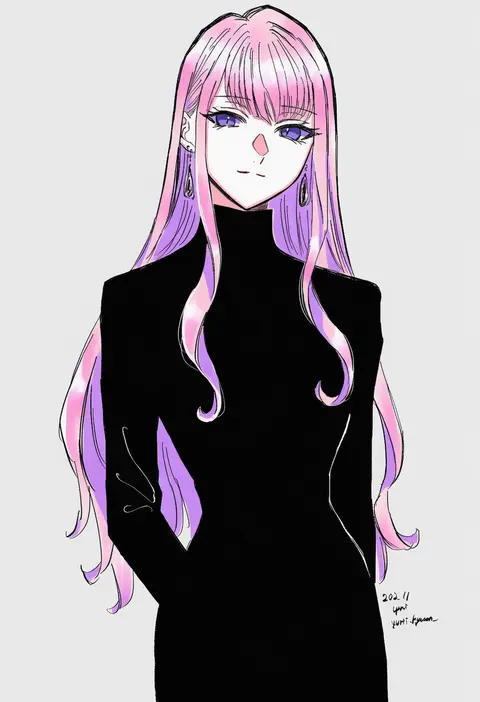
0
yuri kyanon
ARTIST0x26A0
0
ryo (botugo)
ARTIST0x26A1
0
newo (shinra-p)
ARTIST0x26A2
0
kirigakure (kirigakure tantei jimusho)
ARTIST0x26A3
0
kawagishi keitarou
ARTIST0x26A4
0
gyouza (mhea5724)
ARTIST0x26A5
0
hiranko
ARTIST0x26A6
0
atoshi
ARTIST0x26A7
0
kawai makoto
ARTIST0x26A8
0
rinzo
ARTIST0x26A9
0
usume shirou
ARTIST0x26AA
0
sazamiso rx
ARTIST0x26AB
0

What these tags change

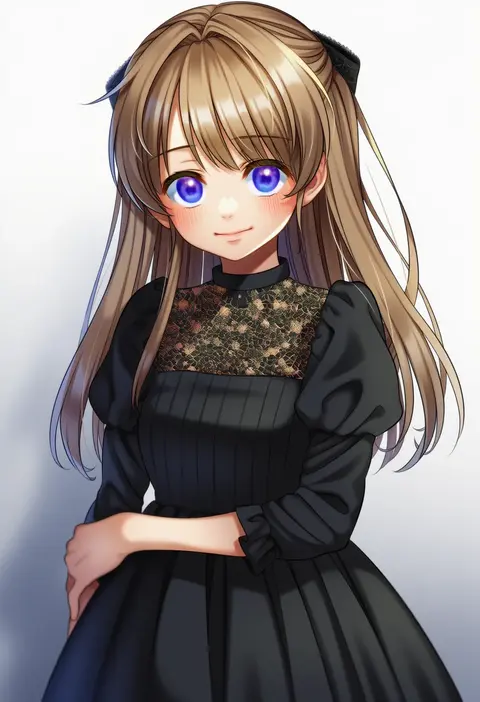
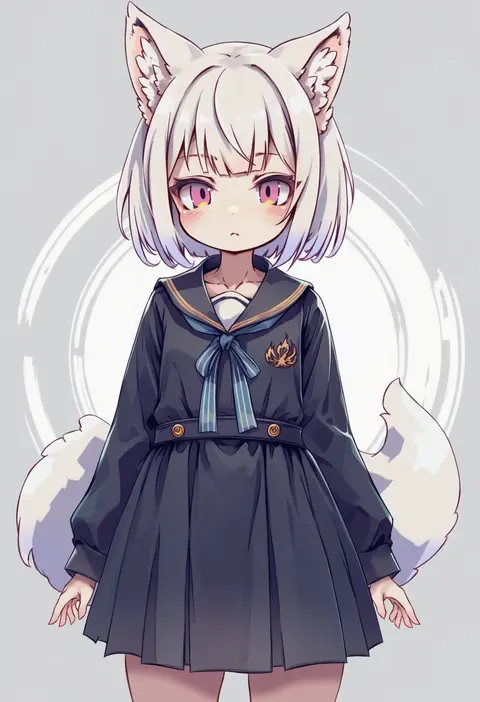
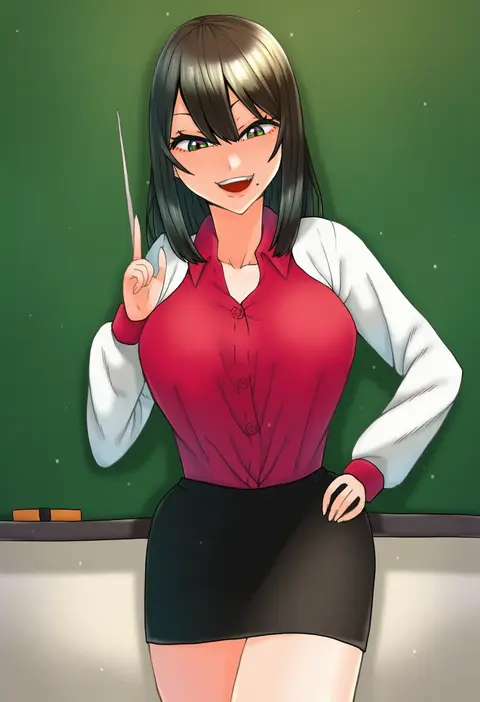
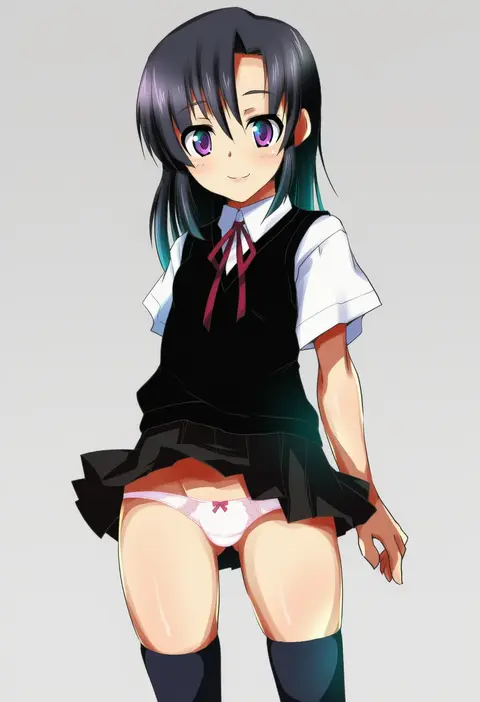
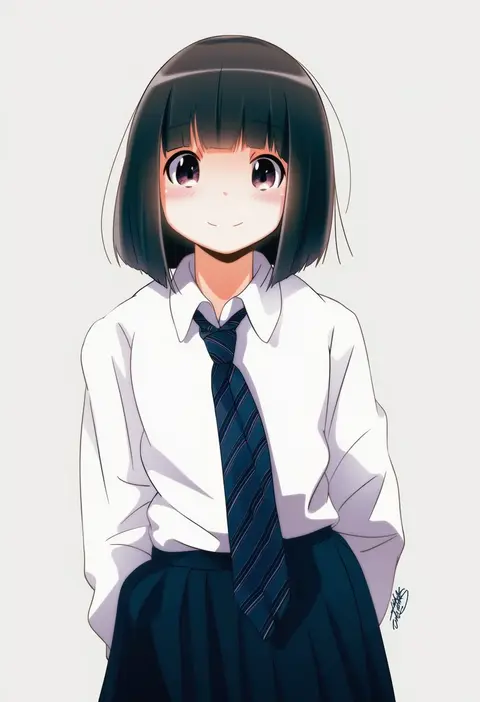
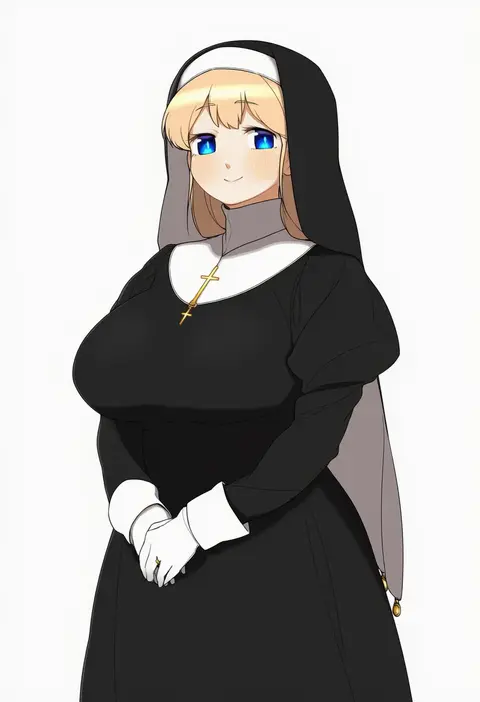
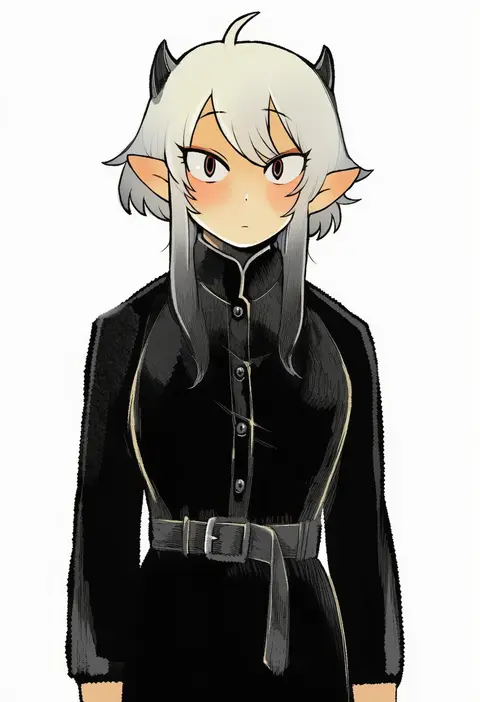
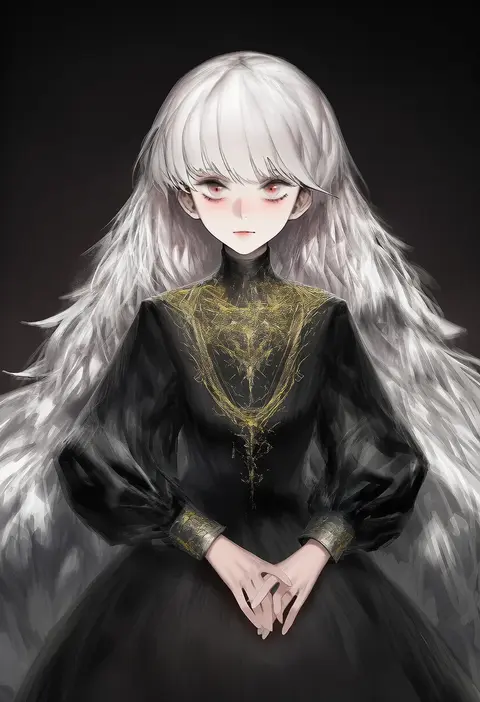
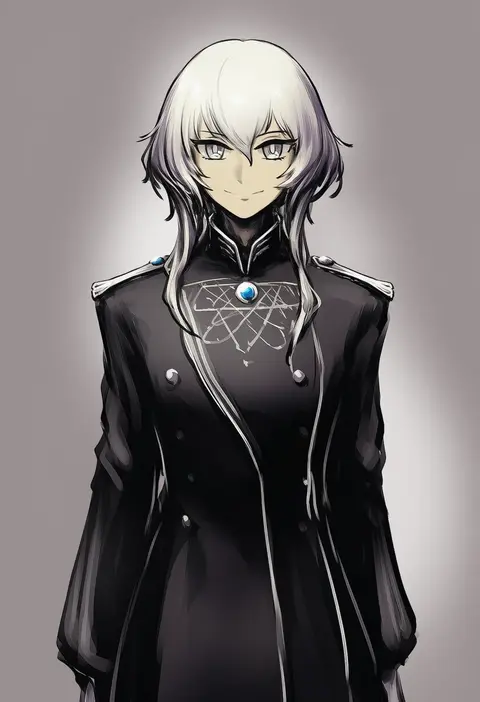
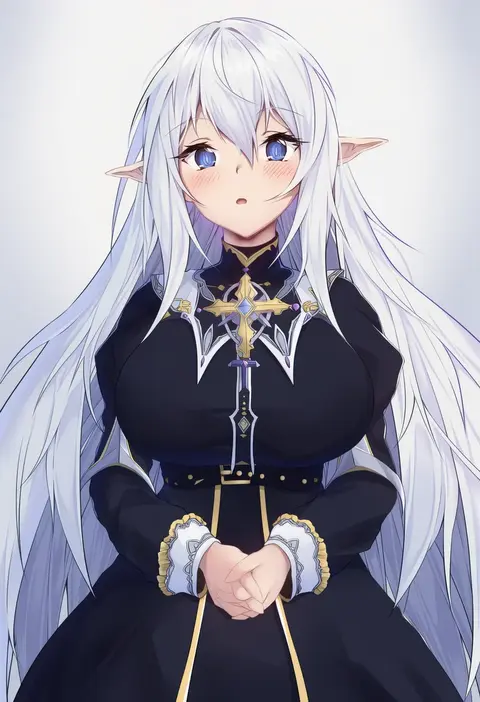
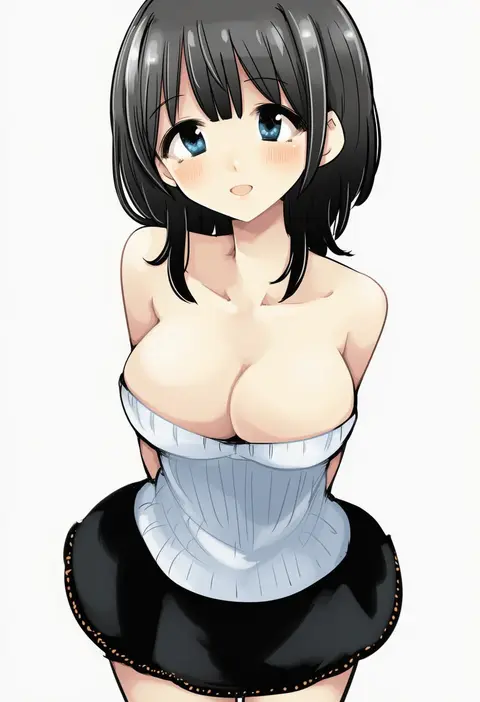
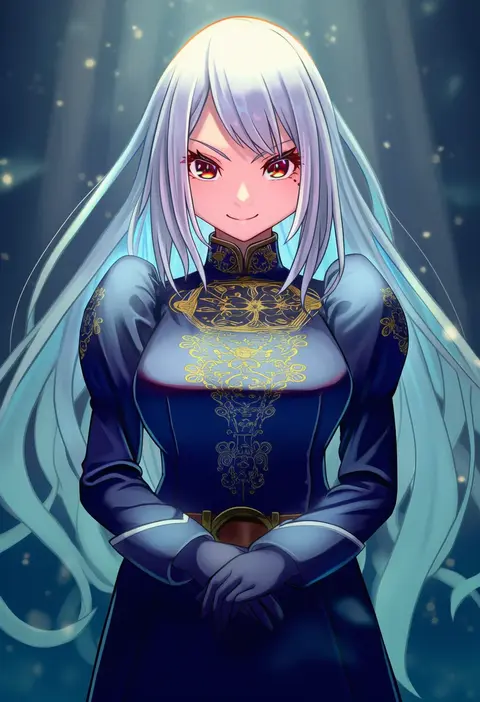
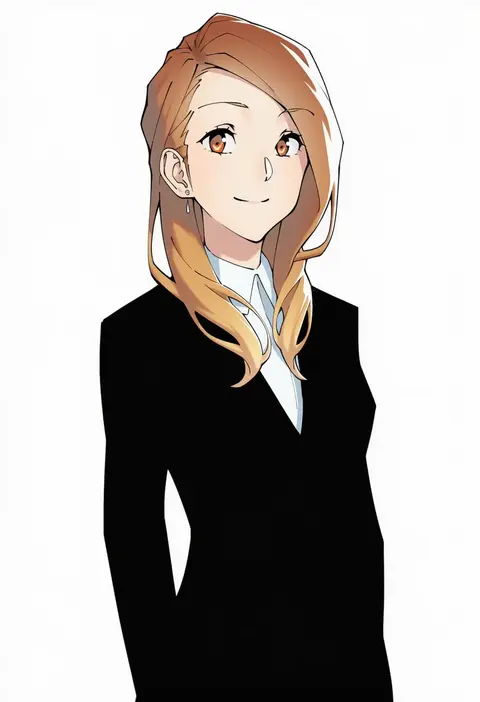
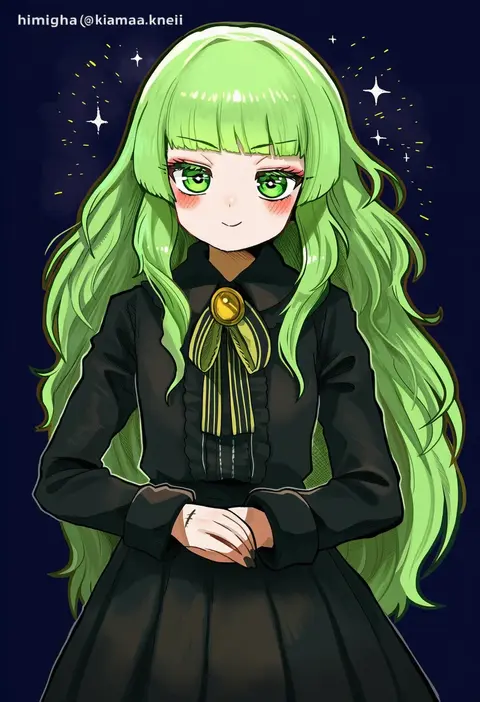
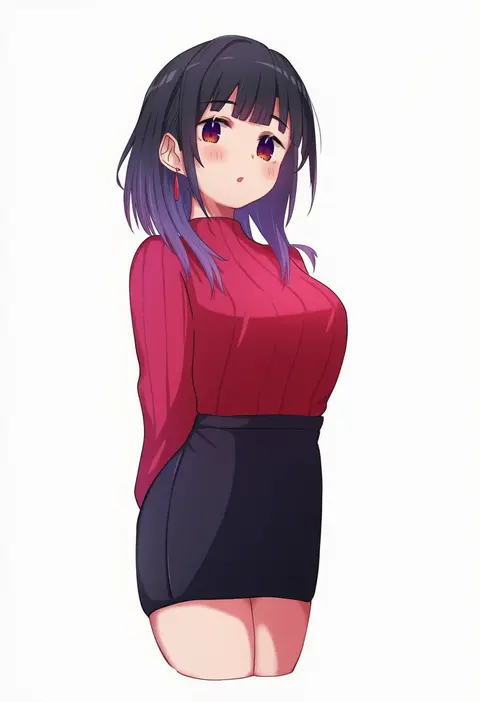
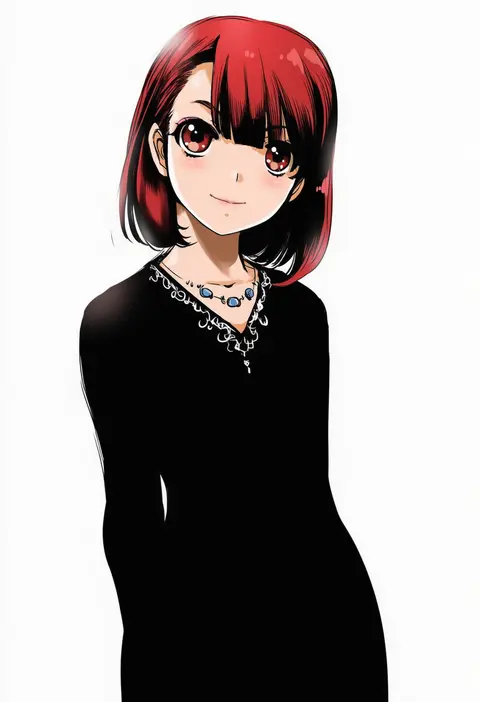
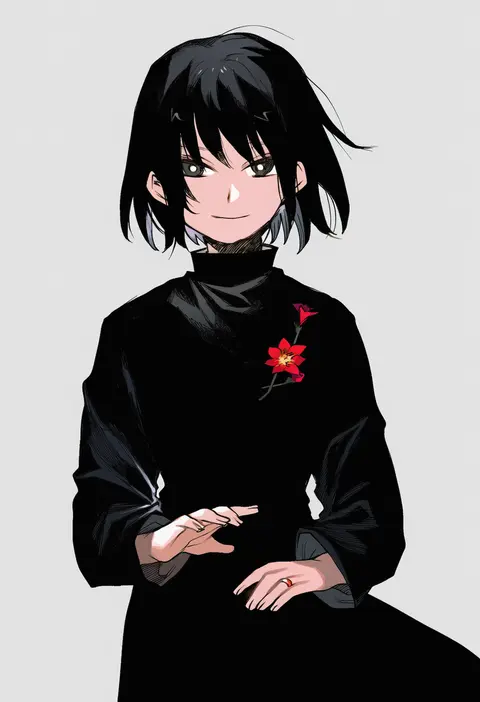
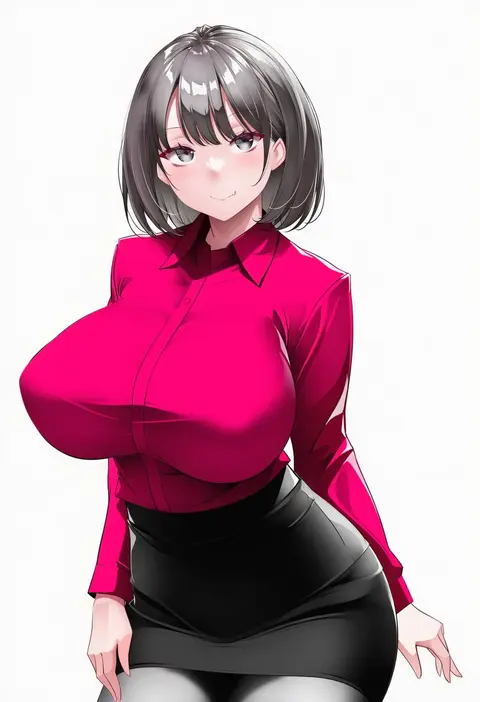
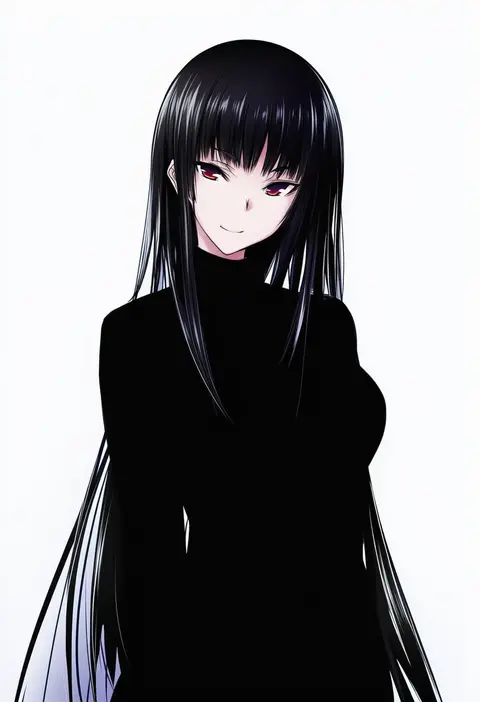
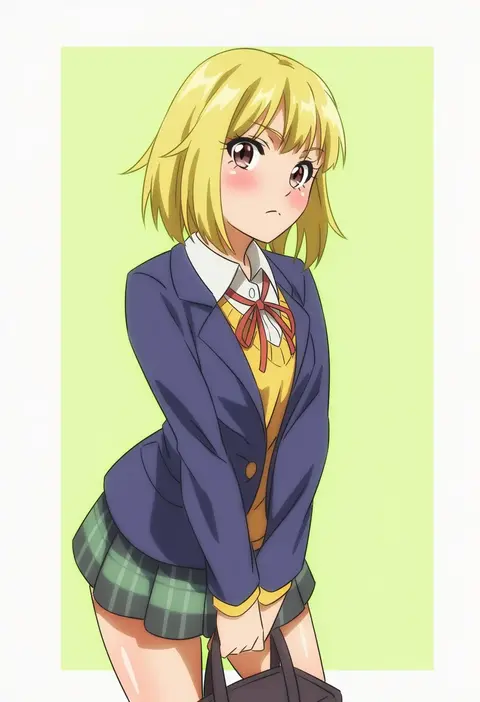
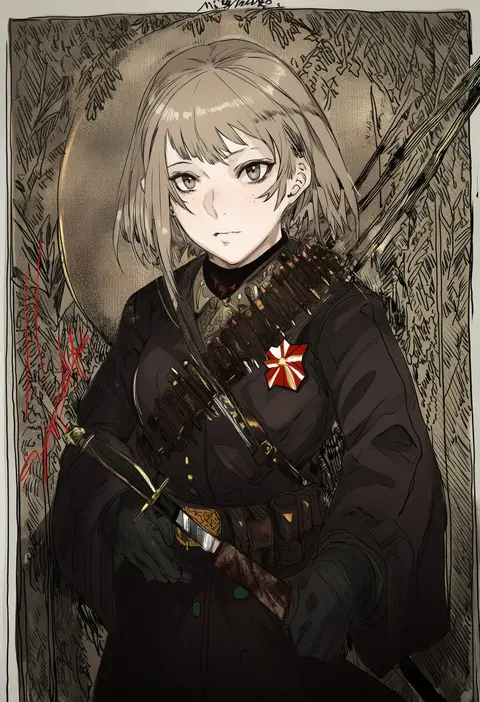
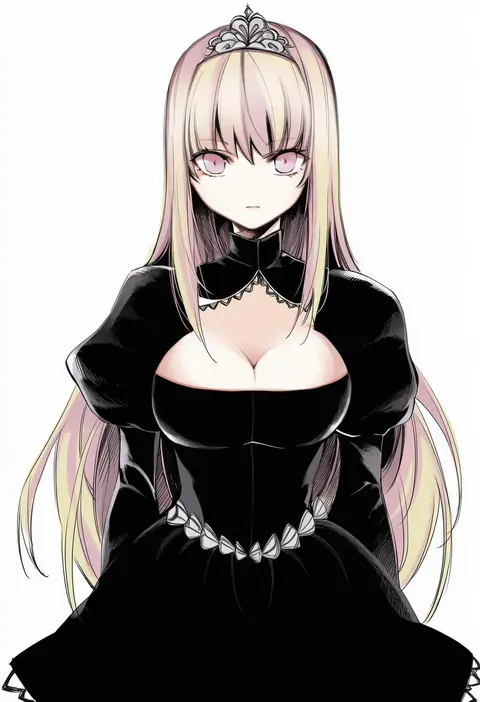
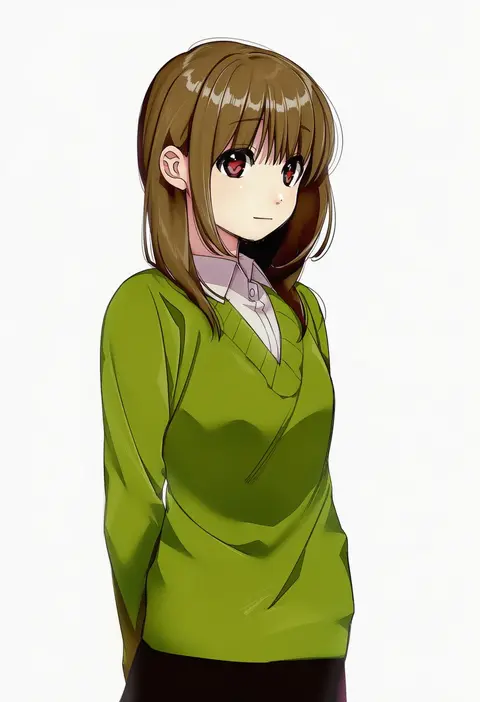
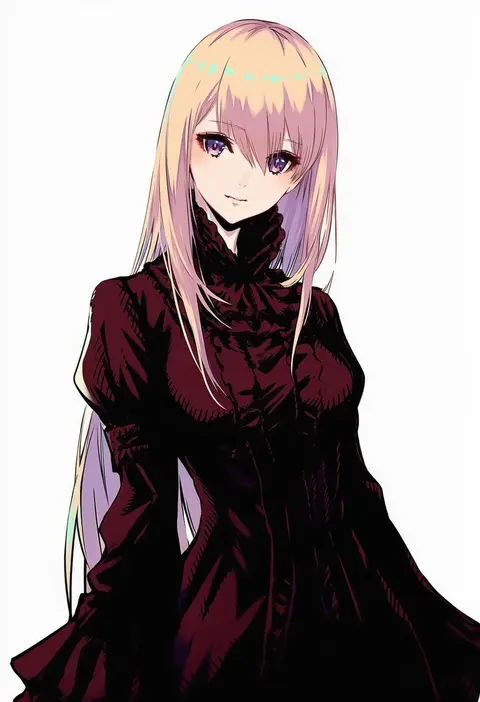
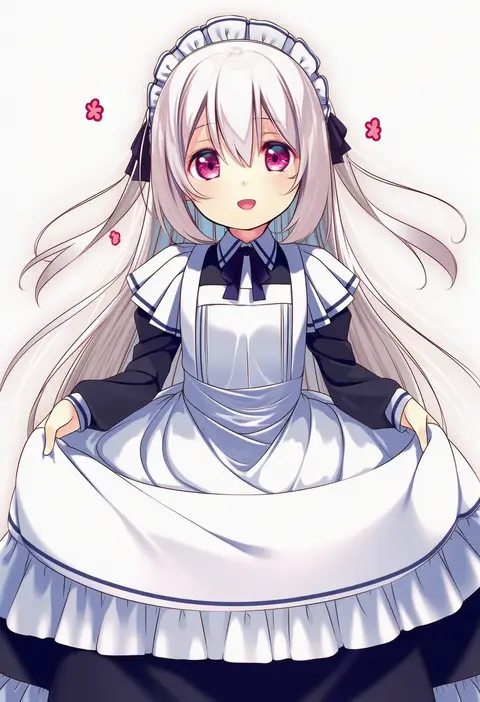
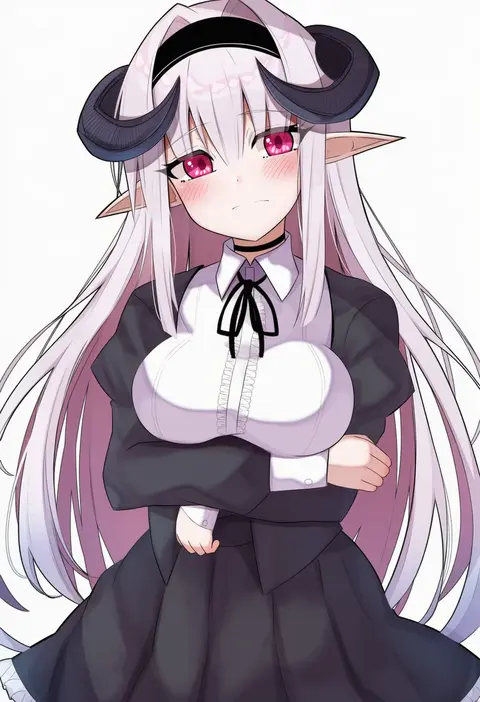
Artist tags tell NovelAI Diffusion to draw in a specific artist's style: line weight, paint texture, face shapes and palette all shift at once. Character and outfit tags decide what is drawn; artist tags decide how. 16,352 tags are listed for V4.5.
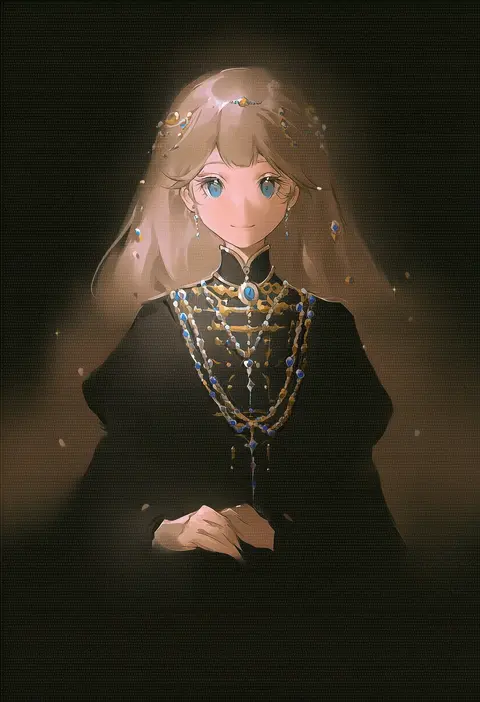
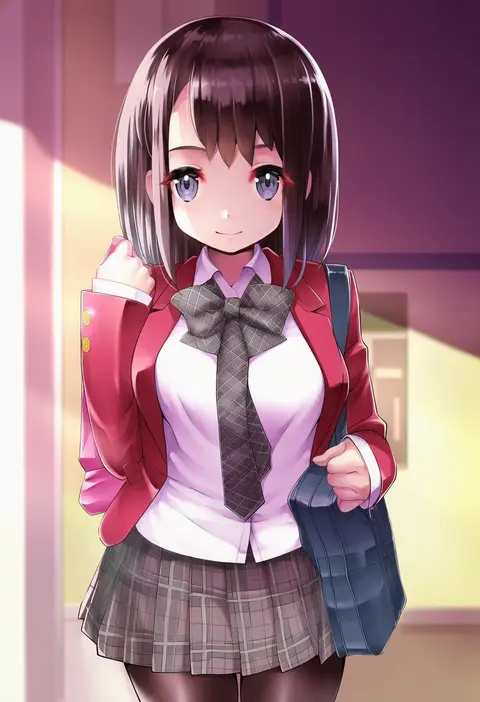
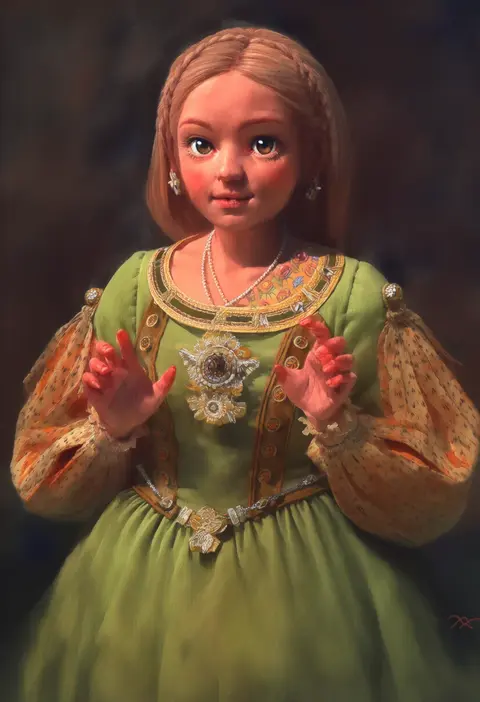
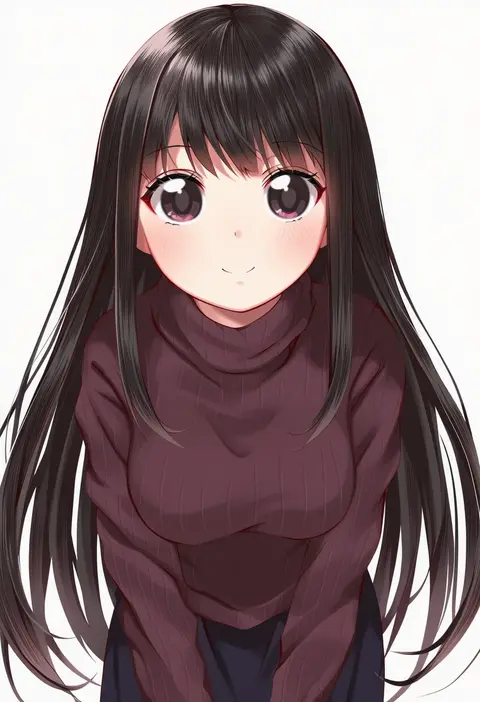
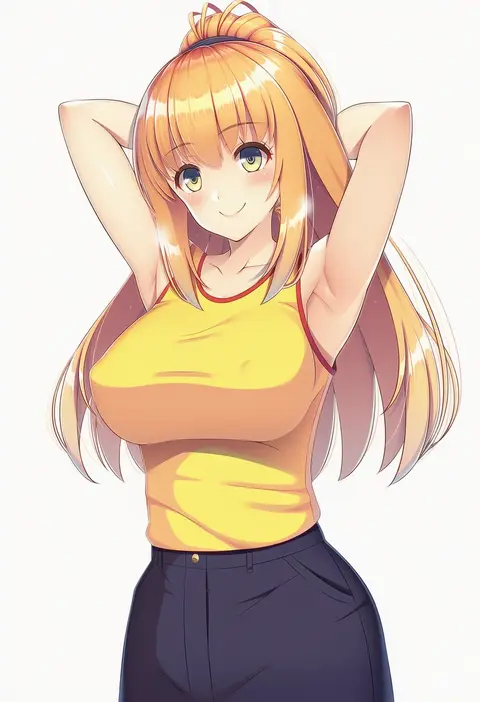
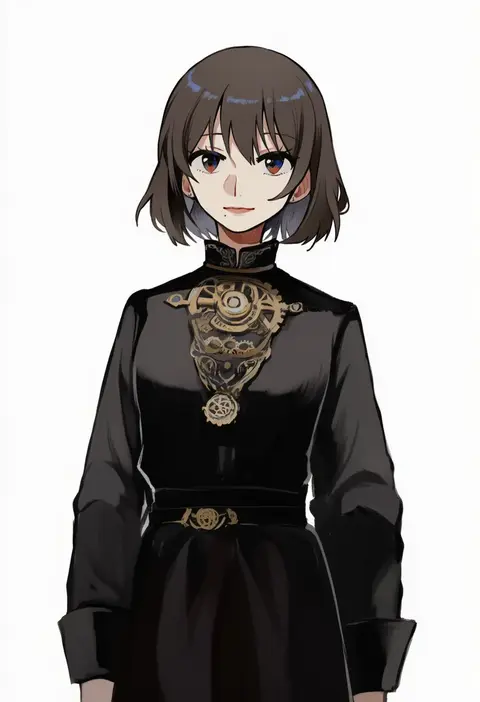
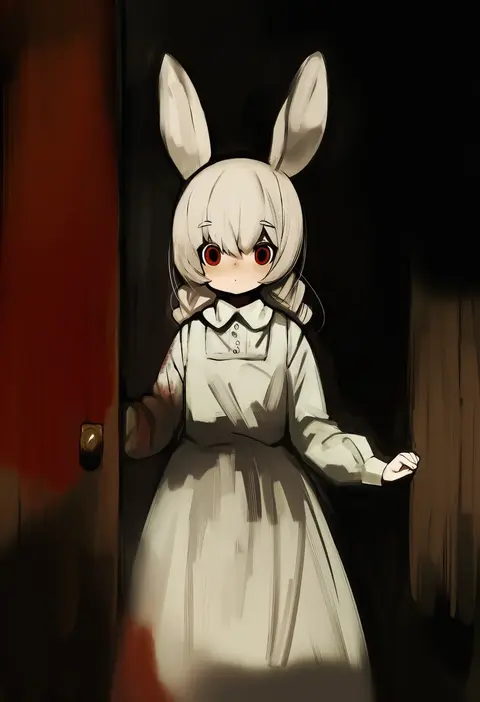
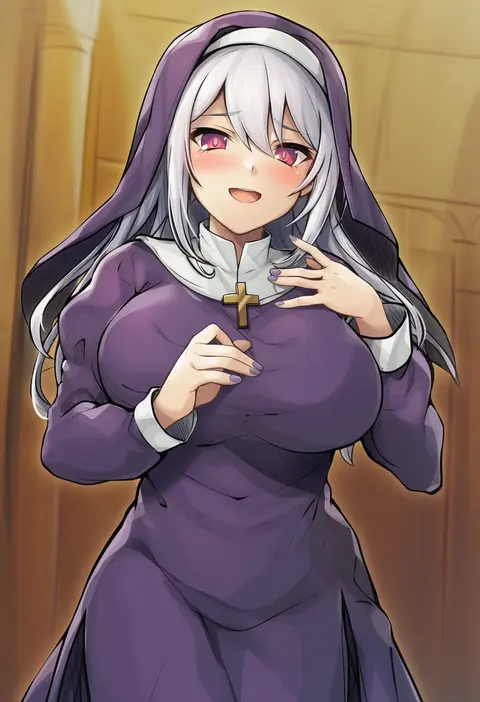
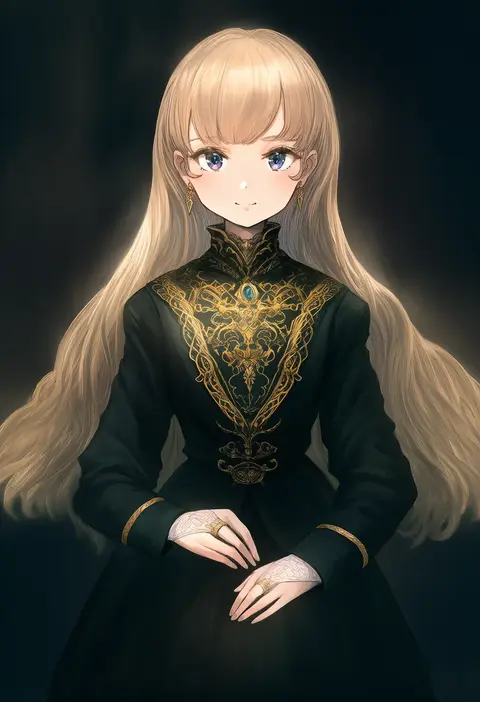
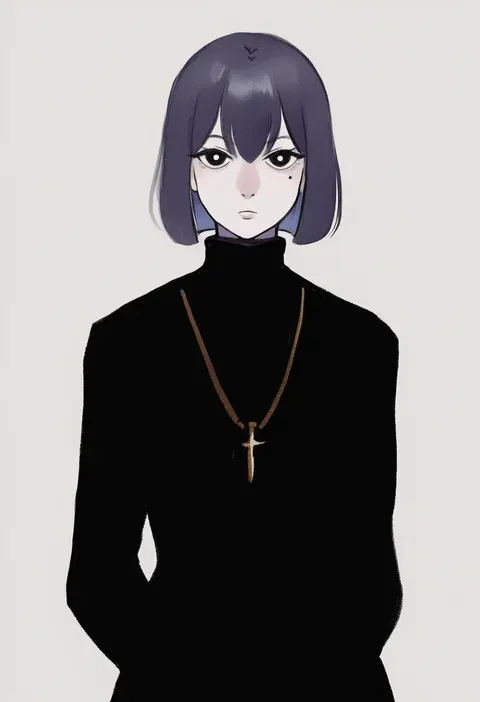
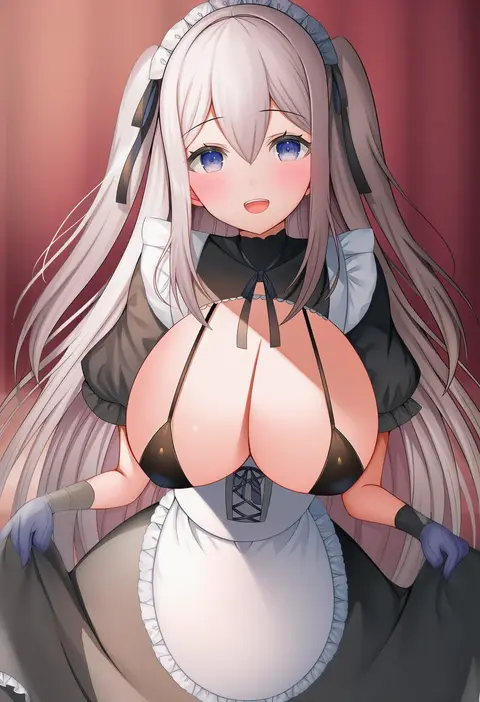
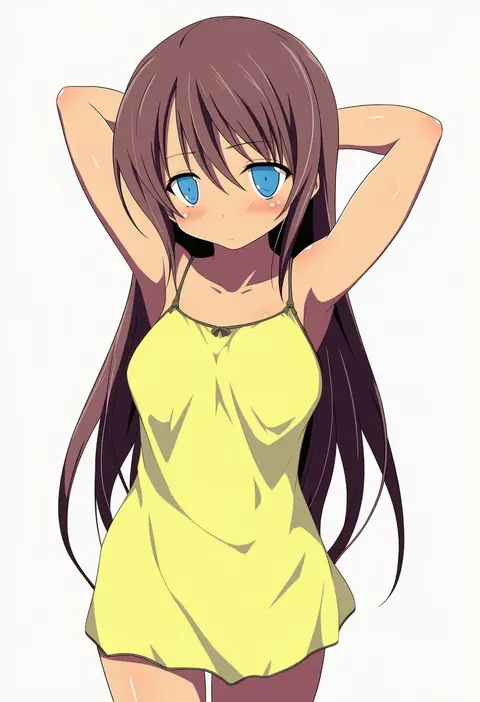
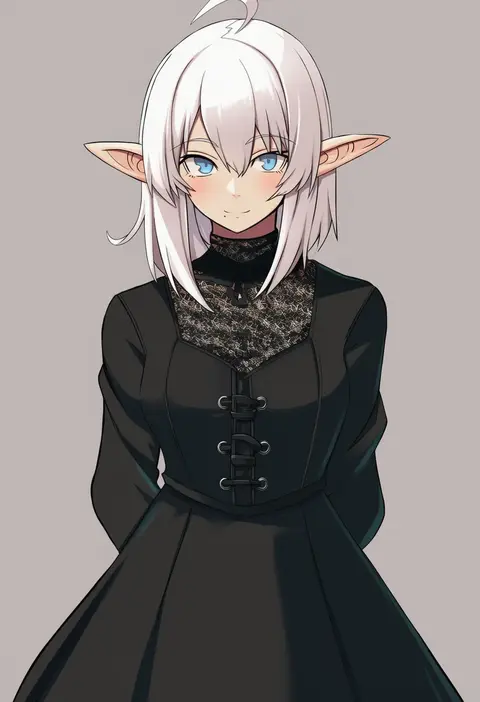
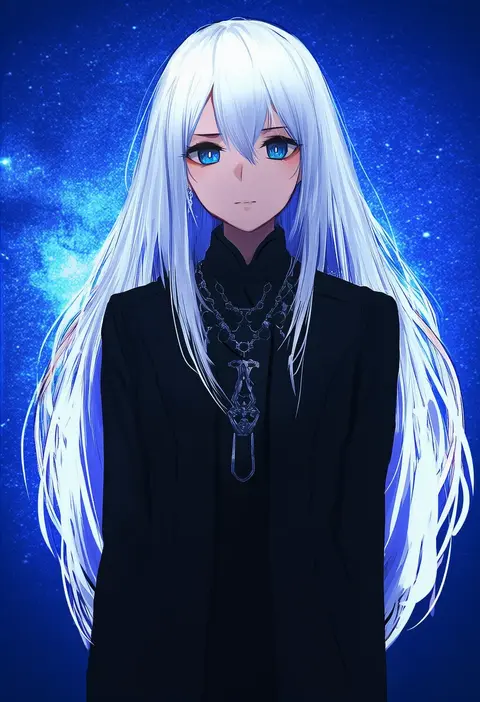
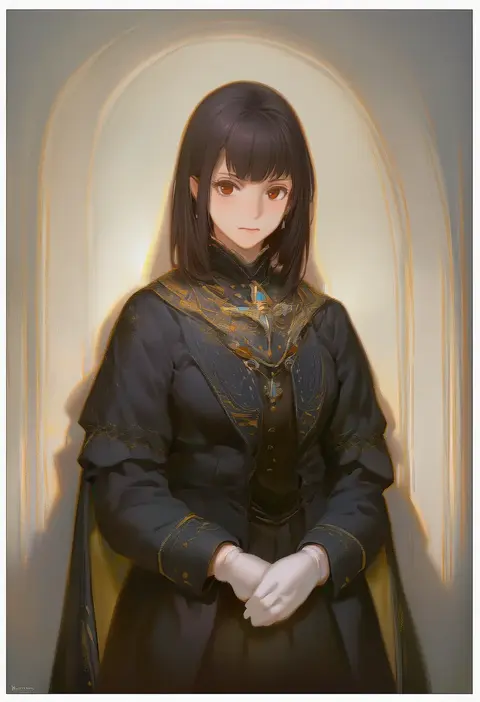
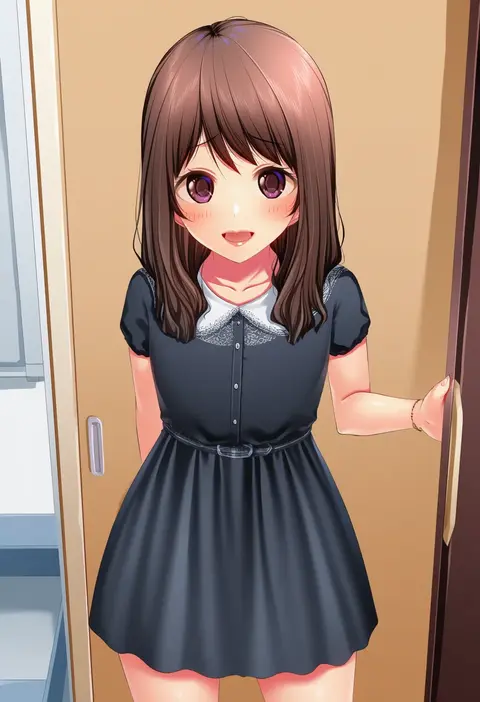
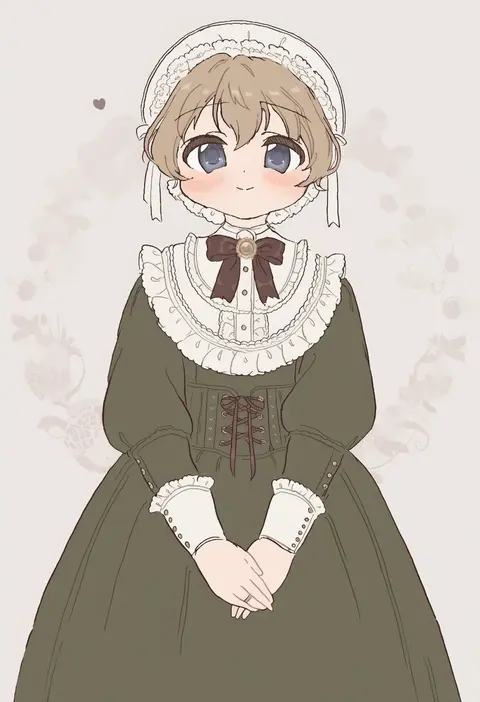
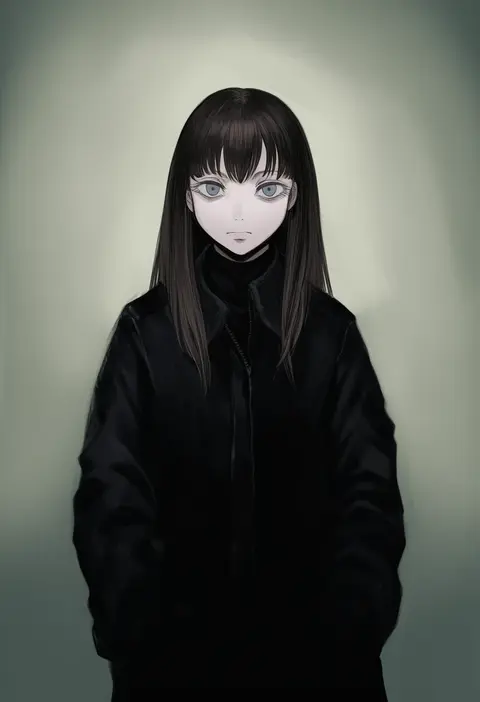
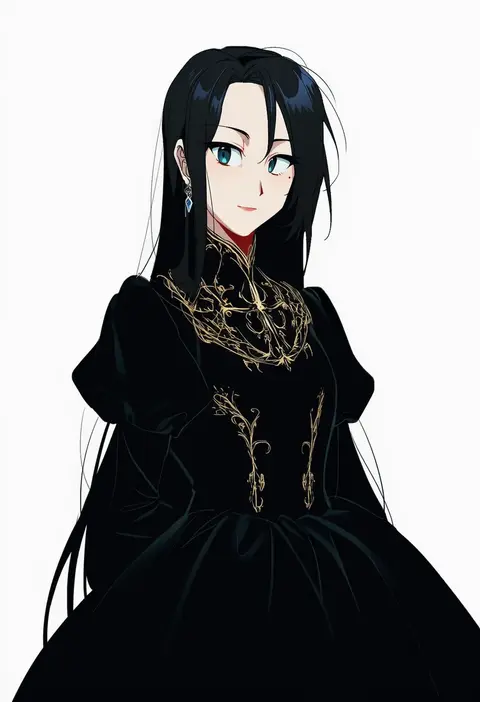
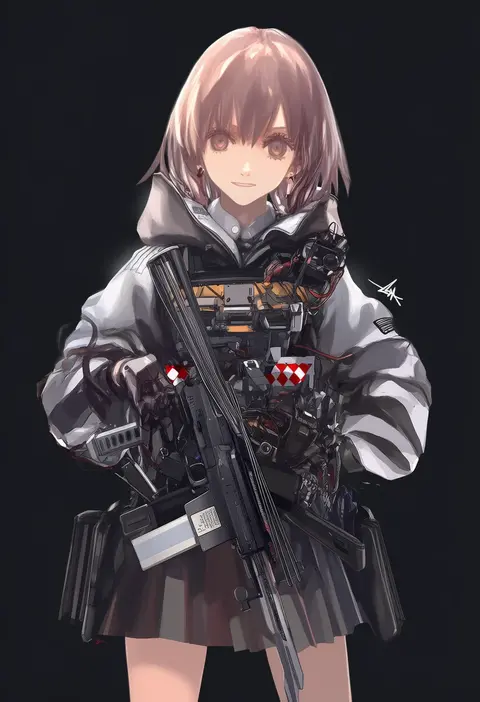
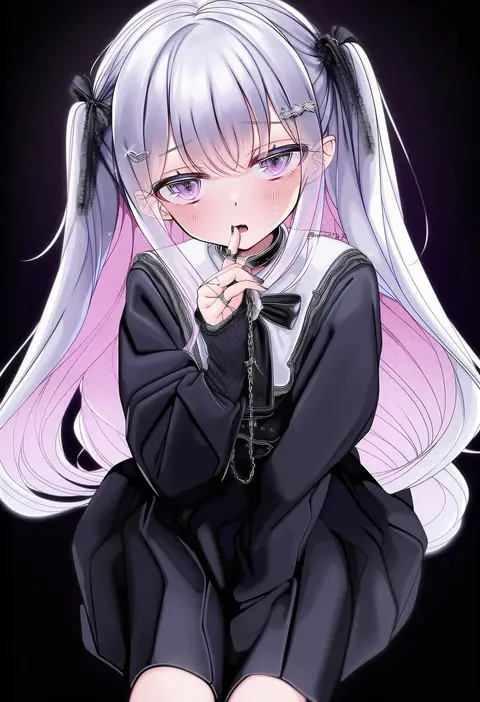
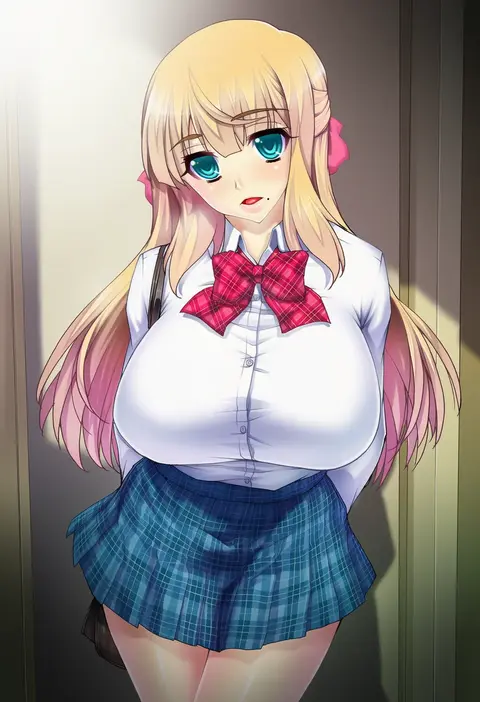
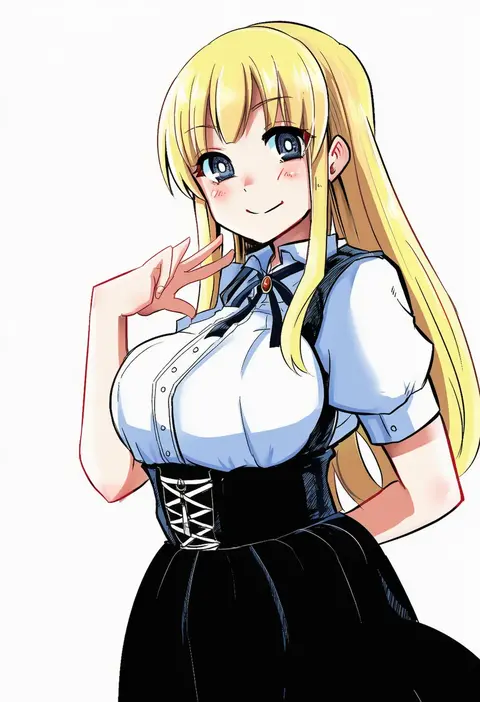
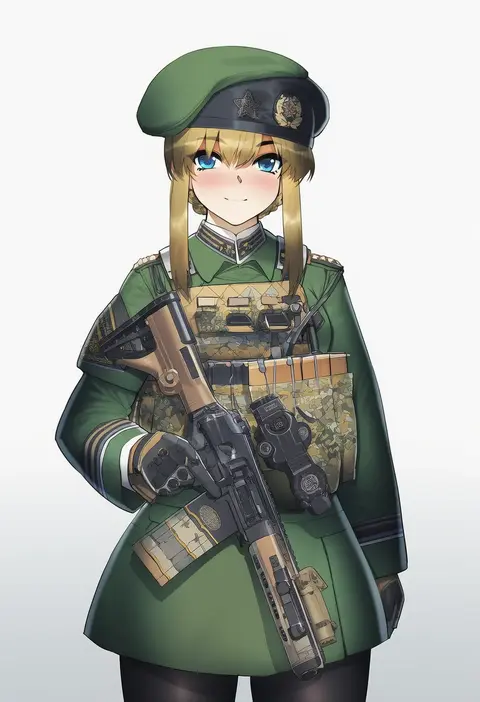
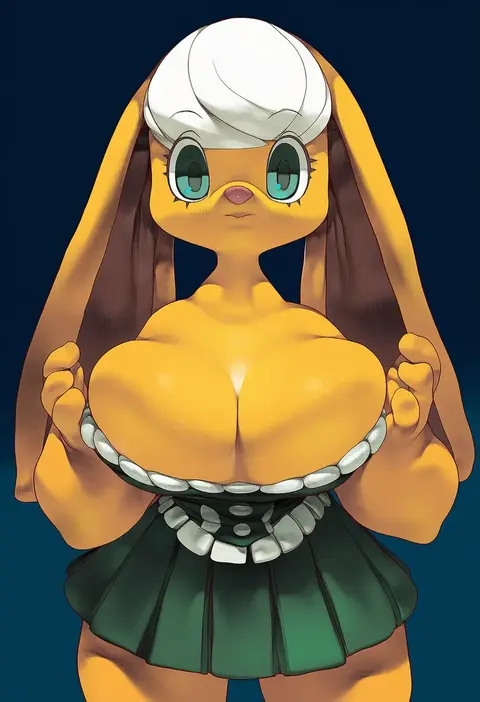
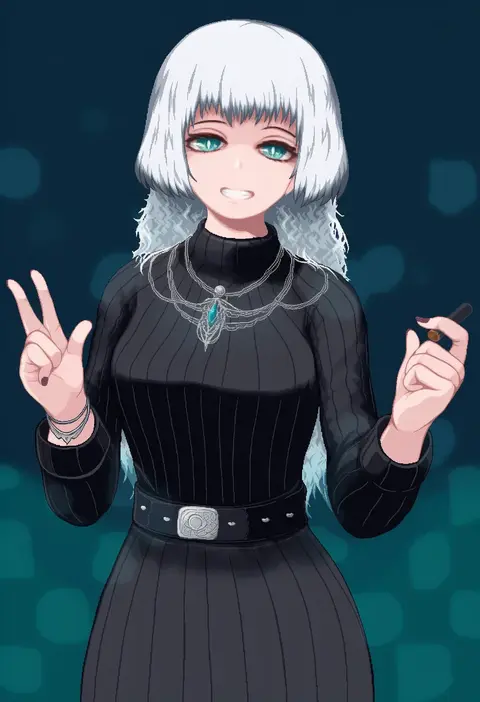
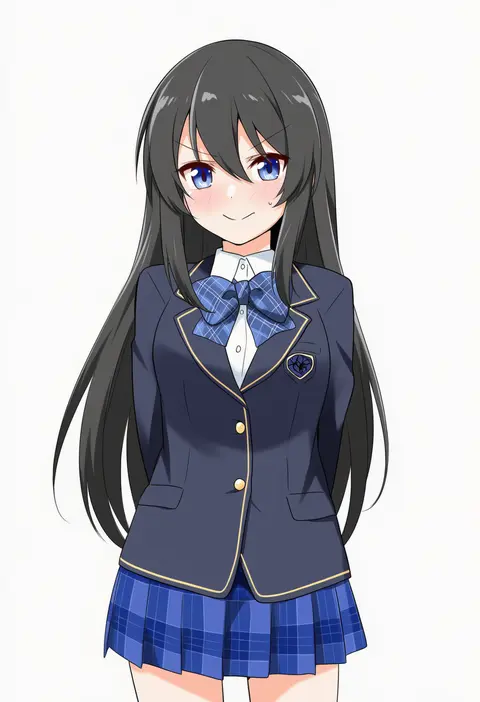
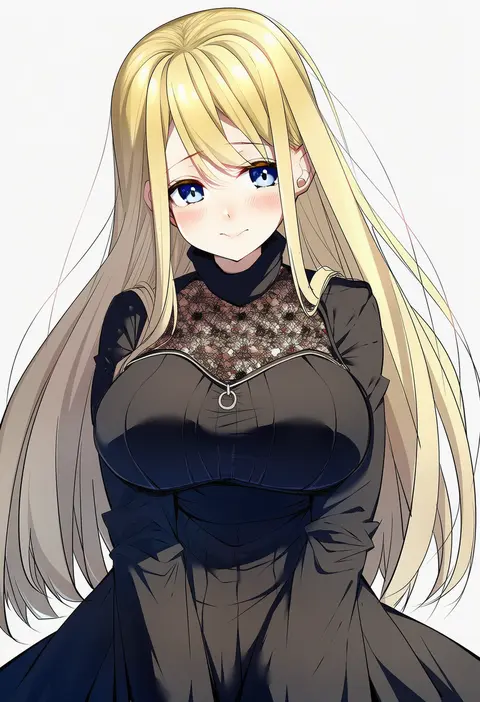
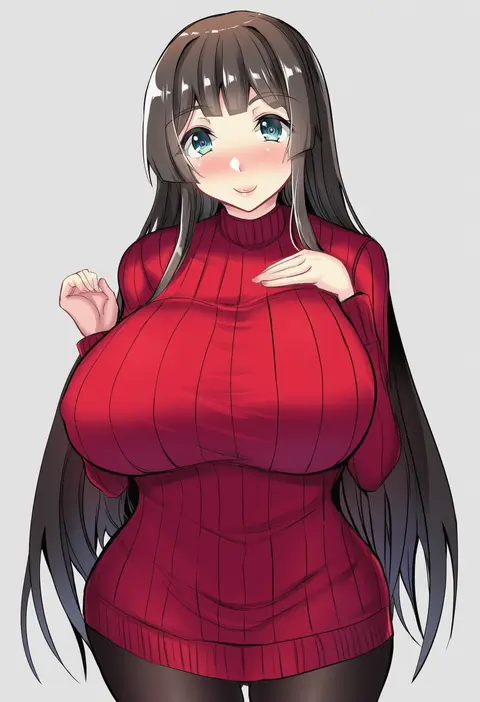
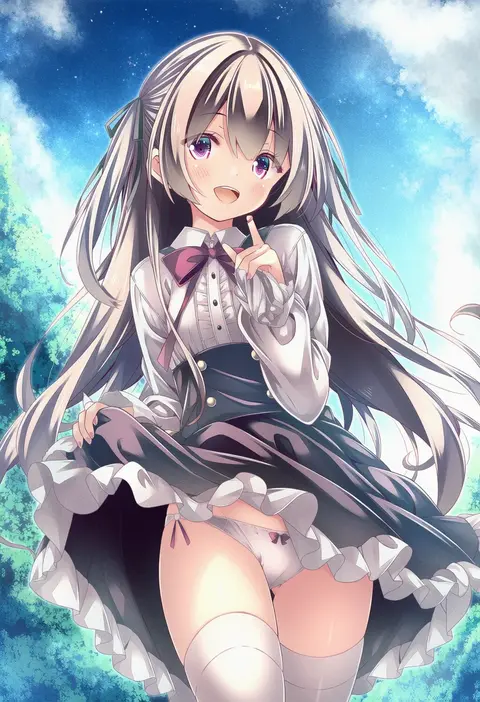
Every tag listed here is verified to react in NovelAI. All images use the same prompt, seed and settings with only the artist tag swapped, so the difference between two images is the style that tag brings in.

How to use them

Put the artist tag near the front of the prompt, e.g. "<artist>, 1girl, solo, best quality, masterpiece, cowboy shot". Two or three artist tags blend styles; lower the weight with "0.8::<artist>::" when the style overpowers the character.

SCORE sorts by Danbooru's top score, POSTS by post count, FAVS by hearts on this site. Open a card to see V5 and V4.5 side by side on the same seed.

V5 vs V4.5

V5 usually lands closer to the artist's real style, and tags that did nothing on V4.5 often react on V5. V4.5 still fits older and doujin-heavy artists better. Try V5 first, fall back to V4.5.

FAQ

Where does the artist tag go?
Near the front of the prompt. Use "0.8::tag::" to adjust its weight.

Can I stack artist tags?
Yes, styles blend. Past two or three the result stops looking like anyone.

Are these the artists' own works?
No. Every image is a NovelAI sample generated from the tag.