V4.5Artists
sort: FAVS▾
▾
>
$

NovelAI Artist Tags List — V4.5

artist --count 16,352[167/273]
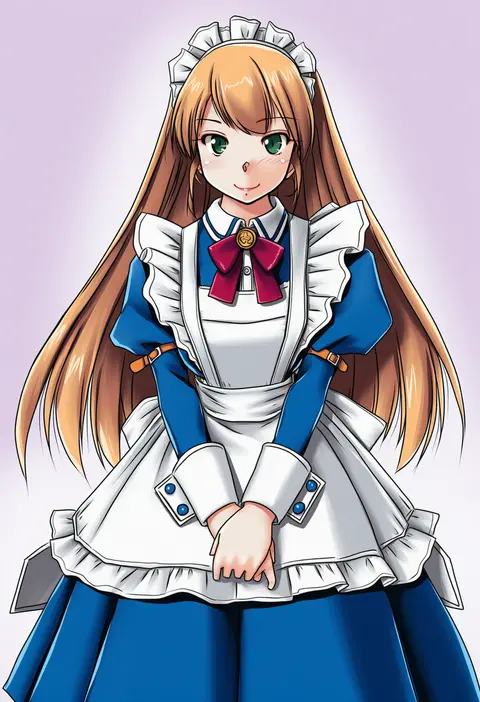
tatsumi ray
ARTIST0x26E8
0
yuu (higashi no penguin)
ARTIST0x26E9
0
ddolbang
ARTIST0x26EA
0
tyone
ARTIST0x26EB
0
romi (346 ura)
ARTIST0x26EC
0
easy (aqk7bdqt)
ARTIST0x26ED
0
shunsuke
ARTIST0x26EE
0
fly (marguerite)
ARTIST0x26EF
0
lloule
ARTIST0x26F0
0
imai kazunari
ARTIST0x26F1
0
shinishi chiho
ARTIST0x26F2
0
tadano akira
ARTIST0x26F3
0
nenchi
ARTIST0x26F4
0
dowman sayman
ARTIST0x26F5
0
onimaru (onimal7802)
ARTIST0x26F6
0
inoue takuya
ARTIST0x26F7
0
garuku
ARTIST0x26F8
0
sabachiyo land
ARTIST0x26F9
0
minazuki noumu
ARTIST0x26FA
0
panzer (p.z)
ARTIST0x26FB
0
naomi (fantasia)
ARTIST0x26FC
0
ayaki
ARTIST0x26FD
0
masshirokachi
ARTIST0x26FE
0
omochishiki
ARTIST0x26FF
0
k+
ARTIST0x2700
0
andrewcockroach
ARTIST0x2701
0
otemoto (baaaaloooo)
ARTIST0x2702
0
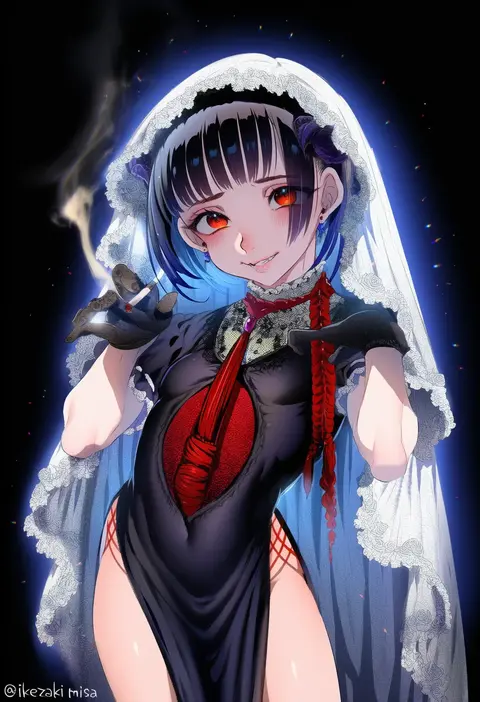
ikezaki misa
ARTIST0x2703
0
kiroshi
ARTIST0x2704
0
amagaeru (amapippi052525)
ARTIST0x2705
0
shishanmo
ARTIST0x2706
0
hotaryuso
ARTIST0x2707
0
akino takehiko
ARTIST0x2708
0
jiyu (jiyusi)
ARTIST0x2709
0
shokushi yuu
ARTIST0x270A
0
mori airi
ARTIST0x270B
0
aro 1801
ARTIST0x270C
0
hirooka masaki
ARTIST0x270D
0
isosceles triangle (xyzxyzxyz)
ARTIST0x270E
0
maruchan.
ARTIST0x270F
0
shibano kaito
ARTIST0x2710
0
manana (matoi1111)
ARTIST0x2711
0
tarte (hodarake)
ARTIST0x2712
0
u-joe
ARTIST0x2713
0
taro-k
ARTIST0x2714
0
kelinch1
ARTIST0x2715
0
kitano tomotoshi
ARTIST0x2716
0
mnejing30
ARTIST0x2717
0
neon (pixiv 31150749)
ARTIST0x2718
0
uruti 2388
ARTIST0x2719
0
chamu (chammkue)
ARTIST0x271A
0
terai (teraimorimori)
ARTIST0x271B
0
sentouryoku 5
ARTIST0x271C
0
senya fuurin
ARTIST0x271D
0
dudul
ARTIST0x271E
0
kurukurumagical
ARTIST0x271F
0
tanaka ryou
ARTIST0x2720
0
kouda suzu
ARTIST0x2721
0
shiratama (hockey)
ARTIST0x2722
0
keuma
ARTIST0x2723
0

What these tags change

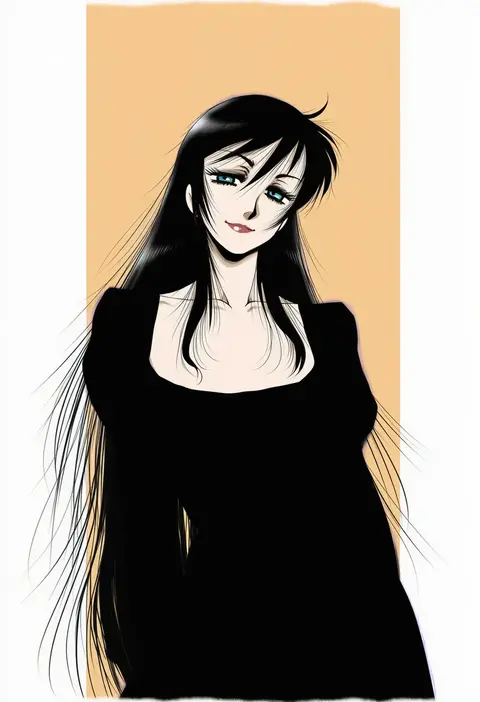
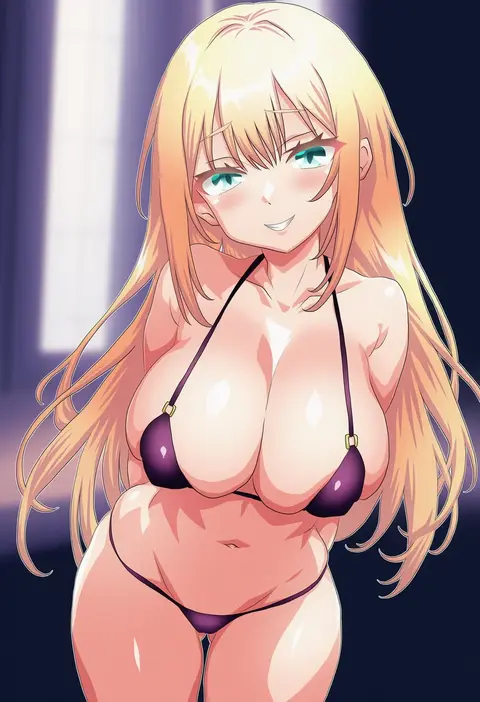
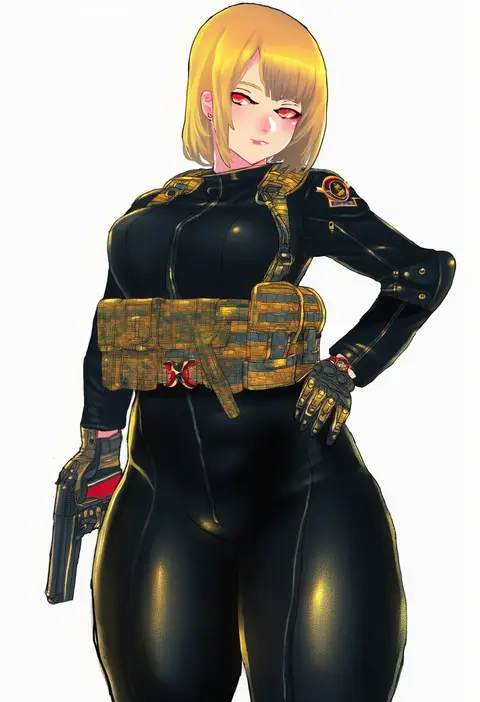
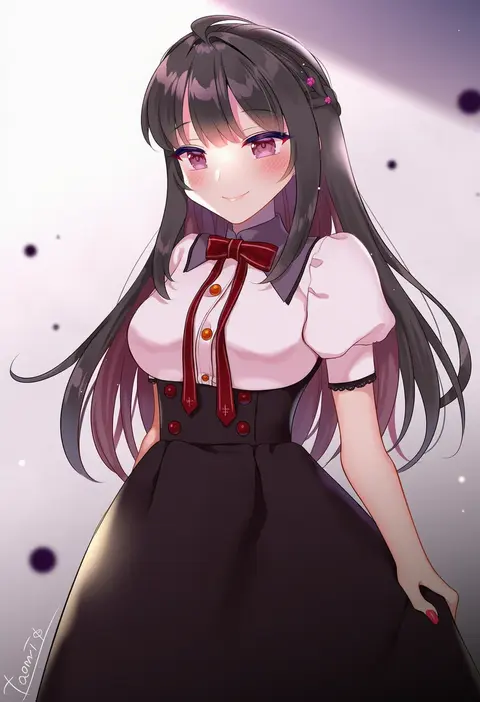
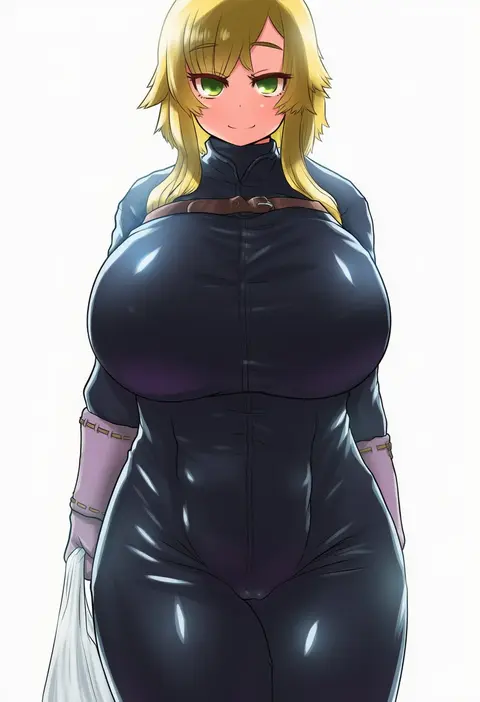
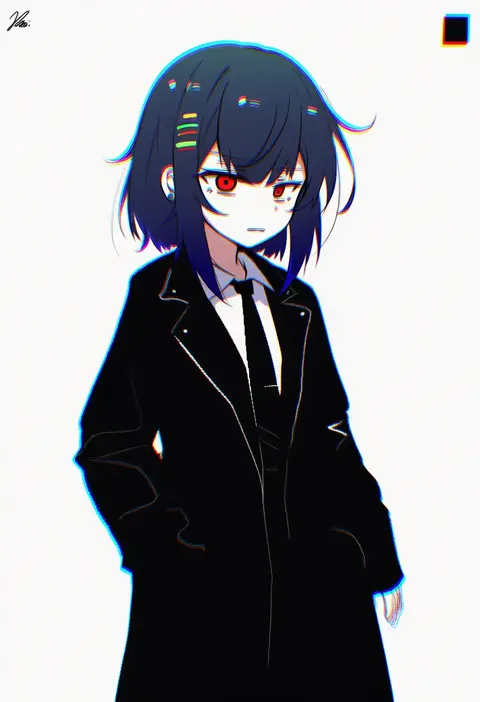
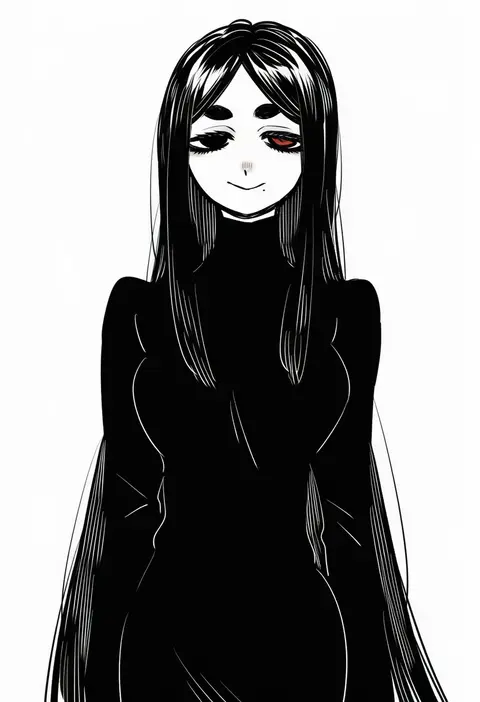
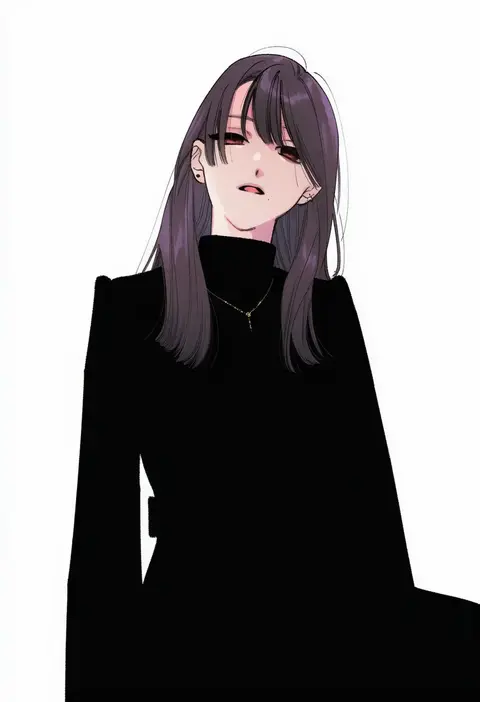
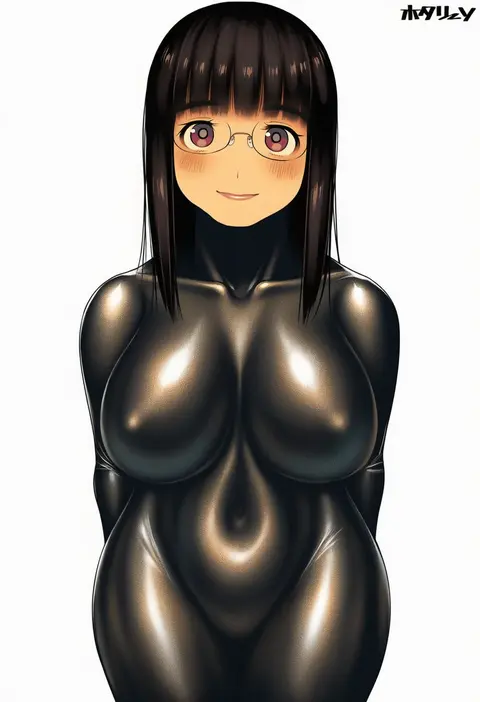
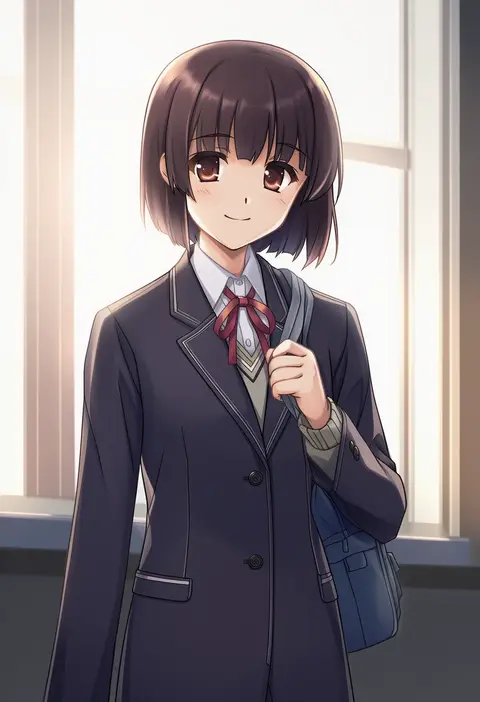
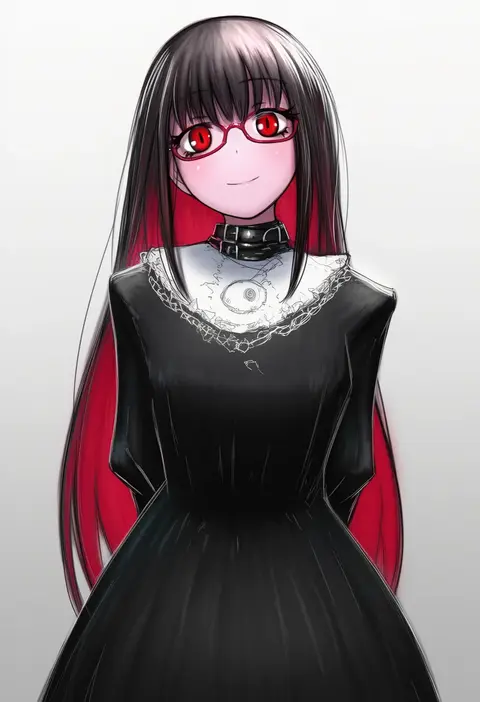
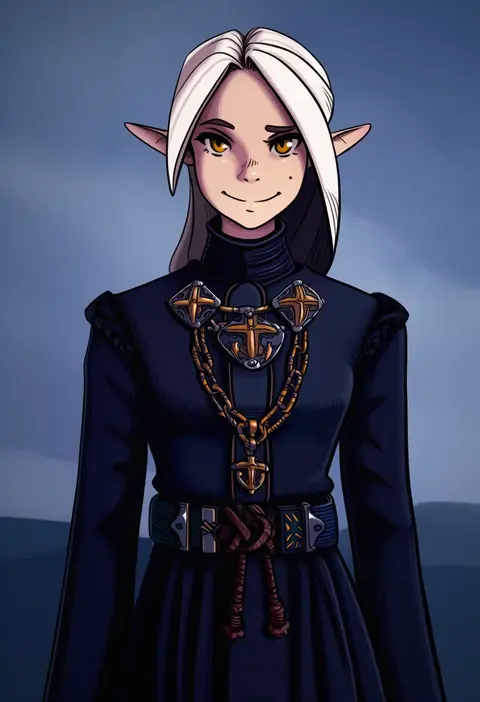
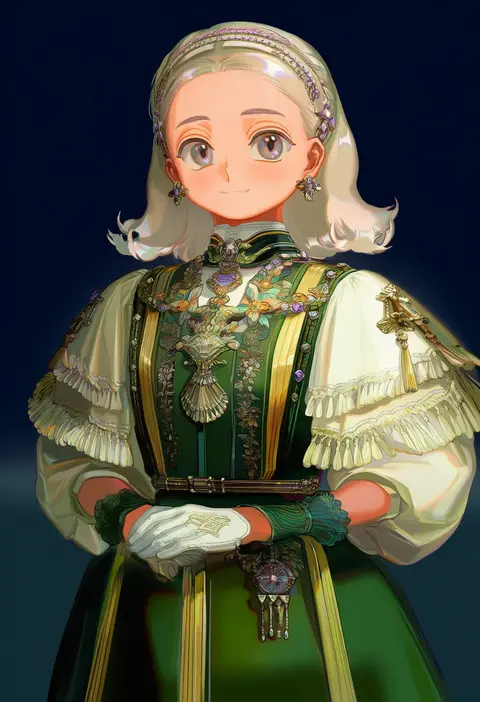
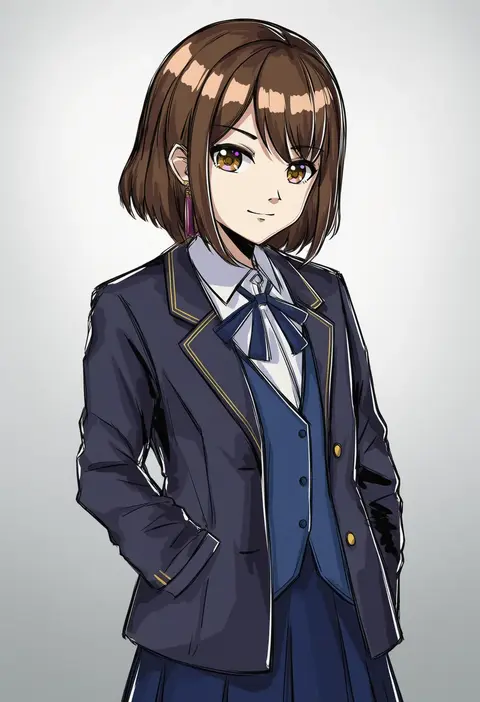
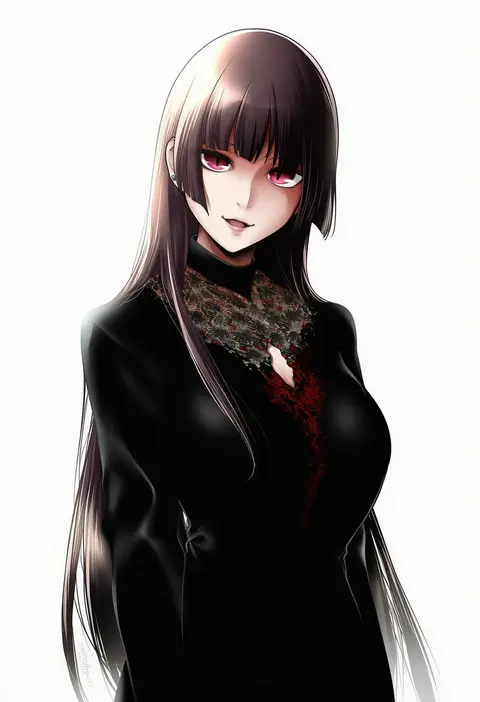
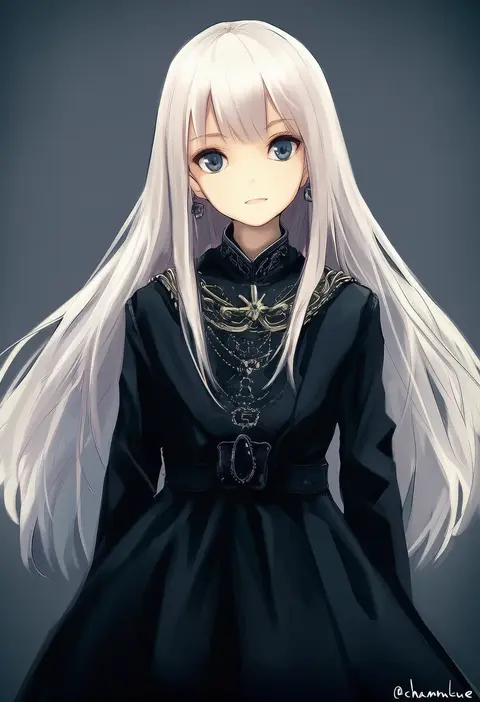
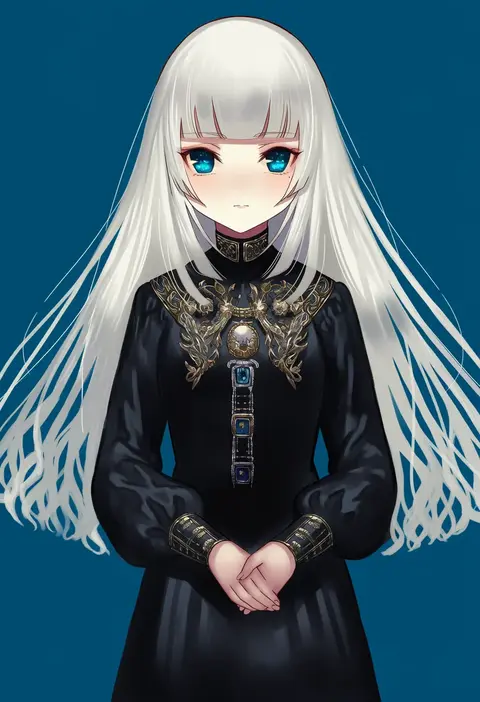
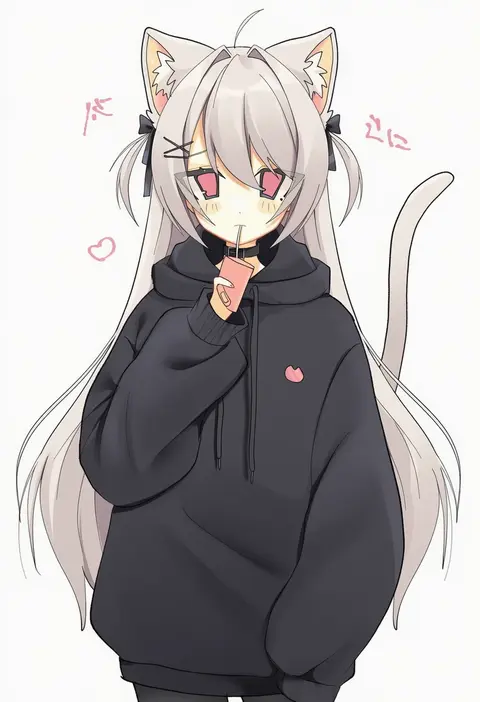
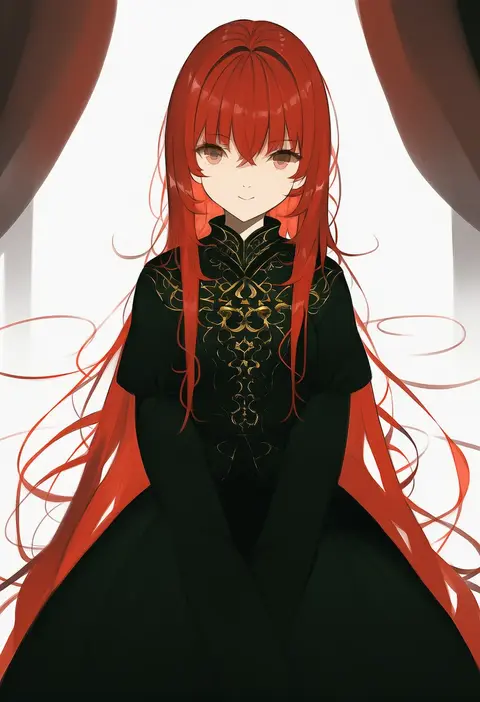
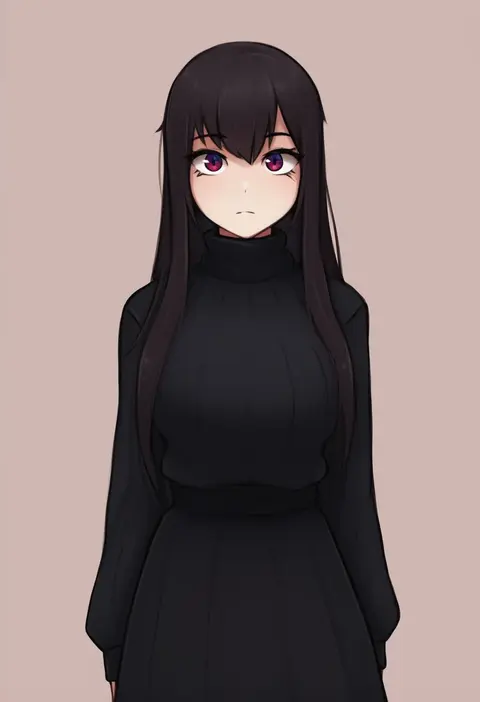
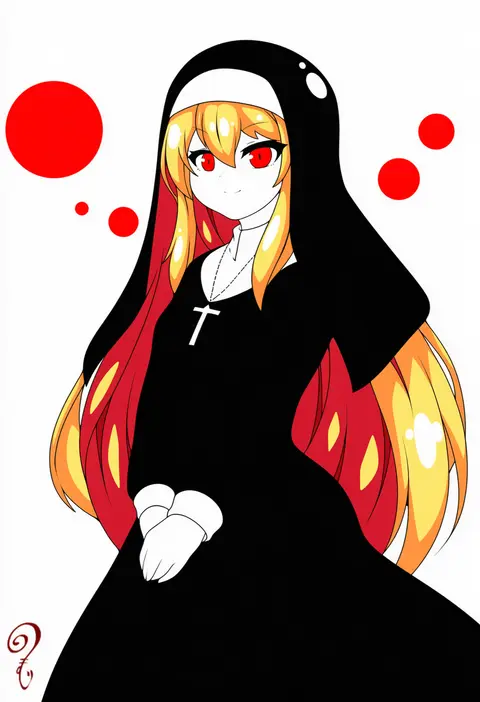
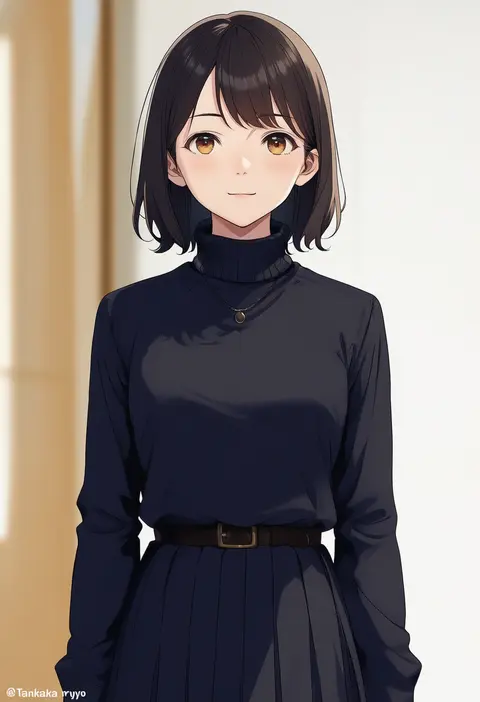
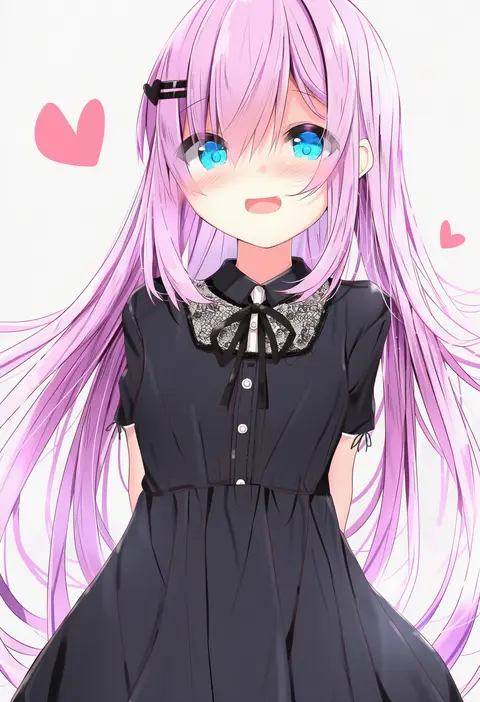
Artist tags tell NovelAI Diffusion to draw in a specific artist's style: line weight, paint texture, face shapes and palette all shift at once. Character and outfit tags decide what is drawn; artist tags decide how. 16,352 tags are listed for V4.5.
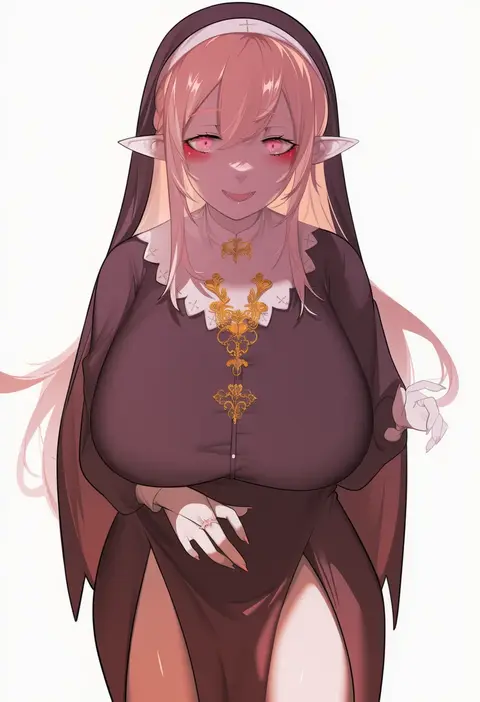
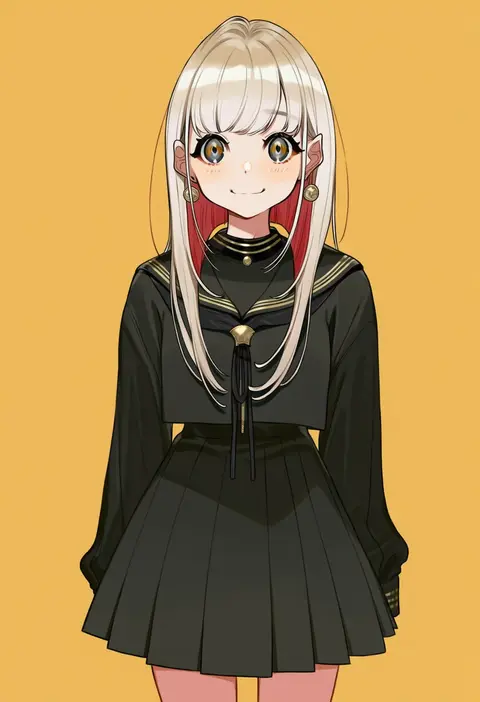
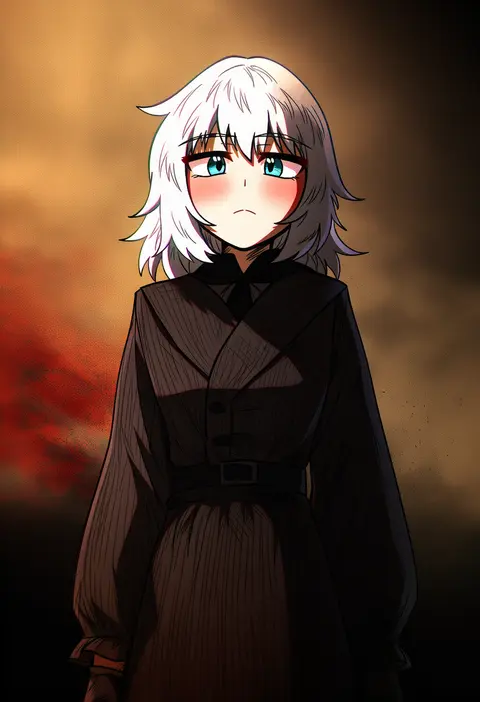
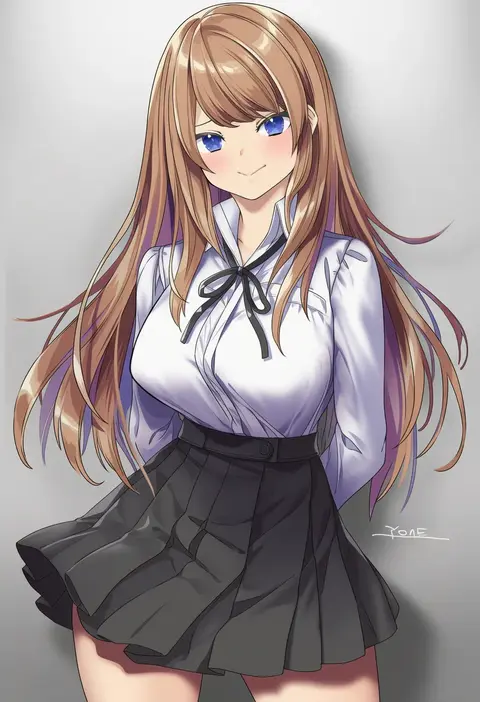
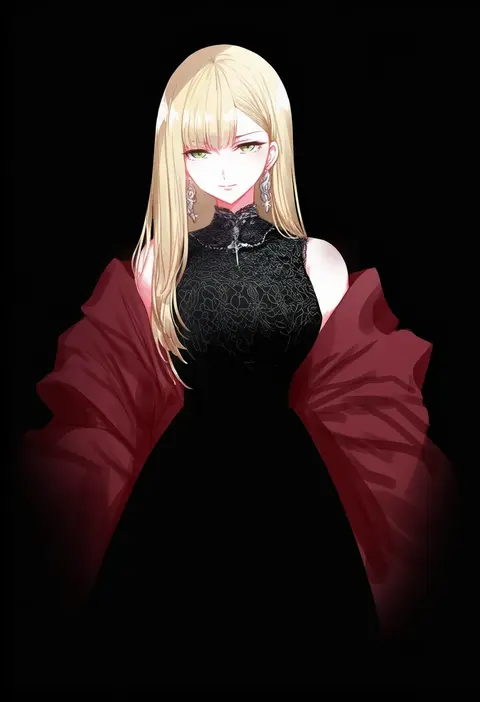
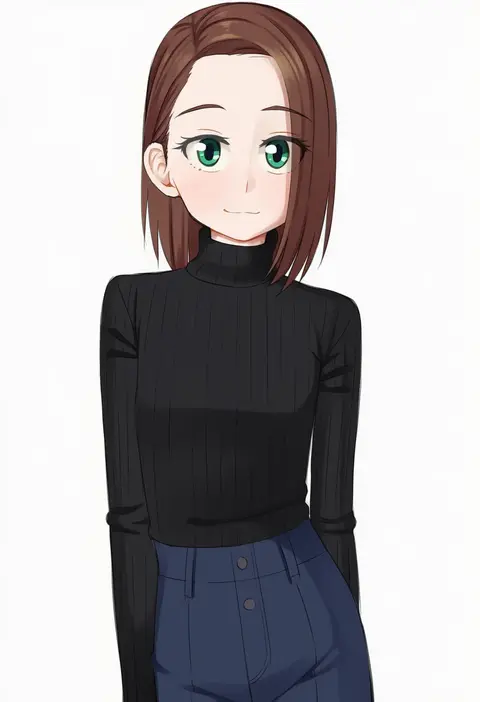
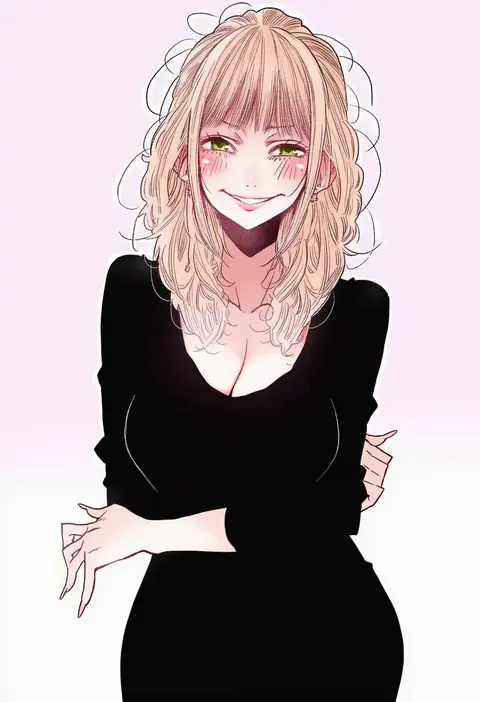
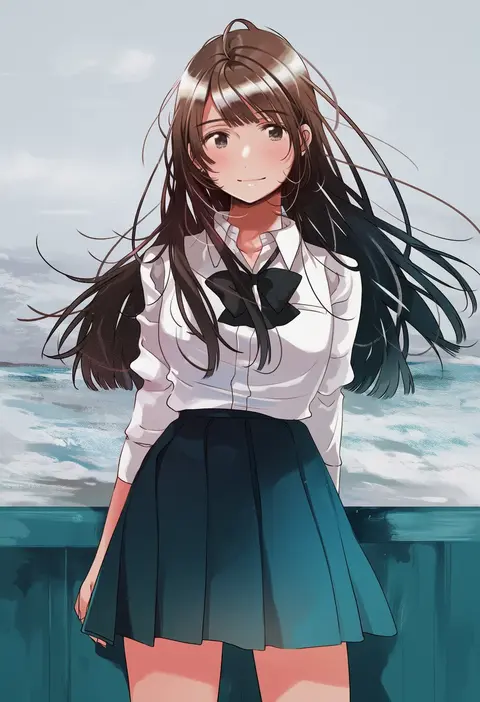
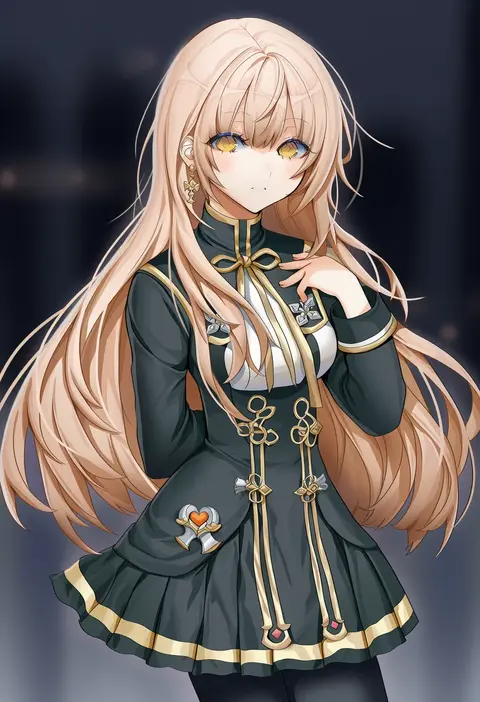
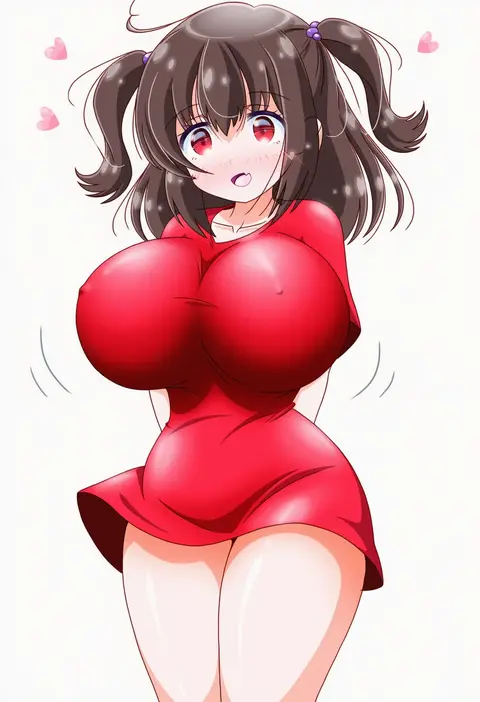
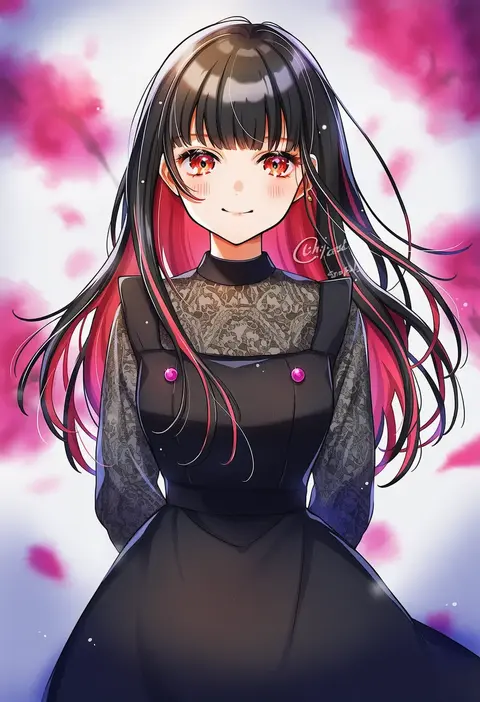
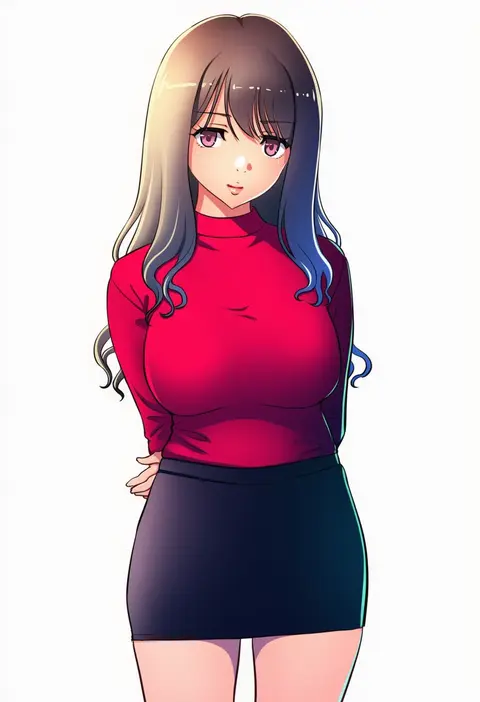
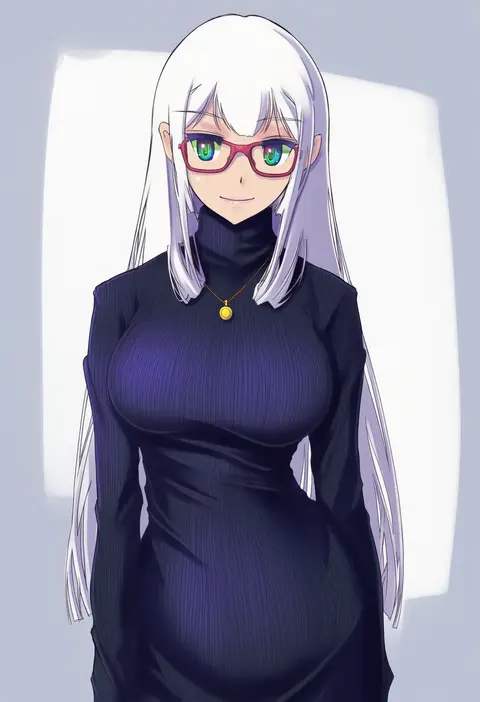
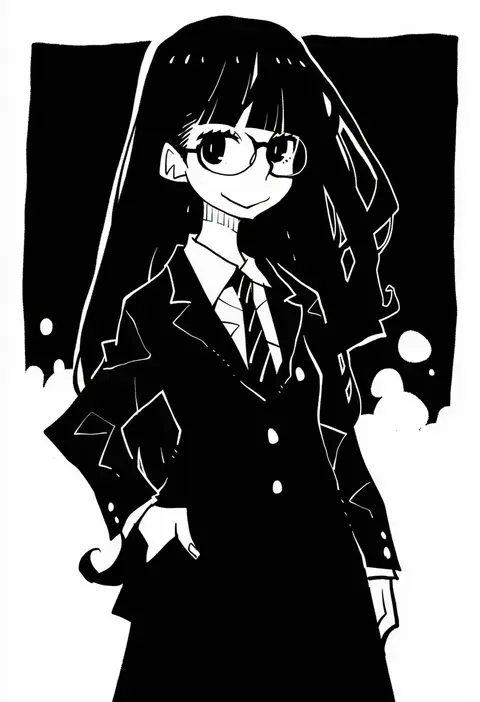
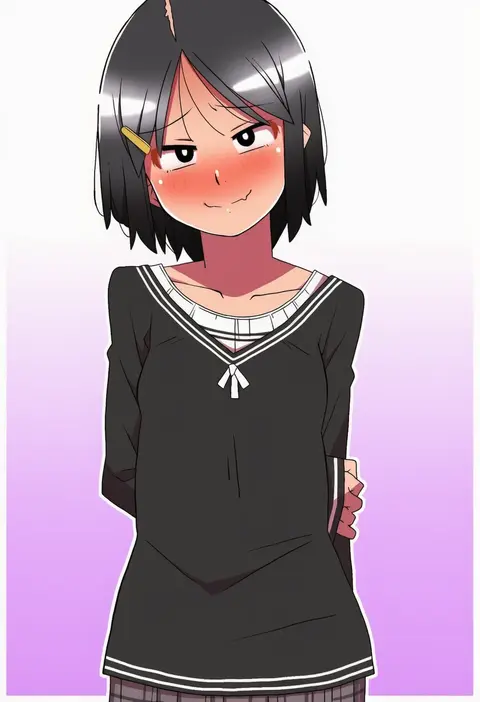
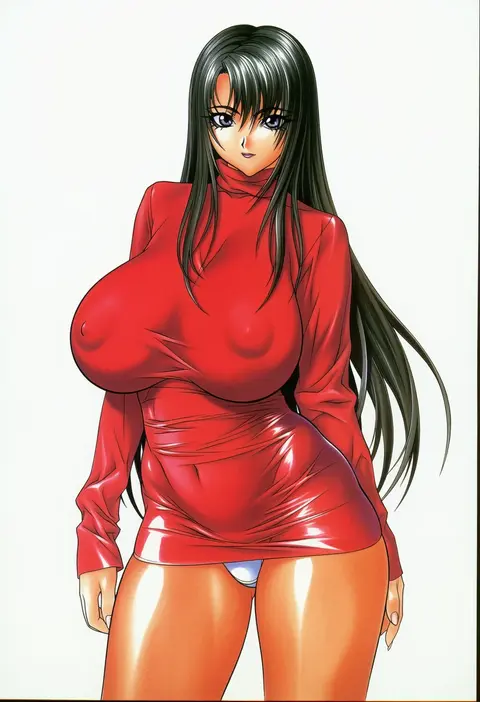
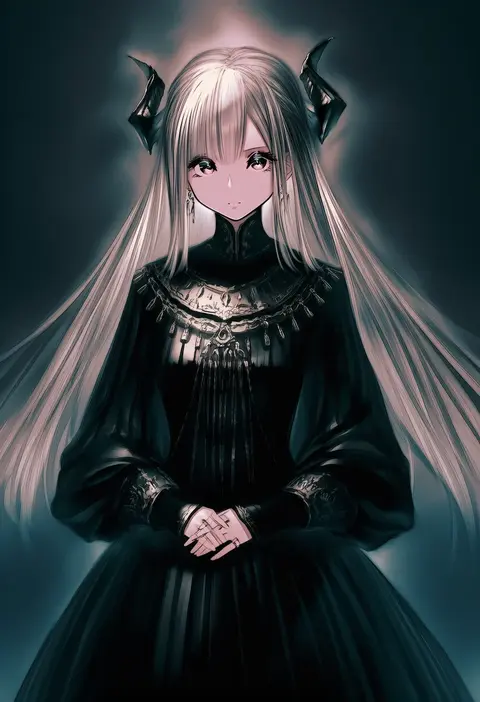
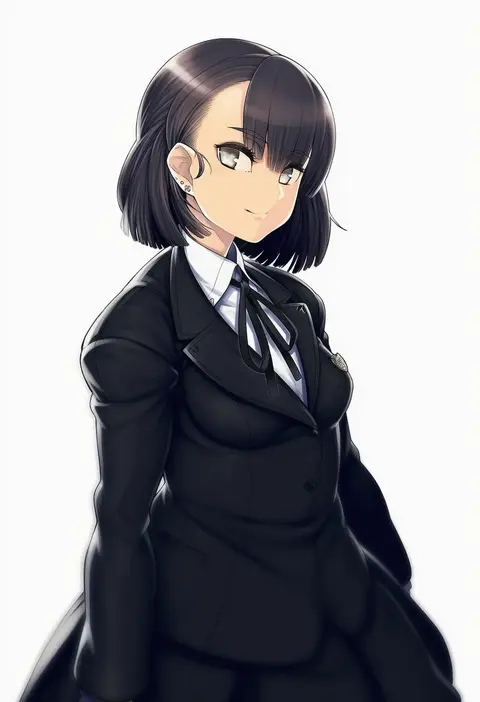
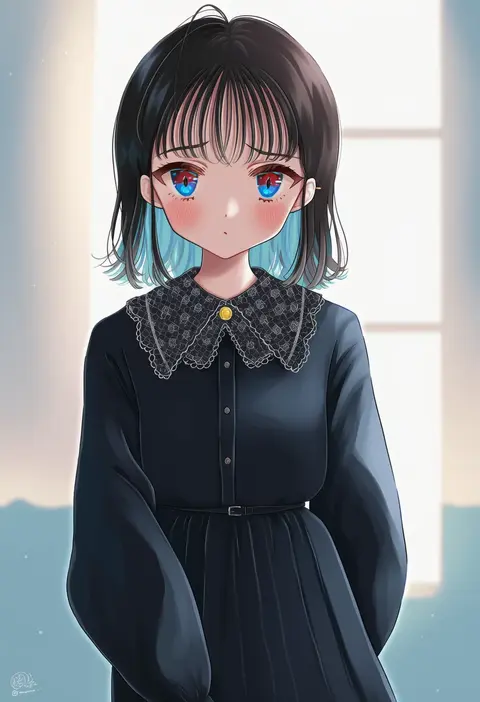
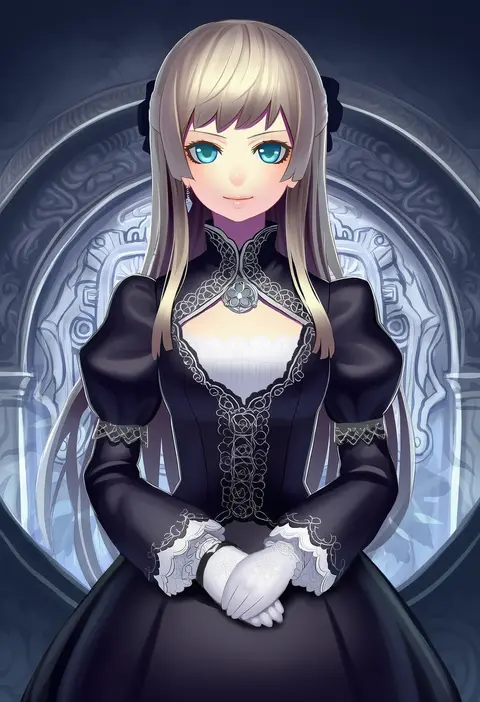
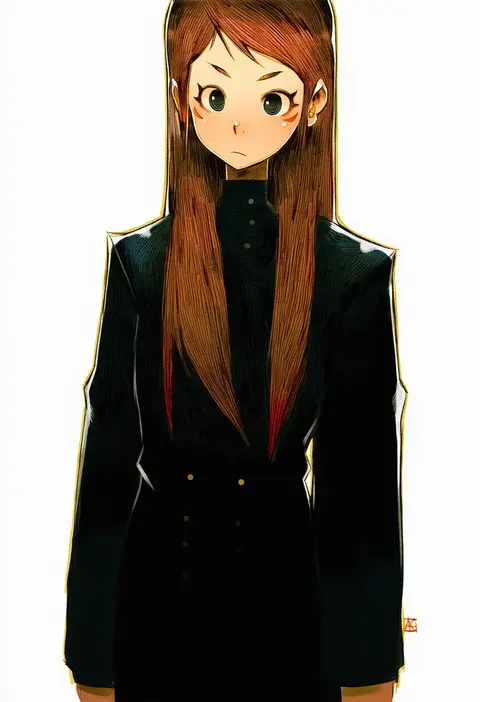
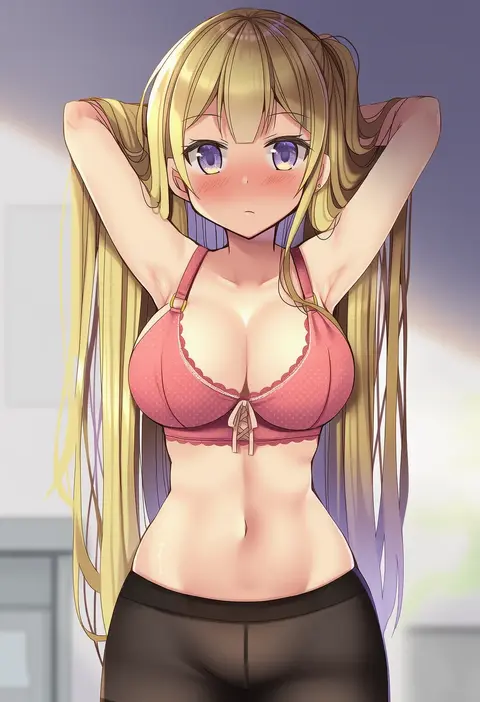
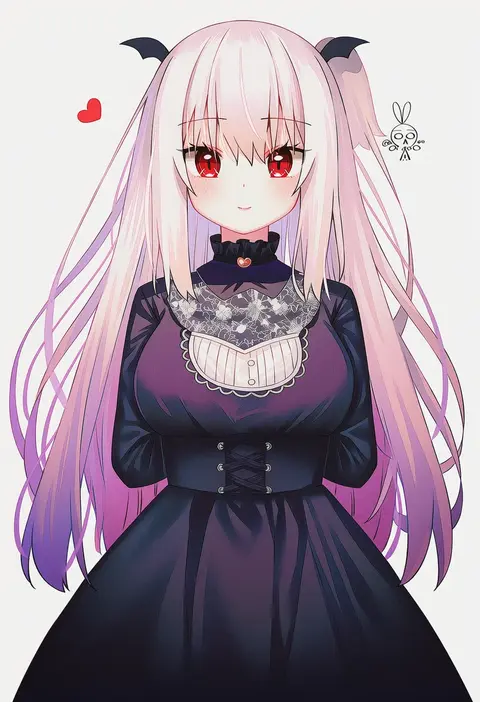
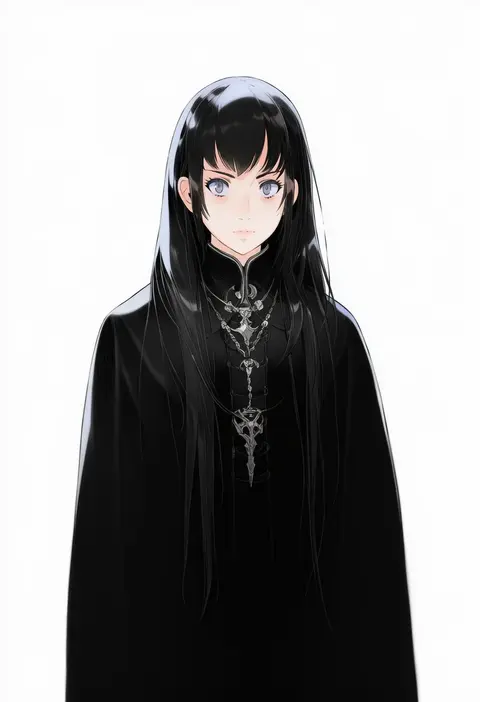
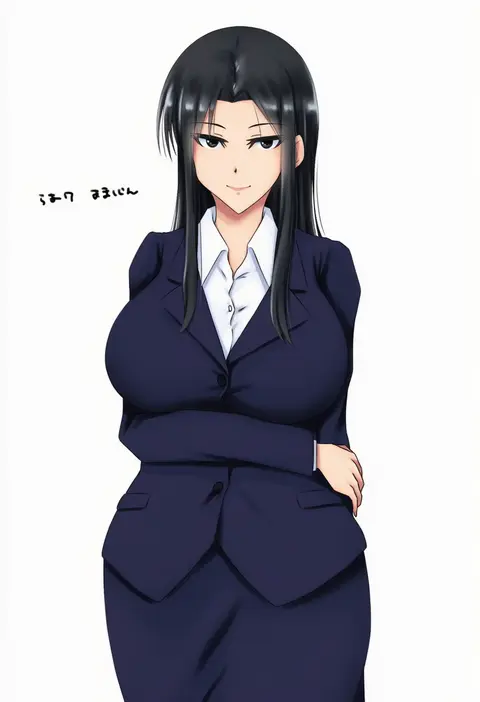
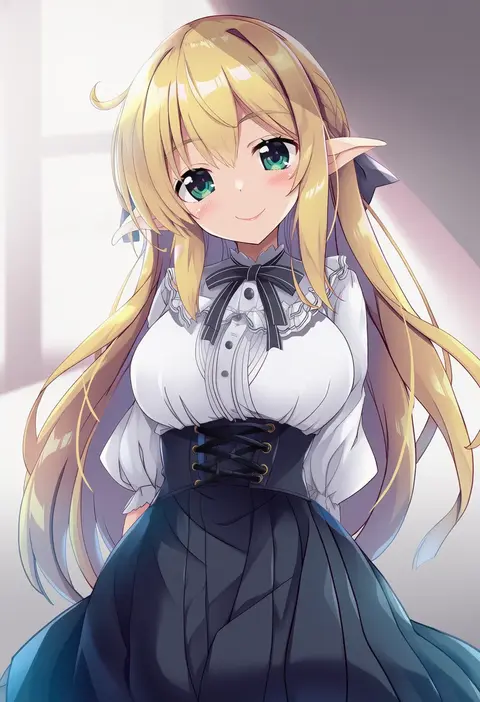
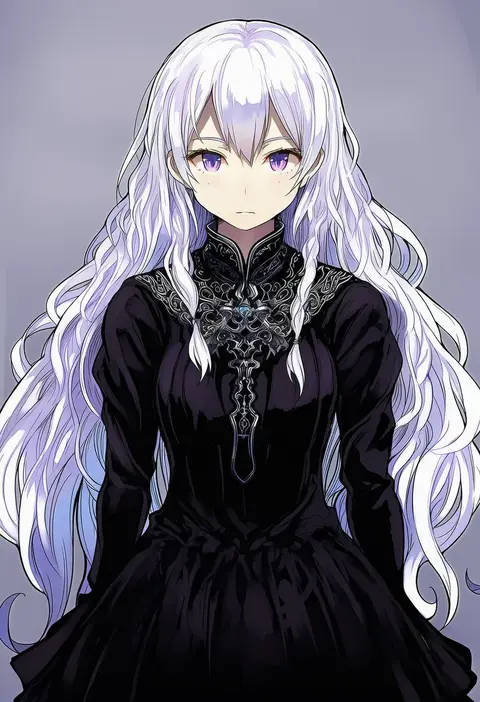
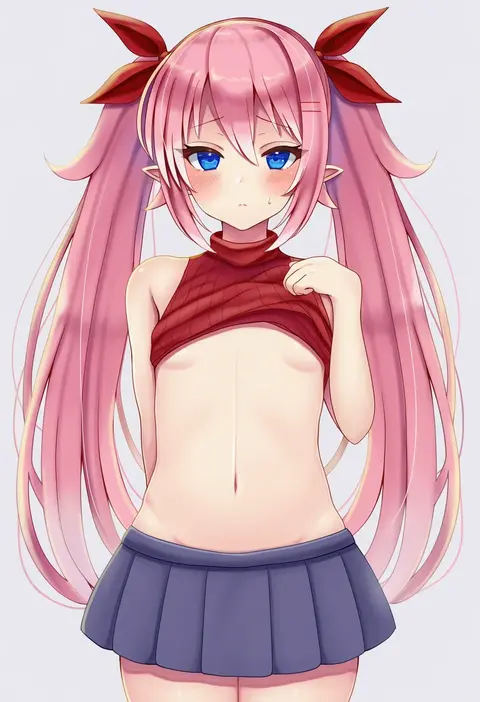
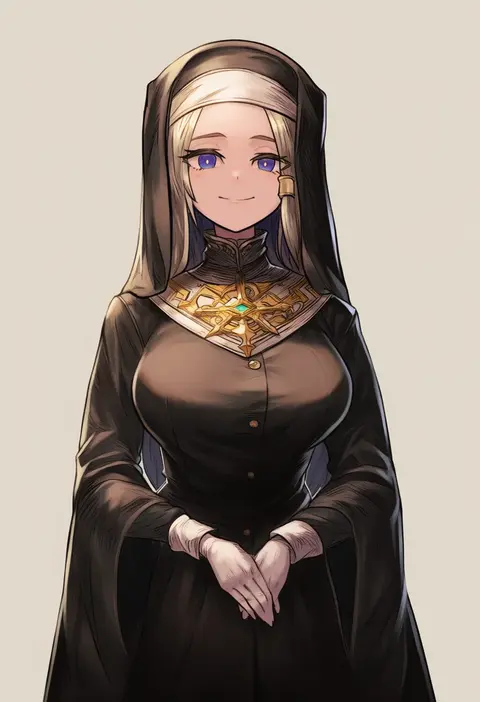
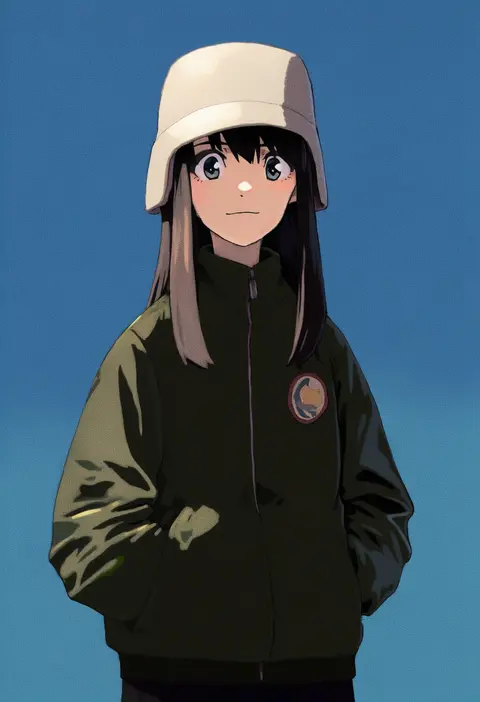
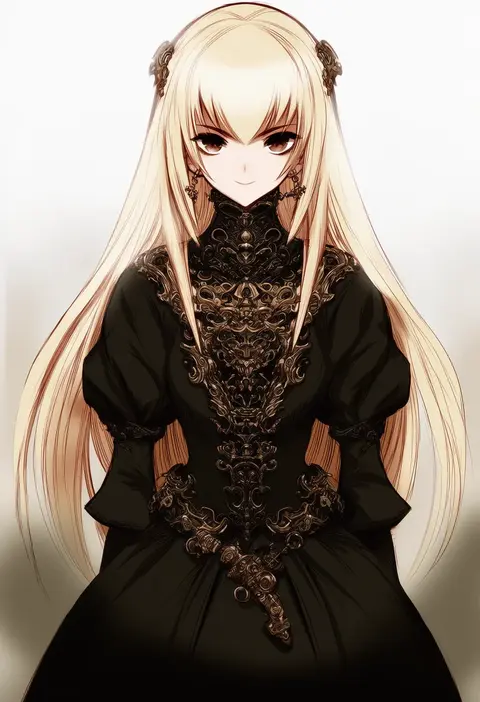
Every tag listed here is verified to react in NovelAI. All images use the same prompt, seed and settings with only the artist tag swapped, so the difference between two images is the style that tag brings in.

How to use them

Put the artist tag near the front of the prompt, e.g. "<artist>, 1girl, solo, best quality, masterpiece, cowboy shot". Two or three artist tags blend styles; lower the weight with "0.8::<artist>::" when the style overpowers the character.

SCORE sorts by Danbooru's top score, POSTS by post count, FAVS by hearts on this site. Open a card to see V5 and V4.5 side by side on the same seed.

V5 vs V4.5

V5 usually lands closer to the artist's real style, and tags that did nothing on V4.5 often react on V5. V4.5 still fits older and doujin-heavy artists better. Try V5 first, fall back to V4.5.

FAQ

Where does the artist tag go?
Near the front of the prompt. Use "0.8::tag::" to adjust its weight.

Can I stack artist tags?
Yes, styles blend. Past two or three the result stops looking like anyone.

Are these the artists' own works?
No. Every image is a NovelAI sample generated from the tag.