V4.5Artists
sort: FAVS▾
▾
>
$

NovelAI Artist Tags List — V4.5

artist --count 16,352[170/273]
gatau
ARTIST0x279C
0
safi
ARTIST0x279D
0
komb
ARTIST0x279E
0
makai no juumin
ARTIST0x279F
0
kyoeiki
ARTIST0x27A0
0
takishima asaka
ARTIST0x27A1
0
kukka
ARTIST0x27A2
0
soyosoyo
ARTIST0x27A3
0
basa rutan
ARTIST0x27A4
0
miv4t
ARTIST0x27A5
0
nodoameyatou
ARTIST0x27A6
0
umarutsufuri
ARTIST0x27A7
0
kosame daizu
ARTIST0x27A8
0
umemaro (siona0908)
ARTIST0x27A9
0
anbe masahiro
ARTIST0x27AA
0
wataru (nextlevel)
ARTIST0x27AB
0
haguruma c
ARTIST0x27AC
0
terumii
ARTIST0x27AD
0
batta (kanzume quality)
ARTIST0x27AE
0
mikisai
ARTIST0x27AF
0
yoimoriyoru
ARTIST0x27B0
0
nekobayashi
ARTIST0x27B1
0
zigzagdb
ARTIST0x27B2
0
yatsuha kanan
ARTIST0x27B3
0
pension z
ARTIST0x27B4
0
watanabe masafumi (masafumi 127)
ARTIST0x27B5
0
yas (yosiyasuyasu)
ARTIST0x27B6
0
vakaosciosa
ARTIST0x27B7
0
meke (77842928)
ARTIST0x27B8
0
luna (reclaimed land)
ARTIST0x27B9
0
rr (suisse200)
ARTIST0x27BA
0
shibaebi (yasaip game)
ARTIST0x27BB
0
morerin
ARTIST0x27BC
0
inu fuji
ARTIST0x27BD
0
li@ (rikku04)
ARTIST0x27BE
0
dave rapoza
ARTIST0x27BF
0
cglas
ARTIST0x27C0
0
mardjan
ARTIST0x27C1
0
mizune (winter)
ARTIST0x27C2
0
9twoeight
ARTIST0x27C3
0
zunusama
ARTIST0x27C4
0
akino shuu
ARTIST0x27C5
0
kamizono (spookyhouse)
ARTIST0x27C6
0
midorikawa you
ARTIST0x27C7
0
kairakuen umenoka
ARTIST0x27C8
0
takatisakana
ARTIST0x27C9
0
dragon@harry
ARTIST0x27CA
0
narutaki shin
ARTIST0x27CB
0
otokamu
ARTIST0x27CC
0
usamata
ARTIST0x27CD
0
sou (tuhut)
ARTIST0x27CE
0
kirishima riona
ARTIST0x27CF
0
skj
ARTIST0x27D0
0
izumi yukiru
ARTIST0x27D1
0
yuzuki karu
ARTIST0x27D2
0
ketsumaimo
ARTIST0x27D3
0
fenyon
ARTIST0x27D4
0
minatsuki alumi
ARTIST0x27D5
0
keiki8296
ARTIST0x27D6
0
sushimekabu
ARTIST0x27D7
0

What these tags change

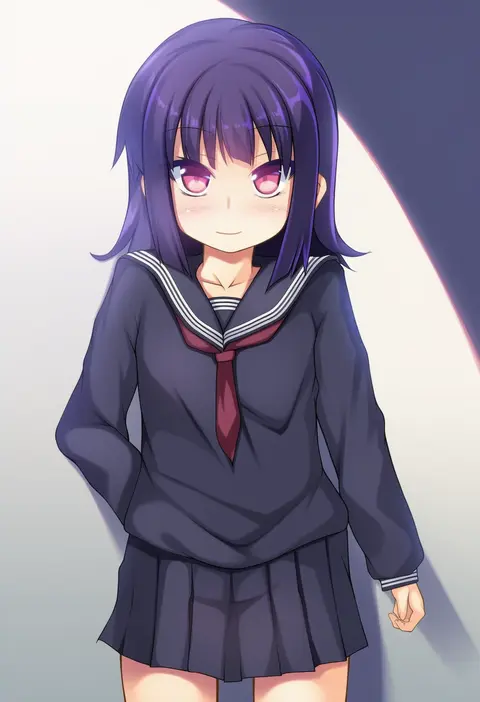
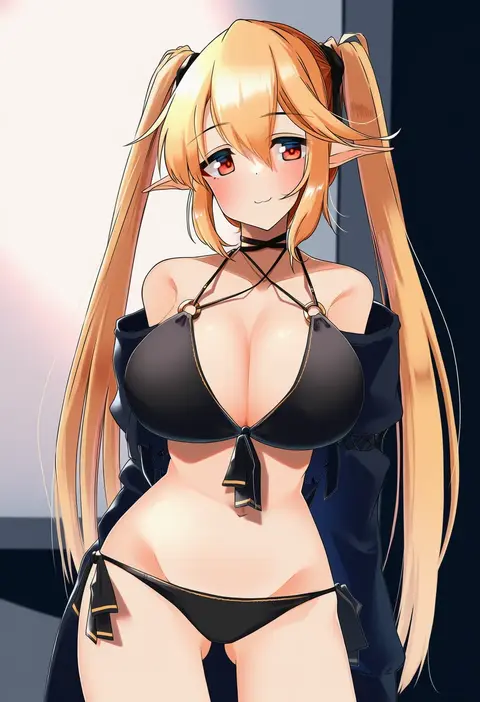
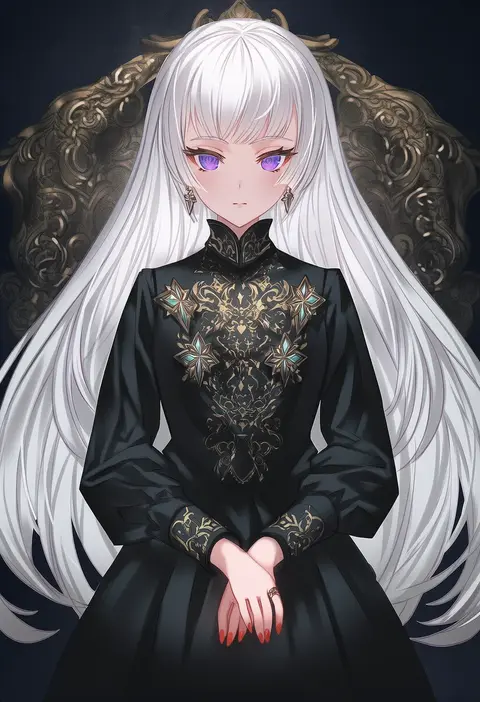
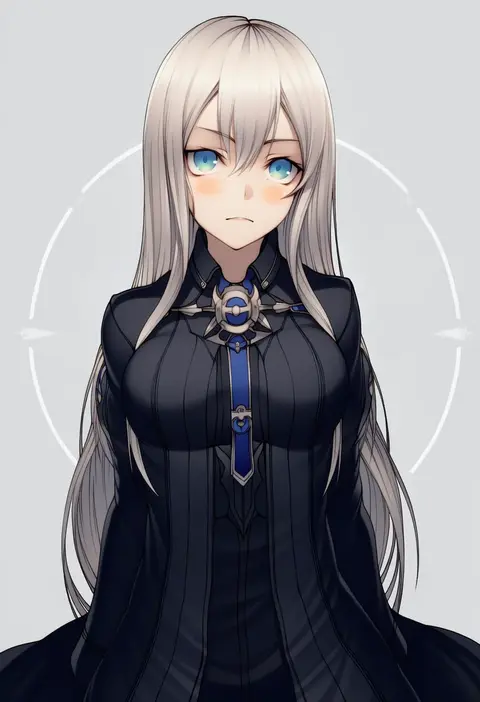
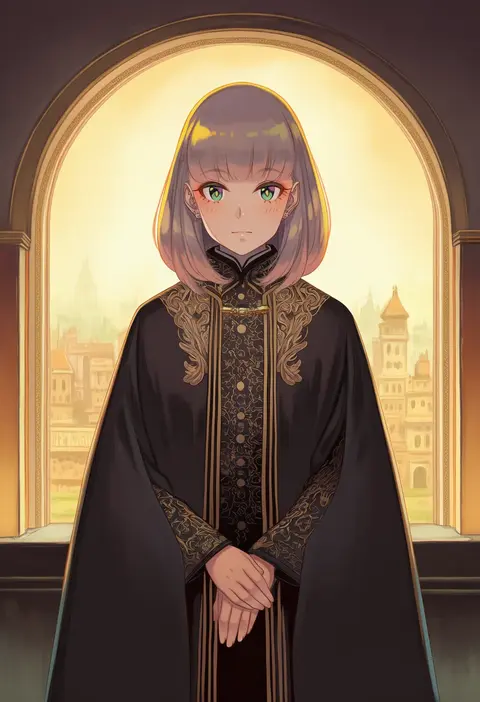
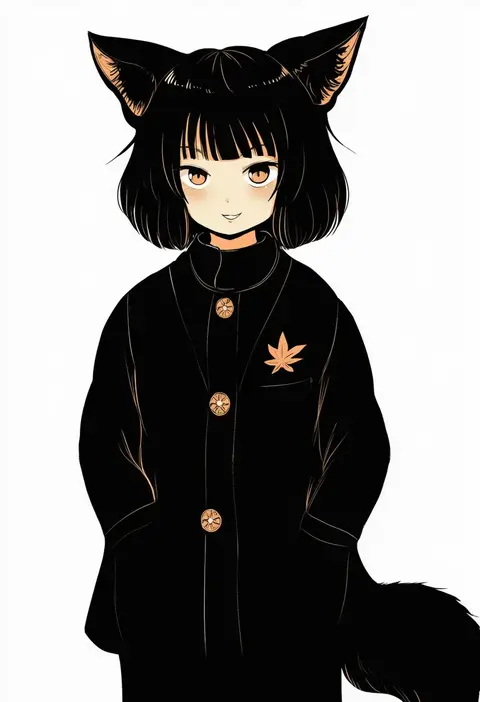
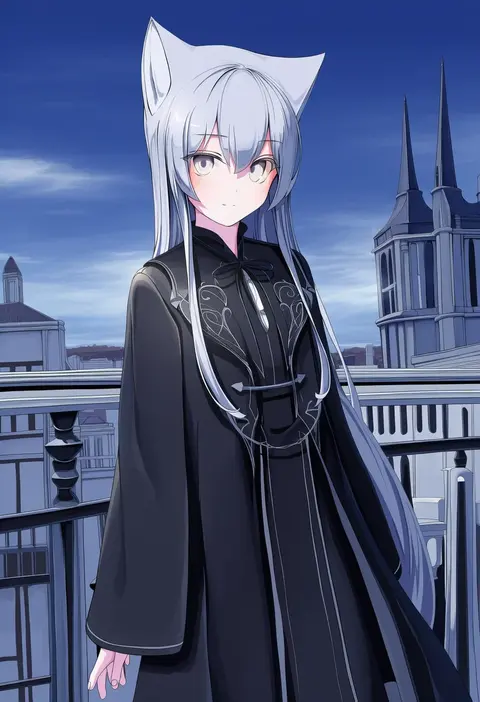
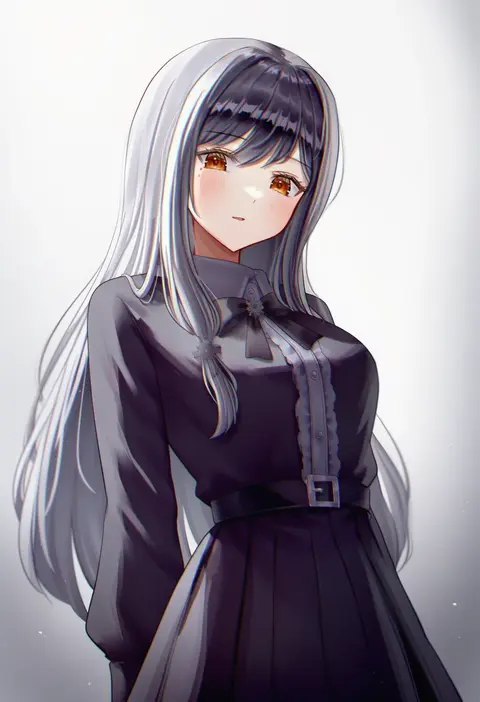
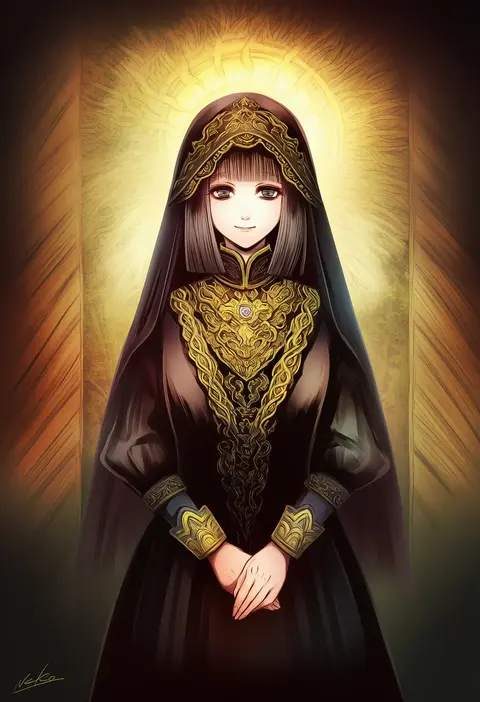
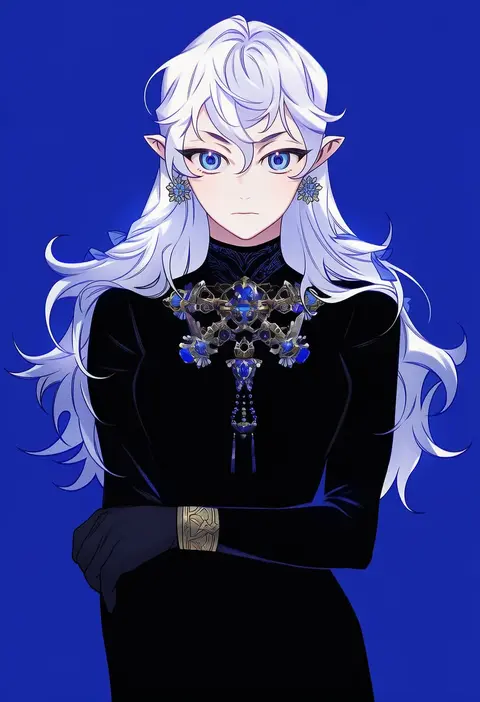
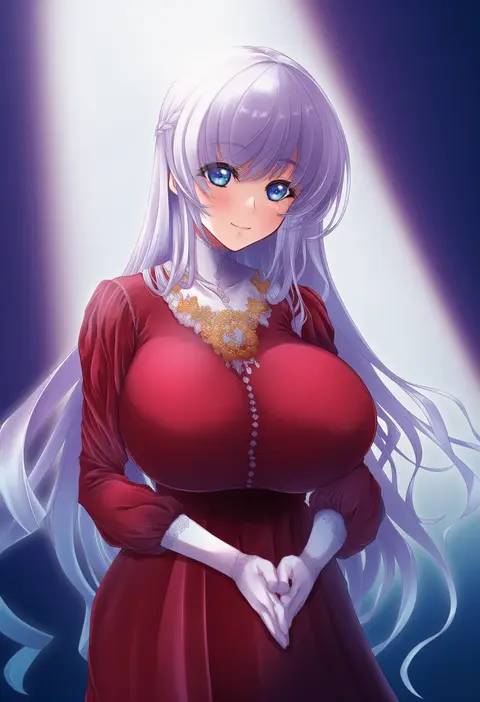
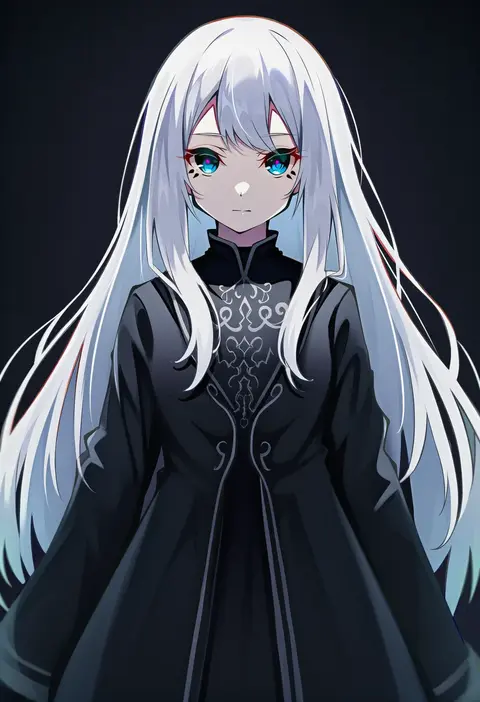
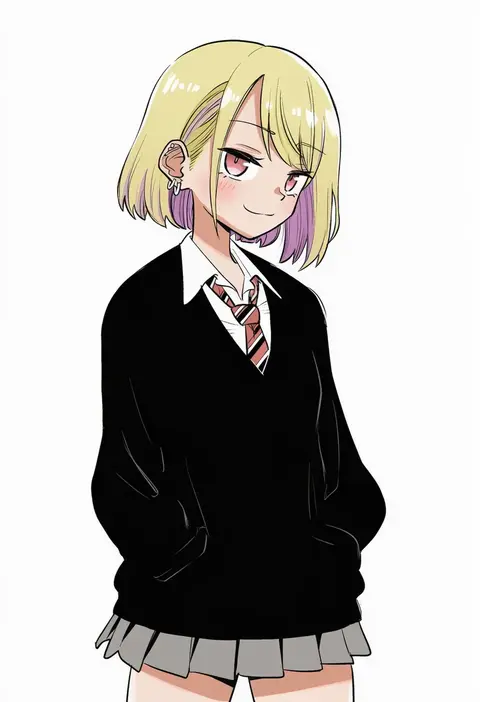
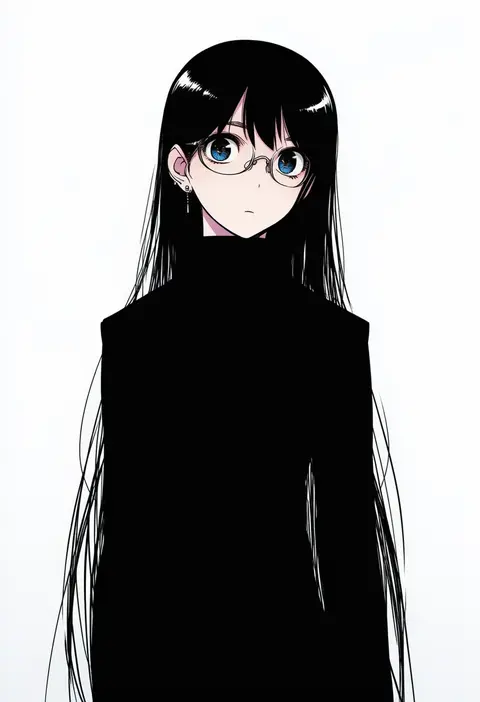
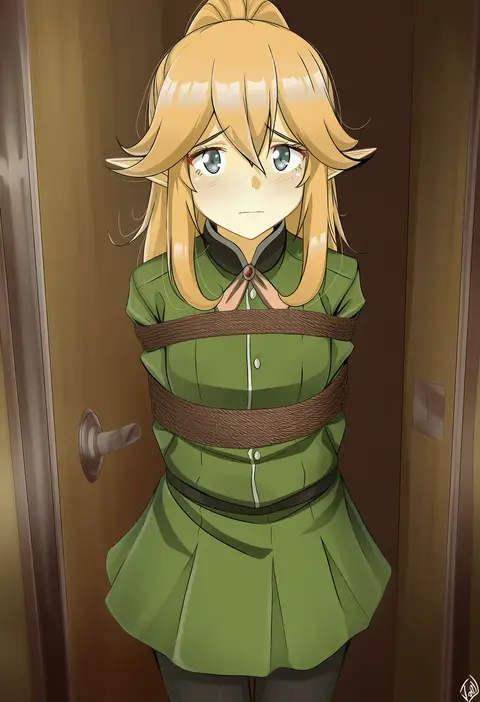
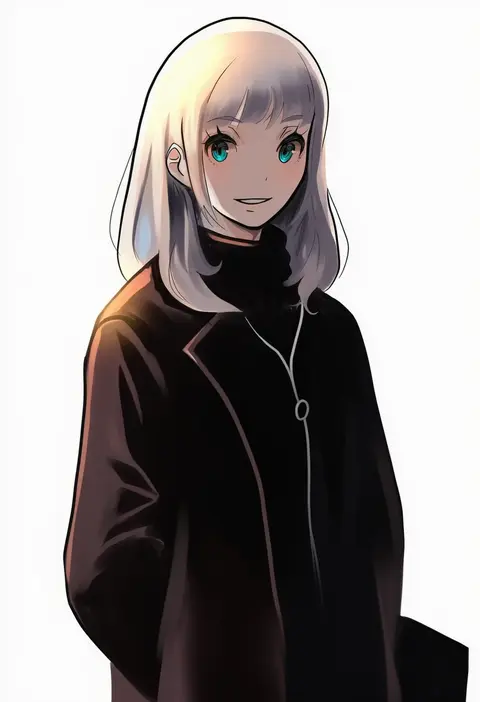
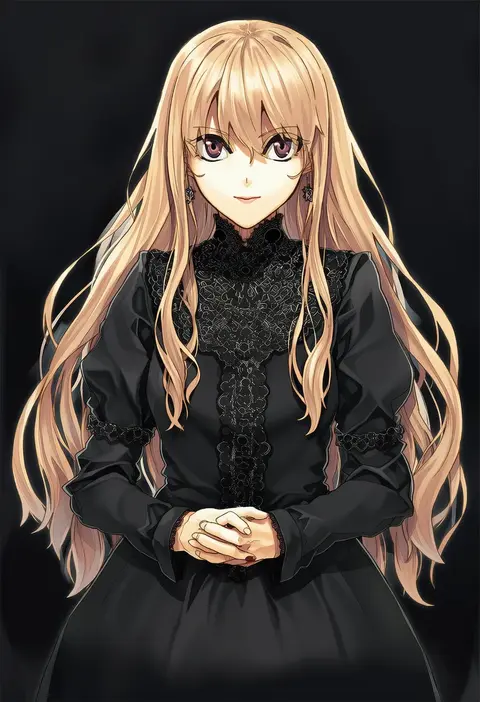
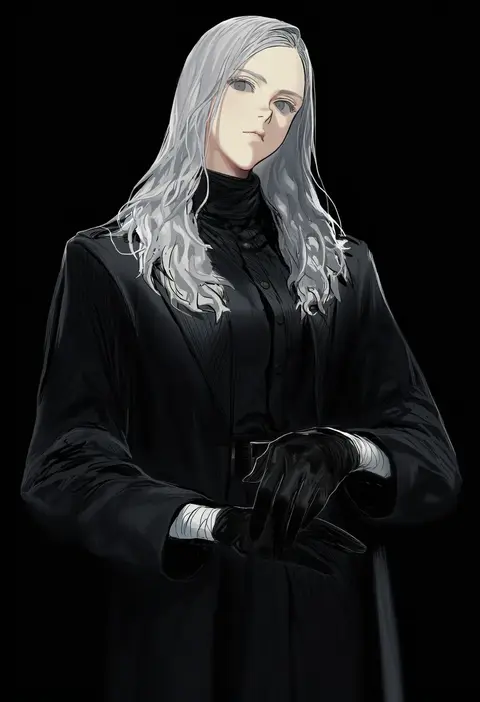
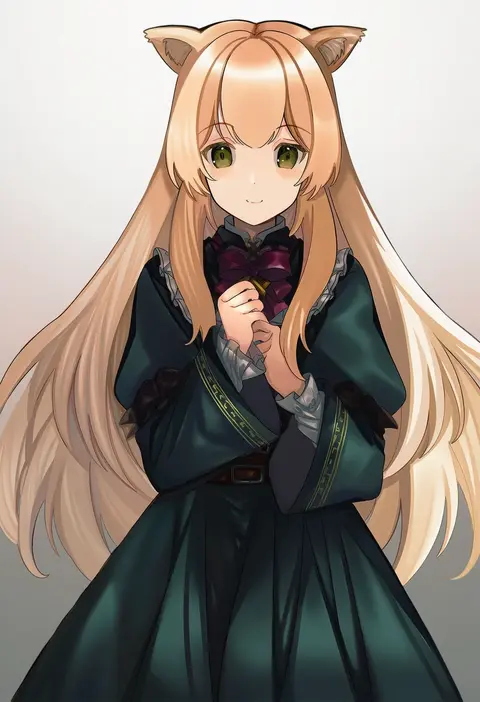
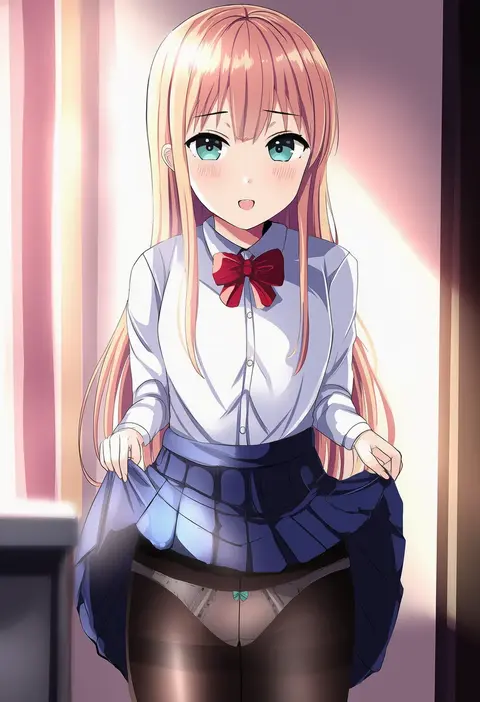
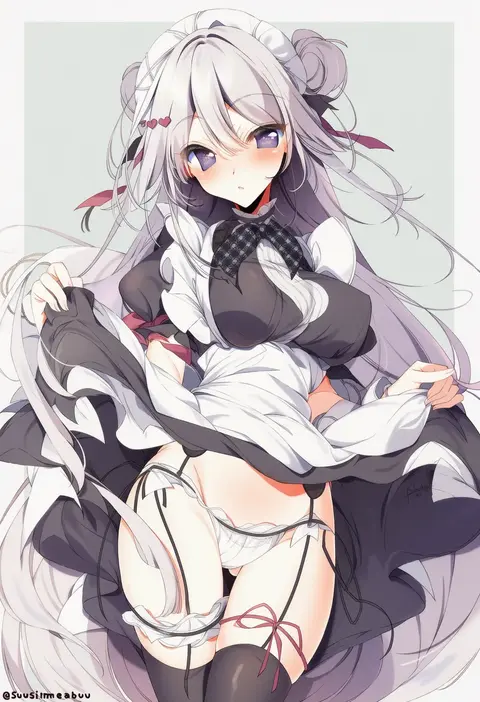
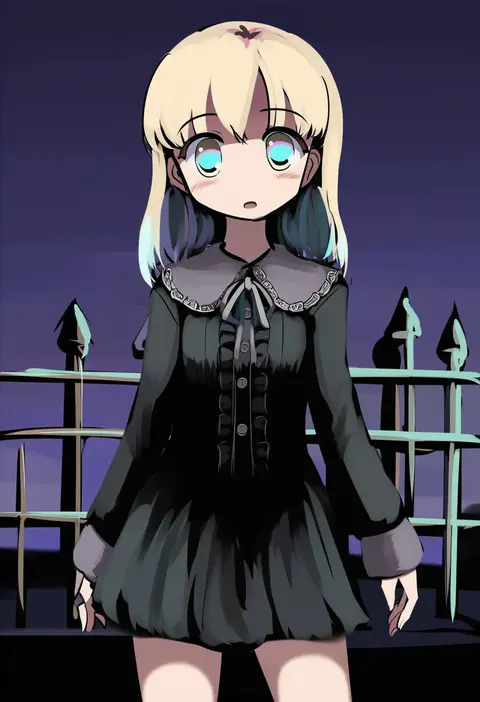
Artist tags tell NovelAI Diffusion to draw in a specific artist's style: line weight, paint texture, face shapes and palette all shift at once. Character and outfit tags decide what is drawn; artist tags decide how. 16,352 tags are listed for V4.5.
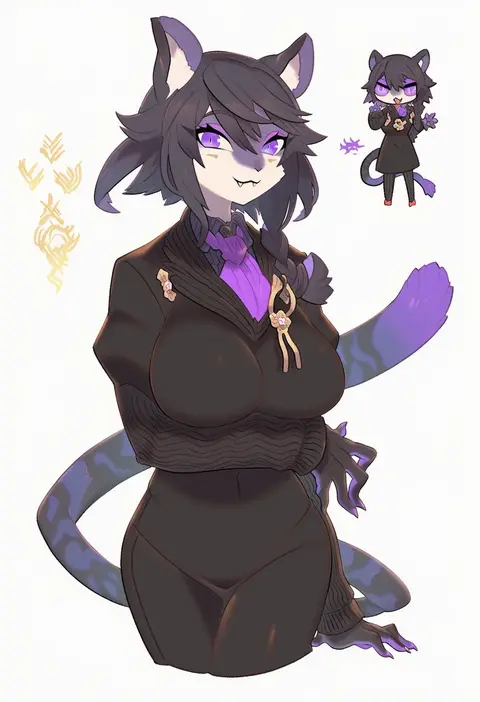
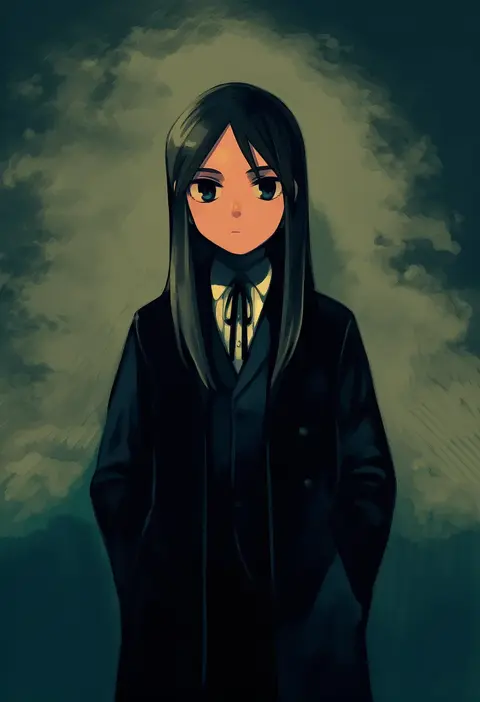
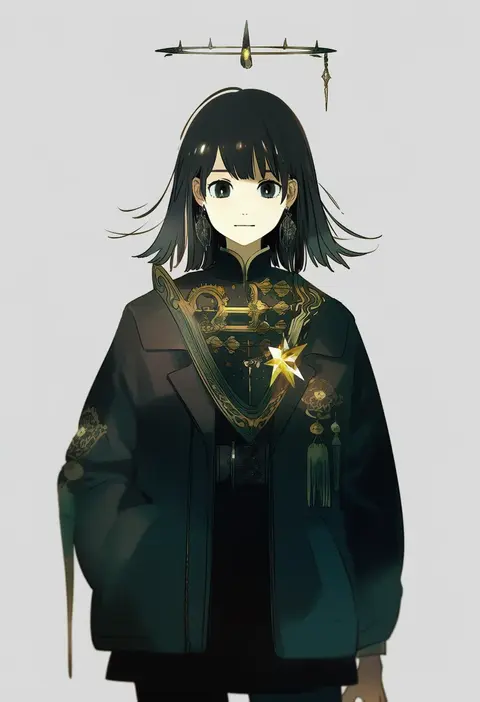
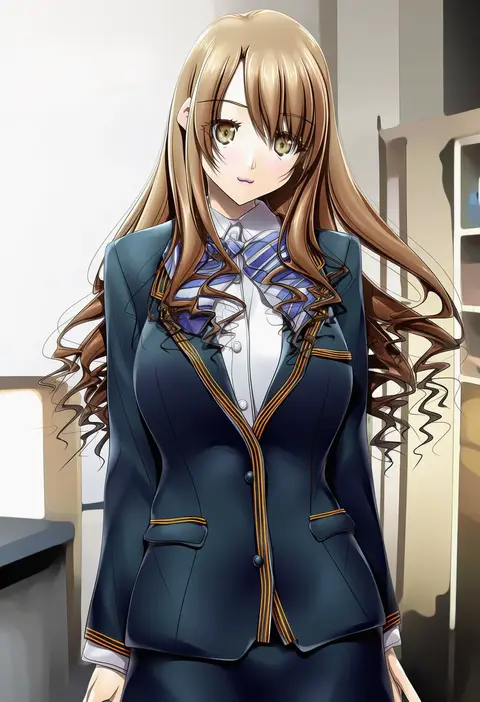
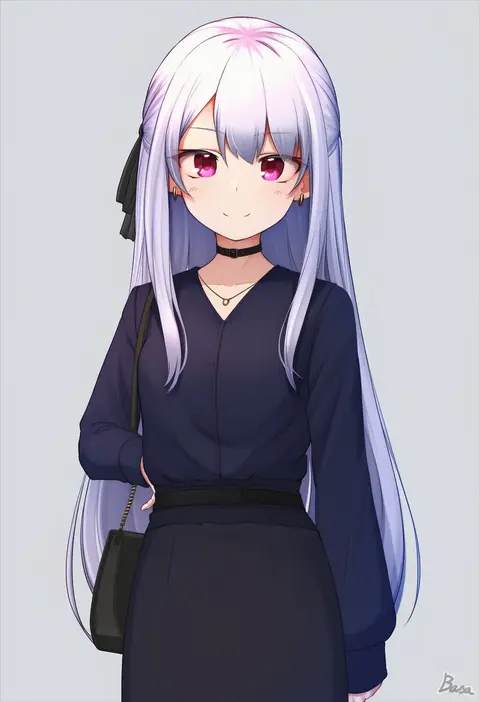
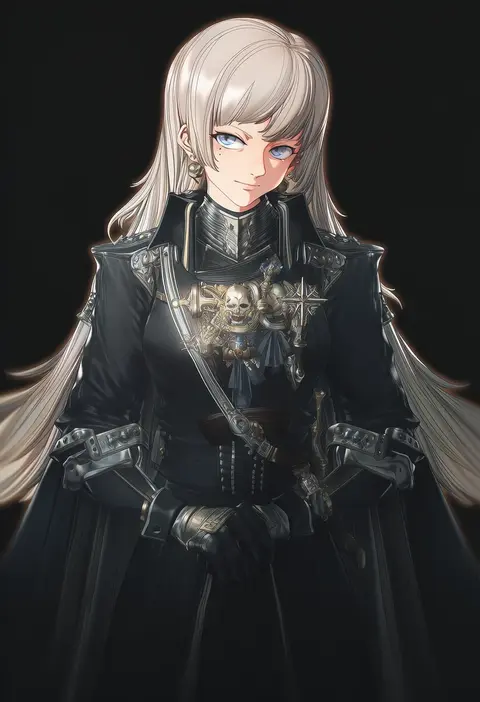
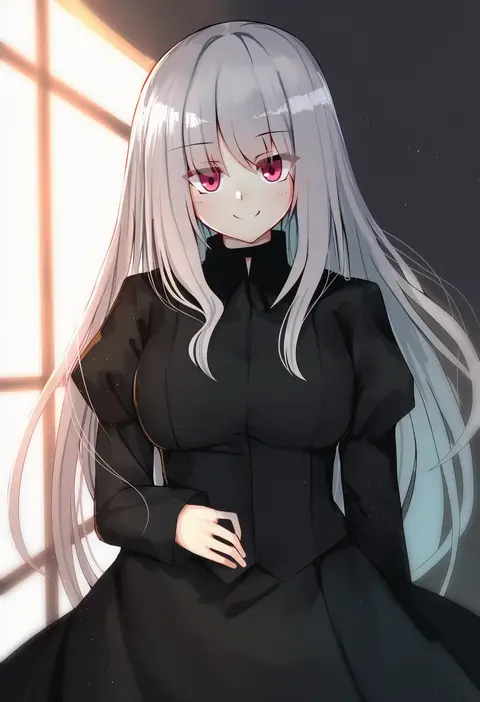
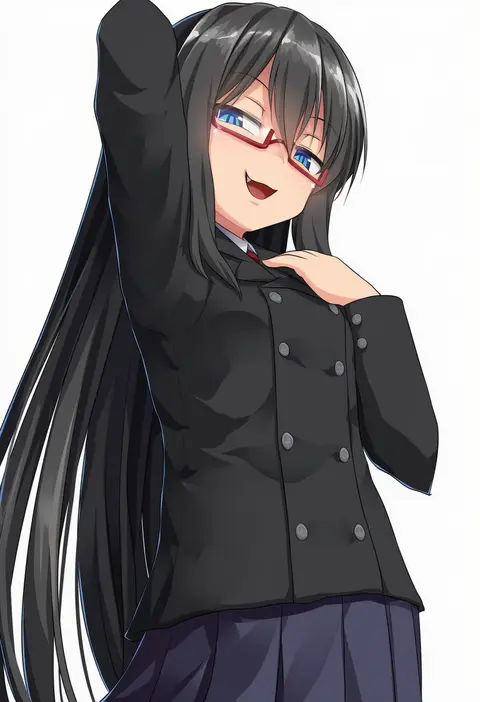
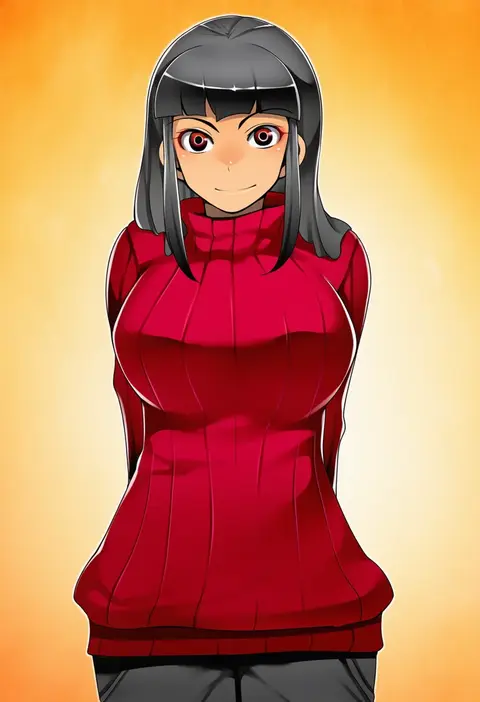
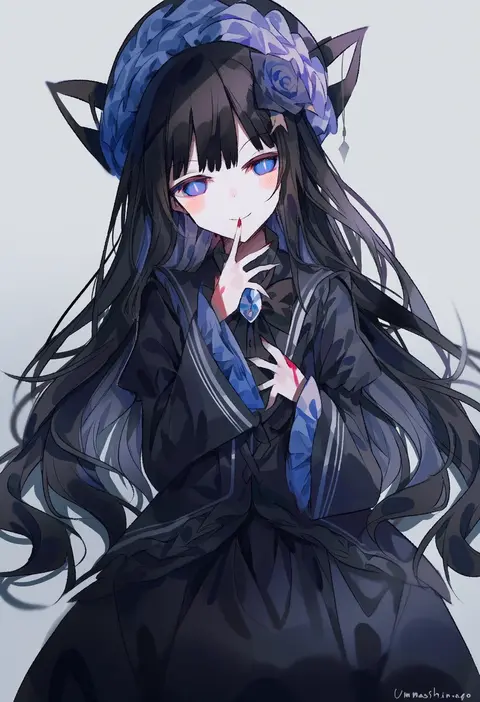
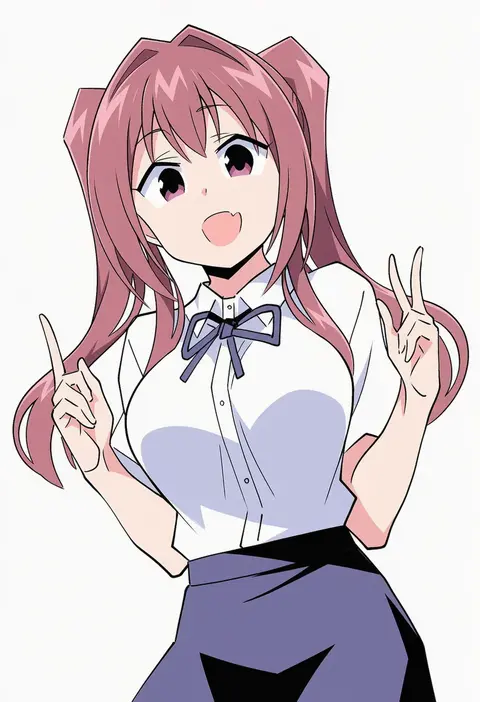
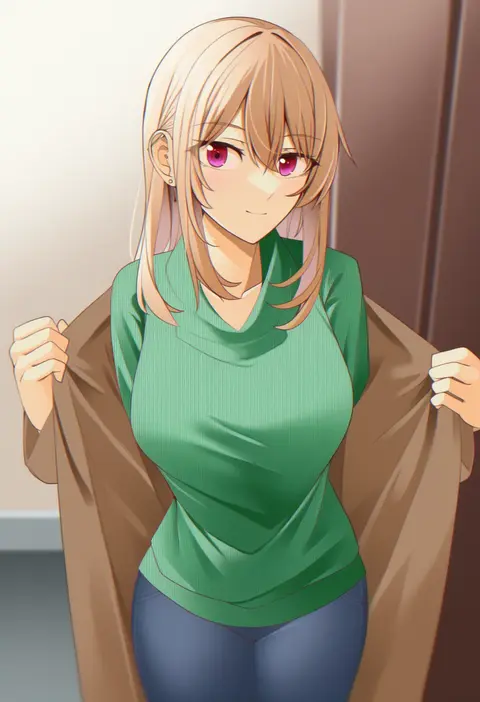
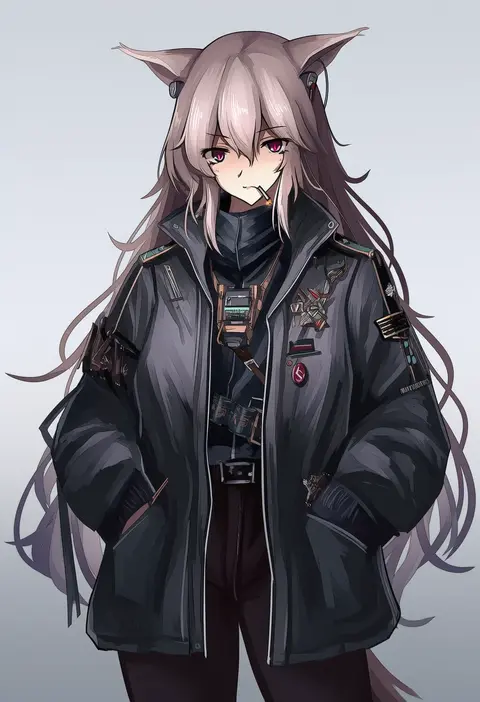
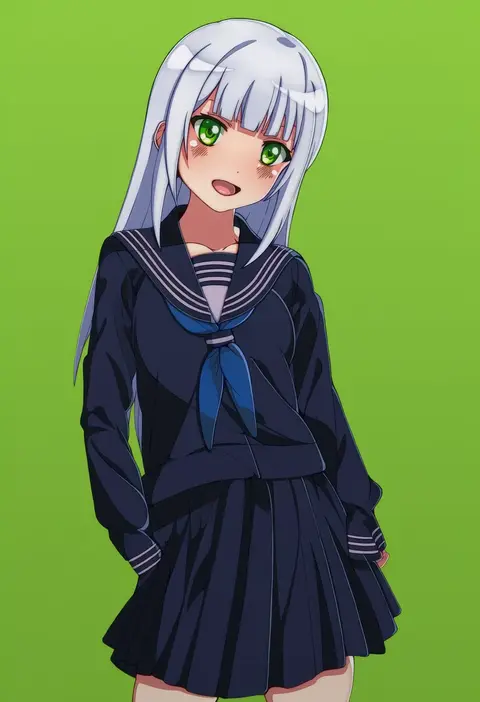
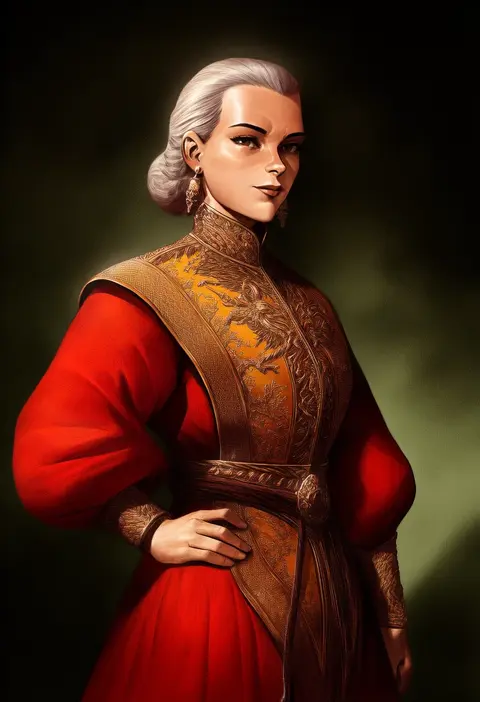
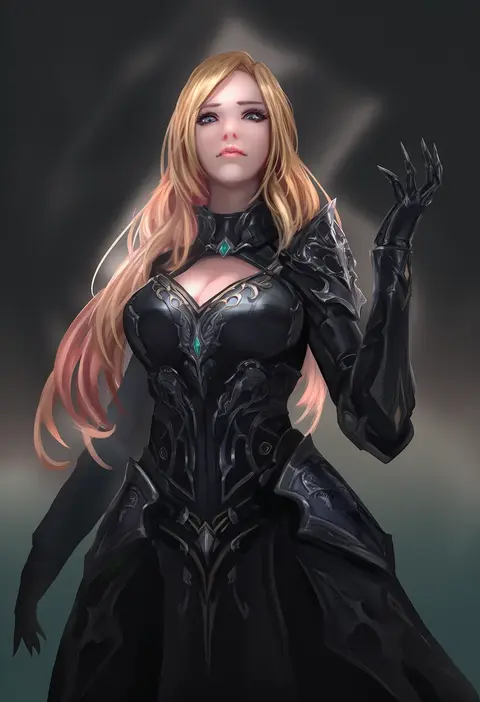
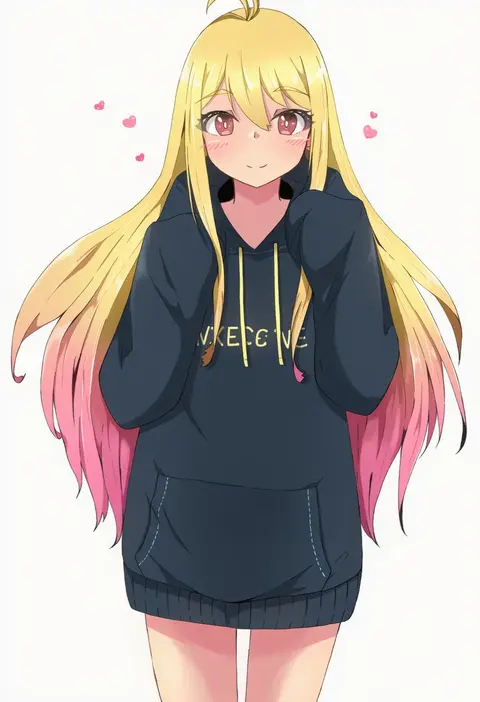
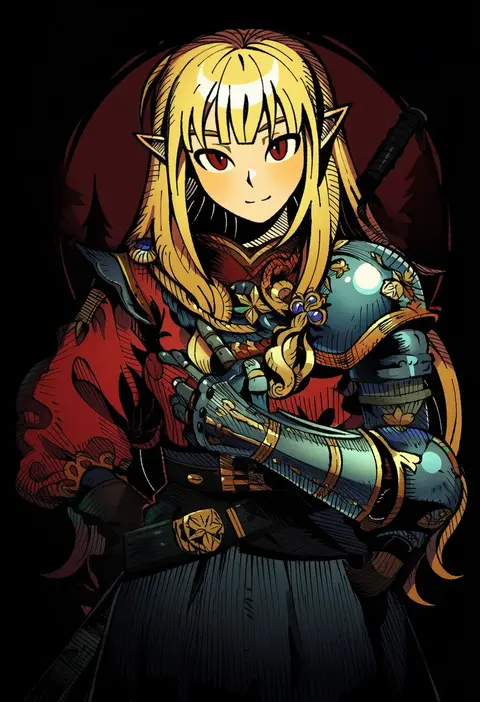
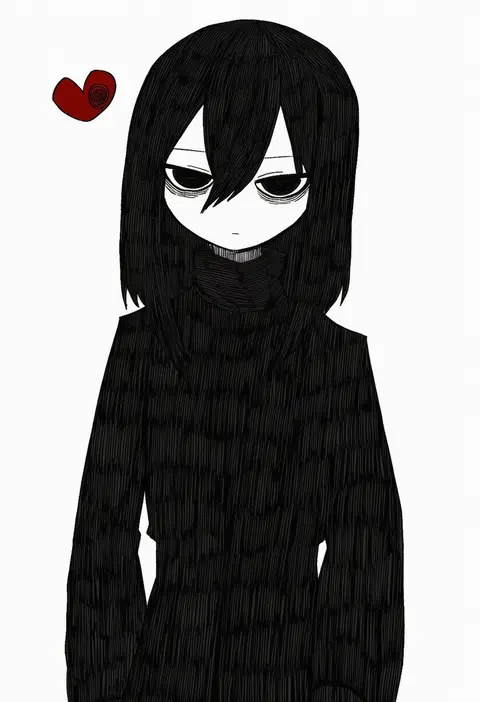
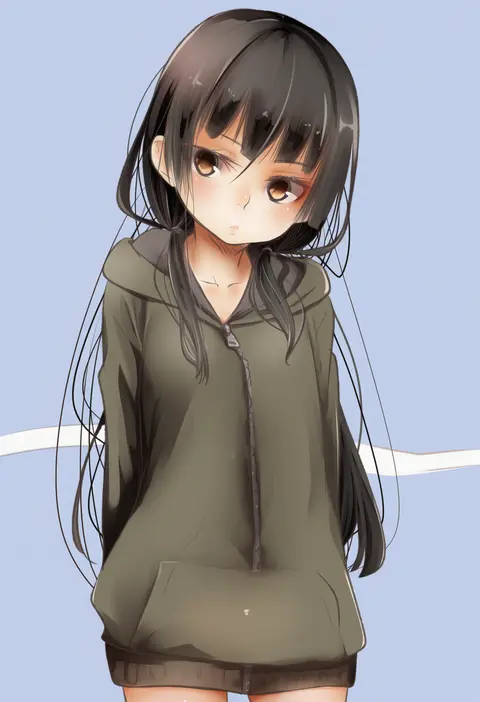
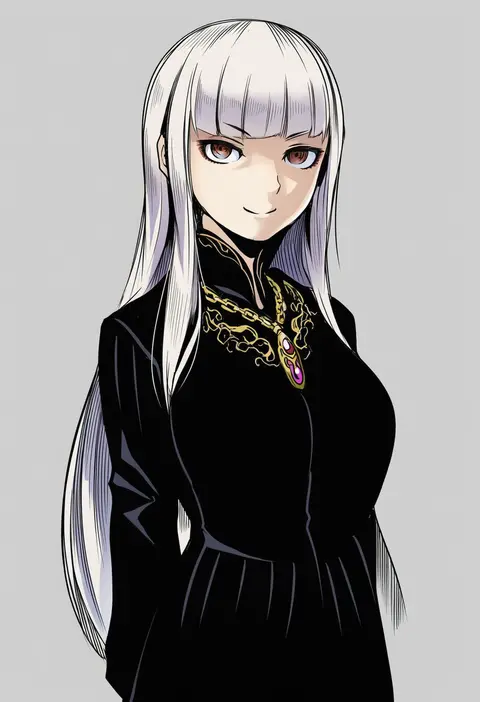
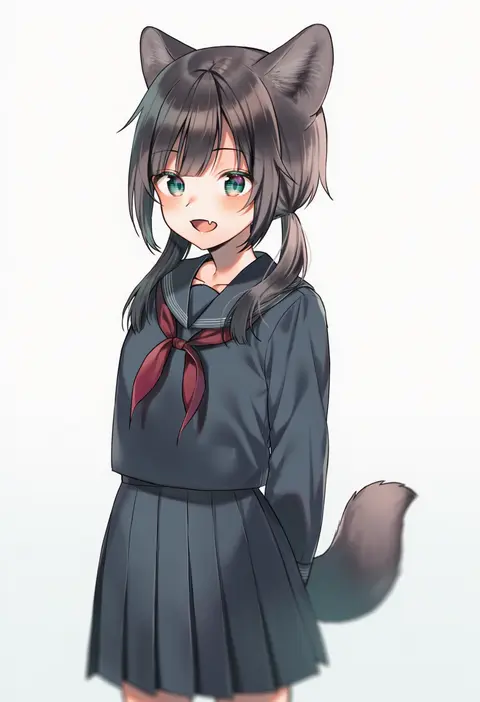
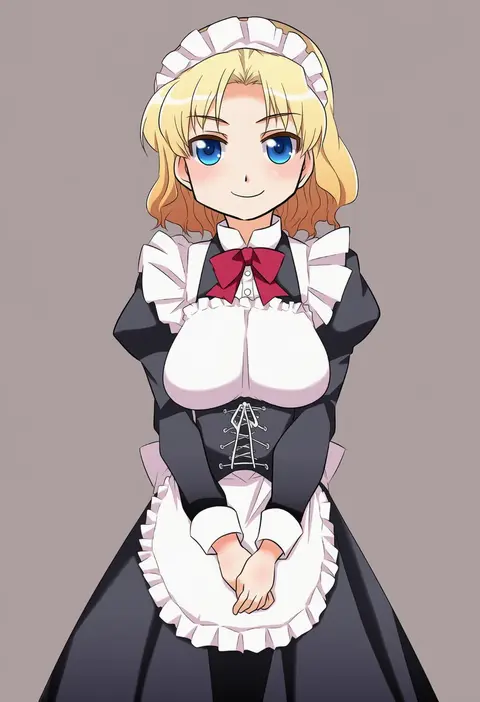
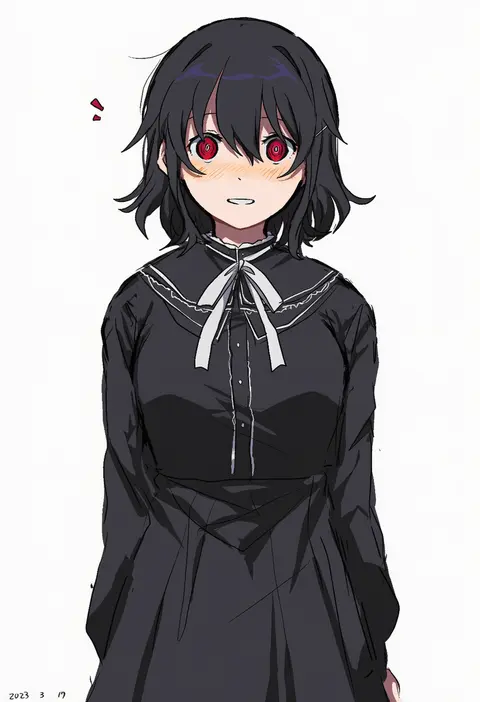
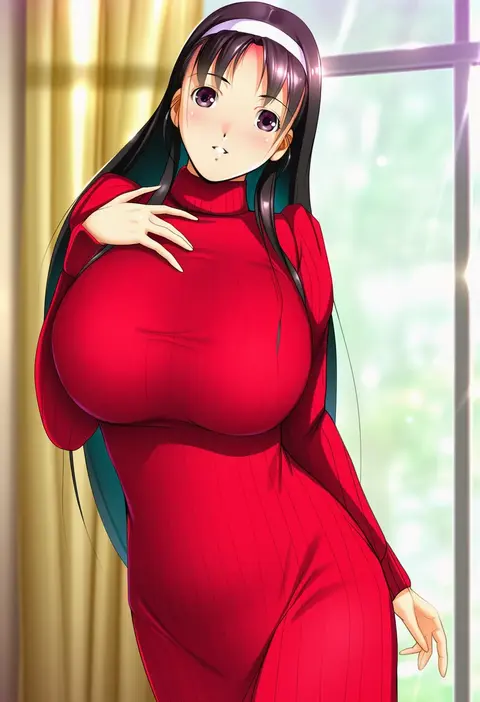
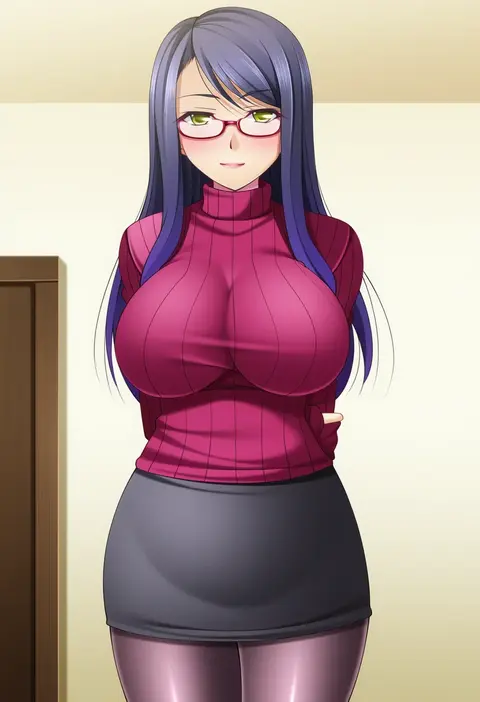
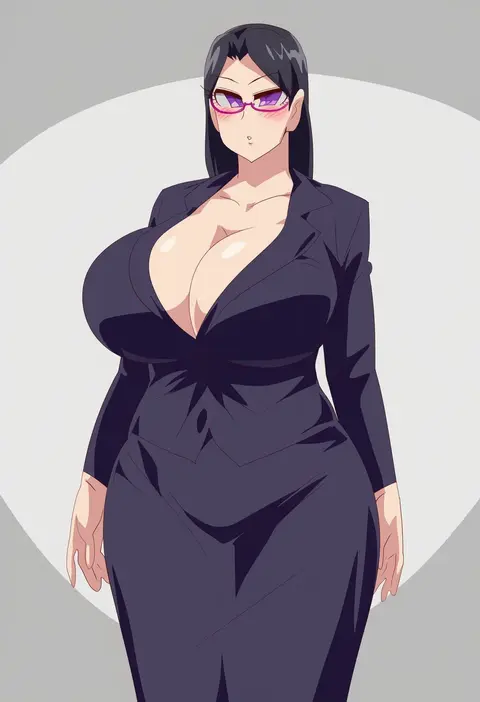
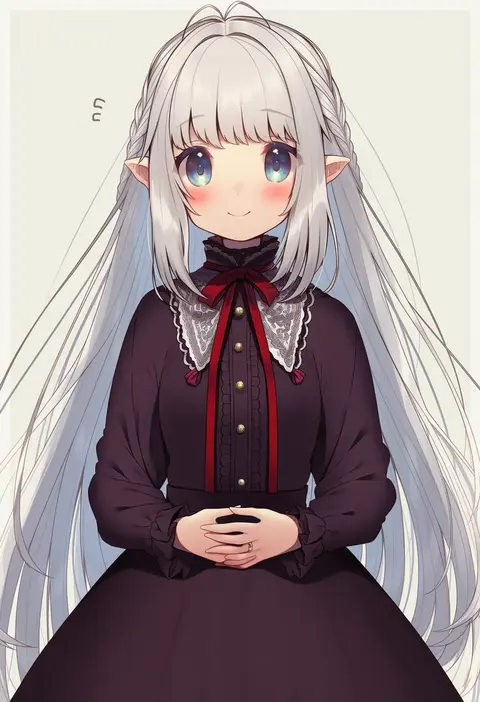
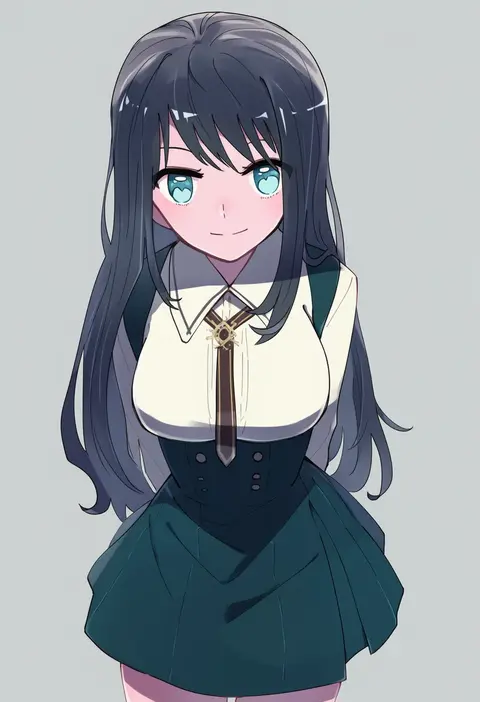
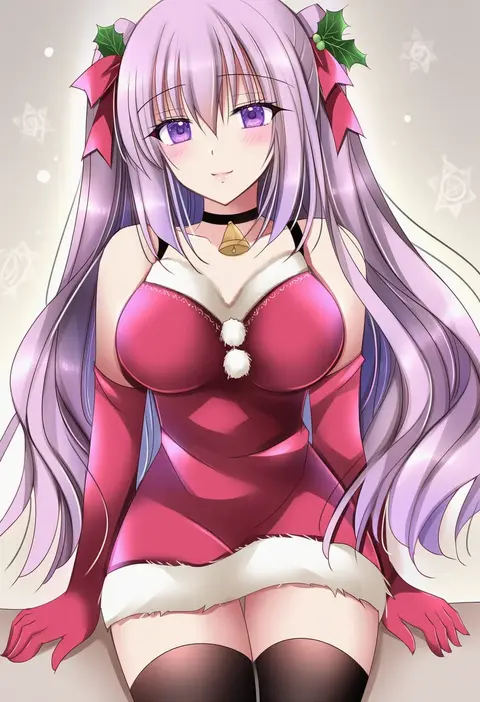
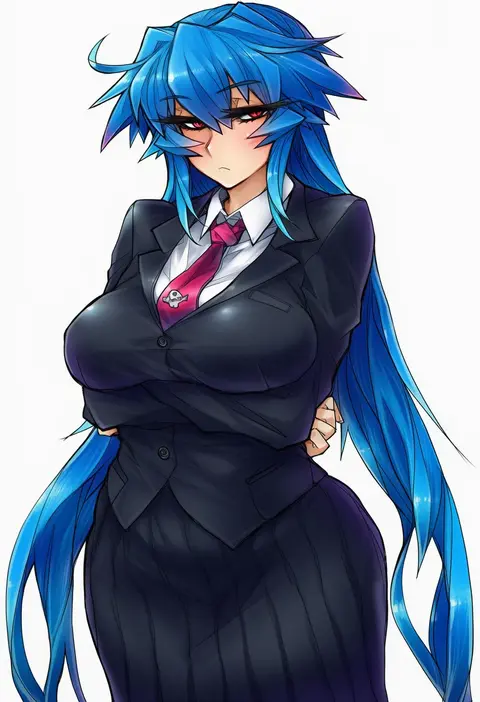
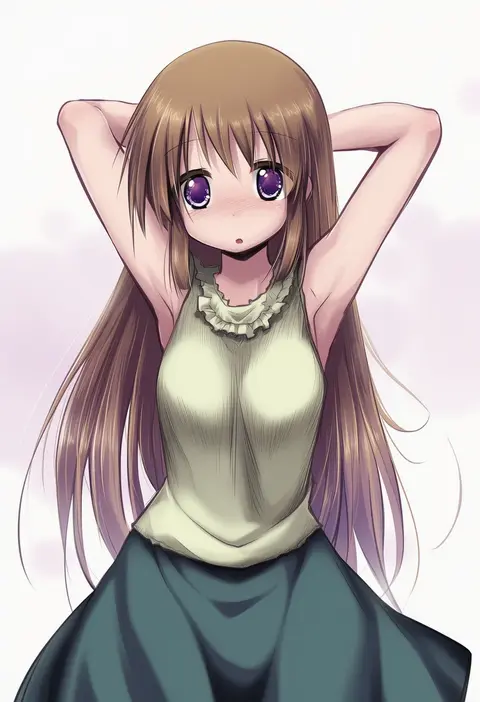
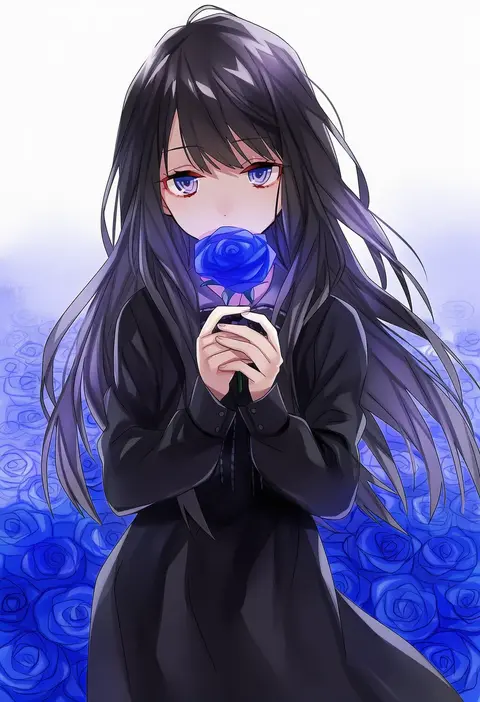
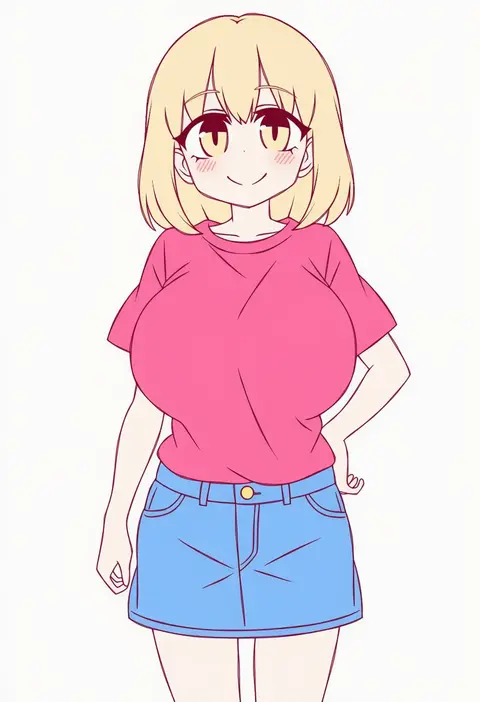
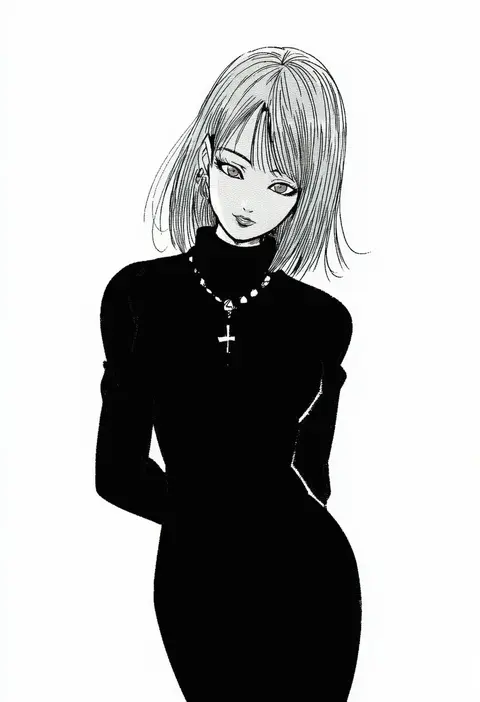
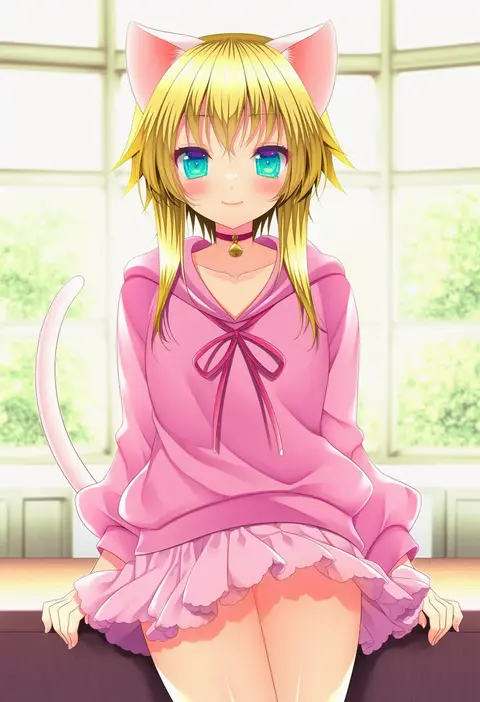
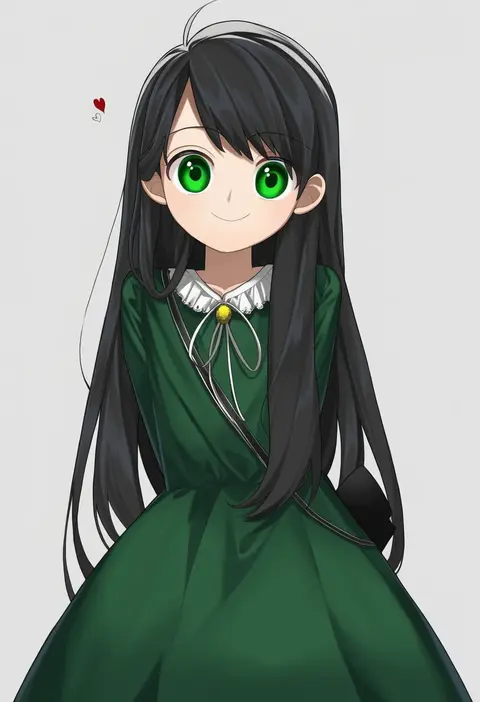
Every tag listed here is verified to react in NovelAI. All images use the same prompt, seed and settings with only the artist tag swapped, so the difference between two images is the style that tag brings in.

How to use them

Put the artist tag near the front of the prompt, e.g. "<artist>, 1girl, solo, best quality, masterpiece, cowboy shot". Two or three artist tags blend styles; lower the weight with "0.8::<artist>::" when the style overpowers the character.

SCORE sorts by Danbooru's top score, POSTS by post count, FAVS by hearts on this site. Open a card to see V5 and V4.5 side by side on the same seed.

V5 vs V4.5

V5 usually lands closer to the artist's real style, and tags that did nothing on V4.5 often react on V5. V4.5 still fits older and doujin-heavy artists better. Try V5 first, fall back to V4.5.

FAQ

Where does the artist tag go?
Near the front of the prompt. Use "0.8::tag::" to adjust its weight.

Can I stack artist tags?
Yes, styles blend. Past two or three the result stops looking like anyone.

Are these the artists' own works?
No. Every image is a NovelAI sample generated from the tag.