V4.5Artists
sort: FAVS▾
▾
>
$

NovelAI Artist Tags List — V4.5

artist --count 16,352[168/273]
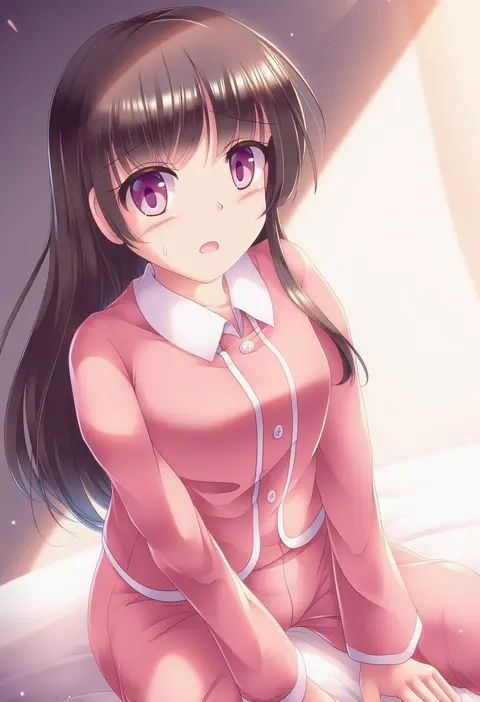
lzh
ARTIST0x2724
0
tappa (esperanza)
ARTIST0x2725
0
kl (dgzonbi)
ARTIST0x2726
0
beudelb
ARTIST0x2727
0
gotou hisashi
ARTIST0x2728
0
huanxiang huifeng
ARTIST0x2729
0
u35
ARTIST0x272A
0
ichi (ichikai)
ARTIST0x272B
0
uyama hajime
ARTIST0x272C
0
amibazh
ARTIST0x272D
0
hadashi no kenji
ARTIST0x272E
0
key (gaigaigai123)
ARTIST0x272F
0
kasugai (de-tteiu)
ARTIST0x2730
0
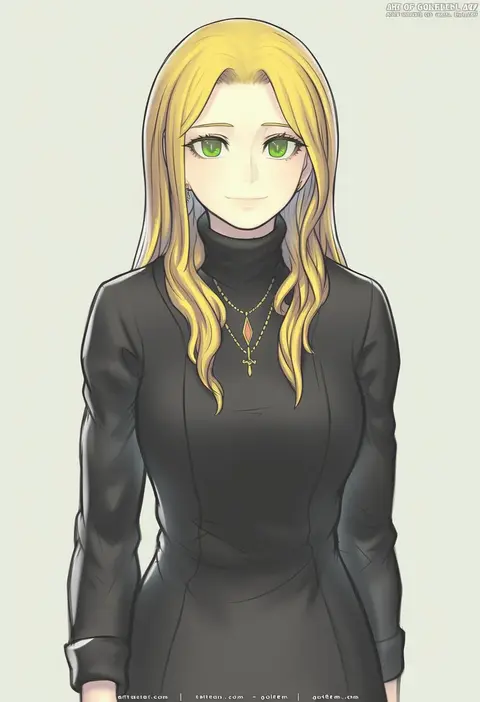
gofelem
ARTIST0x2731
0
hasebe yuusaku
ARTIST0x2732
0
yoshimo
ARTIST0x2733
0
umekko
ARTIST0x2734
0
saya pr
ARTIST0x2735
0
kieta
ARTIST0x2736
0
pikomarie
ARTIST0x2737
0
roh nam kyung
ARTIST0x2738
0
mahcdai
ARTIST0x2739
0
uchisaki himari
ARTIST0x273A
0
tsukasa jun
ARTIST0x273B
0
daidou (demitasse)
ARTIST0x273C
0
akisaka yamoka
ARTIST0x273D
0
motobi (mtb umk)
ARTIST0x273E
0
ozawa akifumi
ARTIST0x273F
0
mepikari
ARTIST0x2740
0
nanaka mai
ARTIST0x2741
0
red-rum
ARTIST0x2742
0
okumari
ARTIST0x2743
0
seo kouji
ARTIST0x2744
0
bluez
ARTIST0x2745
0
sugimeno
ARTIST0x2746
0
beppu mitsunaka
ARTIST0x2747
0
chikiso
ARTIST0x2748
0
suikamaru
ARTIST0x2749
0
chietori
ARTIST0x274A
0
iyou
ARTIST0x274B
0
ruan chen yue
ARTIST0x274C
0
ta (tama20150125)
ARTIST0x274D
0
itou hachi
ARTIST0x274E
0
kaigan0211
ARTIST0x274F
0
gogo (detteiu de)
ARTIST0x2750
0
sakuramochi1003
ARTIST0x2751
0
go-it
ARTIST0x2752
0
hasegawa keita
ARTIST0x2753
0
kagehara hanzou
ARTIST0x2754
0
moruga
ARTIST0x2755
0
tsujizen
ARTIST0x2756
0
sunameri (pixiv3564245)
ARTIST0x2757
0
yan-baru
ARTIST0x2758
0
irisu-chan (yumemiruk)
ARTIST0x2759
0
mitu yang
ARTIST0x275A
0
vmat
ARTIST0x275B
0
a.nori
ARTIST0x275C
0
diva (hyxpk)
ARTIST0x275D
0
fuji (pixiv24804665)
ARTIST0x275E
0
gemu555
ARTIST0x275F
0

What these tags change

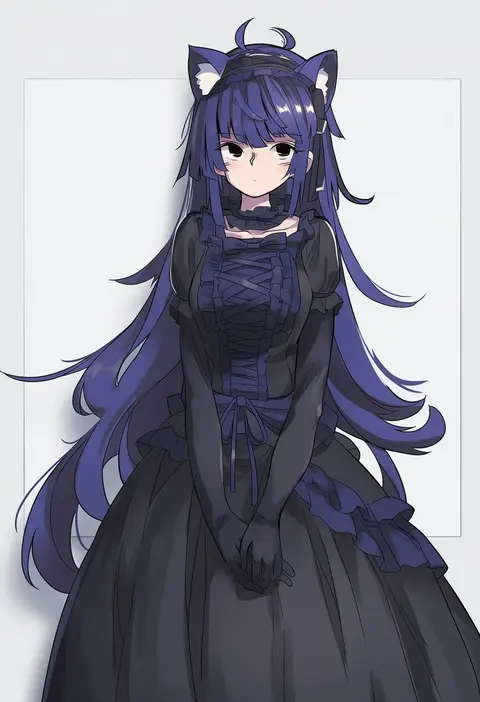
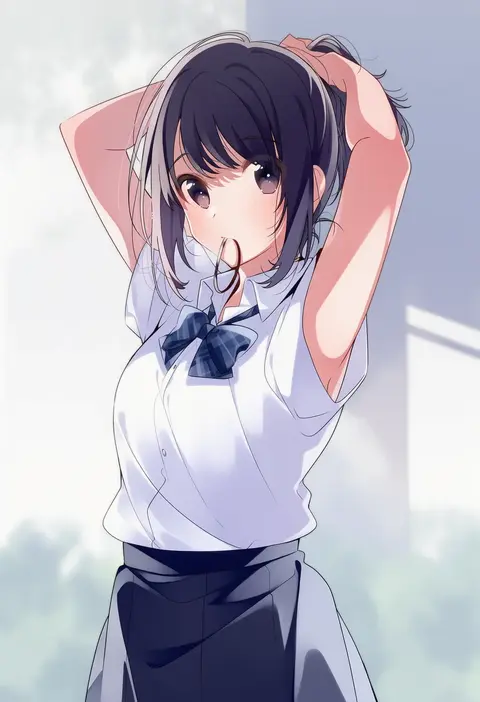
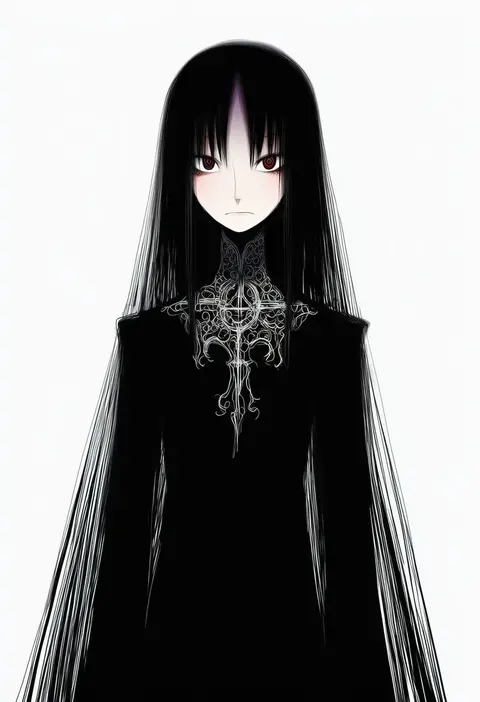
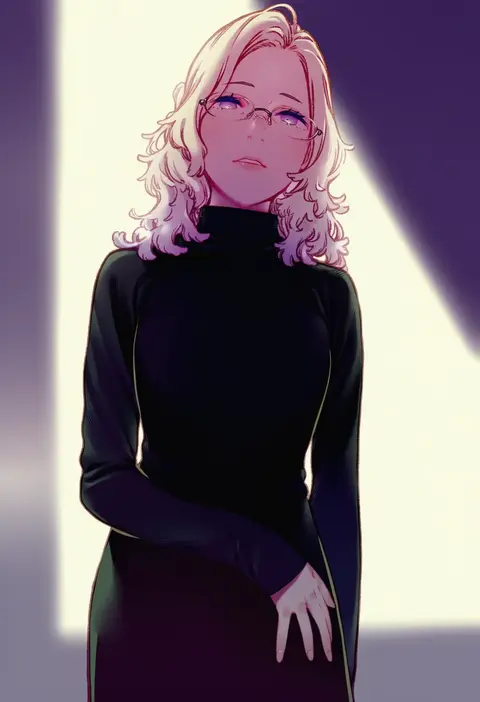
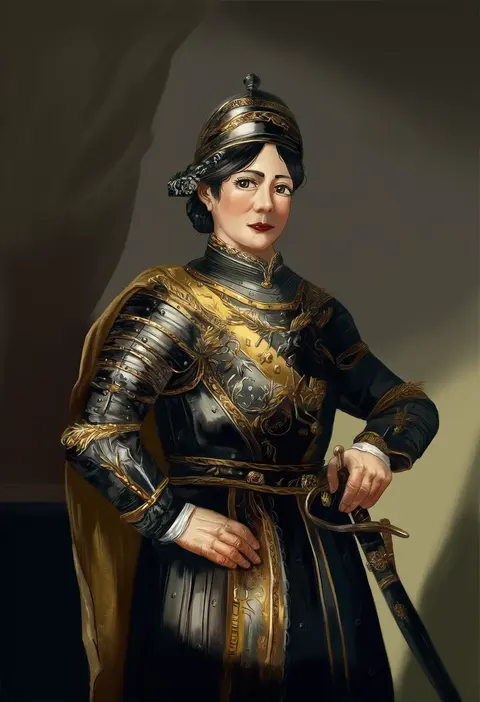
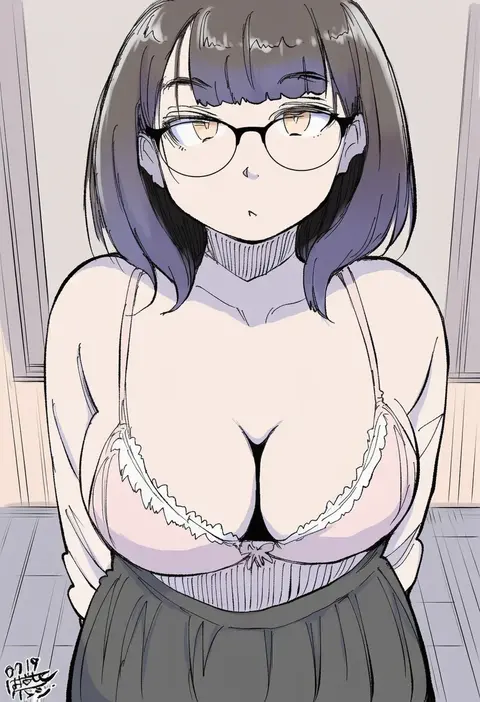
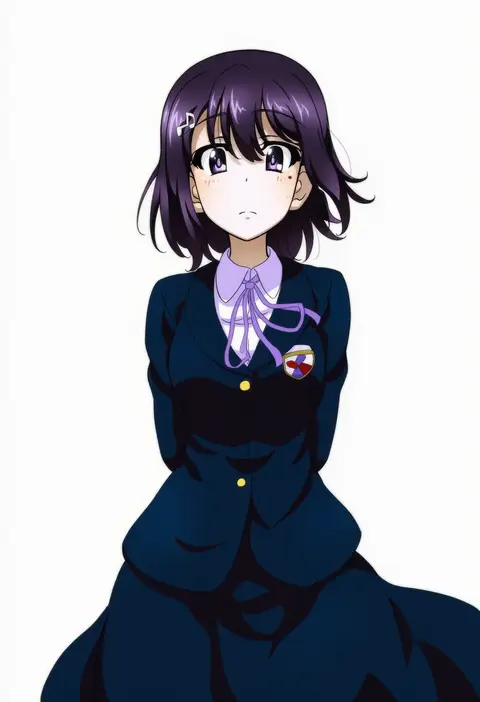
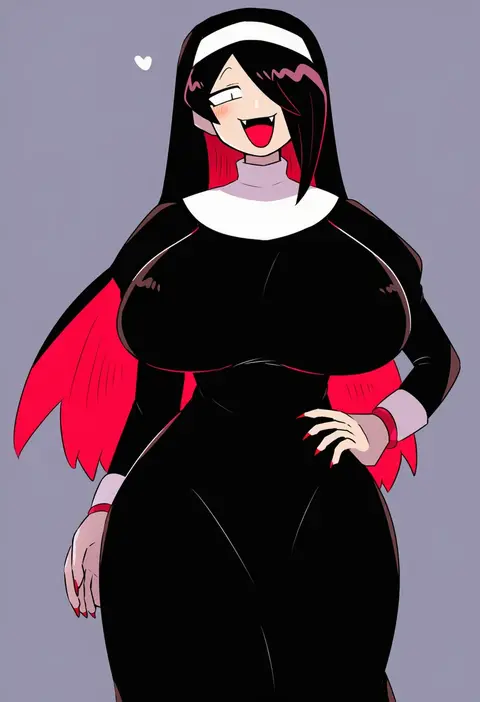
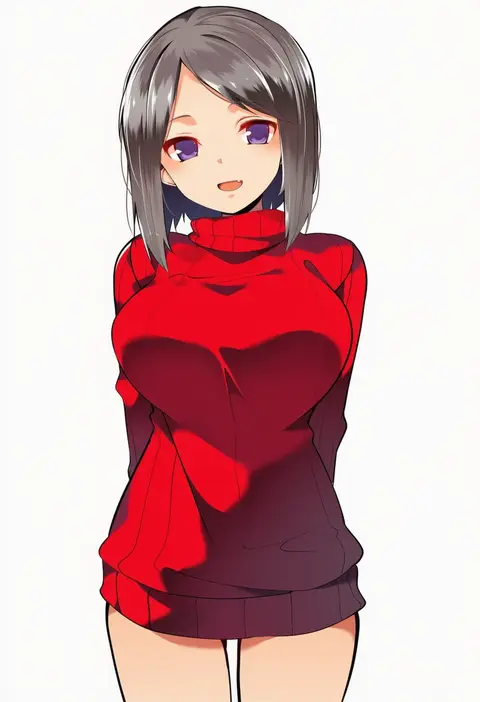
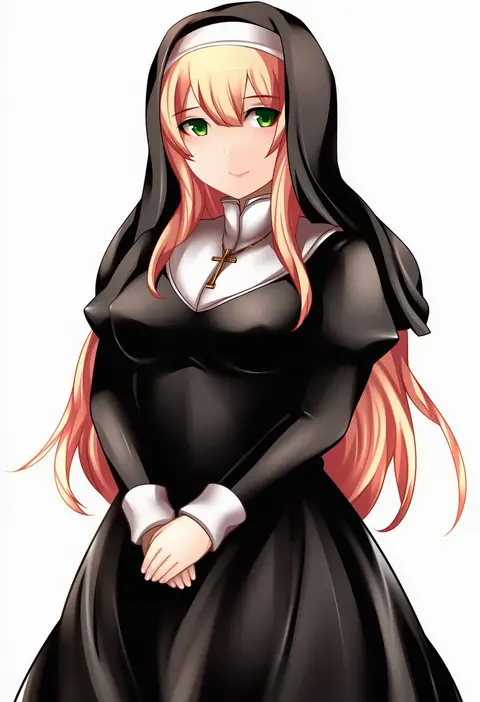
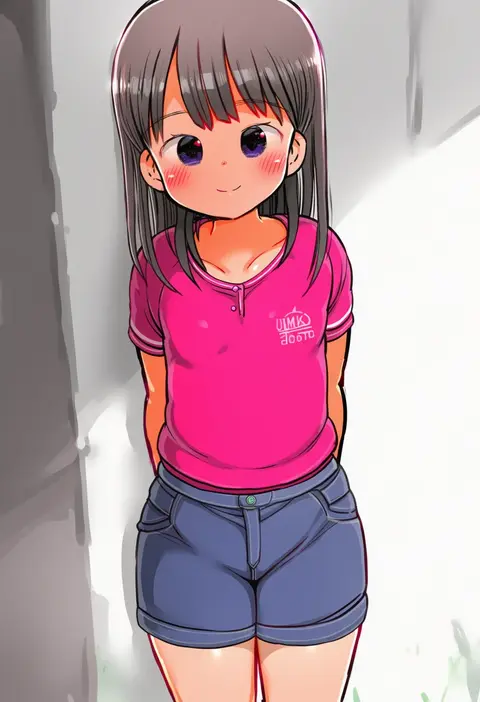
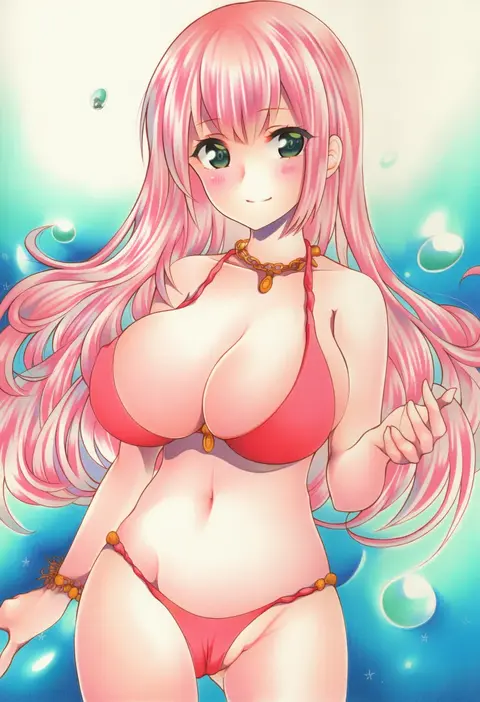
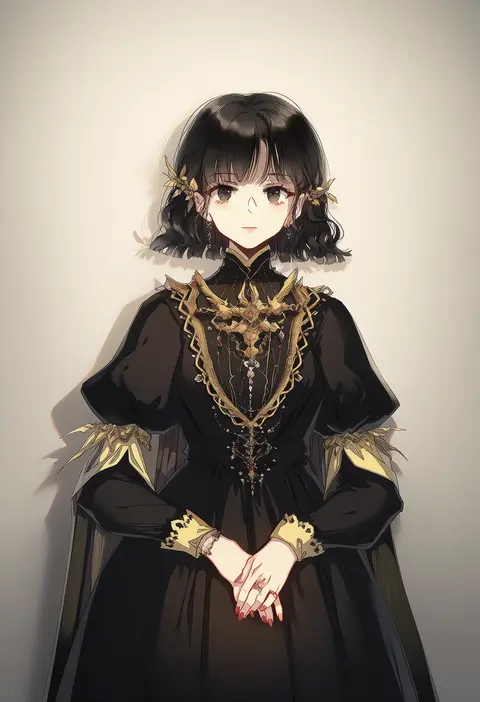
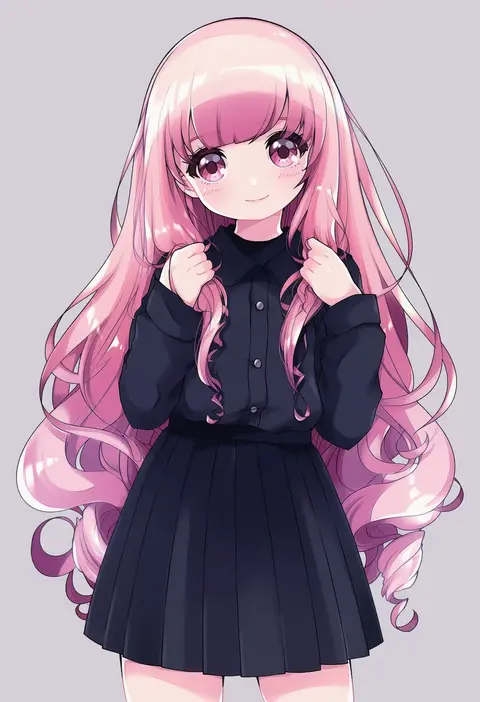
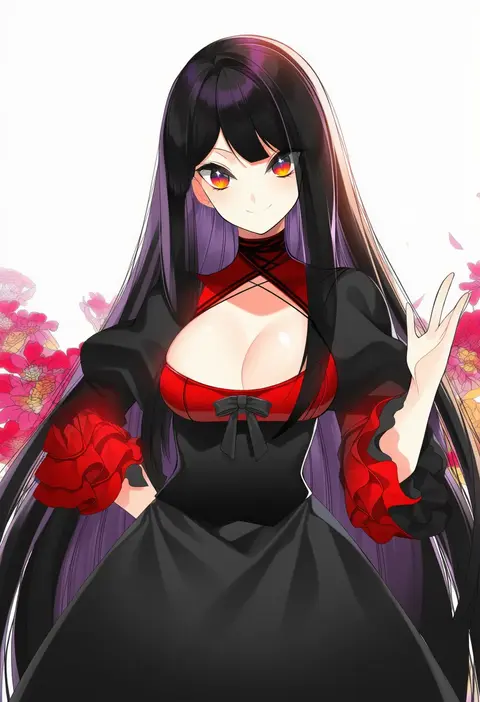
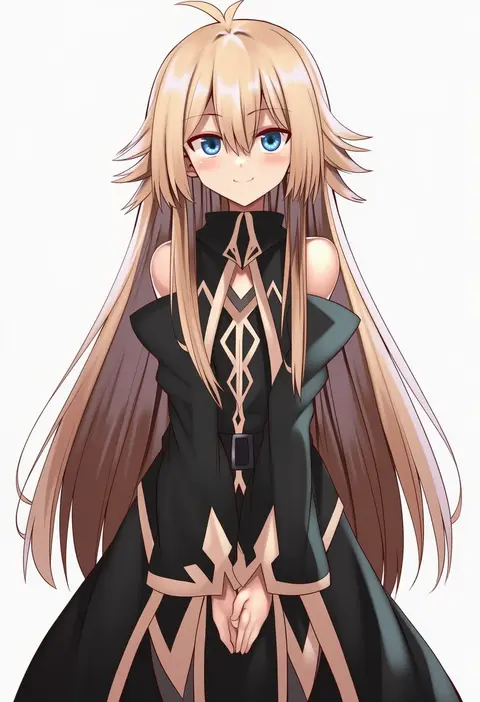
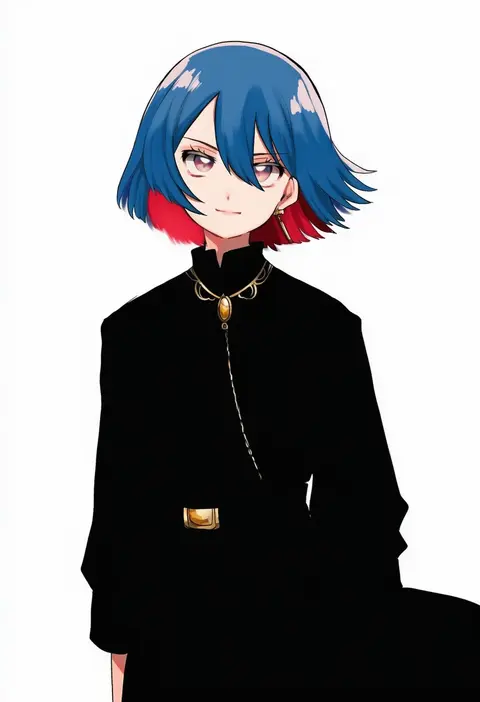
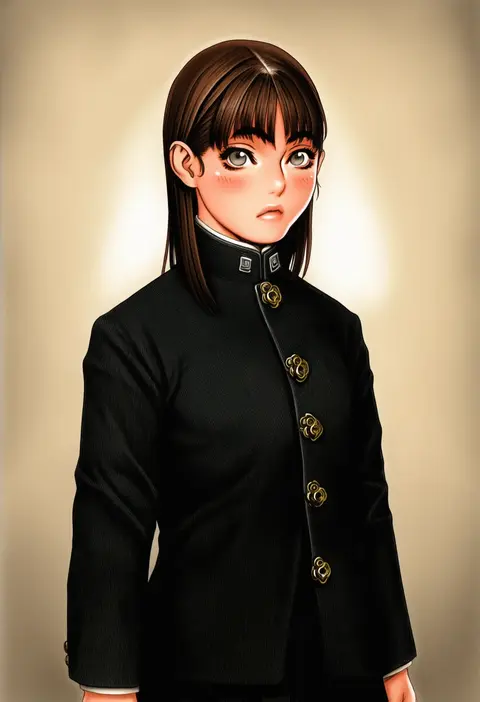
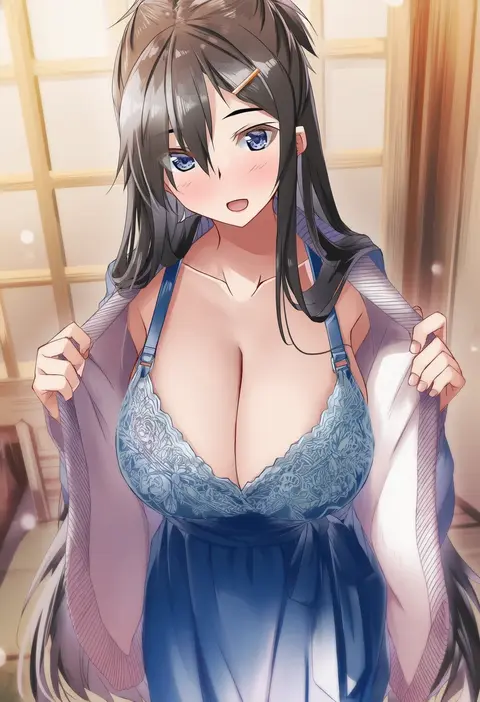
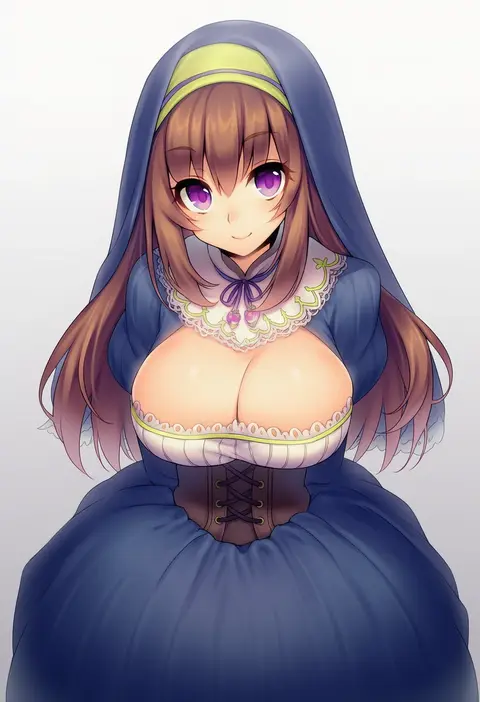
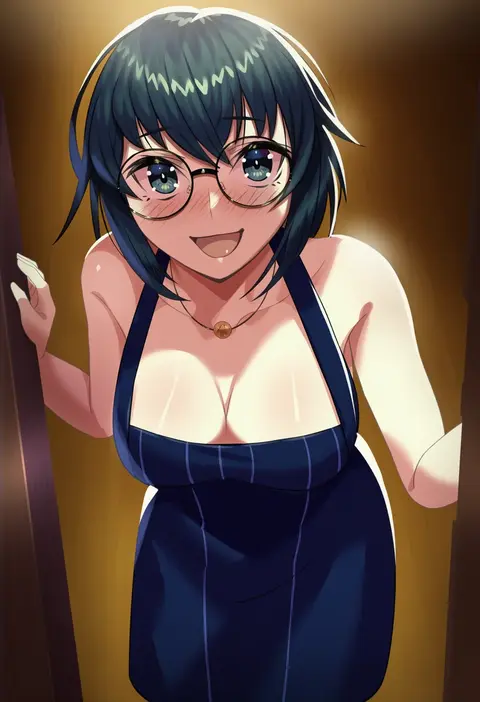
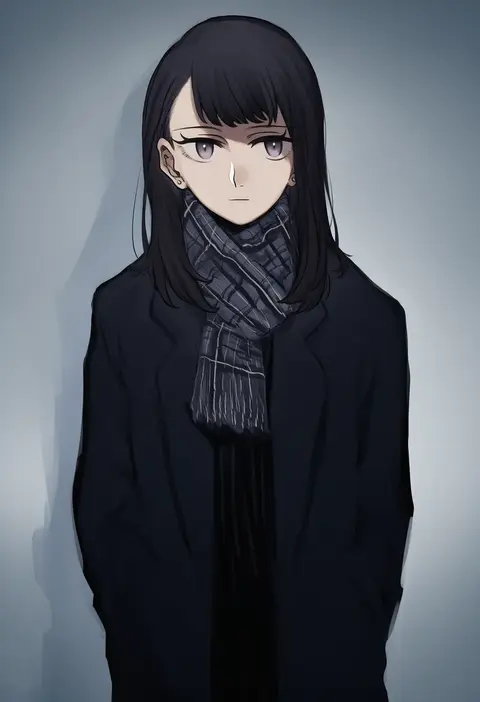
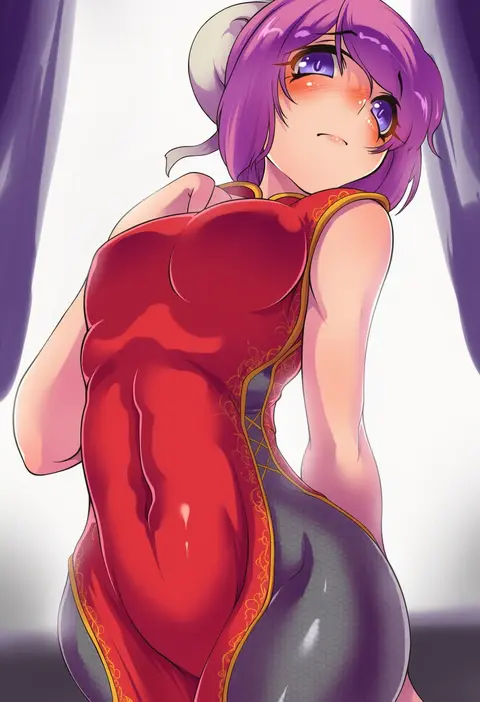
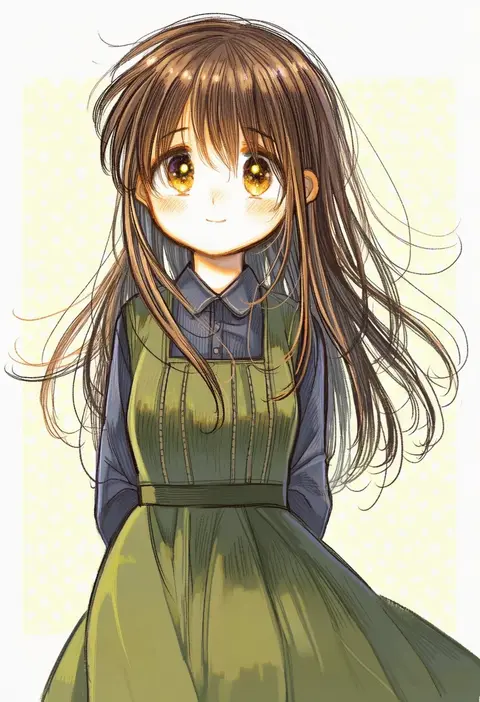
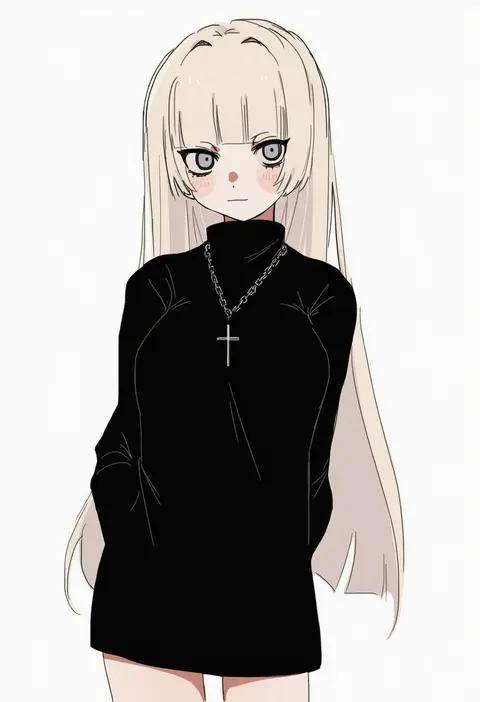
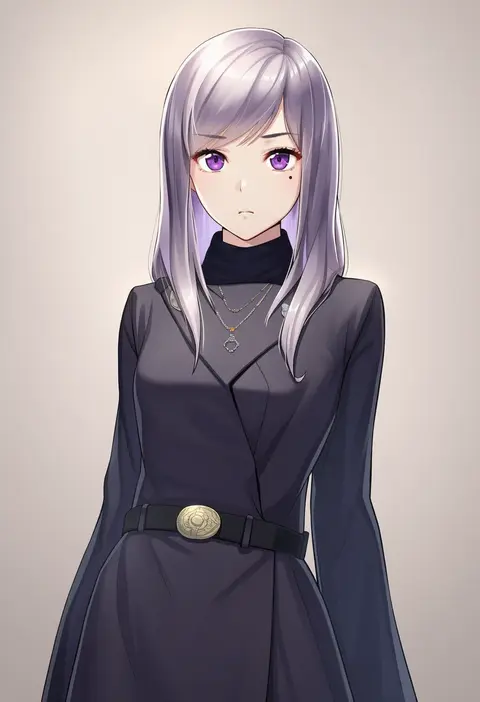
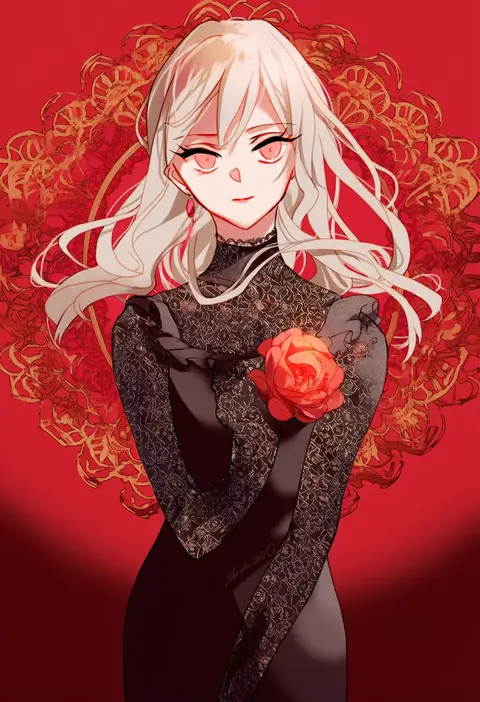
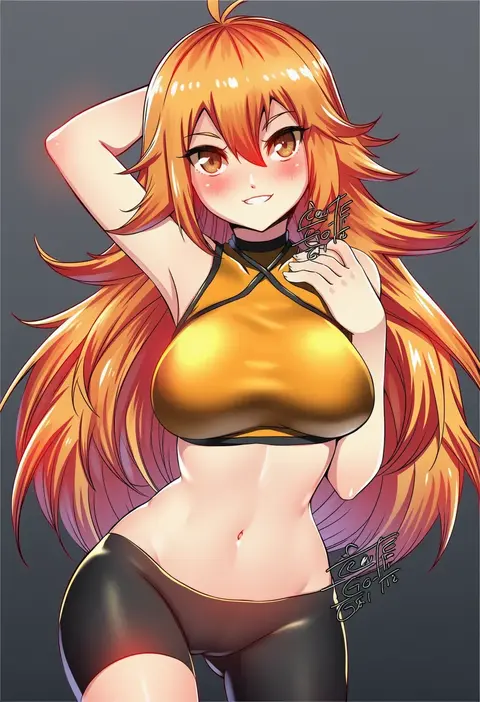
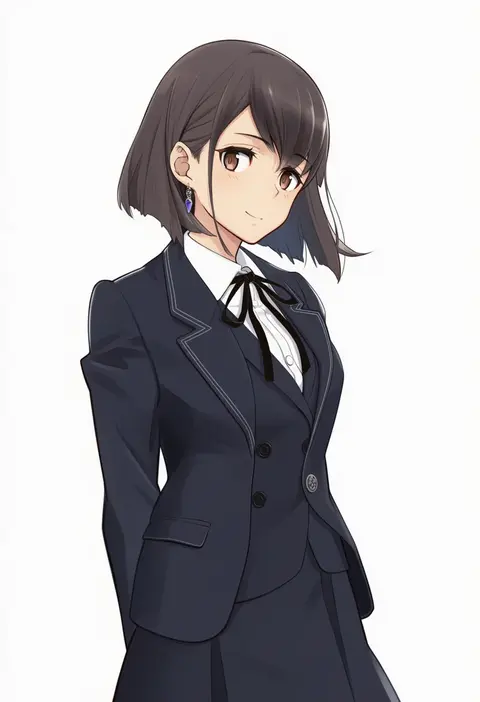
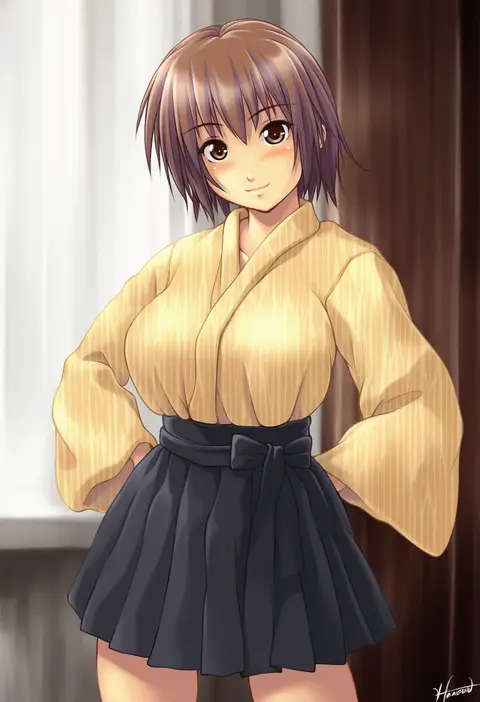
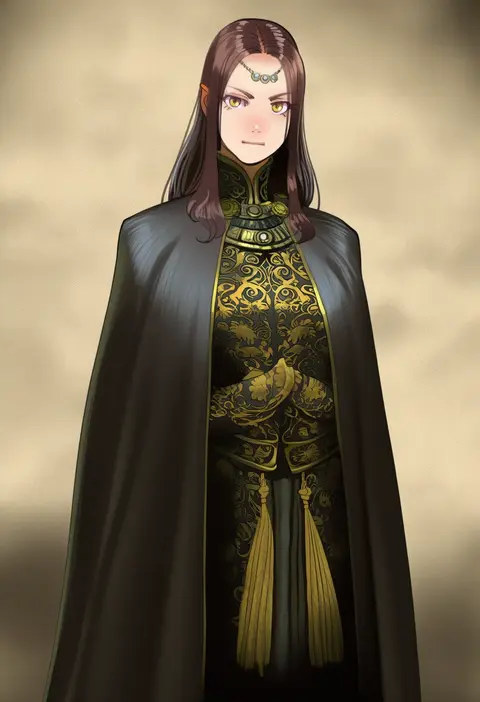
Artist tags tell NovelAI Diffusion to draw in a specific artist's style: line weight, paint texture, face shapes and palette all shift at once. Character and outfit tags decide what is drawn; artist tags decide how. 16,352 tags are listed for V4.5.
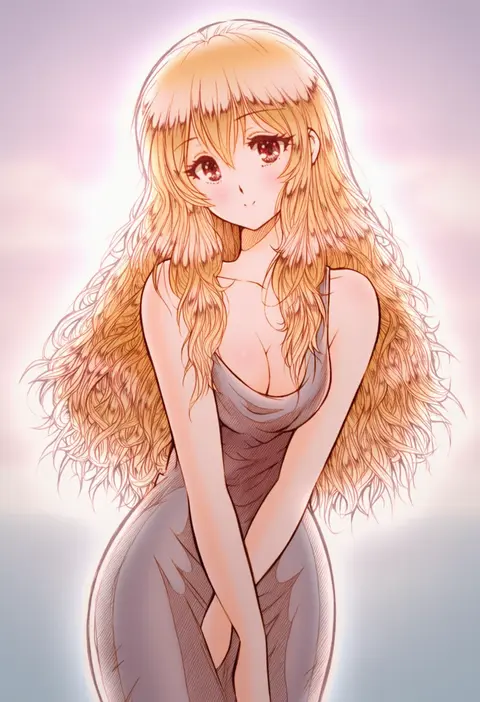
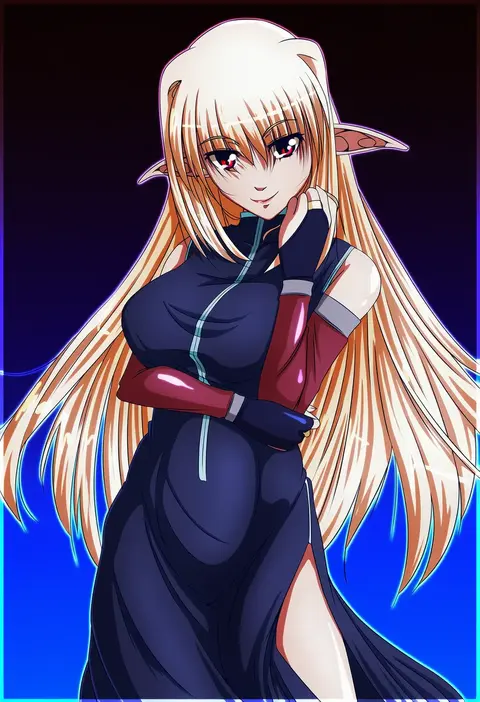
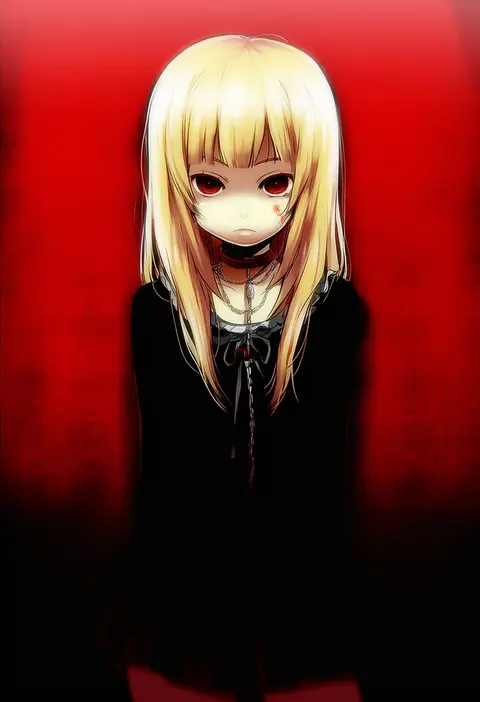
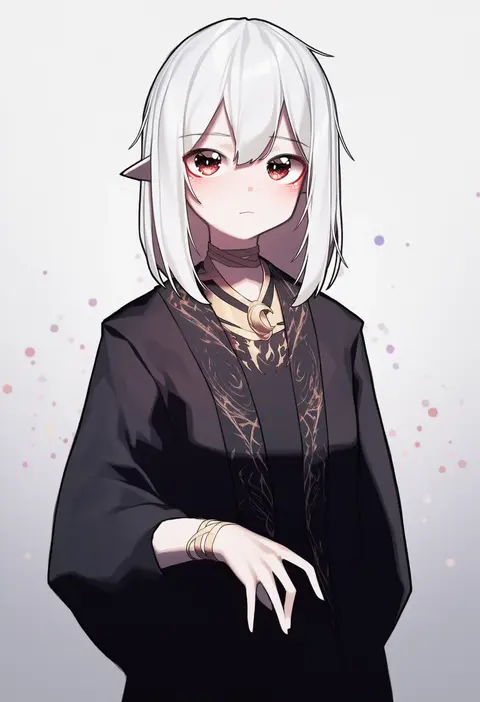
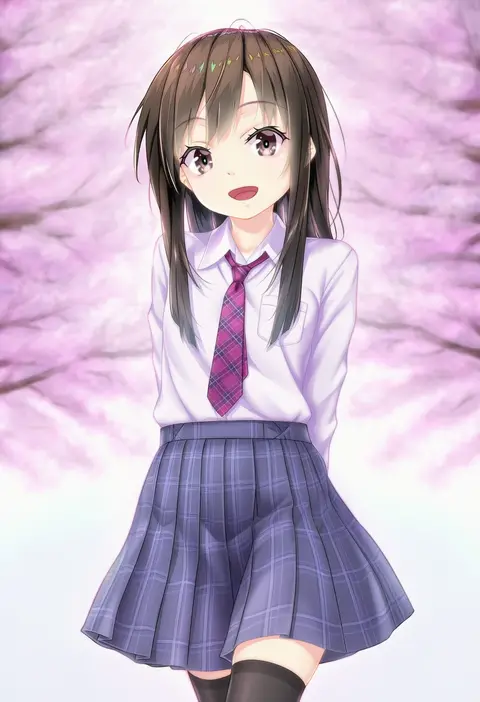
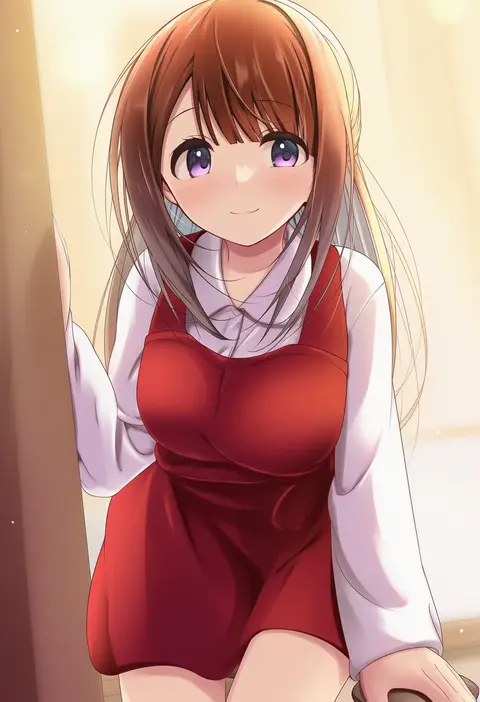
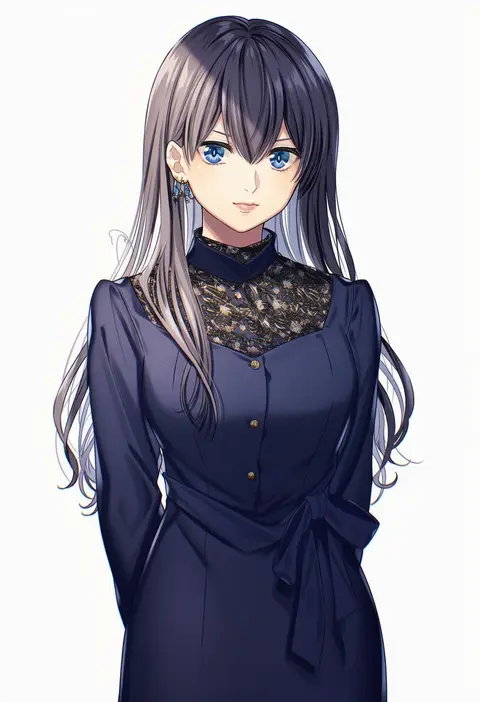
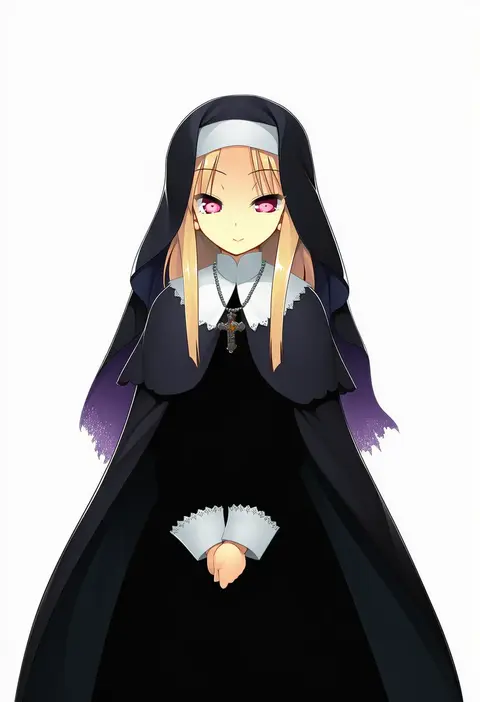
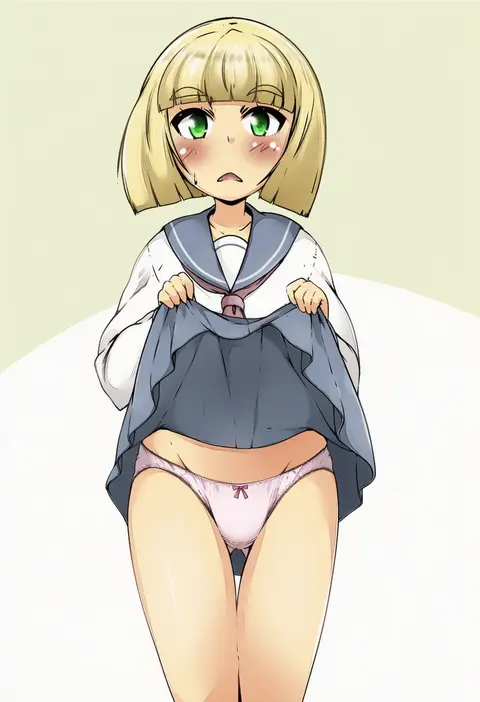
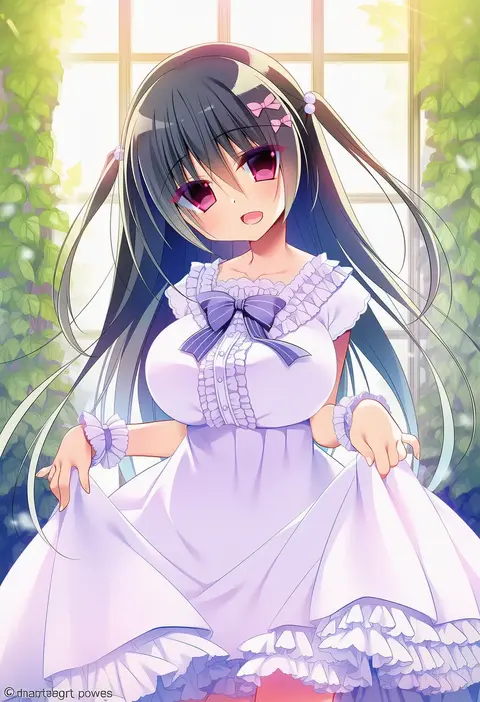
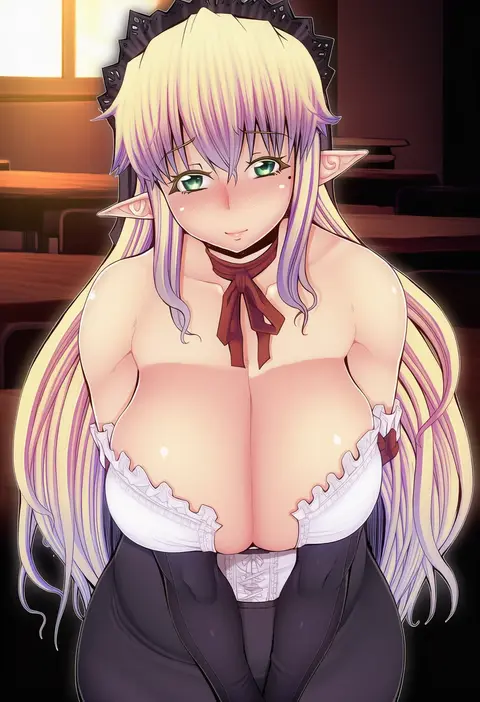
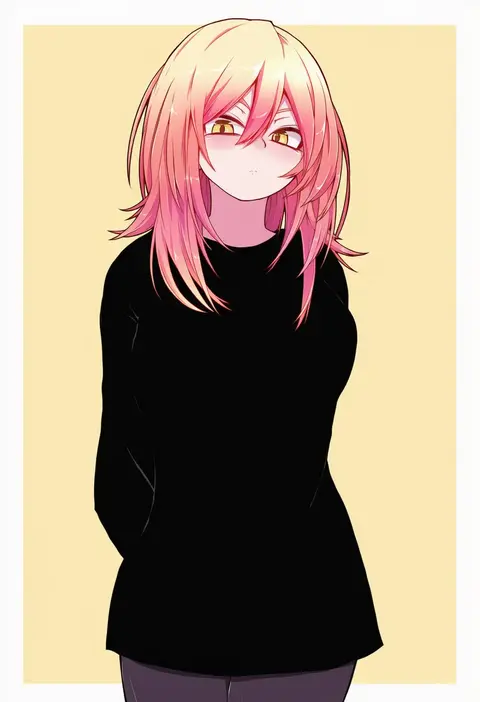
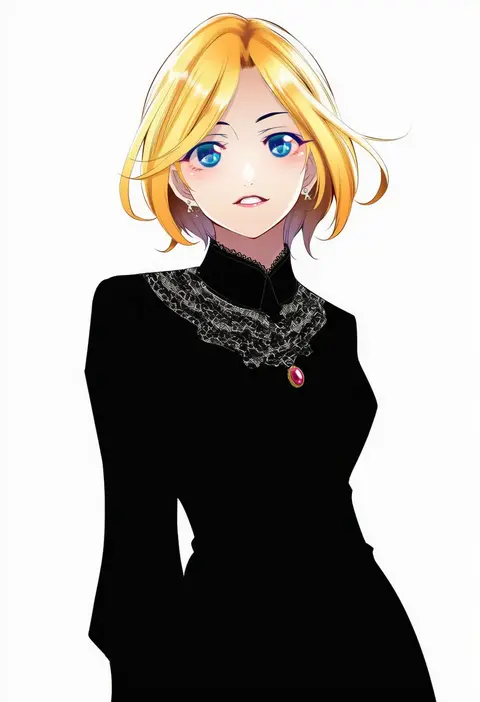
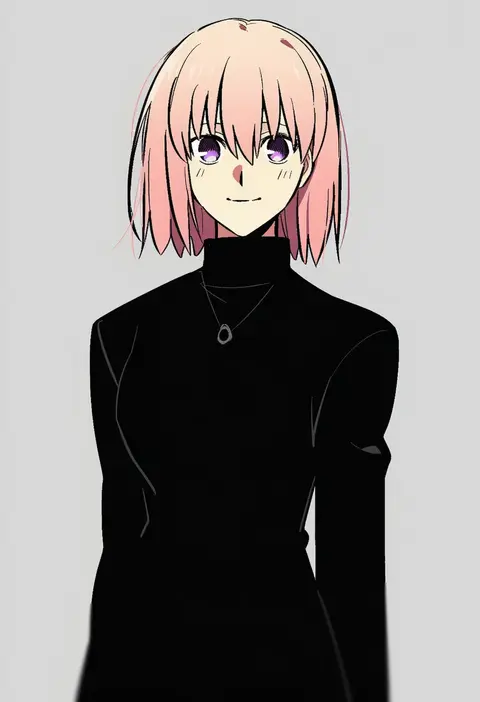
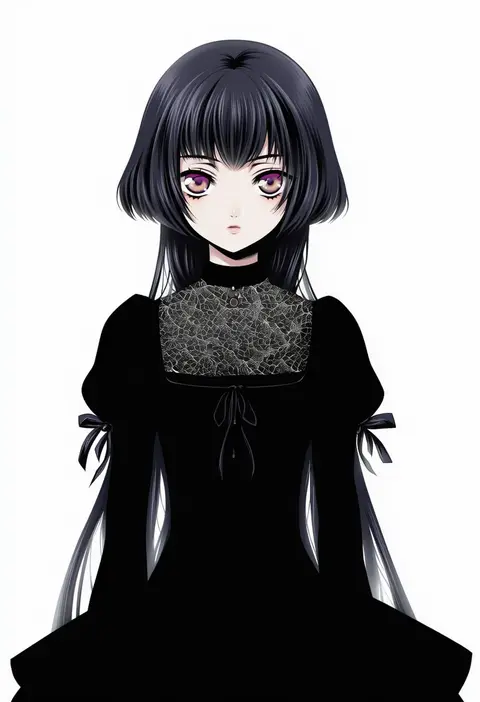
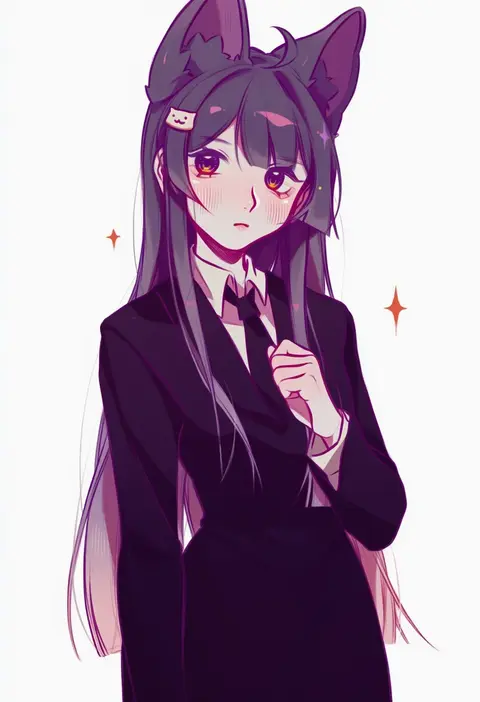
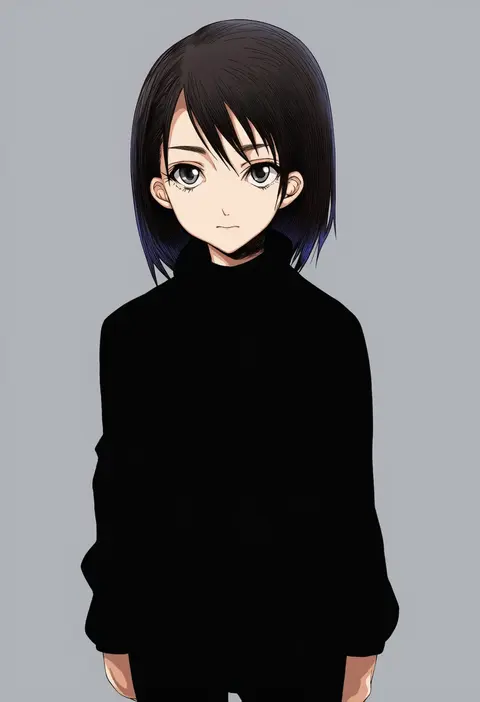
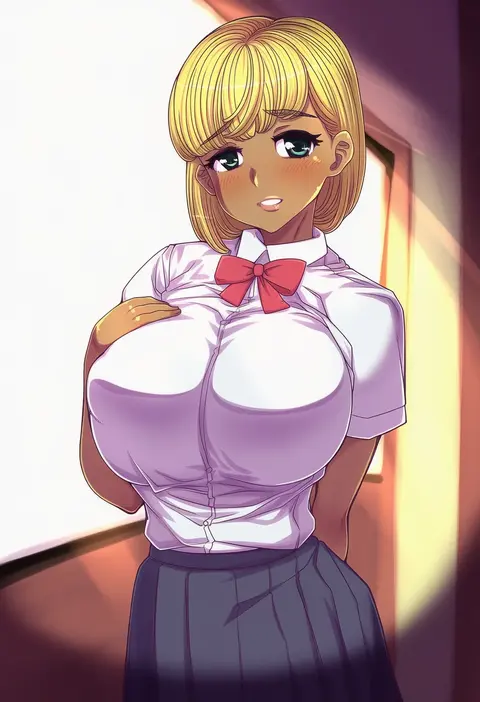
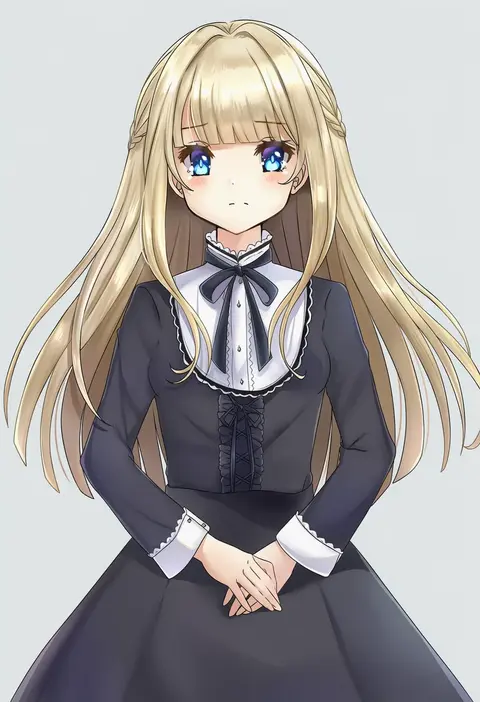
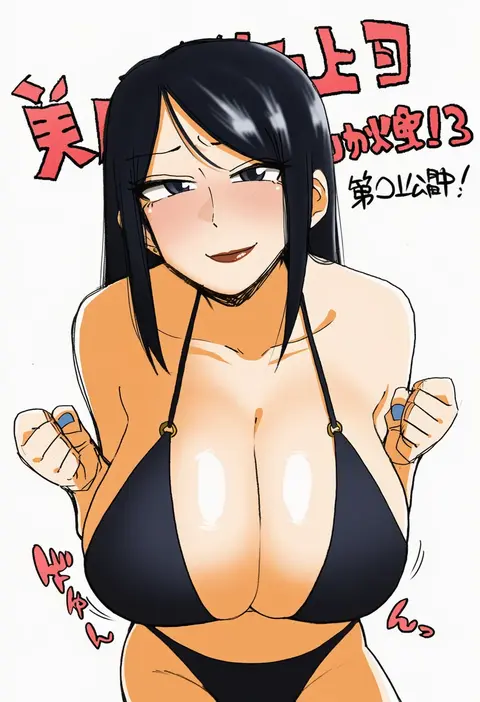
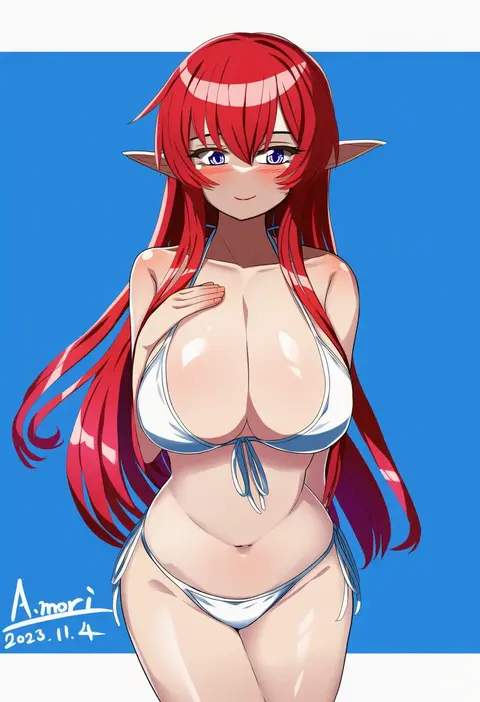
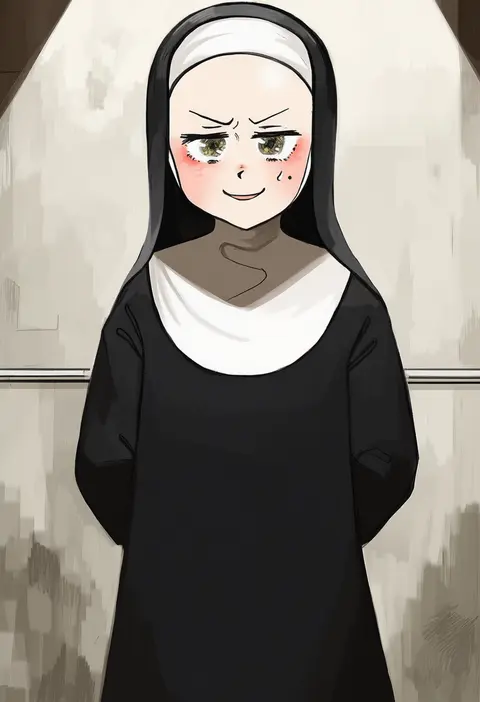
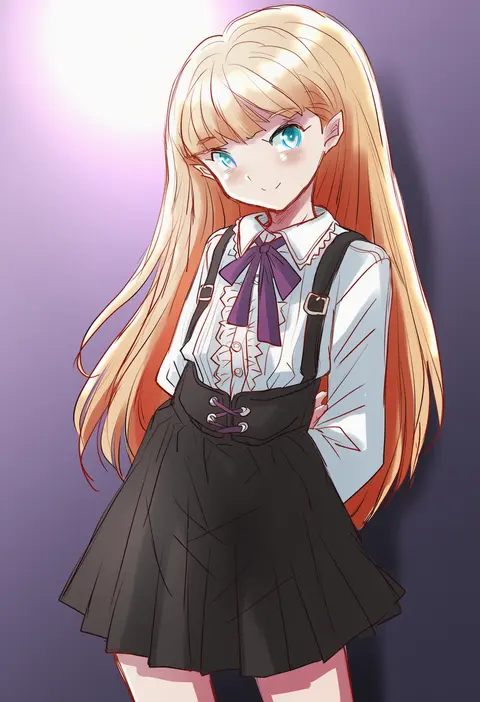
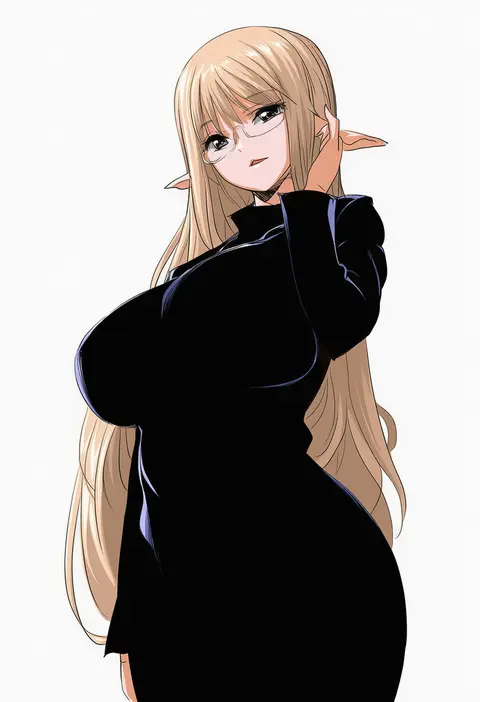
Every tag listed here is verified to react in NovelAI. All images use the same prompt, seed and settings with only the artist tag swapped, so the difference between two images is the style that tag brings in.

How to use them

Put the artist tag near the front of the prompt, e.g. "<artist>, 1girl, solo, best quality, masterpiece, cowboy shot". Two or three artist tags blend styles; lower the weight with "0.8::<artist>::" when the style overpowers the character.

SCORE sorts by Danbooru's top score, POSTS by post count, FAVS by hearts on this site. Open a card to see V5 and V4.5 side by side on the same seed.

V5 vs V4.5

V5 usually lands closer to the artist's real style, and tags that did nothing on V4.5 often react on V5. V4.5 still fits older and doujin-heavy artists better. Try V5 first, fall back to V4.5.

FAQ

Where does the artist tag go?
Near the front of the prompt. Use "0.8::tag::" to adjust its weight.

Can I stack artist tags?
Yes, styles blend. Past two or three the result stops looking like anyone.

Are these the artists' own works?
No. Every image is a NovelAI sample generated from the tag.