V4.5Artists
sort: FAVS▾
▾
>
$

NovelAI Artist Tags List — V4.5

artist --count 16,352[169/273]
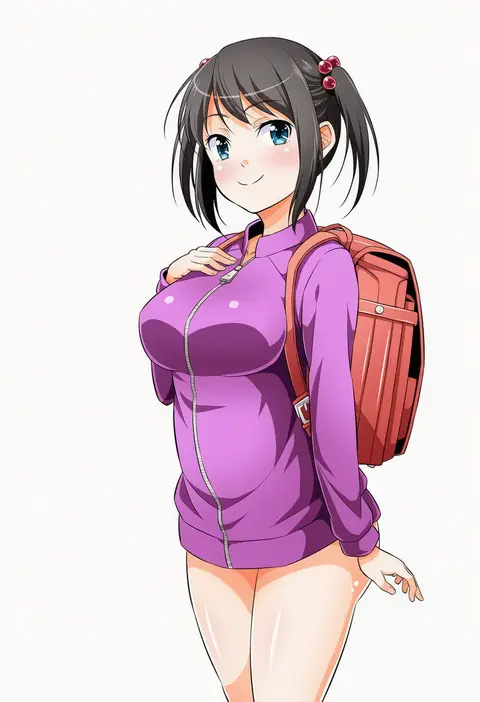
tomokichi
ARTIST0x2760
0
yukie (peach candy)
ARTIST0x2761
0
saitou naoki
ARTIST0x2762
0
shirogane hina
ARTIST0x2763
0
indesign
ARTIST0x2764
0
ya-man
ARTIST0x2765
0
momo (higanbana and girl)
ARTIST0x2766
0
watarai keiji
ARTIST0x2767
0
clipe
ARTIST0x2768
0
waka (shark waka)
ARTIST0x2769
0
ka2
ARTIST0x276A
0
kyuutou (kyuutouryuu)
ARTIST0x276B
0
ekra
ARTIST0x276C
0
uisu (noguchipint)
ARTIST0x276D
0
dangmill
ARTIST0x276E
0
smile (qd4nsvik)
ARTIST0x276F
0
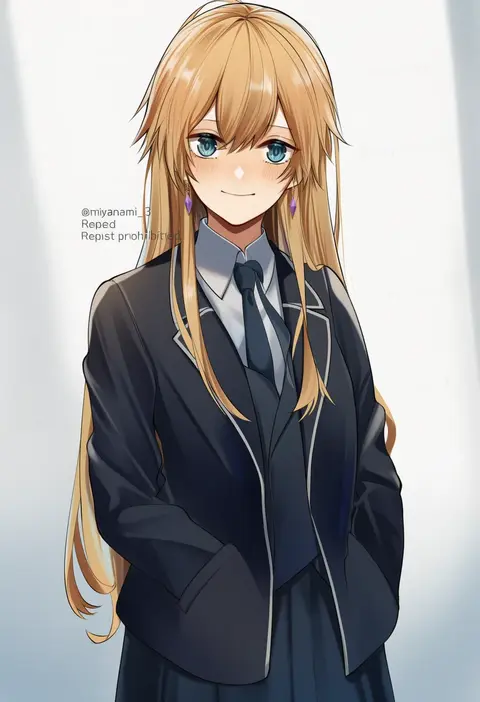
miyanami 3
ARTIST0x2770
0
lee (dragon garou)
ARTIST0x2771
0
payama
ARTIST0x2772
0
abu
ARTIST0x2773
0
john (a2556349)
ARTIST0x2774
0
holeecrab
ARTIST0x2775
0
amamiya minato
ARTIST0x2776
0
seirorath
ARTIST0x2777
0
mg42cat-k1ng
ARTIST0x2778
0
yazuki gennojou
ARTIST0x2779
0
mato spectoru
ARTIST0x277A
0
sunafuki tabito
ARTIST0x277B
0
bba1985
ARTIST0x277C
0
peteron
ARTIST0x277D
0
tenbin gashira
ARTIST0x277E
0
inuo (inuo x)
ARTIST0x277F
0
na-gyou (nunumaru)
ARTIST0x2780
0
ikeda masateru
ARTIST0x2781
0
shaka (staito0515)
ARTIST0x2782
0
takeponi
ARTIST0x2783
0
crystalherb
ARTIST0x2784
0
haya taro pochi
ARTIST0x2785
0
hachinatsu
ARTIST0x2786
0
hozumi rino
ARTIST0x2787
0
yamaguchi satoshi
ARTIST0x2788
0
fukushima masayasu
ARTIST0x2789
0
rassie s
ARTIST0x278A
0
nekobatake
ARTIST0x278B
0
cheonyeon-hi
ARTIST0x278C
0
rindou ringdong
ARTIST0x278D
0
nino (shira)
ARTIST0x278E
0
majin (marcia)
ARTIST0x278F
0
minawa
ARTIST0x2790
0
ikag
ARTIST0x2791
0
mefomefo
ARTIST0x2792
0
munmu-san
ARTIST0x2793
0
ri-net
ARTIST0x2794
0
kurione (zassou)
ARTIST0x2795
0
dakku (ogitsune)
ARTIST0x2796
0
gryebooks
ARTIST0x2797
0
arsenixc
ARTIST0x2798
0
kaoruru (sakuno2911)
ARTIST0x2799
0
pomu (joynet)
ARTIST0x279A
0
tamu (mad works)
ARTIST0x279B
0

What these tags change

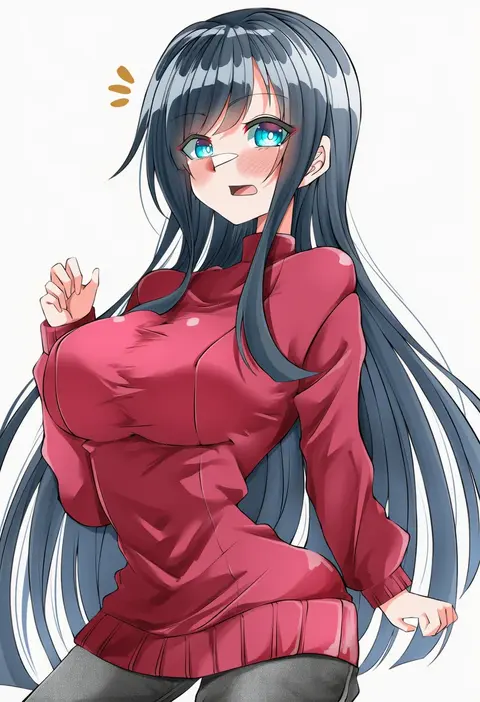
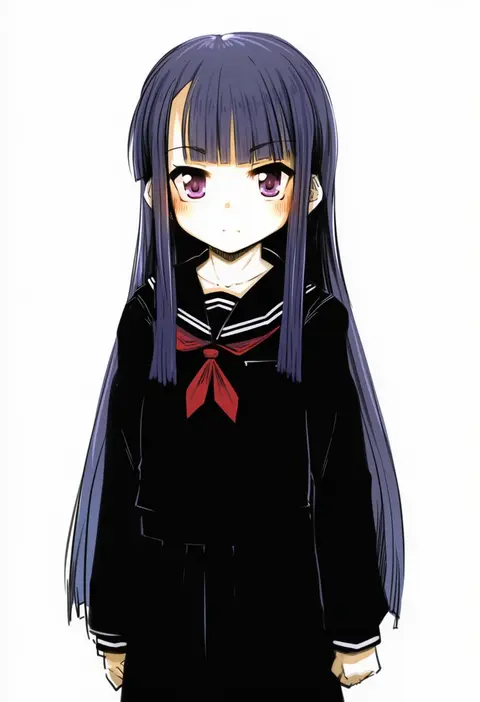
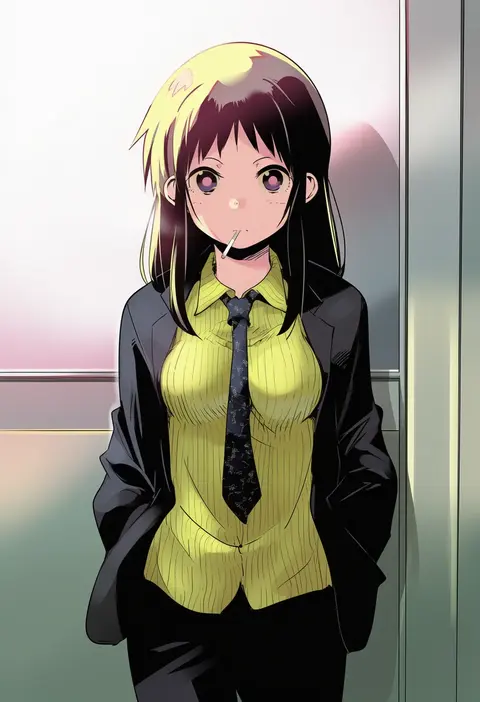
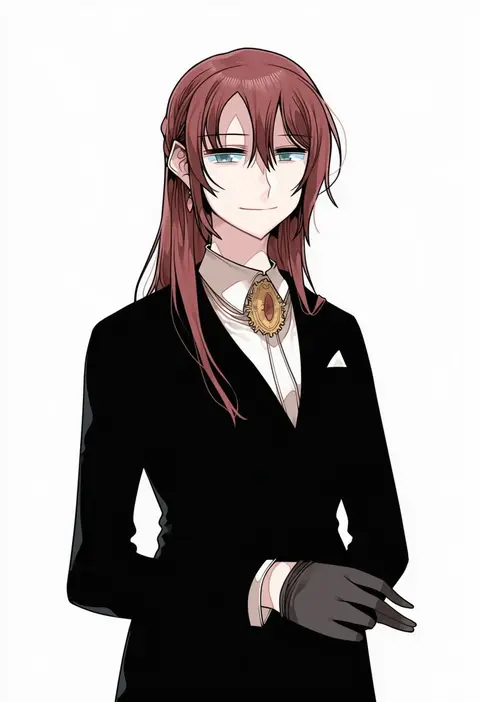
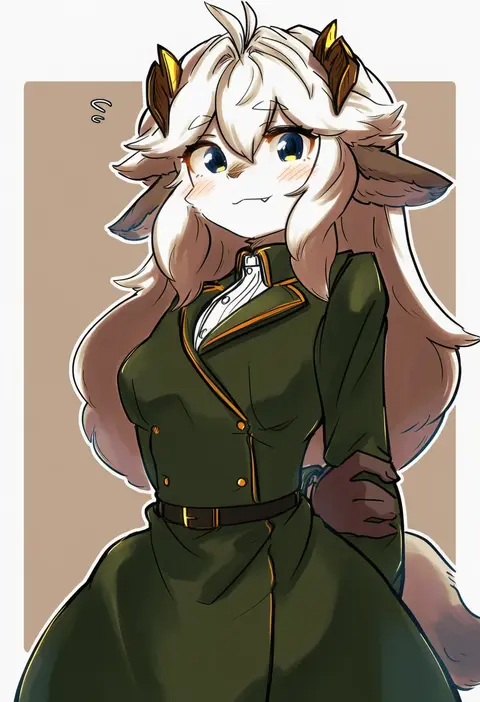
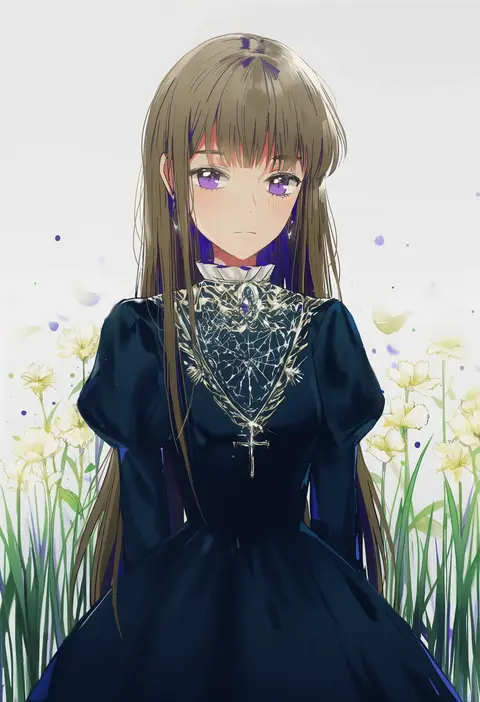
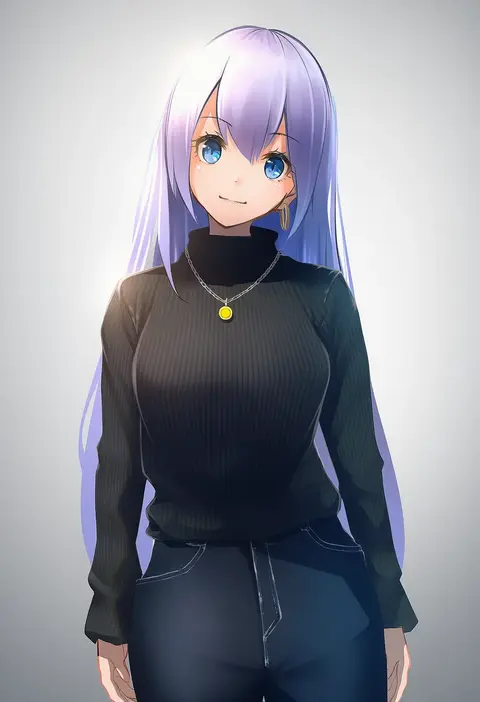
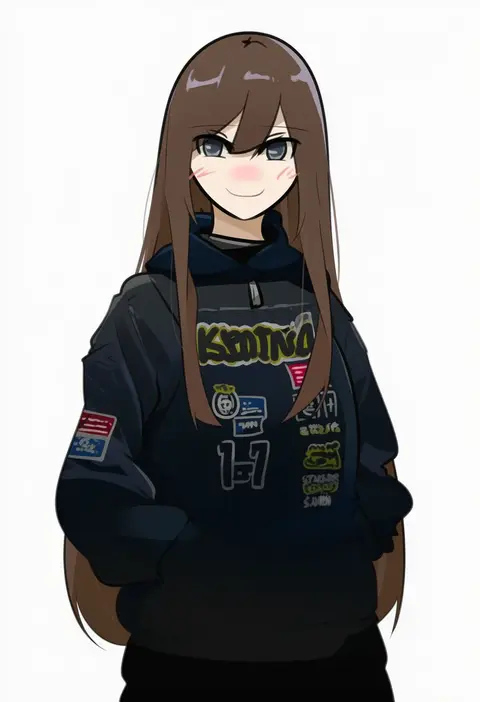
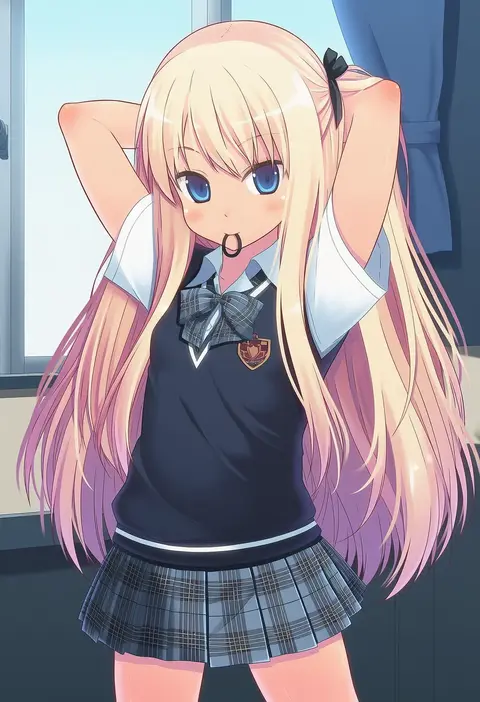
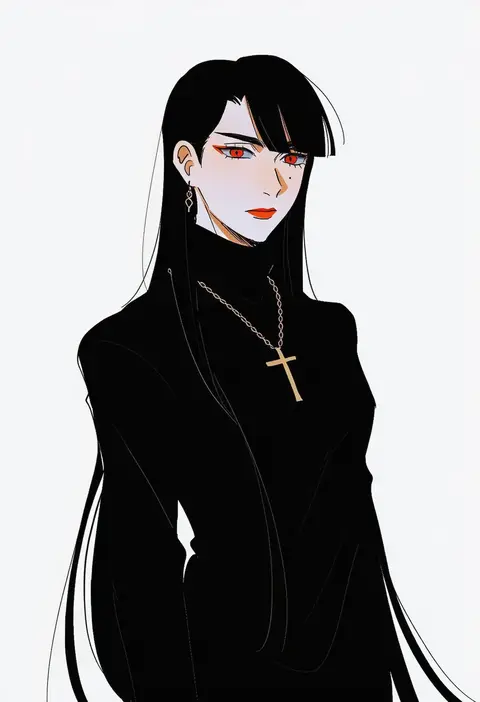
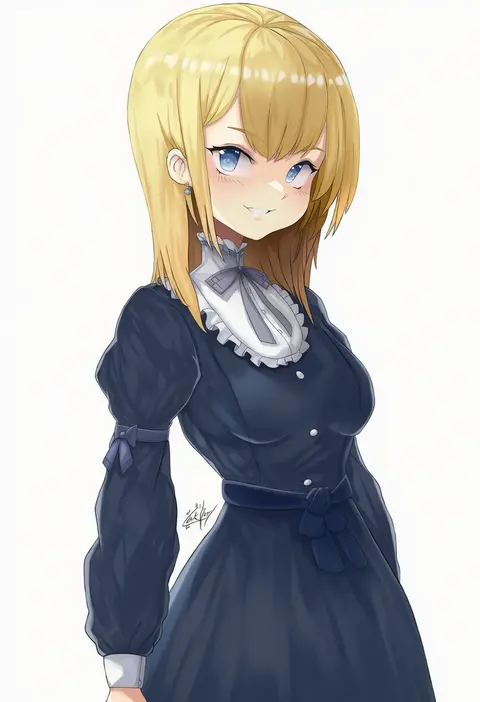
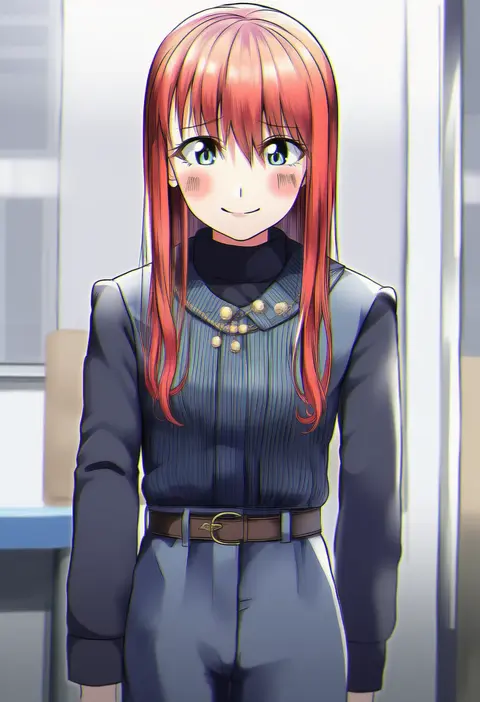
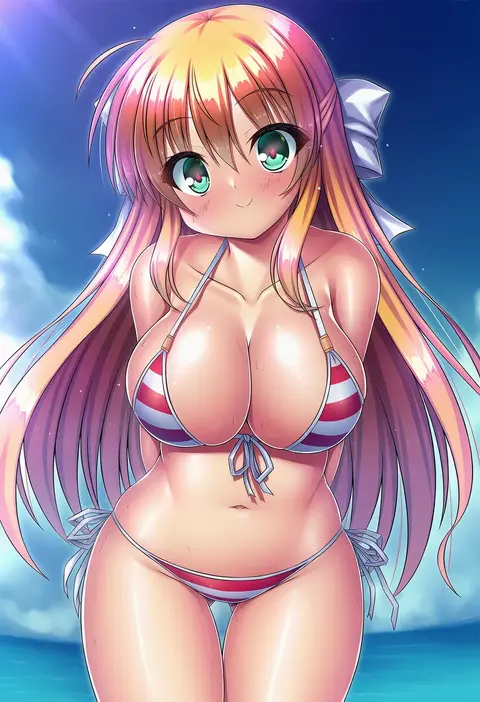
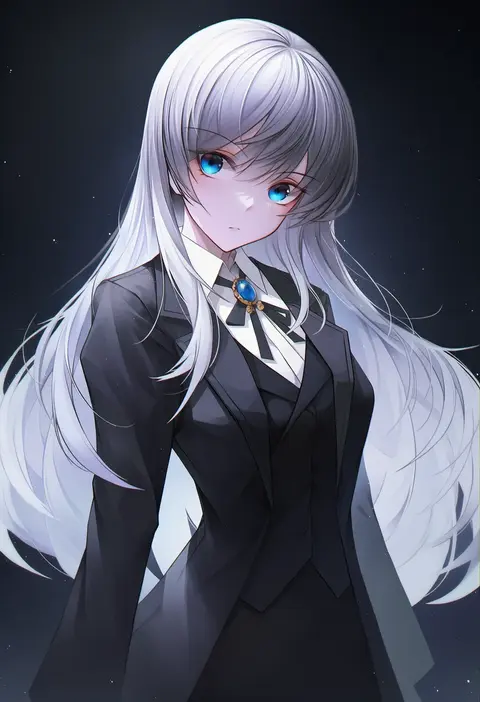
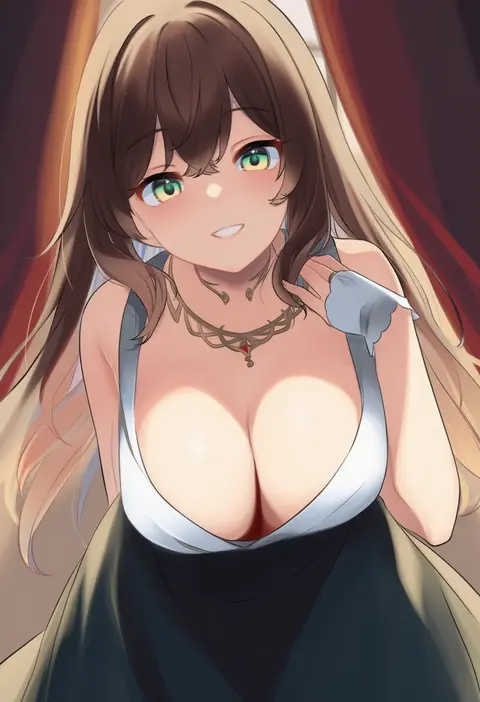
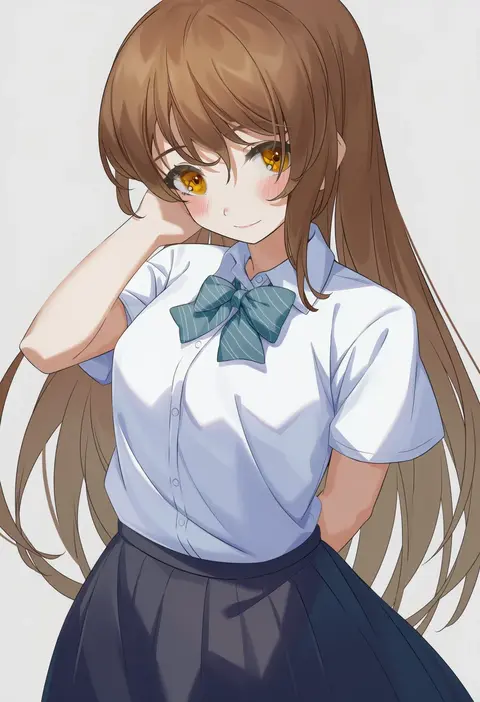
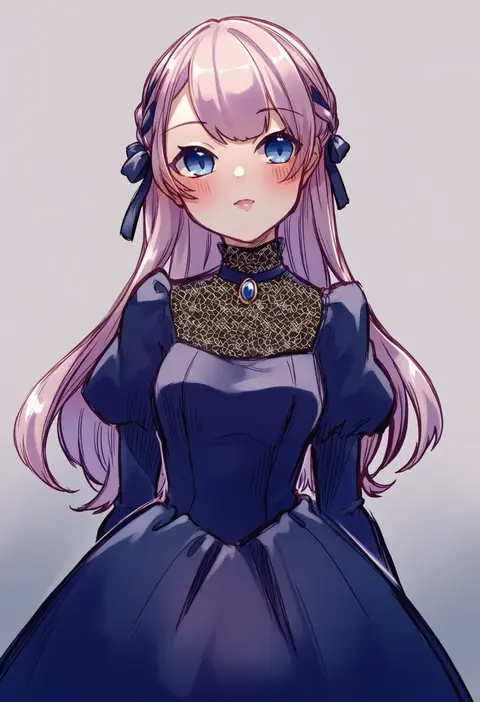
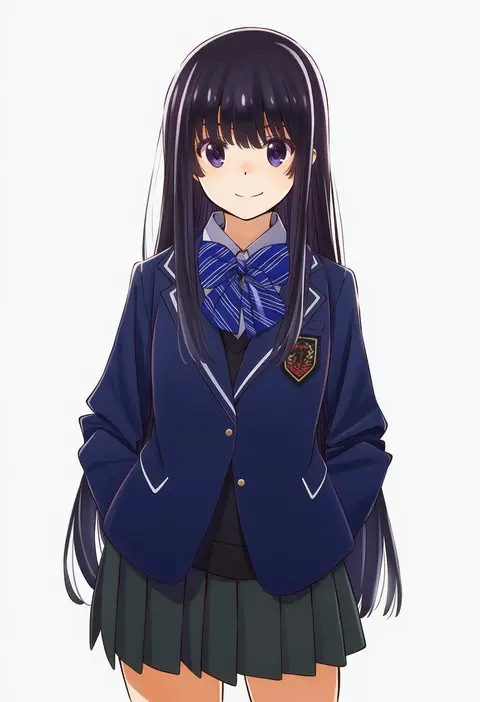
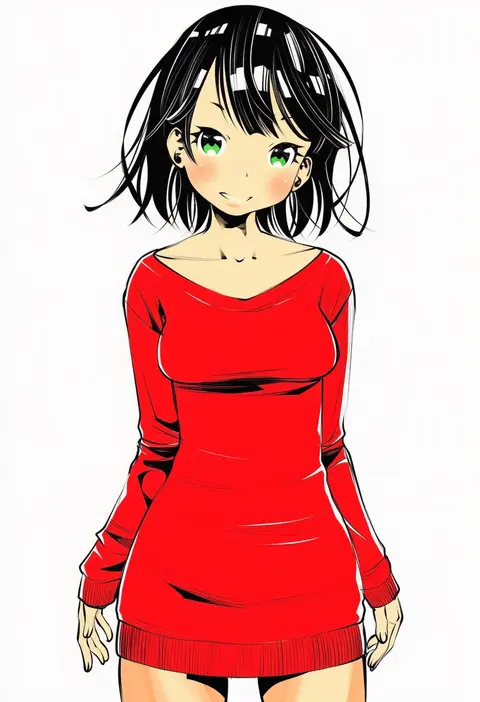
Artist tags tell NovelAI Diffusion to draw in a specific artist's style: line weight, paint texture, face shapes and palette all shift at once. Character and outfit tags decide what is drawn; artist tags decide how. 16,352 tags are listed for V4.5.
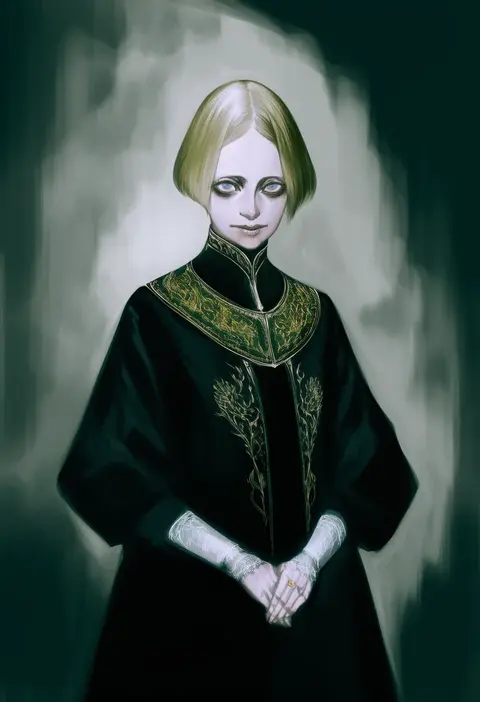
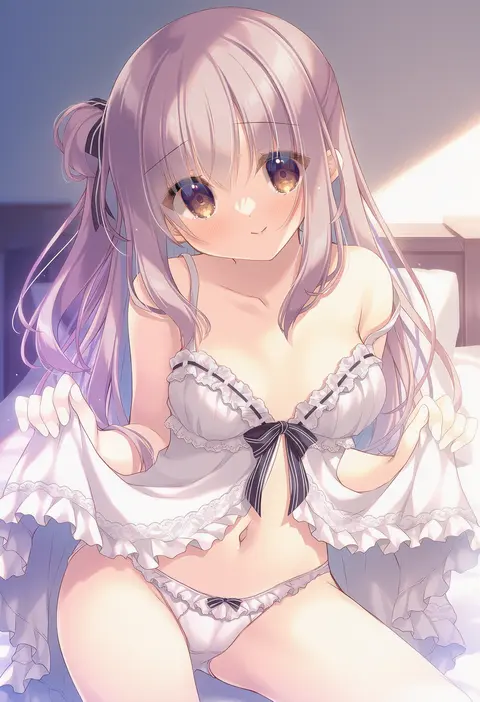
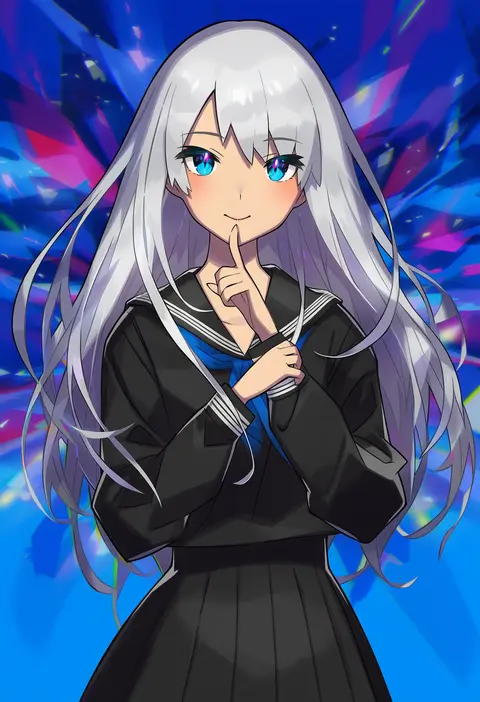
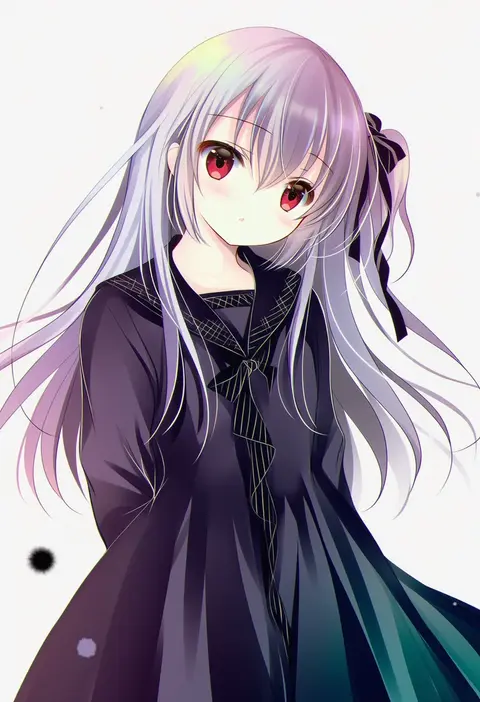
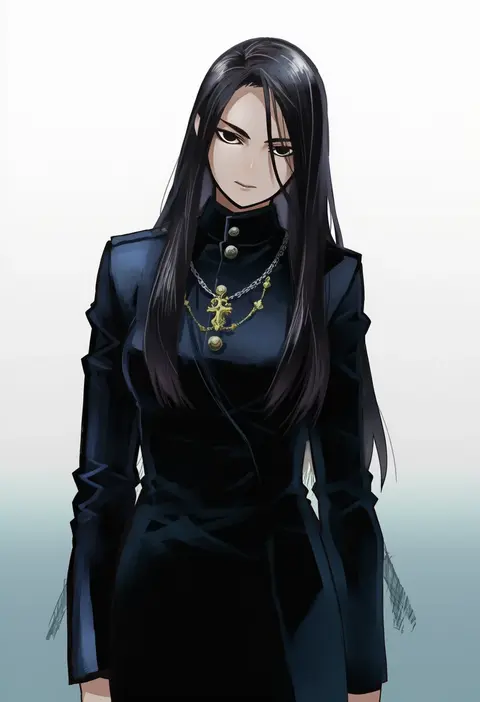
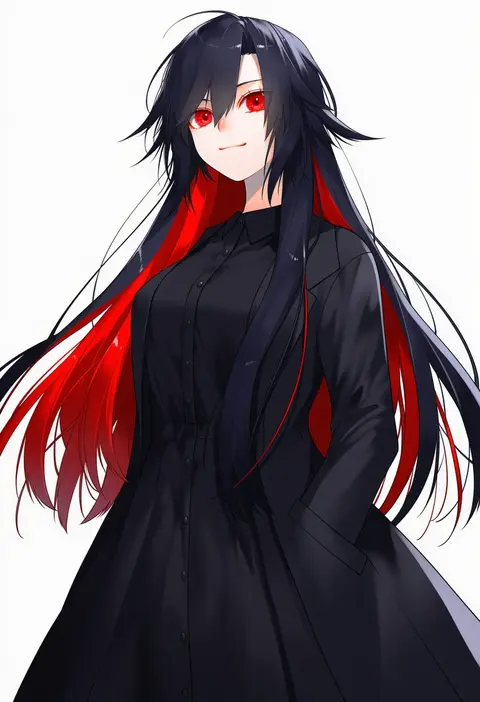
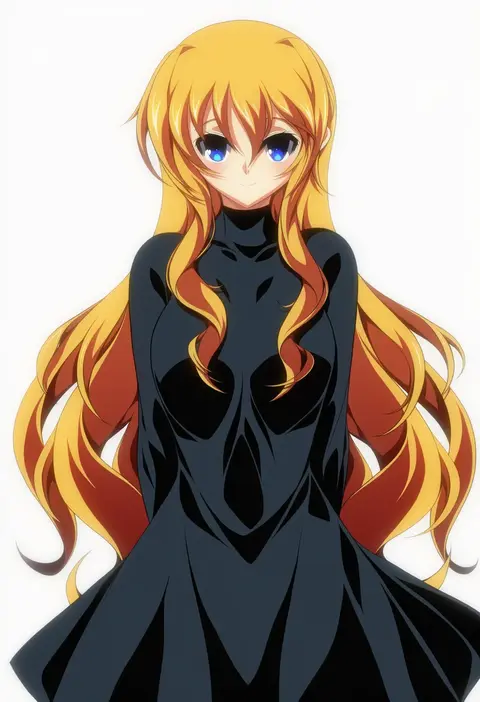
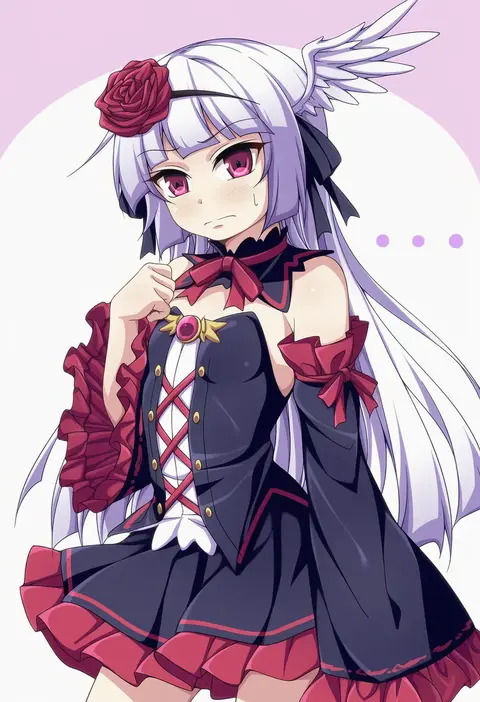
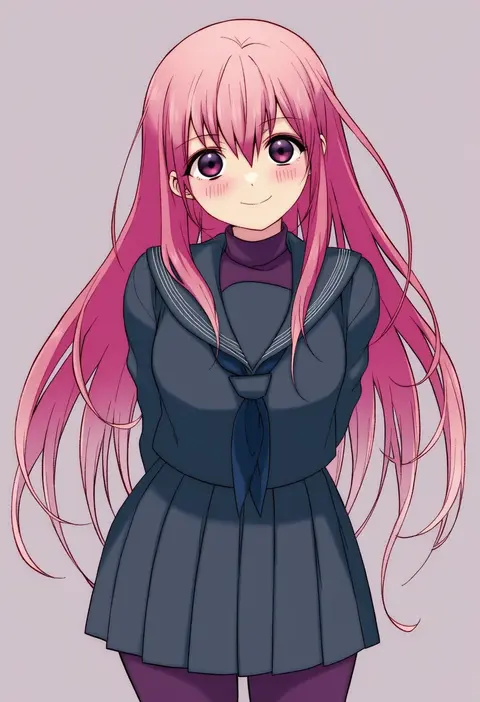
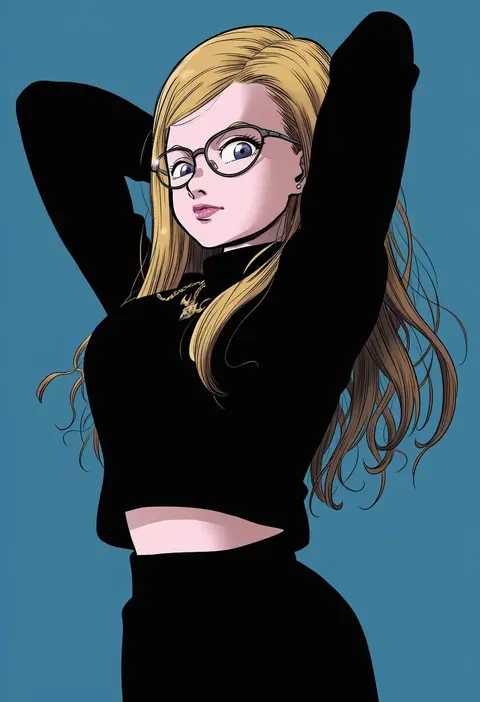
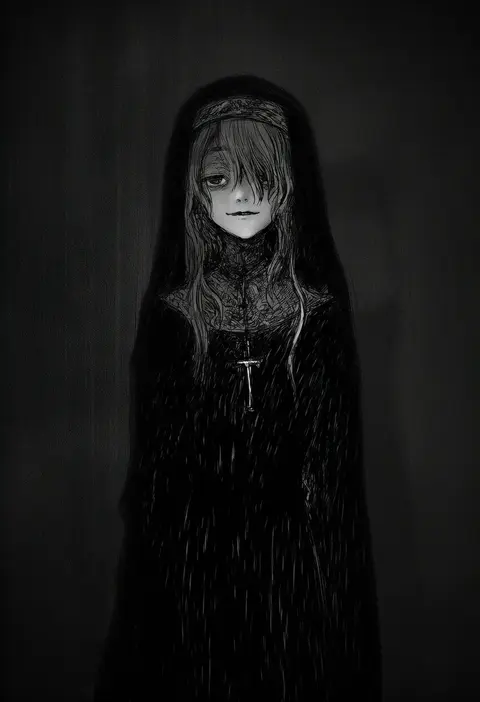
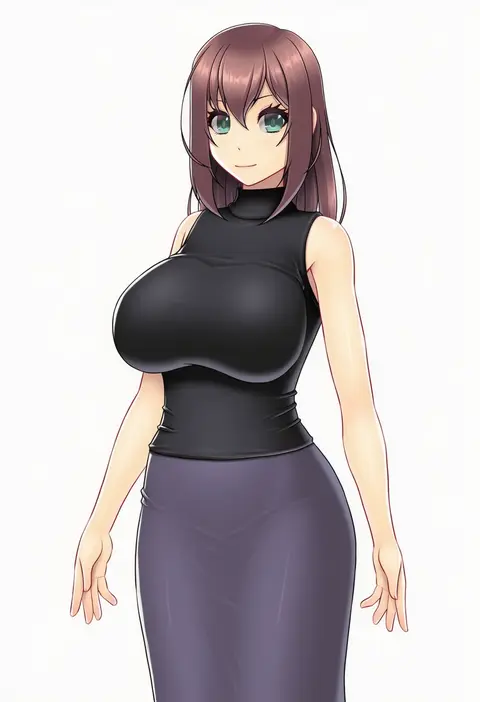
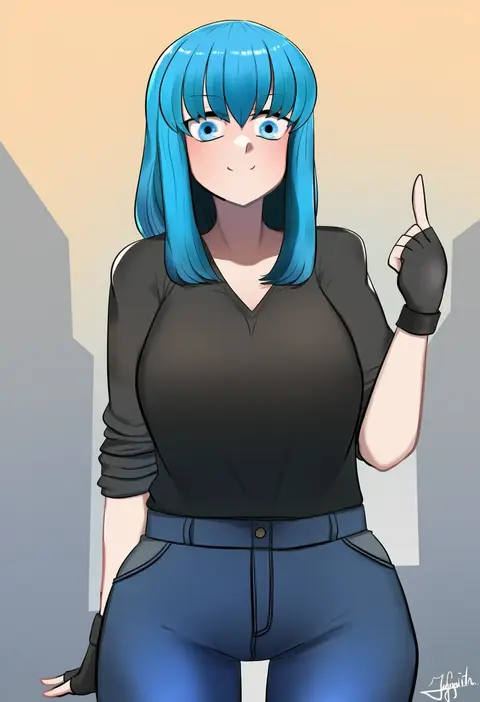
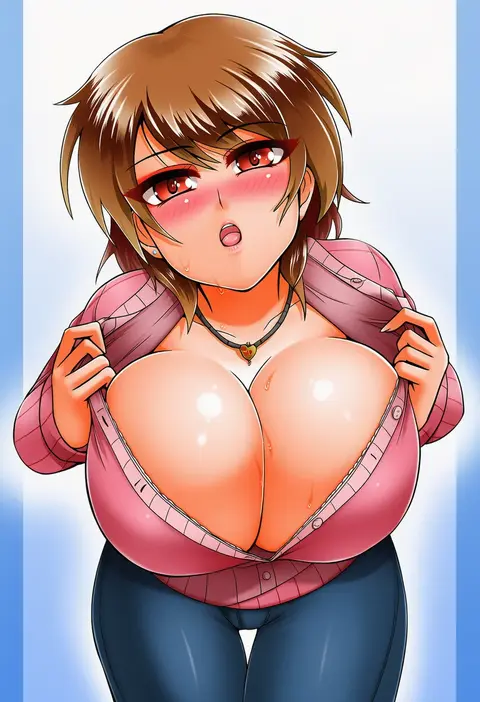
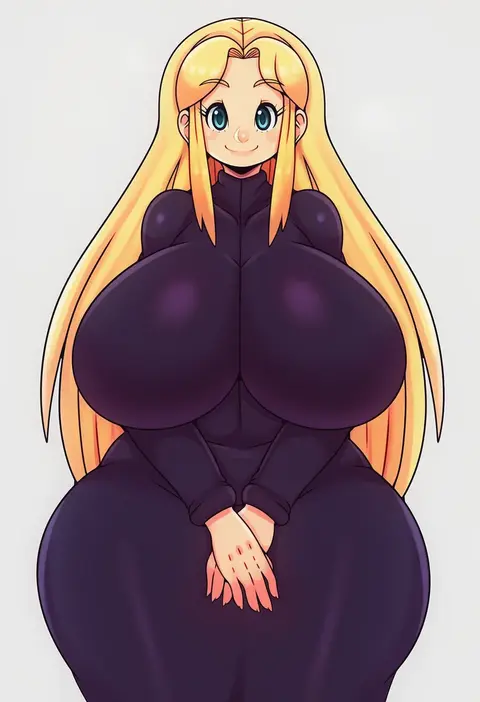
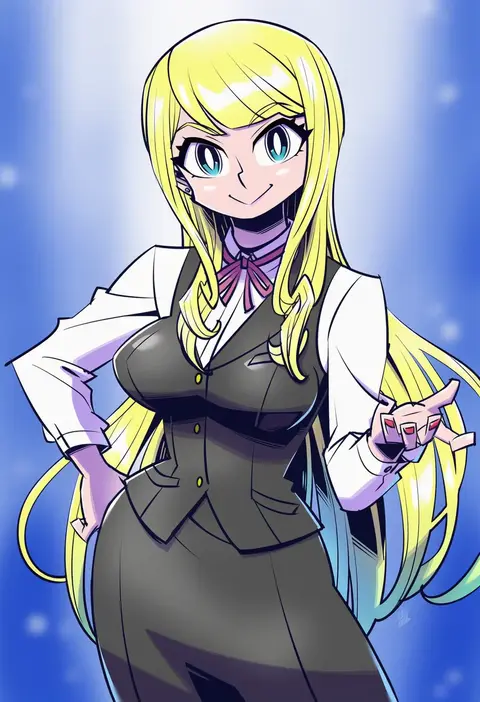
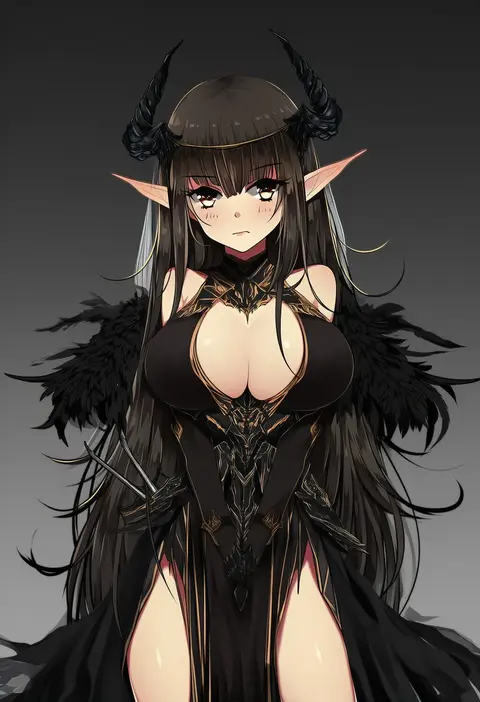
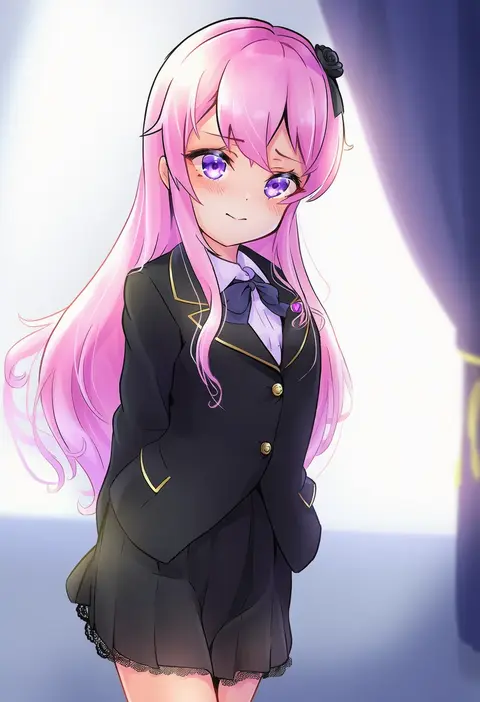
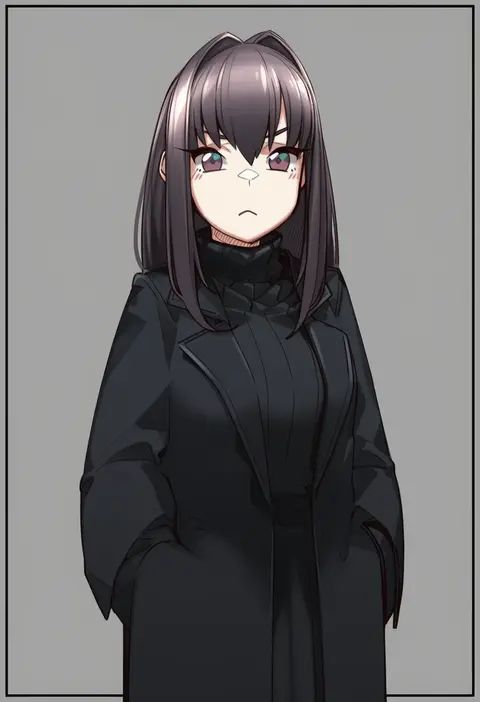
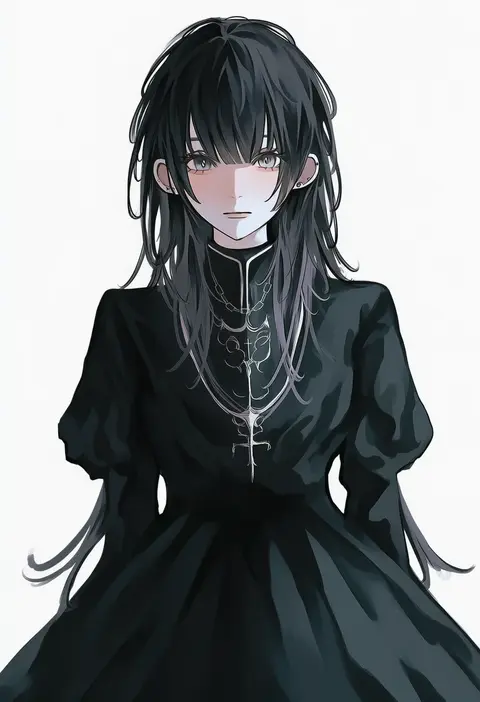
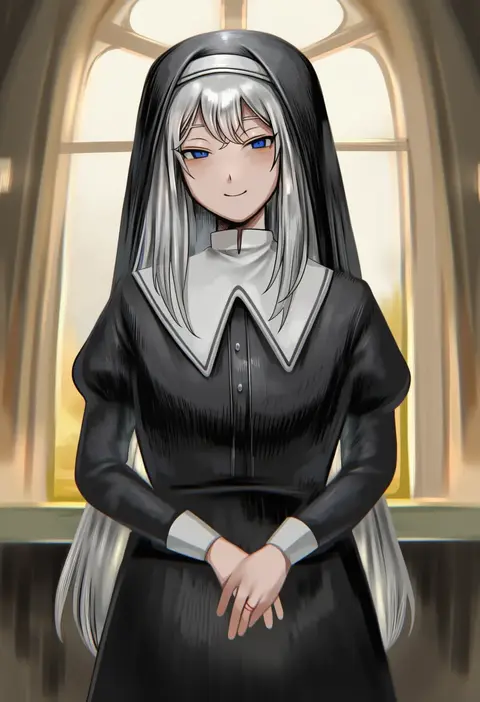
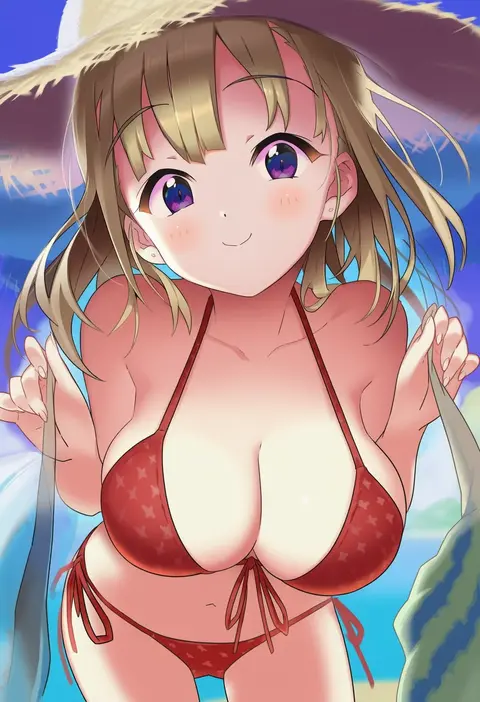
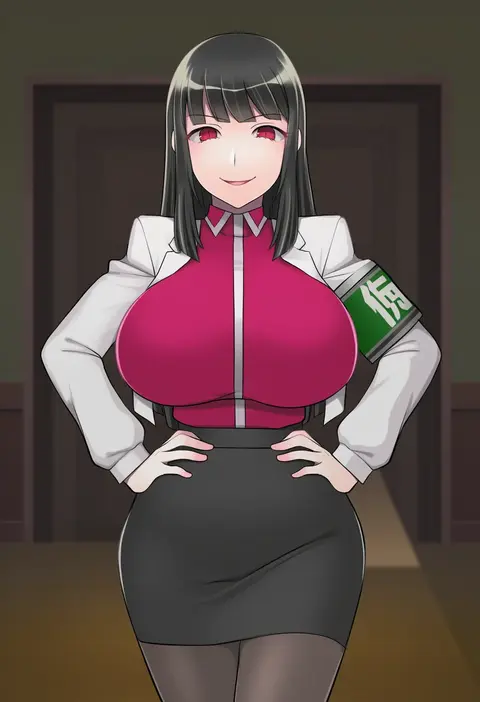
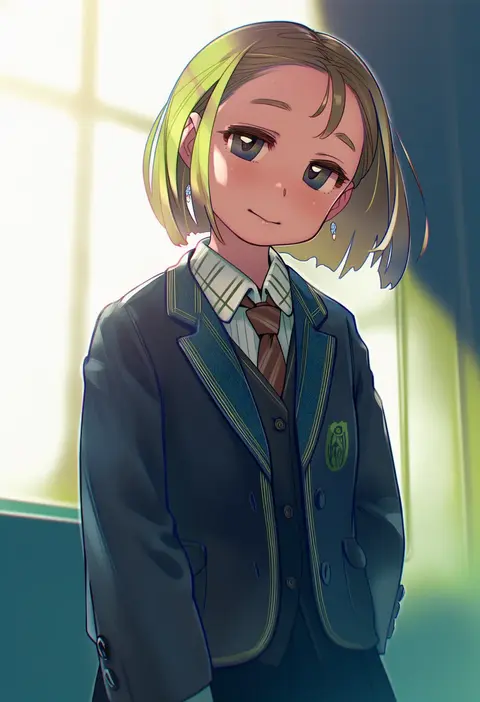
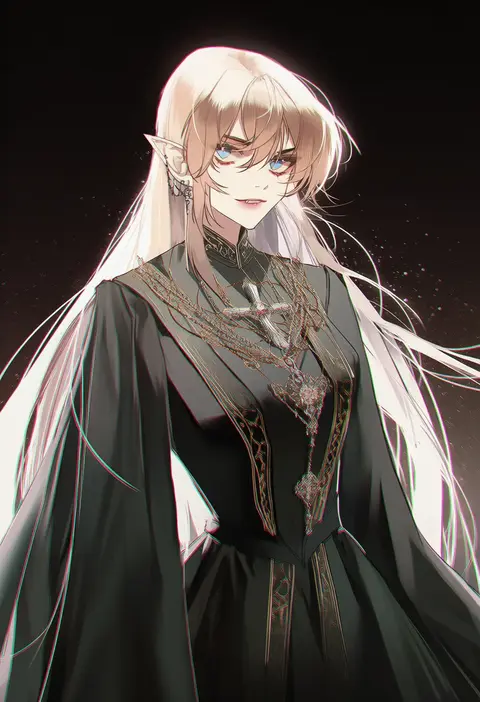
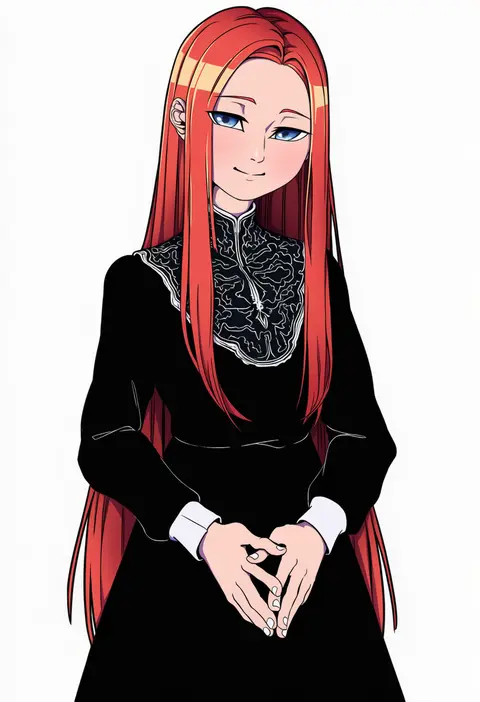
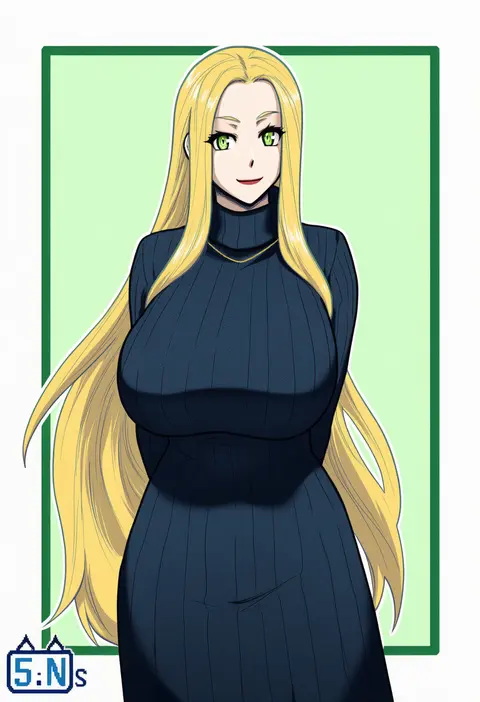
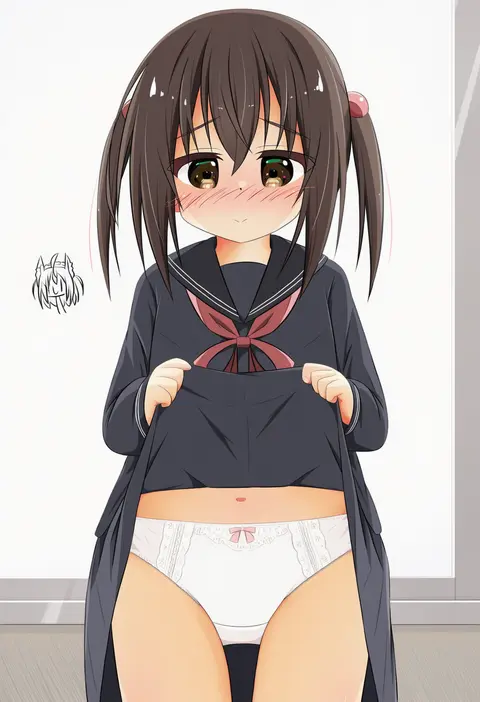
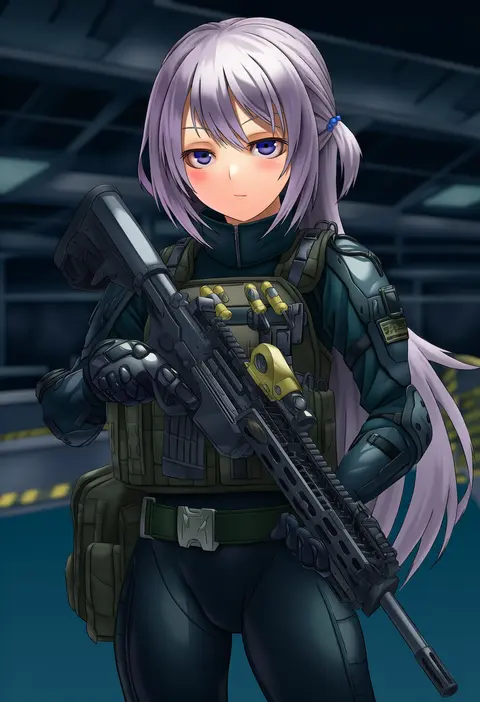
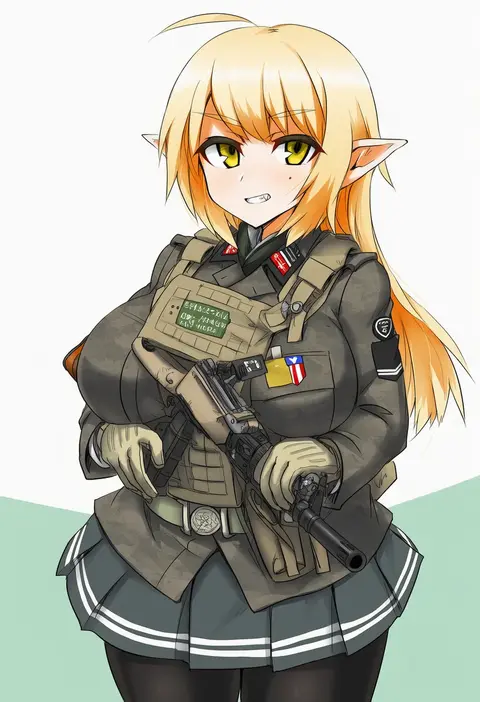
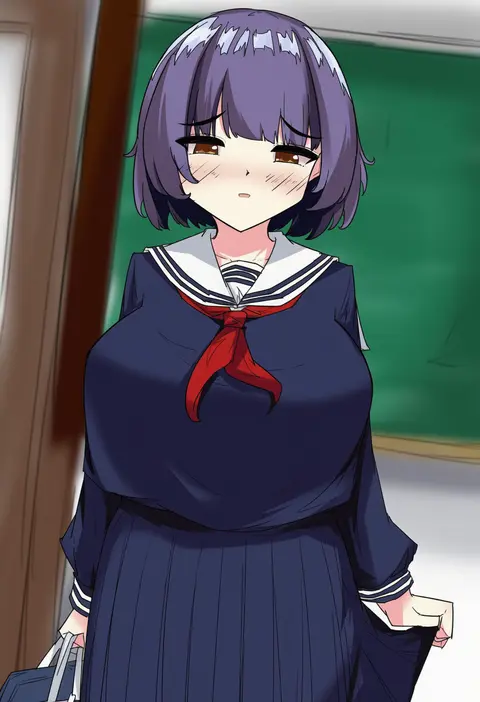
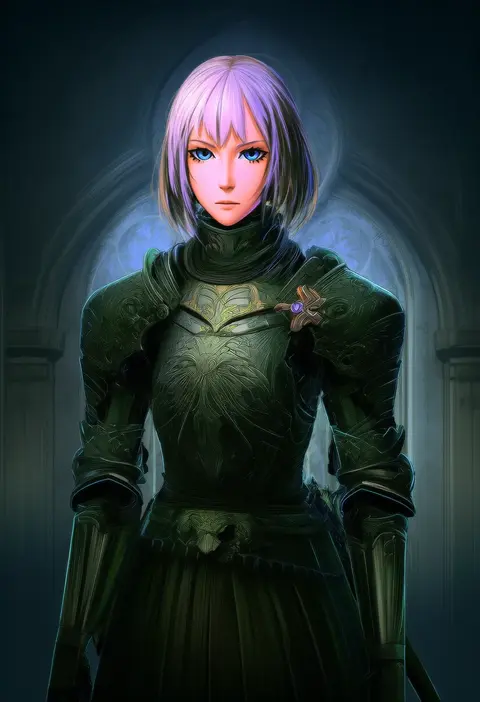
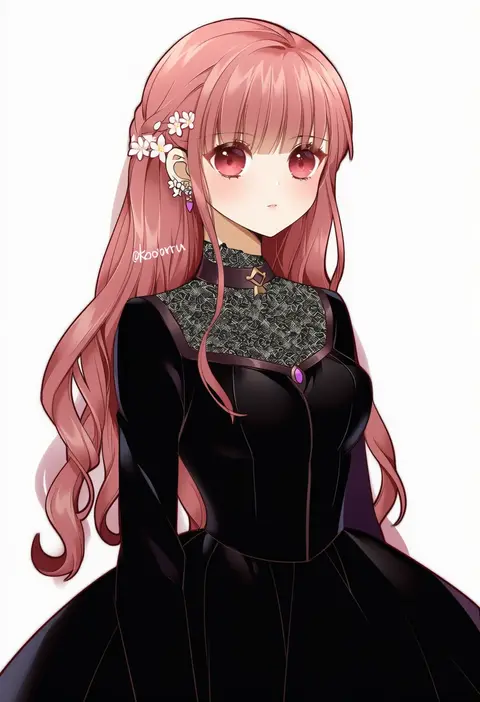
Every tag listed here is verified to react in NovelAI. All images use the same prompt, seed and settings with only the artist tag swapped, so the difference between two images is the style that tag brings in.

How to use them

Put the artist tag near the front of the prompt, e.g. "<artist>, 1girl, solo, best quality, masterpiece, cowboy shot". Two or three artist tags blend styles; lower the weight with "0.8::<artist>::" when the style overpowers the character.

SCORE sorts by Danbooru's top score, POSTS by post count, FAVS by hearts on this site. Open a card to see V5 and V4.5 side by side on the same seed.

V5 vs V4.5

V5 usually lands closer to the artist's real style, and tags that did nothing on V4.5 often react on V5. V4.5 still fits older and doujin-heavy artists better. Try V5 first, fall back to V4.5.

FAQ

Where does the artist tag go?
Near the front of the prompt. Use "0.8::tag::" to adjust its weight.

Can I stack artist tags?
Yes, styles blend. Past two or three the result stops looking like anyone.

Are these the artists' own works?
No. Every image is a NovelAI sample generated from the tag.