V5Artists
sort: FAVS▾
▾
>
$

NovelAI V5 Artist Tags List

artist --count 2,508[38/42]
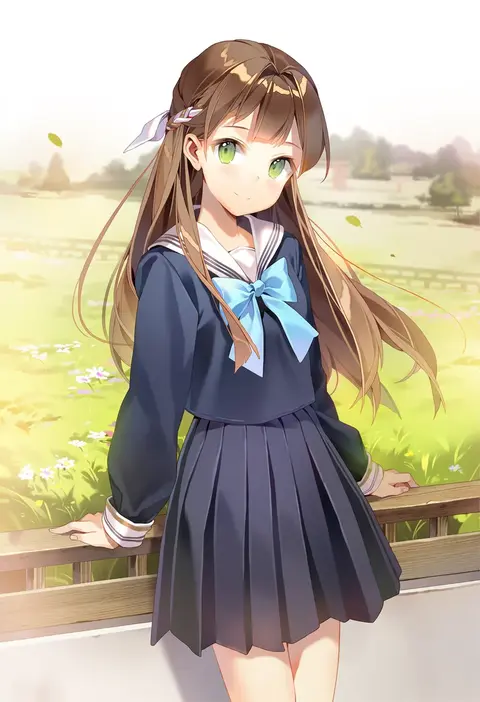
fuantei
ARTIST0x08AC
0
nogi takayoshi
ARTIST0x08AD
0
ai takurou
ARTIST0x08AE
0
kanade (kanade 3344)
ARTIST0x08AF
0
miyasaka miyu
ARTIST0x08B0
0
inaba shiki
ARTIST0x08B1
0
you (noanoamoemoe)
ARTIST0x08B2
0
torako (toramaru)
ARTIST0x08B3
0
natsu (anta tte hitoha)
ARTIST0x08B4
0
ryosios
ARTIST0x08B5
0
matsuda yuusuke
ARTIST0x08B6
0
shi chimi
ARTIST0x08B7
0
otohime (youngest princess)
ARTIST0x08B8
0
kanzakietc
ARTIST0x08B9
0
ryuuichi (f dragon)
ARTIST0x08BA
0
mosho
ARTIST0x08BB
0
jason (kaiten kussaku kikou)
ARTIST0x08BC
0
syroh
ARTIST0x08BD
0
shida kazuhiro
ARTIST0x08BE
0
saeki nao
ARTIST0x08BF
0
maru (marg0613)
ARTIST0x08C0
0
rakugaki-biyori
ARTIST0x08C1
0
neon-tetora
ARTIST0x08C2
0
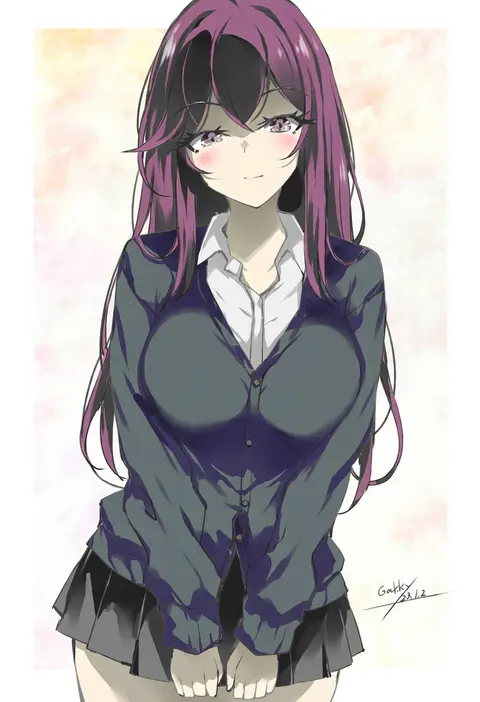
gakky
ARTIST0x08C3
0
kuya (hey36253625)
ARTIST0x08C4
0
miyasaka naco
ARTIST0x08C5
0
goto p
ARTIST0x08C6
0
chiimako
ARTIST0x08C7
0
yashin (yasinz)
ARTIST0x08C8
0
usazaki shiro
ARTIST0x08C9
0
[ null ]
ARTIST0x08CA
0
hizaka
ARTIST0x08CB
0
gaoo (frpjx283)
ARTIST0x08CC
0
annin musou
ARTIST0x08CD
0
at classics
ARTIST0x08CE
0
humuyun
ARTIST0x08CF
0
la-na
ARTIST0x08D0
0
kashiwada kiiho
ARTIST0x08D1
0
mizumoto tadashi
ARTIST0x08D2
0
pote (ptkan)
ARTIST0x08D3
0
dairi
ARTIST0x08D4
0
hayashiya zankurou
ARTIST0x08D5
0
poronegi
ARTIST0x08D6
0
suyasuyabi
ARTIST0x08D7
0
namauni
ARTIST0x08D8
0
yukia (firstaid0)
ARTIST0x08D9
0
haru (konomi 150)
ARTIST0x08DA
0
makuwauri
ARTIST0x08DB
0
diesel-turbo
ARTIST0x08DC
0
haniwa (leaf garden)
ARTIST0x08DD
0
kazuharu kina
ARTIST0x08DE
0
namanie
ARTIST0x08DF
0
suzuki kanta
ARTIST0x08E0
0
engiyoshi
ARTIST0x08E1
0
sakurazawa izumi
ARTIST0x08E2
0
yoshizaki mine
ARTIST0x08E3
0
madcore
ARTIST0x08E4
0
yuki arare
ARTIST0x08E5
0
shirahane nao
ARTIST0x08E6
0
gilse
ARTIST0x08E7
0

What these tags change

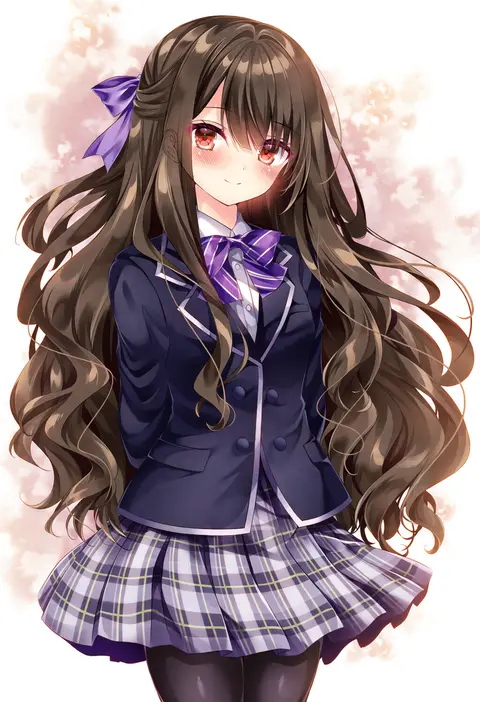
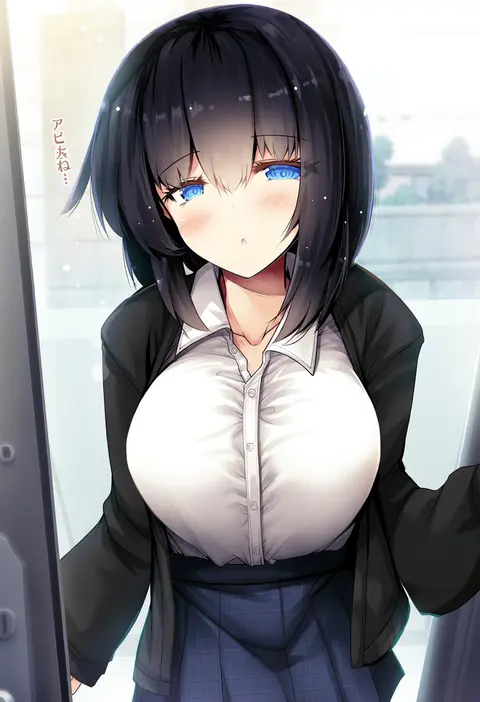
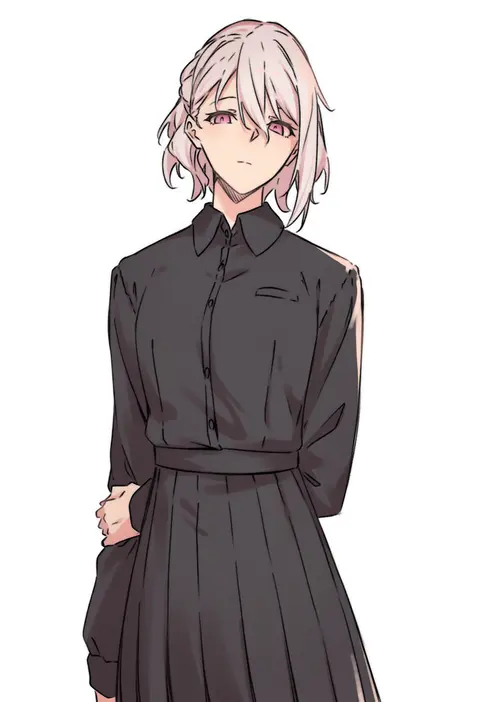
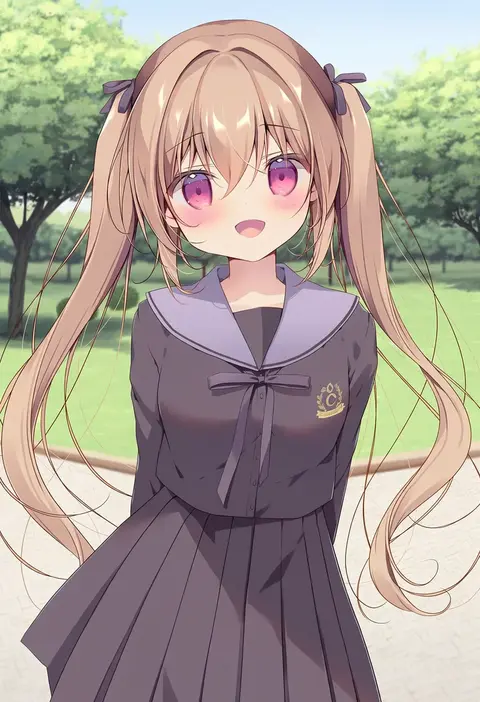
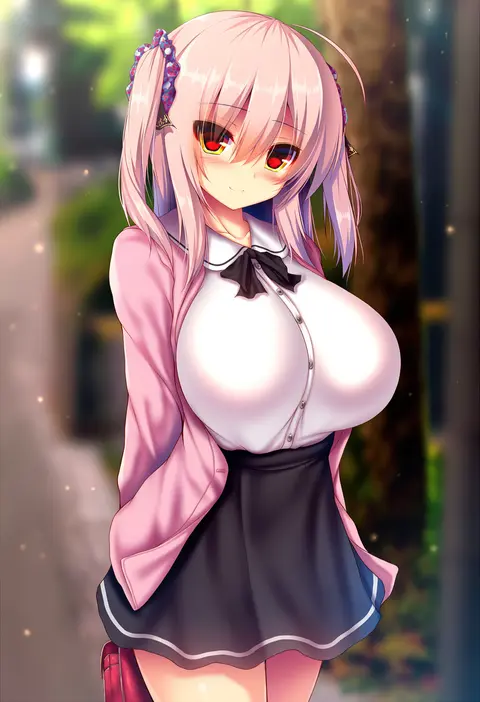
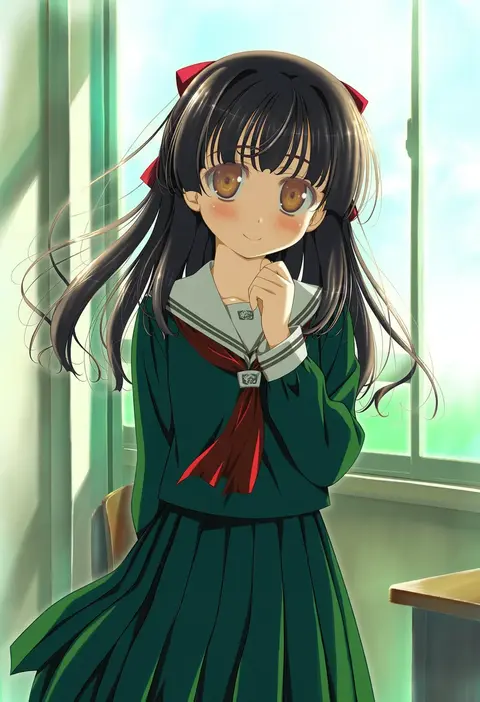
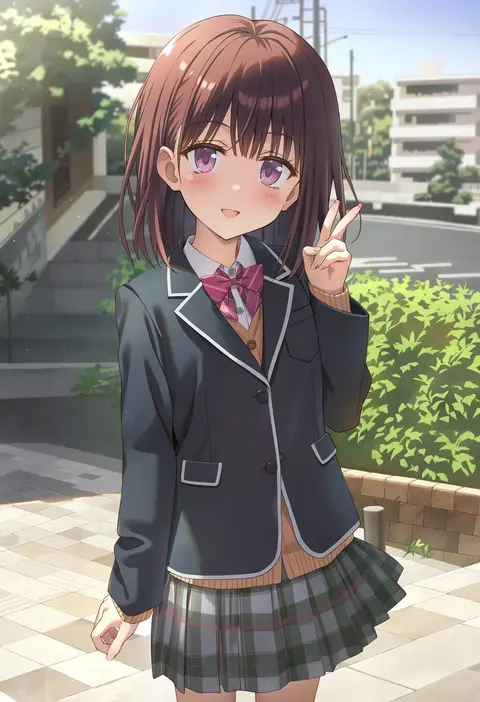
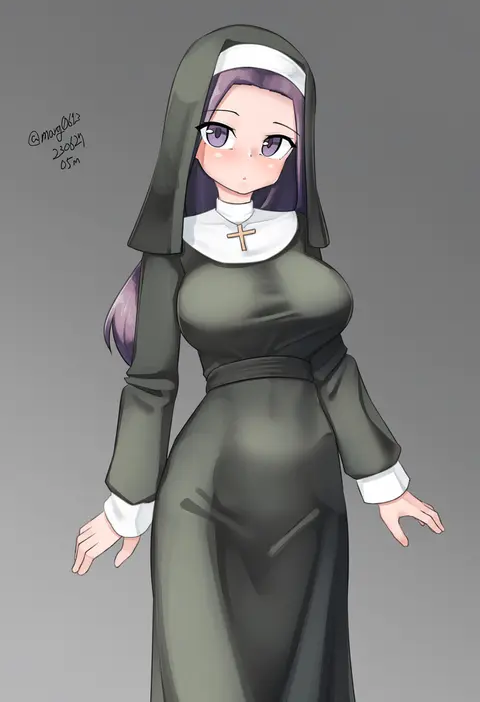
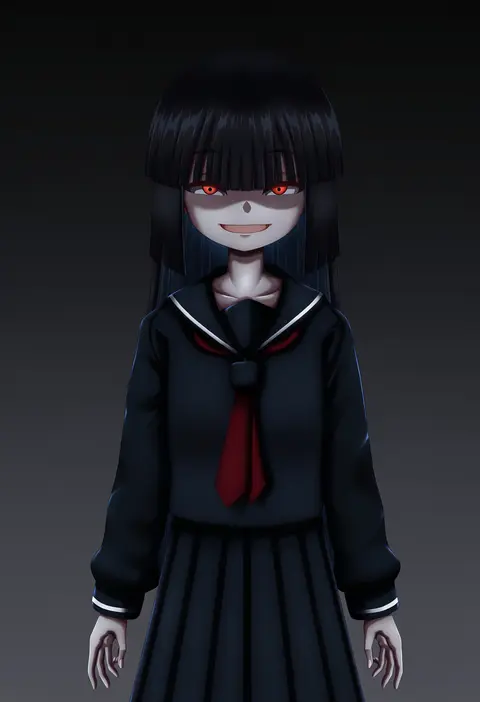
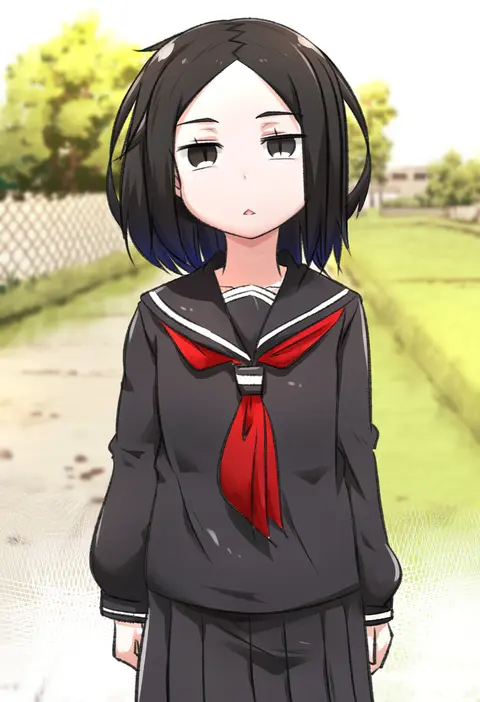
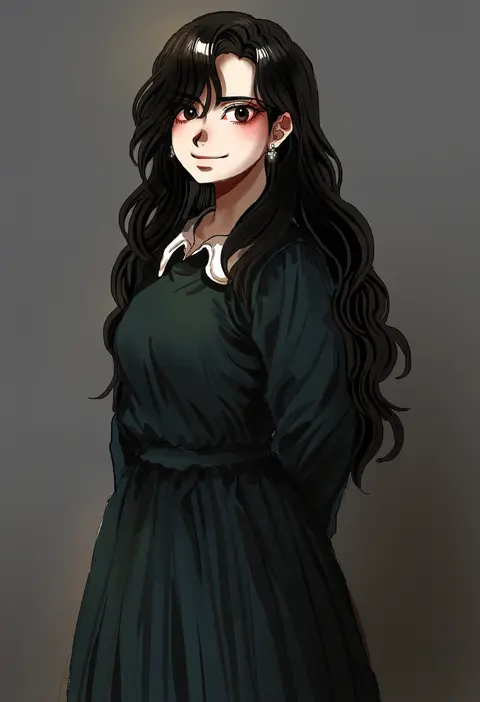
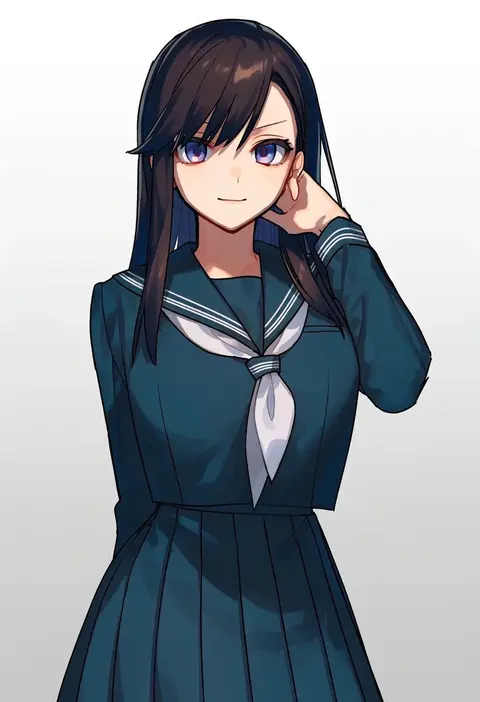
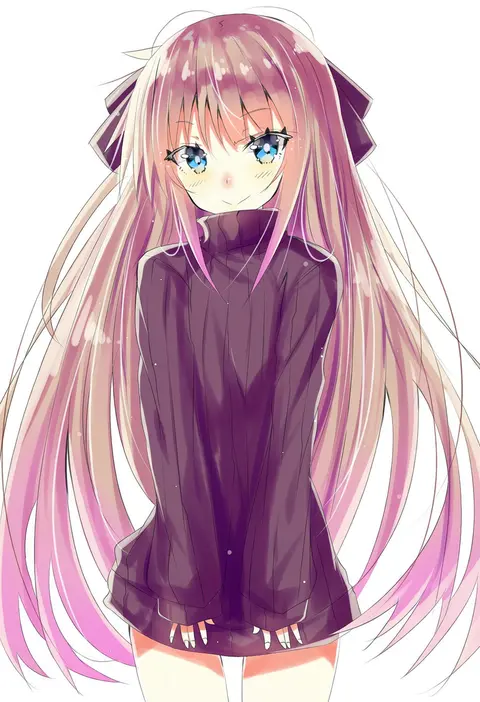
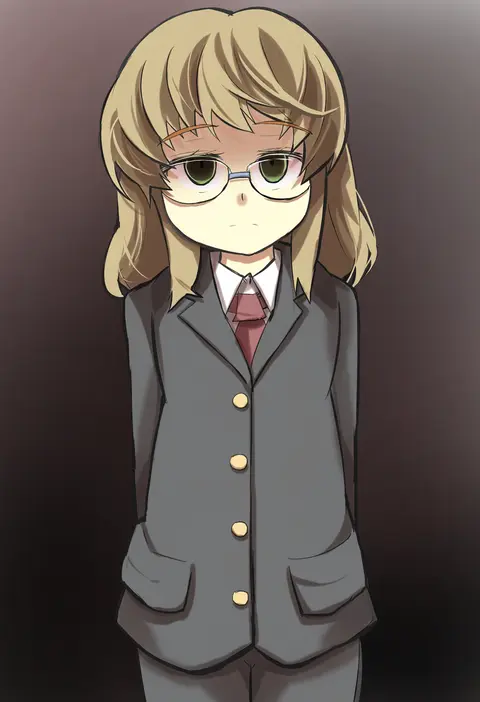
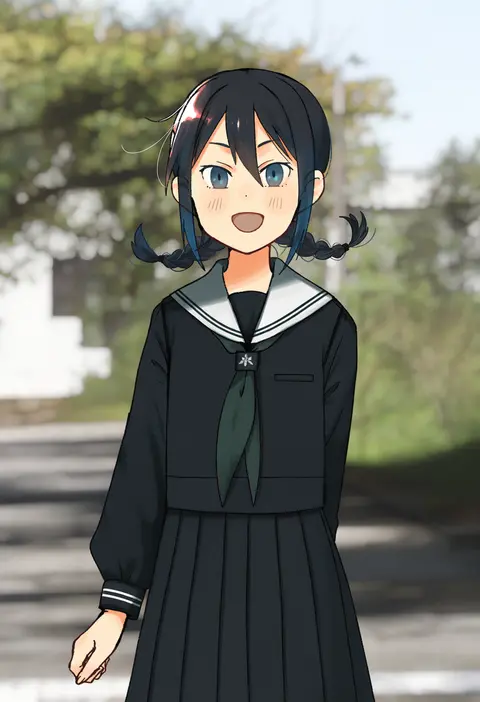
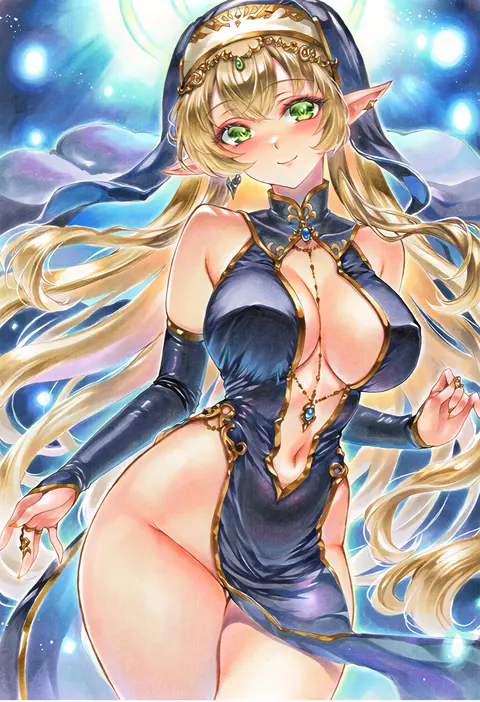
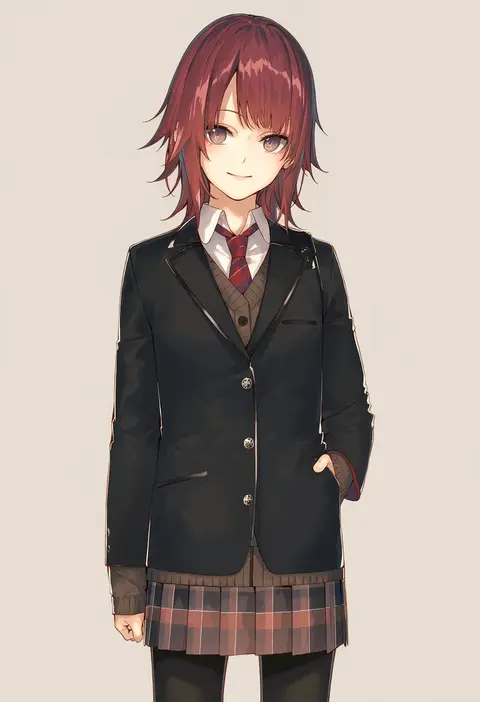
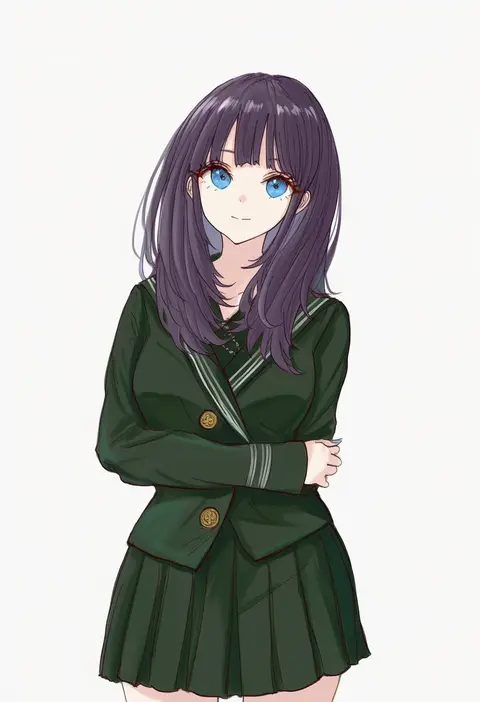
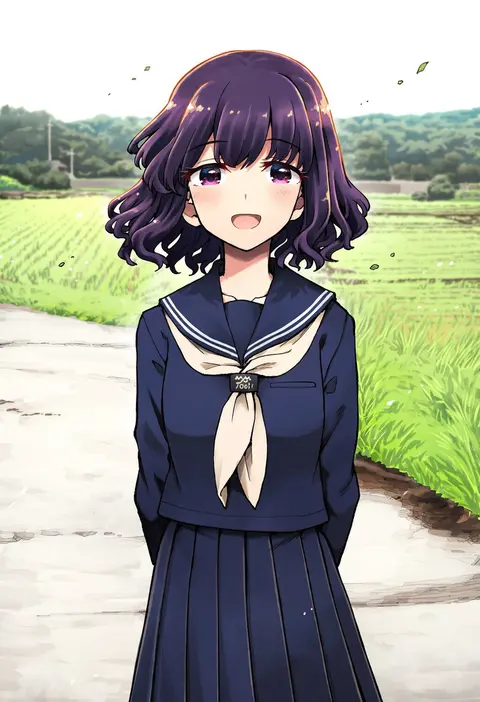
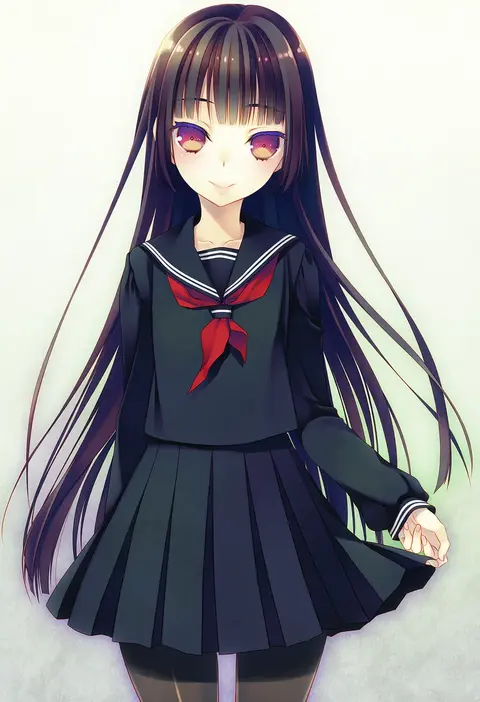
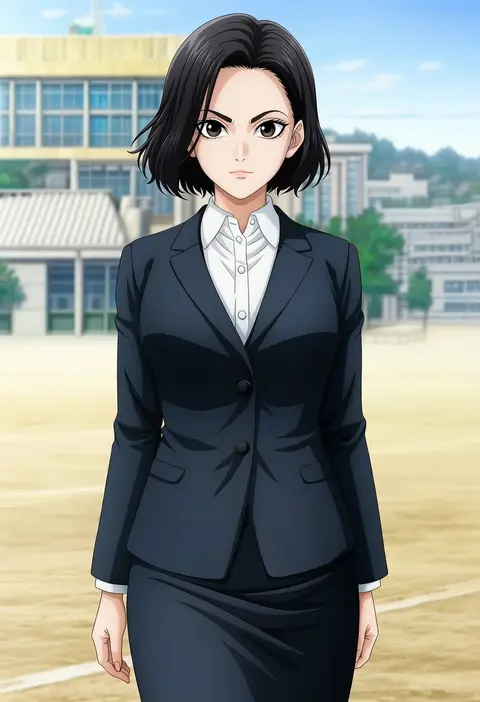
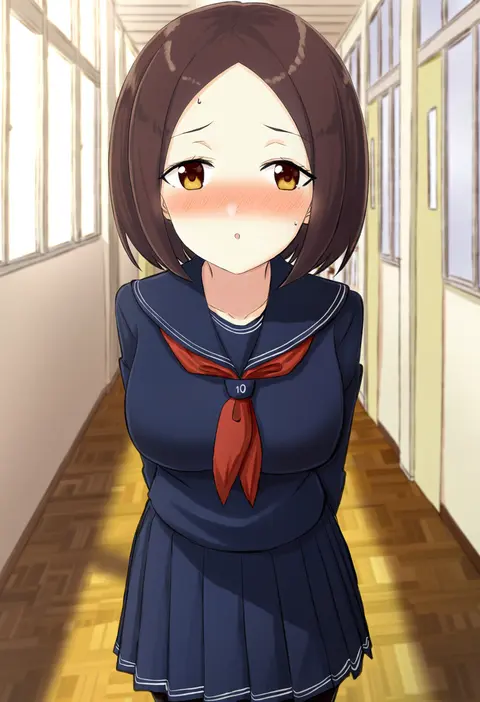
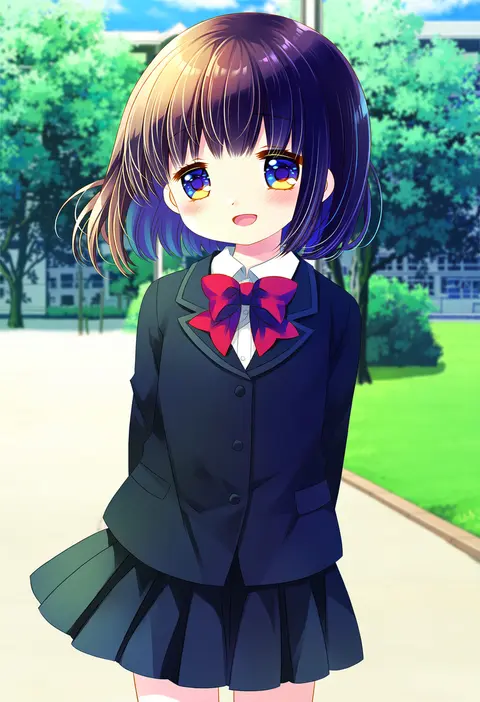
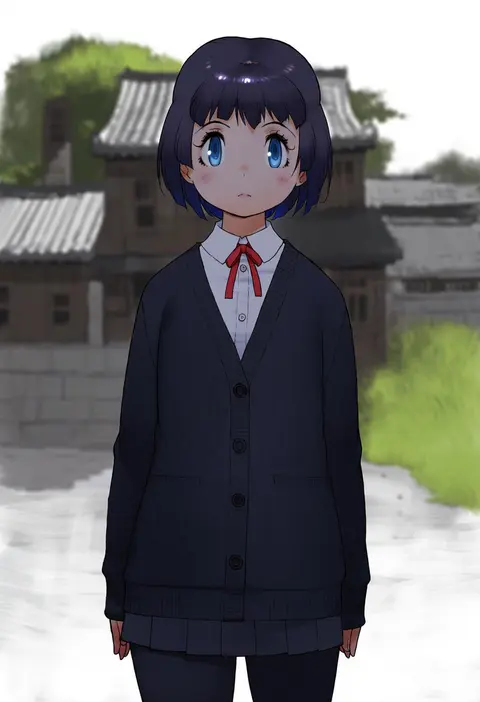
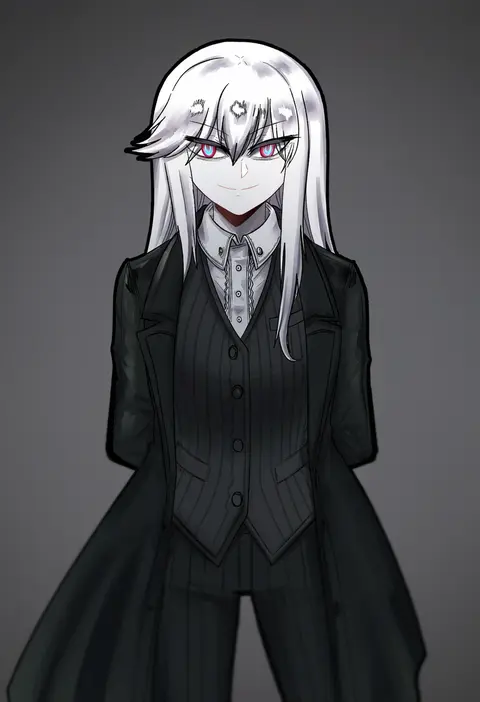
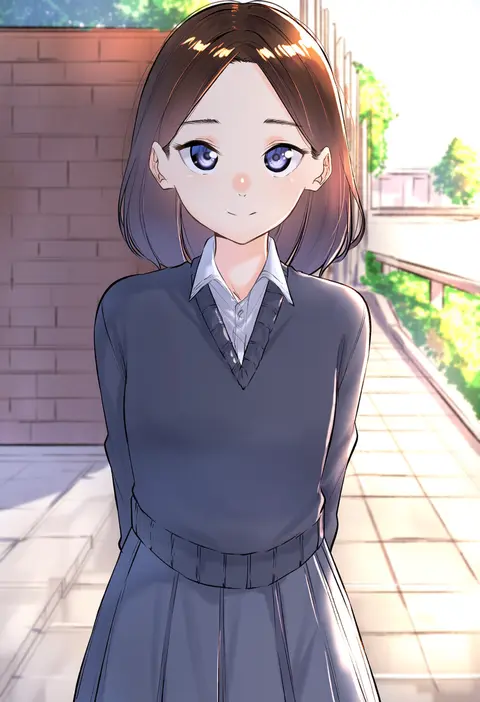
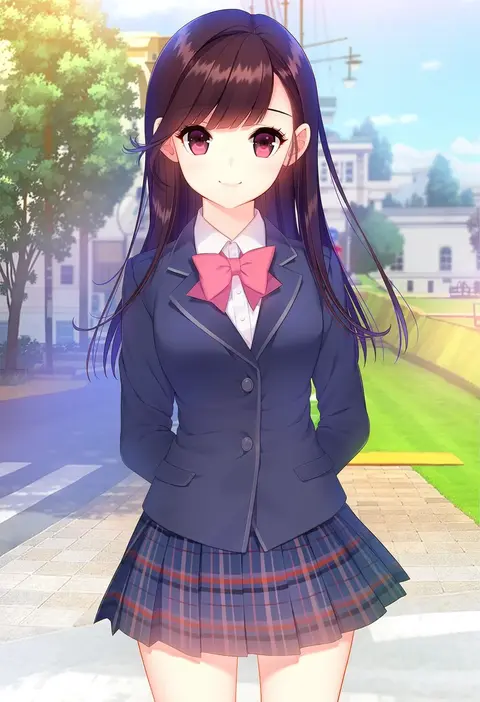
Artist tags tell NovelAI Diffusion to draw in a specific artist's style: line weight, paint texture, face shapes and palette all shift at once. Character and outfit tags decide what is drawn; artist tags decide how. 2,508 tags are listed for V5.
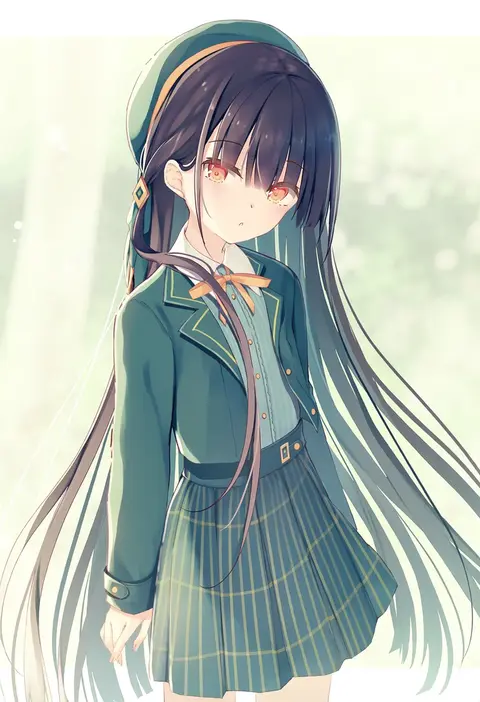
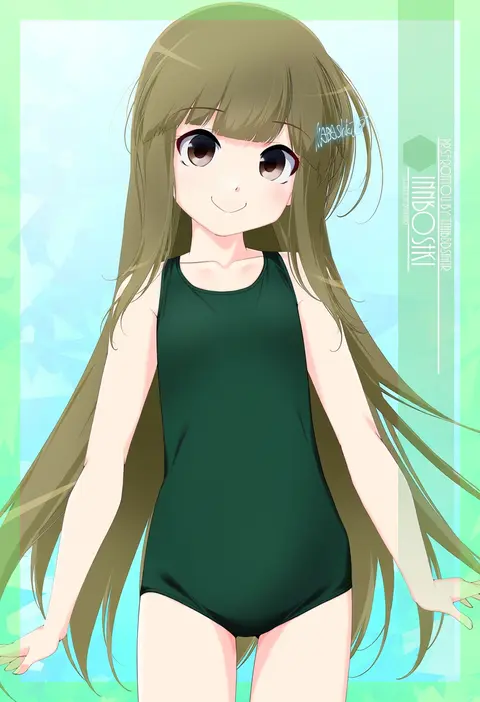
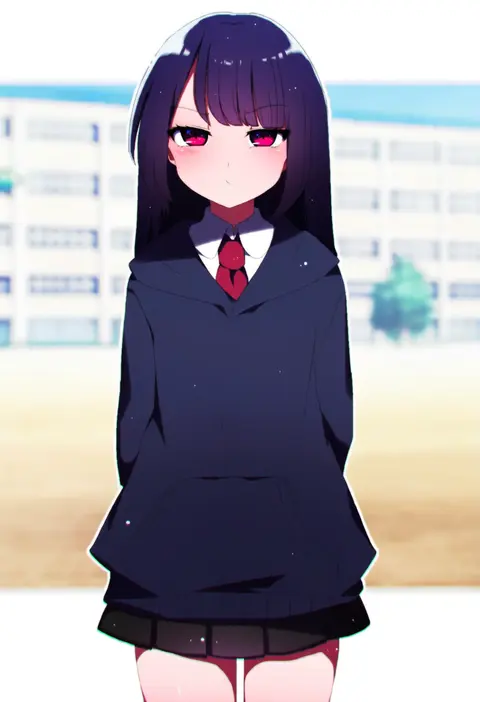
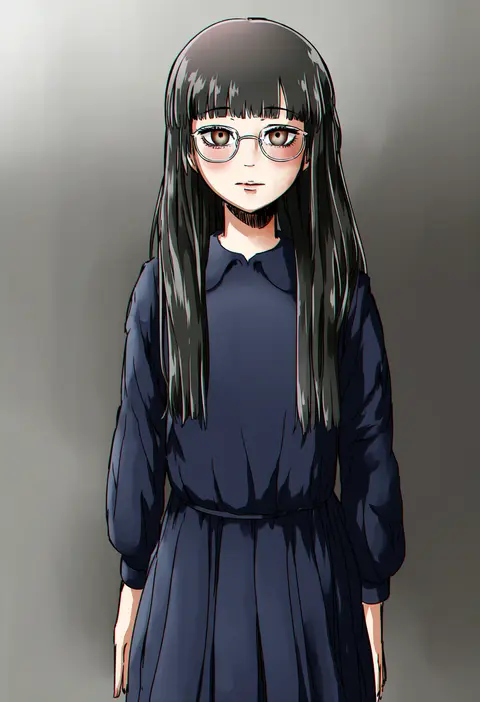
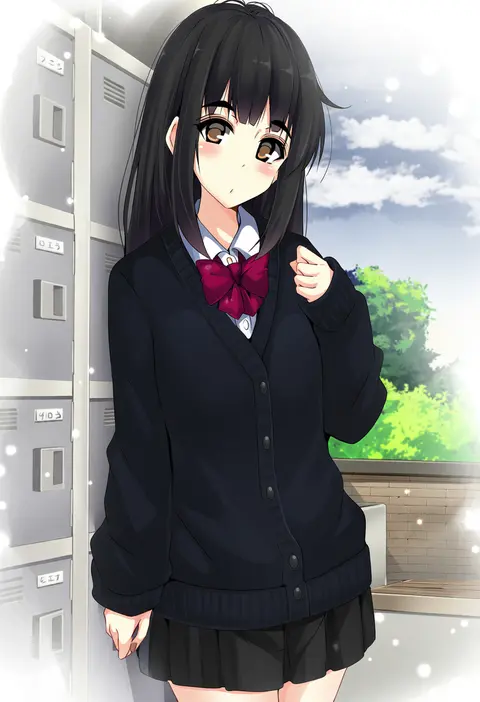
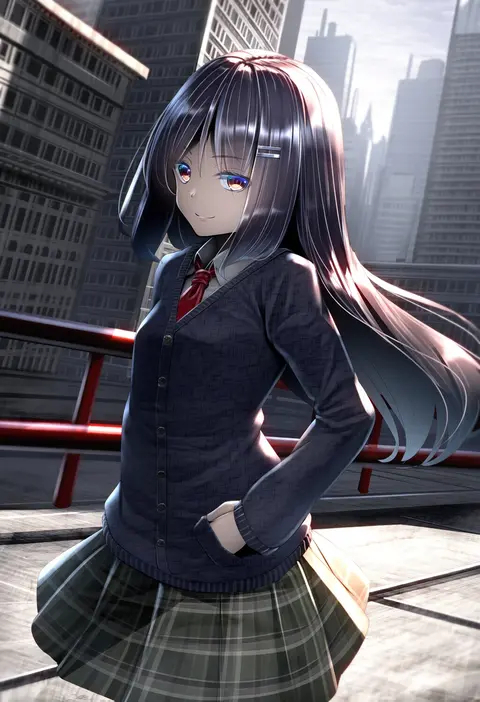
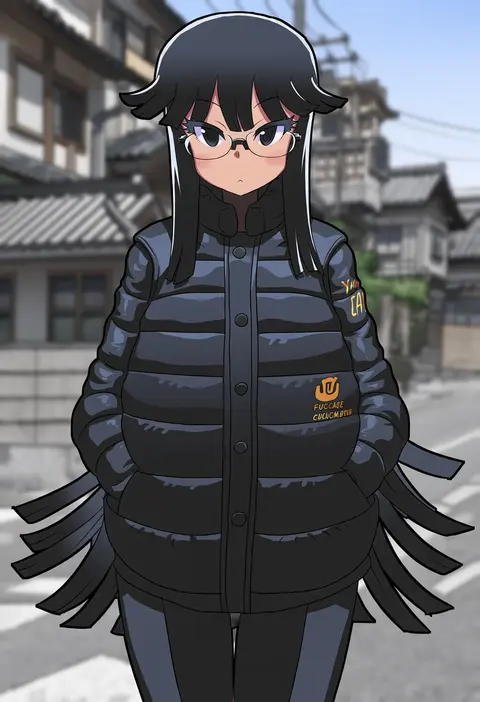
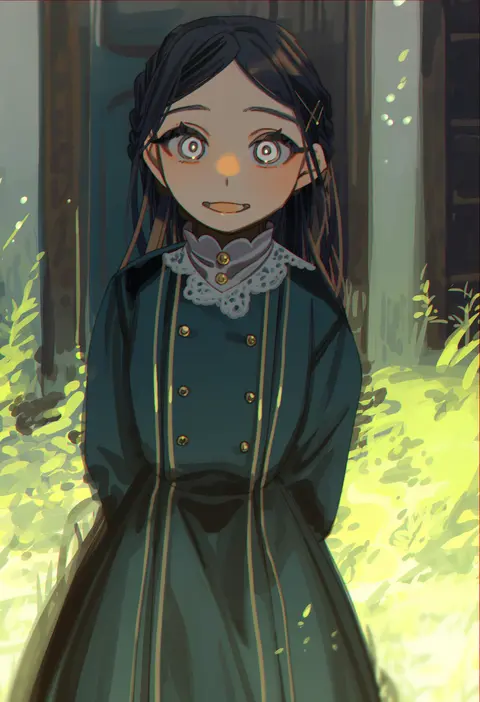
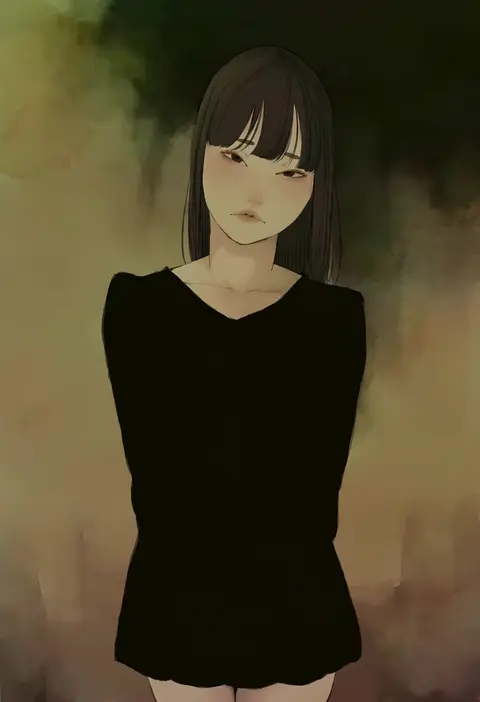
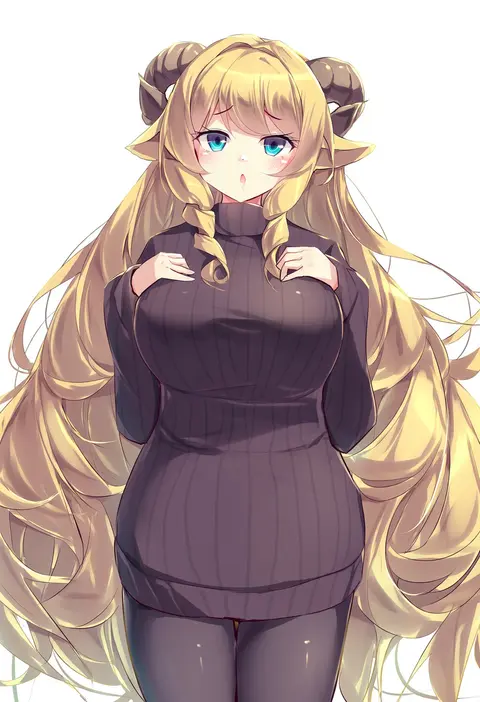
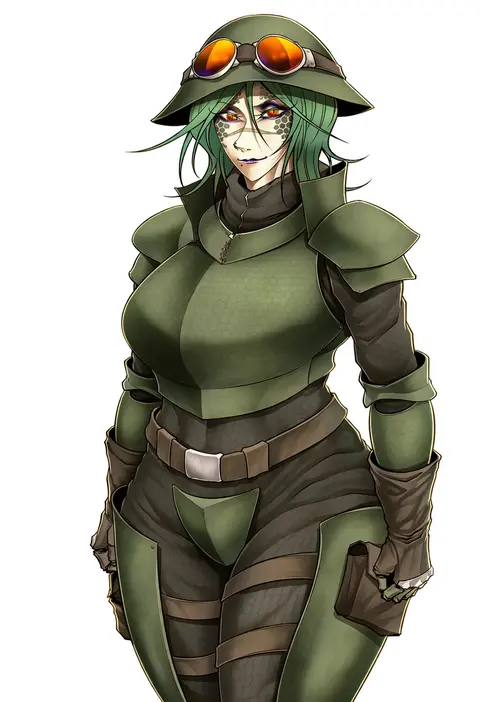
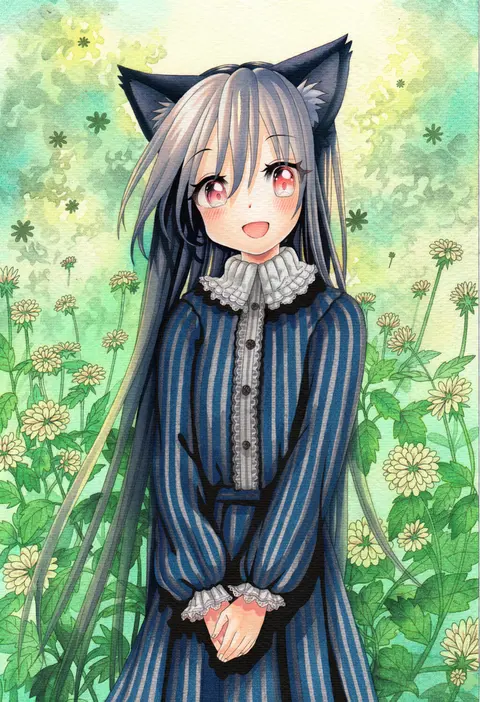
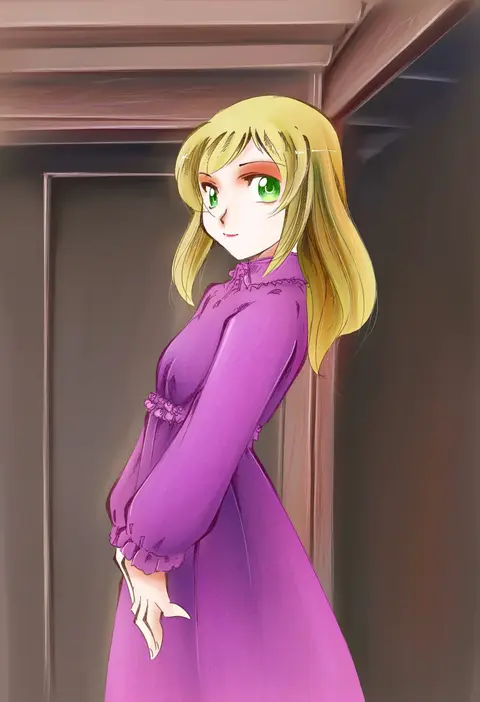
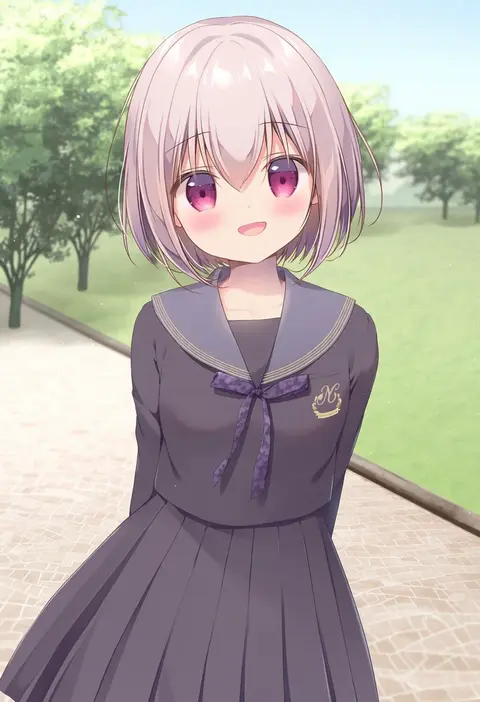
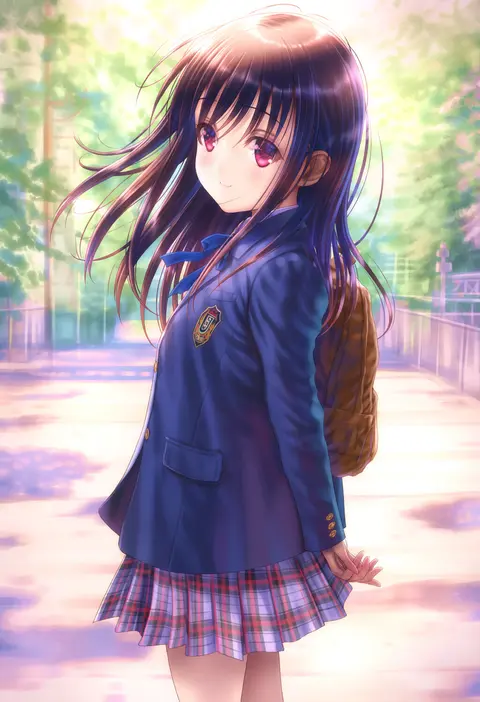
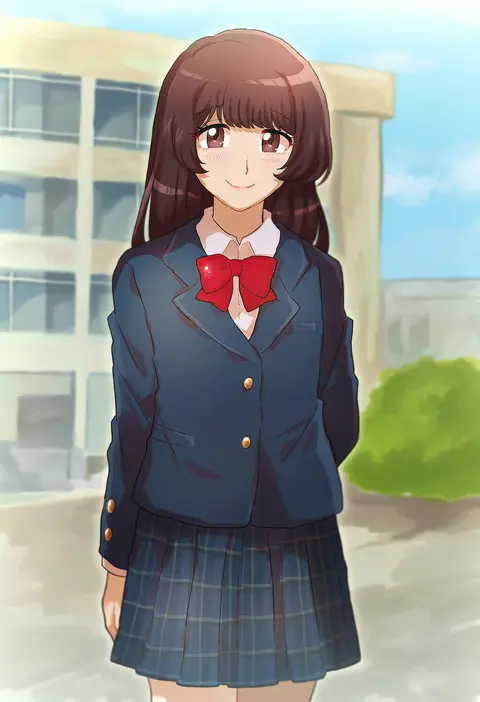
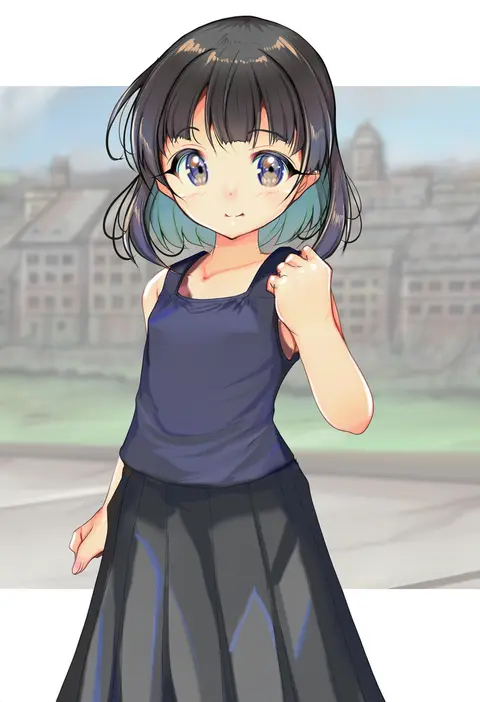
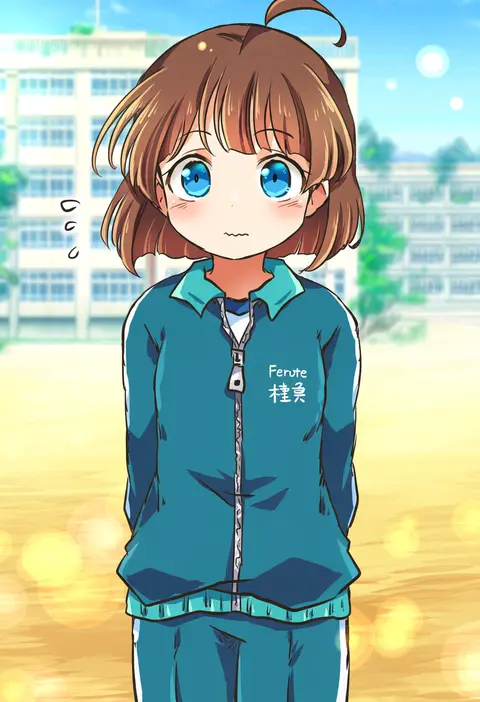
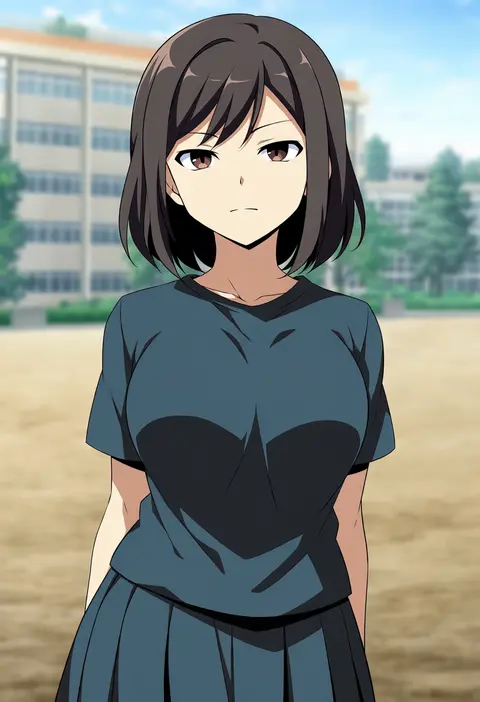
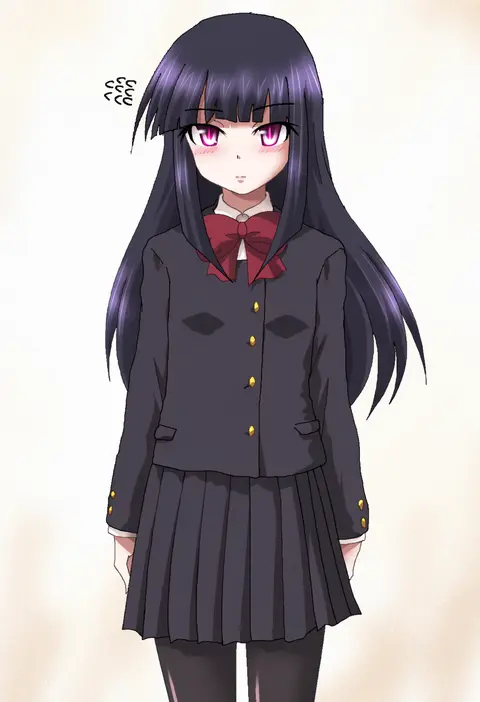
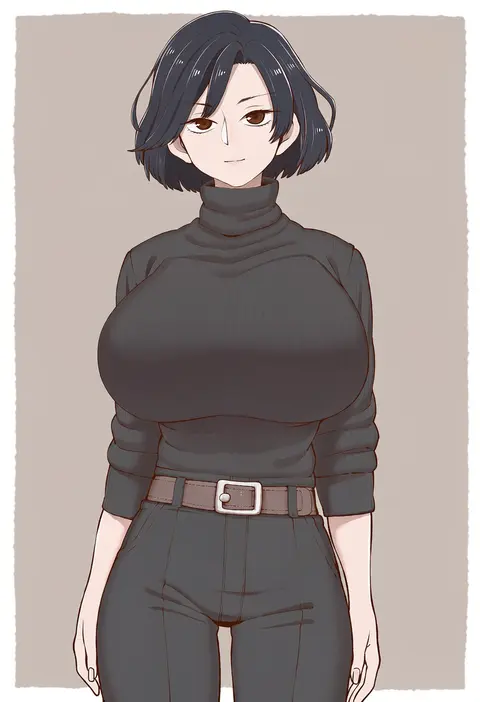
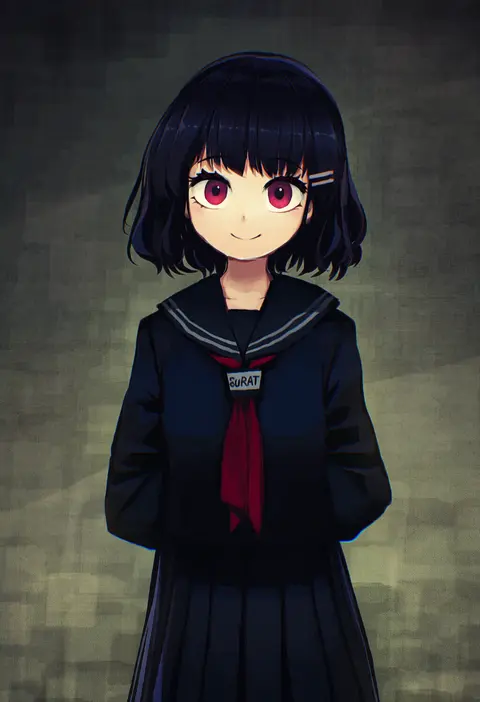
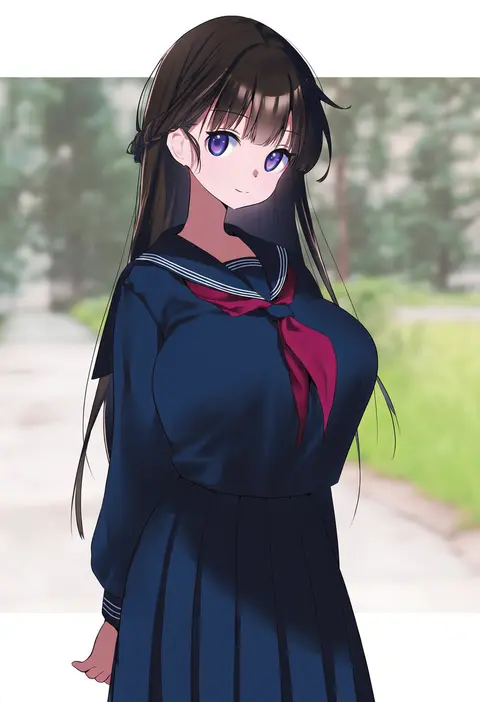
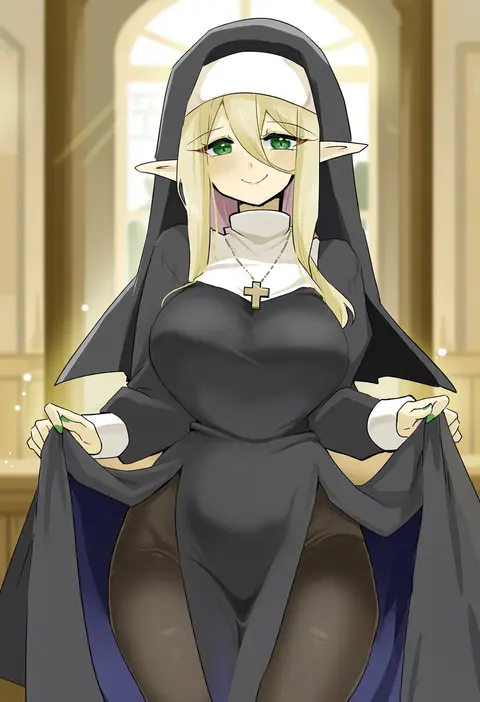
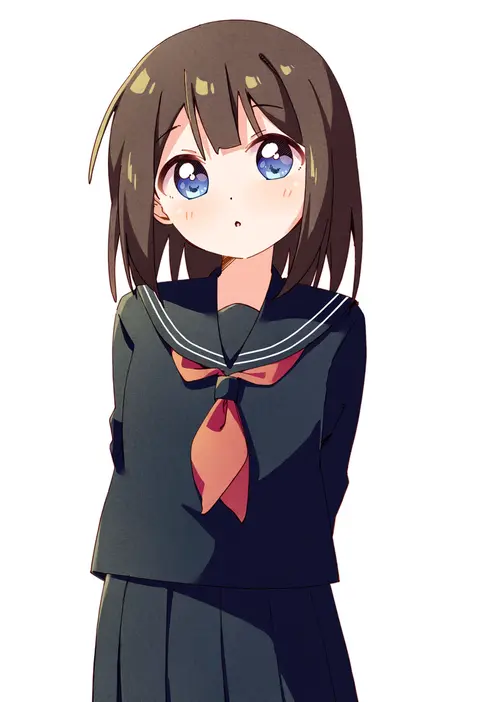
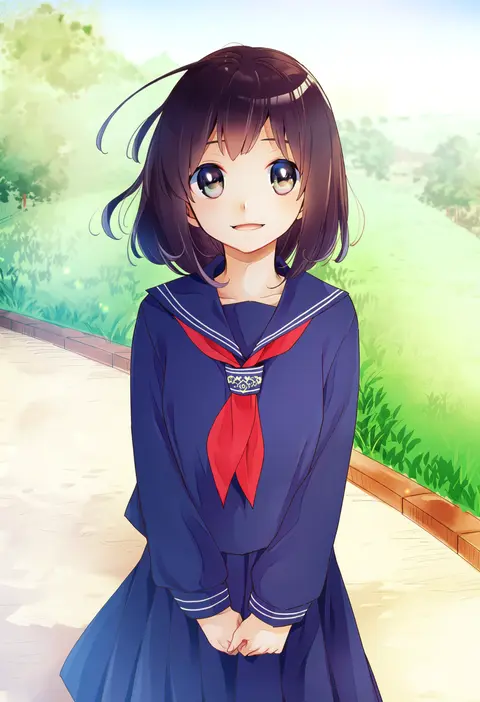
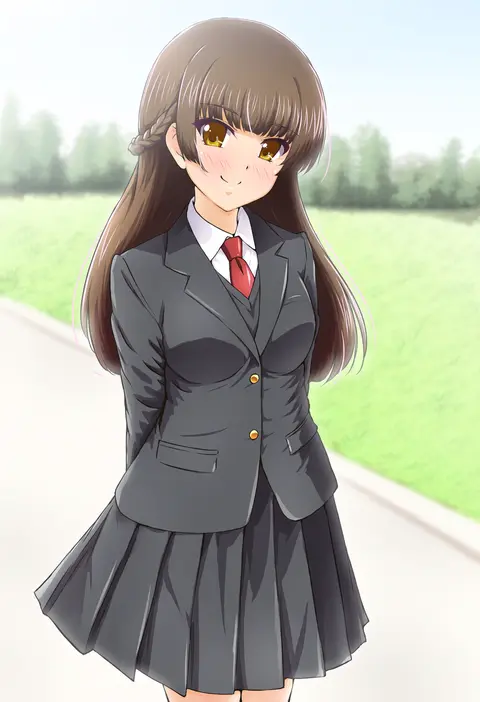
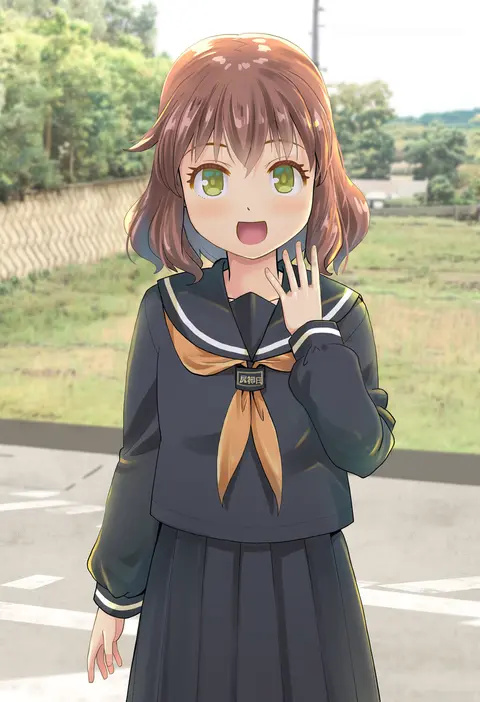
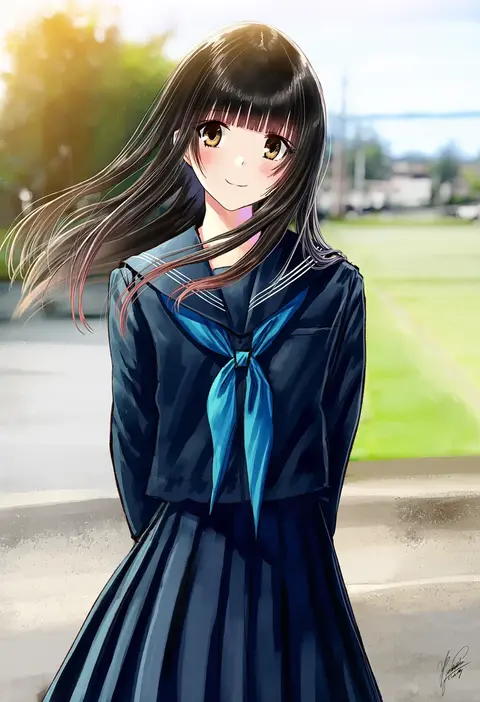
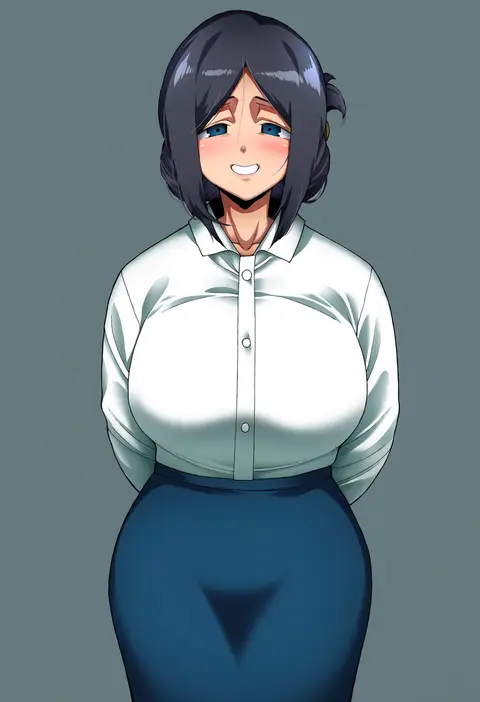
Every tag listed here is verified to react in NovelAI. All images use the same prompt, seed and settings with only the artist tag swapped, so the difference between two images is the style that tag brings in.

How to use them

Put the artist tag near the front of the prompt, e.g. "<artist>, 1girl, solo, best quality, masterpiece, cowboy shot". Two or three artist tags blend styles; lower the weight with "0.8::<artist>::" when the style overpowers the character.

SCORE sorts by Danbooru's top score, POSTS by post count, FAVS by hearts on this site. Open a card to see V5 and V4.5 side by side on the same seed.

V5 vs V4.5

V5 usually lands closer to the artist's real style, and tags that did nothing on V4.5 often react on V5. V4.5 still fits older and doujin-heavy artists better. Try V5 first, fall back to V4.5.

FAQ

Where does the artist tag go?
Near the front of the prompt. Use "0.8::tag::" to adjust its weight.

Can I stack artist tags?
Yes, styles blend. Past two or three the result stops looking like anyone.

Are these the artists' own works?
No. Every image is a NovelAI sample generated from the tag.