V5Artists
sort: FAVS▾
▾
>
$

NovelAI V5 Artist Tags List

artist --count 2,489[40/42]
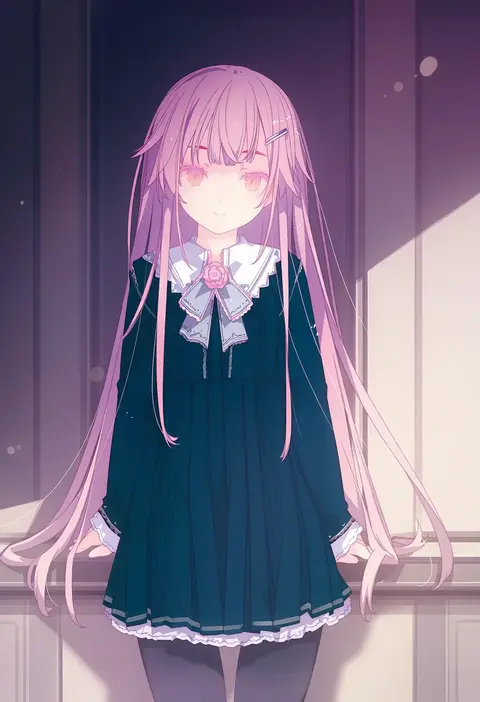
ruroo
ARTIST0x0924
0
anti (untea9)
ARTIST0x0925
0
ini (inunabe00)
ARTIST0x0926
0
munakata (sekimizu kazuki)
ARTIST0x0927
0
ueda ryou
ARTIST0x0928
0
crote
ARTIST0x0929
0
herurun
ARTIST0x092A
0
fujigaya arctia
ARTIST0x092B
0
nikki kyousuke
ARTIST0x092C
0
minasenagi
ARTIST0x092D
0
ueda yumehito
ARTIST0x092E
0
ayu (mog)
ARTIST0x092F
0
sakimori (hououbds)
ARTIST0x0930
0
xingzhi lv
ARTIST0x0931
0
shibafu (glock23)
ARTIST0x0932
0
yamamoto kazue
ARTIST0x0933
0
hanazora satsuki
ARTIST0x0934
0
gensoukoumuten
ARTIST0x0935
0
nekobungi sumire
ARTIST0x0936
0
miclot
ARTIST0x0937
0
fukidashi cotton
ARTIST0x0938
0
akai maruboro
ARTIST0x0939
0
bai lao shu
ARTIST0x093A
0
yagisaka seto
ARTIST0x093B
0
papa (shimeguru)
ARTIST0x093C
0
araiguma
ARTIST0x093D
0
yuureidoushi (yuurei6214)
ARTIST0x093E
0
satou yuuki
ARTIST0x093F
0
yuzuna99
ARTIST0x0940
0
oda ken'ichi
ARTIST0x0941
0
kutsuki kai
ARTIST0x0942
0
takano otohiko
ARTIST0x0943
0
yume shokunin
ARTIST0x0944
0
yoshitomi akihito
ARTIST0x0945
0
sasucchi95
ARTIST0x0946
0
blacknirrow
ARTIST0x0947
0
naruse chisato
ARTIST0x0948
0
fujieda miyabi
ARTIST0x0949
0
goma (yoku yatta hou jane)
ARTIST0x094A
0
tamtamdi
ARTIST0x094B
0
shirako (kirupi)
ARTIST0x094C
0
kita senri
ARTIST0x094D
0
minashirazu
ARTIST0x094E
0
shikito (yawa0w0)
ARTIST0x094F
0
kimizuka aoi
ARTIST0x0950
0
yanagi wakana
ARTIST0x0951
0
yasu
ARTIST0x0952
0
mochi au lait
ARTIST0x0953
0
deco (geigeki honey)
ARTIST0x0954
0
hotechige
ARTIST0x0955
0
nagumo (nagumon)
ARTIST0x0956
0
itto (mentaiko)
ARTIST0x0957
0
ysys
ARTIST0x0958
0
yutakasan-love
ARTIST0x0959
0
menotama
ARTIST0x095A
0
hyogonosuke
ARTIST0x095B
0
mamita
ARTIST0x095C
0
[ null ]
ARTIST0x095D
0
nanakusa suzuna
ARTIST0x095E
0
choufu shimin
ARTIST0x095F
0

What these tags change

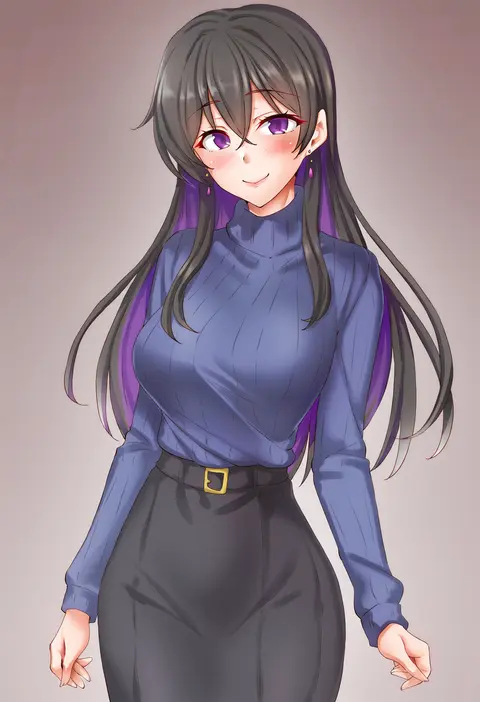
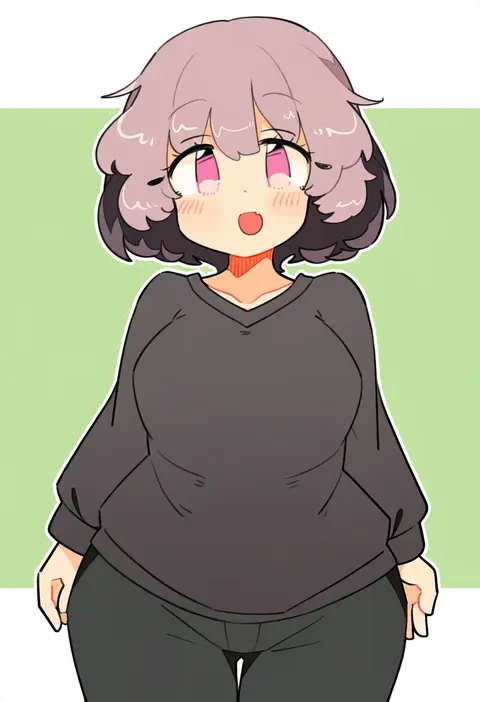
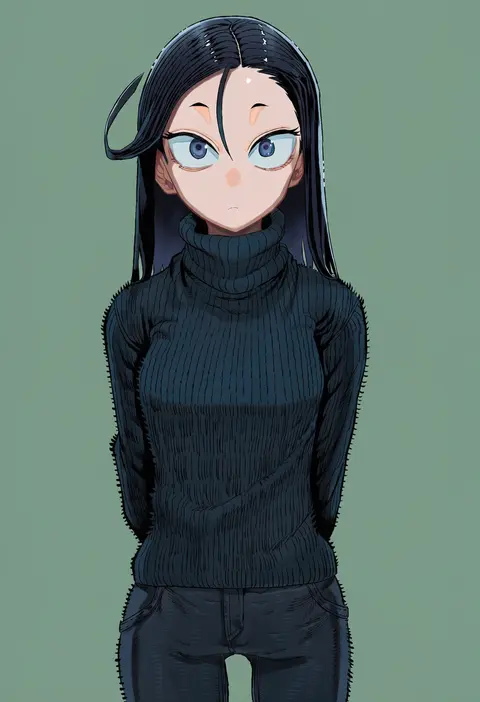
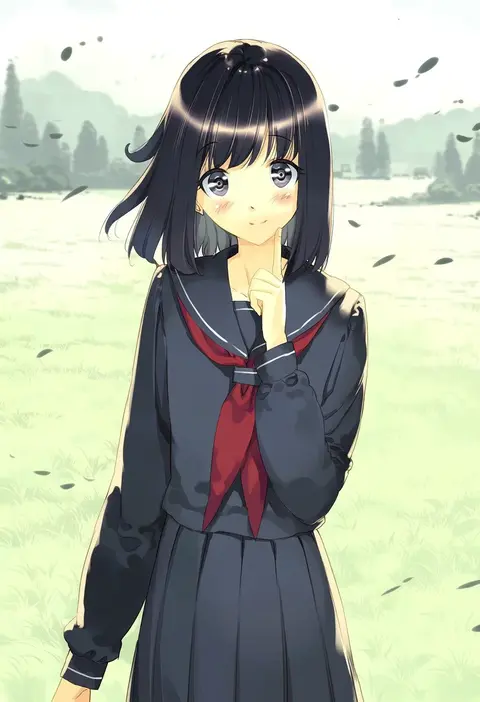
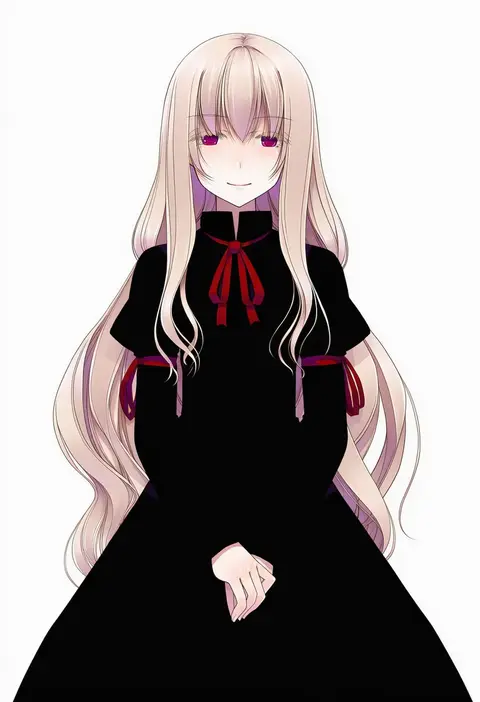
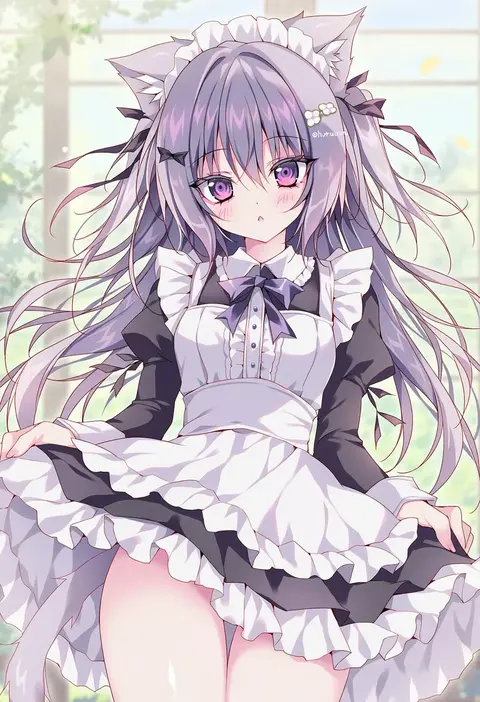
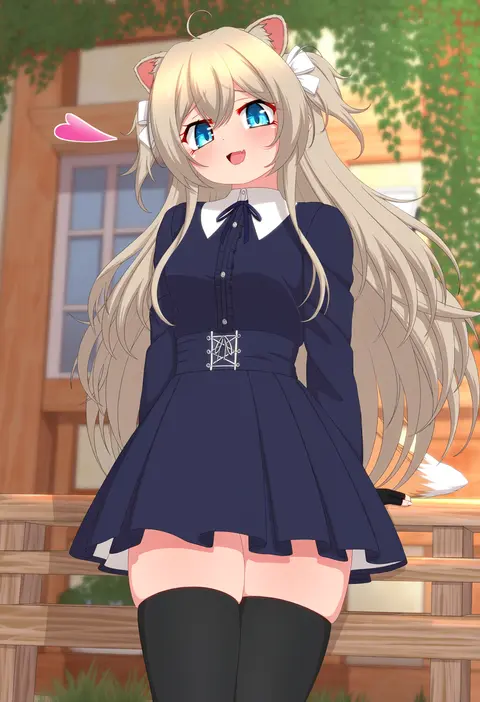
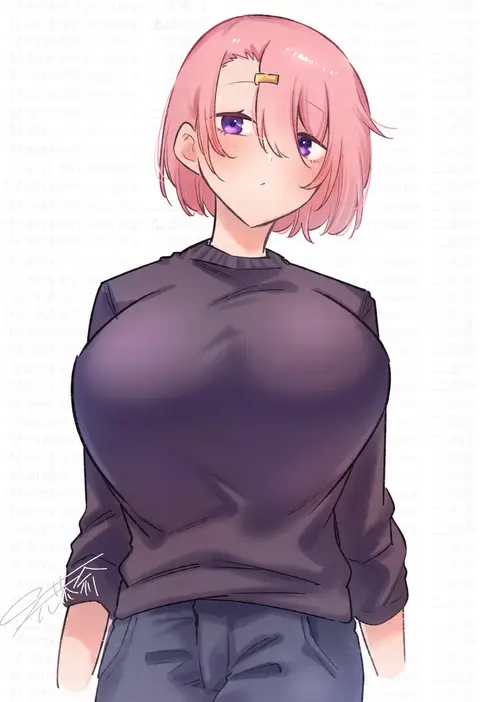
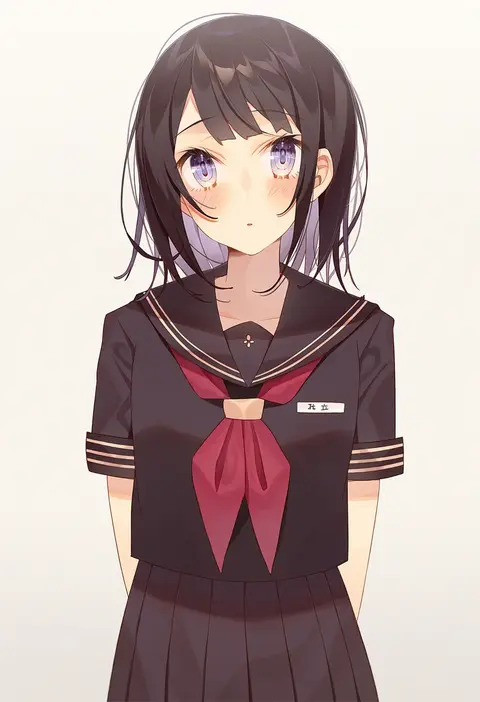
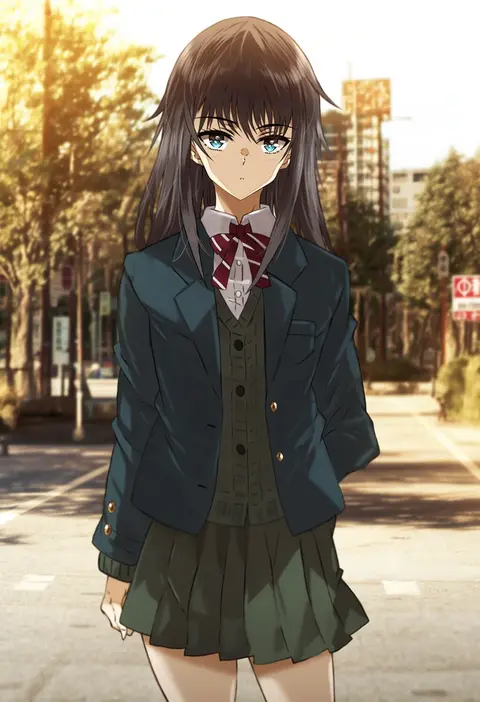
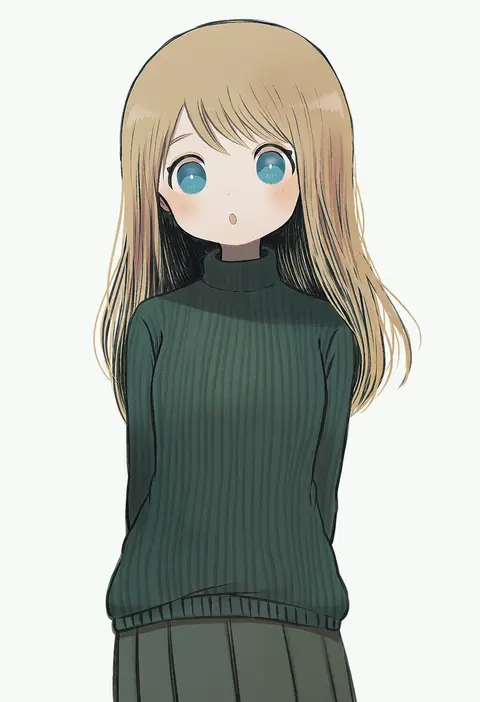
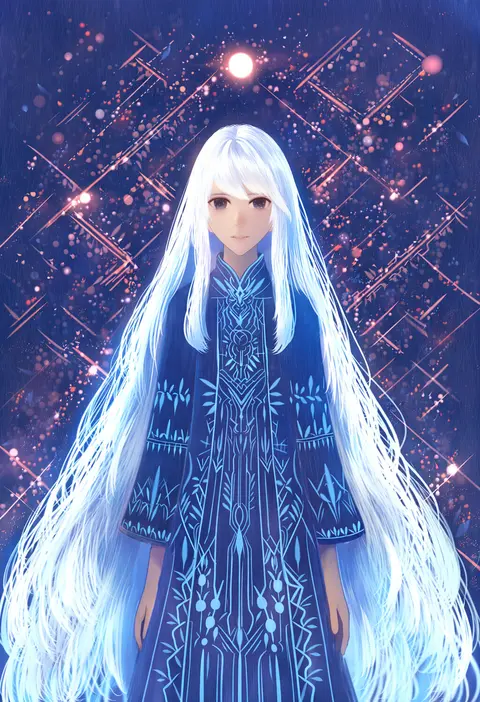
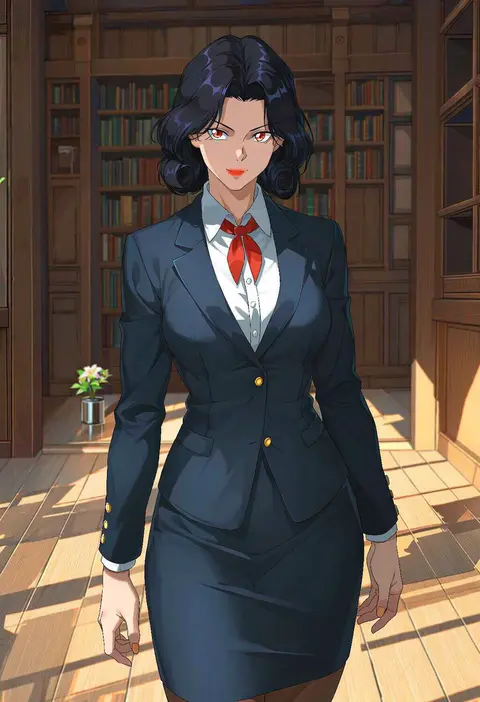
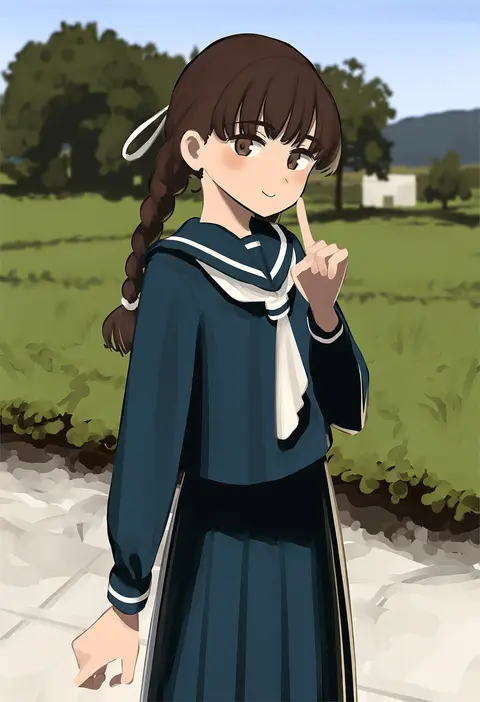
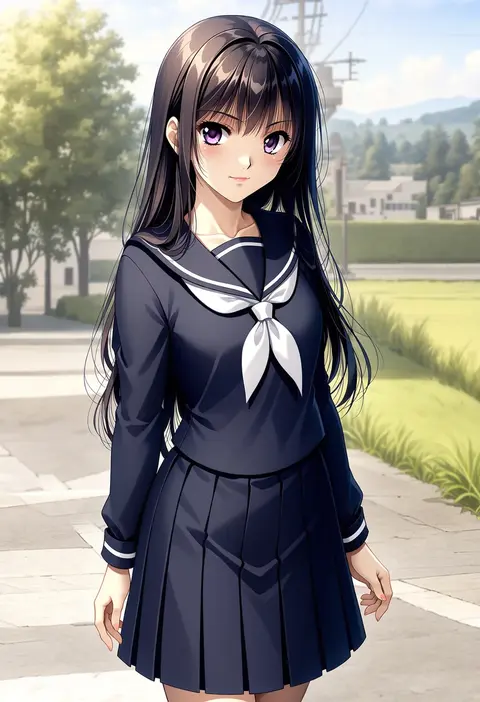
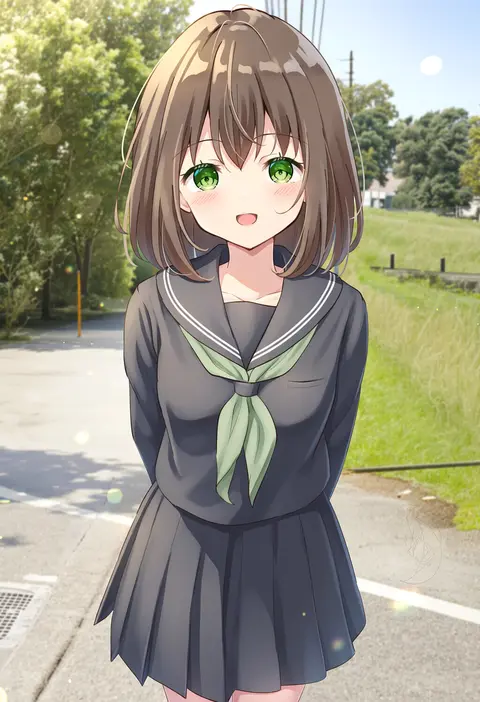
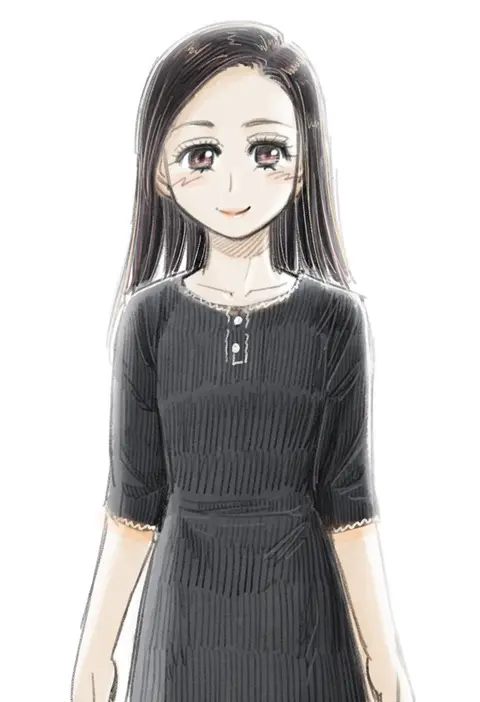
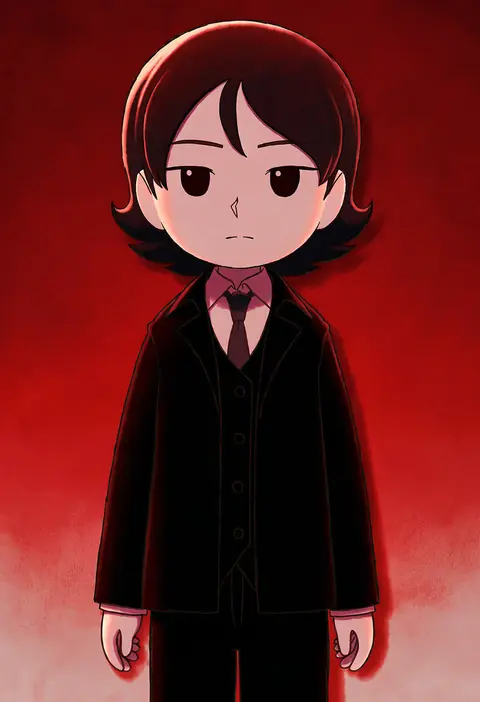
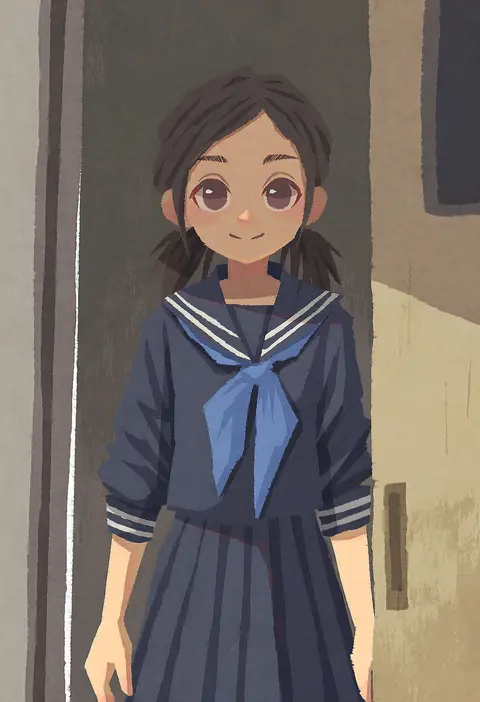
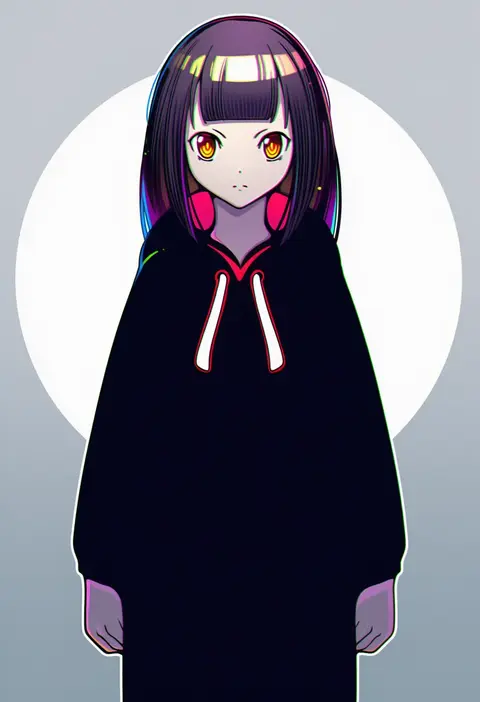
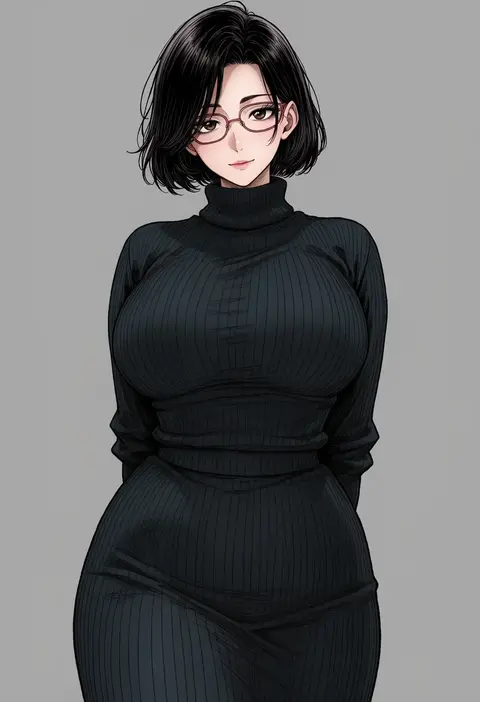
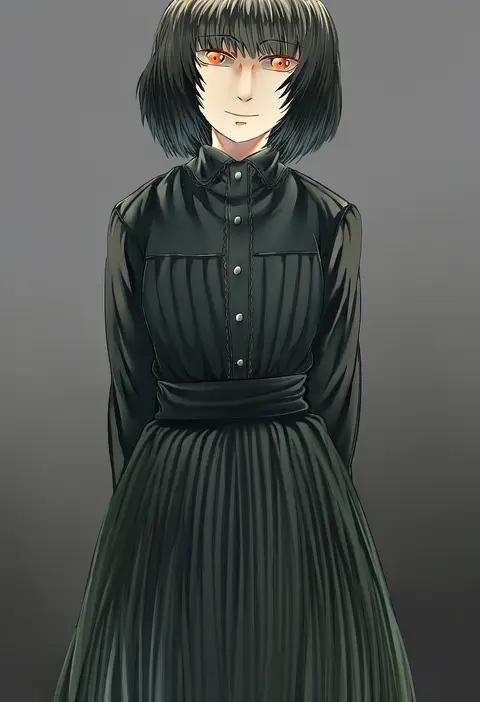
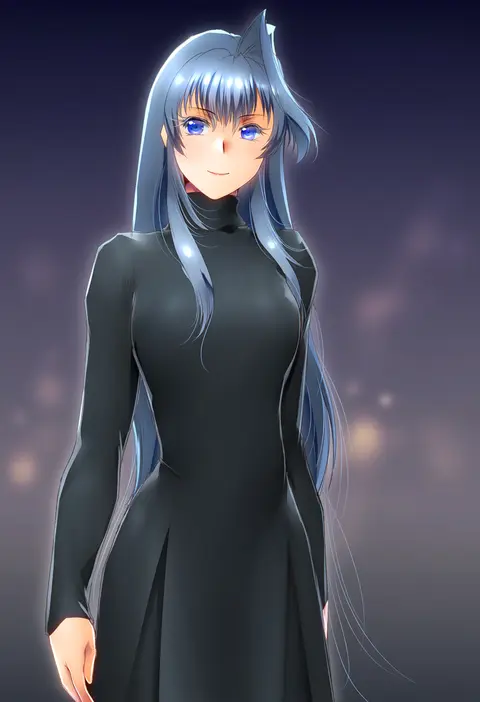
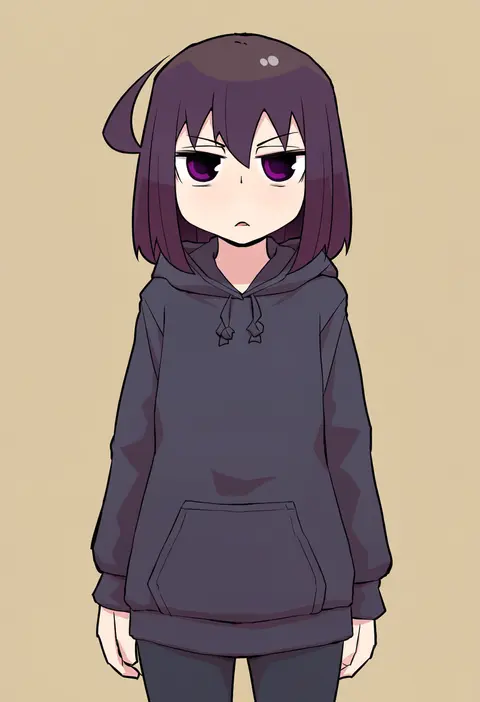
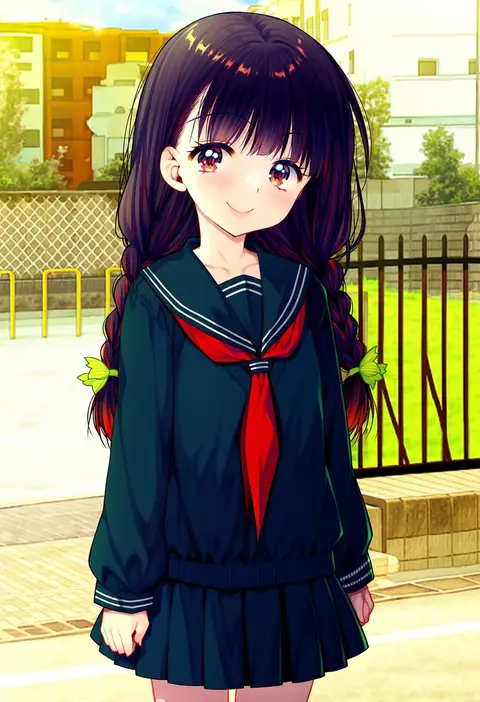
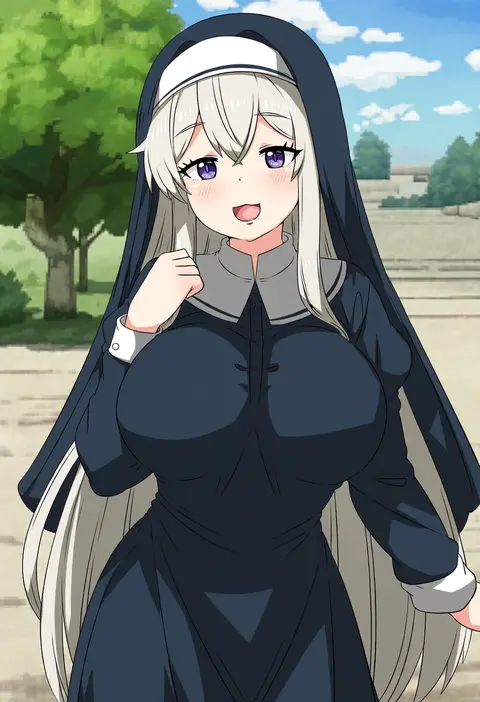
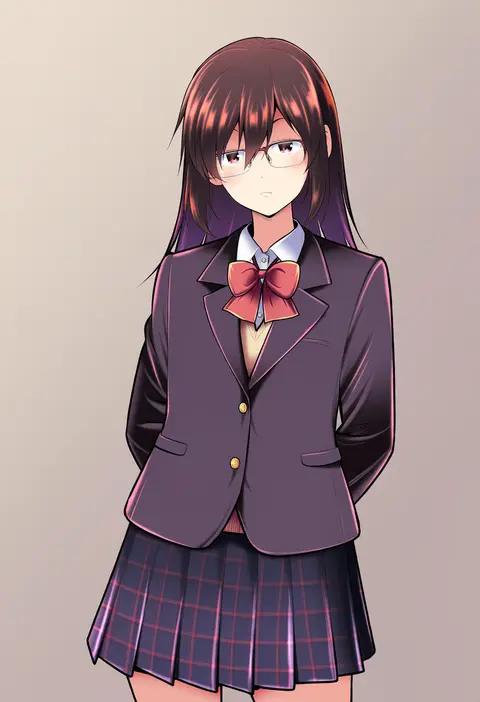
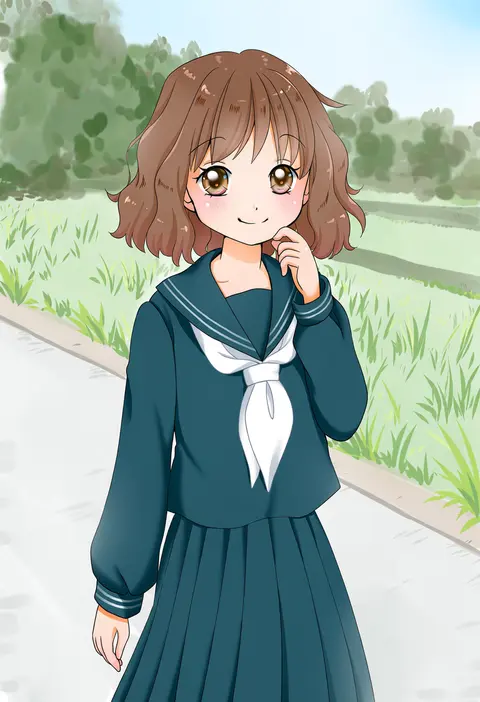
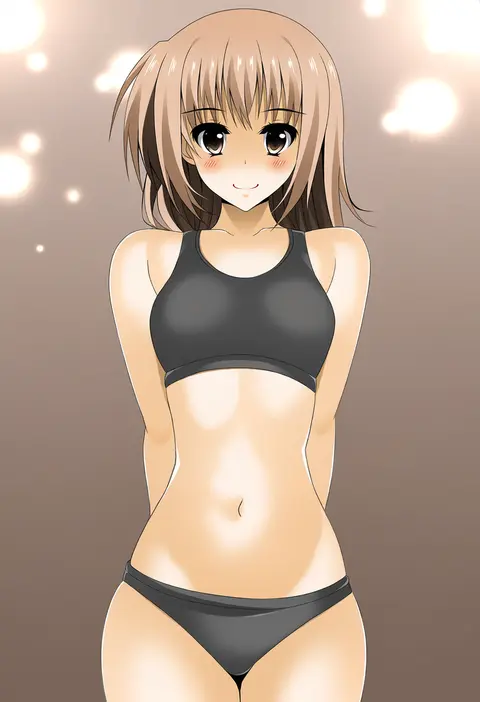
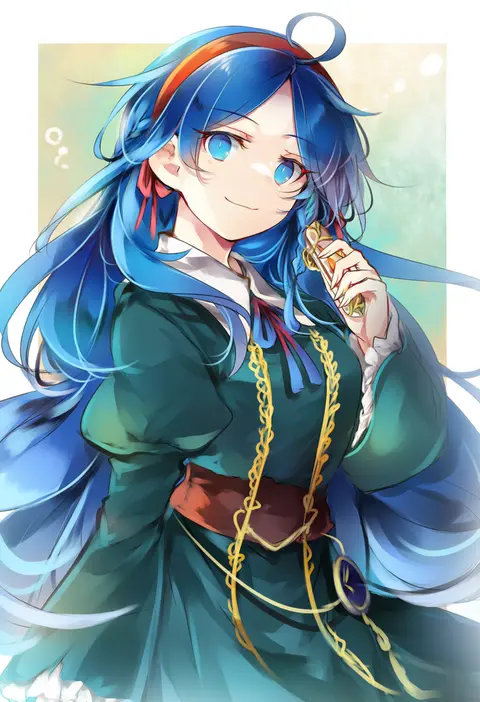
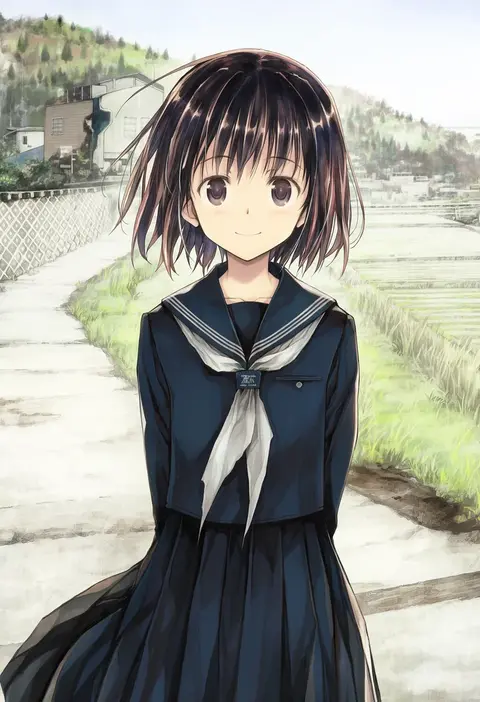
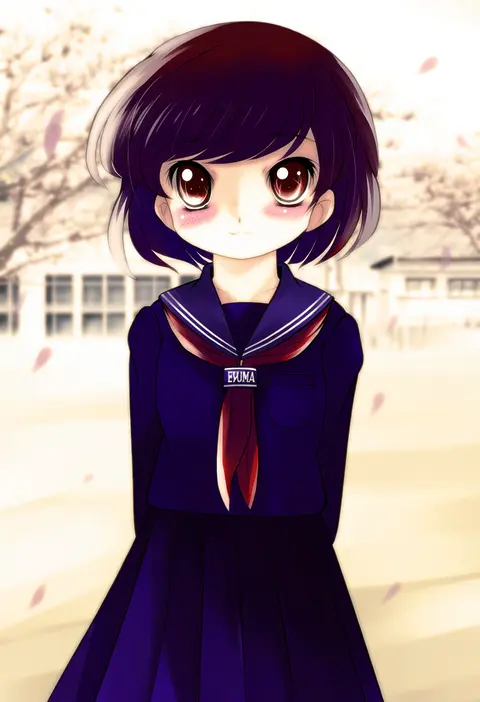
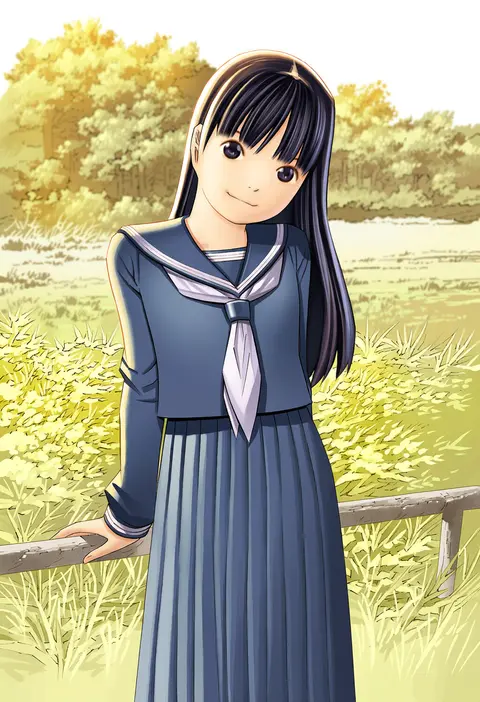
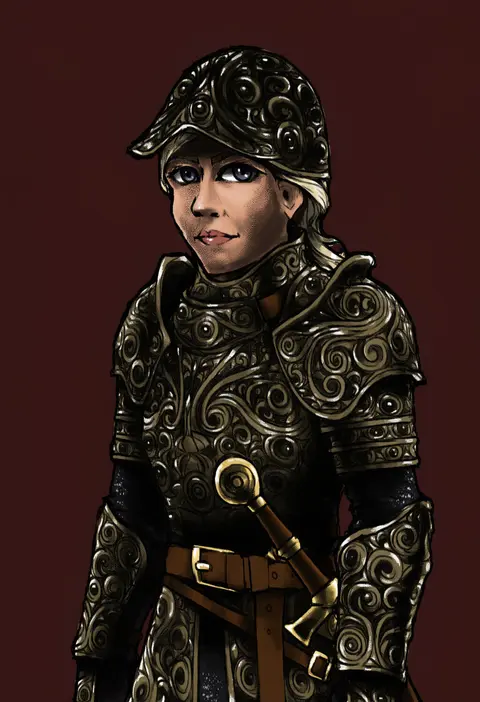
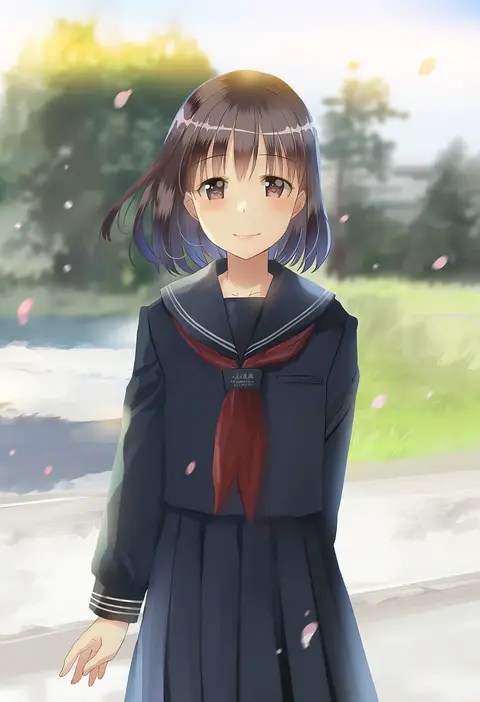
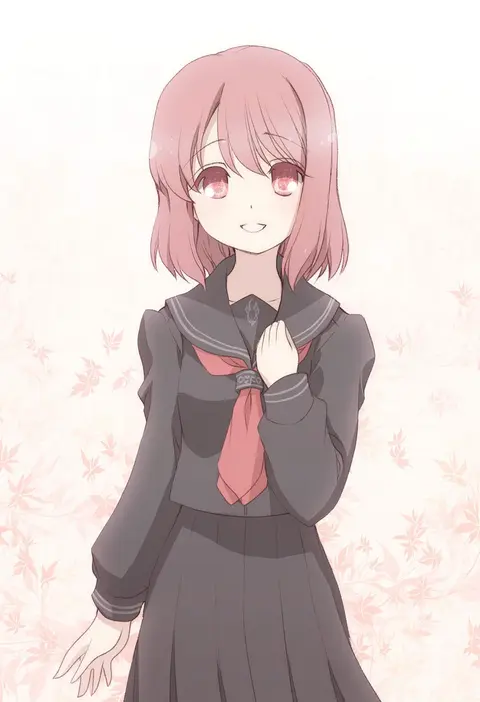
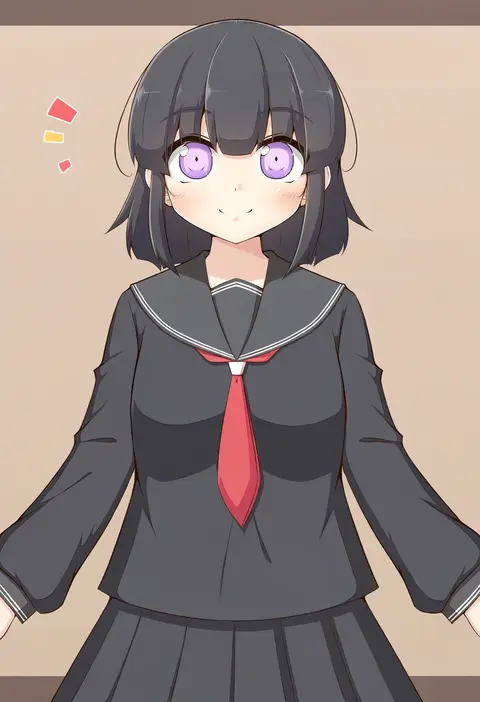
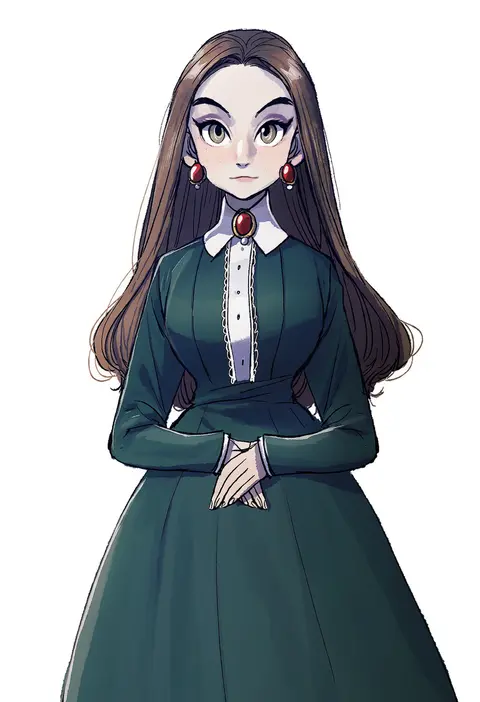
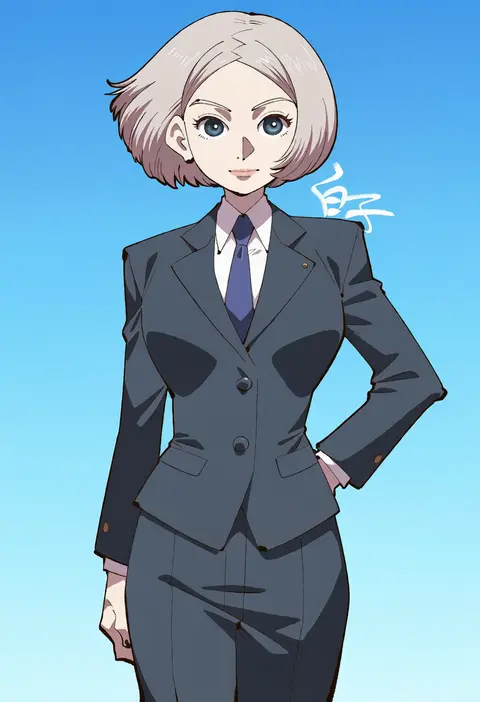
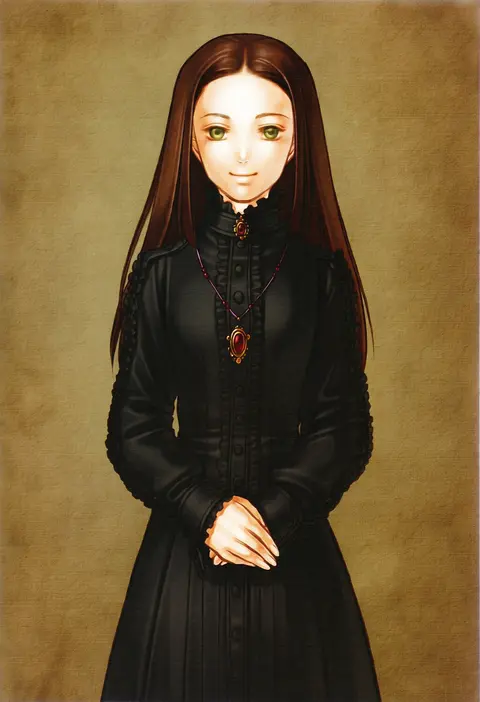
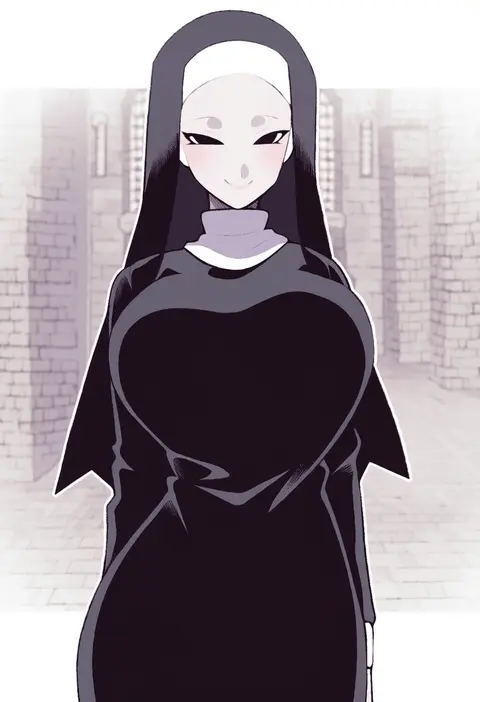
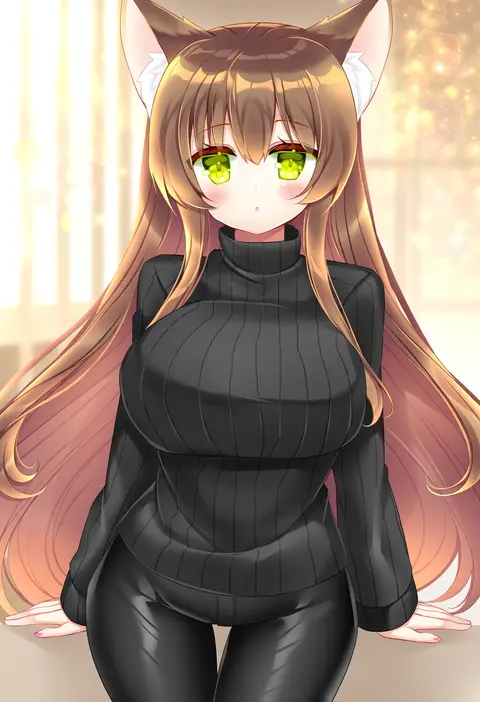
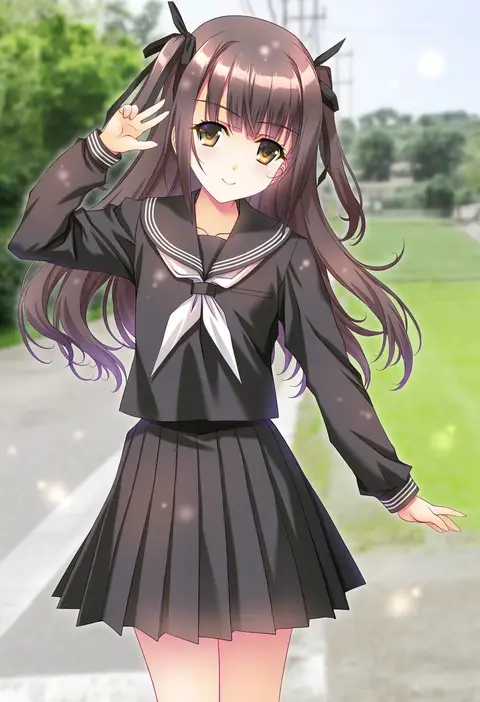
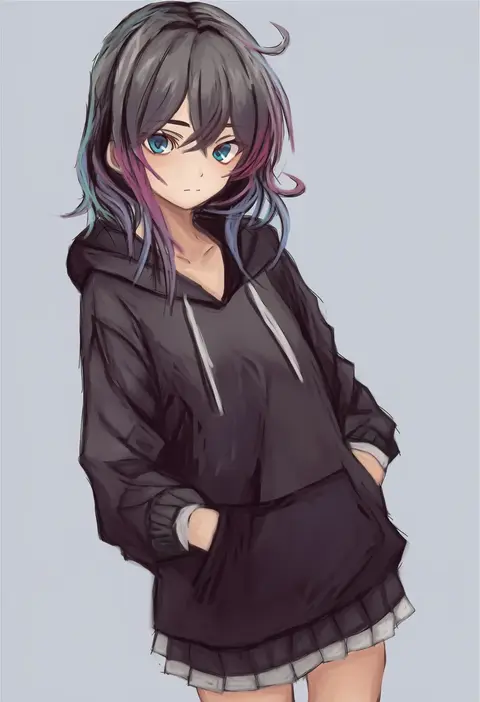
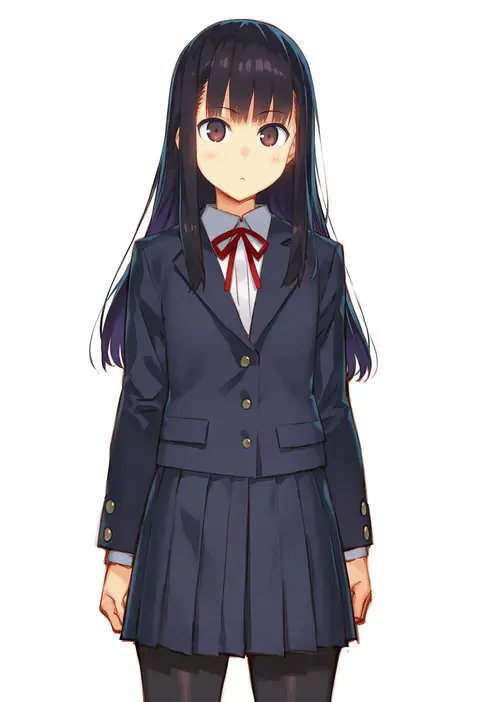
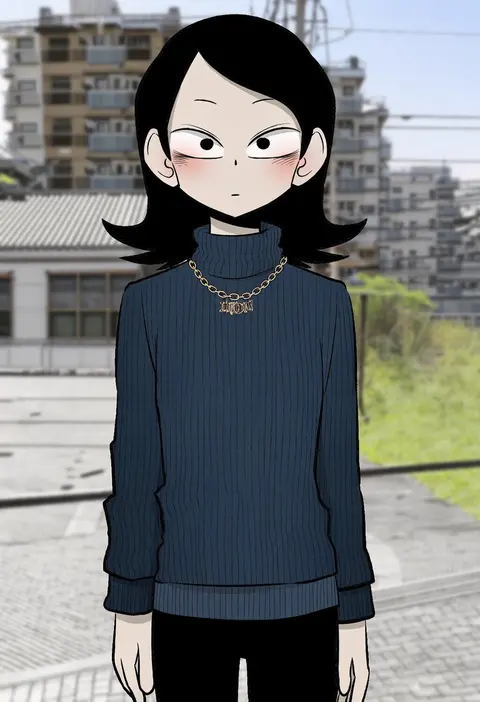
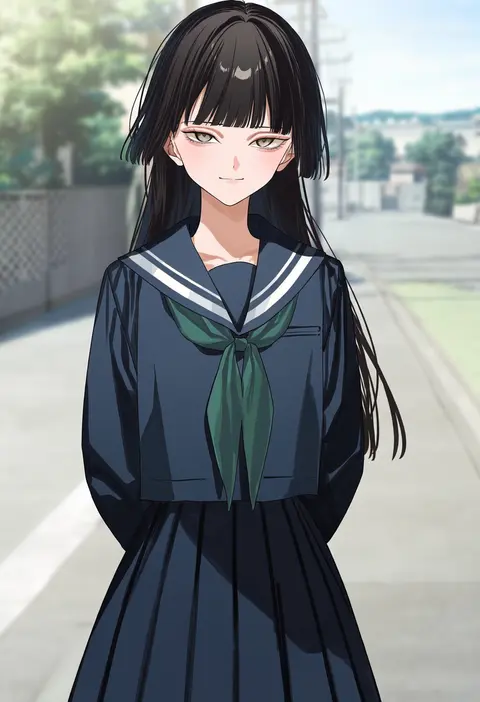
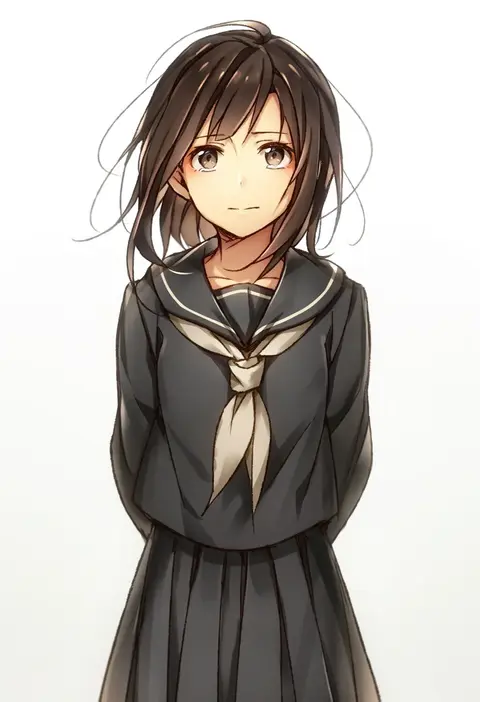
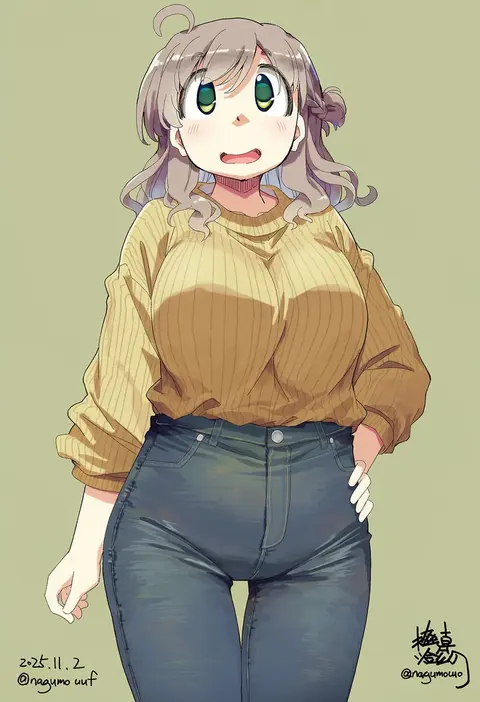
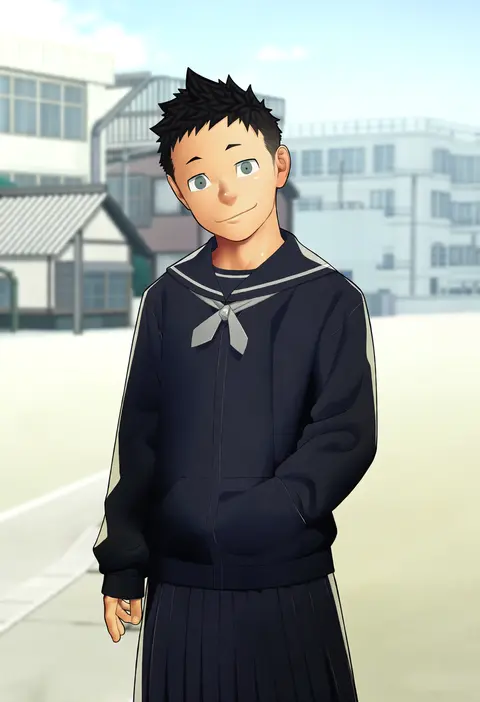
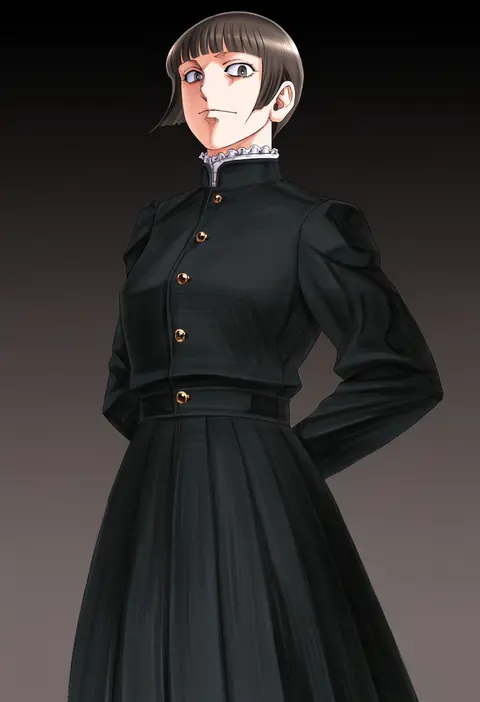
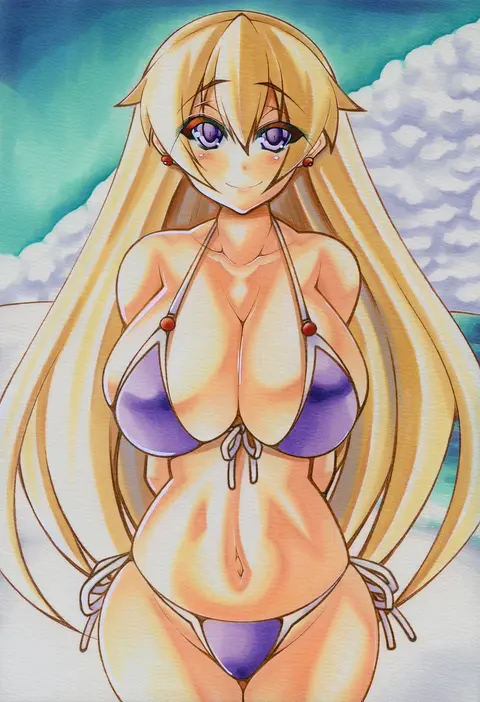
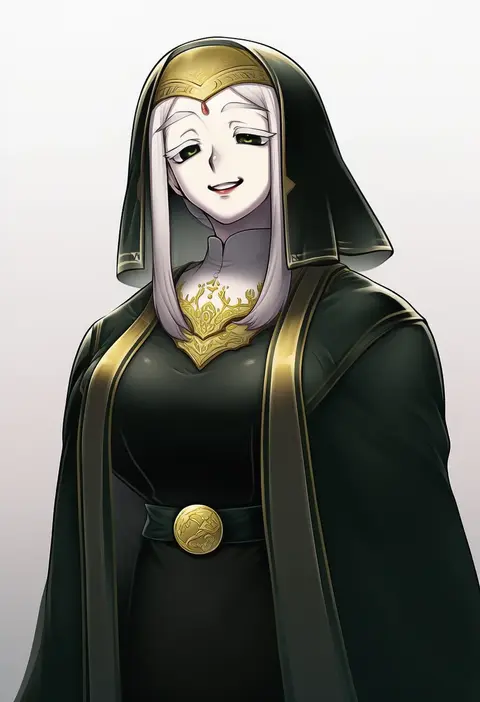
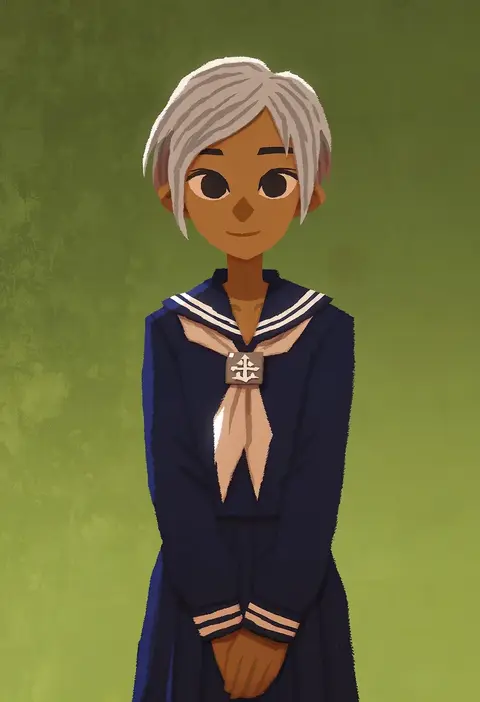
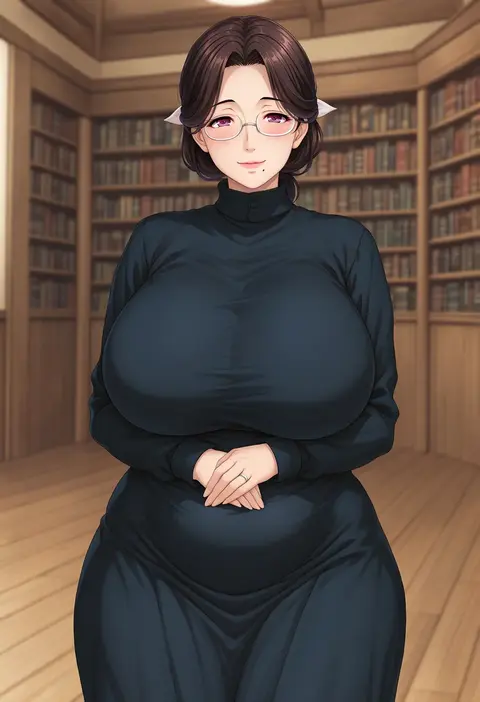
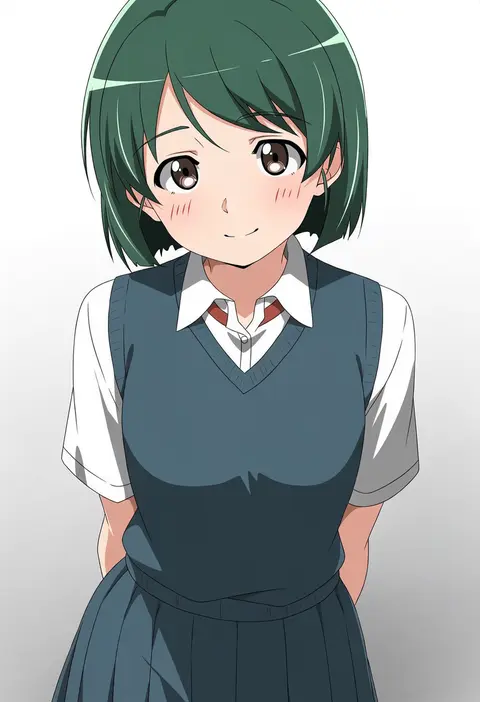
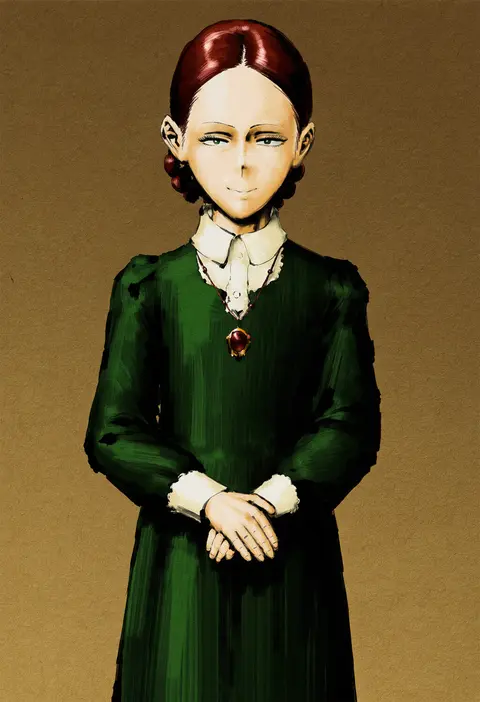
Artist tags tell NovelAI Diffusion to draw in a specific artist's style: line weight, paint texture, face shapes and palette all shift at once. Character and outfit tags decide what is drawn; artist tags decide how. 2,489 tags are listed for V5.
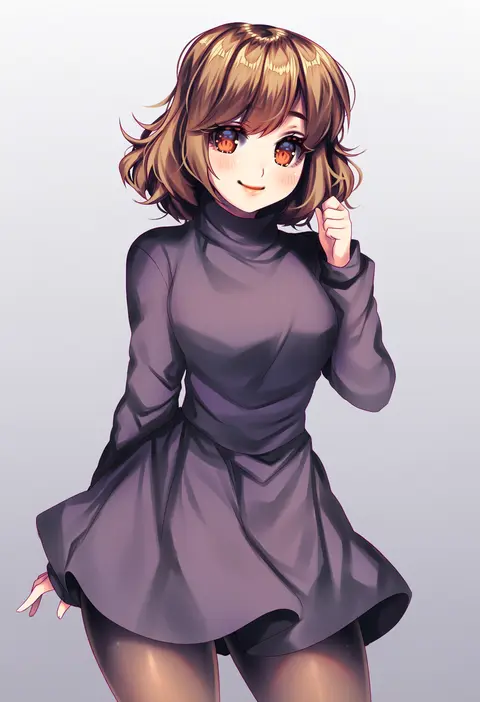
Every tag listed here is verified to react in NovelAI. All images use the same prompt, seed and settings with only the artist tag swapped, so the difference between two images is the style that tag brings in.

How to use them

Put the artist tag near the front of the prompt, e.g. "<artist>, 1girl, solo, best quality, masterpiece, cowboy shot". Two or three artist tags blend styles; lower the weight with "0.8::<artist>::" when the style overpowers the character.

SCORE sorts by Danbooru's top score, POSTS by post count, FAVS by hearts on this site. Open a card to see V5 and V4.5 side by side on the same seed.

V5 vs V4.5

V5 usually lands closer to the artist's real style, and tags that did nothing on V4.5 often react on V5. V4.5 still fits older and doujin-heavy artists better. Try V5 first, fall back to V4.5.

FAQ

Where does the artist tag go?
Near the front of the prompt. Use "0.8::tag::" to adjust its weight.

Can I stack artist tags?
Yes, styles blend. Past two or three the result stops looking like anyone.

Are these the artists' own works?
No. Every image is a NovelAI sample generated from the tag.