V5Artists
sort: FAVS▾
▾
>
$

NovelAI V5 Artist Tags List

artist --count 2,508[41/42]
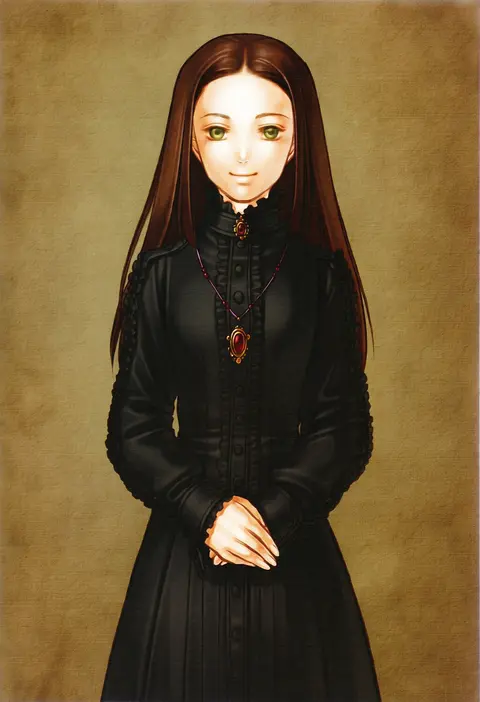
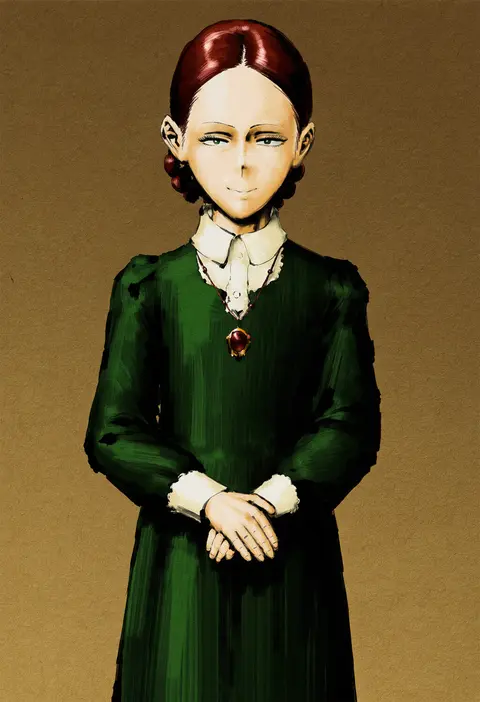
kita senri
ARTIST0x0960
0
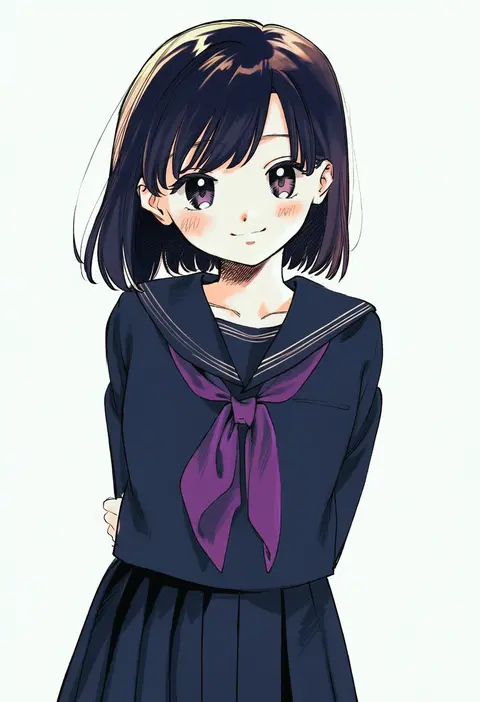
minashirazu
ARTIST0x0961
0
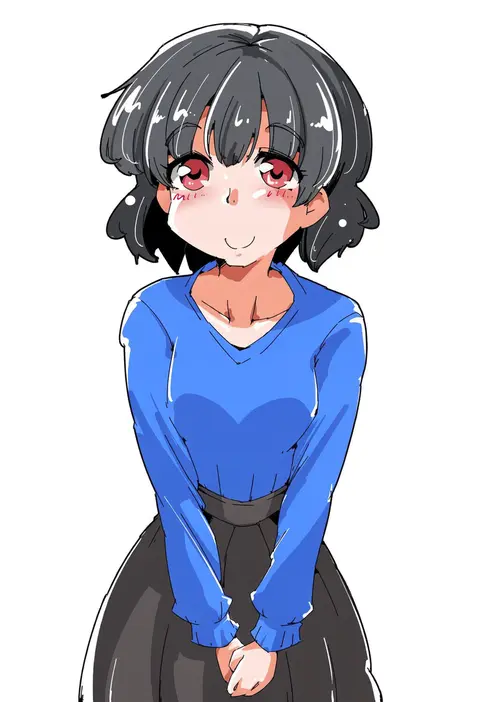
shikito (yawa0w0)
ARTIST0x0962
0
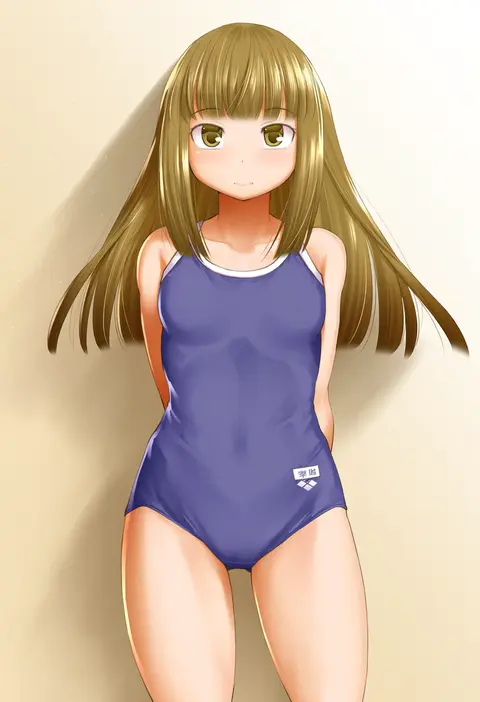
kimizuka aoi
ARTIST0x0963
0
yanagi wakana
ARTIST0x0964
0
yasu
ARTIST0x0965
0
mochi au lait
ARTIST0x0966
0
deco (geigeki honey)
ARTIST0x0967
0
hotechige
ARTIST0x0968
0
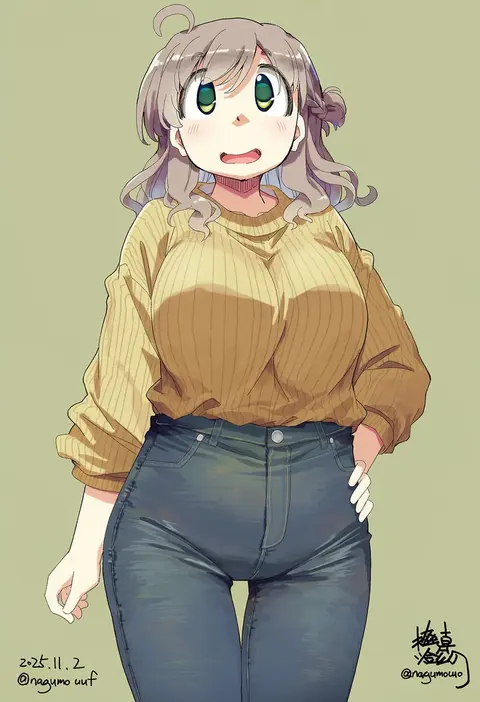
nagumo (nagumon)
ARTIST0x0969
0
itto (mentaiko)
ARTIST0x096A
0
ysys
ARTIST0x096B
0
yutakasan-love
ARTIST0x096C
0
menotama
ARTIST0x096D
0
hyogonosuke
ARTIST0x096E
0
mamita
ARTIST0x096F
0
[ null ]
ARTIST0x0970
0
nanakusa suzuna
ARTIST0x0971
0
choufu shimin
ARTIST0x0972
0
no+bi=
ARTIST0x0973
0
shinapuu
ARTIST0x0974
0
kasuga yukihito
ARTIST0x0975
0
kamikiririp
ARTIST0x0976
0
mayo riyo
ARTIST0x0977
0
masara (chuujou)
ARTIST0x0978
0
quick waipa
ARTIST0x0979
0
macco
ARTIST0x097A
0
mei (maysroom)
ARTIST0x097B
0
mimimi (mimimim9999)
ARTIST0x097C
0
nakkar
ARTIST0x097D
0
oono tetsuya
ARTIST0x097E
0
yuuhagi (amaretto-no-natsu)
ARTIST0x097F
0
crow (siranui)
ARTIST0x0980
0
qi7pi
ARTIST0x0981
0
katakura shinji
ARTIST0x0982
0
6u (persicaria eater)
ARTIST0x0983
0
tokuura
ARTIST0x0984
0
mcgunngu
ARTIST0x0985
0
shinanoya (satanicad)
ARTIST0x0986
0
tsukasa yuuki
ARTIST0x0987
0
kannagi rei
ARTIST0x0988
0
minami (colorful palette)
ARTIST0x0989
0
gofu
ARTIST0x098A
0
mazjojo
ARTIST0x098B
0
nanase miori
ARTIST0x098C
0
takahashi kurage
ARTIST0x098D
0
ashiyama yoshinori
ARTIST0x098E
0
rizu (rizunm)
ARTIST0x098F
0
shouhou-san daisuki teitoku
ARTIST0x0990
0
xiacheng tatsuya
ARTIST0x0991
0
yoshizuki kumichi
ARTIST0x0992
0
f shima
ARTIST0x0993
0
k hiro
ARTIST0x0994
0
nigari (ngari 0115)
ARTIST0x0995
0
[ null ]
ARTIST0x0996
0
kouga yun
ARTIST0x0997
0
[ null ]
ARTIST0x0998
0
saishosaisekojo
ARTIST0x0999
0
kuena
ARTIST0x099A
0
kyata ti666
ARTIST0x099B
0

What these tags change

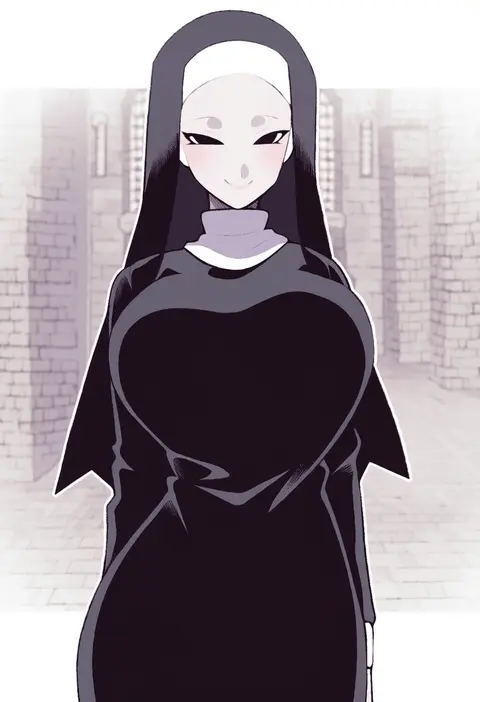
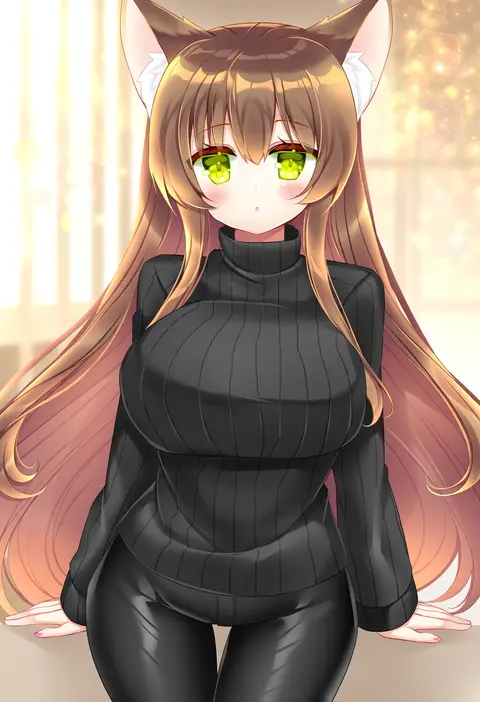
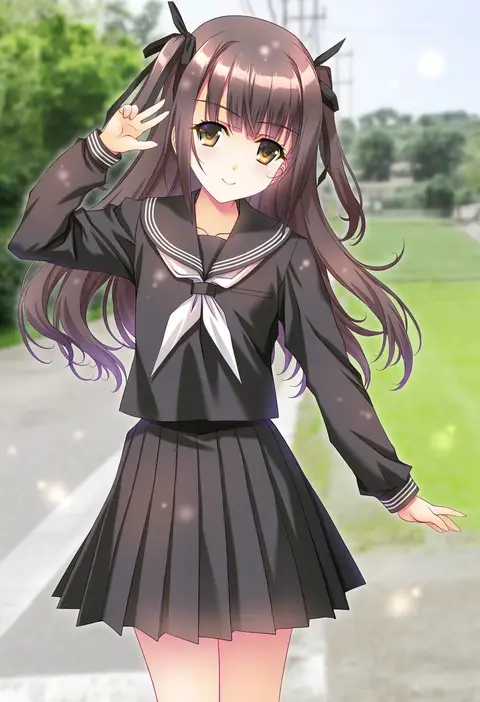
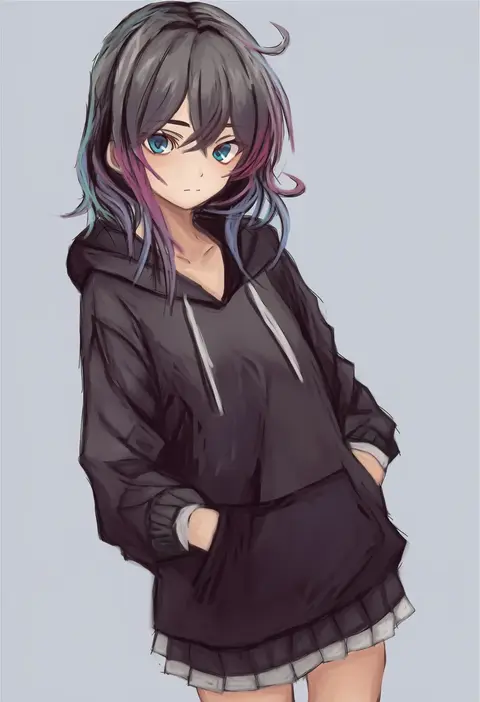
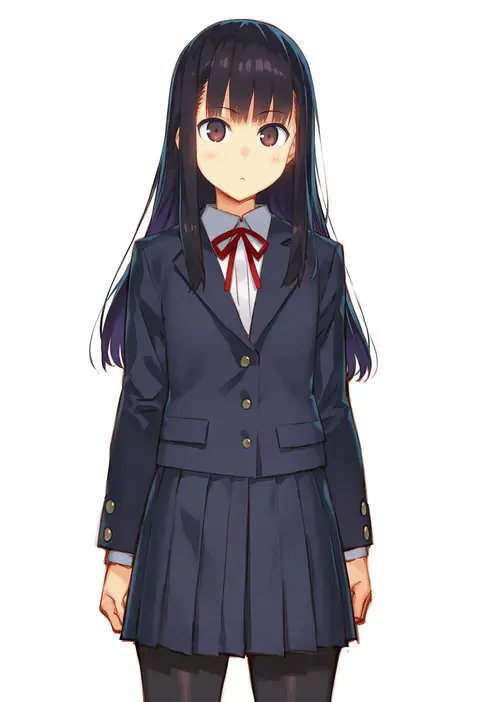
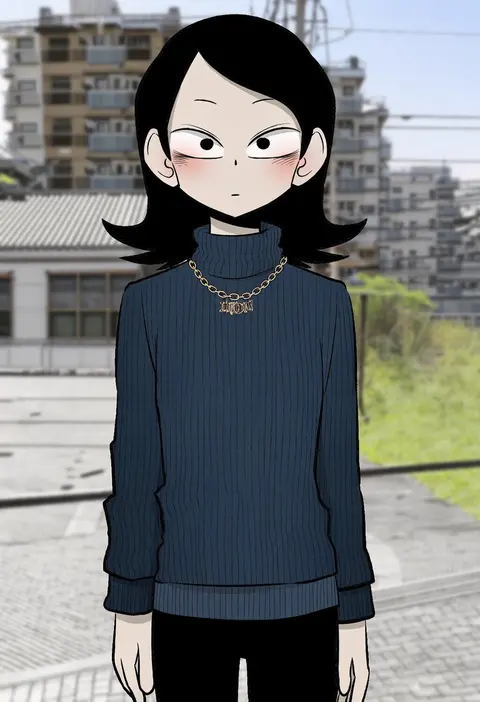
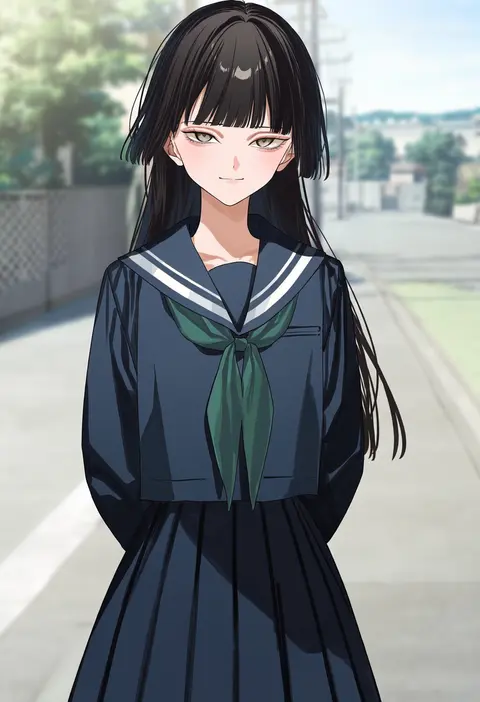
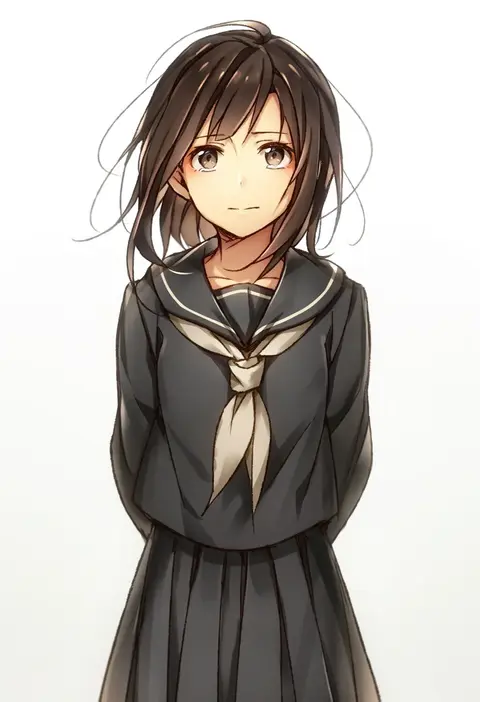
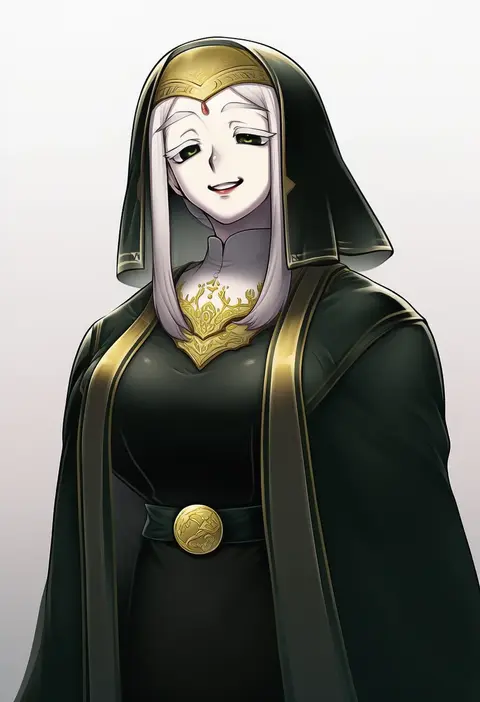
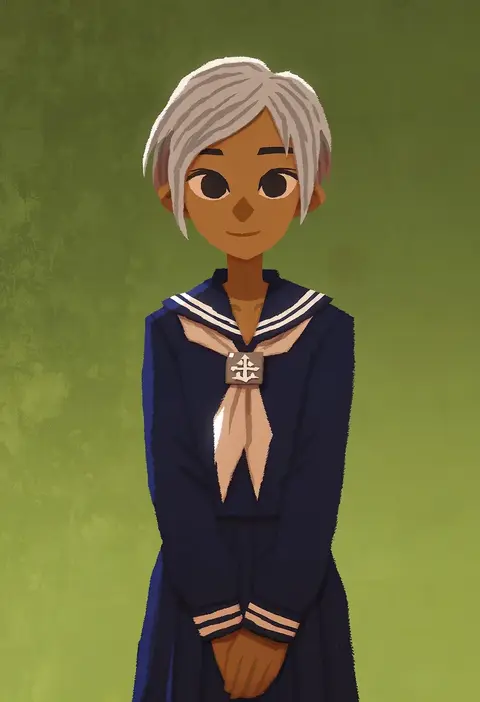
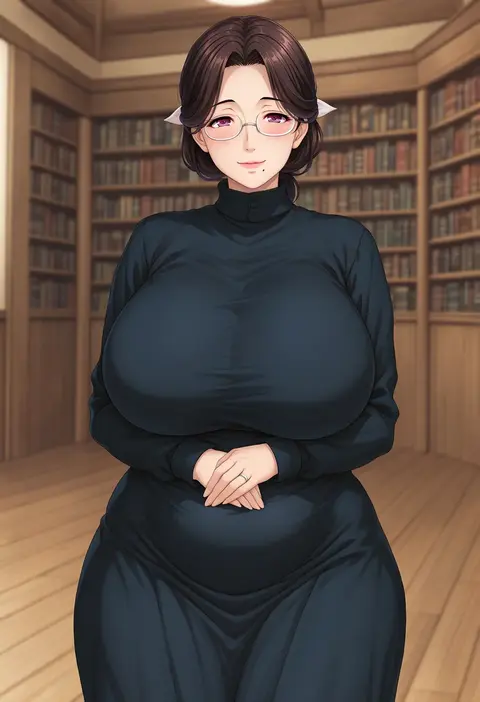
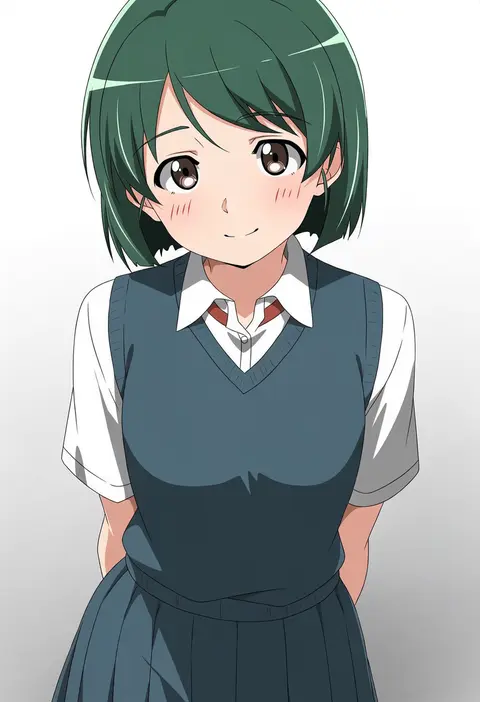
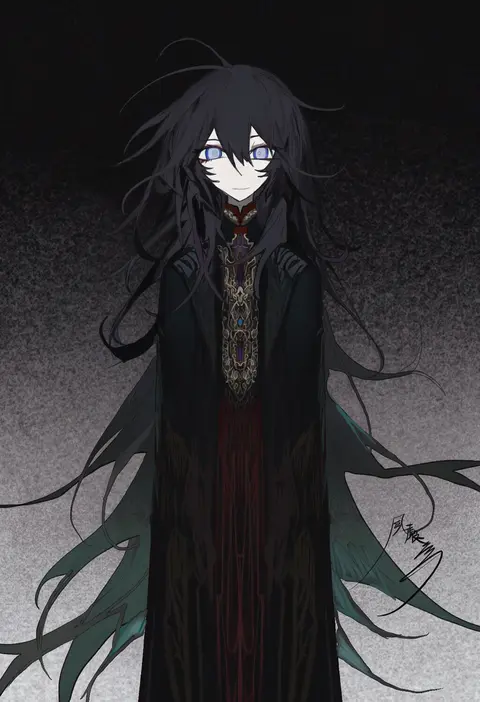
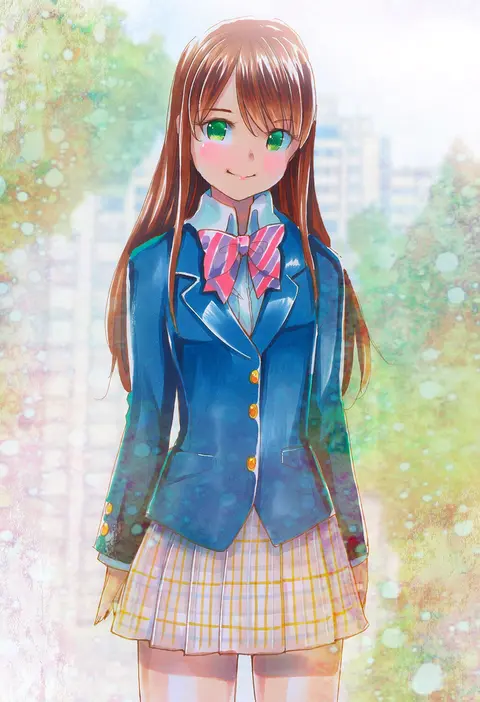
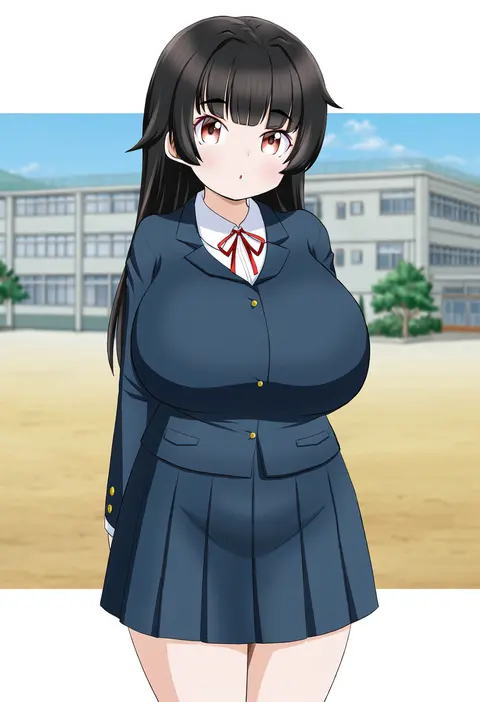
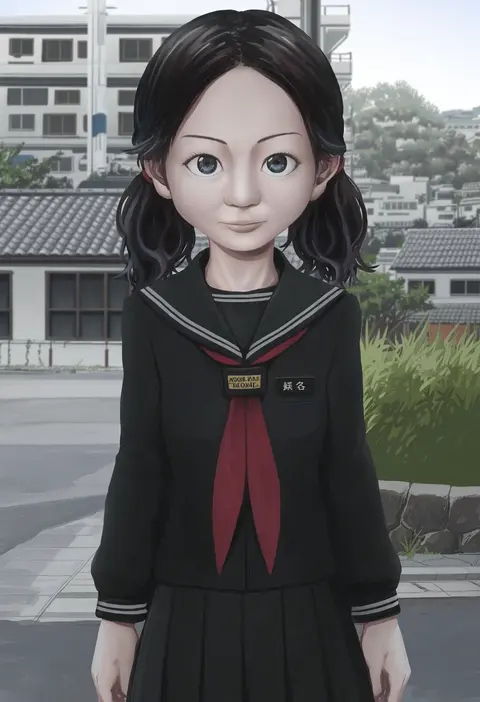
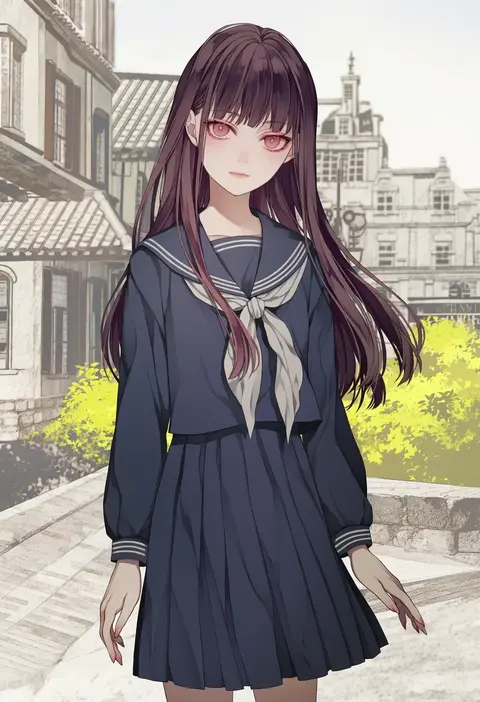
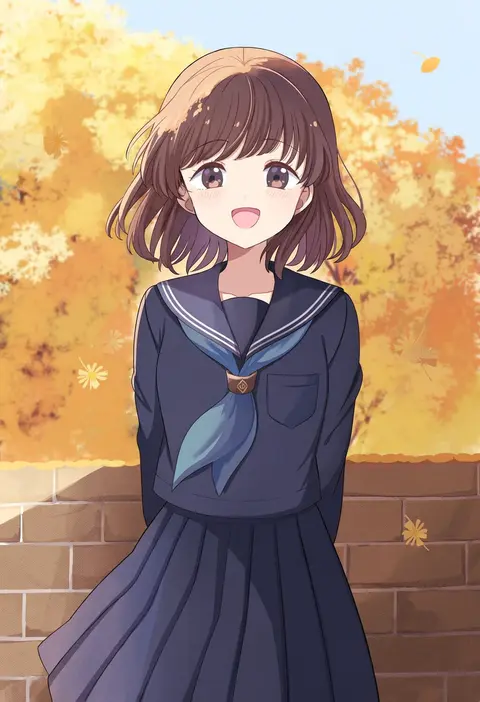
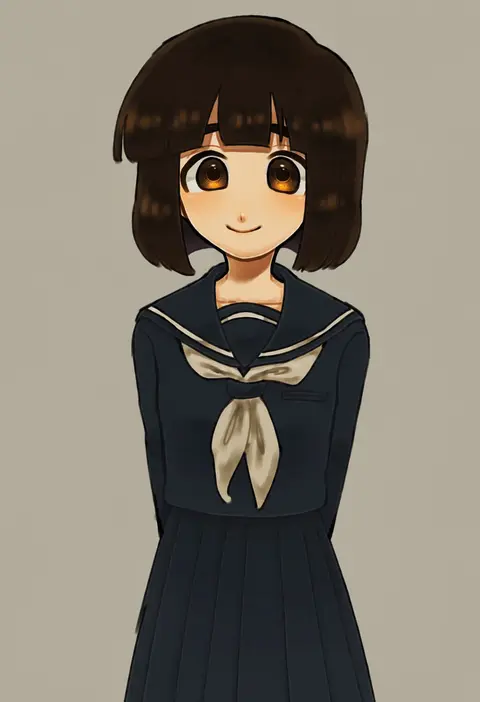
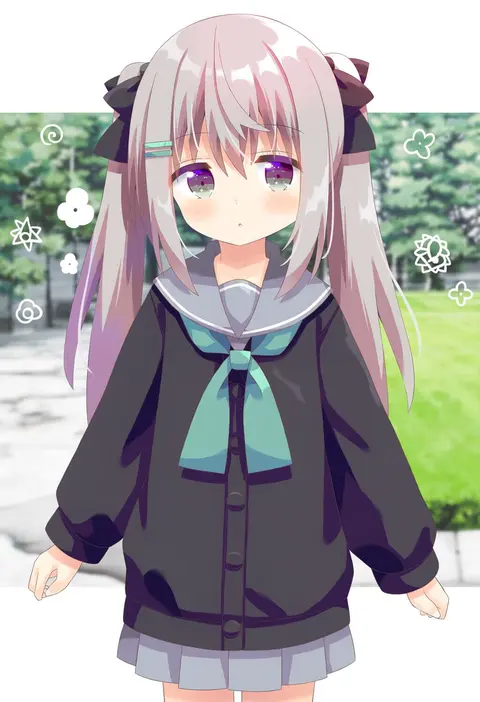
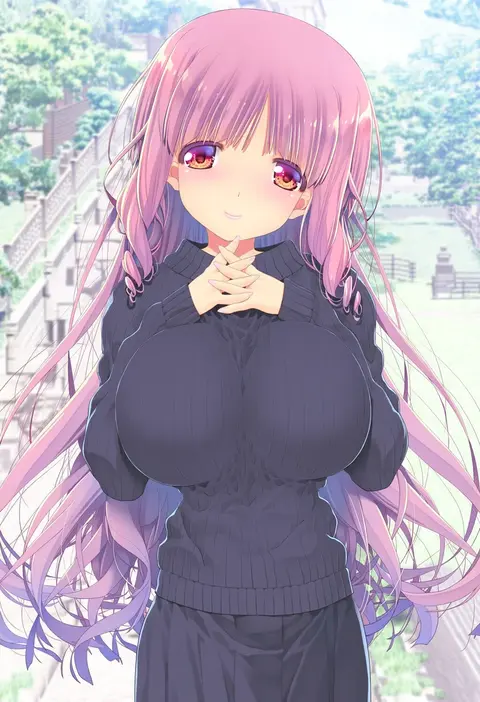
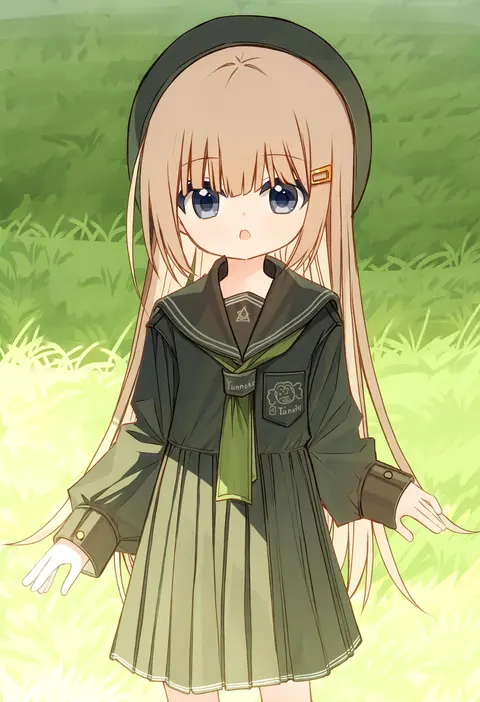
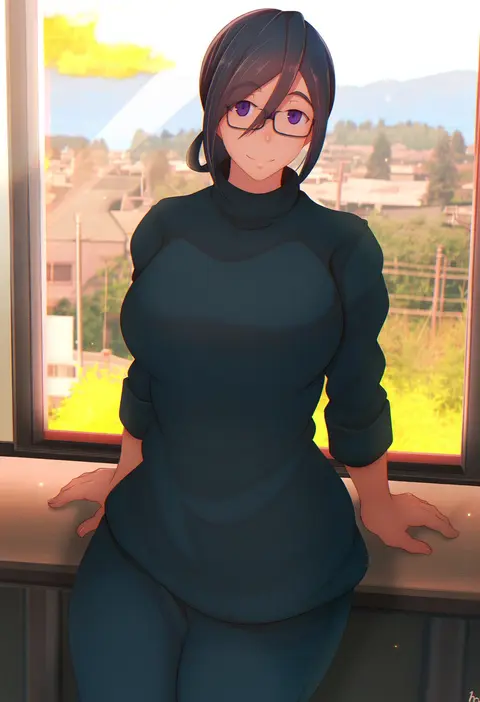
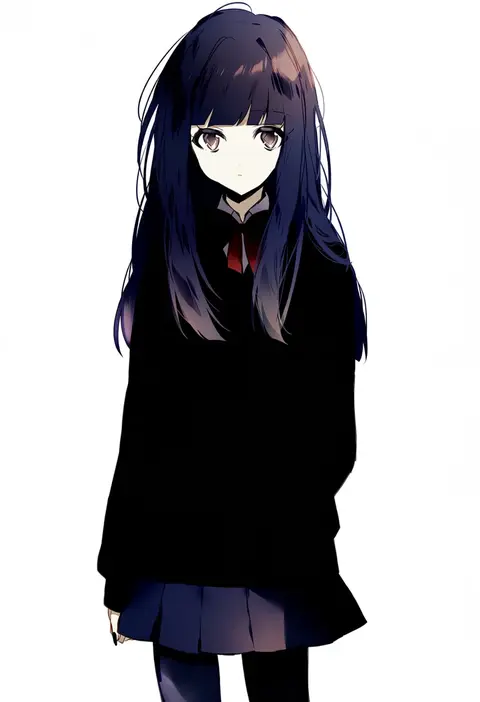
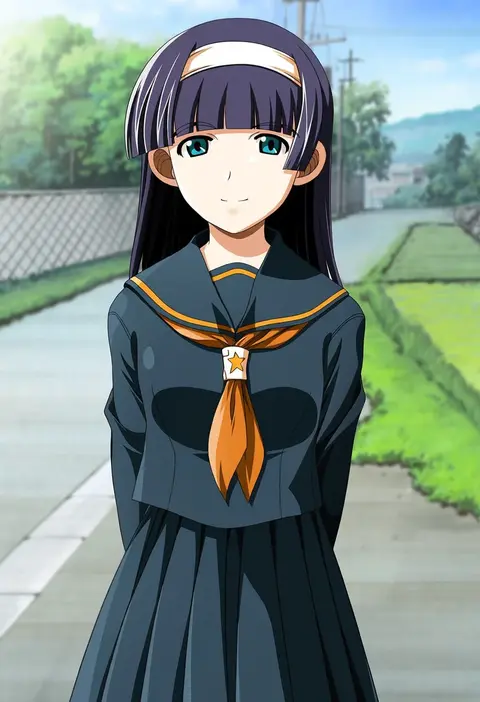
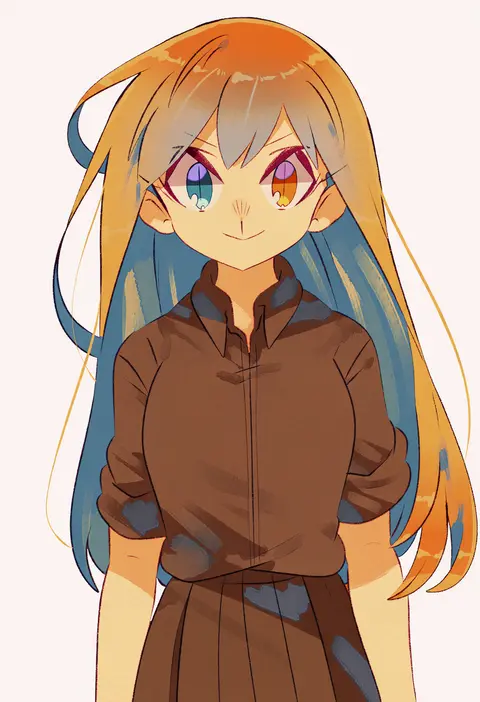
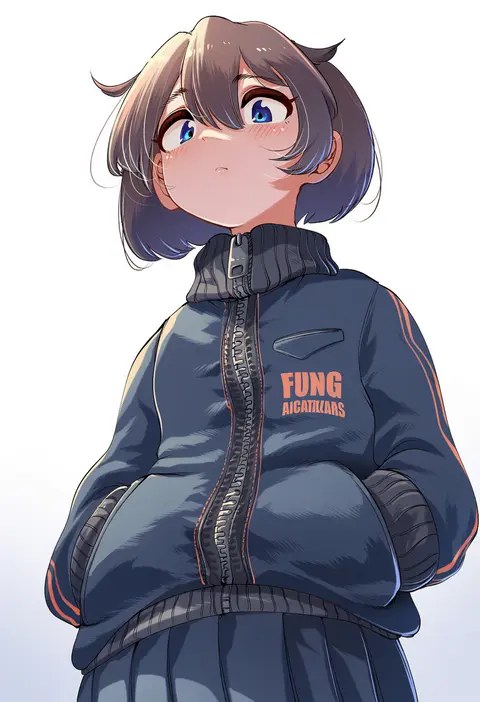
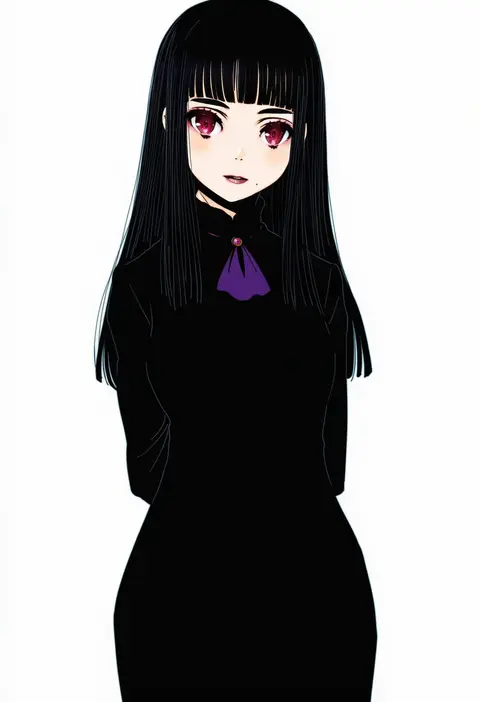
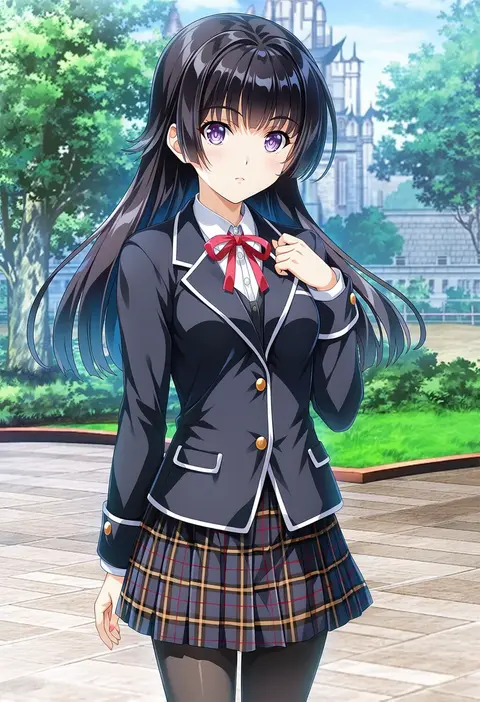
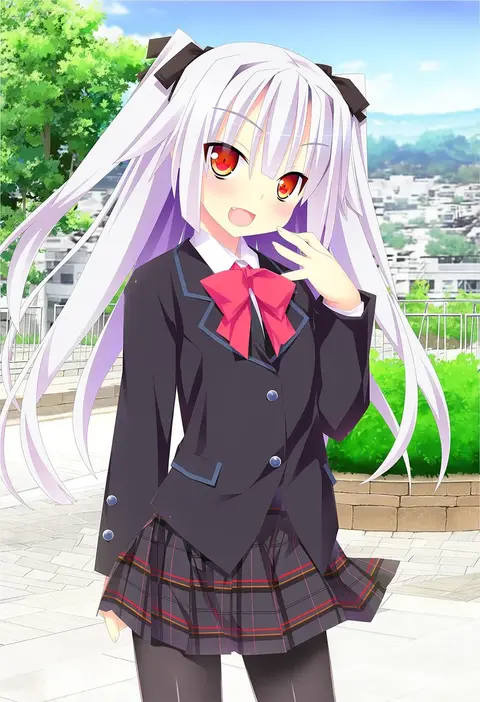
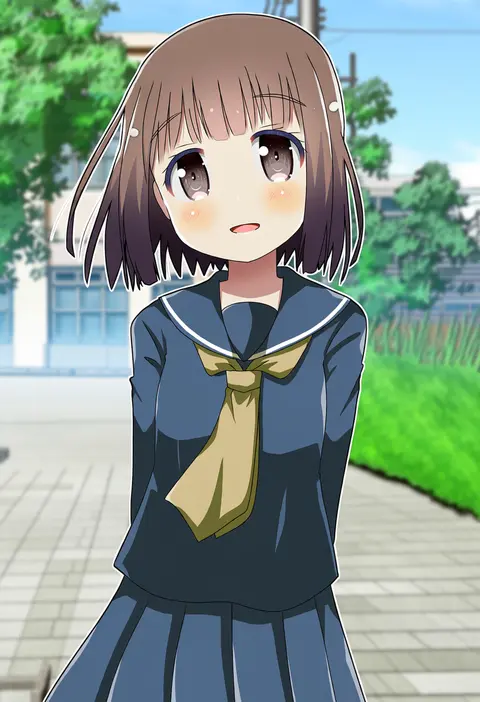
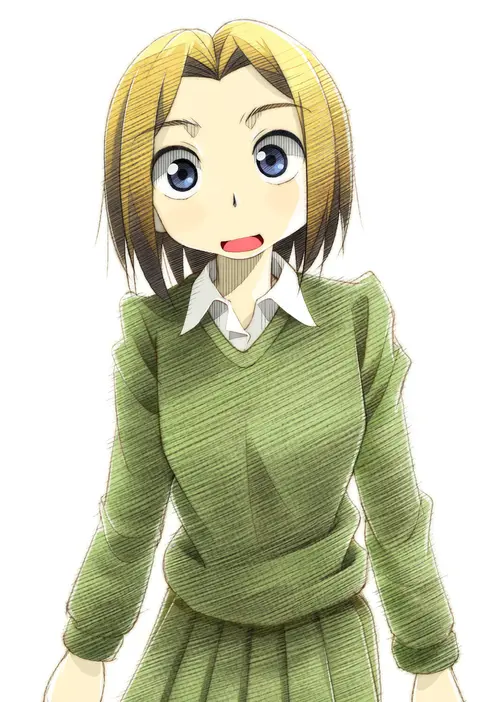
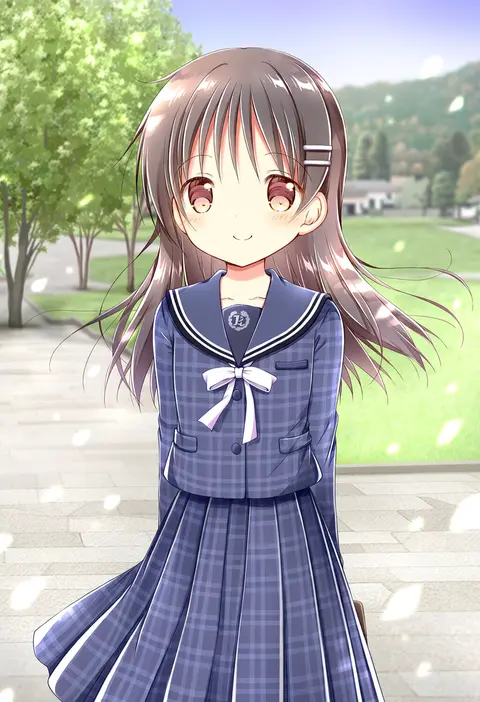
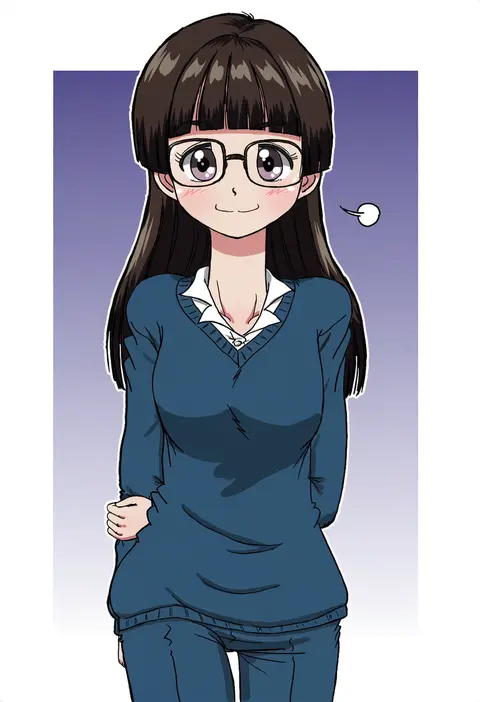
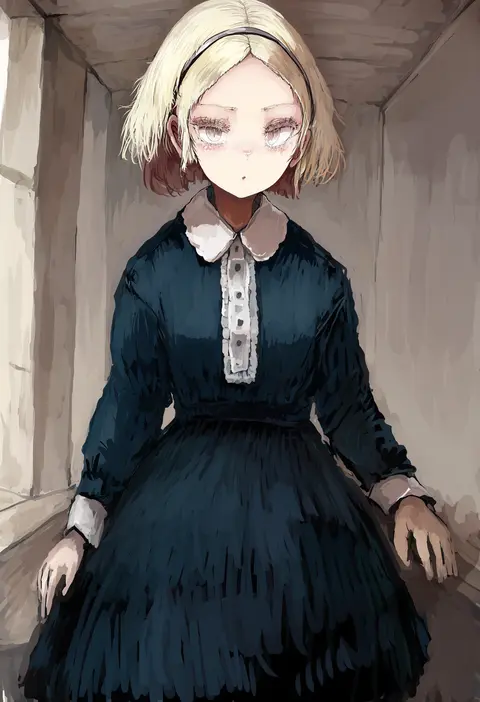
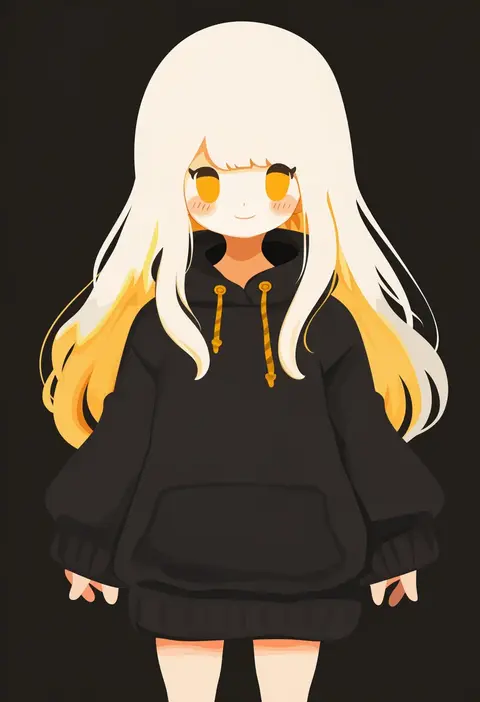
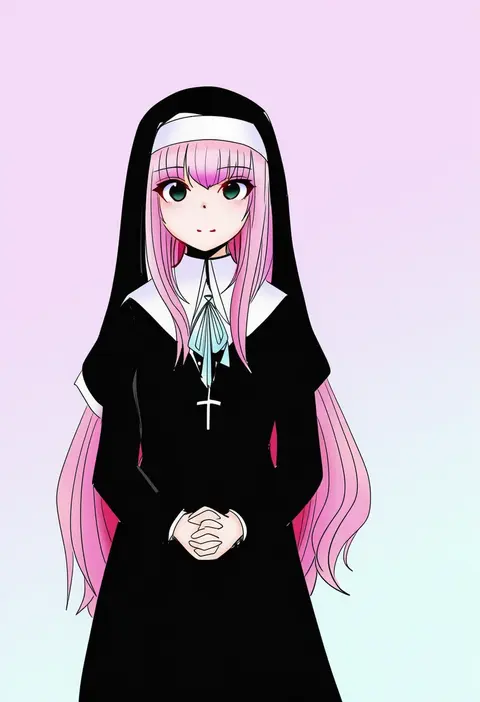
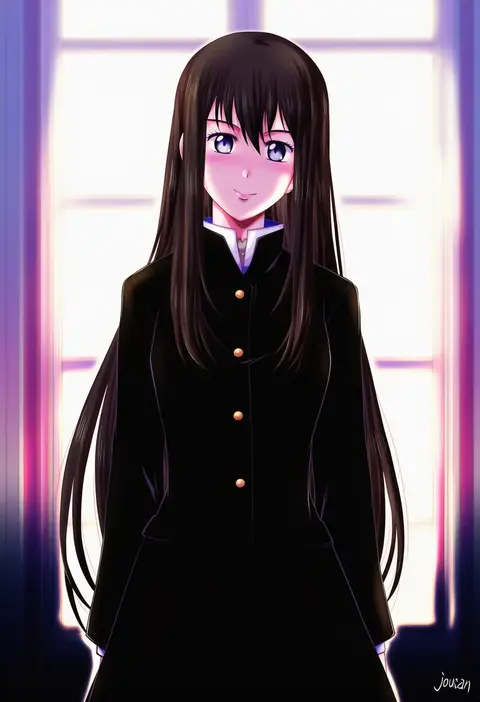
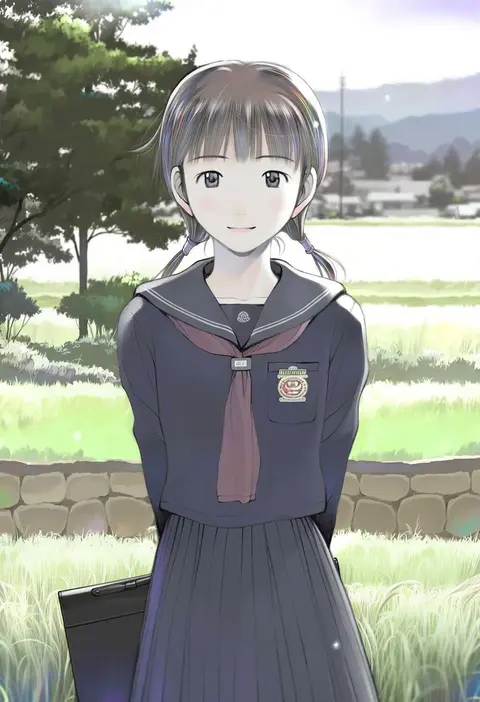
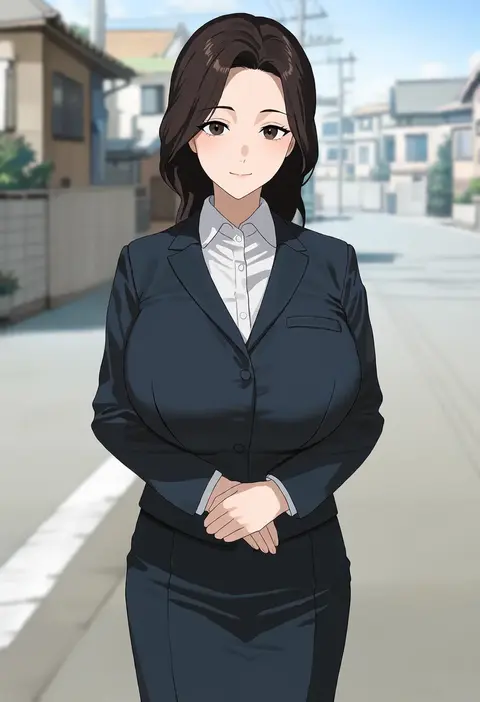
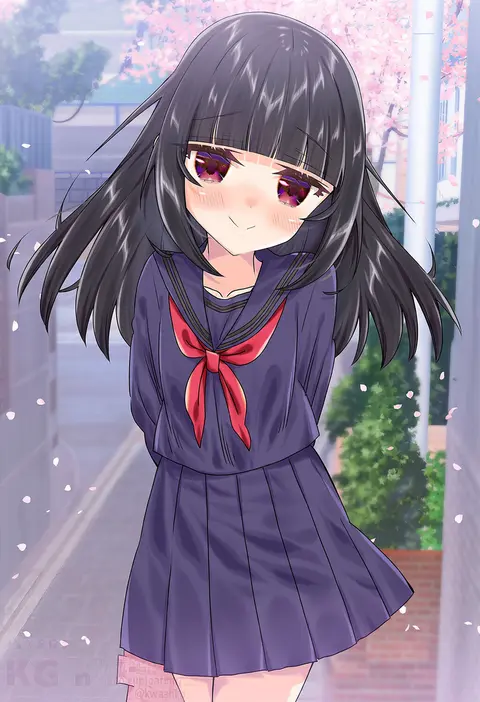
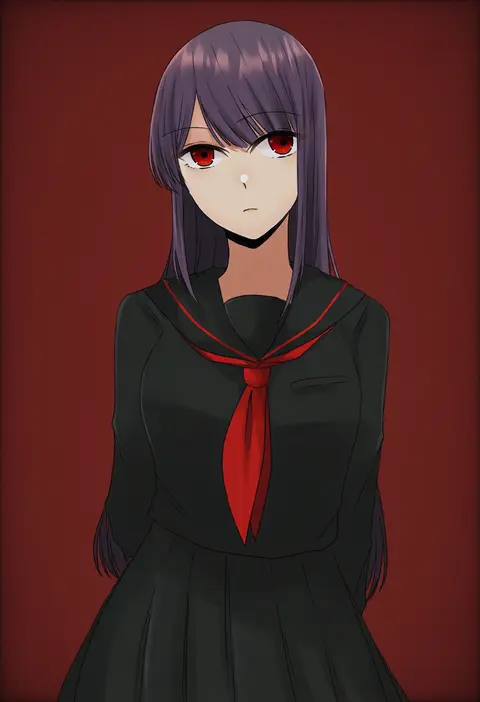
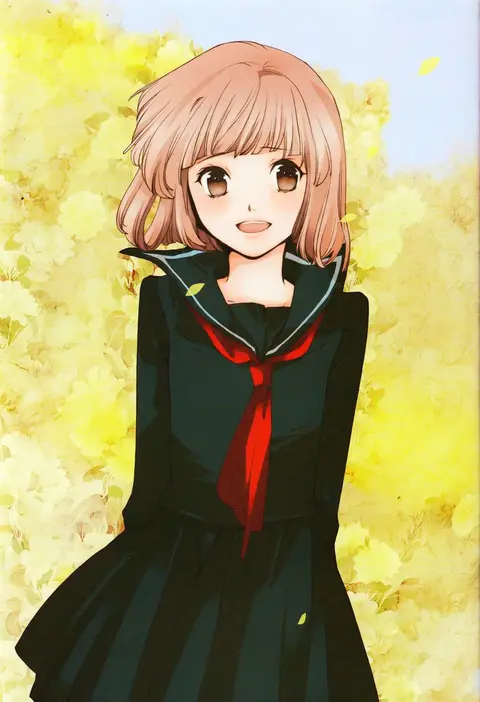
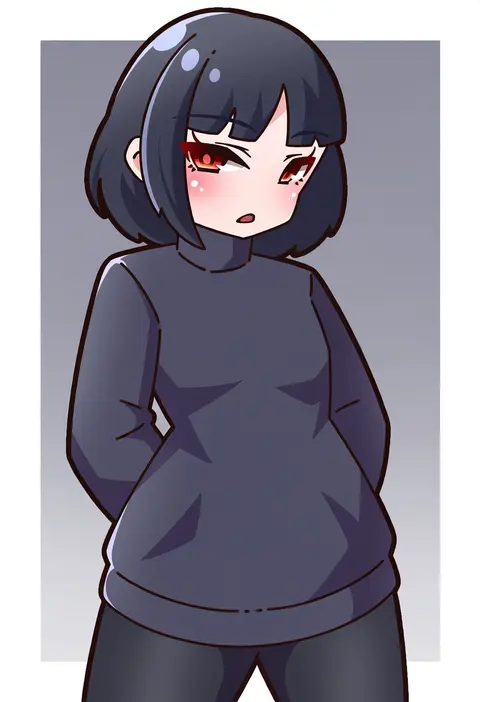
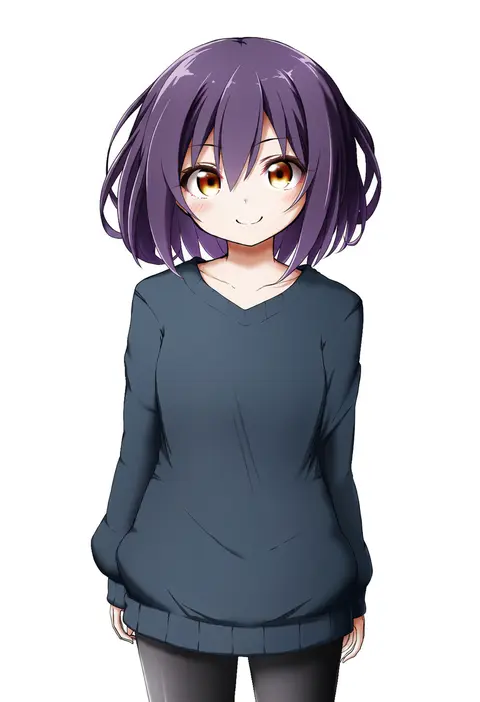
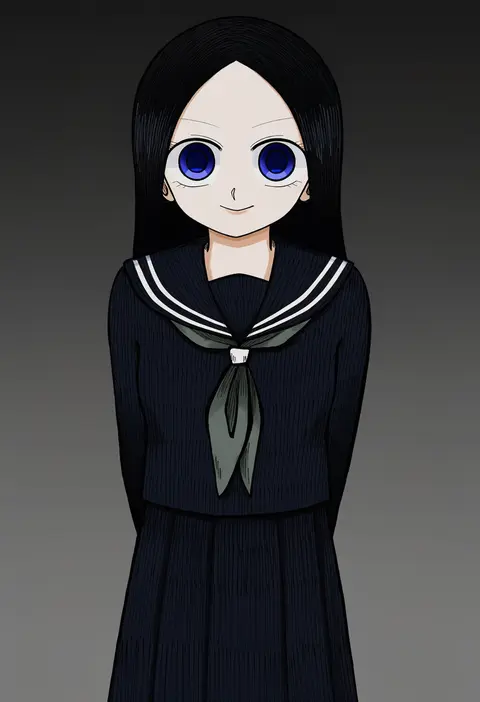
Artist tags tell NovelAI Diffusion to draw in a specific artist's style: line weight, paint texture, face shapes and palette all shift at once. Character and outfit tags decide what is drawn; artist tags decide how. 2,508 tags are listed for V5.
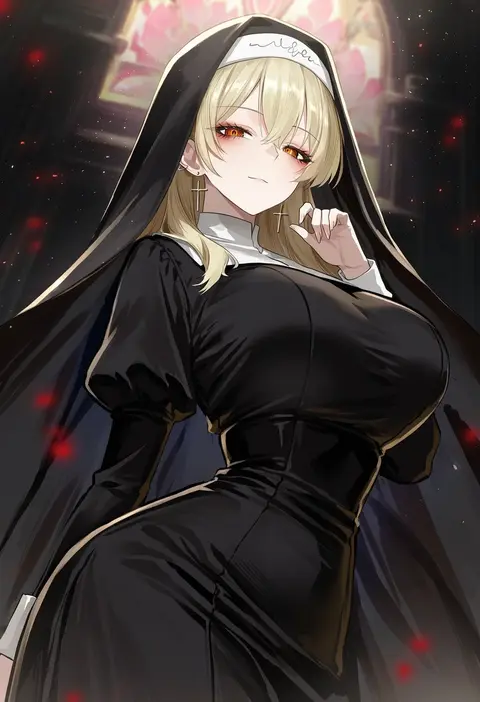
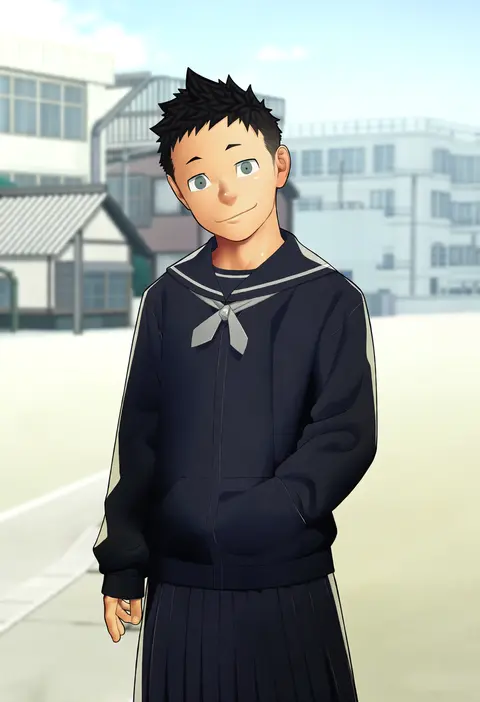
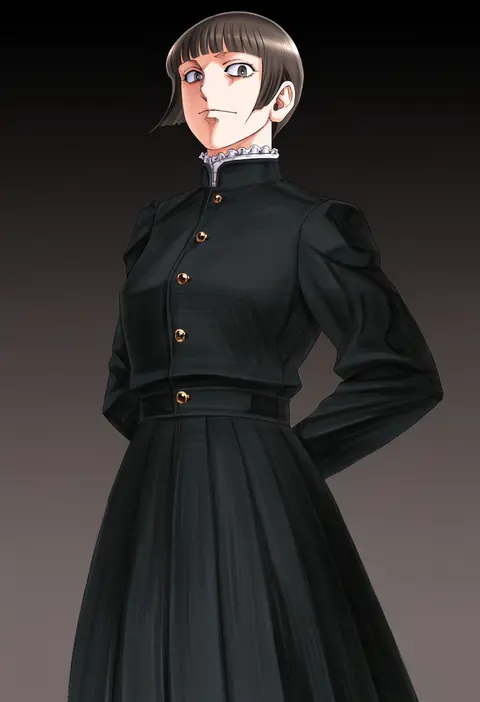
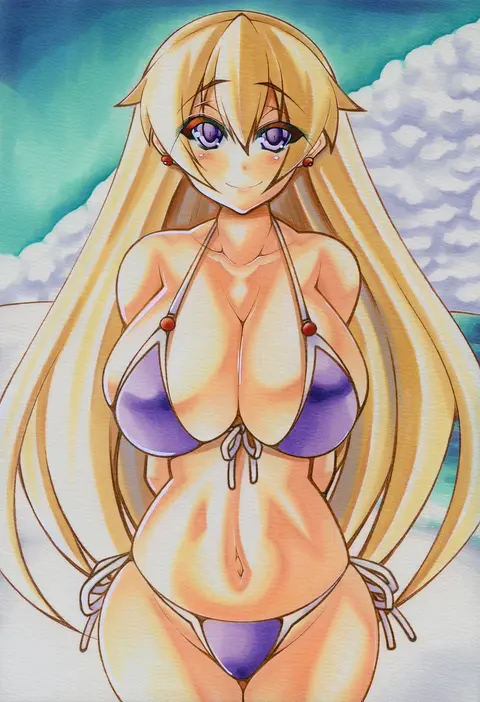
Every tag listed here is verified to react in NovelAI. All images use the same prompt, seed and settings with only the artist tag swapped, so the difference between two images is the style that tag brings in.

How to use them

Put the artist tag near the front of the prompt, e.g. "<artist>, 1girl, solo, best quality, masterpiece, cowboy shot". Two or three artist tags blend styles; lower the weight with "0.8::<artist>::" when the style overpowers the character.

SCORE sorts by Danbooru's top score, POSTS by post count, FAVS by hearts on this site. Open a card to see V5 and V4.5 side by side on the same seed.

V5 vs V4.5

V5 usually lands closer to the artist's real style, and tags that did nothing on V4.5 often react on V5. V4.5 still fits older and doujin-heavy artists better. Try V5 first, fall back to V4.5.

FAQ

Where does the artist tag go?
Near the front of the prompt. Use "0.8::tag::" to adjust its weight.

Can I stack artist tags?
Yes, styles blend. Past two or three the result stops looking like anyone.

Are these the artists' own works?
No. Every image is a NovelAI sample generated from the tag.