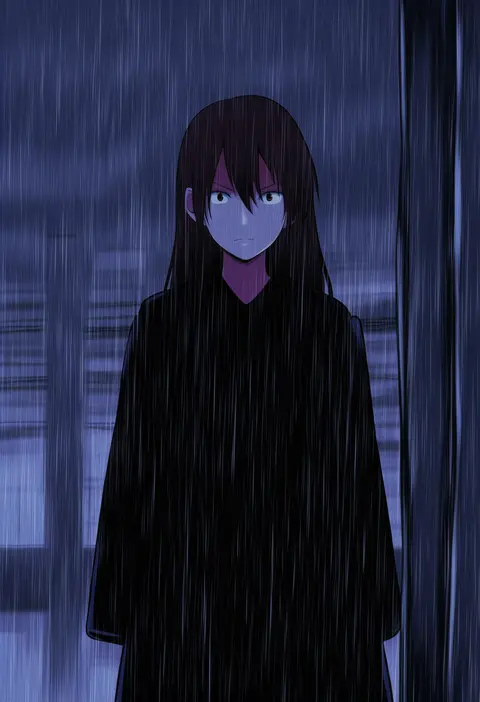
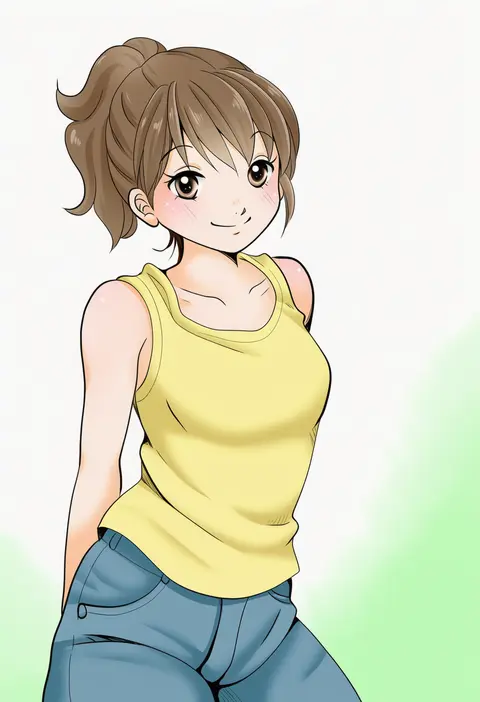
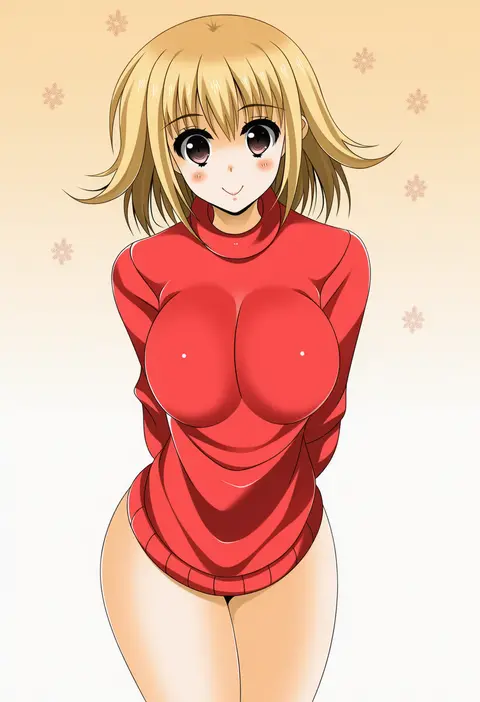
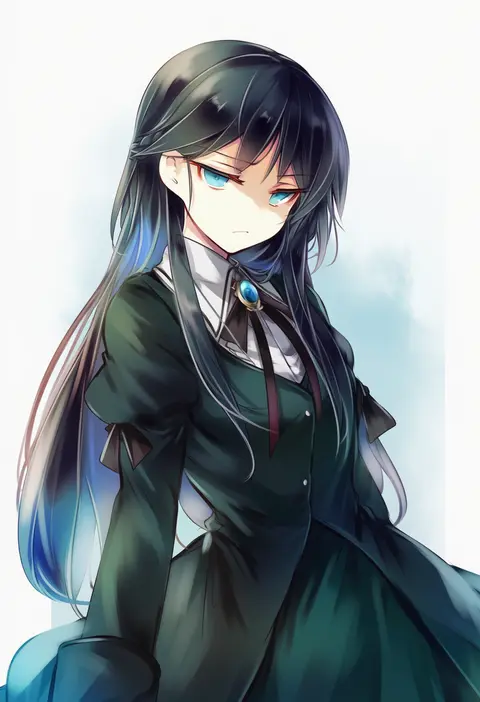
V4.5Artists
sort: FAVS▾
▾
>
$

Popular NovelAI artist tags — V4.5

artist --count 16,352[236/273]
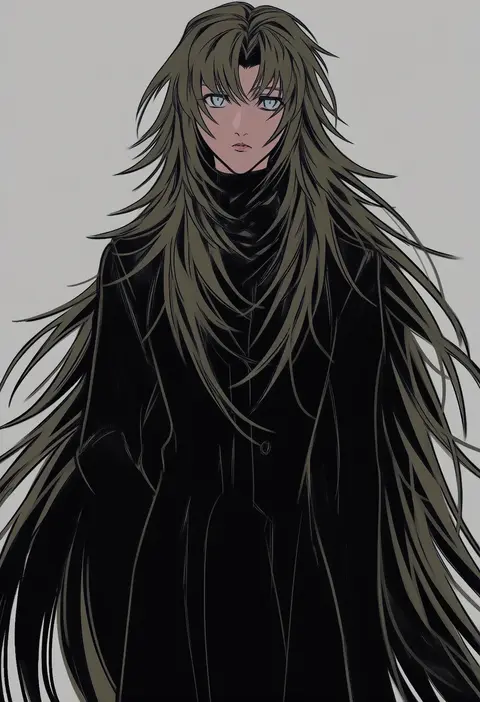
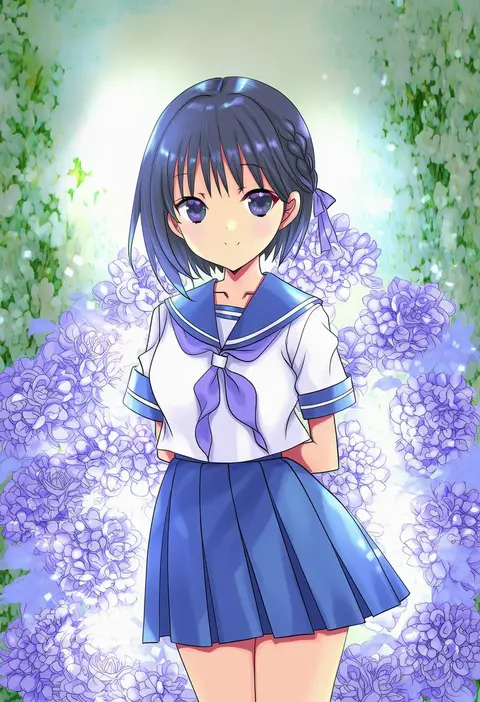
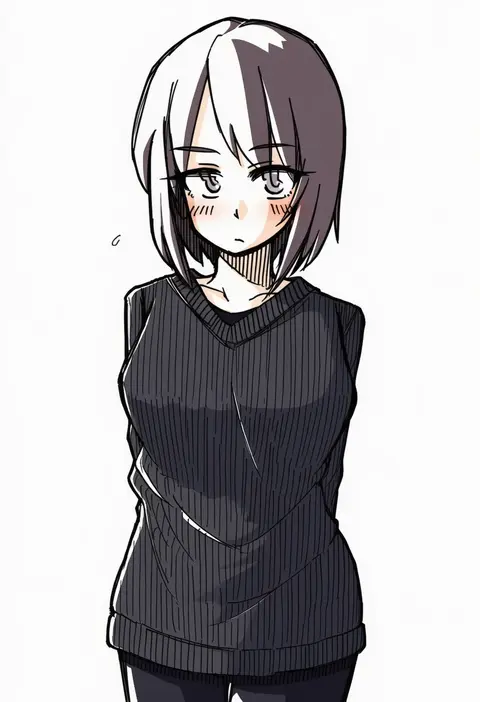
roku (gansuns)
ARTIST0x3714
0
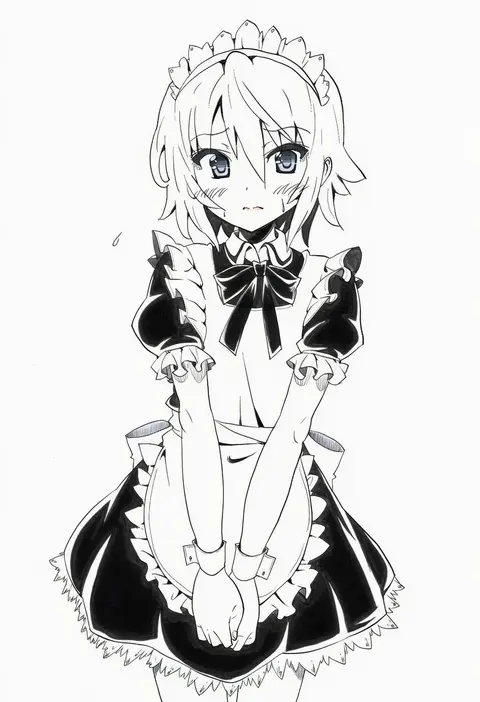
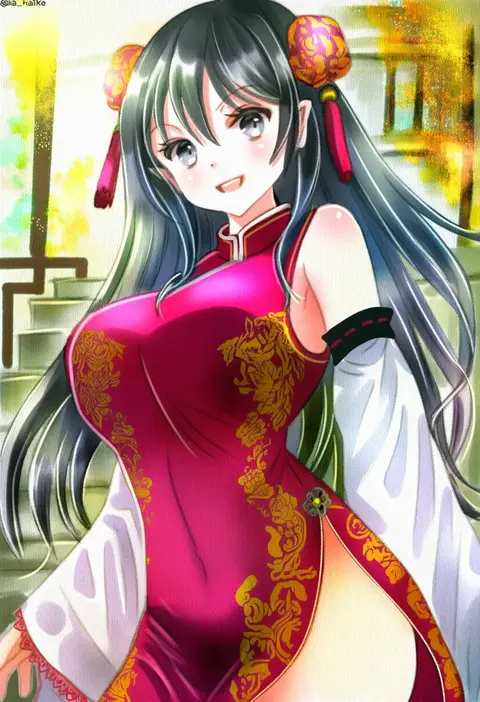
hamukiyo
ARTIST0x3715
0
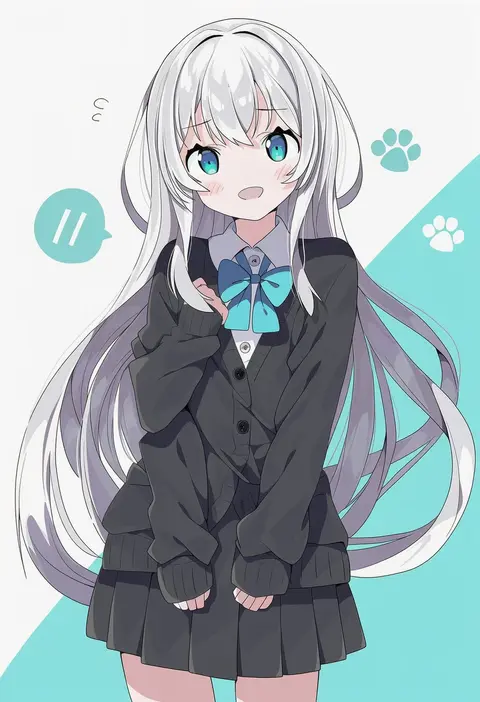
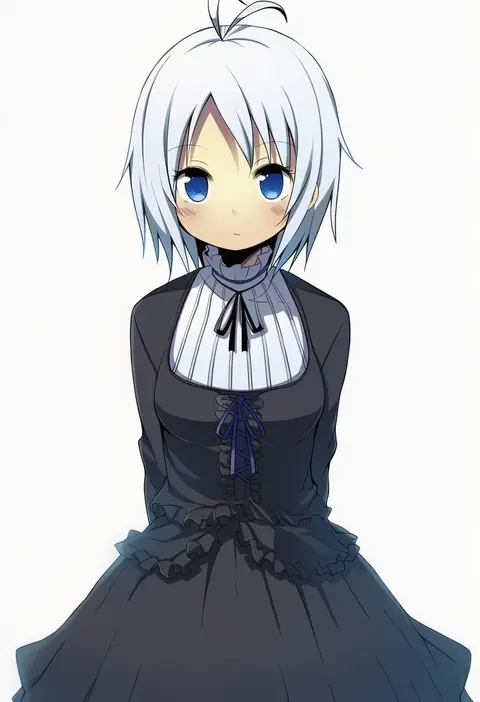
ookashippo
ARTIST0x3716
0
zerokosan
ARTIST0x3717
0
akane yuki
ARTIST0x3718
0
dalrye v3
ARTIST0x3719
0
okitafuji
ARTIST0x371A
0
rupinesu
ARTIST0x371B
0
mono (mono60)
ARTIST0x371C
0
denpa rasaito
ARTIST0x371D
0
ikazuchi akira
ARTIST0x371E
0
chimaki (impressiveanarchy)
ARTIST0x371F
0
moge-hera
ARTIST0x3720
0
tetetsu
ARTIST0x3721
0
hiiro (kikokico)
ARTIST0x3722
0
kururi
ARTIST0x3723
0
goma (u p)
ARTIST0x3724
0
147
ARTIST0x3725
0
tadeno
ARTIST0x3726
0
amikoiiko
ARTIST0x3727
0
mochimochi kinako.
ARTIST0x3728
0
shieriru
ARTIST0x3729
0
yuureidoushi (yuurei6214)
ARTIST0x372A
0
satou yuuki
ARTIST0x372B
0
yuzuna99
ARTIST0x372C
0
oda ken'ichi
ARTIST0x372D
0
kutsuki kai
ARTIST0x372E
0
tadano kagekichi
ARTIST0x372F
0
shun (rokudena-shi)
ARTIST0x3730
0
megahiyo
ARTIST0x3731
0
kyou (fr39)
ARTIST0x3732
0
kotteri
ARTIST0x3733
0
goom (goomyparty)
ARTIST0x3734
0
satomi (black scarecrow)
ARTIST0x3735
0
lobelia (saclia)
ARTIST0x3736
0
chakabo
ARTIST0x3737
0
nanase aoi
ARTIST0x3738
0
nome (nnoommee)
ARTIST0x3739
0
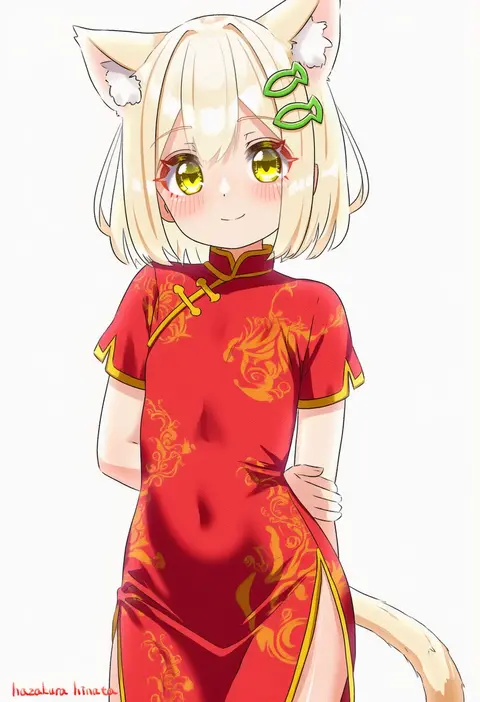
hazakura hinata
ARTIST0x373A
0
tantan men (dragon)
ARTIST0x373B
0
tatahai
ARTIST0x373C
0
hajike akira
ARTIST0x373D
0
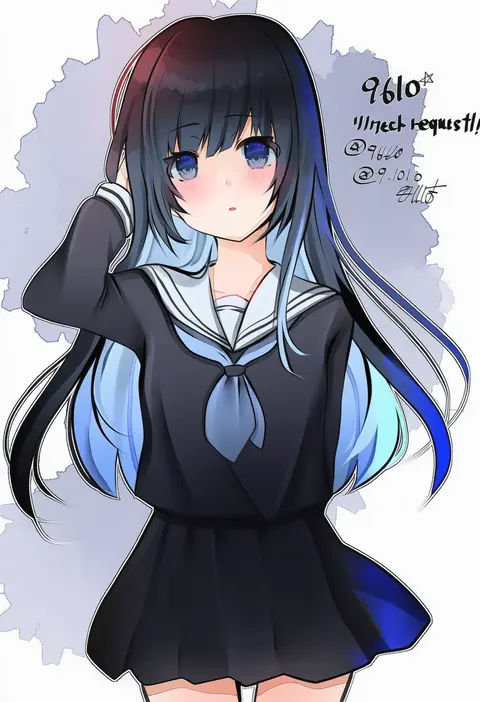
9610 (kuroto)
ARTIST0x373E
0
amaa (chou dennou jidai)
ARTIST0x373F
0
janis (hainegom)
ARTIST0x3740
0
nakajima konta
ARTIST0x3741
0
name omoitukan2
ARTIST0x3742
0
illumi999
ARTIST0x3743
0
rune xiao
ARTIST0x3744
0
kashuu (b-q)
ARTIST0x3745
0
tamute (2580rs)
ARTIST0x3746
0
gakubuchi aiko
ARTIST0x3747
0
tsukiori
ARTIST0x3748
0
nakamura kanko
ARTIST0x3749
0
o (crazyoton46)
ARTIST0x374A
0
shourou kanna
ARTIST0x374B
0
kurokoori
ARTIST0x374C
0
sicky (pit-bull)
ARTIST0x374D
0
nanami ayane (kusunoki5050)
ARTIST0x374E
0
azen (mntimcczgrtn)
ARTIST0x374F
0

What these tags change

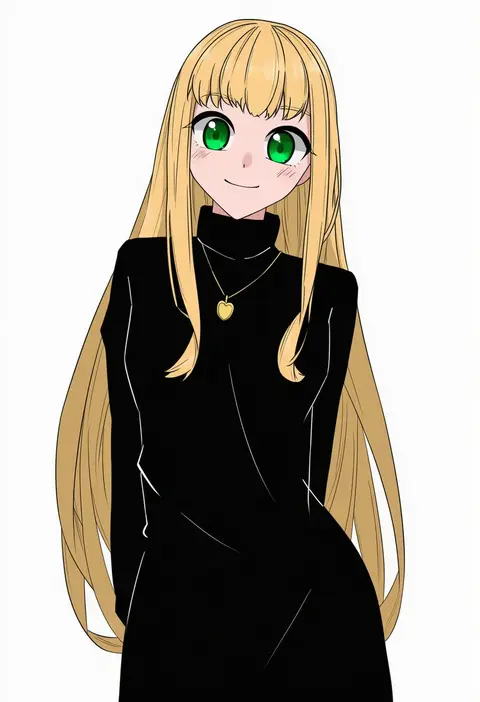
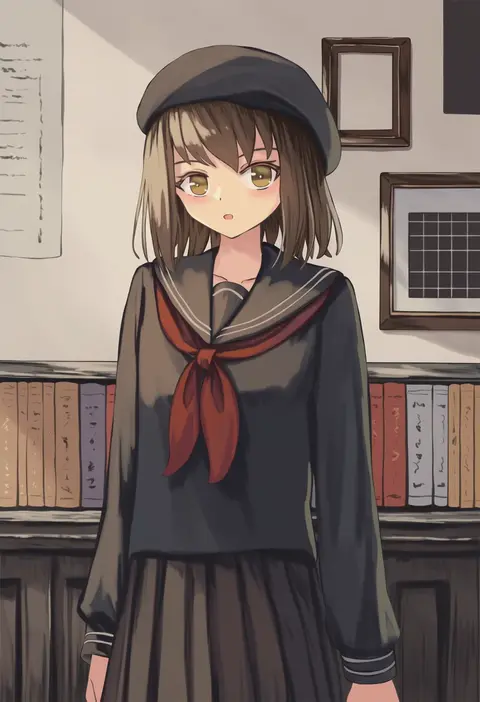
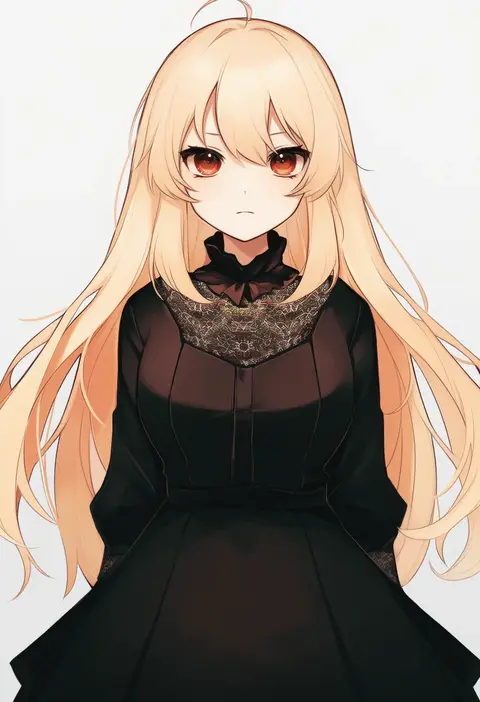
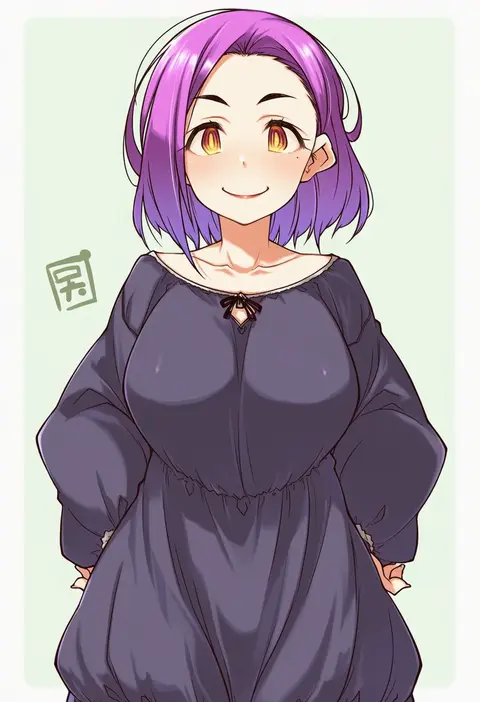
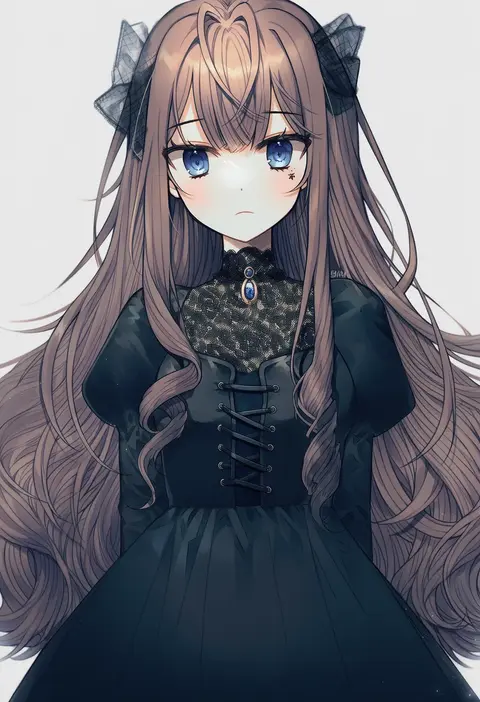
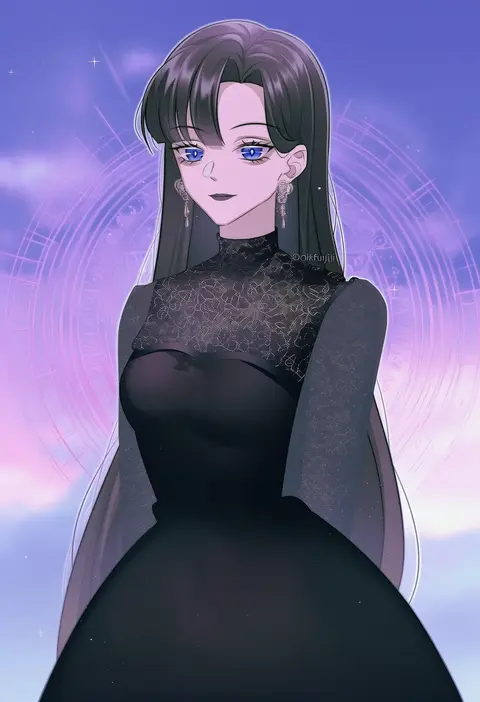
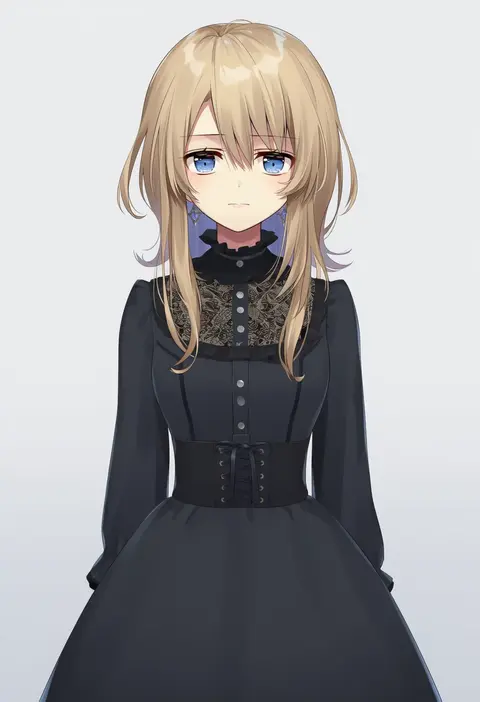
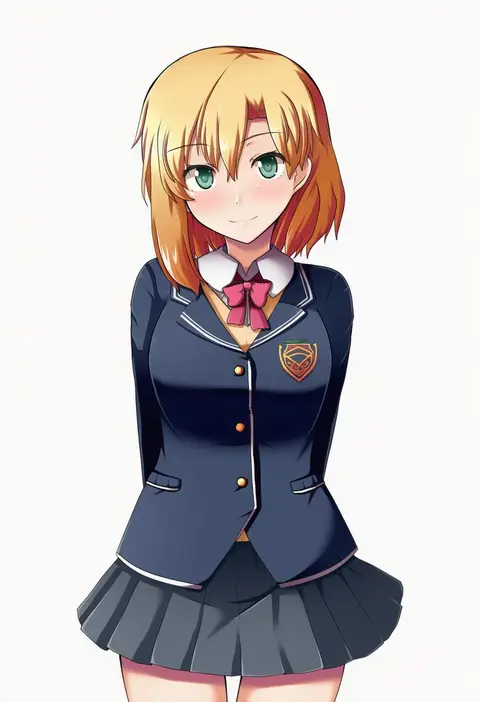
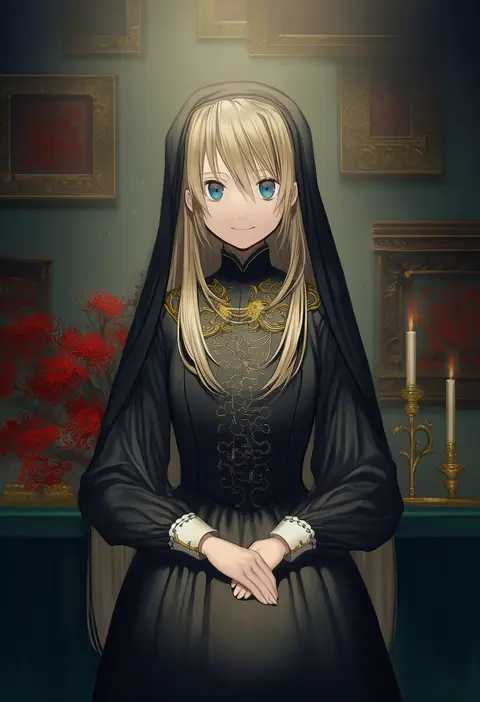
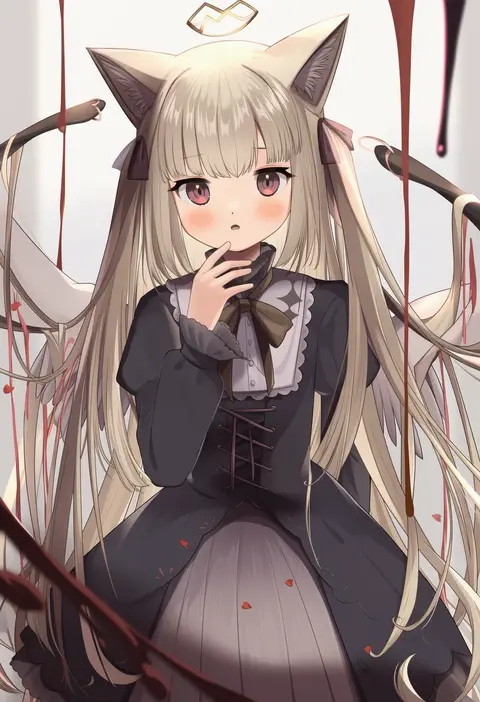
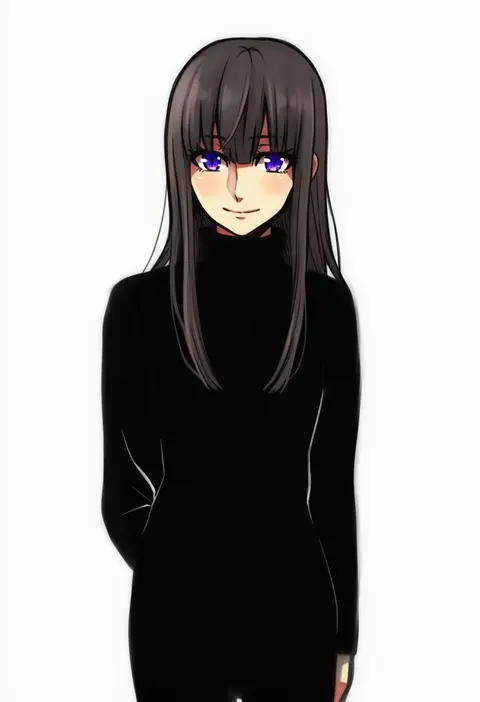
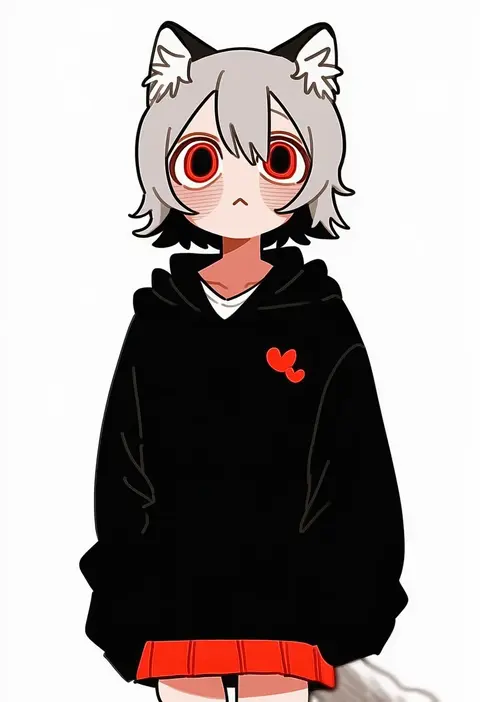
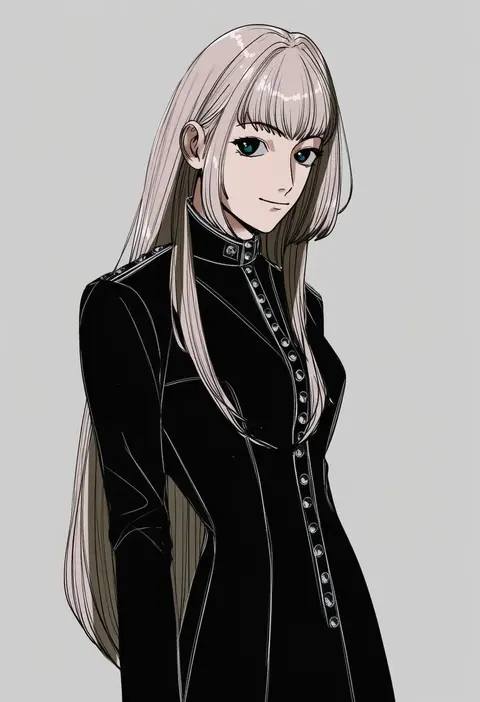
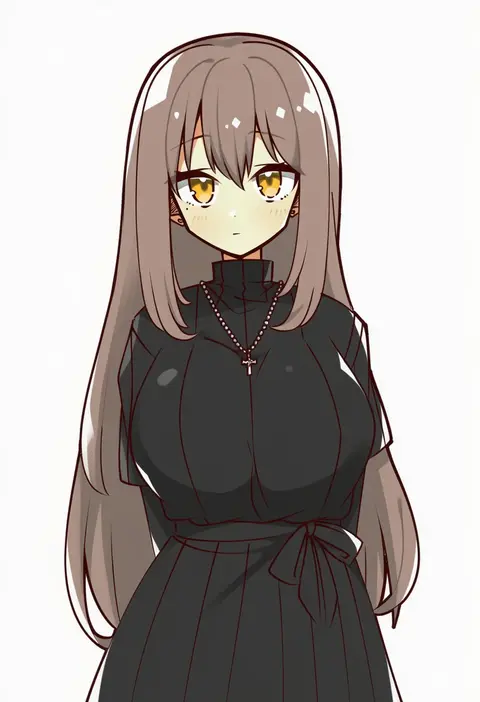
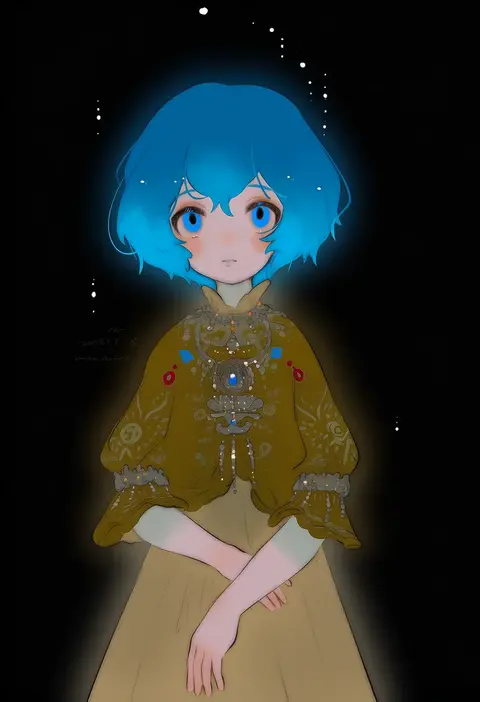
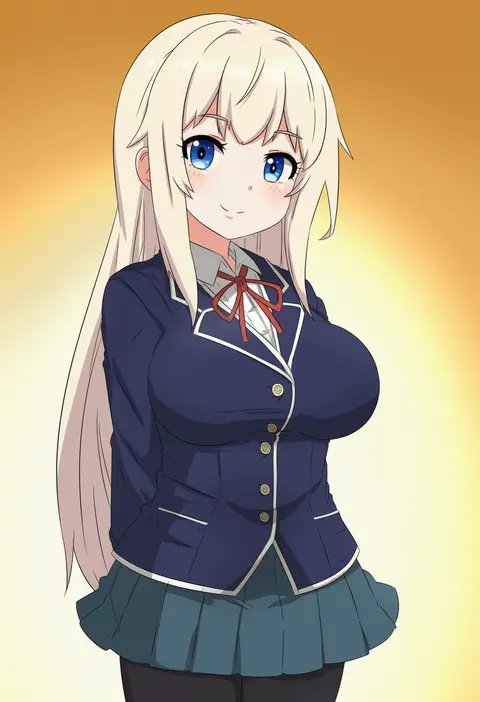
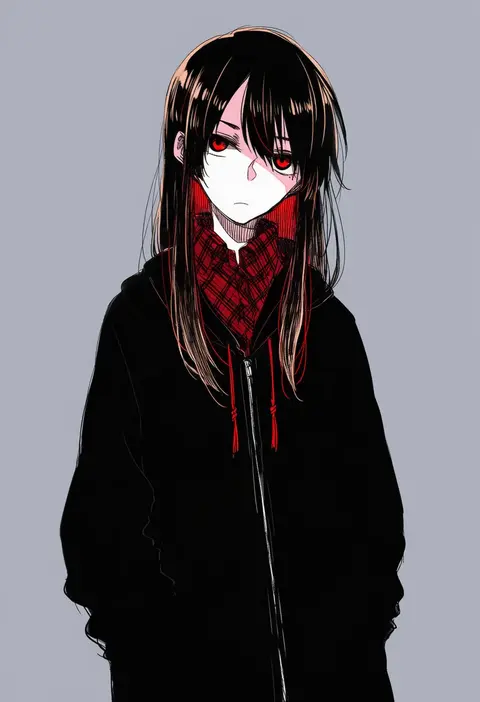
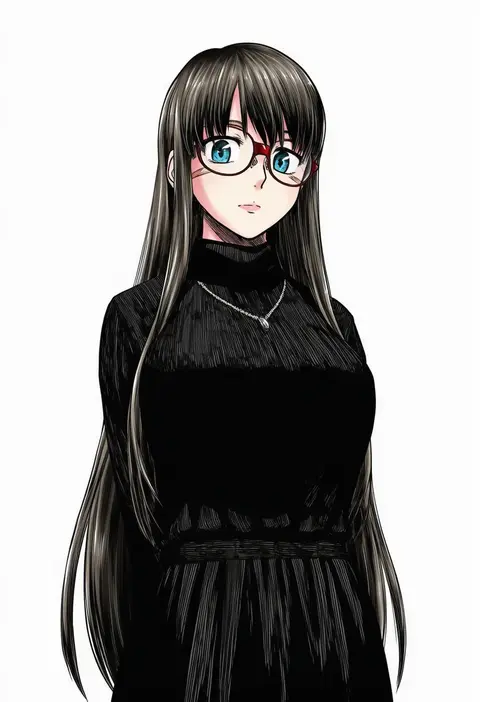
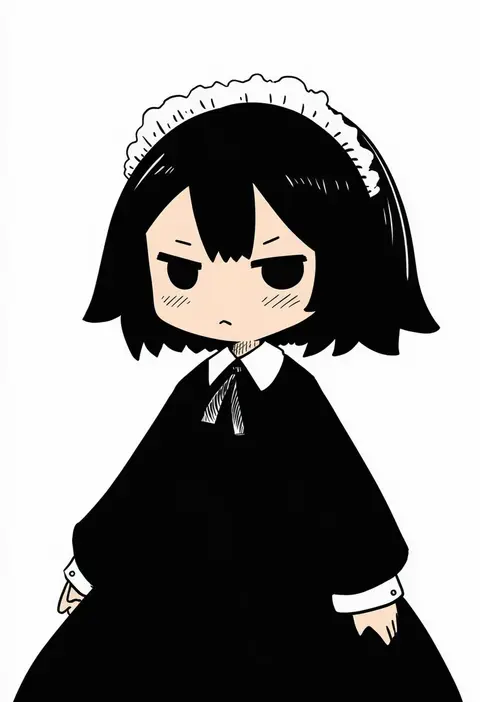
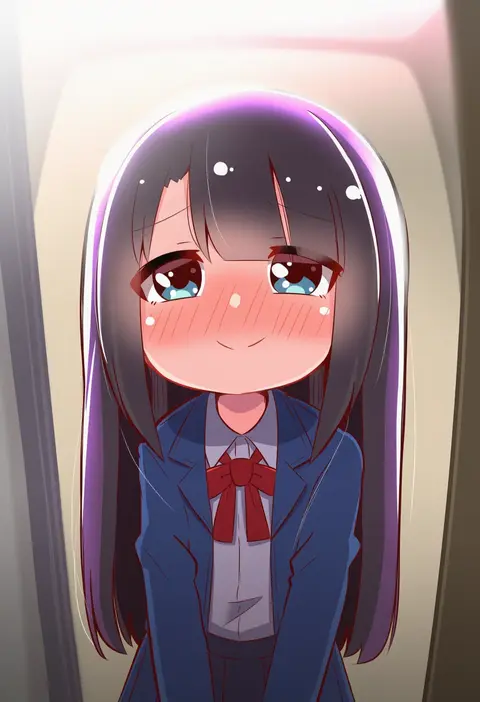
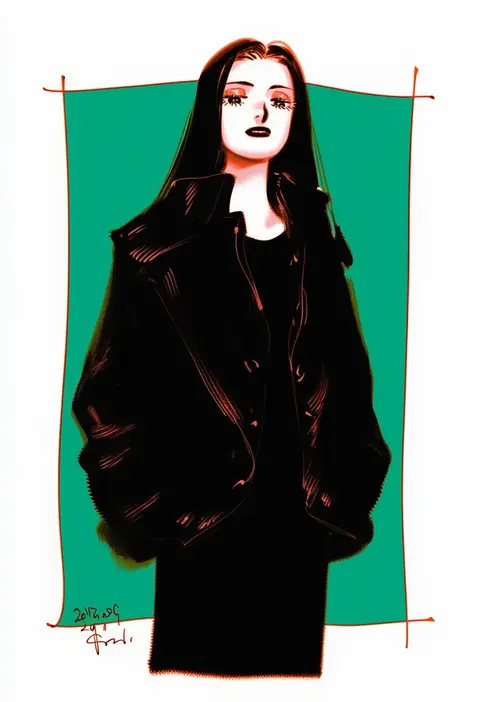
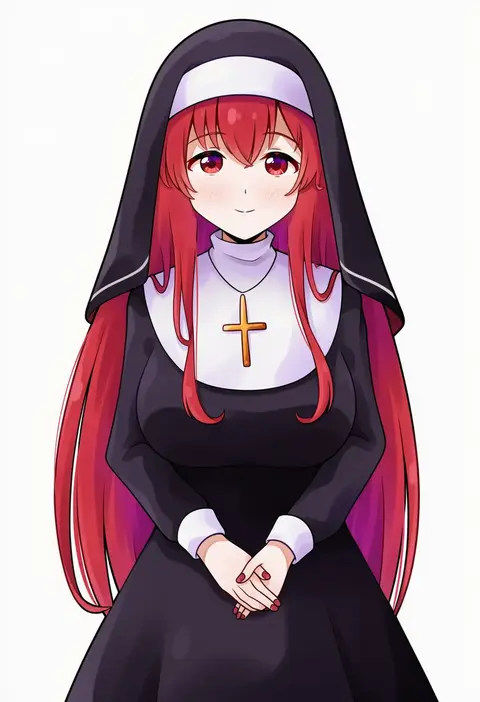
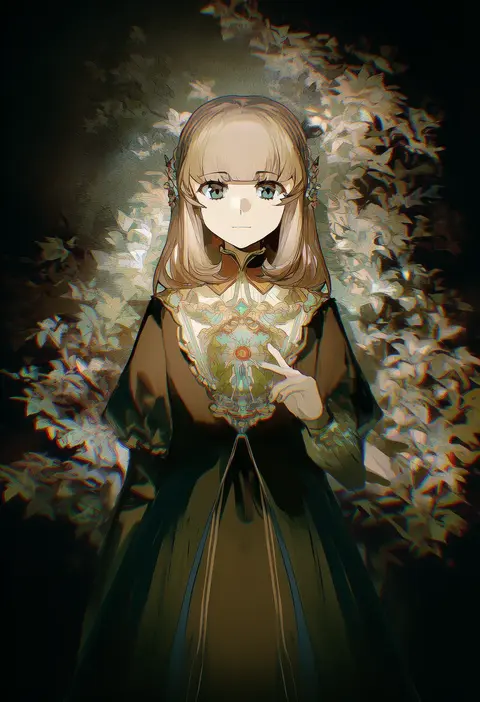
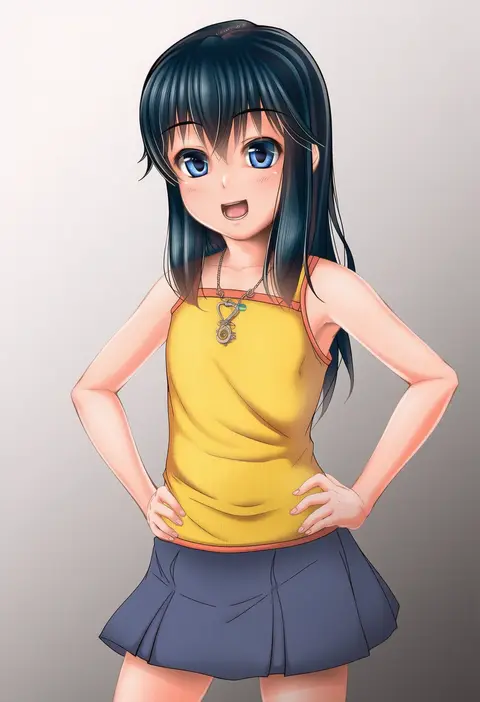
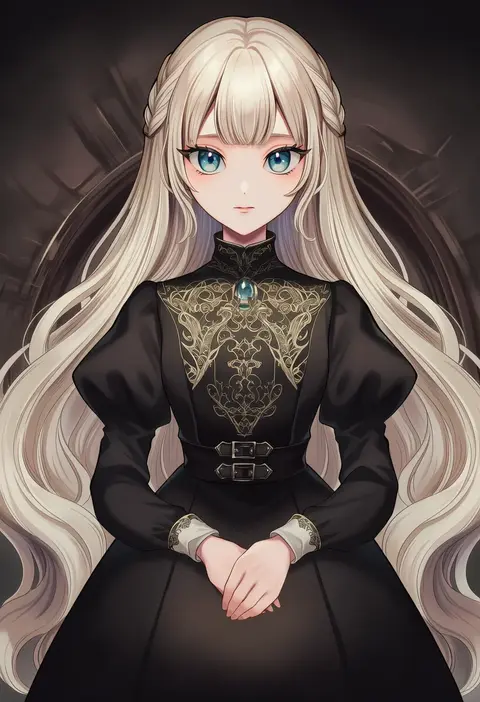
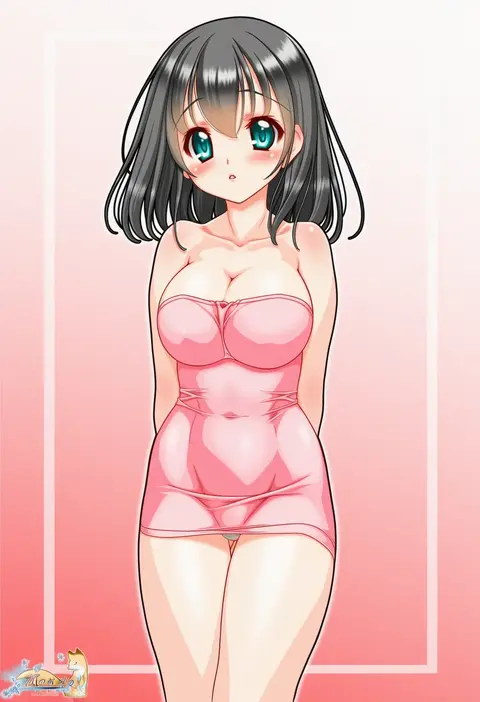
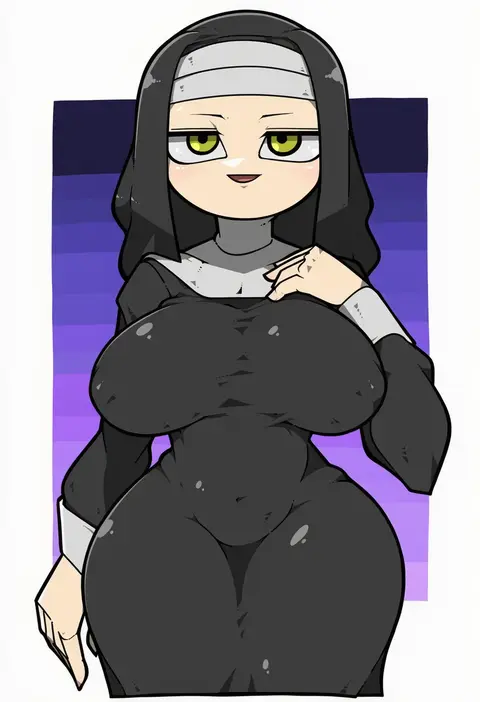
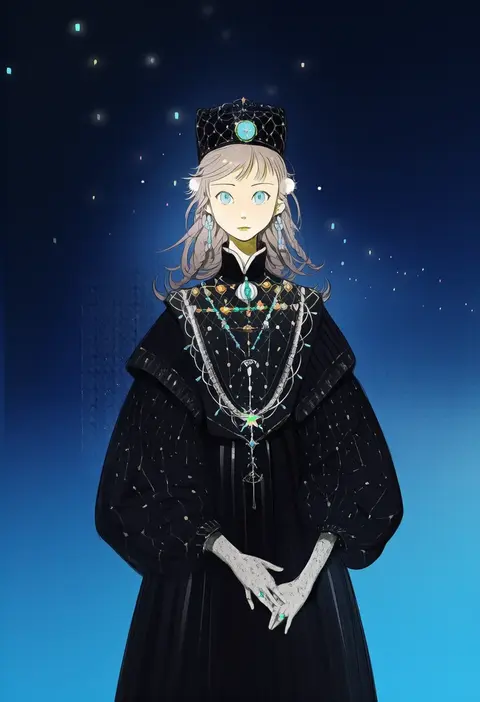
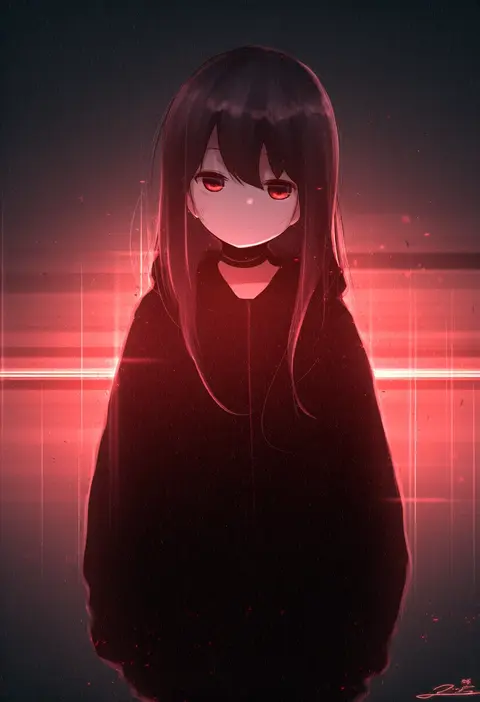
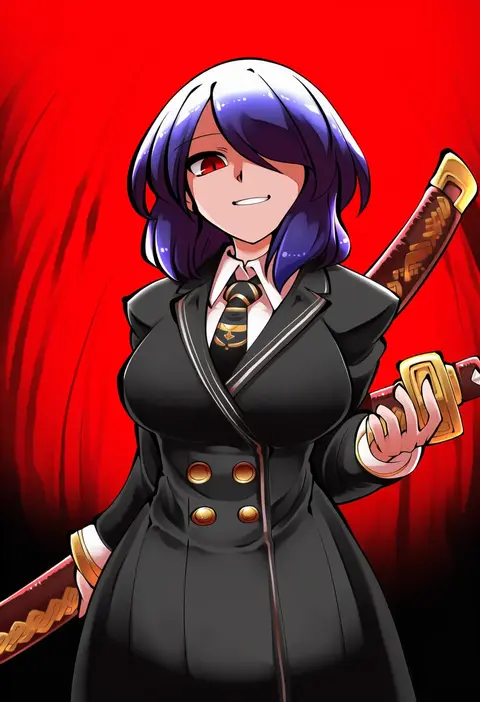
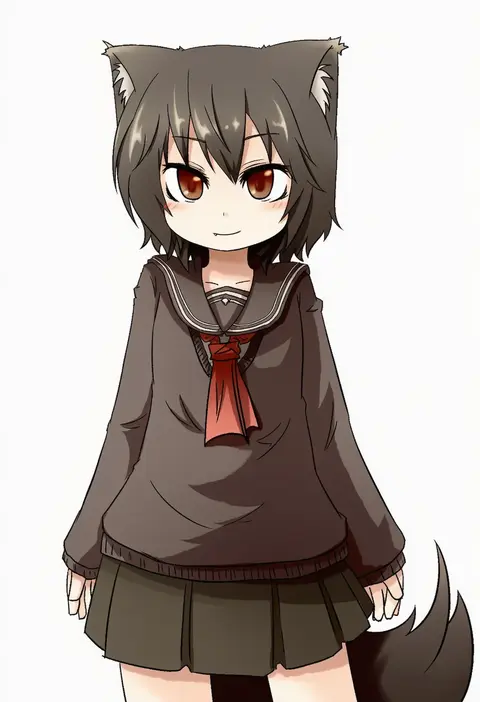
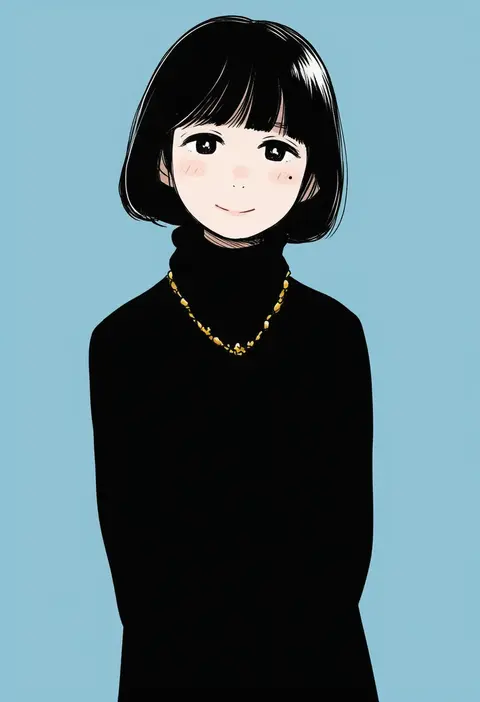
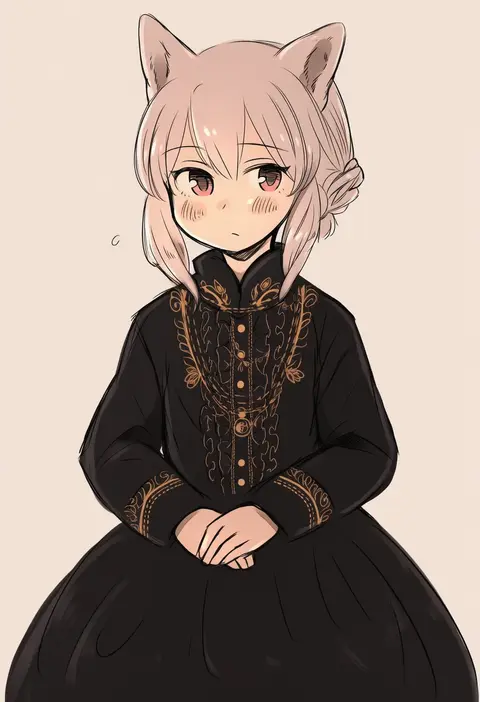
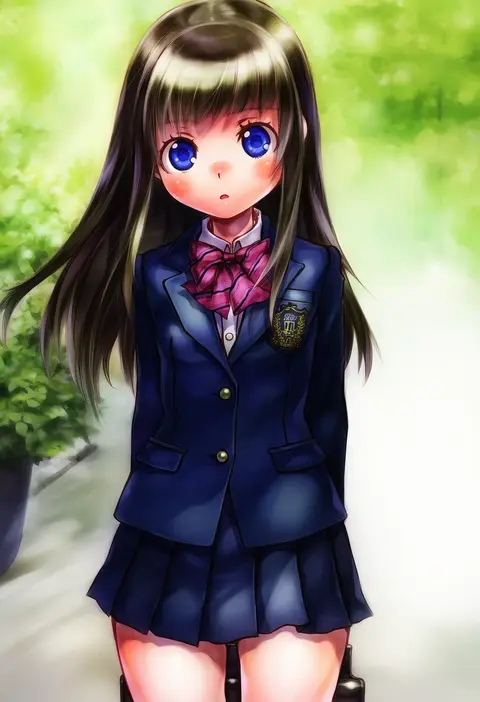
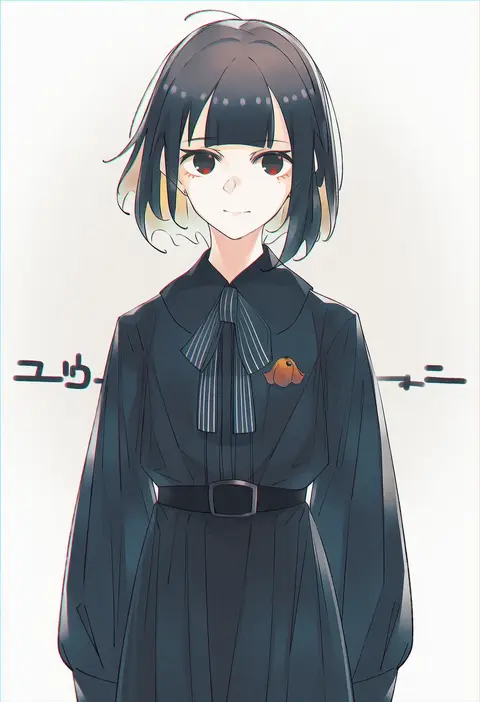
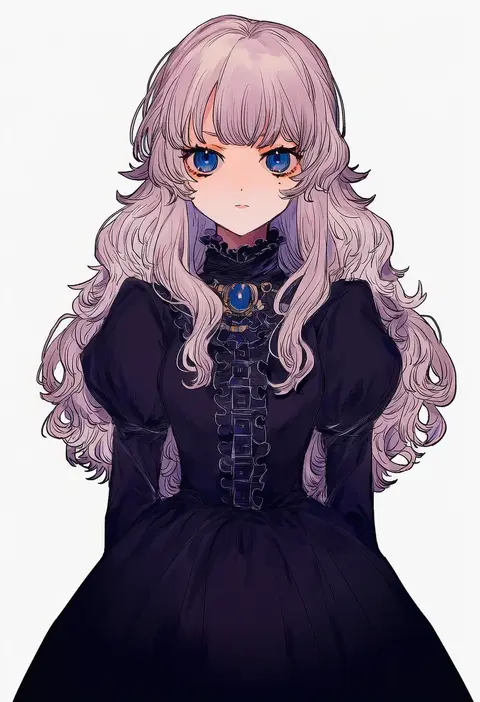
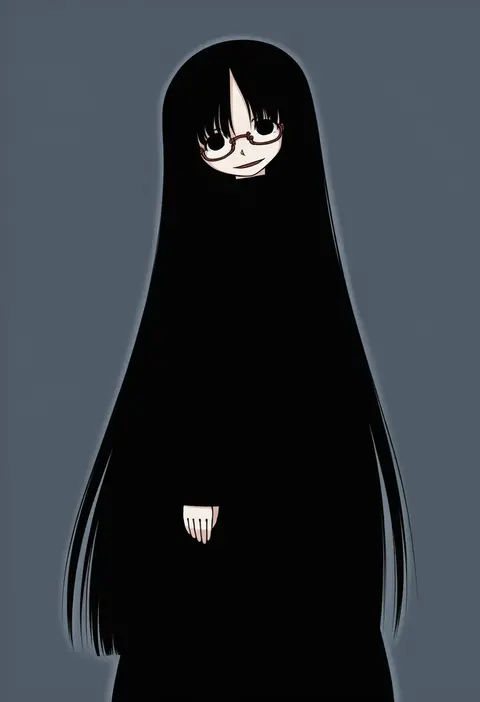
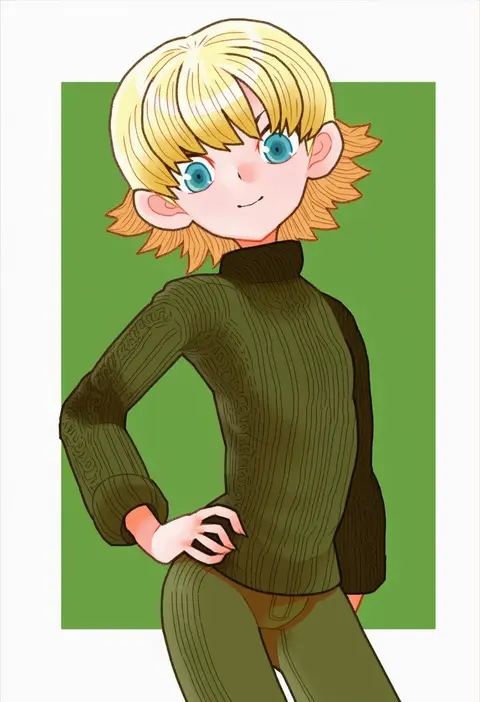
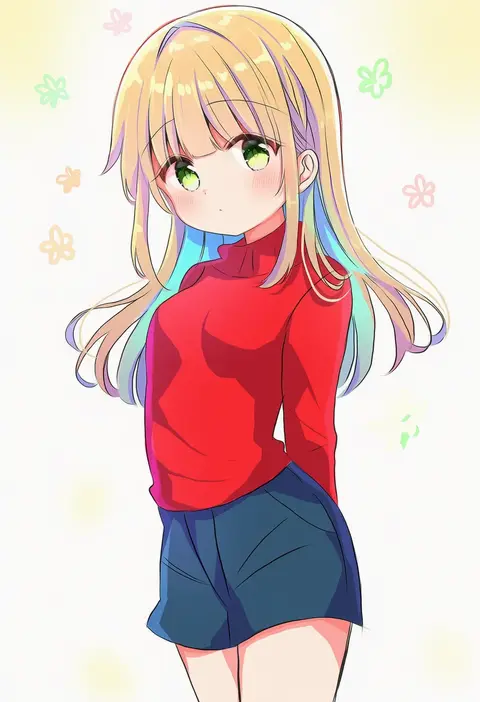
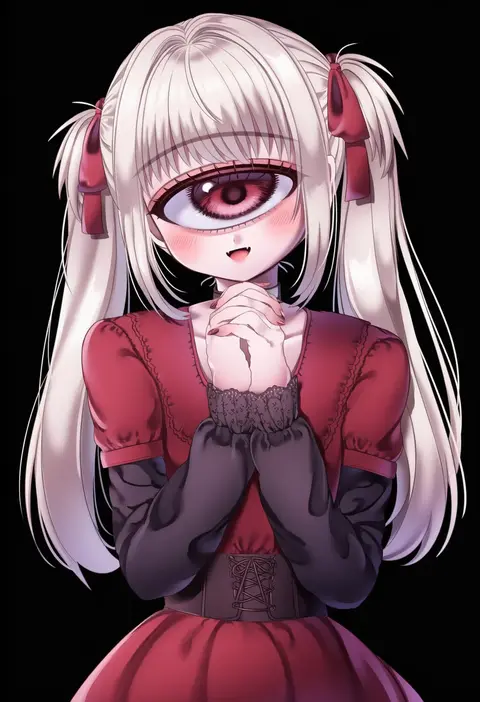
Artist tags tell NovelAI Diffusion to draw in a specific artist's style: line weight, paint texture, face shapes and palette all shift at once. Character and outfit tags decide what is drawn; artist tags decide how. 16,352 tags are listed for V4.5.
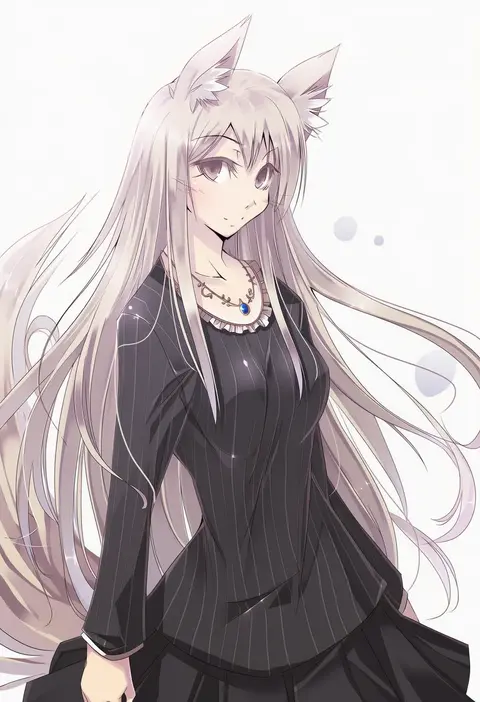
Every tag listed here is verified to react in NovelAI. All images use the same prompt, seed and settings with only the artist tag swapped, so the difference between two images is the style that tag brings in.

How to use them

Put the artist tag near the front of the prompt, e.g. "<artist>, 1girl, solo, best quality, masterpiece, cowboy shot". Two or three artist tags blend styles; lower the weight with "0.8::<artist>::" when the style overpowers the character.

SCORE sorts by Danbooru's top score, POSTS by post count, FAVS by hearts on this site. Open a card to see V5 and V4.5 side by side on the same seed.

V5 vs V4.5

V5 usually lands closer to the artist's real style, and tags that did nothing on V4.5 often react on V5. V4.5 still fits older and doujin-heavy artists better. Try V5 first, fall back to V4.5.

FAQ

Where does the artist tag go?
Near the front of the prompt. Use "0.8::tag::" to adjust its weight.

Can I stack artist tags?
Yes, styles blend. Past two or three the result stops looking like anyone.

Are these the artists' own works?
No. Every image is a NovelAI sample generated from the tag.