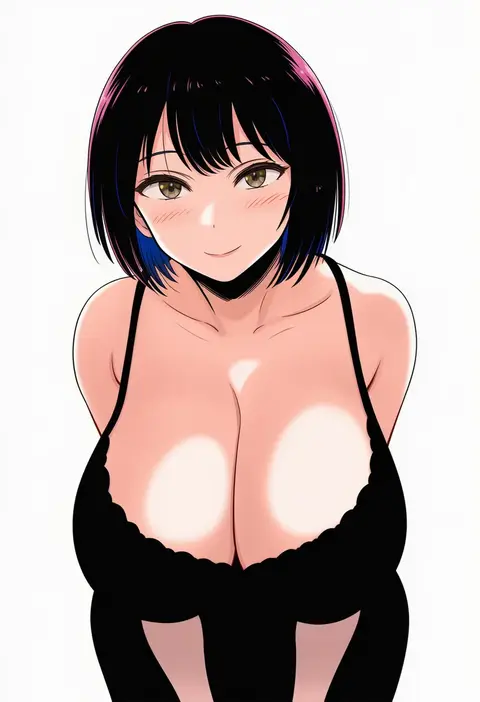
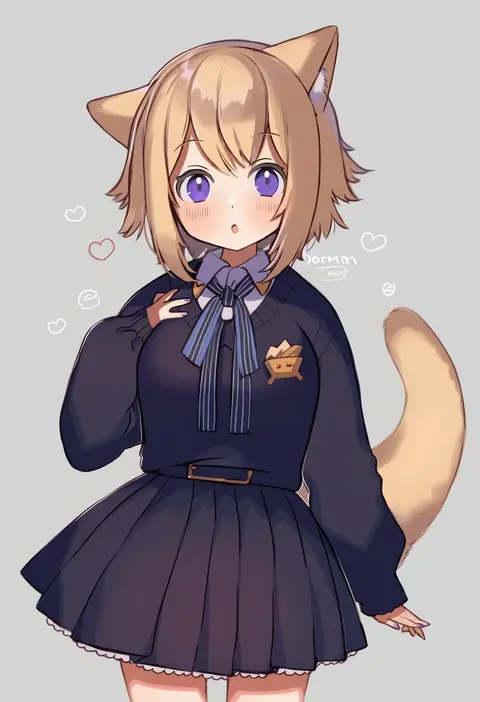
V4.5Artists
sort: FAVS▾
▾
>
$

Popular NovelAI artist tags — V4.5

artist --count 16,352[239/273]
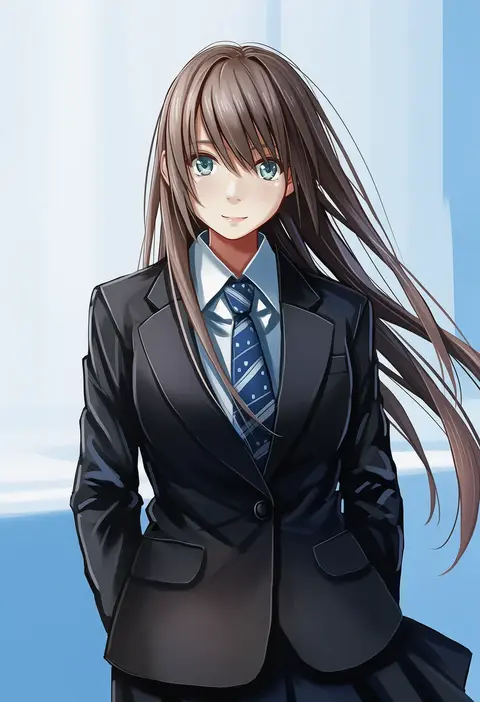
redpoke
ARTIST0x37C8
0
w55674570w
ARTIST0x37C9
0
kurohal
ARTIST0x37CA
0
matsudo aya
ARTIST0x37CB
0
matsuno opa
ARTIST0x37CC
0
minafuni
ARTIST0x37CD
0
goma (yoku yatta hou jane)
ARTIST0x37CE
0
tamtamdi
ARTIST0x37CF
0
shirako (kirupi)
ARTIST0x37D0
0
nagasioo
ARTIST0x37D1
0
ryogo
ARTIST0x37D2
0
kita senri
ARTIST0x37D3
0
minashirazu
ARTIST0x37D4
0
nanana (nanana iz)
ARTIST0x37D5
0
toshimichi yukari
ARTIST0x37D6
0
shizuna kaede
ARTIST0x37D7
0
aikei ake
ARTIST0x37D8
0
shin'en (gyokuro company)
ARTIST0x37D9
0
shinekalta
ARTIST0x37DA
0
kiriya (552260)
ARTIST0x37DB
0
daitai konna kanji
ARTIST0x37DC
0
kuma-bound
ARTIST0x37DD
0
z.i
ARTIST0x37DE
0
megumiya
ARTIST0x37DF
0
yoshiki
ARTIST0x37E0
0
keiko (mitakarawa)
ARTIST0x37E1
0
raya (uk 0128)
ARTIST0x37E2
0
yutohiroya
ARTIST0x37E3
0
heikala
ARTIST0x37E4
0
haruta (806060)
ARTIST0x37E5
0
onibi (foxhound4185)
ARTIST0x37E6
0
ousaka nozomi
ARTIST0x37E7
0
kouta.
ARTIST0x37E8
0
medinki
ARTIST0x37E9
0
buuwa
ARTIST0x37EA
0
shapam (zeepgalae)
ARTIST0x37EB
0
kurinton
ARTIST0x37EC
0
s sho mkrn
ARTIST0x37ED
0
aoi yuuka (ao no kokoro)
ARTIST0x37EE
0
moshihimechan
ARTIST0x37EF
0
yaekaidou
ARTIST0x37F0
0
wato (ko)
ARTIST0x37F1
0
yknsugar
ARTIST0x37F2
0
yoshimon
ARTIST0x37F3
0
eromkk
ARTIST0x37F4
0
kandanchi
ARTIST0x37F5
0
kiyuu
ARTIST0x37F6
0
yusake san
ARTIST0x37F7
0
danjou sora
ARTIST0x37F8
0
spareribs
ARTIST0x37F9
0
ogami ren
ARTIST0x37FA
0
grune
ARTIST0x37FB
0
neki-t
ARTIST0x37FC
0
harano kaguyama
ARTIST0x37FD
0
tapioka chaso
ARTIST0x37FE
0
imasogari
ARTIST0x37FF
0
ikeno daigo
ARTIST0x3800
0
ribero
ARTIST0x3801
0
denden
ARTIST0x3802
0
noamem
ARTIST0x3803
0

What these tags change

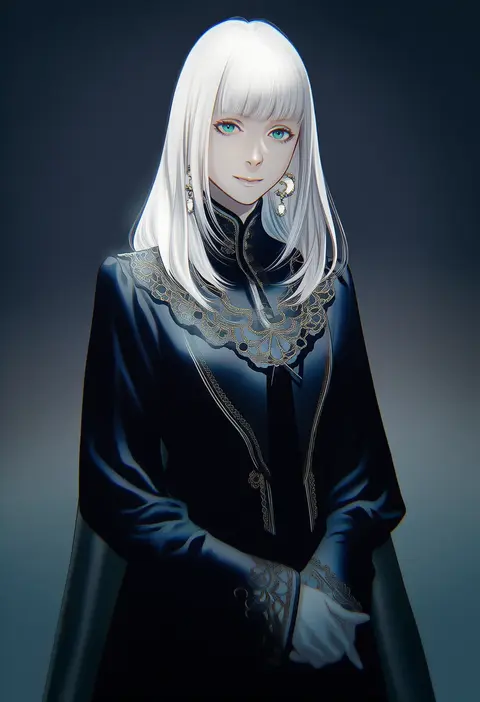
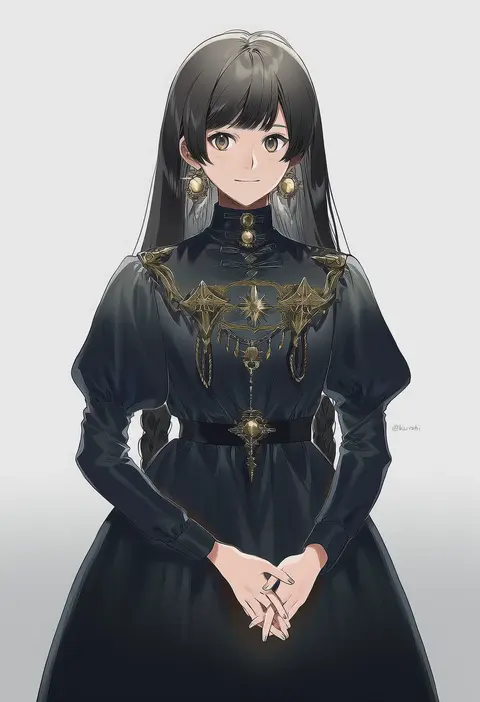
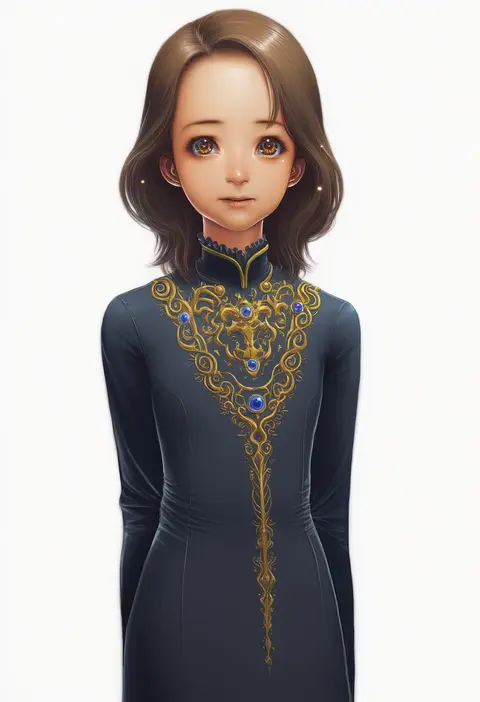
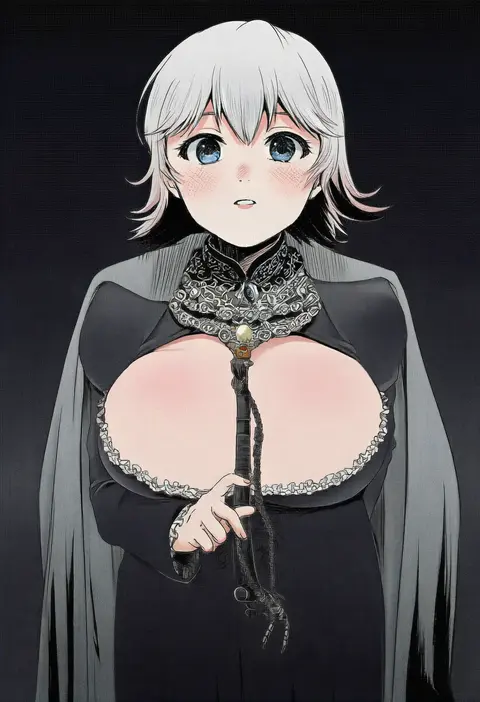
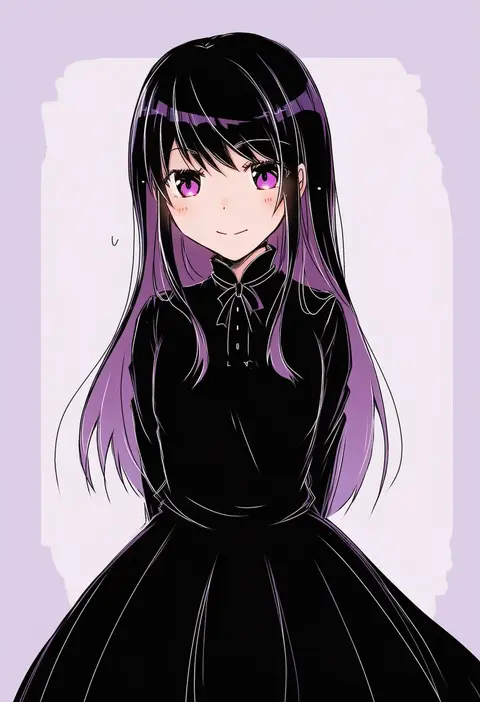
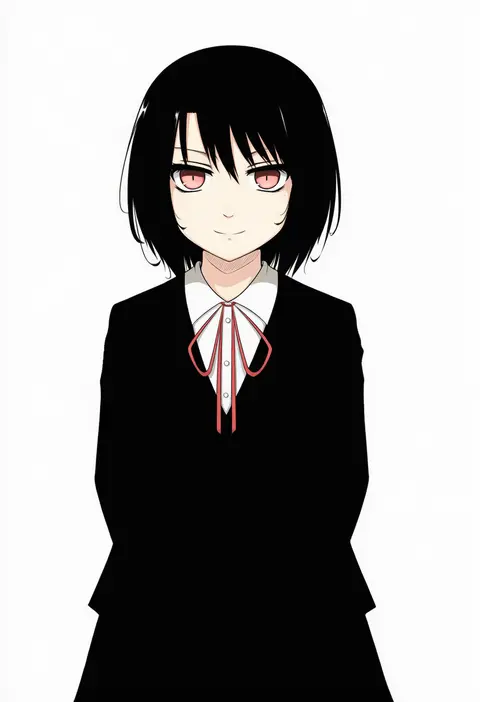
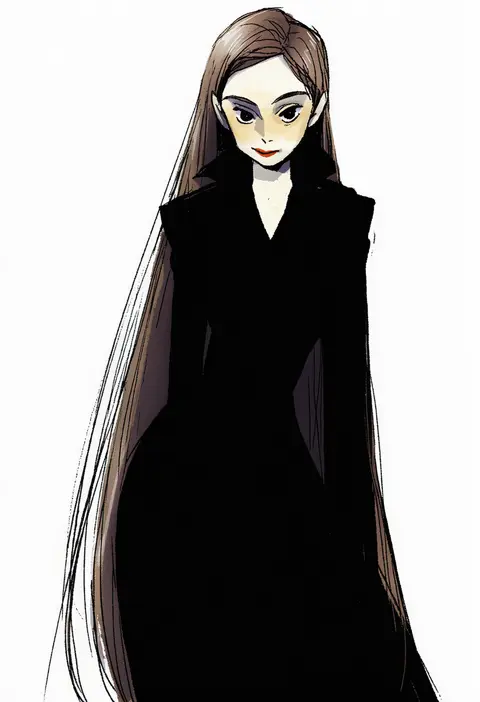
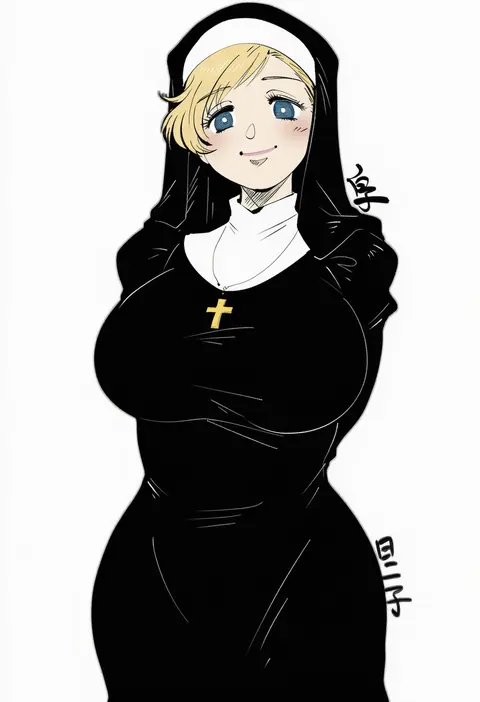
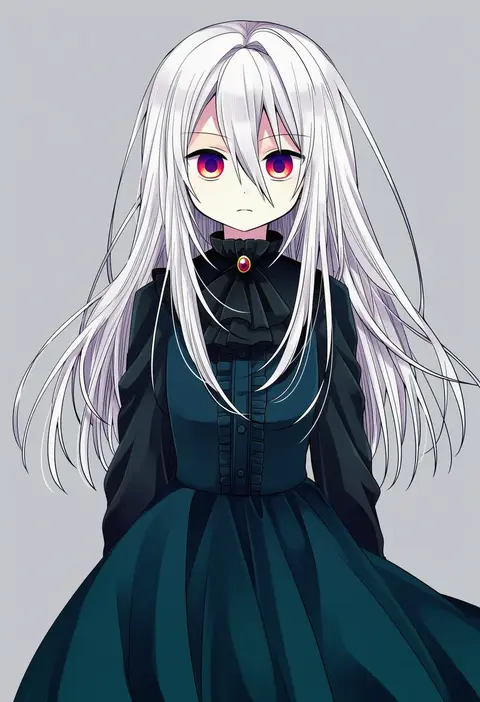
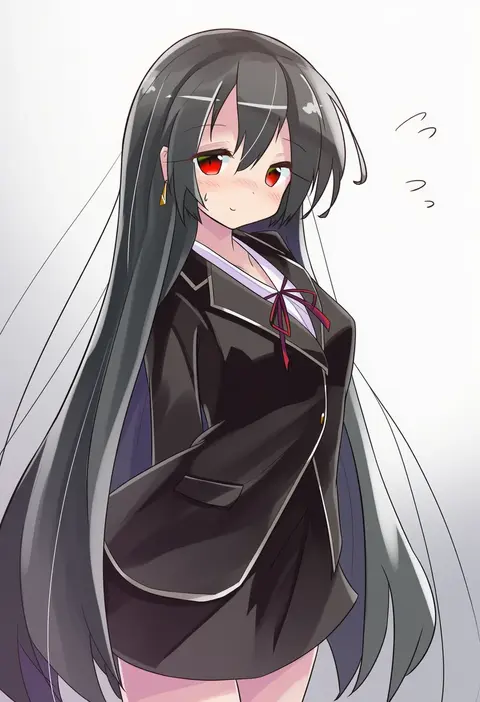
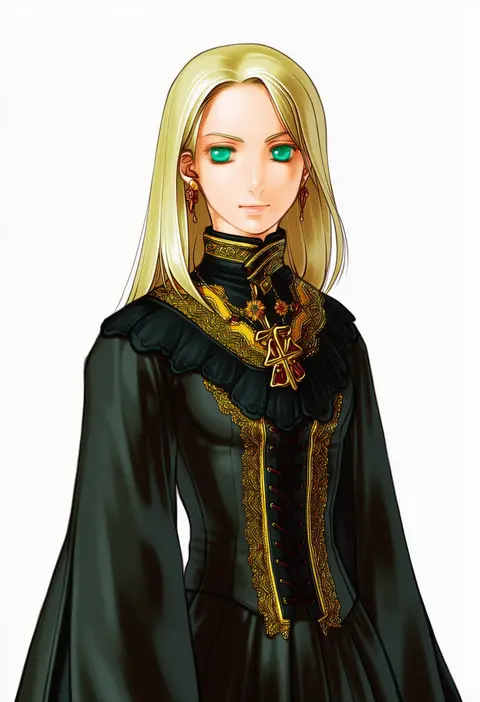
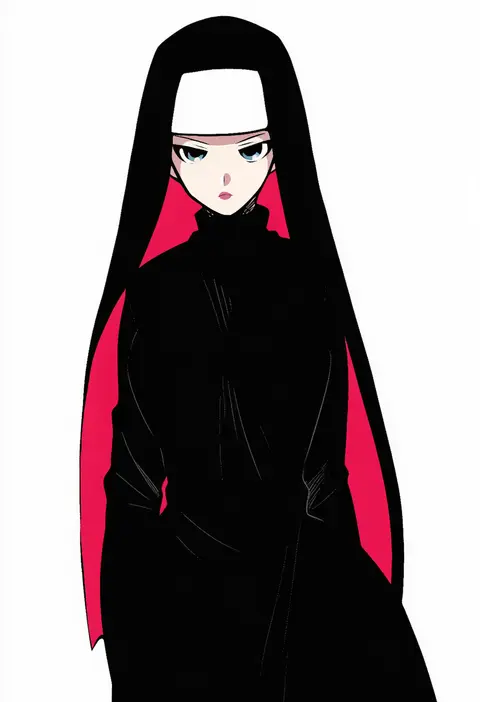
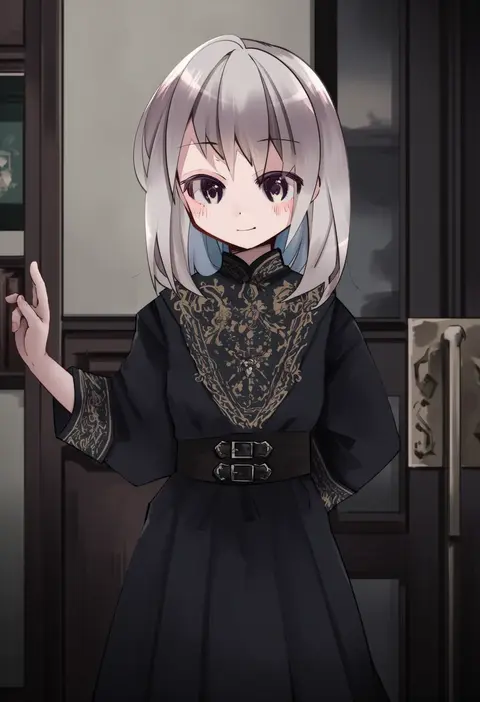
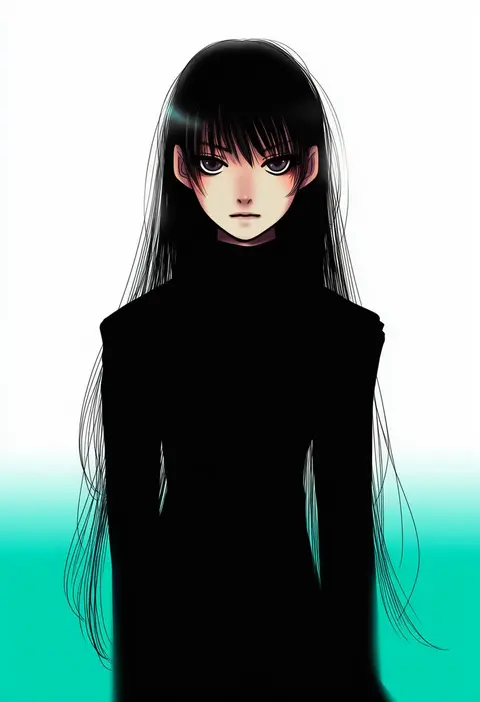
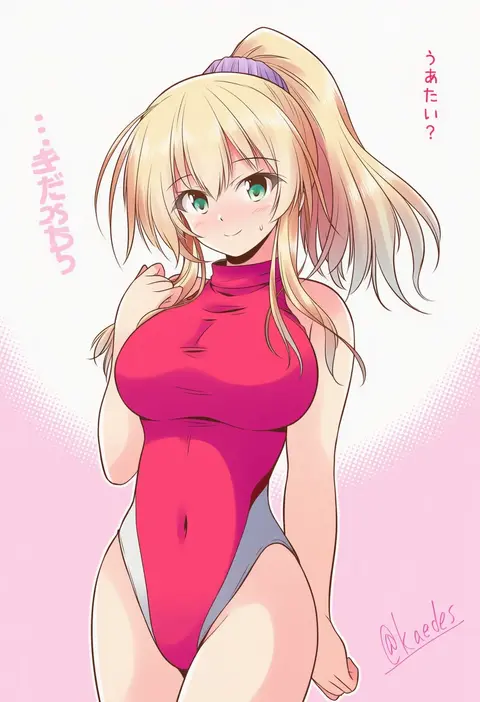
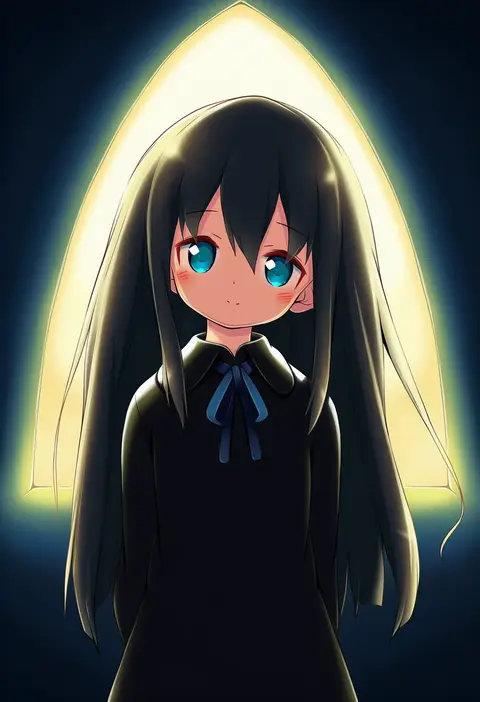
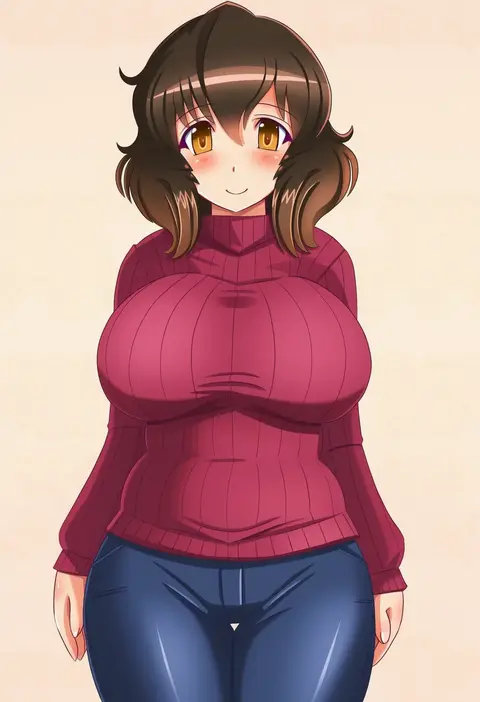
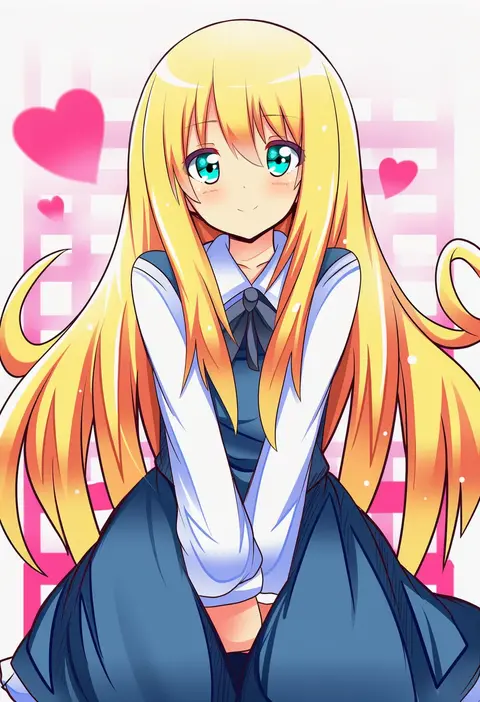
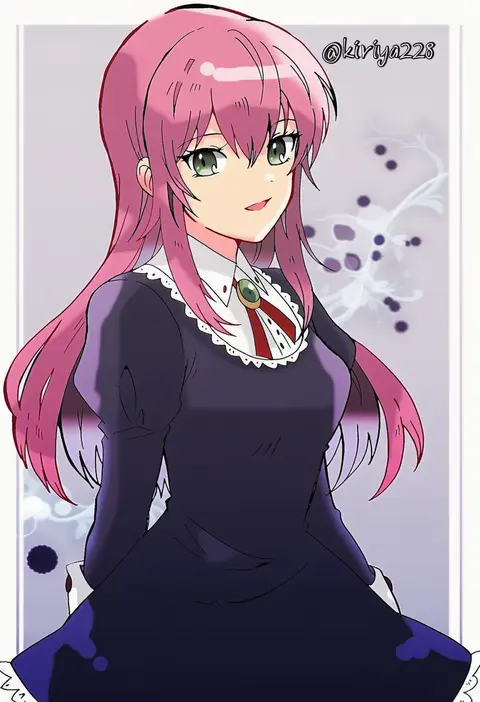
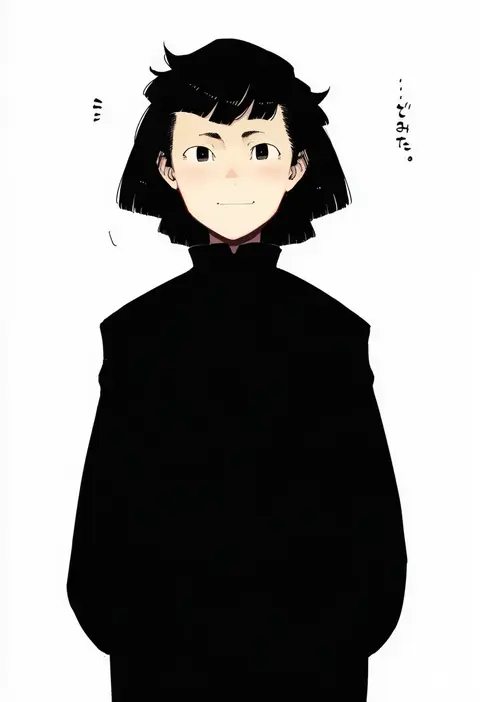
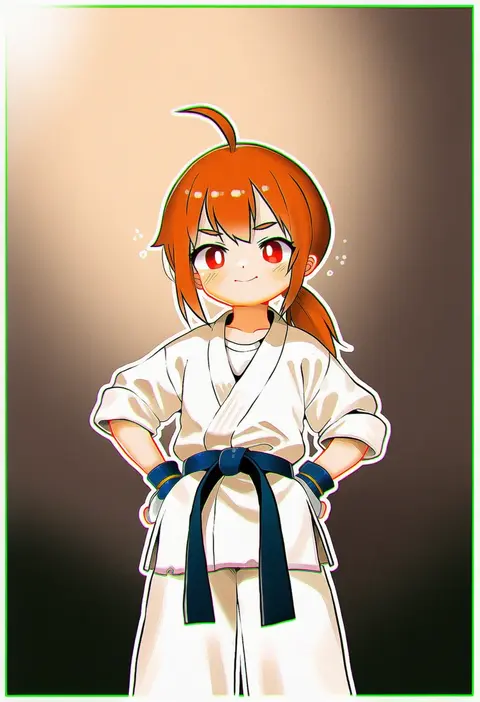
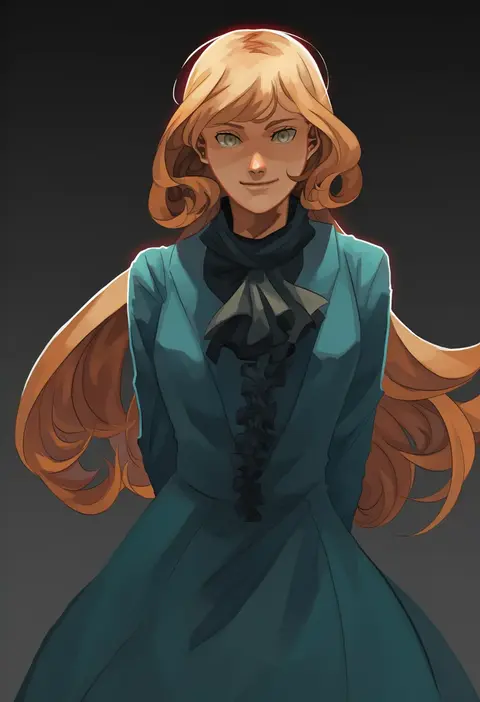
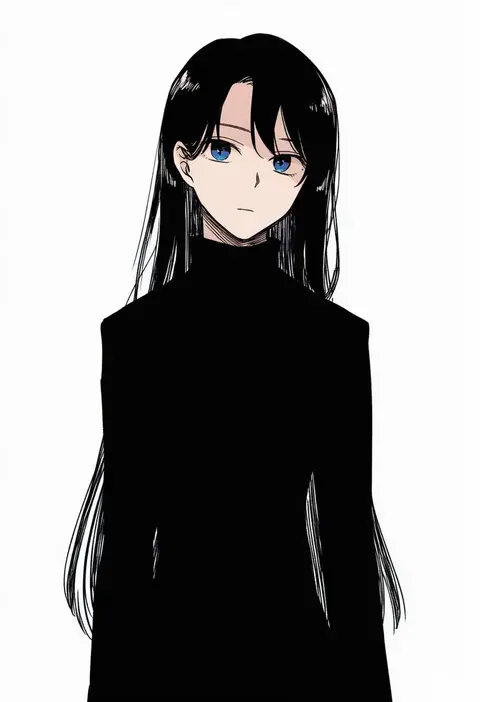
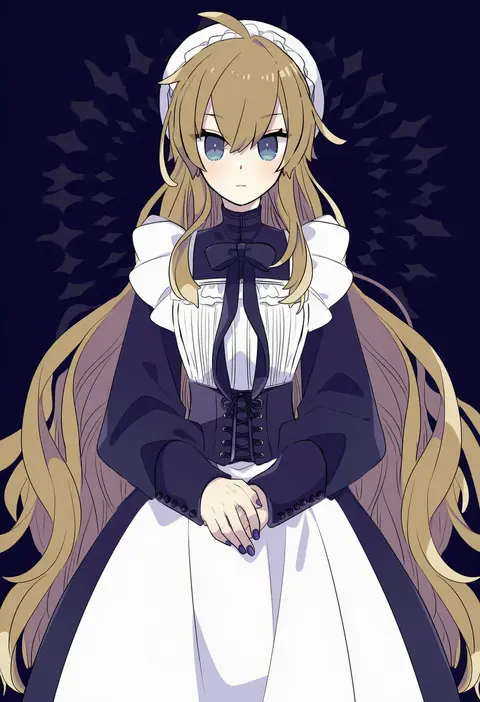
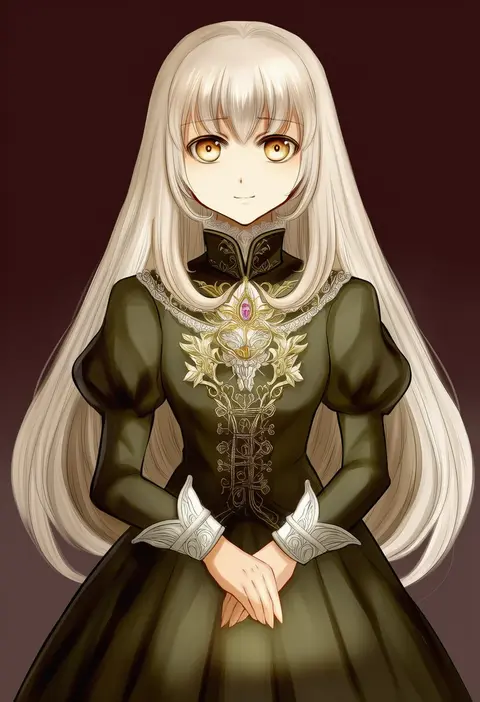
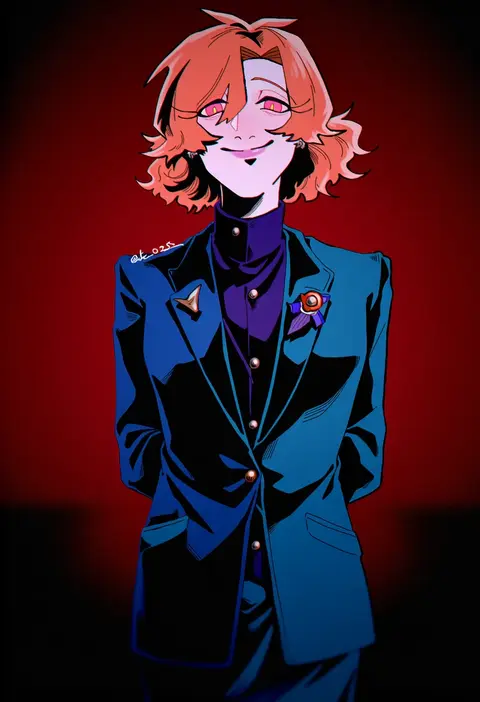
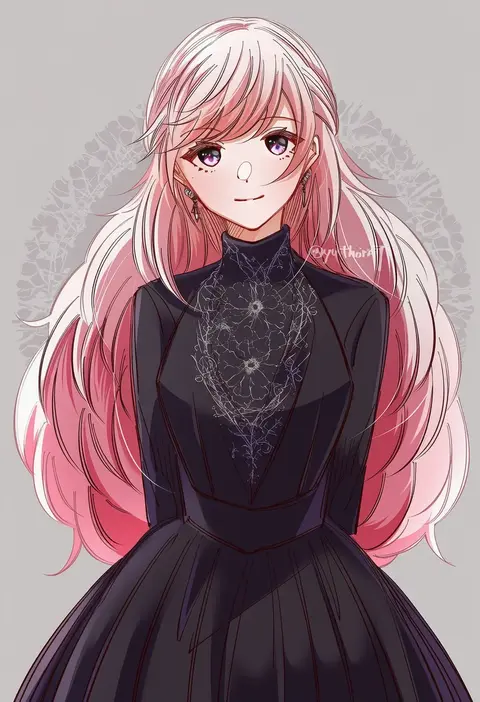
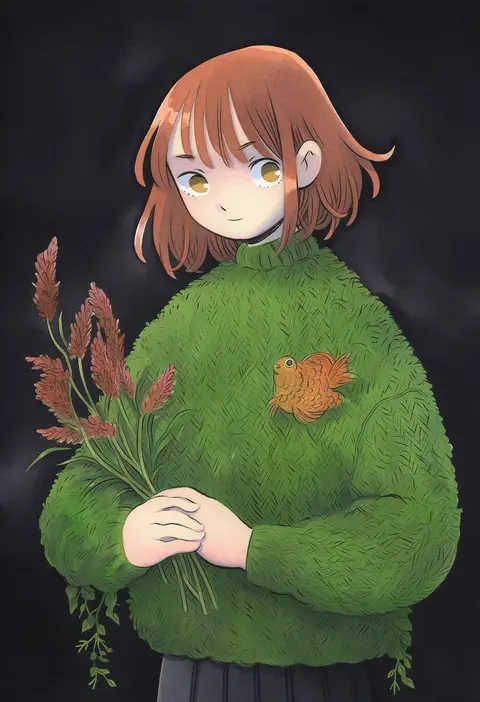
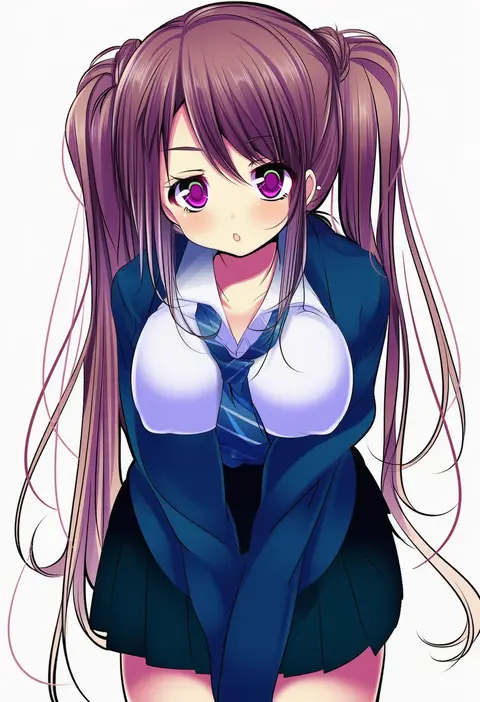
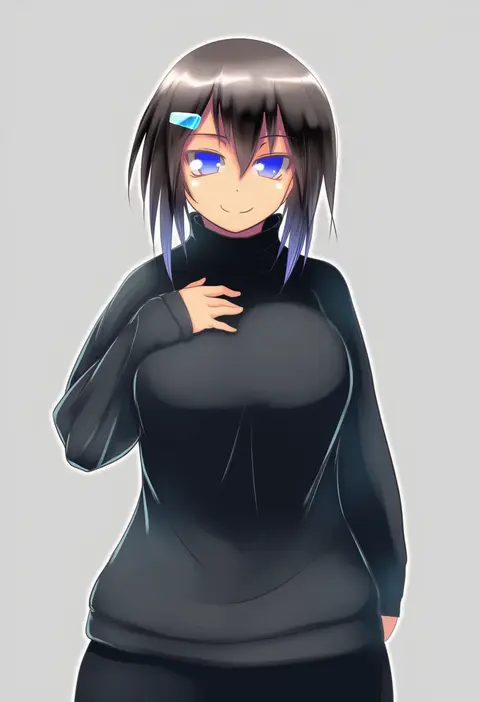
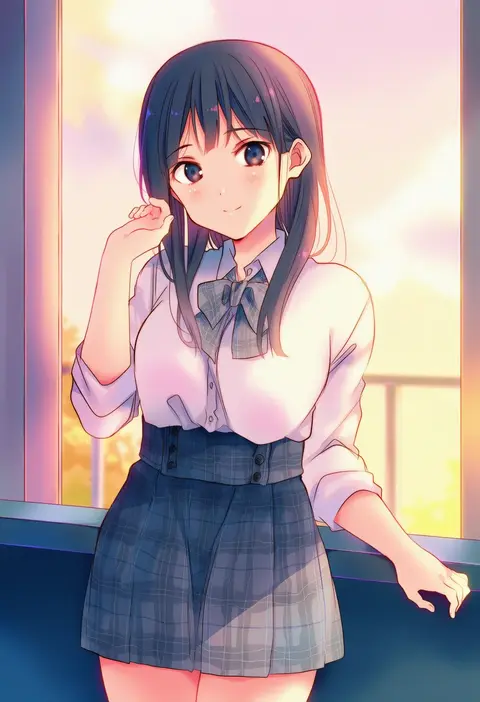
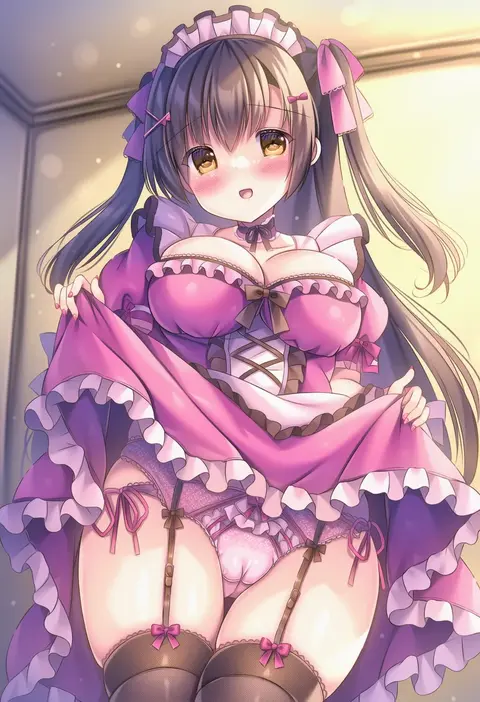
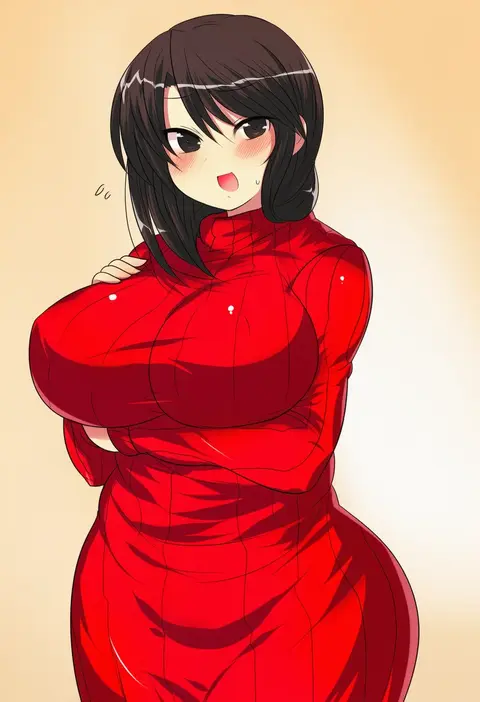
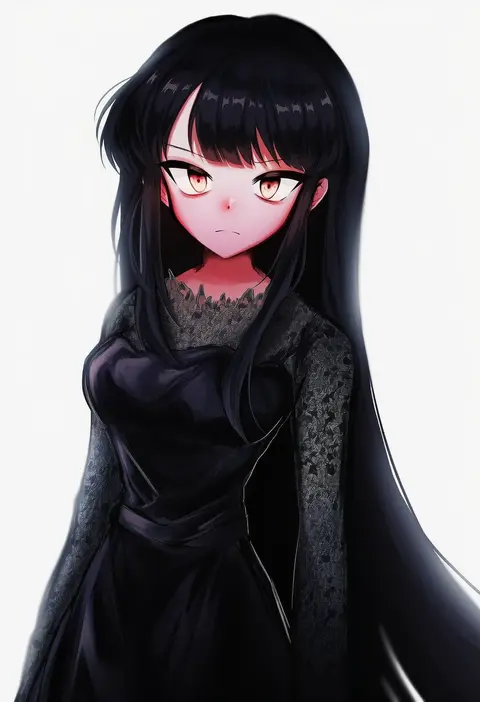
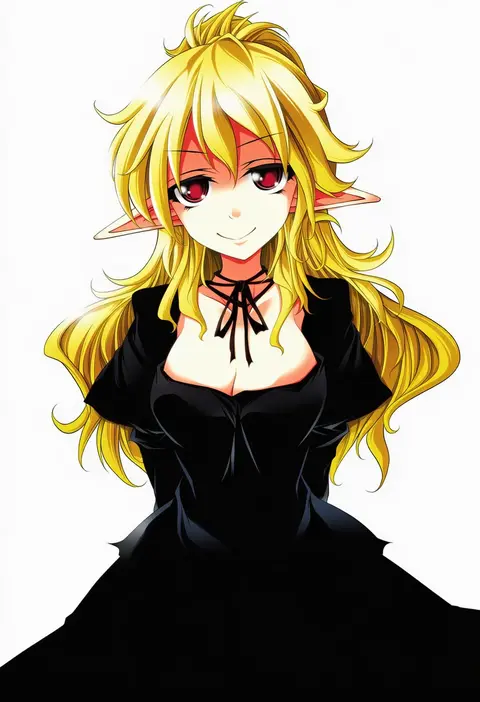
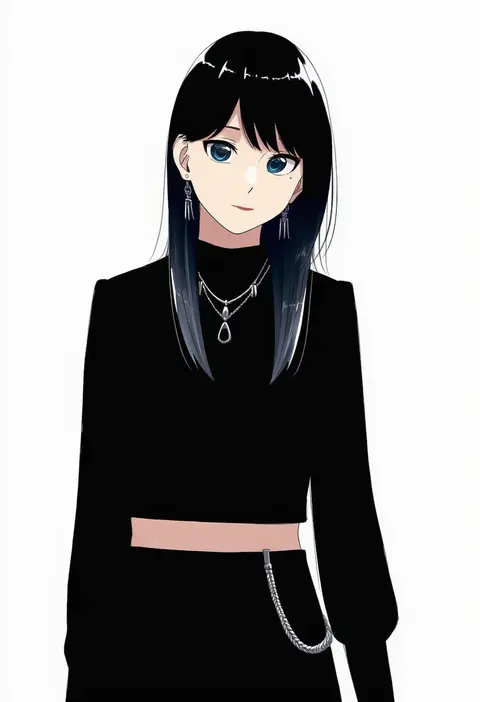
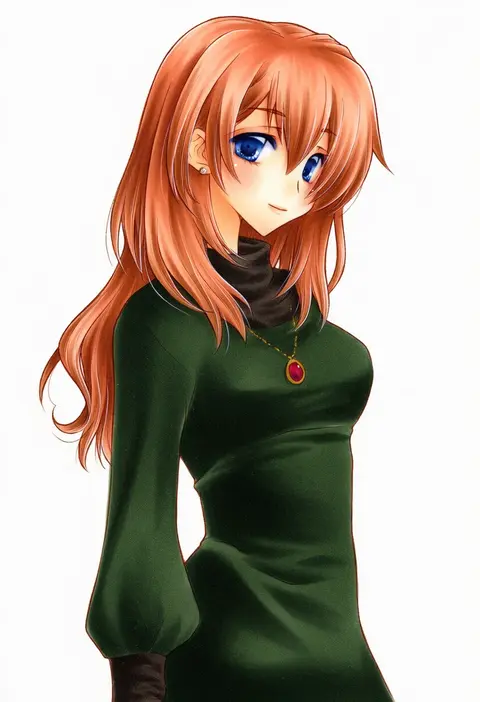
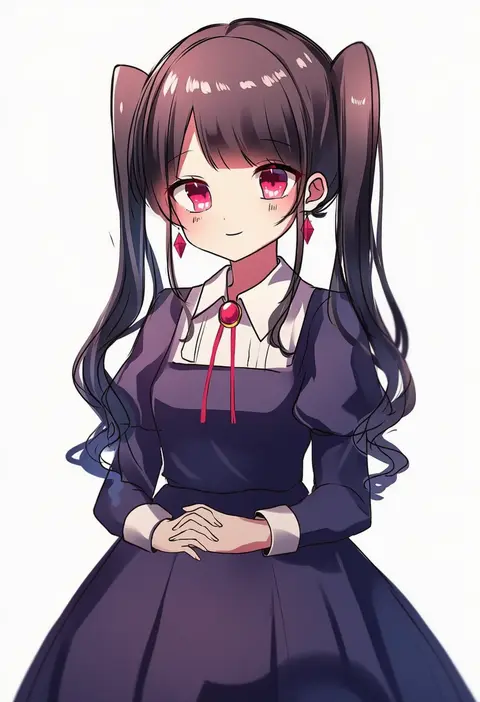
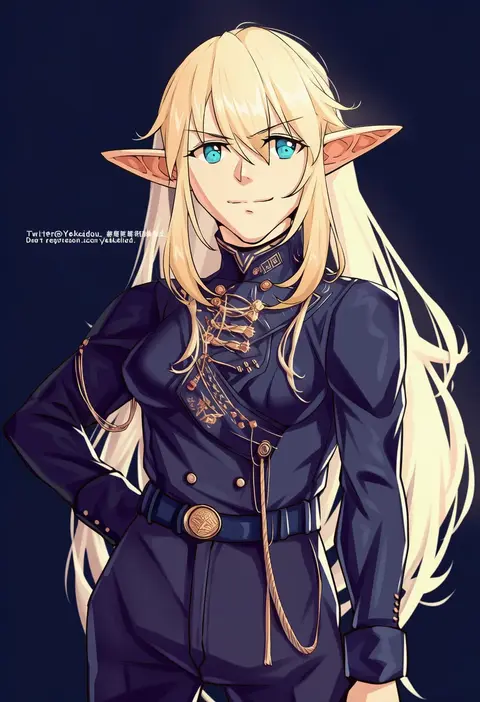
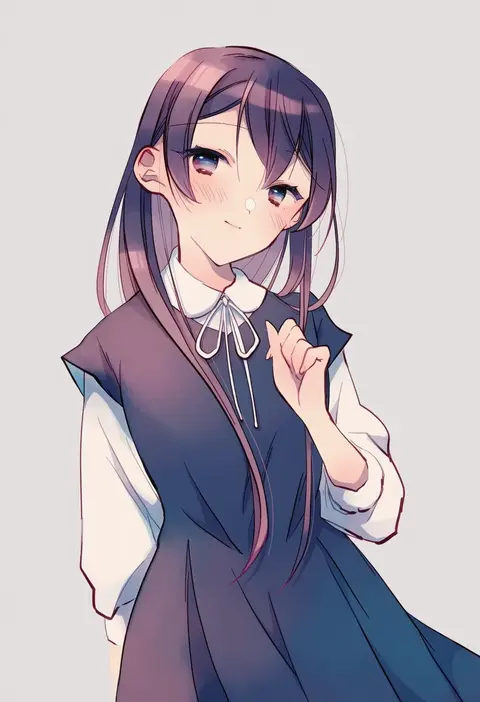
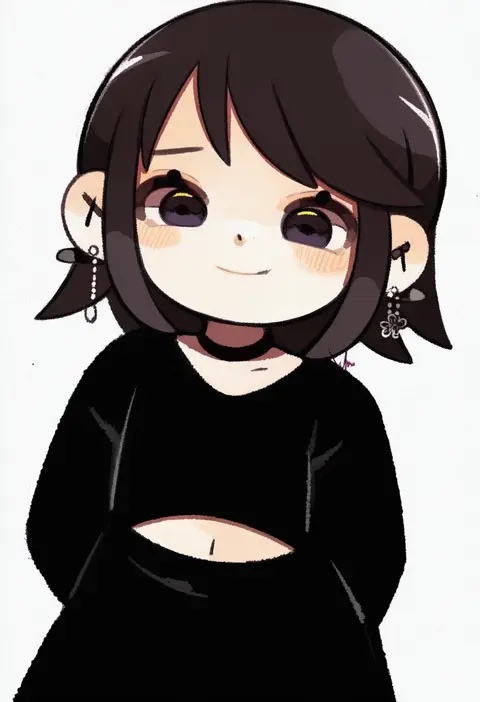
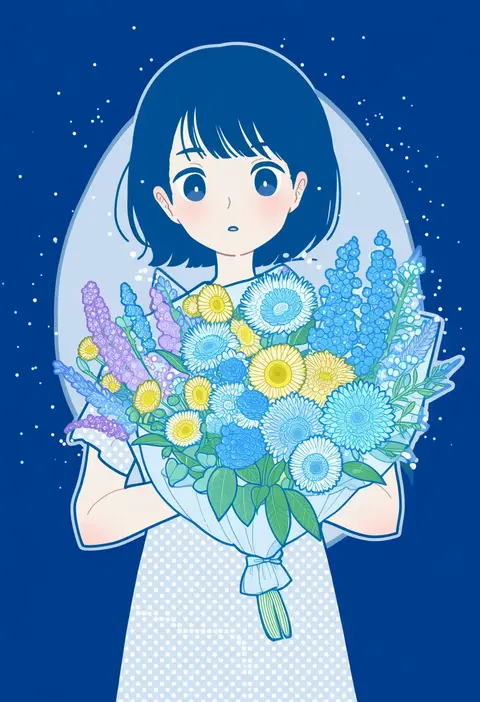
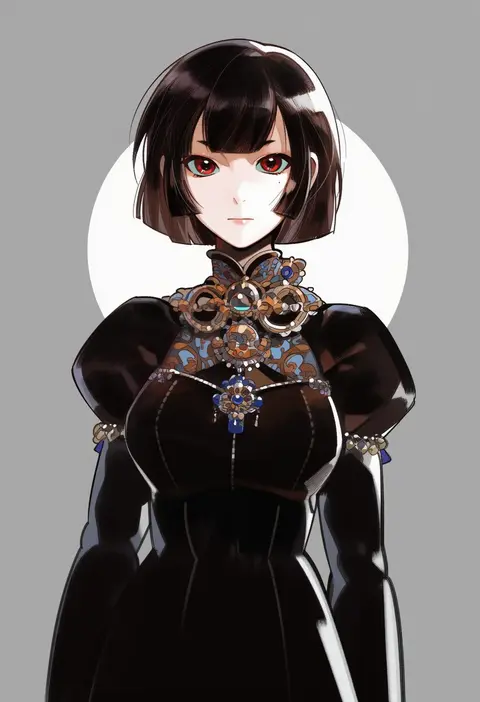
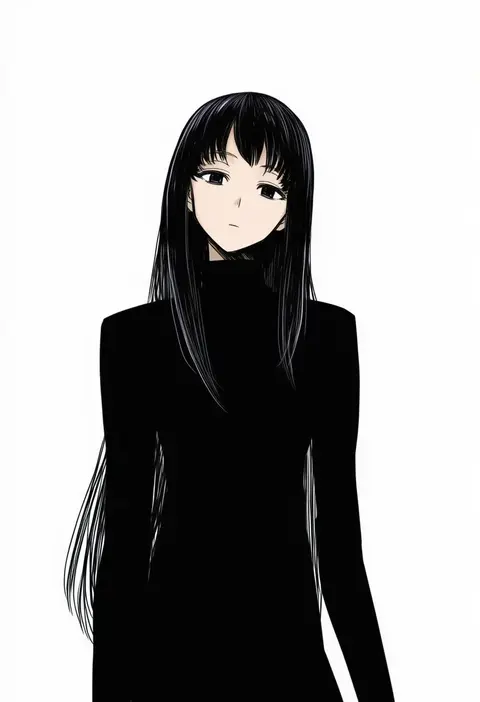
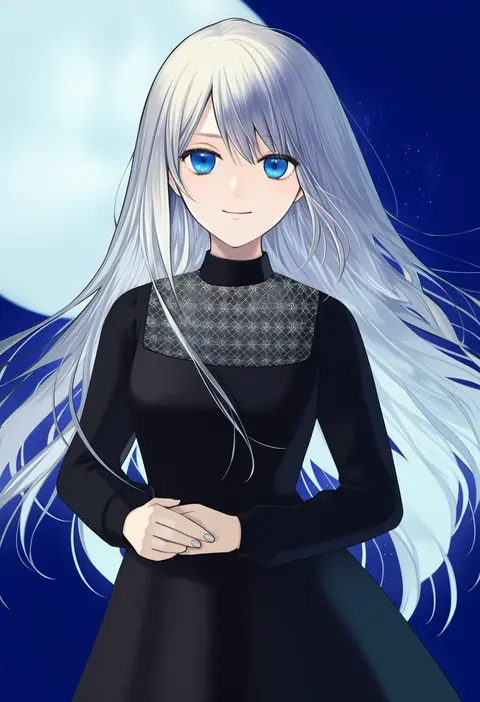
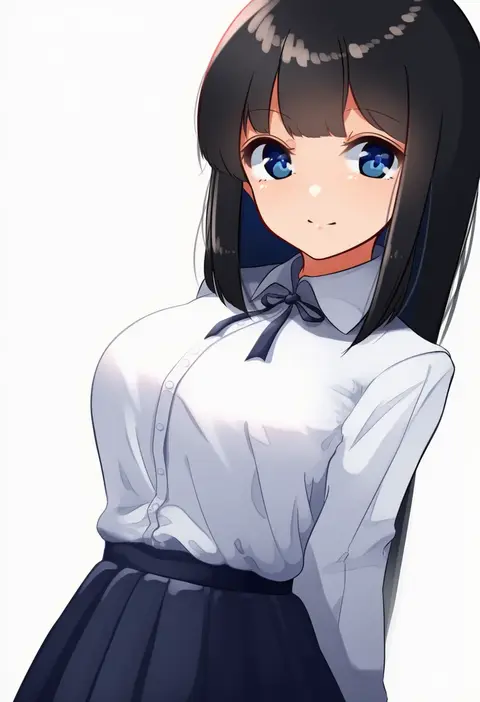
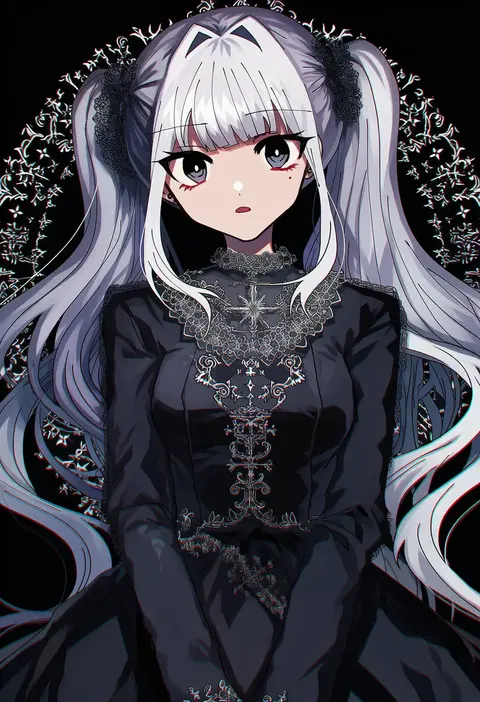
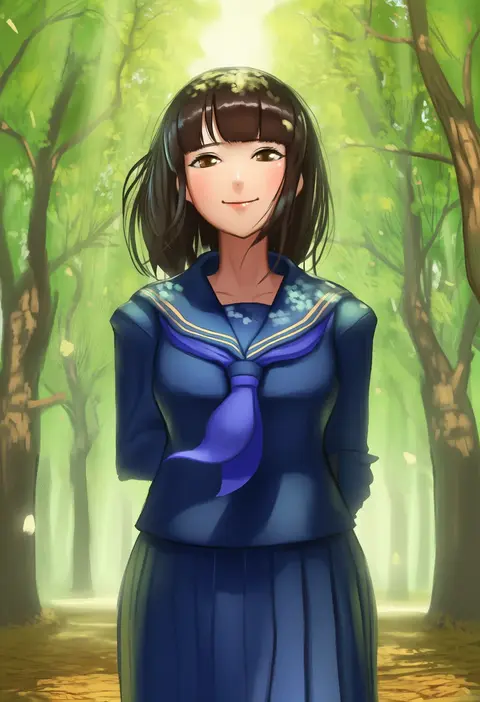
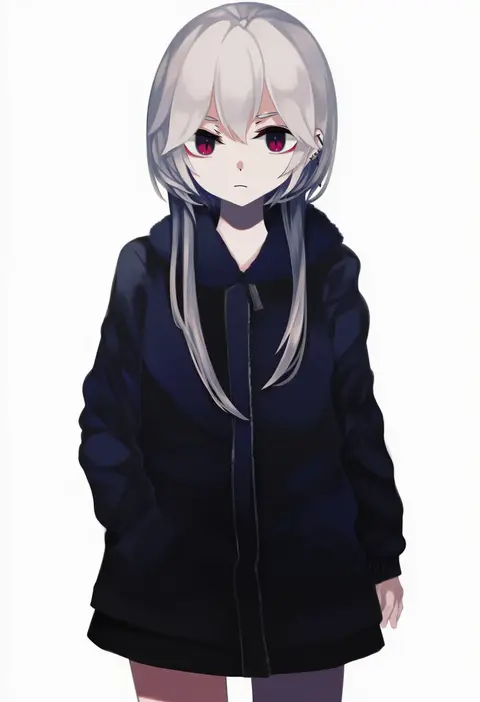
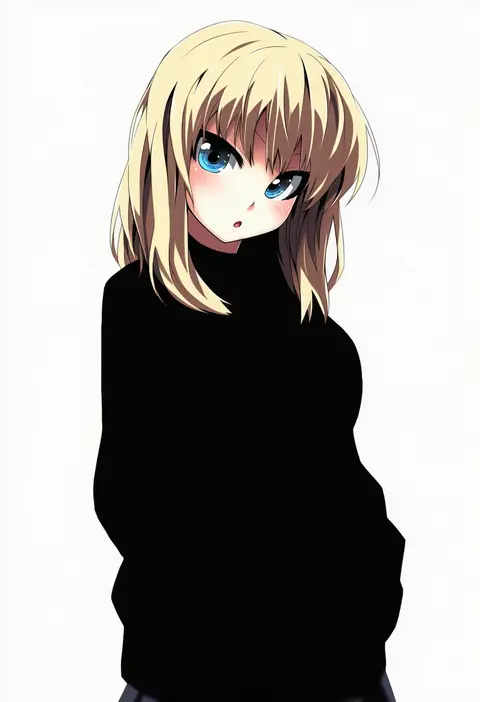
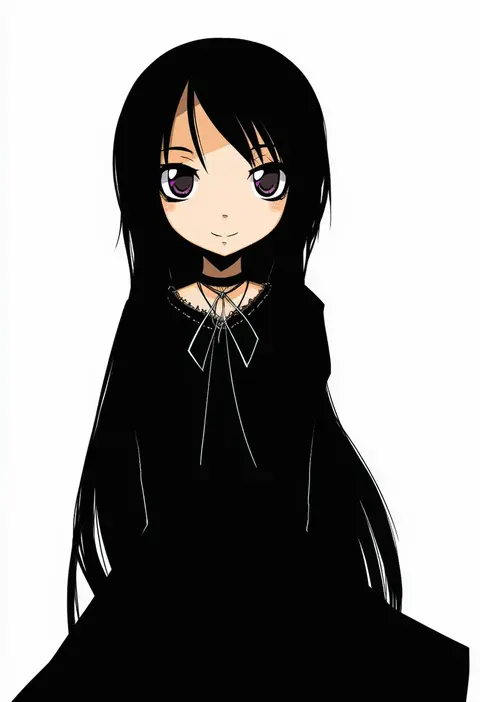
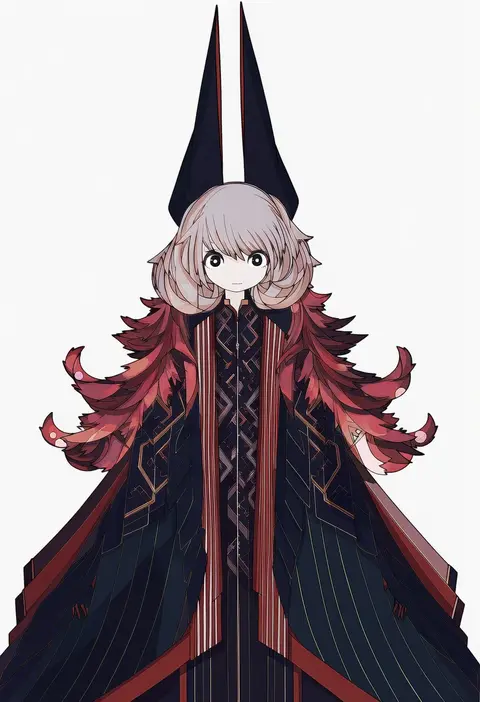
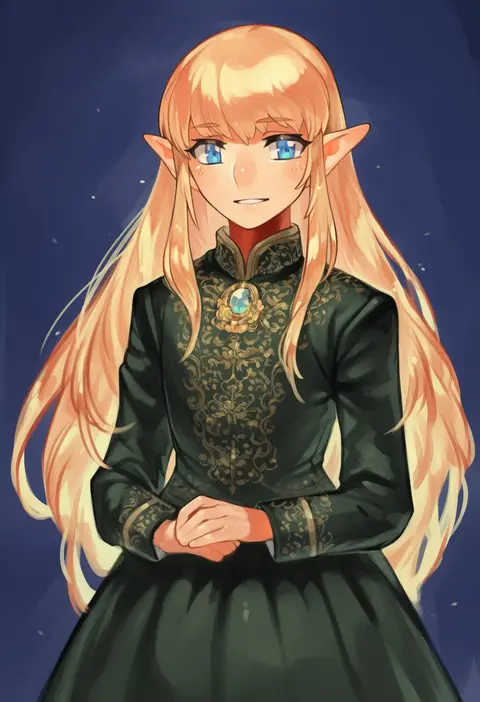
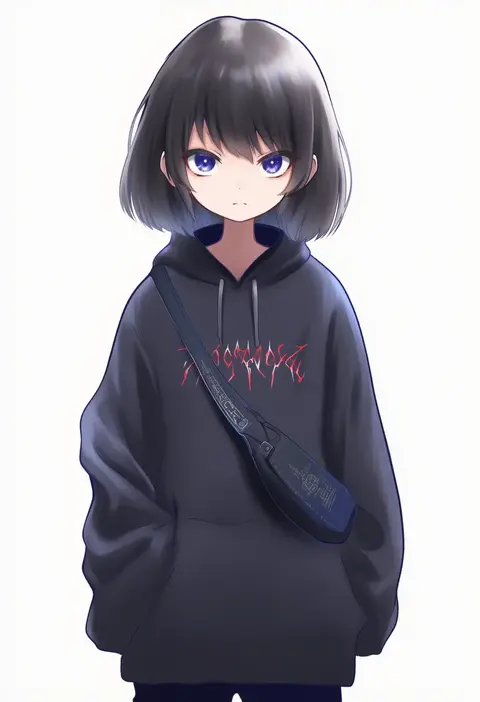
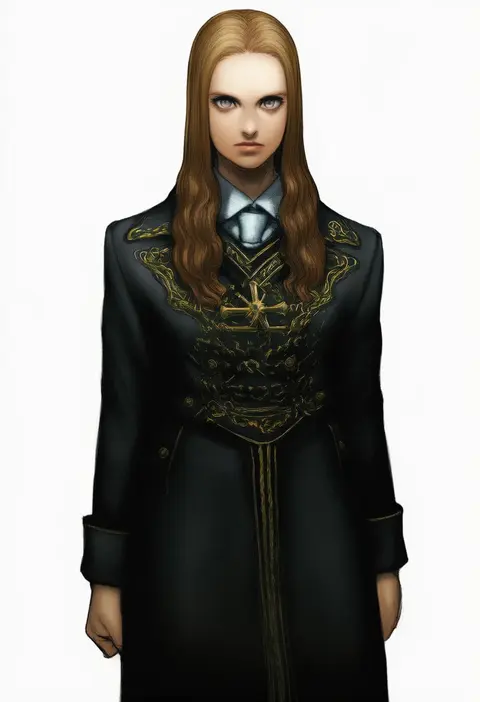
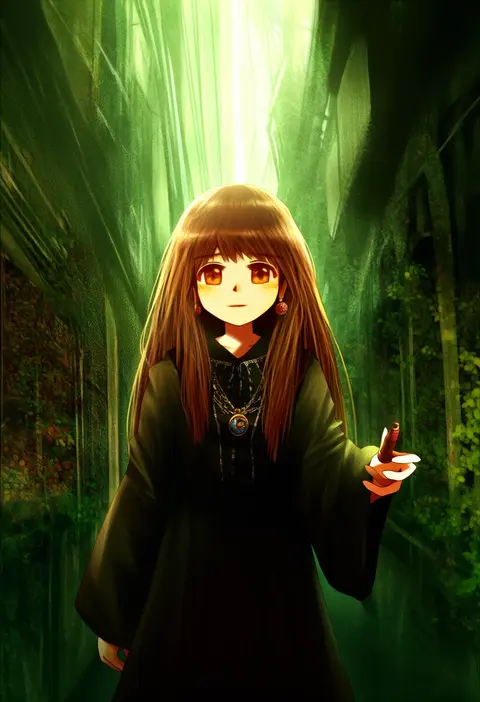
Artist tags tell NovelAI Diffusion to draw in a specific artist's style: line weight, paint texture, face shapes and palette all shift at once. Character and outfit tags decide what is drawn; artist tags decide how. 16,352 tags are listed for V4.5.
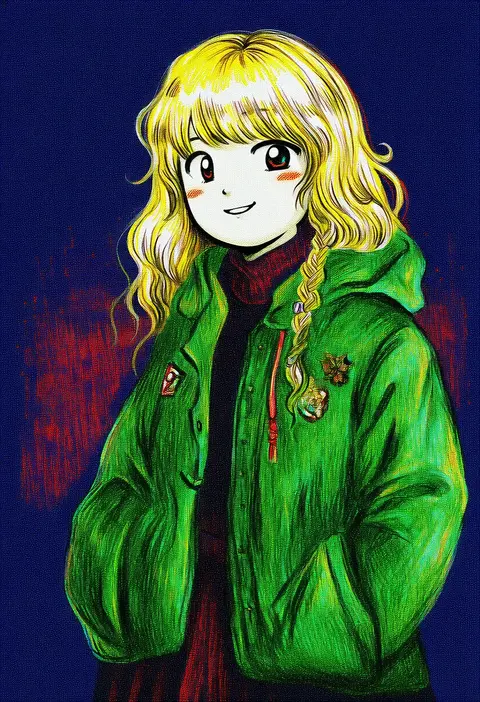
Every tag listed here is verified to react in NovelAI. All images use the same prompt, seed and settings with only the artist tag swapped, so the difference between two images is the style that tag brings in.

How to use them

Put the artist tag near the front of the prompt, e.g. "<artist>, 1girl, solo, best quality, masterpiece, cowboy shot". Two or three artist tags blend styles; lower the weight with "0.8::<artist>::" when the style overpowers the character.

SCORE sorts by Danbooru's top score, POSTS by post count, FAVS by hearts on this site. Open a card to see V5 and V4.5 side by side on the same seed.

V5 vs V4.5

V5 usually lands closer to the artist's real style, and tags that did nothing on V4.5 often react on V5. V4.5 still fits older and doujin-heavy artists better. Try V5 first, fall back to V4.5.

FAQ

Where does the artist tag go?
Near the front of the prompt. Use "0.8::tag::" to adjust its weight.

Can I stack artist tags?
Yes, styles blend. Past two or three the result stops looking like anyone.

Are these the artists' own works?
No. Every image is a NovelAI sample generated from the tag.