V4.5Artists
sort: FAVS▾
▾
>
$

Popular NovelAI artist tags — V4.5

artist --count 16,352[237/273]
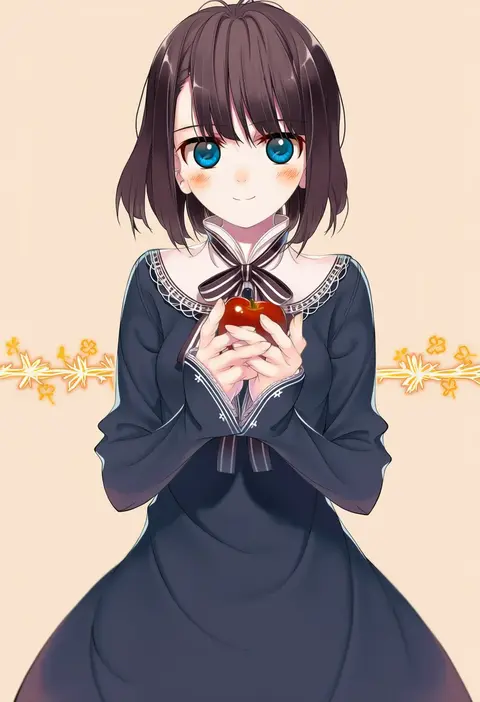
amamiya chiharu
ARTIST0x3750
0
naotosi
ARTIST0x3751
0
tunapon01
ARTIST0x3752
0
yakka
ARTIST0x3753
0
carbohydrate (asta4282)
ARTIST0x3754
0
shimana (cs-ts-az)
ARTIST0x3755
0
godzillapigeon1
ARTIST0x3756
0
nkymyura
ARTIST0x3757
0
akatoro (nightlord)
ARTIST0x3758
0
gyoubu ippei
ARTIST0x3759
0
taker (flamestorm)
ARTIST0x375A
0
kuri dora
ARTIST0x375B
0
mame komari
ARTIST0x375C
0
arai harumaki
ARTIST0x375D
0
yatosaki haru
ARTIST0x375E
0
ishida mia
ARTIST0x375F
0
juugoya neko
ARTIST0x3760
0
ritao kamo
ARTIST0x3761
0
cross (vgne4542)
ARTIST0x3762
0
sumoffu
ARTIST0x3763
0
ukumo uichi
ARTIST0x3764
0
io takuya
ARTIST0x3765
0
robodumpling
ARTIST0x3766
0
meyou 0319
ARTIST0x3767
0
lelioz
ARTIST0x3768
0
hibiki mio
ARTIST0x3769
0
fpminnie1
ARTIST0x376A
0
akizuki ritchan
ARTIST0x376B
0
futaba969649
ARTIST0x376C
0
allosauc
ARTIST0x376D
0
anju (mocomocousagi)
ARTIST0x376E
0
asahi (uwa)
ARTIST0x376F
0
sanamaru (sana79261827)
ARTIST0x3770
0
kawai rou
ARTIST0x3771
0
miruki
ARTIST0x3772
0
cheunes
ARTIST0x3773
0
dekasudachin
ARTIST0x3774
0
harumi (harumix)
ARTIST0x3775
0
migu (migmig)
ARTIST0x3776
0
roko roko (doradorazz)
ARTIST0x3777
0
chyoling
ARTIST0x3778
0
jenson tw
ARTIST0x3779
0
koshigaya tatsumi
ARTIST0x377A
0
amakura (am as)
ARTIST0x377B
0
hakuto (28syuku)
ARTIST0x377C
0
al (ahr)
ARTIST0x377D
0
tsukiji
ARTIST0x377E
0
takano otohiko
ARTIST0x377F
0
yume shokunin
ARTIST0x3780
0
yoshitomi akihito
ARTIST0x3781
0
kawachi koorogi
ARTIST0x3782
0
chocolat (momoiro piano)
ARTIST0x3783
0
birii
ARTIST0x3784
0
enokuma uuta
ARTIST0x3785
0
tsukimori usako
ARTIST0x3786
0
teruui
ARTIST0x3787
0
sanpachishiki (gyokusai-jima)
ARTIST0x3788
0
ushiyama ame
ARTIST0x3789
0
hatsuzuki 527
ARTIST0x378A
0
fushirun rung
ARTIST0x378B
0

What these tags change

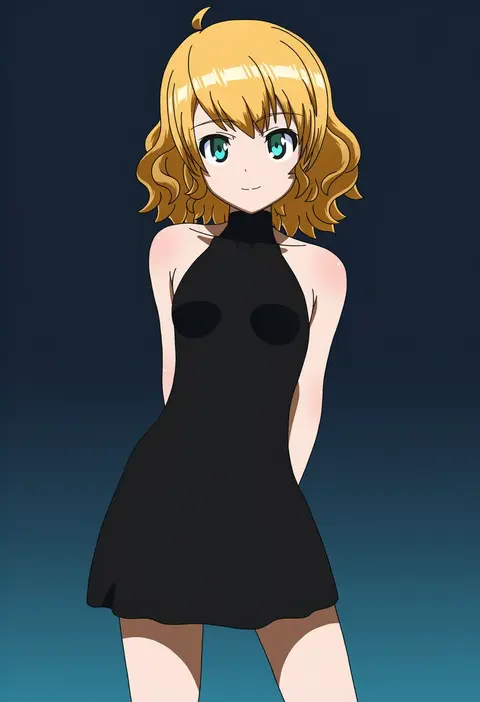
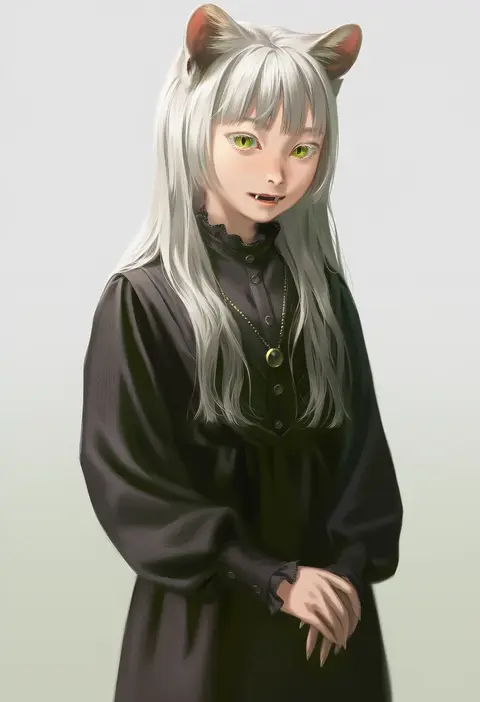
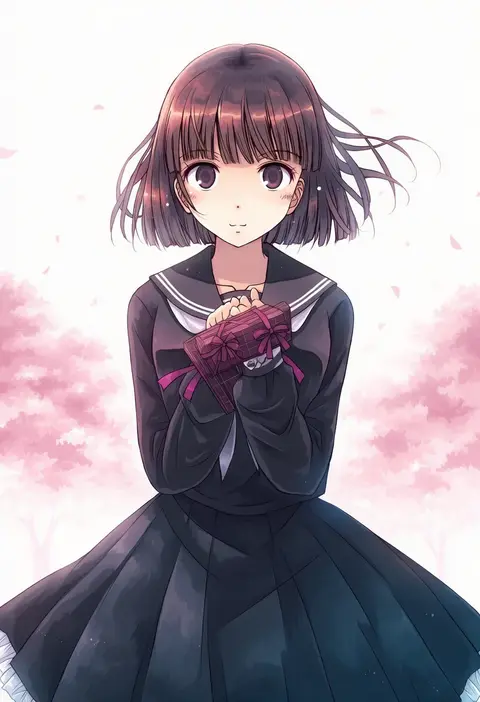
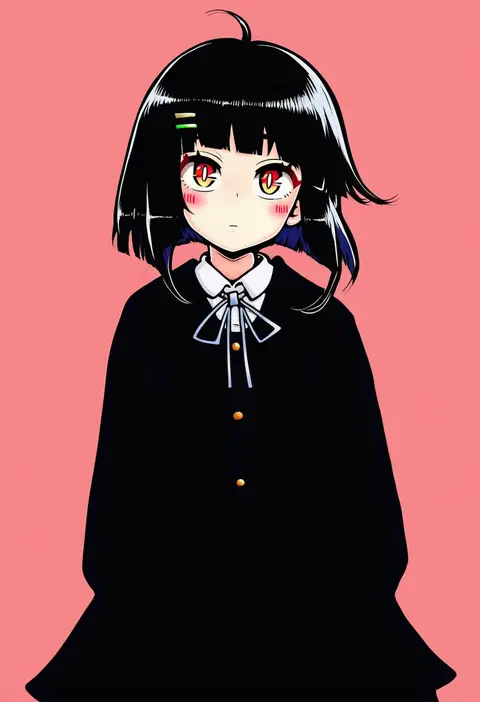
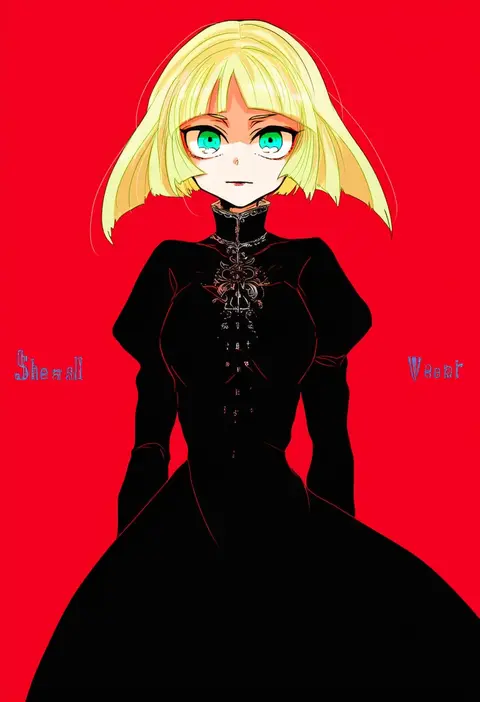
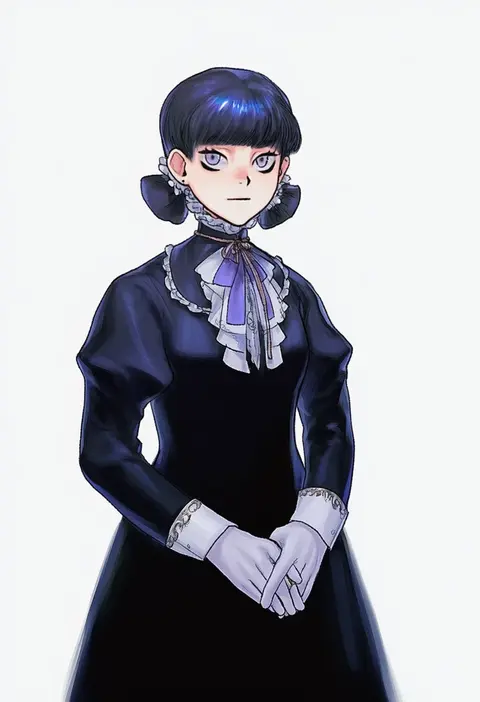
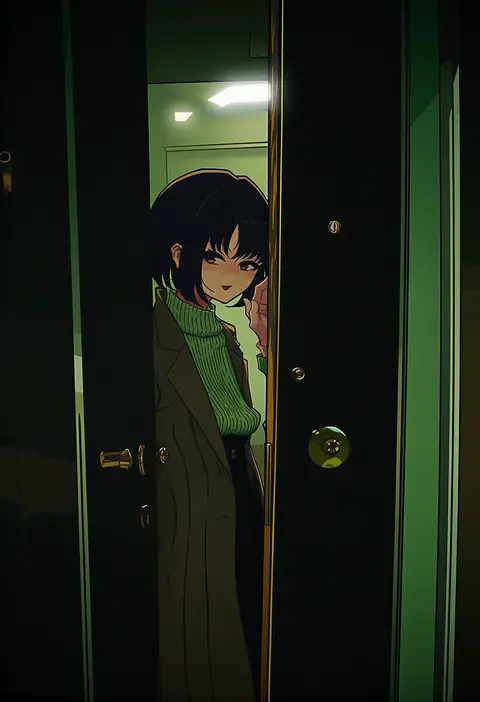
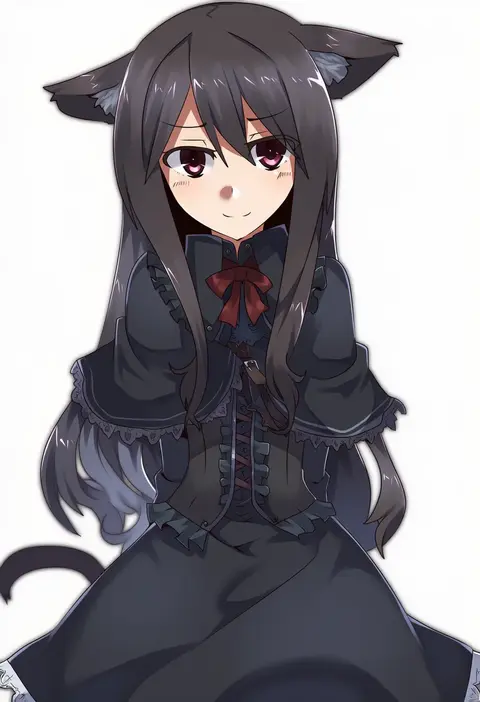
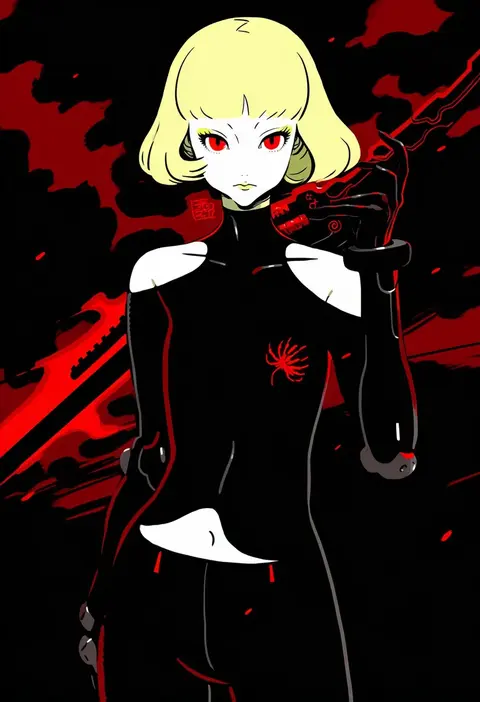
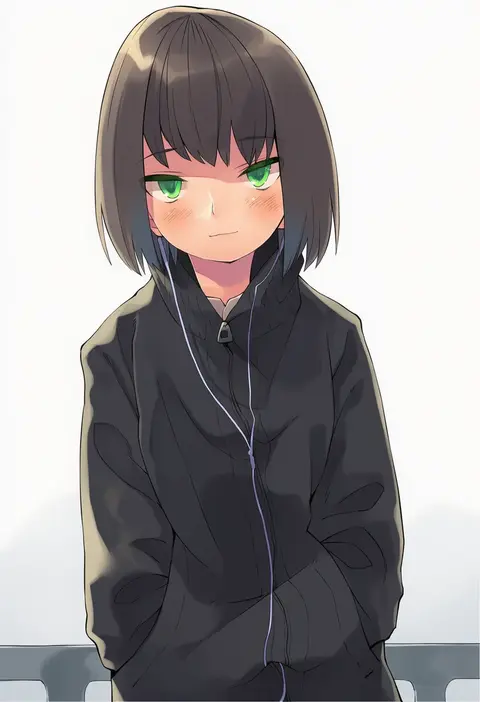
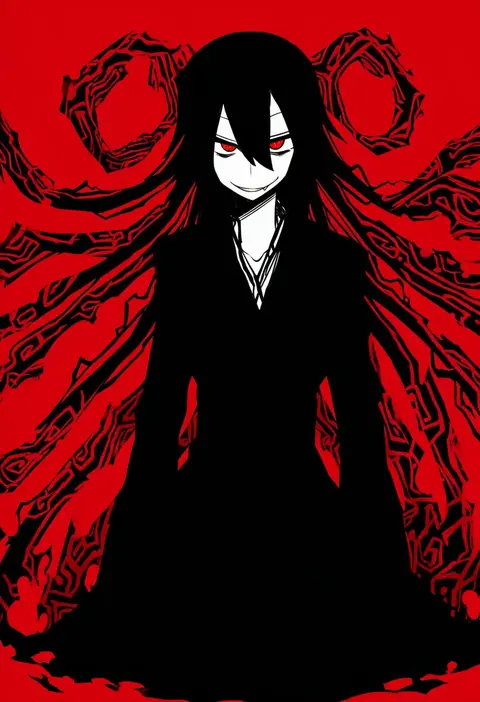
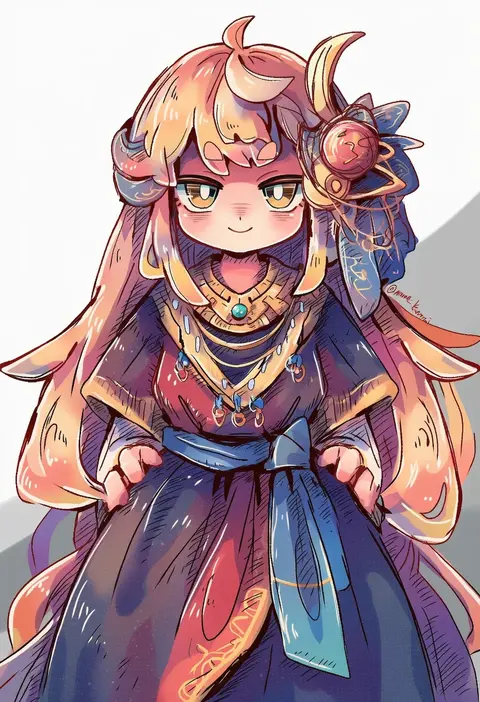
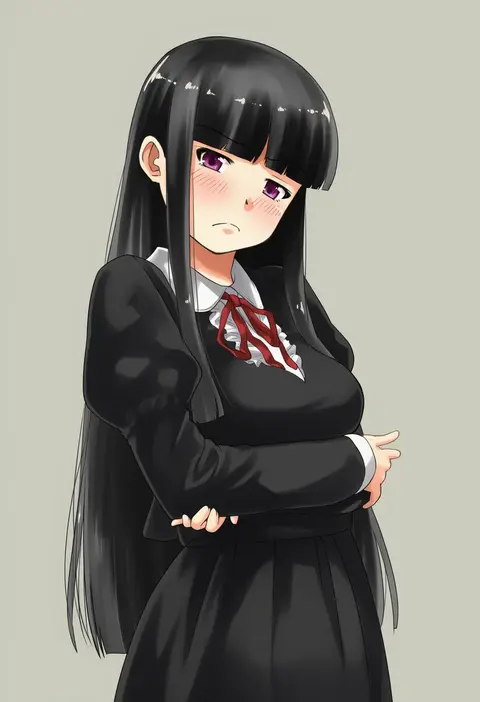
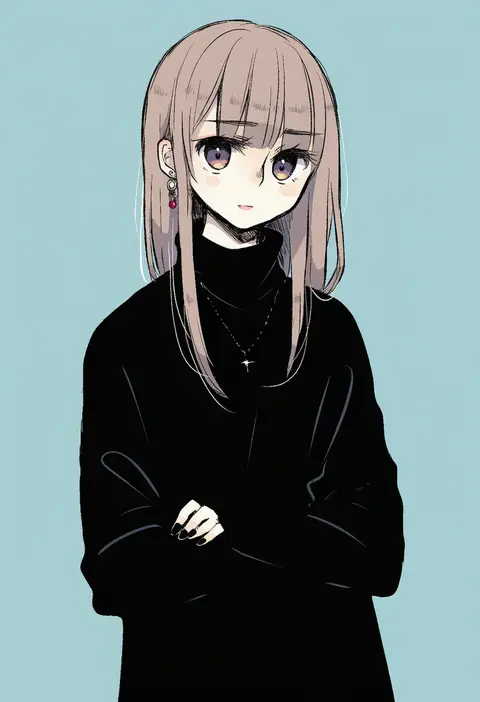
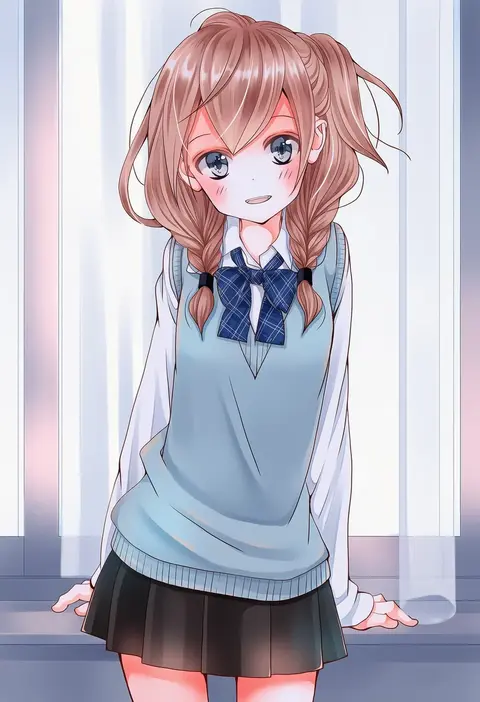
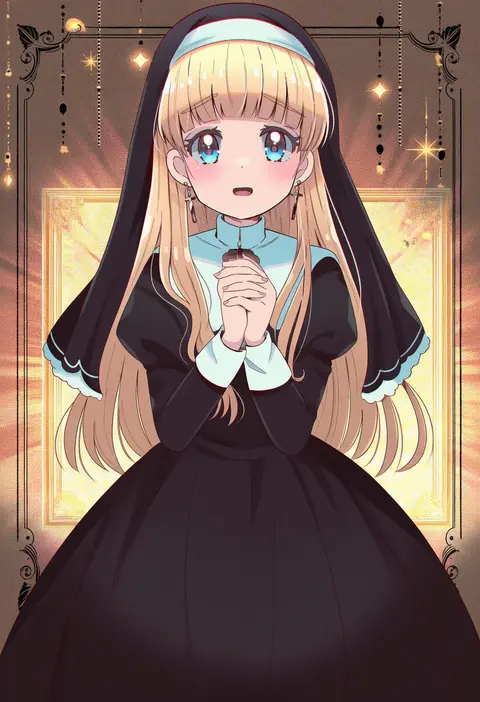
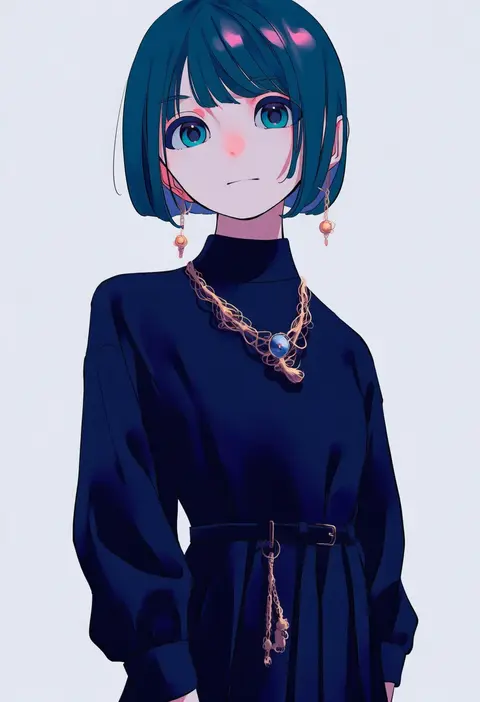
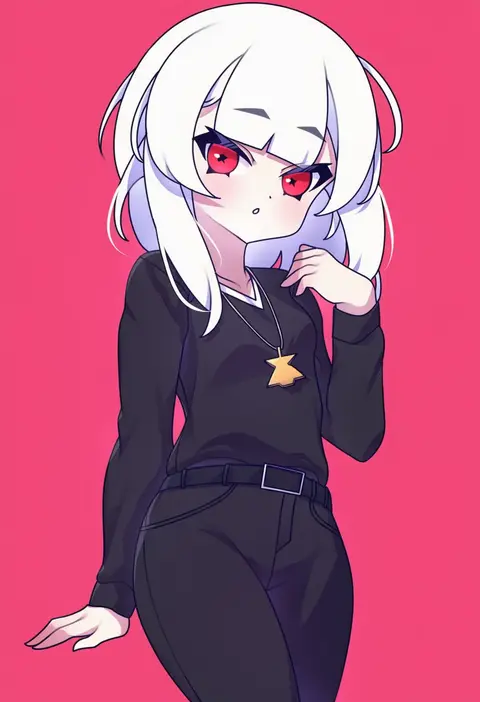
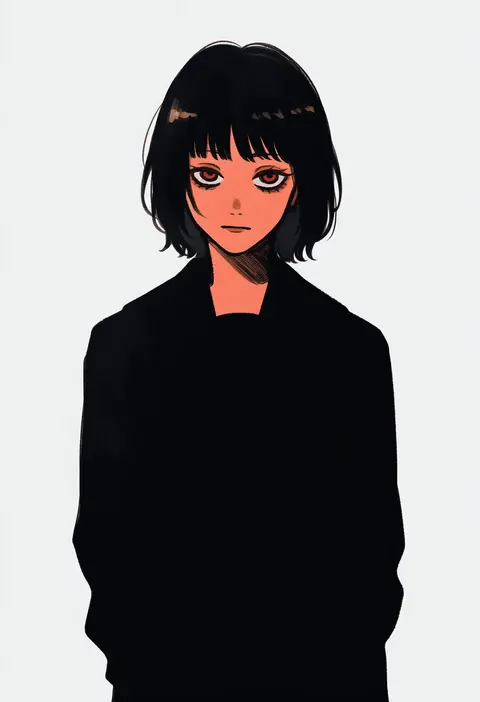
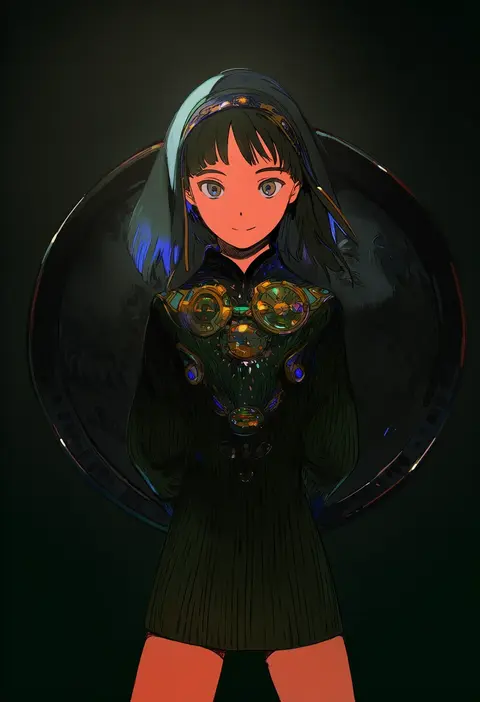
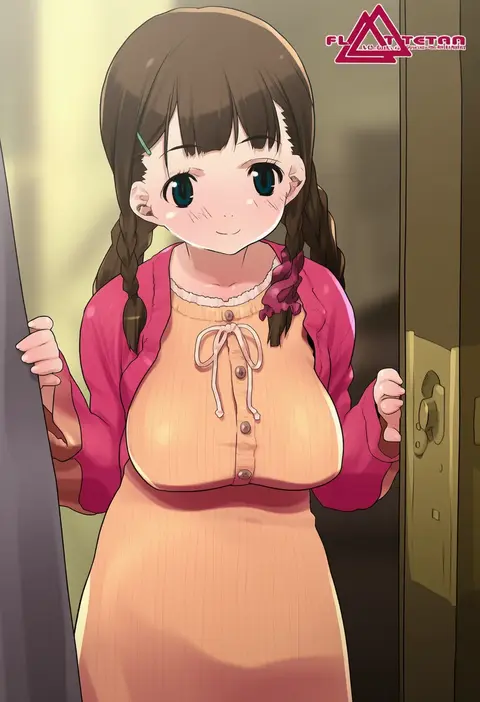
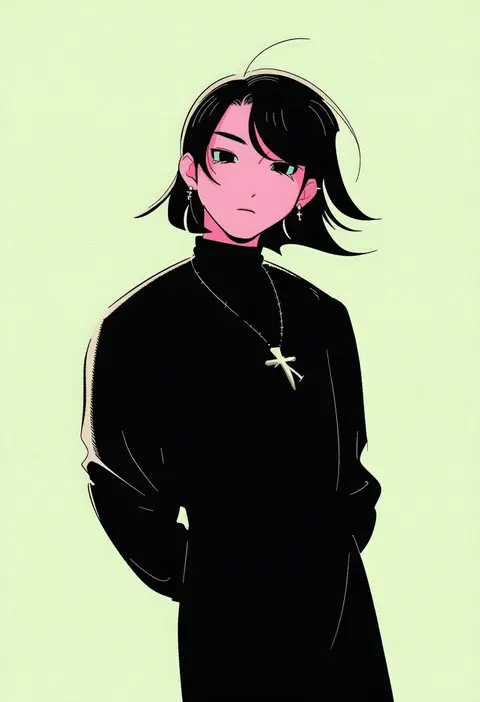
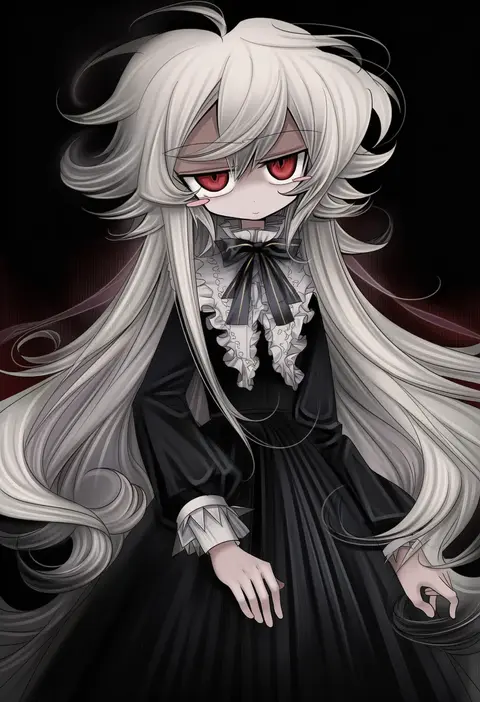
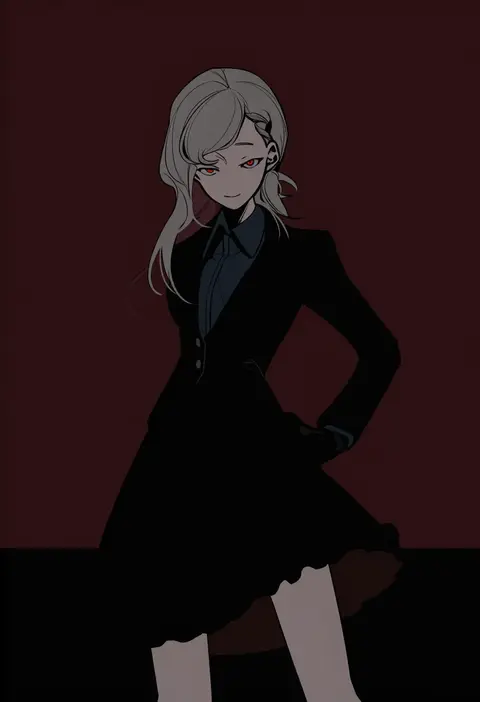
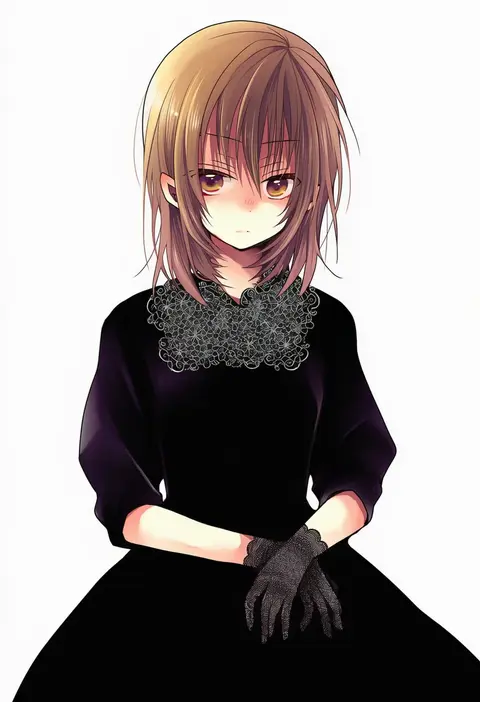
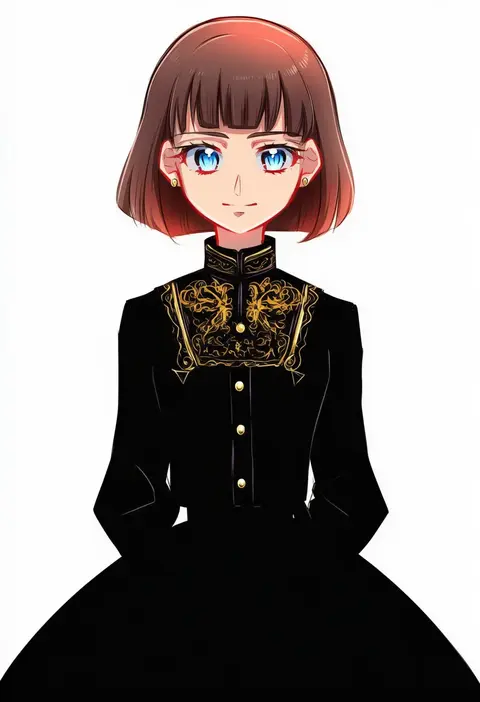
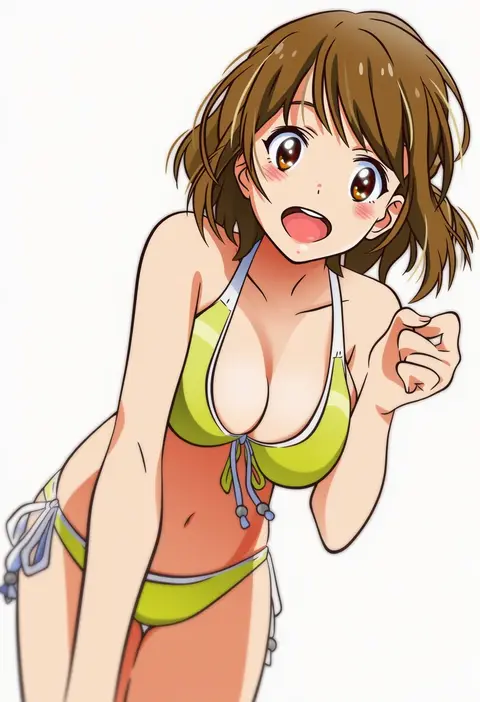
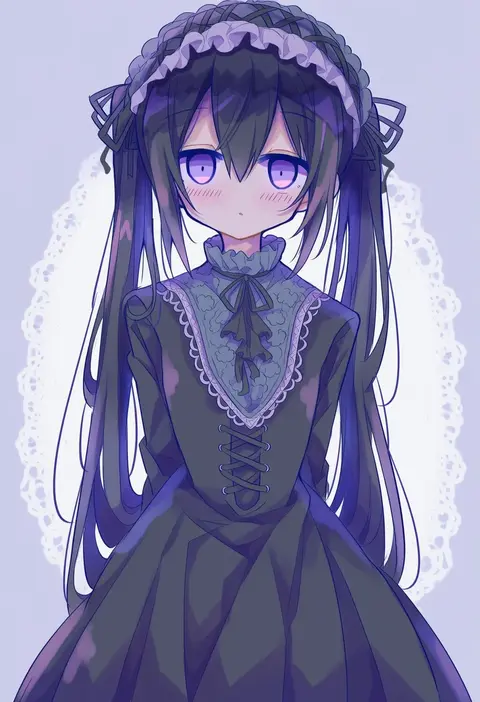
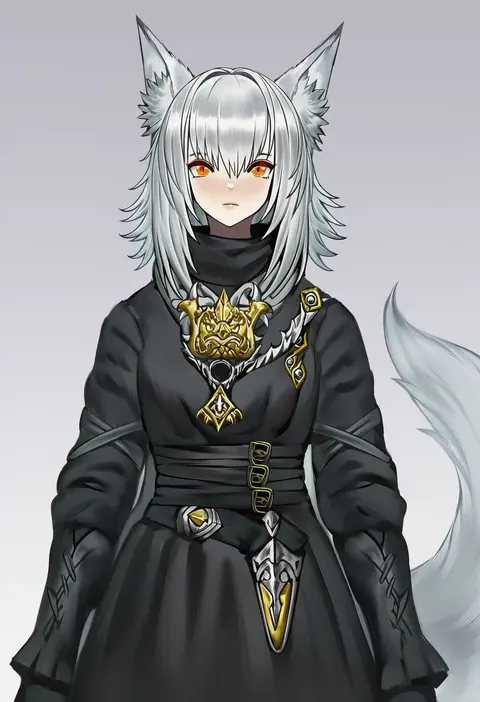
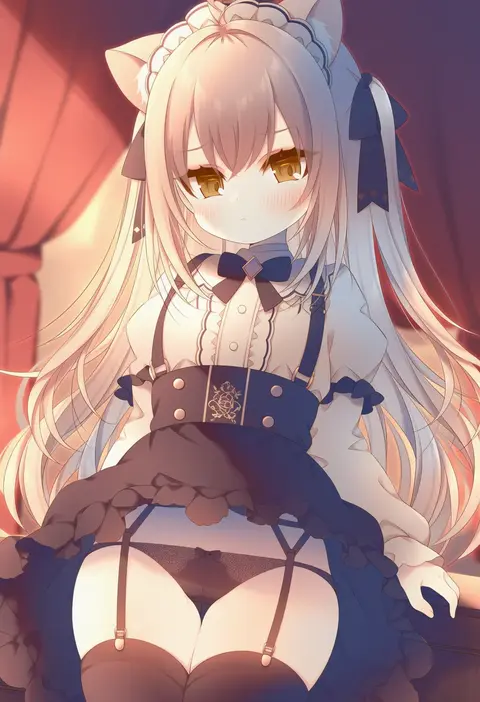
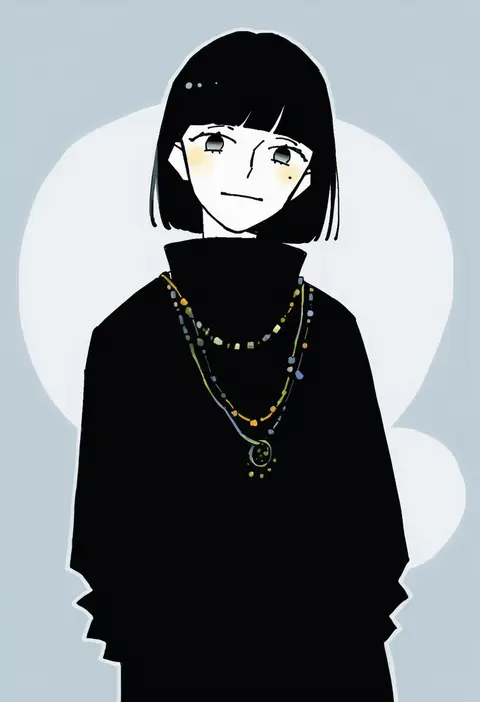
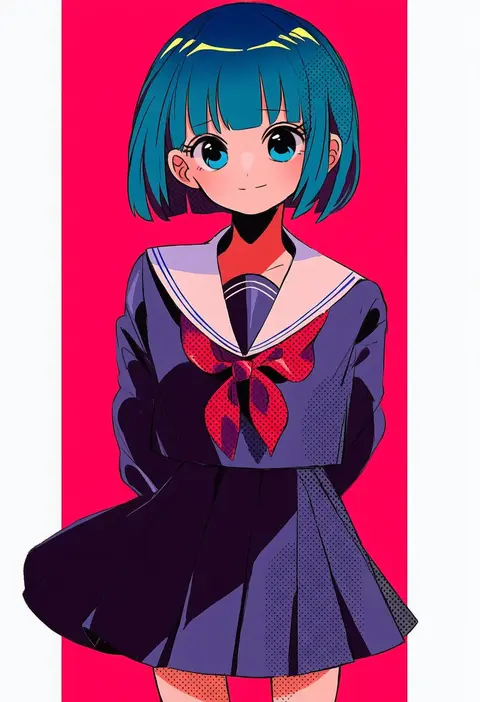
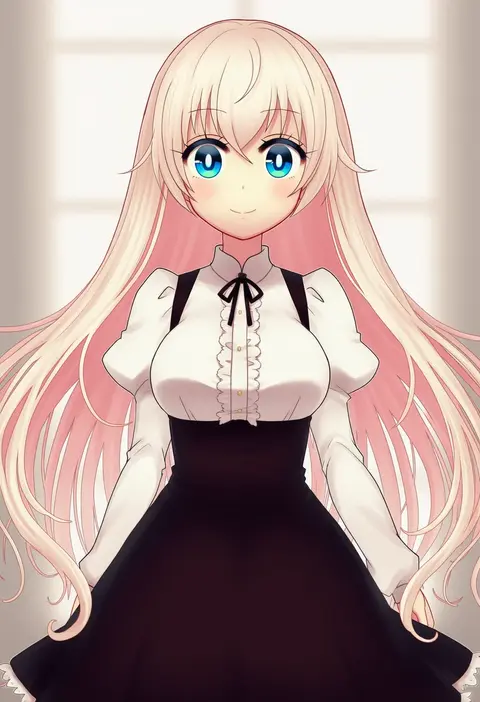
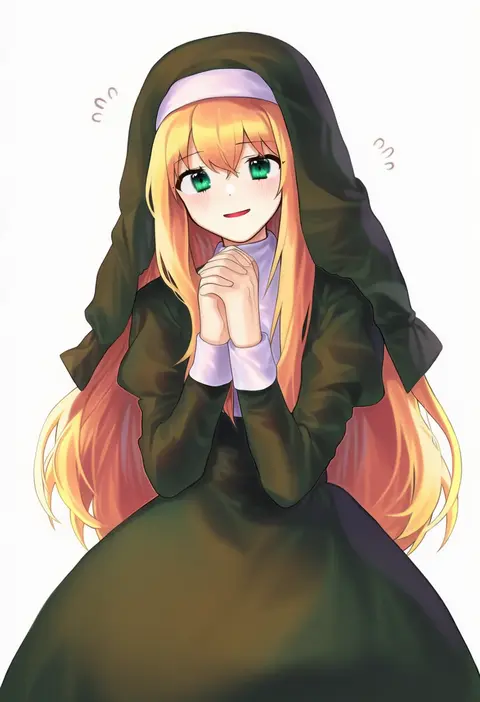
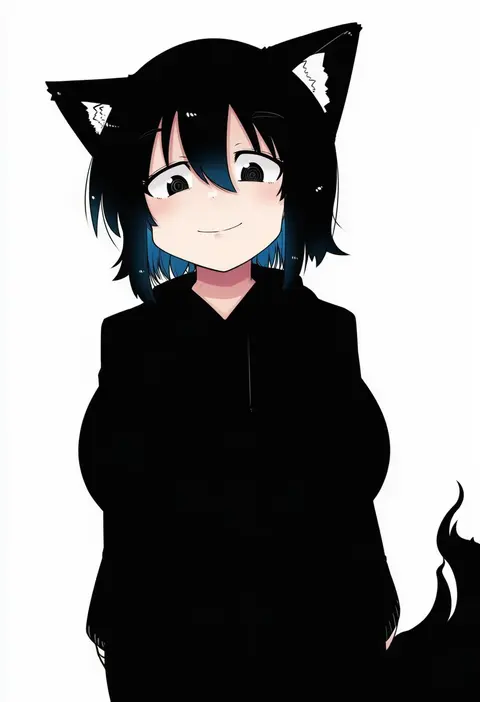
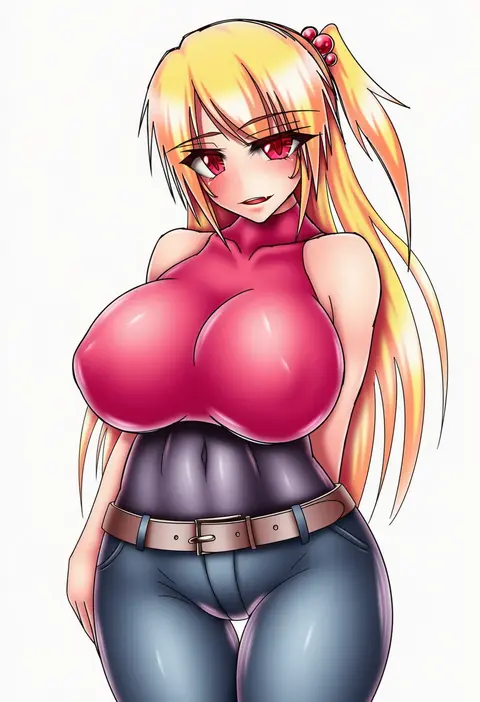
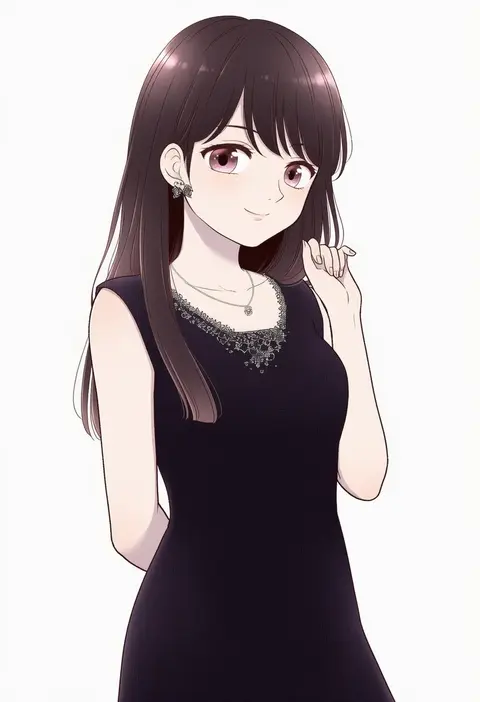
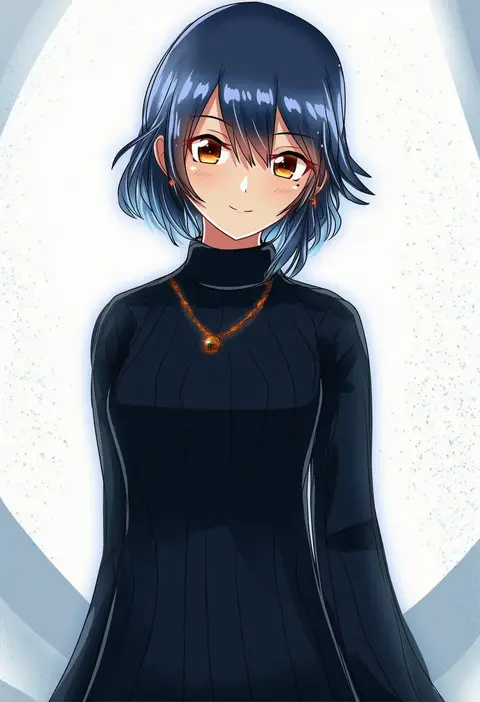
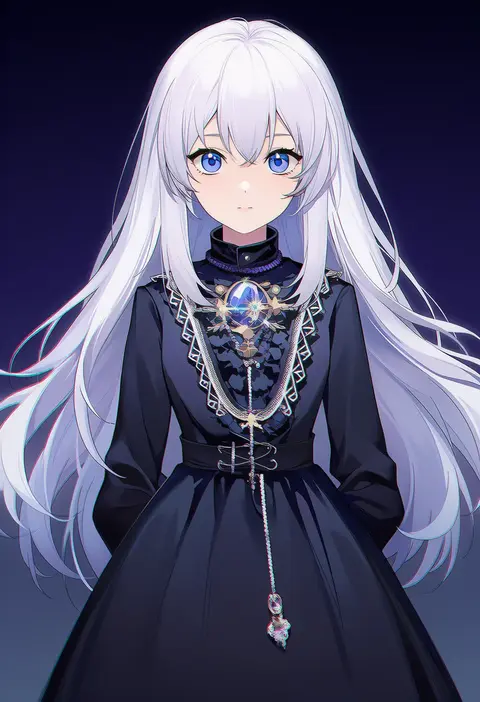
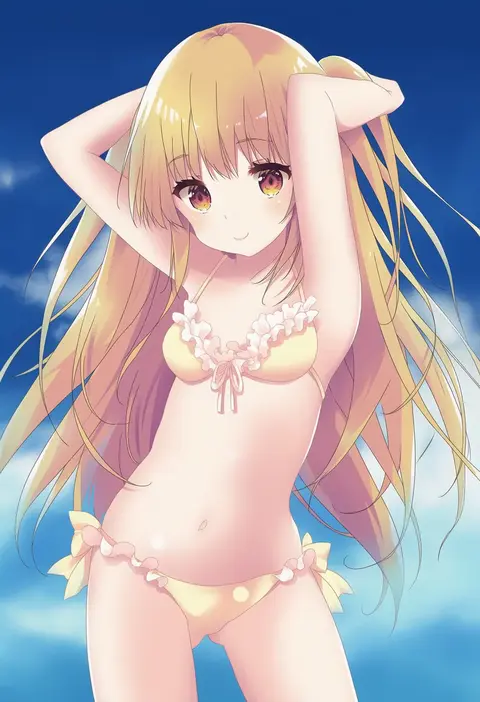
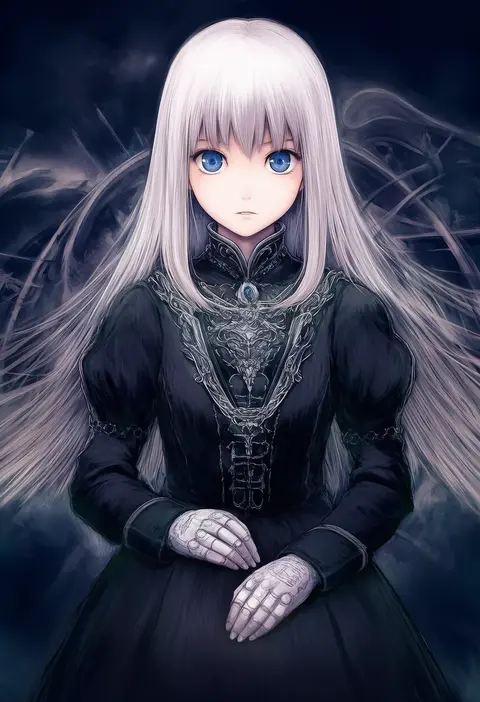
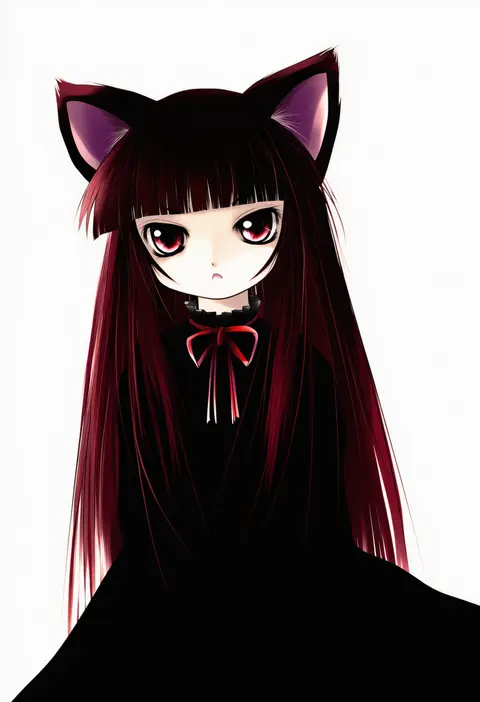
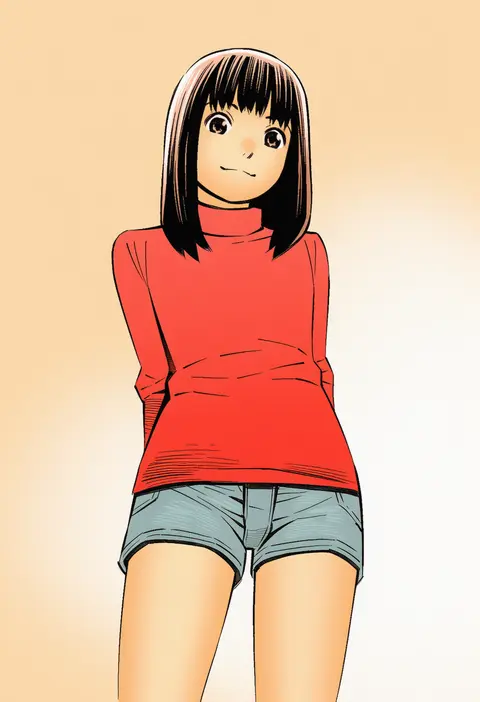
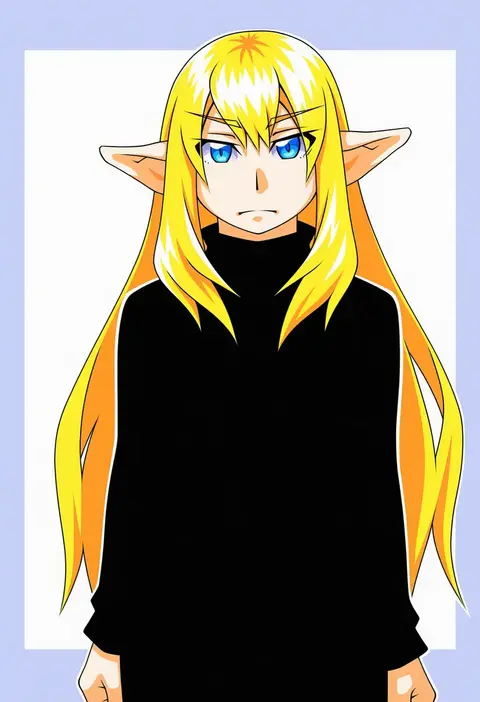
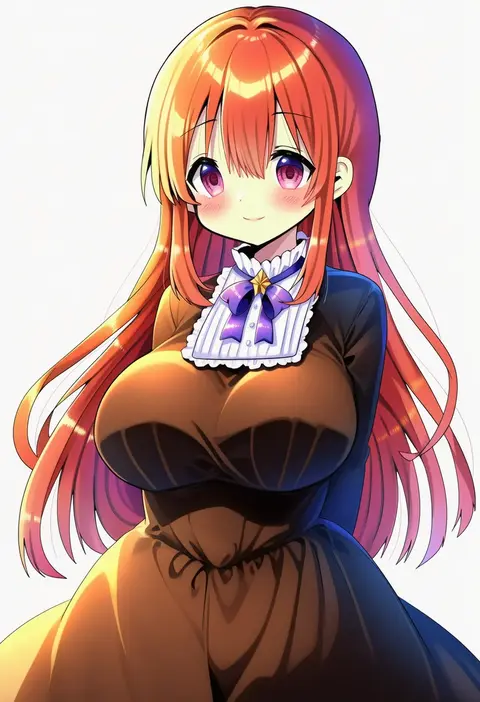
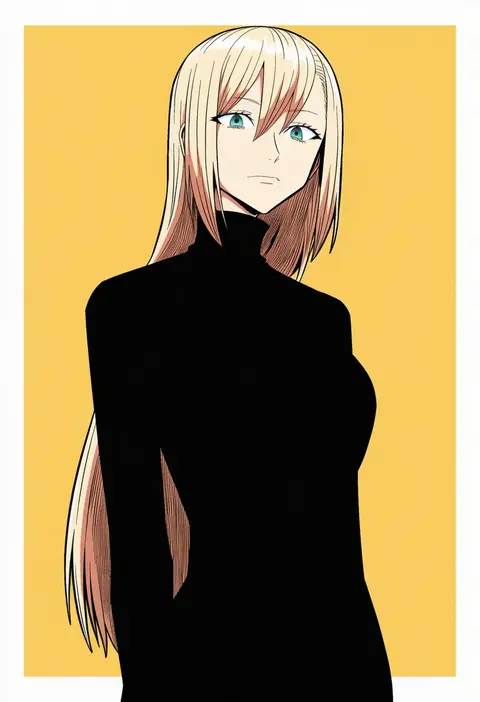
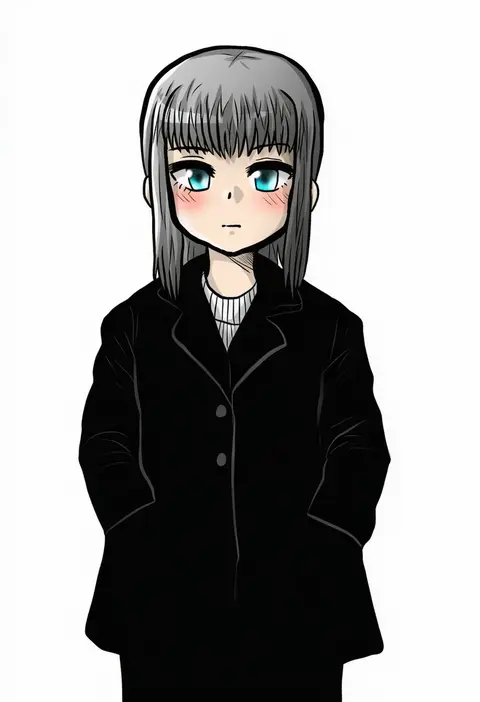
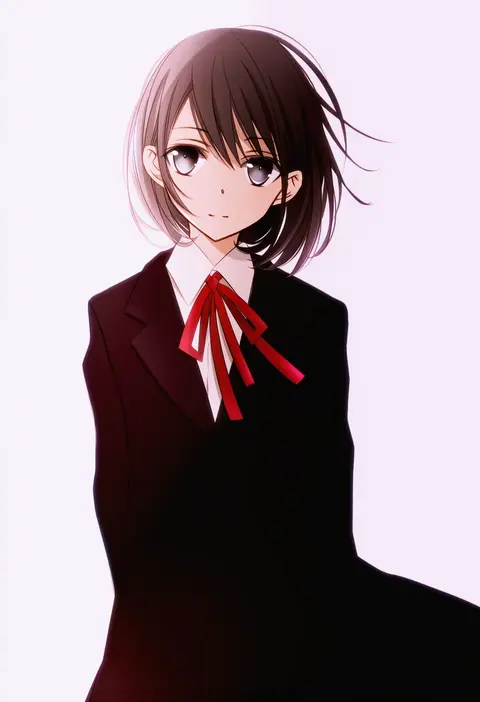
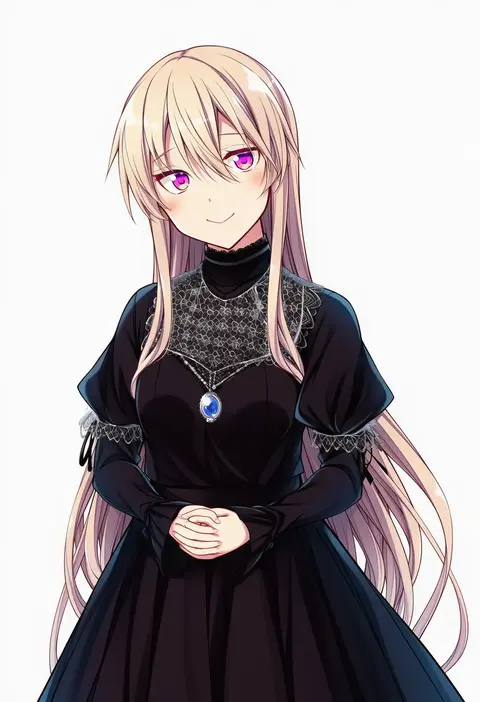
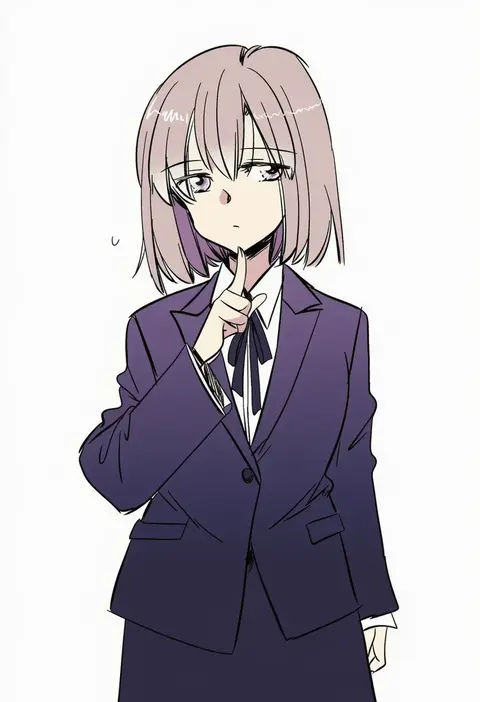
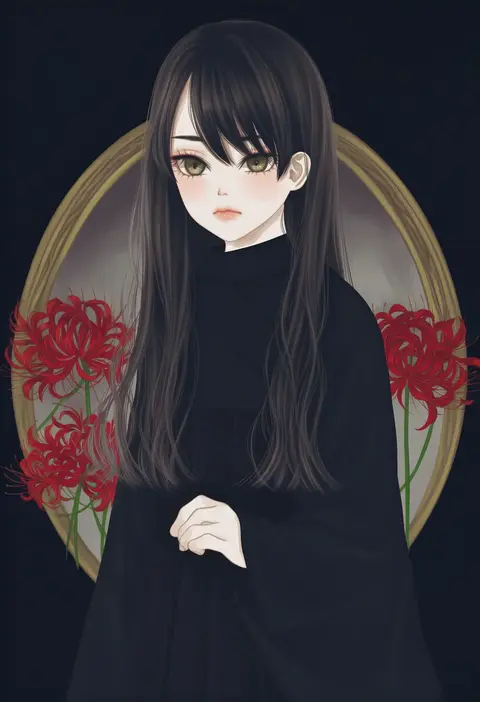
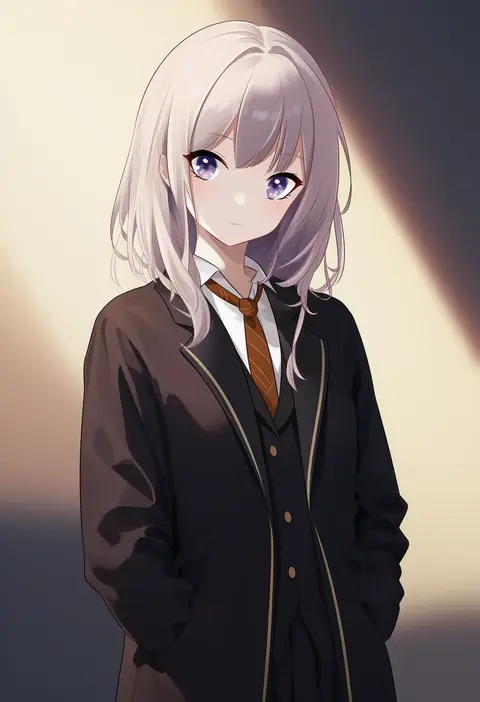
Artist tags tell NovelAI Diffusion to draw in a specific artist's style: line weight, paint texture, face shapes and palette all shift at once. Character and outfit tags decide what is drawn; artist tags decide how. 16,352 tags are listed for V4.5.
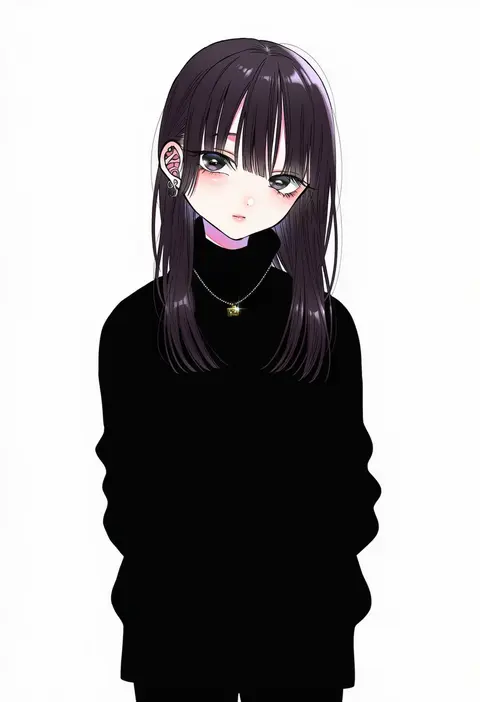
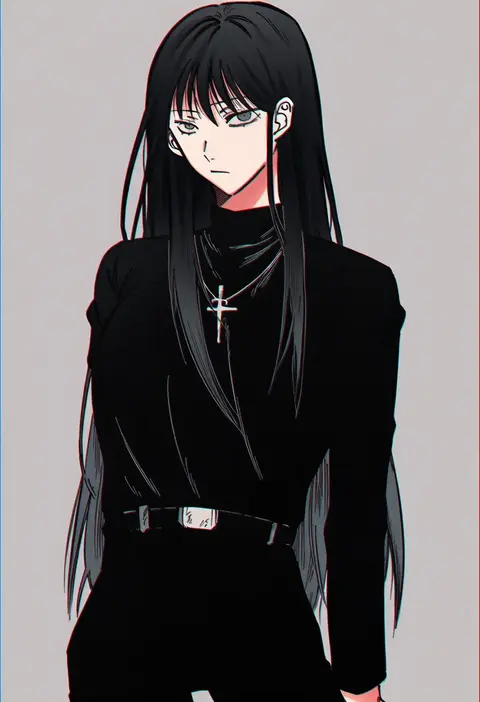
Every tag listed here is verified to react in NovelAI. All images use the same prompt, seed and settings with only the artist tag swapped, so the difference between two images is the style that tag brings in.

How to use them

Put the artist tag near the front of the prompt, e.g. "<artist>, 1girl, solo, best quality, masterpiece, cowboy shot". Two or three artist tags blend styles; lower the weight with "0.8::<artist>::" when the style overpowers the character.

SCORE sorts by Danbooru's top score, POSTS by post count, FAVS by hearts on this site. Open a card to see V5 and V4.5 side by side on the same seed.

V5 vs V4.5

V5 usually lands closer to the artist's real style, and tags that did nothing on V4.5 often react on V5. V4.5 still fits older and doujin-heavy artists better. Try V5 first, fall back to V4.5.

FAQ

Where does the artist tag go?
Near the front of the prompt. Use "0.8::tag::" to adjust its weight.

Can I stack artist tags?
Yes, styles blend. Past two or three the result stops looking like anyone.

Are these the artists' own works?
No. Every image is a NovelAI sample generated from the tag.