V4.5Artists
sort: FAVS▾
▾
>
$

Popular NovelAI artist tags — V4.5

artist --count 16,352[238/273]
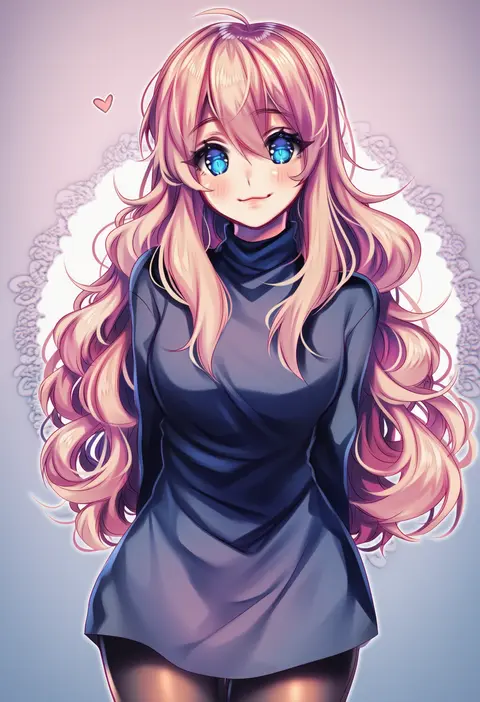
sasucchi95
ARTIST0x378C
0
blacknirrow
ARTIST0x378D
0
isamu-ki (yuuki)
ARTIST0x378E
0
kuma (crimsonvanilla)
ARTIST0x378F
0
mifuru
ARTIST0x3790
0
miya (tsumazukanai)
ARTIST0x3791
0
naruse chisato
ARTIST0x3792
0
yaso shigeru
ARTIST0x3793
0
murayama ryota
ARTIST0x3794
0
hikashima (shiofune)
ARTIST0x3795
0
kasuga sunao
ARTIST0x3796
0
mu mashu
ARTIST0x3797
0
kyoutsuugengo
ARTIST0x3798
0
sumapan
ARTIST0x3799
0
ibuki satsuki
ARTIST0x379A
0
fujieda miyabi
ARTIST0x379B
0
uemukai dai
ARTIST0x379C
0
ume (pickled plum)
ARTIST0x379D
0
capera
ARTIST0x379E
0
touon
ARTIST0x379F
0
katari
ARTIST0x37A0
0
suruga kanade
ARTIST0x37A1
0
rem (eyes 410)
ARTIST0x37A2
0
asari (ikite oshi)
ARTIST0x37A3
0
jimsdaydreams
ARTIST0x37A4
0
fuka (hk nemo)
ARTIST0x37A5
0
aka shiba
ARTIST0x37A6
0
kendy (revolocities)
ARTIST0x37A7
0
mishiro (andante)
ARTIST0x37A8
0
kakifly
ARTIST0x37A9
0
lilac (p-f easy)
ARTIST0x37AA
0
tamiku (shisyamo609)
ARTIST0x37AB
0
mikami komata
ARTIST0x37AC
0
yue (memento1113)
ARTIST0x37AD
0
xiang yu pai
ARTIST0x37AE
0
izumi rei
ARTIST0x37AF
0
cactus41747280
ARTIST0x37B0
0
loli bushi
ARTIST0x37B1
0
batabiru
ARTIST0x37B2
0
just some guy
ARTIST0x37B3
0
eerr
ARTIST0x37B4
0
aitsugawa rui
ARTIST0x37B5
0
shocho (shaojiujiu)
ARTIST0x37B6
0
itsuki 02
ARTIST0x37B7
0
takigawa yuu
ARTIST0x37B8
0
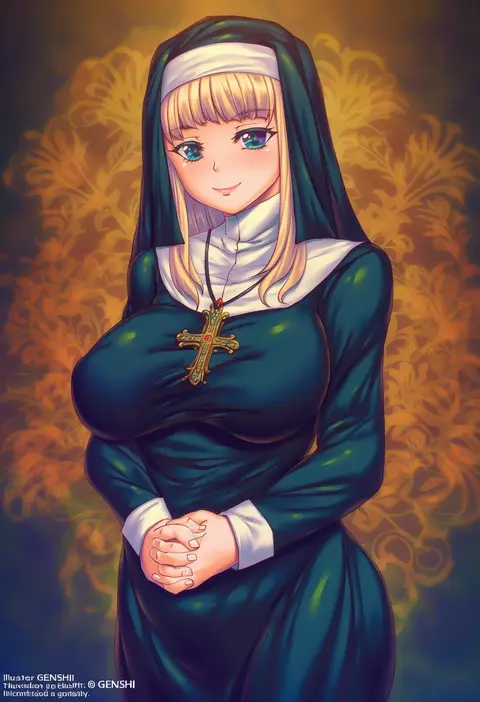
genshi
ARTIST0x37B9
0
shinohara shinome
ARTIST0x37BA
0
shiohachi
ARTIST0x37BB
0
iga tomoteru
ARTIST0x37BC
0
yuzhi
ARTIST0x37BD
0
kaiware-san
ARTIST0x37BE
0
mugi (mugimugi 9kv)
ARTIST0x37BF
0
tanaka hirotaka
ARTIST0x37C0
0
duca
ARTIST0x37C1
0
ari (bleum)
ARTIST0x37C2
0
oda32t
ARTIST0x37C3
0
taroimo (00120014)
ARTIST0x37C4
0
haruichi (sazanami complex)
ARTIST0x37C5
0
mekarauroko
ARTIST0x37C6
0
nadaka harutsugu
ARTIST0x37C7
0

What these tags change

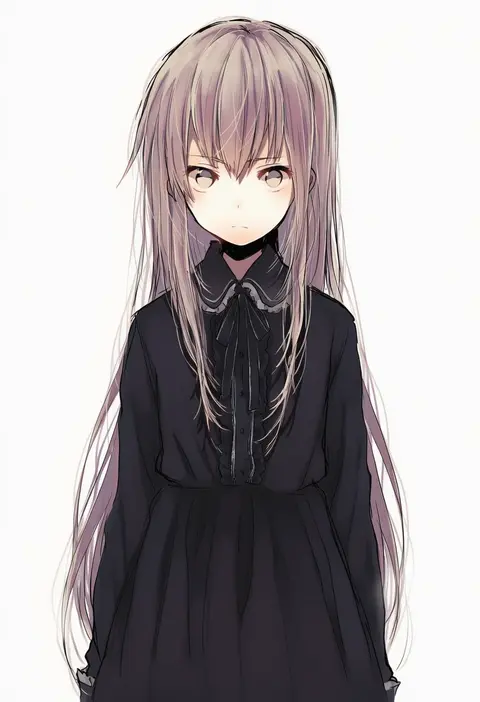
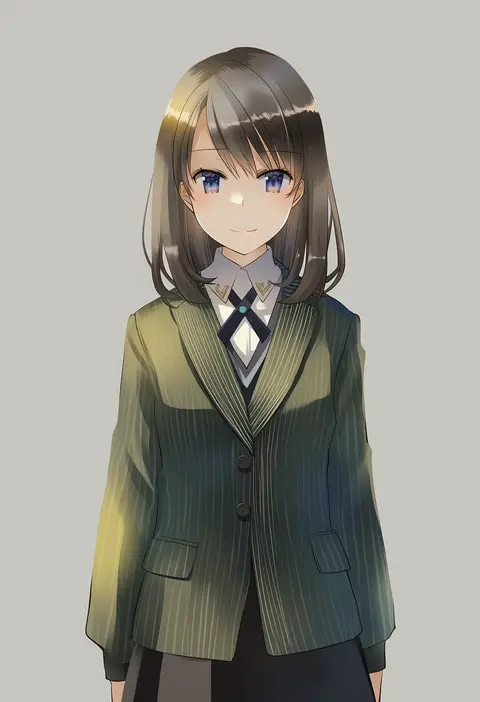
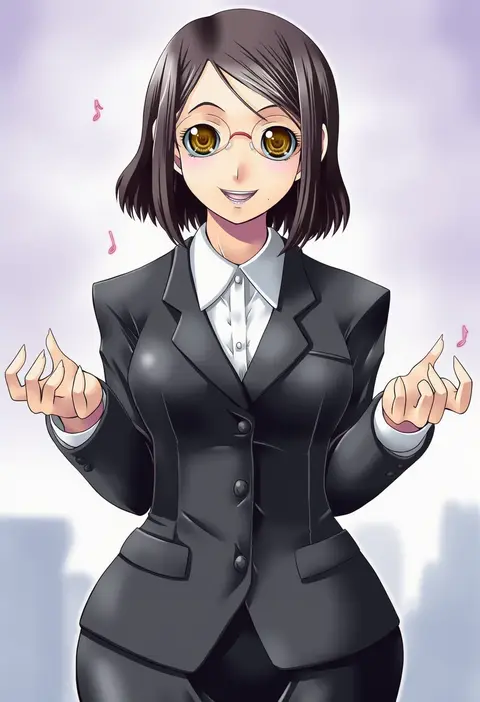
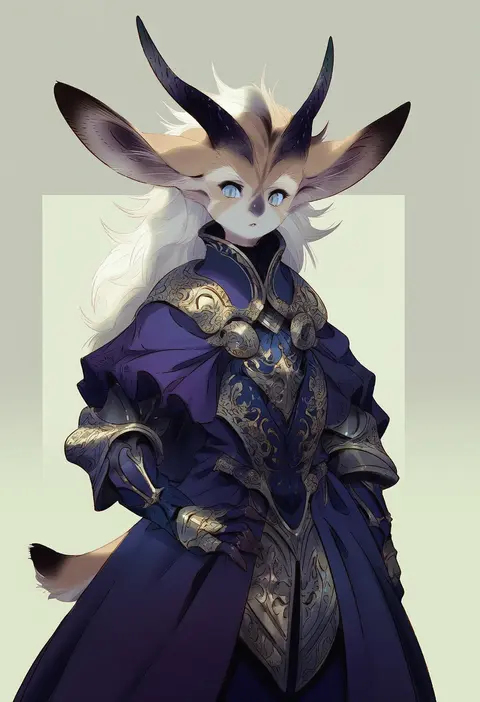
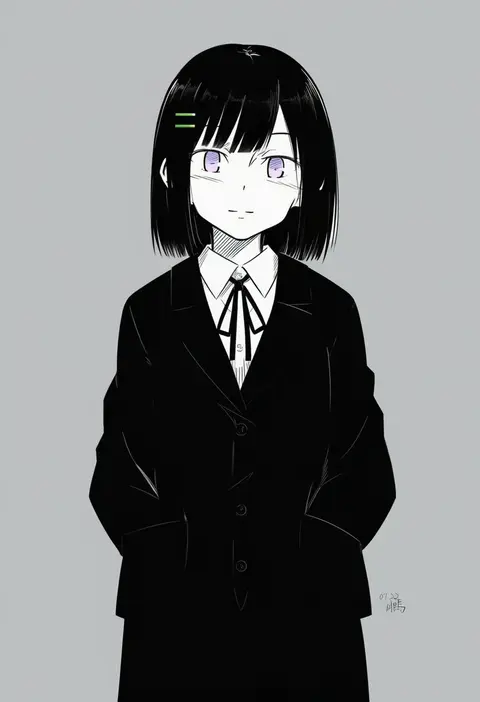
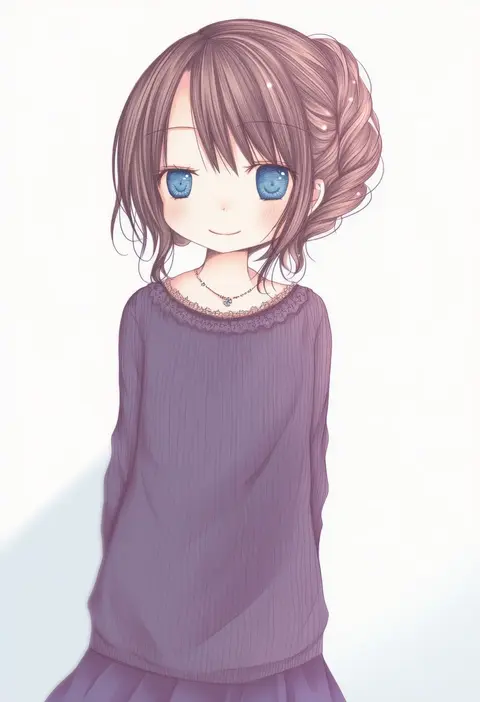
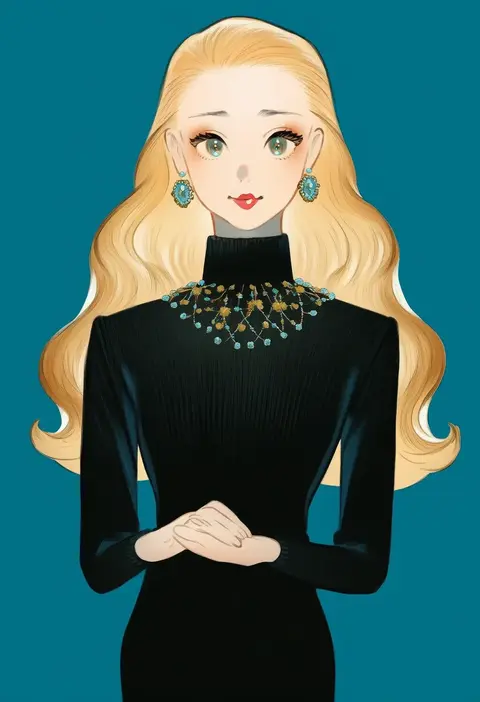
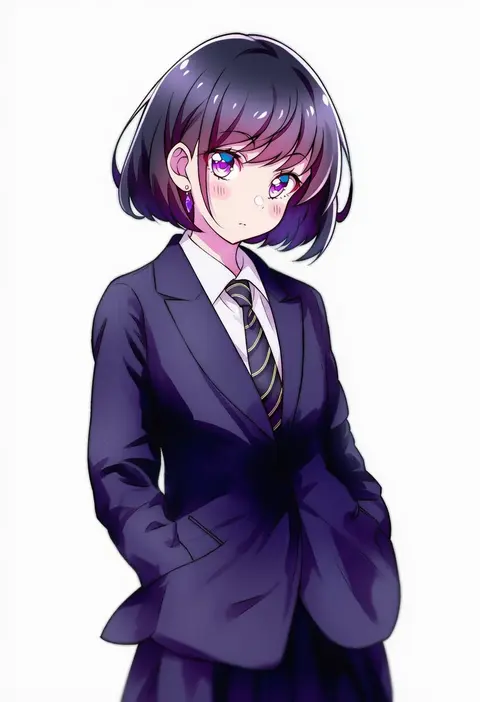
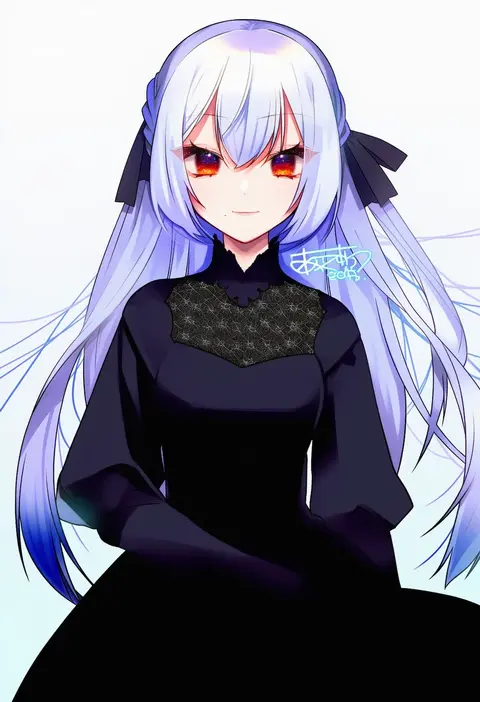
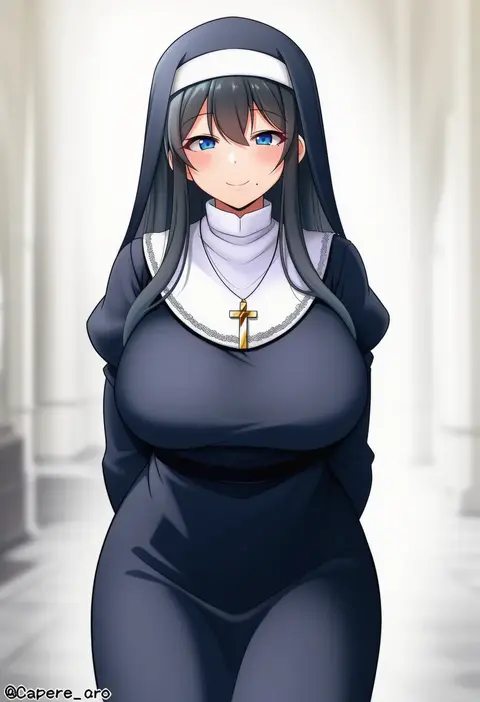
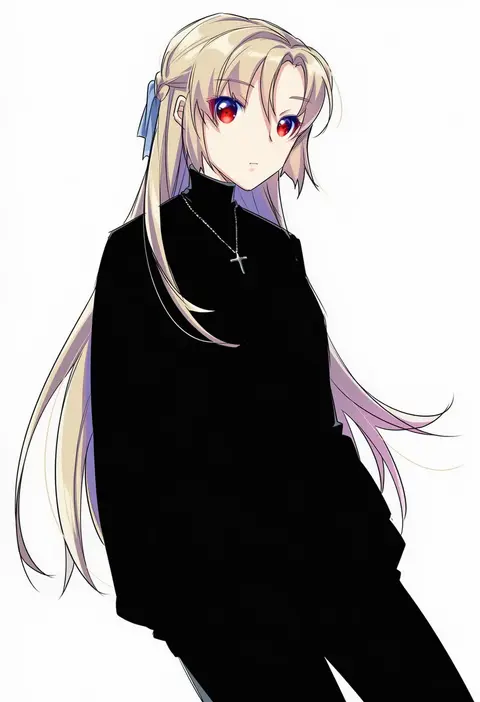
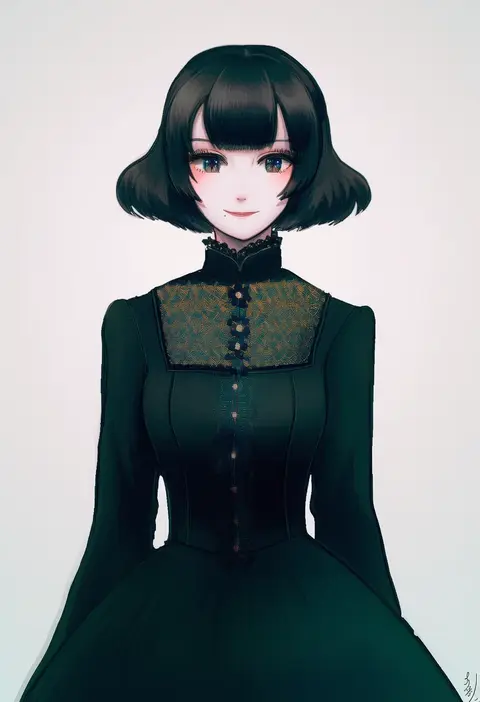
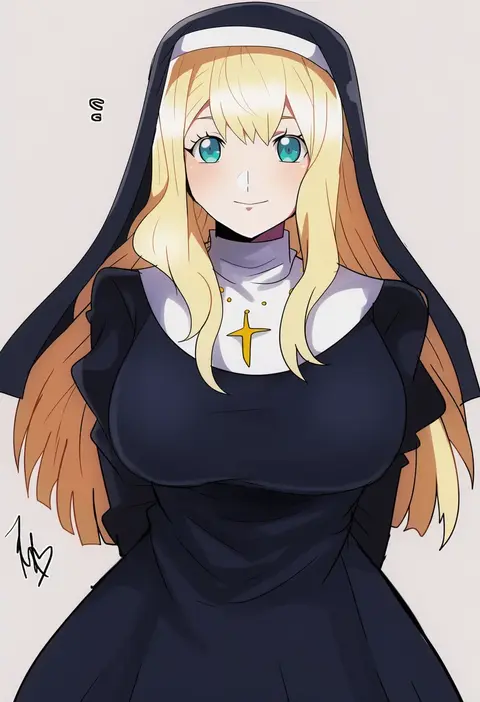
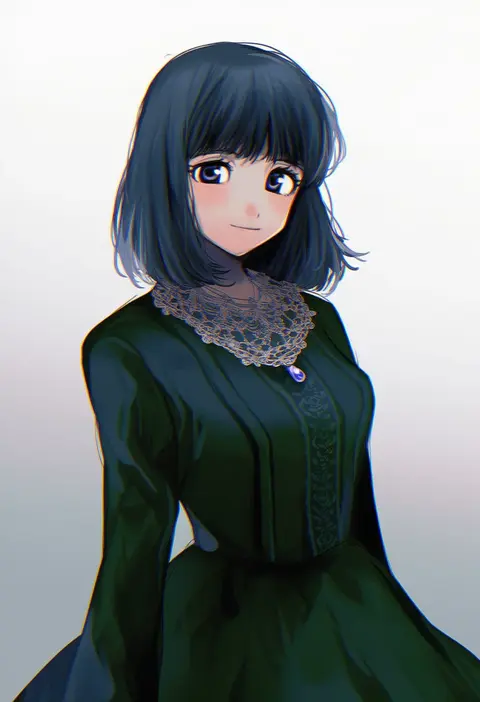
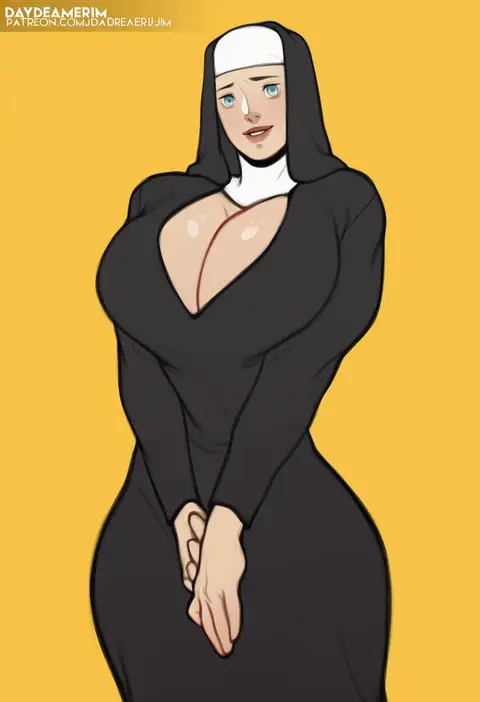
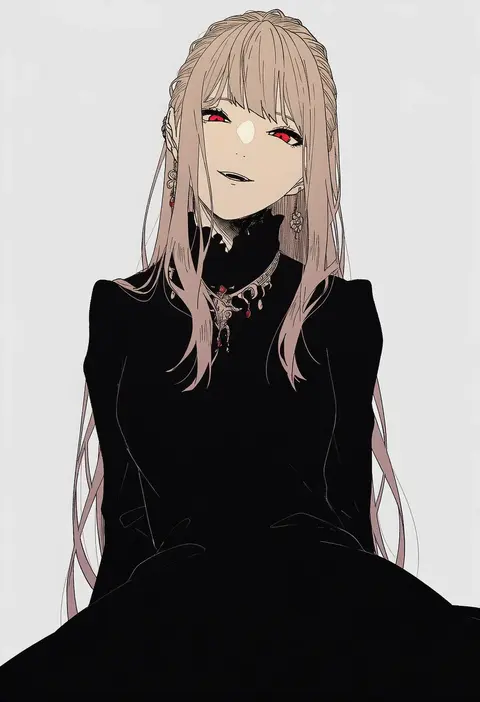
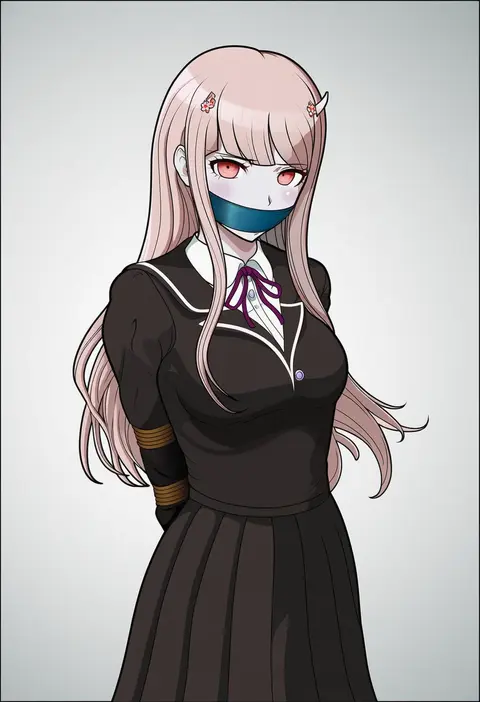
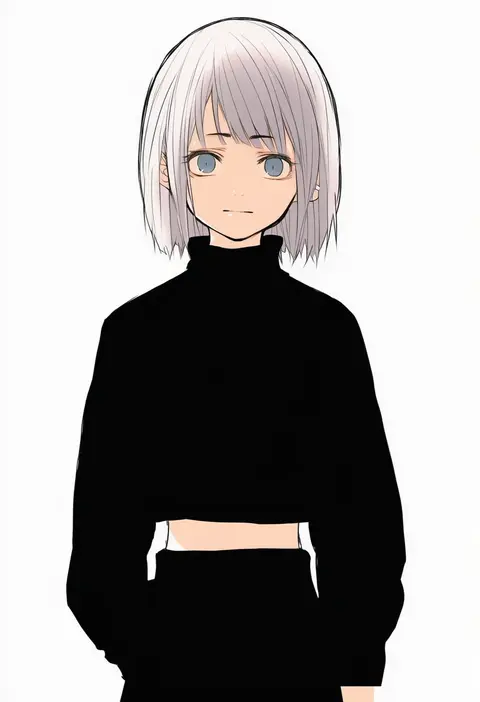
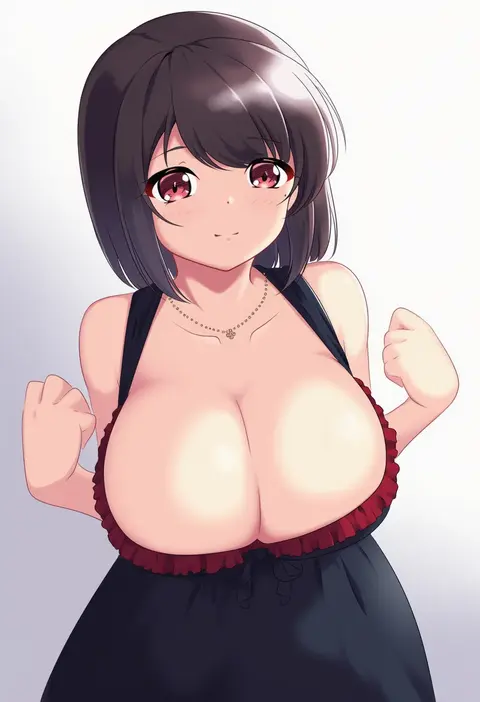
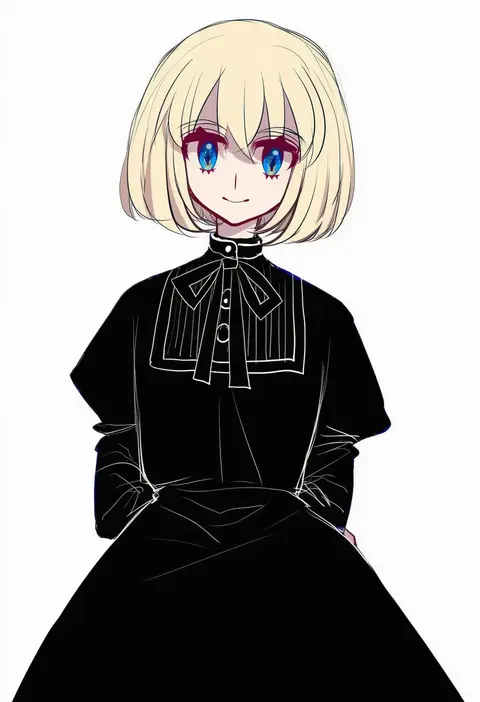
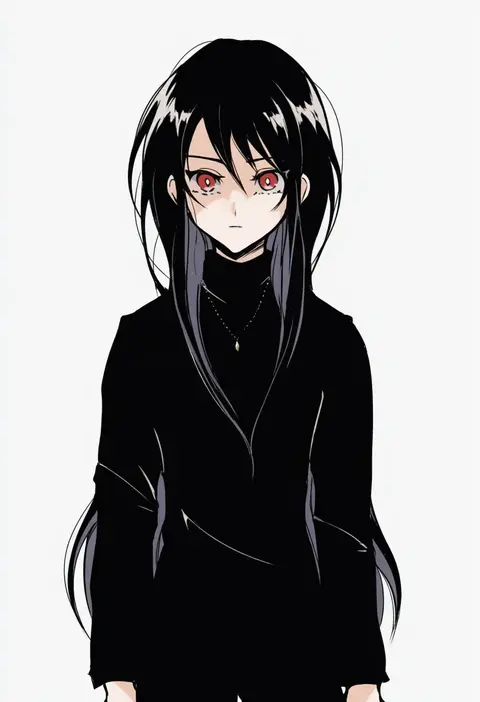
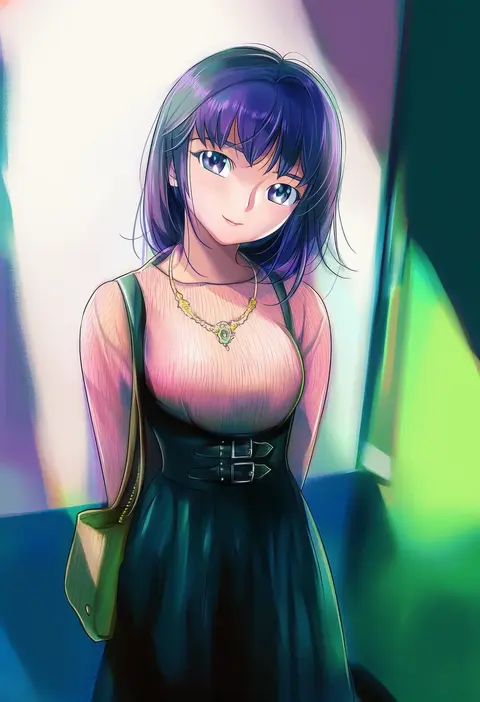
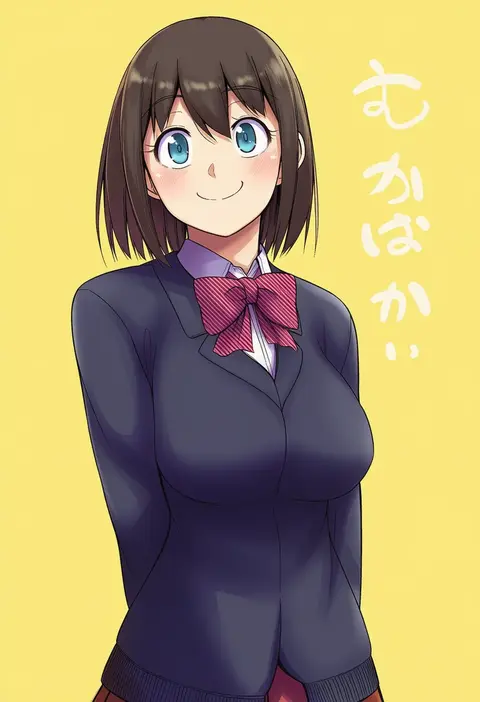
Artist tags tell NovelAI Diffusion to draw in a specific artist's style: line weight, paint texture, face shapes and palette all shift at once. Character and outfit tags decide what is drawn; artist tags decide how. 16,352 tags are listed for V4.5.
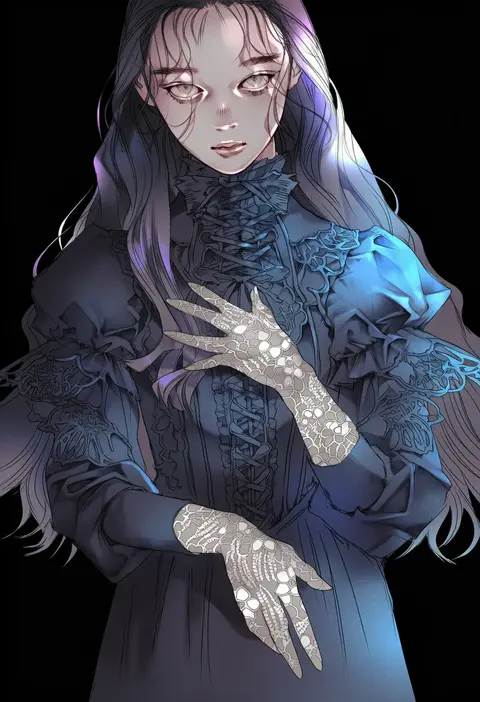
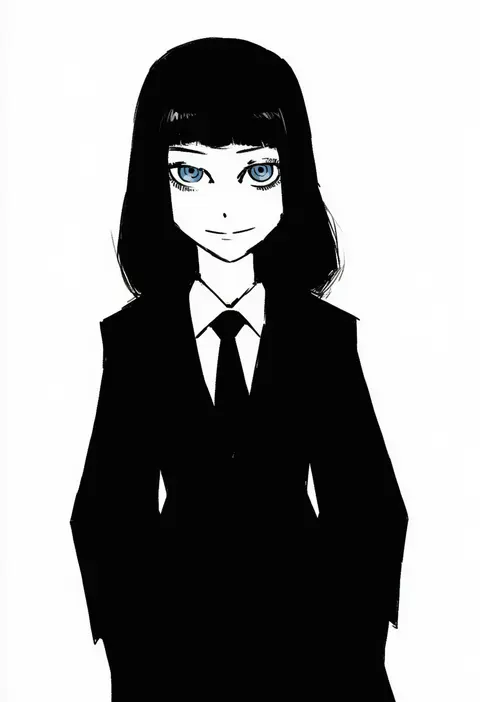
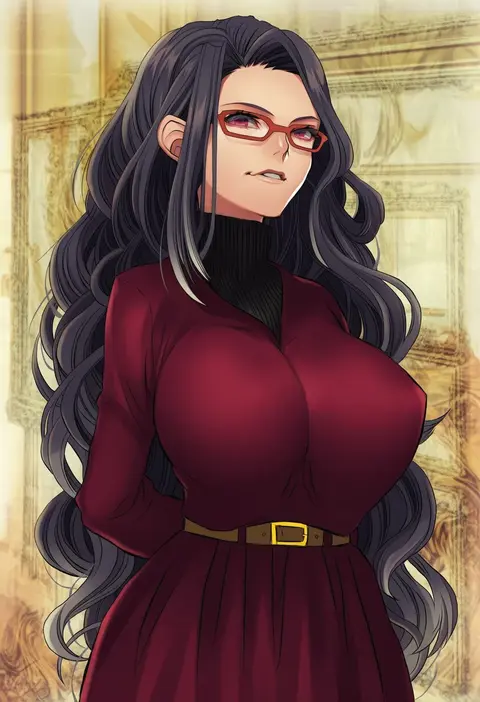
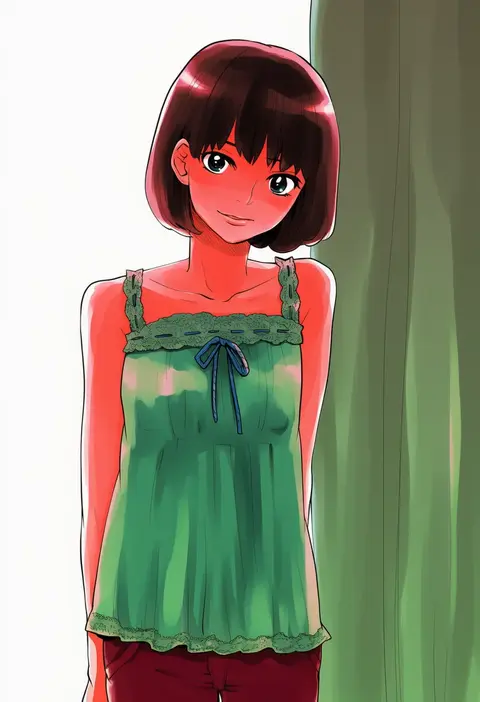
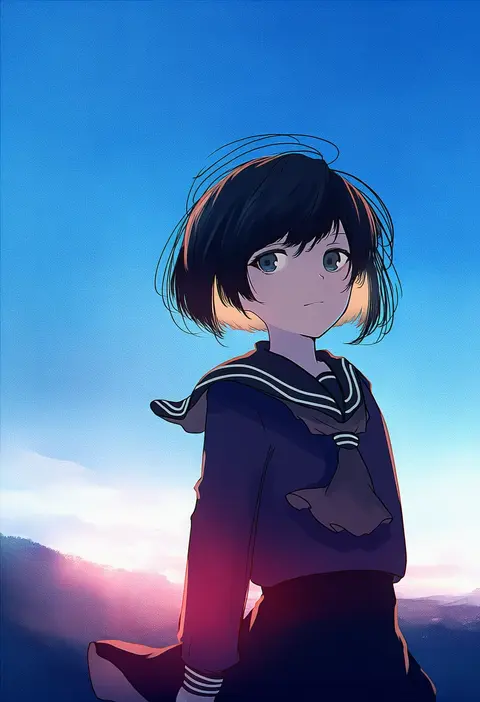
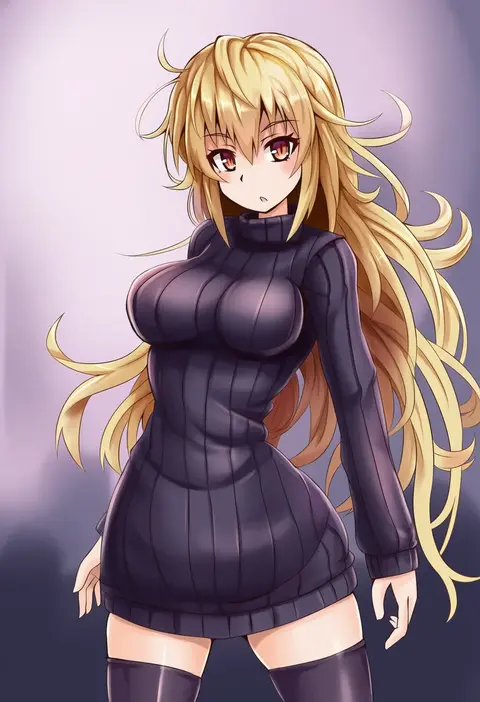
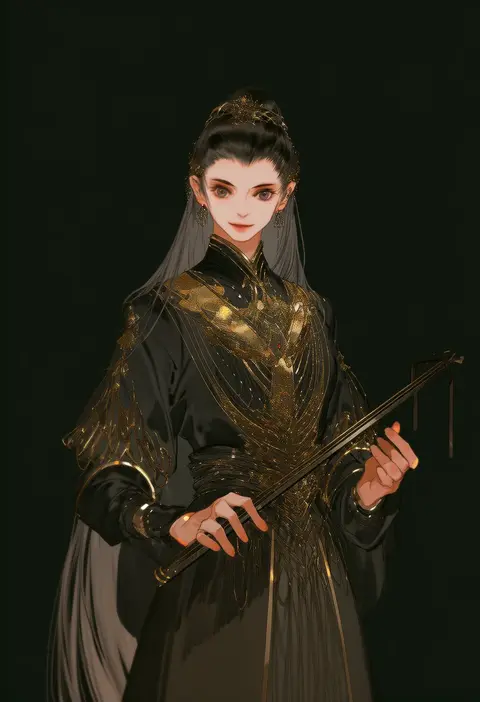
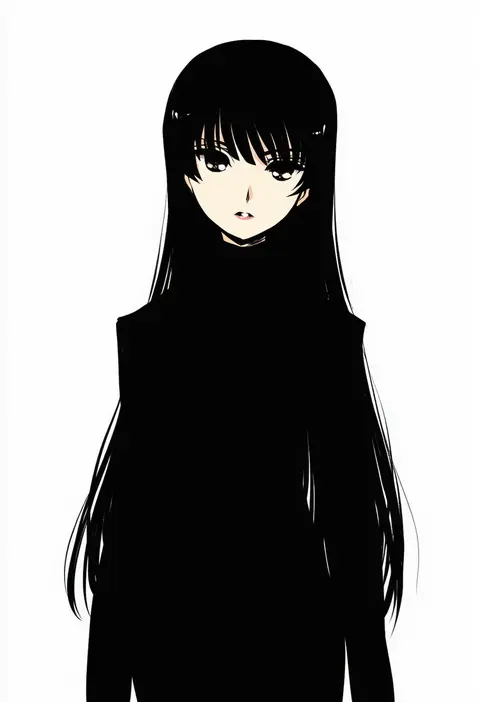
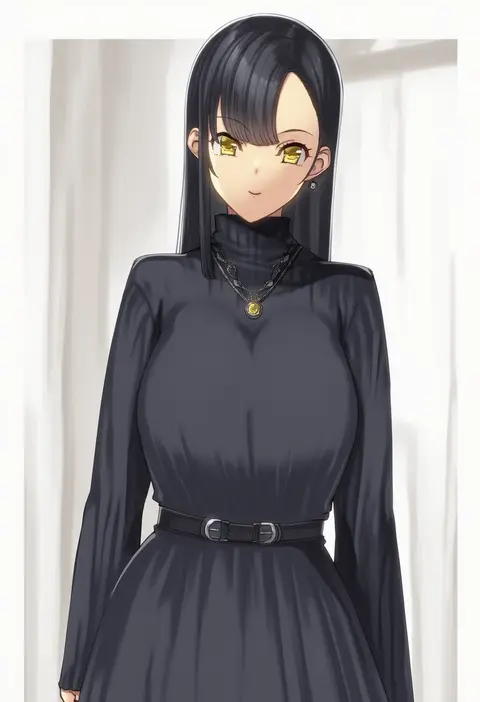
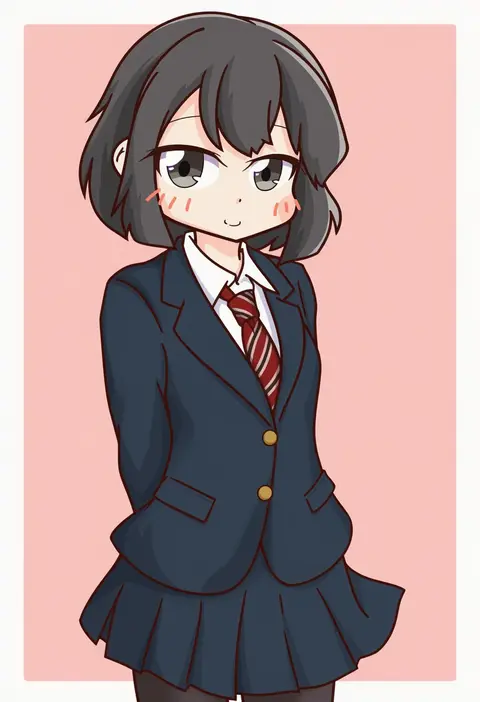
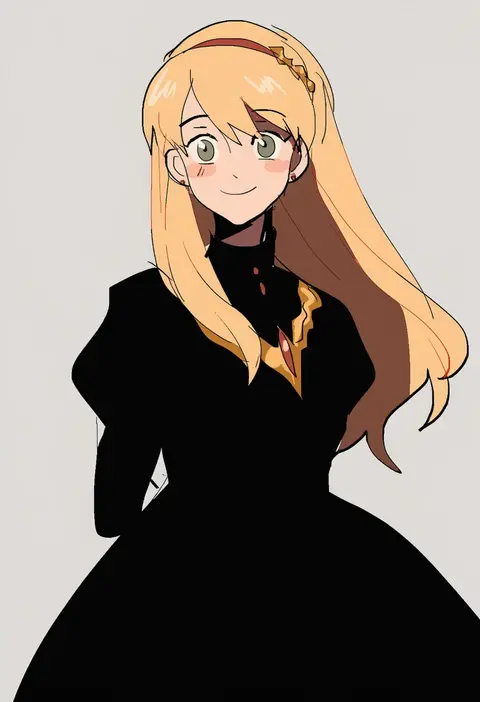
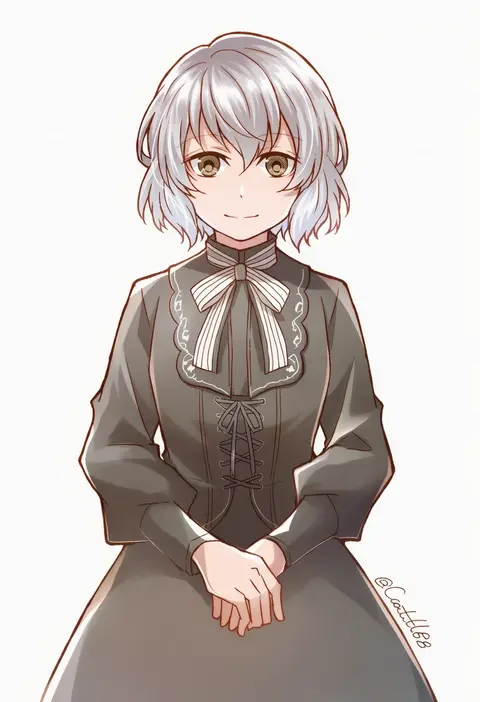
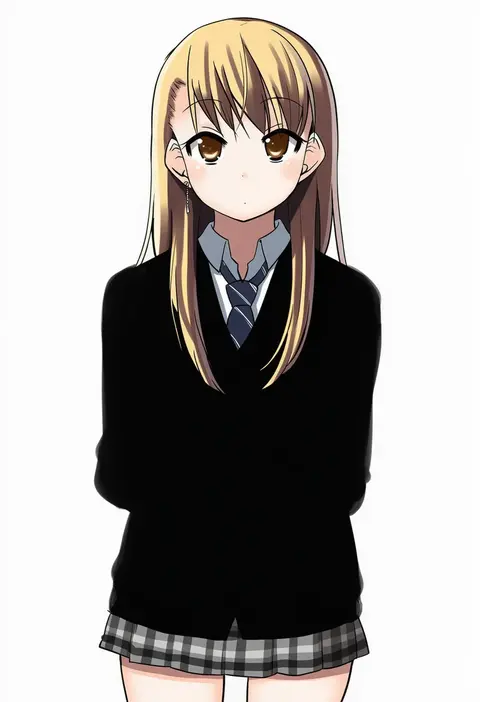
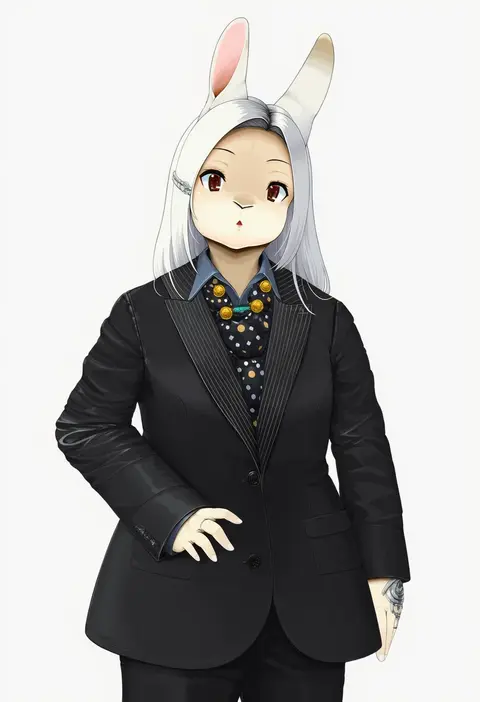
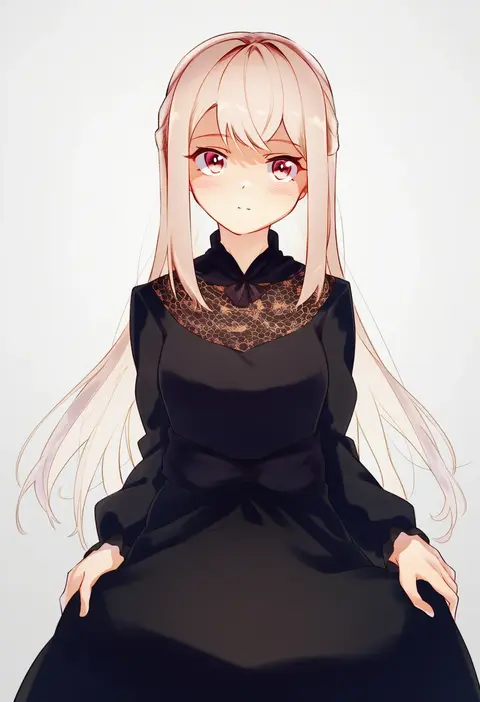
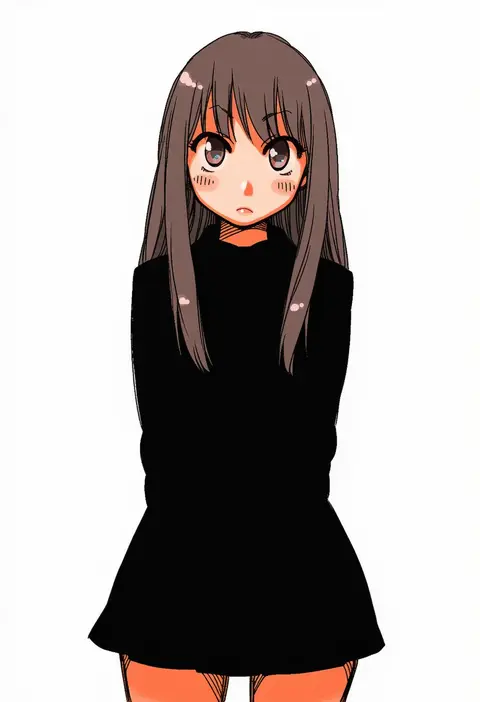
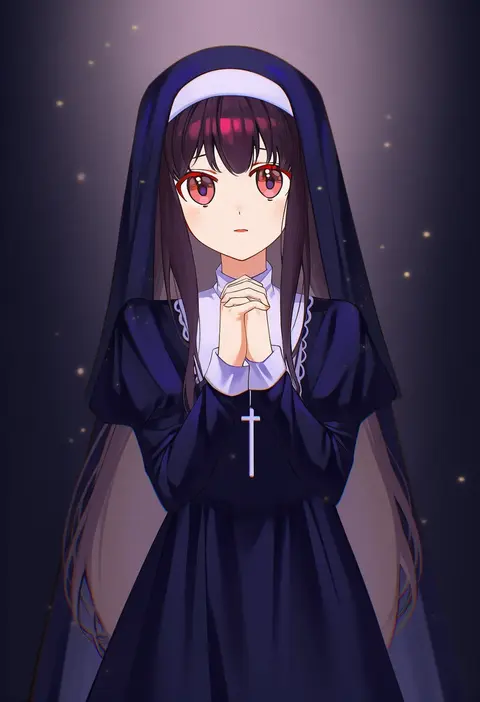
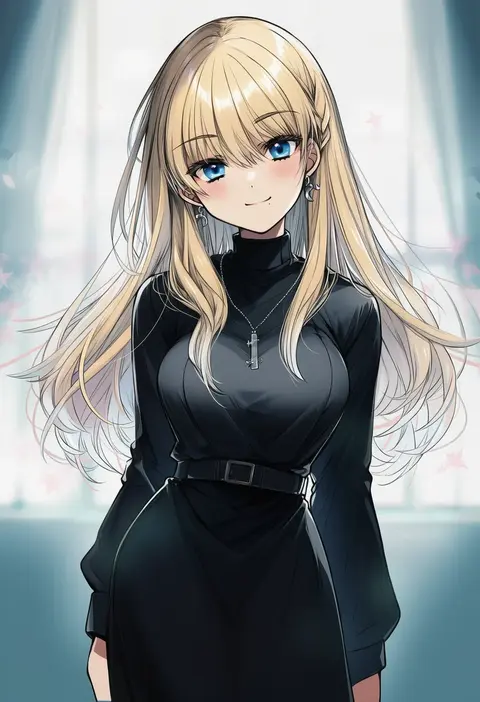
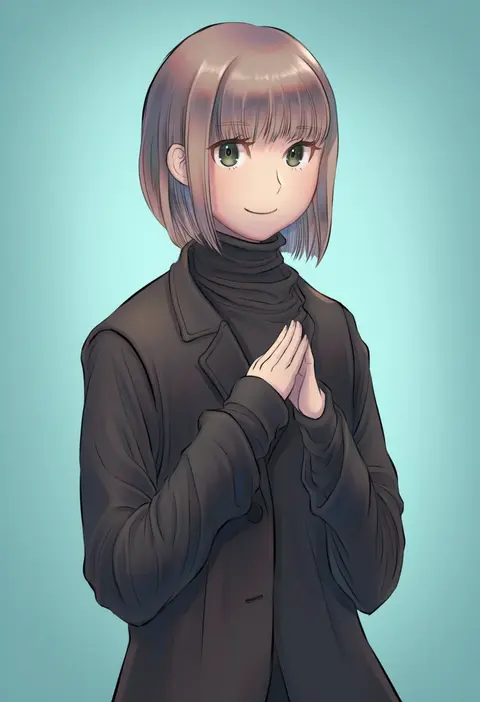
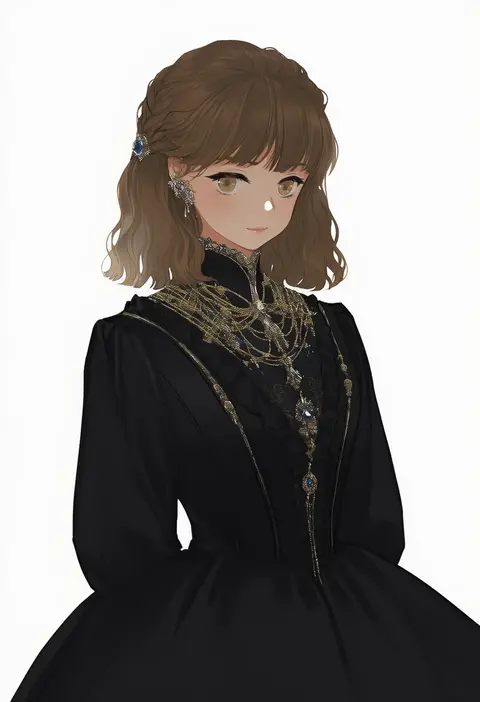
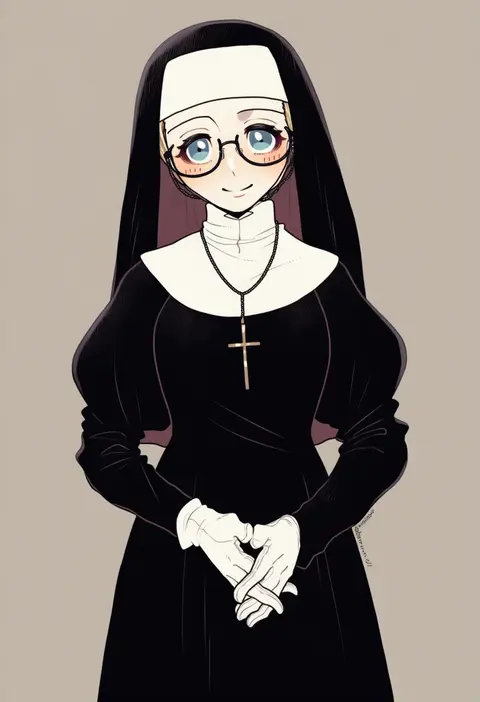
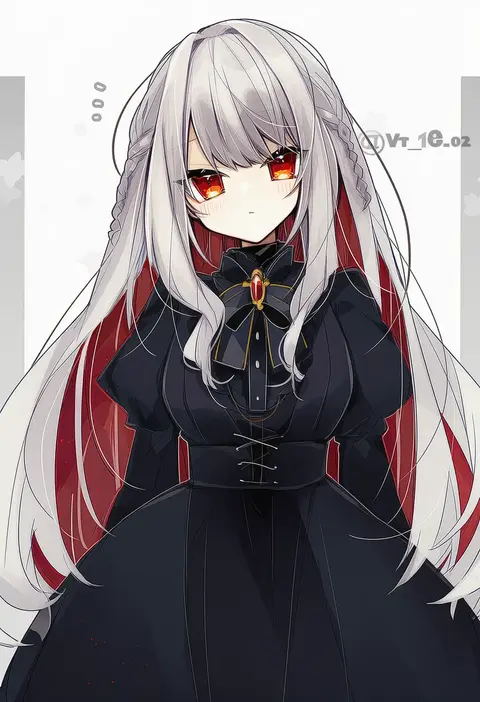
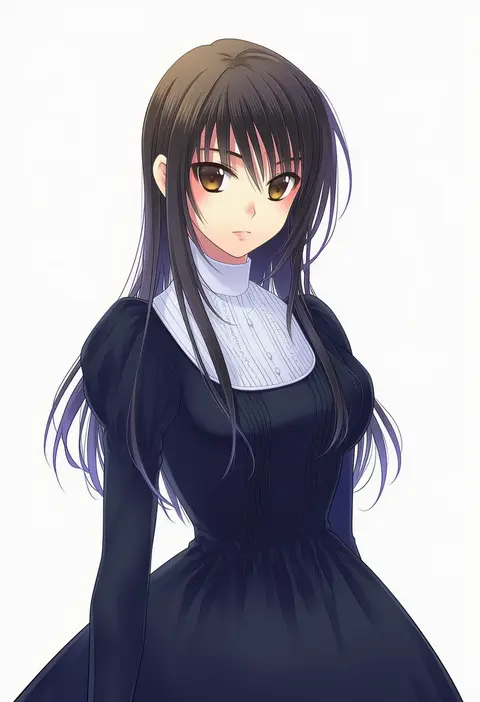
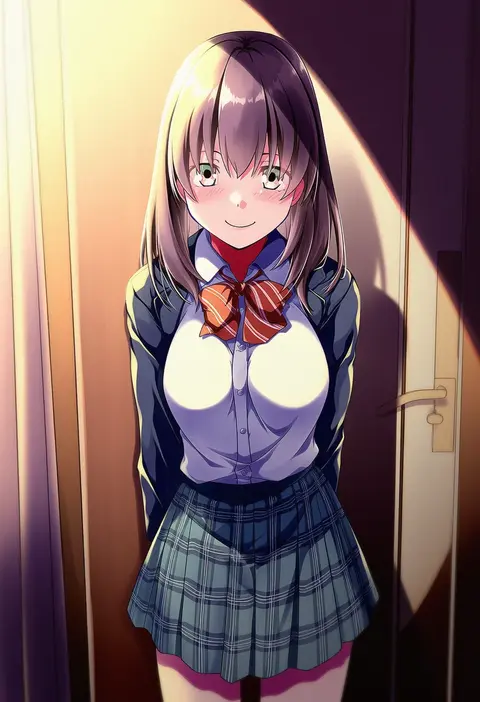
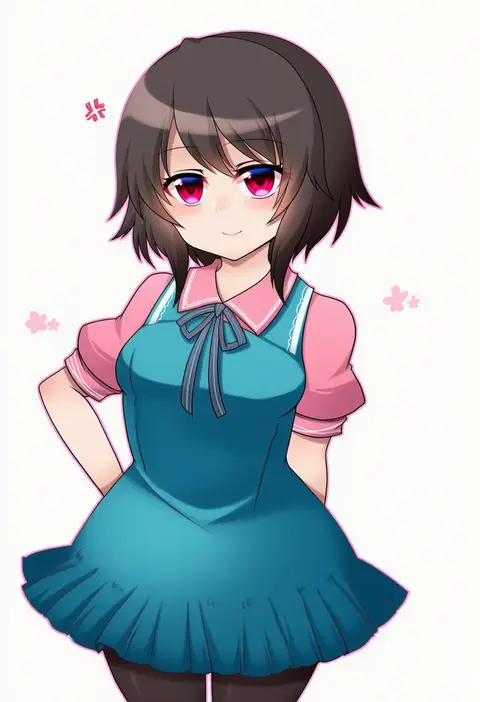
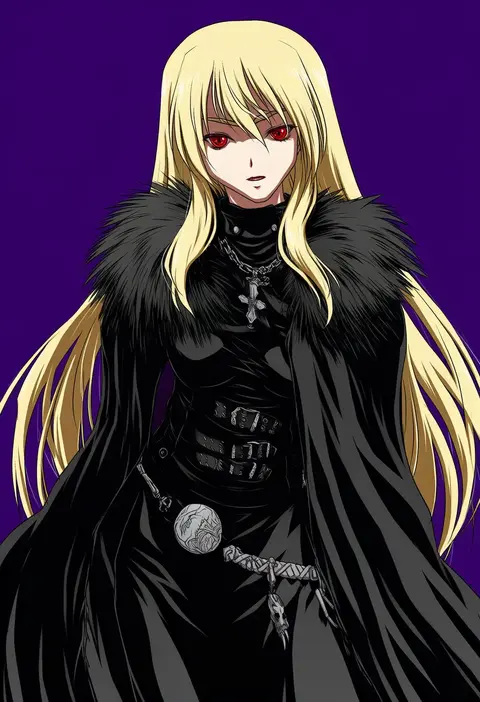
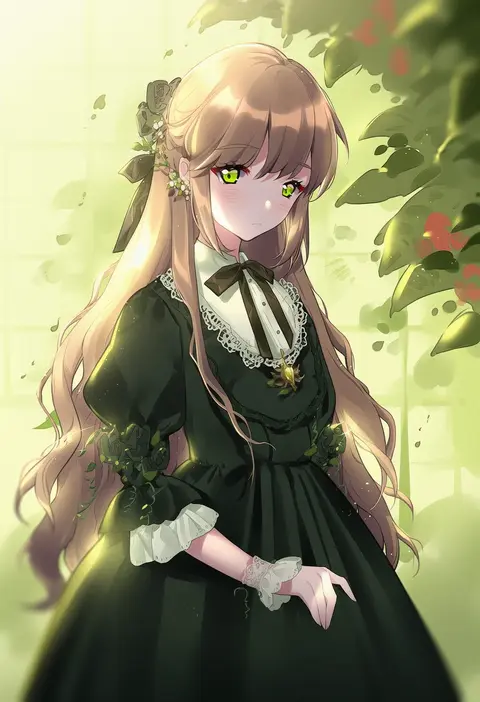
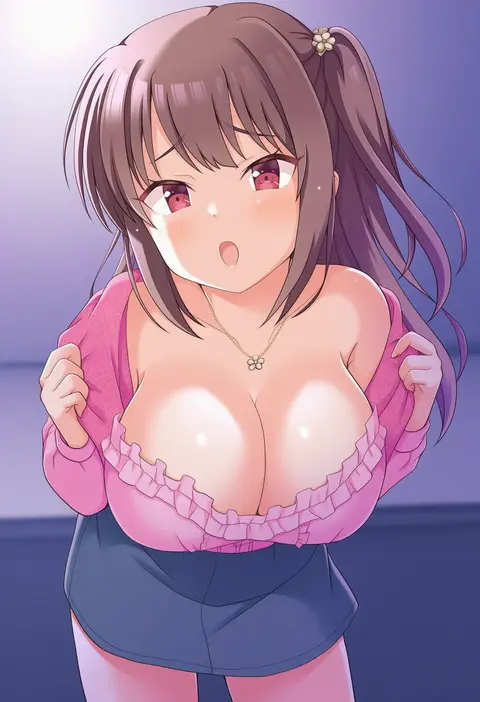
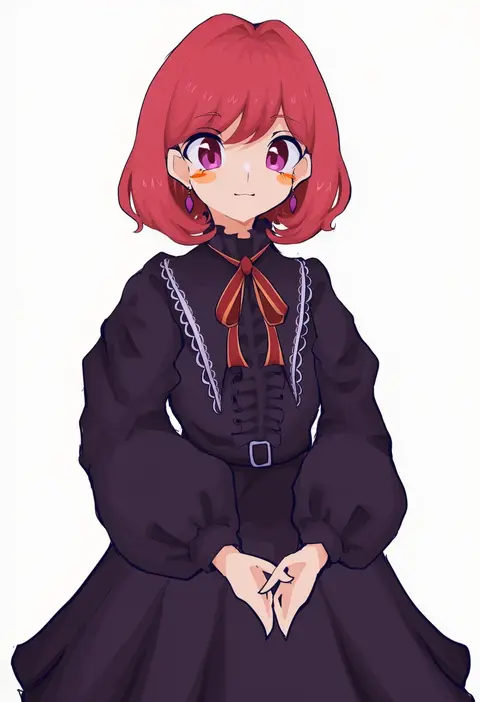
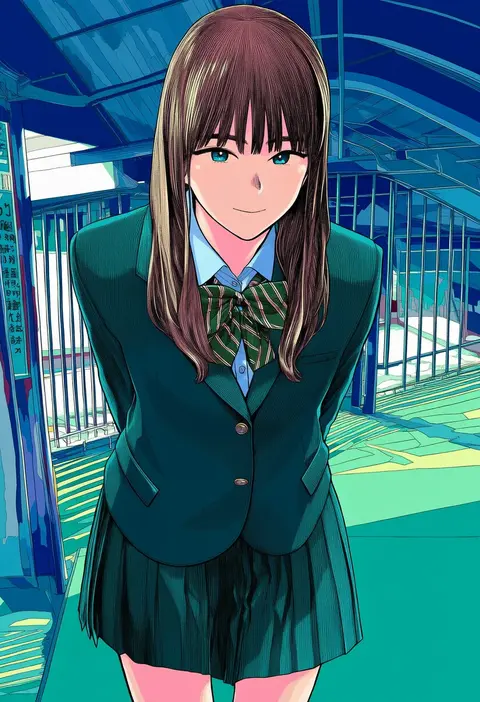
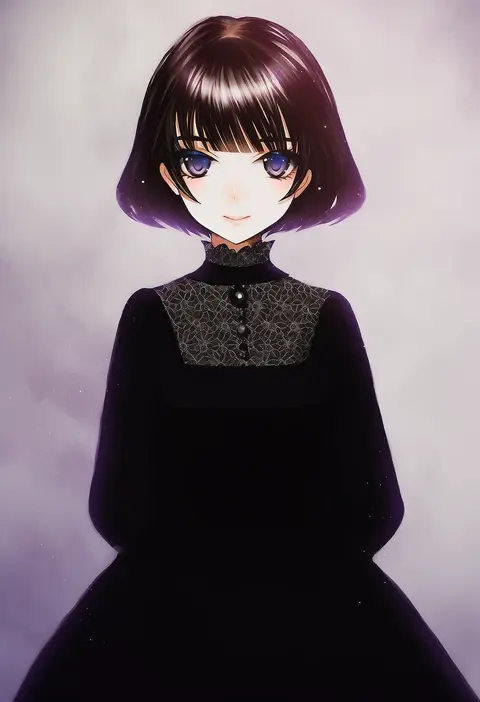
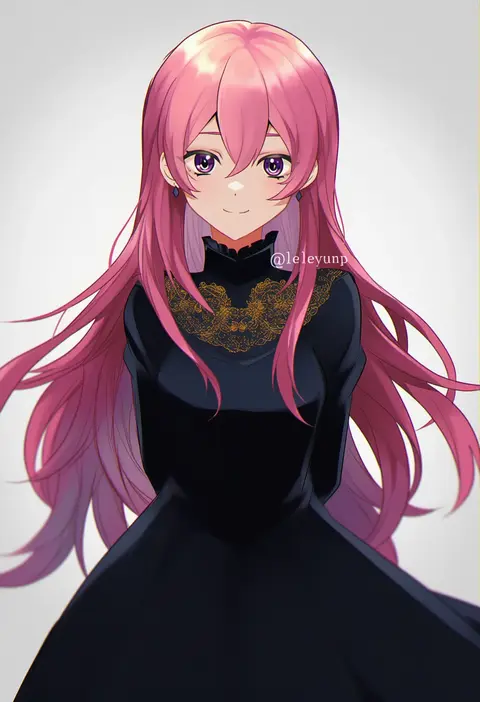
Every tag listed here is verified to react in NovelAI. All images use the same prompt, seed and settings with only the artist tag swapped, so the difference between two images is the style that tag brings in.

How to use them

Put the artist tag near the front of the prompt, e.g. "<artist>, 1girl, solo, best quality, masterpiece, cowboy shot". Two or three artist tags blend styles; lower the weight with "0.8::<artist>::" when the style overpowers the character.

SCORE sorts by Danbooru's top score, POSTS by post count, FAVS by hearts on this site. Open a card to see V5 and V4.5 side by side on the same seed.

V5 vs V4.5

V5 usually lands closer to the artist's real style, and tags that did nothing on V4.5 often react on V5. V4.5 still fits older and doujin-heavy artists better. Try V5 first, fall back to V4.5.

FAQ

Where does the artist tag go?
Near the front of the prompt. Use "0.8::tag::" to adjust its weight.

Can I stack artist tags?
Yes, styles blend. Past two or three the result stops looking like anyone.

Are these the artists' own works?
No. Every image is a NovelAI sample generated from the tag.